Iphone 15 Charging Cables
Looking for a reliable charging cable for your iPhone 15? Look no further! Our selection of high-quality charging cables is designed to keep your device powered up and ready to go whenever you need it. Say goodbye to the frustration of slow charging or unreliable connections – our cables are built to last and provide fast, efficient power delivery for your iPhone 15. Whether you need an extra cable for the office, car, or home, we have the perfect solution to keep you connected and charged up throughout your day.
Sort
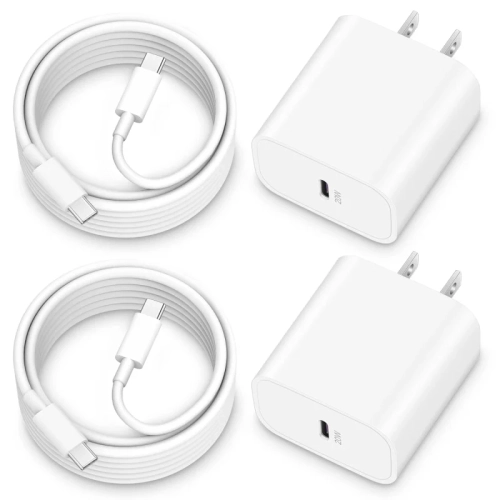
![FEEL2NICE Iphone Charger Apple Charger, [Apple Mfi Certified]2 Pack Apple Type C Wall Charger Block w 2 Pack [6Ft&10Ft] Long USB C to Lightning Cable](https://multimedia.bbycastatic.ca/multimedia/products/500x500/184/18486/18486082.jpeg)
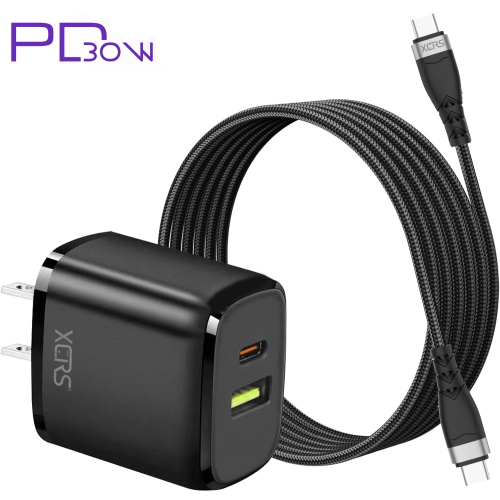
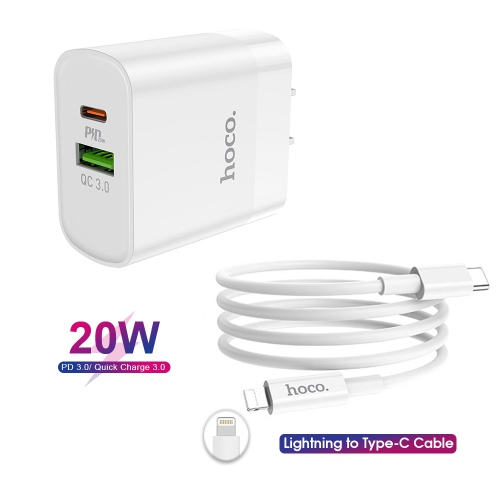
![GENERIC USB C Cable Fast Charge 3.1A [2 Pack, 6.6Ft], Iphone 16 15 Pro Max Type C Charging Cable Nylon Braided](https://multimedia.bbycastatic.ca/multimedia/products/500x500/196/19608/19608591.jpeg)
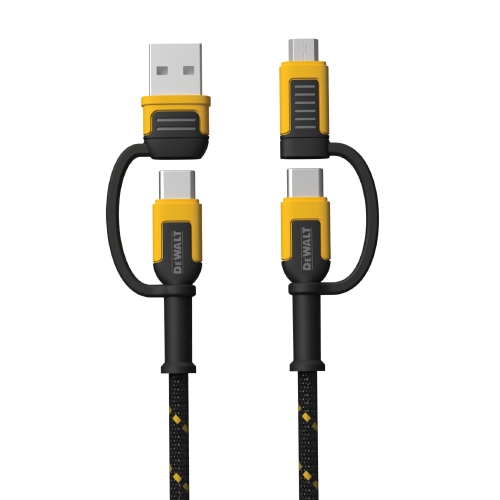
![CSMART 2 Packs [1M/3.3Ft] Mfi Certified 60W USB C to C Braided Nylon Fast Charging Cable Cord for Iphone 15 16 Ipad Samsung](https://multimedia.bbycastatic.ca/multimedia/products/500x500/184/18487/18487130.jpeg)
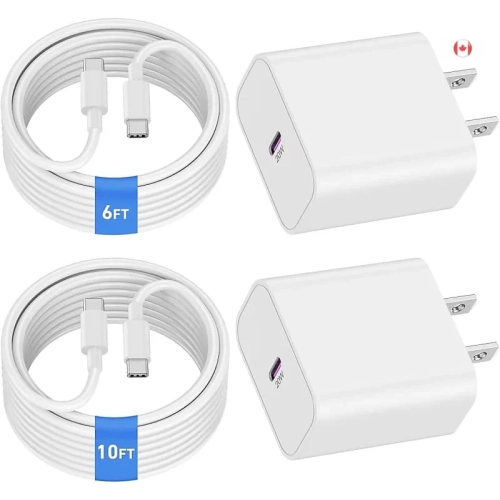
![GENERIC USB C Cable Fast Charge 3.1A [2 Pack, 15Ft], Iphone 16/15 Pro Max Type C Charging Cable Nylon Braided](https://multimedia.bbycastatic.ca/multimedia/products/500x500/195/19588/19588327.jpeg)
![GENERIC USB C Cable Fast Charge 3.1A [2 Pack, 3.3Ft], Iphone 16/15 Pro Max Type C Charging Cable Nylon Braided](https://multimedia.bbycastatic.ca/multimedia/products/500x500/196/19608/19608066.jpeg)
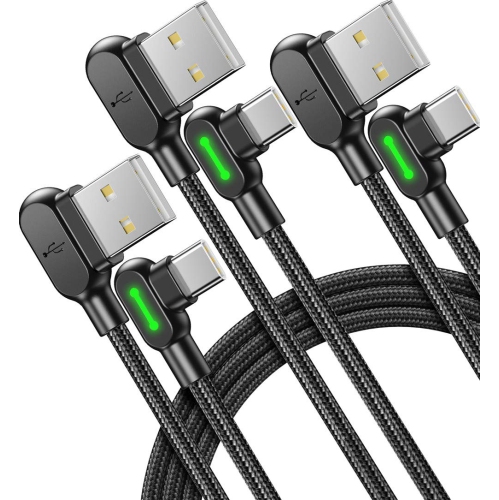
![GENERIC USB C Cable Fast Charge 3.1A [2 Pack, 3.3Ft], Iphone 16/15 Pro Max Type C Charging Cable Nylon Braided](https://multimedia.bbycastatic.ca/multimedia/products/500x500/196/19608/19608568.jpeg)
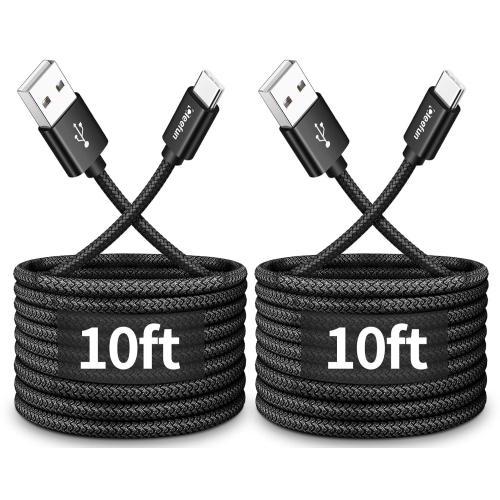
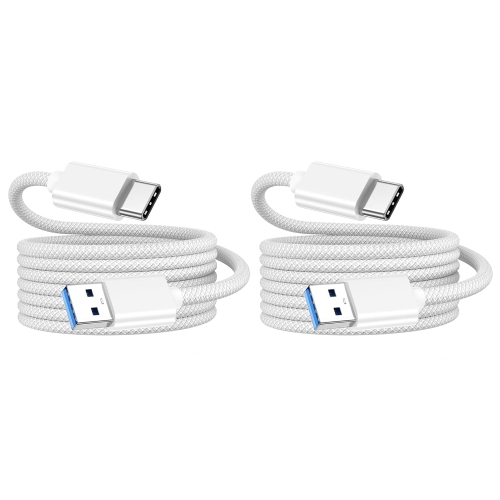
![DOLAER for Iphone15 USB A to USB C Cable, 2 Pack [3Ft+6Ft] Carplay Fast Charging Cord for Iphone 17/16/15 Pro Max/plus, Ipad Pro, Macbook, Samsung Galaxy](https://multimedia.bbycastatic.ca/multimedia/products/500x500/196/19687/19687522.jpeg)
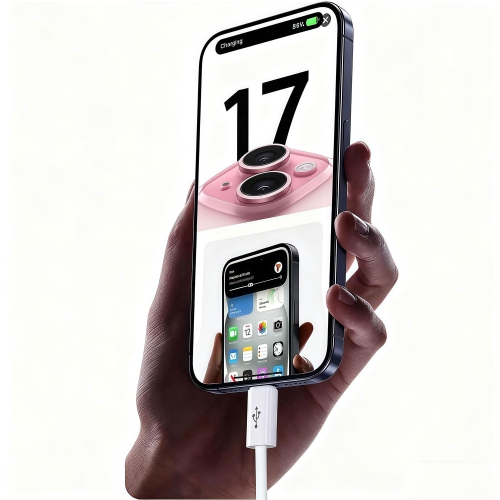
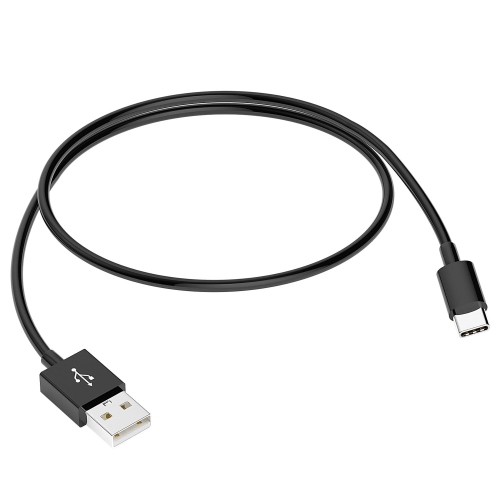
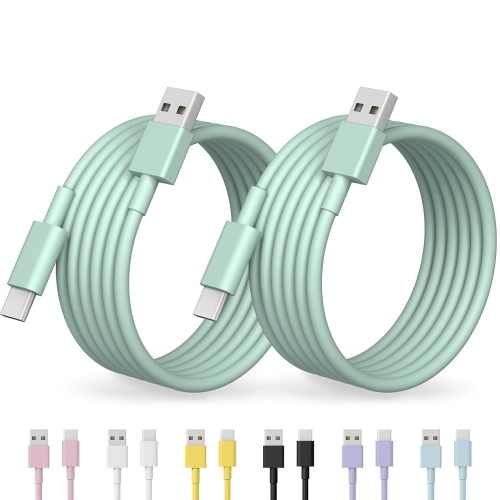
![DOLAER USB C Cable Fast Charge 3.1A [2 Pack, 3.3Ft], Iphone 15/16/17 Pro Max Type C Charging Cable Nylon Braided Compatible w Samsung S25 to S21](https://multimedia.bbycastatic.ca/multimedia/products/500x500/196/19687/19687853.jpeg)
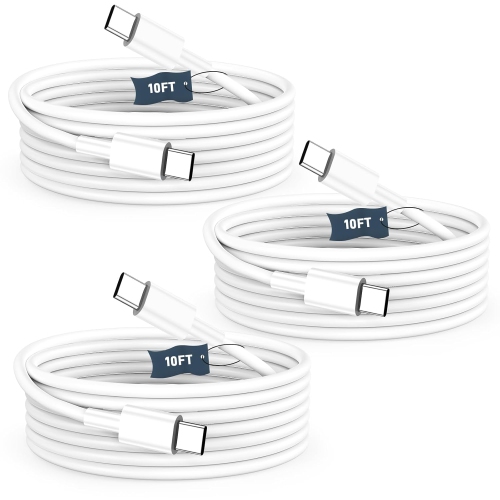
![DOLAER USB C Cable Fast Charge [3 Pack 10Ft] USB to USB C Cable Durable Braided C Charger Cable Fast Charge Compatible w Iphone 16/15 Pro Max](https://multimedia.bbycastatic.ca/multimedia/products/500x500/196/19689/19689928.jpeg)
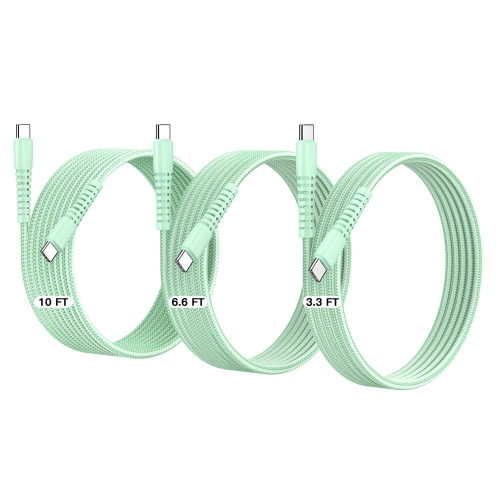
![DOLAER USB C Cable Fast Charge 3.1A [2 Pack, 6.6Ft], Iphone 15/16/17 Pro Max Type C Charging Cable Nylon Braided Compatible w Samsung S25 to S21](https://multimedia.bbycastatic.ca/multimedia/products/500x500/196/19690/19690112.jpeg)
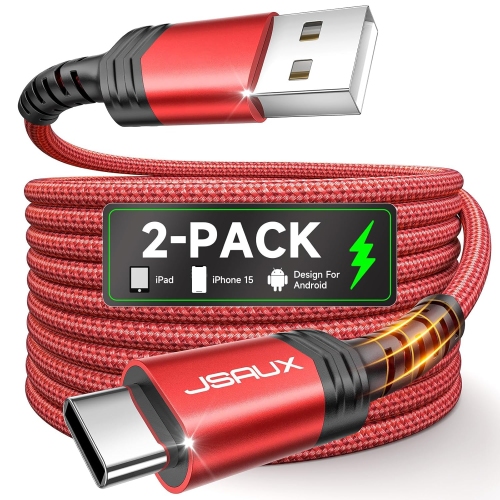
![COREYKIN Iphone 16 15 Charger [Apple Mfi Certified] 2 Pack USB C Wall Charger Block 6Ft USB C to Type C Cable Compatible w Iphone 16 15 Pro Max, 16E](https://multimedia.bbycastatic.ca/multimedia/products/500x500/197/19744/19744141.jpeg)
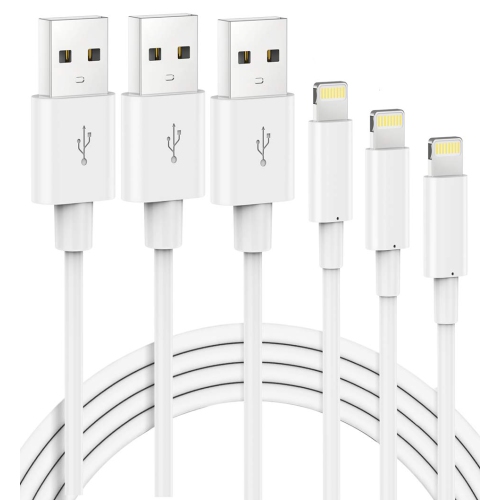
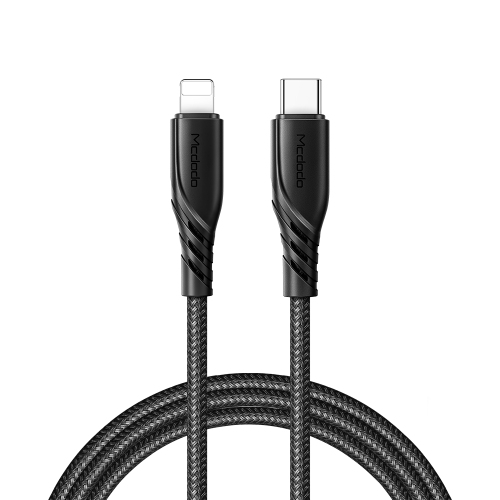
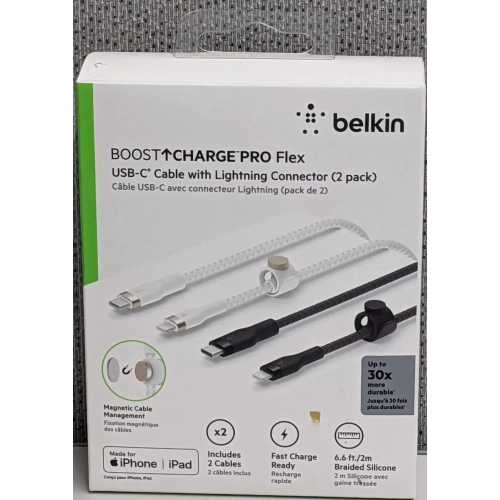
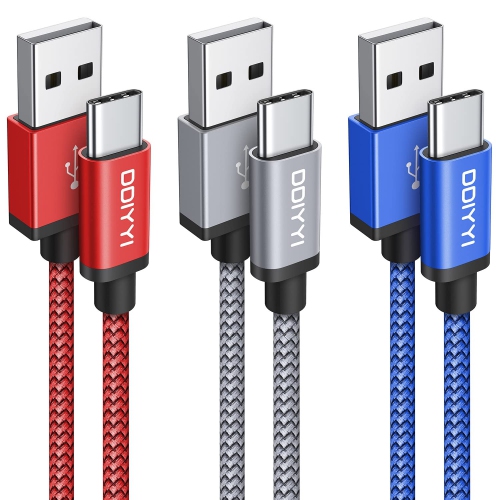
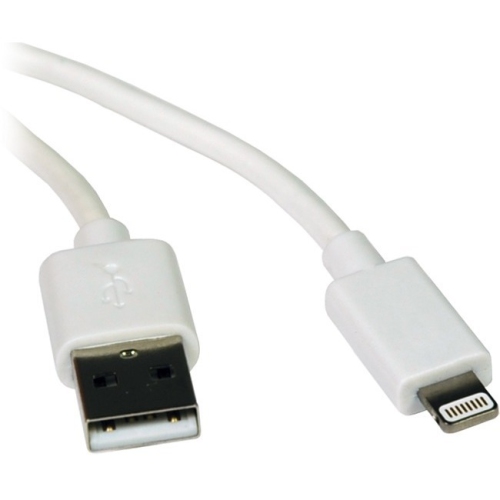
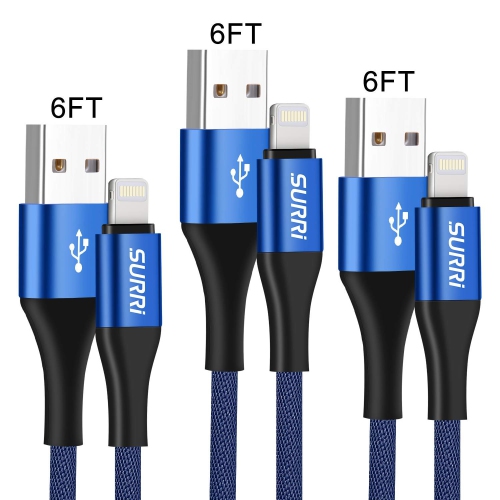

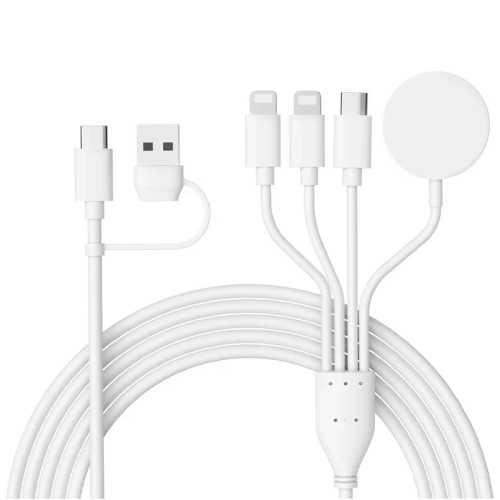
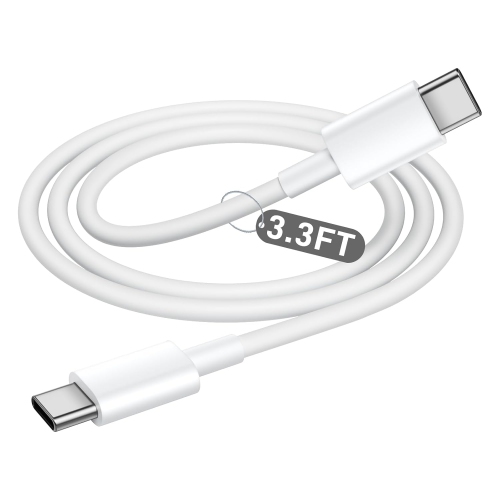
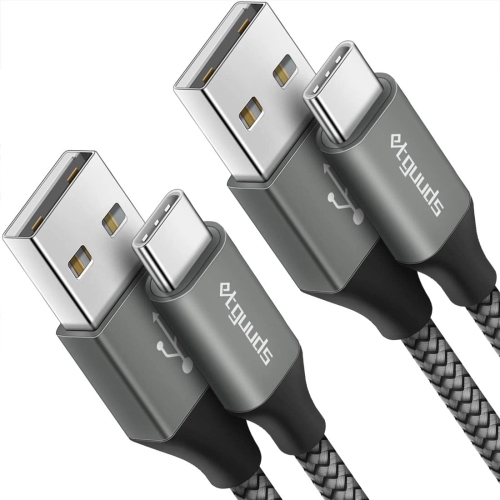
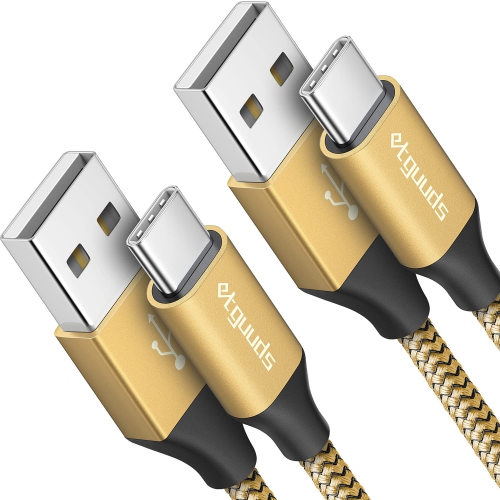
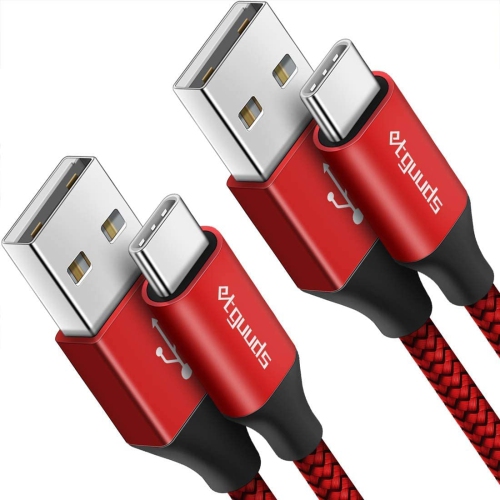
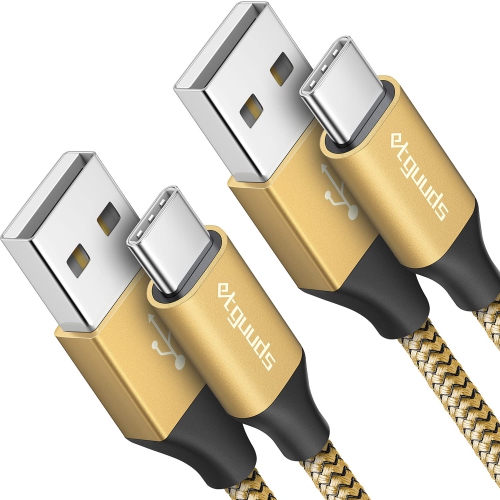
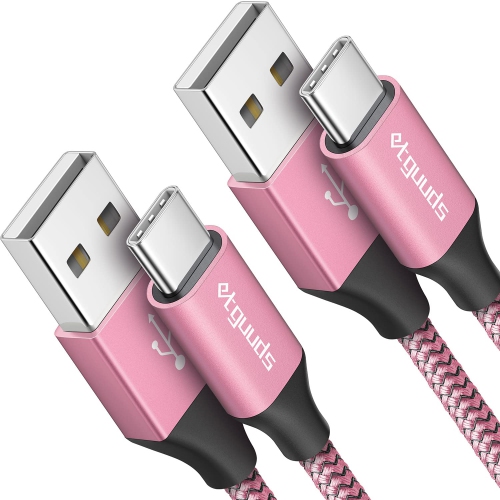
![ETGUUDS USB C to USB C Cable [3Ft, 2-Pack], 60W Fast Charging Type C to Type C Charger Cable for Iphone 15 Plus In White](https://multimedia.bbycastatic.ca/multimedia/products/500x500/188/18888/18888906.jpeg)
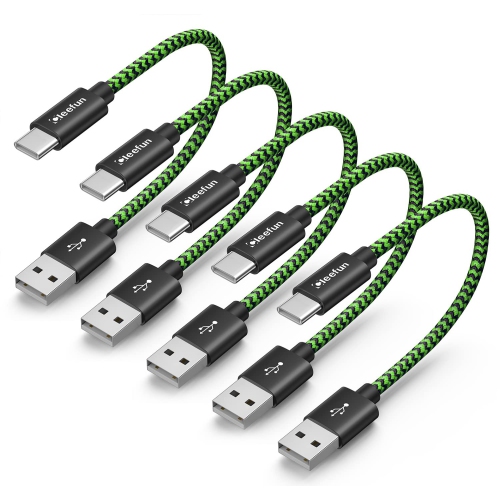
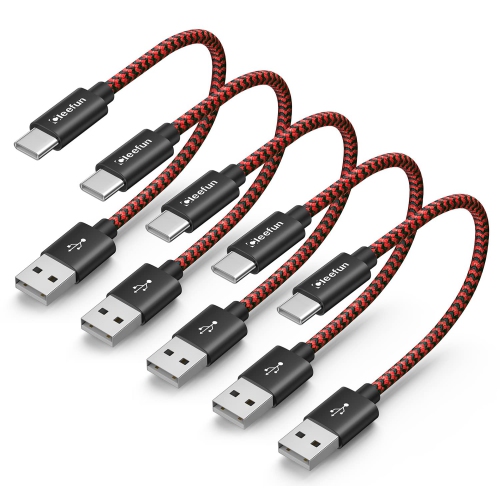
![CLEEFUN USB C Cable [3Ft, 5-Pack], Fast Charging USB to USB Type C Cable Braided Charger Cord for Iphone 15, Samsung](https://multimedia.bbycastatic.ca/multimedia/products/500x500/188/18888/18888916.jpeg)
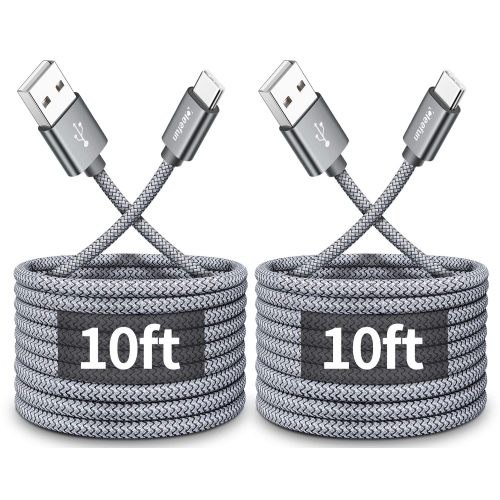
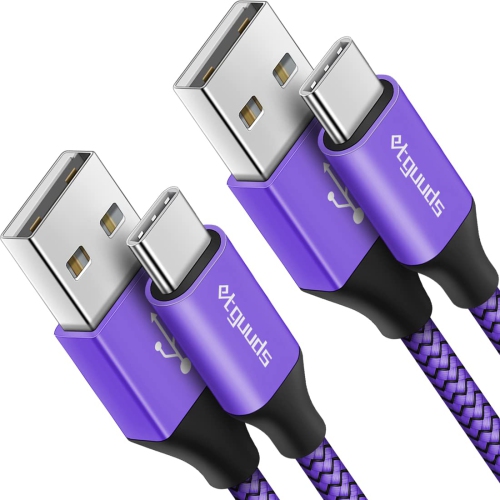
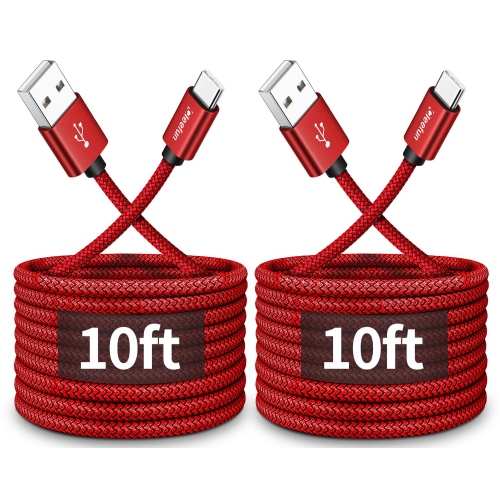
![SWEGUARD USB C Cable Fast Charge 3.1A [2 Pack, 10Ft], Iphone 16 15 Pro Max Type C Charging Cable Nylon Braided Compatible](https://multimedia.bbycastatic.ca/multimedia/products/500x500/188/18888/18888494.jpeg)
![CLEEFUN USB C Cable [3Ft, 5-Pack], Fast Charging USB to USB Type C Cable Braided Charger Cord for Iphone 15 Pro Max](https://multimedia.bbycastatic.ca/multimedia/products/500x500/188/18888/18888811.jpeg)
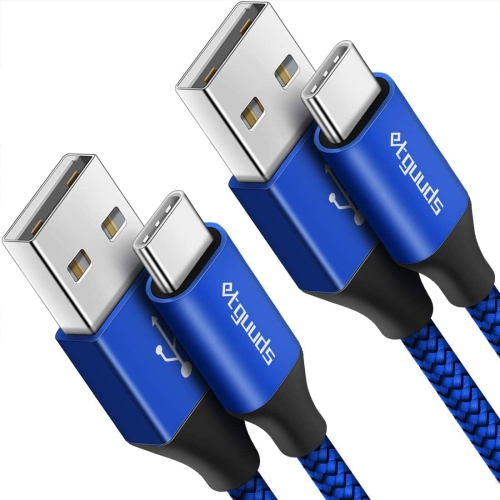
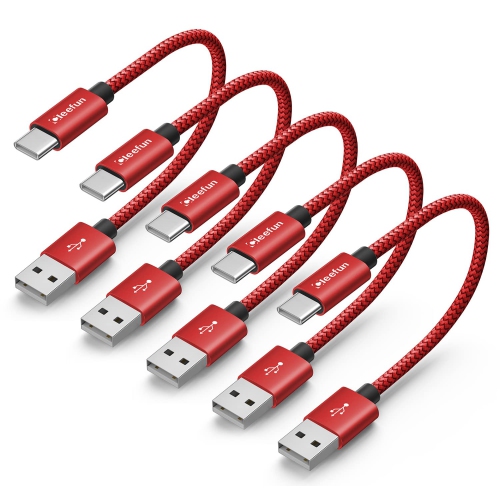
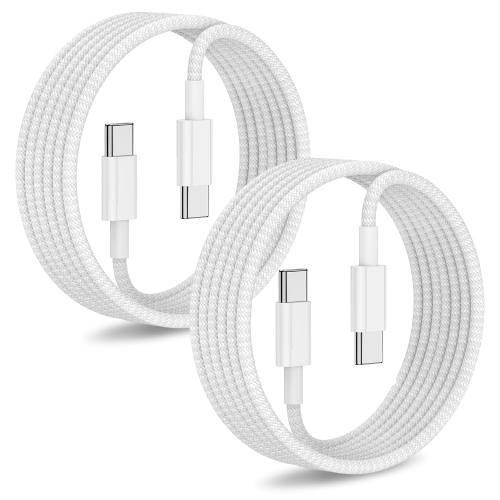
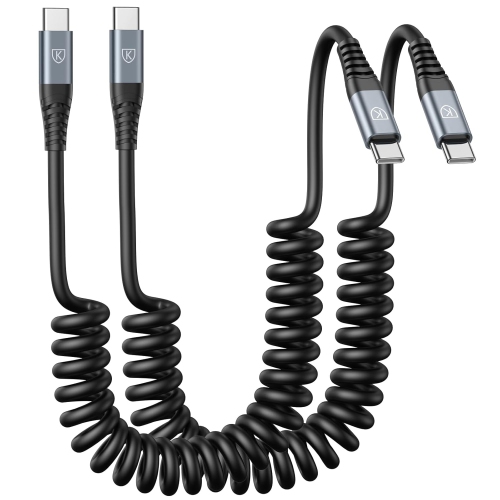
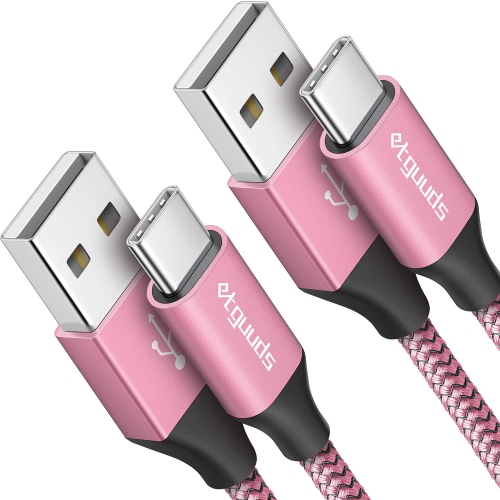
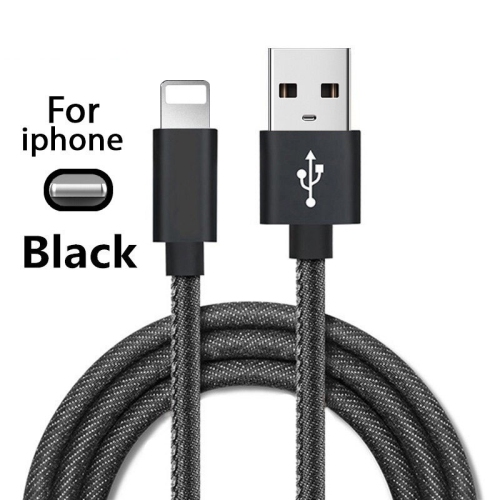
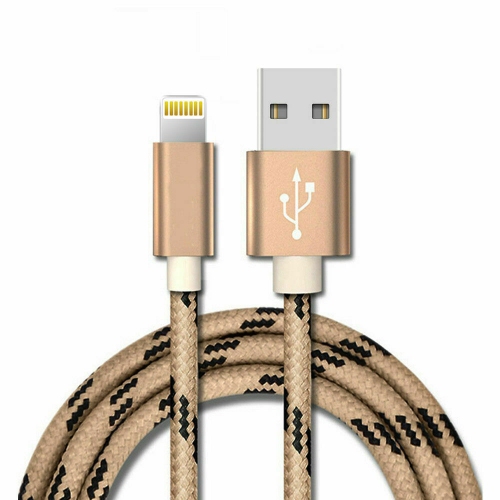
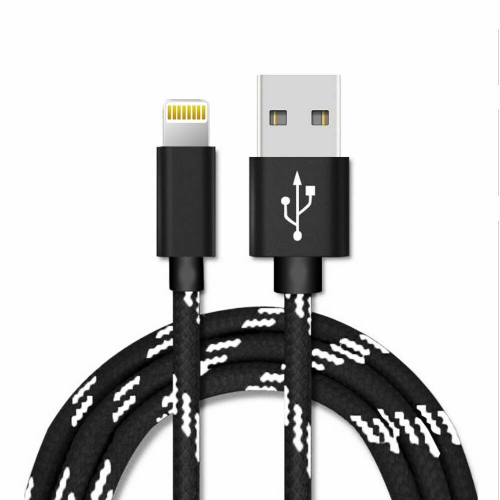
![UNKNOWN Iphone Charger, Apple Mfi Certified Iphone Charger Cable [3-Pack, 3.3Ft] Lightning to USB Charge Cord for Iphone](https://multimedia.bbycastatic.ca/multimedia/products/500x500/181/18143/18143415.jpeg)
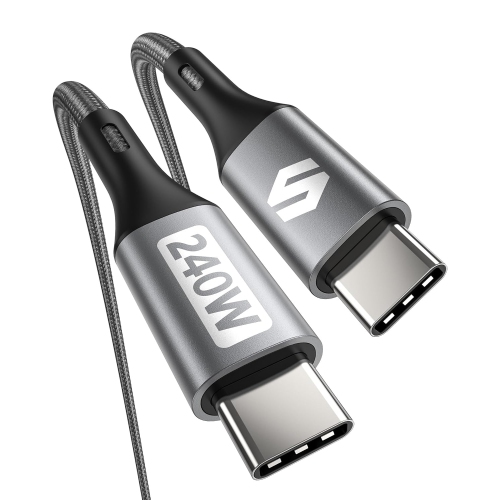
![BRANDED Iphone Charger Cord – [Extra Long, 16Ft, Mfi Certified, 16 Ft, USB C to Lightning, Fast Charging, Nylon Braided] - In Black](https://multimedia.bbycastatic.ca/multimedia/products/500x500/182/18248/18248104.jpeg)
![CSMART [1M/3.3Ft] Mfi Certified 60W USB C to C Braided Nylon Fast Charging Cable Cord for Iphone 15 16 Ipad Samsung](https://multimedia.bbycastatic.ca/multimedia/products/500x500/184/18487/18487129.jpeg)
![CSMART [10Ft / 3M] 60W USB-C to USB-C Sync & Data Fast Charging Cable for Macbook Iphone 15 Pro Max Samsung Google Phones](https://multimedia.bbycastatic.ca/multimedia/products/500x500/173/17389/17389877.jpeg)
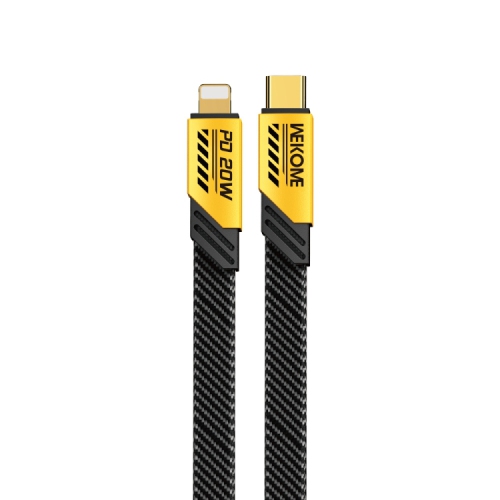
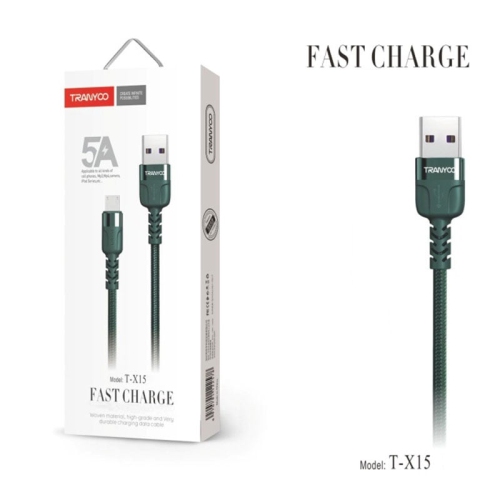

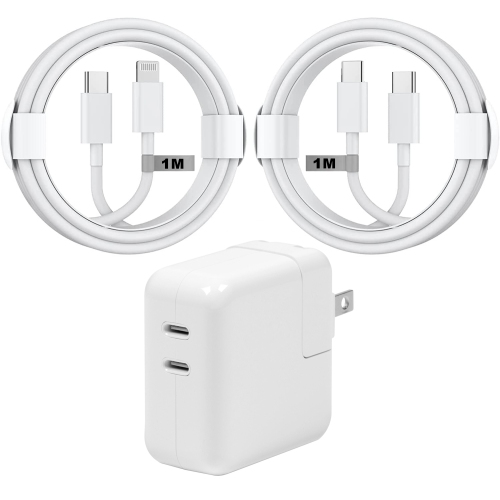
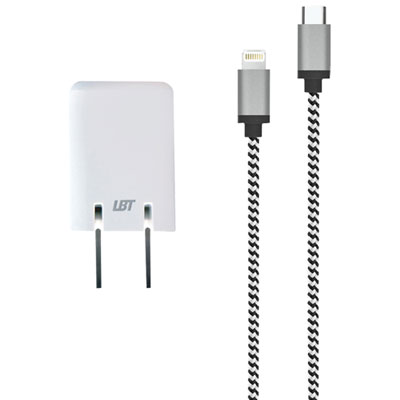
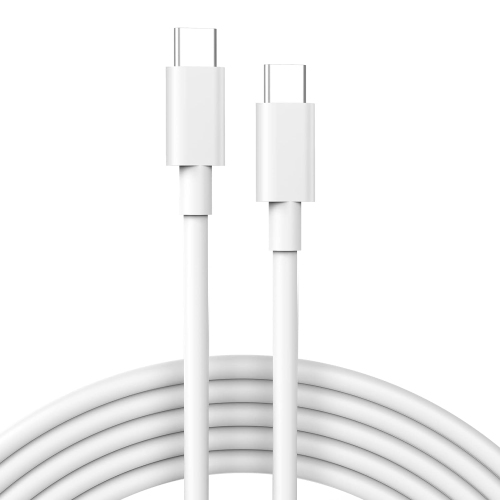
![JMROY USB C Cable Fast Charge [2 Pack 10Ft] USB to USB C Cable Durable Braided C Charger Cable Fast Charge Compatible w Iphone 16/15 Pro Max Samsung](https://multimedia.bbycastatic.ca/multimedia/products/500x500/197/19712/19712416.jpeg)
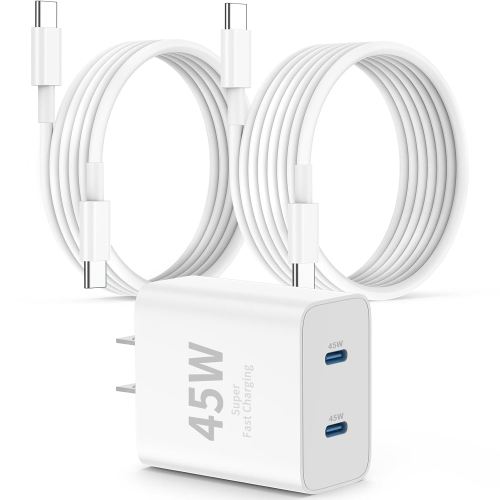
![POFESUN USB C Cable Fast Charge [3 Pack 10Ft] USB to USB C Cable Durable Braided C Charger Cable Fast Charge Compatible w Iphone 16/15 Pro Max](https://multimedia.bbycastatic.ca/multimedia/products/500x500/197/19718/19718488.jpeg)
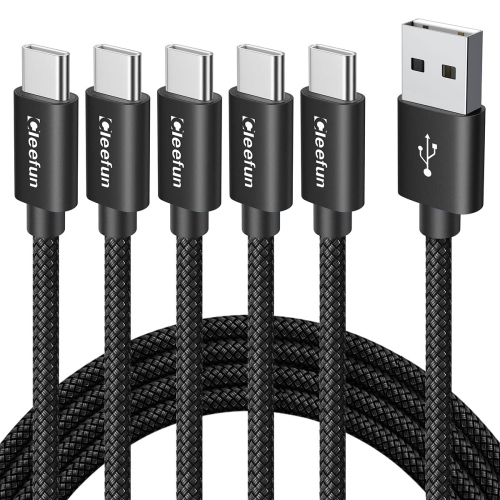
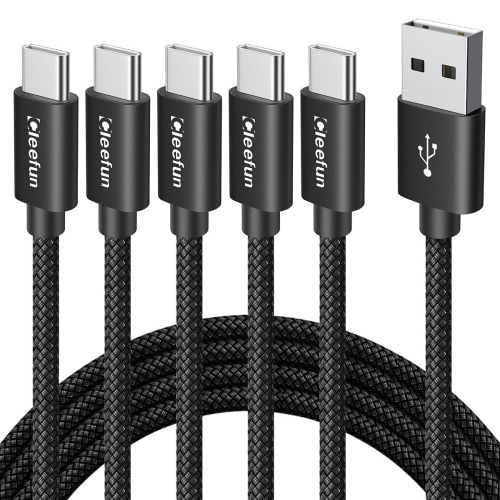
![INIU USB C Cable, 240W [2-Pack 6.6Ft] Fast Charging Cable, Pd3.1 Type C Cable Fast Charge, Braided USBc Phone Charger Data Cord for Iphone 17 16 15](https://multimedia.bbycastatic.ca/multimedia/products/500x500/196/19693/19693231.jpeg)
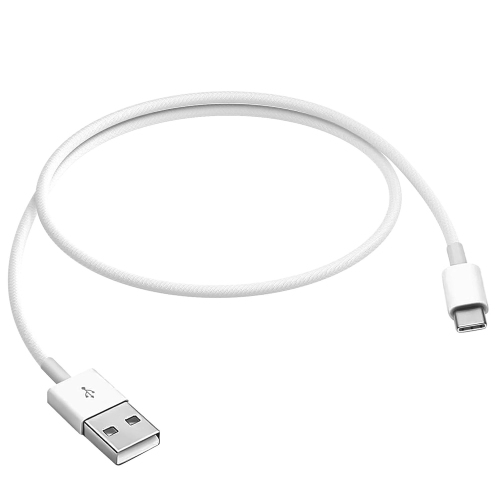
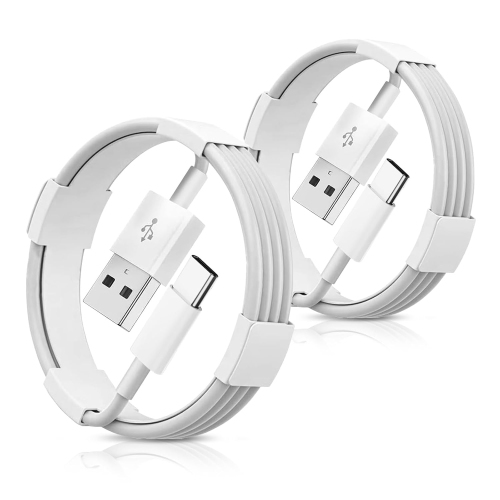
![GENERIC Iphone 16 15 Charger [ Mfi Certified] 2 Pack 20W USB C Wall Charger 6Ft USB C to Type C Cable Compatible](https://multimedia.bbycastatic.ca/multimedia/products/500x500/200/20000/20000115.jpeg)
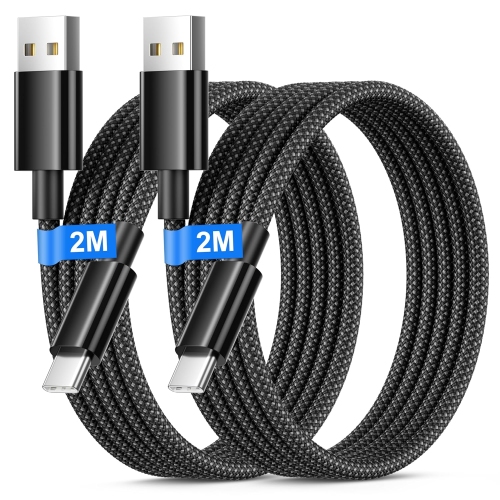
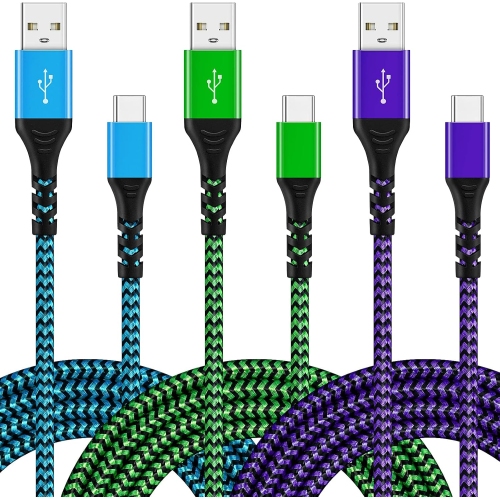
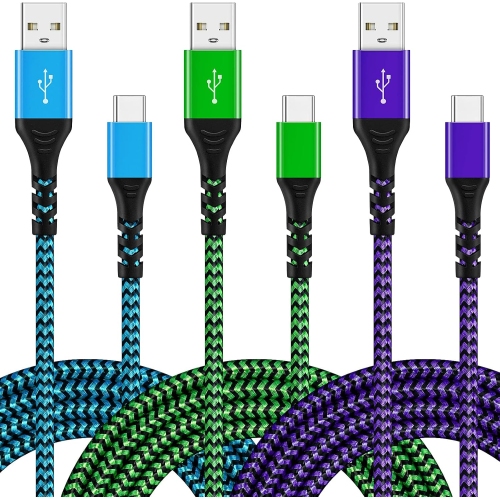
![DOLAER USB C Charger Cable [2-Pack 3.3Ft+6.6Ft], Iphone 17 16 15 Charger Cable USBc to USBc Cable Fast Charging Cable Type C Phone Charger Cable Wire](https://multimedia.bbycastatic.ca/multimedia/products/500x500/199/19921/19921714.jpeg)
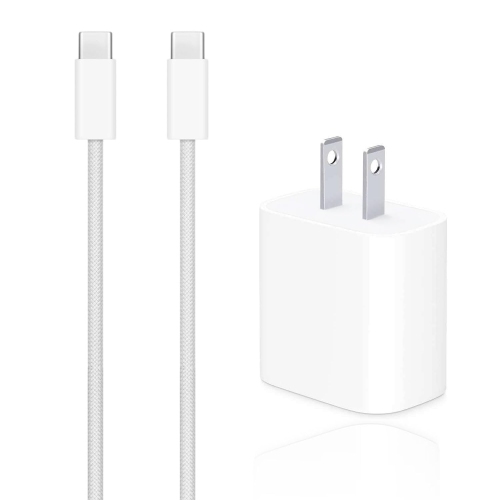
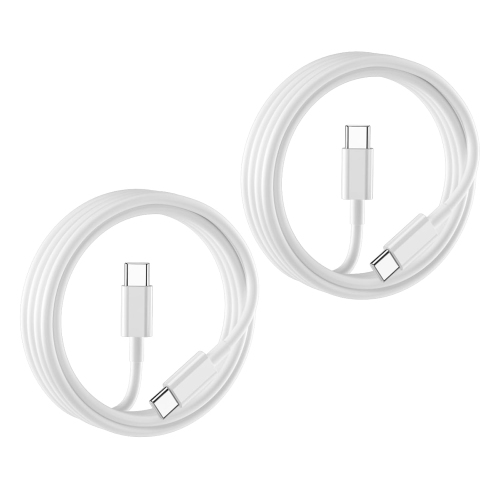
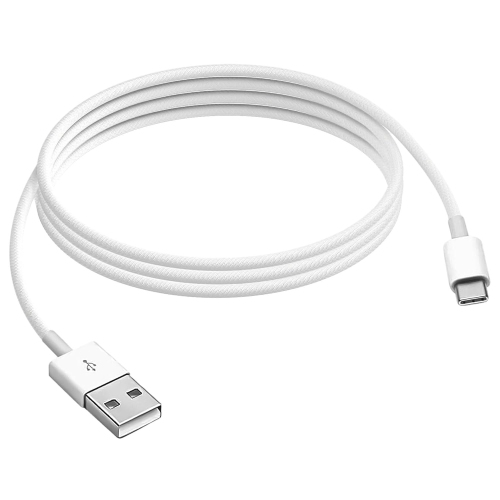
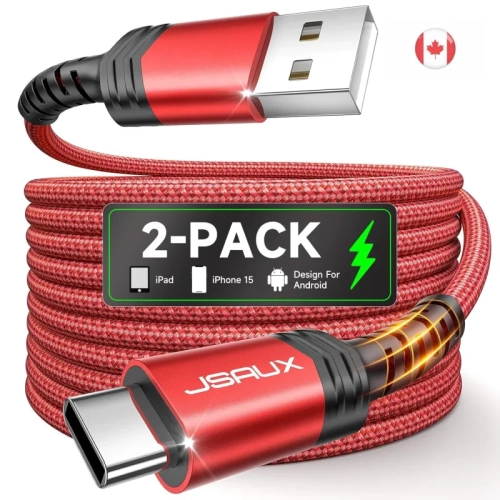
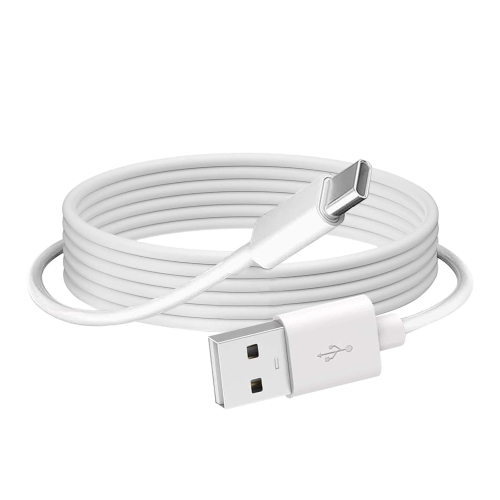
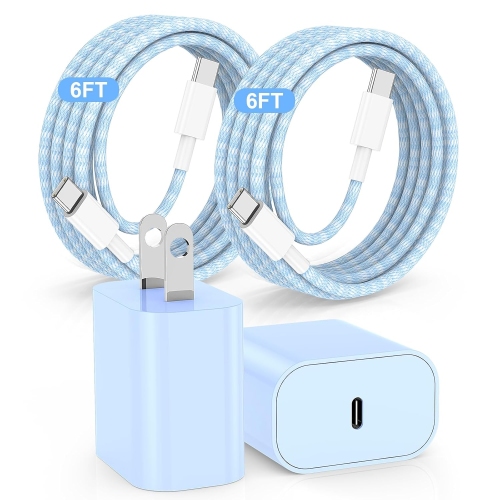
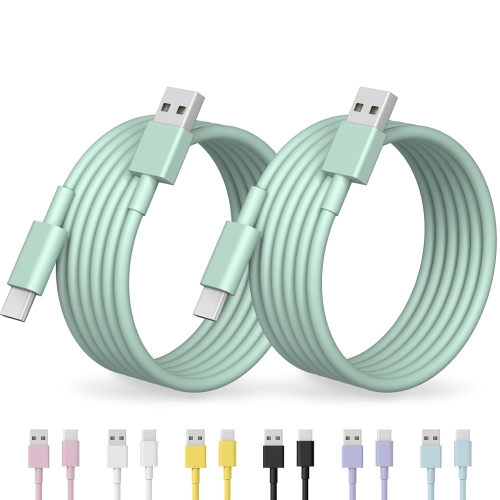
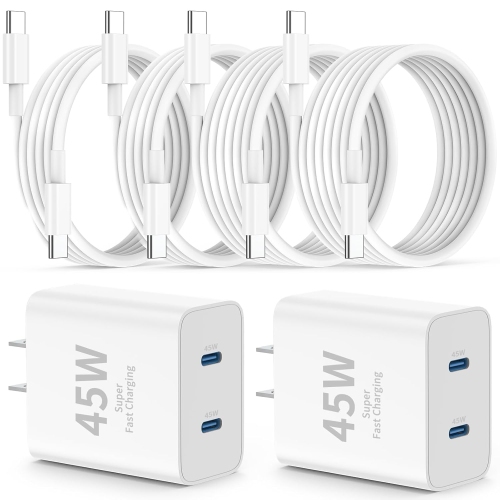
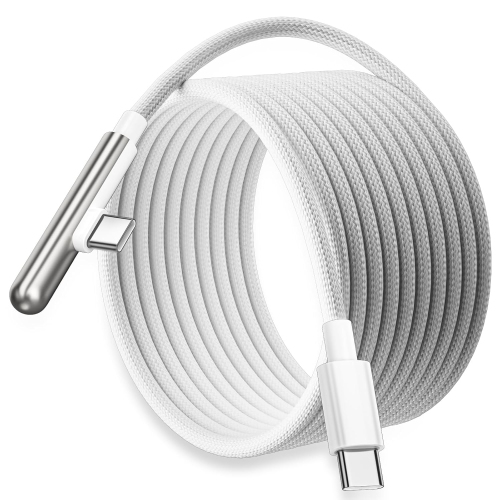
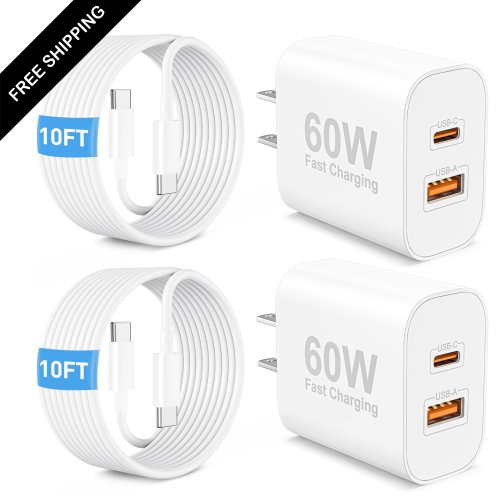
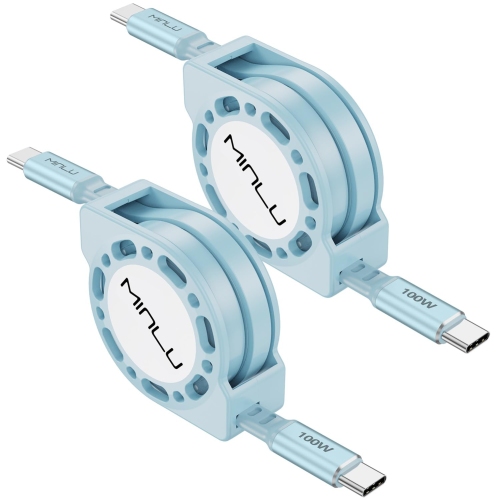
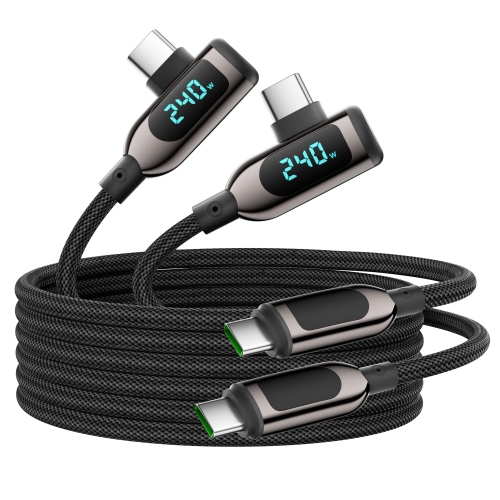
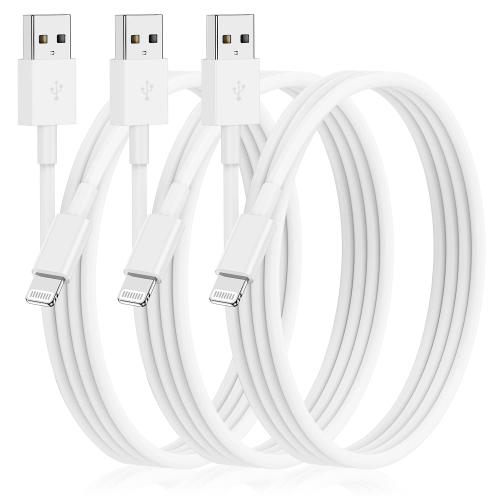


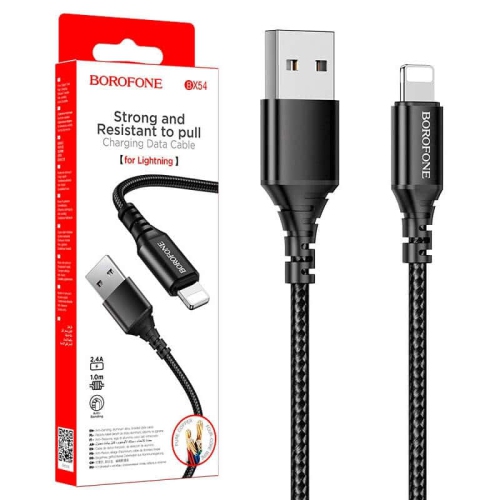
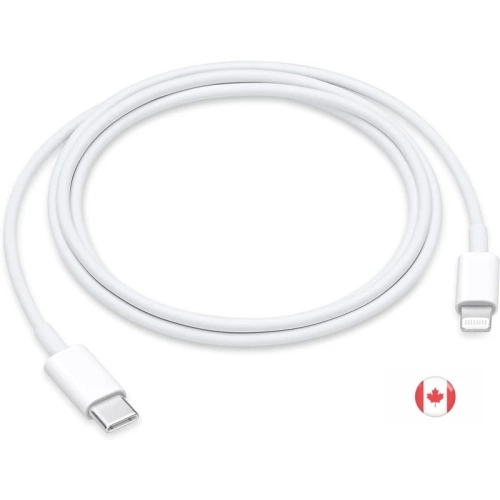
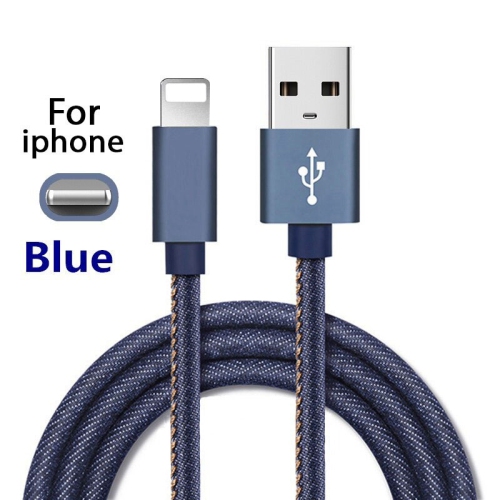
![DOLAER USB C to USB C Cable 60W, [5 Pack] Type C Cable Fast Charge, Braid USBc to USBc Iphone 16 Charger Cable for Iphone 16 15 Pro Max, Samsung](https://multimedia.bbycastatic.ca/multimedia/products/500x500/196/19689/19689445.jpeg)
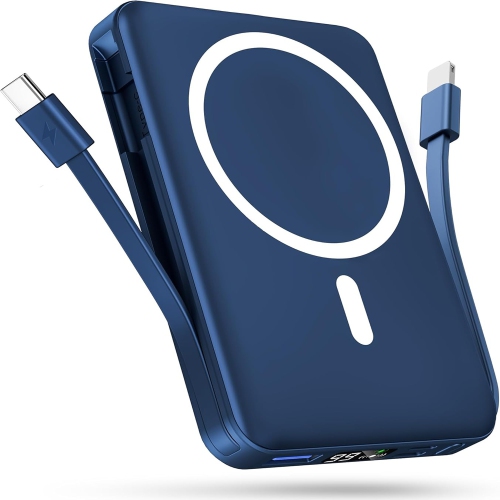
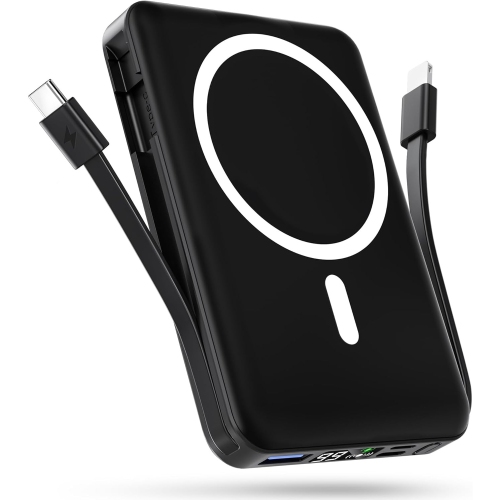
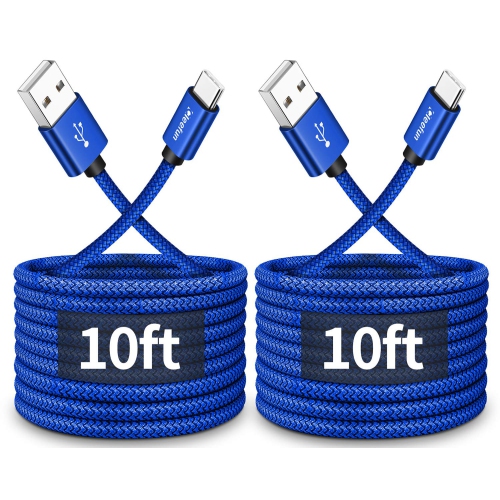
![SWEGUARD USB C Cable Fast Charge 3.1A [2 Pack, 10Ft], Iphone 16 15 Pro Max Type C Charging Cable Nylon Braided Compatible](https://multimedia.bbycastatic.ca/multimedia/products/500x500/188/18889/18889947.jpeg)
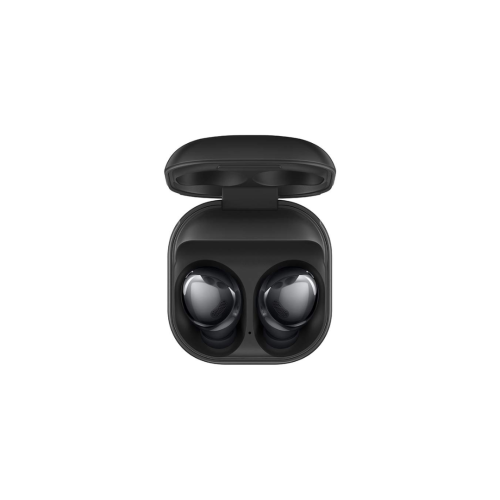
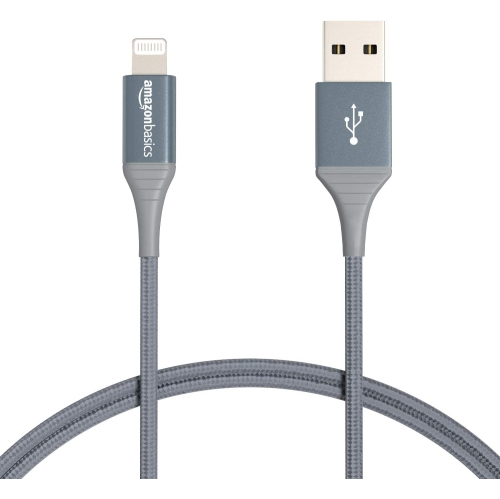
![UNKNOWN Extra Long Iphone Charger Cord 16Ft, [Mfi Certified] 16 Ft USB C to Lightning Cable Fast Charging Nylon Braided](https://multimedia.bbycastatic.ca/multimedia/products/500x500/181/18143/18143416.jpeg)
What to know about USB-C connections and cable performance
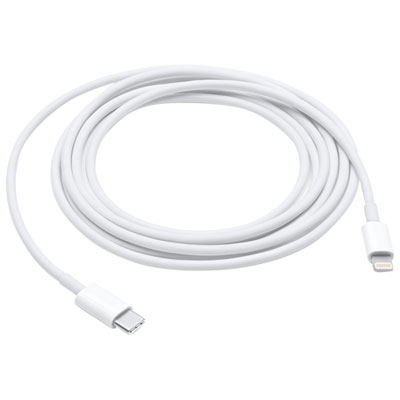
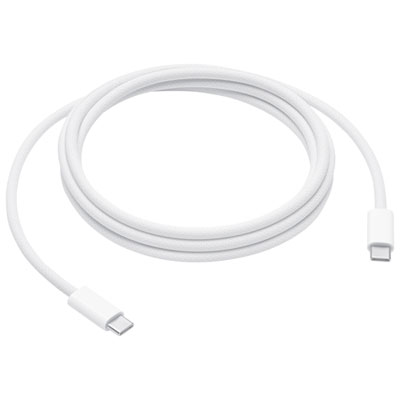
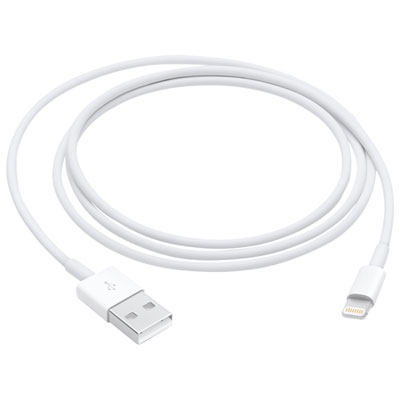
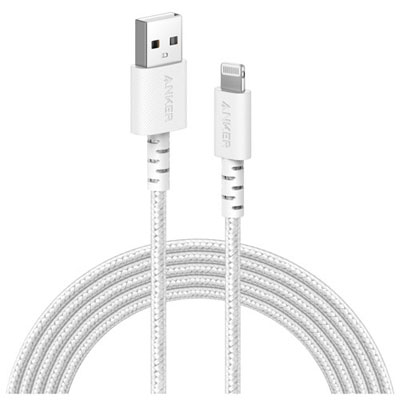
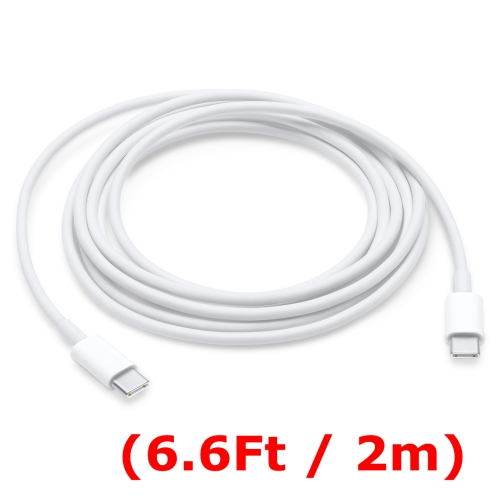
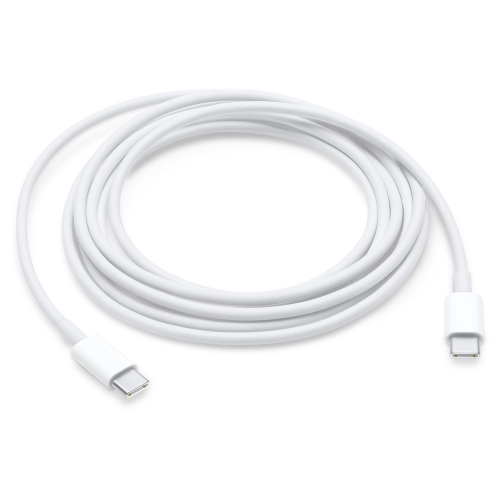
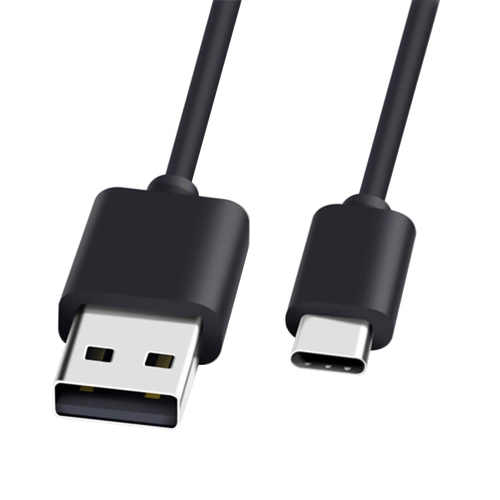
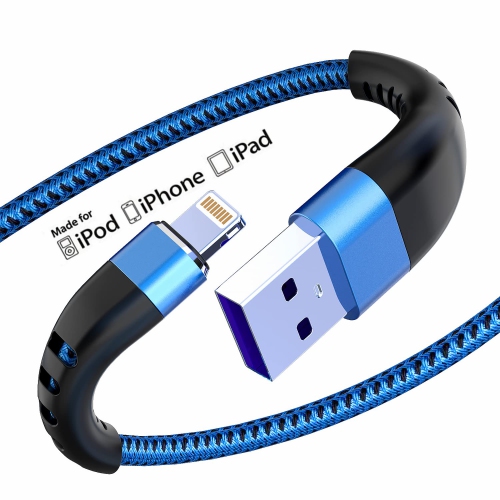
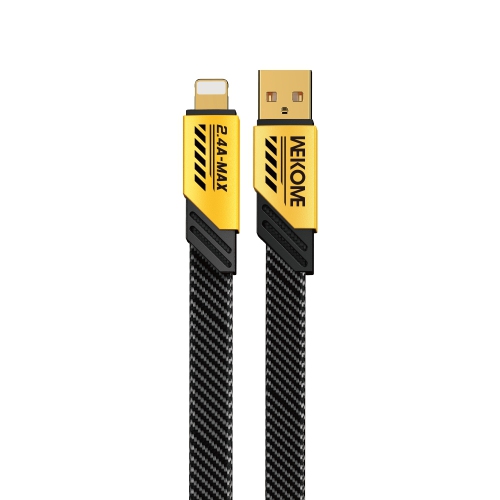
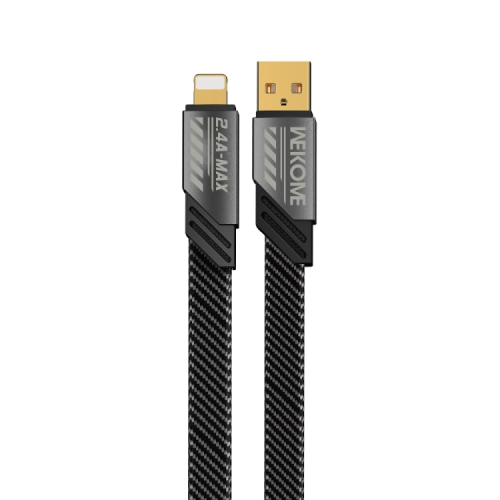
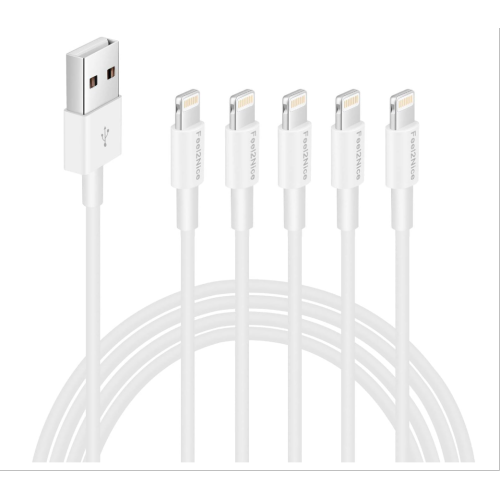
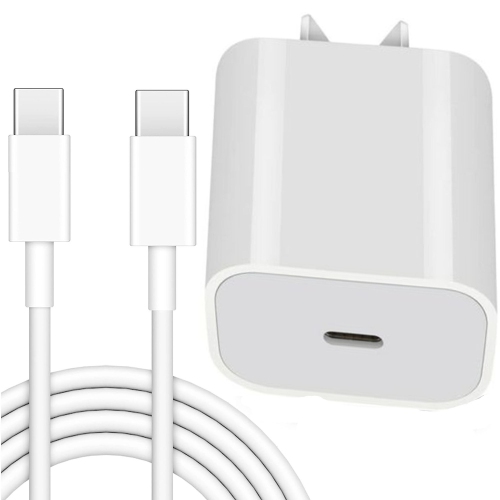
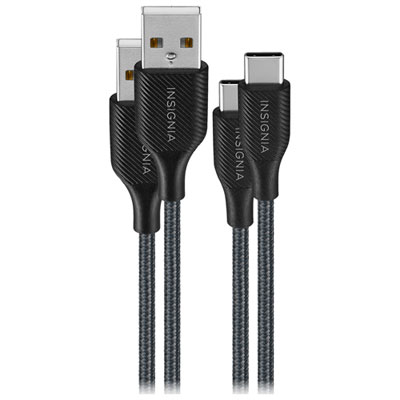
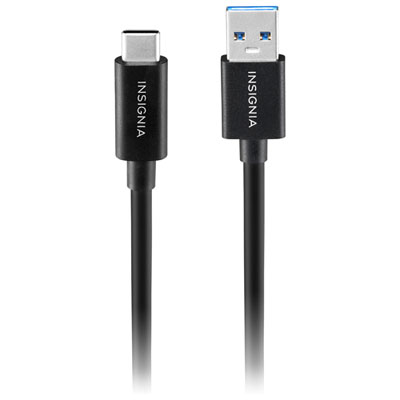
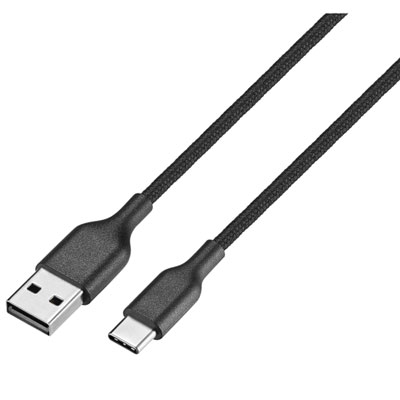
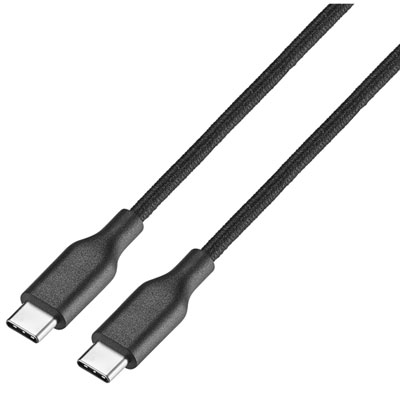
iPhone 15 charging cables use USB-C, giving the iPhone 15 lineup a different connection from earlier models that used a Lightning port. A standard USB-C to USB-C cable has a USB-C connector at both ends: one plugs into the phone and the other connects to a compatible wall charger, power bank, laptop, desktop computer, vehicle adapter, or other USB-C charging source. This is the most straightforward choice for everyday charging at home, at work, or beside the bed. The cable supplied with an iPhone 15 supports charging and data transfer, but having an extra cable can make daily routines much easier. One can stay connected to a charger near the sofa, another can remain in a work bag, and a third can be kept in a vehicle or at a cottage. A replacement is also useful when an original cable has become frayed, bent near the connector, misplaced during travel, or simply too short for a particular room. When browsing iPhone 15 Chargers & USB-C Cables, start by checking the connector arrangement and the charging equipment already in use. USB-C to USB-C is the right match for newer USB-C wall adapters and many current power banks, while USB-A to USB-C can be more practical when connecting to an older wall adapter, computer, bedside charging dock, or vehicle port with the familiar rectangular USB-A socket. A cable cannot change the connector on a charger, so matching both ends to the devices in your setup helps avoid discovering an incompatibility when your phone battery is low.
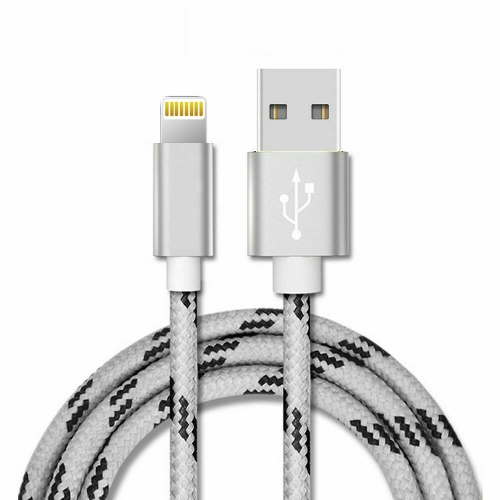
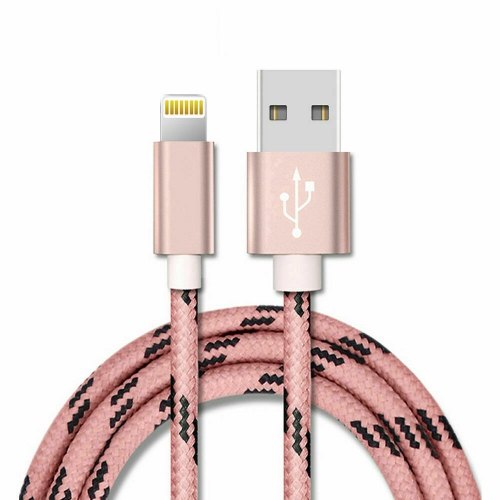
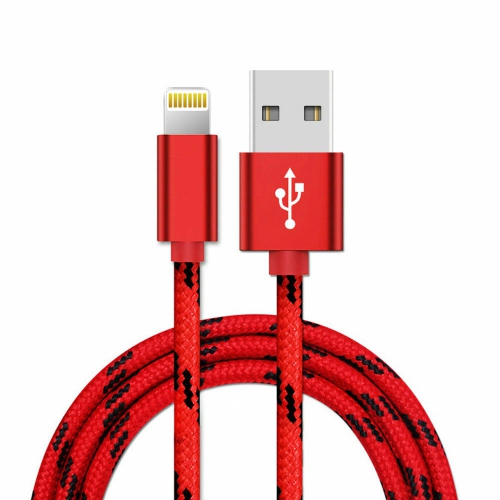
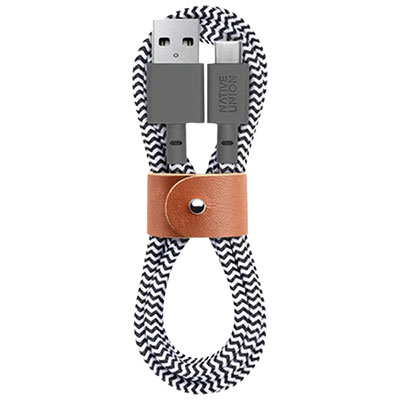
Length is another everyday consideration. A compact cable can be neat on a desk or nightstand, while a longer cable gives more freedom when the nearest outlet is behind a bed, under a desk, or across a hotel room. Longer cords can also be convenient for using an iPhone while it charges, although they are best arranged so they do not create a tripping hazard. Short cables work well with power banks because they keep a bag or pocket tidy, and medium-length options often suit a vehicle console or office workstation. Look for sturdy connector housings and a flexible outer jacket that can handle regular bending without placing excessive strain on the ends. A braided finish may appeal to people who prefer a more textured cable, while a smooth finish is easy to wipe clean and slide into a pouch. Colour can help distinguish a personal cable from household or workplace cables, particularly in a shared charging area. It is also worth considering charging specifications rather than relying on appearance alone. A cable should be rated for the power requirements of the charger and phone, with clear information about supported charging performance. For standard charging and routine file transfers, a USB-C cable rated for USB 2.0 is generally suitable; the USB 2.0 specification supports data transfer speeds of up to 480 Mbps. iPhone 15 Pro models can support USB 3 data transfer speeds of up to 10 Gbps when paired with a compatible USB 3 cable and an appropriate computer or accessory, so photographers, videographers, and anyone moving large files may want to check the cable’s data rating carefully. A cable that physically fits may still transfer data more slowly if it is designed for charging and basic USB 2.0 performance only. For charging, the wall adapter and its power output also matter, so choosing a cable and charger as a compatible pair is often more useful than selecting a cable based on length or appearance alone.
These cables suit a wide range of iPhone 15 owners, including commuters who keep a charger at the office, students moving between classes and residences, families sharing charging stations, and travellers who want a spare connection in a carry-on bag. They can also be practical gifts for someone who has recently upgraded their phone, especially when paired with knowledge of the recipient’s existing charging setup. A USB-C to USB-C cable makes sense for a person with newer USB-C charging accessories, while a USB-A to USB-C cable may be the better gift for someone who still uses established chargers in a vehicle or around the home. For a frequent traveller, a durable cable in a useful length can be tucked beside a passport wallet or toiletry case and used in airports, hotels, libraries, and rental vehicles. For a family, multi-packs can place a cable in several high-traffic locations, reducing the familiar scramble to find one before leaving the house. During the cooler months, when phones may be used for directions, transit updates, messages, photos, and calls while people move between indoor and outdoor spaces, a dependable charging cable is a small accessory that can make a noticeable difference. Keep cables loosely coiled rather than sharply folded, avoid pulling them out by the cord, and inspect the connectors if charging becomes intermittent. A cable that is frayed, unusually warm, bent, or no longer holds a reliable connection should be replaced. The best choice ultimately comes down to the phone’s USB-C connection, the ports on the chargers and computers already owned, the required length, and whether everyday charging or faster file transfer is the priority. With those details in mind, it is easier to choose an iPhone 15 charging cable that fits naturally into a nightstand, desk, vehicle, travel bag, or shared family charging area.
Length is another everyday consideration. A compact cable can be neat on a desk or nightstand, while a longer cable gives more freedom when the nearest outlet is behind a bed, under a desk, or across a hotel room. Longer cords can also be convenient for using an iPhone while it charges, although they are best arranged so they do not create a tripping hazard. Short cables work well with power banks because they keep a bag or pocket tidy, and medium-length options often suit a vehicle console or office workstation. Look for sturdy connector housings and a flexible outer jacket that can handle regular bending without placing excessive strain on the ends. A braided finish may appeal to people who prefer a more textured cable, while a smooth finish is easy to wipe clean and slide into a pouch. Colour can help distinguish a personal cable from household or workplace cables, particularly in a shared charging area. It is also worth considering charging specifications rather than relying on appearance alone. A cable should be rated for the power requirements of the charger and phone, with clear information about supported charging performance. For standard charging and routine file transfers, a USB-C cable rated for USB 2.0 is generally suitable; the USB 2.0 specification supports data transfer speeds of up to 480 Mbps. iPhone 15 Pro models can support USB 3 data transfer speeds of up to 10 Gbps when paired with a compatible USB 3 cable and an appropriate computer or accessory, so photographers, videographers, and anyone moving large files may want to check the cable’s data rating carefully. A cable that physically fits may still transfer data more slowly if it is designed for charging and basic USB 2.0 performance only. For charging, the wall adapter and its power output also matter, so choosing a cable and charger as a compatible pair is often more useful than selecting a cable based on length or appearance alone.
These cables suit a wide range of iPhone 15 owners, including commuters who keep a charger at the office, students moving between classes and residences, families sharing charging stations, and travellers who want a spare connection in a carry-on bag. They can also be practical gifts for someone who has recently upgraded their phone, especially when paired with knowledge of the recipient’s existing charging setup. A USB-C to USB-C cable makes sense for a person with newer USB-C charging accessories, while a USB-A to USB-C cable may be the better gift for someone who still uses established chargers in a vehicle or around the home. For a frequent traveller, a durable cable in a useful length can be tucked beside a passport wallet or toiletry case and used in airports, hotels, libraries, and rental vehicles. For a family, multi-packs can place a cable in several high-traffic locations, reducing the familiar scramble to find one before leaving the house. During the cooler months, when phones may be used for directions, transit updates, messages, photos, and calls while people move between indoor and outdoor spaces, a dependable charging cable is a small accessory that can make a noticeable difference. Keep cables loosely coiled rather than sharply folded, avoid pulling them out by the cord, and inspect the connectors if charging becomes intermittent. A cable that is frayed, unusually warm, bent, or no longer holds a reliable connection should be replaced. The best choice ultimately comes down to the phone’s USB-C connection, the ports on the chargers and computers already owned, the required length, and whether everyday charging or faster file transfer is the priority. With those details in mind, it is easier to choose an iPhone 15 charging cable that fits naturally into a nightstand, desk, vehicle, travel bag, or shared family charging area.
Top selling and popular products
-
 Your price for this item is $19.99
 -
 Your price for this item is $52.75
 -
 Your price for this item is $7.99
 -
 Your price for this item is $19.99
 -
 Your price for this item is $29.99
 -
 Your price for this item is $9.99
 -
 Your price for this item is $9.99
 -
 Your price for this item is $14.99
Discover more categories related to Iphone 15 Charging Cables

Top Collections:
Pokemon Centers, Budget 4K TVs, Best Budget Office Chairs, Kindle Devices, Canon G7X Cameras, Apple iPhones 16, iPhone 15 Apple, Laptops for Business Work, Xiaomi Phones, Flip Phones
Some products may be subject to Environmental Handling Fees
(EHF) depending on your province.
Learn more about EHFs.