Portable Lightweight Laptop Risers
A portable lightweight laptop riser is an essential accessory for anyone looking to create a more comfortable and efficient workspace, whether at home, in the office, or on the go. Designed to help you make the most of your laptop setup, these risers offer convenience and versatility for students, professionals, and travelers alike. Explore a variety of options that combine ease of use with practical design to support your daily tasks wherever you need them.
Sort
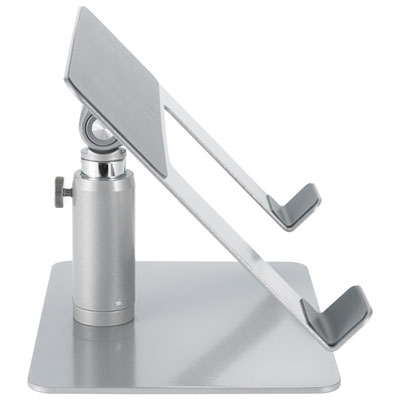
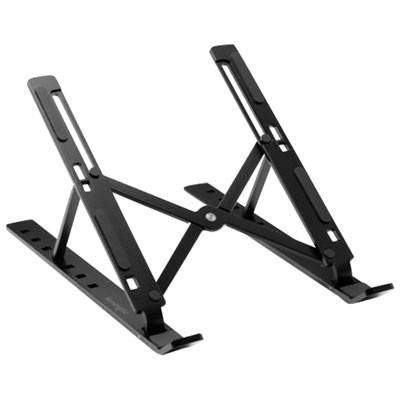
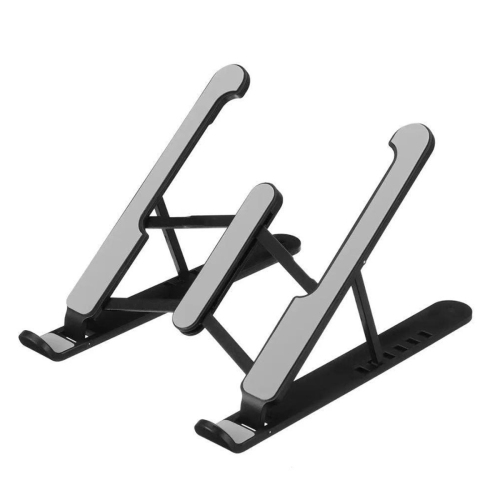
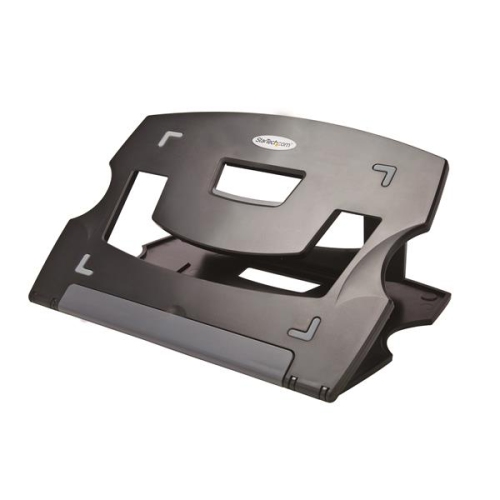
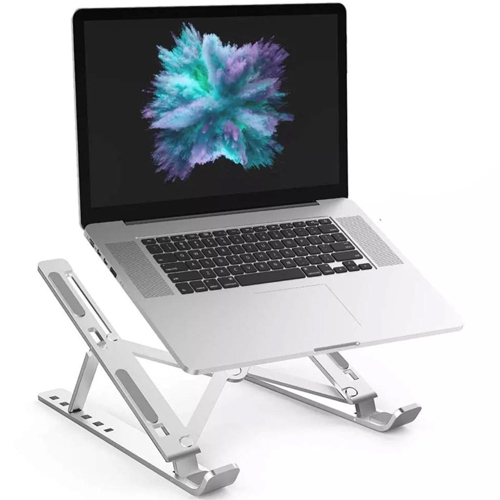
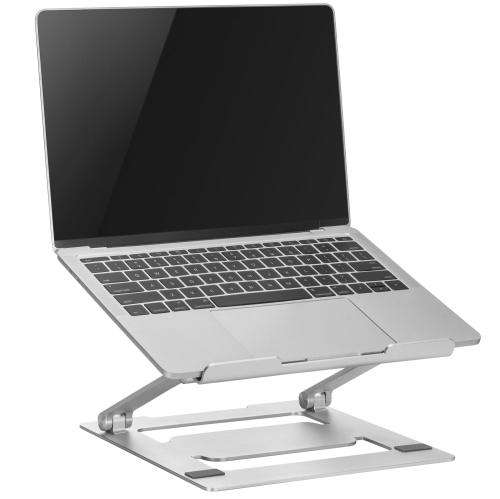
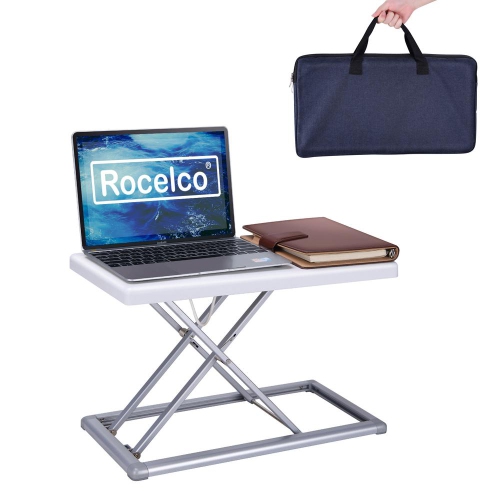
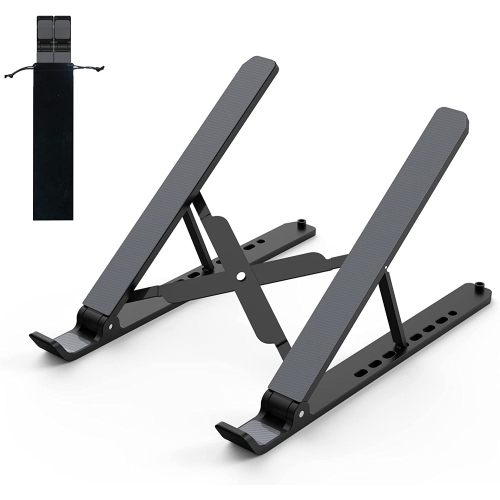
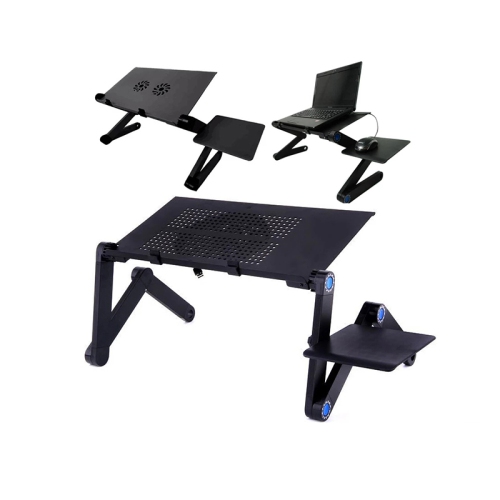
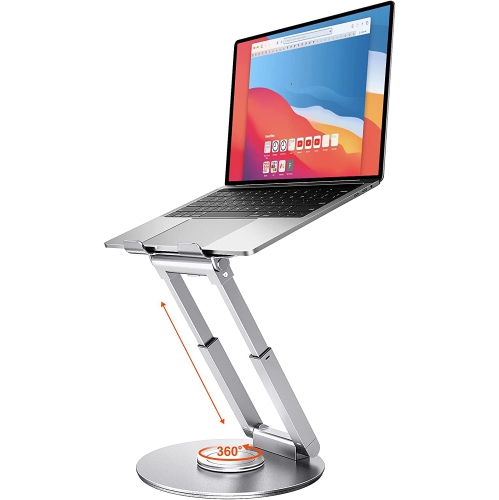
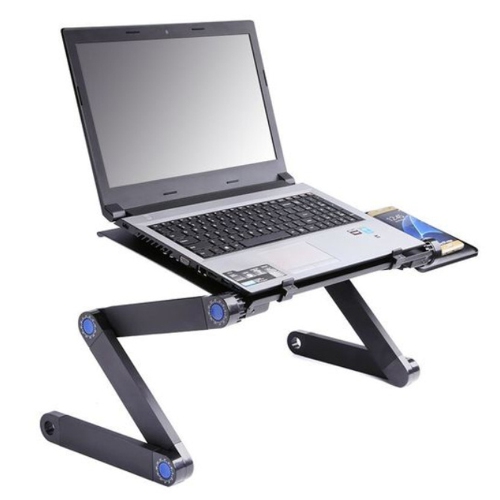
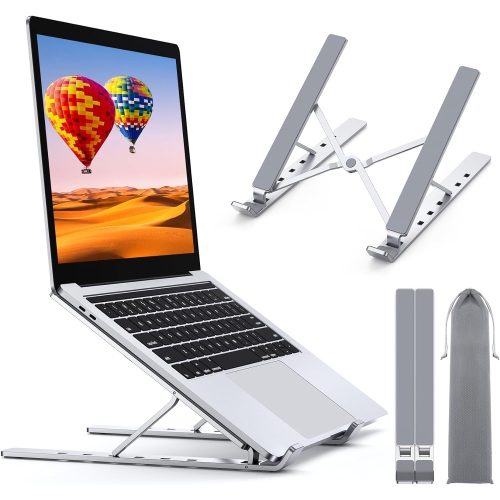
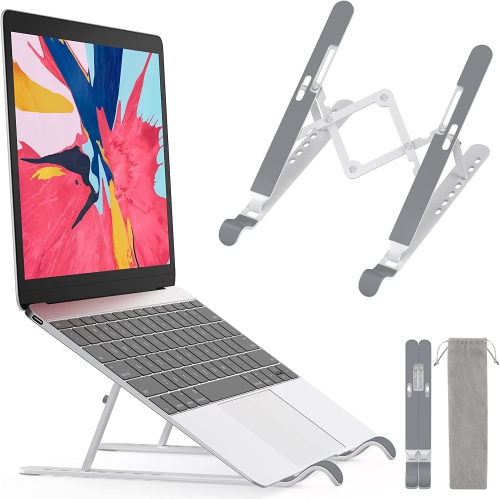
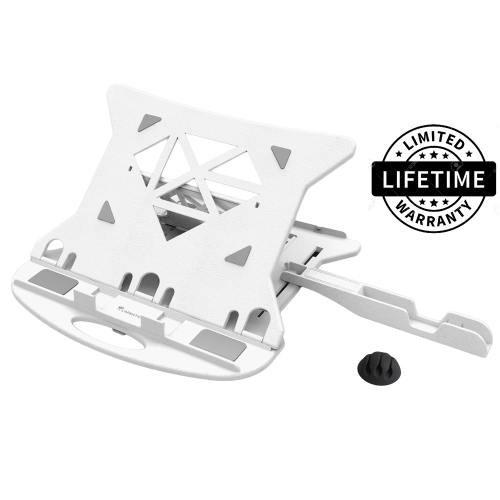
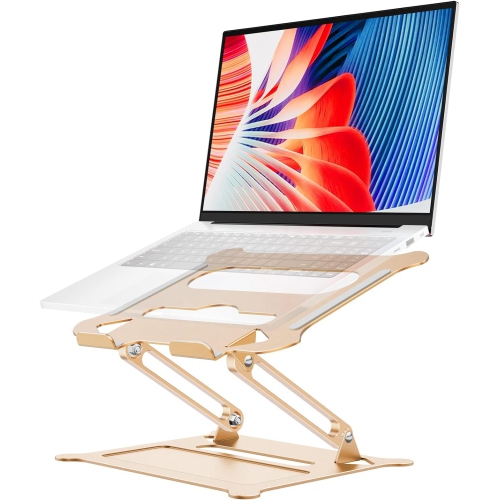
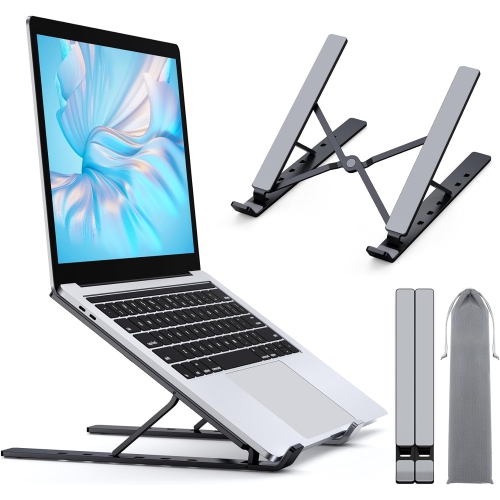
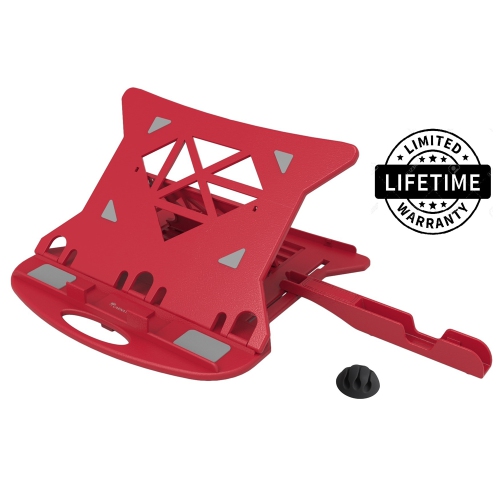
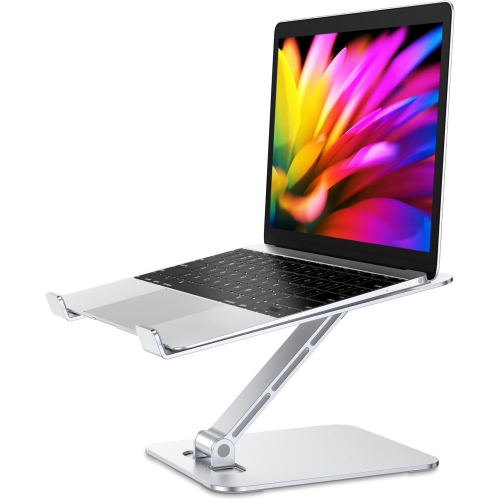
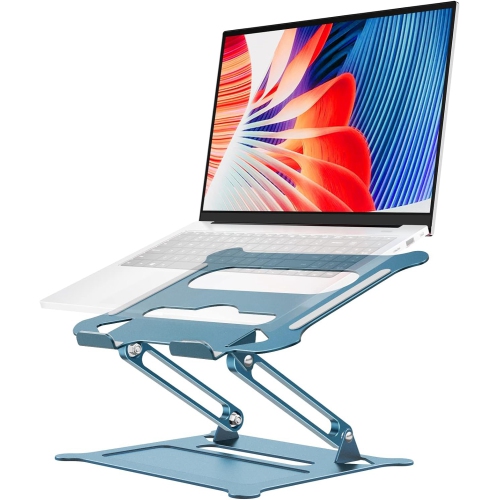
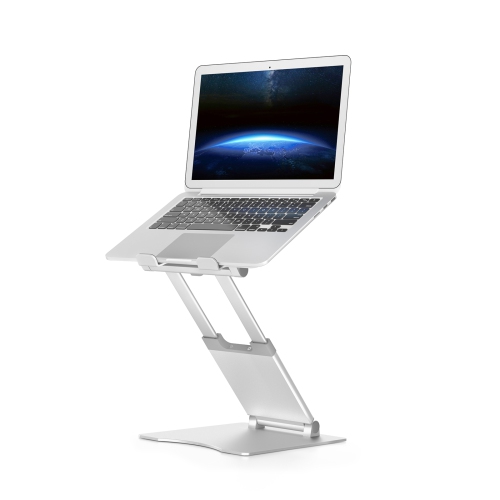
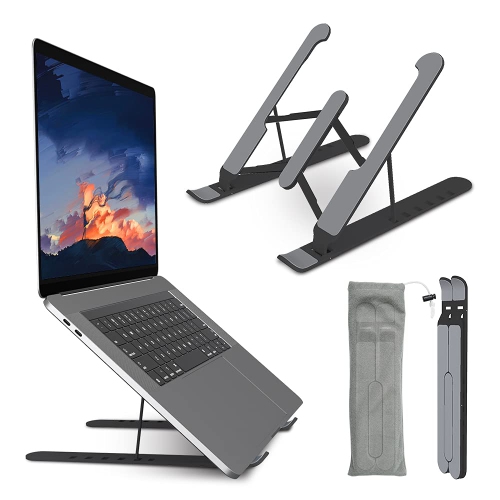
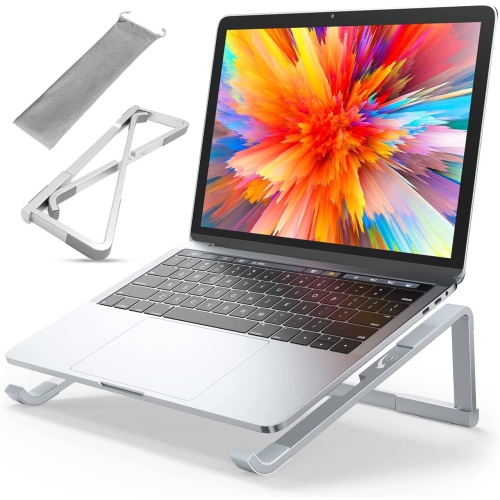


Laptop support that fits your workspace and your bag
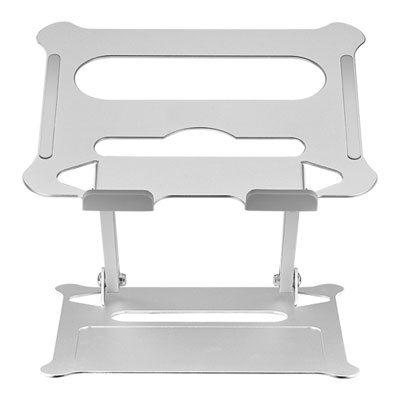
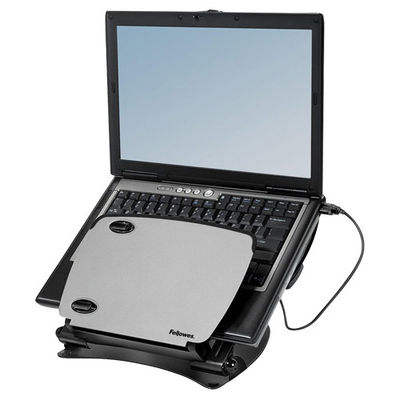
Portable lightweight laptop risers raise a computer above the work surface while keeping the support easy to carry between locations. They suit people whose desks change throughout the day: a student moving from a library table to a study space, a hybrid worker setting up at a shared desk, or a traveller working from a hotel room. Some designs lift only the back edge of the laptop, creating a gentle incline for the keyboard and a modest increase in screen height. Others elevate the entire computer, leaving room underneath for a separate keyboard or small desk accessories. That difference matters in daily use. A low riser can be practical for short sessions using the laptop’s own keyboard, provided the angle feels comfortable for the wrists. A taller support is generally better paired with an external keyboard and mouse, so the screen can sit higher without forcing the hands upward. The aim is a setup that supports a relaxed viewing position, rather than a fixed height that suits every person and chair. Portability also means more than a low weight. A riser that folds into a narrow shape may slide beside a laptop sleeve, while a flat-folding design may fit more naturally into a document compartment. Rounded edges, tucked-away hinges, and a storage pouch can make packing easier and help keep hard surfaces from rubbing against other belongings. At a shared table, a compact base leaves more room for a notebook, drink, and mouse, although the full setup still needs enough space to feel stable. For anyone who regularly packs up at the end of a session, a straightforward folding mechanism can be just as useful as another height setting. The most practical portable riser is one that fits both the computer and the routine, without turning a quick change of workspace into a lengthy setup.
Fit depends on the laptop’s dimensions, weight, and underside layout, not just its advertised screen size. Two computers with the same screen measurement can have different depths, thicknesses, and weight distributions. Support arms need to sit beneath solid areas of the base, and front retaining tabs should hold the computer securely without pressing awkwardly against the wrists or interfering with the lid. Protective cases can add thickness, so compatibility should account for the laptop as it is actually used. A stated weight capacity is also important, particularly for larger computers, but capacity alone does not describe how steady a stand will feel during typing. Base width, joint construction, grip pads, and the selected height all affect movement. A riser that feels firm at its lowest setting may behave differently when fully extended. On a narrow café table or shared workbench, keeping the feet fully supported matters more than gaining an extra bit of elevation. Materials contribute to the balance between weight, rigidity, and packed size. Aluminum is common in portable designs because it can provide a rigid frame without excessive bulk, although thickness and construction make a noticeable difference. Plastic supports can be light and easy to carry, with performance depending on the shape, reinforcement, and quality of the joints. Silicone or rubber contact pads help reduce slipping and protect the computer’s finish, while pads beneath the feet help the riser stay put on a smooth desk. Open-frame designs leave much of the laptop’s underside exposed to air, but ventilation openings still need to remain unobstructed. Raising a computer does not guarantee lower operating temperatures or replace its built-in cooling system. A rigid, level surface remains important; a folded blanket or soft cushion can compromise support and block airflow. Adjustable angles and heights are useful when their locking points are secure and easy to check, giving the laptop a consistent resting position each time it is unfolded.
The details of everyday handling often become clear after several trips between workspaces. A compact riser should open without a struggle, close without loose parts, and stay folded inside a bag. Scissor-style frames, folding legs, and hinged platforms each pack differently, so folded dimensions are worth considering alongside the open footprint. Exposed hooks or projecting feet may catch on a sleeve, while a pouch can keep the folded frame separate from charging cables and other accessories. Cable routing matters once the laptop is in place, too. Power, display, and USB connections need enough slack to reach their ports without pulling the computer sideways, and support arms should not obstruct frequently used connections. People who switch between video meetings and focused work may appreciate an adjustment range that lets the screen and built-in camera sit more comfortably, with any height change made before settling into the next task. The related selection of Lightweight Laptop Stands provides another way to browse supports suited to a compact desk setup or regular travel. Care is usually straightforward: dust and crumbs can be removed with a soft cloth, and contact pads can be wiped according to the manufacturer’s directions. Letting cleaned surfaces dry before placing the laptop back on them helps maintain grip. Hinges, retaining tabs, and feet deserve an occasional check for looseness, wear, or missing pads, especially when the riser is packed and unpacked frequently. Folding the support before transport, rather than carrying it open under other belongings, also limits unnecessary pressure on its joints. As a gift, a portable laptop riser can be useful for a student, a frequent traveller, or someone building a more flexible home workspace. Its usefulness depends on matching the recipient’s computer and habits, including whether they carry a separate keyboard and mouse. Thoughtful proportions, dependable support, and simple packing give this small accessory a clear role wherever a suitable table becomes a temporary desk.
Fit depends on the laptop’s dimensions, weight, and underside layout, not just its advertised screen size. Two computers with the same screen measurement can have different depths, thicknesses, and weight distributions. Support arms need to sit beneath solid areas of the base, and front retaining tabs should hold the computer securely without pressing awkwardly against the wrists or interfering with the lid. Protective cases can add thickness, so compatibility should account for the laptop as it is actually used. A stated weight capacity is also important, particularly for larger computers, but capacity alone does not describe how steady a stand will feel during typing. Base width, joint construction, grip pads, and the selected height all affect movement. A riser that feels firm at its lowest setting may behave differently when fully extended. On a narrow café table or shared workbench, keeping the feet fully supported matters more than gaining an extra bit of elevation. Materials contribute to the balance between weight, rigidity, and packed size. Aluminum is common in portable designs because it can provide a rigid frame without excessive bulk, although thickness and construction make a noticeable difference. Plastic supports can be light and easy to carry, with performance depending on the shape, reinforcement, and quality of the joints. Silicone or rubber contact pads help reduce slipping and protect the computer’s finish, while pads beneath the feet help the riser stay put on a smooth desk. Open-frame designs leave much of the laptop’s underside exposed to air, but ventilation openings still need to remain unobstructed. Raising a computer does not guarantee lower operating temperatures or replace its built-in cooling system. A rigid, level surface remains important; a folded blanket or soft cushion can compromise support and block airflow. Adjustable angles and heights are useful when their locking points are secure and easy to check, giving the laptop a consistent resting position each time it is unfolded.
The details of everyday handling often become clear after several trips between workspaces. A compact riser should open without a struggle, close without loose parts, and stay folded inside a bag. Scissor-style frames, folding legs, and hinged platforms each pack differently, so folded dimensions are worth considering alongside the open footprint. Exposed hooks or projecting feet may catch on a sleeve, while a pouch can keep the folded frame separate from charging cables and other accessories. Cable routing matters once the laptop is in place, too. Power, display, and USB connections need enough slack to reach their ports without pulling the computer sideways, and support arms should not obstruct frequently used connections. People who switch between video meetings and focused work may appreciate an adjustment range that lets the screen and built-in camera sit more comfortably, with any height change made before settling into the next task. The related selection of Lightweight Laptop Stands provides another way to browse supports suited to a compact desk setup or regular travel. Care is usually straightforward: dust and crumbs can be removed with a soft cloth, and contact pads can be wiped according to the manufacturer’s directions. Letting cleaned surfaces dry before placing the laptop back on them helps maintain grip. Hinges, retaining tabs, and feet deserve an occasional check for looseness, wear, or missing pads, especially when the riser is packed and unpacked frequently. Folding the support before transport, rather than carrying it open under other belongings, also limits unnecessary pressure on its joints. As a gift, a portable laptop riser can be useful for a student, a frequent traveller, or someone building a more flexible home workspace. Its usefulness depends on matching the recipient’s computer and habits, including whether they carry a separate keyboard and mouse. Thoughtful proportions, dependable support, and simple packing give this small accessory a clear role wherever a suitable table becomes a temporary desk.
Top selling and popular products
-
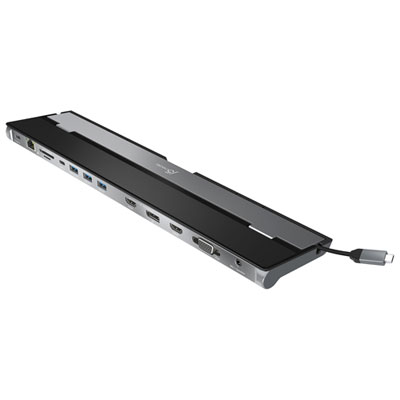 Your price for this item is $149.99
-
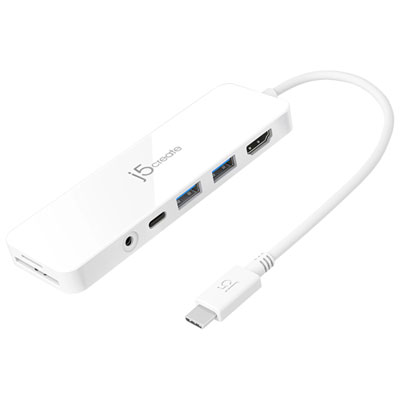 Your price for this item is $69.99
-
 Your price for this item is $87.99
-
 Your price for this item is $59.99
-
 Your price for this item is $96.16
-
 Your price for this item is $179.99
-
 Your price for this item is $214.99
-
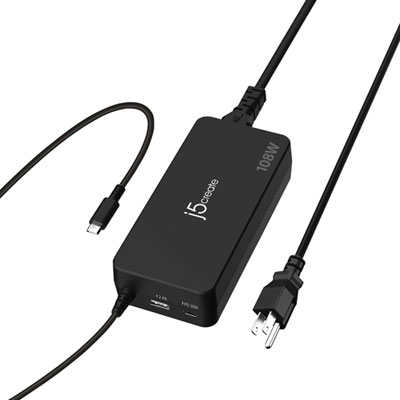 Your price for this item is $89.99
Discover more categories related to Portable Lightweight Laptop Risers
Top Collections:
Best Black Friday Deals This Year, Best Black Friday Deals On Electronics, Kindle Devices, Pokemon Centers, Best Black Friday Deals On Apple Products, Best Cameras for Sports Photography, Dyson Airwrap, Pokémon 30th Celebration Cards, Apple iPhone 17 Pro, Canon G7X Cameras
Some products may be subject to Environmental Handling Fees
(EHF) depending on your province.
Learn more about EHFs.