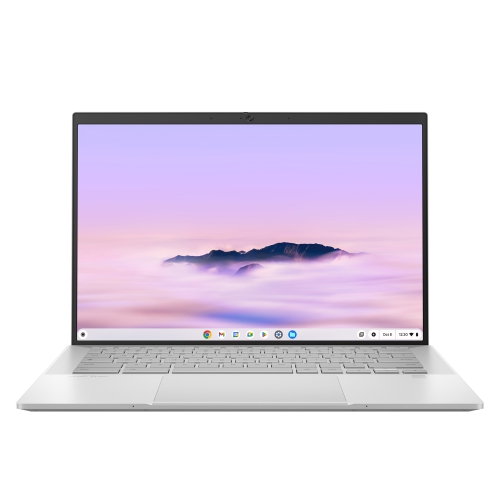
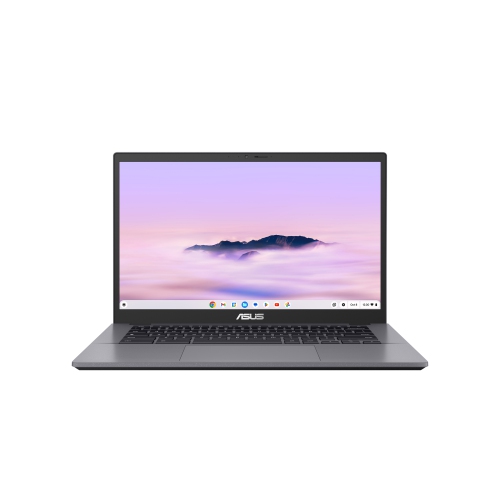
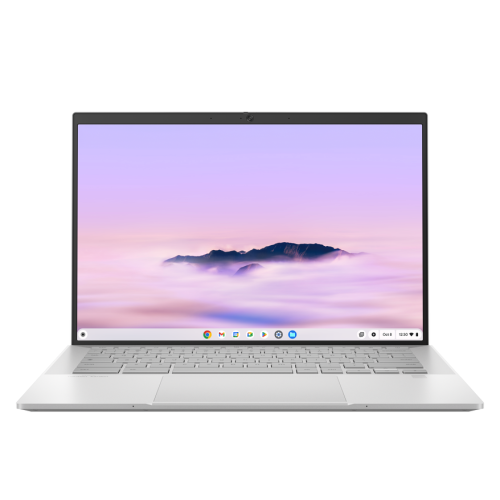
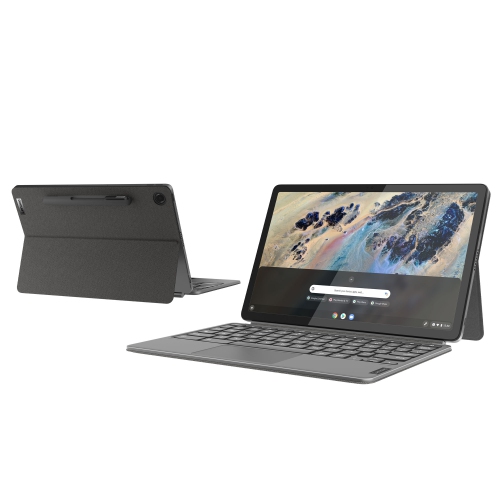
Chromebooks with 16GB RAM

Chromebooks with 16GB RAM offer more memory for multitasking across browser tabs, documents, and compatible apps in ChromeOS. Compare models by processor, storage capacity, screen size, and battery life to find a laptop that suits your work or study needs, and check that your essential software is compatible with ChromeOS.
Read More

Sort

Chromebooks with 16GB RAM

Chromebooks with 16GB RAM offer extra breathing room for days when one open tab quickly turns into a dozen. Picture a typical afternoon: a video call on screen, research tabs lined up across the browser, a shared document waiting for edits, and music playing in the background. Having 16GB of memory gives those active tasks more room to run together, helping support responsive multitasking without constantly closing one thing to open another. That makes these laptops worth considering for students juggling coursework, professionals working with browser-based tools, and households where a computer handles everything from homework to travel planning. Memory is only part of the performance picture, though. The processor, storage speed, software, and internet connection also affect how the laptop feels in everyday use. A well-matched combination matters more than any single specification, especially if your routine includes large spreadsheets, frequent video meetings, or several demanding web applications at once.

When comparing Chromebooks with 16GB RAM, start with the work you actually do and the places you tend to do it. A lightweight design is easier to carry between lectures or tuck into a bag for the commute, while a larger screen gives documents and spreadsheets more space when you settle in at a desk. Check display resolution and brightness alongside screen size; crisp text and a screen that remains comfortable to read near a bright window can make a noticeable difference during a long afternoon. A comfortable keyboard, responsive trackpad, and clear webcam are equally practical priorities if you spend much of your day typing or talking with classmates and colleagues. For a home workspace, check the available ports and external display support before choosing a monitor or docking setup. Wi-Fi capabilities matter for wireless connectivity, and advertised battery life should be weighed against your own habits, since video calls, higher screen brightness, and heavier workloads can shorten the time between charges. If you like marking up readings or making handwritten notes, look for a touchscreen or convertible design and confirm whether a compatible pen is supported and included.

It is also worth separating memory from storage before making your choice. The 16GB RAM specification describes the memory available for active tasks, not the space available for downloaded files, photos, or applications. Consider how much you keep locally, how often you use cloud storage, and whether you need access to important documents when an internet connection is unavailable. Application compatibility deserves the same attention: check that the tools required by your school, workplace, or hobbies are supported, particularly if you rely on specialised desktop software. Review the model’s remaining automatic update support period as well, since this helps you understand how long it is scheduled to receive system and security updates. As a gift, a Chromebook with 16GB RAM can be a thoughtful choice for someone heading to university, taking online courses, or replacing a shared family laptop. The best fit is one that suits their established routine, whether that means writing assignments at the kitchen table, organising a busy household, or moving between meetings with a day’s worth of tabs still open.

Read More

FAQ

Some products may be subject to Environmental Handling Fees (EHF) depending on your province. Learn more about EHFs.