Chromebooks With 4 Gb Ram
Discover a wide selection of Chromebooks with 4GB RAM designed to keep you productive and connected throughout your day. Whether you’re tackling everyday tasks, streaming your favorite content, or collaborating online, these Chromebooks offer the performance and versatility you need. Explore models that combine portability and efficiency, making them an excellent choice for students, professionals, and anyone on the go. Find the perfect Chromebook with 4GB RAM to fit your lifestyle and budget at Best Buy.
Sort
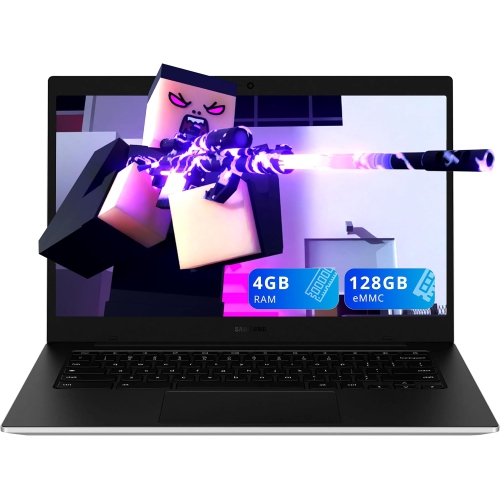
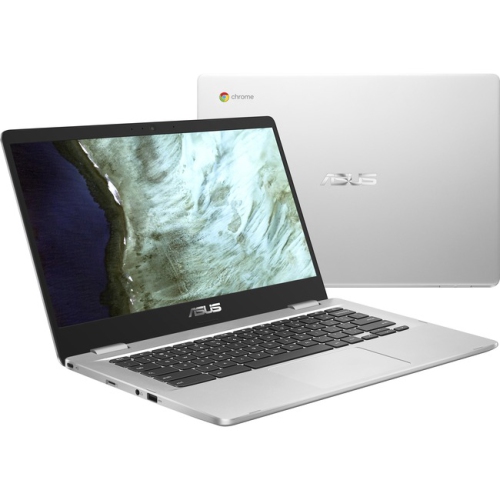
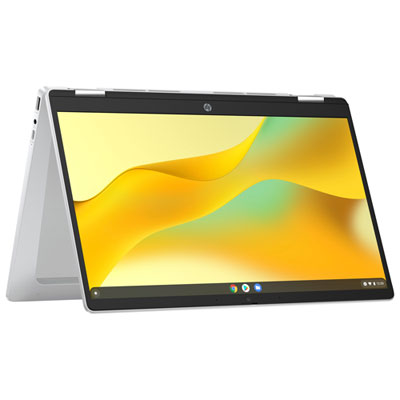
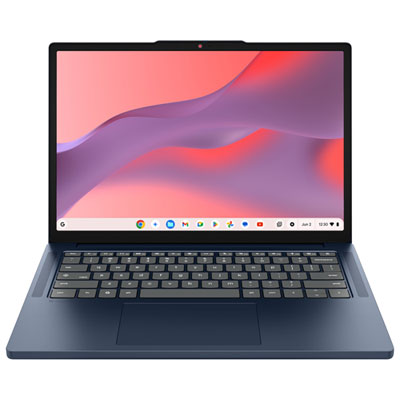
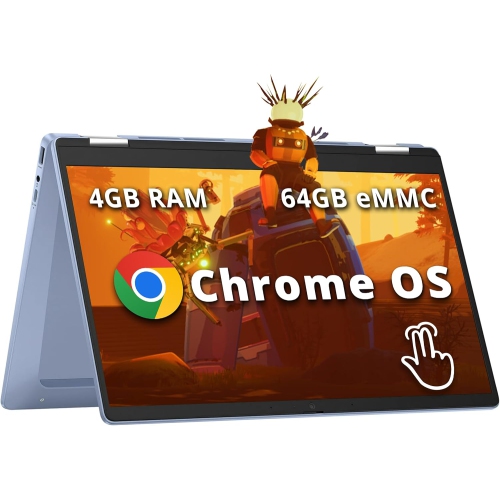
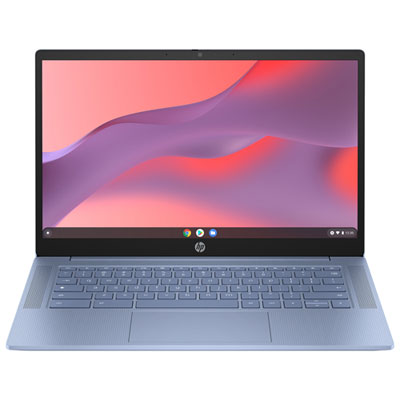
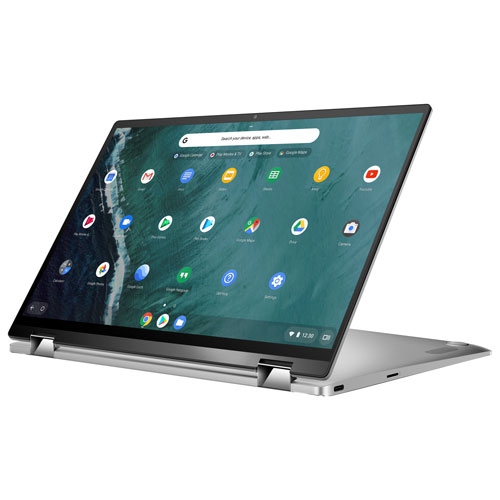
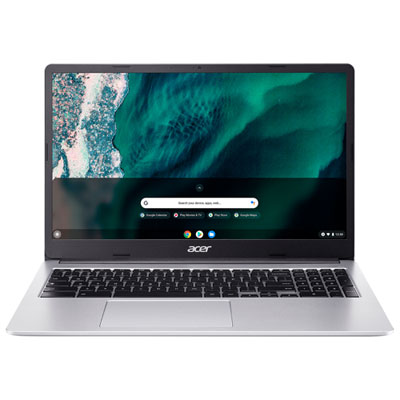

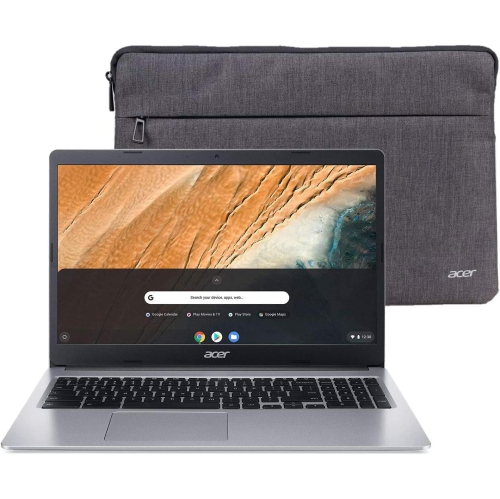
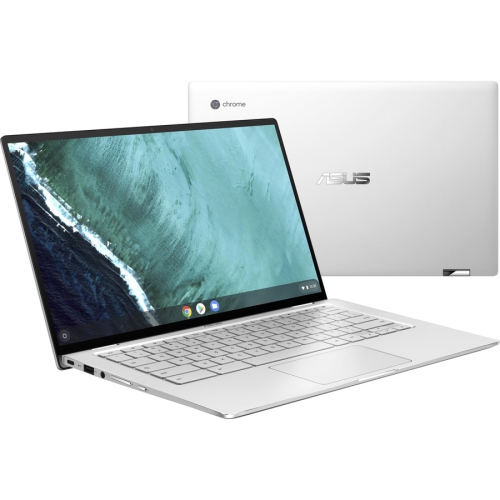
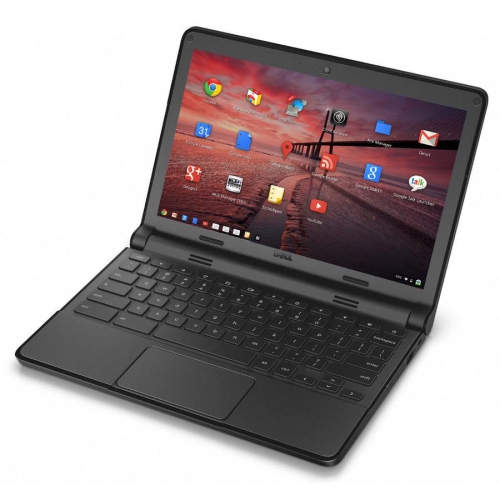
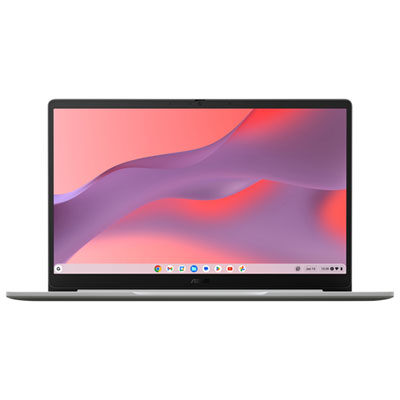
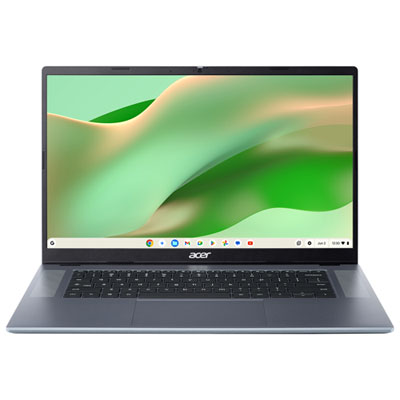
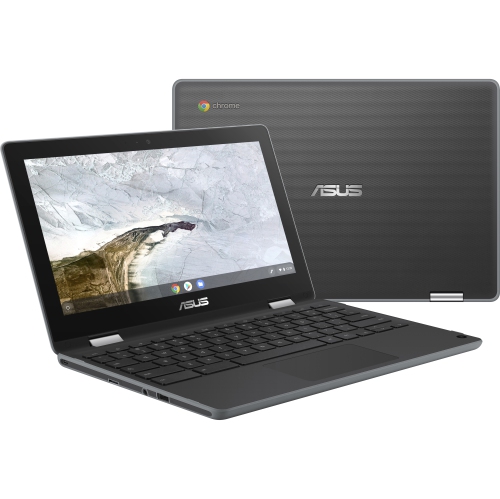
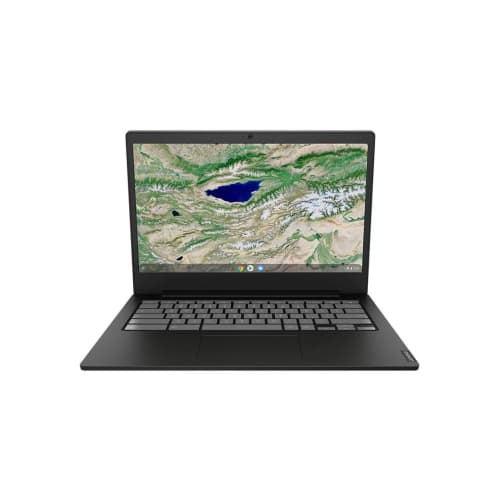
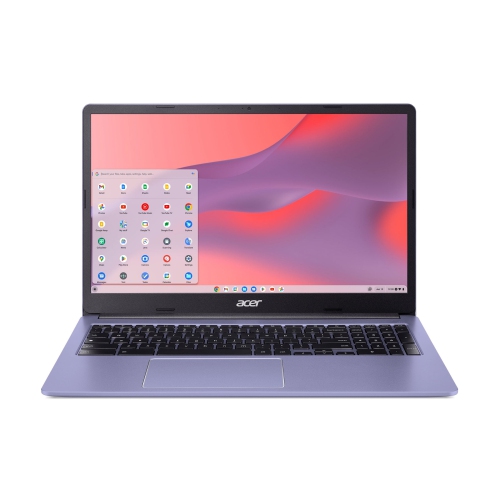
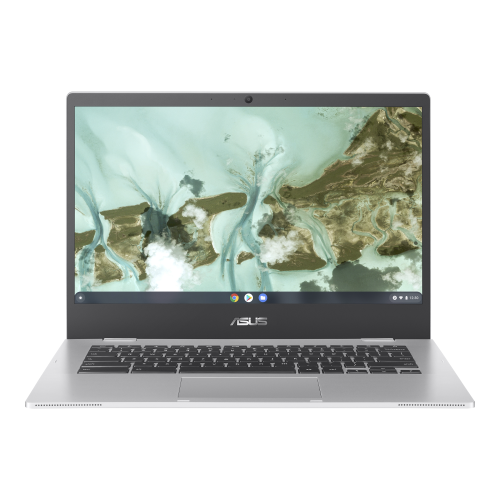

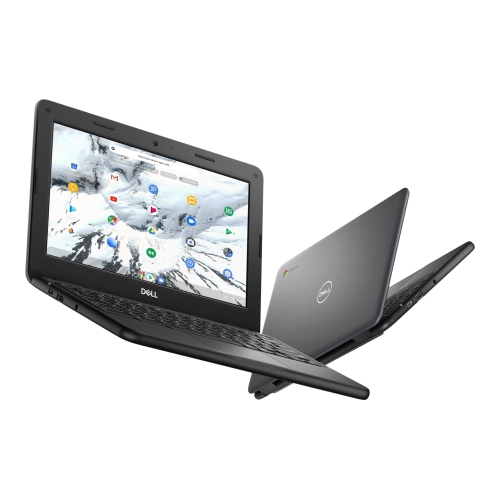
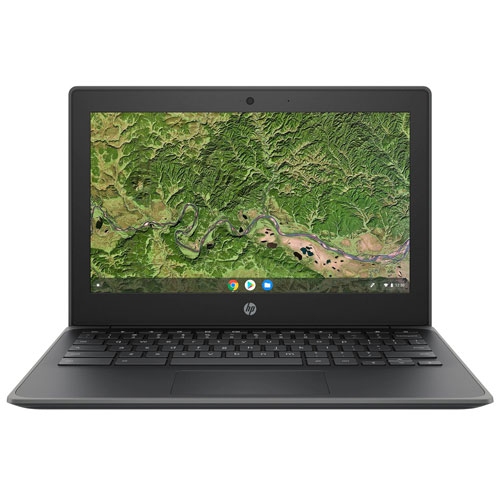
Practical Chromebooks for everyday browsing, schoolwork and streaming
Chromebooks with 4GB RAM are designed for straightforward everyday computing, making them a practical choice for web browsing, email, online forms, video streaming, cloud-based documents and light schoolwork. ChromeOS is built around web applications and cloud storage, so these laptops can feel responsive when used within their intended range. A 4GB Chromebook can be especially useful for a student who needs to write assignments, join occasional video classes and research topics online, or for a family member who primarily checks messages, reads the news and manages appointments. They can also suit children who are learning keyboard skills, completing browser-based homework or enjoying age-appropriate educational activities under supervision. Their relatively simple setup is convenient for shared household use: open the lid, sign in with a Google account and access familiar files, bookmarks and settings. For someone receiving their first personal computer as a gift, a Chromebook with 4GB RAM can offer an approachable starting point without the complexity of a traditional desktop operating system. The compact design of many models makes them easy to carry between a kitchen table, a classroom, a library or a quiet corner during the cooler months, while a larger display may be more comfortable for reading recipes, viewing spreadsheets or following an online exercise class. Battery life varies by model and usage, so it is worth checking the manufacturer’s stated estimate along with charging time, especially if the computer will be used away from an outlet. A built-in camera and microphone are helpful for video calls, while USB ports, a headphone jack and wireless connectivity can make it easier to connect accessories such as a mouse, headphones, external storage or a printer.
When choosing among Chromebooks with 4GB RAM, start by matching the computer to the way it will be used rather than focusing on specifications alone. A traditional clamshell design is often a good fit for typing, browsing and school assignments, while a 2-in-1 model with a touchscreen can be handy for reading, drawing, presenting or sharing a screen with someone nearby. Screen size also affects the experience: smaller displays can be easier to pack into a backpack, whereas a larger display provides more room for documents, video and side-by-side tabs. Look for a comfortable keyboard with well-spaced keys if the user will write frequently, and consider a touchpad that supports familiar gestures for scrolling and switching between windows. Screen resolution, brightness and anti-glare treatment may matter to anyone who reads for long periods or works near a window. Storage capacity deserves attention as well. Many Chromebooks rely on cloud storage, but local space is still useful for downloaded files, offline documents, photos and applications. Check whether the storage can be expanded with a memory card or external drive, and review the available offline features before travelling or working in places with an unreliable connection. A 4GB system generally handles a modest number of browser tabs well, but performance may slow when many tabs, demanding web pages, video calls and Android applications are open together. Closing unused tabs, removing unnecessary extensions and keeping files organised can help maintain a smoother experience. For people who routinely multitask, edit large files, use several applications at once or want more room for future needs, browsing the available 8GB Ram Chromebooks may be worthwhile.
A 4GB Chromebook is at its best when expectations are clear. It is well suited to browser-based productivity, including email, calendars, word processing, presentations, online banking and classroom portals, as well as streaming music and video. It is not generally intended to replace a higher-performance computer for intensive photo or video editing, advanced gaming, professional software, virtual machines or large creative projects. Compatibility should also be checked before purchase: some specialised Windows or macOS programs do not run natively on ChromeOS, although web versions and Android applications may provide suitable alternatives. Families may want to review parental controls, account permissions and automatic updates, while students should confirm that the Chromebook works with the learning platforms required by their school. Security features such as automatic updates, verified boot and separate user profiles can make shared use more manageable, but every user should still choose strong account credentials and take care with unfamiliar links. Consider the included warranty, return policy and support options, particularly when the Chromebook is intended for a child, a first-time computer user or someone who may need help getting started. A simple setup can make a thoughtful gift for a learner, a grandparent, a commuter or anyone who needs a dependable screen for everyday online tasks. Picture a student settling into a library chair with a research tab, a document and a video lesson open, or a parent catching up on household planning at the dining table: those are the kinds of light, focused activities a 4GB Chromebook can handle comfortably when its limits are respected. Comparing display comfort, keyboard quality, storage, ports, battery expectations and intended workload will help narrow the selection to a model that feels practical from the first sign-in through daily use.
When choosing among Chromebooks with 4GB RAM, start by matching the computer to the way it will be used rather than focusing on specifications alone. A traditional clamshell design is often a good fit for typing, browsing and school assignments, while a 2-in-1 model with a touchscreen can be handy for reading, drawing, presenting or sharing a screen with someone nearby. Screen size also affects the experience: smaller displays can be easier to pack into a backpack, whereas a larger display provides more room for documents, video and side-by-side tabs. Look for a comfortable keyboard with well-spaced keys if the user will write frequently, and consider a touchpad that supports familiar gestures for scrolling and switching between windows. Screen resolution, brightness and anti-glare treatment may matter to anyone who reads for long periods or works near a window. Storage capacity deserves attention as well. Many Chromebooks rely on cloud storage, but local space is still useful for downloaded files, offline documents, photos and applications. Check whether the storage can be expanded with a memory card or external drive, and review the available offline features before travelling or working in places with an unreliable connection. A 4GB system generally handles a modest number of browser tabs well, but performance may slow when many tabs, demanding web pages, video calls and Android applications are open together. Closing unused tabs, removing unnecessary extensions and keeping files organised can help maintain a smoother experience. For people who routinely multitask, edit large files, use several applications at once or want more room for future needs, browsing the available 8GB Ram Chromebooks may be worthwhile.
A 4GB Chromebook is at its best when expectations are clear. It is well suited to browser-based productivity, including email, calendars, word processing, presentations, online banking and classroom portals, as well as streaming music and video. It is not generally intended to replace a higher-performance computer for intensive photo or video editing, advanced gaming, professional software, virtual machines or large creative projects. Compatibility should also be checked before purchase: some specialised Windows or macOS programs do not run natively on ChromeOS, although web versions and Android applications may provide suitable alternatives. Families may want to review parental controls, account permissions and automatic updates, while students should confirm that the Chromebook works with the learning platforms required by their school. Security features such as automatic updates, verified boot and separate user profiles can make shared use more manageable, but every user should still choose strong account credentials and take care with unfamiliar links. Consider the included warranty, return policy and support options, particularly when the Chromebook is intended for a child, a first-time computer user or someone who may need help getting started. A simple setup can make a thoughtful gift for a learner, a grandparent, a commuter or anyone who needs a dependable screen for everyday online tasks. Picture a student settling into a library chair with a research tab, a document and a video lesson open, or a parent catching up on household planning at the dining table: those are the kinds of light, focused activities a 4GB Chromebook can handle comfortably when its limits are respected. Comparing display comfort, keyboard quality, storage, ports, battery expectations and intended workload will help narrow the selection to a model that feels practical from the first sign-in through daily use.
Top selling and popular products
-
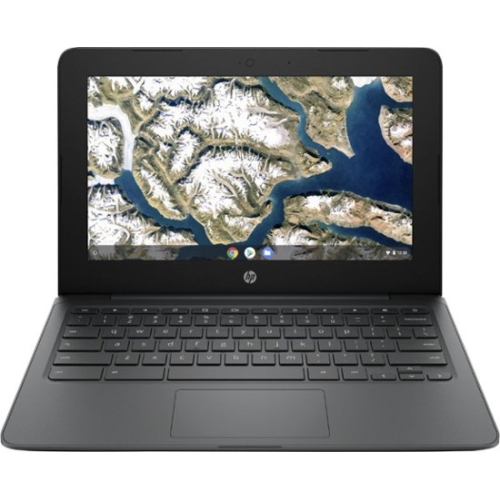 Your price for this item is $199.99
 -
 Your price for this item is $406.99
 -
 Your price for this item is $499.99
 -
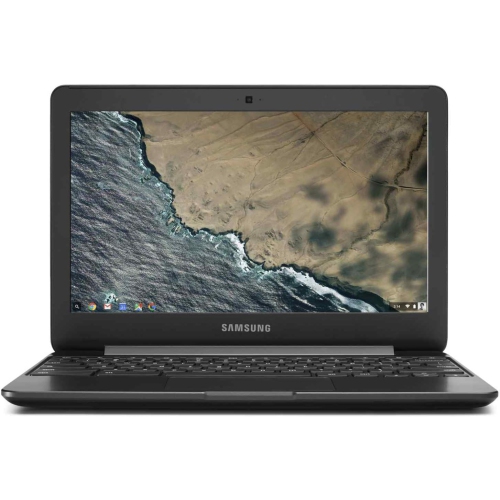 Your price for this item is $248
 -
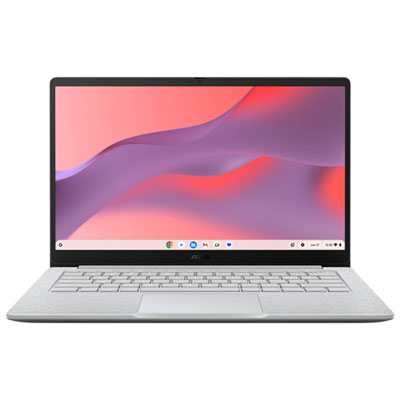 Your price for this item is $529.99
 -
 Your price for this item is $339.99
 -
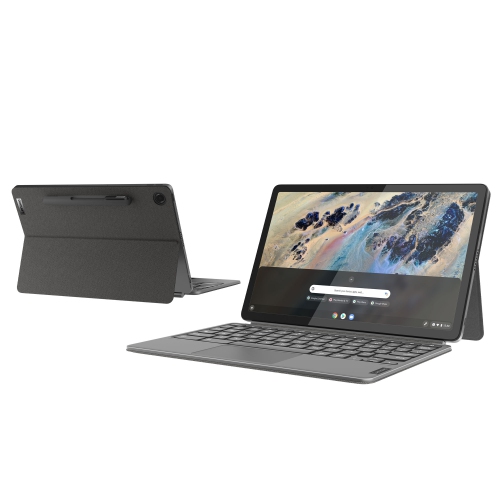 Your price for this item is $799
 -
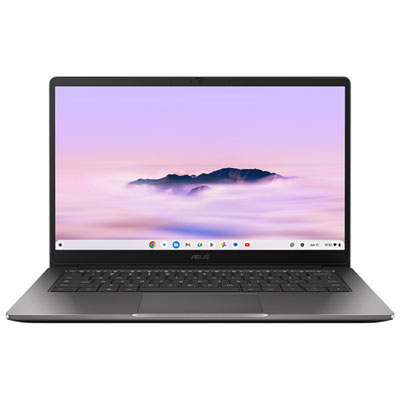 Your price for this item is $649.99
Discover more categories related to Chromebooks With 4 Gb Ram
Top Collections:
Pokemon Centers, Kindle Devices, Best Budget Office Chairs, Apple iPhones 16, Best Laptops for Writers, iPhone 15 Apple, Canon G7X Cameras, Refurbished Apple Laptops, Alarm Clock, Motorola Razr Phones
Some products may be subject to Environmental Handling Fees
(EHF) depending on your province.
Learn more about EHFs.