Chromebooks With Expandable Storage
Chromebooks With Expandable Storage offer added flexibility for users who need more room for files, apps, and media. Whether you’re a student managing assignments, a professional working on the go, or simply looking to keep your favorite entertainment within reach, these Chromebooks make it easy to adjust your storage as your needs grow. Explore a range of options designed to give you the freedom and convenience to store more without compromise.
Sort
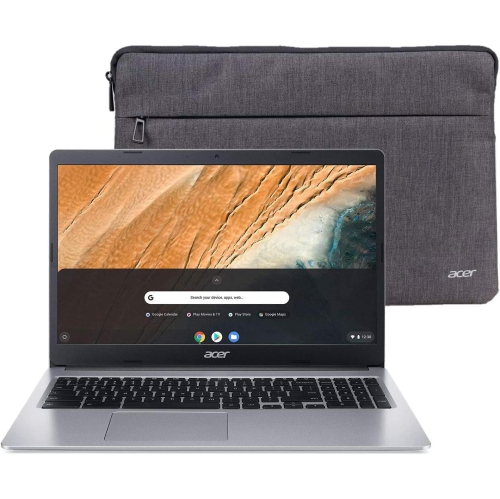
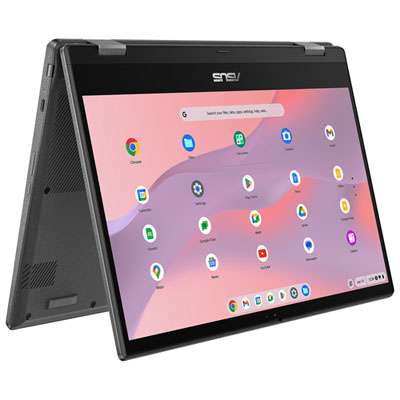
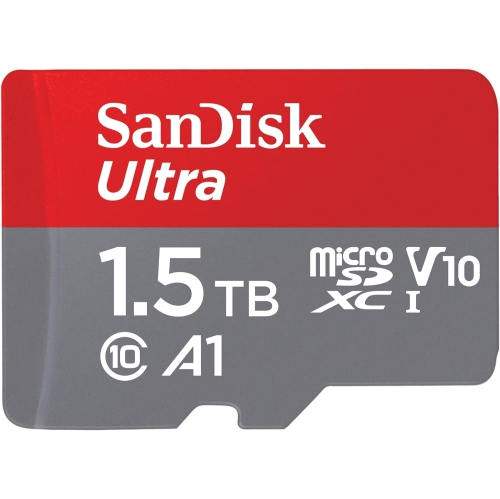
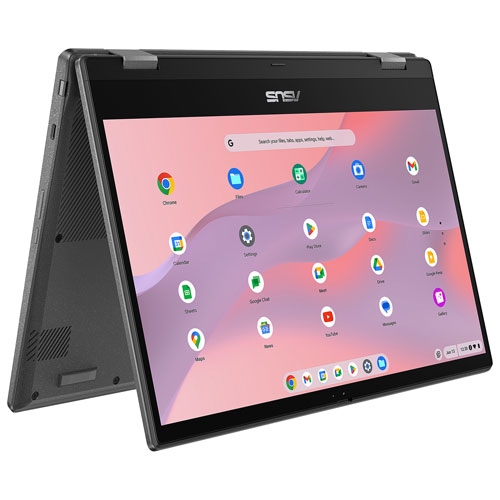
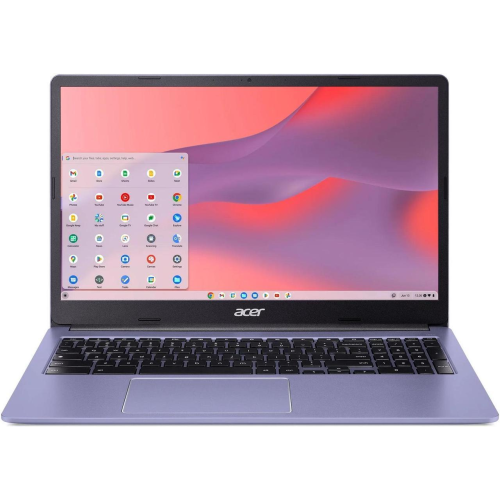
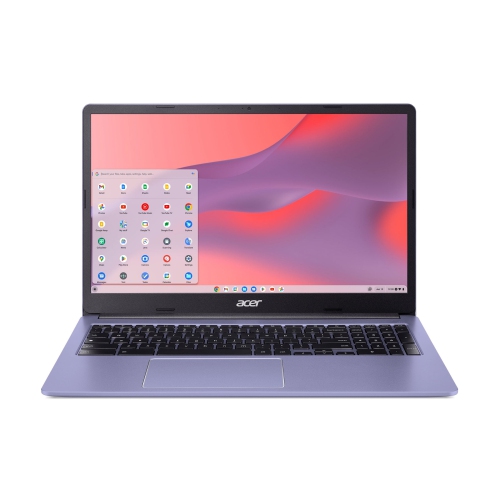
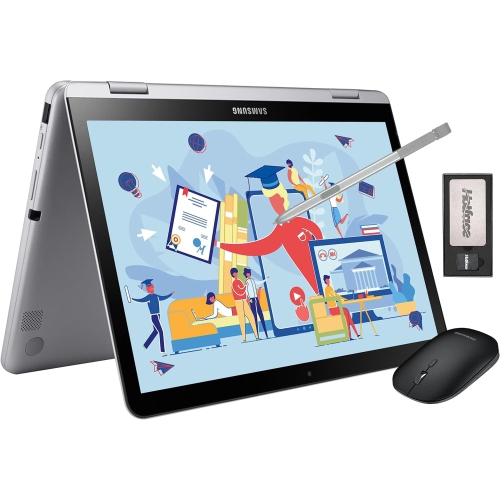
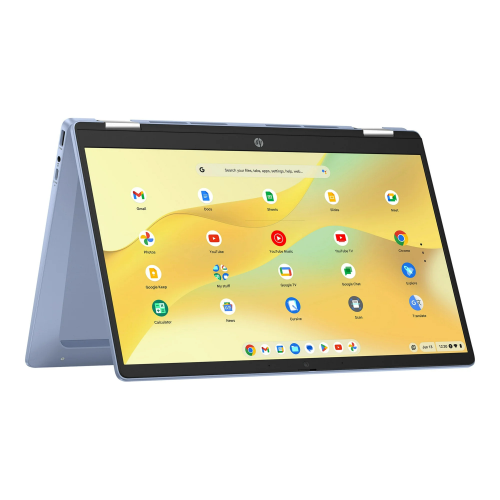
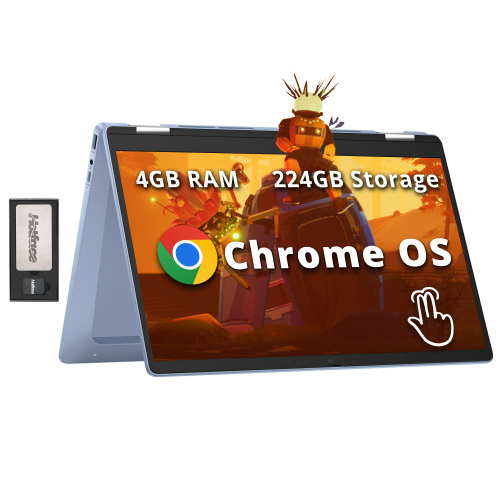
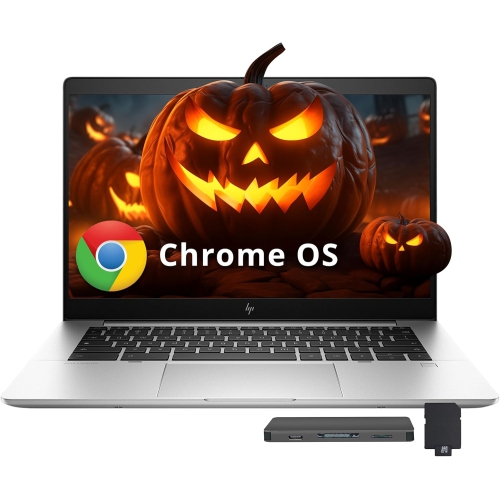
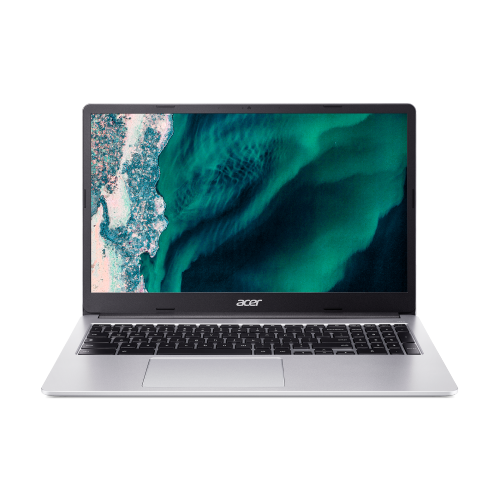
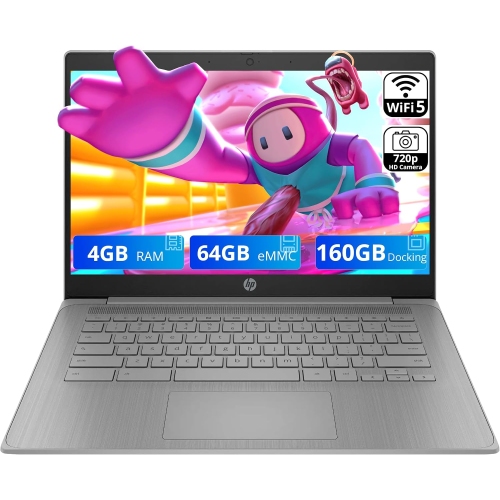
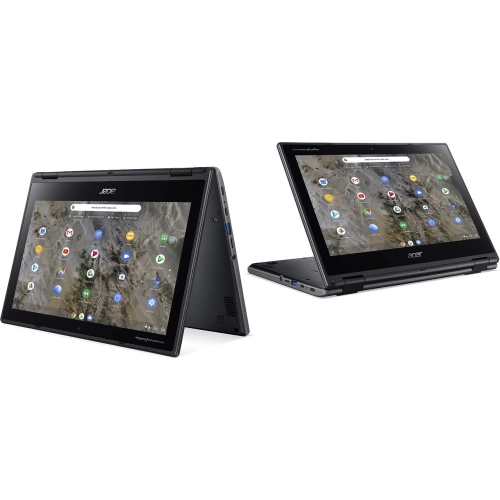
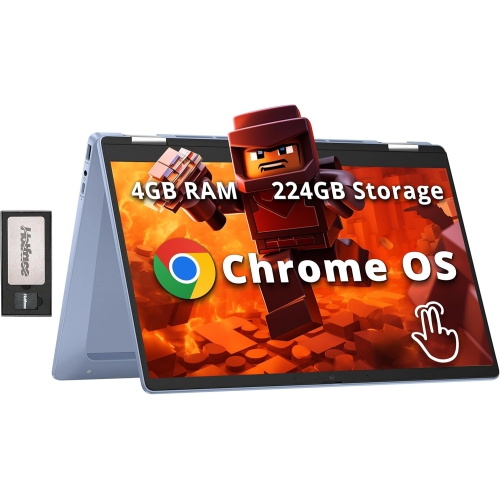
More room for files without replacing the internal drive
Chromebooks with expandable storage combine a laptop’s built-in capacity with ways to add more room for files through a compatible memory card or an external USB drive. In this context, expandable storage usually means removable storage, not an internal drive that can be replaced or upgraded. Many Chromebooks have internal storage that is not designed for user replacement, so a built-in microSD card reader, an SD card slot, or suitable USB ports can make a meaningful difference to everyday use. These connections provide space for documents, photos, music, and other supported files without requiring everything to stay on the laptop itself. A student might keep reference PDFs and completed assignments on a memory card, while someone managing family photos might use a portable drive to hold folders of full-resolution images. For travellers, locally saved files can be useful when a dependable internet connection is not part of the journey, provided the files and their associated apps support offline access. The important distinction is that extra file storage does not automatically create more space for installed apps or increase the laptop’s working memory. App installation, offline downloads within streaming services, and access to removable drives depend on the software involved. Internal storage still matters for the operating system, updates, apps, and temporary files, even when an external drive holds most personal documents. Cloud storage serves a different purpose: it can keep files accessible across devices, but it does not increase the laptop’s physical storage, and files generally need to be made available offline before use without an internet connection. A Chromebook suited to both online tasks and local file storage offers flexibility for schoolwork, household organization, and work that centres on browser-based tools. The most useful configuration depends less on the largest capacity figure alone and more on how easily files can move between the laptop, removable storage, and the apps used each day.
The type and placement of storage connections help determine how comfortable that flexibility feels in practice. A built-in microSD slot is a compact option for keeping extra file space close at hand, with no cable crossing the desk. Card fit varies, however: some slots hold a card nearly flush with the chassis, while others leave an edge exposed. That difference matters when sliding a laptop into a fitted sleeve or carrying it between classrooms. A full-size SD slot accepts a different card format, although a microSD card may work with an appropriate adapter. Supported card types and capacities should be confirmed in the laptop’s specifications rather than assumed from the presence of a slot. USB flash drives are convenient for moving a presentation, a folder of scanned paperwork, or a set of photos between compatible devices. Portable solid-state drives can provide larger capacities and faster transfers, particularly for substantial photo folders or video files, but actual speed depends on the drive, cable, and laptop port together. A USB-C connector describes the connector’s shape; it does not, by itself, establish transfer speed or every supported function. Port layout is also worth considering when a charger, mouse, and external drive need to be connected at the same time. A compatible hub can add connections, though its power needs and supported features should match the intended setup. File-system compatibility affects whether a Chromebook can read and write to a particular drive, and moving a drive between different computers can introduce additional compatibility considerations. Formatting may resolve some issues, but it erases existing contents, so important files need another copy first. Keeping folder names clear and separating active work from archived material makes removable storage easier to manage. For example, a folder for unfinished assignments on the internal drive and a separate archive of completed terms on an external drive can reduce clutter without making daily work harder to find.
Storage is only one part of how a Chromebook fits into a routine, so screen size, keyboard comfort, construction, and portability remain important alongside expansion options. A smaller laptop can suit a commuter’s bag or a student moving between rooms, while a larger display provides more space for spreadsheets, reading, and side-by-side browser windows. Display resolution, brightness, and glare handling influence how comfortable text and images are to view over longer sessions. A convertible design can be useful for touch-based activities or reading, but its hinge movement and the position of any attached storage deserve attention when changing modes. Plastic and metal chassis each vary in weight, finish, and rigidity; material alone does not establish durability. A stable hinge, a comfortable palm rest, and a keyboard layout that suits frequent typing can have more day-to-day value than a particular finish or colour. For households sharing a laptop, enough internal capacity for each person’s local needs remains helpful even when a removable drive stores larger files. Working memory is a separate consideration: RAM supports active apps and browser tabs, whereas storage holds saved data. For heavier multitasking, Chromebooks with 16GB RAM offer another specification to consider alongside the processor and storage connections, without treating extra RAM as a substitute for file space. A Chromebook can also make a practical gift for a student or family member whose activities revolve around writing, browsing, video calls, and compatible apps, provided any required school or workplace software is supported. Long-term usefulness depends partly on the model’s published software update support period, not just its physical condition. Everyday care includes keeping liquids away, following the manufacturer’s cleaning directions, and avoiding pressure on connected cards or cables. Ejecting removable storage before unplugging it helps protect files during transfers. Important documents and irreplaceable photos should have a separate backup, because a memory card or portable drive used as primary storage is not itself a backup. Together, thoughtful storage connections, comfortable hardware, and straightforward file habits make these laptops adaptable to everyday tasks.
The type and placement of storage connections help determine how comfortable that flexibility feels in practice. A built-in microSD slot is a compact option for keeping extra file space close at hand, with no cable crossing the desk. Card fit varies, however: some slots hold a card nearly flush with the chassis, while others leave an edge exposed. That difference matters when sliding a laptop into a fitted sleeve or carrying it between classrooms. A full-size SD slot accepts a different card format, although a microSD card may work with an appropriate adapter. Supported card types and capacities should be confirmed in the laptop’s specifications rather than assumed from the presence of a slot. USB flash drives are convenient for moving a presentation, a folder of scanned paperwork, or a set of photos between compatible devices. Portable solid-state drives can provide larger capacities and faster transfers, particularly for substantial photo folders or video files, but actual speed depends on the drive, cable, and laptop port together. A USB-C connector describes the connector’s shape; it does not, by itself, establish transfer speed or every supported function. Port layout is also worth considering when a charger, mouse, and external drive need to be connected at the same time. A compatible hub can add connections, though its power needs and supported features should match the intended setup. File-system compatibility affects whether a Chromebook can read and write to a particular drive, and moving a drive between different computers can introduce additional compatibility considerations. Formatting may resolve some issues, but it erases existing contents, so important files need another copy first. Keeping folder names clear and separating active work from archived material makes removable storage easier to manage. For example, a folder for unfinished assignments on the internal drive and a separate archive of completed terms on an external drive can reduce clutter without making daily work harder to find.
Storage is only one part of how a Chromebook fits into a routine, so screen size, keyboard comfort, construction, and portability remain important alongside expansion options. A smaller laptop can suit a commuter’s bag or a student moving between rooms, while a larger display provides more space for spreadsheets, reading, and side-by-side browser windows. Display resolution, brightness, and glare handling influence how comfortable text and images are to view over longer sessions. A convertible design can be useful for touch-based activities or reading, but its hinge movement and the position of any attached storage deserve attention when changing modes. Plastic and metal chassis each vary in weight, finish, and rigidity; material alone does not establish durability. A stable hinge, a comfortable palm rest, and a keyboard layout that suits frequent typing can have more day-to-day value than a particular finish or colour. For households sharing a laptop, enough internal capacity for each person’s local needs remains helpful even when a removable drive stores larger files. Working memory is a separate consideration: RAM supports active apps and browser tabs, whereas storage holds saved data. For heavier multitasking, Chromebooks with 16GB RAM offer another specification to consider alongside the processor and storage connections, without treating extra RAM as a substitute for file space. A Chromebook can also make a practical gift for a student or family member whose activities revolve around writing, browsing, video calls, and compatible apps, provided any required school or workplace software is supported. Long-term usefulness depends partly on the model’s published software update support period, not just its physical condition. Everyday care includes keeping liquids away, following the manufacturer’s cleaning directions, and avoiding pressure on connected cards or cables. Ejecting removable storage before unplugging it helps protect files during transfers. Important documents and irreplaceable photos should have a separate backup, because a memory card or portable drive used as primary storage is not itself a backup. Together, thoughtful storage connections, comfortable hardware, and straightforward file habits make these laptops adaptable to everyday tasks.
Top selling and popular products
-
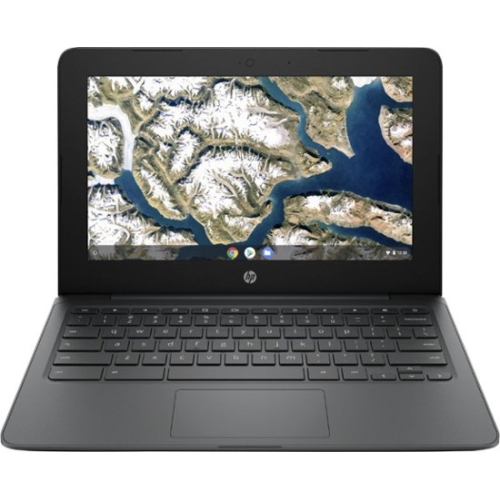 Your price for this item is $199.99
 -
 Your price for this item is $406.99
 -
 Your price for this item is $499.99
 -
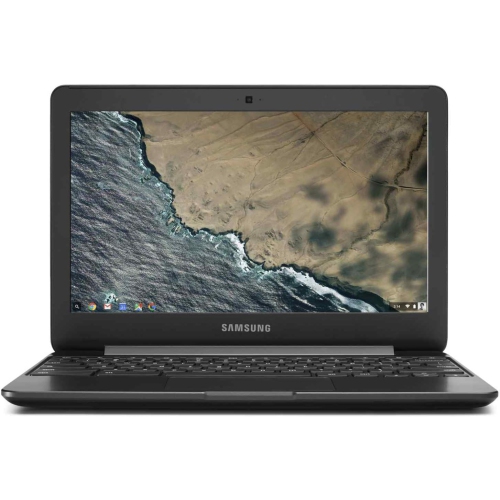 Your price for this item is $248
 -
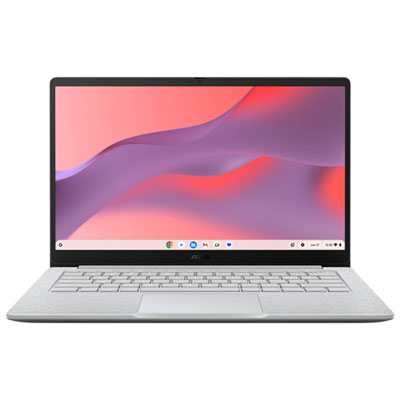 Your price for this item is $529.99
 -
 Your price for this item is $339.99
 -
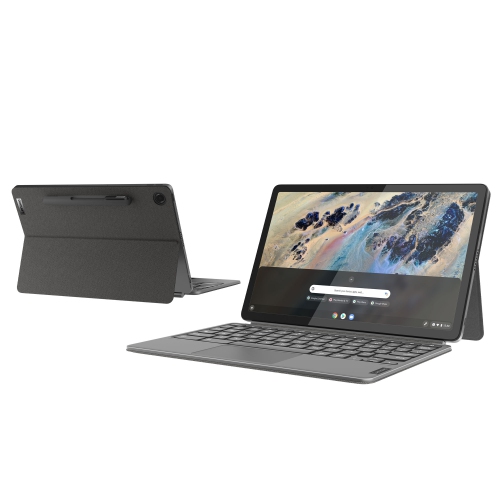 Your price for this item is $799
 -
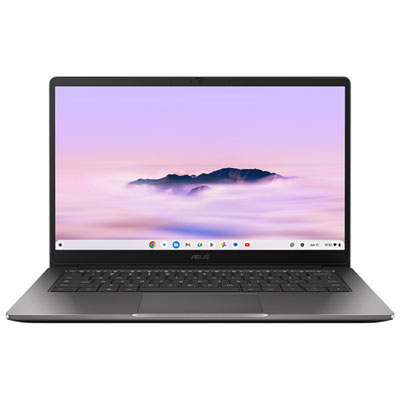 Your price for this item is $649.99
Discover more categories related to Chromebooks With Expandable Storage
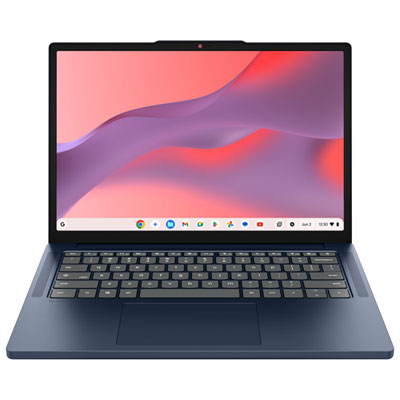
Top Collections:
Pokemon Centers, Kindle Devices, Best Budget Office Chairs, Apple iPhones 16, Best Laptops for Writers, iPhone 15 Apple, Canon G7X Cameras, Refurbished Apple Laptops, Alarm Clock, Motorola Razr Phones
Some products may be subject to Environmental Handling Fees
(EHF) depending on your province.
Learn more about EHFs.