Best Chromebook Under $600

Find the best Chromebooks under $600 for everyday browsing, studying, and streaming without stretching your budget. Ranked by user review ratings, this list highlights options that shoppers love, helping you compare affordable Chromebooks and choose one that fits your needs.

Read More

What to look for in Chromebooks under $600

1. Performance and Storage

Compare processors and RAM to find a Chromebook suited to browsing, schoolwork or multitasking. Aim for 8 GB of RAM if you regularly use several tabs or apps, and check that local storage meets your needs for downloaded files.

2. Display and Design

A Full HD display helps keep text sharp for reading and working on documents. Consider a touchscreen or a 2-in-1 design if you want to take notes, draw or switch between laptop and tablet modes.

3. Battery Life and Connectivity

Compare advertised battery life, keeping in mind that actual runtime varies with usage and settings. Check the weight, Wi-Fi capabilities and ports to make sure the Chromebook works well with your commute, accessories and external display.

4. App Compatibility and Update Support

Confirm that the apps you need work on ChromeOS, since Windows and macOS software generally cannot be installed directly. Check the model’s automatic update expiration date to understand how long it will receive automatic software and security updates.
Citrus catapult arrow
  1. 1

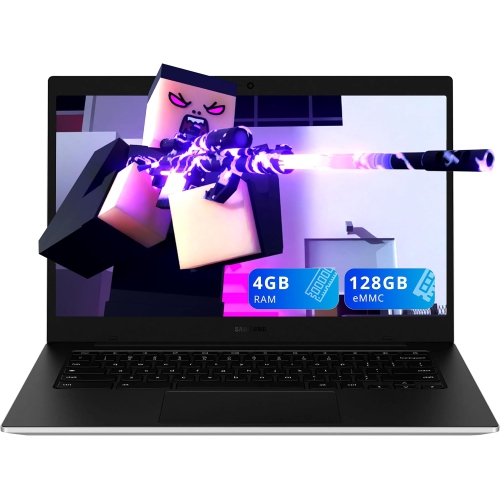
    SAMSUNG - Galaxy Chromebook Go 14" Led HD Chromebook - Intel Celeron N4500 - 4GB Lpddr4X - 128GB Emmc - Chromeos - In Silver

    About this product

    A lightweight silver laptop with Intel Celeron processor, 128GB storage, Wi-Fi 6, and Chrome OS.

    What customers like

    • Long battery life
    • Fast and reliable Wi-Fi 6 connectivity
    • Vibrant and bright display
    • Smooth multitasking performance
    • Lightweight and portable
    (4,254)
    $299.99
    SAVE $120
    Your price for this item is $299.99
  2. 2

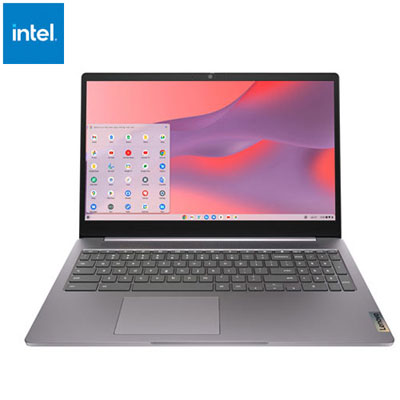
    Open Box - Lenovo IdeaPad 3i 15.6" Chromebook - Intel Celeron N4500 - 4GB RAM - 64GB eMMC - Chrome OS - Arctic Grey

    About this product

    An Arctic Grey Chromebook featuring an Intel Celeron processor, 4GB RAM, 64GB storage, and immersive display.

    (6)
    $319.99 Your price for this item is $319.99
  3. 3

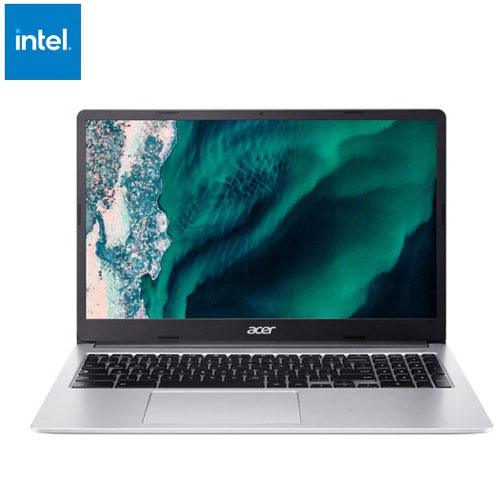
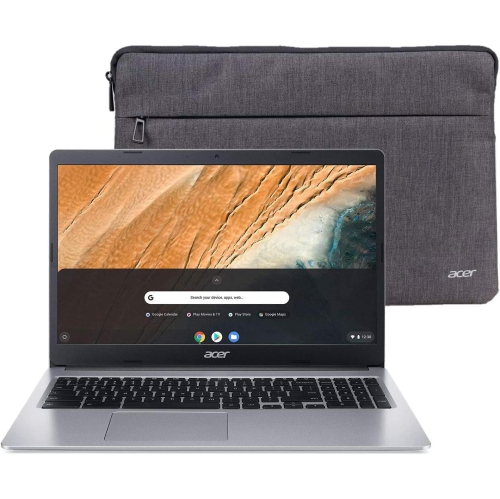
    ACER - 15.6" Chromebook - Intel Celeron N4500 - 8GB Ddr4 - 128GB Storage - Chromeos - In Silver

    About this product

    A sleek silver Chromebook featuring an Intel Celeron processor, 8GB RAM, 128GB storage, and Wi-Fi 6 connectivity.

    (4)
    $359.95
    SAVE $70
    Your price for this item is $359.95
  4. 4

    ASUS Chromebook C403 14" HD - Intel Celeron N3350 - 4GB Ram - 32GB Flash - Chrome Os - Dark In Gray

    About this product

    A durable gray Chromebook featuring a 14" HD display, Intel Celeron processor, 4GB RAM, and 32GB storage.

    (3)
    $399.88
    SAVE $300
    Your price for this item is $399.88
  5. 5

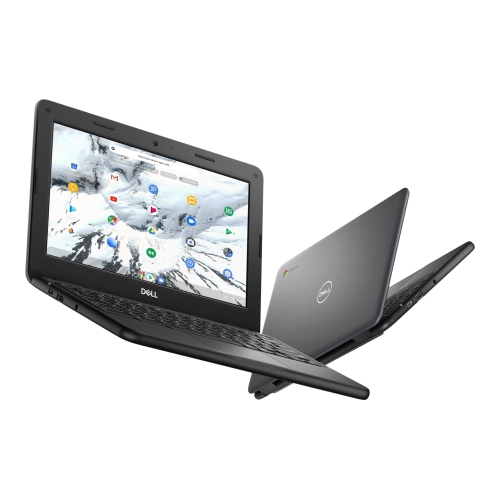
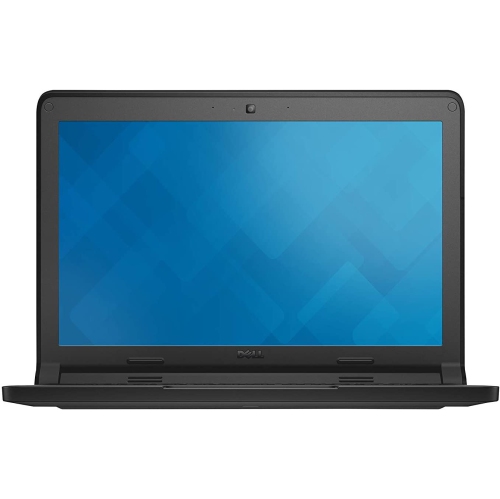
    DELL Refurbished (Good) - Chromebook 3100 - Intel Celeron N4020 - 4GB - 16GB Emmc - Chromeos - In Grey

    About this product

    A refurbished Chromebook with Intel N4020 processor, 4GB RAM, 16GB storage, and Chrome OS.

    (2)
    $249.99
    SAVE $50
    Your price for this item is $249.99
  6. 6

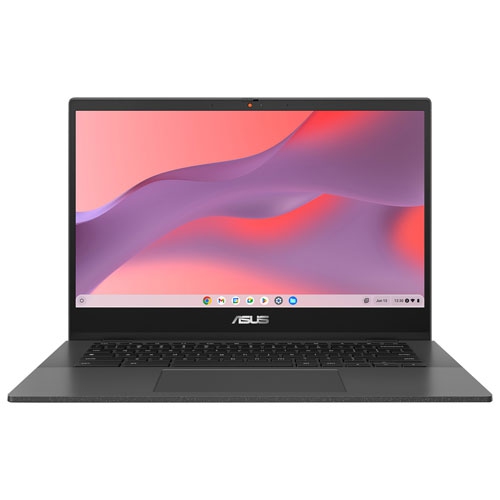
    ASUS - Cm14 14" Chromebook - Gravity (Mediatek Kompanio 520/64GB Emmc/4GB Ram/chrome Os) In Grey

    About this product

    A sleek grey Chromebook with MediaTek Kompanio 520, 4GB RAM, 64GB eMMC, and Chrome OS.

    (2)
    $299.99
    SAVE $100
    Your price for this item is $299.99
  7. 7

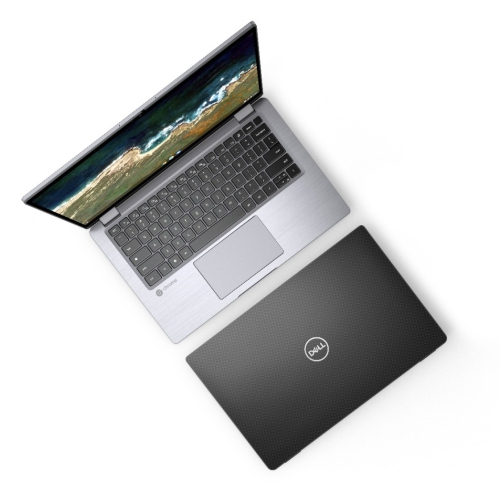
    DELL Refurbished(Good) - Latitude 7410 Chromebook - Intel Core I5-10310U - 16GB Ram - 256GB SSD - Chrome Os

    About this product

    A refurbished Chromebook featuring a Core i5 processor, 16GB RAM, 256GB SSD, and Chrome OS.

    (1)
    $343.00 Your price for this item is $343
  8. 8

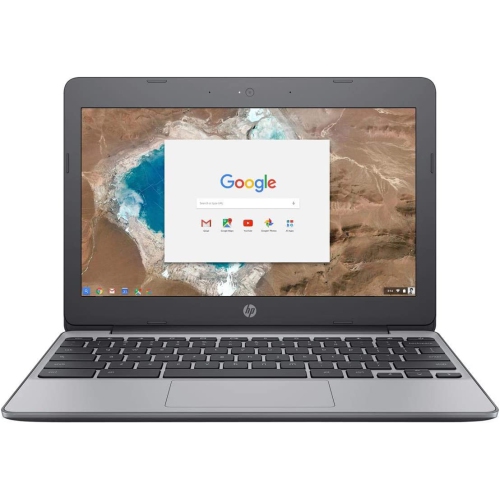
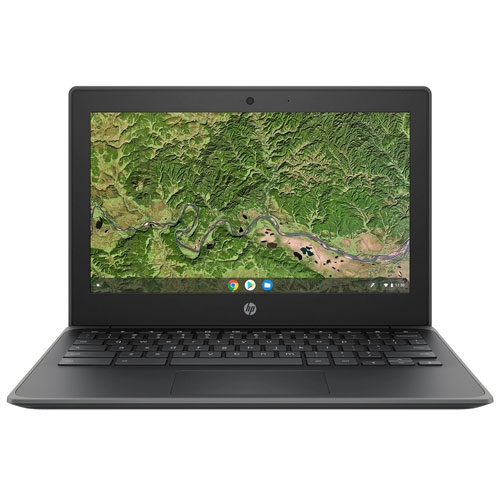
    HP Refurbished (Good) - Chromebook 11 - Intel Celeron N3050 - 4GB Lpddr3 - 16GB Emmc - Chrome Os - Charcol In Grey

    About this product

    A refurbished laptop featuring a Celeron N3050 processor, 4GB RAM, and 16GB eMMC storage.

    (1)
    $135.00 Your price for this item is $135
  9. 9

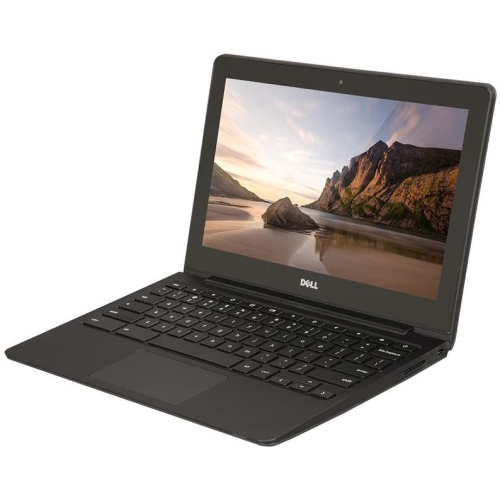
    DELL Refurbished (Good) - Chromebook 11 11.6" Student Chromebook - Intel Celeron 2955U - 4GB Ram - 16GB Emmc - Chrome Os - In Black

    About this product

    A durable 11.6" Chromebook with Intel Celeron processor, 16GB SSD, 4GB RAM, and built-in webcam.

    (1)
    $299.00 Your price for this item is $299
  10. 10

    DELL Refurbished (Good) - Chromebook 11 11.6" Student Chromebook - Intel N2840 - 2GB Ddr3L - 16GB SSD - Chromeos - In Blue

    About this product

    A refurbished Chromebook with an 11.6" display, Intel N2840 processor, 2GB DDR3L RAM, and Chrome OS.

    (1)
    $142.00 Your price for this item is $142

What makes a Chromebook fit your daily routine

The best Chromebooks for everyday use balance responsive performance, a comfortable keyboard, a clear screen, and battery life that suits the way they will be used. These laptops are especially well suited to browser-based tasks such as writing assignments, managing email, joining video calls, streaming films, and keeping household documents organized. Their appeal lies in a straightforward approach to computing: much of the work happens through websites and connected apps, with files often saved online so they can be opened from another compatible device. A student can move from classroom notes to a shared presentation, while someone at home can switch between a recipe, a spreadsheet, and a call with family without needing a complicated setup. For these routines, memory matters as much as processor specifications. A configuration with 8GB of RAM generally provides more breathing room for multiple tabs, documents, and video meetings than one with 4GB, although actual performance also depends on the processor and the demands of each app. Local storage holds downloads, offline files, and installed apps; online storage serves a different purpose and may require an internet connection or a separate subscription. Someone who mainly writes and browses may need less local space than someone who saves lecture recordings or keeps a collection of videos for travel. Chromebooks are not interchangeable with every other type of laptop, particularly when a course or workplace requires desktop-only software. Compatibility with essential applications, exam platforms, printers, and workplace sign-in systems is an important part of finding the right fit. Many everyday tasks work smoothly in a browser, and certain apps and documents can be used offline when set up in advance. That makes a Chromebook useful beyond the kitchen table, whether it is being opened on a train, carried between classes, or used in a quiet corner where Wi-Fi is not always reliable.

The physical design shapes how comfortable a Chromebook feels after an hour of typing or an afternoon of reading. A compact model with an 11-inch or 12-inch screen slips more easily into a small backpack and leaves room for a notebook on a narrow desk. A 14-inch display offers a middle ground for carrying and working, while a 15-inch or larger screen gives spreadsheets, split-screen documents, and video lessons more room. Screen resolution is only part of the picture: brightness, glare handling, and viewing angles affect how readable text remains beside a window or under overhead lighting. Full HD resolution can make small text and interface details easier to distinguish than on a lower-resolution panel of a similar size. Touchscreens offer a direct way to scroll, enlarge a diagram, or interact with supported apps, but they are not essential for someone who mostly types. A convertible hinge allows compatible designs to fold into different positions for watching, presenting, or writing on the screen; pen support varies, and a compatible stylus may be sold separately. Traditional laptop designs keep the focus on keyboard-and-trackpad work. Key spacing, trackpad size, and palm-rest depth all influence comfort, especially for longer assignments. A backlit keyboard can help in a dim room, while a well-positioned webcam and clear microphone are useful for remote lessons and meetings. Port selection deserves the same attention as screen size. USB-C charging can simplify a desk setup, but support for external displays and other functions differs between ports and models. USB-A connections, a headphone jack, a memory card slot, or a separate display output may reduce the need for adapters. Wireless performance also depends on the home network, not just the laptop. For a shared study space, the most practical design is often the one that connects easily to an existing monitor, headset, and mouse while leaving enough room to work comfortably.

Durability and care matter for a laptop that travels in a bag or moves from a desk to a sofa several times a day. Plastic casings can keep a Chromebook light and easy to carry, while aluminum panels may provide a firmer feel; neither material alone guarantees resistance to drops or spills. Hinge construction, the fit of the lid, and protection around the edges also contribute to how well a device handles daily use. A padded sleeve helps prevent scratches from chargers and keys, and carrying the laptop with the lid closed reduces strain on the screen. For cleaning, a soft, lint-free cloth and the manufacturer’s care directions are safer than spraying liquid directly onto the display or keyboard. Keeping vents clear, where present, and placing the laptop on a firm surface helps it shed heat during longer sessions. Battery claims are useful reference points rather than promises for every routine: screen brightness, video calls, wireless activity, and connected accessories all affect time between charges. Charging arrangements are worth considering for a student with a full day away from an outlet or a family sharing a device between rooms. Software support is another part of long-term usefulness. Automatic updates help maintain security and functionality, but support has a defined end date that varies by model; that date is more informative than the purchase date alone. A Chromebook can make a thoughtful gift for a student, a family member who prefers straightforward browsing, or someone who wants a separate laptop for personal tasks, provided their required software and accessibility needs are a match. Adjustable text size, keyboard shortcuts, and supported assistive features can make everyday use more comfortable. For lighter browsing and document work, the Chromebook Under $400 collection offers another way to explore the category. Across different designs, the strongest fit comes from matching the laptop to the person’s actual routine: enough memory for open tabs, a screen that is comfortable to read, connections for familiar accessories, and a size that feels manageable wherever the day takes it.
Read More

FAQ

Some products may be subject to Environmental Handling Fees (EHF) depending on your province. Learn more about EHFs.