Best Chromebook Under $300
Find the best Chromebooks under $300 for everyday tasks, from browsing and streaming to schoolwork and staying connected. Ranked by user review ratings, this selection makes it easy to compare budget-friendly options and find a Chromebook that fits your needs without stretching your budget.
What to look for in Chromebooks under $300
1. Everyday Performance
2. Display and Portability
3. Storage and Connectivity
4. Update Support and Condition
-
1
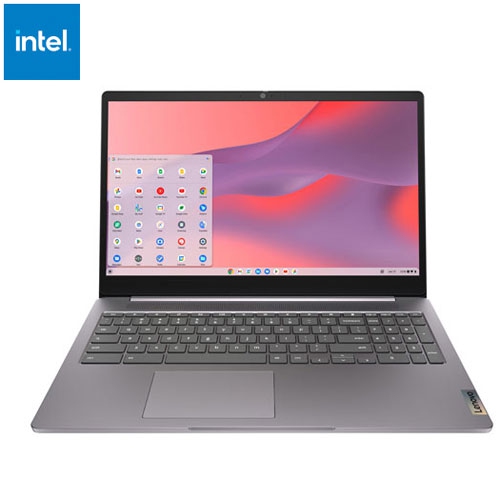
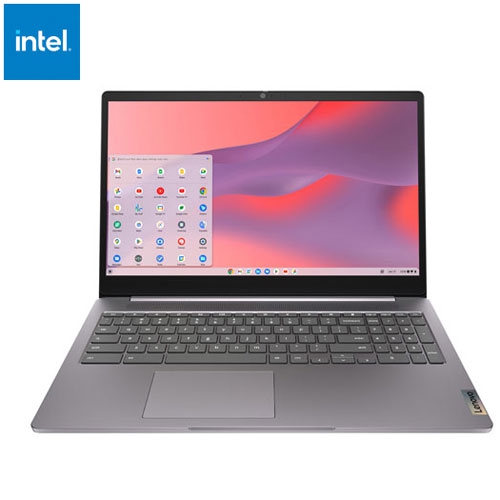
LENOVO Refurbished (Excellent) - Ideapad 3I 15.6" Chromebook - Intel Celeron N4500 - 4GB Lpddr4X - 64GB Emmc - Chromeos - Arctic In Grey
About this product
A refurbished grey laptop featuring an Intel Celeron processor, 4GB RAM, 64GB storage, and Chrome OS.
(2)$284.95Your price for this item is $284.95SAVE $115 -
2
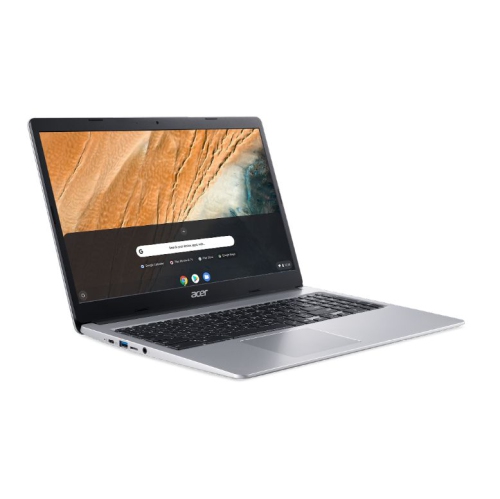
ACER Refurbished (Excellent) - Chromebook 315 Cb315-3H-C3Uc 15.6" HD Display Intel Celeron N4020 1.1Ghz Intel Uhd 600 Graphics 4GB Ram 64GB Emmc
About this product
A refurbished Acer Chromebook with a 15.6" HD display, Intel Celeron N4020 processor, and 4GB RAM.
(1)$250.00Your price for this item is $250SAVE $49 -
3
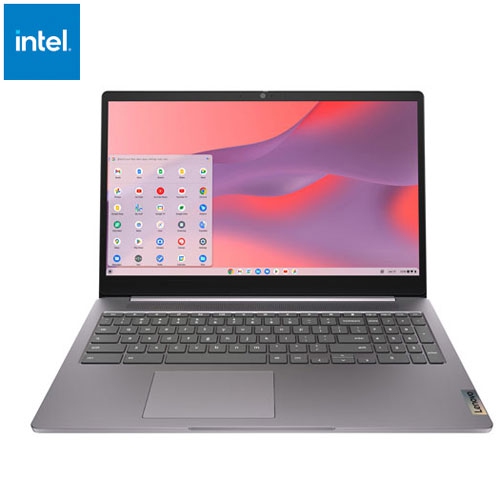
LENOVO Refurbished (Fair) - Ideapad 3I 15.6" Chromebook - Intel Celeron N4500 - 4GB Ram - 64GB Emmc - Chromeos - Arctic In Grey
About this product
A refurbished grey laptop featuring an Intel Celeron processor, 4GB RAM, 64GB storage, and Chrome OS.
$254.95Your price for this item is $254.95SAVE $145 -
4
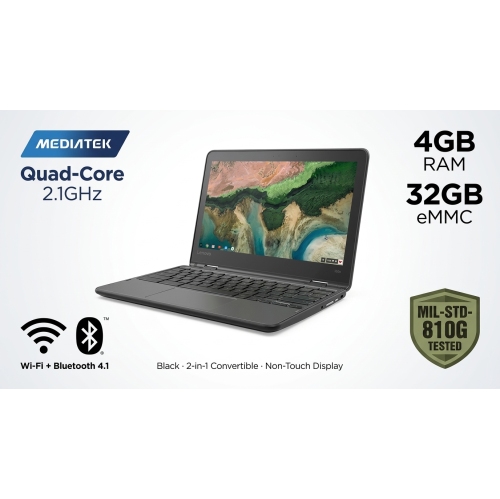
LENOVO 300E Chromebook 2-In-1, 11.6" HD Non-Touch Display, Quad-Core Mediatek Mt8173C 2.1Ghz, 4GB Ram, 32GB Emmc ( Refurbished Good) In Black
About this product
A black refurbished 2-in-1 Chromebook with quad-core processing, 4GB RAM, 32GB eMMC storage, and spill-resistant keyboard.
$143.00Your price for this item is $143SAVE $156 -
5
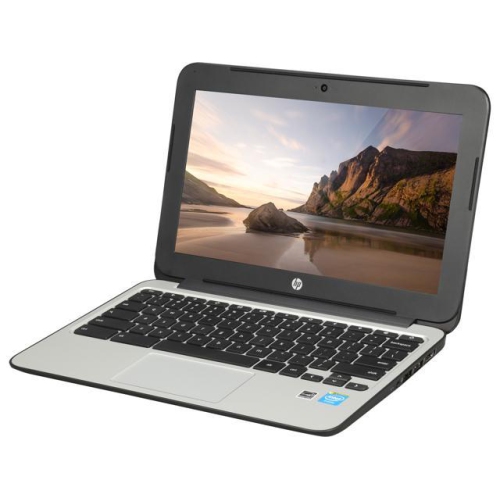
HP Refurbished (Good) - Chromebook 11 G3 11.6" - Intel Celeron Dual Core 2.16Ghz - 2GB Ddr3L - 16GB SSD - Chrome Os - In Black
About this product
A refurbished Chromebook with Intel Celeron dual-core processor, 16GB SSD, and Chrome OS for everyday tasks.
$249.00 Your price for this item is $249 -
6
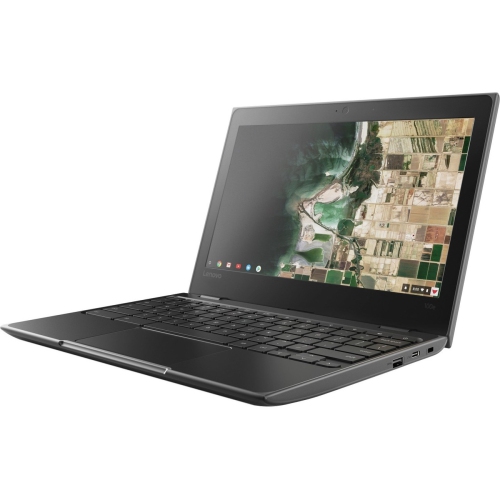
LENOVO Refurbished (Good) - Chromebook 100E 11.6" HD Student Chromebook - Celeron N3450 - 4GB Ram - 32GB Emmc - Chrome Os - In Black
About this product
A lightweight black Chromebook with Celeron N3450, 4GB RAM, 32GB eMMC, and Chrome OS.
$250.00 Your price for this item is $250 -
7
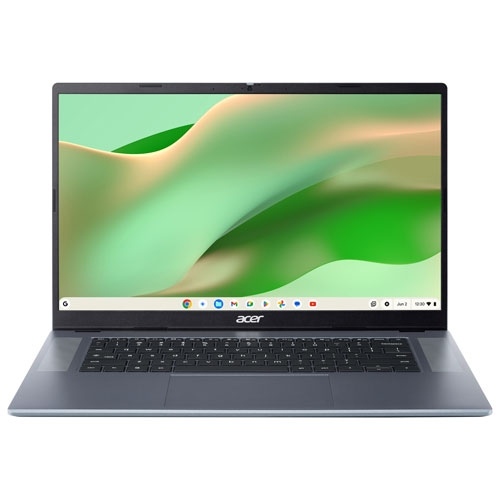
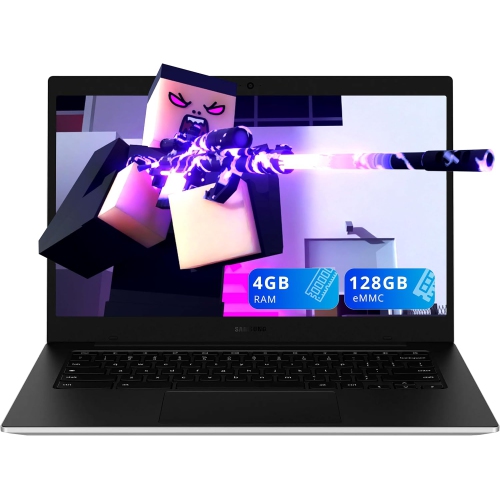
ACER - Cb315 15.6" Chromebook Laptop - (Mediatek Kompanio 540/8GB Ram/128GB Emmc/chrome Os) In Silver
About this product
A sleek silver laptop with a 15.6" Full HD display, MediaTek processor, 8GB RAM, and 128GB storage.
$299.95Your price for this item is $299.95SAVE $50 -
8
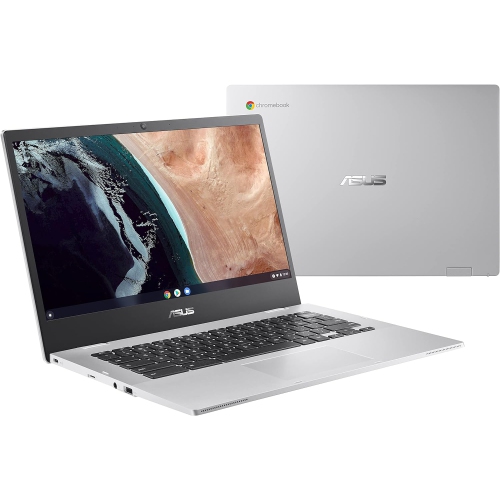
ASUS Refurbished (Good) - 14" HD Chromebook Cx1400Cka-Ss01-Cb Intel Celeron N4500 64 GB Emmc 4 GB Ram Chrome Os - In Silver
About this product
A lightweight silver Chromebook with Intel Celeron N4500, 64GB eMMC storage, 4GB RAM, and Chrome OS.
$174.98Your price for this item is $174.98SAVE $75
FAQ
Chromebooks run ChromeOS, Google’s operating system. It centres on the Chrome browser and supports web-based apps, file management and automatic software updates during the device’s supported update period.
A Google Account lets you set up a personal profile and access services such as Gmail, Google Drive and synced bookmarks. Guest mode allows browsing without signing in on Chromebooks where that option is enabled.
Chromebooks support web apps, and compatible models also support Android apps through the Google Play Store. Some models offer Linux app support. Traditional Windows and macOS desktop programs do not install directly on ChromeOS, so check whether your preferred software has a web or Chromebook-compatible version.
Chromebooks offer local storage and integrate with Google Drive for cloud storage. The Files app lets you manage downloads, cloud files and supported external storage devices. Files stored only in the cloud generally require an internet connection unless you make them available offline.
Chromebooks typically include Wi-Fi and Bluetooth, while physical connections vary by model. Options may include USB-C, USB-A, a headphone jack or a memory card slot. External display support depends on the available ports and their supported features.
Top selling and popular products
Discover more categories related to Best Chromebook Under $300
Some products may be subject to Environmental Handling Fees (EHF) depending on your province. Learn more about EHFs.