Chromebook Under $400
Chromebooks are a popular choice for students, but they're also a good choice for anyone who wants a low-cost, lightweight laptop that runs on the Chrome operating system. Here are some of the best Chromebooks under $400 available today.
Sort


What to consider for everyday ChromeOS computing
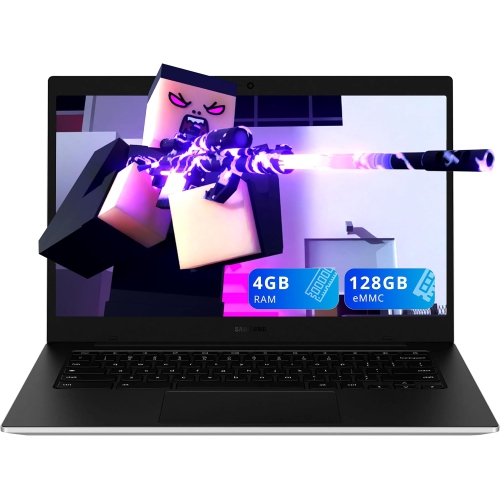
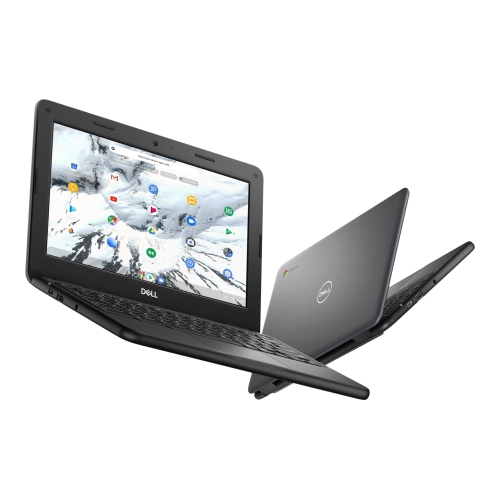
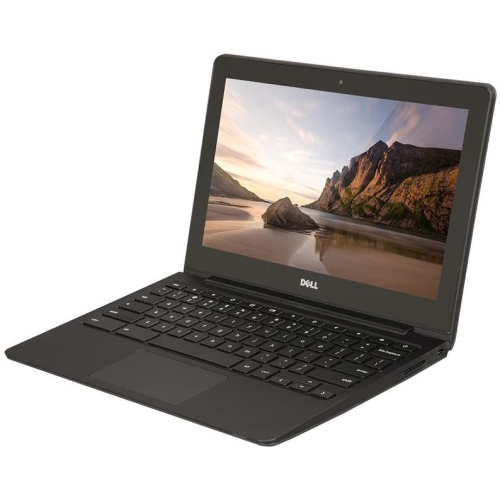
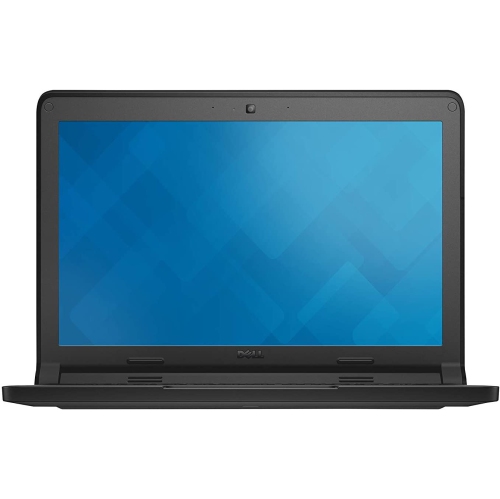
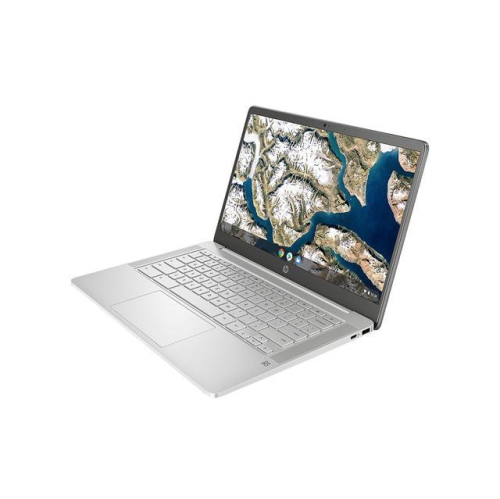
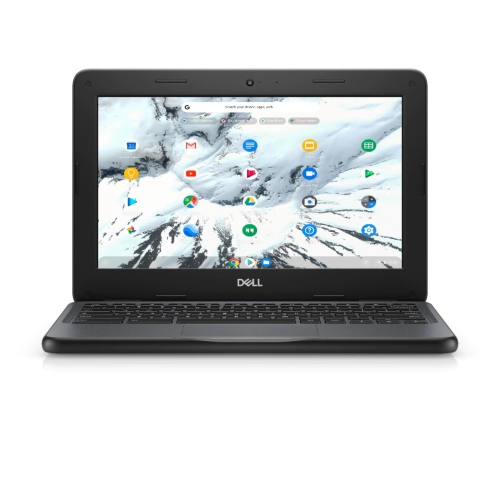
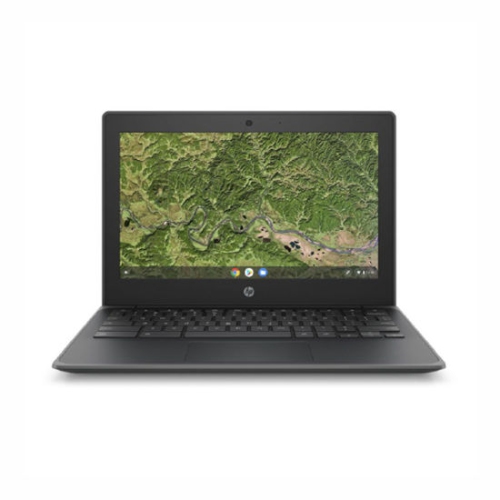
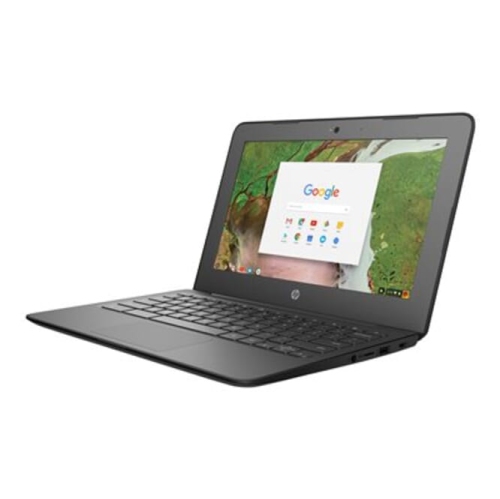
Chromebooks under $400 are practical, approachable laptops for everyday tasks, with ChromeOS designed around speed, simplicity and web-based computing. They are well suited to browsing the internet, checking email, attending video calls, watching streaming content, managing household schedules and working in online documents, spreadsheets and presentations. Because ChromeOS starts quickly and receives automatic updates, it can feel refreshingly straightforward for someone who wants to open the lid and get on with a task without managing a complicated desktop environment. A Chromebook can be a particularly useful choice for students who need a dependable computer for research, assignments and virtual classes, or for families looking for an affordable second computer for the kitchen, living room or home office. It can also make a thoughtful gift for a graduate, a first-time computer owner or a relative who mainly uses the internet to stay connected. When choosing from this price range, begin by considering how the Chromebook will be used. Light browsing, email and word processing can work comfortably on an entry-level configuration, while frequent multitasking benefits from a more capable processor and 8GB of RAM. If you expect to keep numerous browser tabs open, move between online lessons and documents, or stream music while working, 8GB of RAM can help the experience feel smoother. Models with 4GB of RAM may still be suitable for basic activities, especially when only a few tabs are open at a time. It is also worth checking the screen size and resolution. A 14-inch display offers a useful balance between workspace and portability, while a smaller screen can be easier to carry between classrooms, rooms at home or a coffee shop. A Full HD resolution of 1920 x 1080 can make text, menus and images appear sharper, which is helpful when reading for long periods. Touchscreen models add a more natural way to scroll, zoom and interact with compatible apps, whereas a standard display may be the better fit for someone who prefers traditional keyboard-and-trackpad controls.
Storage is another important consideration, although Chromebooks approach it differently from many Windows laptops. Many models under $400 include 64GB or 128GB of eMMC storage, which is generally intended for ChromeOS, installed apps and files saved locally when needed. Web-based services and cloud storage can hold documents, photos and schoolwork, helping keep local storage available for downloads and offline access. Before purchasing, review the storage habits of the intended user. Someone who mainly streams video, works in online documents and stores photos elsewhere may be comfortable with 64GB, while a user who downloads music, saves large files or wants more room for offline work may appreciate 128GB. A microSD card slot can provide an additional option on compatible models. Battery life can make a noticeable difference during a full day of classes, travel or moving around the house, but actual results vary according to display brightness, connected accessories, video calls and the applications in use. A lightweight design, comfortable keyboard and responsive trackpad may matter just as much as technical specifications, particularly for students who type regularly or anyone who carries a Chromebook in a backpack. Check the available ports as well, including USB-A, USB-C, a headphone jack and, where relevant, a microSD card reader. USB-C charging can be convenient when other household devices use the same connection, while a traditional USB-A port can simplify the use of older flash drives, mice and other accessories. Wireless connectivity is also worth noting for video calls and streaming, especially if the Chromebook will be used in different parts of the home. For shoppers comparing options across several price points, the Best Chromebook Under $300 selection can provide additional context when a lower purchase price is the main priority.
A Chromebook under $400 can serve different roles throughout the year. During the warmer months, its compact format makes it convenient for planning trips, checking maps, organizing reservations and staying in touch while away from a desktop computer. As routines become busier during the cooler months, it can support homework at the dining table, recipe searches in the kitchen, remote work from a quiet corner or video calls with friends and family. Students may use one for typing essays, collaborating on group projects and keeping course materials organized in separate browser tabs. Remote workers and small-business owners can use web-based office tools, email platforms, calendars and video-conferencing services, provided the software they rely on is compatible with ChromeOS. For entertainment, a clear screen and built-in speakers can make a Chromebook comfortable for streaming shows, following online tutorials or listening to music, although users who want a large home-theatre experience may prefer connecting to an external display or speaker. Parents may value the straightforward interface for schoolwork and supervised browsing, while older users may appreciate large, readable text, a simple login process and an uncluttered layout. It is still important to confirm compatibility before buying: specialized desktop software, certain games and some professional creative applications may require Windows, macOS or another operating system. Check whether the preferred printer, scanner, monitor or accessories work with ChromeOS, and consider whether the user needs offline access when travelling or when an internet connection is unavailable. Setting up a Google account, enabling automatic updates and using a protective case can help make the transition easy, especially for a first-time Chromebook owner. The best choice in this category balances the essentials—reliable everyday performance, a comfortable display, suitable memory, convenient storage and a keyboard that feels good to use—with the habits of the person who will spend time on it. Whether it is placed beside a stack of school books, carried between meetings or kept on the coffee table for quick searches and streaming, a well-chosen Chromebook under $400 can provide a capable and uncomplicated way to handle everyday computing.
Storage is another important consideration, although Chromebooks approach it differently from many Windows laptops. Many models under $400 include 64GB or 128GB of eMMC storage, which is generally intended for ChromeOS, installed apps and files saved locally when needed. Web-based services and cloud storage can hold documents, photos and schoolwork, helping keep local storage available for downloads and offline access. Before purchasing, review the storage habits of the intended user. Someone who mainly streams video, works in online documents and stores photos elsewhere may be comfortable with 64GB, while a user who downloads music, saves large files or wants more room for offline work may appreciate 128GB. A microSD card slot can provide an additional option on compatible models. Battery life can make a noticeable difference during a full day of classes, travel or moving around the house, but actual results vary according to display brightness, connected accessories, video calls and the applications in use. A lightweight design, comfortable keyboard and responsive trackpad may matter just as much as technical specifications, particularly for students who type regularly or anyone who carries a Chromebook in a backpack. Check the available ports as well, including USB-A, USB-C, a headphone jack and, where relevant, a microSD card reader. USB-C charging can be convenient when other household devices use the same connection, while a traditional USB-A port can simplify the use of older flash drives, mice and other accessories. Wireless connectivity is also worth noting for video calls and streaming, especially if the Chromebook will be used in different parts of the home. For shoppers comparing options across several price points, the Best Chromebook Under $300 selection can provide additional context when a lower purchase price is the main priority.
A Chromebook under $400 can serve different roles throughout the year. During the warmer months, its compact format makes it convenient for planning trips, checking maps, organizing reservations and staying in touch while away from a desktop computer. As routines become busier during the cooler months, it can support homework at the dining table, recipe searches in the kitchen, remote work from a quiet corner or video calls with friends and family. Students may use one for typing essays, collaborating on group projects and keeping course materials organized in separate browser tabs. Remote workers and small-business owners can use web-based office tools, email platforms, calendars and video-conferencing services, provided the software they rely on is compatible with ChromeOS. For entertainment, a clear screen and built-in speakers can make a Chromebook comfortable for streaming shows, following online tutorials or listening to music, although users who want a large home-theatre experience may prefer connecting to an external display or speaker. Parents may value the straightforward interface for schoolwork and supervised browsing, while older users may appreciate large, readable text, a simple login process and an uncluttered layout. It is still important to confirm compatibility before buying: specialized desktop software, certain games and some professional creative applications may require Windows, macOS or another operating system. Check whether the preferred printer, scanner, monitor or accessories work with ChromeOS, and consider whether the user needs offline access when travelling or when an internet connection is unavailable. Setting up a Google account, enabling automatic updates and using a protective case can help make the transition easy, especially for a first-time Chromebook owner. The best choice in this category balances the essentials—reliable everyday performance, a comfortable display, suitable memory, convenient storage and a keyboard that feels good to use—with the habits of the person who will spend time on it. Whether it is placed beside a stack of school books, carried between meetings or kept on the coffee table for quick searches and streaming, a well-chosen Chromebook under $400 can provide a capable and uncomplicated way to handle everyday computing.
Top selling and popular products
-
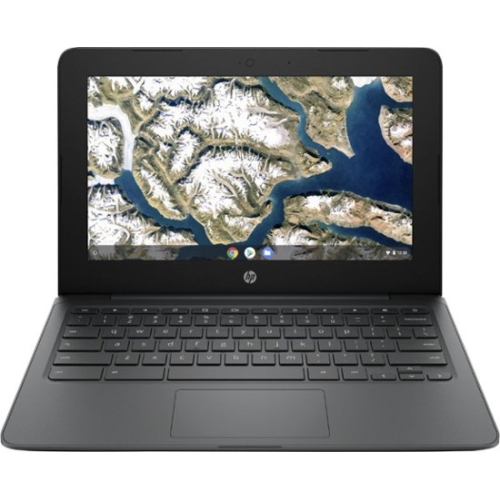 Your price for this item is $199.99
 -
 Your price for this item is $406.99
 -
 Your price for this item is $499.99
 -
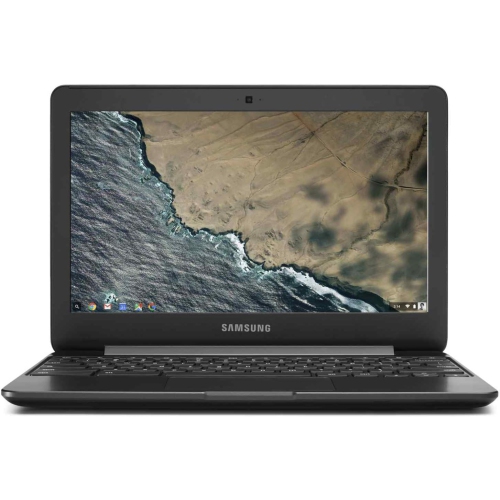 Your price for this item is $248
 -
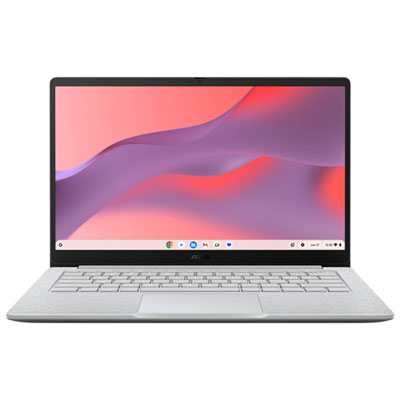 Your price for this item is $529.99
 -
 Your price for this item is $339.99
 -
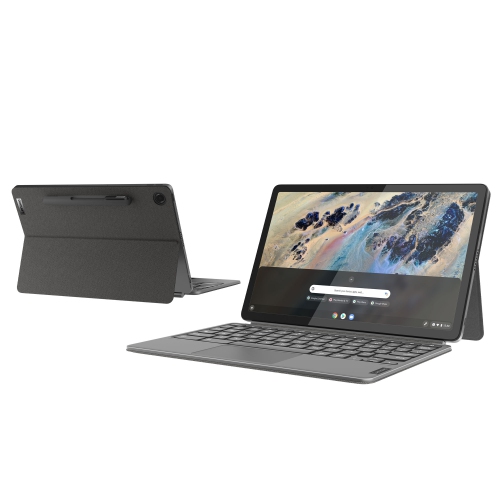 Your price for this item is $799
 -
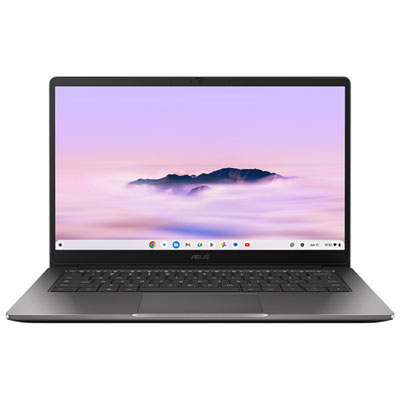 Your price for this item is $649.99
Discover more categories related to Chromebook Under $400
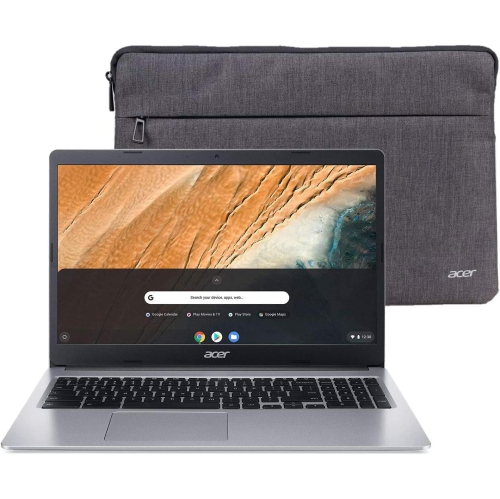
Top Collections:
Pokemon Centers, Kindle Devices, Best Budget Office Chairs, Apple iPhones 16, Best Laptops for Writers, iPhone 15 Apple, Canon G7X Cameras, Refurbished Apple Laptops, Alarm Clock, Motorola Razr Phones
Some products may be subject to Environmental Handling Fees
(EHF) depending on your province.
Learn more about EHFs.