Chromebook With Best Battery Life
Stay productive and entertained for longer with Chromebooks built for long battery life. Whether you’re taking notes in class, working on the go, or streaming your favourite shows, more time between charges helps you stay focused on what matters. Explore the selection below, ranked by user review ratings, to find a Chromebook with the battery life and everyday features that suit your needs.
What to look for in Chromebooks with the best battery life
1. Battery Life in Everyday Use
2. Processor and Memory
3. Display Size and Settings
4. Charging and Portability
-
1
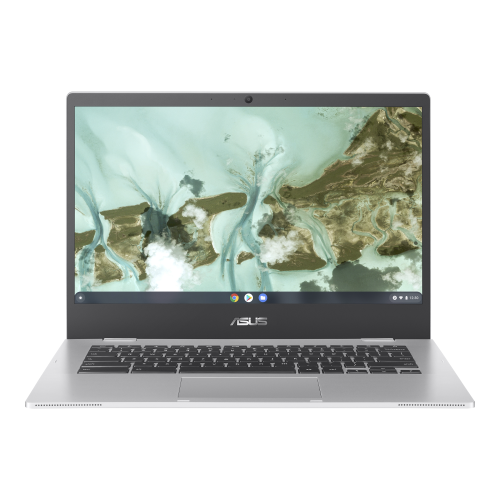
ASUS Chromebook Cx1 14" Fhd - Intel Celeron 4500 - 4GB Lpddr4X - 64GB Emmc - Intel Uhd - Chromeos - Transparent - Bilingual In Silver
About this product
A lightweight Chromebook featuring a 14" FHD NanoEdge display, Intel Celeron processor, and bilingual keyboard.
(3)$399.00 Your price for this item is $399 -
2
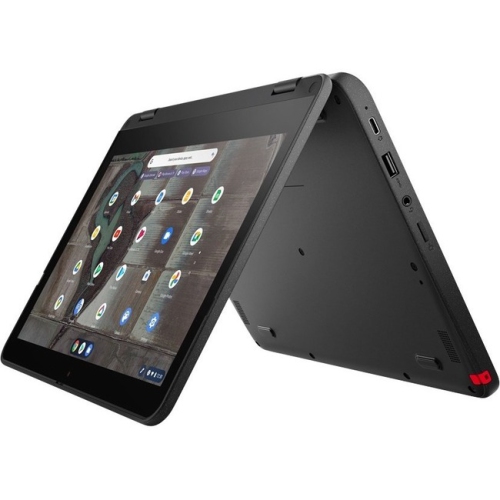
LENOVO 500E Chromebook Gen 3 11.6" Touchscreen 2-In-1 Chromebook - Intel Celeron N4500 - 4GB Ram - 32GB Flash - Chromeos - In Gray
About this product
A durable Lenovo Chromebook with Intel processor, 4GB RAM, 32GB storage, and ChromeOS.
(2)$575.49Your price for this item is $575.49SAVE $172 -
3
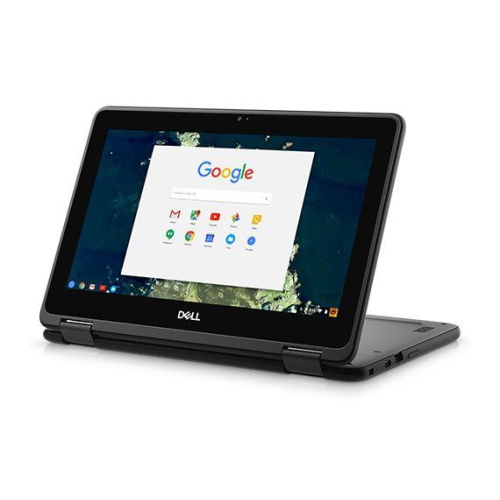
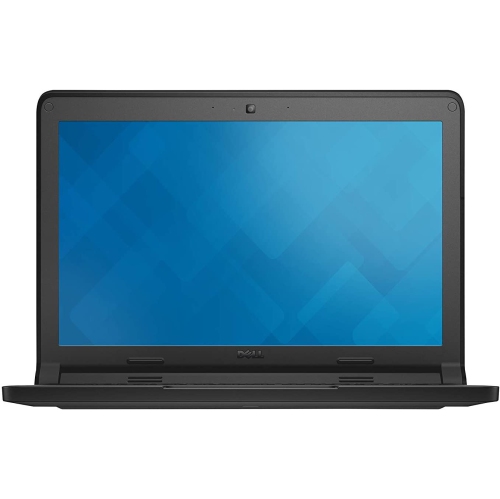
DELL Refurbished (Good) - Chromebook 5190 2-In-1 - Intel Celeron N3350 - 4GB Ddr4 - 32GB Emmc - Chrome Os - In Black
About this product
A rugged 2-in-1 Chromebook with 11.6" touchscreen, Intel N3350 processor, 4GB RAM, and 32GB storage.
$155.00 Your price for this item is $155 -
4
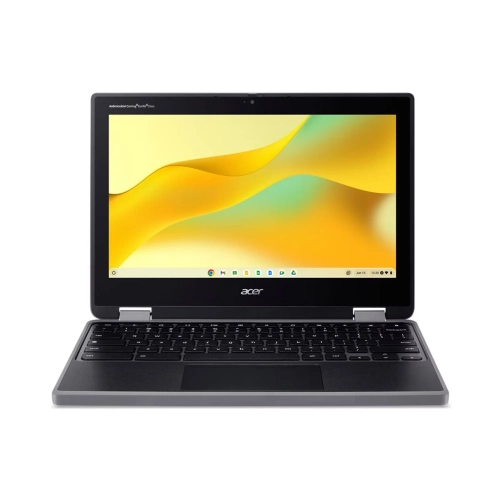
ACER - Spin 311 11.6" Touchscreen 2-In-1 Chromebook - Mediatek Mt8186Tv/aza - 8GB Lpddr4X - 128GB Emmc - Chromeos - Shale - W/ 1 Year Warranty
About this product
A lightweight convertible Chromebook with an 11.6" touchscreen, 8GB RAM, and 128GB eMMC storage.
$399.00Your price for this item is $399SAVE $50 -
5
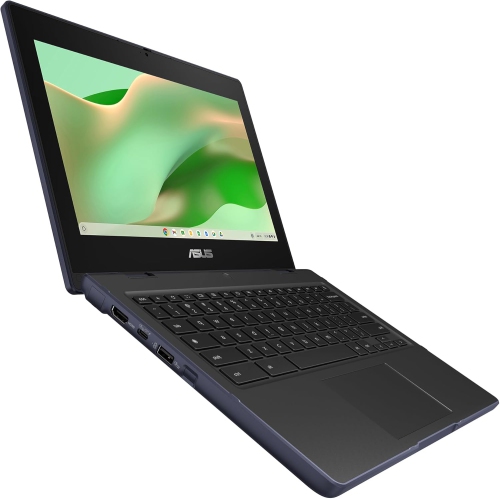
ASUS - Chromebook 11.6" HD - Mediatek Kompanio 520 - 4GB Ram - 64GB Emmc - Chromeos - Mineral In Gray
About this product
A compact grey laptop with HD anti-glare display, MediaTek processor, 4GB RAM, and French keyboard.
$274.99Your price for this item is $274.99SAVE $75 -
6
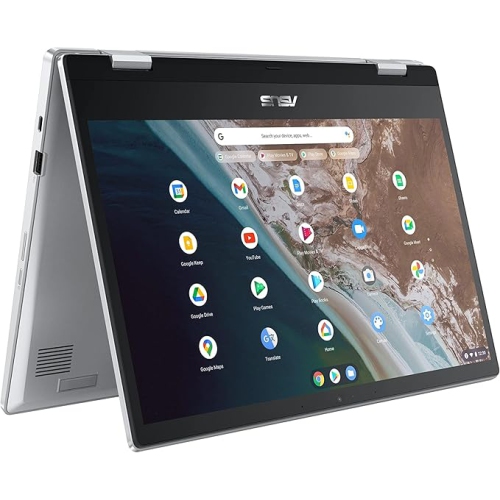
ASUS Chromebook Flip Cx1 14" Fhd - Intel Celeron N4500 - 8GB Ram - 128GB Emmc - Chromeos - Transparent In Silver
About this product
A versatile silver laptop featuring a 14" Full HD display, Intel Celeron processor, and 8GB RAM.
$439.99Your price for this item is $439.99SAVE $60 -
7
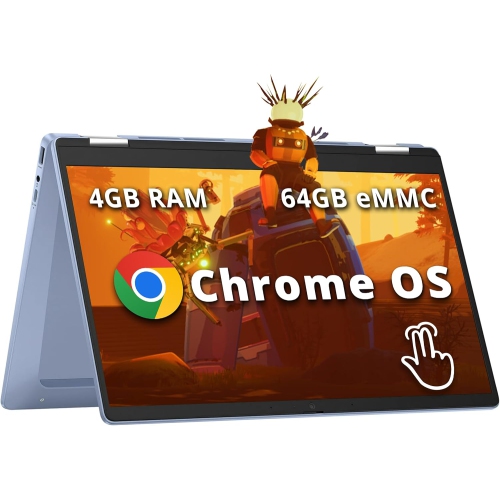
HP Chromebook X360 14" Fhd Touchscreen 2-In-1 - Intel Processor N100 - 4GB Ddr4 - 64GB Emmc - Chromeos - In Blue
About this product
A versatile sky blue convertible laptop with FHD touchscreen, Intel N100, 4GB RAM, and Wi-Fi 6.
What customers like
(66)$458.00Your price for this item is $458SAVE $141 -
8
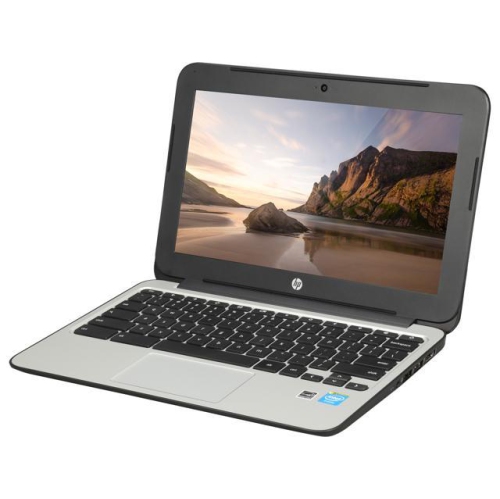
HP Refurbished (Good) - Chromebook 11 G3 11.6" - Intel Celeron Dual Core 2.16Ghz - 2GB Ddr3L - 16GB SSD - Chrome Os - In Black
About this product
A refurbished Chromebook with Intel Celeron dual-core processor, 16GB SSD, and Chrome OS for everyday tasks.
$249.00 Your price for this item is $249 -
9
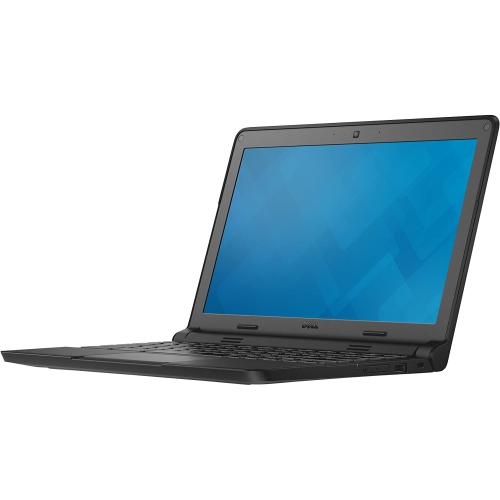
DELL Refurbished (Good) - Chromebook 3120 11.6" Student Chromebook - Intel Celeron N2840 - 4GB Ddr3L - 16GB Emmc - Chrome Os
About this product
A refurbished black Chromebook featuring an 11.6" display, Intel Celeron processor, 4GB RAM, and 16GB SSD.
(3)$140.00 Your price for this item is $140 -
10
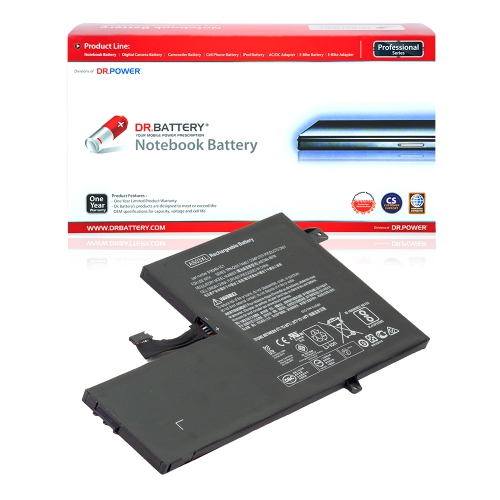
DR. BATTERY - Replacement for HP Chromebook 11 G5 Ee 1Ka12Ea / 1Ka13Ea / 1Rr53Pa / 2Lb87Ea / As03Xl / Hstnn-Db7Z / Hstnn-Ib7W [11.1V / 4050Mah /
About this product
A reliable replacement battery with 11.1V, 4050mAh capacity, and built-in smart safety features.
$97.99Your price for this item is $97.99SAVE $49
FAQ
Compare advertised battery life, battery capacity and the testing conditions behind each estimate. Processor type, display technology and power management also influence battery use. Look for estimates based on activities similar to your routine, such as web browsing, streaming or working in Google Docs.
Manufacturers typically test battery life using a defined mix of tasks, screen brightness and connectivity settings. Testing methods vary, so advertised hours are not always directly comparable. Your time between charges will depend on your apps, settings and usage.
Screen brightness, keyboard backlighting, sleep settings and background activity all affect battery consumption. Video calls, streaming and running several apps at once also change power demand. Some Chromebooks offer a battery saver mode that adjusts certain functions to limit power use.
Yes. Sleep mode uses a small amount of power to keep your session ready to resume. Closing the lid usually puts a Chromebook to sleep, though behaviour can vary with settings and connected accessories. Shutting down closes the session rather than keeping it available in sleep mode.
Check whether the Chromebook supports USB-C charging, which ports accept power and the charger wattage specified by the manufacturer. USB Power Delivery support can allow compatible chargers to work across multiple devices. Fast-charging support varies, and charging time depends on the charger, battery level and whether the Chromebook is in use.
Top selling and popular products
Discover more categories related to Chromebook With Best Battery Life
Some products may be subject to Environmental Handling Fees (EHF) depending on your province. Learn more about EHFs.