Commercial Displays

Find commercial displays for digital signage, presentations, and customer-facing information in your business. Compare options with your space and content in mind, considering screen size, resolution, connectivity, and rated operating hours to choose a display that fits your setup and daily use.

Read More

Sort

Why business screens need to match their workload

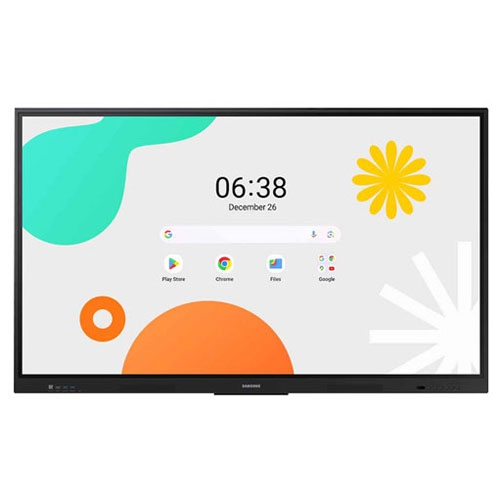
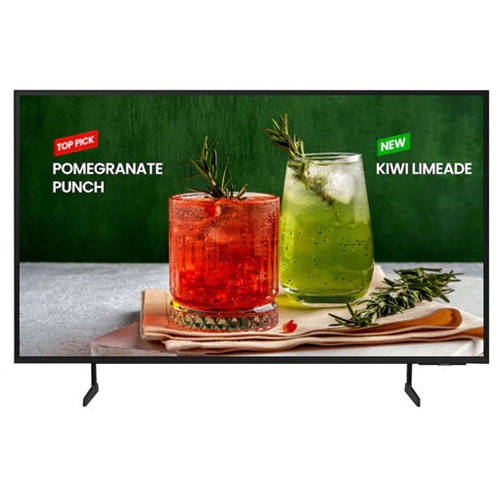
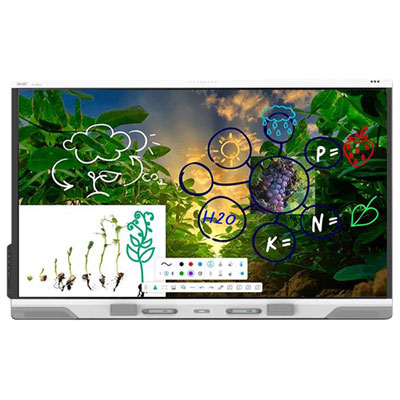
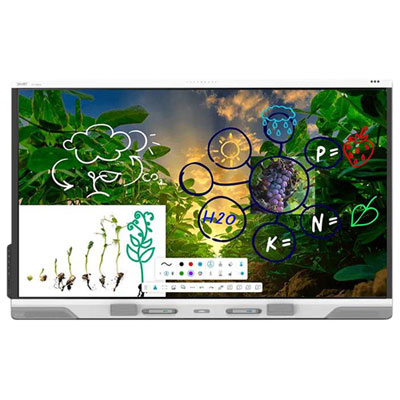
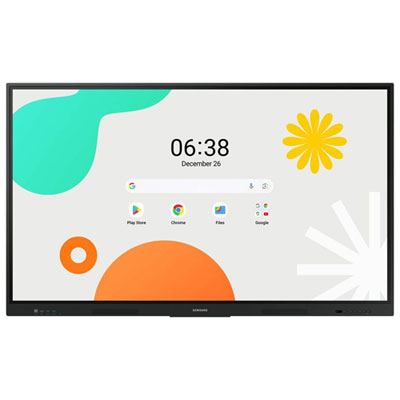
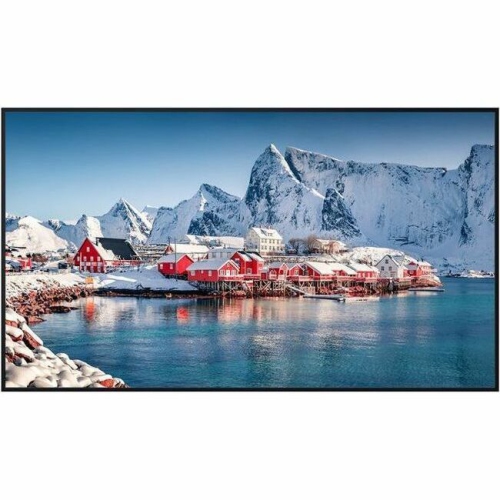
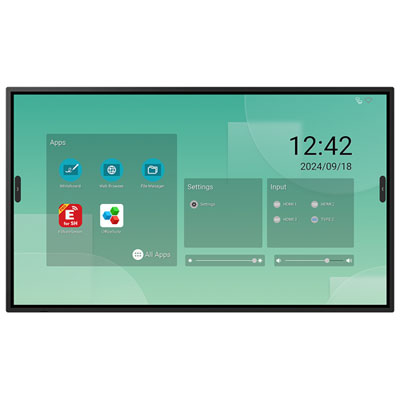
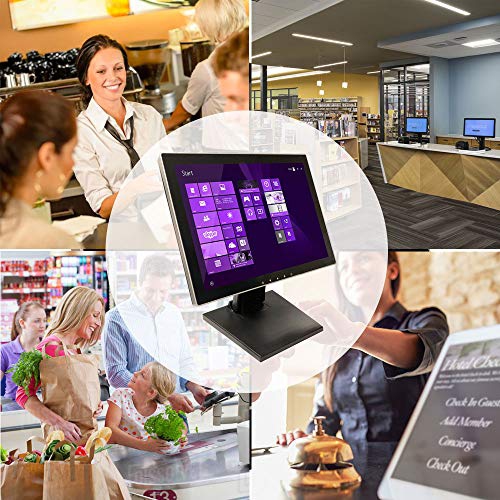
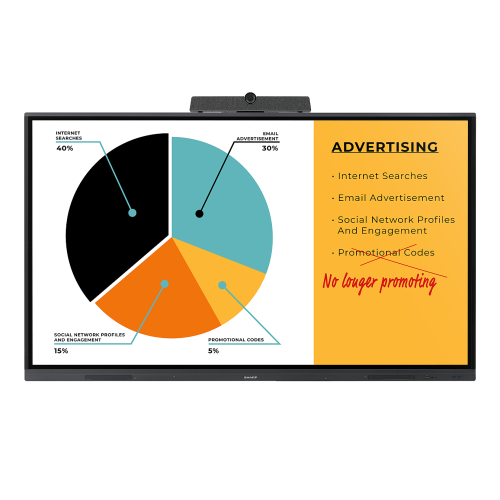
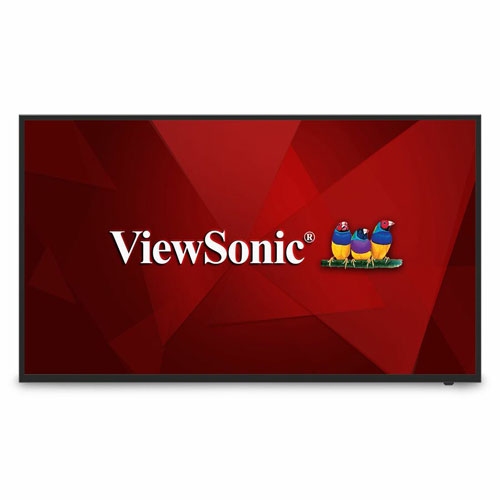
Commercial displays are professional screens designed to present information, advertising, presentations, and other visual content in business and public spaces. They can serve as digital menu boards above a service counter, arrival information in a reception area, presentation screens in a meeting room, or large-format signage beside a retail entrance. Unlike a screen selected mainly for home entertainment, a commercial display is typically evaluated around its operating schedule, visibility, installation requirements, and management features. Many models are rated for 16 hours of use per day, seven days a week, while others support 24/7 operation. That rating matters for a restaurant that runs from breakfast through late service or a transportation facility that needs information visible around the clock. Continuous-operation capability is model-specific, rather than a feature shared by every business screen. Brightness is another important distinction. Measured in nits, it describes how much light the screen produces: many indoor applications use displays with brightness in the hundreds of nits, while specialized window-facing displays can reach several thousand nits to keep content visible against strong daylight. Higher brightness alone does not guarantee better readability; screen reflections, viewing angle, text size, and placement also affect what customers can comfortably see. An anti-glare surface can help reduce distracting reflections from overhead fixtures, while wide viewing angles make information easier to read from different positions in a queue or seating area. Commercial displays may also include scheduled power controls, settings locks, and support for remote management, helping staff maintain a consistent presentation without adjusting every screen individually. For offices, retailers, restaurants, schools, and hospitality businesses, these features support very different everyday tasks, from welcoming visitors to communicating service information. The most suitable display is therefore not simply the largest screen, but one built for the intended content, viewing conditions, and daily workload.

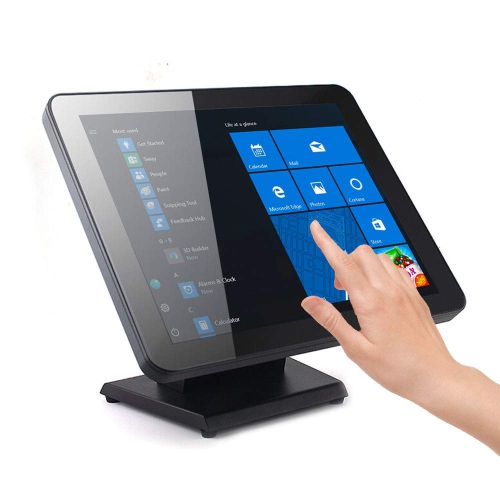
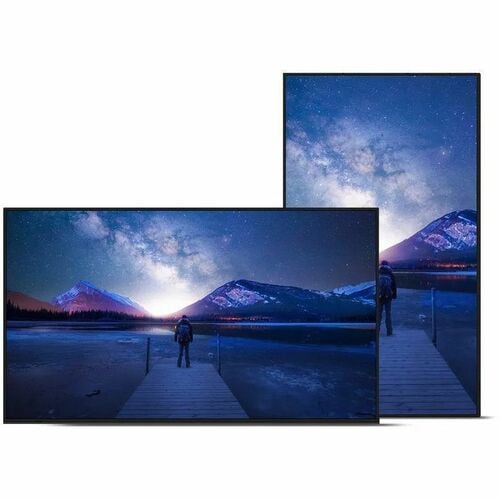
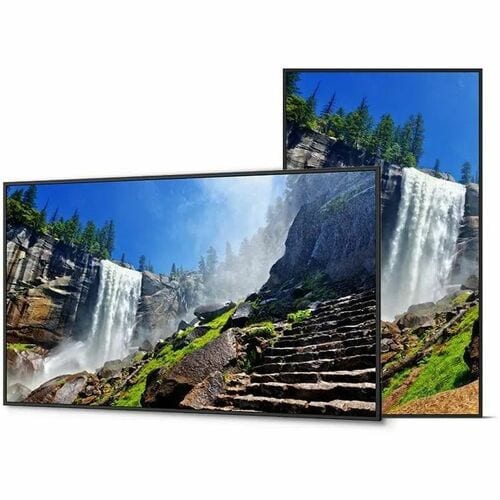
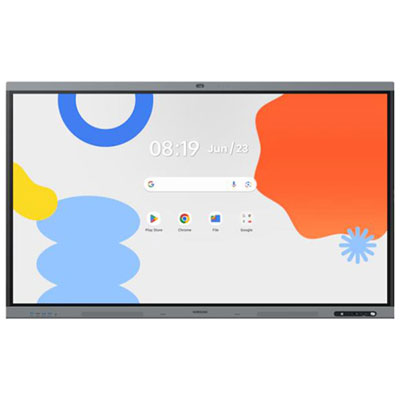
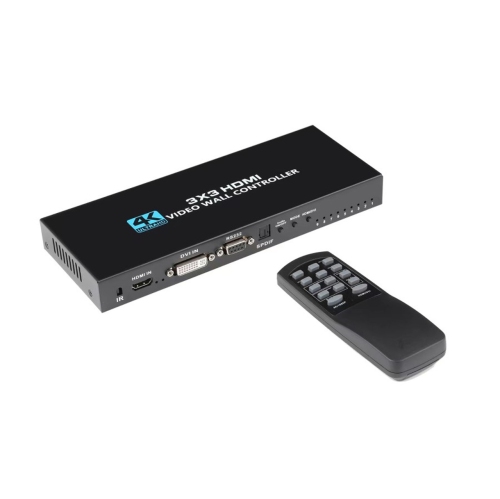
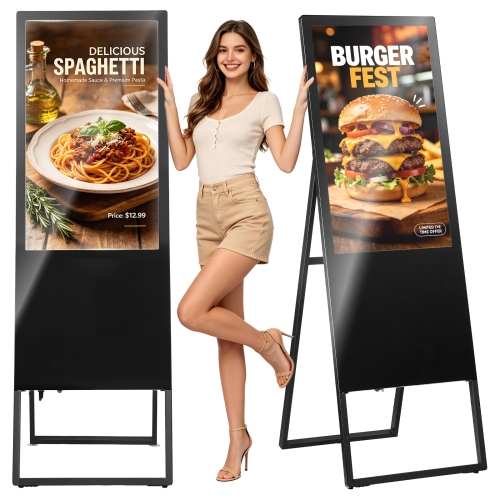
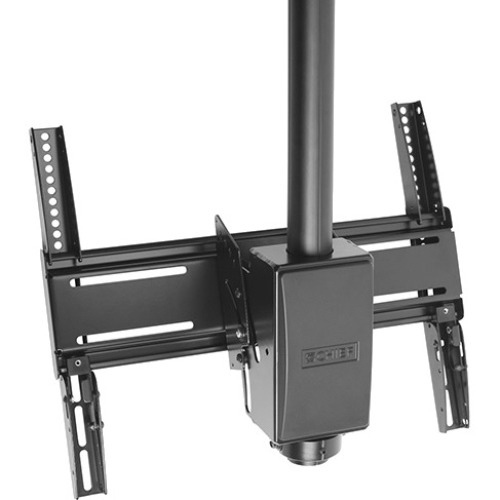
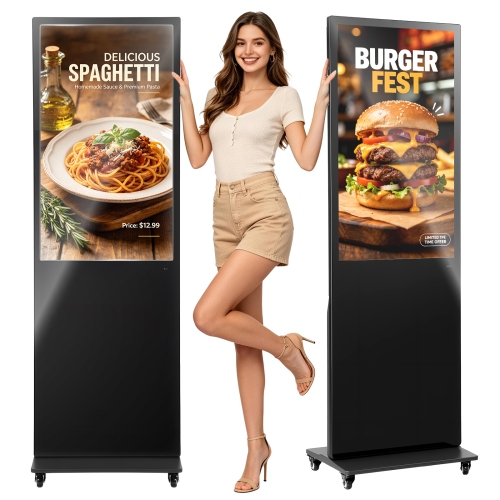
Screen size and resolution shape how a commercial display fits into a space and how clearly its message comes across. A detailed floor plan in a building lobby places different demands on a screen than a short announcement viewed across a store. A 4K display can show fine text, detailed images, and multiple information panels clearly when the source content is prepared at an appropriate resolution, but extra pixels cannot compensate for lettering that is too small for the viewing distance. Physical dimensions matter just as much as the diagonal measurement, particularly when a screen must fit between shelving, sit above a counter, or align with an existing wall installation. Portrait orientation works well for directory listings and vertical promotional layouts, while landscape orientation suits presentations, menu boards, and wider video content. Only displays approved for the intended orientation should be installed that way, since mounting position can affect cooling and operation. For larger installations, video wall displays may offer narrow bezels and image adjustment features that help several panels work together, although panel alignment and content layout remain important wherever an image crosses a seam. Construction also varies by intended use. Metal chassis, reinforced mounting points, and protective glass may be available on displays designed for demanding public-facing applications, but these features are not universal. Touch-enabled screens can add interactive directories or self-service functions, with glass surfaces intended to withstand repeated contact. Indoor commercial displays should not be assumed suitable for outdoor installation; dedicated outdoor models require protection against water and dust ingress and must be rated for their installation conditions. Secure mounting, compatible brackets, adequate ventilation, and access to connections all contribute to a practical setup. Routine care generally involves removing dust and cleaning the screen with materials approved by the manufacturer, without spraying liquid directly onto the panel. Following the specified cleaning method helps protect surface coatings, while keeping ventilation openings clear supports reliable operation over time.

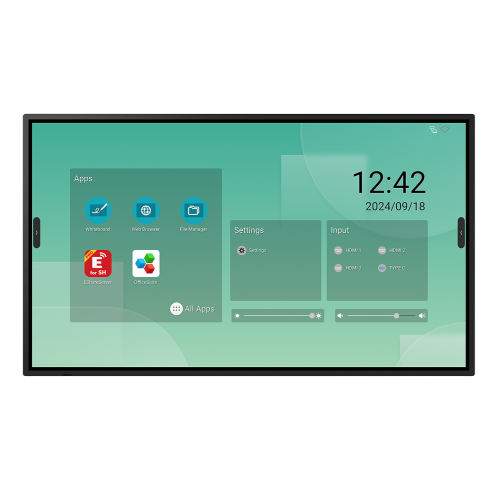
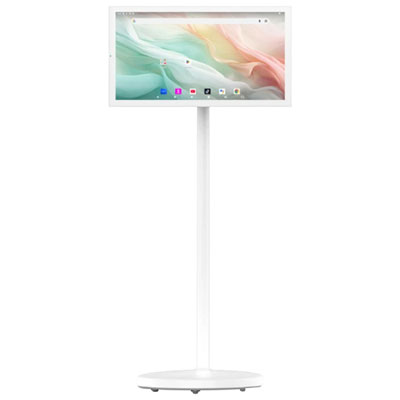
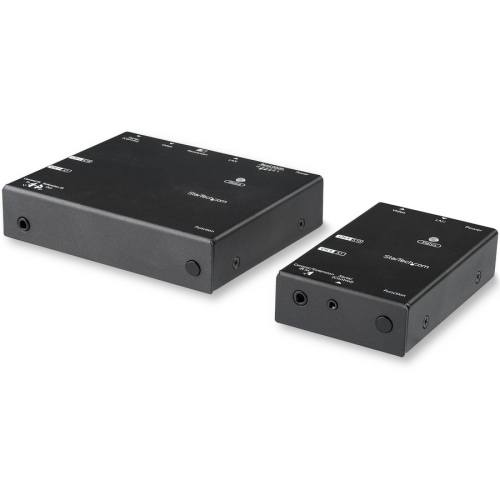
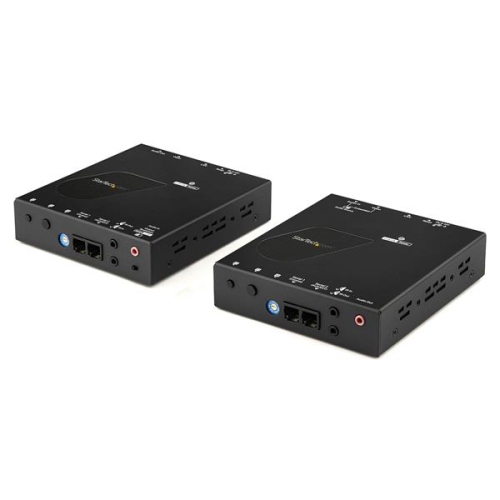
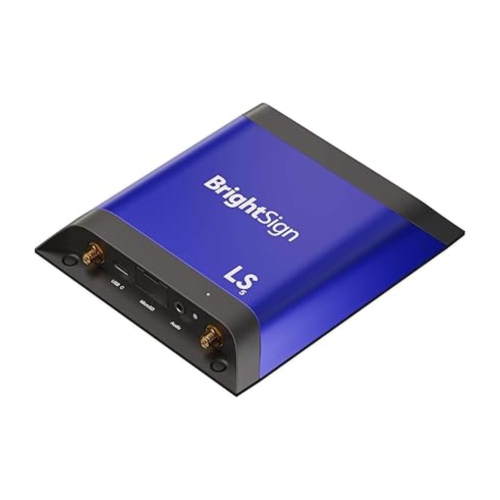
Content delivery and connection options determine how easily commercial displays become part of a business’s daily routine. A single reception screen may only need a straightforward connection to a media player, while a group of menu boards across several locations may benefit from a supported content management system. Some displays include a built-in media player or computing platform that can run compatible signage software, reducing the need for a separate playback device. Others rely on an external player, computer, or additional hardware. Software compatibility, supported file formats, subscription requirements, and network access can differ, so an integrated player is useful only when it supports the intended workflow. Scheduled playlists can move from breakfast menus to lunch menus automatically, while centralized management can help authorized staff update opening hours or service messages without visiting each screen. Depending on the display and software, remote tools may also provide power scheduling, status monitoring, and control over settings. Wired Ethernet and Wi-Fi offer different installation options where supported, and HDMI or DisplayPort connections can accommodate suitable external sources. In meeting spaces, wireless screen sharing and touch functionality may simplify collaboration, although compatibility with the devices people actually use remains important. Audio deserves attention as well: built-in speakers may be sufficient for a small presentation area, but not every signage display includes them, and larger spaces may need a separate sound system. Commercial displays used for signage do not always include a television tuner; Commercial Televisions may better suit guest rooms, waiting areas, and shared viewing spaces where television programming is central to the experience. For signage applications, static-image management features and the manufacturer’s guidance on image retention are especially relevant when logos, menu layouts, or status panels remain in place for long periods. Commercial warranty terms also vary, including coverage for operating hours and intended use. A well-matched combination of screen, mounting hardware, playback system, and service coverage gives staff a dependable way to keep information clear, accessible, and consistent throughout the working day.

Read More

FAQ

Some products may be subject to Environmental Handling Fees (EHF) depending on your province. Learn more about EHFs.