Commercial Televisions
Upgrade your business's viewing experience with our range of commercial televisions designed to meet the demands of various industries. From vibrant displays to cutting-edge technology, these commercial-grade TVs offer exceptional picture quality and durability, making them ideal for boardrooms, waiting areas, restaurants, and more. Whether you're looking for sleek designs or advanced features like content management systems, our selection of commercial televisions is sure to elevate your viewing experience and impress your customers and clients alike.
Sort






Why business screens need more than picture quality
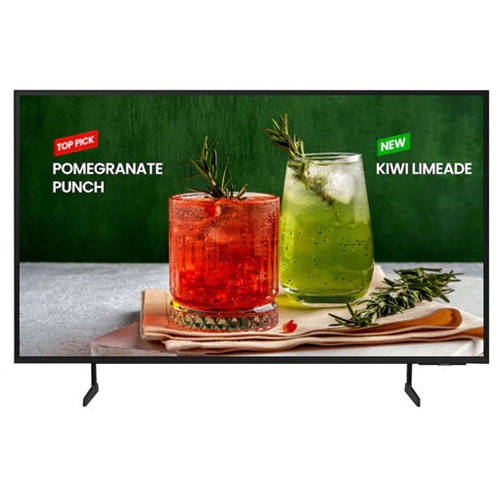
Commercial televisions are displays designed for business use, where dependable daily operation, clear presentation, and consistent settings matter as much as picture quality. They serve a different purpose from a television used for occasional viewing at home: a reception screen may carry appointment information throughout the working day, a restaurant display may show menus from opening to closing, and a hotel television needs controls that remain straightforward for every guest. Depending on the model, commercial televisions may be rated for 16-hour daily operation or continuous 24/7 use. That operating rating is an important distinction, since a screen intended for business hours is not necessarily suited to running around the clock. Commercial construction can include thermal management, power components, and chassis designs selected for extended use, although specifications vary across hospitality televisions, business TVs, and digital signage displays. These categories overlap, but they are not interchangeable. A hospitality television typically prioritizes guest viewing and room-specific settings, while a signage display is built primarily to present scheduled information, advertising, or other business content. A broadcast tuner, built-in speakers, streaming apps, and a handheld remote should not be assumed to come with every commercial display. In an office lounge, familiar television functions may be essential; at a service counter, dependable playback from a connected media player may be all that is needed. Commercial warranty terms also deserve attention because coverage can depend on the stated operating hours, installation orientation, and intended application. A household television warranty may restrict business use, while commercial coverage is written for specified professional applications rather than every possible installation. For spaces where the main purpose is conventional viewing rather than managed business messaging, Best Televisions offers a broader point of comparison. The practical distinction is how the screen will be used each day: showing entertainment to seated viewers, displaying text to people walking past, or delivering information across several locations.
Picture performance in a commercial space depends on more than resolution. Brightness, glare control, viewing distance, and the size of the on-screen content all affect how easily people can read or watch the display. A menu above a busy counter needs large, legible lettering and strong contrast, whereas a meeting room television may need to make spreadsheet details visible from the far end of the table. Brightness is commonly specified in nits, and a display suited to a softly lit waiting area may look washed out beside a brightly lit storefront. An anti-glare surface can reduce distracting reflections, but it does not prevent image retention or burn-in. Those concerns relate to panel technology, content patterns, and operating practices, particularly when logos, menu headings, or information bars stay in the same position for long periods. Where provided, screen-protection settings and content scheduling can help manage prolonged static content, subject to the manufacturer's guidance. A 4K commercial television can provide fine detail for presentations and high-resolution imagery, but the source material and playback connection must also support the intended resolution. Screen size should suit both the wall space and the audience: a large panel cannot compensate for tiny text, and a compact screen may be difficult to read across a wide reception area. Viewing angles matter when customers approach from the side or guests sit across a broad seating area. Colour consistency is especially noticeable when several screens sit together, while bezel width affects the visual separation between adjacent displays. Portrait installation can work well for directories or promotional layouts, but only on displays approved for that orientation. Built-in audio may suit a small room, while a larger lounge or dining area may need a separate sound system with compatible outputs. In meeting spaces, speech clarity and convenient volume control often matter more than room-filling sound. These details help distinguish a television intended for comfortable seated viewing from a display expected to communicate clearly at a glance.
Installation, connectivity, and day-to-day upkeep shape how well commercial televisions fit into a business. HDMI inputs support many computers, receivers, and media players, while USB playback may offer a simple way to present supported image or video files. File compatibility, automatic playback, and scheduling capabilities differ by model, so a USB port alone does not establish that a screen can run an unattended signage setup. Ethernet or Wi-Fi connectivity may support network functions, and some displays offer remote management through compatible software. Depending on the hardware and platform, staff may be able to schedule power settings, update content, or check display status without visiting every screen. Software subscriptions, licences, and external players may be separate requirements. RS-232 and network-based control can also support integration with room-control systems where compatible. For hotels and other shared spaces, settings locks, volume limits, and configurable start-up screens can make operation more consistent; guest casting requires particular attention to device pairing and session privacy. Physical fit is equally important. A compatible VESA mounting pattern is only one part of a safe installation: the mount must also support the display's weight, and the wall structure and fasteners must be suitable. Cable clearance, access to connections, and manufacturer-specified ventilation space help keep the installation serviceable. Slim bezels and metal or plastic housings influence appearance, but material alone does not establish impact resistance or suitability for demanding locations. Screens within easy reach of visitors may need a placement or enclosure that limits accidental contact without obstructing airflow. Routine care generally involves a soft, dry microfibre cloth, with any cleaning solution used only as permitted by the manufacturer; spraying liquid directly onto the panel or using abrasive cleaners can damage the finish. Keeping vents clear and making connections accessible supports ongoing maintenance. Whether used in a clinic, classroom, restaurant, hotel, or workplace, a commercial television is most useful when its operating rating, display characteristics, control features, and mounting requirements match the job it needs to perform.
Picture performance in a commercial space depends on more than resolution. Brightness, glare control, viewing distance, and the size of the on-screen content all affect how easily people can read or watch the display. A menu above a busy counter needs large, legible lettering and strong contrast, whereas a meeting room television may need to make spreadsheet details visible from the far end of the table. Brightness is commonly specified in nits, and a display suited to a softly lit waiting area may look washed out beside a brightly lit storefront. An anti-glare surface can reduce distracting reflections, but it does not prevent image retention or burn-in. Those concerns relate to panel technology, content patterns, and operating practices, particularly when logos, menu headings, or information bars stay in the same position for long periods. Where provided, screen-protection settings and content scheduling can help manage prolonged static content, subject to the manufacturer's guidance. A 4K commercial television can provide fine detail for presentations and high-resolution imagery, but the source material and playback connection must also support the intended resolution. Screen size should suit both the wall space and the audience: a large panel cannot compensate for tiny text, and a compact screen may be difficult to read across a wide reception area. Viewing angles matter when customers approach from the side or guests sit across a broad seating area. Colour consistency is especially noticeable when several screens sit together, while bezel width affects the visual separation between adjacent displays. Portrait installation can work well for directories or promotional layouts, but only on displays approved for that orientation. Built-in audio may suit a small room, while a larger lounge or dining area may need a separate sound system with compatible outputs. In meeting spaces, speech clarity and convenient volume control often matter more than room-filling sound. These details help distinguish a television intended for comfortable seated viewing from a display expected to communicate clearly at a glance.
Installation, connectivity, and day-to-day upkeep shape how well commercial televisions fit into a business. HDMI inputs support many computers, receivers, and media players, while USB playback may offer a simple way to present supported image or video files. File compatibility, automatic playback, and scheduling capabilities differ by model, so a USB port alone does not establish that a screen can run an unattended signage setup. Ethernet or Wi-Fi connectivity may support network functions, and some displays offer remote management through compatible software. Depending on the hardware and platform, staff may be able to schedule power settings, update content, or check display status without visiting every screen. Software subscriptions, licences, and external players may be separate requirements. RS-232 and network-based control can also support integration with room-control systems where compatible. For hotels and other shared spaces, settings locks, volume limits, and configurable start-up screens can make operation more consistent; guest casting requires particular attention to device pairing and session privacy. Physical fit is equally important. A compatible VESA mounting pattern is only one part of a safe installation: the mount must also support the display's weight, and the wall structure and fasteners must be suitable. Cable clearance, access to connections, and manufacturer-specified ventilation space help keep the installation serviceable. Slim bezels and metal or plastic housings influence appearance, but material alone does not establish impact resistance or suitability for demanding locations. Screens within easy reach of visitors may need a placement or enclosure that limits accidental contact without obstructing airflow. Routine care generally involves a soft, dry microfibre cloth, with any cleaning solution used only as permitted by the manufacturer; spraying liquid directly onto the panel or using abrasive cleaners can damage the finish. Keeping vents clear and making connections accessible supports ongoing maintenance. Whether used in a clinic, classroom, restaurant, hotel, or workplace, a commercial television is most useful when its operating rating, display characteristics, control features, and mounting requirements match the job it needs to perform.
Top selling and popular products
-
 Your price for this item is $899.99
 -
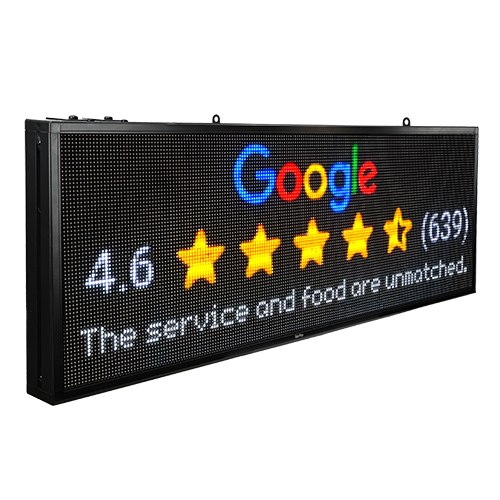 Your price for this item is $699
 -
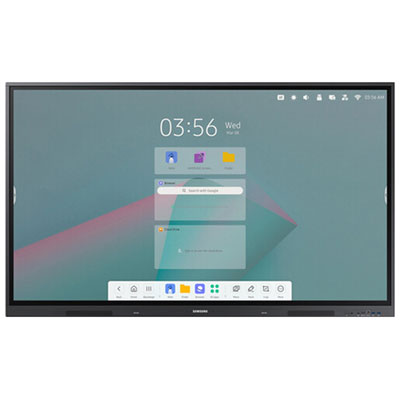 Your price for this item is $1299.99
 -
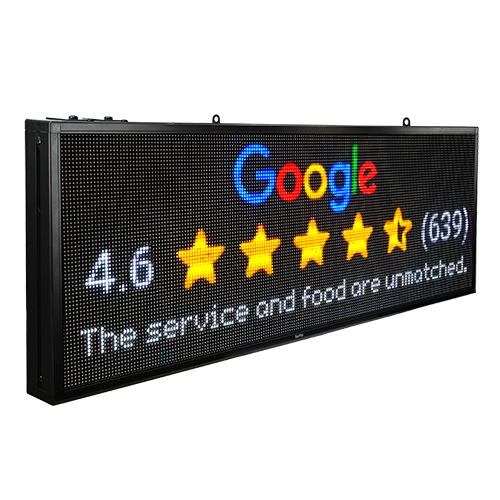 Your price for this item is $799
 -
 Your price for this item is $691.87
 -
 Your price for this item is $567.99
 -
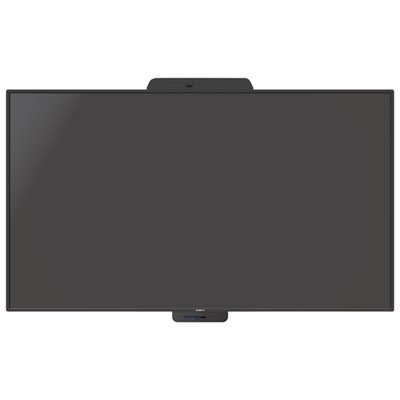 Your price for this item is $3739.99
 -
 Your price for this item is $69.99
Discover more categories related to Commercial Televisions
Top Collections:
Pokemon Centers, Best Cameras for Sports Photography, Kindle Devices, Samsung Galaxy Phones, Canon G7X Cameras, Pokémon 30th Celebration Cards, Refurbished Apple Laptops, iPhone 15 Apple, Laptops for Students, Budget Smartphones
Some products may be subject to Environmental Handling Fees
(EHF) depending on your province.
Learn more about EHFs.