Bluetooth Computer Accessories
For many people, a computer is more than just a tool for work and entertainment. It's a gateway to the Internet, a way to stay in touch with friends and family, and a source of information on all sorts of topics. And while your computer may be capable of handling all of these tasks, it can still be made more convenient with the right accessories.
Sort
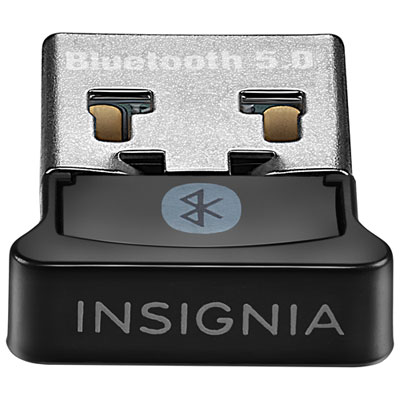

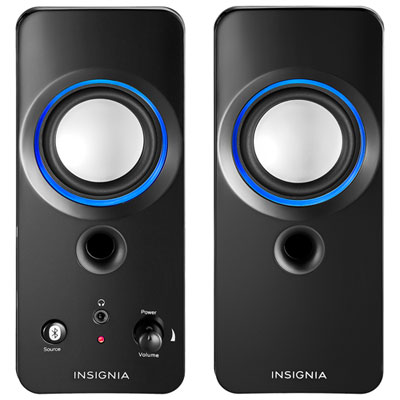
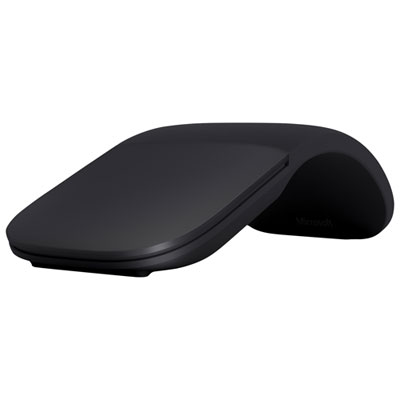
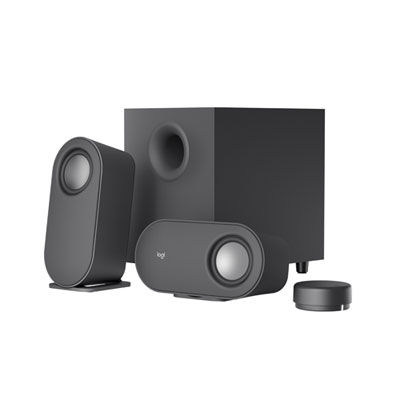
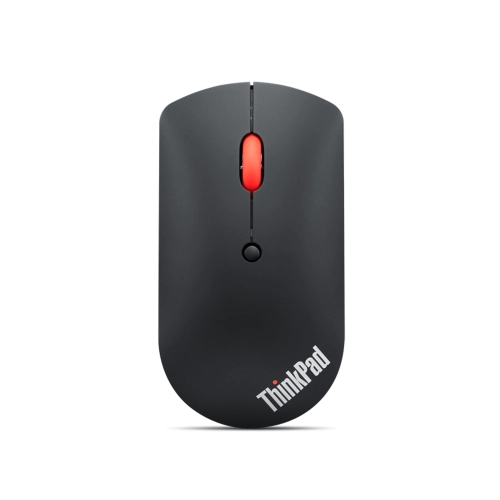
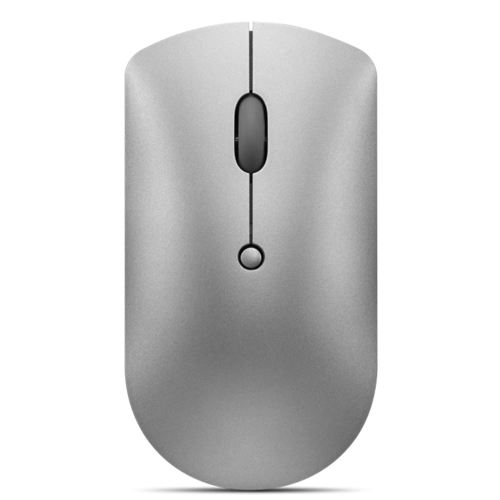
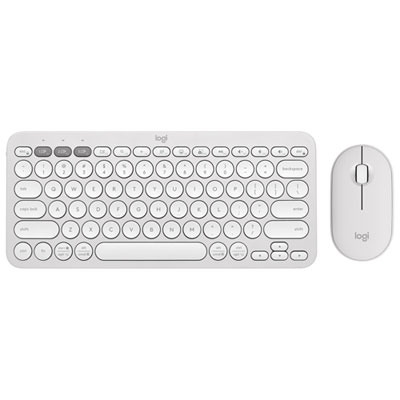
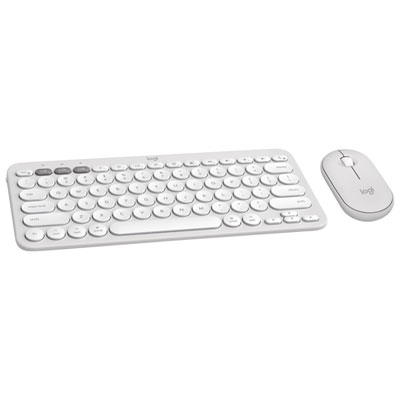
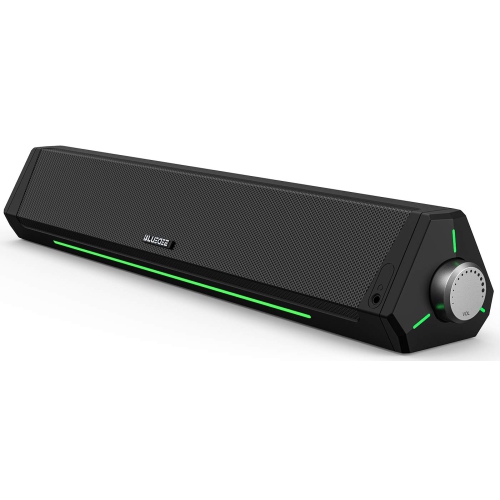
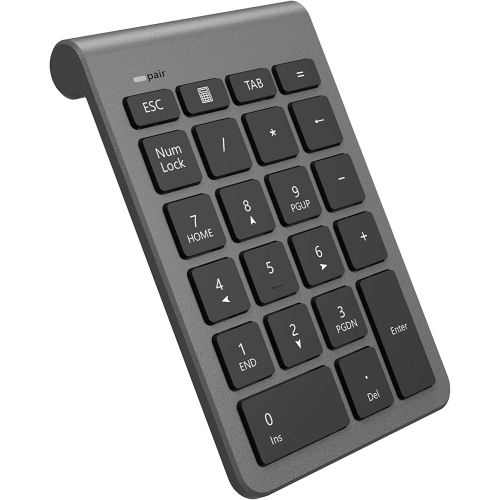
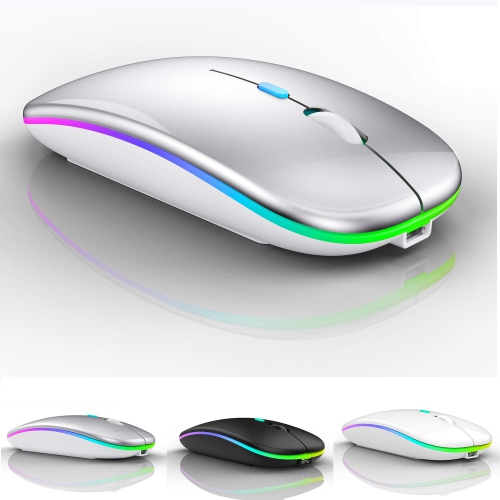
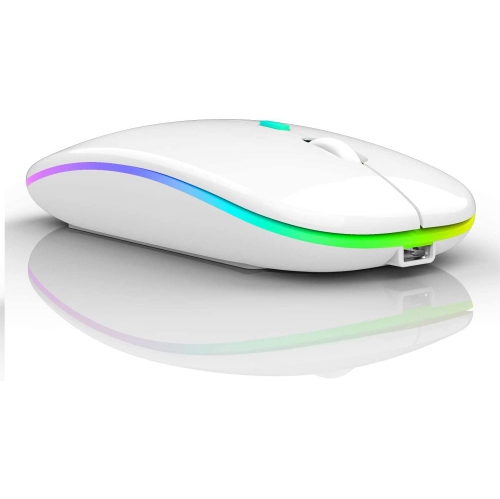



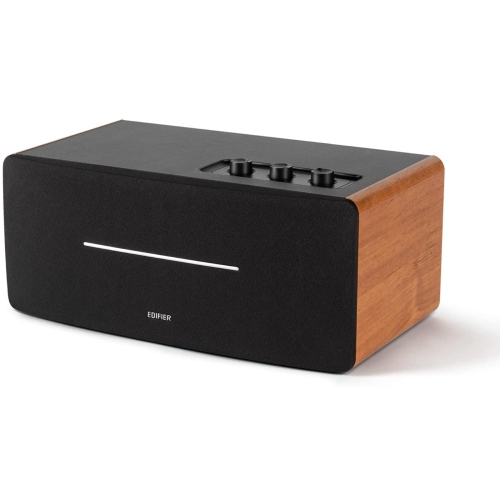
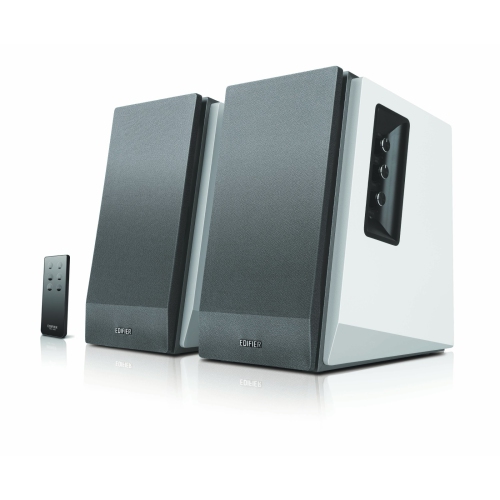
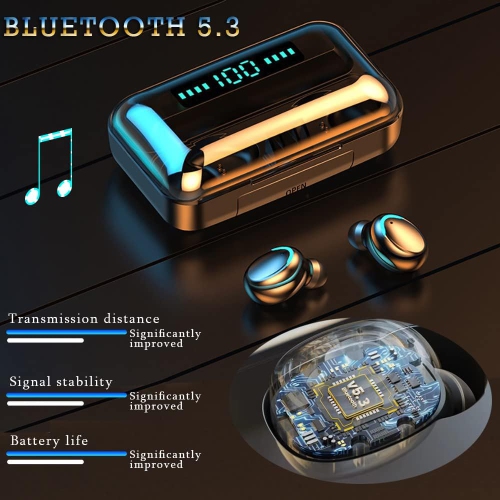
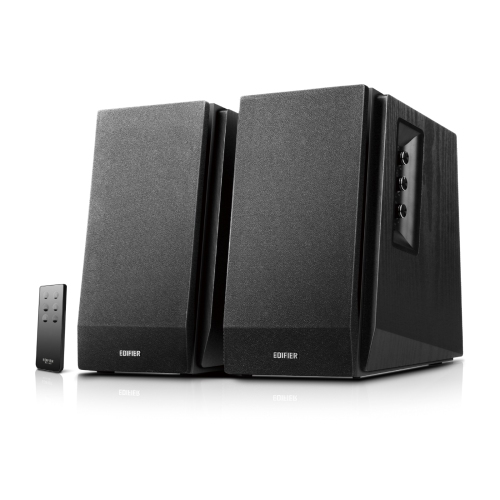
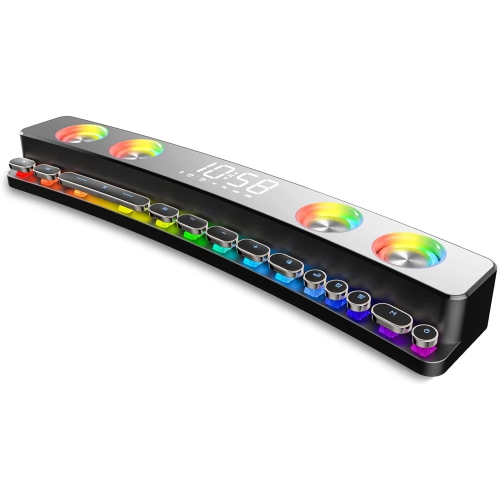
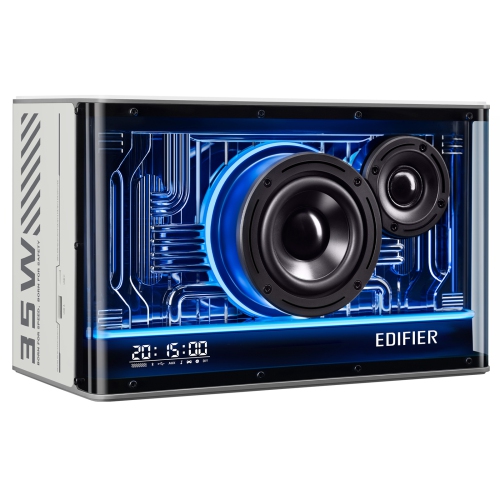
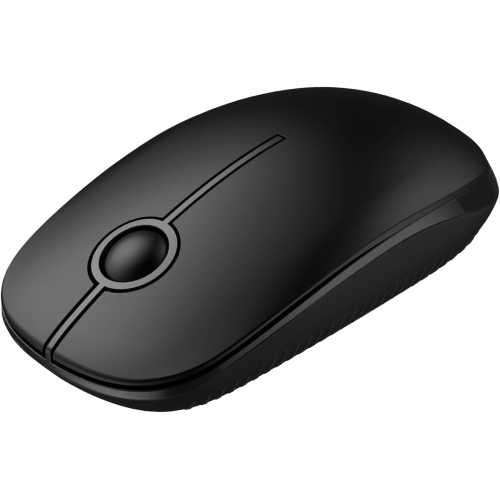
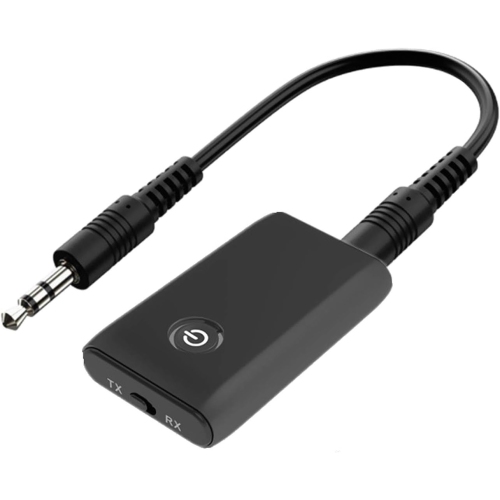
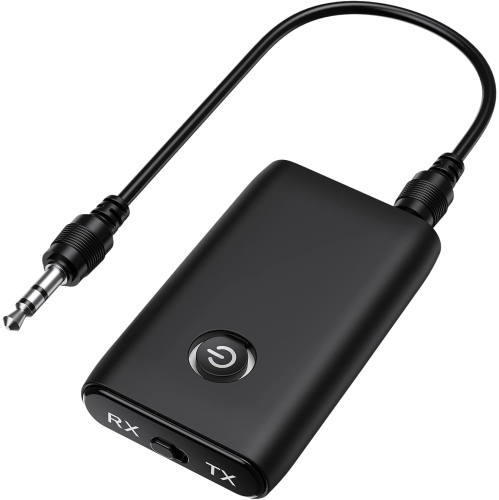
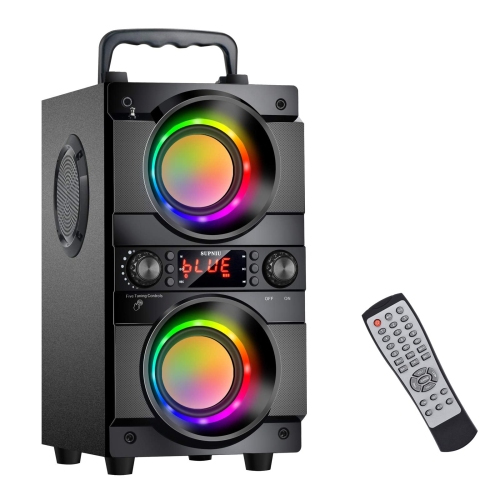

A more flexible workspace starts with reliable wireless connections
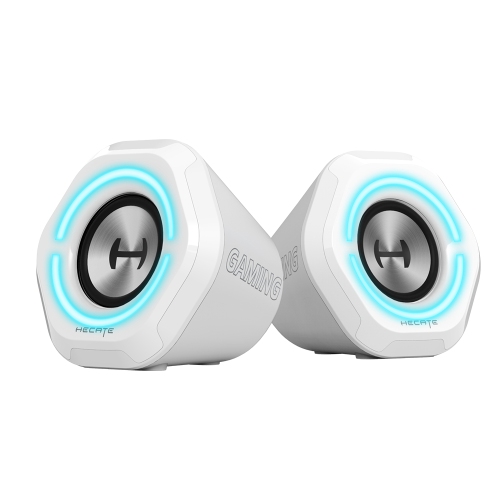
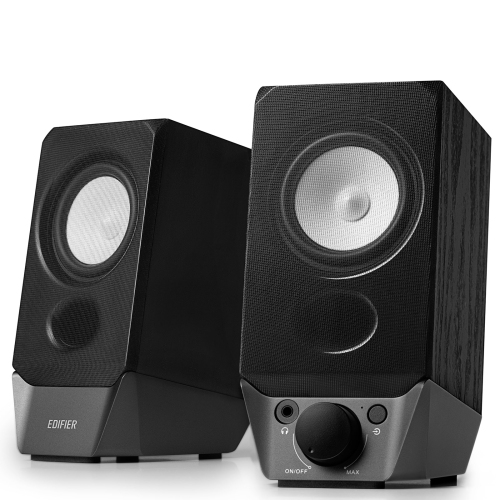
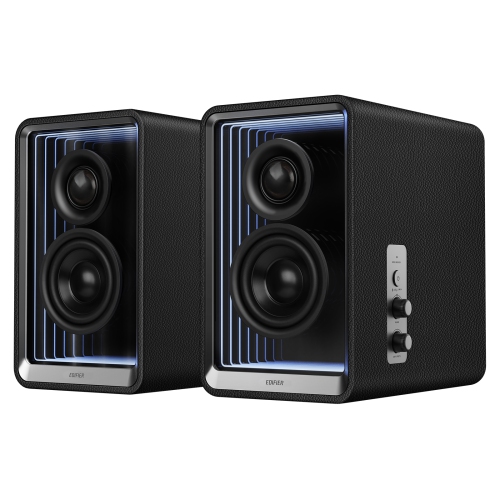
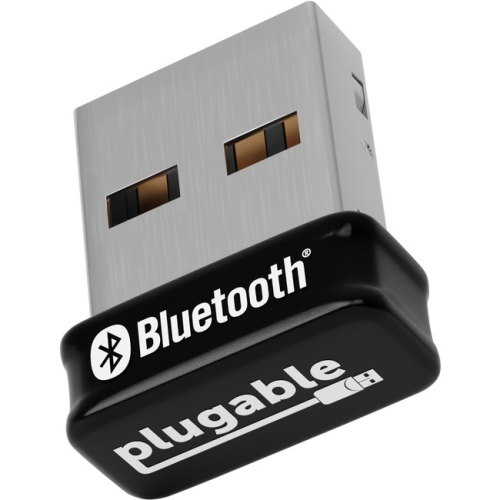
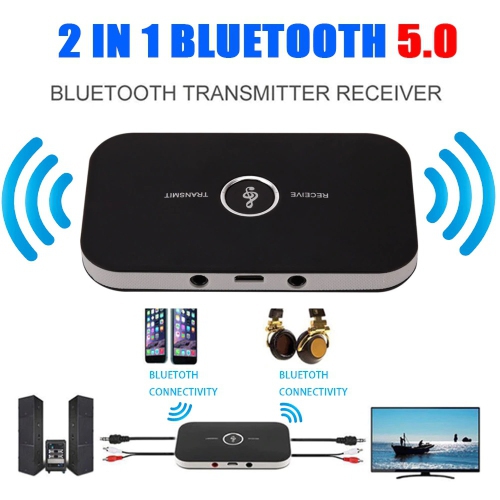
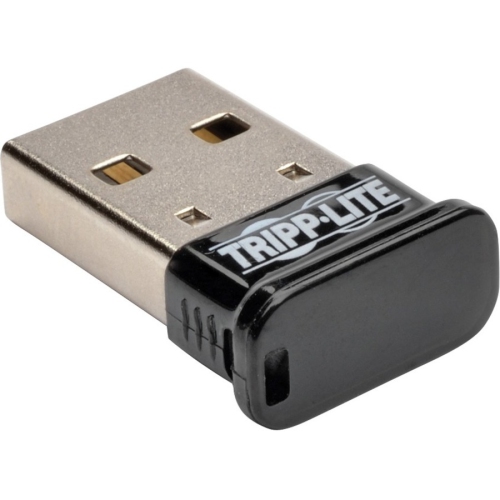
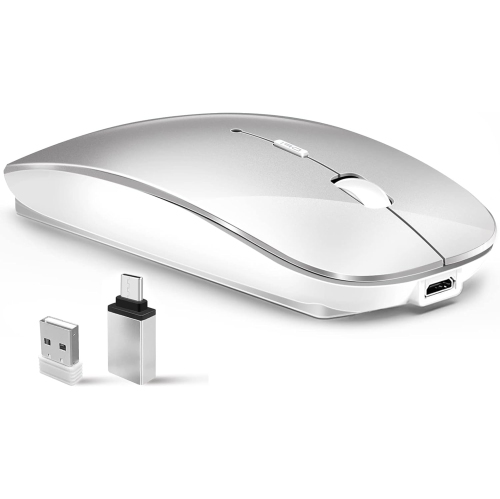
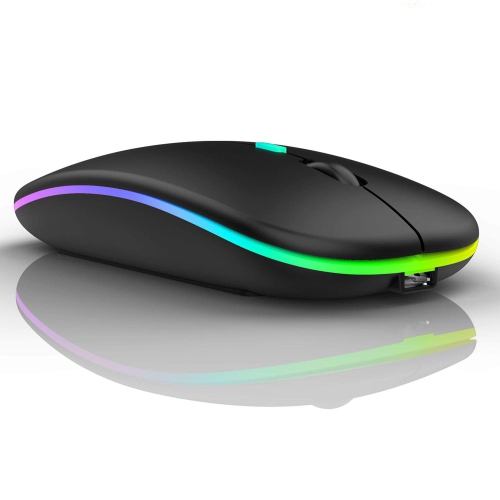
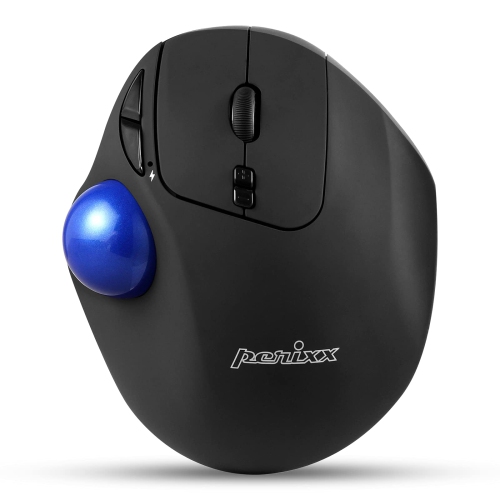
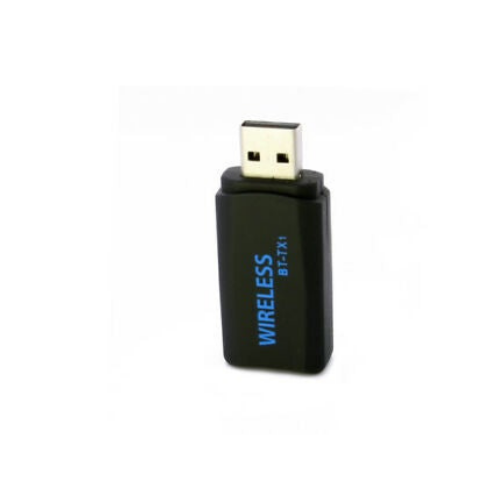
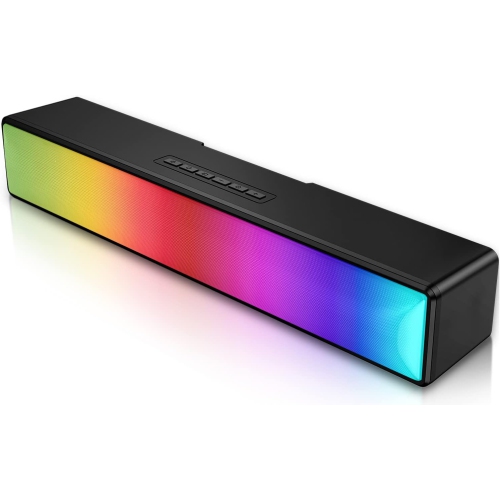
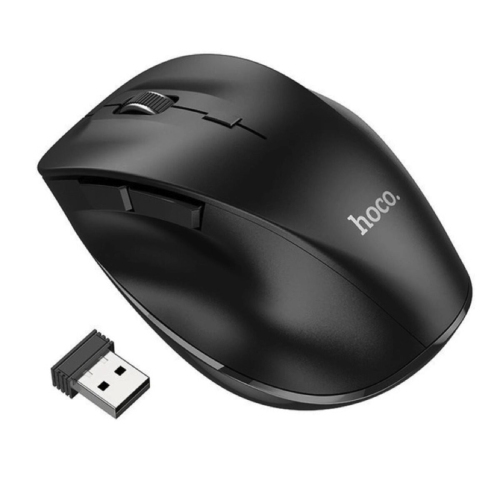
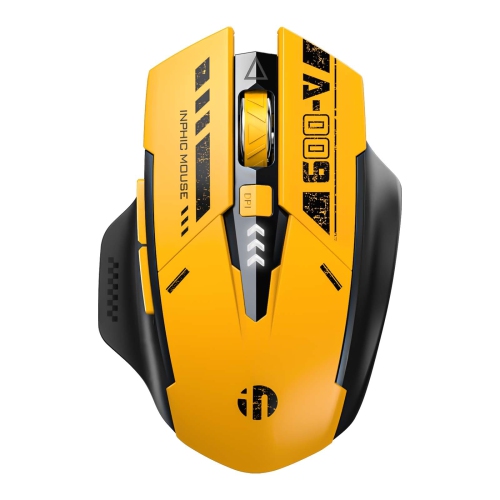
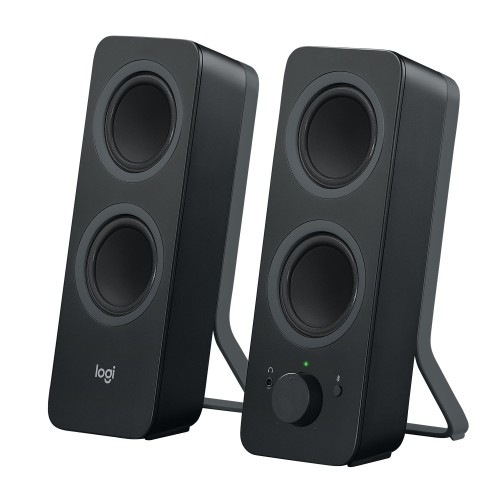
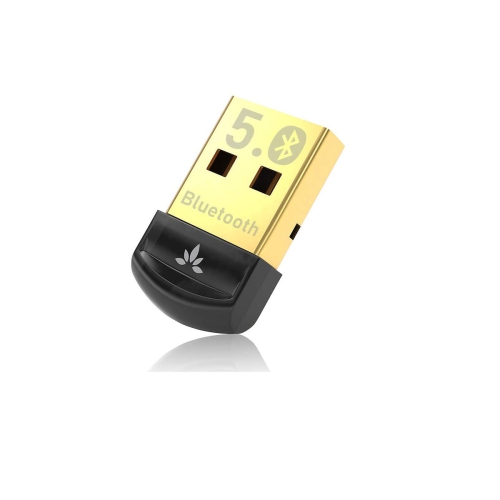
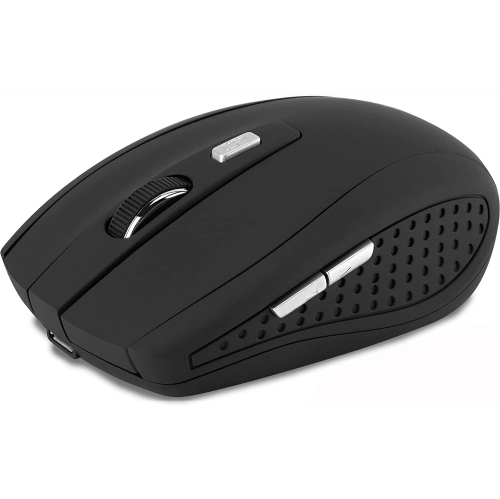
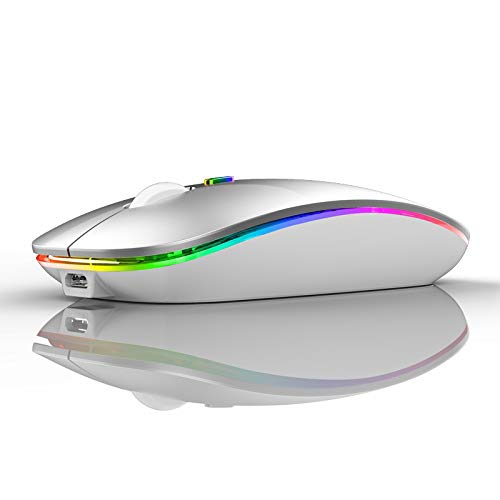
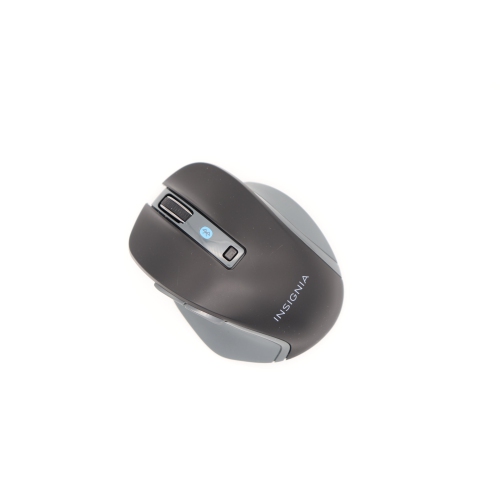
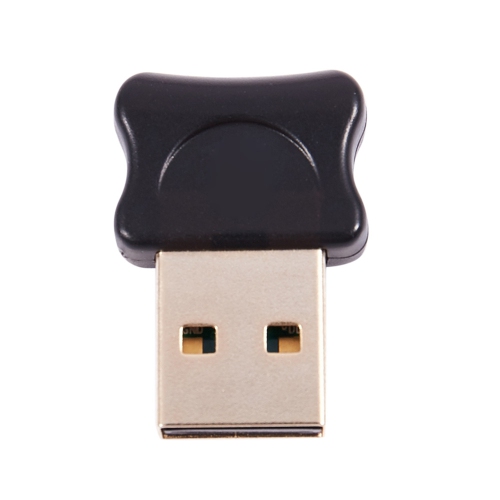
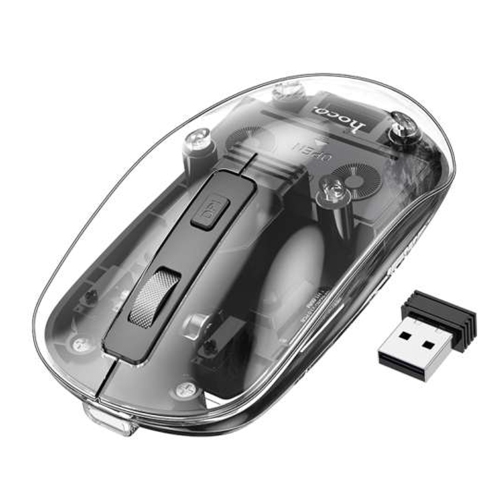
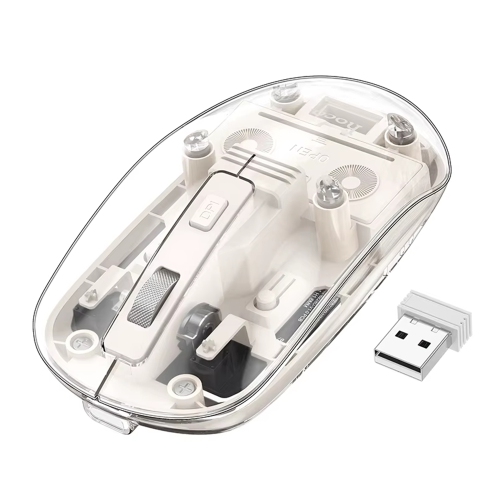
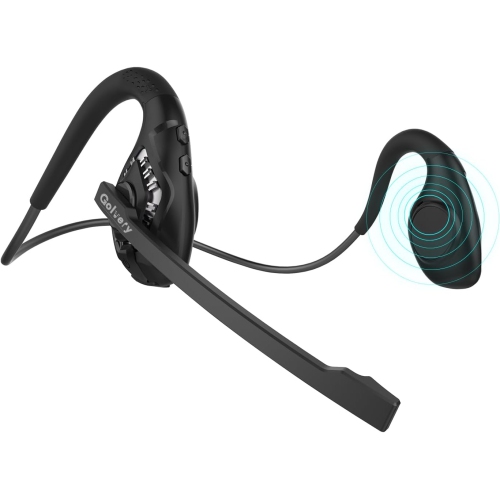
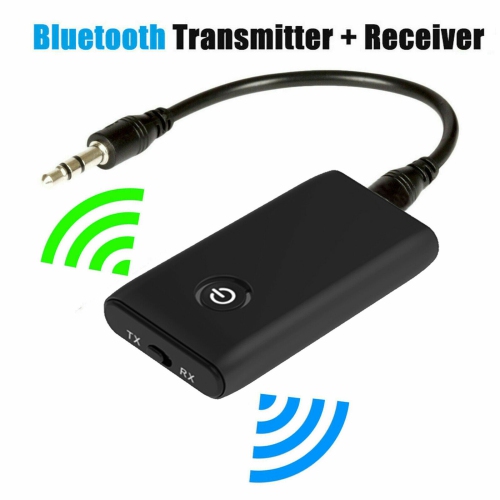
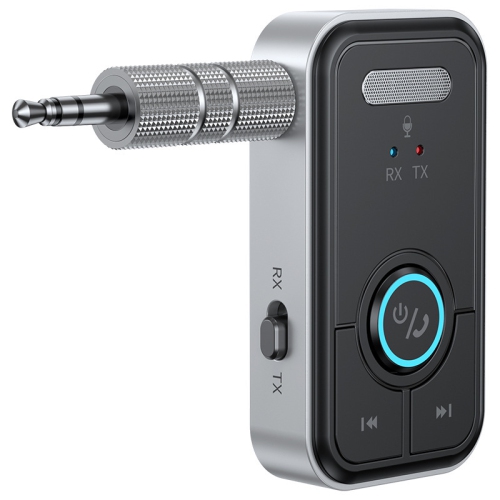
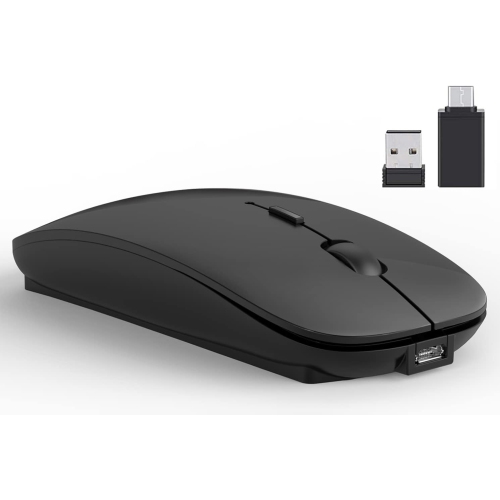
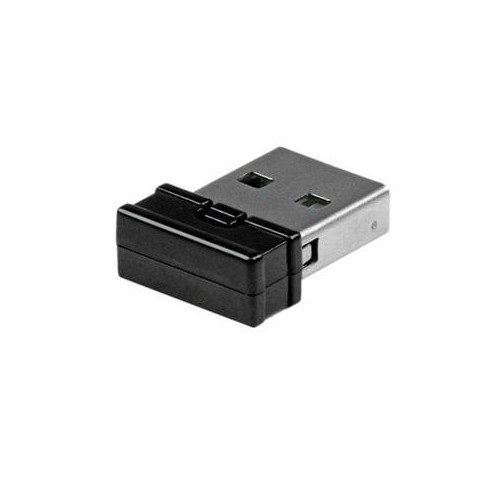
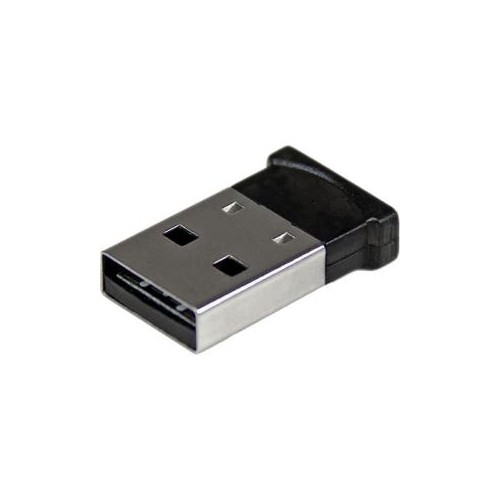
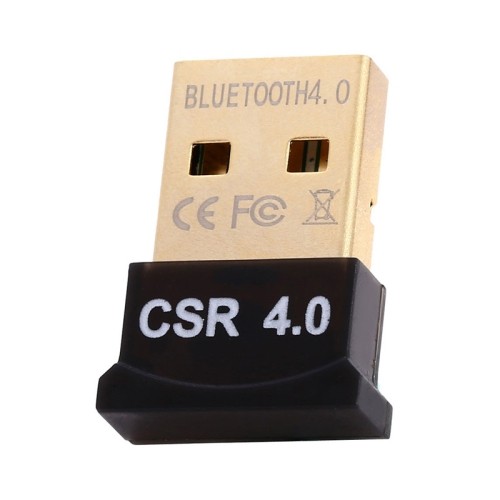
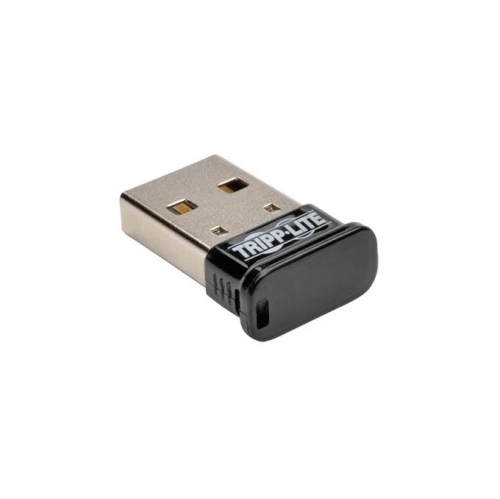
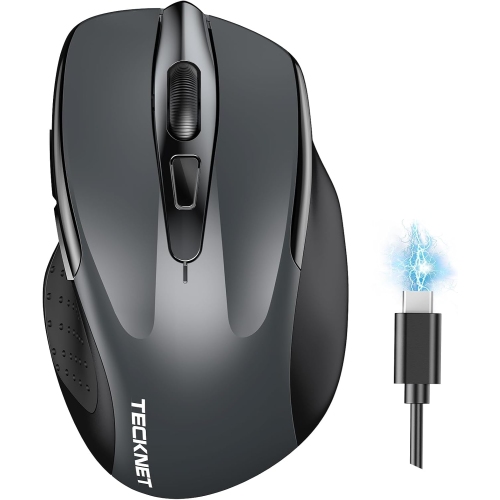
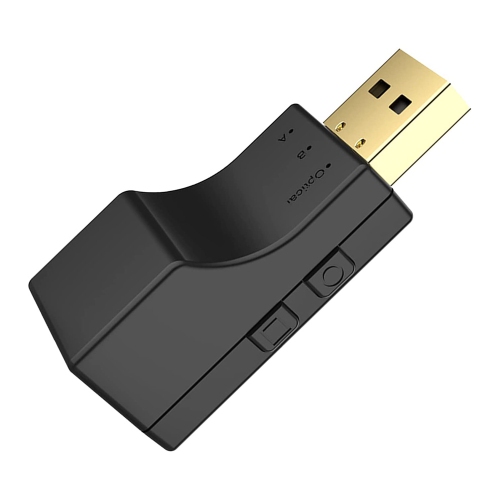
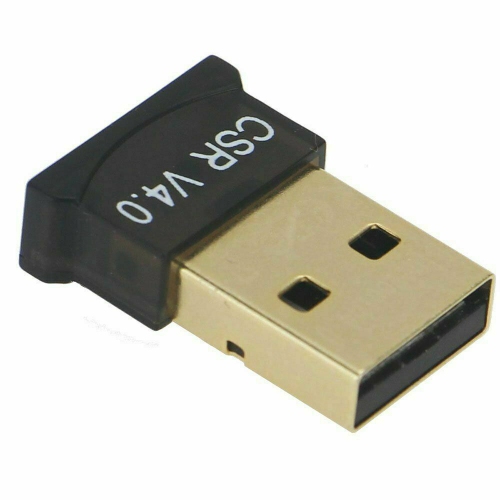
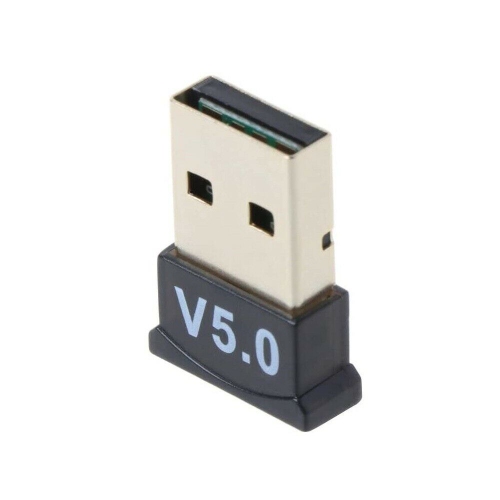
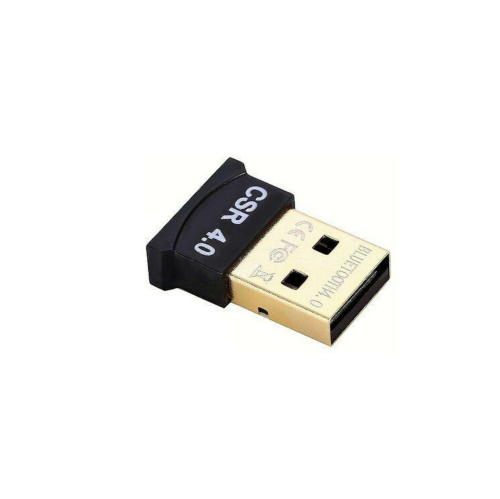
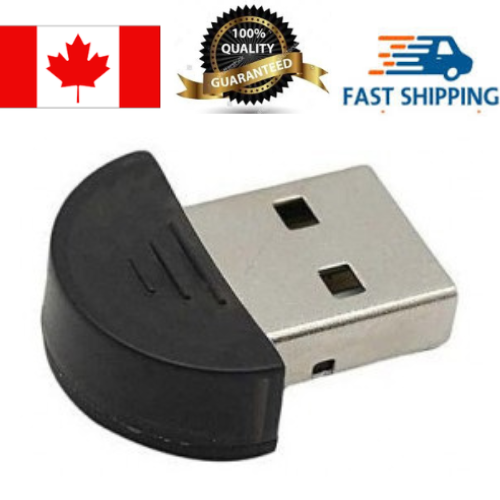
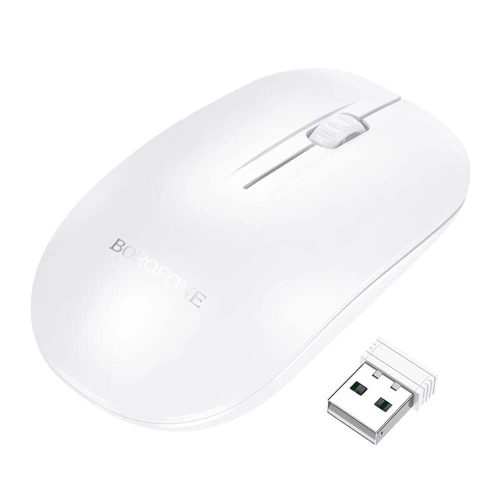
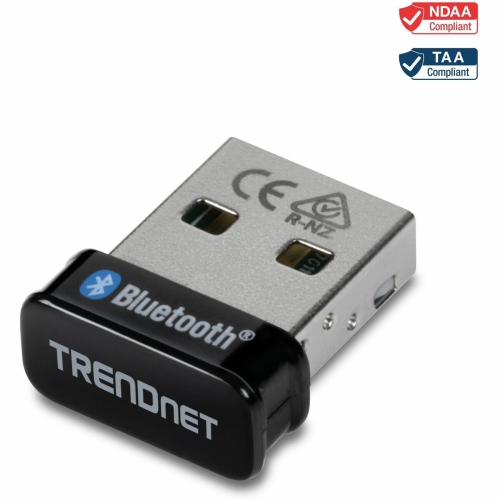
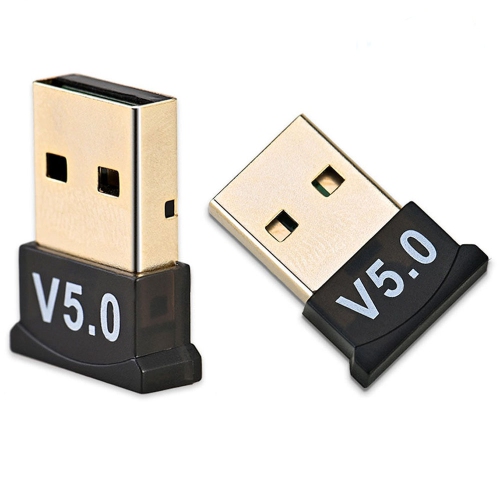
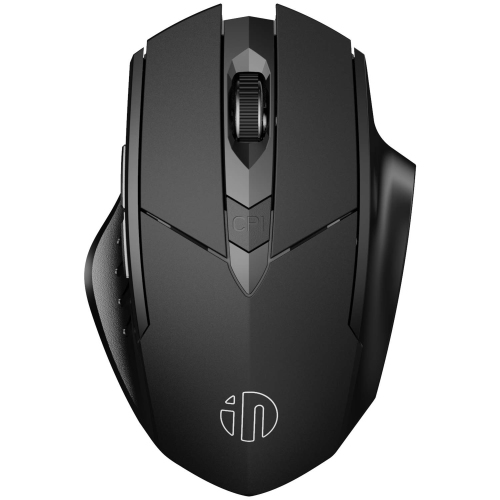
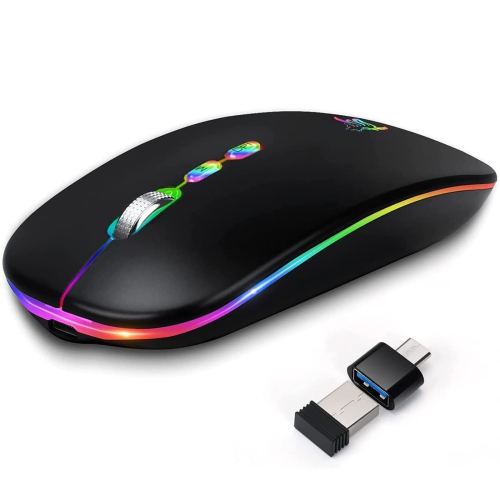
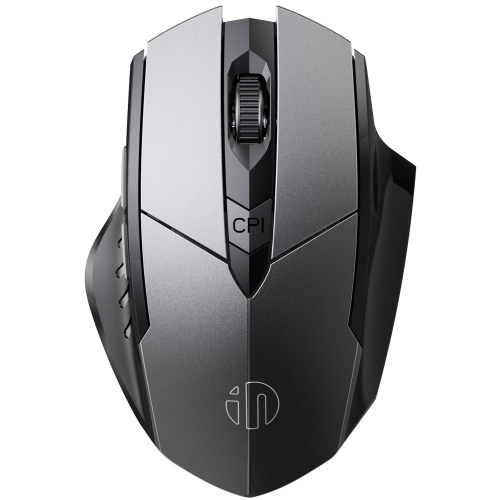
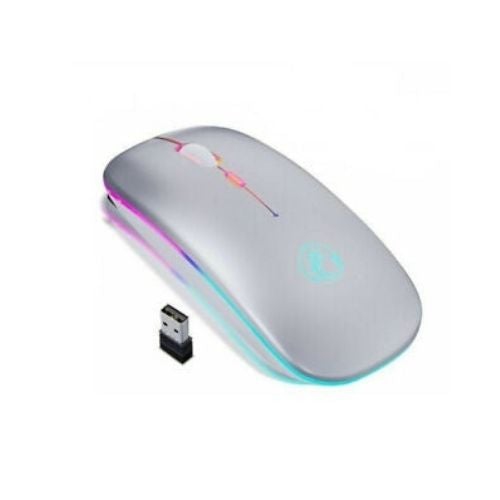
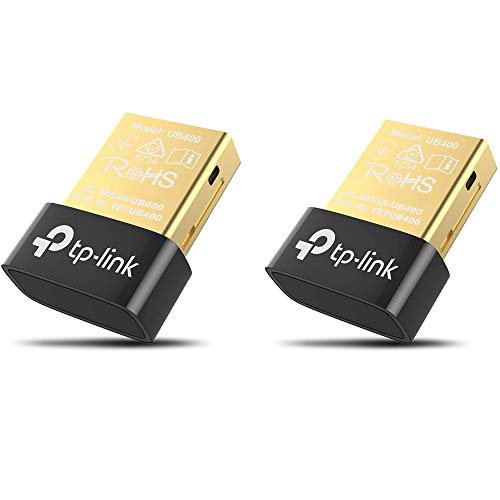
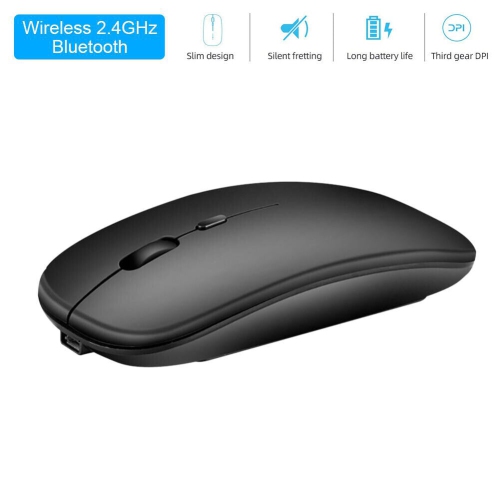
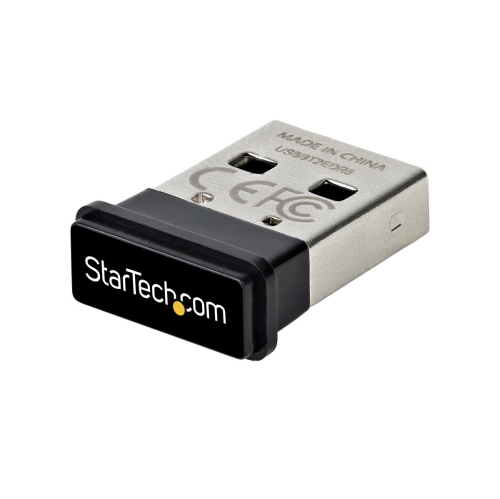
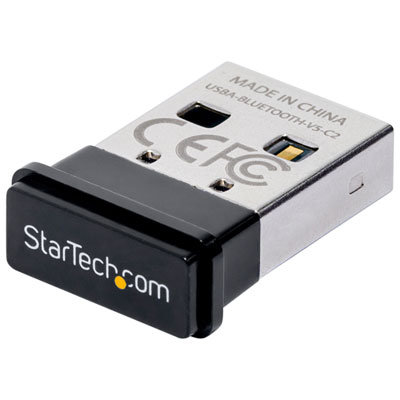
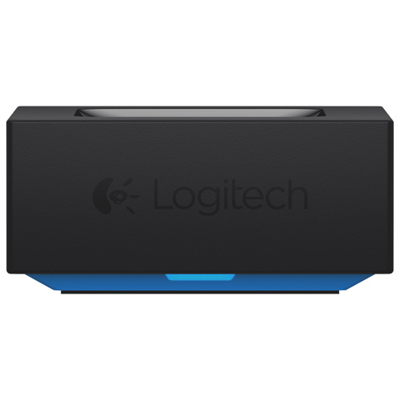
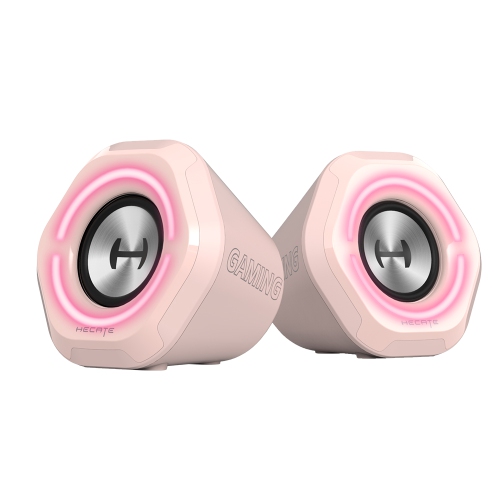
Bluetooth computer accessories make it easier to create a comfortable, flexible setup without filling your desk with cables. These accessories use short-range wireless communication to connect with compatible computers and other devices, giving you more freedom to position a keyboard, mouse, headset, speaker, or other peripheral where it feels most natural. A wireless mouse can make it easier to move between a home office desk and a kitchen table, while a Bluetooth keyboard can help keep a laptop at a comfortable viewing height when it is placed on a stand. Headsets and speakers can provide audio for video calls, music, streaming, online learning, and gaming without a cord running across your workspace. For desktop computers that do not have built-in Bluetooth, a compact USB Bluetooth adapter can add that capability through an available USB port. Before choosing an accessory, check the connection requirements, supported operating system, available ports, and device compatibility. Most modern computers pair through the Bluetooth settings menu, but older systems may require a software update or USB adapter. It is also worth considering battery life, charging methods, button layout, key spacing, adjustable controls, and the number of devices an accessory can remember. Some accessories support multi-device pairing, allowing you to move between a computer, tablet, and phone without disconnecting and reconnecting each time. This can be especially useful for people who answer calls on a phone while working on a computer, students who switch between a laptop and tablet, or anyone who uses one desk for work, entertainment, and personal tasks. A stable connection is important for everyday comfort, so keeping the accessory within a reasonable range and avoiding heavy interference from crowded wireless environments can help maintain reliable performance. Bluetooth accessories are also useful in shared spaces because they can be put away quickly when the desk needs to serve another purpose. A mouse and keyboard can be stored in a drawer after work, a headset can travel in a computer bag, and a speaker can move from a study area to another room when the day’s tasks are finished. For those comparing complete computer setups, compatible accessories can be paired with Bluetooth Desktop Computers to create a coordinated wireless workstation.
Choosing the right Bluetooth computer accessories starts with thinking about how the equipment will be used throughout an ordinary day. Someone who spends long hours writing may prefer a full-size keyboard with a familiar layout, quiet keys, and a comfortable wrist position, while a person with limited desk space may favour a compact design that is easy to pack away. A mouse can be selected based on hand size, sensitivity, button placement, and whether it will be used for general browsing, detailed creative work, or fast-paced gaming. For video meetings, an over-ear or on-ear headset can help keep conversations clear in a busy home, and a built-in microphone with accessible mute controls can make it easier to move between meetings. Speakers may suit people who prefer not to wear headphones while listening to podcasts, following a tutorial, or enjoying music during routine tasks. When portability matters, look for a lightweight accessory with a dependable battery, simple pairing, and controls that can be found without reaching for a manual. It is helpful to confirm whether a device charges through a cable, uses replaceable batteries, or can remain connected while charging. Gift shoppers may find Bluetooth accessories practical for students setting up a study area, remote workers refreshing a home office, travellers who work from different locations, or family members who want a simpler way to manage calls and entertainment. They can also be thoughtful additions to an existing computer because they do not require replacing the entire system. During the warmer season and into the cooler months, flexible wireless equipment can support changing routines, from working near an open window or on a balcony to settling into a quieter indoor workspace. For a smoother setup, pair one accessory at a time, give each device a clear name, and remove old connections that are no longer needed. If a connection drops, check the accessory’s charge, confirm that Bluetooth is enabled, move closer to the computer, and look for pending system updates. Keep in mind that Bluetooth performance can vary with distance, walls, nearby wireless devices, and the computer’s own hardware. A USB adapter may be a useful option for upgrading an older desktop, improving compatibility, or adding Bluetooth to a system that does not include it. With the right combination of accessories, a computer area can feel less crowded, easier to rearrange, and better suited to the way you actually work, study, communicate, play, and relax.
Choosing the right Bluetooth computer accessories starts with thinking about how the equipment will be used throughout an ordinary day. Someone who spends long hours writing may prefer a full-size keyboard with a familiar layout, quiet keys, and a comfortable wrist position, while a person with limited desk space may favour a compact design that is easy to pack away. A mouse can be selected based on hand size, sensitivity, button placement, and whether it will be used for general browsing, detailed creative work, or fast-paced gaming. For video meetings, an over-ear or on-ear headset can help keep conversations clear in a busy home, and a built-in microphone with accessible mute controls can make it easier to move between meetings. Speakers may suit people who prefer not to wear headphones while listening to podcasts, following a tutorial, or enjoying music during routine tasks. When portability matters, look for a lightweight accessory with a dependable battery, simple pairing, and controls that can be found without reaching for a manual. It is helpful to confirm whether a device charges through a cable, uses replaceable batteries, or can remain connected while charging. Gift shoppers may find Bluetooth accessories practical for students setting up a study area, remote workers refreshing a home office, travellers who work from different locations, or family members who want a simpler way to manage calls and entertainment. They can also be thoughtful additions to an existing computer because they do not require replacing the entire system. During the warmer season and into the cooler months, flexible wireless equipment can support changing routines, from working near an open window or on a balcony to settling into a quieter indoor workspace. For a smoother setup, pair one accessory at a time, give each device a clear name, and remove old connections that are no longer needed. If a connection drops, check the accessory’s charge, confirm that Bluetooth is enabled, move closer to the computer, and look for pending system updates. Keep in mind that Bluetooth performance can vary with distance, walls, nearby wireless devices, and the computer’s own hardware. A USB adapter may be a useful option for upgrading an older desktop, improving compatibility, or adding Bluetooth to a system that does not include it. With the right combination of accessories, a computer area can feel less crowded, easier to rearrange, and better suited to the way you actually work, study, communicate, play, and relax.
Top selling and popular products
-
 Your price for this item is $29.99
 -
 Your price for this item is $50.44
 -
 Your price for this item is $39.99
 -
 Your price for this item is $49.99
 -
 Your price for this item is $159.95
 -
 Your price for this item is $44.68
 -
 Your price for this item is $44.68
 -
 Your price for this item is $31
Discover more categories related to Bluetooth Computer Accessories

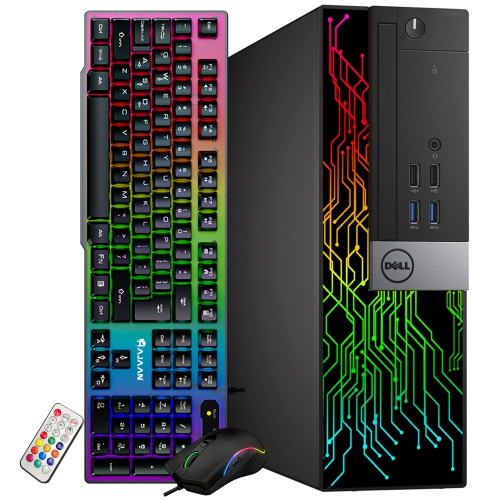
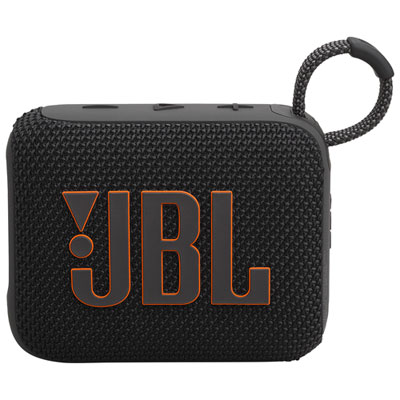
Top Collections:
Pokemon Centers, Kindle Devices, Best Budget Office Chairs, Apple iPhones 16, Best Laptops for Writers, iPhone 15 Apple, Canon G7X Cameras, Refurbished Apple Laptops, Alarm Clock, Motorola Razr Phones
Some products may be subject to Environmental Handling Fees
(EHF) depending on your province.
Learn more about EHFs.