Mechanical Keyboards for Programming
Elevate your coding experience with mechanical keyboards for programming, designed to enhance productivity and comfort during long hours of development. These keyboards offer a tactile and responsive typing experience that can help reduce fatigue and increase efficiency. Whether you're a seasoned software engineer or just starting your programming journey, mechanical keyboards provide the durability and precision you need to execute your projects flawlessly. Explore our selection to find the perfect keyboard that fits your style and boosts your performance.
Sort
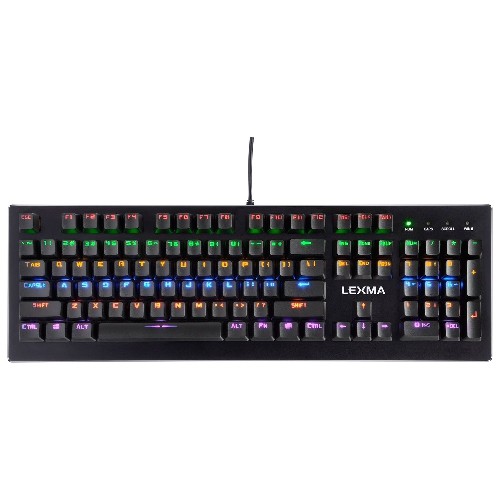
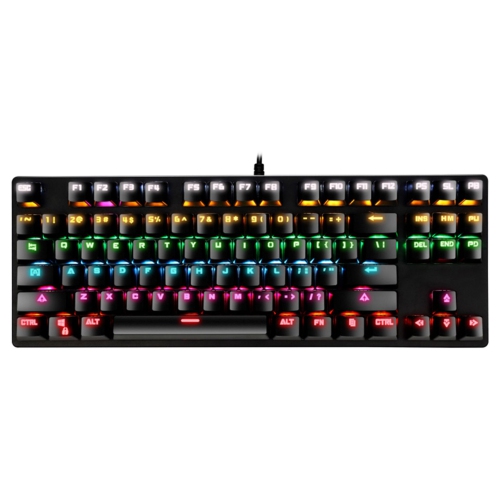


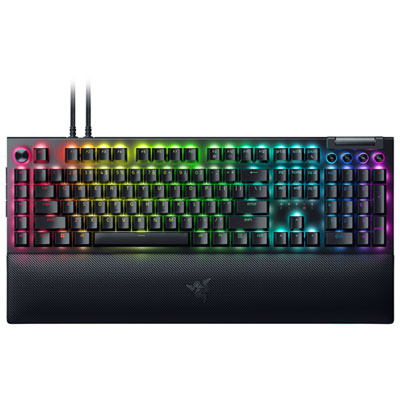
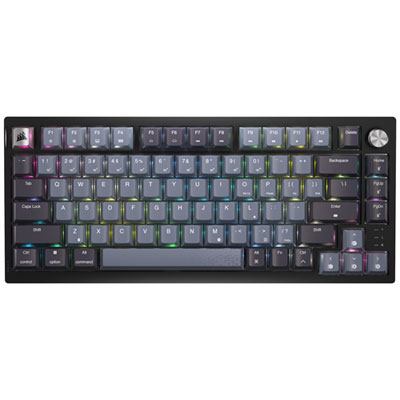
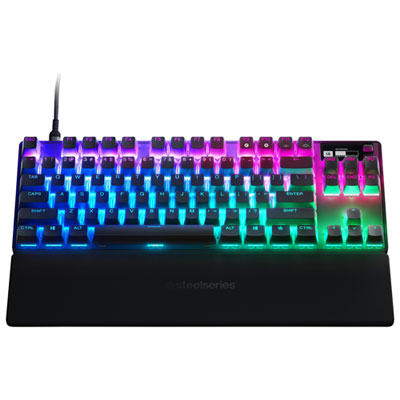
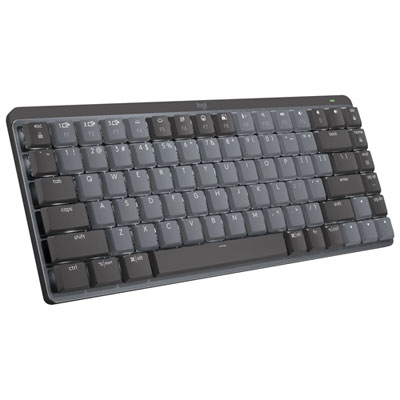


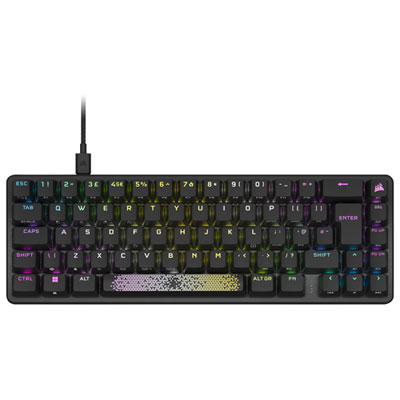
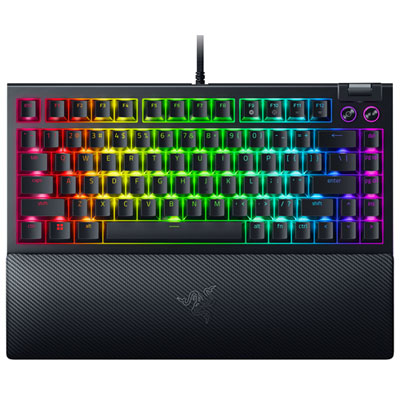
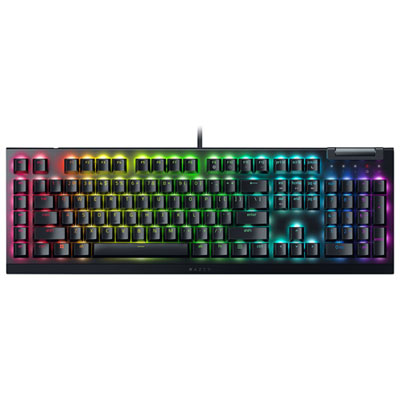
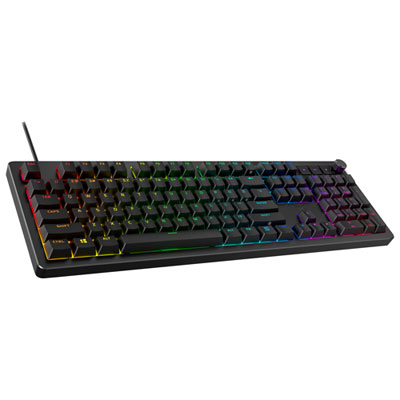
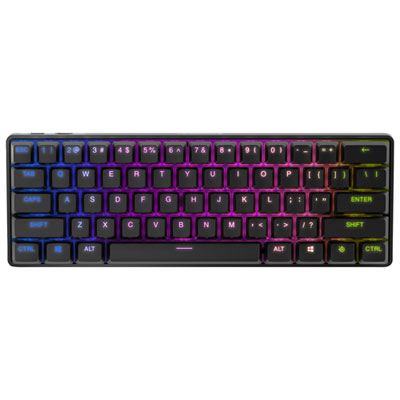
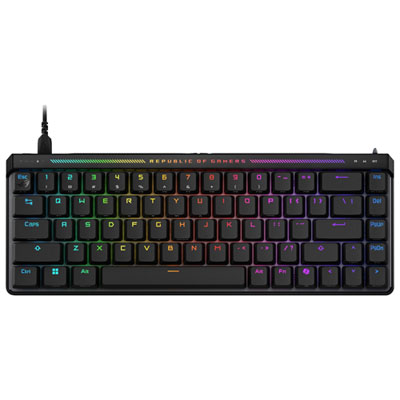
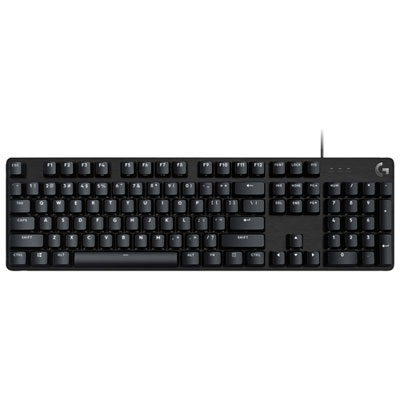

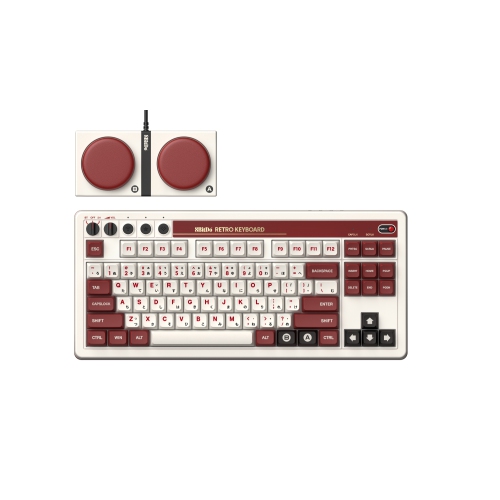
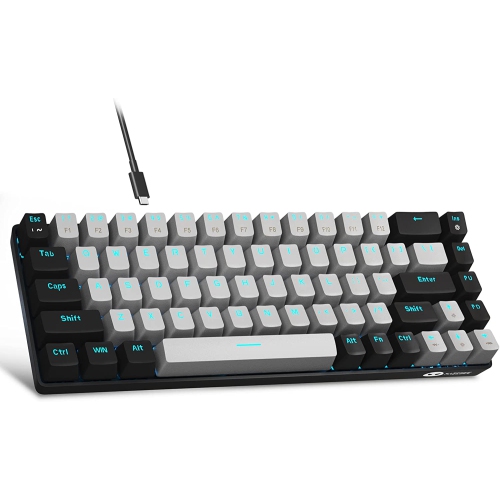
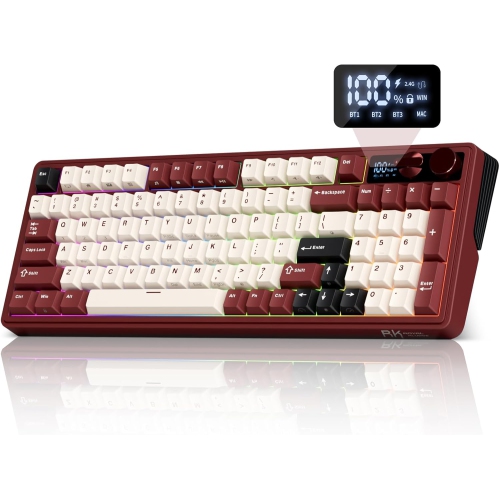
Switches, layouts, and features shape every coding session
Mechanical keyboards for programming are designed for people who spend long stretches turning ideas into code, documentation, scripts, and digital projects. Compared with a typical membrane keyboard, a mechanical model uses individual switches beneath each key, giving every press a distinct feel and response. That physical feedback can make repeated typing feel more deliberate, especially when entering punctuation, brackets, quotation marks, and keyboard shortcuts throughout a coding session. Some programmers prefer tactile switches, which provide a noticeable bump as a key registers. This feedback can help with typing confidence and may reduce the need to press each key all the way down. Linear switches move smoothly from top to bottom and are often chosen by fast typists who favour a softer, uninterrupted keystroke. Clicky switches add a pronounced sound and tactile response, creating a classic typewriter-like experience that some people enjoy at home. In a shared office, library, or quiet room, however, louder switches may not be the most considerate choice. The best fit depends on your preferred typing rhythm, the amount of time you spend at your desk, and the people around you. A programmer who moves between a home office and a shared workspace may appreciate a quieter switch, while someone working alone may place greater value on a crisp, audible press. For more ideas and product comparisons, browse Best Keyboards for Programming to explore options suited to different coding habits and desk setups.
Layout is another important consideration because programming involves more than letters and numbers. Arrow keys, function keys, navigation controls, and dedicated keys for symbols can make a noticeable difference when moving through code or working in an integrated development environment. A 75% layout keeps the arrow keys and function row while using a more compact frame, making it a practical choice for programmers who want to bring their mouse closer to their body without giving up familiar controls. TenKeyLess, or TKL, keyboards offer a similar balance by removing the number pad and retaining a conventional arrangement for navigation and function keys. Compact full-size and 96% layouts keep a number pad in a tighter footprint, which can be helpful for data entry, spreadsheets, numerical scripts, and testing applications that rely on frequent digit input. Smaller 60% and 65% keyboards free up even more desk space and travel easily between a home workstation, classroom, or co-working space, but they may place arrows and other commands behind function layers. That arrangement can feel efficient once memorized, though it may take time to adjust if your work depends on navigation keys throughout the day. Programmable firmware such as QMK or VIA can make a compact layout more flexible by allowing you to remap keys, create layers, and assign macros to commonly used commands. A programmer might place frequently entered symbols closer to the home row, create a dedicated layer for navigation, or assign a shortcut used repeatedly in an editor to a more convenient key combination. Hot-swappable switch sockets add another level of customization by letting you change compatible switches without soldering. This makes it easier to try a tactile, linear, or quieter setup as your preferences develop, and it can be especially useful for someone building a first custom mechanical keyboard.
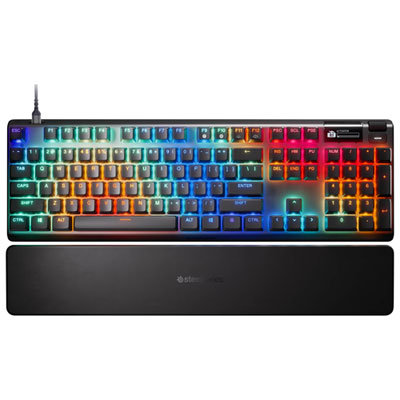
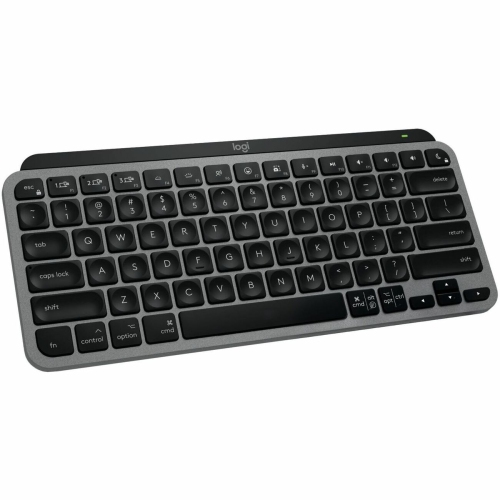
When choosing a mechanical keyboard for programming, consider the complete experience rather than focusing on switch type alone. Keycap shape and texture affect how easily your fingers find each row, while a sturdy case can help the keyboard remain stable during rapid typing. Adjustable feet, a comfortable typing angle, and a wrist rest may be helpful during long sessions, although the ideal position varies from person to person. Check whether the keyboard supports Windows, macOS, or both, particularly if you move between a desktop computer and a laptop. Wired models provide a straightforward connection and are often preferred for a permanent workstation, while wireless keyboards can keep a desk uncluttered and make it easier to switch between devices. Battery life, charging connections, and the process for changing between paired devices are worth checking if portability is part of your routine. Backlighting can help identify legends in a dim room during the cooler months, and adjustable lighting gives you control over brightness without overwhelming the rest of your workspace. Some people also appreciate dedicated media controls or a programmable knob for adjusting volume while a build runs or a tutorial plays in the background. Mechanical keyboards can be thoughtful gifts for computer science students, software developers, web designers, data analysts, and hobbyists who enjoy refining their setup one detail at a time. They are also practical for someone beginning a first programming course, especially when the layout offers familiar navigation keys and the switches provide a comfortable response. A keyboard may sit beneath your hands for hours during a difficult debugging session, a late-night personal project, or a quiet afternoon of learning, so details such as noise level, key spacing, connectivity, and programmability can have a lasting effect. Whether you favour a compact board for a small desk, a full-featured layout for coding and numerical work, or a customizable model that can evolve with your habits, the right mechanical keyboard can make everyday programming feel more precise, comfortable, and personal.
Layout is another important consideration because programming involves more than letters and numbers. Arrow keys, function keys, navigation controls, and dedicated keys for symbols can make a noticeable difference when moving through code or working in an integrated development environment. A 75% layout keeps the arrow keys and function row while using a more compact frame, making it a practical choice for programmers who want to bring their mouse closer to their body without giving up familiar controls. TenKeyLess, or TKL, keyboards offer a similar balance by removing the number pad and retaining a conventional arrangement for navigation and function keys. Compact full-size and 96% layouts keep a number pad in a tighter footprint, which can be helpful for data entry, spreadsheets, numerical scripts, and testing applications that rely on frequent digit input. Smaller 60% and 65% keyboards free up even more desk space and travel easily between a home workstation, classroom, or co-working space, but they may place arrows and other commands behind function layers. That arrangement can feel efficient once memorized, though it may take time to adjust if your work depends on navigation keys throughout the day. Programmable firmware such as QMK or VIA can make a compact layout more flexible by allowing you to remap keys, create layers, and assign macros to commonly used commands. A programmer might place frequently entered symbols closer to the home row, create a dedicated layer for navigation, or assign a shortcut used repeatedly in an editor to a more convenient key combination. Hot-swappable switch sockets add another level of customization by letting you change compatible switches without soldering. This makes it easier to try a tactile, linear, or quieter setup as your preferences develop, and it can be especially useful for someone building a first custom mechanical keyboard.
When choosing a mechanical keyboard for programming, consider the complete experience rather than focusing on switch type alone. Keycap shape and texture affect how easily your fingers find each row, while a sturdy case can help the keyboard remain stable during rapid typing. Adjustable feet, a comfortable typing angle, and a wrist rest may be helpful during long sessions, although the ideal position varies from person to person. Check whether the keyboard supports Windows, macOS, or both, particularly if you move between a desktop computer and a laptop. Wired models provide a straightforward connection and are often preferred for a permanent workstation, while wireless keyboards can keep a desk uncluttered and make it easier to switch between devices. Battery life, charging connections, and the process for changing between paired devices are worth checking if portability is part of your routine. Backlighting can help identify legends in a dim room during the cooler months, and adjustable lighting gives you control over brightness without overwhelming the rest of your workspace. Some people also appreciate dedicated media controls or a programmable knob for adjusting volume while a build runs or a tutorial plays in the background. Mechanical keyboards can be thoughtful gifts for computer science students, software developers, web designers, data analysts, and hobbyists who enjoy refining their setup one detail at a time. They are also practical for someone beginning a first programming course, especially when the layout offers familiar navigation keys and the switches provide a comfortable response. A keyboard may sit beneath your hands for hours during a difficult debugging session, a late-night personal project, or a quiet afternoon of learning, so details such as noise level, key spacing, connectivity, and programmability can have a lasting effect. Whether you favour a compact board for a small desk, a full-featured layout for coding and numerical work, or a customizable model that can evolve with your habits, the right mechanical keyboard can make everyday programming feel more precise, comfortable, and personal.
Top selling and popular products
-
 Your price for this item is $39.99
 -
 Your price for this item is $76.98
 -
 Your price for this item is $94.99
 -
 Your price for this item is $319.99
 -
 Your price for this item is $364.99
 -
 Your price for this item is $149.99
 -
 Your price for this item is $124
 -
 Your price for this item is $94.99
Discover more categories related to Mechanical Keyboards for Programming

Top Collections:
Pokemon Centers, Kindle Devices, Best Budget Office Chairs, Apple iPhones 16, Best Laptops for Writers, iPhone 15 Apple, Canon G7X Cameras, Refurbished Apple Laptops, Alarm Clock, Motorola Razr Phones
Some products may be subject to Environmental Handling Fees
(EHF) depending on your province.
Learn more about EHFs.