Best Keyboards for Programming
The best keyboards for programming can make long coding sessions more comfortable and help you work efficiently. From responsive keys and customizable shortcuts to ergonomic layouts, the right features can make a difference in your daily workflow. Explore keyboards ranked by user review ratings to find an option that suits your coding style and workspace.
What to look for in keyboards for programming
1. Typing Feel and Switch Type
2. Layout and Key Access
3. Ergonomics and Comfort
4. Compatibility and Customisation
-
1
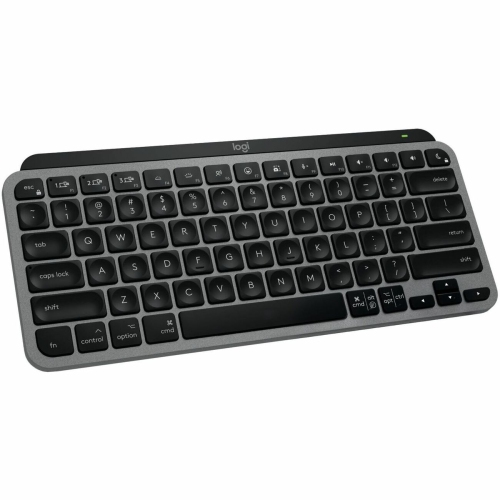
LOGITECH Master Bluetooth Wireless Ergonomic Keyboard - Space - English (920-012644) In Gray
About this product
A wireless ergonomic keyboard in space gray, designed for Mac devices with Bluetooth connectivity.
(18)$159.99 Your price for this item is $159.99 -
2
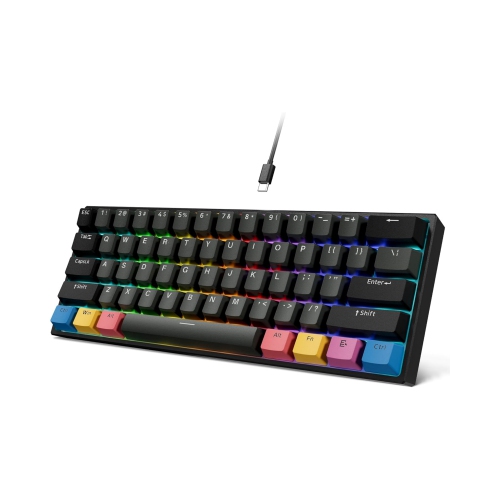
NIERBO 60 Percent Keyboard w Hot Swappable - Mechanical Keyboard, RGB Backlit Wired Gaming Keyboard, Pbt Cherry Keycaps, Pre-Lubed Linear Switch
About this product
A compact black mechanical keyboard featuring hot-swappable pre-lubed linear switches and vibrant RGB backlighting.
$69.99Your price for this item is $69.99SAVE $30 -
3
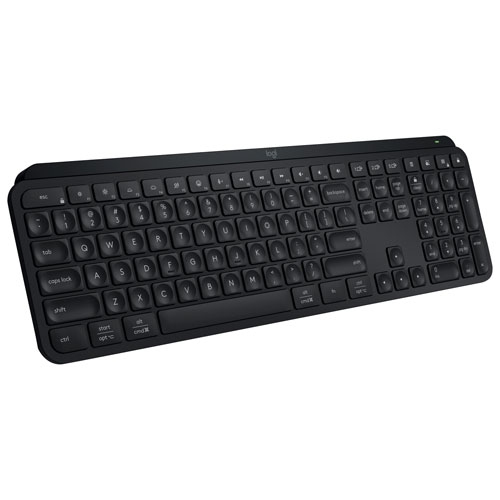
LOGITECH - Mx Keys S Wireless Backlit Keyboard With Programmable Keys - In Black
About this product
A black wireless keyboard with spherically-dished keys, programmable shortcuts, and adaptive backlighting.
$169.99 Your price for this item is $169.99 -
4
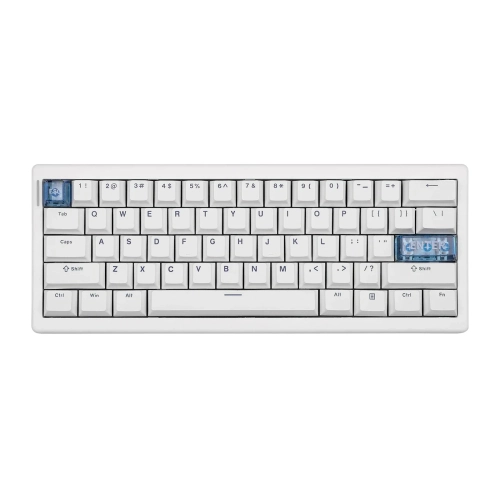
MAXONE Cidoo Qk61 V2 Via-Programmable 60% Gasket Structure Wired/2.4Ghz Wireless/bluetooth Compact Keyboard With South-Facing Led
About this product
A compact mechanical keyboard with hot-swappable switches, multiple connectivity options, and south-facing LED lighting.
$44.99Your price for this item is $44.99SAVE $55 -
5
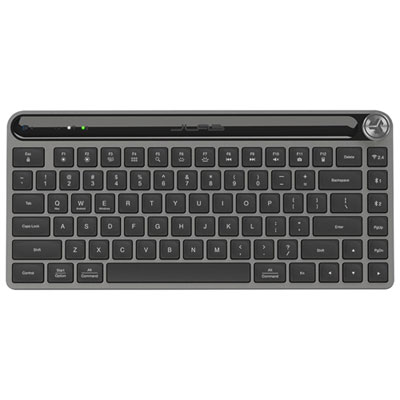
JLAB Epic Mini Bluetooth Keyboard - Black - Only at Best Buy
About this product
A compact black Bluetooth keyboard with illuminated keys, customizable shortcuts, and multi-device connectivity for versatile use.
What customers like
(20)$89.99 Your price for this item is $89.99 -
6
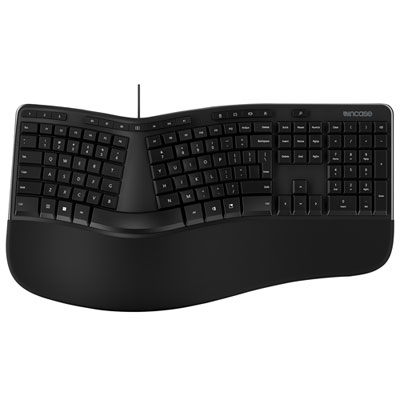
Incase Designed by Microsoft Ergonomic Keyboard - Black - English
About this product
An ergonomic black keyboard with split keyset, dedicated function keys, and integrated number pad for comfort.
(16)$99.98 Your price for this item is $99.98 -
7
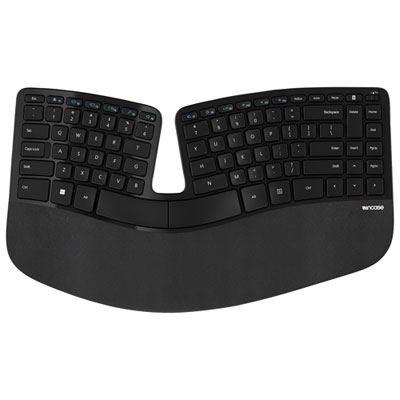
Incase Designed By Microsoft Sculpt Ergonomic Wireless TKL Keyboard - Black - English - Only at Best Buy
About this product
A wireless ergonomic keyboard in black with a split keyset and domed design for comfortable typing.
(13)$169.99 Your price for this item is $169.99 -
8
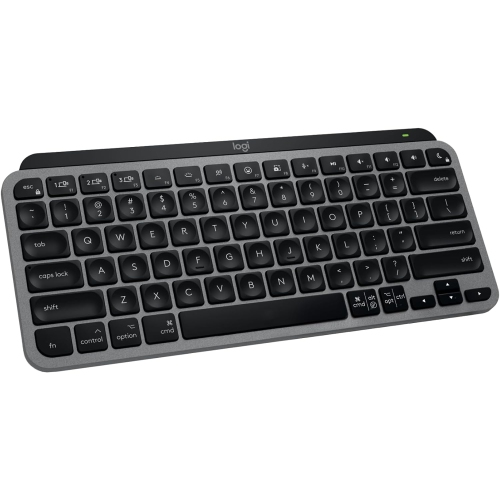
LOGITECH Mx Keys Mini for Mac- In Grey
About this product
A compact wireless keyboard in grey with backlit keys, Bluetooth connectivity, and USB-C charging for Mac devices.
(2)$79.00Your price for this item is $79SAVE $20 -
9
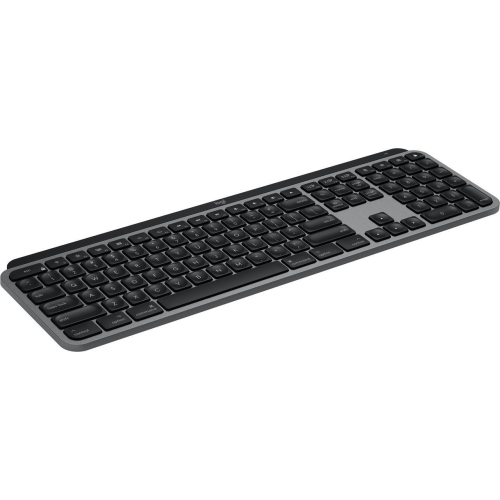
LOGITECH Mx Keys S Wireless Backlit Keyboard for Mac/ipad- Space In Grey
About this product
A sleek grey wireless keyboard with Mac-specific layout, smart backlighting, and customizable Smart Actions for efficiency.
$129.99 Your price for this item is $129.99
FAQ
Consider the key feel, layout, connection options and support for custom shortcuts. Dedicated arrow keys, accessible punctuation keys and programmable key assignments are useful considerations for coding. If you work across multiple computers, you may also want device switching and compatibility with your operating systems.
Mechanical keyboards use an individual switch beneath each key, while membrane keyboards typically use a flexible membrane layer to register keystrokes. Mechanical models offer a variety of switch types with different sounds and tactile sensations. Membrane models often have a softer key feel, though typing characteristics vary by design.
Common mechanical switch types include linear, tactile and clicky. Linear switches have a smooth keypress without a tactile bump. Tactile switches add a noticeable bump, while clicky switches combine tactile feedback with an audible click. The choice comes down to your preferred typing feel and tolerance for sound.
Programmable keys let you assign different functions or shortcuts to individual keys. Macros let you trigger a saved sequence of inputs with a keypress. Depending on the keyboard and its software, you may be able to create separate profiles for code editors, terminal applications and other tools.
Many USB and Bluetooth keyboards support basic typing across Windows, macOS and Linux. However, configuration software, custom key assignments and certain function keys may have different operating system requirements. Check compatibility details if you need custom profiles or want modifier key labels that match your system.
Top selling and popular products
Discover more categories related to Best Keyboards for Programming

Some products may be subject to Environmental Handling Fees (EHF) depending on your province. Learn more about EHFs.