Top 5 Gaming Keyboards
If you're a gamer, you know the importance of a good keyboard. It's the main way you communicate with your teammates, and it's also how you navigate the menus and launch your attacks. The best gaming keyboards have a number of features that make them ideal for gamers, including backlighting, programmable buttons, and extra programmable keys.
Sort

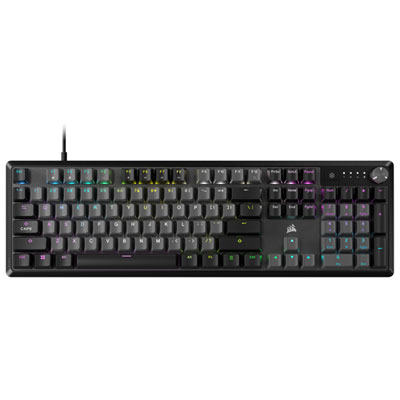
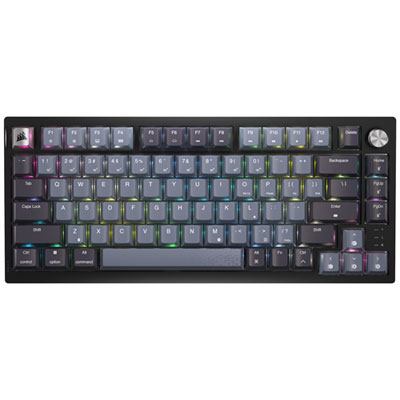
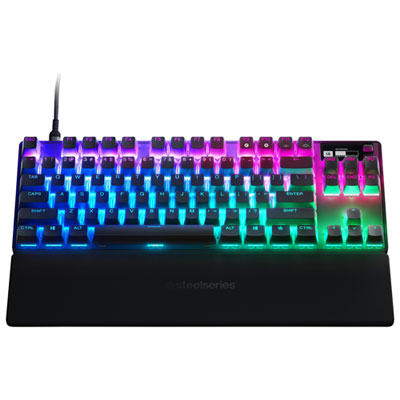
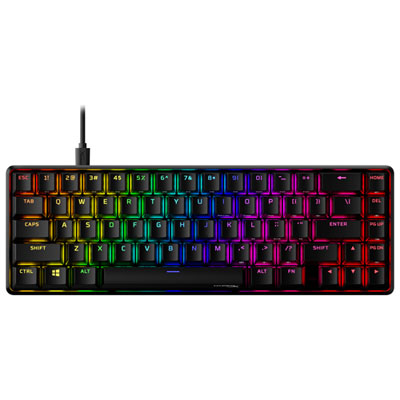

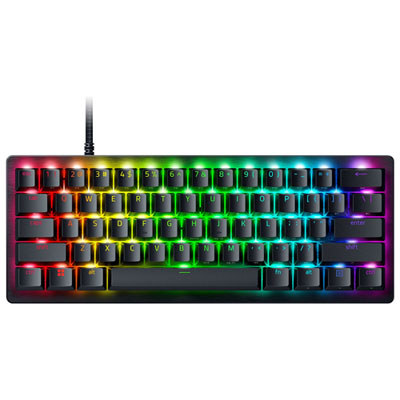
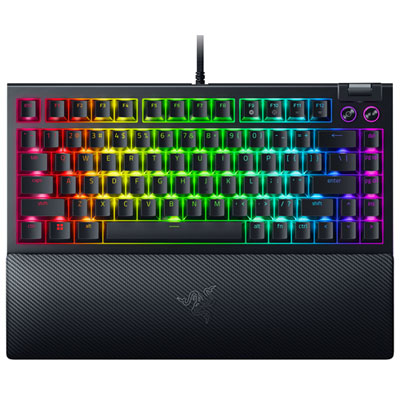
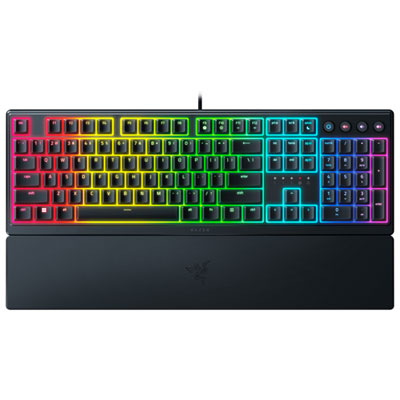
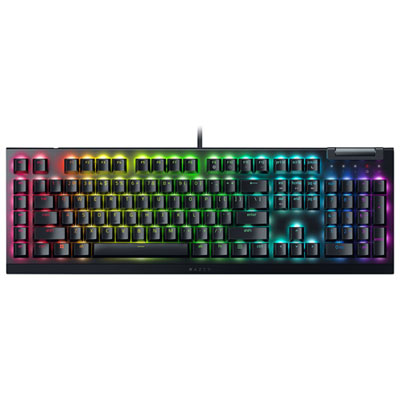
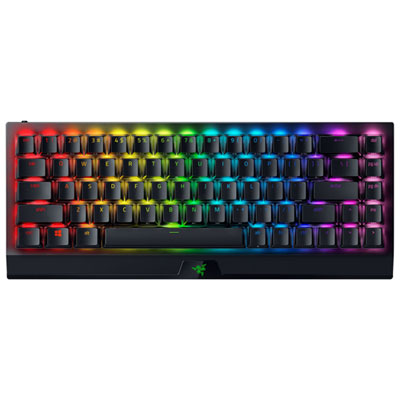
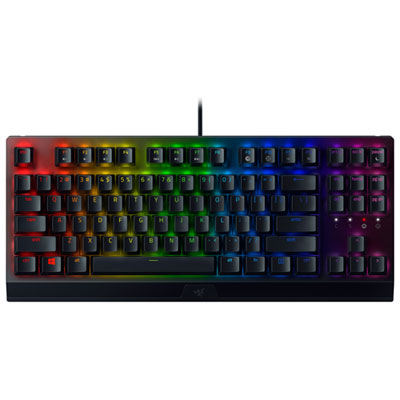
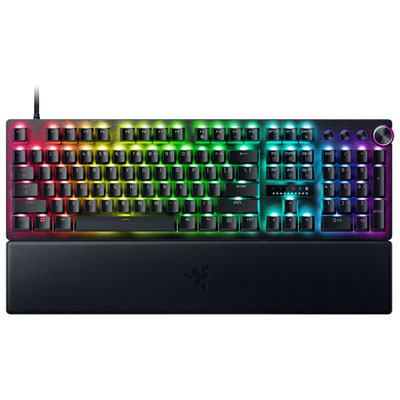
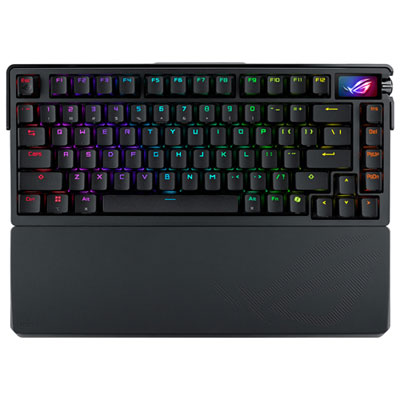
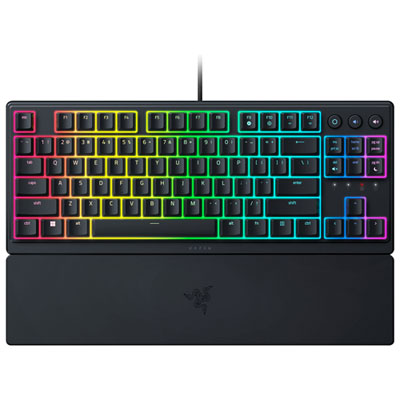
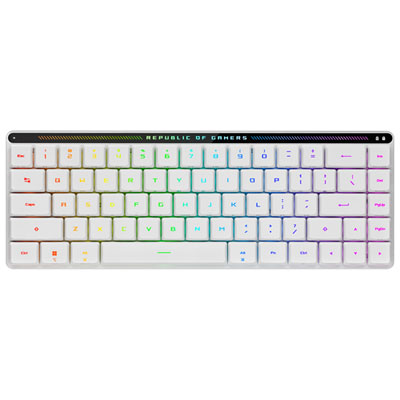
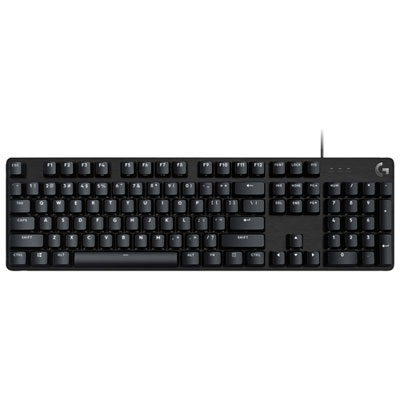
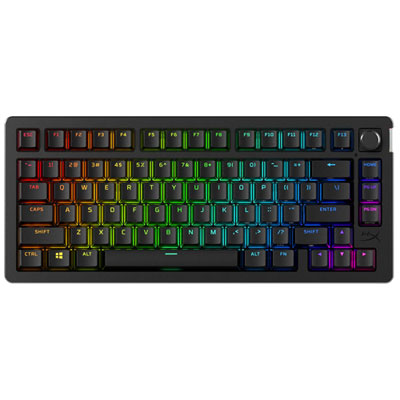
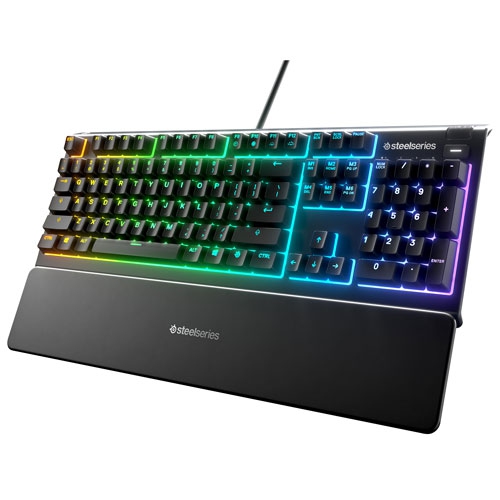
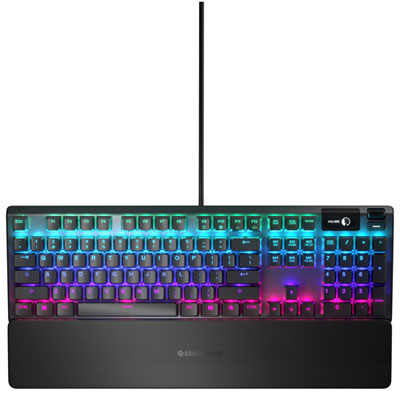
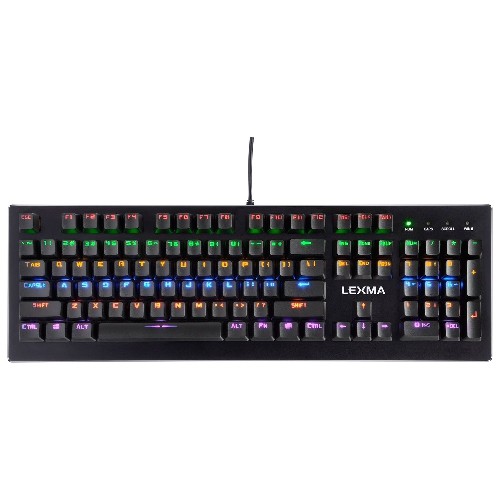
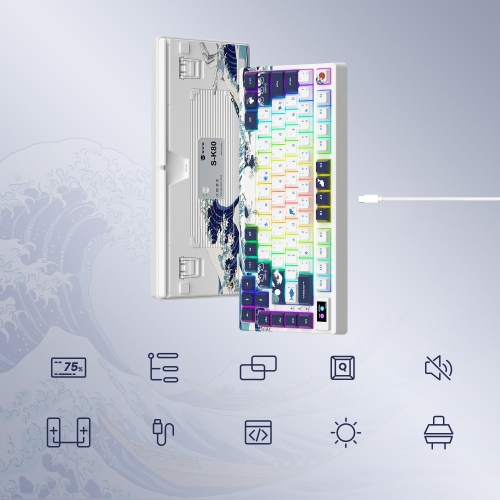
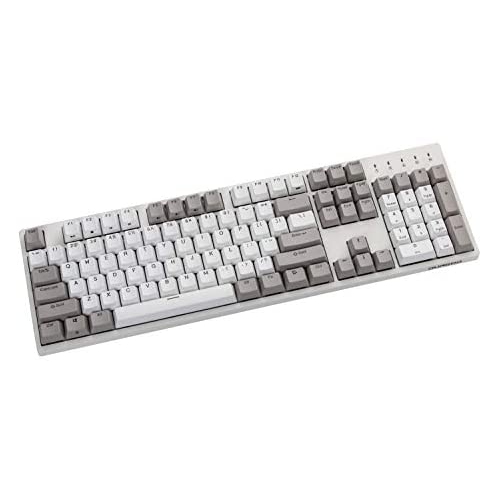
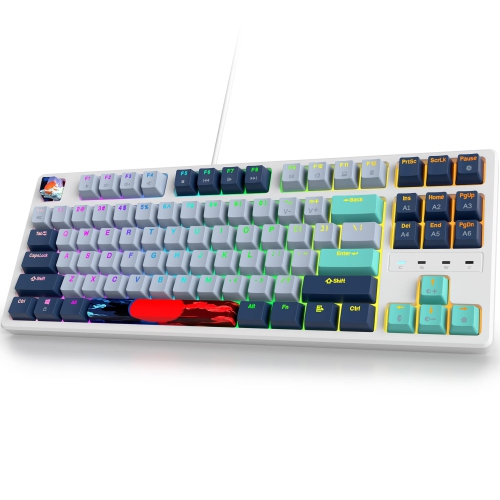
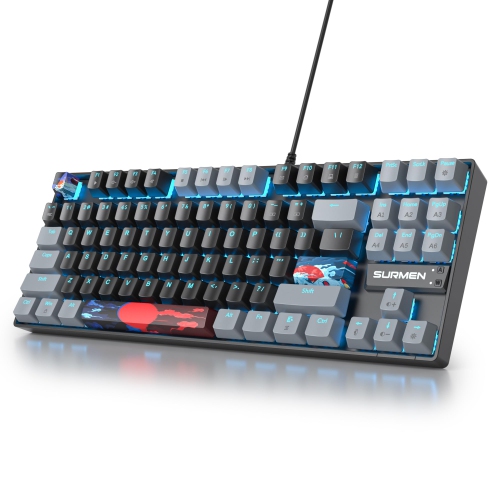
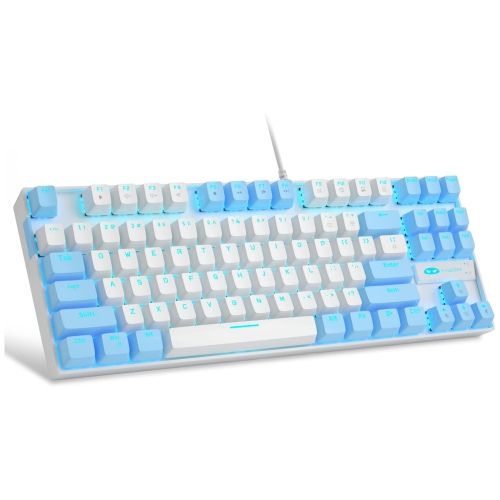
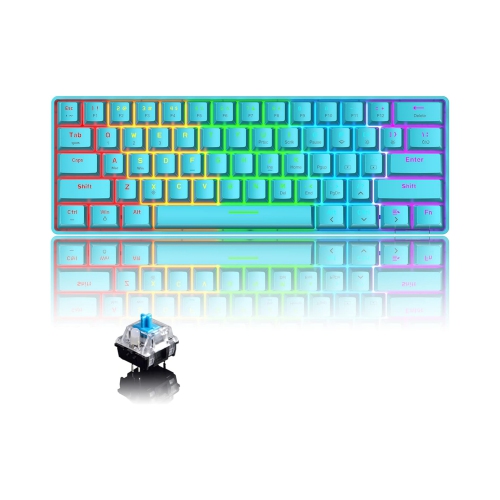
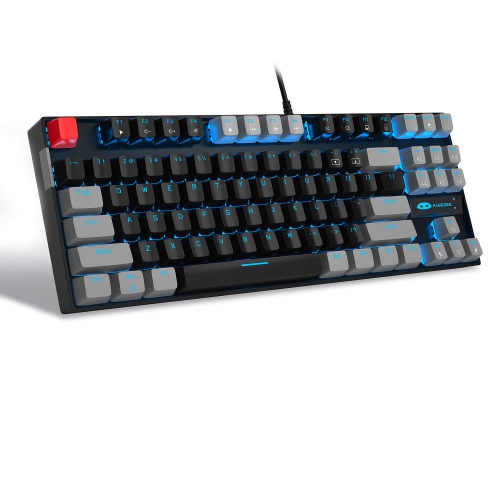

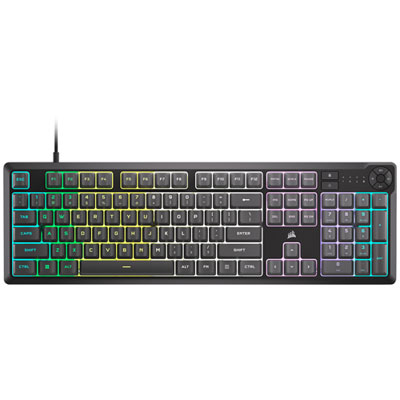
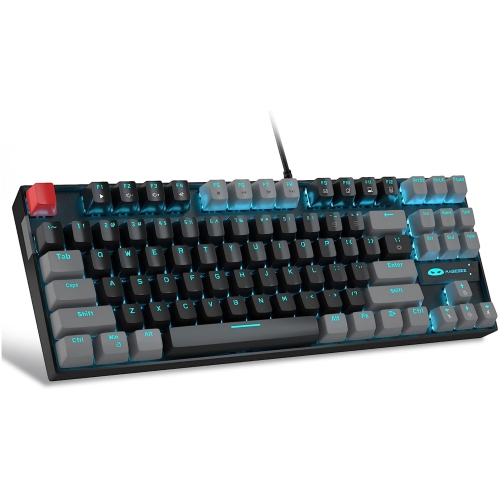
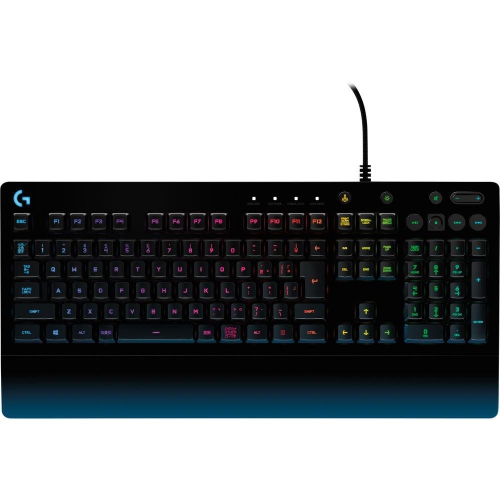

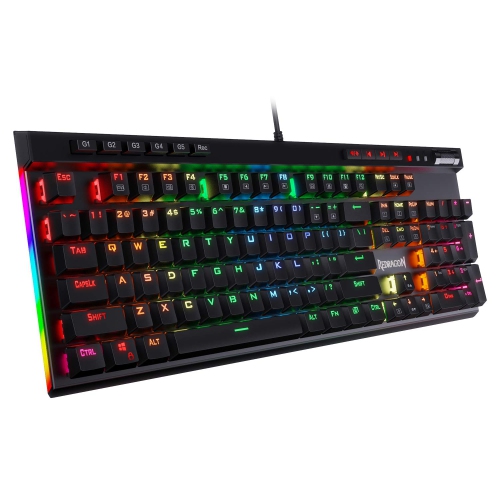
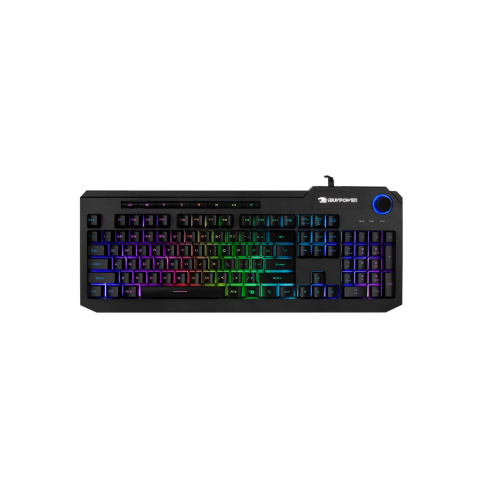
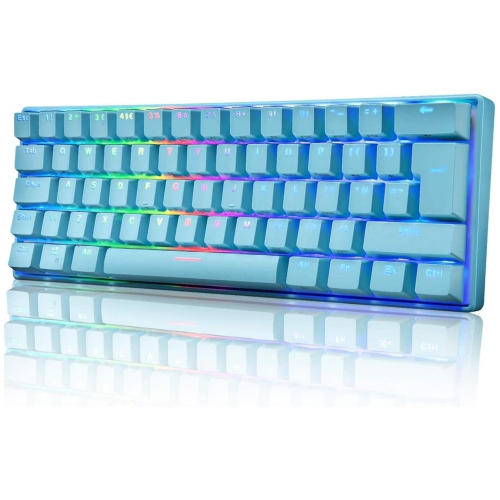
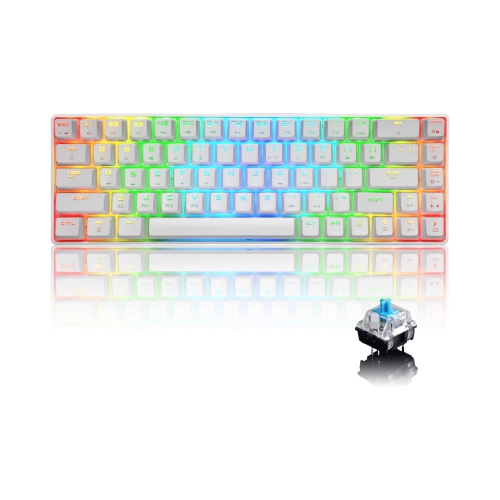
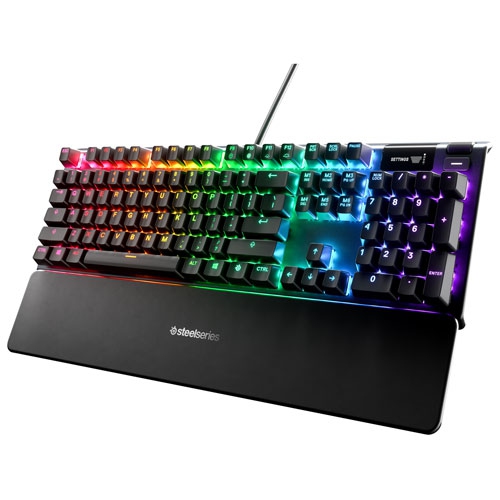
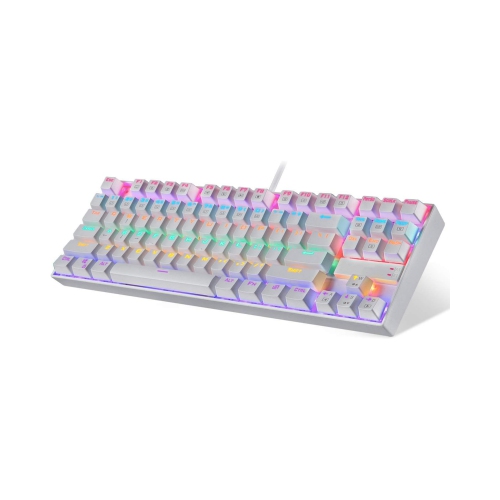
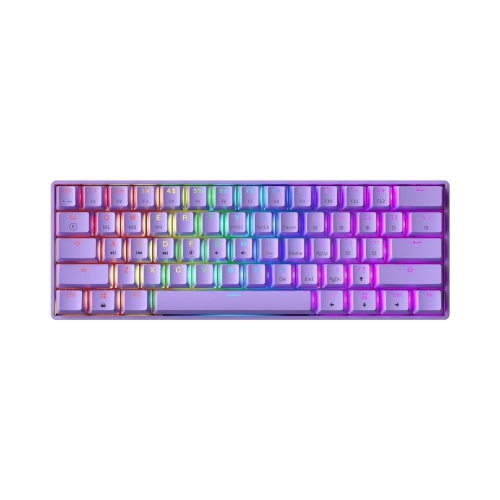
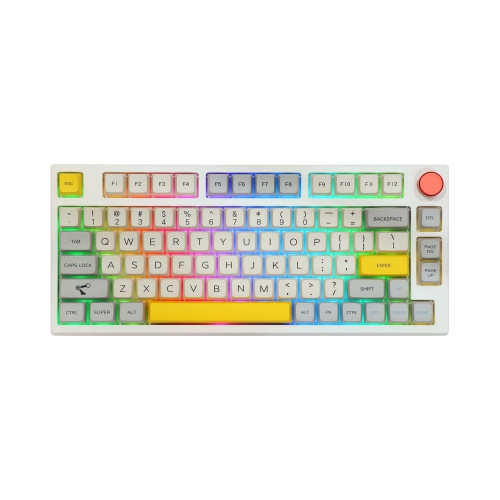
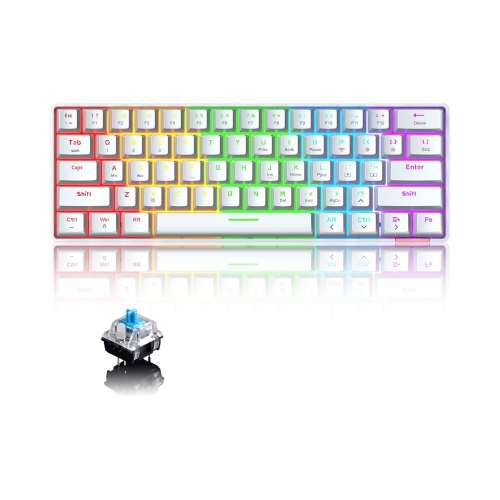
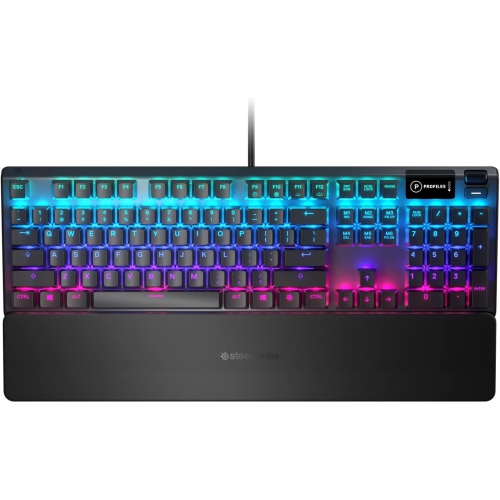
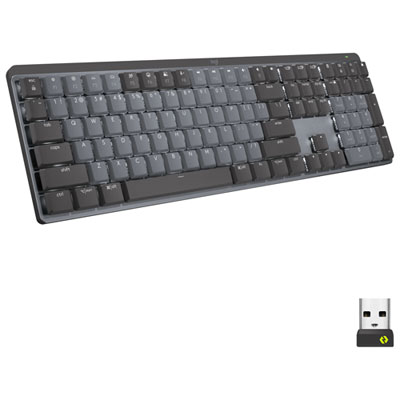
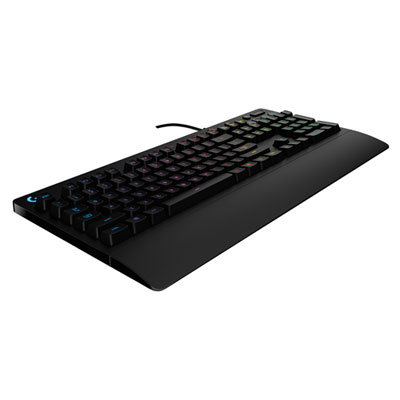
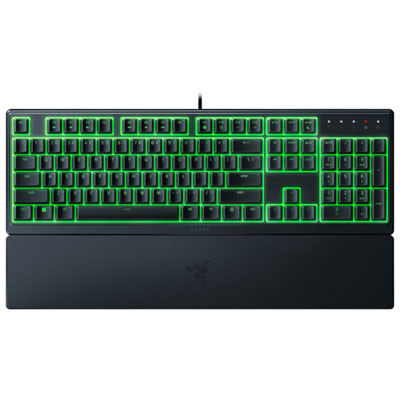
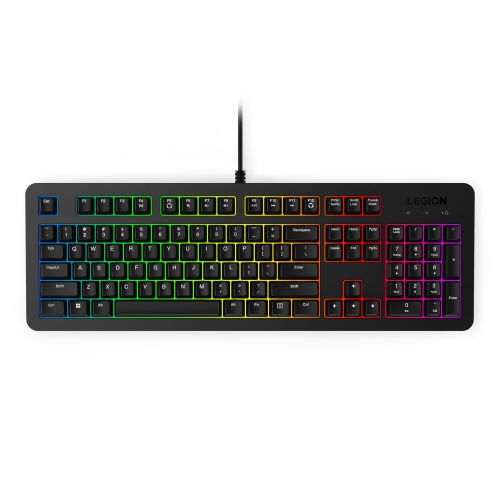
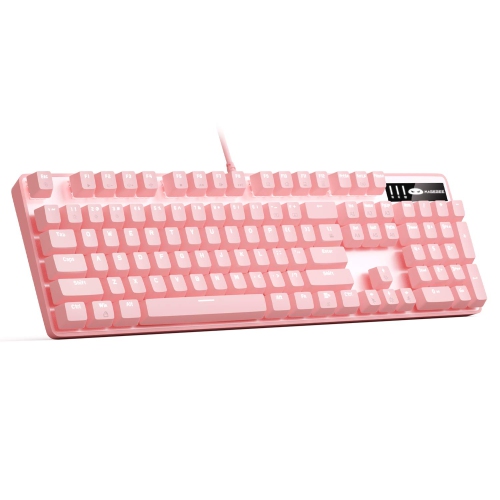
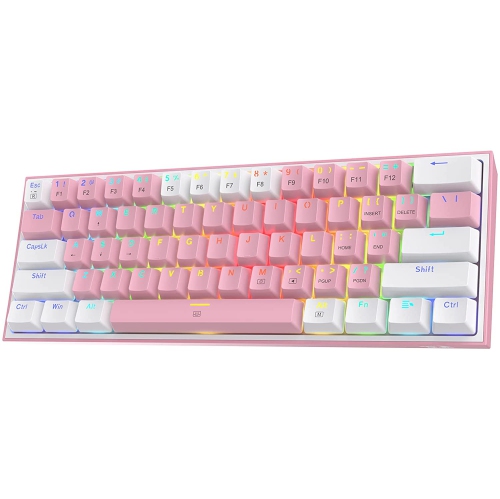
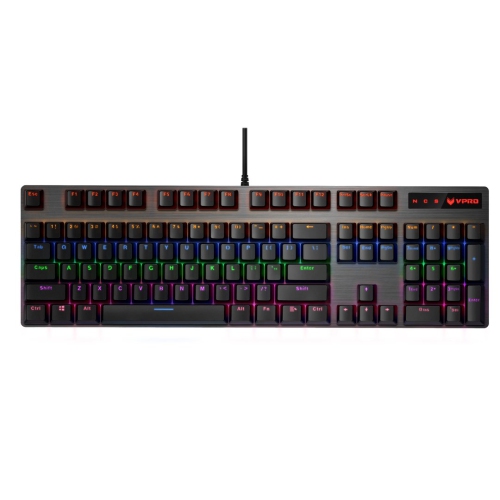
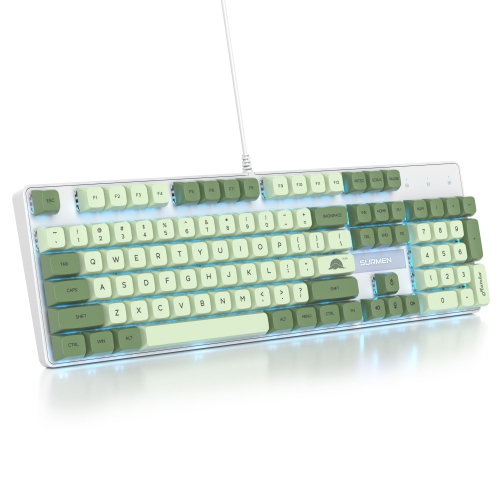
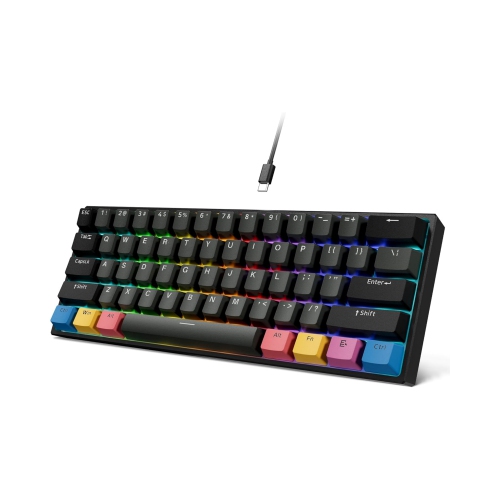
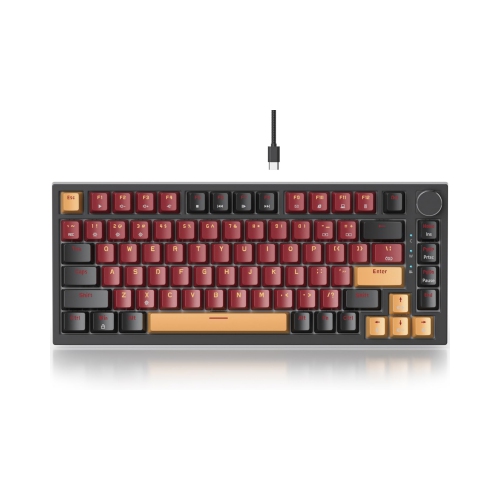
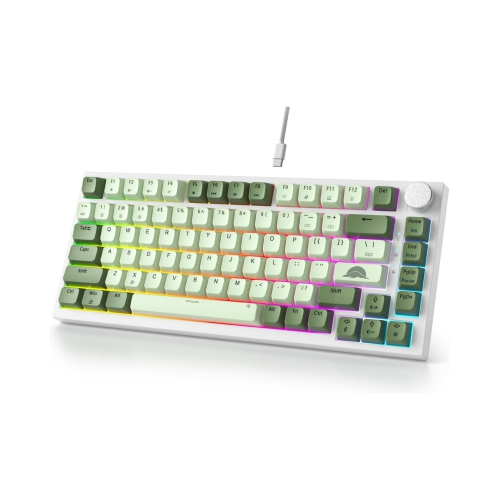
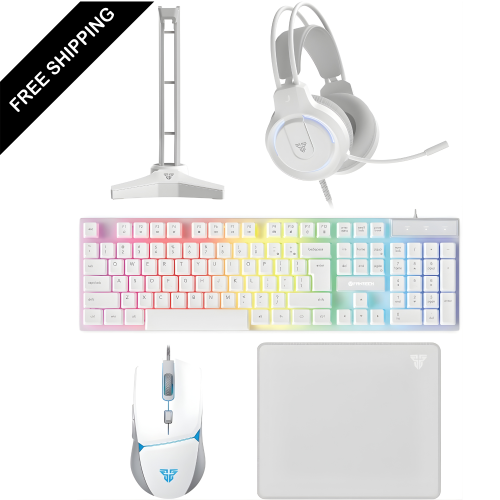
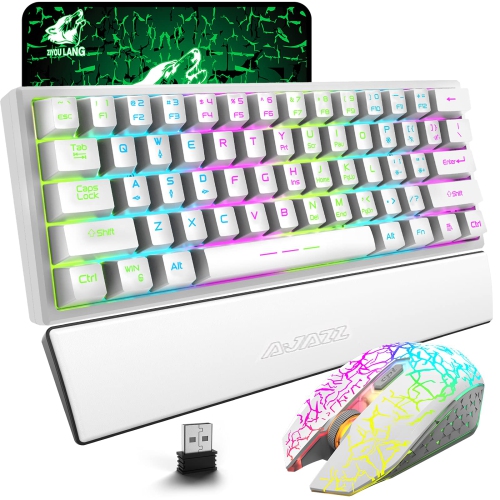
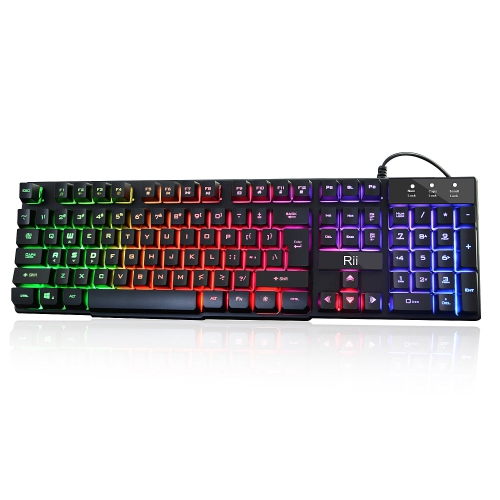
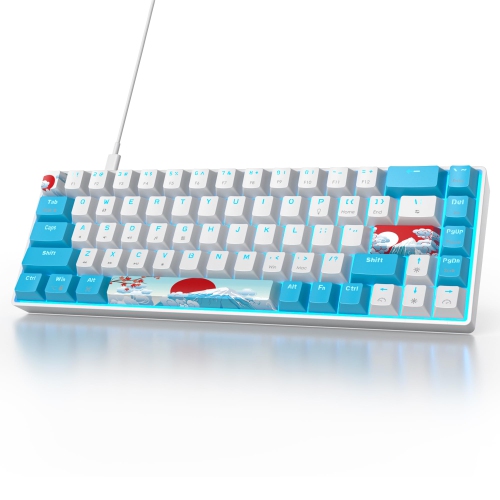
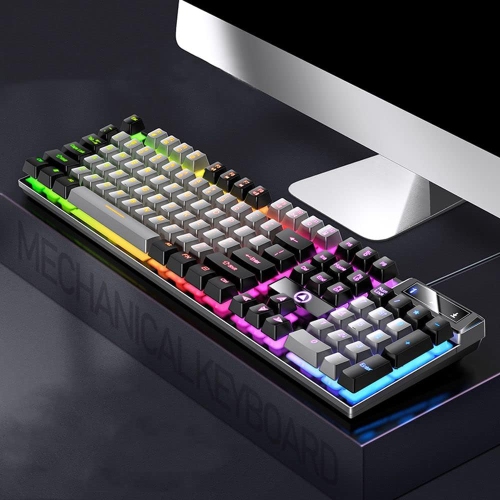
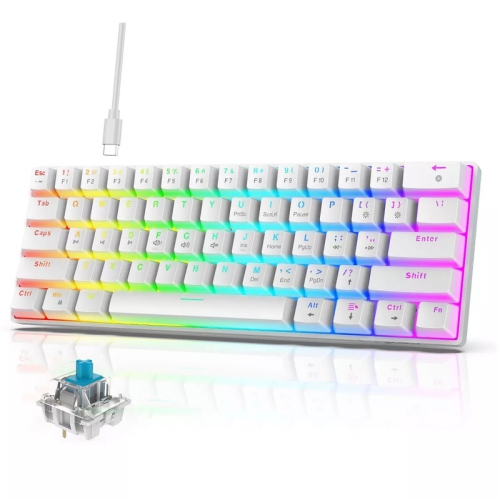
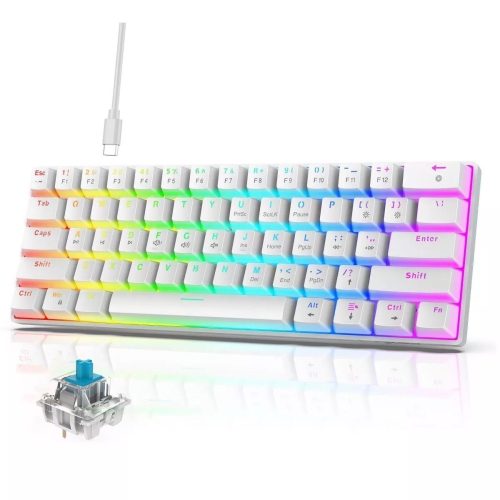
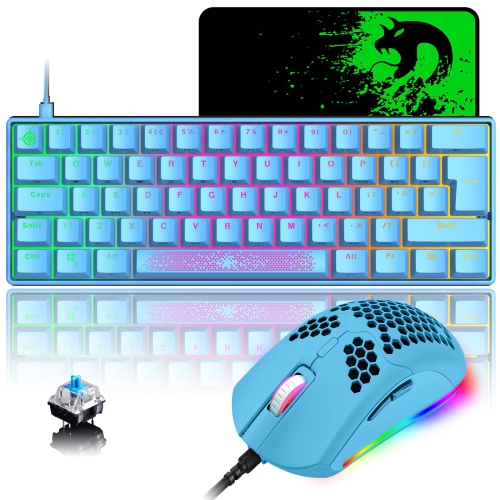
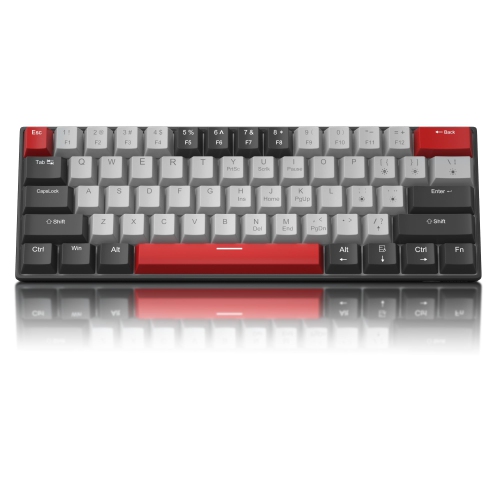
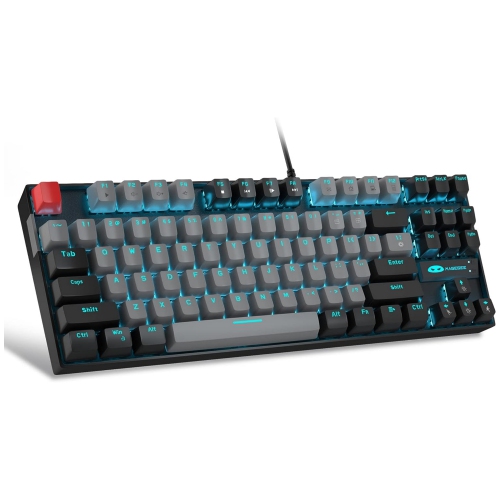
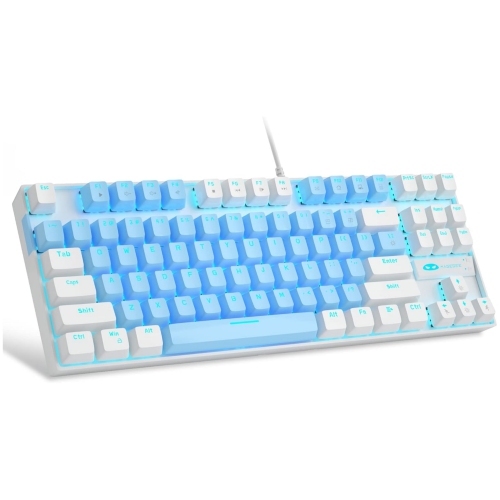
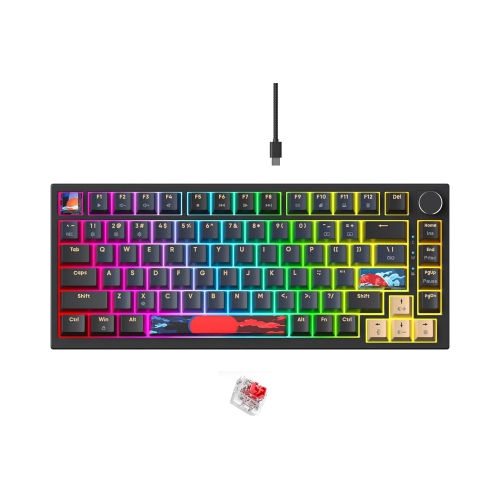

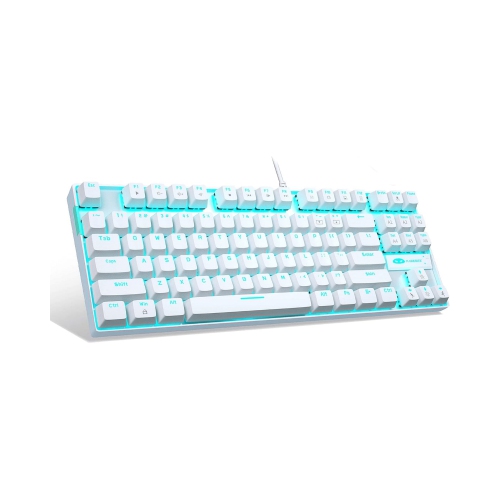
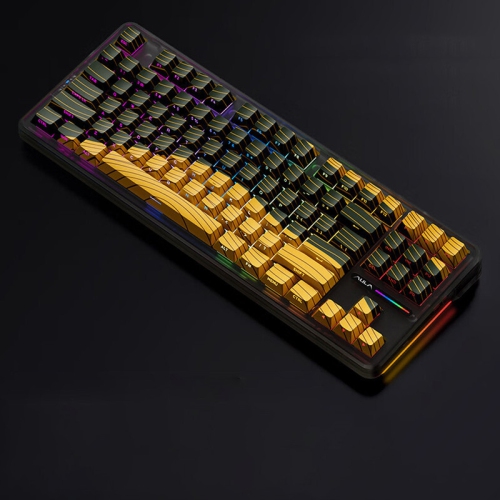

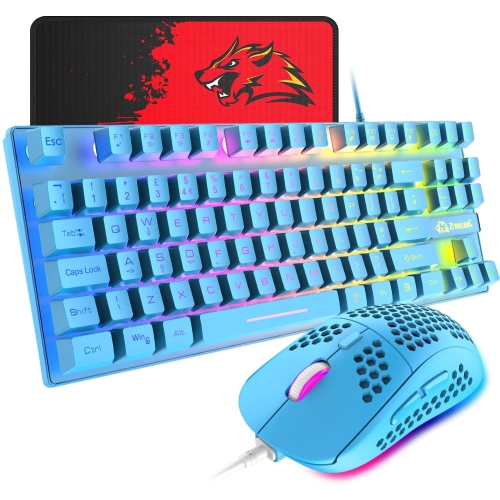
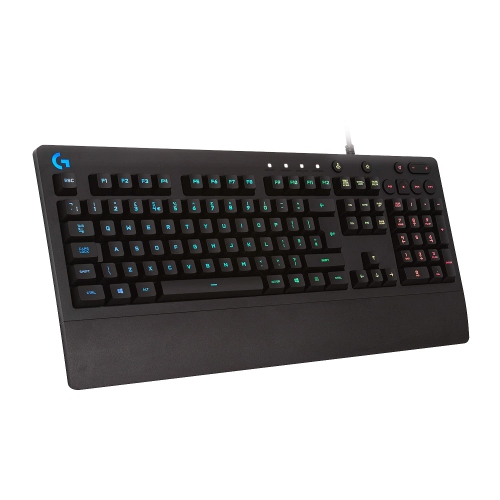
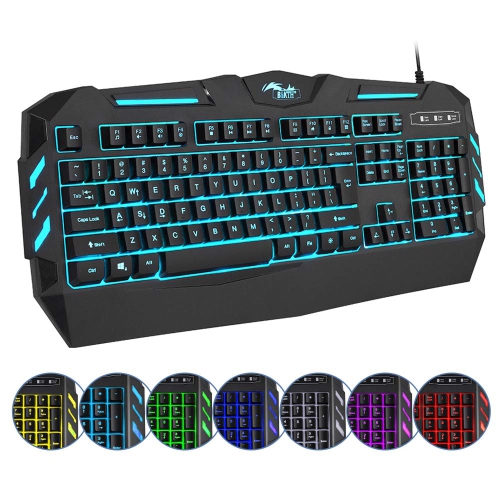
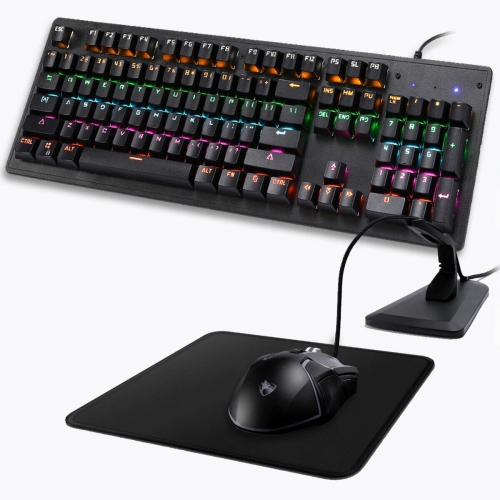
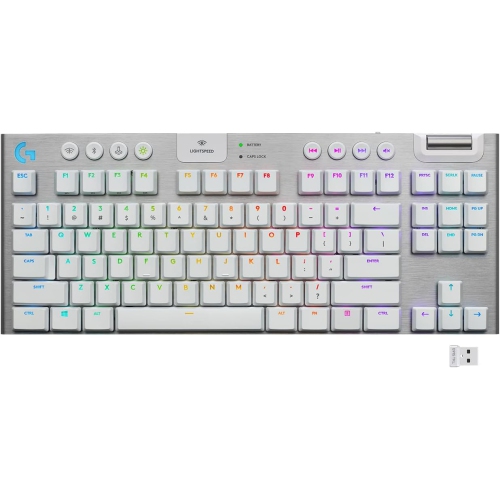
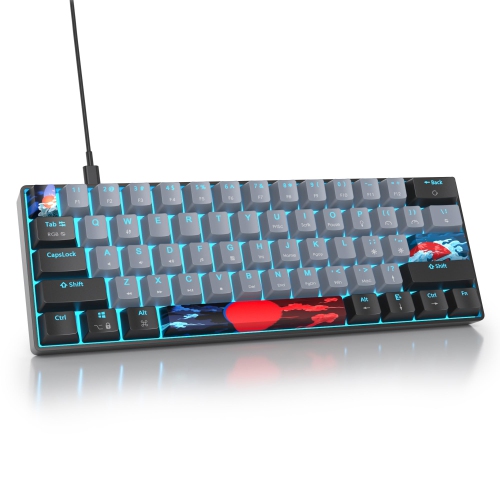
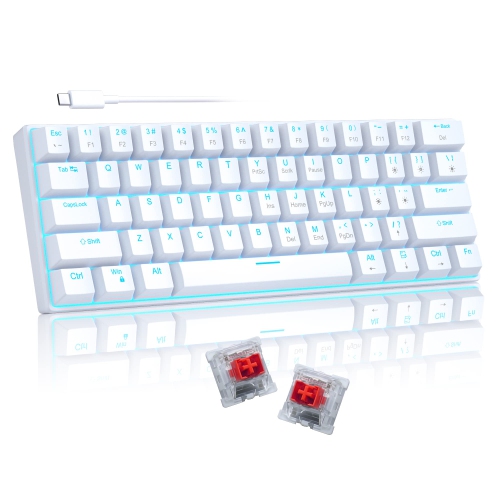

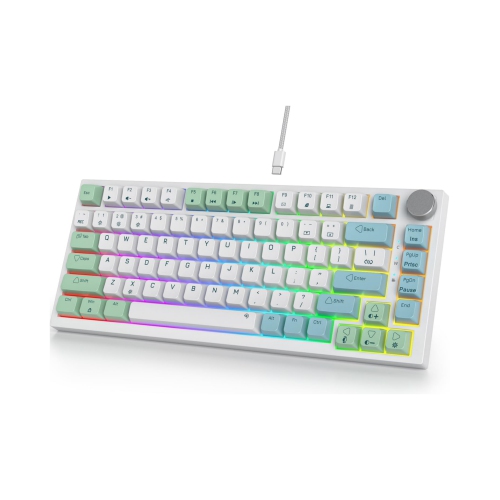


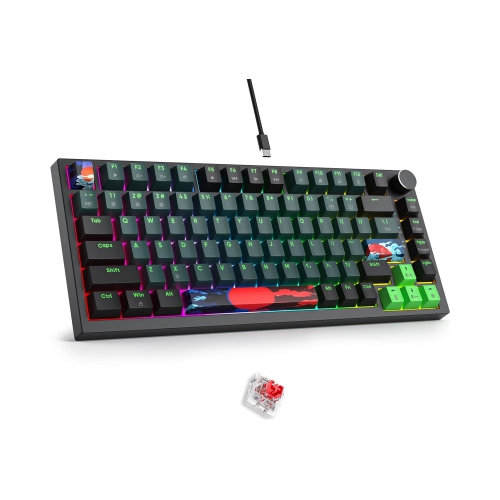
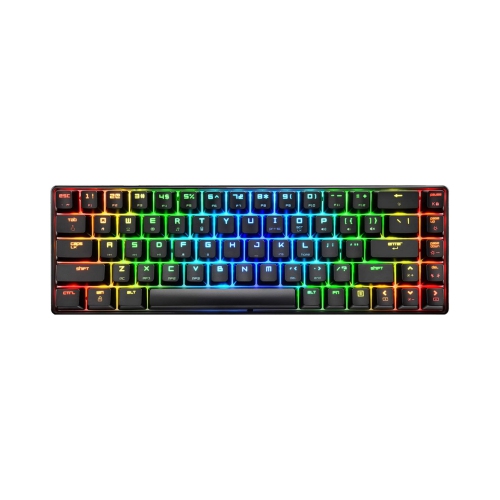
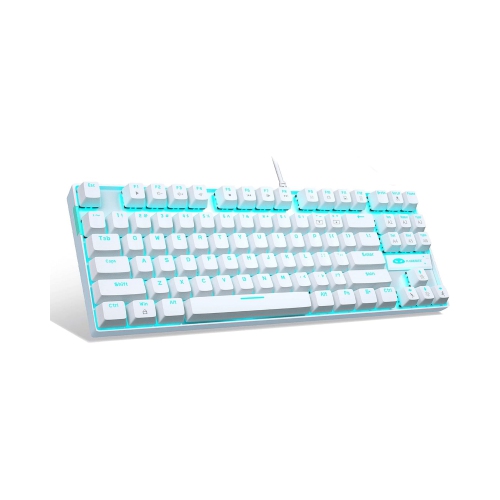
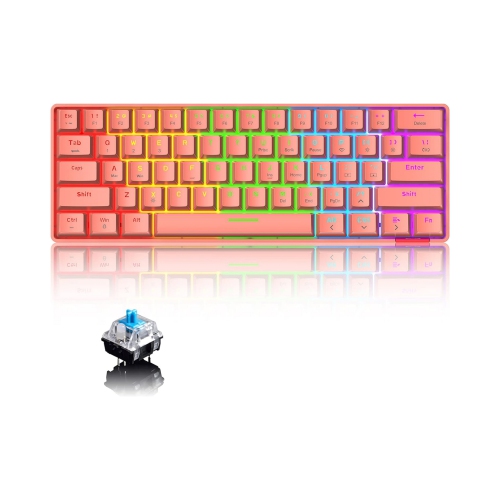
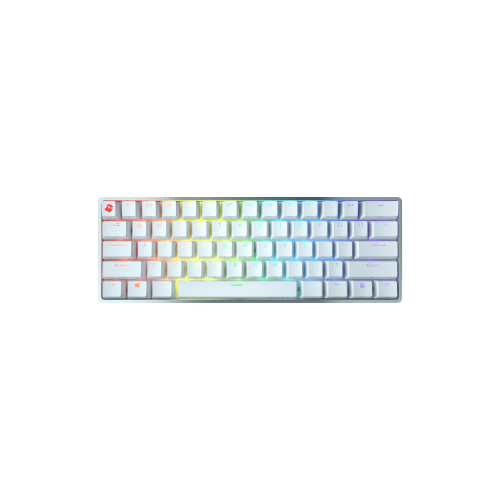
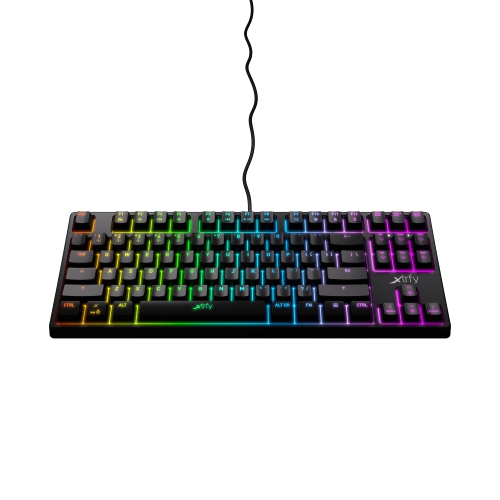
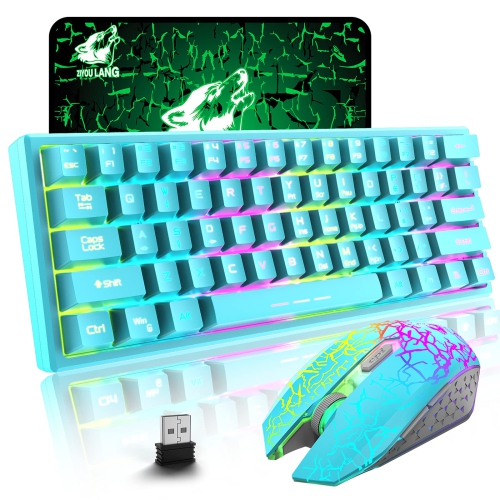
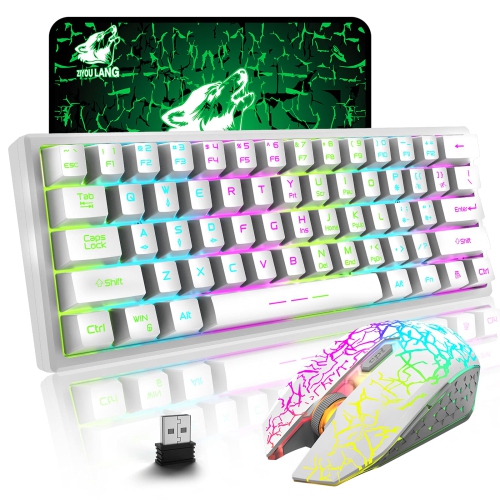
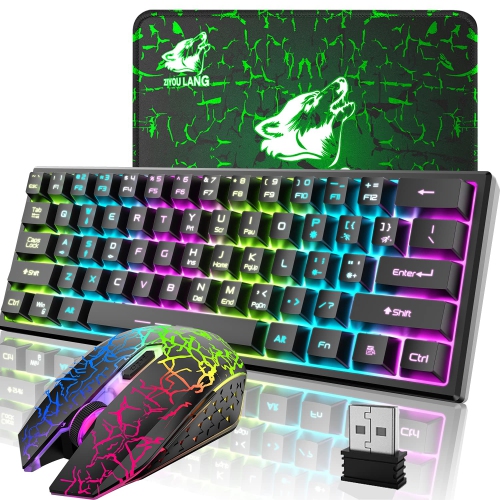
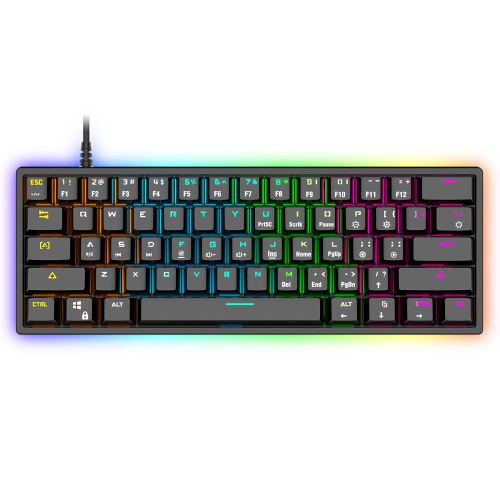
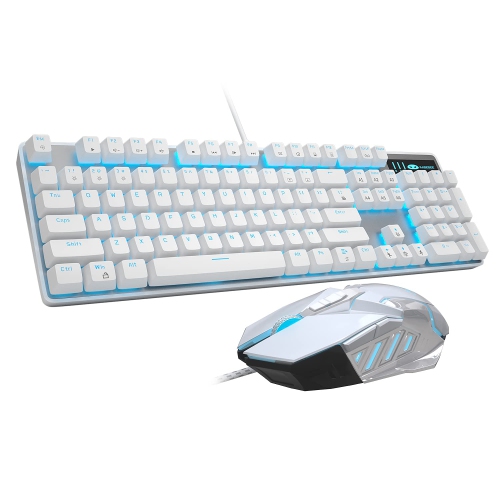
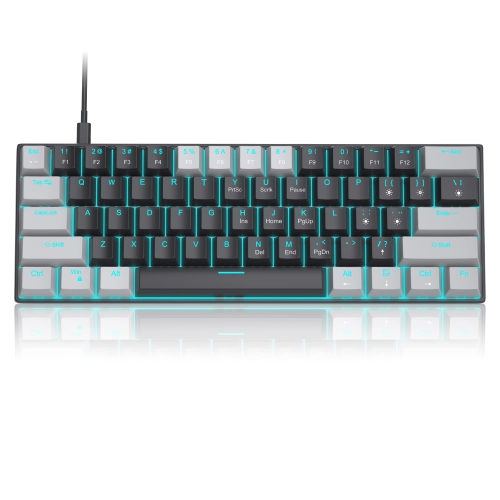

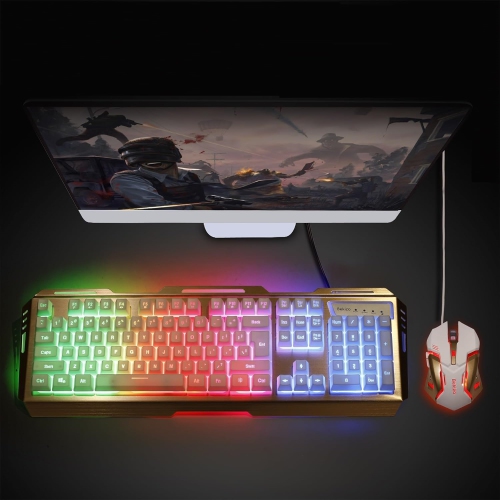
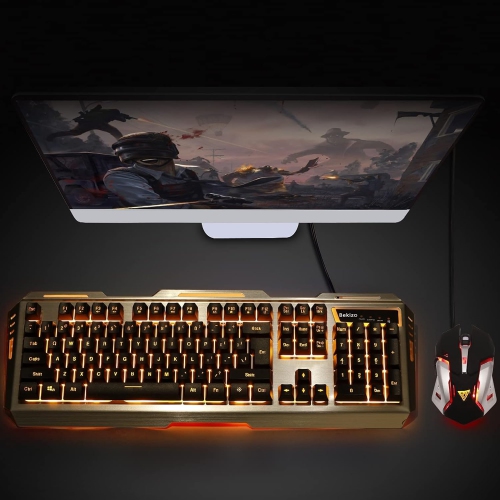
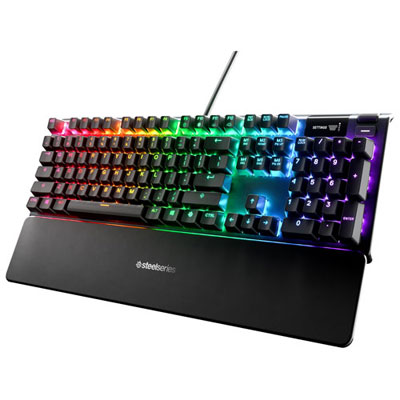
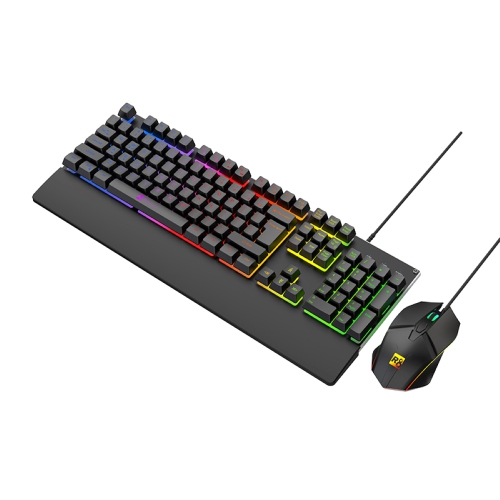
From rapid trigger switches to flexible wireless layouts
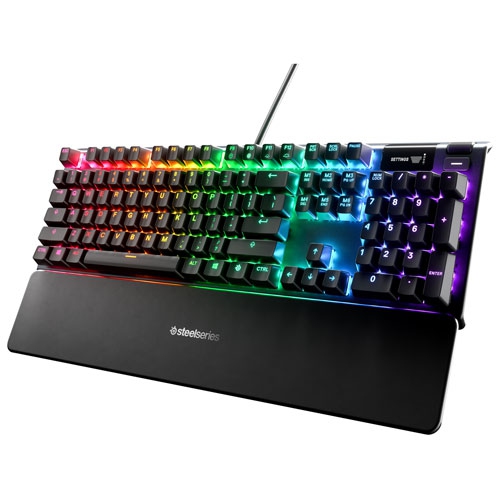
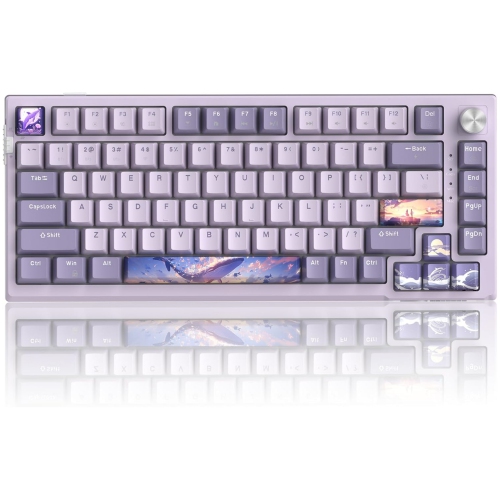
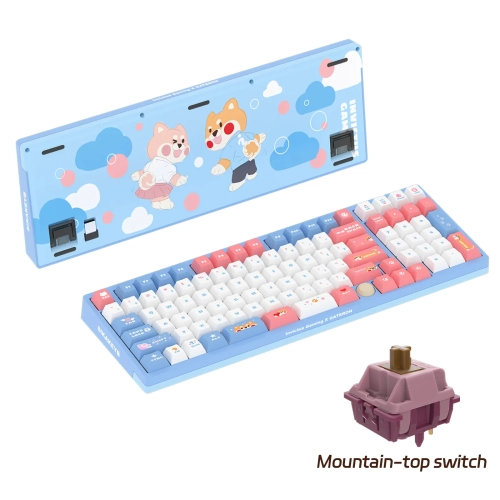
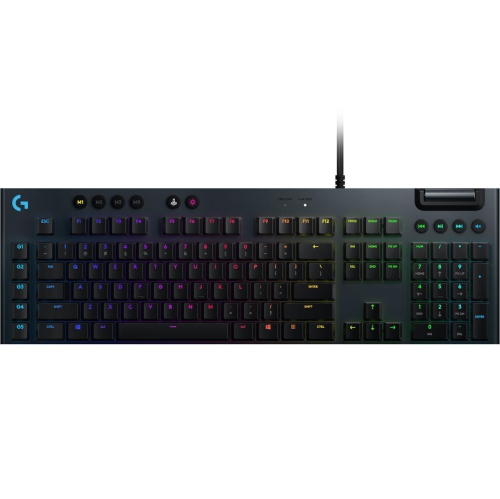
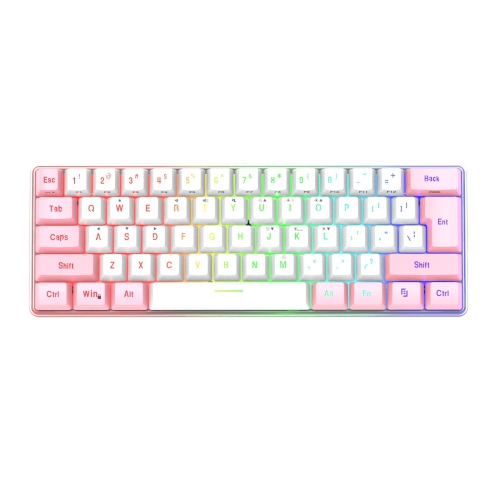
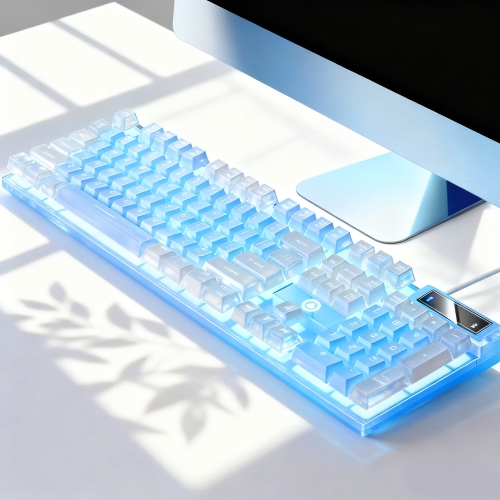
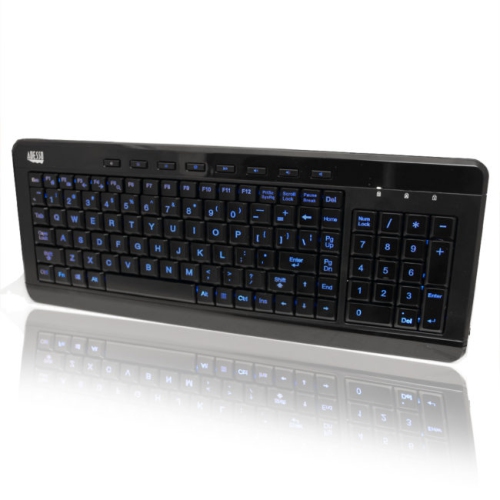
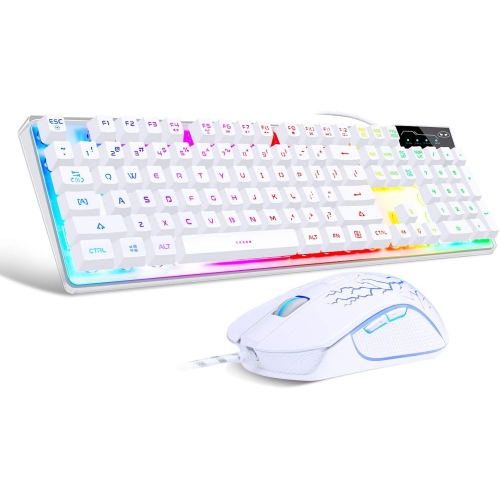
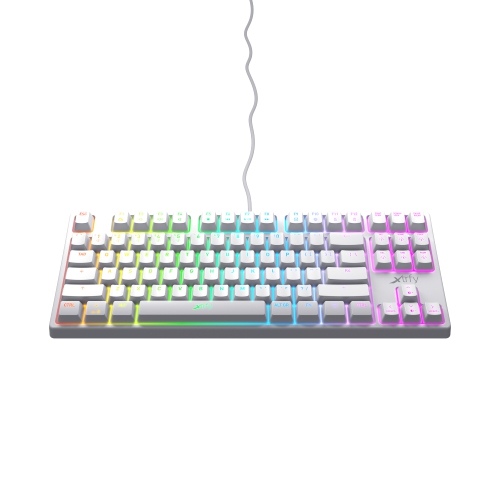
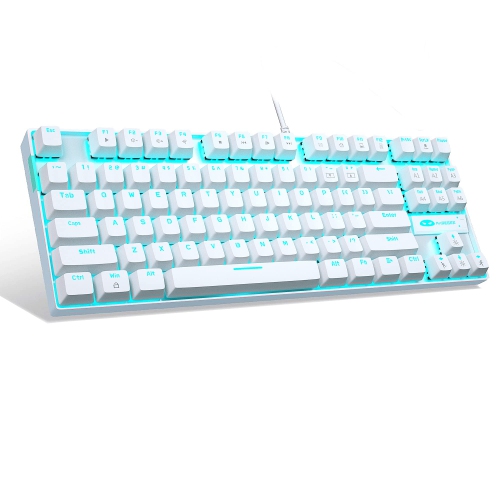
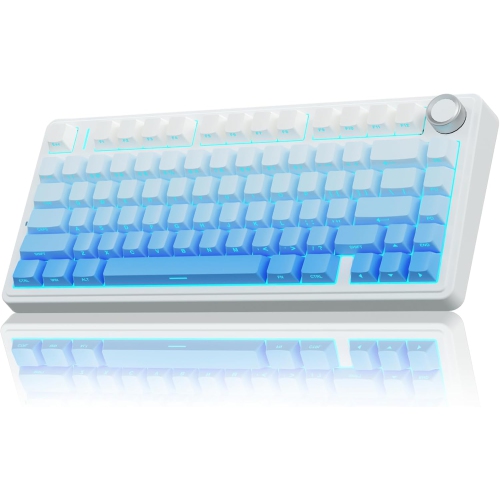
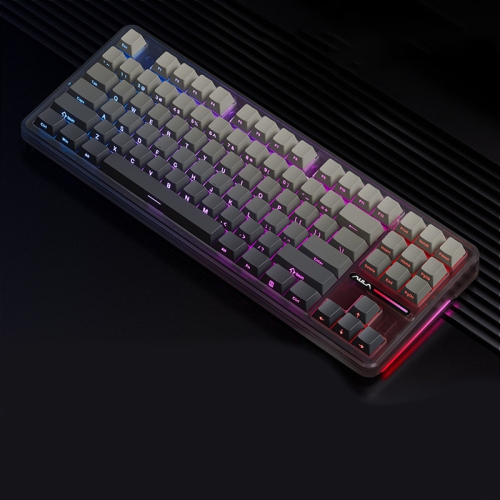
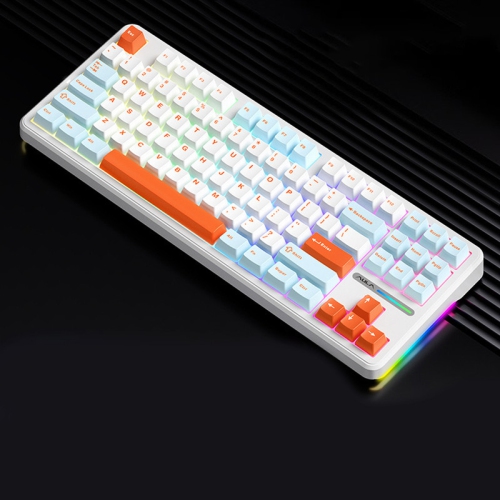
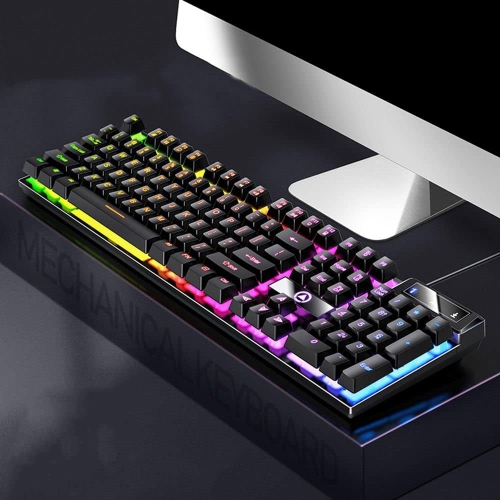
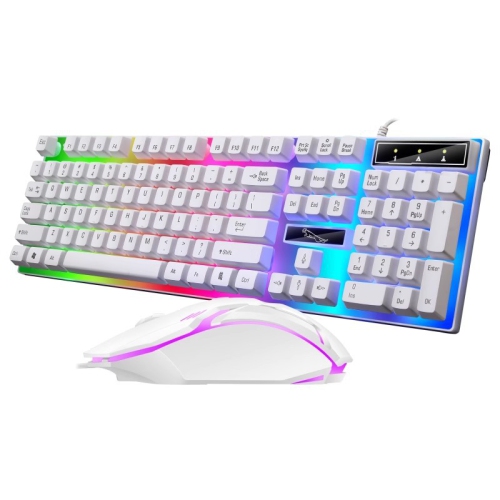
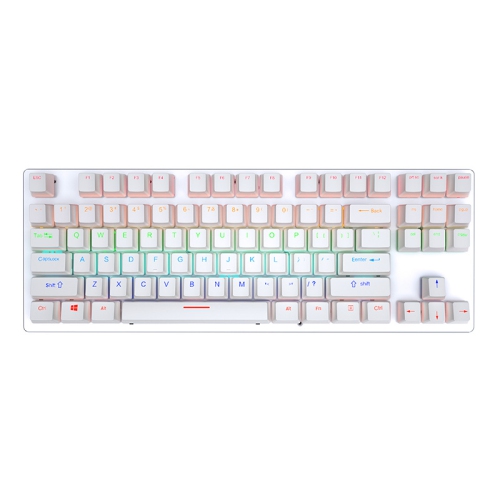
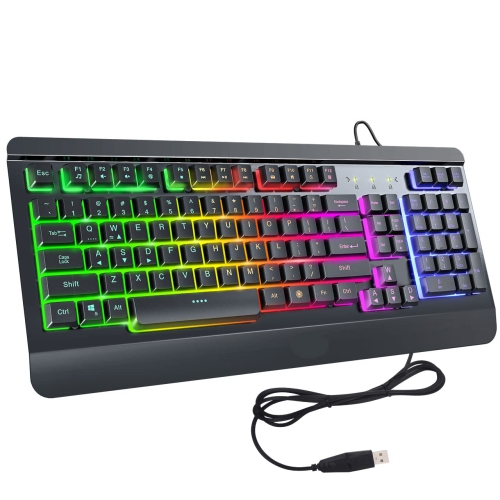
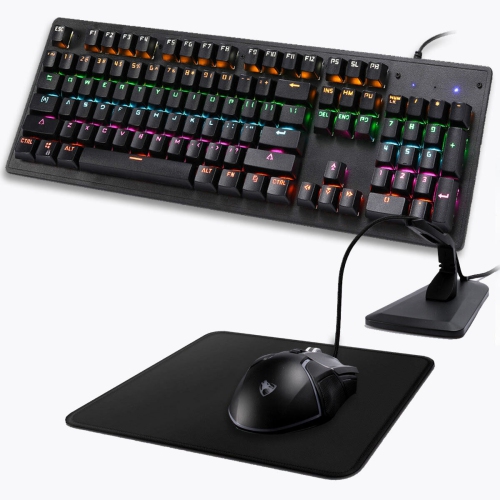
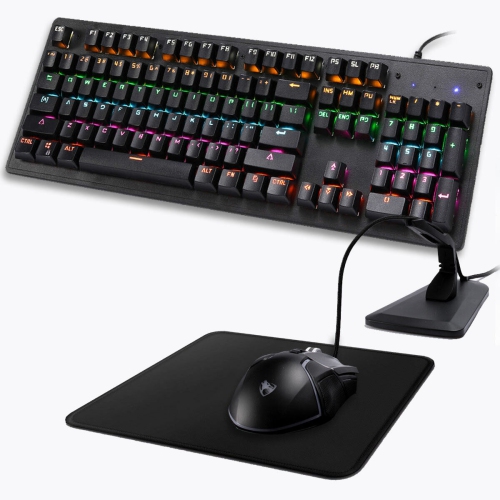
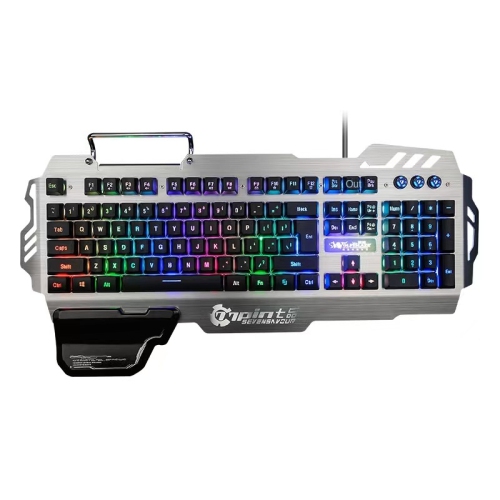
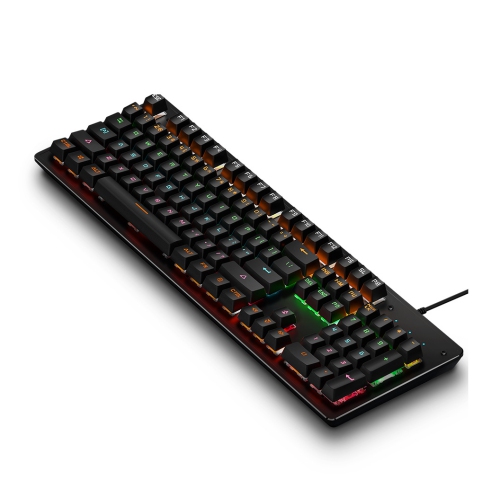
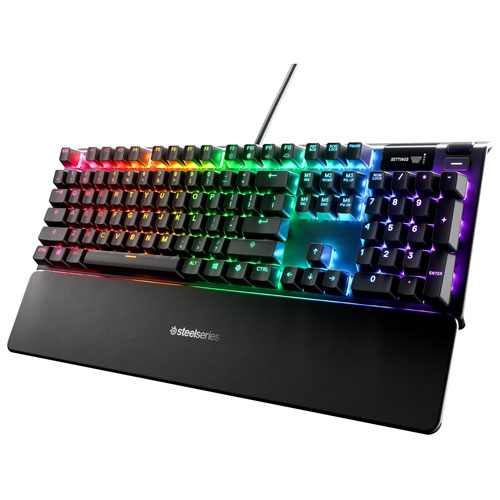
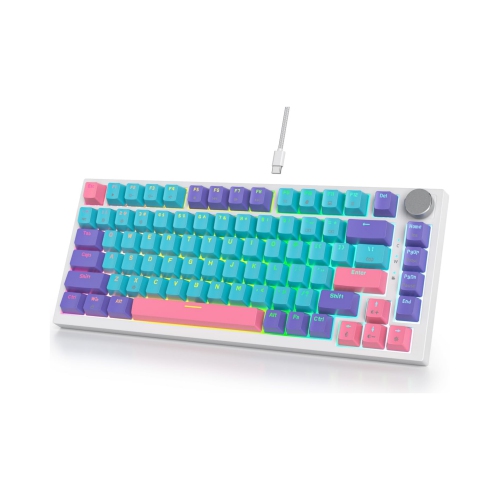
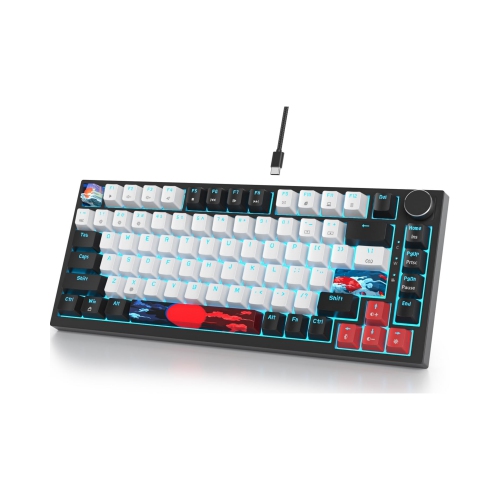
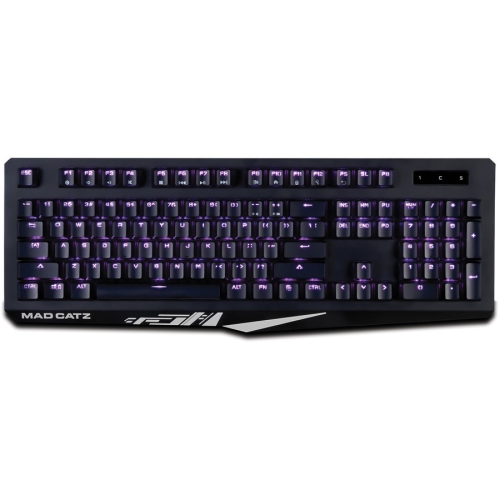
A gaming keyboard can make every movement, command, and keystroke feel more immediate, whether you are navigating a large open-world adventure, coordinating abilities in a competitive match, or settling in for a long session of strategy and simulation games. The Top 5 Gaming Keyboards on this page bring together popular features that appeal to different playing styles and desk setups, from responsive mechanical switches and customizable actuation to programmable keys, vivid RGB lighting, and comfortable wrist support. Mechanical switches are often chosen for their distinct feel and tactile feedback, while magnetic Hall effect switches can offer adjustable actuation and rapid trigger settings that respond as soon as a key begins moving upward. These features can be especially useful for fast, repeated inputs, such as strafing, counter-strafing, crouching, or changing direction during competitive play. Some keyboards also include optical or other high-speed switch designs, giving players another way to tailor the balance between smoothness, sound, and responsiveness. When comparing the keyboards in this selection, consider how you play and how much control you want over the typing experience. A lighter, linear switch may feel quick and fluid for gaming, while a tactile switch can provide a noticeable bump that helps confirm each press when chatting, writing, or working between matches. Adjustable actuation lets you decide how far a key must be pressed before it registers, and rapid trigger technology can reduce the need for a key to return fully before another input is recognized. These details may matter most to competitive players, but they can also make everyday use feel more personal and precise. For more options across different layouts, switch styles, and connection types, explore Top Gaming Keyboards.
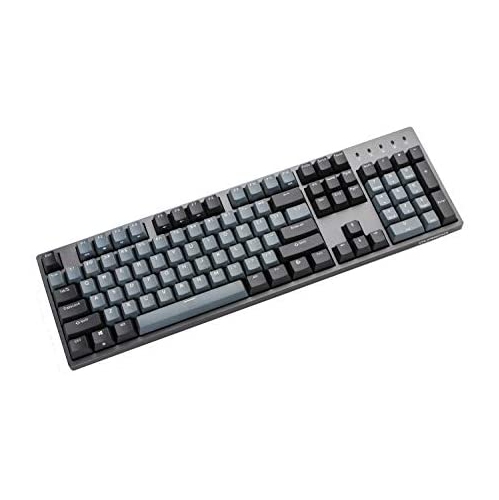
Form factor is another important consideration because the right keyboard should fit both your play style and the available space on your desk. A full-size keyboard includes a number pad, dedicated navigation keys, and often a larger selection of media controls, making it a practical choice for players who also use their computer for budgeting, schoolwork, spreadsheets, or creative projects. A tenkeyless, or TKL, layout removes the number pad to leave more room for broad mouse movements while keeping the function row and arrow keys. Compact 65% and 60% keyboards take up even less space and can create a clean, uncluttered setup, although they may place navigation and function commands behind key combinations. Some compact models use programmable layers so frequently used commands can still be reached quickly, while others include dedicated macro keys or a command dial for volume, lighting, profile changes, and custom shortcuts. Wireless connectivity can help keep a desk tidy and make it easier to move the keyboard between a desktop computer, laptop, or compatible gaming device. Look for models with Bluetooth, a dedicated low-latency wireless connection, or both, depending on whether you value convenience, speed, or the ability to switch between devices. Wired USB connections remain popular for their dependable performance and straightforward setup, especially in tournament-style play or a permanent gaming station. Multi-mode keyboards can offer wired, wireless, and Bluetooth operation in one design, giving you flexibility as your setup changes. Features such as onboard memory can also allow saved profiles, lighting effects, macros, and actuation settings to travel with the keyboard rather than staying tied to one computer. If you frequently play in a darker room, per-key RGB lighting can make legends easier to see and add a distinctive glow to the desk, while software-based controls may let you assign colours to individual keys, game profiles, or active commands.
Comfort and construction deserve just as much attention as speed. A sturdy frame can reduce flex when you press firmly, and an aluminium top plate may provide a solid, substantial feel without changing the keyboard’s basic layout. Double-shot PBT keycaps are valued for their textured finish and resistance to the smooth, polished feel that can develop on frequently used keys, while standard ABS keycaps may offer a lighter touch and a wider variety of shapes and colours. Check whether the keycaps and switches are replaceable if you want to customize the keyboard later; hot-swappable switch sockets can let you change compatible switches without soldering. A detachable wrist rest can support your hands during extended sessions, particularly when the keyboard is positioned at a height that causes your wrists to bend. Adjustable feet, a stable rubber base, and a suitably weighted chassis can help keep the keyboard from sliding during intense play. Dedicated media controls are convenient for changing volume or pausing audio without leaving a game, and a small display or indicator panel can show profiles, system information, timers, or other customizable details at a glance. Gaming keyboards can be a thoughtful gift for a student upgrading a shared study and gaming space, a new PC builder assembling a first setup, or an experienced player who wants more control over their controls and comfort. They also suit households where one keyboard needs to handle work, communication, and entertainment throughout the cooler months, when more time is often spent indoors. Whether you prefer a familiar full-size layout, a compact board with extra mouse room, adjustable magnetic switches for precise inputs, or a versatile wireless design, this Top 5 Gaming Keyboards selection offers a useful starting point for matching features to the way you play.
Form factor is another important consideration because the right keyboard should fit both your play style and the available space on your desk. A full-size keyboard includes a number pad, dedicated navigation keys, and often a larger selection of media controls, making it a practical choice for players who also use their computer for budgeting, schoolwork, spreadsheets, or creative projects. A tenkeyless, or TKL, layout removes the number pad to leave more room for broad mouse movements while keeping the function row and arrow keys. Compact 65% and 60% keyboards take up even less space and can create a clean, uncluttered setup, although they may place navigation and function commands behind key combinations. Some compact models use programmable layers so frequently used commands can still be reached quickly, while others include dedicated macro keys or a command dial for volume, lighting, profile changes, and custom shortcuts. Wireless connectivity can help keep a desk tidy and make it easier to move the keyboard between a desktop computer, laptop, or compatible gaming device. Look for models with Bluetooth, a dedicated low-latency wireless connection, or both, depending on whether you value convenience, speed, or the ability to switch between devices. Wired USB connections remain popular for their dependable performance and straightforward setup, especially in tournament-style play or a permanent gaming station. Multi-mode keyboards can offer wired, wireless, and Bluetooth operation in one design, giving you flexibility as your setup changes. Features such as onboard memory can also allow saved profiles, lighting effects, macros, and actuation settings to travel with the keyboard rather than staying tied to one computer. If you frequently play in a darker room, per-key RGB lighting can make legends easier to see and add a distinctive glow to the desk, while software-based controls may let you assign colours to individual keys, game profiles, or active commands.
Comfort and construction deserve just as much attention as speed. A sturdy frame can reduce flex when you press firmly, and an aluminium top plate may provide a solid, substantial feel without changing the keyboard’s basic layout. Double-shot PBT keycaps are valued for their textured finish and resistance to the smooth, polished feel that can develop on frequently used keys, while standard ABS keycaps may offer a lighter touch and a wider variety of shapes and colours. Check whether the keycaps and switches are replaceable if you want to customize the keyboard later; hot-swappable switch sockets can let you change compatible switches without soldering. A detachable wrist rest can support your hands during extended sessions, particularly when the keyboard is positioned at a height that causes your wrists to bend. Adjustable feet, a stable rubber base, and a suitably weighted chassis can help keep the keyboard from sliding during intense play. Dedicated media controls are convenient for changing volume or pausing audio without leaving a game, and a small display or indicator panel can show profiles, system information, timers, or other customizable details at a glance. Gaming keyboards can be a thoughtful gift for a student upgrading a shared study and gaming space, a new PC builder assembling a first setup, or an experienced player who wants more control over their controls and comfort. They also suit households where one keyboard needs to handle work, communication, and entertainment throughout the cooler months, when more time is often spent indoors. Whether you prefer a familiar full-size layout, a compact board with extra mouse room, adjustable magnetic switches for precise inputs, or a versatile wireless design, this Top 5 Gaming Keyboards selection offers a useful starting point for matching features to the way you play.
Top selling and popular products
-
 Your price for this item is $39.99
 -
 Your price for this item is $76.98
 -
 Your price for this item is $94.99
 -
 Your price for this item is $319.99
 -
 Your price for this item is $364.99
 -
 Your price for this item is $149.99
 -
 Your price for this item is $124
 -
 Your price for this item is $94.99
Discover more categories related to Top 5 Gaming Keyboards
Top Collections:
Pokemon Centers, Kindle Devices, Best Budget Office Chairs, Apple iPhones 16, Best Laptops for Writers, iPhone 15 Apple, Canon G7X Cameras, Refurbished Apple Laptops, Alarm Clock, Motorola Razr Phones
Some products may be subject to Environmental Handling Fees
(EHF) depending on your province.
Learn more about EHFs.