Top 10 Gaming Keyboards
A gaming keyboard is a must-have for any serious gamer. It's the main tool you use to communicate with other players, and it's the primary way you interact with your game. A good gaming keyboard will have a number of special features, including programmable buttons, backlighting, and more.
Sort
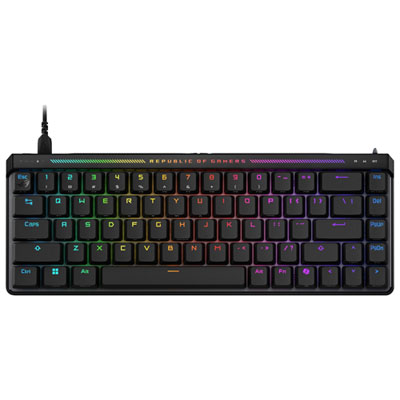
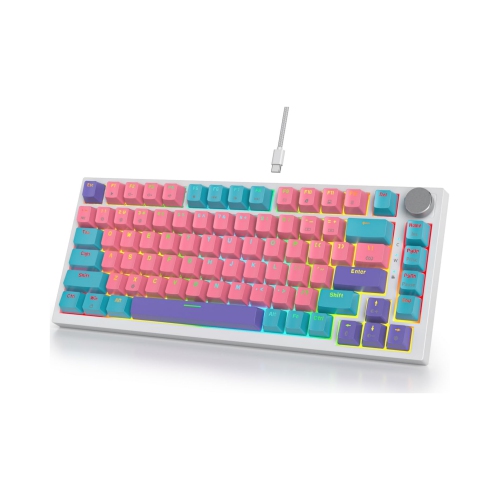

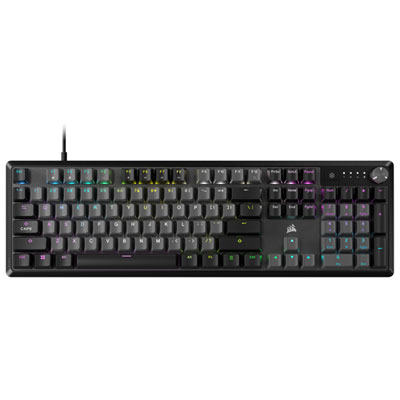
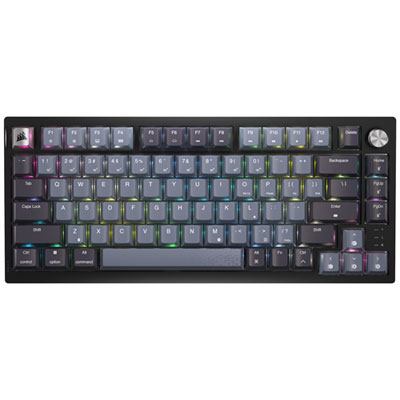
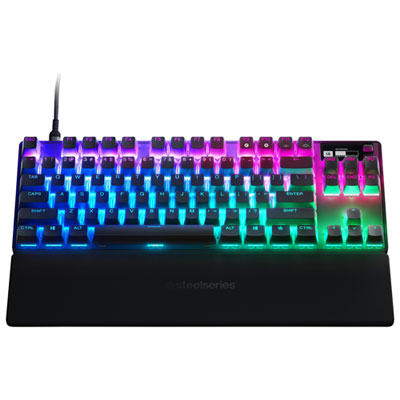
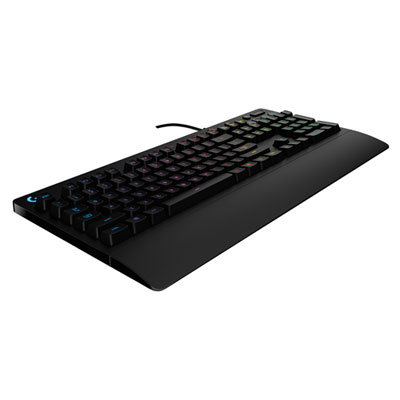

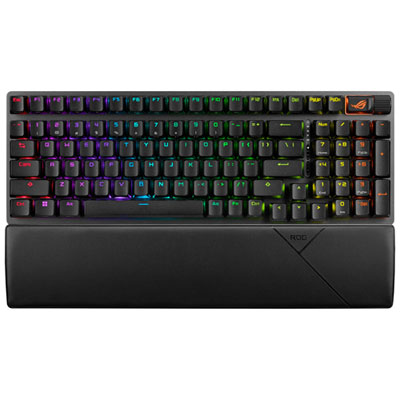
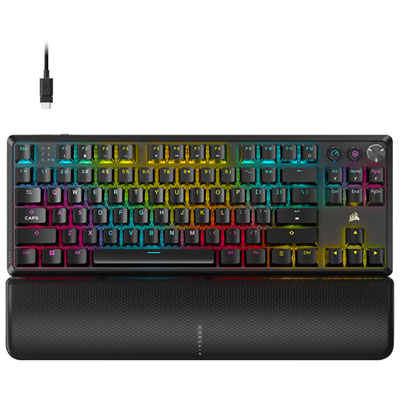
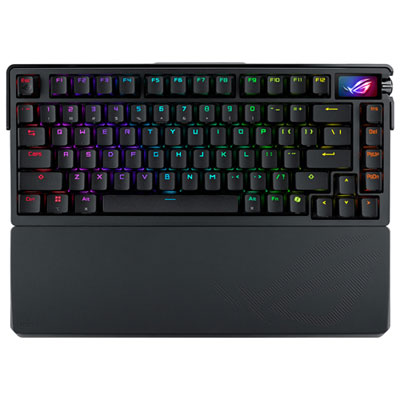
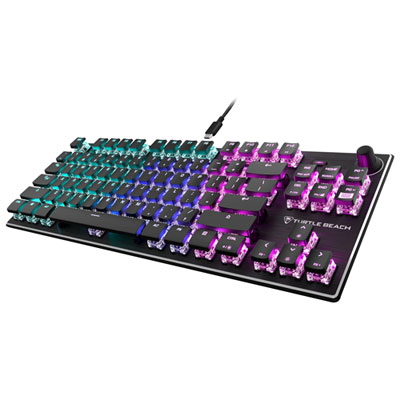
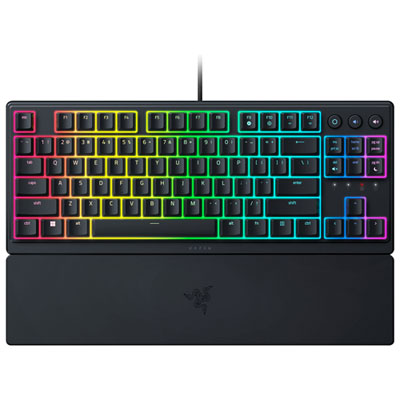
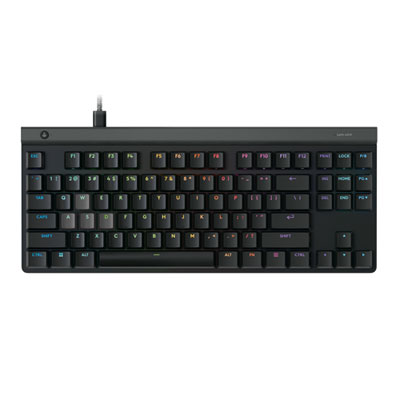

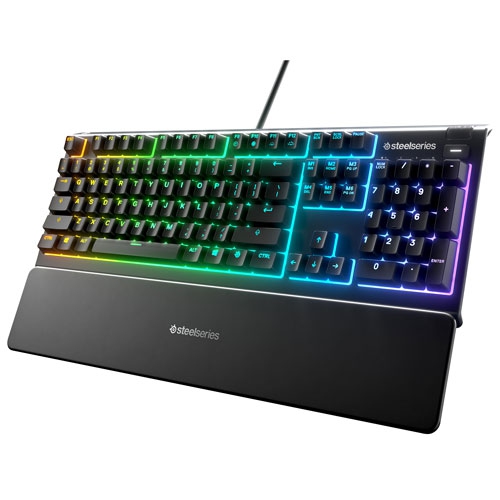
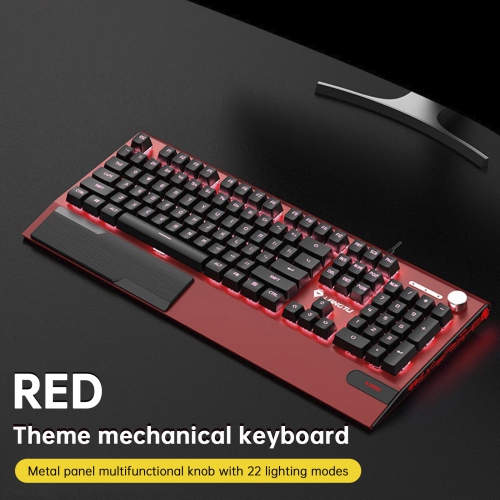
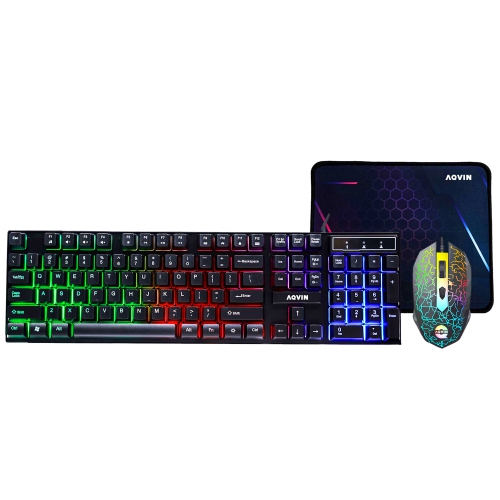
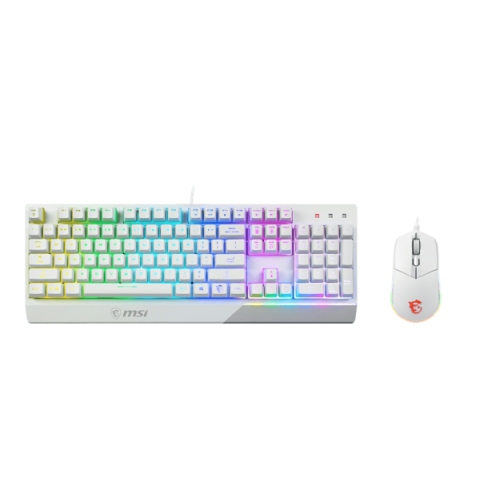
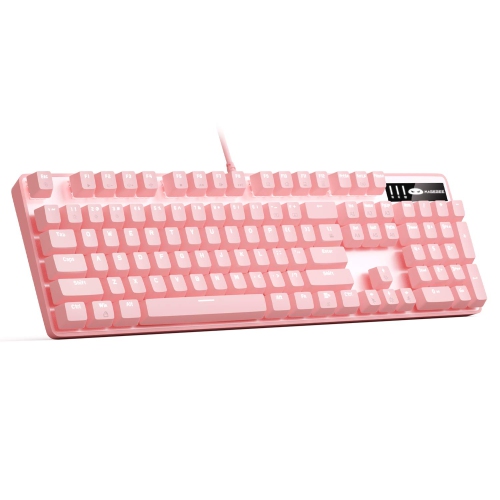
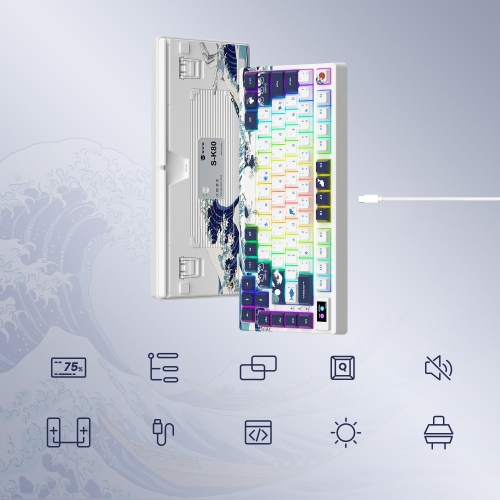
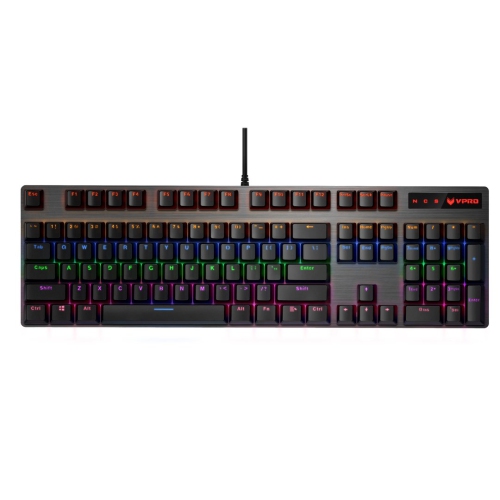
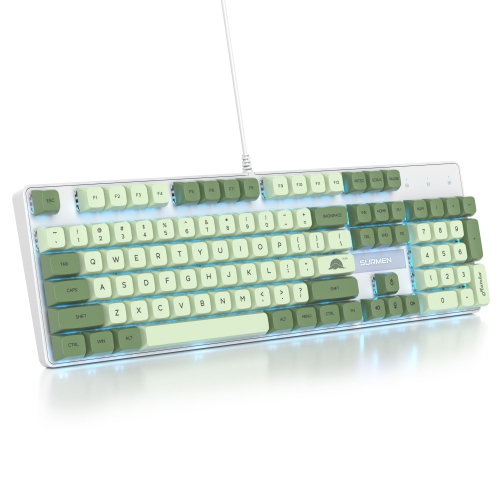

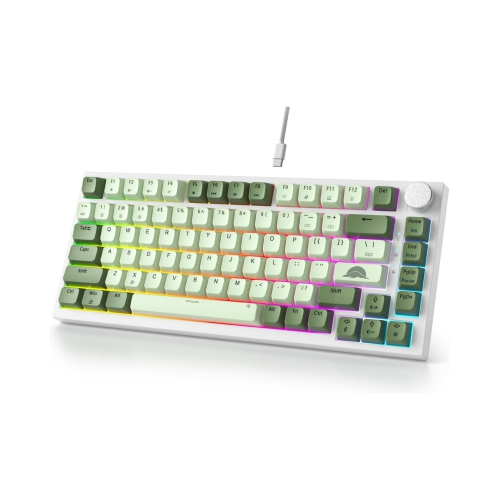
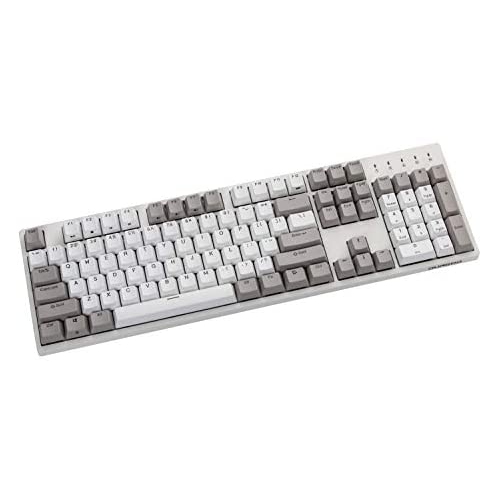
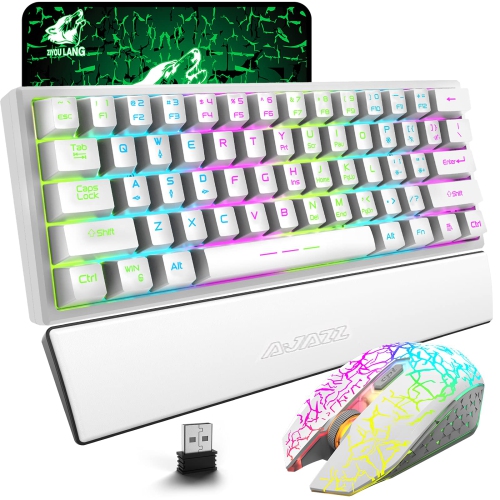
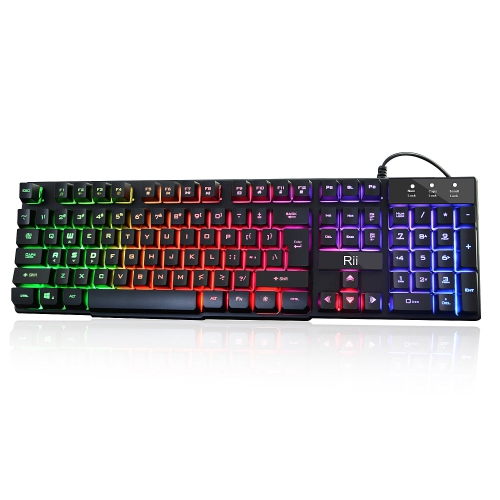
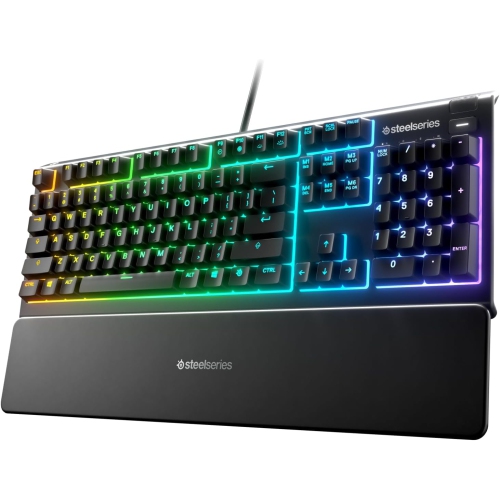
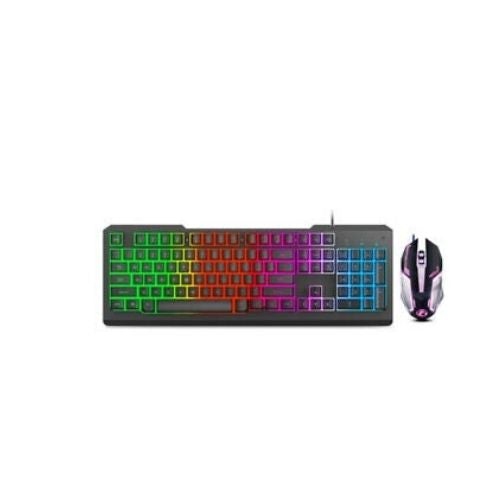
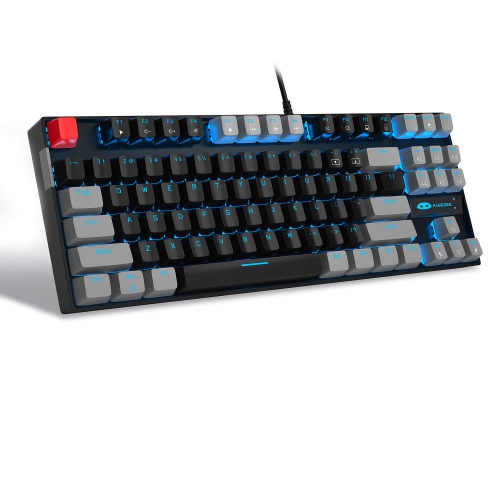
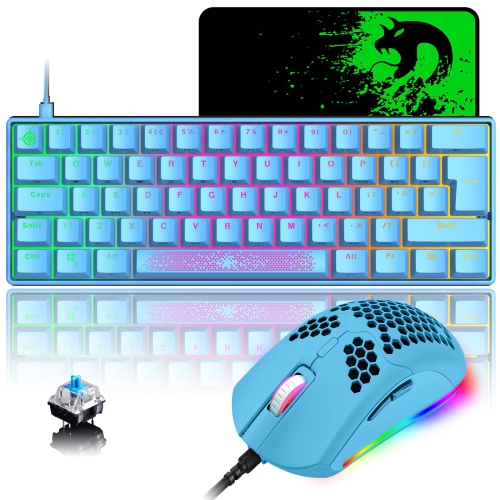


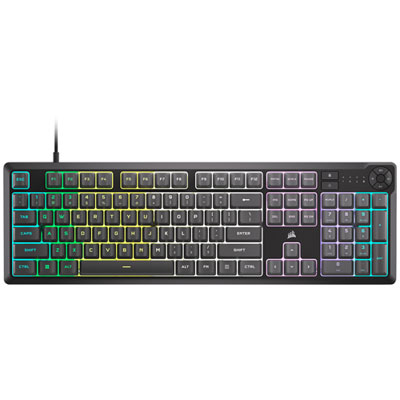
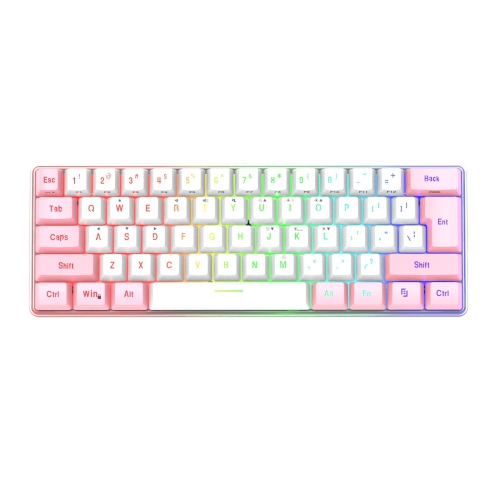
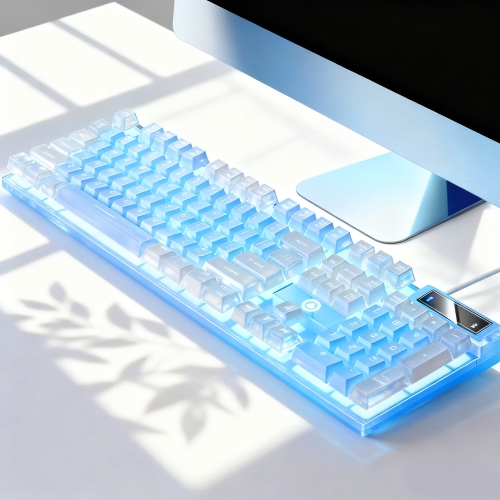
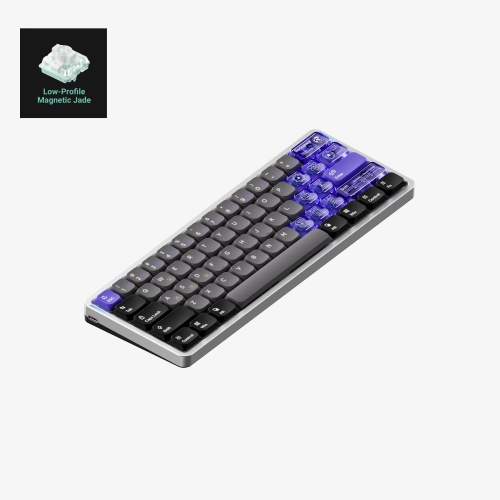
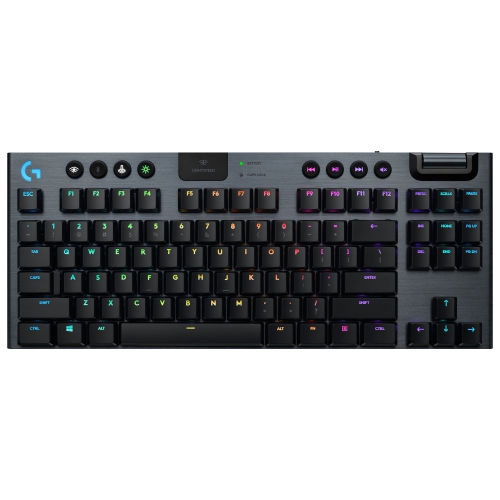
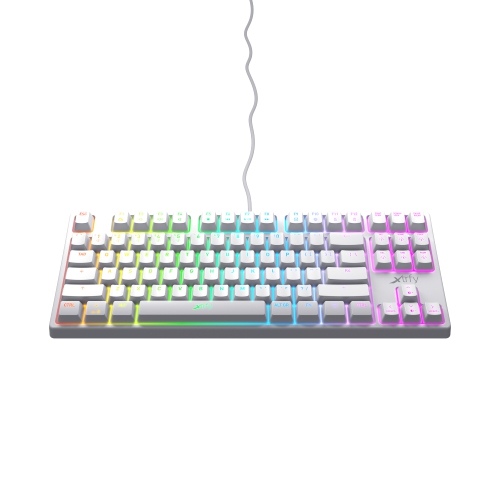
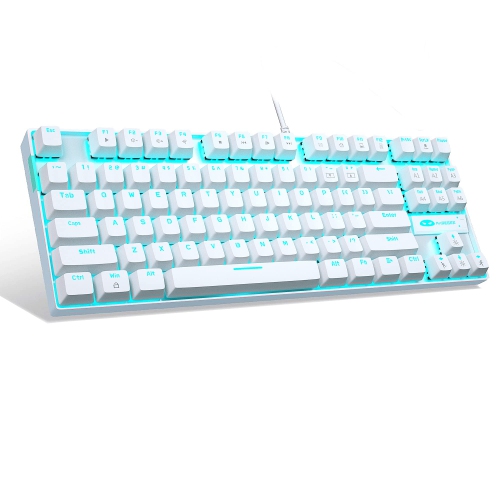

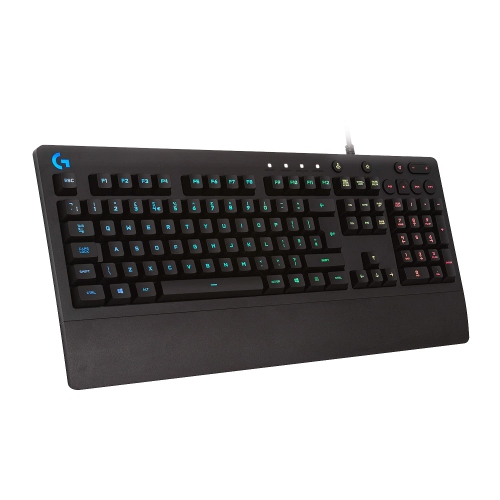
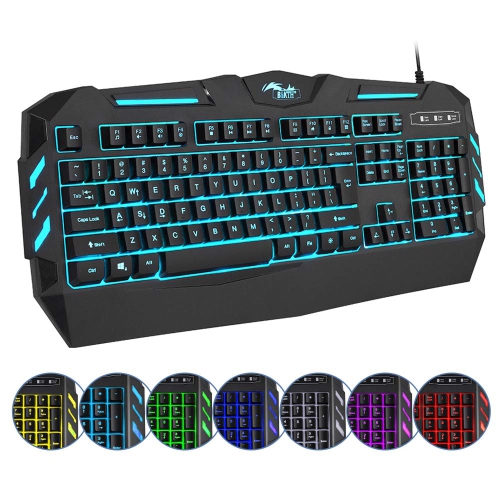
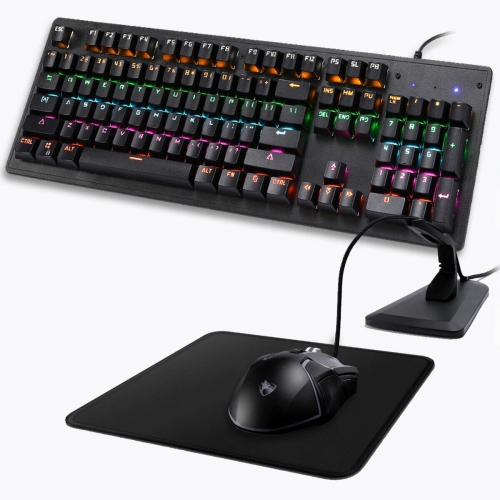
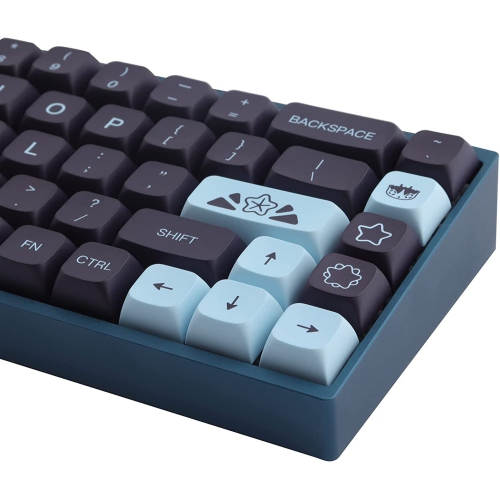

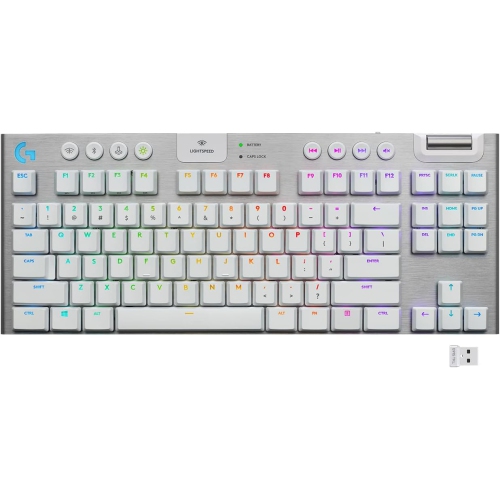
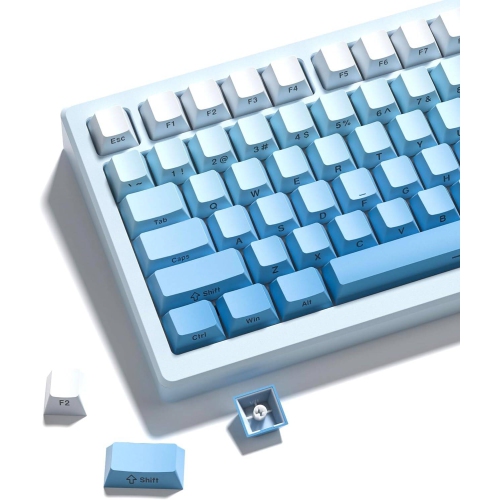
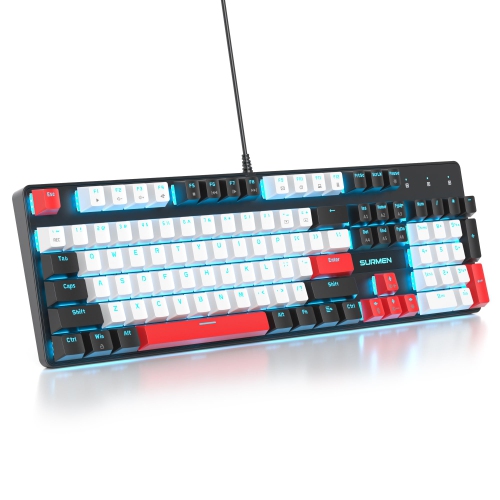
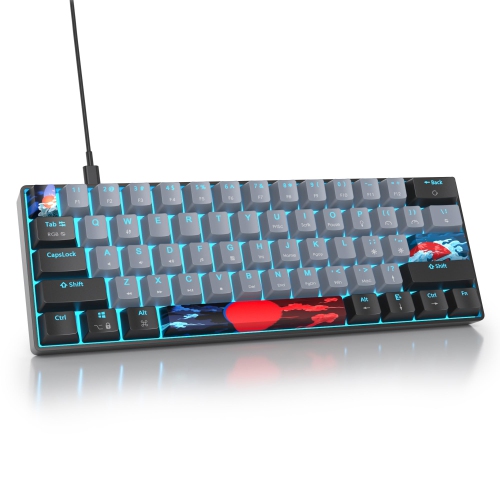
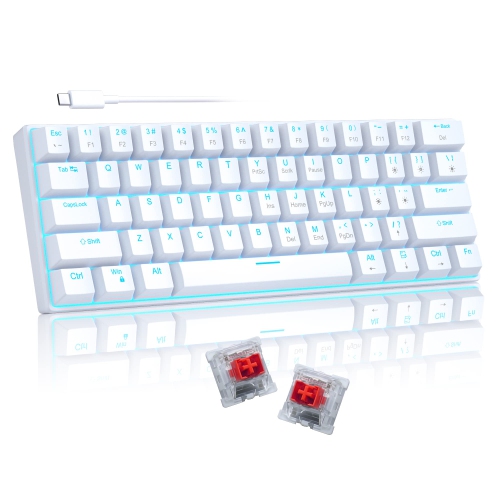
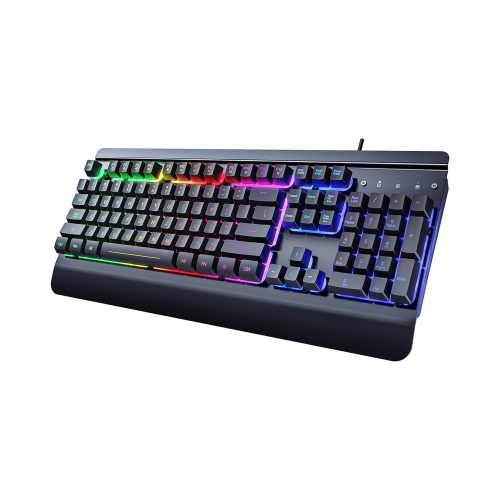

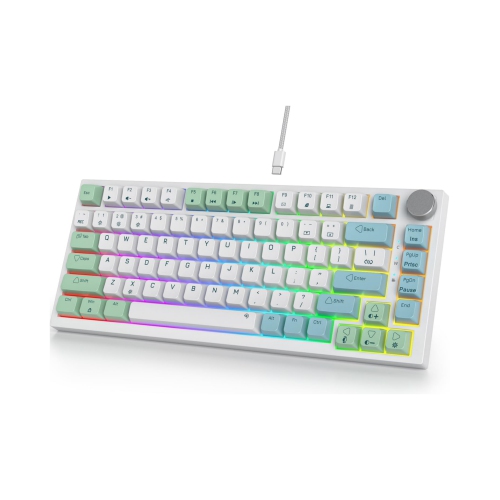


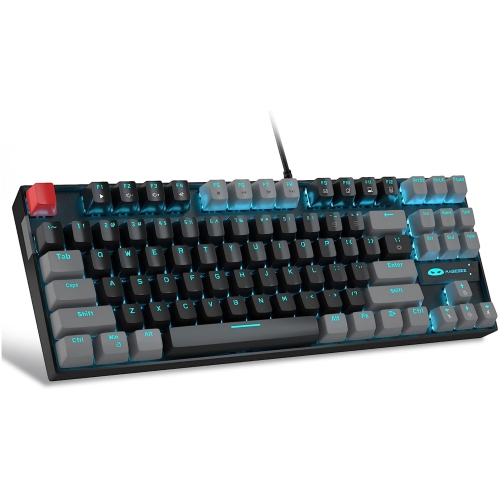
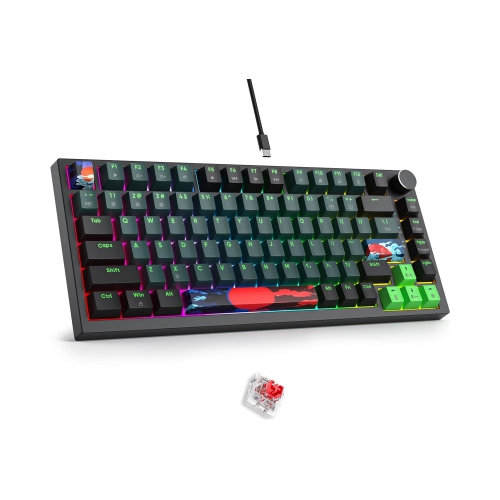

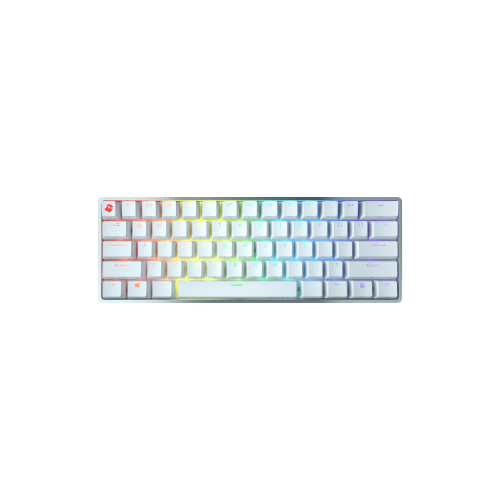
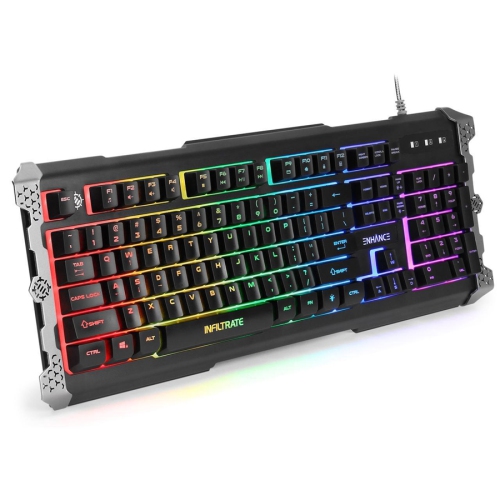

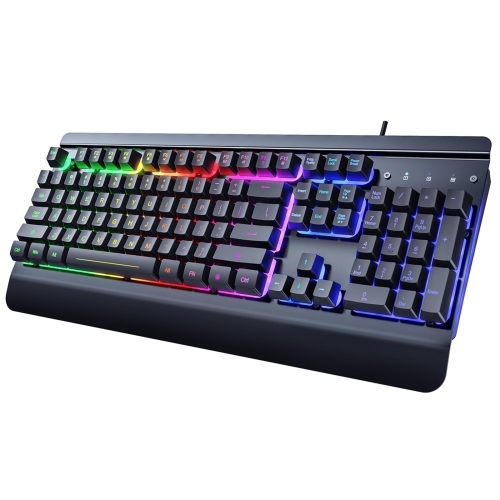
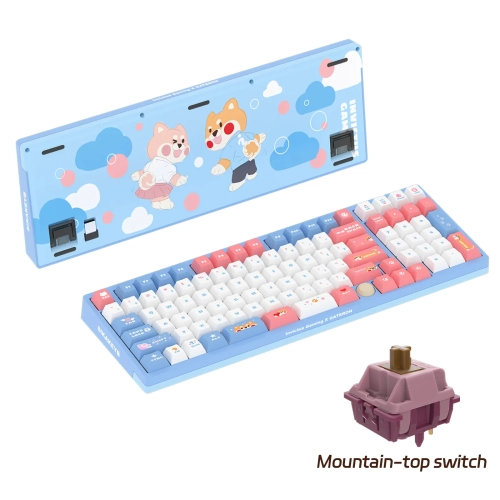
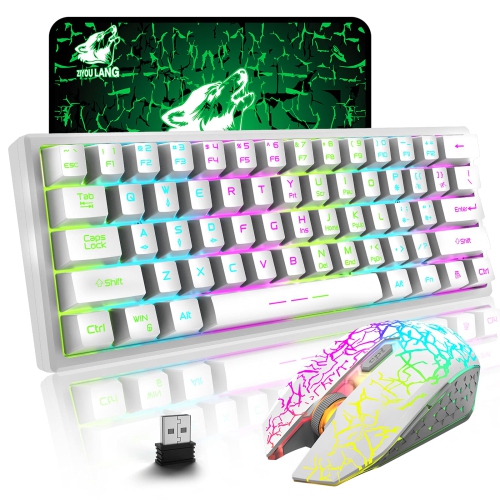
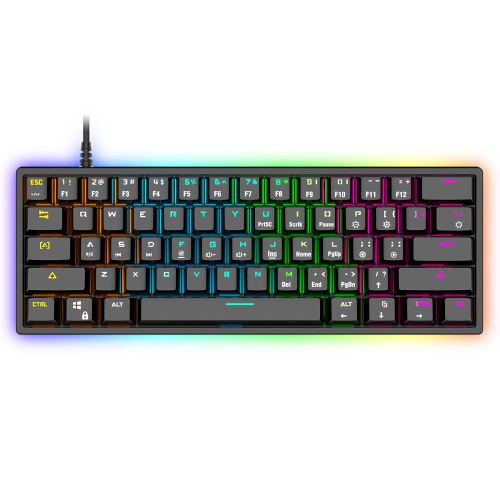
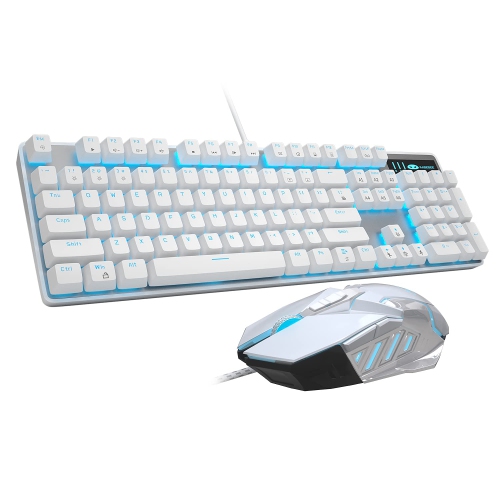
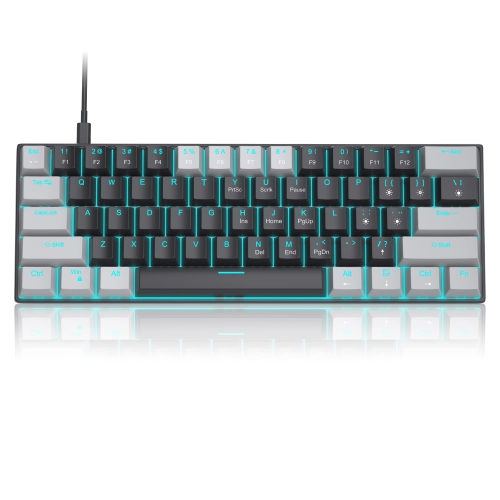


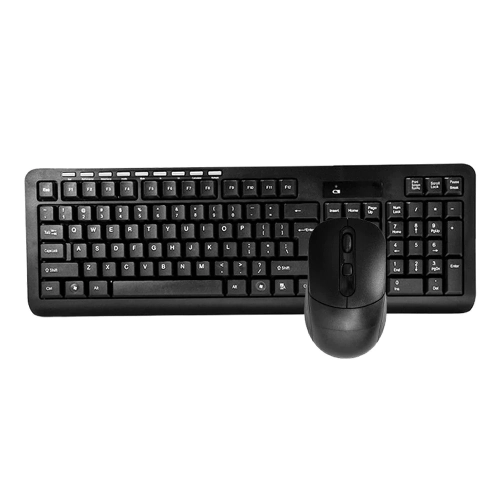
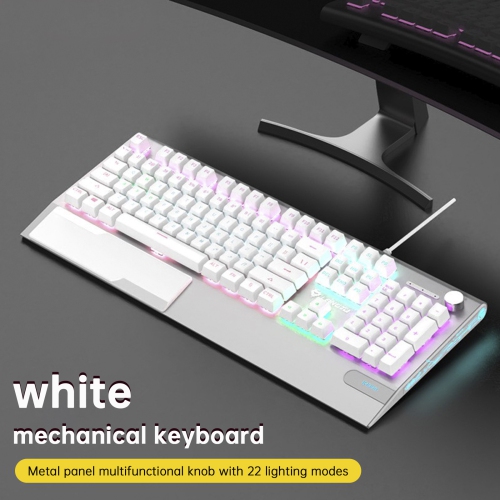
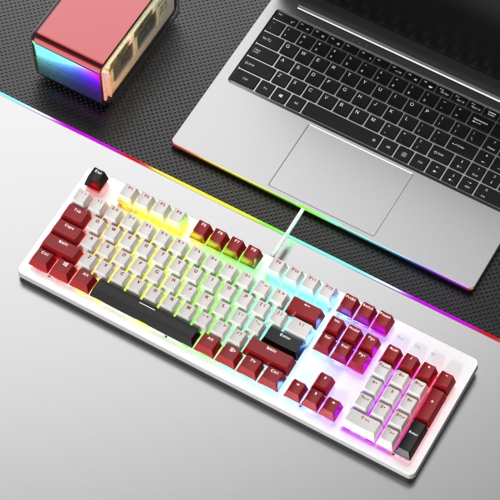
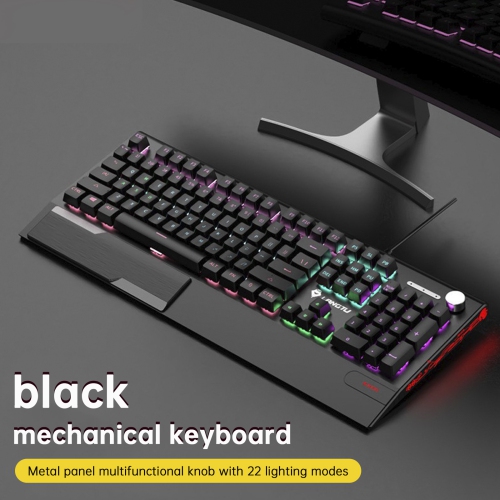
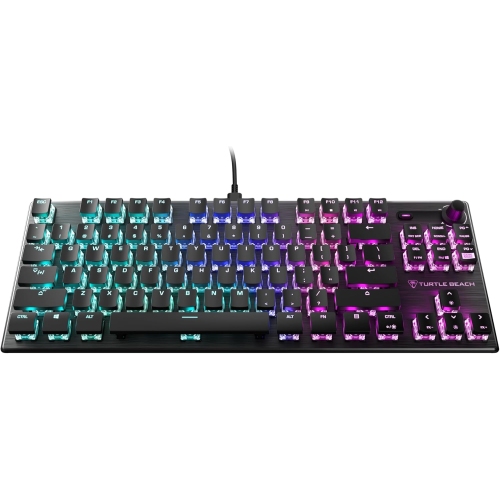
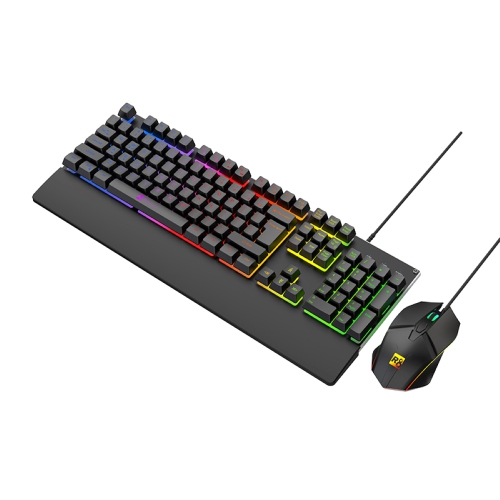
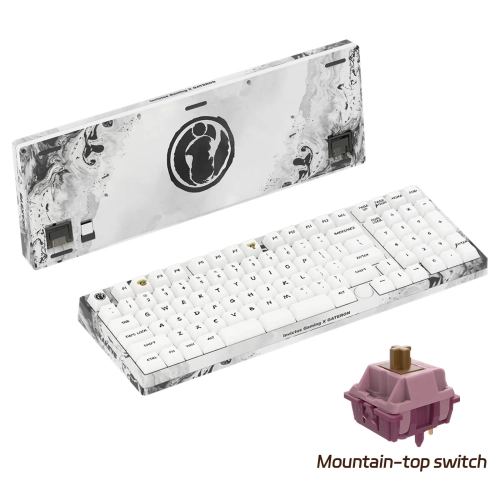
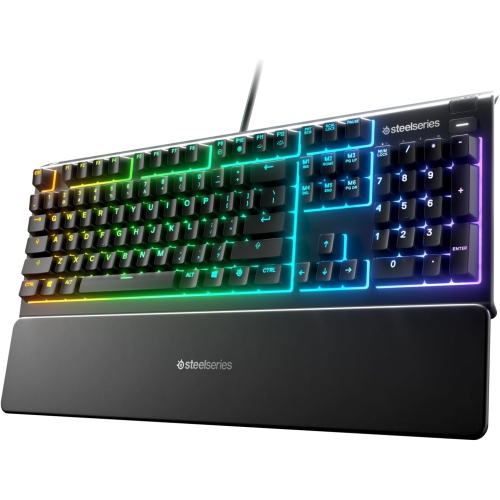

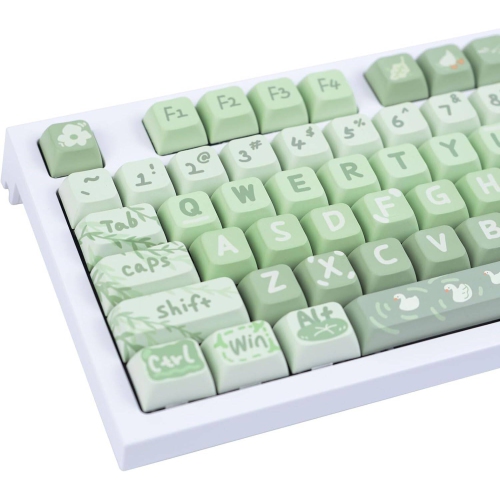
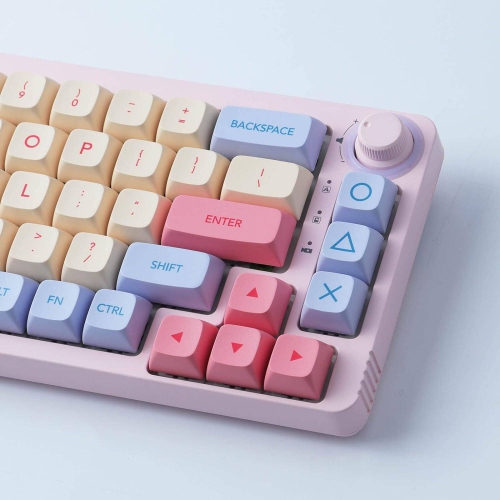
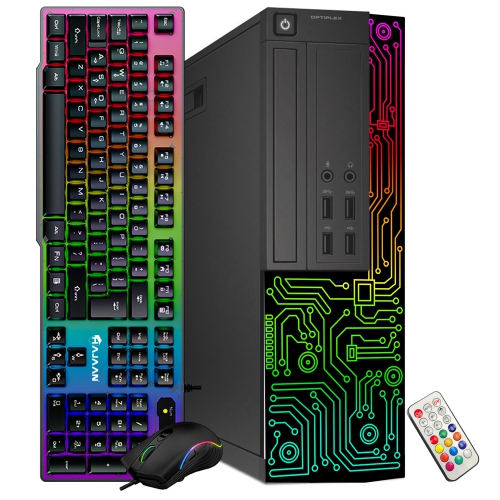
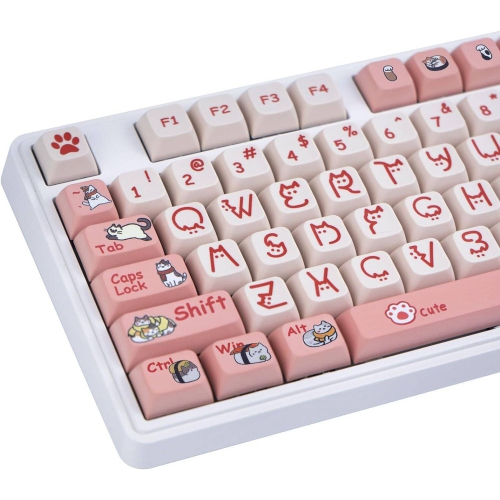
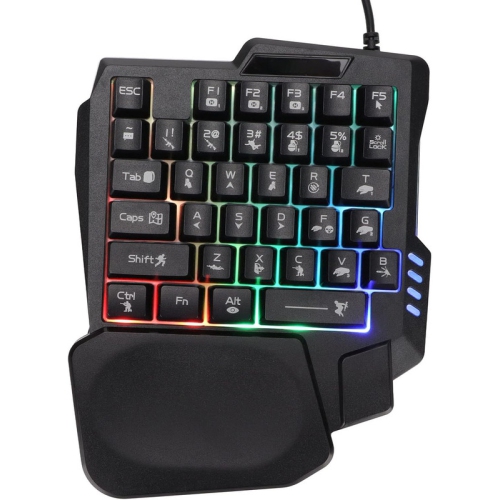

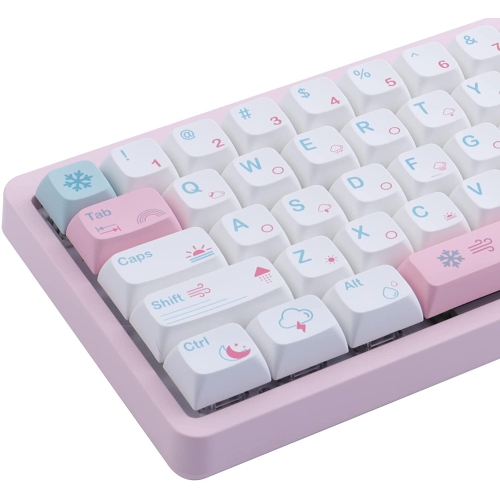
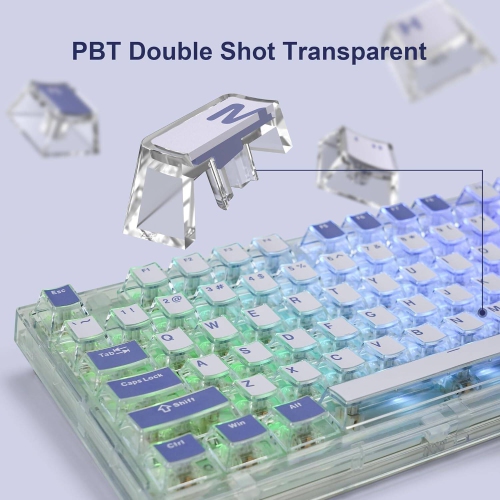
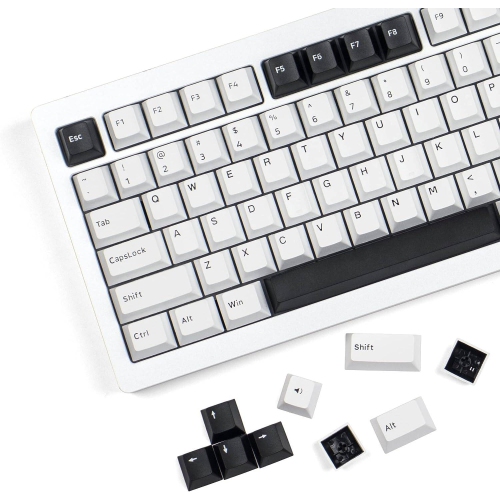
The right layout and switches shape every session
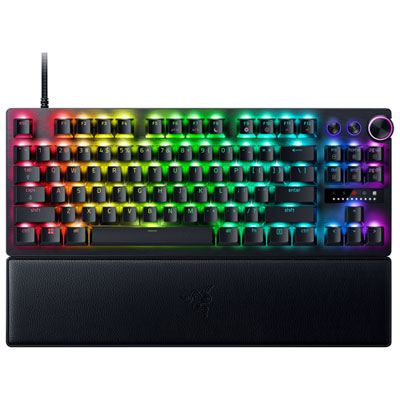
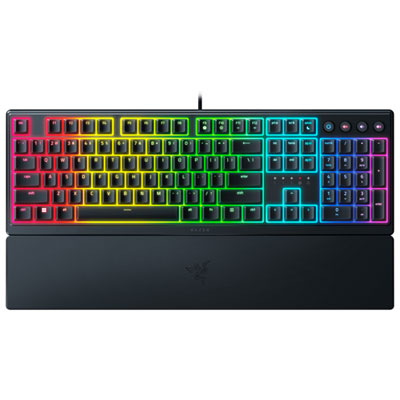
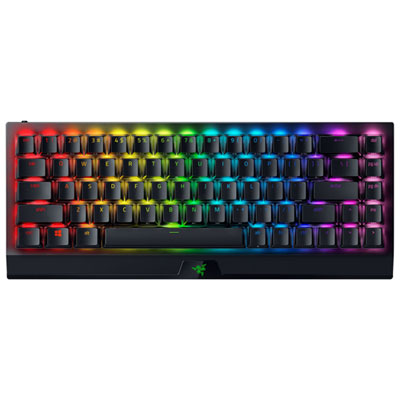
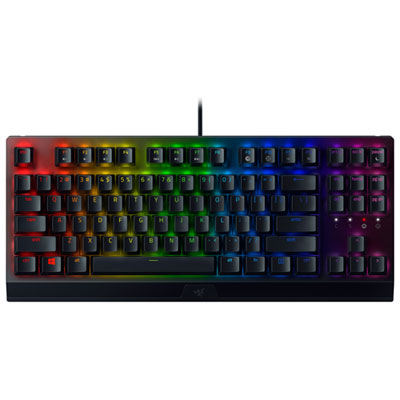
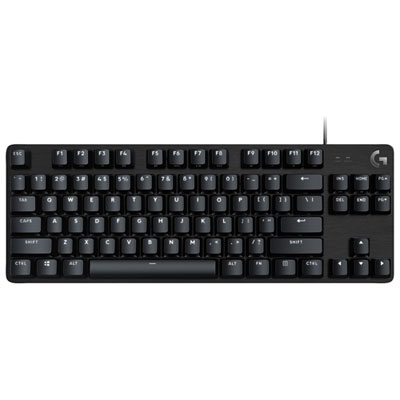
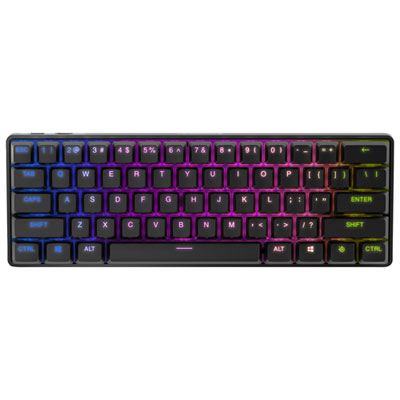
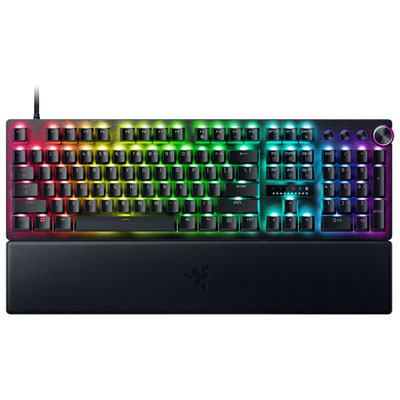
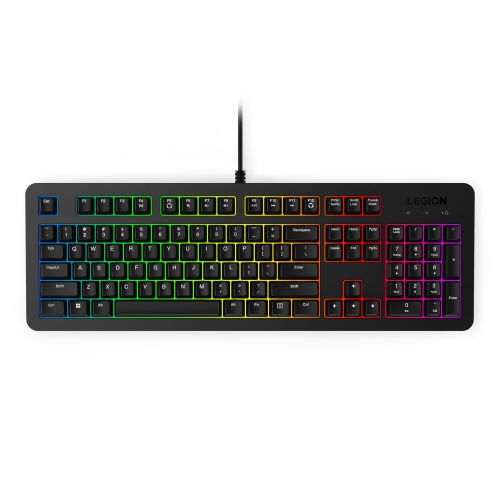
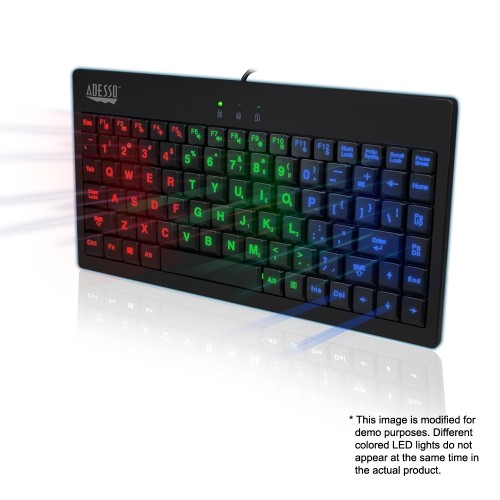
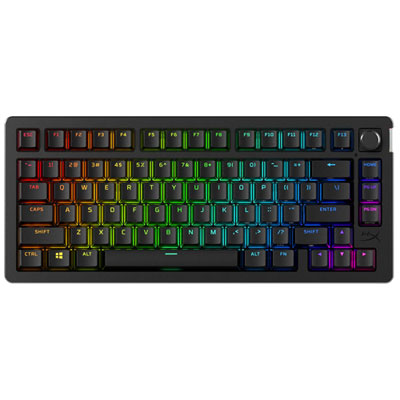
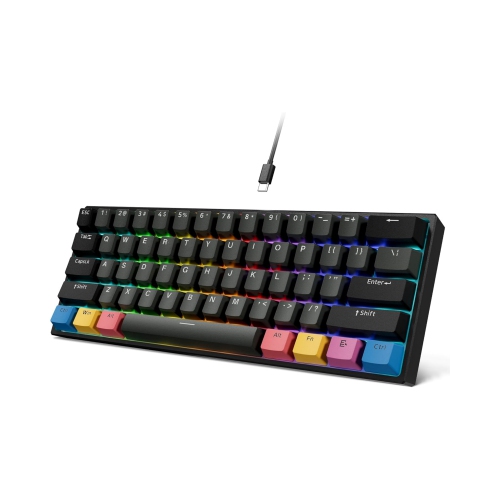
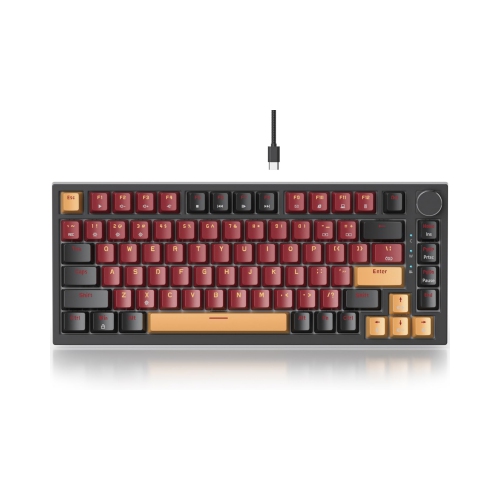
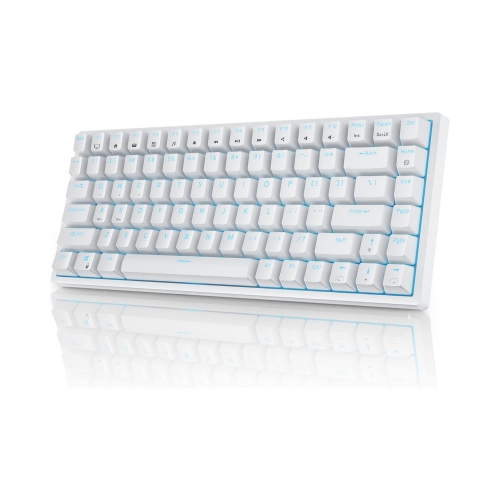
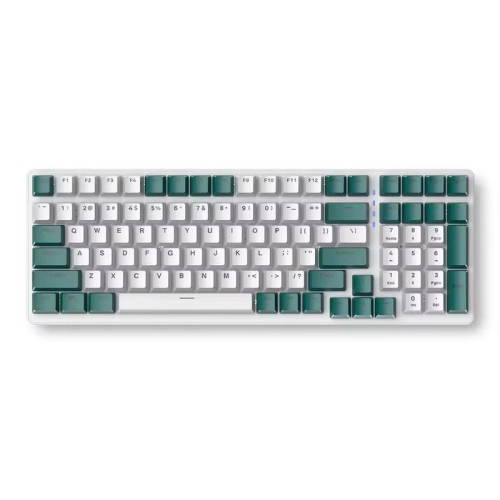
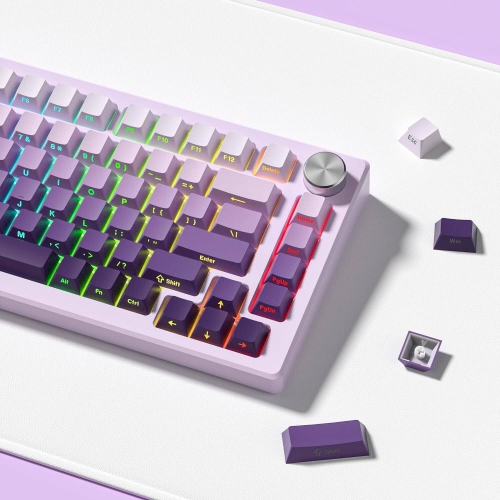
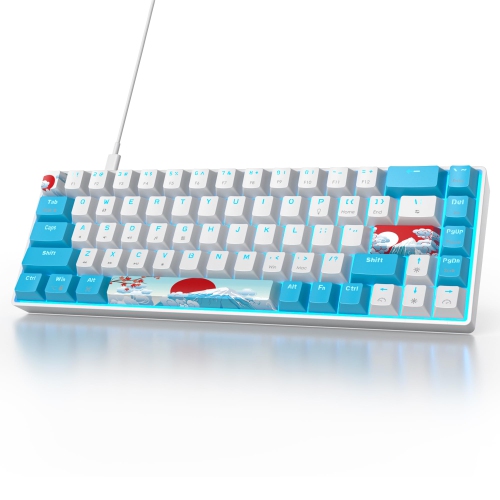
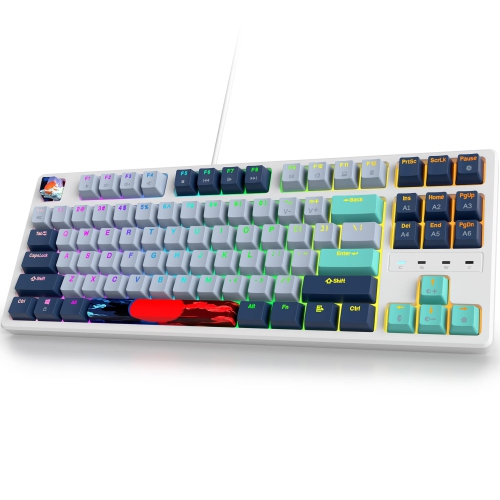
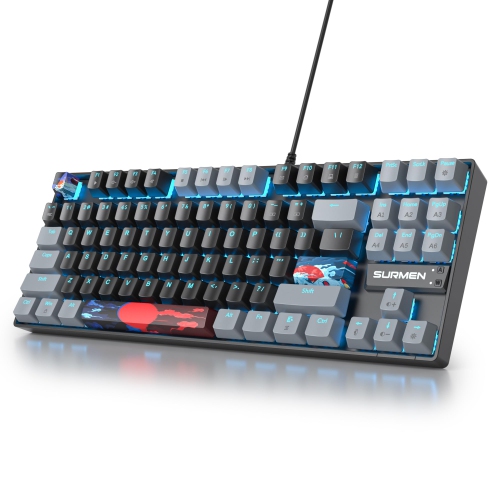
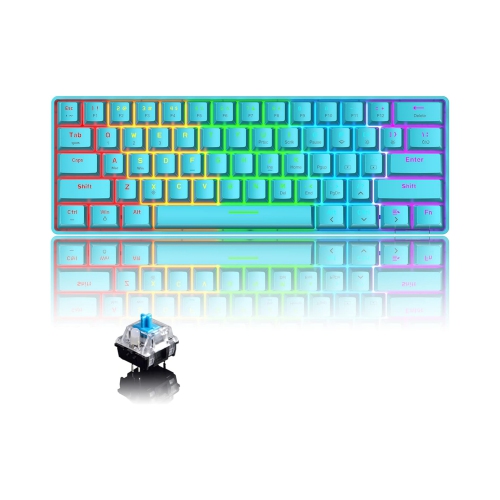
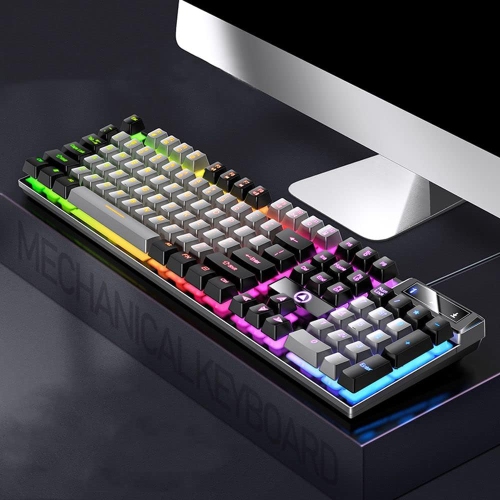
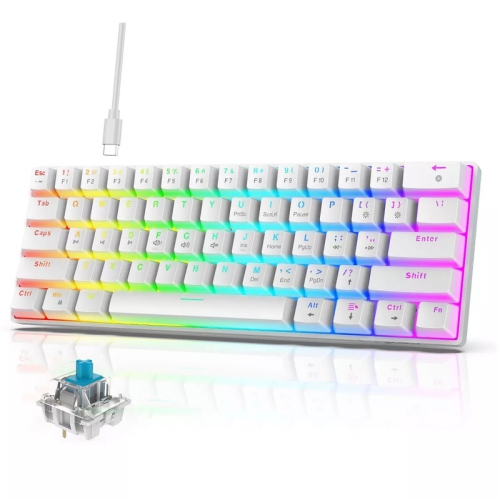
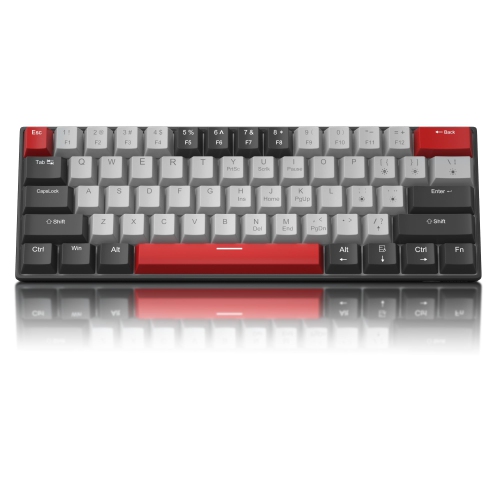
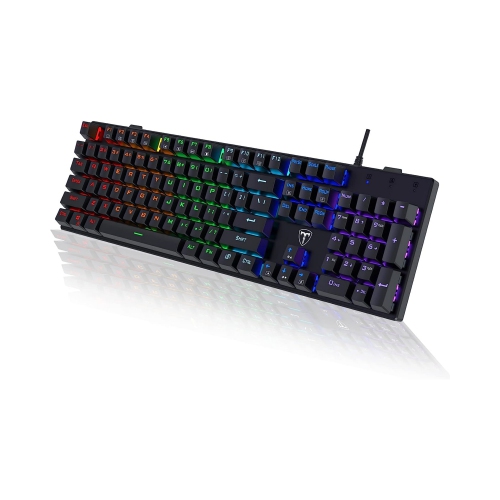
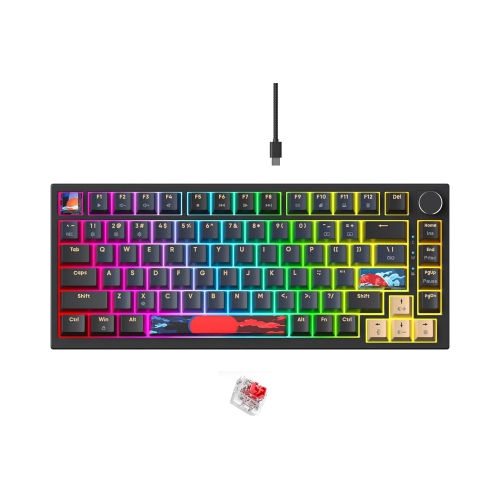
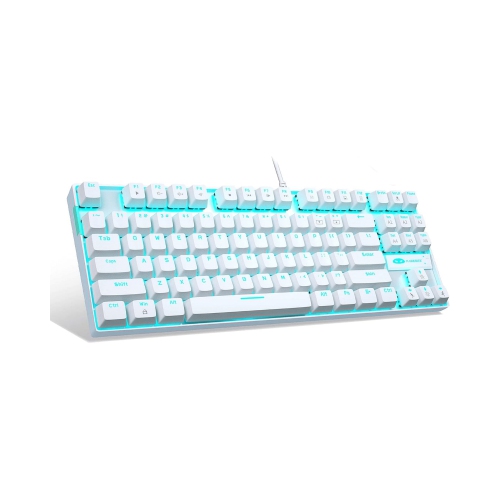
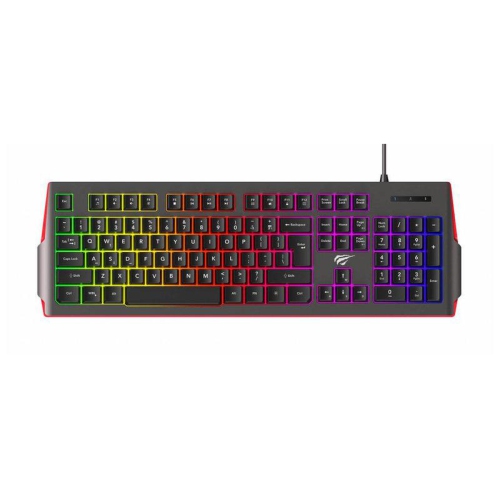
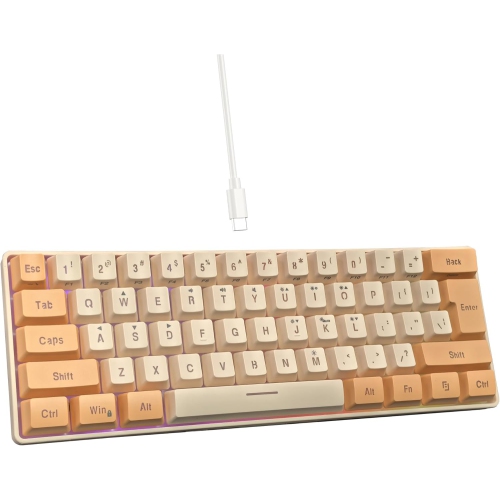
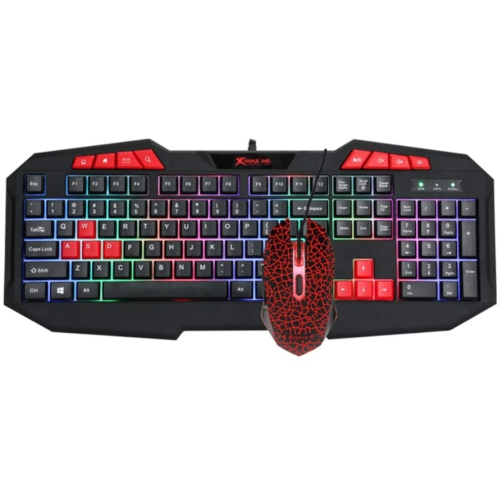
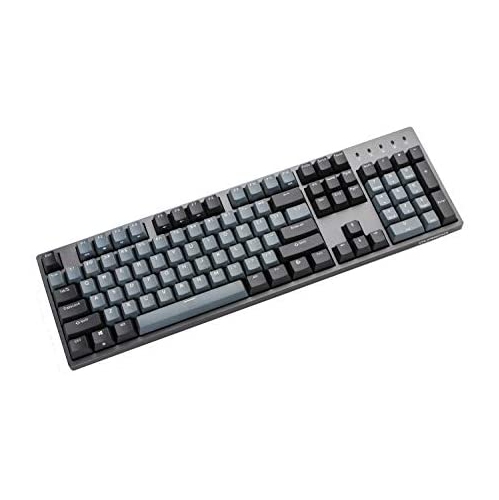
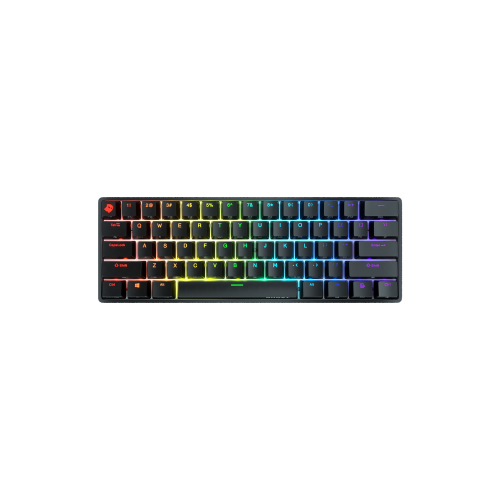
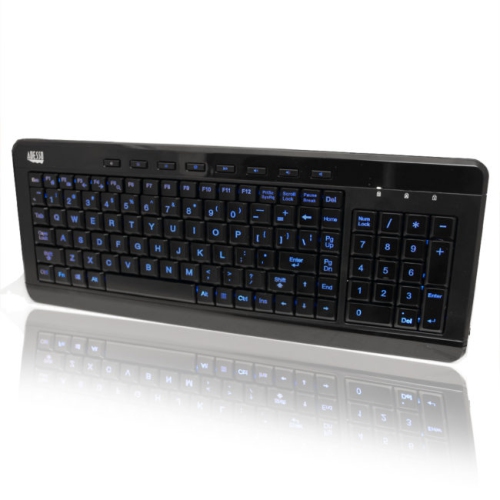
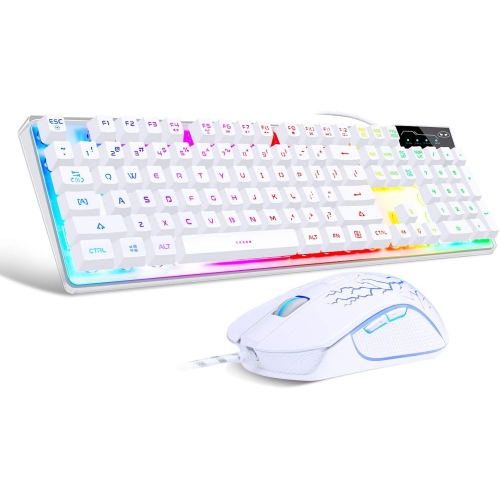
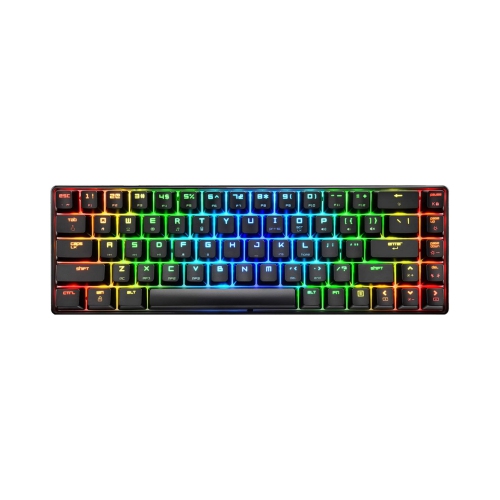
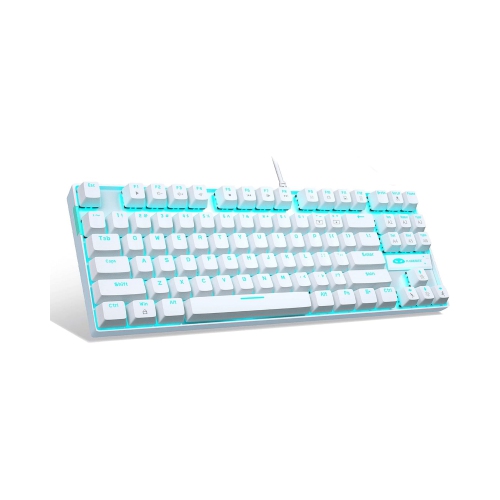
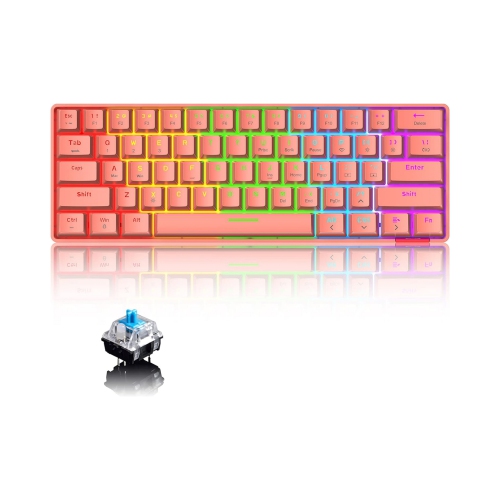
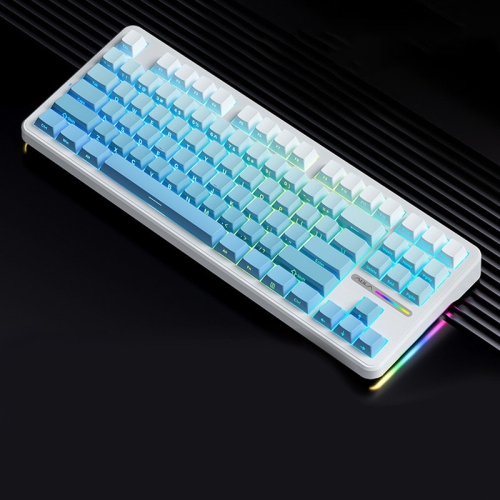
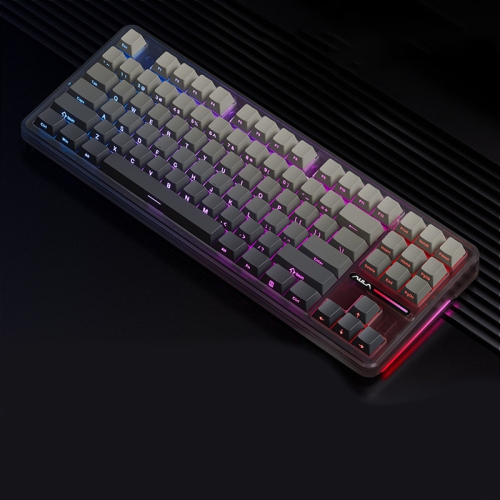
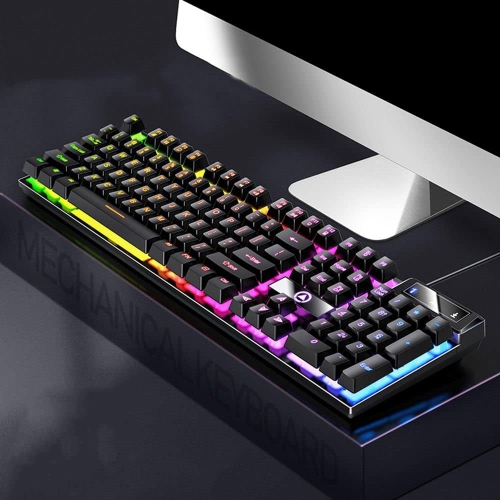
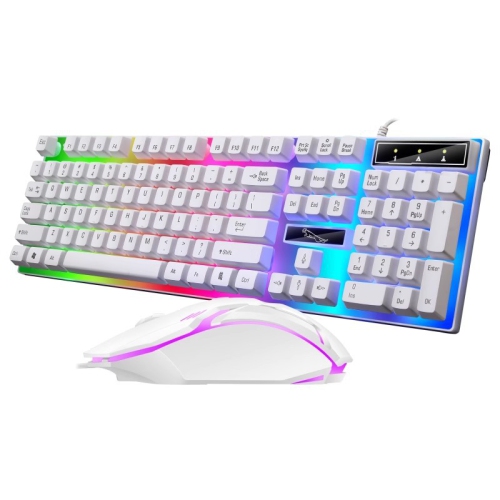
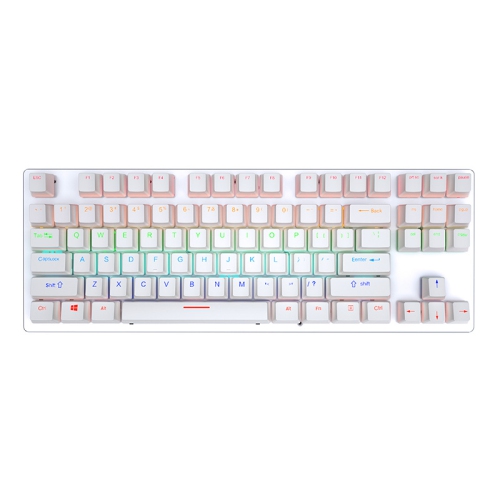
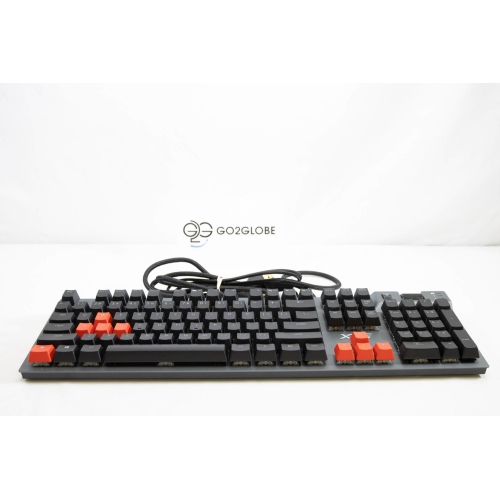
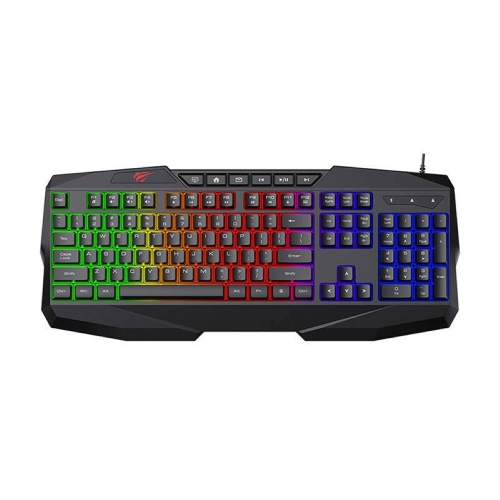
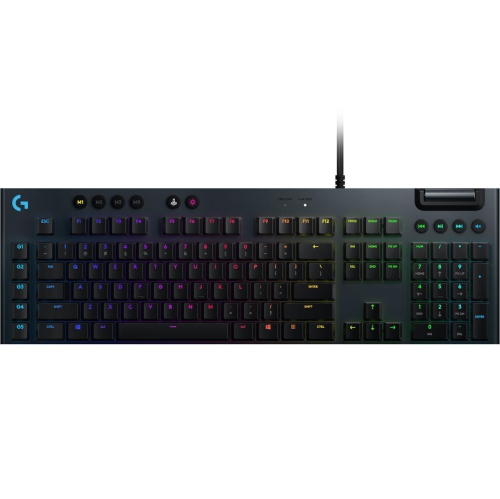
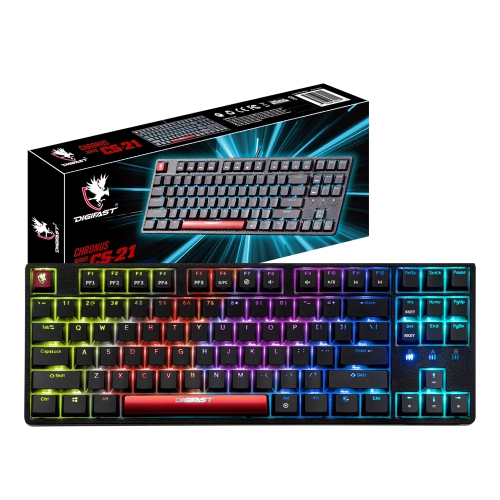
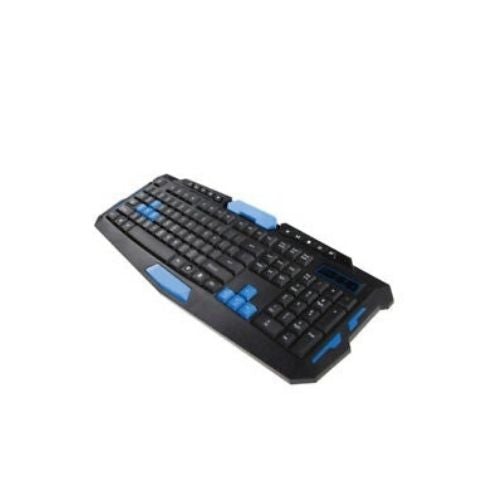
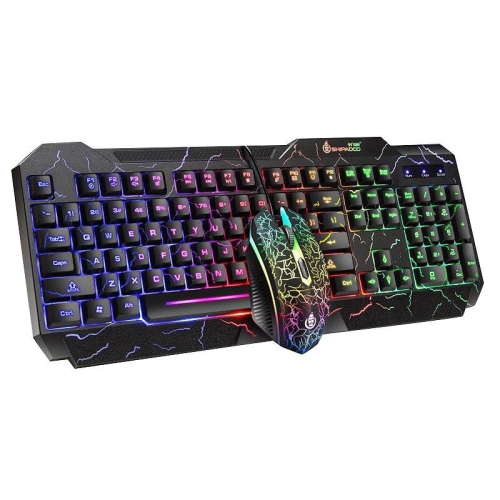
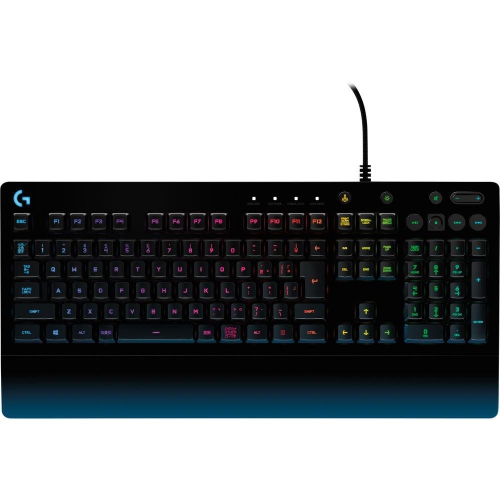
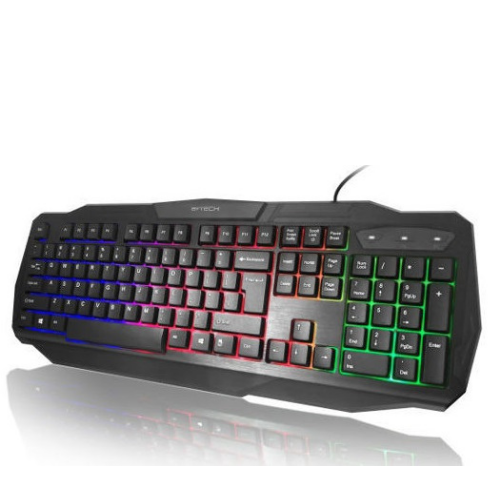
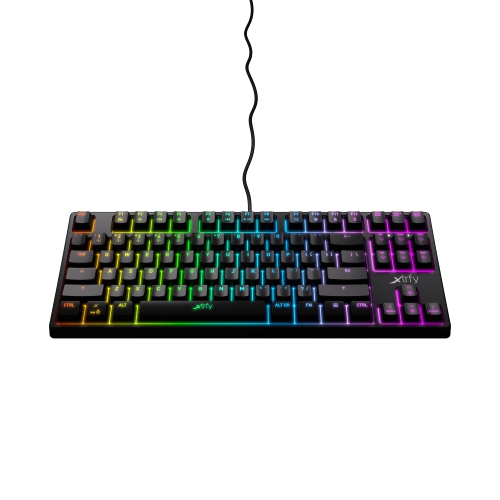
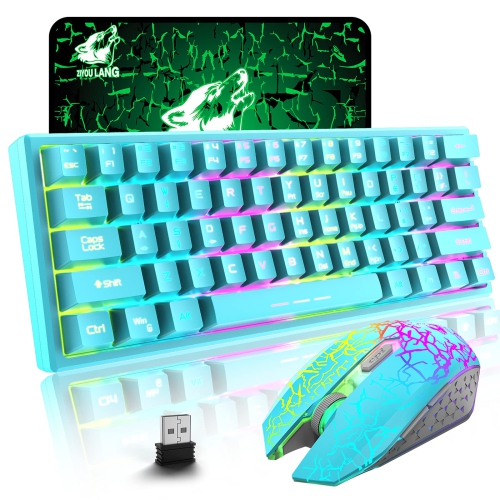
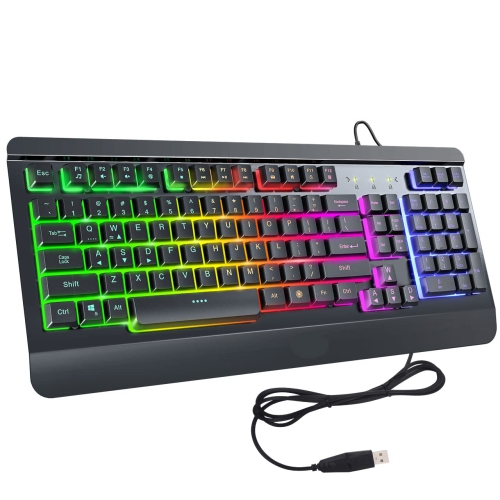
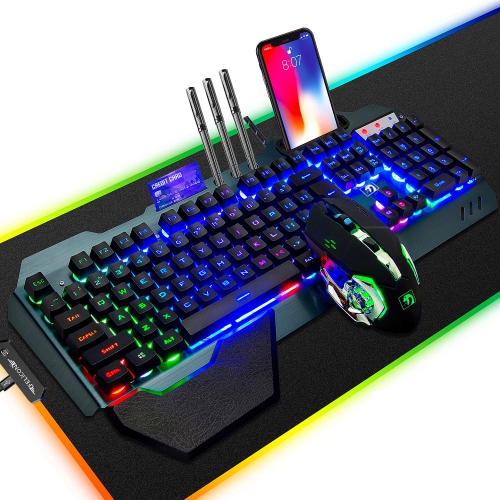
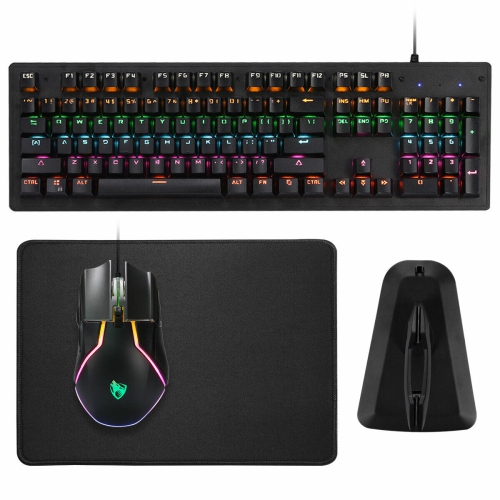
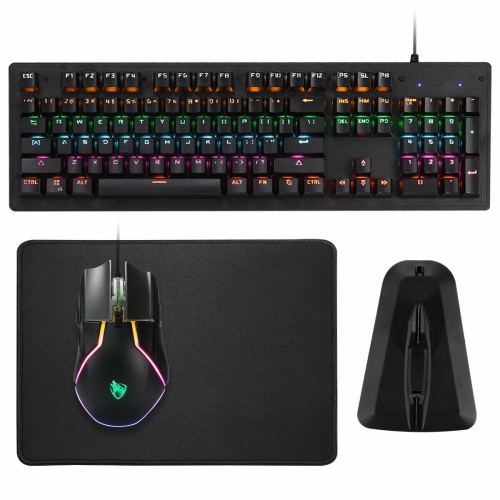
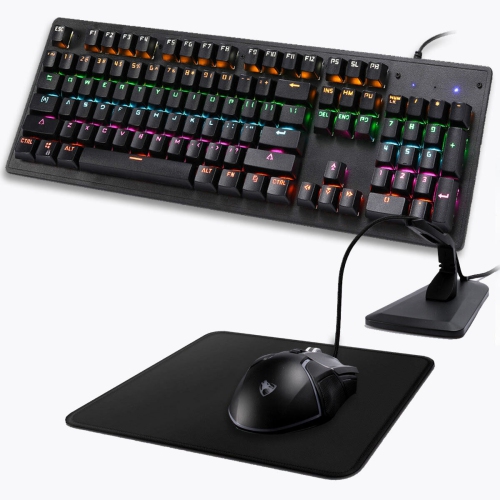
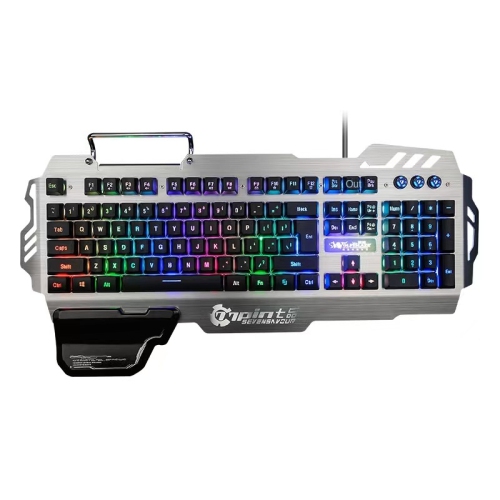
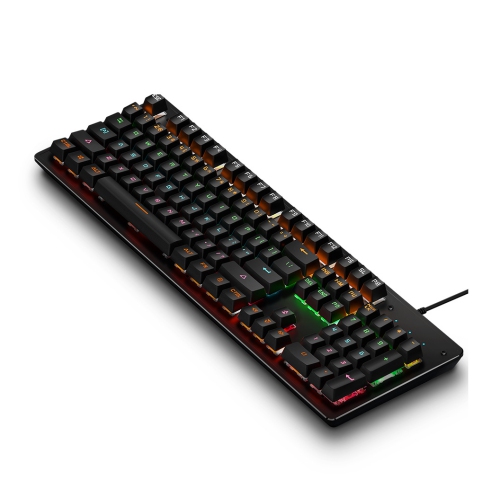
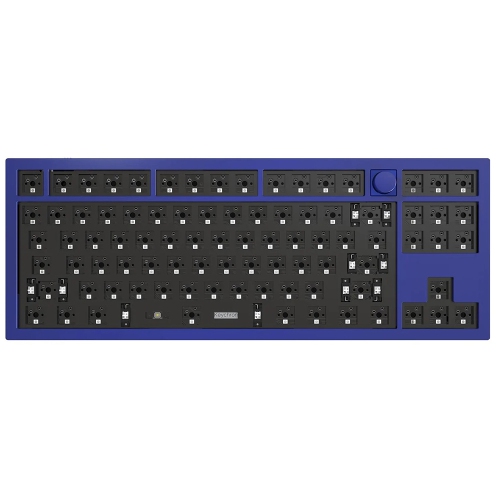
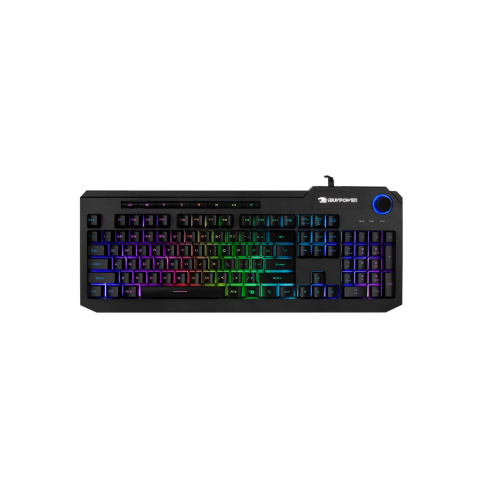
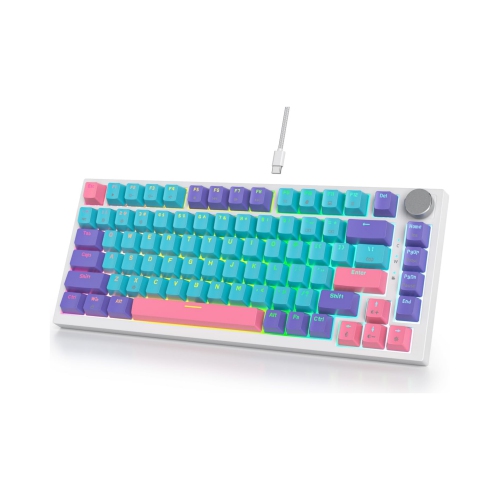
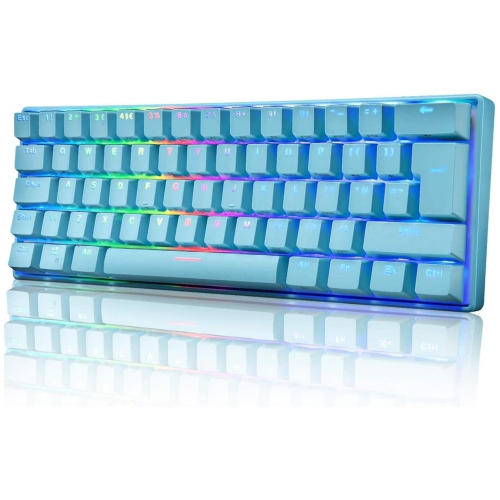
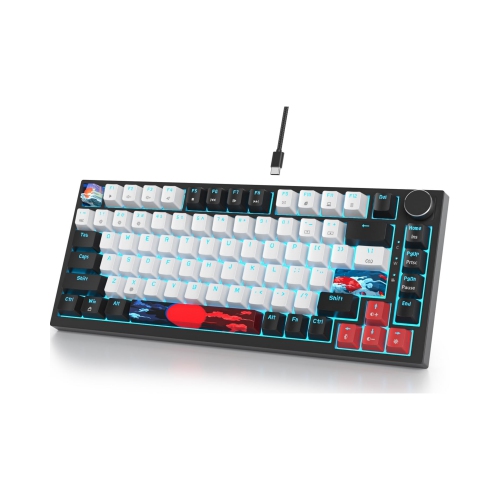
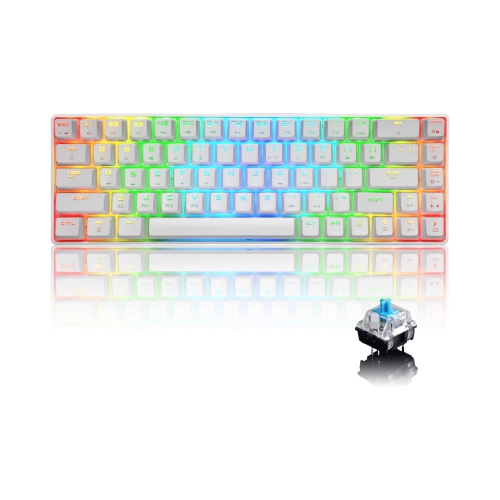
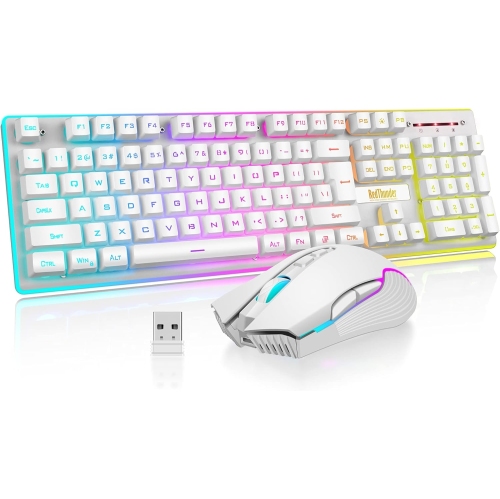
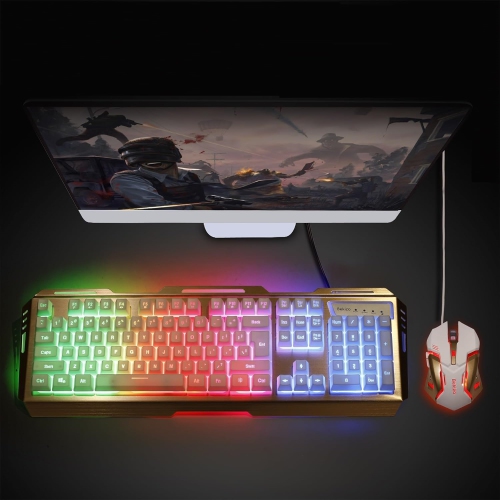
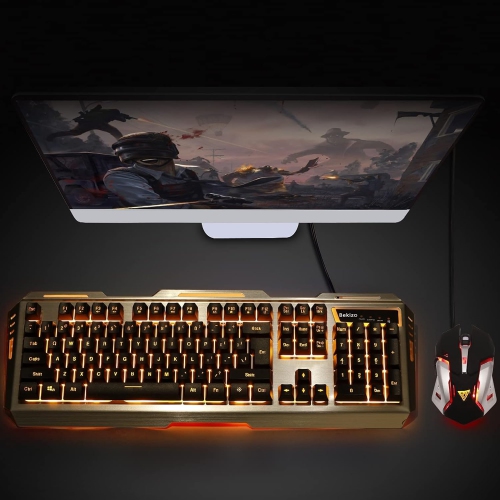
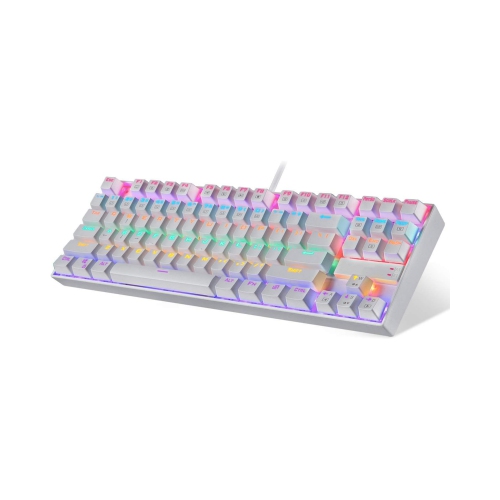
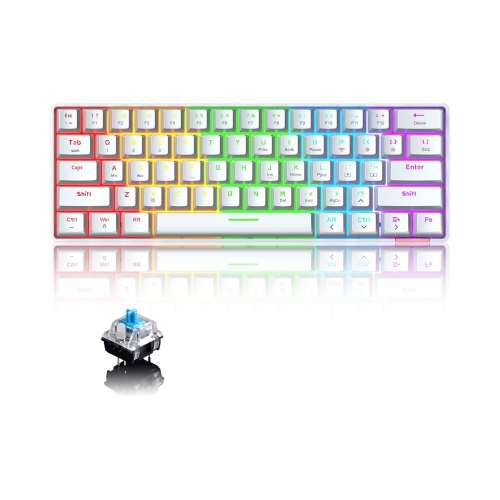
Gaming keyboards are designed to make computer play feel faster, more controlled, and more comfortable, whether you spend a few relaxed evenings exploring virtual worlds or practise precise movements for competitive matches. The right choice depends on how you play, the games you enjoy, and the space available at your desk. Full-size gaming keyboards include a dedicated number pad, making them useful for strategy games, simulation titles, productivity, and anyone who frequently enters numbers. Tenkeyless models remove the number pad to leave more room for a mouse, while 75%, 65%, and 60% keyboards create an increasingly compact setup by reducing or combining navigation keys. A smaller board can help position your hands more naturally and leave extra room for broad mouse movements, which is particularly useful in first-person shooters. It can also be easier to carry between rooms, gaming spaces, and tournaments during the cooler months when indoor entertainment becomes part of the daily routine. Compact layouts do require some adjustment, since functions such as Home, End, arrow keys, and media controls may be accessed through a function layer rather than a dedicated key. When comparing the Top Gaming Keyboards, consider the balance between familiar convenience and the streamlined layout that best suits your desk and play style.
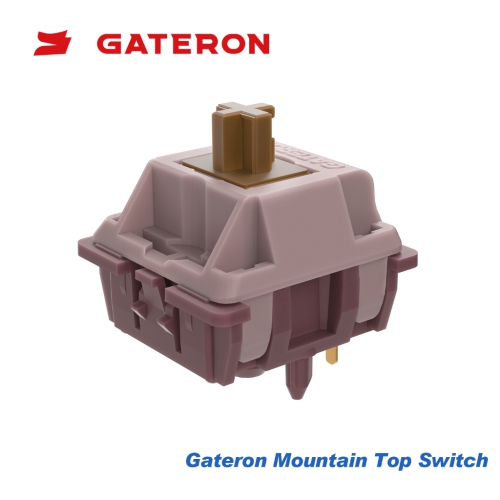
Switch type has a noticeable effect on how a keyboard feels and responds. Mechanical switches use individual mechanisms beneath each key and are available in linear, tactile, and clicky styles. Linear switches move smoothly from top to bottom, which many players prefer for rapid repeated inputs. Tactile switches provide a small bump that confirms a key press, while clicky switches add a distinct sound and pronounced feedback. Magnetic or Hall Effect switches use sensors to detect key movement, allowing some models to offer adjustable actuation points and rapid-trigger functions. Adjustable actuation lets you choose how far a key must move before registering, which can make a keyboard feel highly responsive for movement, abilities, and quick commands. Rapid-trigger features can reset a key as soon as it begins to rise, supporting fast directional changes and repeated taps. Some advanced keyboards also provide analog input, allowing a key to register varying levels of movement in compatible games instead of acting only as on or off. These features are most helpful when you can make use of them, while straightforward mechanical switches may be a better fit for someone who values a familiar typing feel and simple setup. Pay attention to polling rate, debounce behaviour, key rollover, and input latency as well; these specifications describe how quickly and reliably the board communicates a press to the computer. They matter most to players who depend on consistent timing, but a responsive keyboard can make everyday typing and shortcuts feel more immediate as well. Durability is another practical consideration. Double-shot or durable keycaps can help legends remain readable, sturdy frames can reduce flex, and sound-dampening materials may create a quieter, less hollow typing experience. No keyboard is silent, and the ideal sound depends on your room, microphone, household, and personal preference.
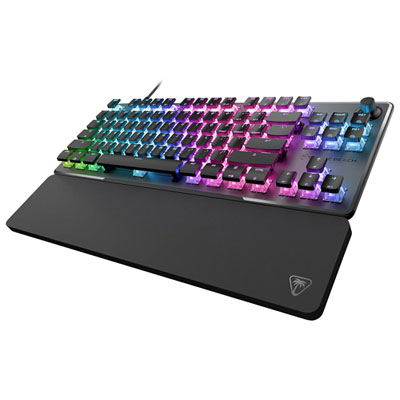
Connectivity and controls can shape how easily a keyboard fits into a complete gaming station. Wired models generally offer simple plug-and-play use with a direct connection, while wireless models can reduce cable clutter and make it easier to move the keyboard between a primary computer and another compatible device. Look for the connection methods that match your setup, including USB, Bluetooth, or low-latency wireless modes, and check whether the keyboard can switch between multiple paired devices. Battery life, charging time, and the ability to use the board while charging are worth considering for wireless use. Backlighting can help identify keys in a dim room, and per-key or zone-based RGB lighting may allow you to coordinate colours, create profiles, or highlight frequently used controls. Lighting is primarily a personal preference, so prioritise a comfortable layout and dependable switches over effects you may rarely use. Programmable keys, macros, media controls, volume wheels, and command dials can be useful for games with complex controls, streaming, creative applications, or music and video playback. Onboard memory is convenient if you move between computers and want your preferred profiles to travel with you, while desktop software may provide deeper control over lighting, remapping, macros, and firmware updates. Compatibility should also be checked before purchase, especially when using a keyboard with a console, tablet, or operating system other than the one on your main gaming computer. Gaming keyboards can make thoughtful gifts for a player setting up a first desk, a student refreshing a study-and-play station, or an experienced enthusiast looking to refine an existing setup. A wrist rest, adjustable feet, detachable cable, and comfortable key spacing can make a greater difference during long sessions than a long list of advanced specifications. During early fall and the cooler months, when more time may be spent indoors, a well-matched keyboard can become the central control surface for gaming, communication, schoolwork, and everyday browsing. Consider the recipient’s desk size, preferred games, typing habits, connection needs, and tolerance for sound before choosing from the available options.
Switch type has a noticeable effect on how a keyboard feels and responds. Mechanical switches use individual mechanisms beneath each key and are available in linear, tactile, and clicky styles. Linear switches move smoothly from top to bottom, which many players prefer for rapid repeated inputs. Tactile switches provide a small bump that confirms a key press, while clicky switches add a distinct sound and pronounced feedback. Magnetic or Hall Effect switches use sensors to detect key movement, allowing some models to offer adjustable actuation points and rapid-trigger functions. Adjustable actuation lets you choose how far a key must move before registering, which can make a keyboard feel highly responsive for movement, abilities, and quick commands. Rapid-trigger features can reset a key as soon as it begins to rise, supporting fast directional changes and repeated taps. Some advanced keyboards also provide analog input, allowing a key to register varying levels of movement in compatible games instead of acting only as on or off. These features are most helpful when you can make use of them, while straightforward mechanical switches may be a better fit for someone who values a familiar typing feel and simple setup. Pay attention to polling rate, debounce behaviour, key rollover, and input latency as well; these specifications describe how quickly and reliably the board communicates a press to the computer. They matter most to players who depend on consistent timing, but a responsive keyboard can make everyday typing and shortcuts feel more immediate as well. Durability is another practical consideration. Double-shot or durable keycaps can help legends remain readable, sturdy frames can reduce flex, and sound-dampening materials may create a quieter, less hollow typing experience. No keyboard is silent, and the ideal sound depends on your room, microphone, household, and personal preference.
Connectivity and controls can shape how easily a keyboard fits into a complete gaming station. Wired models generally offer simple plug-and-play use with a direct connection, while wireless models can reduce cable clutter and make it easier to move the keyboard between a primary computer and another compatible device. Look for the connection methods that match your setup, including USB, Bluetooth, or low-latency wireless modes, and check whether the keyboard can switch between multiple paired devices. Battery life, charging time, and the ability to use the board while charging are worth considering for wireless use. Backlighting can help identify keys in a dim room, and per-key or zone-based RGB lighting may allow you to coordinate colours, create profiles, or highlight frequently used controls. Lighting is primarily a personal preference, so prioritise a comfortable layout and dependable switches over effects you may rarely use. Programmable keys, macros, media controls, volume wheels, and command dials can be useful for games with complex controls, streaming, creative applications, or music and video playback. Onboard memory is convenient if you move between computers and want your preferred profiles to travel with you, while desktop software may provide deeper control over lighting, remapping, macros, and firmware updates. Compatibility should also be checked before purchase, especially when using a keyboard with a console, tablet, or operating system other than the one on your main gaming computer. Gaming keyboards can make thoughtful gifts for a player setting up a first desk, a student refreshing a study-and-play station, or an experienced enthusiast looking to refine an existing setup. A wrist rest, adjustable feet, detachable cable, and comfortable key spacing can make a greater difference during long sessions than a long list of advanced specifications. During early fall and the cooler months, when more time may be spent indoors, a well-matched keyboard can become the central control surface for gaming, communication, schoolwork, and everyday browsing. Consider the recipient’s desk size, preferred games, typing habits, connection needs, and tolerance for sound before choosing from the available options.
Top selling and popular products
-
 Your price for this item is $39.99
 -
 Your price for this item is $76.98
 -
 Your price for this item is $94.99
 -
 Your price for this item is $319.99
 -
 Your price for this item is $364.99
 -
 Your price for this item is $149.99
 -
 Your price for this item is $124
 -
 Your price for this item is $94.99
Discover more categories related to Top 10 Gaming Keyboards

Top Collections:
Pokemon Centers, Kindle Devices, Best Budget Office Chairs, Apple iPhones 16, Best Laptops for Writers, iPhone 15 Apple, Canon G7X Cameras, Refurbished Apple Laptops, Alarm Clock, Motorola Razr Phones
Some products may be subject to Environmental Handling Fees
(EHF) depending on your province.
Learn more about EHFs.