High End PC RAM
The best PC RAM is the stuff that helps your computer run at its best. It's the memory that powers your computer's processor, and it's what allows your computer to keep running while it's busy doing things like running programs, opening files and working with other devices. If you're looking for a new set of PC RAM, here are some of the best options available today.
Sort
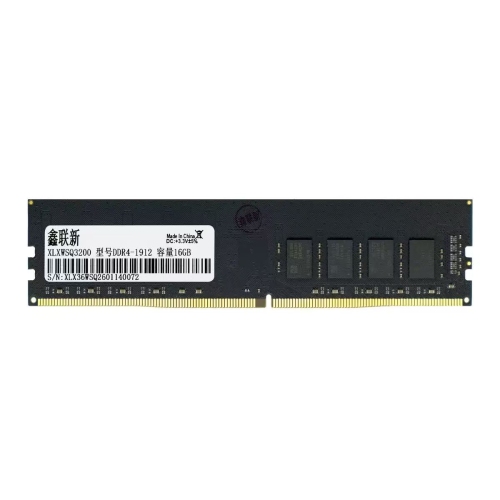
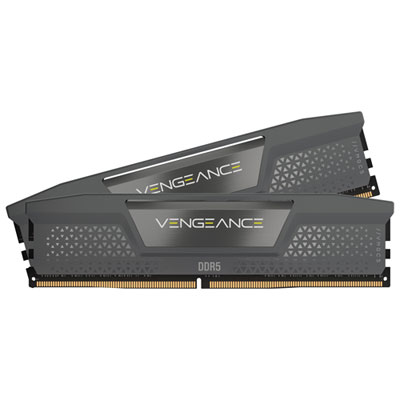
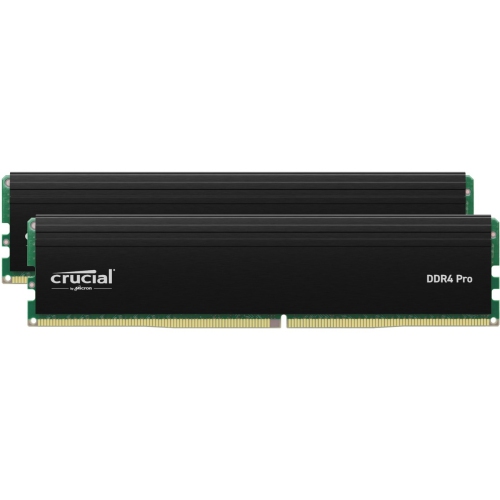

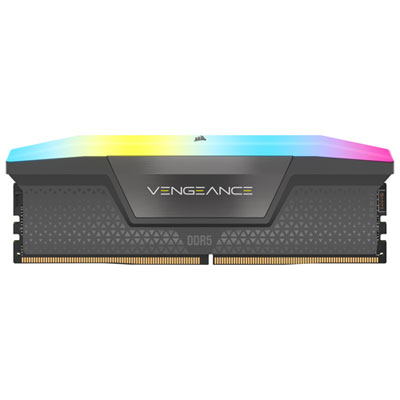
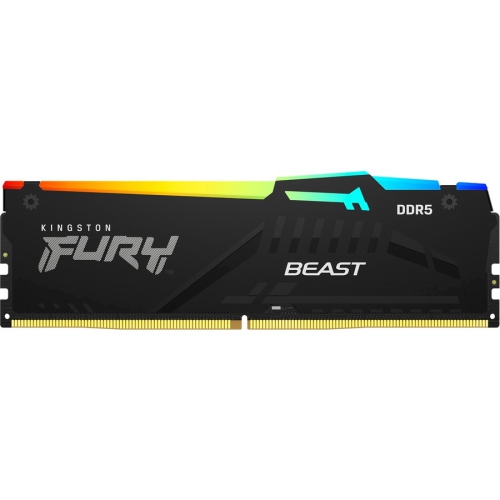
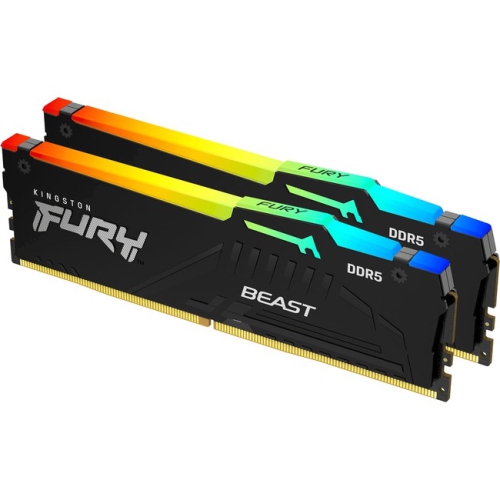
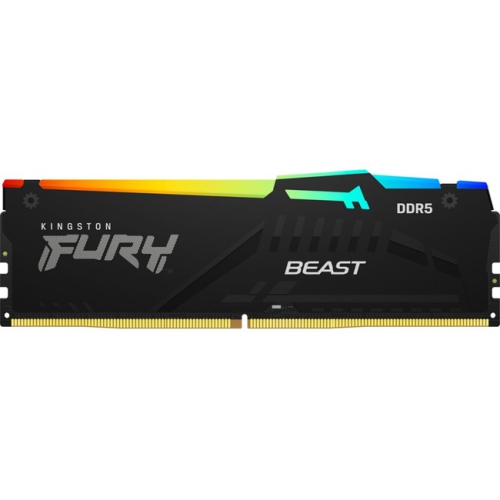
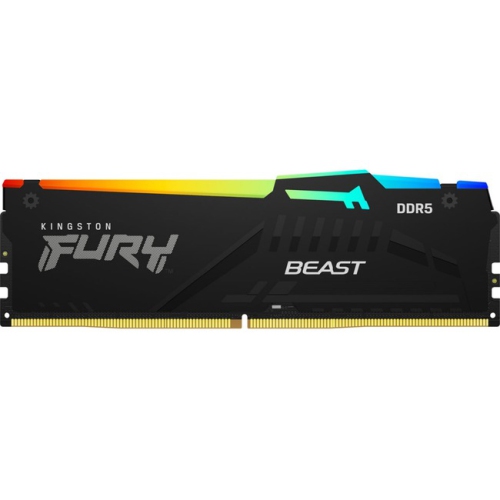



Speed, capacity and compatibility shape a balanced desktop
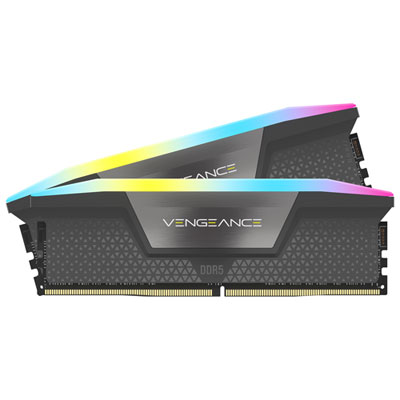
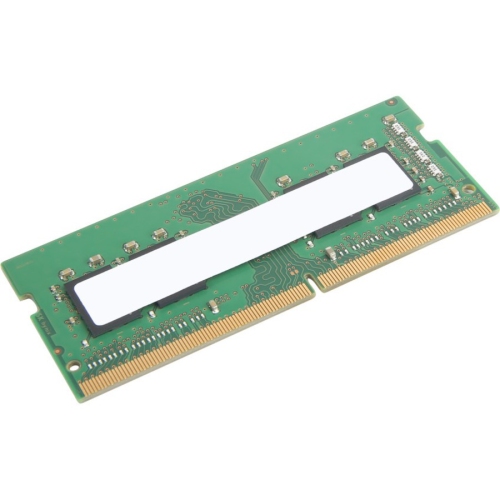
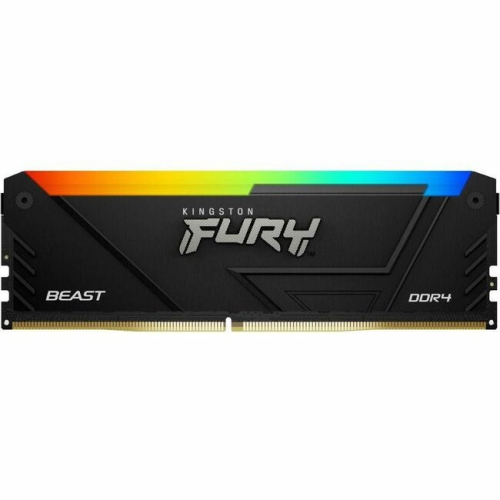
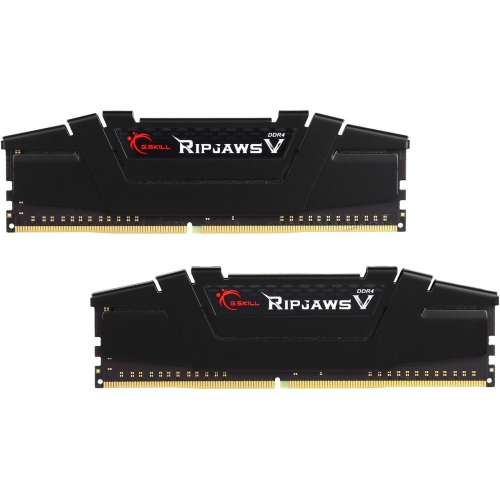
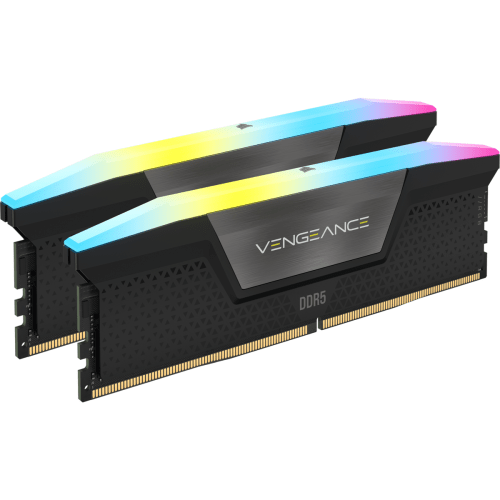
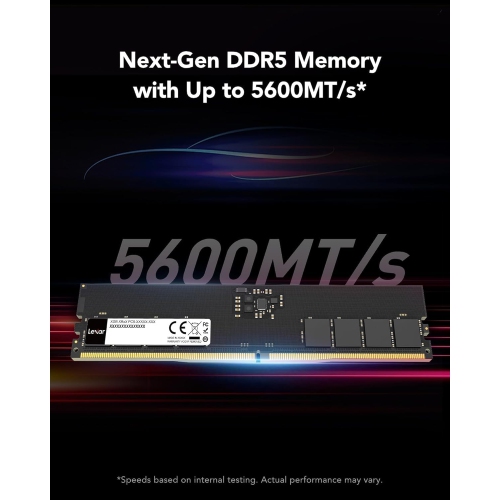
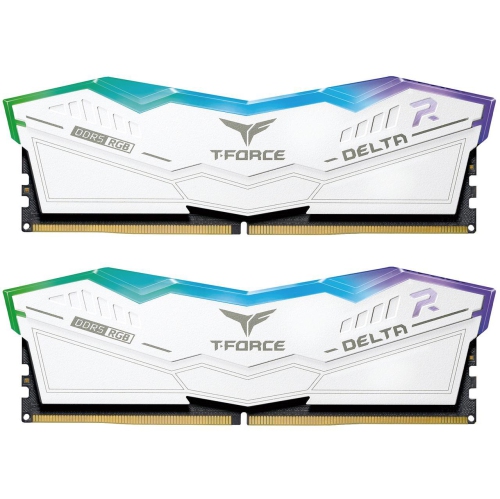
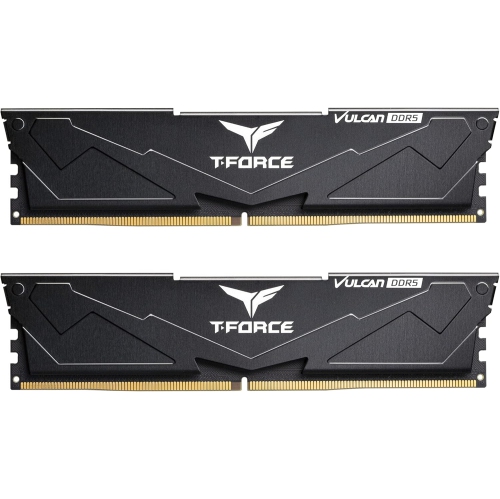
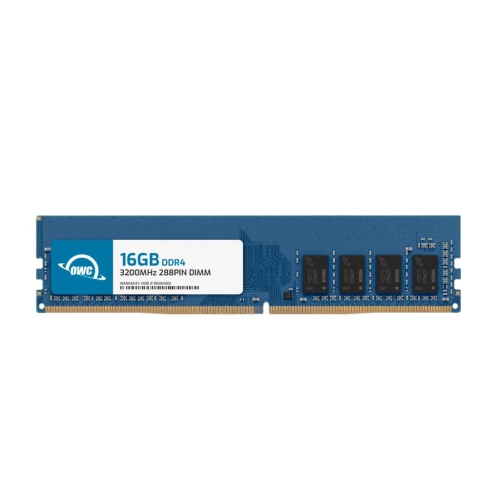
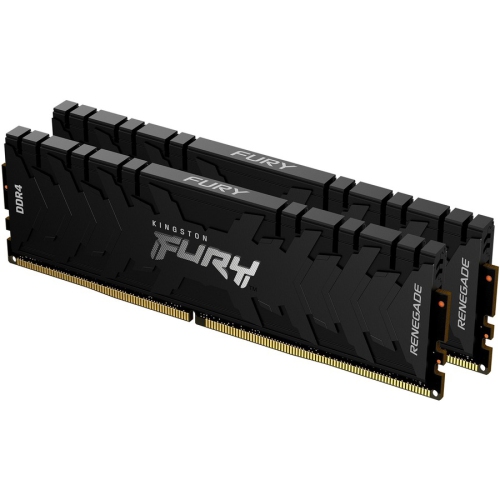
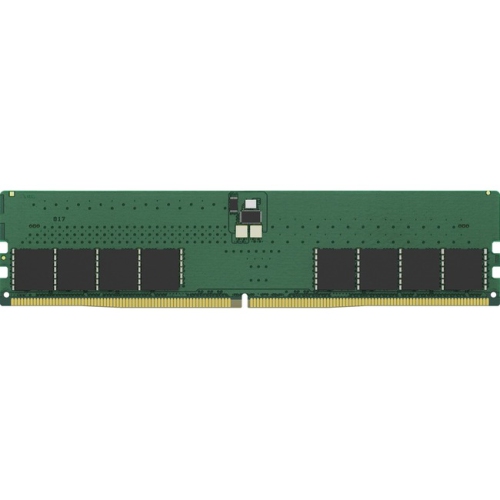
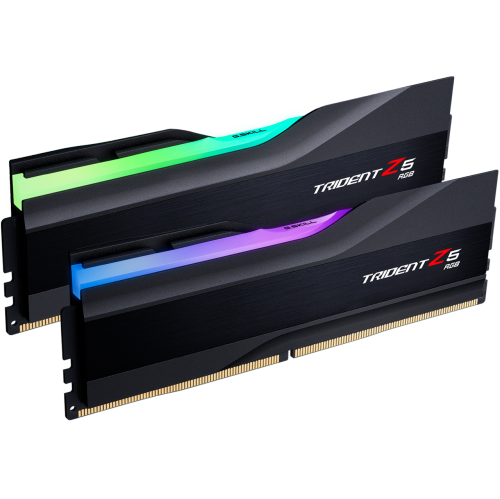
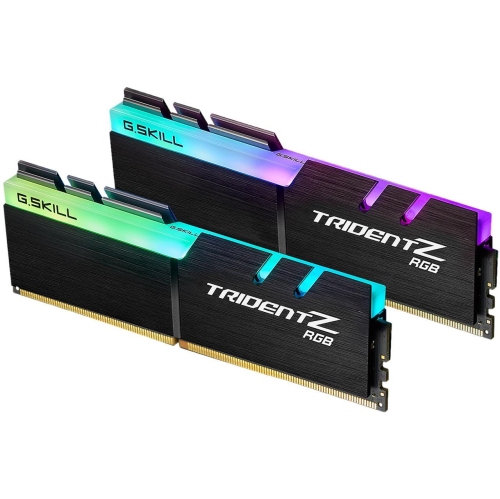
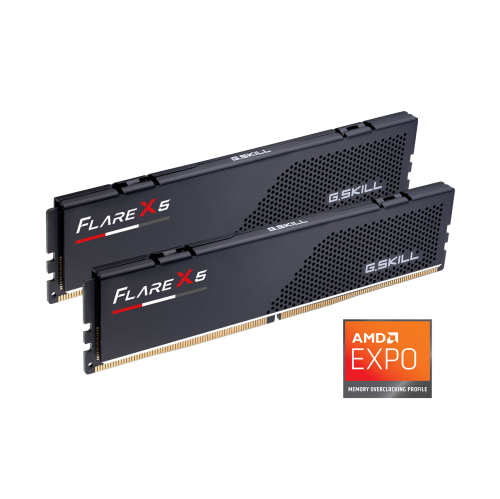
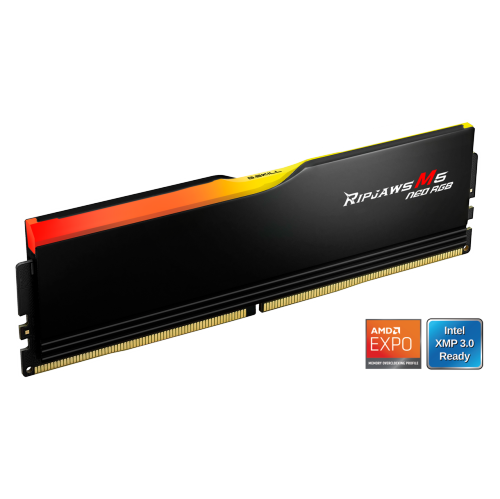
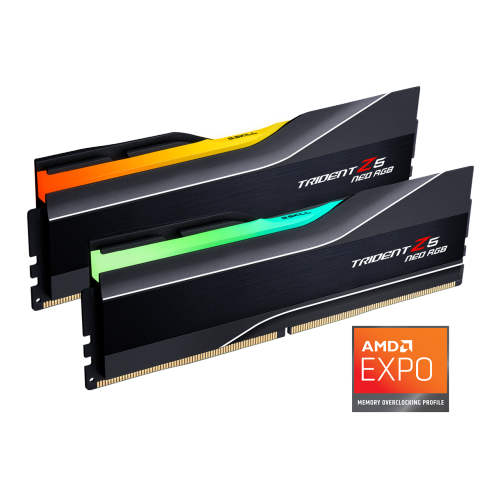
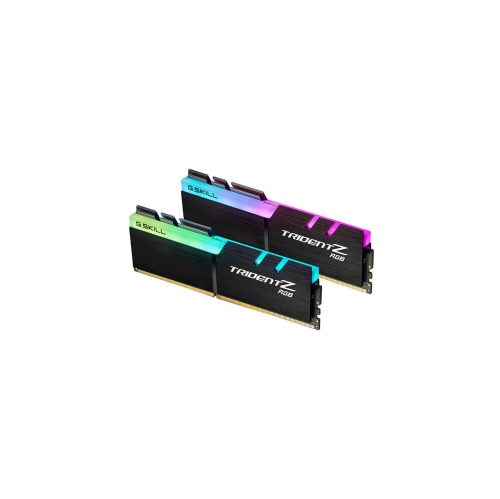
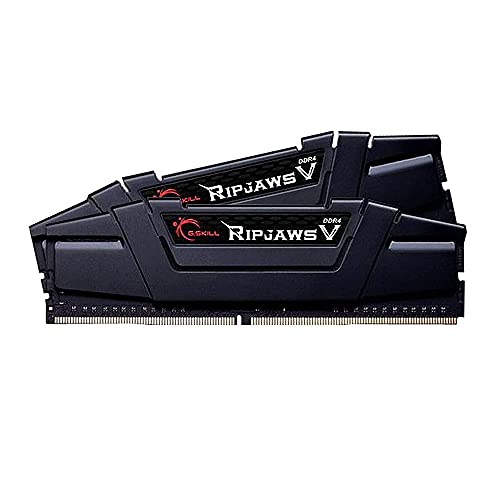
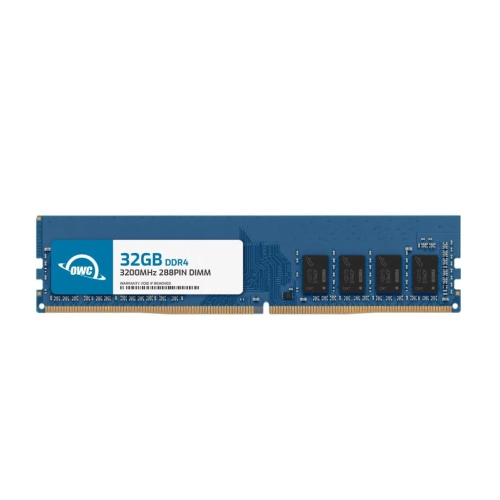
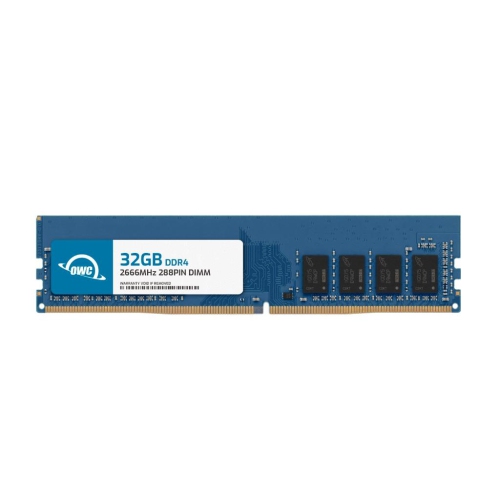
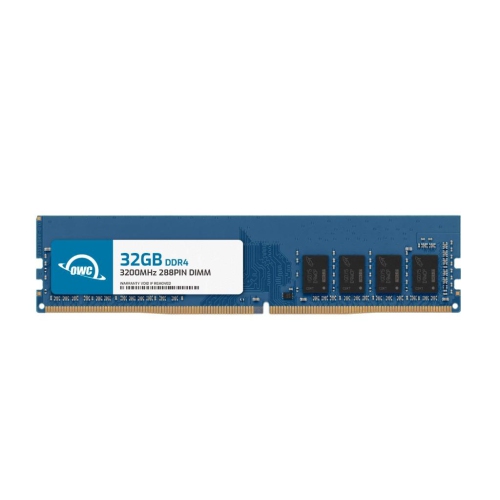
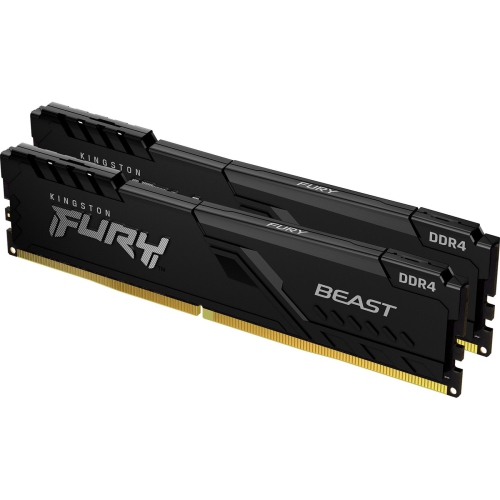
High-end PC RAM is designed for enthusiasts who want fast, responsive performance across demanding games, creative applications and everyday multitasking. Modern DDR5 memory kits offer higher data rates and improved bandwidth than earlier generations, helping a capable desktop keep up when several intensive tasks are running at once. For many gaming-focused builds, DDR5-6000 is a popular performance tier, particularly when paired with a current-generation processor and a compatible motherboard. Kits with tighter timings, such as CL30, can help reduce latency and deliver a well-balanced combination of speed and responsiveness. Memory capacity matters just as much as rated speed: a 32GB kit made up of two 16GB modules is a practical choice for high-end gaming, streaming, browsing with numerous tabs open and general productivity, while 64GB gives content creators, developers and power users more room for large projects, high-resolution media, virtual machines and demanding software. A computer used for editing a long video timeline or managing a large collection of high-resolution images can feel noticeably more comfortable with additional memory available, especially when other applications remain open in the background. Browse Best RAM For Gaming PCs for more ideas when your main goal is smooth gameplay and a responsive system. High-end RAM can also be a thoughtful gift for a PC enthusiast, especially someone planning a new build, refreshing an older desktop or preparing for more demanding games and creative projects during the cooler months. Because memory is compact and easy to wrap, it can suit a technology-minded recipient who enjoys upgrading one part at a time, although checking the recipient’s computer specifications before purchasing is essential.
Compatibility should be the first consideration before comparing appearance or headline speed. Confirm that the kit uses the correct DDR generation for the motherboard, since DDR4 and DDR5 modules are not interchangeable, and check the motherboard’s supported capacity, speed and slot configuration. The processor’s integrated memory controller also plays a role in achieving the advertised settings. A two-DIMM kit is often the preferred arrangement for high-speed DDR5 because it places less strain on the memory controller than filling all four slots, which can make higher data rates more difficult to maintain. Look for memory profiles such as AMD EXPO or Intel XMP when applicable; these settings can simplify setup by applying a tested speed and timing configuration in the motherboard firmware, though the system may initially start at a lower standard speed until the profile is enabled. It is wise to update the motherboard firmware when recommended, install the modules in the slots identified by the motherboard manual and run a stability test after changing memory settings. Physical clearance deserves attention as well. Decorative heat spreaders and integrated lighting can add a distinctive look to a showcase desktop, but taller modules may interfere with a large processor cooler or compete for space inside a compact case. Consider whether the computer has a clear side panel, whether lighting can be synchronized with the rest of the build and whether a simpler design would better suit a quiet office or living-room setup. High-end RAM is most useful when the rest of the computer can take advantage of it, so pair the capacity and speed with the processor, motherboard, graphics card, storage and applications being used. For gaming, memory can support quicker loading between active tasks, smooth background streaming and comfortable multitasking, while professional workloads may benefit more from greater capacity than from a small increase in rated speed. A careful match creates a balanced desktop that feels quick when launching a game, switching to a browser, opening a large project or returning to a session after an interruption.
Compatibility should be the first consideration before comparing appearance or headline speed. Confirm that the kit uses the correct DDR generation for the motherboard, since DDR4 and DDR5 modules are not interchangeable, and check the motherboard’s supported capacity, speed and slot configuration. The processor’s integrated memory controller also plays a role in achieving the advertised settings. A two-DIMM kit is often the preferred arrangement for high-speed DDR5 because it places less strain on the memory controller than filling all four slots, which can make higher data rates more difficult to maintain. Look for memory profiles such as AMD EXPO or Intel XMP when applicable; these settings can simplify setup by applying a tested speed and timing configuration in the motherboard firmware, though the system may initially start at a lower standard speed until the profile is enabled. It is wise to update the motherboard firmware when recommended, install the modules in the slots identified by the motherboard manual and run a stability test after changing memory settings. Physical clearance deserves attention as well. Decorative heat spreaders and integrated lighting can add a distinctive look to a showcase desktop, but taller modules may interfere with a large processor cooler or compete for space inside a compact case. Consider whether the computer has a clear side panel, whether lighting can be synchronized with the rest of the build and whether a simpler design would better suit a quiet office or living-room setup. High-end RAM is most useful when the rest of the computer can take advantage of it, so pair the capacity and speed with the processor, motherboard, graphics card, storage and applications being used. For gaming, memory can support quicker loading between active tasks, smooth background streaming and comfortable multitasking, while professional workloads may benefit more from greater capacity than from a small increase in rated speed. A careful match creates a balanced desktop that feels quick when launching a game, switching to a browser, opening a large project or returning to a session after an interruption.
Top selling and popular products
-
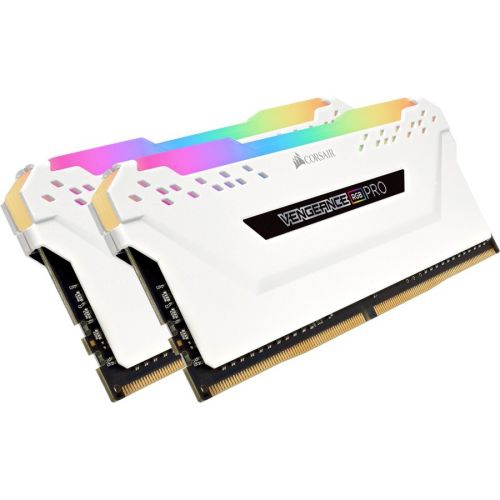 Your price for this item is $307.68
 -
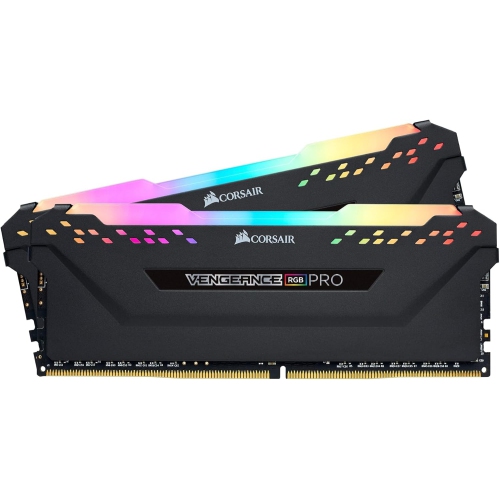 Your price for this item is $329.99
 -
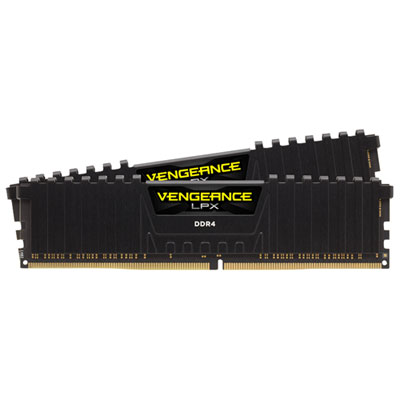 Your price for this item is $406.98
 -
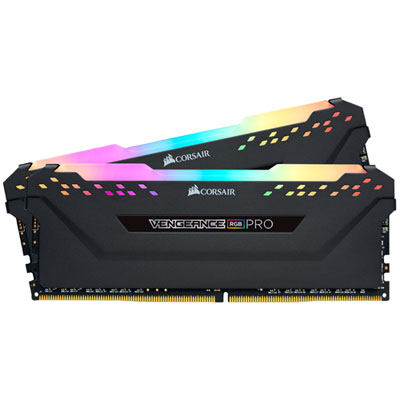 Your price for this item is $450.99
 -
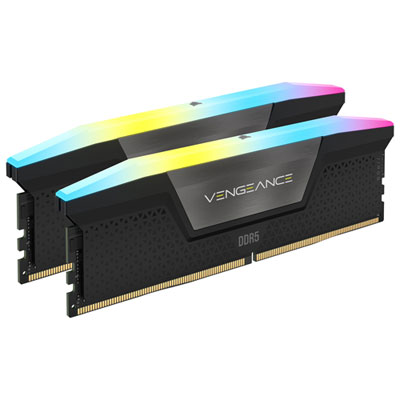 Your price for this item is $799.99
 -
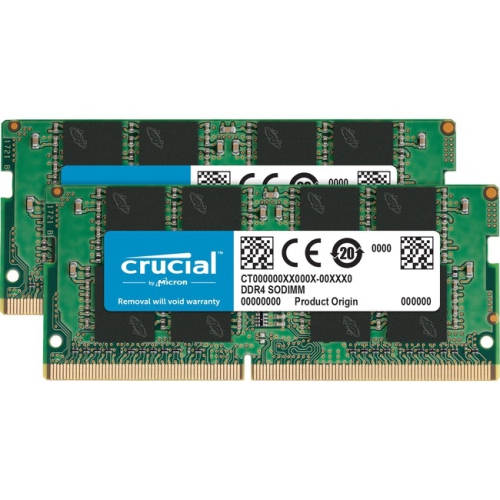 Your price for this item is $379.99
 -
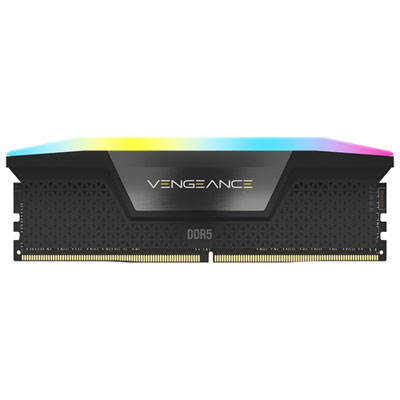 Your price for this item is $1793.99
 -
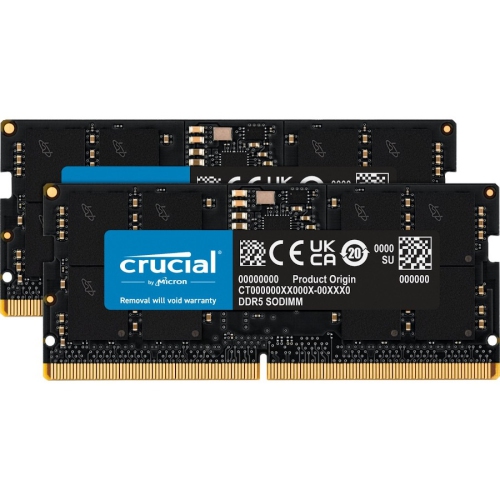 Your price for this item is $1039.68
Discover more categories related to High End PC RAM
Top Collections:
Pokemon Centers, Kindle Devices, Best Budget Office Chairs, Apple iPhones 16, Best Laptops for Writers, iPhone 15 Apple, Canon G7X Cameras, Refurbished Apple Laptops, Alarm Clock, Motorola Razr Phones
Some products may be subject to Environmental Handling Fees
(EHF) depending on your province.
Learn more about EHFs.