Gaming RAM for PC
Upgrade your gaming experience with quality performance RAMs for your PC. Whether you're a casual gamer looking to improve loading times and multitasking capabilities or a hardcore enthusiast seeking the ultimate in speed and responsiveness, investing in the right gaming RAM can make all the difference. Discover the power of these gaming RAMs and take your gaming sessions to new heights.
Sort
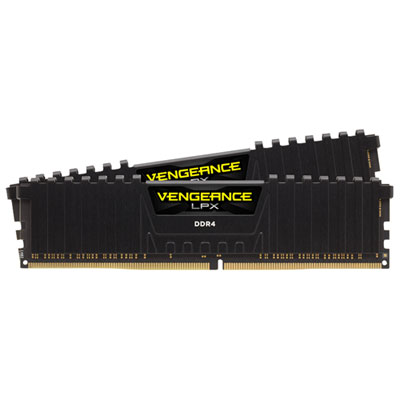
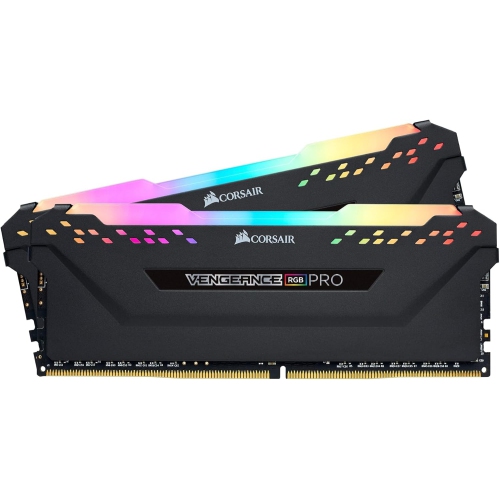
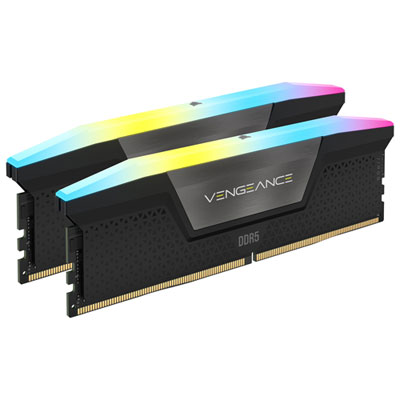
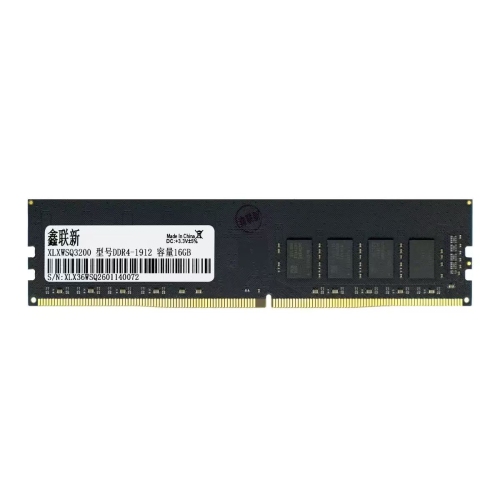
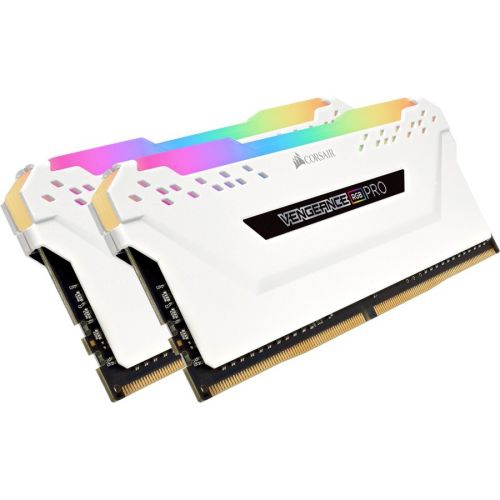
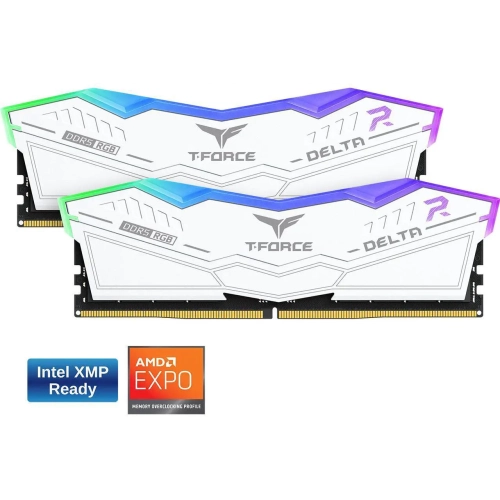
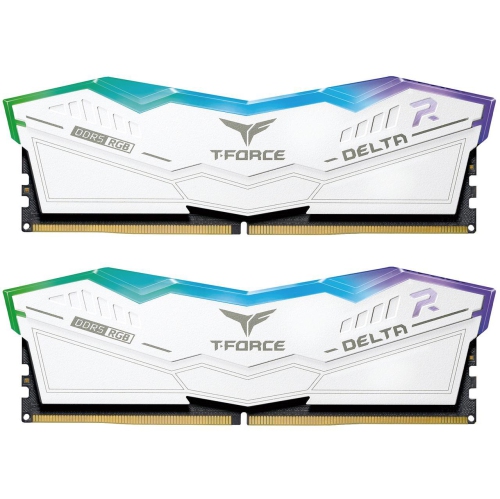
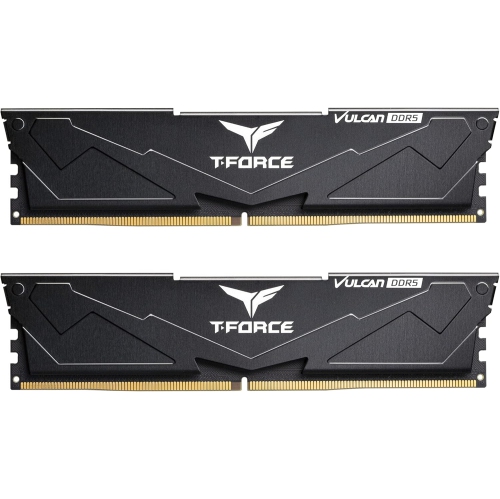
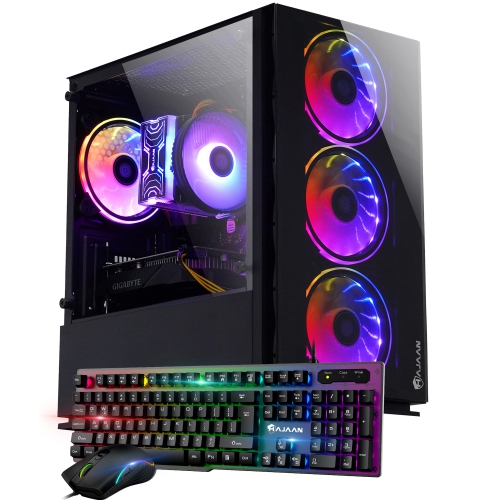
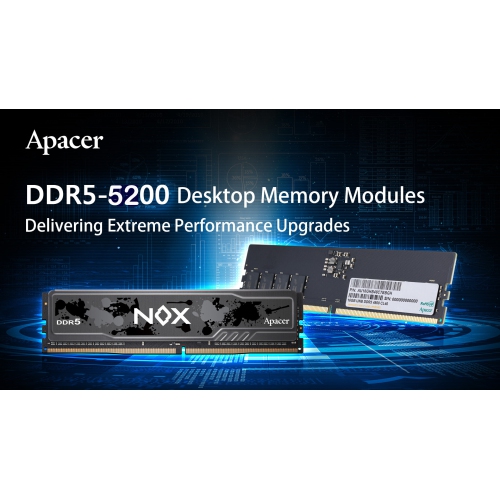
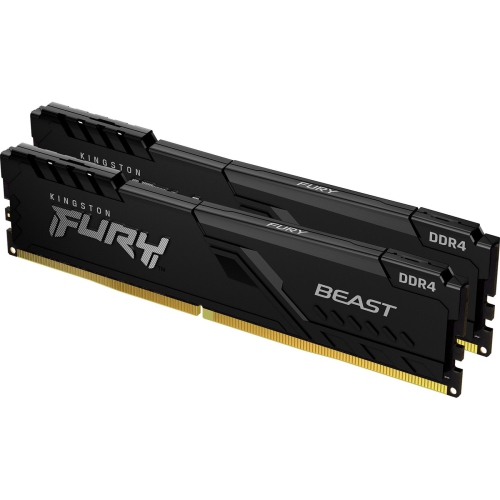
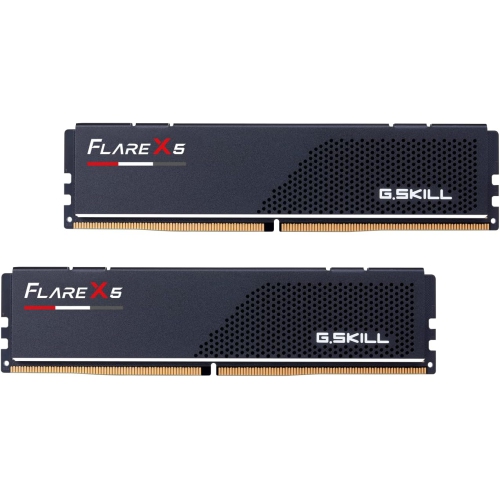
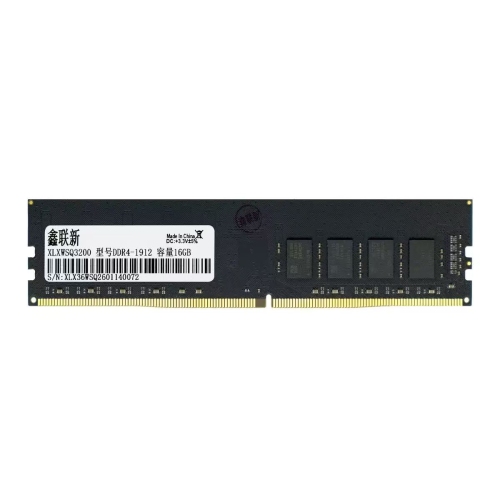
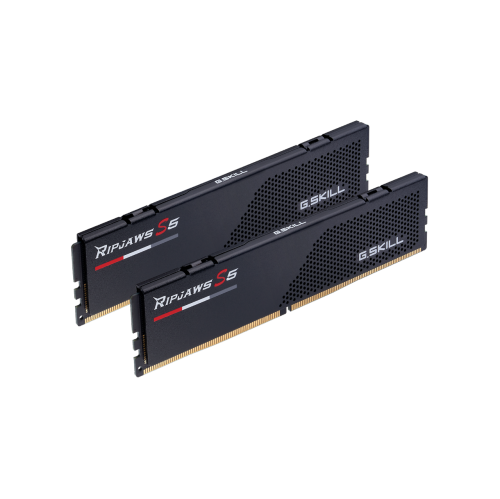
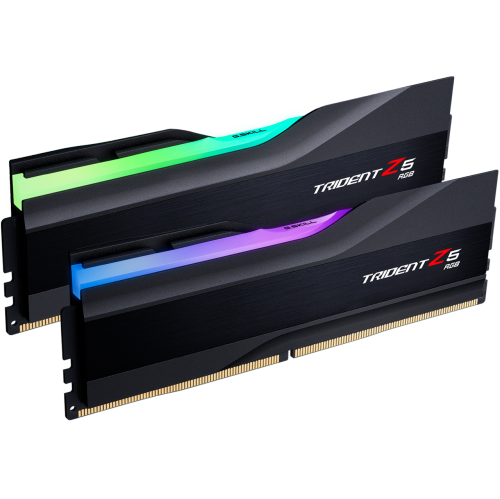
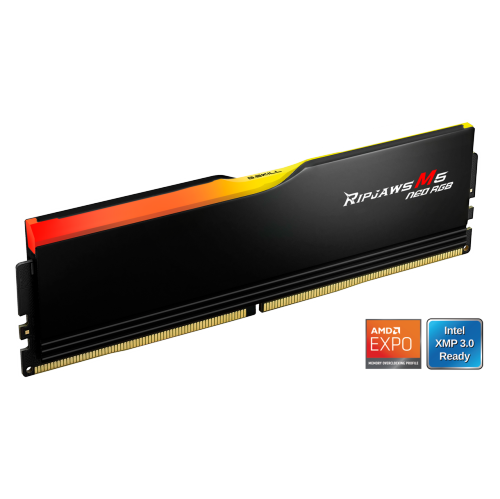

What to know about capacity, compatibility, and memory profiles
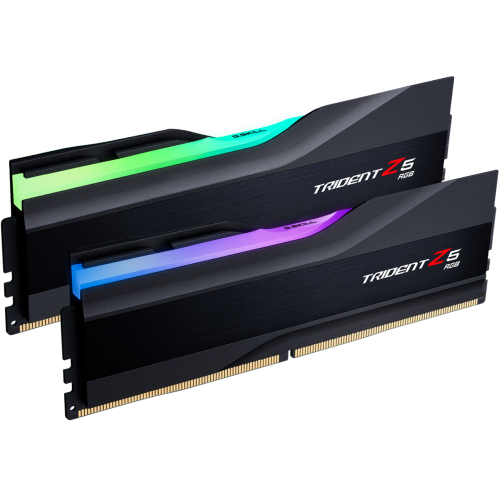
Gaming RAM for PC can make a noticeable difference to the way a desktop feels during play, particularly when a game is running alongside voice chat, a browser, recording software, streaming tools, or other background applications. System memory temporarily holds the game data and instructions your processor needs to access quickly, helping reduce the need to constantly retrieve information from slower storage. For many modern gaming PCs, 32GB is a practical sweet spot: it provides comfortable room for demanding games, multitasking, and future upgrades without being excessive for a typical gaming setup. A 16GB kit can still suit a budget-focused build or a PC used mainly for lighter games, but newer, visually demanding titles may leave less headroom when several applications are open at once. That can contribute to stuttering, longer transitions, or a system that feels less responsive when switching between a game and other tasks. Moving up to 64GB or more is generally most useful for people who stream regularly, edit video, create 3D content, run virtual machines, or keep numerous demanding programs open. RAM is also a thoughtful gift for someone building or refreshing a gaming PC, although compatibility matters more than appearance alone. A well-matched memory upgrade can be especially welcome during the cooler months, when more people settle in for longer gaming sessions indoors, but it should be chosen with the recipient’s existing computer in mind. Checking the motherboard model, processor platform, available memory slots, and current installed capacity before buying helps ensure that the new kit will work as intended. For additional recommendations and comparisons, browse Best RAM for Gaming PC.
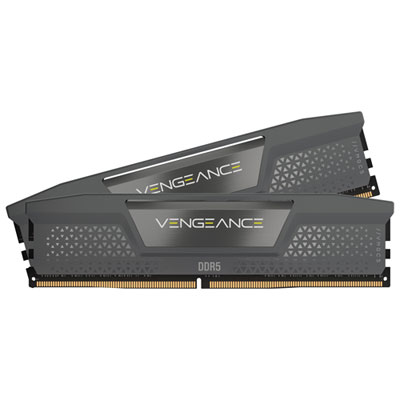
The most important compatibility distinction is between DDR4 and DDR5, as these memory generations use different physical designs and are not interchangeable. A DDR4 gaming PC commonly pairs well with memory rated around 3,200MHz or 3,600MHz, often with a CAS latency of CL16, while a modern DDR5 system may be designed around approximately 6,000MHz with a CL30 rating. These figures describe different aspects of memory performance: the speed rating indicates how quickly data can be transferred, while CAS latency represents the delay before the memory begins responding. Because the two measurements work together, a higher MHz figure does not automatically mean every kit will perform better in every system; it is sensible to compare speed and latency as a combination and stay within the specifications supported by the motherboard and processor. Capacity is usually listed in gigabytes, while a kit may be described as 2 x 8GB, 2 x 16GB, or 2 x 32GB. Matched two-stick kits are often preferred over a single stick because they can enable dual-channel operation, increasing available memory bandwidth and helping the processor communicate with RAM more efficiently. Installing two modules in the correct motherboard slots is important, since the recommended positions vary by board and are usually identified in the motherboard manual. Shoppers upgrading an existing PC should also check whether the new memory can be combined with the old modules. Mixing different capacities, speeds, timings, or voltage requirements may cause the system to run at a lower common setting, and in some cases can create stability issues. For a clean upgrade, replacing the existing kit with a matched set is often the simpler approach.
After compatible gaming RAM is installed, the system may initially run at a conservative default speed rather than the advertised rating on the packaging. On compatible Intel platforms, the memory profile is commonly enabled through XMP in the motherboard’s BIOS or UEFI settings; on compatible AMD platforms, the corresponding profile is commonly EXPO. Activating the appropriate profile allows the motherboard to apply the tested speed and timings, provided the processor and board support them. BIOS menus differ, so it is wise to follow the motherboard manufacturer’s instructions and confirm that the PC remains stable after making changes. Physical details can matter as well. Memory modules with tall heat spreaders or integrated RGB lighting may need additional clearance around a large CPU cooler, and lighting features may require motherboard software or a compatible header to operate as expected. RGB RAM can complement a themed gaming setup, while a low-profile design may be a better fit for compact cases or systems with limited space. Before installation, shut down the PC, disconnect power, and handle the modules by their edges to avoid touching the contacts. Press each stick firmly into the correct slot until the retention clips secure it, then check the BIOS to confirm that the full capacity is detected. Whether the goal is smoother multitasking, a more capable streaming setup, or a carefully planned gaming build, choosing the right generation, capacity, speed, latency, and kit configuration helps gaming RAM for PC contribute to a responsive and dependable experience.
The most important compatibility distinction is between DDR4 and DDR5, as these memory generations use different physical designs and are not interchangeable. A DDR4 gaming PC commonly pairs well with memory rated around 3,200MHz or 3,600MHz, often with a CAS latency of CL16, while a modern DDR5 system may be designed around approximately 6,000MHz with a CL30 rating. These figures describe different aspects of memory performance: the speed rating indicates how quickly data can be transferred, while CAS latency represents the delay before the memory begins responding. Because the two measurements work together, a higher MHz figure does not automatically mean every kit will perform better in every system; it is sensible to compare speed and latency as a combination and stay within the specifications supported by the motherboard and processor. Capacity is usually listed in gigabytes, while a kit may be described as 2 x 8GB, 2 x 16GB, or 2 x 32GB. Matched two-stick kits are often preferred over a single stick because they can enable dual-channel operation, increasing available memory bandwidth and helping the processor communicate with RAM more efficiently. Installing two modules in the correct motherboard slots is important, since the recommended positions vary by board and are usually identified in the motherboard manual. Shoppers upgrading an existing PC should also check whether the new memory can be combined with the old modules. Mixing different capacities, speeds, timings, or voltage requirements may cause the system to run at a lower common setting, and in some cases can create stability issues. For a clean upgrade, replacing the existing kit with a matched set is often the simpler approach.
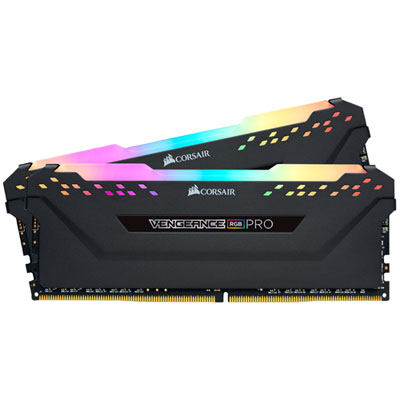
After compatible gaming RAM is installed, the system may initially run at a conservative default speed rather than the advertised rating on the packaging. On compatible Intel platforms, the memory profile is commonly enabled through XMP in the motherboard’s BIOS or UEFI settings; on compatible AMD platforms, the corresponding profile is commonly EXPO. Activating the appropriate profile allows the motherboard to apply the tested speed and timings, provided the processor and board support them. BIOS menus differ, so it is wise to follow the motherboard manufacturer’s instructions and confirm that the PC remains stable after making changes. Physical details can matter as well. Memory modules with tall heat spreaders or integrated RGB lighting may need additional clearance around a large CPU cooler, and lighting features may require motherboard software or a compatible header to operate as expected. RGB RAM can complement a themed gaming setup, while a low-profile design may be a better fit for compact cases or systems with limited space. Before installation, shut down the PC, disconnect power, and handle the modules by their edges to avoid touching the contacts. Press each stick firmly into the correct slot until the retention clips secure it, then check the BIOS to confirm that the full capacity is detected. Whether the goal is smoother multitasking, a more capable streaming setup, or a carefully planned gaming build, choosing the right generation, capacity, speed, latency, and kit configuration helps gaming RAM for PC contribute to a responsive and dependable experience.
Top selling and popular products
-
 Your price for this item is $1969.99
 -
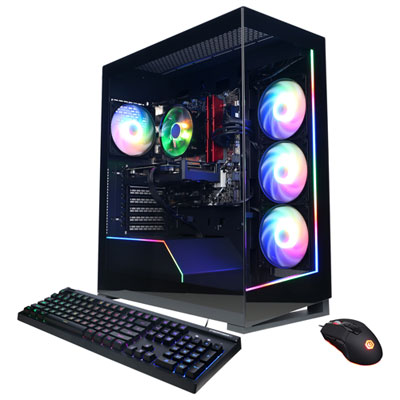 Your price for this item is $1059.99
 -
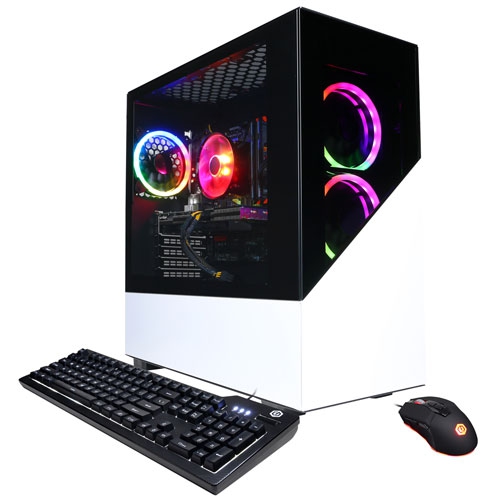 Your price for this item is $1274.97
 -
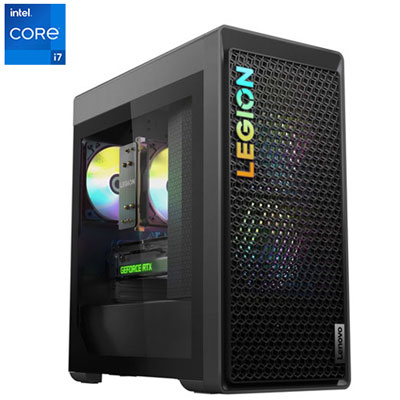 Your price for this item is $2499.95
 -
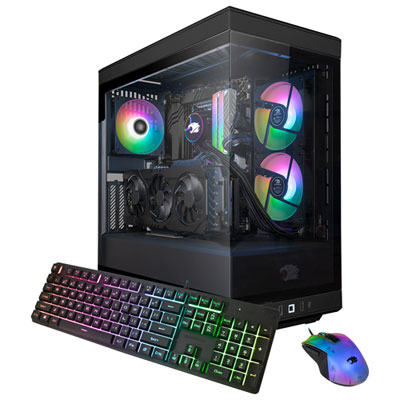 Your price for this item is $2309.99
 -
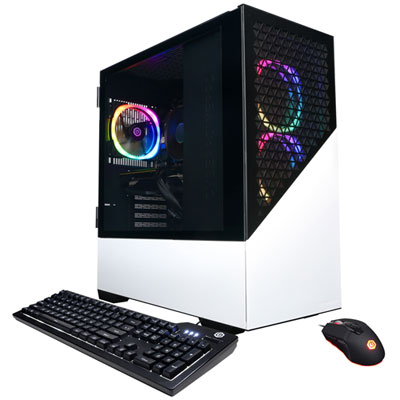 Your price for this item is $1669.99
 -
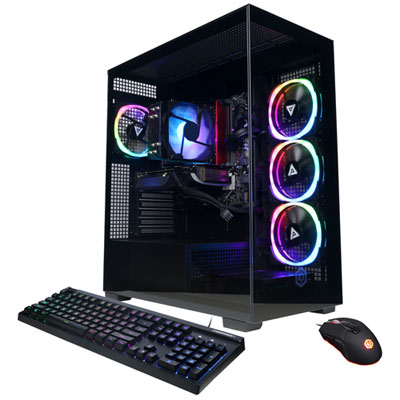 Your price for this item is $1839.99
 -
 Your price for this item is $2399.99
Discover more categories related to Gaming RAM for PC

Top Collections:
Pokemon Centers, Kindle Devices, Best Budget Office Chairs, Apple iPhones 16, Best Laptops for Writers, iPhone 15 Apple, Canon G7X Cameras, Refurbished Apple Laptops, Alarm Clock, Motorola Razr Phones
Some products may be subject to Environmental Handling Fees
(EHF) depending on your province.
Learn more about EHFs.