Asus Monitors for Photo Editing
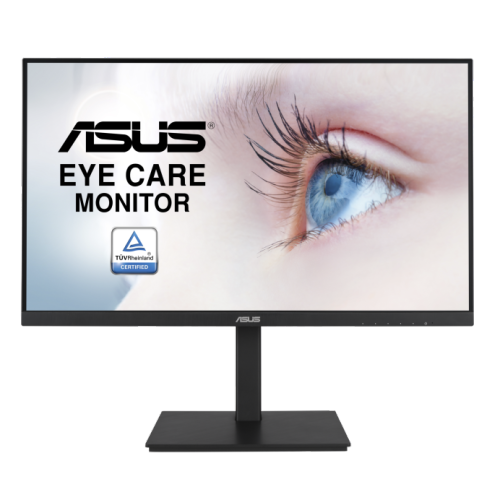
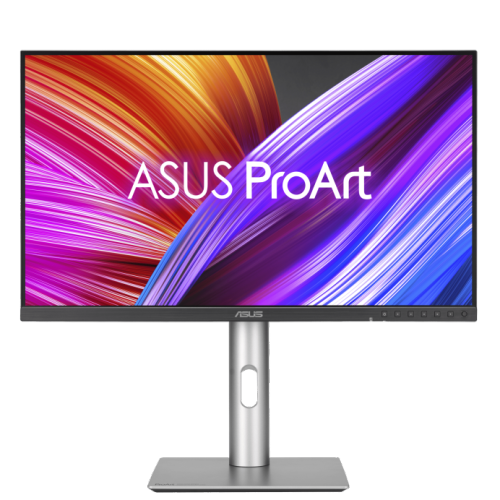
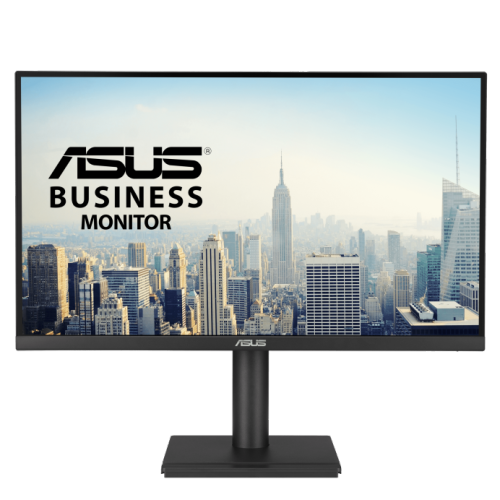
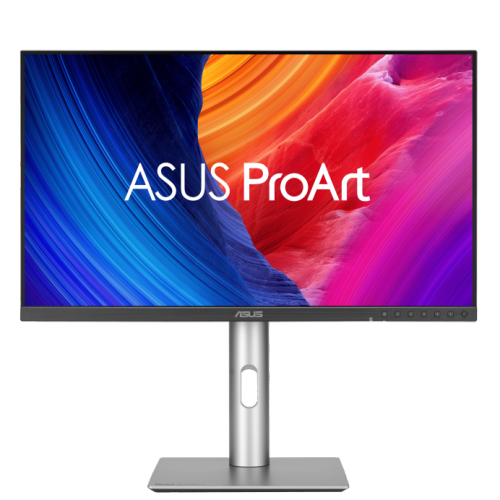
If you're a photo editor, you know that a good monitor is essential to your work. You need a display that can show you every detail of an image, from the tiniest spot of dust to the most minute color shift. You need a display that can handle high-resolution photos, videos, and graphic arts. And you need a display that won't distract you from your work with flashy colors or glitzy features. Here are some of the best Asus monitors for photo editing.
Sort
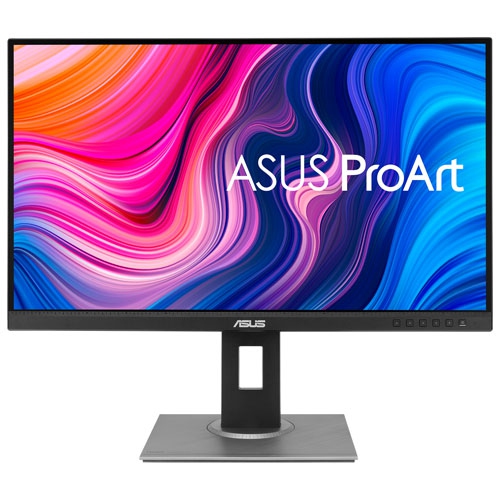
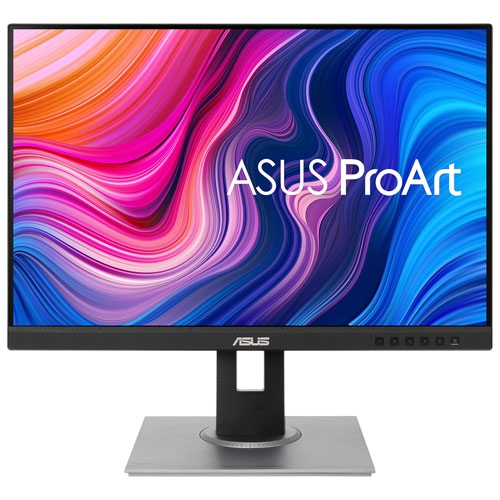
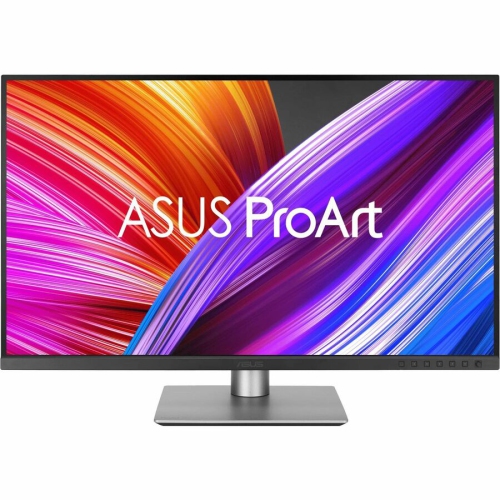
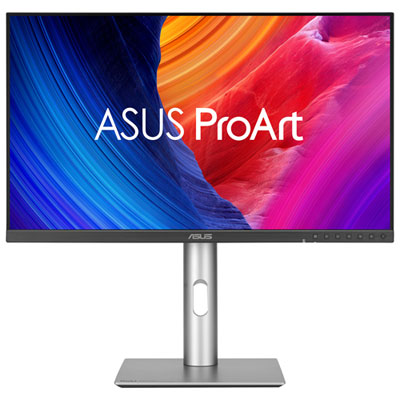
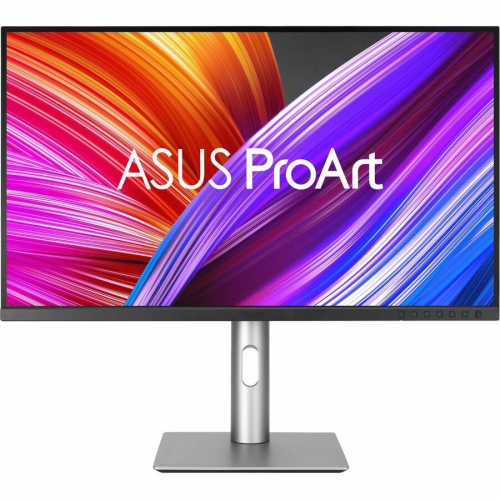
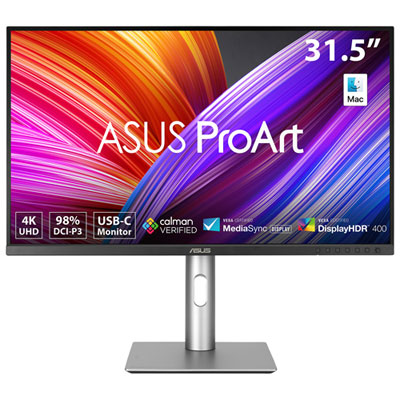
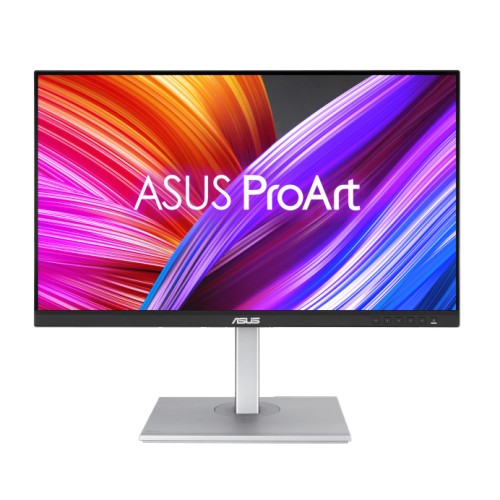
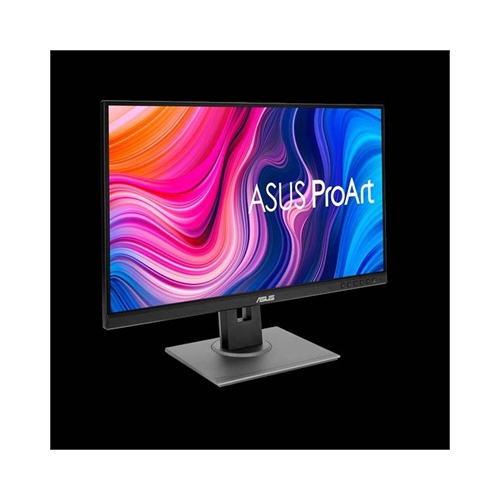
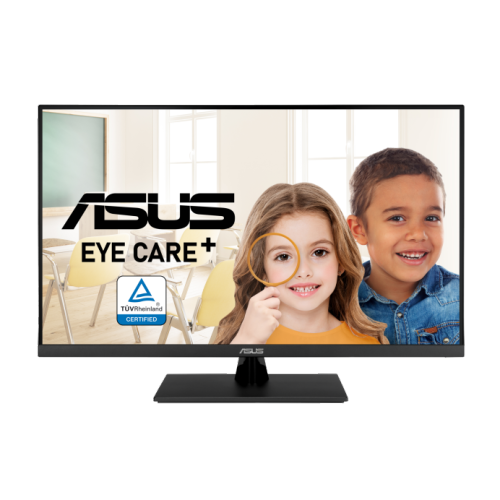
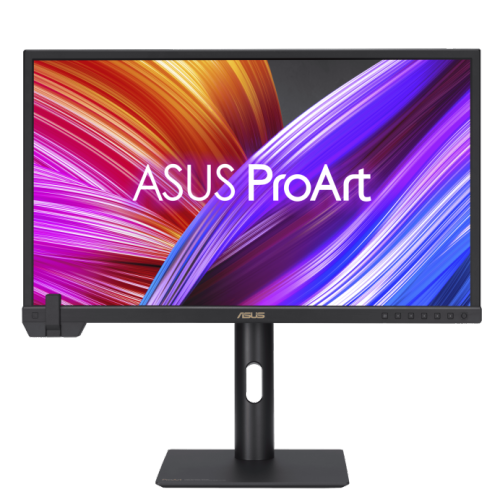

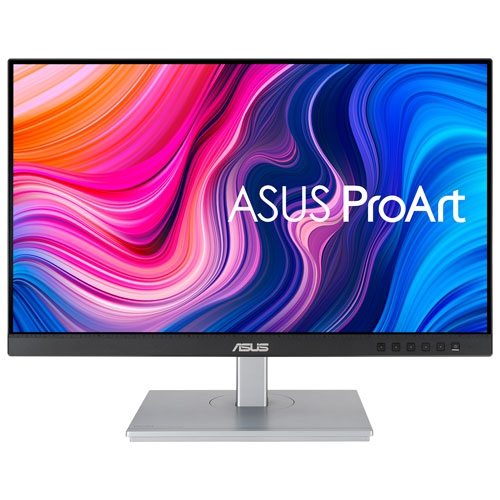
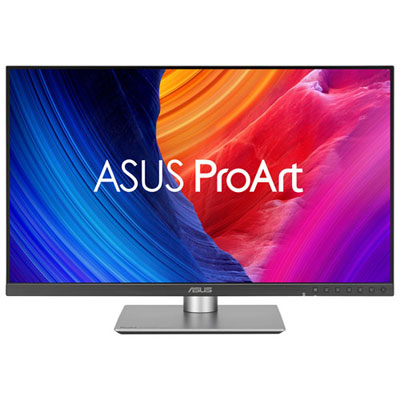
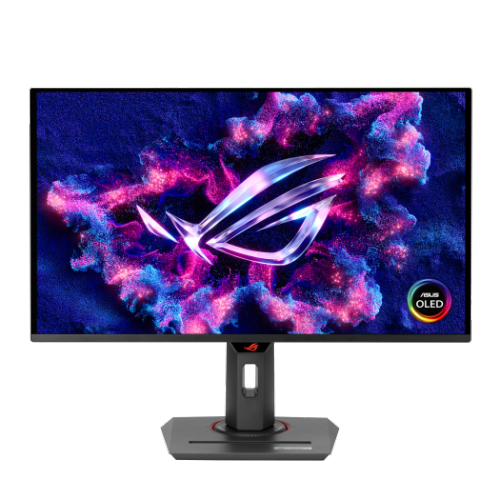
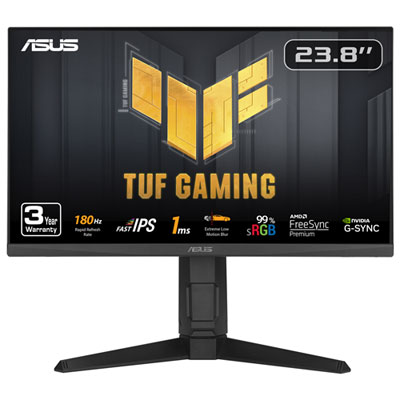
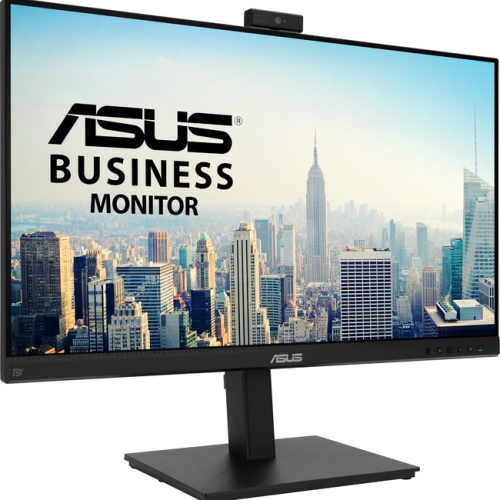
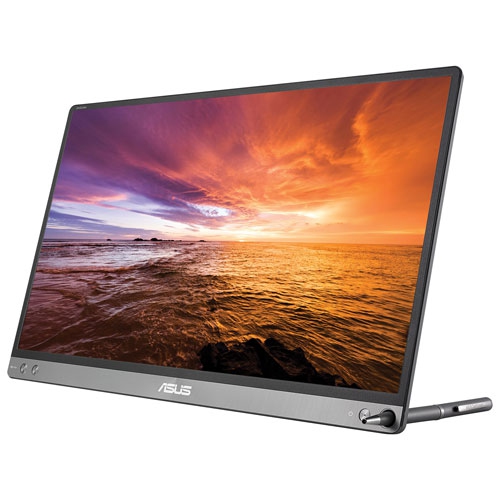
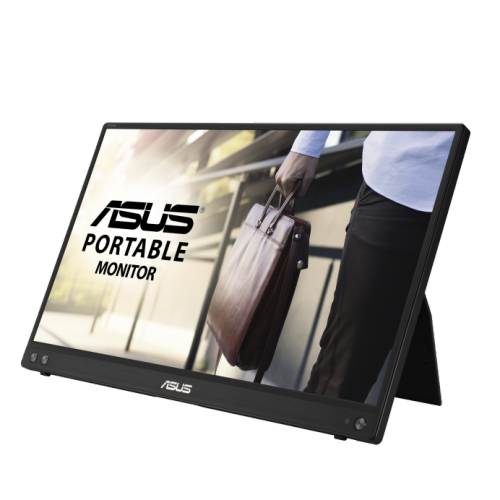
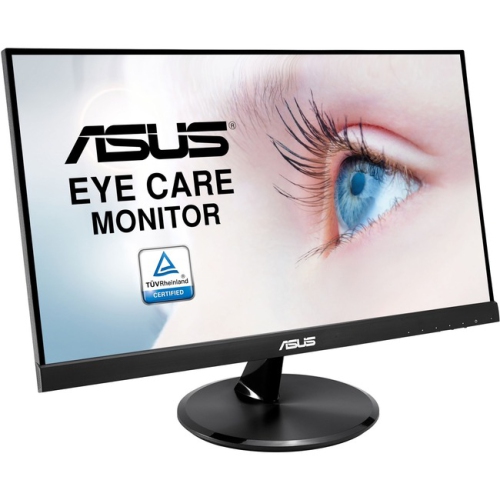
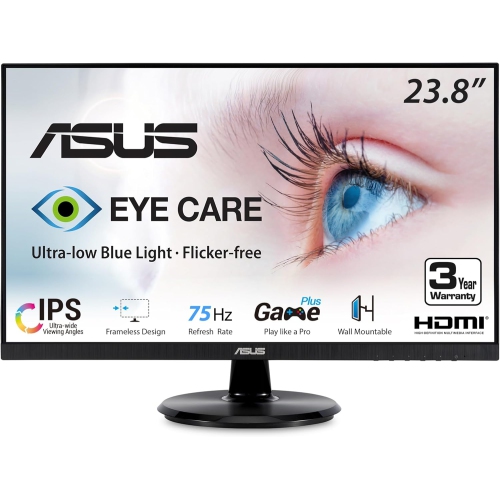



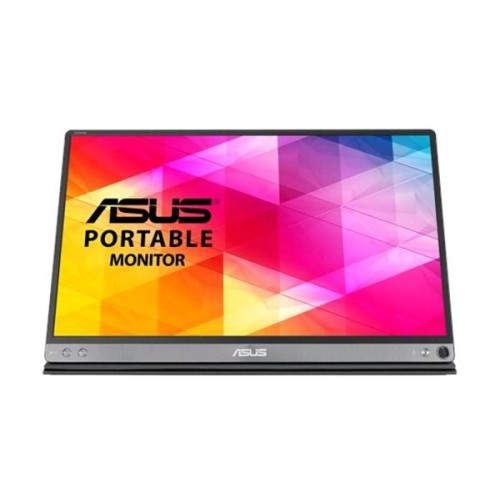
Colour accuracy and calibration for print-ready editing
When searching for monitors designed for photo editing, there are several important factors to keep in mind to ensure your creative projects look their best. High colour accuracy is essential, especially for those working with intricate retouching or preparing images for print. Many professionals and enthusiasts alike look for monitors that offer wide colour gamut support, such as sRGB, Adobe RGB, or DCI-P3. These colour spaces help ensure the images you see on screen closely match the final output, whether your work is destined for the web or high-quality prints. Factory calibration and features like Delta E < 2 accuracy can make a significant difference, letting you work confidently right out of the box. As you move through the late summer into the cooler months, you may find yourself spending more time indoors, making it the perfect season to upgrade your workspace with a monitor that supports your passion for photography or design.
Connectivity is another key consideration for photo editors who value a streamlined desk setup. Monitors equipped with USB-C or Thunderbolt ports can simplify your workflow by carrying video, data, and even laptop charging over a single cable. This is especially useful for those using modern laptops or switching between multiple devices throughout the day. Adjustable stands, flicker-free screens, and hardware calibration support also contribute to a more comfortable and consistent editing experience, helping to reduce eye strain during long sessions. Whether you’re a professional photographer preparing a portfolio, a graphic designer working on client projects, or a hobbyist perfecting your latest landscape shot, a quality monitor can be a thoughtful gift for anyone with a creative streak. During the back-to-school season and as holiday planning approaches, a monitor tailored for photo editing can make a practical and inspiring present for students, artists, or anyone looking to elevate their creative workspace.
Choosing the right monitor is just one part of building an effective photo editing setup. Many users find that pairing their display with a powerful laptop enhances their workflow, especially when working with large image files or multitasking across creative software. If you are interested in exploring complementary devices, you can discover more options on the Asus Laptops for Photo Editing page. With the right combination of tools, you can enjoy a seamless editing experience, whether you are working from a dedicated studio or a home office. As you plan your next creative project or look for the perfect gift, consider how a monitor designed for photo editing can transform the way you bring your vision to life.
Connectivity is another key consideration for photo editors who value a streamlined desk setup. Monitors equipped with USB-C or Thunderbolt ports can simplify your workflow by carrying video, data, and even laptop charging over a single cable. This is especially useful for those using modern laptops or switching between multiple devices throughout the day. Adjustable stands, flicker-free screens, and hardware calibration support also contribute to a more comfortable and consistent editing experience, helping to reduce eye strain during long sessions. Whether you’re a professional photographer preparing a portfolio, a graphic designer working on client projects, or a hobbyist perfecting your latest landscape shot, a quality monitor can be a thoughtful gift for anyone with a creative streak. During the back-to-school season and as holiday planning approaches, a monitor tailored for photo editing can make a practical and inspiring present for students, artists, or anyone looking to elevate their creative workspace.
Choosing the right monitor is just one part of building an effective photo editing setup. Many users find that pairing their display with a powerful laptop enhances their workflow, especially when working with large image files or multitasking across creative software. If you are interested in exploring complementary devices, you can discover more options on the Asus Laptops for Photo Editing page. With the right combination of tools, you can enjoy a seamless editing experience, whether you are working from a dedicated studio or a home office. As you plan your next creative project or look for the perfect gift, consider how a monitor designed for photo editing can transform the way you bring your vision to life.
Top selling and popular products
-
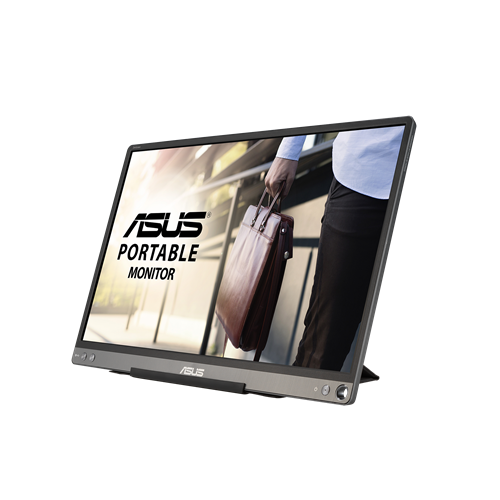 Your price for this item is $299
 -
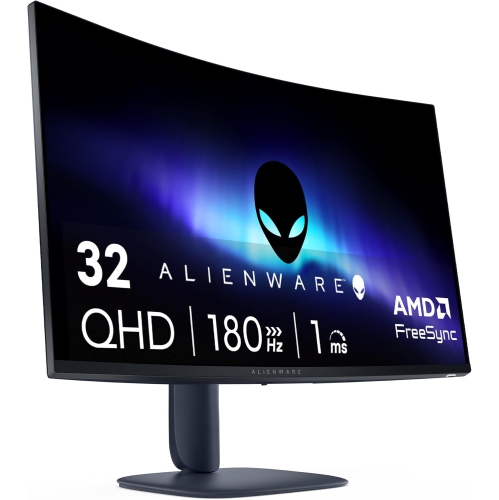 Your price for this item is $599
 -
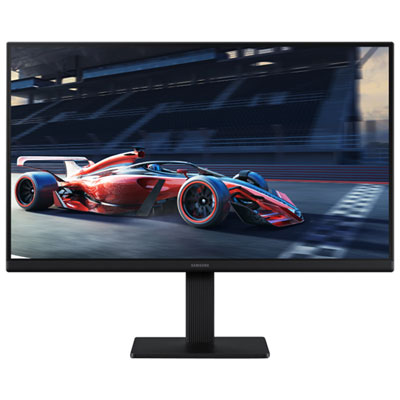 Your price for this item is $94.99
 -
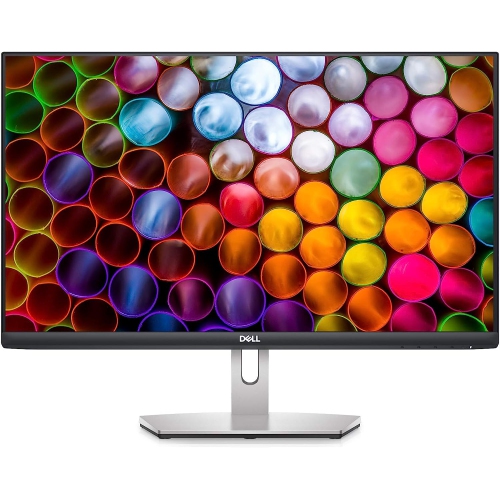 Your price for this item is $329.99
 -
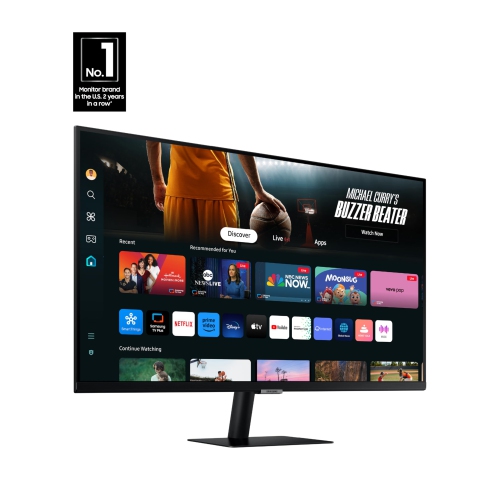 Your price for this item is $499
 -
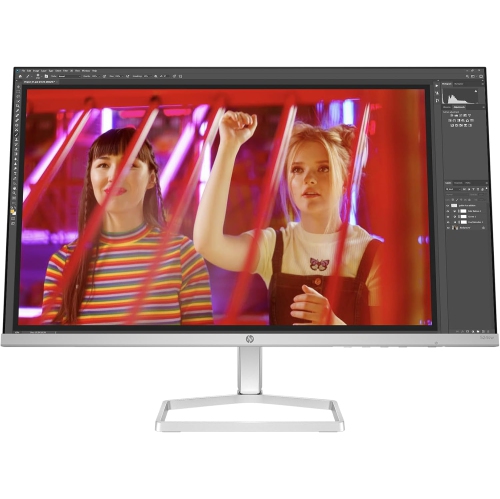 Your price for this item is $265.99
 -
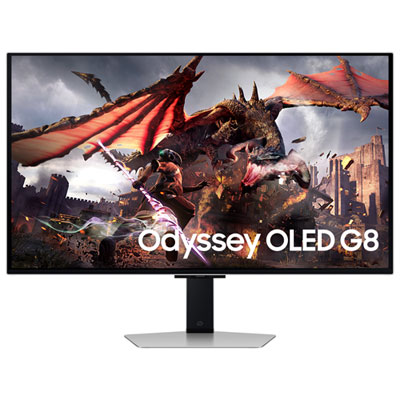 Your price for this item is $1299.97
 -
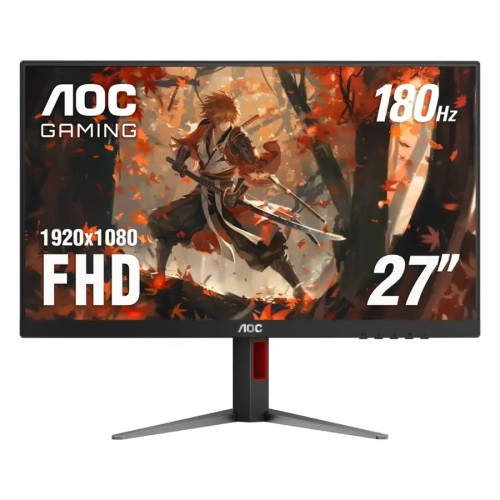 Your price for this item is $249.99
Discover more categories related to Asus Monitors for Photo Editing
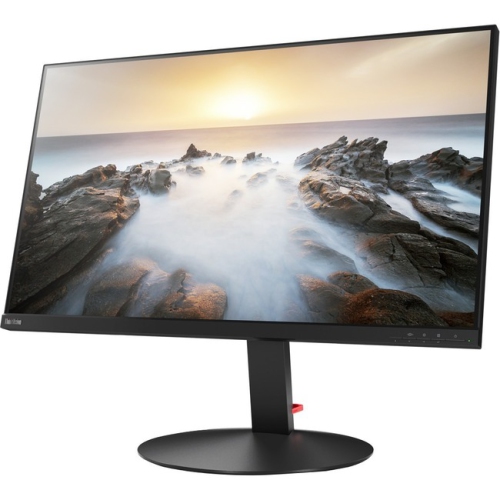
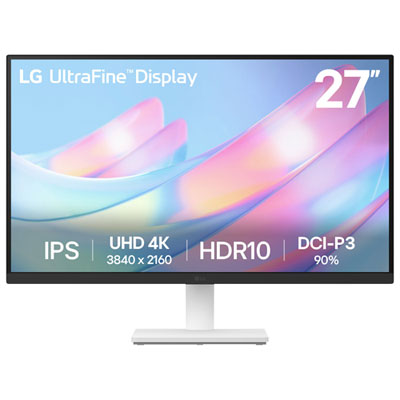
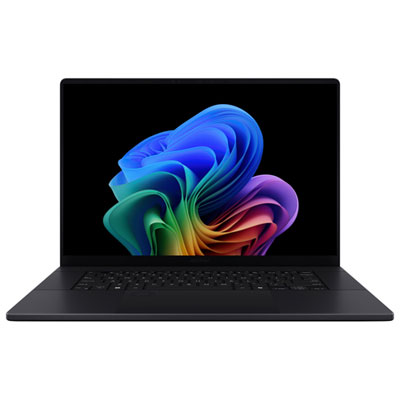

Top Collections:
Pokemon Centers, Kindle Devices, Best Budget Office Chairs, Apple iPhones 16, Best Laptops for Writers, iPhone 15 Apple, Canon G7X Cameras, Refurbished Apple Laptops, Alarm Clock, Motorola Razr Phones
Some products may be subject to Environmental Handling Fees
(EHF) depending on your province.
Learn more about EHFs.