LG Monitors for Photo Editing
If you're a photo editor, you need a monitor that can keep up with your work. You need a monitor that can display the millions of colors in your photos, so that you can make sure your images look their best. You also need a monitor that can handle the high resolution and large size of some of today's photo files. Here are some great monitors from LG that will help you get the most out of your photo editing sessions.
Sort

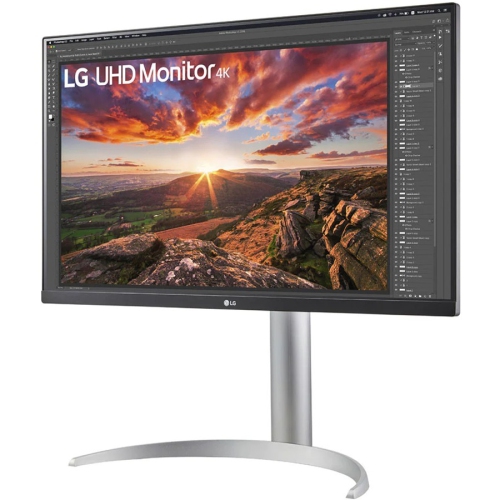
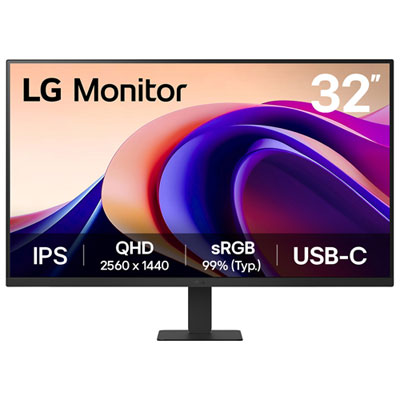
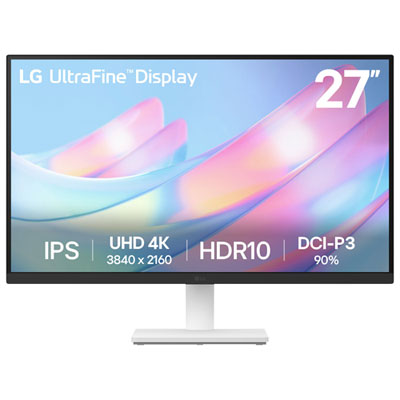
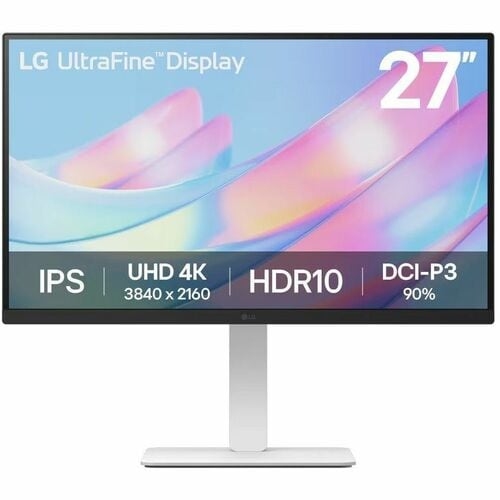
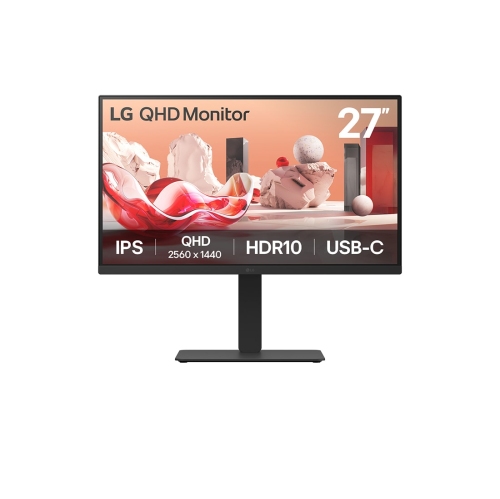

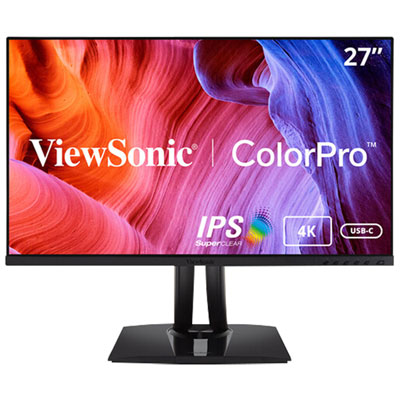
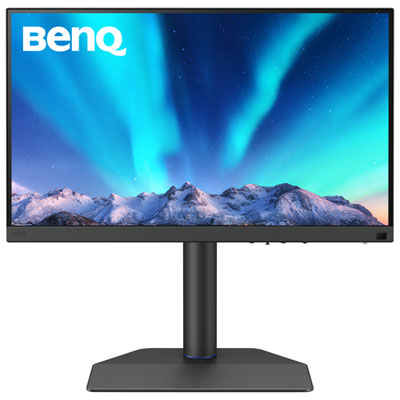
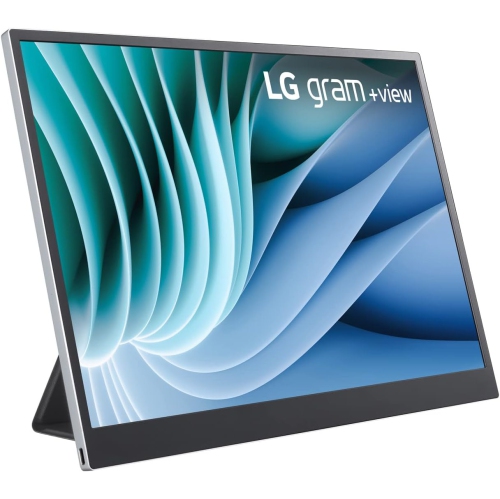
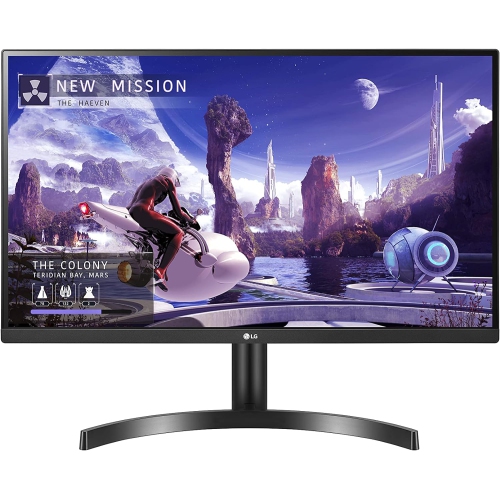
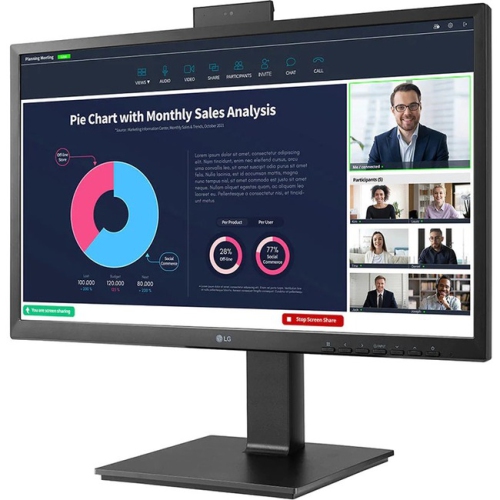
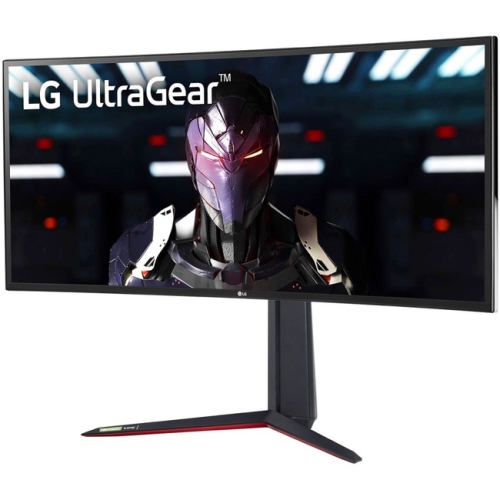

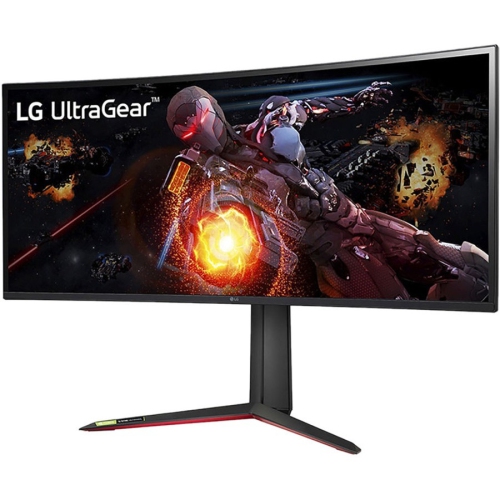
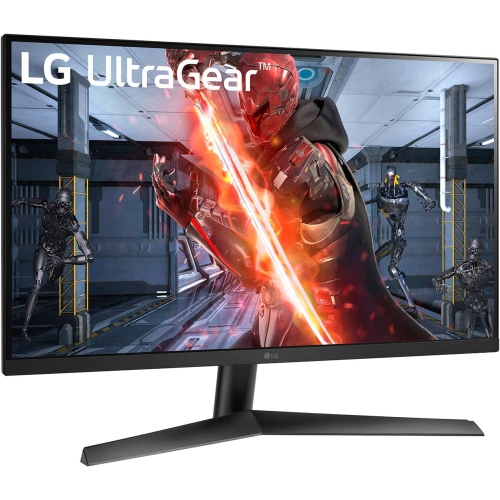

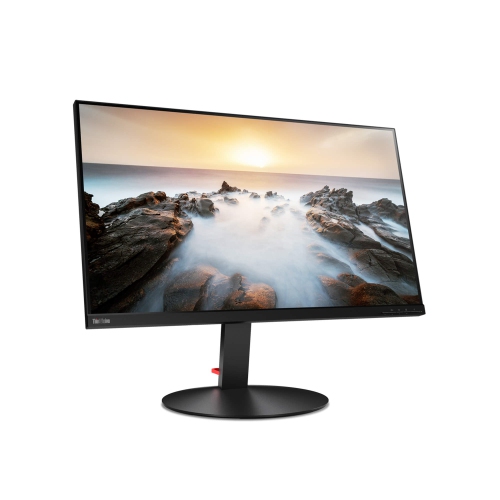
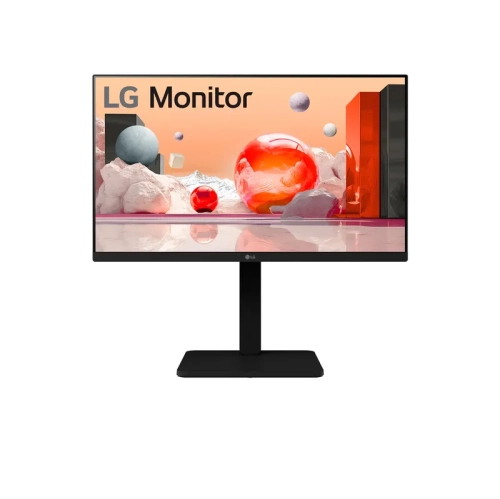
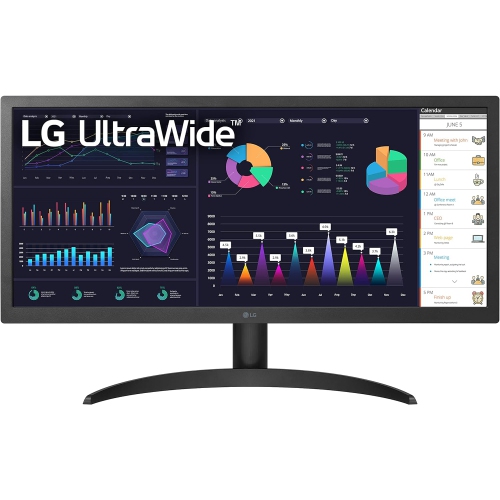
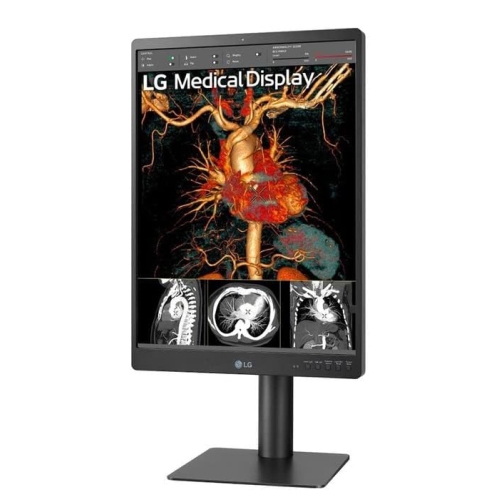
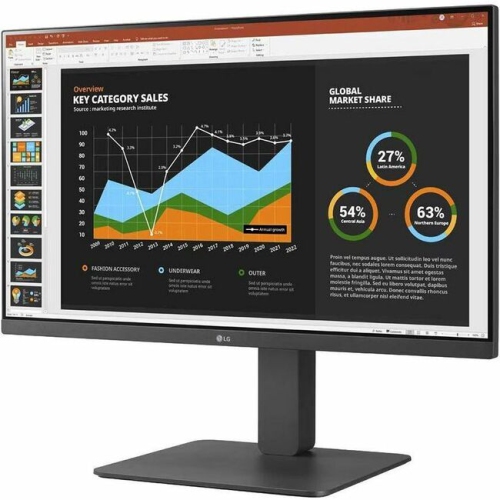
See how colour accuracy shapes every editing decision
Monitors for photo editing are designed to give photographers, designers, content creators, and hobbyists a clearer, more dependable view of every image. A detailed screen can make it easier to assess subtle changes in skin tones, skies, shadows, highlights, and fine texture while retouching, cropping, or preparing photos for print. This collection of LG monitors for photo editing includes displays suited to a range of creative workflows, from casual image adjustments and online portfolios to professional colour grading and large-format photography. When comparing options, start with the type of work you do most often. A photographer who primarily shares images online may place greater value on accurate sRGB coverage, sharp resolution, and a comfortable screen size, while someone preparing gallery prints or commercial images may benefit from a wider colour gamut, more precise factory calibration, and support for colour-managed applications. A 4K display is a popular choice for photo editing because it provides a dense, detailed image on a 27-inch or 32-inch panel. The extra pixels can help you inspect eyelashes, fabric, foliage, and other small details without constantly zooming in and out. Higher-resolution displays, including 5K and 6K options, can provide even more workspace for large photographs, editing panels, and reference material. Screen size also affects how naturally your work fits on the desk: a smaller monitor may suit a compact home office, while a larger or ultra-wide display can make it easier to keep a full image, tools, folders, and timelines visible together.
Colour performance is one of the most important considerations when choosing a monitor for photo editing. Look for information about colour gamut, which describes the range of colours a display can reproduce. Coverage of approximately 99% of the sRGB colour space is useful for web photography, social media, digital albums, and everyday creative work. Photographers working with print, high-end commercial images, or wide-gamut files may prefer a display with strong Adobe RGB coverage, while DCI-P3 support can be helpful for modern digital content and mixed photo-and-video workflows. A monitor with factory calibration can provide a useful starting point, helping colours appear more consistent from the first setup, although the ideal result also depends on your computer, software, lighting, and calibration equipment. Contrast matters as well. IPS panels are known for broad viewing angles and consistent colour across the screen, while OLED displays can deliver deep blacks and a very high contrast ratio that helps reveal detail in dark areas. Whichever panel technology you choose, look for even brightness and a matte or low-reflection surface if your workspace receives daylight or overhead lighting. Connectivity can simplify the entire editing station. USB-C or Thunderbolt connections may allow a compatible laptop to send video, receive power, and connect to peripherals through a single cable, reducing desktop clutter when moving between a home office and a mobile setup. Additional USB ports, HDMI inputs, or a built-in KVM switch can be useful when sharing the monitor between multiple computers or keeping a card reader, keyboard, and mouse within easy reach. An adjustable stand with height, tilt, swivel, and pivot support can also make long editing sessions more comfortable.
The right photo editing monitor can become the visual centre of a creative workspace, whether it is used by a professional photographer, a student learning retouching, a small business owner preparing product images, or a family member organizing years of travel and celebration photos. It can be a thoughtful gift for someone building a home studio, upgrading from a basic office display, or developing a new interest in photography during the cooler months when more time is spent indoors. Before choosing, consider the computer that will drive the monitor, including its available ports, graphics capabilities, operating system, and ability to support the desired resolution and refresh rate. Check the desk depth and viewing distance as well; a large or curved screen needs enough space to sit at a comfortable angle, while a compact desk may be better suited to a 27-inch display. Resolution, colour coverage, panel type, calibration, brightness, and connectivity should be considered together rather than in isolation. For example, a very high-resolution monitor may show remarkable detail, but your computer and editing software must be able to handle that resolution smoothly. Similarly, broad colour coverage is most useful when your camera files, applications, and export settings are managed consistently. It is also worth considering how finished images will be viewed. If most photos will appear on phones, tablets, and standard computer screens, dependable sRGB performance may be the priority. If images will be printed or delivered to clients, wider-gamut support and calibration features may offer better control from the first adjustment to the final file. Browse Computer Monitors for Photo Editing to compare displays that can support detailed, colour-conscious creative work. With the right combination of screen size, resolution, colour accuracy, connectivity, and ergonomic adjustment, a photo editing monitor can make the editing process feel more precise and natural, from the first import to the final export.
Colour performance is one of the most important considerations when choosing a monitor for photo editing. Look for information about colour gamut, which describes the range of colours a display can reproduce. Coverage of approximately 99% of the sRGB colour space is useful for web photography, social media, digital albums, and everyday creative work. Photographers working with print, high-end commercial images, or wide-gamut files may prefer a display with strong Adobe RGB coverage, while DCI-P3 support can be helpful for modern digital content and mixed photo-and-video workflows. A monitor with factory calibration can provide a useful starting point, helping colours appear more consistent from the first setup, although the ideal result also depends on your computer, software, lighting, and calibration equipment. Contrast matters as well. IPS panels are known for broad viewing angles and consistent colour across the screen, while OLED displays can deliver deep blacks and a very high contrast ratio that helps reveal detail in dark areas. Whichever panel technology you choose, look for even brightness and a matte or low-reflection surface if your workspace receives daylight or overhead lighting. Connectivity can simplify the entire editing station. USB-C or Thunderbolt connections may allow a compatible laptop to send video, receive power, and connect to peripherals through a single cable, reducing desktop clutter when moving between a home office and a mobile setup. Additional USB ports, HDMI inputs, or a built-in KVM switch can be useful when sharing the monitor between multiple computers or keeping a card reader, keyboard, and mouse within easy reach. An adjustable stand with height, tilt, swivel, and pivot support can also make long editing sessions more comfortable.
The right photo editing monitor can become the visual centre of a creative workspace, whether it is used by a professional photographer, a student learning retouching, a small business owner preparing product images, or a family member organizing years of travel and celebration photos. It can be a thoughtful gift for someone building a home studio, upgrading from a basic office display, or developing a new interest in photography during the cooler months when more time is spent indoors. Before choosing, consider the computer that will drive the monitor, including its available ports, graphics capabilities, operating system, and ability to support the desired resolution and refresh rate. Check the desk depth and viewing distance as well; a large or curved screen needs enough space to sit at a comfortable angle, while a compact desk may be better suited to a 27-inch display. Resolution, colour coverage, panel type, calibration, brightness, and connectivity should be considered together rather than in isolation. For example, a very high-resolution monitor may show remarkable detail, but your computer and editing software must be able to handle that resolution smoothly. Similarly, broad colour coverage is most useful when your camera files, applications, and export settings are managed consistently. It is also worth considering how finished images will be viewed. If most photos will appear on phones, tablets, and standard computer screens, dependable sRGB performance may be the priority. If images will be printed or delivered to clients, wider-gamut support and calibration features may offer better control from the first adjustment to the final file. Browse Computer Monitors for Photo Editing to compare displays that can support detailed, colour-conscious creative work. With the right combination of screen size, resolution, colour accuracy, connectivity, and ergonomic adjustment, a photo editing monitor can make the editing process feel more precise and natural, from the first import to the final export.
Top selling and popular products
-
 Your price for this item is $299
 -
 Your price for this item is $599
 -
 Your price for this item is $94.99
 -
 Your price for this item is $329.99
 -
 Your price for this item is $499
 -
 Your price for this item is $265.99
 -
 Your price for this item is $1299.97
 -
 Your price for this item is $249.99
Discover more categories related to LG Monitors for Photo Editing


Top Collections:
Pokemon Centers, Kindle Devices, Best Budget Office Chairs, Apple iPhones 16, Best Laptops for Writers, iPhone 15 Apple, Canon G7X Cameras, Refurbished Apple Laptops, Alarm Clock, Motorola Razr Phones
Some products may be subject to Environmental Handling Fees
(EHF) depending on your province.
Learn more about EHFs.