128GB IPads
Our collection of 128GB iPads offers the perfect solution for your digital needs. With generous storage space, you can store all your favorite apps, photos, videos, and more without worrying about running out of space. Whether you're a student, professional, or simply looking to upgrade your current device, these 128GB iPads provide the performance and storage you need to stay connected and productive on the go.
Sort






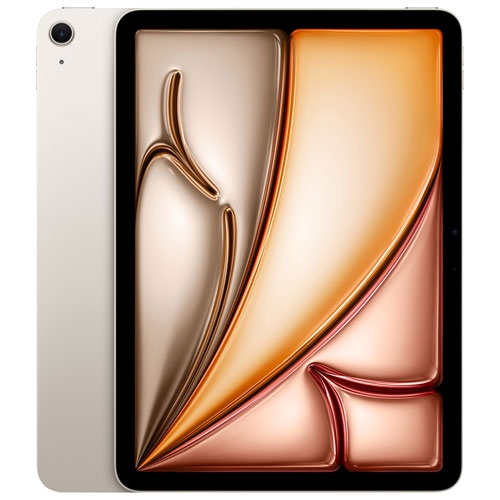


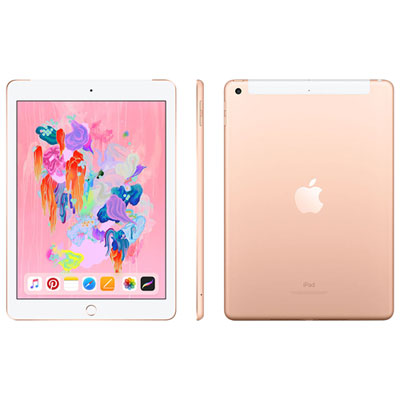

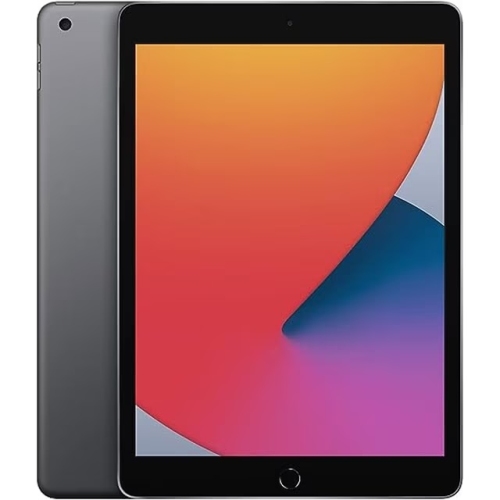


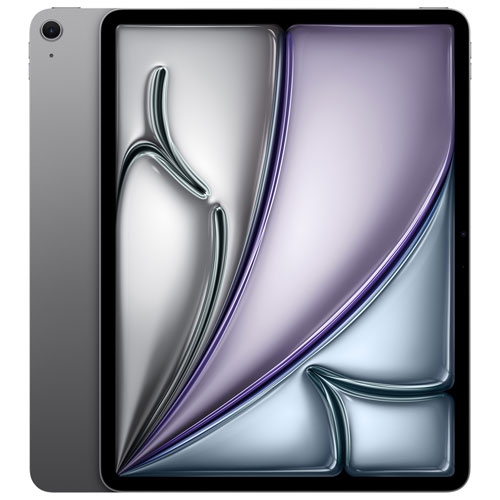













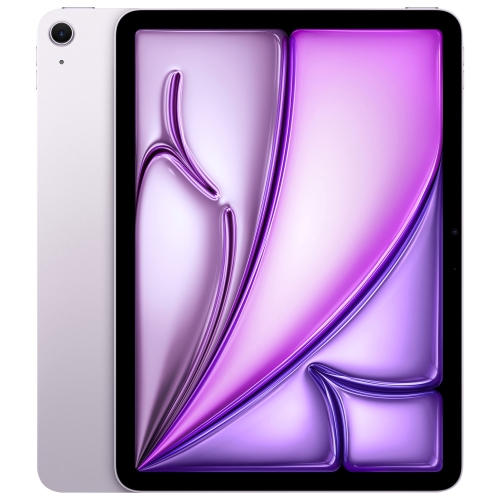


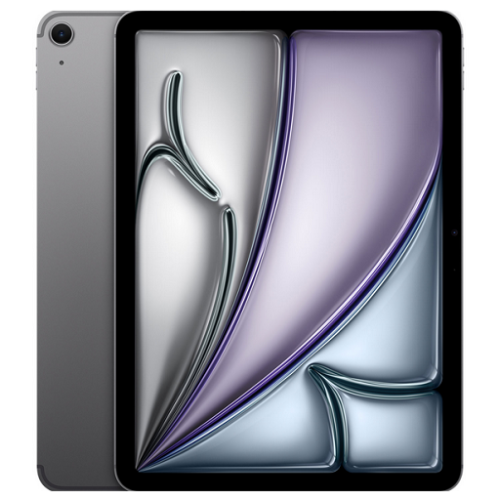


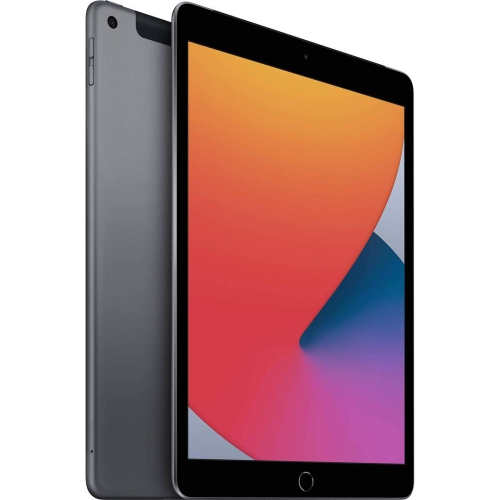


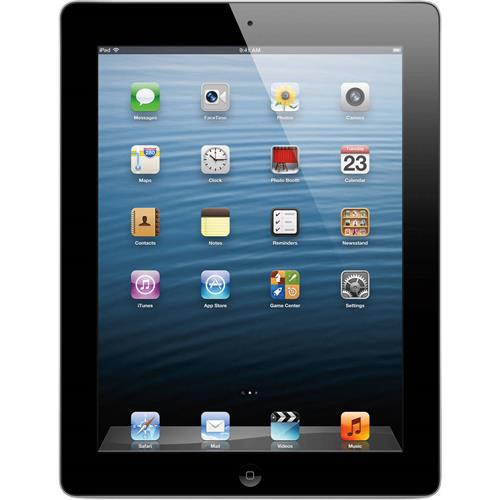










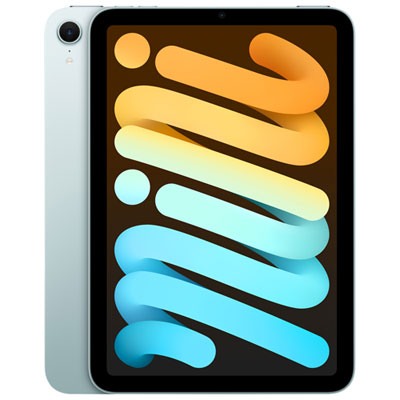


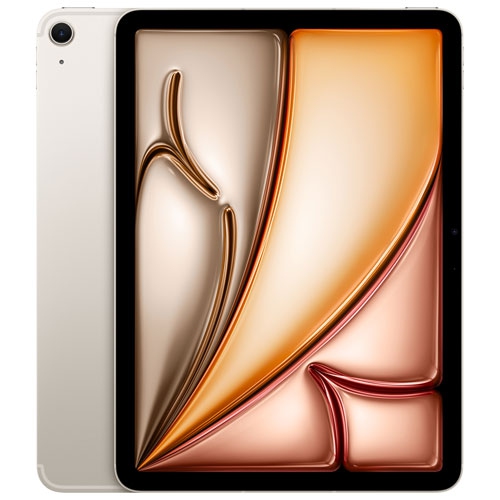


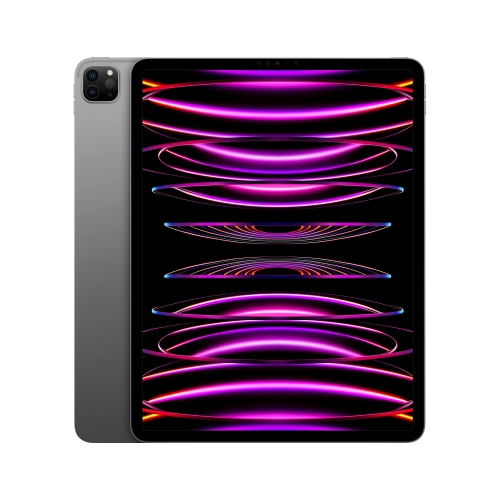


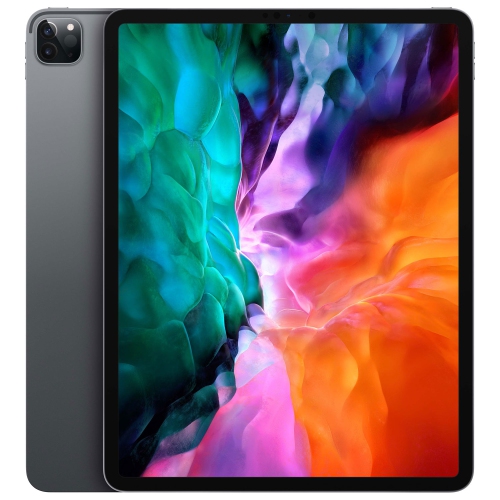


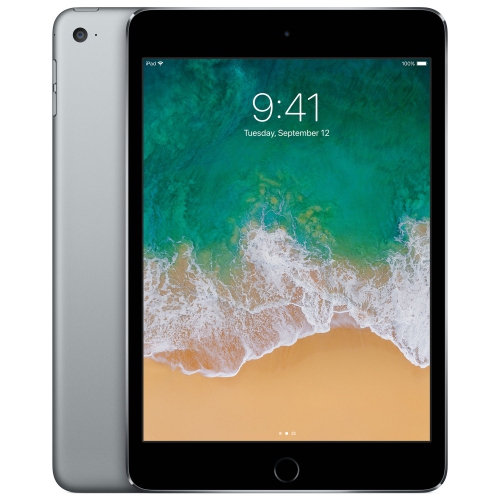
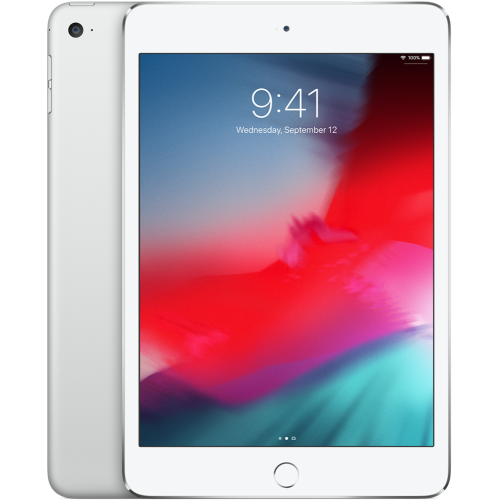
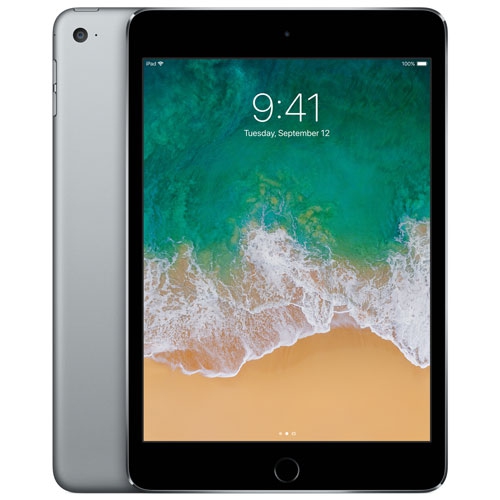


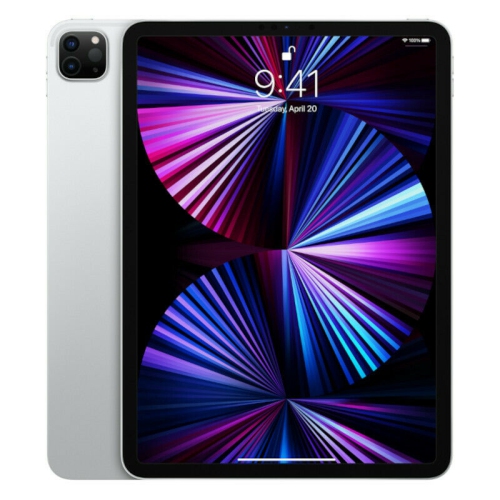




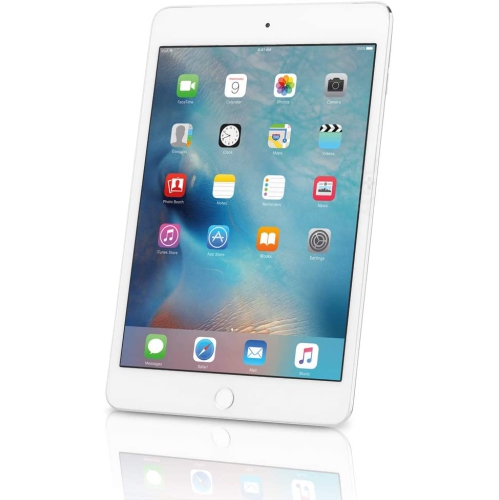

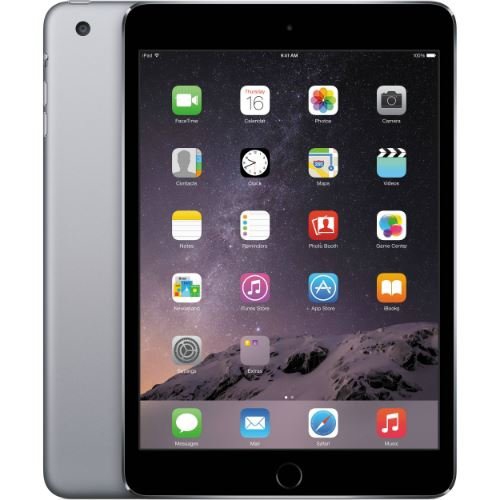
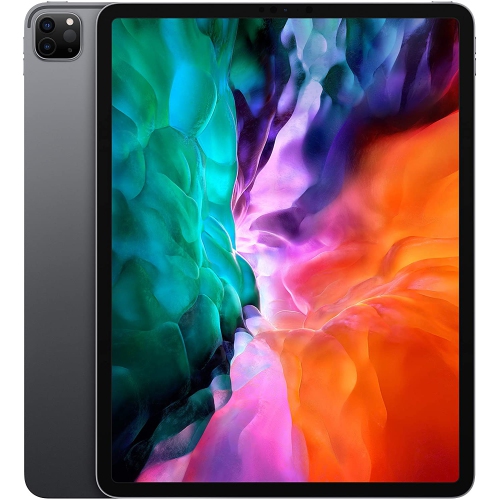
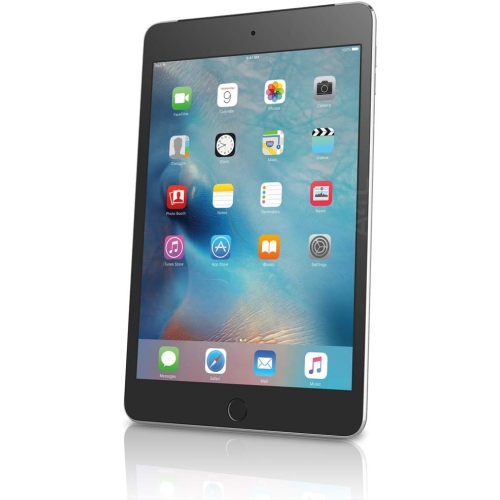











How everyday habits shape your iPad storage needs
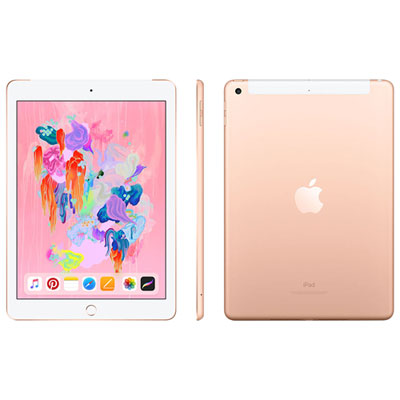
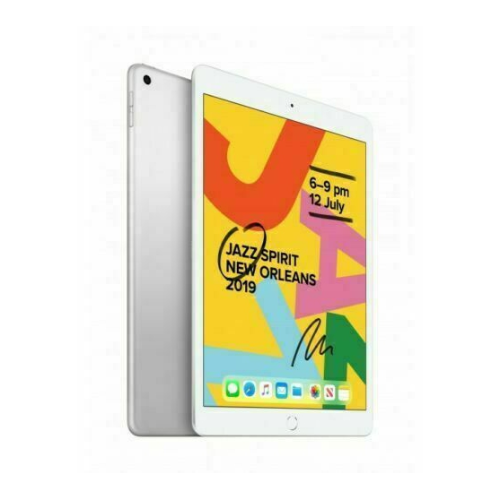
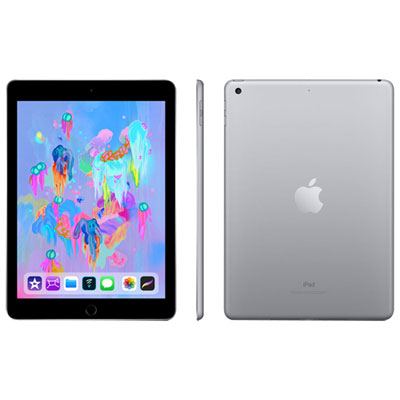
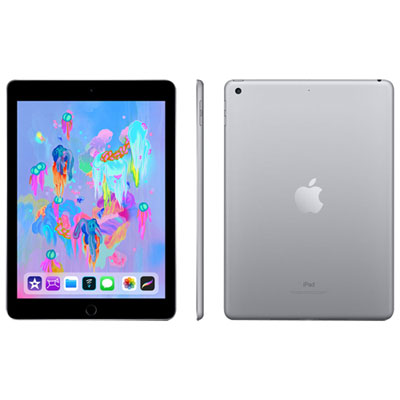
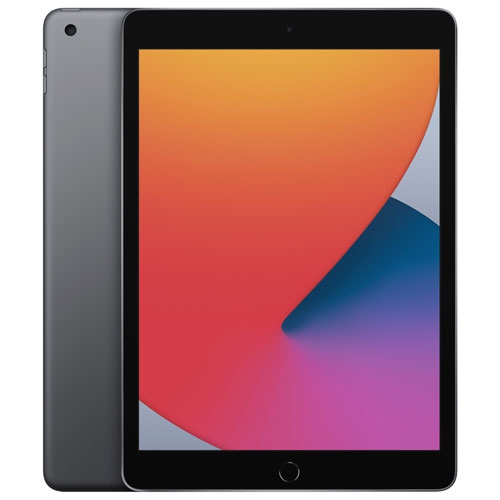
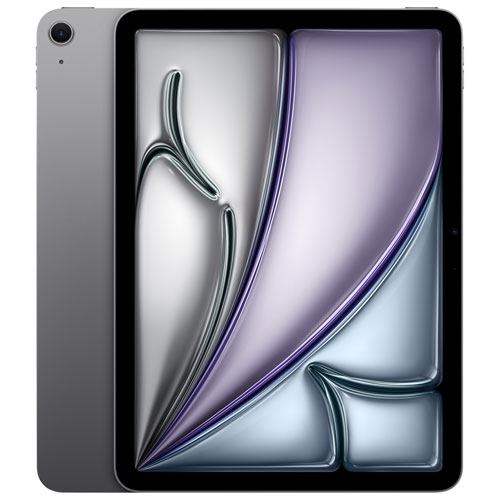
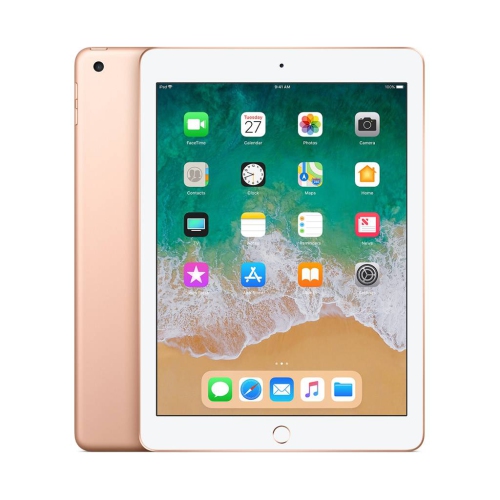
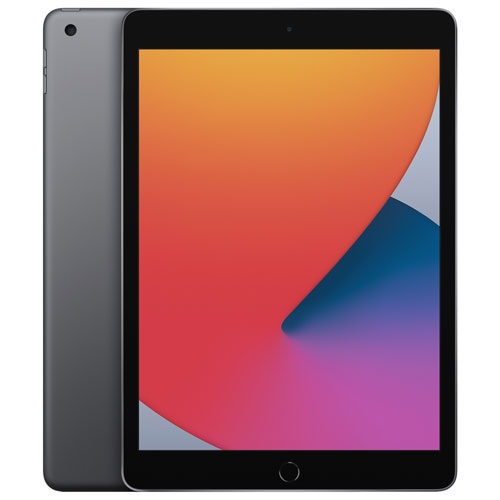
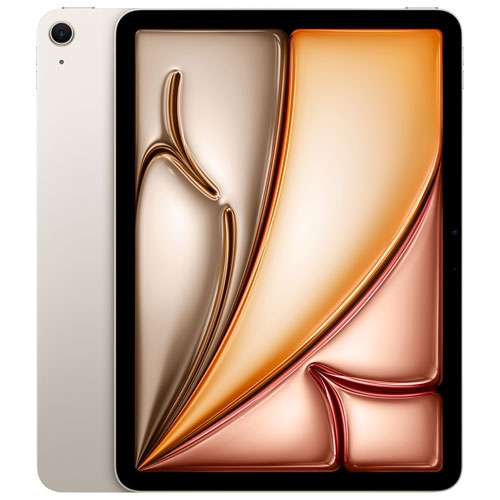
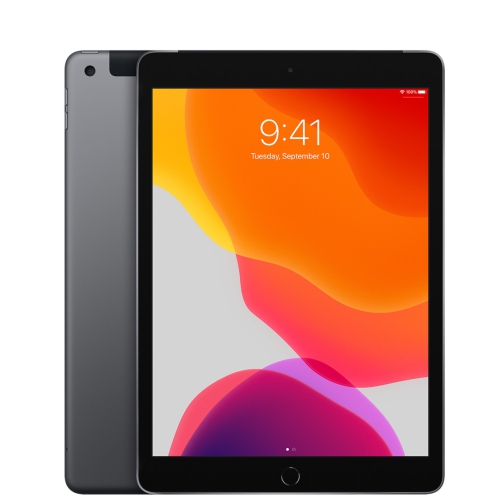
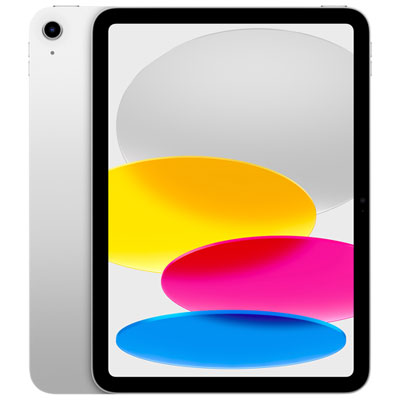
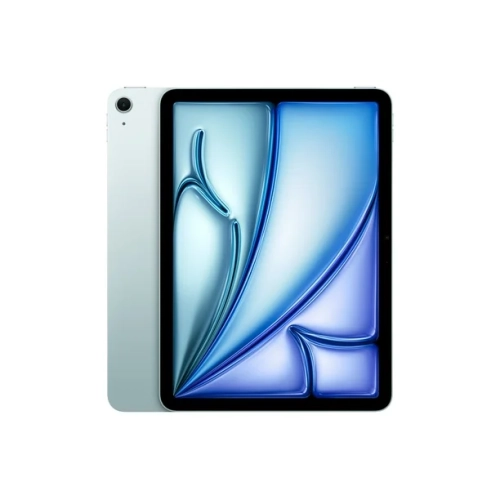
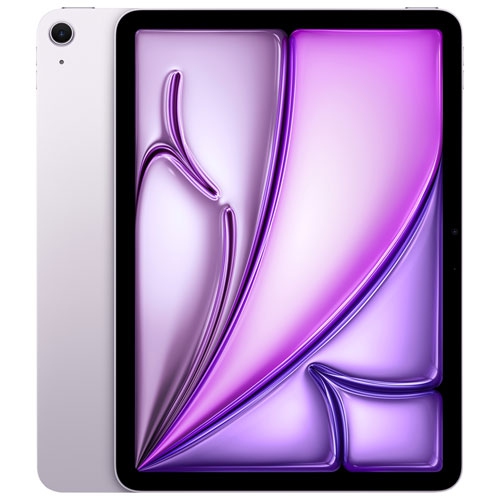
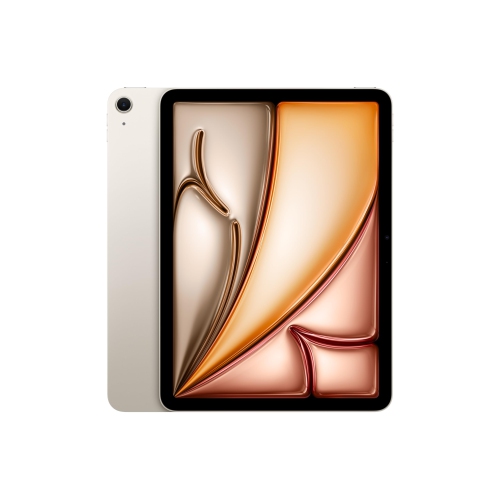
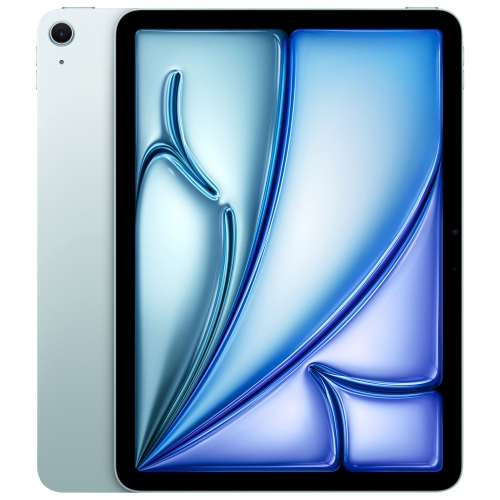
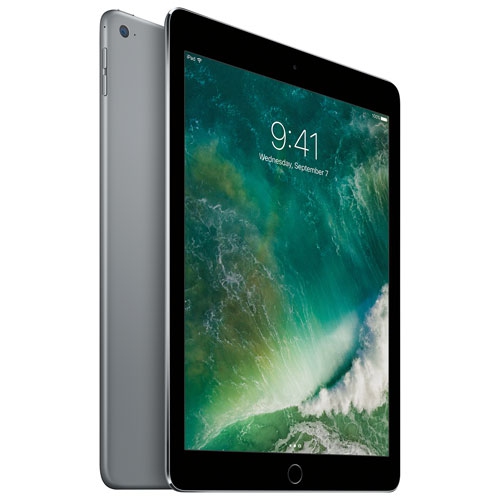
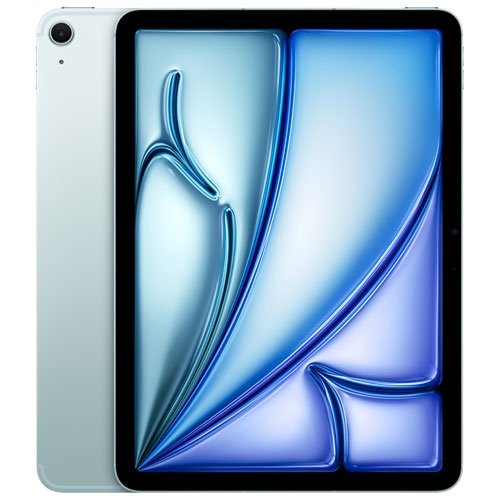
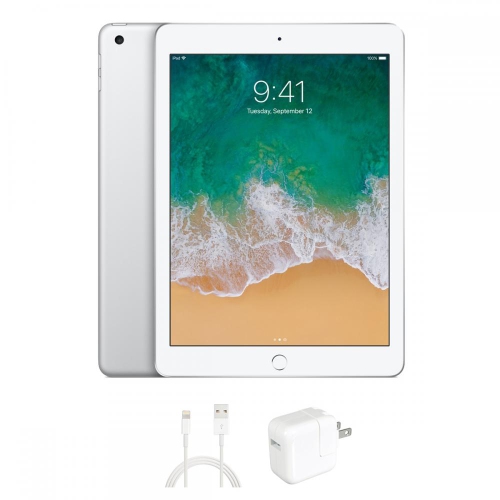
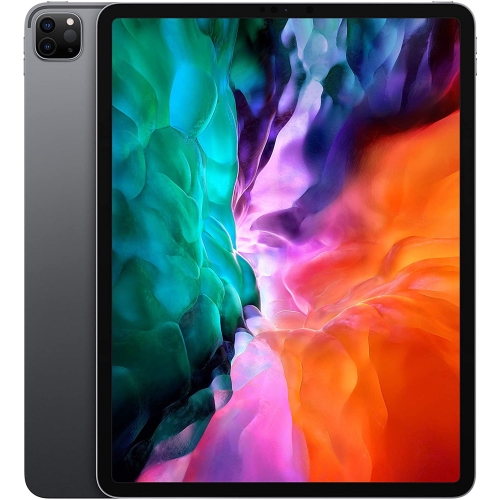
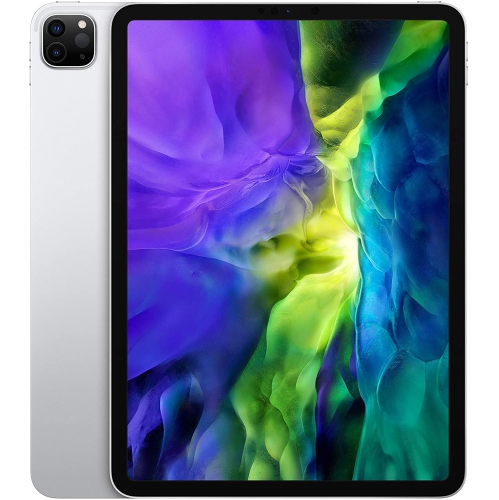
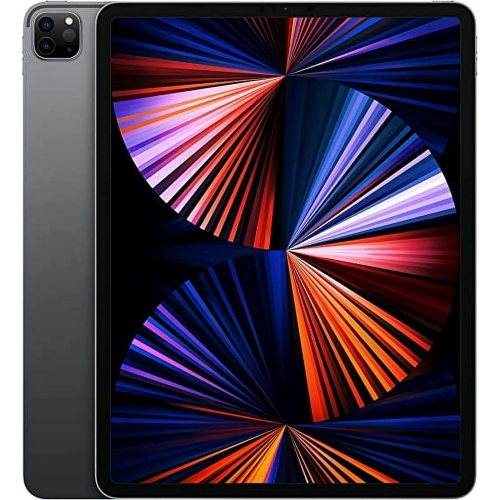
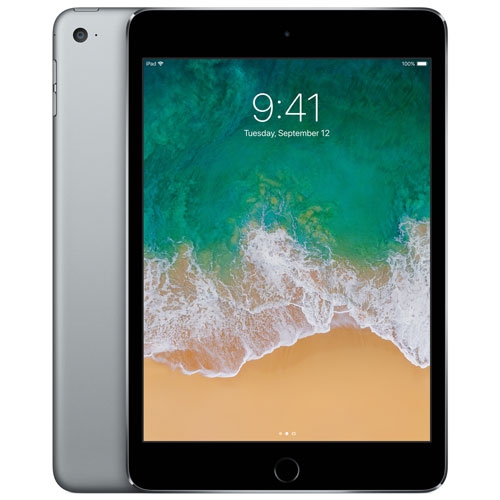
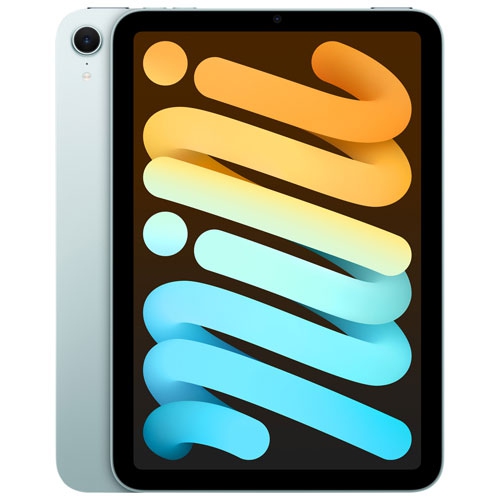
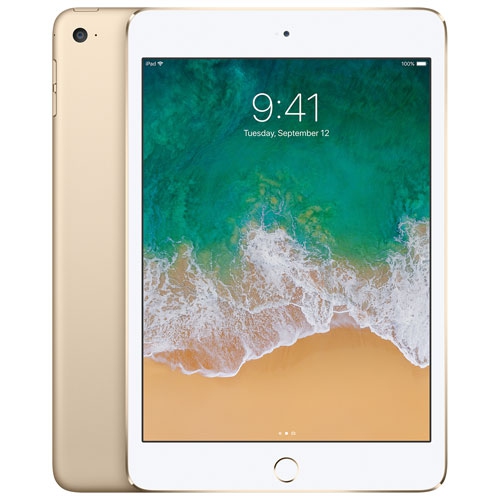
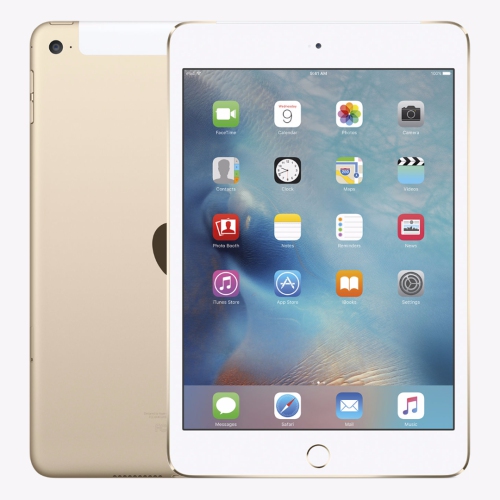
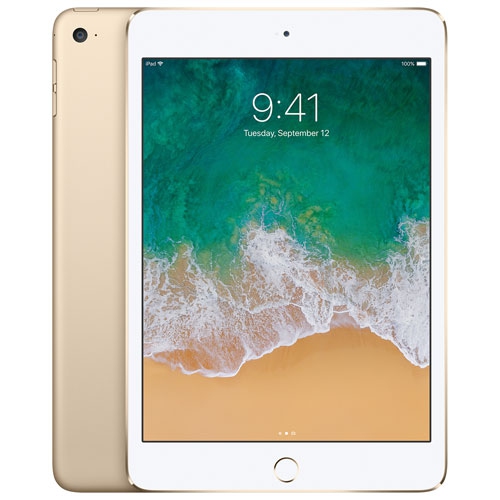
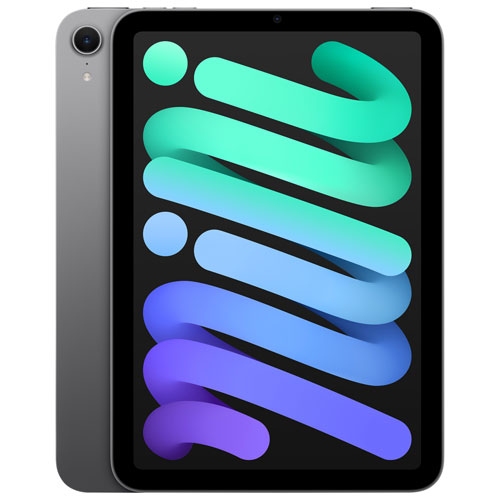
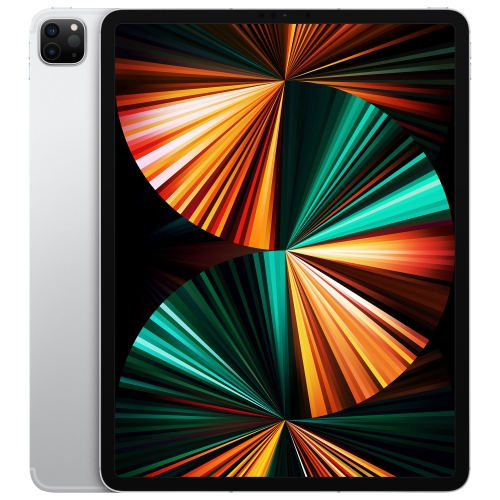
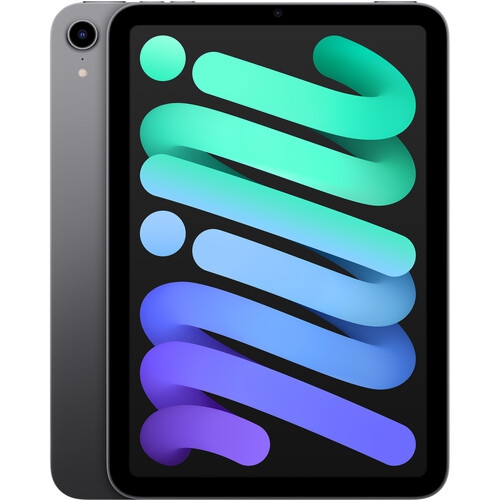
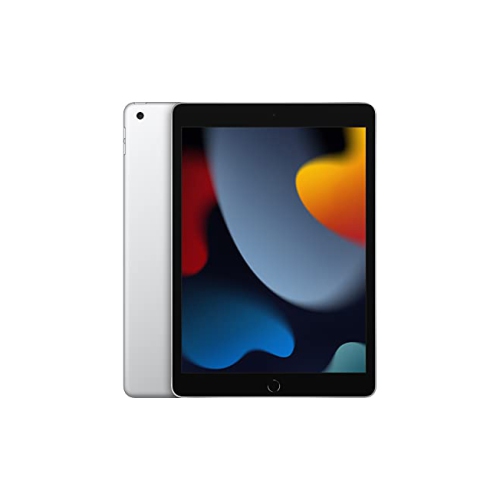
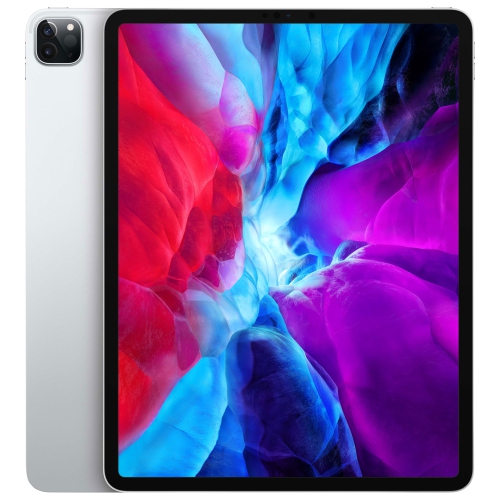
128GB iPads offer built-in storage for apps, documents, photos, videos, and downloaded entertainment in a portable touchscreen format. The 128GB figure describes storage capacity, not memory or processing speed, and the space available for personal files will be lower after system software and preinstalled content are accounted for. For everyday use, this capacity can suit a mix of web browsing, email, schoolwork, reading, video calls, and streaming, with room for selected content to keep offline. A student might carry lecture notes, annotated readings, and a few recorded presentations, while someone travelling might save several episodes, an audiobook, and important documents before leaving home. The amount that fits depends on the files themselves: high-resolution video, detailed games, and large creative projects take considerably more space than text documents and ebooks. A 128GB iPad is therefore best understood in terms of the habits it needs to support rather than a fixed number of photos or apps. Regularly streaming entertainment and moving completed projects elsewhere leaves more room for daily tasks; keeping a large media library entirely on the device uses that space more quickly. Cloud storage can help organize files across devices, although access to files that have not been downloaded depends on an internet connection. Built-in storage cannot be increased by inserting a memory card, so leaving room for future apps, software updates, and new projects is worth considering. External storage may be useful for transferring or accessing files on compatible models, but it does not increase the tablet’s internal capacity for installing apps. For people who want a device for reading on the sofa, reviewing recipes at the kitchen table, taking handwritten notes, or watching a film away from a television, the appeal lies in having those activities together on one screen. The right storage fit comes from balancing what needs to stay close at hand with what can remain elsewhere.
Storage is only one part of what distinguishes 128GB iPads, since screen size, processor, cameras, connection options, and accessory support can differ by model and generation. A larger display provides more space for a document beside a notes window, detailed illustrations, or larger text, while a smaller device can be easier to hold during a long reading session or tuck into a day bag. Overall dimensions and weight matter as much as screen measurements when the tablet will be carried between classrooms, used while standing, or held by a child. Processing performance is especially relevant for demanding games, multilayer artwork, and video editing; storage capacity alone does not indicate how smoothly those tasks will run. For communication, the front camera’s position can affect the framing of a video call when the tablet is propped horizontally, and microphone and speaker features can influence everyday conversations and playback. Wi-Fi models connect through wireless networks, while cellular-capable models can also use a compatible mobile data service where supported. Cellular connectivity requires a suitable plan, and network compatibility depends on the particular device and service. Someone working mainly at home or on campus may rely on Wi-Fi, whereas frequent travel between locations can make an independent data connection useful. Battery life also varies with the model, screen brightness, apps, and connection in use, so a stated runtime should not be treated as a promise for every activity. Charging connections and accessory compatibility deserve similar attention. A keyboard can make longer emails and assignments more comfortable, and a compatible stylus can support handwritten notes, sketches, and precise markups, but these accessories are not interchangeable across every generation. Accessibility features such as larger text, spoken content, voice controls, and alternative input methods can also shape the experience. For a shared household tablet or a device used throughout the school day, these practical details often matter more than a single specification.
Day-to-day comfort and care help a 128GB iPad remain useful through repeated handling, carrying, and charging. Glass screens and metal bodies benefit from a well-fitting case, particularly when the tablet moves between a backpack, desk, and shared living space. Case fit should match the exact model and generation, not just the advertised screen size, because button positions, camera openings, speakers, and charging ports can differ. A folio with a stable stand can hold the display at a comfortable angle for a video call or a recipe, while a more protective design may suit a child’s device or frequent travel. A screen protector can add a replaceable layer against everyday scratches, although it does not make a tablet damage-proof. For cleaning, follow the device maker’s directions, use a soft, lint-free cloth, and avoid spraying liquid directly onto the screen or into openings. Keeping the charging port clear of debris and storing the tablet where it will not be crushed beneath heavier belongings are simple habits that support reliable use. For drawing and handwriting, consider how the case, screen surface, and stylus feel together; for typing, look at whether a keyboard arrangement provides enough stability and space for comfortable use. A tablet given as a gift is most useful when its size, controls, and accessories match the recipient’s routine. A reader may value a lightweight setup and adjustable text, a student may need dependable document access, and an occasional artist may appreciate a compatible pen and room for creative files. Households planning to share a device can also consider separate app needs, account settings, and parental controls before setting it up. For lighter storage needs centred on streaming, browsing, and a smaller collection of downloaded files, Best 64GB iPads can provide a useful comparison through Best 64GB iPads. A 128GB capacity offers twice the stated storage of 64GB, giving additional room for a broader mix of apps and personal content without changing the need to choose the right screen, connections, and compatible accessories.
Storage is only one part of what distinguishes 128GB iPads, since screen size, processor, cameras, connection options, and accessory support can differ by model and generation. A larger display provides more space for a document beside a notes window, detailed illustrations, or larger text, while a smaller device can be easier to hold during a long reading session or tuck into a day bag. Overall dimensions and weight matter as much as screen measurements when the tablet will be carried between classrooms, used while standing, or held by a child. Processing performance is especially relevant for demanding games, multilayer artwork, and video editing; storage capacity alone does not indicate how smoothly those tasks will run. For communication, the front camera’s position can affect the framing of a video call when the tablet is propped horizontally, and microphone and speaker features can influence everyday conversations and playback. Wi-Fi models connect through wireless networks, while cellular-capable models can also use a compatible mobile data service where supported. Cellular connectivity requires a suitable plan, and network compatibility depends on the particular device and service. Someone working mainly at home or on campus may rely on Wi-Fi, whereas frequent travel between locations can make an independent data connection useful. Battery life also varies with the model, screen brightness, apps, and connection in use, so a stated runtime should not be treated as a promise for every activity. Charging connections and accessory compatibility deserve similar attention. A keyboard can make longer emails and assignments more comfortable, and a compatible stylus can support handwritten notes, sketches, and precise markups, but these accessories are not interchangeable across every generation. Accessibility features such as larger text, spoken content, voice controls, and alternative input methods can also shape the experience. For a shared household tablet or a device used throughout the school day, these practical details often matter more than a single specification.
Day-to-day comfort and care help a 128GB iPad remain useful through repeated handling, carrying, and charging. Glass screens and metal bodies benefit from a well-fitting case, particularly when the tablet moves between a backpack, desk, and shared living space. Case fit should match the exact model and generation, not just the advertised screen size, because button positions, camera openings, speakers, and charging ports can differ. A folio with a stable stand can hold the display at a comfortable angle for a video call or a recipe, while a more protective design may suit a child’s device or frequent travel. A screen protector can add a replaceable layer against everyday scratches, although it does not make a tablet damage-proof. For cleaning, follow the device maker’s directions, use a soft, lint-free cloth, and avoid spraying liquid directly onto the screen or into openings. Keeping the charging port clear of debris and storing the tablet where it will not be crushed beneath heavier belongings are simple habits that support reliable use. For drawing and handwriting, consider how the case, screen surface, and stylus feel together; for typing, look at whether a keyboard arrangement provides enough stability and space for comfortable use. A tablet given as a gift is most useful when its size, controls, and accessories match the recipient’s routine. A reader may value a lightweight setup and adjustable text, a student may need dependable document access, and an occasional artist may appreciate a compatible pen and room for creative files. Households planning to share a device can also consider separate app needs, account settings, and parental controls before setting it up. For lighter storage needs centred on streaming, browsing, and a smaller collection of downloaded files, Best 64GB iPads can provide a useful comparison through Best 64GB iPads. A 128GB capacity offers twice the stated storage of 64GB, giving additional room for a broader mix of apps and personal content without changing the need to choose the right screen, connections, and compatible accessories.
Top selling and popular products
-
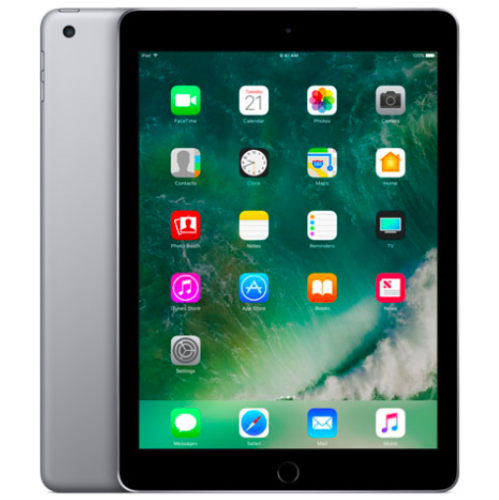 Your price for this item is $109.99
-
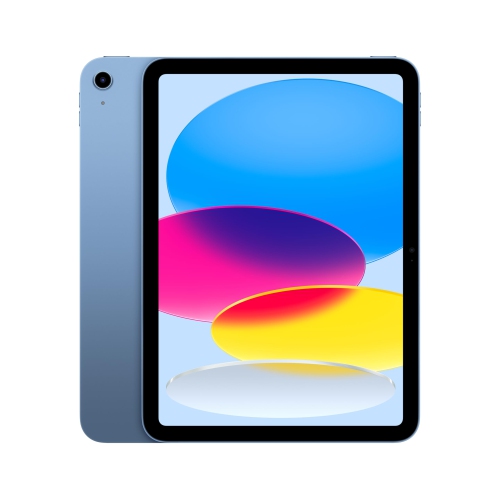 Your price for this item is $649.95
-
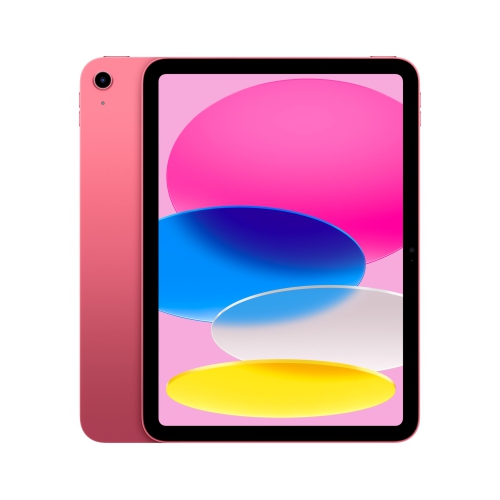 Your price for this item is $759.95
-
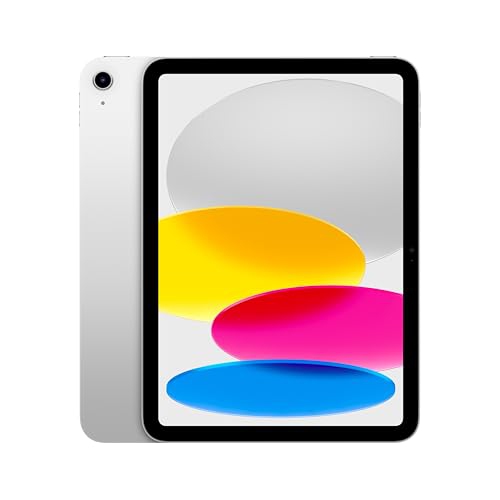 Your price for this item is $641.99
-
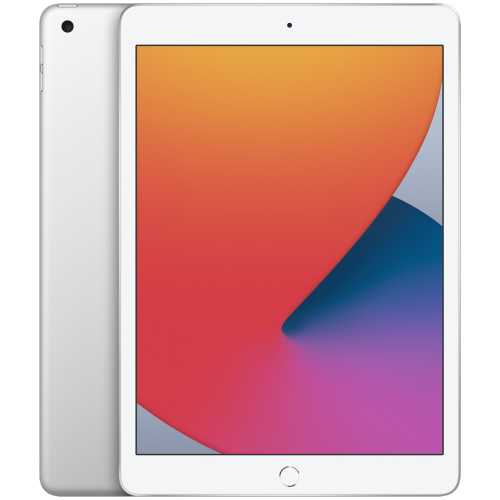 Your price for this item is $148.99
-
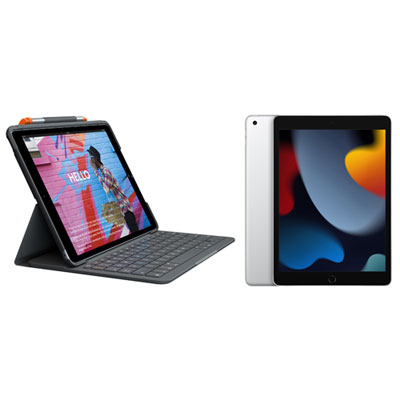 Your price for this item is $468.98
-
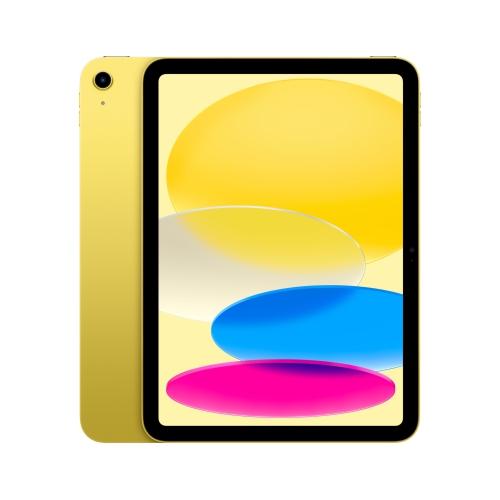 Your price for this item is $639.99
-
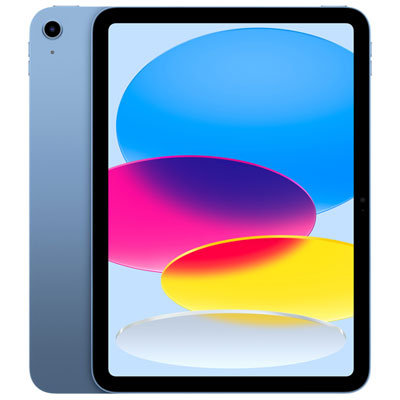 Your price for this item is $649.99
Discover more categories related to 128GB IPads

Top Collections:
Pokemon Centers, Kindle Devices, Best Cameras for Sports Photography, Pokémon 30th Celebration Cards, Apple iPhones 16, Canon G7X Cameras, iPhone 15 Apple, Flip Phones, Samsung Galaxy Phones, Alarm Clock
Some products may be subject to Environmental Handling Fees
(EHF) depending on your province.
Learn more about EHFs.