14 Inch Tablet PCs
Discover the perfect combination of portability and performance with a 14 Inch Tablet PC. Ideal for work, entertainment, or creativity on the go, these tablets offer a spacious display in a sleek, easy-to-carry design. Whether you’re looking to stay productive, stream your favorite shows, or enjoy immersive gaming experiences, a 14 Inch Tablet PC provides versatile options to suit your needs. Explore a variety of models to find the right fit for your lifestyle and elevate your digital experience.
Sort
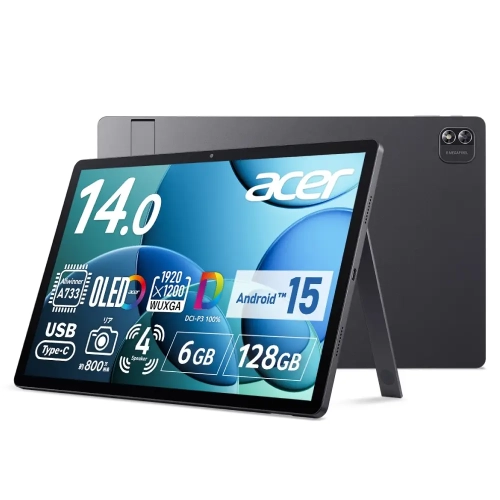

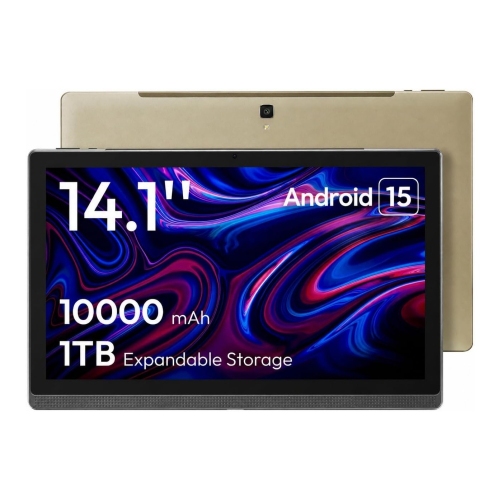
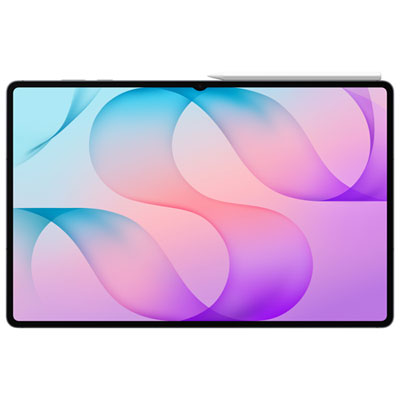


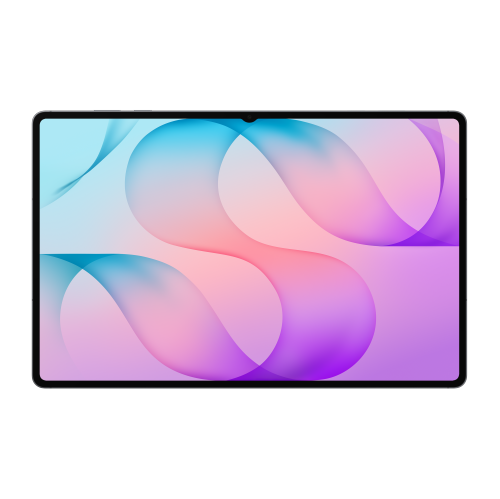
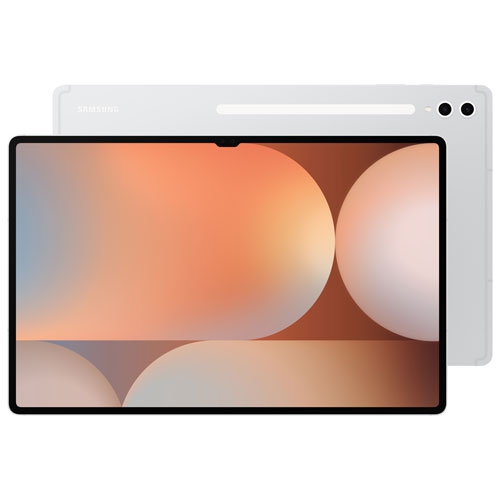
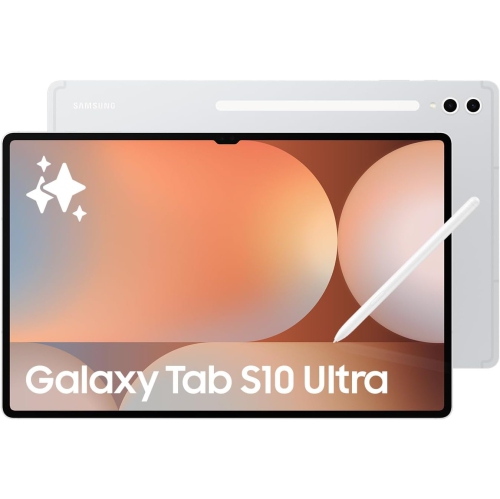

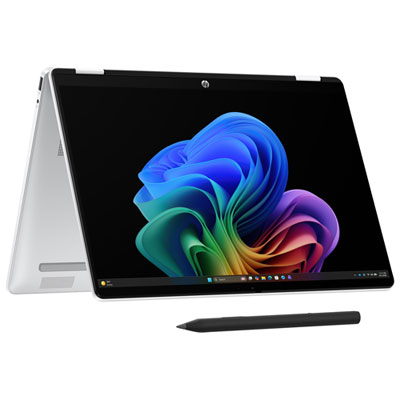
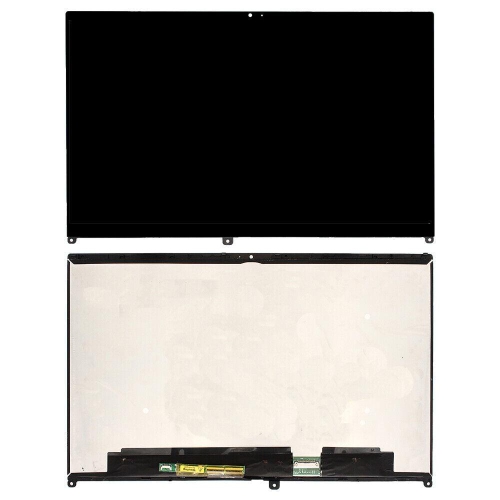



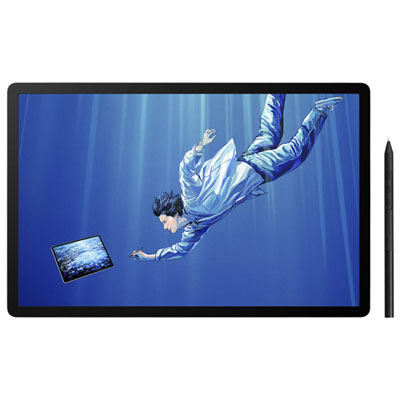

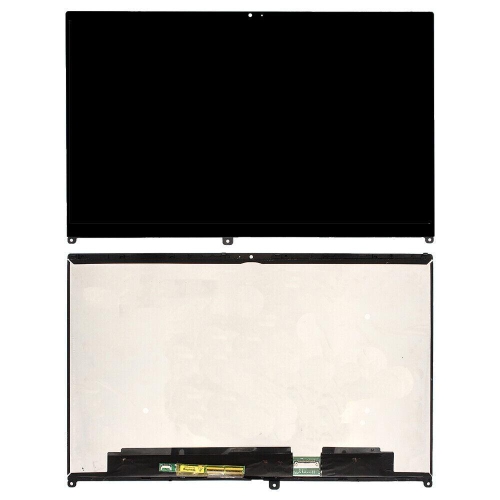


More room for notes and side-by-side apps
14-inch tablet PCs combine a spacious touchscreen with a portable design, giving documents, video calls, entertainment, and creative work more room than they have on a smaller tablet. The screen measurement refers to the diagonal distance across the display, not the overall width of the device, so bezel size and screen proportions also affect its footprint. A wider display can suit films and side-by-side apps, while a taller screen shape can leave more space for reading reports, viewing sheet music, or writing notes beneath a lecture slide. At this size, a tablet can hold a reference document beside a draft without making either window feel quite so cramped. That extra room is useful for students reviewing course material, professionals marking up presentations, and anyone who prefers larger text without constantly scrolling. Display quality matters alongside size: resolution influences how crisp small type appears, brightness affects visibility in well-lit rooms, and glare can change how comfortable the screen feels beside a window or under overhead lighting. A higher refresh rate can make scrolling and supported pen input look smoother, although it is only one part of the viewing experience. Large tablets also make convenient shared screens for looking through photos at a kitchen table or following a recipe with the device supported on a stand. Their usefulness as laptop alternatives depends on the operating system, supported software, and accessories rather than screen size alone. Some run mobile apps, while others support desktop applications; the distinction matters for specialized work software, complex spreadsheets, and external hardware. Split-screen layouts, resizable windows, and file management features also vary by platform. For everyday browsing, email, streaming, and document review, a large touchscreen can feel straightforward and flexible. For a more demanding workload, the important distinction is whether the device supports the actual applications and features involved, including any required browser extensions, file formats, or workplace security tools.
The hardware inside a 14-inch tablet PC shapes how comfortably it handles those tasks. Processor capability and memory affect responsiveness when switching between a video meeting, a browser with several tabs, and a document being edited. Storage capacity becomes more important when the tablet holds downloaded films, large drawing files, project folders, or course materials for offline use. The usable space is lower than the stated capacity because the operating system and installed software take up room, and storage expansion is not supported by every device. Battery life also depends on the workload: streaming at high brightness, running demanding applications, and using connected accessories can draw more power than reading a saved document. Charging connections, supported charging power, and the charger itself all influence how easily the device fits into a daily routine. Wi-Fi provides access to home, school, and workplace networks, while cellular connectivity, where supported, requires a compatible service plan. Ports and wireless connections deserve attention when the tablet will be used with headphones, external storage, a monitor, or a keyboard. A USB-C connector does not automatically guarantee the same data transfer speed, display output, or charging capability across devices. For writing and office tasks, a compatible keyboard can turn the screen into a more practical workspace, but the keyboard layout, trackpad support, and stability of its stand affect comfort. A setup that works well on a desk may feel less secure on a lap. For handwritten notes and illustration, active pen compatibility is equally specific. Pressure sensitivity, palm rejection, tilt support, and the way a pen charges or attaches depend on the tablet and pen combination. On a large display, these features can make the difference between simply tapping through an app and comfortably sketching a floor plan, annotating a lengthy PDF, or keeping handwritten notes organized. Cameras, microphone quality, and speaker placement round out the experience, particularly when the tablet spends much of its time in landscape orientation for calls or lessons.
The physical design of a large tablet matters just as much as its specifications, especially when it travels between a desk, a classroom, and a sofa. Aluminium housings can provide a firm feel, while glass screens and any exposed edges still need protection from knocks and pressure inside a bag. Plastic components, surface finishes, and the design of buttons and ports contribute to handling and durability, but appearance alone does not establish resistance to drops, dust, or liquids. Any protection rating should be checked against the intended use. Weight is particularly noticeable with a 14-inch screen: a device that feels manageable for a short presentation may become tiring to hold through a full film or reading session. A stable stand or fitted case can support a more relaxed viewing angle and keep the screen upright for hands-free use. Cases, keyboard covers, and screen protectors need to match the exact device dimensions, camera positions, and attachment points; a shared screen measurement does not make accessories interchangeable. For shoppers considering a slightly smaller footprint, 13 inch tablets offer another size category to compare for carrying and handheld comfort. Everyday care is generally simple: use a clean, soft, lint-free cloth, follow the manufacturer’s cleaning directions, and avoid allowing moisture into openings. A padded compartment helps separate the screen from keys and other hard objects, while keeping pressure off the display can help prevent damage in a crowded backpack. These practical details also matter when a tablet is a gift. A student may value comfortable note-taking and reliable access to course software, an artist may prioritize pen response and drawing space, and a frequent video caller may appreciate clear audio and a front-facing camera positioned for landscape use. Compatibility with the recipient’s existing accounts, apps, and accessories helps make a large tablet useful beyond its first setup. The strongest fit is a device whose screen, software, and physical design support the tasks it will handle most often.
The hardware inside a 14-inch tablet PC shapes how comfortably it handles those tasks. Processor capability and memory affect responsiveness when switching between a video meeting, a browser with several tabs, and a document being edited. Storage capacity becomes more important when the tablet holds downloaded films, large drawing files, project folders, or course materials for offline use. The usable space is lower than the stated capacity because the operating system and installed software take up room, and storage expansion is not supported by every device. Battery life also depends on the workload: streaming at high brightness, running demanding applications, and using connected accessories can draw more power than reading a saved document. Charging connections, supported charging power, and the charger itself all influence how easily the device fits into a daily routine. Wi-Fi provides access to home, school, and workplace networks, while cellular connectivity, where supported, requires a compatible service plan. Ports and wireless connections deserve attention when the tablet will be used with headphones, external storage, a monitor, or a keyboard. A USB-C connector does not automatically guarantee the same data transfer speed, display output, or charging capability across devices. For writing and office tasks, a compatible keyboard can turn the screen into a more practical workspace, but the keyboard layout, trackpad support, and stability of its stand affect comfort. A setup that works well on a desk may feel less secure on a lap. For handwritten notes and illustration, active pen compatibility is equally specific. Pressure sensitivity, palm rejection, tilt support, and the way a pen charges or attaches depend on the tablet and pen combination. On a large display, these features can make the difference between simply tapping through an app and comfortably sketching a floor plan, annotating a lengthy PDF, or keeping handwritten notes organized. Cameras, microphone quality, and speaker placement round out the experience, particularly when the tablet spends much of its time in landscape orientation for calls or lessons.
The physical design of a large tablet matters just as much as its specifications, especially when it travels between a desk, a classroom, and a sofa. Aluminium housings can provide a firm feel, while glass screens and any exposed edges still need protection from knocks and pressure inside a bag. Plastic components, surface finishes, and the design of buttons and ports contribute to handling and durability, but appearance alone does not establish resistance to drops, dust, or liquids. Any protection rating should be checked against the intended use. Weight is particularly noticeable with a 14-inch screen: a device that feels manageable for a short presentation may become tiring to hold through a full film or reading session. A stable stand or fitted case can support a more relaxed viewing angle and keep the screen upright for hands-free use. Cases, keyboard covers, and screen protectors need to match the exact device dimensions, camera positions, and attachment points; a shared screen measurement does not make accessories interchangeable. For shoppers considering a slightly smaller footprint, 13 inch tablets offer another size category to compare for carrying and handheld comfort. Everyday care is generally simple: use a clean, soft, lint-free cloth, follow the manufacturer’s cleaning directions, and avoid allowing moisture into openings. A padded compartment helps separate the screen from keys and other hard objects, while keeping pressure off the display can help prevent damage in a crowded backpack. These practical details also matter when a tablet is a gift. A student may value comfortable note-taking and reliable access to course software, an artist may prioritize pen response and drawing space, and a frequent video caller may appreciate clear audio and a front-facing camera positioned for landscape use. Compatibility with the recipient’s existing accounts, apps, and accessories helps make a large tablet useful beyond its first setup. The strongest fit is a device whose screen, software, and physical design support the tasks it will handle most often.
Top selling and popular products
-
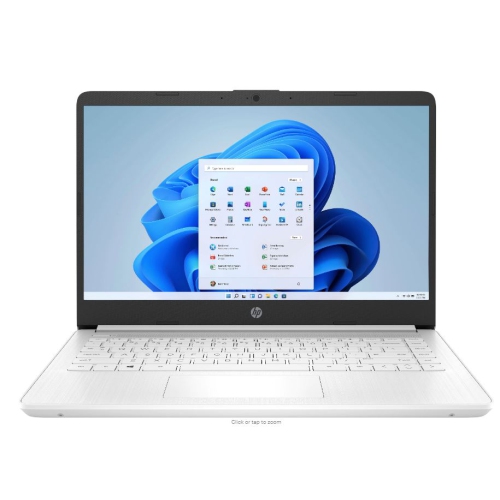 Your price for this item is $449
-
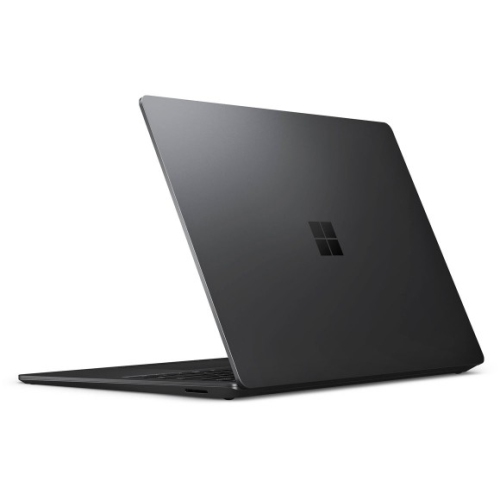 Your price for this item is $3099
-
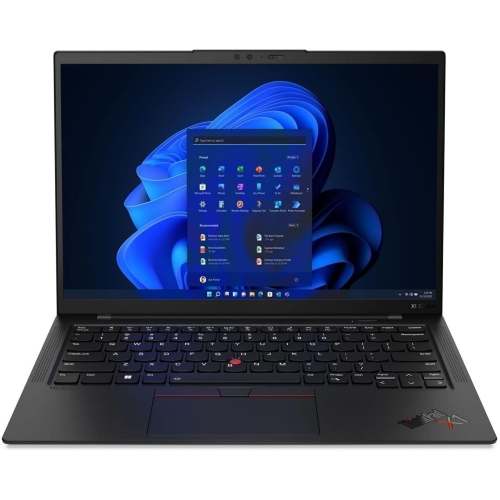 Your price for this item is $429.99
-
 Your price for this item is $1800.68
-
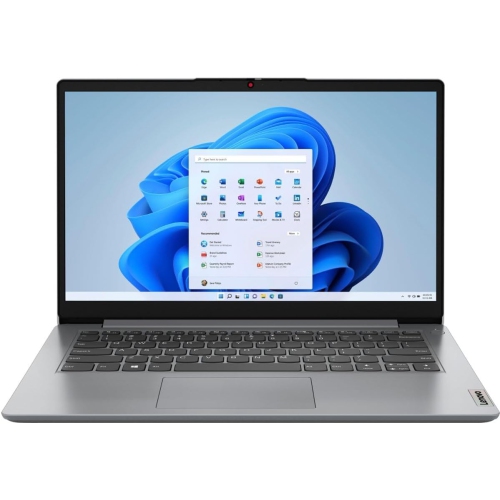 Your price for this item is $664.05
-
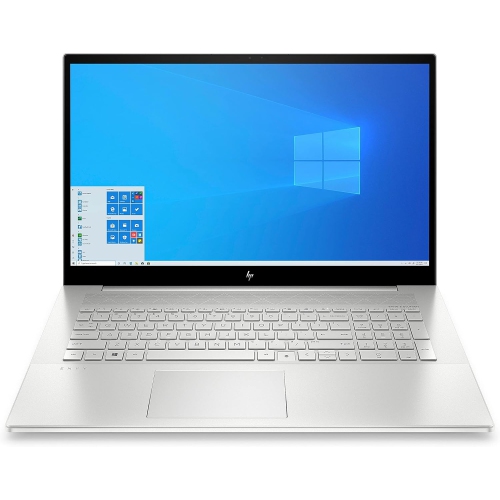 Your price for this item is $869.99
-
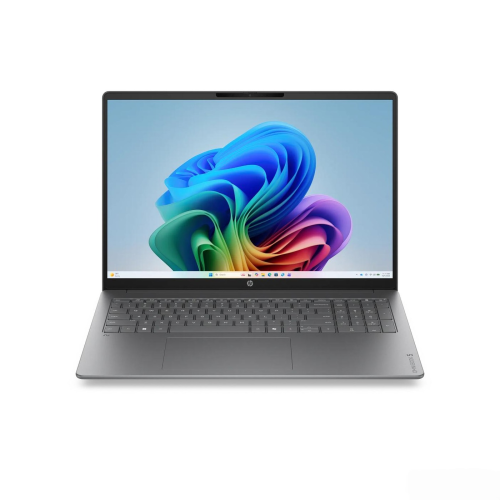 Your price for this item is $2960.48
-
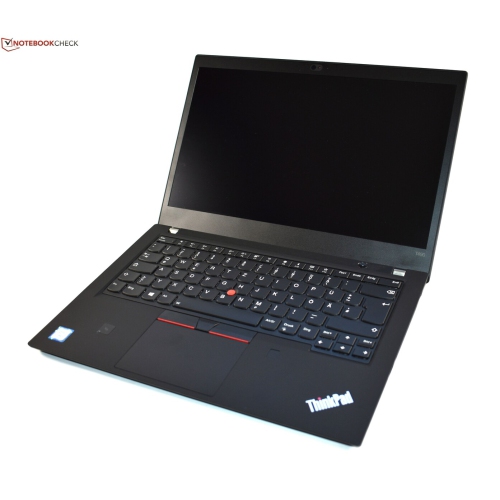 Your price for this item is $479.68
Discover more categories related to 14 Inch Tablet PCs
Top Collections:
Pokemon Centers, Pokémon 30th Celebration Cards, Best Budget Office Chairs, Kindle Devices, Best Cameras for Sports Photography, Canon G7X Cameras, Best Black Friday Deals On Electronics, Best Laptops for Writers, iPhone 15 Apple, Jackery Power Stations
Some products may be subject to Environmental Handling Fees
(EHF) depending on your province.
Learn more about EHFs.