180hz Monitors
Upgrade your gaming or viewing experience with this selection of high-performance 180Hz monitors. Designed to deliver smooth and fluid visuals, these monitors offer ultra-fast refresh rates that are perfect for action-packed games, fast-paced videos, and more. Immerse yourself in stunning graphics and enjoy a responsive display that keeps up with your every move. Whether you're a hardcore gamer, a multimedia enthusiast, or simply looking to enhance your screen time, this range of 180Hz monitors has something for everyone.
Sort
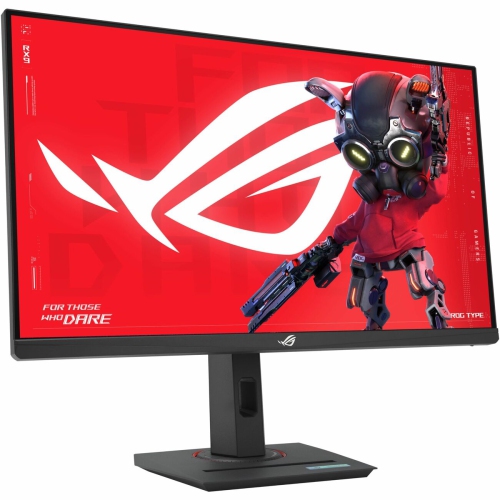
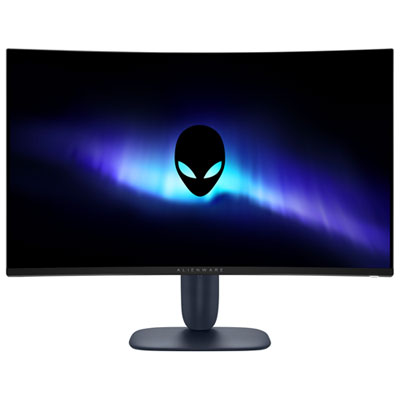
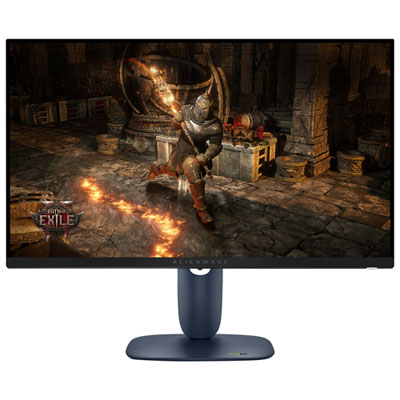

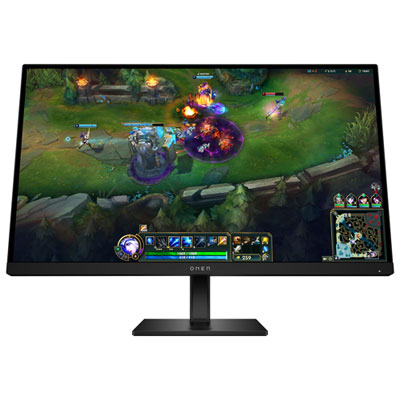
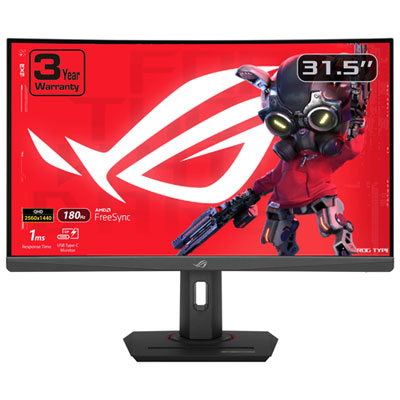
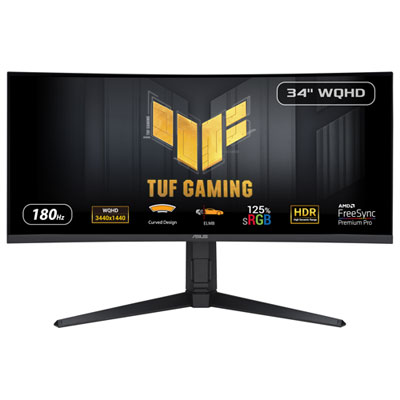
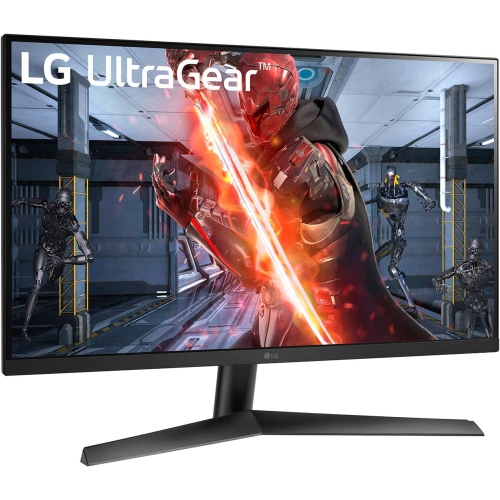
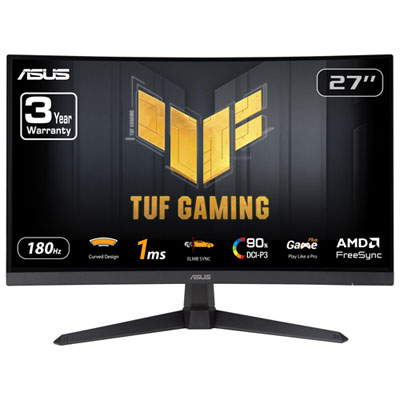
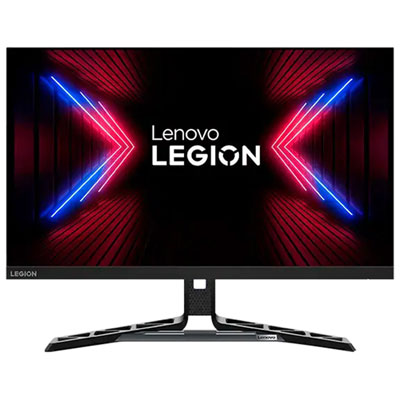
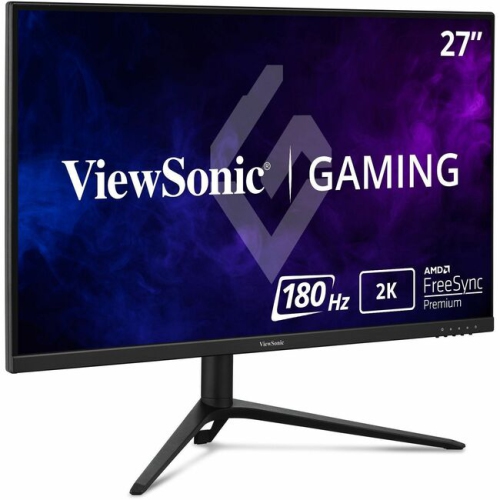
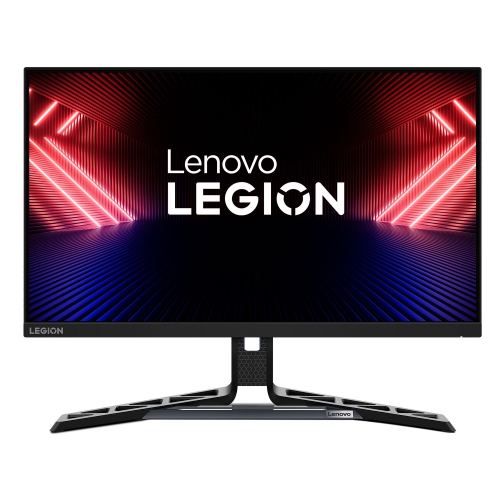
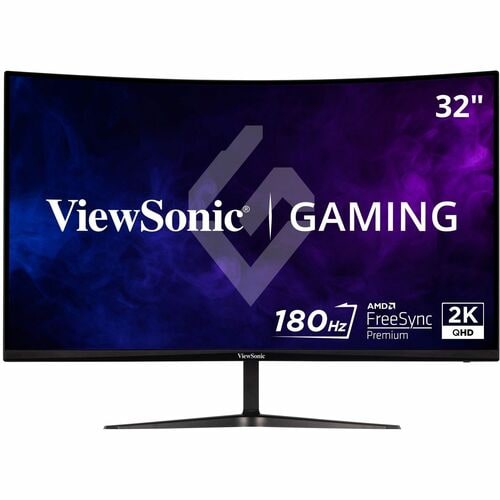
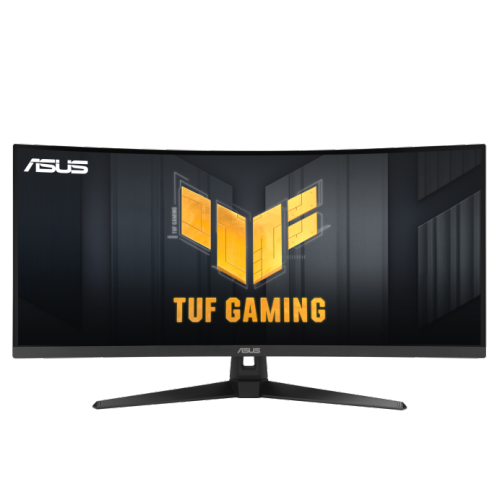
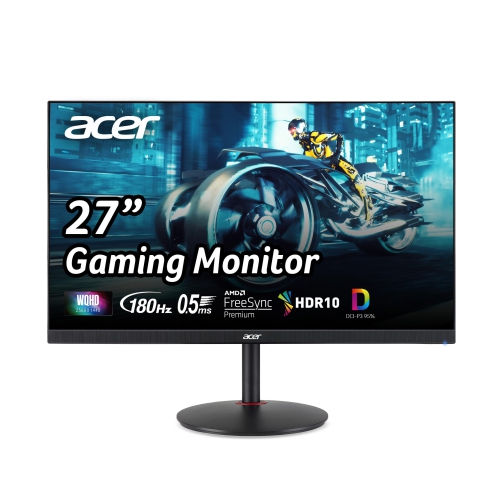
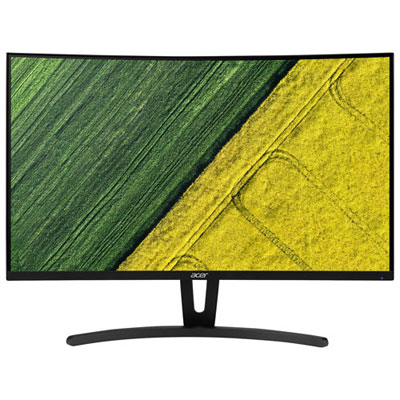
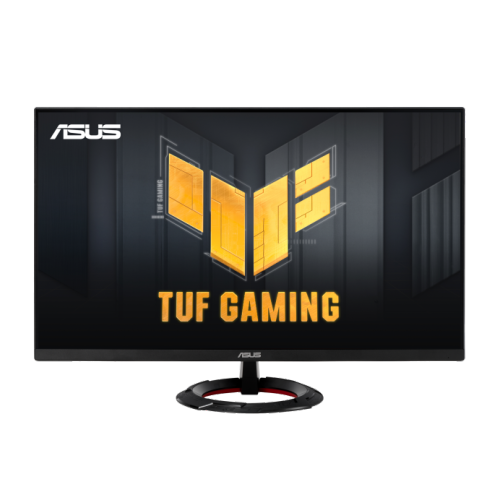
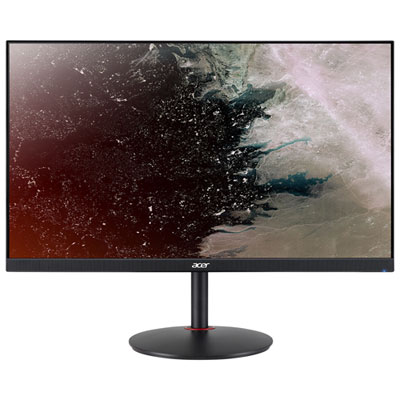
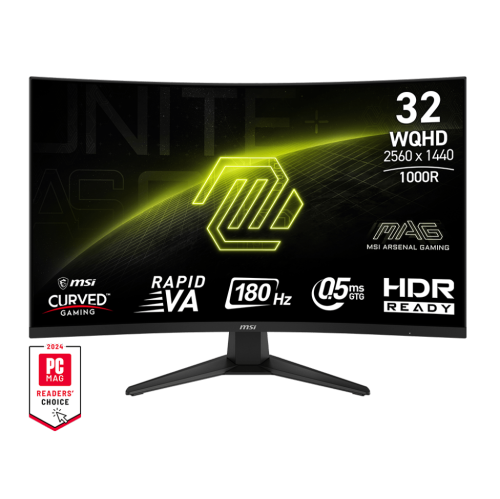
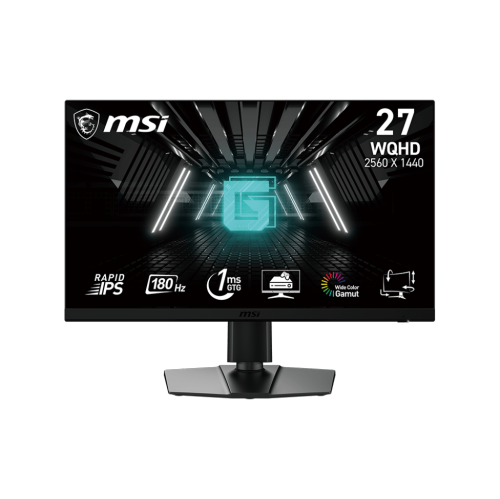
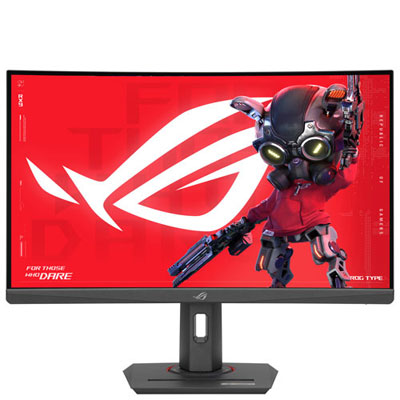
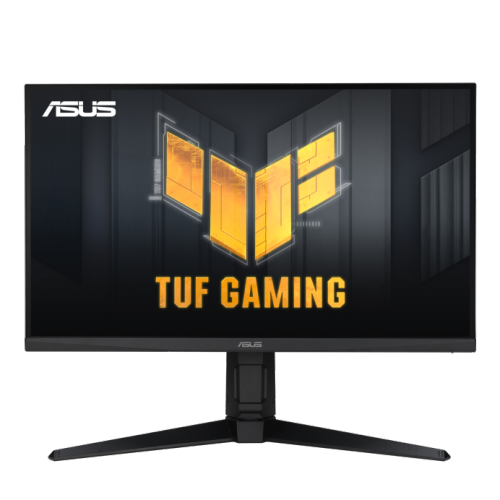

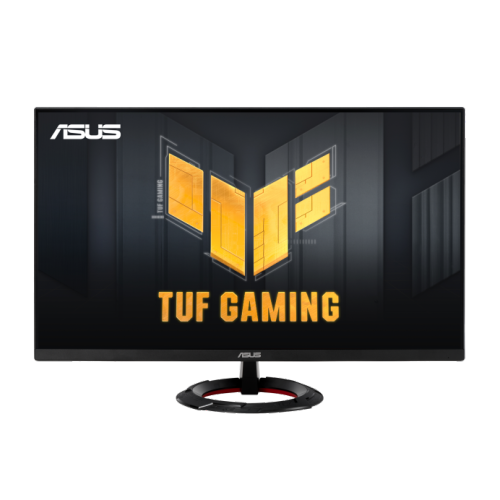
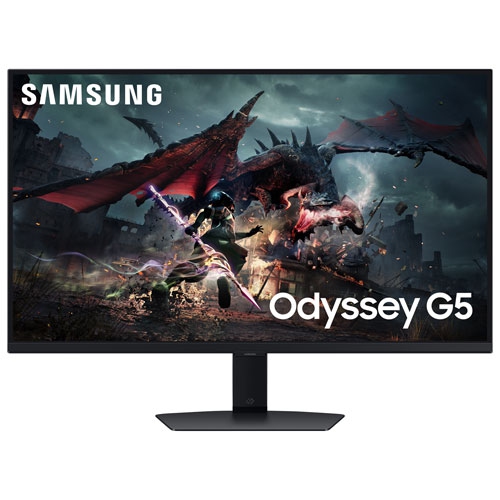
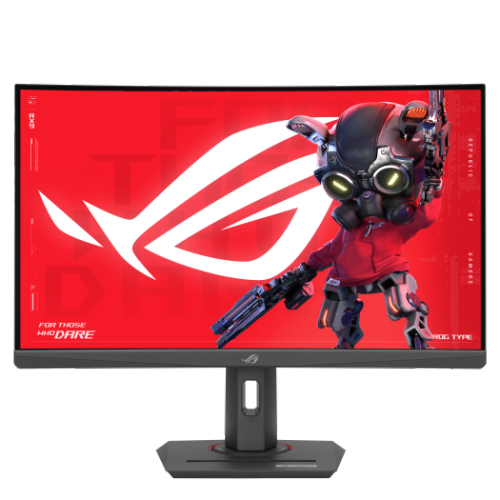
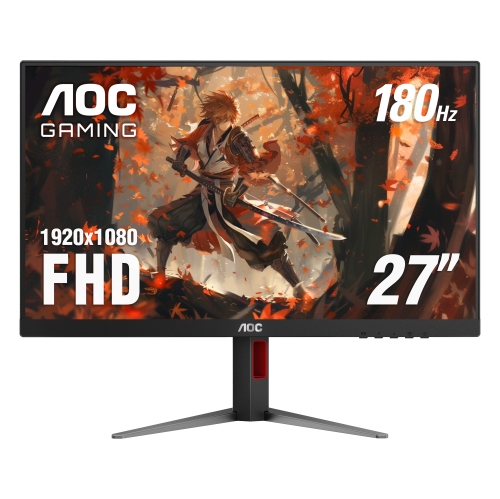
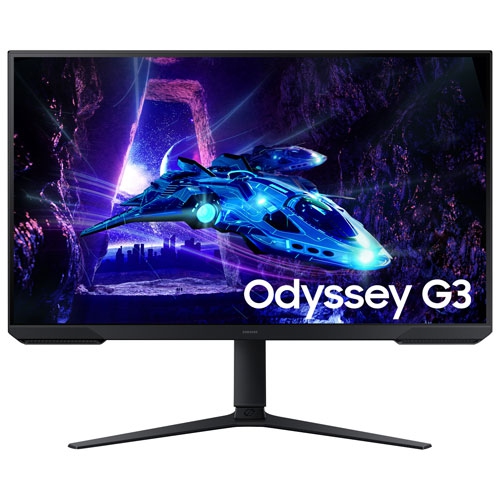

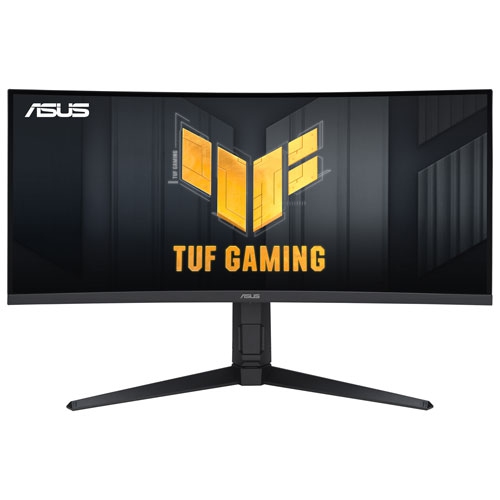

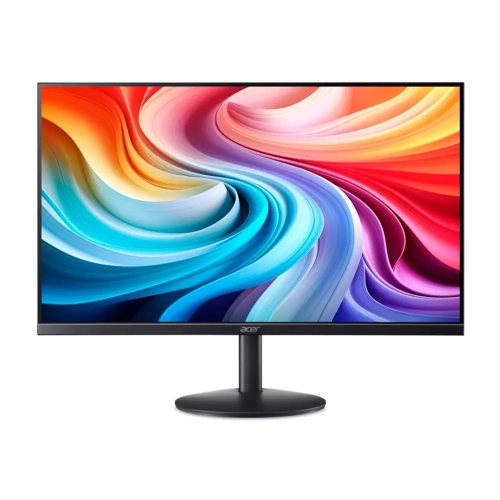
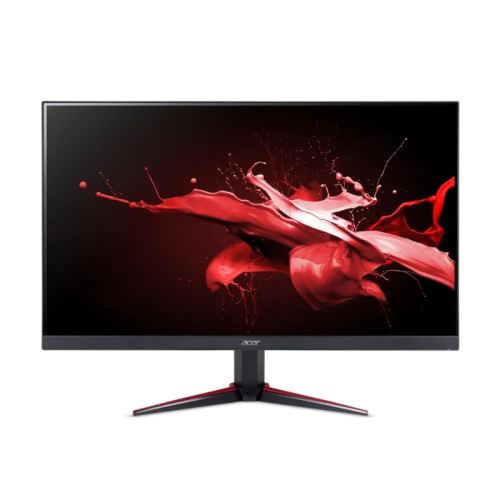
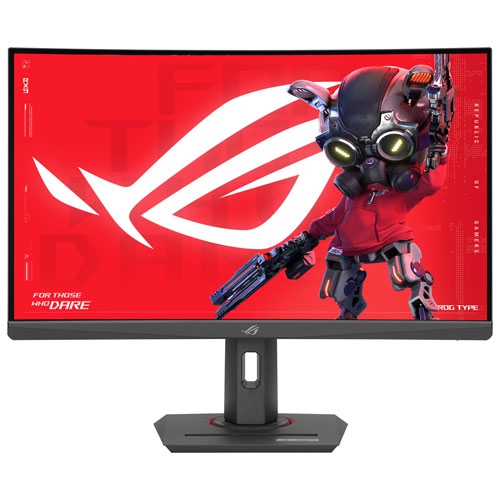
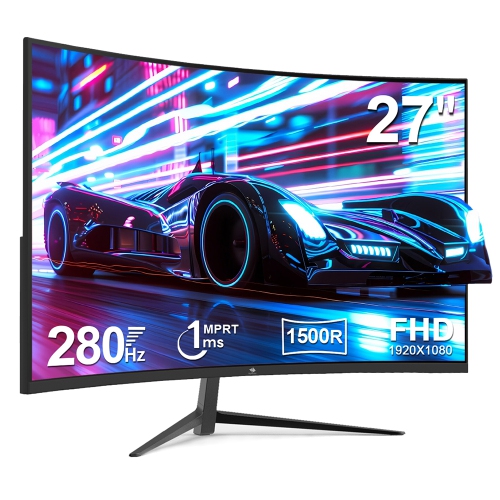
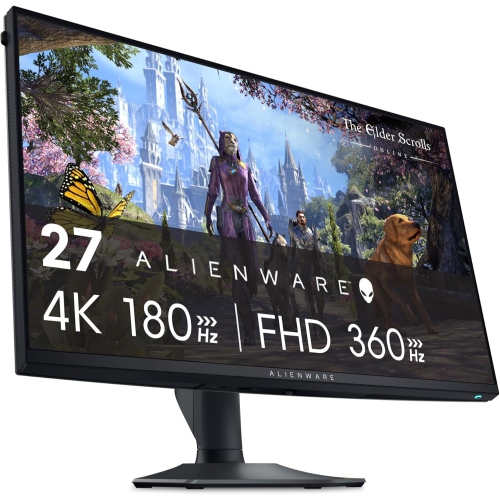
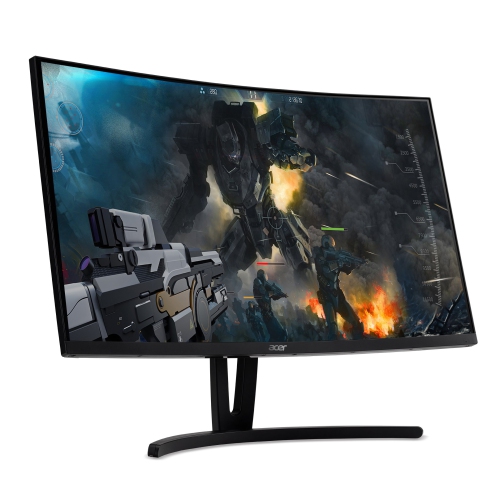
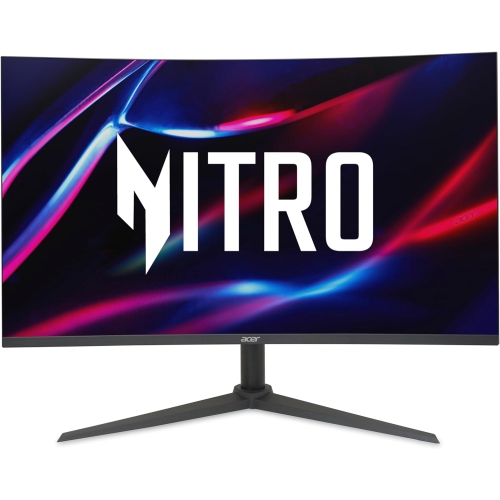
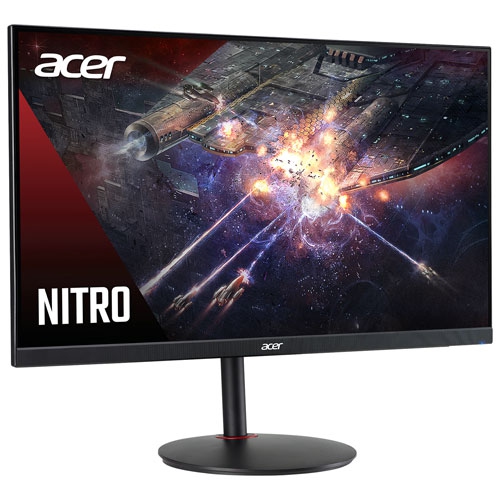
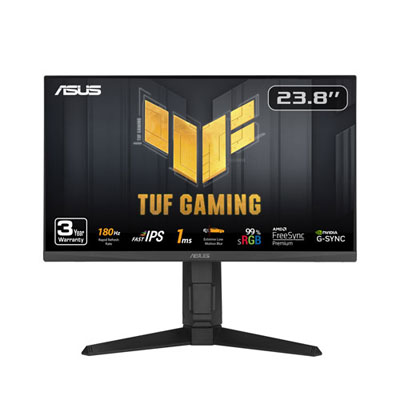
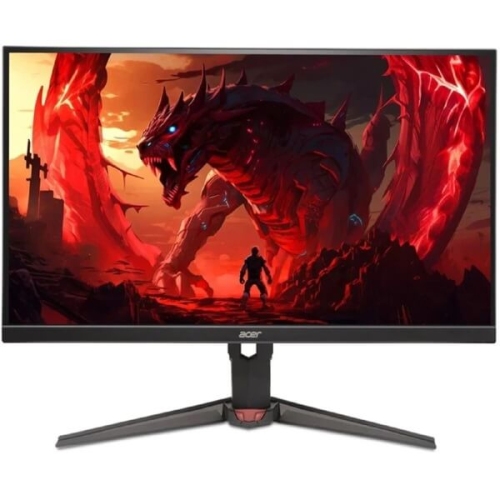
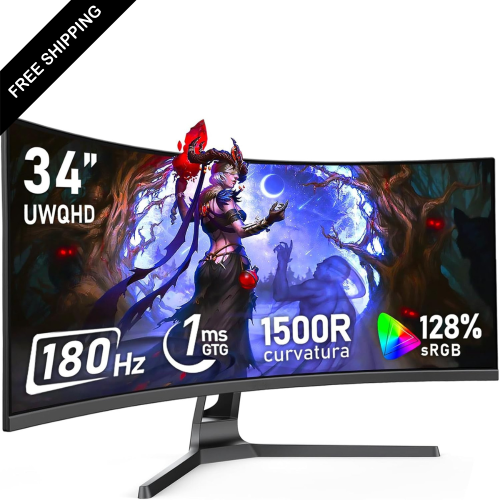

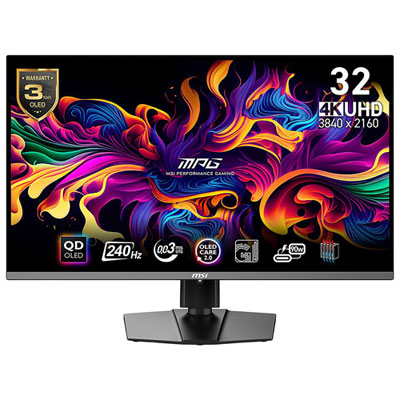
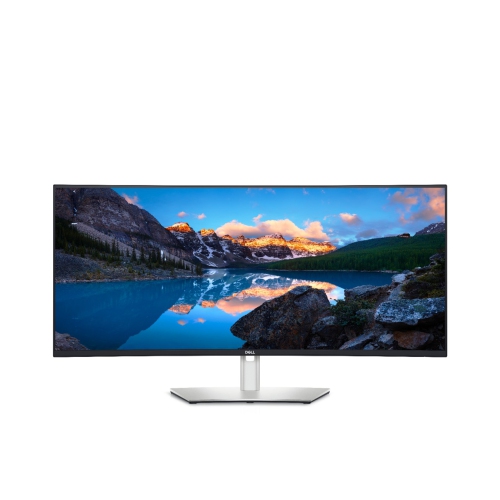
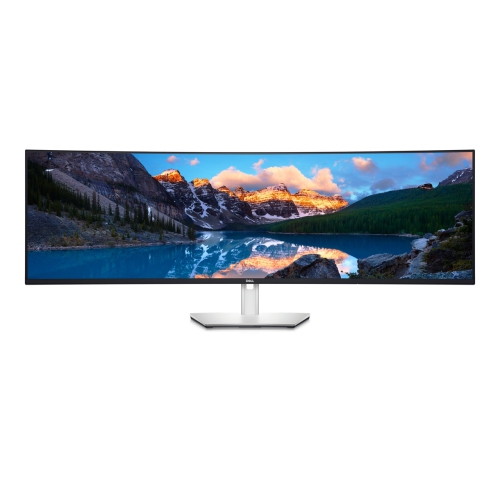
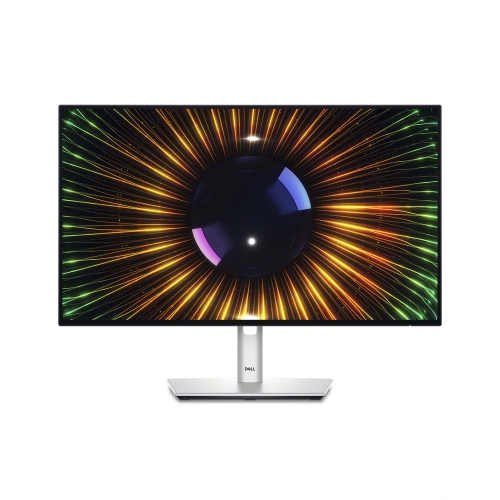
Why faster refresh rates make on-screen motion feel smoother
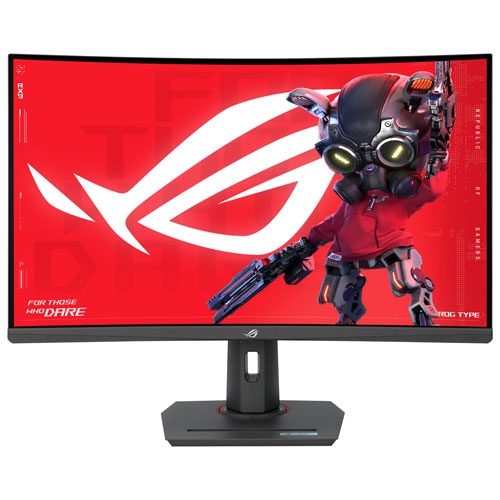
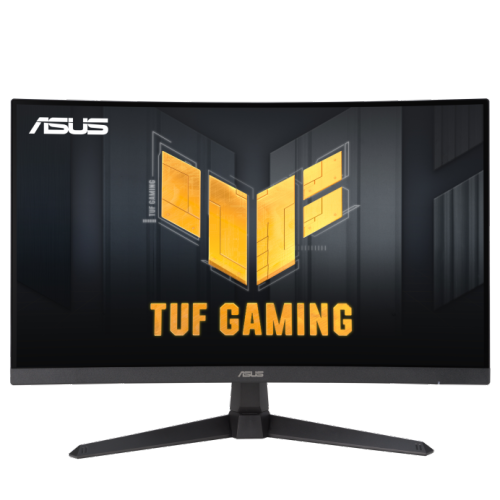
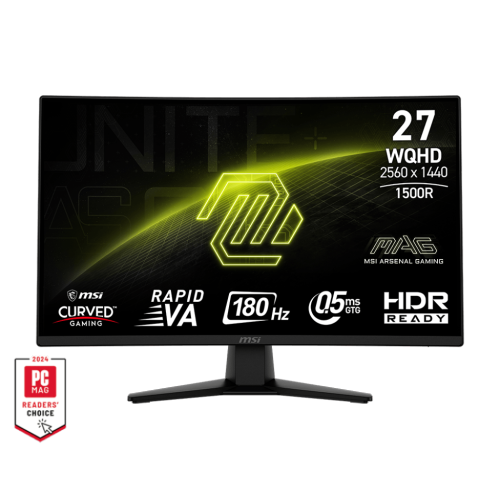
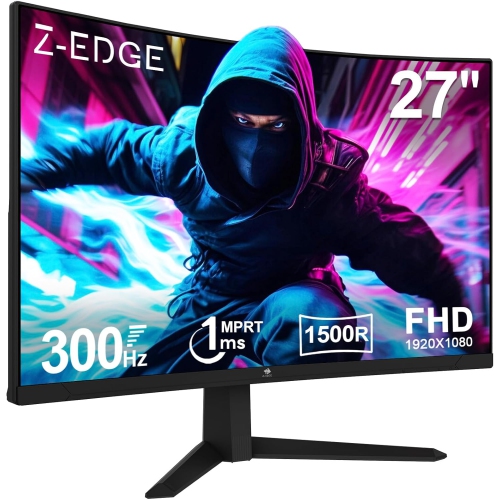
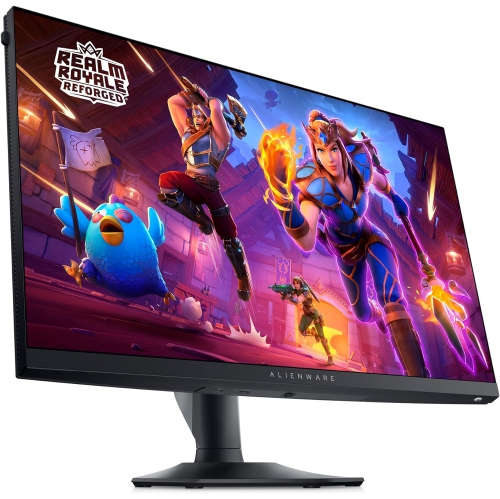
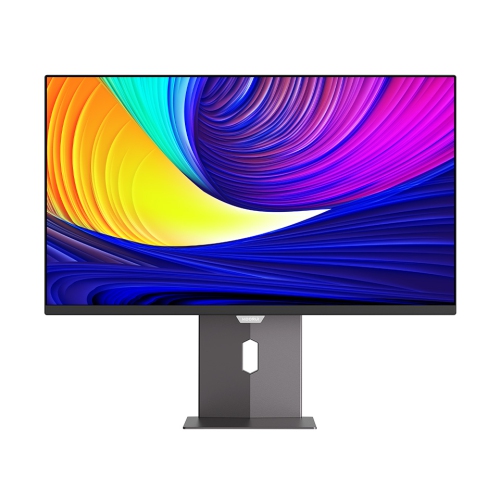
180Hz monitors refresh the image on screen up to 180 times per second, giving fast-moving games, scrolling text, and everyday desktop activity a smoother appearance than a typical 60Hz display. At its maximum refresh rate, a 180Hz screen begins a new refresh roughly every 5.6 milliseconds, compared with about 16.7 milliseconds at 60Hz. That shorter interval can make on-screen movement feel more immediate, especially when a gaming PC delivers a consistently high frame rate. The difference is particularly noticeable when following an opponent across a competitive shooter, tracking a ball in a sports game, or steering through a tight corner in a racing simulator. Compared with 144Hz, the increase to 180Hz is more modest, but it offers additional refresh opportunities when the rest of the system can keep pace. Refresh rate and frame rate describe different parts of that experience: the monitor determines how often the screen can update, while the computer determines how many frames it renders. A 180Hz monitor does not automatically make a game run at 180 frames per second, and demanding graphics settings can still limit performance. Adaptive sync, when supported by both the monitor and graphics hardware, helps match the display’s refresh timing to the frames being delivered, reducing visible screen tearing within its operating range. Pixel response time matters as well, since pixels that change too slowly can leave trails behind moving objects even on a high-refresh-rate screen. Advertised response-time figures may depend on particular settings or test methods, so they are not interchangeable with refresh rate or a guarantee of clear motion. For players moving up from a basic office display, the appeal of a 180Hz gaming monitor is the combination of smoother motion, responsive interaction, and a screen that remains useful for study, work, and entertainment between gaming sessions.
Screen size, resolution, and panel type shape how a 180Hz monitor fits into daily use. A 24-inch Full HD display can suit a compact desk and keep the whole playing field comfortably in view, while a 27-inch QHD display offers more room for application windows and finer detail at a similar viewing distance. Full HD resolution is generally less demanding on graphics hardware than QHD, making high frame rates easier to achieve with comparable game settings. QHD provides a sharper picture at the same screen size, which can be useful for reading small interface text, working across spreadsheets, or appreciating distant scenery in a game. Panel characteristics also influence the picture. IPS panels typically provide consistent colour and broad viewing angles, while VA panels typically offer stronger native contrast, helping dark scenes retain a deeper appearance. Performance varies by model, particularly in dark pixel transitions, so panel type alone does not establish motion quality. A flat screen can feel familiar for mixed office and gaming use; a curved screen changes the viewing geometry and may feel more enveloping, especially at larger sizes. Surface finish deserves attention in a room with windows or overhead lighting, as a matte coating helps diffuse reflections but cannot eliminate glare from a bright light directly behind the viewer. HDR support is another feature whose effect depends on more than the label: brightness, contrast, colour capabilities, and local dimming all influence how convincingly highlights and shadows appear. For photo work or other colour-sensitive tasks, colour accuracy and suitable colour-space coverage remain important alongside refresh rate. Connections determine whether the chosen resolution and 180Hz refresh rate can run together. DisplayPort is often used for high-refresh-rate PC connections, but HDMI can also support 180Hz on compatible displays and computers. The supported timing for each input, the cable’s capabilities, and any dock or adapter in the connection path all matter. Some displays reach 180Hz through an enabled overclock setting rather than their default mode. The operating system and game settings must also be configured to use the intended refresh rate.
A well-matched 180Hz monitor should suit the physical workspace as closely as it suits the computer. Stand depth can make a noticeable difference on a narrow desk, where the keyboard, mouse mat, and screen all compete for space. Height adjustment, tilt, and swivel help position the display for a comfortable seated posture, while a compatible mounting arm can free up the surface underneath. Mounting-hole spacing and weight limits need to match the monitor, and the desk must be strong enough for the mounting arrangement. Housings commonly use moulded plastic, with metal reinforcement in the stand or mounting structure; a stable base and securely fitted joints help keep the screen steady during typing and quick mouse movements. Slim bezels can reduce the visual gap in a two-screen setup, although matching screen heights and usable display areas also contributes to a comfortable arrangement. For someone who studies or works during the day and plays in the evening, clear text, an adjustable stand, and accessible controls can be just as valuable as gaming features. Smooth scrolling is useful across long documents and busy timelines, but a higher refresh rate does not add detail to video recorded at a lower frame rate. Console players should check supported output modes, since many consoles top out at 120Hz in compatible games and will not use the full 180Hz capability. As a gift for a PC gamer, student, or someone building a shared work-and-play desk, this type of monitor is most useful when its resolution, connections, and dimensions suit the recipient’s existing setup. Routine care helps preserve the screen and its finish: power it off before cleaning, use a clean microfibre cloth, and follow the manufacturer’s directions for any permitted cleaning solution. Spraying liquid directly onto the panel, pressing firmly on the surface, or using abrasive household cleaners can cause damage. Keeping ventilation openings clear and leaving enough cable slack for stand adjustments also helps protect the setup through everyday use. Together, these practical details make a high-refresh-rate display easier to enjoy long after the first gaming session.
Screen size, resolution, and panel type shape how a 180Hz monitor fits into daily use. A 24-inch Full HD display can suit a compact desk and keep the whole playing field comfortably in view, while a 27-inch QHD display offers more room for application windows and finer detail at a similar viewing distance. Full HD resolution is generally less demanding on graphics hardware than QHD, making high frame rates easier to achieve with comparable game settings. QHD provides a sharper picture at the same screen size, which can be useful for reading small interface text, working across spreadsheets, or appreciating distant scenery in a game. Panel characteristics also influence the picture. IPS panels typically provide consistent colour and broad viewing angles, while VA panels typically offer stronger native contrast, helping dark scenes retain a deeper appearance. Performance varies by model, particularly in dark pixel transitions, so panel type alone does not establish motion quality. A flat screen can feel familiar for mixed office and gaming use; a curved screen changes the viewing geometry and may feel more enveloping, especially at larger sizes. Surface finish deserves attention in a room with windows or overhead lighting, as a matte coating helps diffuse reflections but cannot eliminate glare from a bright light directly behind the viewer. HDR support is another feature whose effect depends on more than the label: brightness, contrast, colour capabilities, and local dimming all influence how convincingly highlights and shadows appear. For photo work or other colour-sensitive tasks, colour accuracy and suitable colour-space coverage remain important alongside refresh rate. Connections determine whether the chosen resolution and 180Hz refresh rate can run together. DisplayPort is often used for high-refresh-rate PC connections, but HDMI can also support 180Hz on compatible displays and computers. The supported timing for each input, the cable’s capabilities, and any dock or adapter in the connection path all matter. Some displays reach 180Hz through an enabled overclock setting rather than their default mode. The operating system and game settings must also be configured to use the intended refresh rate.
A well-matched 180Hz monitor should suit the physical workspace as closely as it suits the computer. Stand depth can make a noticeable difference on a narrow desk, where the keyboard, mouse mat, and screen all compete for space. Height adjustment, tilt, and swivel help position the display for a comfortable seated posture, while a compatible mounting arm can free up the surface underneath. Mounting-hole spacing and weight limits need to match the monitor, and the desk must be strong enough for the mounting arrangement. Housings commonly use moulded plastic, with metal reinforcement in the stand or mounting structure; a stable base and securely fitted joints help keep the screen steady during typing and quick mouse movements. Slim bezels can reduce the visual gap in a two-screen setup, although matching screen heights and usable display areas also contributes to a comfortable arrangement. For someone who studies or works during the day and plays in the evening, clear text, an adjustable stand, and accessible controls can be just as valuable as gaming features. Smooth scrolling is useful across long documents and busy timelines, but a higher refresh rate does not add detail to video recorded at a lower frame rate. Console players should check supported output modes, since many consoles top out at 120Hz in compatible games and will not use the full 180Hz capability. As a gift for a PC gamer, student, or someone building a shared work-and-play desk, this type of monitor is most useful when its resolution, connections, and dimensions suit the recipient’s existing setup. Routine care helps preserve the screen and its finish: power it off before cleaning, use a clean microfibre cloth, and follow the manufacturer’s directions for any permitted cleaning solution. Spraying liquid directly onto the panel, pressing firmly on the surface, or using abrasive household cleaners can cause damage. Keeping ventilation openings clear and leaving enough cable slack for stand adjustments also helps protect the setup through everyday use. Together, these practical details make a high-refresh-rate display easier to enjoy long after the first gaming session.
Top selling and popular products
-
 Your price for this item is $279.97
 -
 Your price for this item is $275
 -
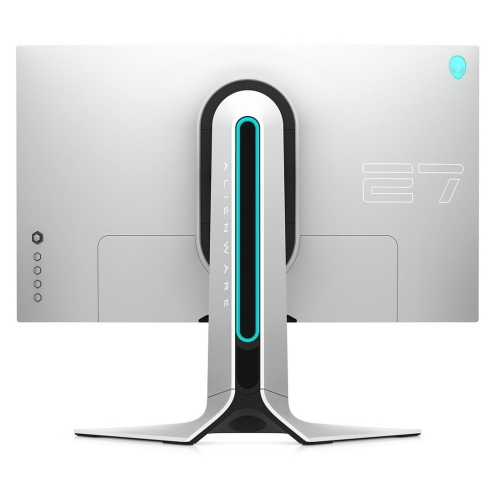 Your price for this item is $299
 -
 Your price for this item is $559.68
 -
 Your price for this item is $209.99
 -
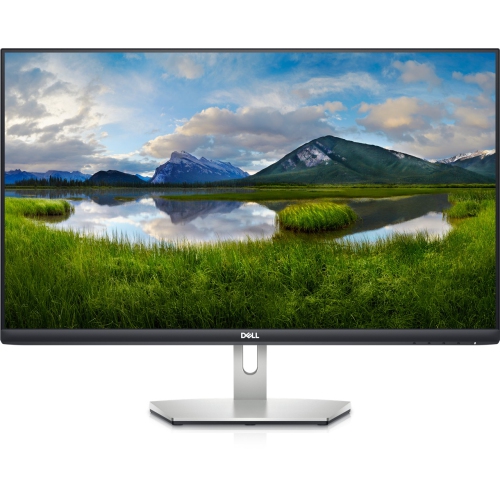 Your price for this item is $239.99
 -
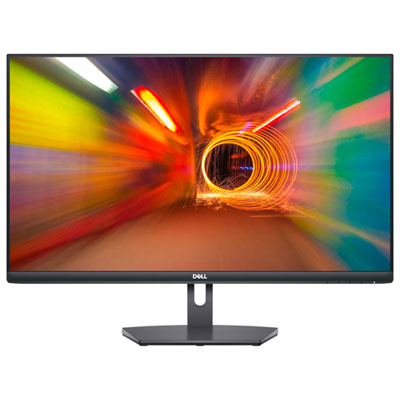 Your price for this item is $179.95
 -
 Your price for this item is $3299.99
Discover more categories related to 180hz Monitors


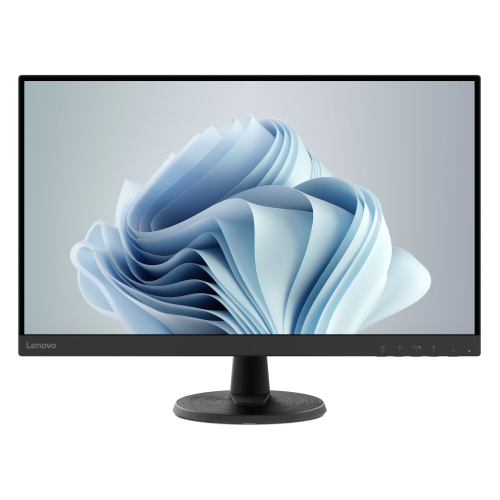
Top Collections:
Pokemon Centers, Kindle Devices, Best Budget Office Chairs, Apple iPhones 16, Best Laptops for Writers, iPhone 15 Apple, Canon G7X Cameras, Refurbished Apple Laptops, Alarm Clock, Motorola Razr Phones
Some products may be subject to Environmental Handling Fees
(EHF) depending on your province.
Learn more about EHFs.