1D Barcode Scanners
Looking to streamline your business operations and enhance efficiency? Look no further than our extensive collection of 1D barcode scanners. These powerful devices are designed to effortlessly scan and decode barcodes, making inventory management and point-of-sale transactions a breeze. Whether you're in retail, warehousing, or logistics, our range of 1D barcode scanners offers reliable performance and unmatched accuracy. With their ergonomic designs and advanced features, these scanners are the perfect tool to optimize your workflow and improve productivity. Explore our selection today and discover the ideal barcode scanner for your business needs.
Sort

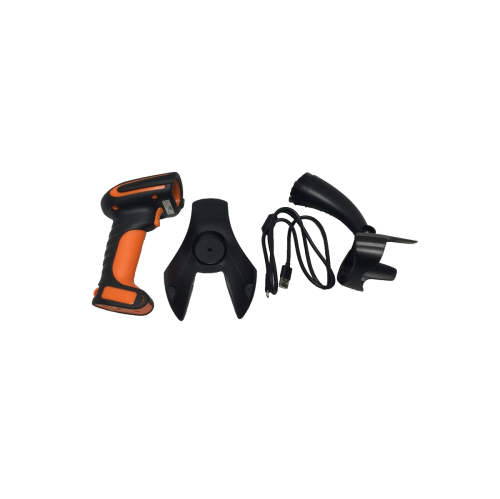
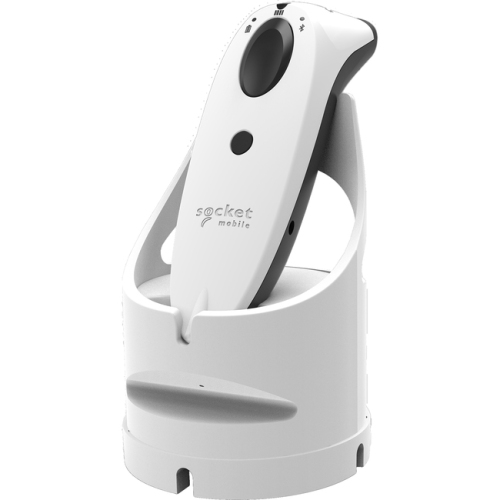

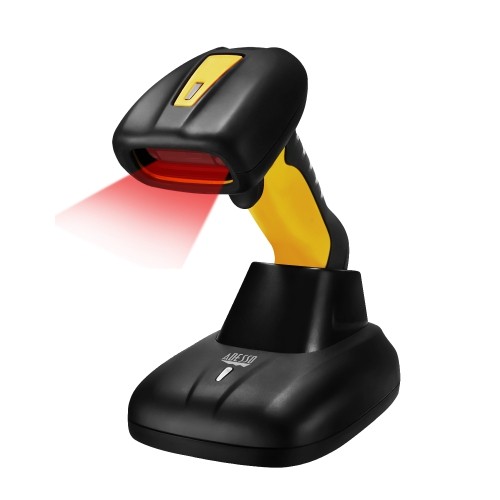
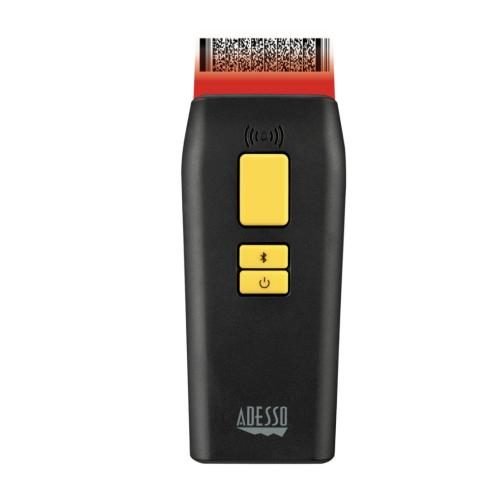

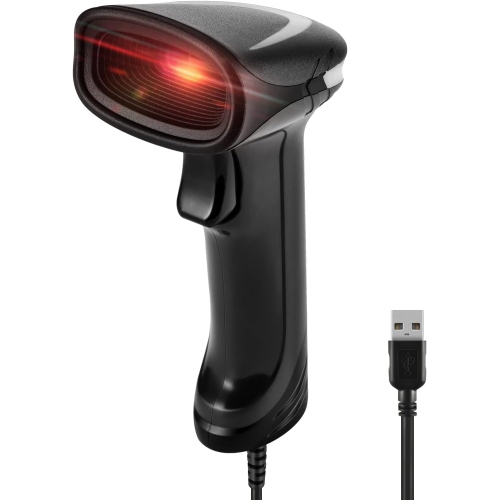
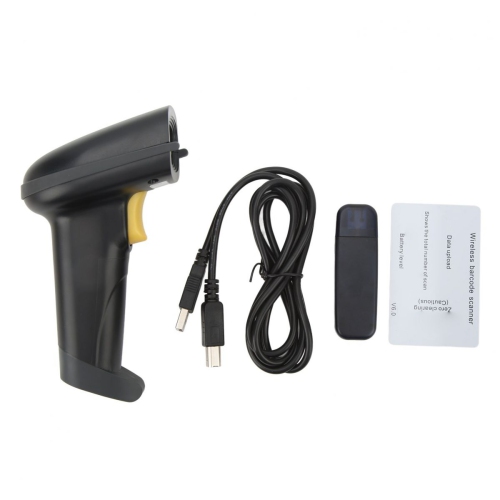
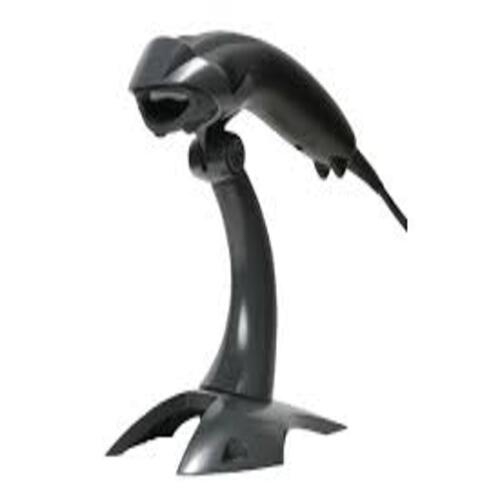
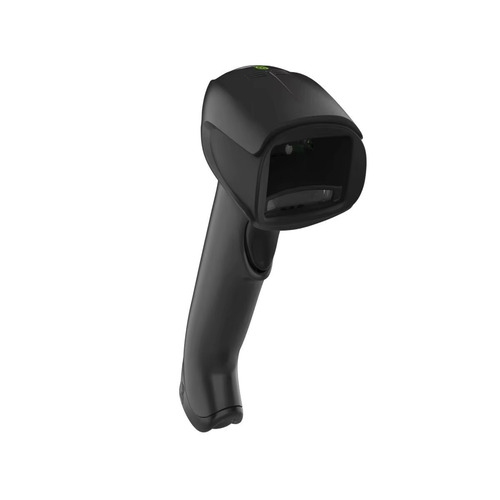
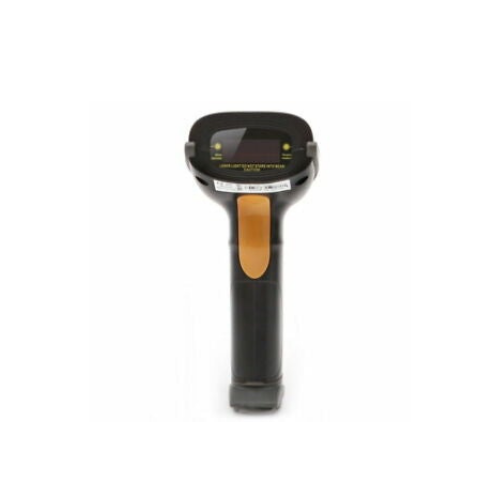
How linear barcode scanning reduces repetitive data entry
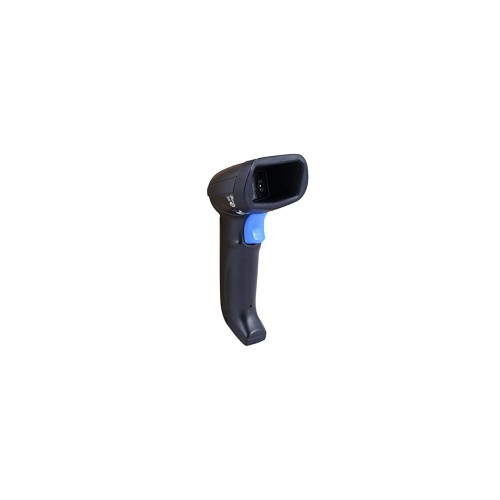
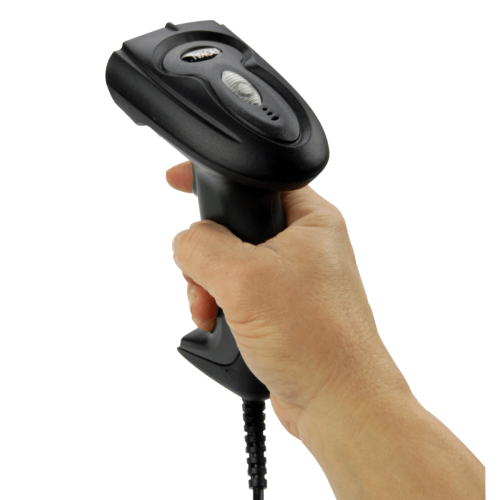
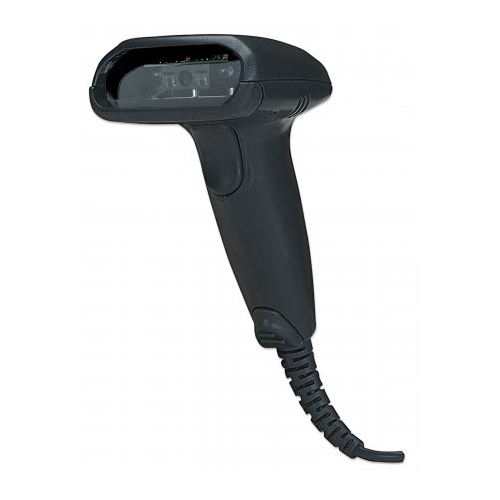
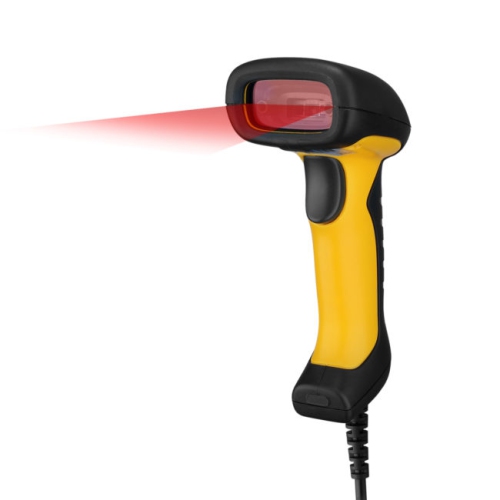
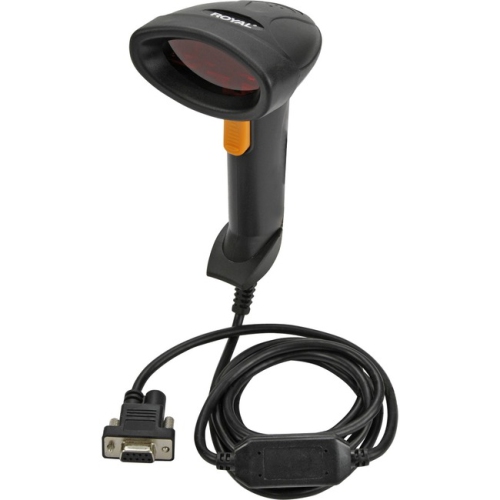
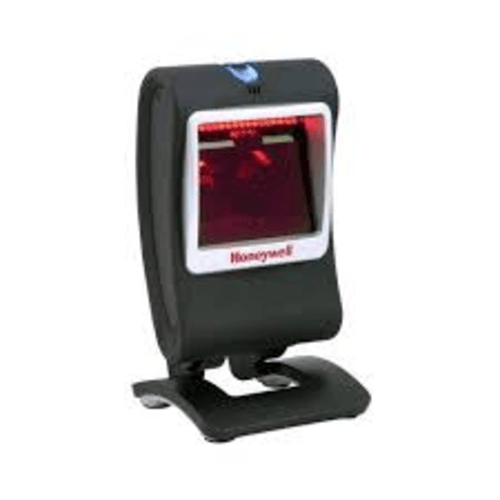
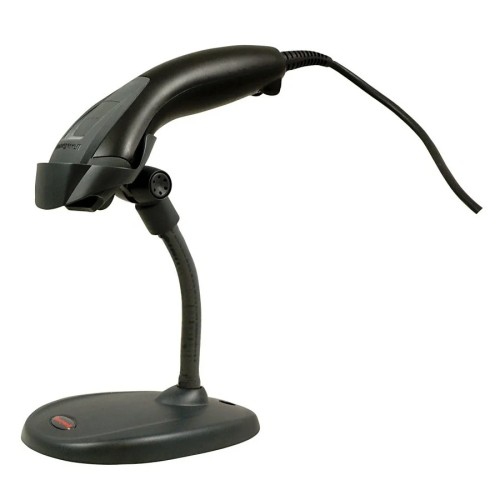
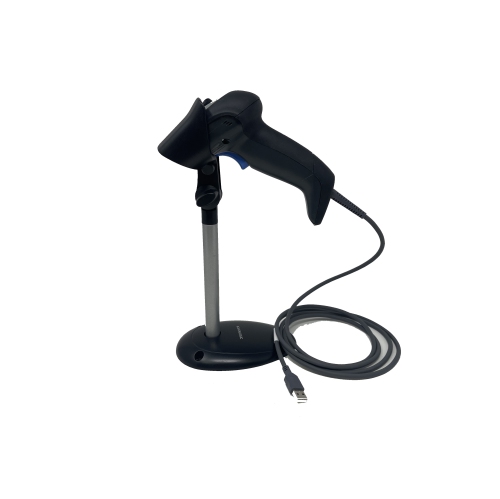
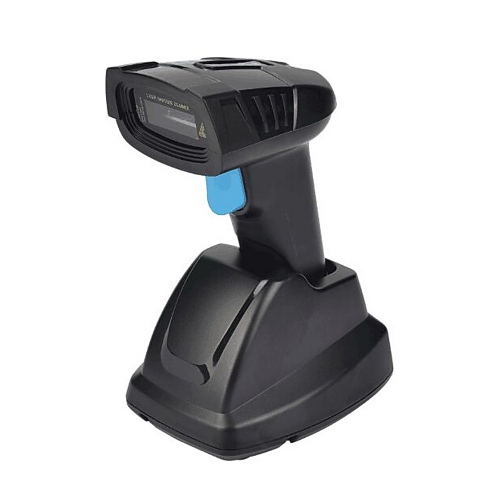
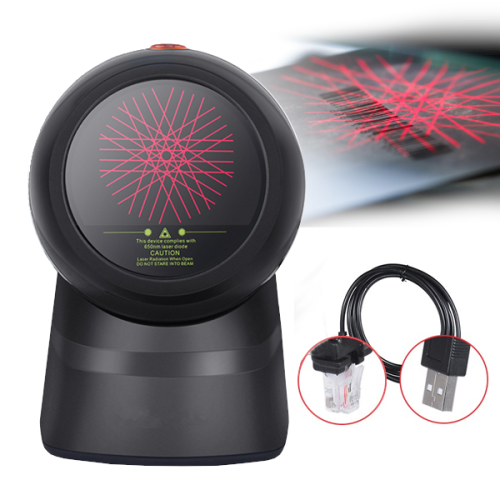
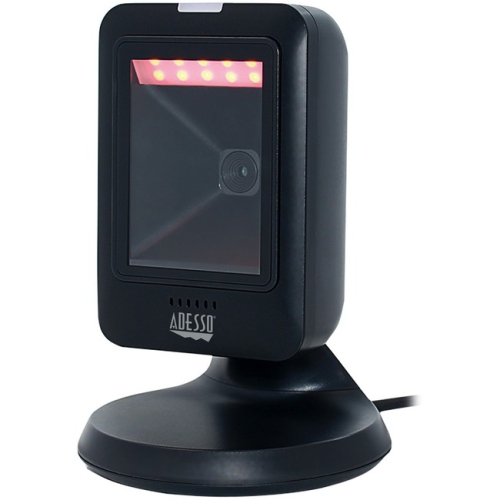
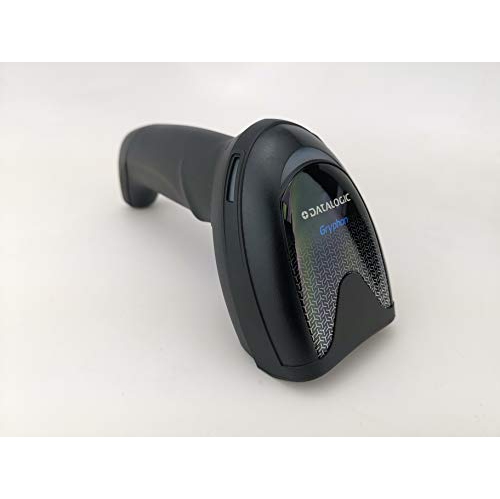
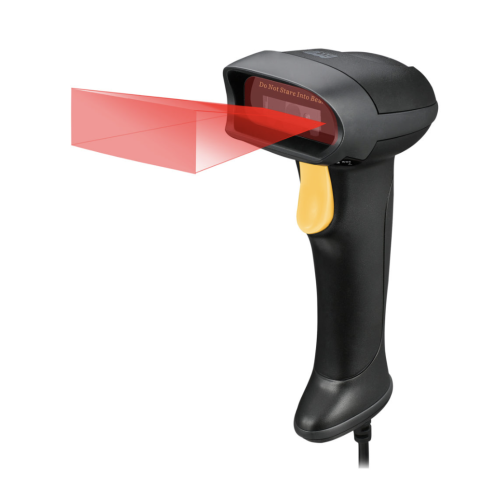
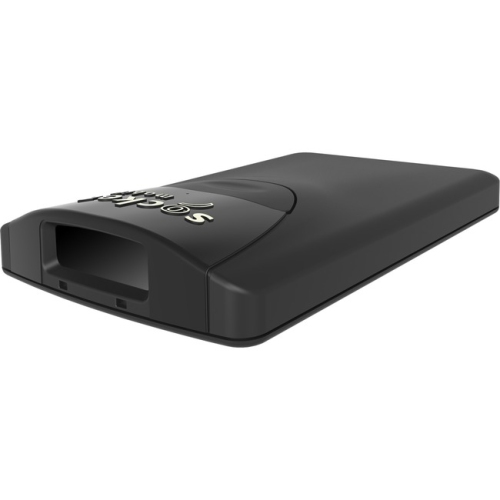
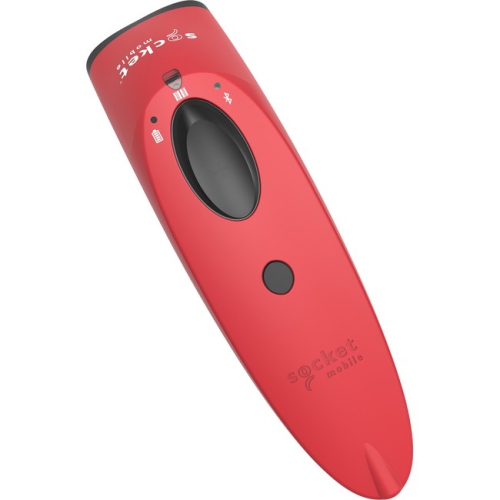
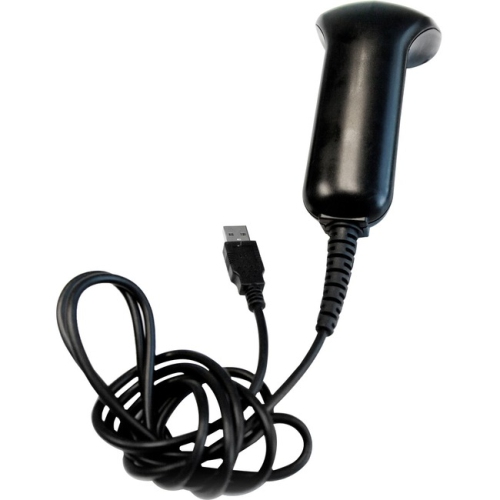
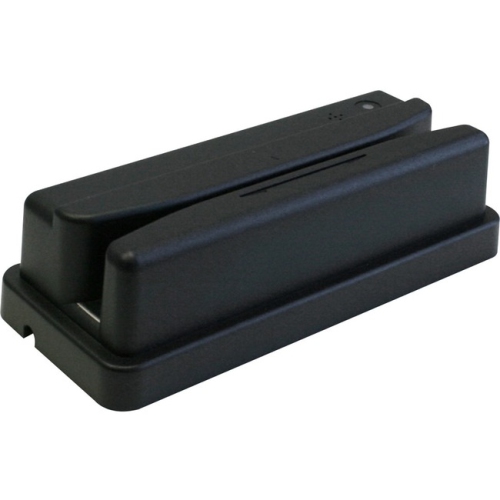
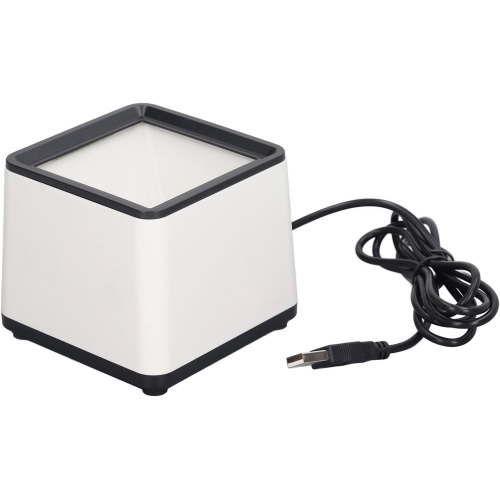
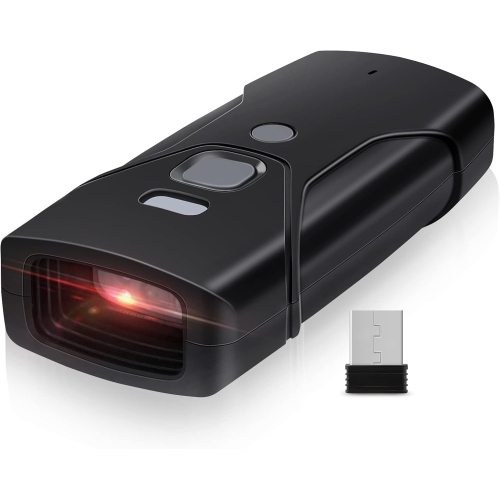
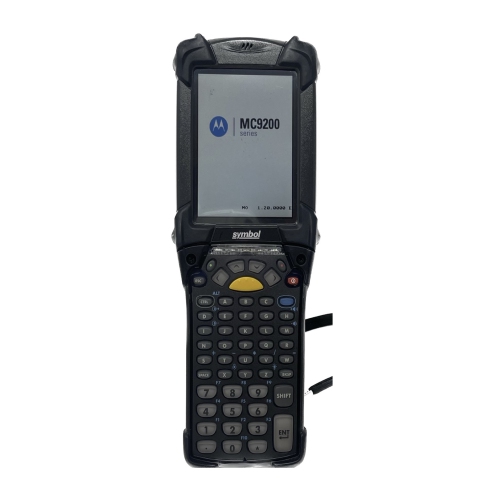
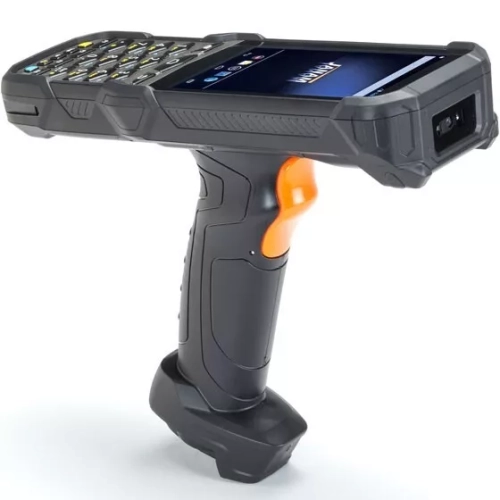
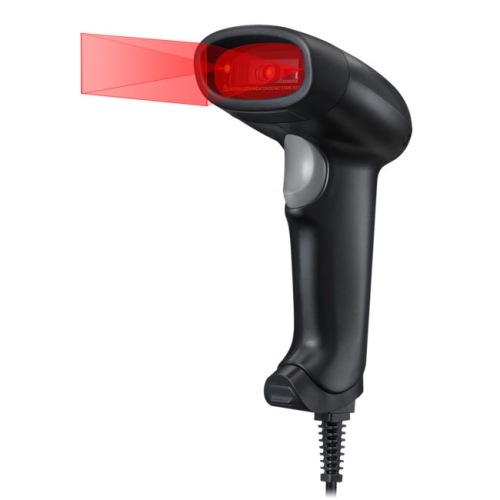
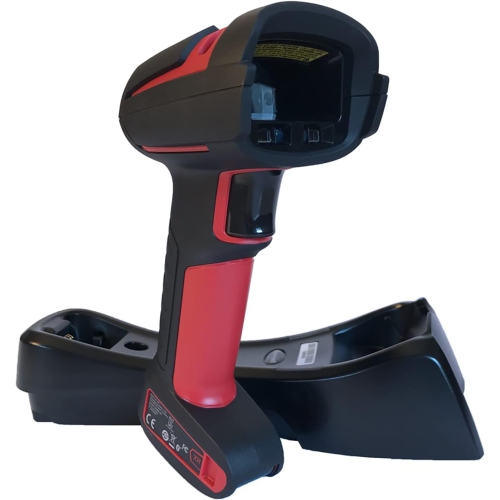
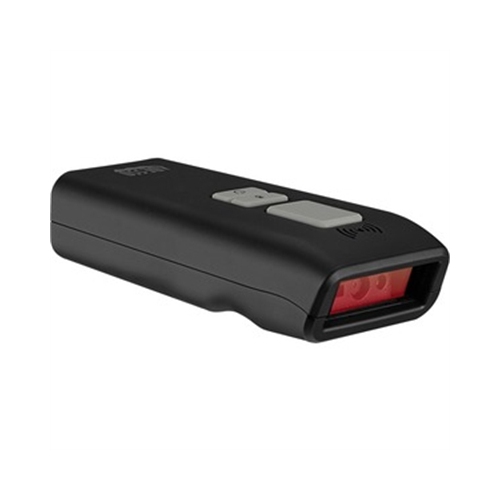
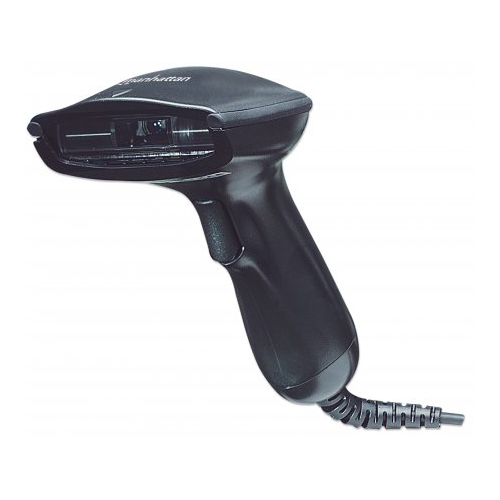
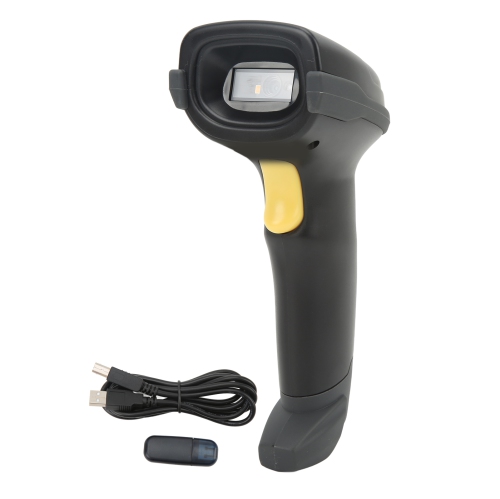
1D barcode scanners read one-dimensional, or linear, barcodes made up of parallel dark bars and light spaces. Common formats include UPC and EAN codes on retail packaging, Code 39 on asset labels, and Code 128 on shipping and logistics labels. A scanner captures the pattern, decodes the characters it represents, and sends that information to a connected computer, point-of-sale system, or compatible mobile device. The barcode usually acts as an identifier; the connected software supplies the associated description or record. This makes a dedicated reader useful wherever repeatedly typing a string of numbers would slow down a task or introduce errors. At a checkout counter, a quick scan can identify a packaged purchase. In an office, it can bring up the record for a labelled laptop, while at a dispatch station it can help match a parcel to an order. Laser scanners and linear imagers are two common technologies used for reading 1D codes. A laser scanner uses reflected laser light to read the pattern, while a linear imager captures a line of image data and decodes it electronically. Neither technology is automatically the better fit for every task: label size, print quality, reading distance, and the surfaces being scanned all matter. Small, densely printed labels require suitable resolution, and a code wrapped around a narrow container may need more careful positioning than one printed flat on a carton. Supported barcode formats also deserve attention, especially when a workplace uses less common symbologies or requires particular check-digit settings. A dedicated 1D reader does not decode QR codes, Data Matrix, or other two-dimensional formats. For tasks that include those formats, 2D Barcode Readers offer a different scanning capability, often alongside support for linear codes. Reading a linear barcode from a phone screen is a separate consideration: some linear imagers support it, but screen-reading capability should be confirmed rather than assumed, particularly with laser-based readers.
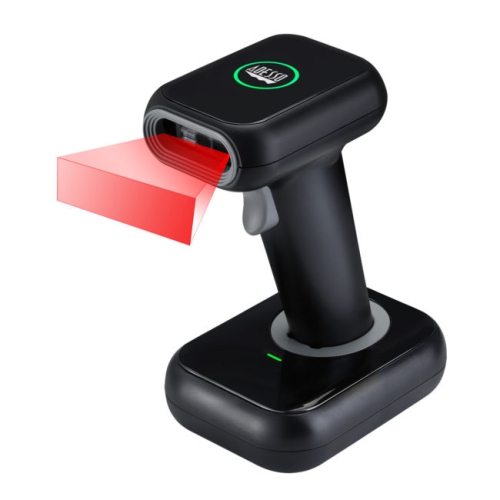
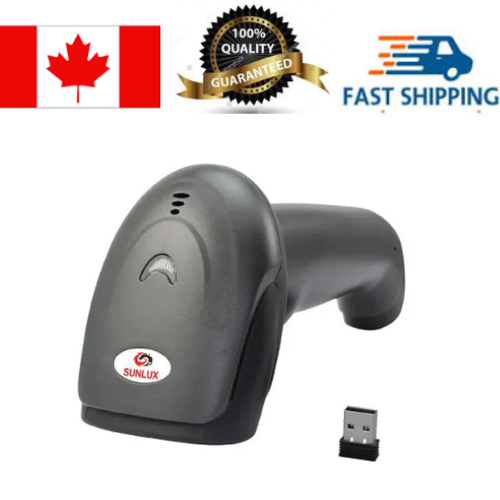
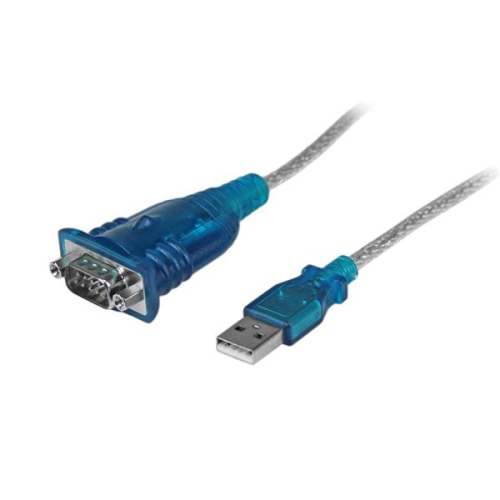
Connection type shapes how comfortably a barcode scanner fits into a daily routine. A wired USB scanner suits a fixed workstation where labels come to the operator, such as a service desk or packing bench. It avoids battery charging and keeps the reader connected throughout the task, although cable length and routing affect reach. A cord stretched across a keyboard or hanging over the edge of a counter can become an unnecessary obstacle. Cordless barcode scanners give the operator more freedom to move around larger packages or reach labels without lifting an awkward carton onto a desk. Bluetooth connections may pair directly with a compatible computer, tablet, or phone, while other wireless designs communicate through a dedicated USB receiver or base. These arrangements are not interchangeable, so the host device, available ports, operating system, and supported connection modes all need to match. Wireless range depends on the stated specification as well as walls, shelving, interference, and the position of the receiver. For a shared workstation, predictable pairing and a convenient charging location can matter as much as reach. Battery runtime figures also need context: frequent scanning, wireless activity, and feedback settings can affect how long a charge lasts. Some cordless readers can store scans while disconnected and transfer them later, but that function is model-dependent and requires a suitable workflow to avoid missing or duplicating entries. Software compatibility goes beyond having the right plug. Many scanners support a keyboard-style input mode that enters decoded characters wherever the cursor is active. Others provide additional communication modes for applications that need more control. Configurable prefixes and suffixes, such as an Enter or Tab command after each scan, can help move through form fields without extra keystrokes. For example, scanning a label into a receiving form is more efficient when the code lands in the correct field and the application advances as intended. Confirming these details helps distinguish a reader that simply connects from one that works smoothly with the software already in use.
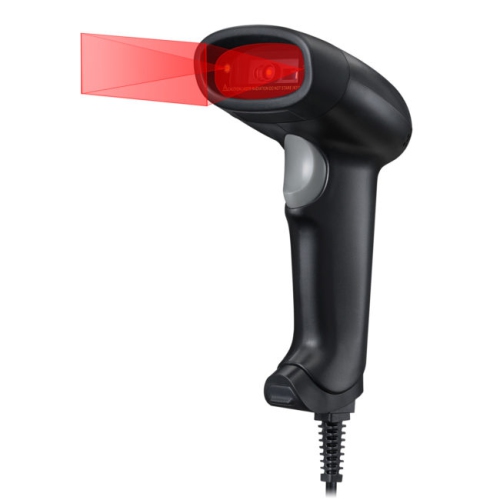
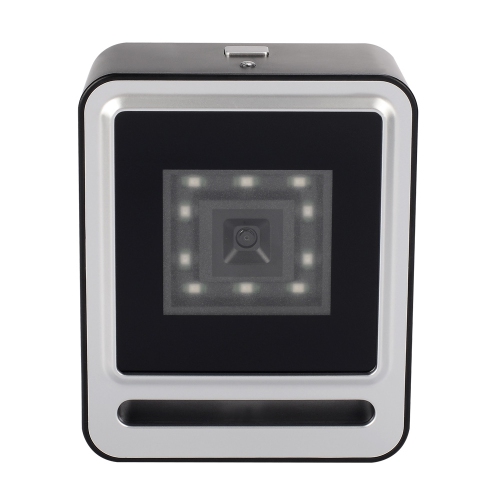
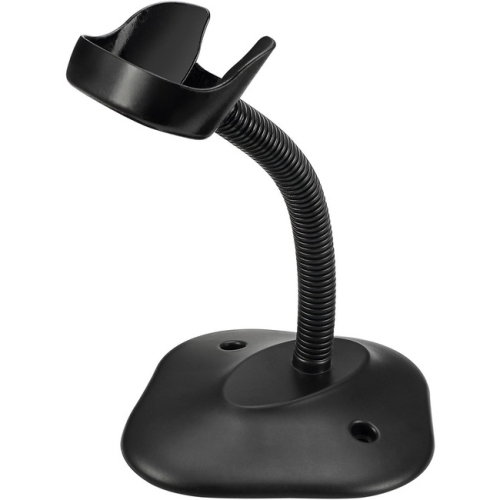
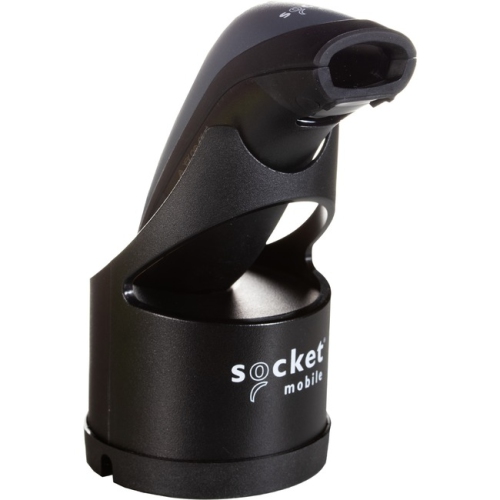
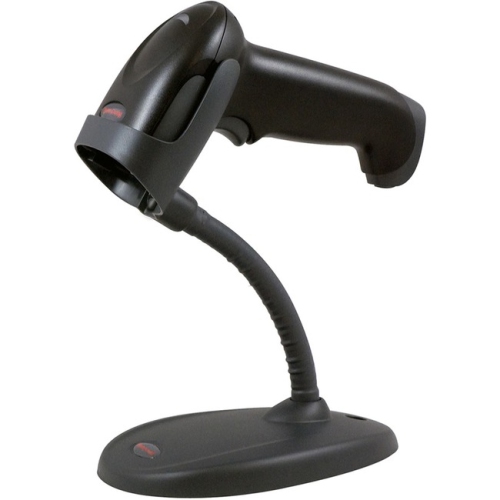
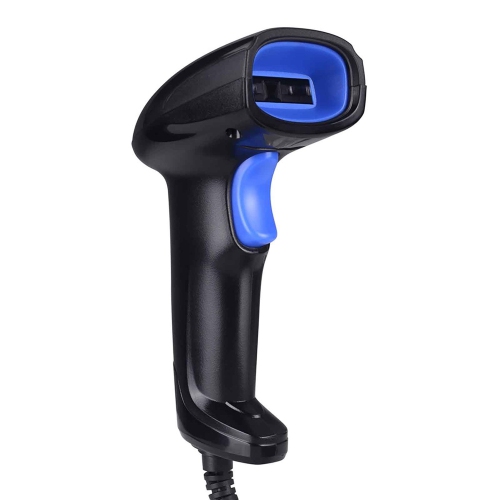
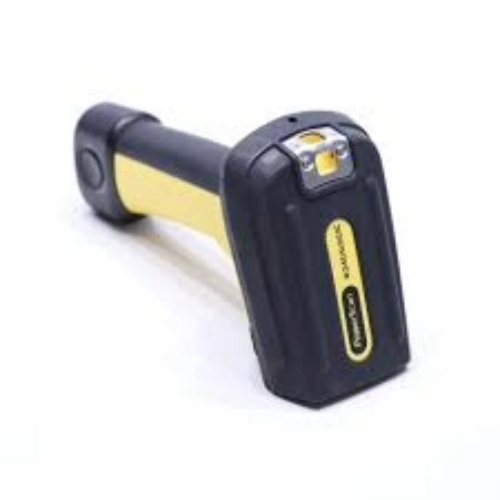
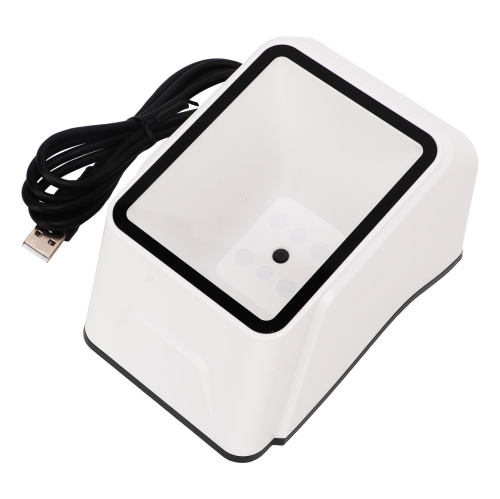
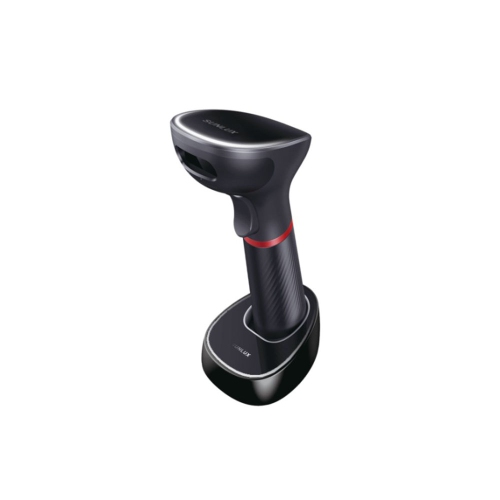
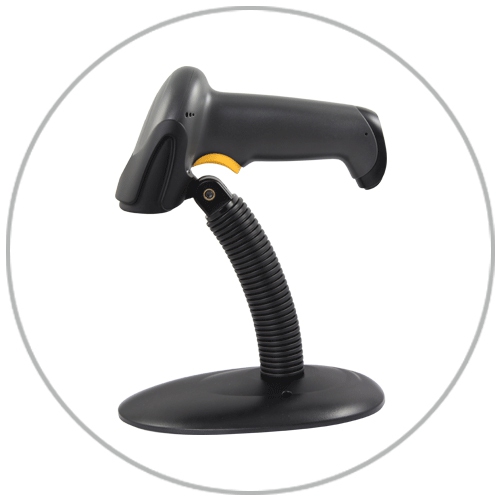
Physical design becomes especially noticeable during repetitive scanning. Handheld 1D barcode scanners typically use moulded plastic housings, with some adding rubberized contact areas or protective bumpers for grip and impact resistance. Weight distribution, handle shape, and trigger pressure influence comfort more than appearance alone. A compact reader may suit occasional asset checks, while a balanced, full-hand grip can feel steadier through a longer series of scans. Left- and right-handed users should be able to reach the trigger naturally without twisting the wrist to align the scan line. On a counter, a compatible stand can keep the scanner within reach; readers with a supported presentation mode can detect barcodes brought into the reading area without a trigger press. That arrangement is useful when both hands are needed to turn a package or hold a document flat. Audible beeps, indicator lights, and, on some designs, vibration provide confirmation that a code has been read. Adjustable feedback is helpful when a quiet office and a busy work area have different needs. Durability should be judged by documented specifications rather than a rugged-looking shell. Drop-test ratings describe particular test conditions, while an ingress protection rating indicates tested resistance to dust and water. Neither means a scanner can withstand every spill, fall, or cleaning method. Care is generally straightforward: keep the scanning window free of fingerprints and debris, use a soft cloth and cleaning products approved by the manufacturer, and avoid abrasive materials that could scratch the optical surface. Cables, connectors, and charging contacts also benefit from routine inspection, particularly at shared stations where equipment is frequently moved. A scratched window, dirty label, or damaged cable can interrupt an otherwise simple task. Reading distance deserves similar practical attention. A standard-range scanner designed for labels within easy reach should not be expected to capture small codes across an aisle. Matching the reader to the actual label, working distance, connection, and handling demands supports reliable scanning for retail staff, office administrators, shipping teams, and other users who work with linear barcodes every day.
Connection type shapes how comfortably a barcode scanner fits into a daily routine. A wired USB scanner suits a fixed workstation where labels come to the operator, such as a service desk or packing bench. It avoids battery charging and keeps the reader connected throughout the task, although cable length and routing affect reach. A cord stretched across a keyboard or hanging over the edge of a counter can become an unnecessary obstacle. Cordless barcode scanners give the operator more freedom to move around larger packages or reach labels without lifting an awkward carton onto a desk. Bluetooth connections may pair directly with a compatible computer, tablet, or phone, while other wireless designs communicate through a dedicated USB receiver or base. These arrangements are not interchangeable, so the host device, available ports, operating system, and supported connection modes all need to match. Wireless range depends on the stated specification as well as walls, shelving, interference, and the position of the receiver. For a shared workstation, predictable pairing and a convenient charging location can matter as much as reach. Battery runtime figures also need context: frequent scanning, wireless activity, and feedback settings can affect how long a charge lasts. Some cordless readers can store scans while disconnected and transfer them later, but that function is model-dependent and requires a suitable workflow to avoid missing or duplicating entries. Software compatibility goes beyond having the right plug. Many scanners support a keyboard-style input mode that enters decoded characters wherever the cursor is active. Others provide additional communication modes for applications that need more control. Configurable prefixes and suffixes, such as an Enter or Tab command after each scan, can help move through form fields without extra keystrokes. For example, scanning a label into a receiving form is more efficient when the code lands in the correct field and the application advances as intended. Confirming these details helps distinguish a reader that simply connects from one that works smoothly with the software already in use.
Physical design becomes especially noticeable during repetitive scanning. Handheld 1D barcode scanners typically use moulded plastic housings, with some adding rubberized contact areas or protective bumpers for grip and impact resistance. Weight distribution, handle shape, and trigger pressure influence comfort more than appearance alone. A compact reader may suit occasional asset checks, while a balanced, full-hand grip can feel steadier through a longer series of scans. Left- and right-handed users should be able to reach the trigger naturally without twisting the wrist to align the scan line. On a counter, a compatible stand can keep the scanner within reach; readers with a supported presentation mode can detect barcodes brought into the reading area without a trigger press. That arrangement is useful when both hands are needed to turn a package or hold a document flat. Audible beeps, indicator lights, and, on some designs, vibration provide confirmation that a code has been read. Adjustable feedback is helpful when a quiet office and a busy work area have different needs. Durability should be judged by documented specifications rather than a rugged-looking shell. Drop-test ratings describe particular test conditions, while an ingress protection rating indicates tested resistance to dust and water. Neither means a scanner can withstand every spill, fall, or cleaning method. Care is generally straightforward: keep the scanning window free of fingerprints and debris, use a soft cloth and cleaning products approved by the manufacturer, and avoid abrasive materials that could scratch the optical surface. Cables, connectors, and charging contacts also benefit from routine inspection, particularly at shared stations where equipment is frequently moved. A scratched window, dirty label, or damaged cable can interrupt an otherwise simple task. Reading distance deserves similar practical attention. A standard-range scanner designed for labels within easy reach should not be expected to capture small codes across an aisle. Matching the reader to the actual label, working distance, connection, and handling demands supports reliable scanning for retail staff, office administrators, shipping teams, and other users who work with linear barcodes every day.
Top selling and popular products
-
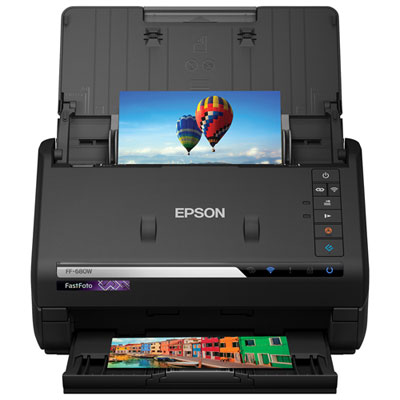 Your price for this item is $849.99
 -
 Your price for this item is $107.99
 -
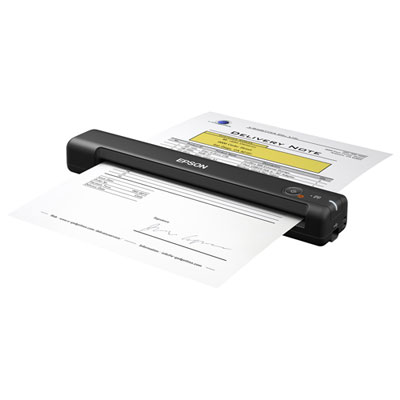 Your price for this item is $149.99
 -
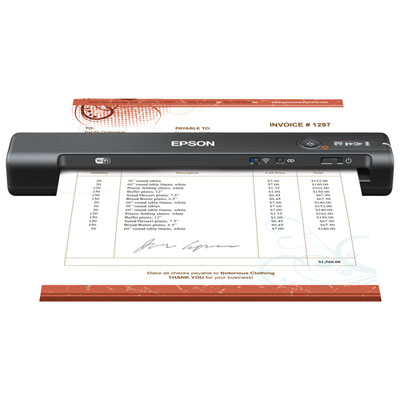 Your price for this item is $239.99
 -
 Your price for this item is $369.99
 -
 Your price for this item is $129.99
 -
 Your price for this item is $228.99
 -
 Your price for this item is $804
Discover more categories related to 1D Barcode Scanners
Top Collections:
Pokemon Centers, Kindle Devices, Best Budget Office Chairs, Apple iPhones 16, Best Laptops for Writers, iPhone 15 Apple, Canon G7X Cameras, Refurbished Apple Laptops, Alarm Clock, Motorola Razr Phones
Some products may be subject to Environmental Handling Fees
(EHF) depending on your province.
Learn more about EHFs.