1st Gen iPad Air
Upgrade your digital experience with 1st Gen iPad Airs. These sleek and powerful tablets offer a range of features that will enhance your productivity, entertainment, and creativity. With their lightweight design and stunning display, 1st Gen iPad Airs are perfect for on-the-go use, whether you're browsing the web, streaming your favorite shows, or working on important projects. Shop for 1st Gen iPad Airs that combine style, performance, and convenience in one impressive package.
Sort
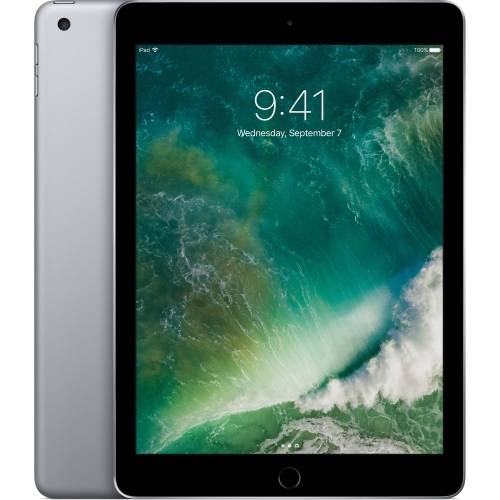
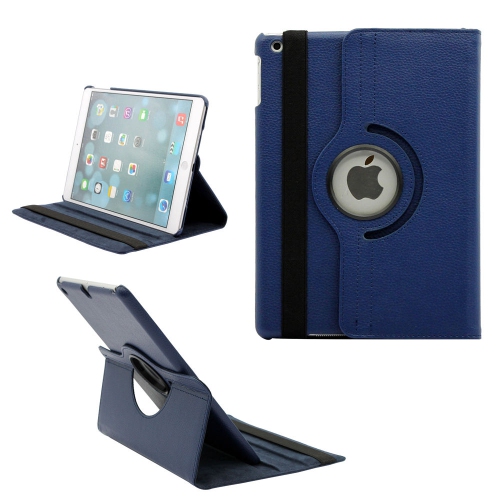
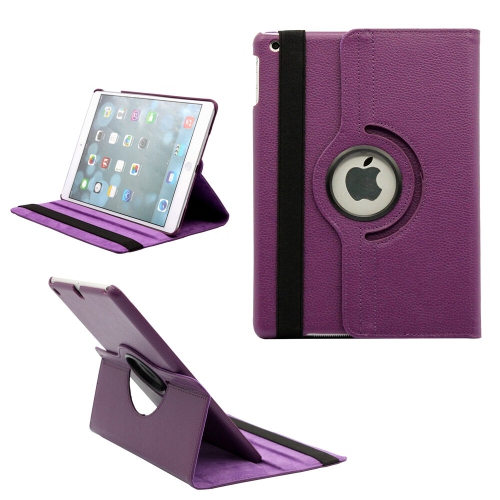
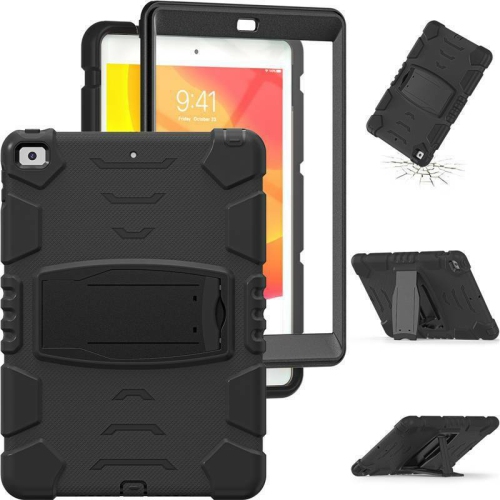
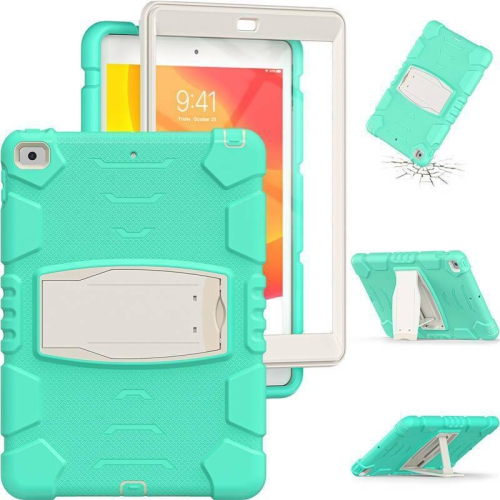
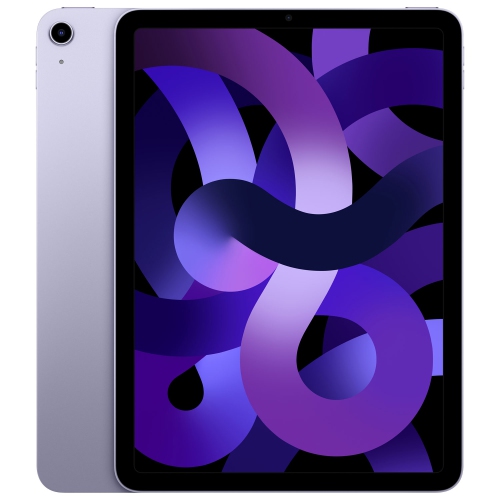

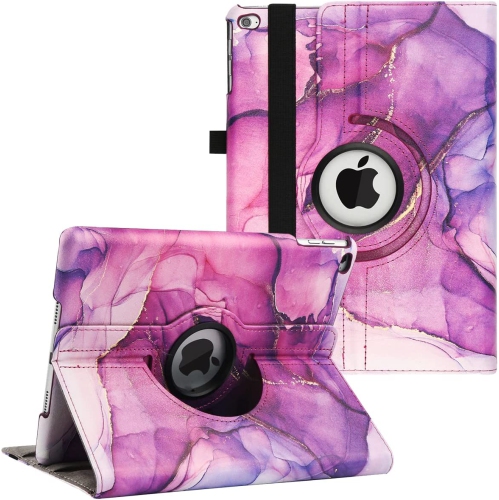
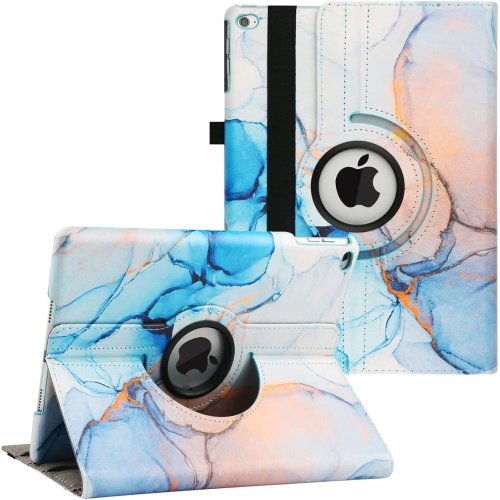
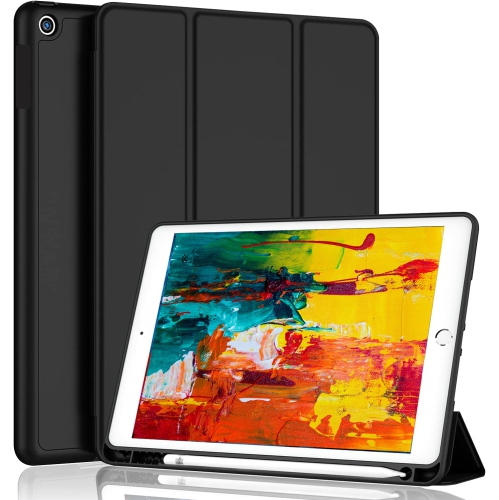
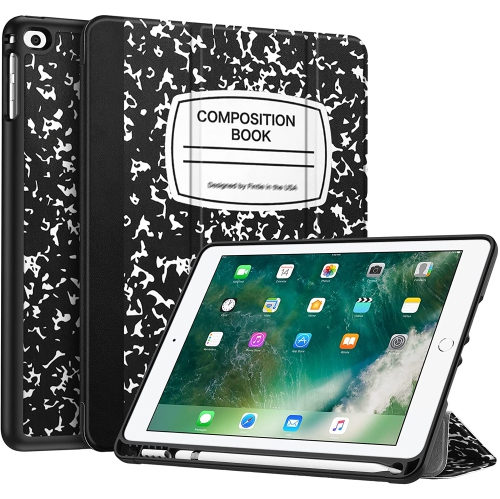

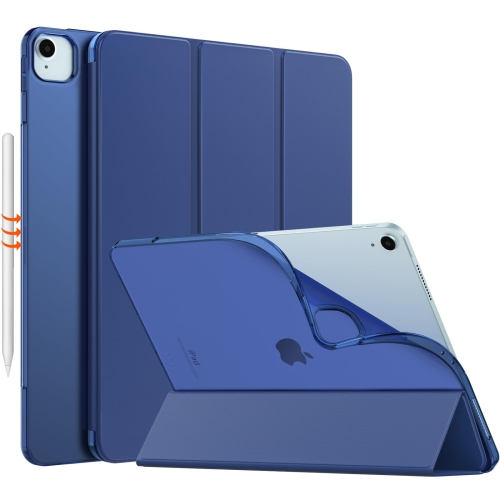
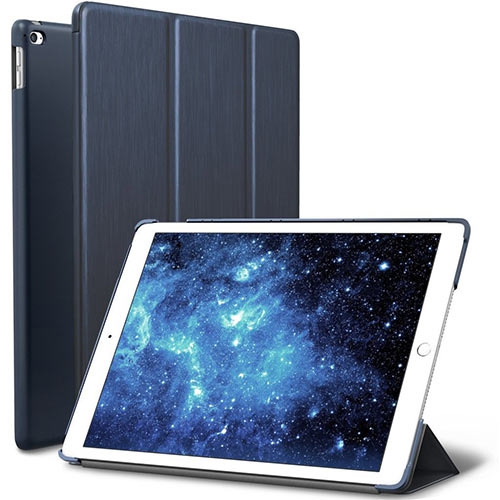

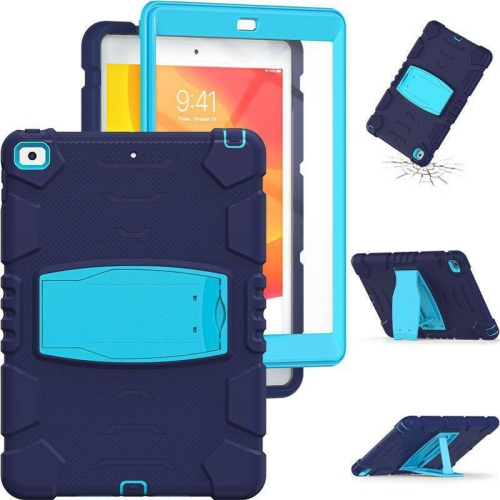
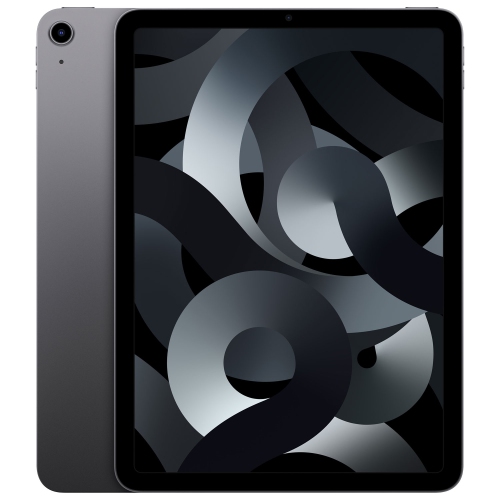
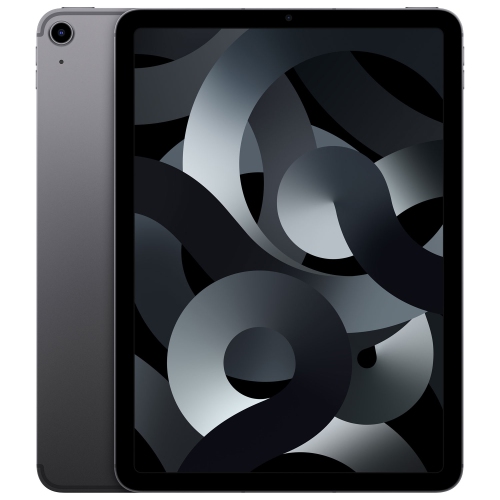
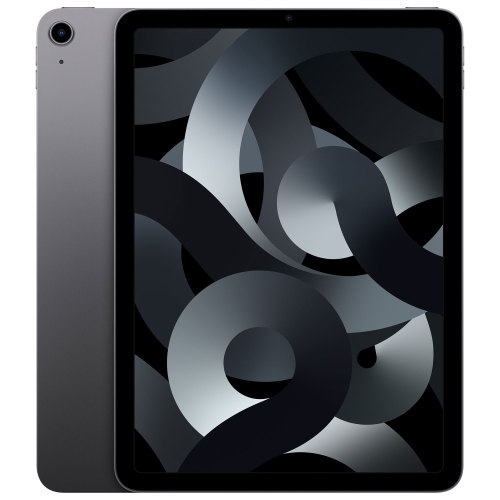
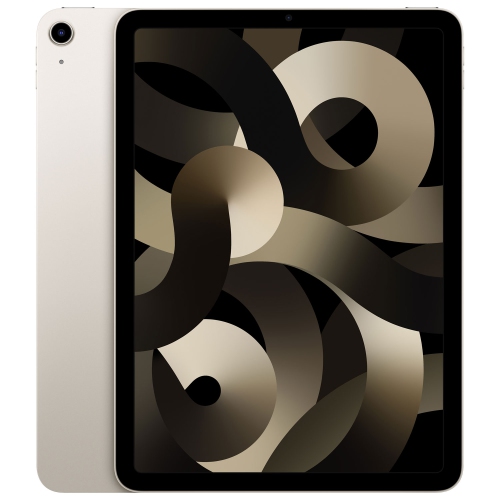
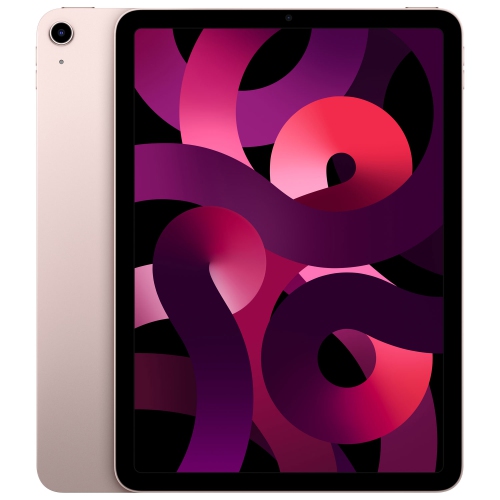
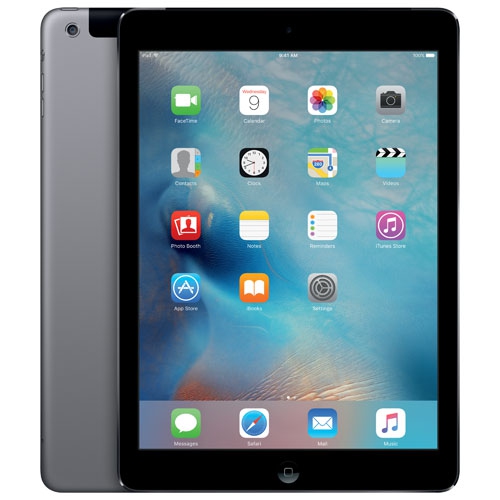
A lightweight screen for reading, recipes, and offline media
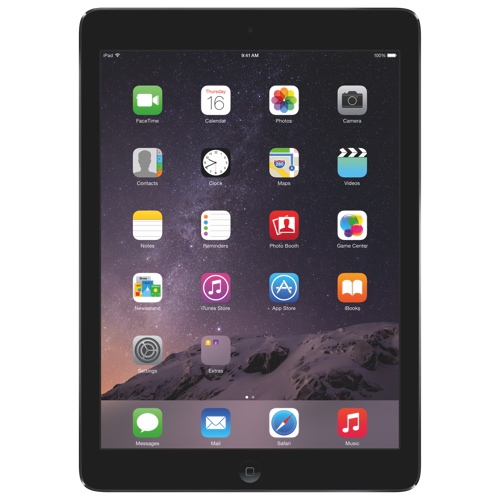
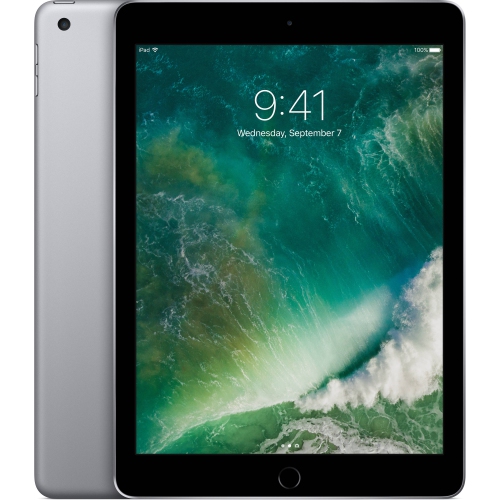
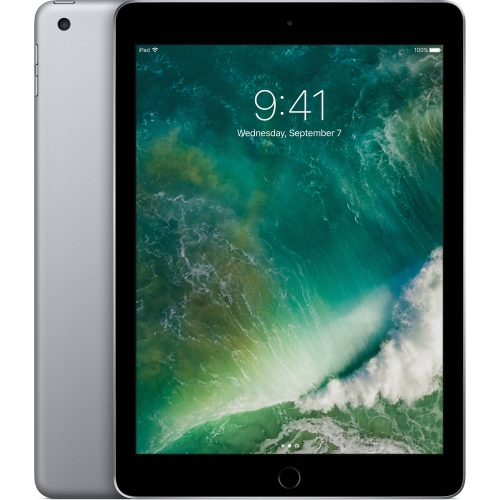
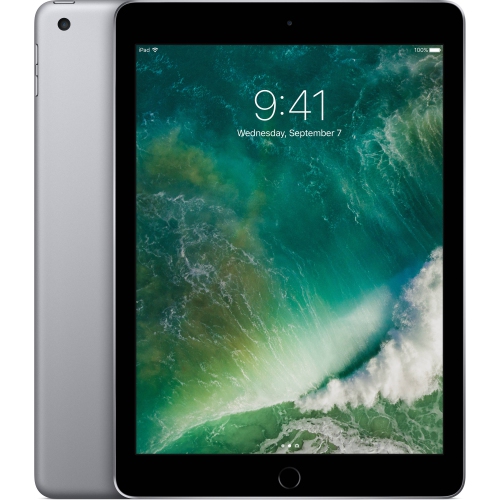
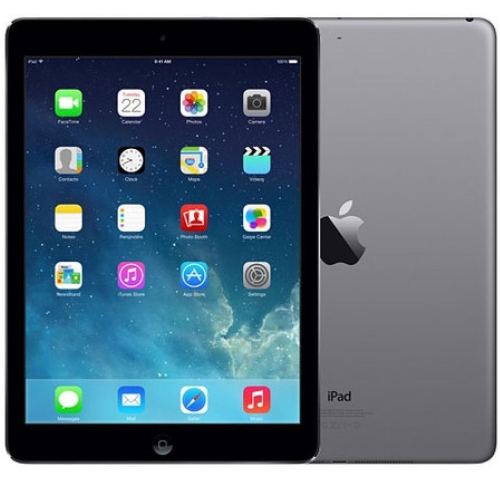
The 1st Gen iPad Air remains a lightweight tablet option for people who want a simple screen for reading, watching locally stored videos, viewing photos, checking compatible websites, or keeping a recipe visible on a kitchen counter. Released on November 1, 2013, it introduced a slimmer design and a 9.7-inch Retina display with a 2048 x 1536 resolution, making text and images appear sharp for its time. Its compact size and weight of about 469 grams make it comfortable to carry between rooms, pack in a travel bag, or hold during a longer reading session. The tablet uses an A7 dual-core processor with an M7 motion coprocessor and includes 1 GB of RAM, a 5 MP rear camera capable of 1080p video, and a 1.2 MP front camera for basic video calls. Depending on the configuration, built-in storage may be 16 GB, 32 GB, 64 GB, or 128 GB. Storage capacity matters more than it may seem: a smaller version can work well for books, a few downloaded videos, and light photos, while a larger version gives more room for offline media and documents. Connectivity options may include Wi-Fi and, on select versions, LTE cellular access. All versions use a Lightning port and include a 3.5 mm headphone jack, which can be useful for wired headphones or speakers. As a practical everyday tablet, it is best suited to straightforward tasks rather than demanding apps, advanced multitasking, or modern creative workflows.
Software compatibility is the most important consideration when choosing a 1st Gen iPad Air. This model is limited to iOS 12.5.7 or iOS 12.5.8, depending on its update history and configuration, and it does not support iPadOS. Because newer applications often require more recent software, some popular services may no longer install, may offer reduced functionality, or may work only through a compatible web browser. Performance can also feel slower than on newer tablets, particularly when several browser tabs are open, large webpages are loading, or an application has been designed for current hardware. It does not support Apple Pencil accessories or modern smart keyboards, so it is not the right choice for handwriting-heavy note-taking, digital illustration, or laptop-style productivity. Before purchasing, check the exact model, storage capacity, Wi-Fi or cellular capability, physical condition, and whether the tablet can be activated normally. A used or refurbished unit should be inspected for screen marks, weak battery performance, loose buttons, charging problems, camera issues, and damage around the Lightning port. Confirm that it is free from an activation lock and that the included charger or cable is suitable. Battery age is especially relevant for a tablet first released more than a decade ago; a device that powers on may still have limited runtime. It is also wise to confirm that the intended websites, books, video services, and other essential functions remain compatible before placing an order. For shoppers comparing compact older tablets, an iPad Mini 1st Gen may be another small-screen option to consider, although its specifications and software limitations are different.
A 1st Gen iPad Air can be a sensible choice for light, clearly defined uses. It may suit someone who wants a dedicated e-reader for a collection of compatible books, a family tablet for displaying recipes, or a basic media screen for downloaded content during travel. It can also be helpful for older adults who prefer a larger display than a phone provides, provided the required websites and applications still work. Families may use one for simple educational activities, music playback, photo viewing, or supervised browsing, while a frequent traveller might appreciate its low weight and headphone jack for offline entertainment during a long journey. It can make a thoughtful gift when the recipient’s needs are modest and the device has been checked carefully, especially for someone who values a familiar, uncomplicated screen rather than the latest features. It is less suitable as a primary work computer, a current gaming tablet, a device for professional video calls, or a long-term investment in new applications. Think of it as an older, focused tool: useful for opening a cookbook beside a simmering pot, displaying a digital magazine in an armchair, or keeping a playlist available without relying on a phone. Choosing the right storage size, confirming software compatibility, and checking battery and physical condition will help set realistic expectations. With those details in mind, shoppers can select a configuration that matches occasional browsing, reading, local media, and other basic tablet tasks during the warmer and cooler parts of the year.
Software compatibility is the most important consideration when choosing a 1st Gen iPad Air. This model is limited to iOS 12.5.7 or iOS 12.5.8, depending on its update history and configuration, and it does not support iPadOS. Because newer applications often require more recent software, some popular services may no longer install, may offer reduced functionality, or may work only through a compatible web browser. Performance can also feel slower than on newer tablets, particularly when several browser tabs are open, large webpages are loading, or an application has been designed for current hardware. It does not support Apple Pencil accessories or modern smart keyboards, so it is not the right choice for handwriting-heavy note-taking, digital illustration, or laptop-style productivity. Before purchasing, check the exact model, storage capacity, Wi-Fi or cellular capability, physical condition, and whether the tablet can be activated normally. A used or refurbished unit should be inspected for screen marks, weak battery performance, loose buttons, charging problems, camera issues, and damage around the Lightning port. Confirm that it is free from an activation lock and that the included charger or cable is suitable. Battery age is especially relevant for a tablet first released more than a decade ago; a device that powers on may still have limited runtime. It is also wise to confirm that the intended websites, books, video services, and other essential functions remain compatible before placing an order. For shoppers comparing compact older tablets, an iPad Mini 1st Gen may be another small-screen option to consider, although its specifications and software limitations are different.
A 1st Gen iPad Air can be a sensible choice for light, clearly defined uses. It may suit someone who wants a dedicated e-reader for a collection of compatible books, a family tablet for displaying recipes, or a basic media screen for downloaded content during travel. It can also be helpful for older adults who prefer a larger display than a phone provides, provided the required websites and applications still work. Families may use one for simple educational activities, music playback, photo viewing, or supervised browsing, while a frequent traveller might appreciate its low weight and headphone jack for offline entertainment during a long journey. It can make a thoughtful gift when the recipient’s needs are modest and the device has been checked carefully, especially for someone who values a familiar, uncomplicated screen rather than the latest features. It is less suitable as a primary work computer, a current gaming tablet, a device for professional video calls, or a long-term investment in new applications. Think of it as an older, focused tool: useful for opening a cookbook beside a simmering pot, displaying a digital magazine in an armchair, or keeping a playlist available without relying on a phone. Choosing the right storage size, confirming software compatibility, and checking battery and physical condition will help set realistic expectations. With those details in mind, shoppers can select a configuration that matches occasional browsing, reading, local media, and other basic tablet tasks during the warmer and cooler parts of the year.
Top selling and popular products
-
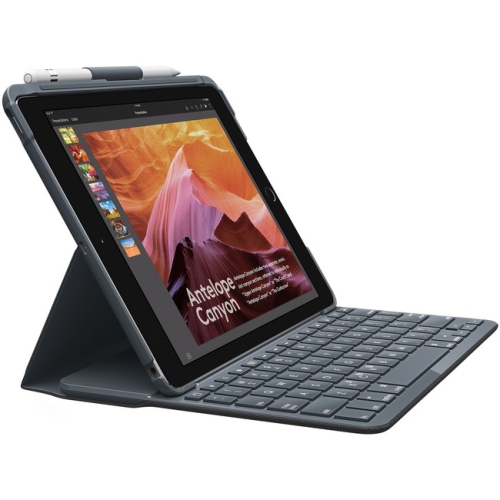 Your price for this item is $152.47
 -
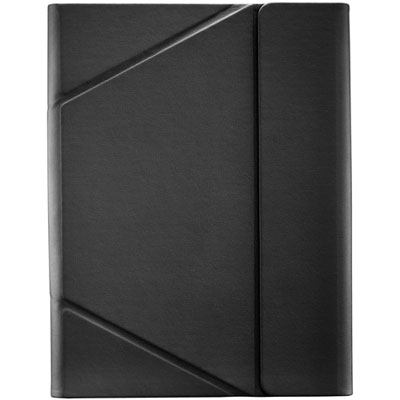 Your price for this item is $44.99
 -
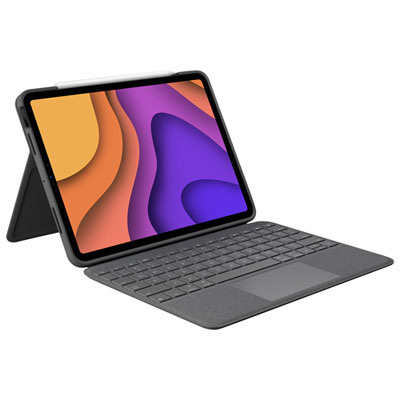 Your price for this item is $229.99
 -
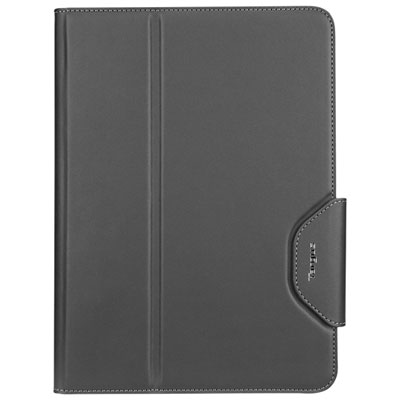 Your price for this item is $62.99
 -
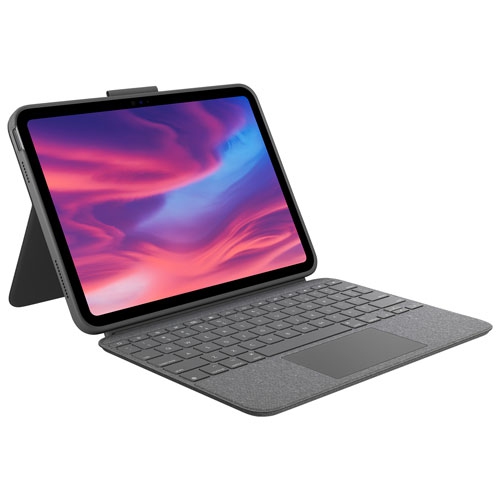 Your price for this item is $187.47
 -
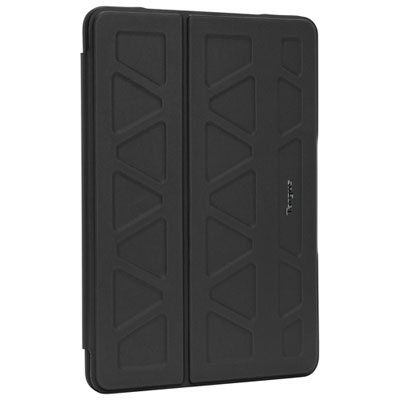 Your price for this item is $52.99
 -
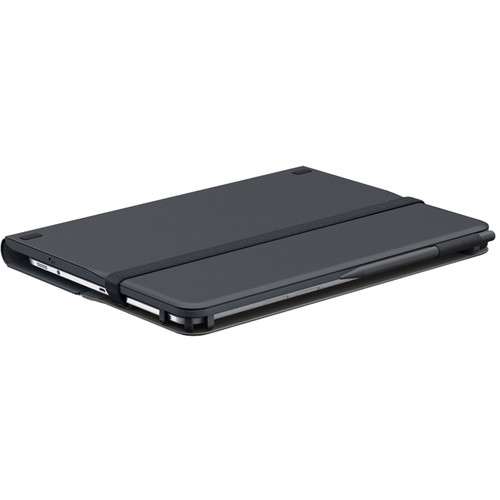 Your price for this item is $105.68
 -
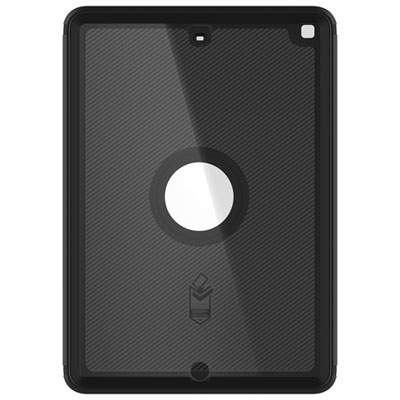 Your price for this item is $98.97
Discover more categories related to 1st Gen iPad Air
Top Collections:
Pokemon Centers, Kindle Devices, Best Budget Office Chairs, Apple iPhones 16, Best Laptops for Writers, iPhone 15 Apple, Canon G7X Cameras, Refurbished Apple Laptops, Alarm Clock, Motorola Razr Phones
Some products may be subject to Environmental Handling Fees
(EHF) depending on your province.
Learn more about EHFs.