iPad Mini 1st Gen
Discover the versatility and convenience of the iPad Mini 1st Gen, a compact tablet designed to fit seamlessly into your daily routine. Perfect for browsing, streaming, or staying connected on the go, the iPad Mini 1st Gen offers a lightweight solution for work and play. Explore a range of options to find the ideal device for your needs and enjoy a portable experience that keeps up with your lifestyle.
Sort


![SUPERSHIELD [Suprshield] Clear Case for Apple Ipad Mini 1St Generation, Ipad Mini 2Nd Generation, And Ipad Mini 3Rd Gen, Clear Tpu Soft Shockproof](https://multimedia.bbycastatic.ca/multimedia/products/500x500/166/16622/16622384.jpeg)

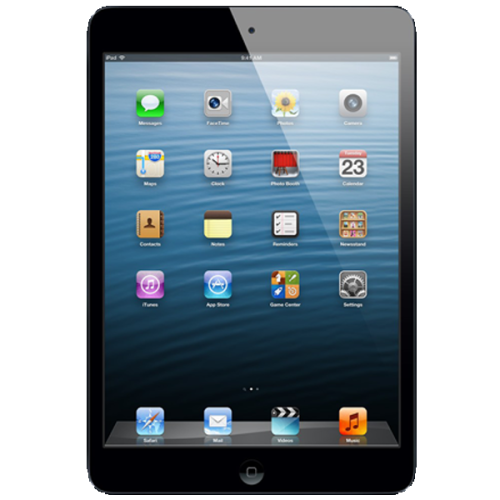
An older tablet’s appeal starts with simple offline tasks
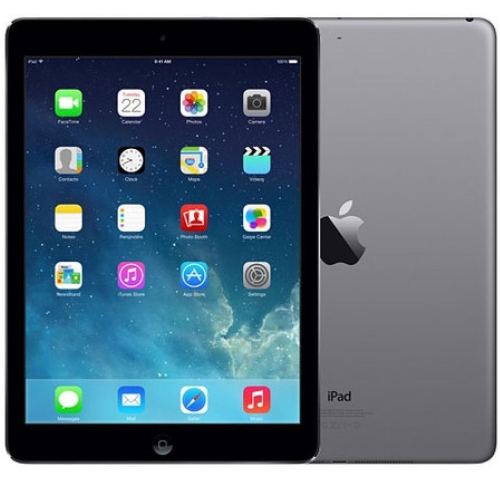
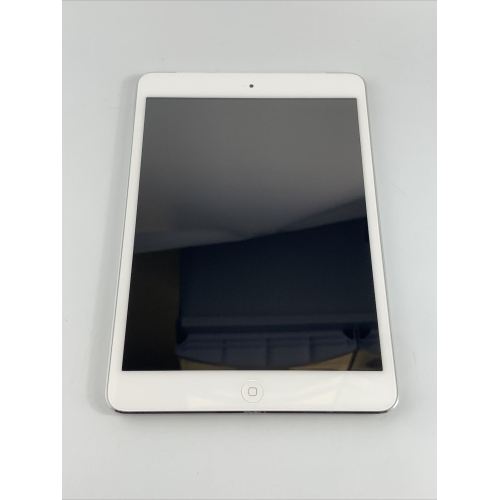
A first-generation compact tablet offers a particular kind of appeal: a small, lightweight screen for simple activities that do not need the power or software of a newer device. Introduced in 2012, this generation has a 7.9-inch display with a resolution of 1024 × 768 pixels, a dual-core processor, and built-in storage options of 16 GB, 32 GB, or 64 GB. Its aluminium body is easy to slip into a small bag, while the screen provides more room than a phone for a saved recipe, a photo album, or a few chapters of a book. The display is less sharp than those on later tablets, so small text and detailed images can look softer, particularly when viewed close up. A 5-megapixel rear camera and a 1.2-megapixel front camera suit basic snapshots, although camera hardware alone does not guarantee compatibility with video-calling apps. The most important purchase consideration is software support: Wi-Fi models stop at system version 9.3.5, while cellular models can reach version 9.3.6. These limits mean many newer apps cannot be installed, and some older apps may open without being able to connect to their online services. Modern websites can also load slowly, display incorrectly, or fail to work. For that reason, this type of tablet is better suited to a clearly defined, modest task than to being someone’s main device for work, school, or entertainment. Reading compatible offline e-books, browsing stored photos, playing locally saved music, and using an already installed, working offline game are more realistic uses than expecting broad access to streaming platforms or classroom tools. Even these simpler activities depend on the software and files available to the buyer. An older tablet can still have a useful place on a bedside table or beside a favourite reading chair, but the best purchase starts with checking that the intended activity works on the exact unit being considered.
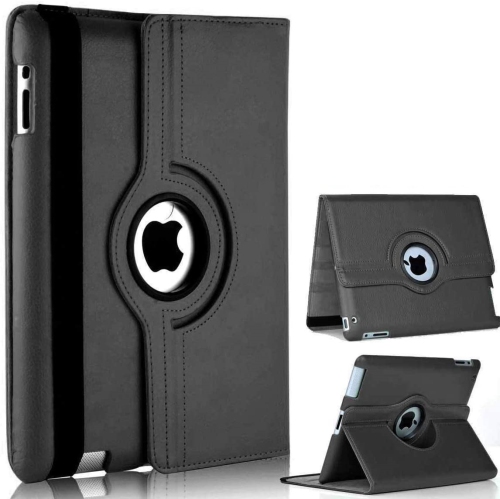
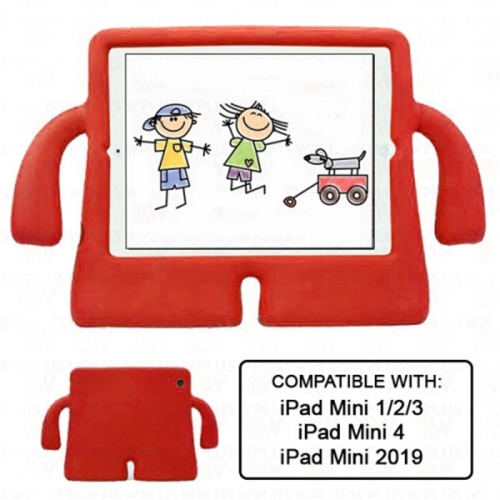
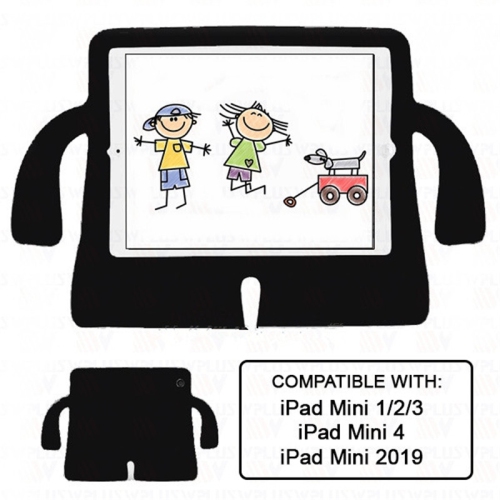
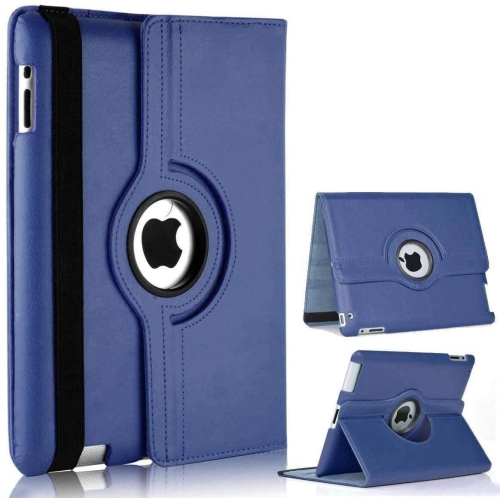
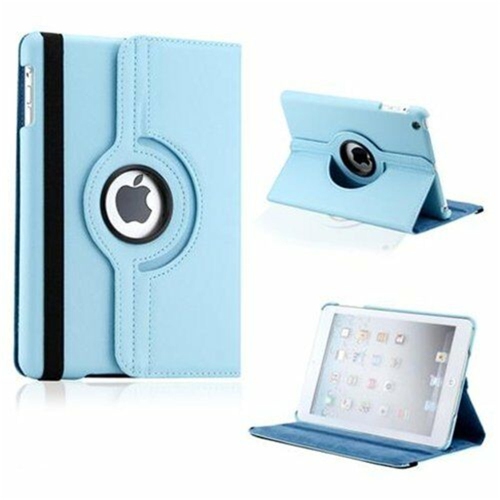
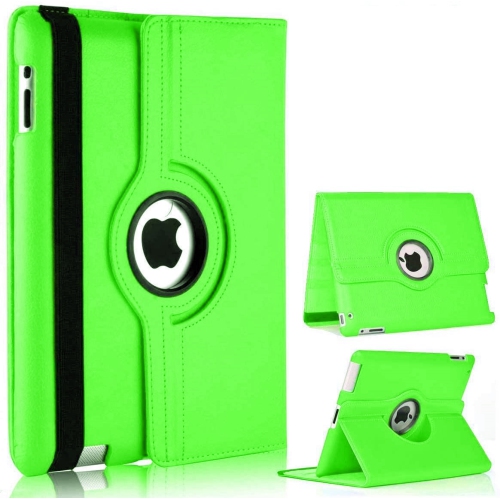
When comparing listings, look beyond the photographs and storage capacity to understand the condition of the actual device. Used and refurbished tablets can vary considerably, and a description such as “good condition” may refer mainly to appearance rather than battery performance. Read the seller’s condition grading, inspect any available images, and check for details about scratches, dents, screen damage, button operation, speakers, cameras, and the charging port. Light marks on the back may matter very little for a tablet that will stay in a case; an unreliable charging connection or unresponsive section of the touchscreen is much more disruptive. Battery age deserves particular attention because original battery-life claims do not describe how a device from 2012 will perform after years of use or storage. Look for a stated battery standard, testing information, or a return policy that allows time to assess everyday operation. A damaged or swollen battery is a safety concern, not a cosmetic flaw. Confirm that the tablet has been erased and removed from the previous owner’s account, with no activation lock preventing setup. Preinstalled apps should not be treated as a guaranteed benefit: they may depend on the previous owner’s account, disappear after a reset, or no longer be available to download. Storage is fixed and cannot be expanded with a memory card, and some of the listed capacity is occupied by system software. A small collection of books takes much less space than a library of videos, making intended use more helpful than capacity alone when comparing options. Check whether a charging cable and compatible power adapter are included, and verify accessory fit by model number rather than screen size alone. Cases for later generations may have different dimensions or openings. Seller warranty terms, return eligibility, shipping charges, and accessory costs all contribute to the overall value. A low purchase price is only useful if the tablet arrives ready for the purpose you have in mind.
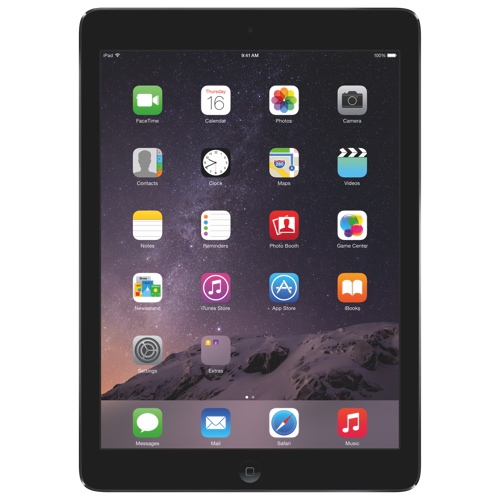
These older compact tablets make the most sense for buyers who appreciate their limitations and have a practical use for a separate screen. A hobbyist might enjoy revisiting older software that remains accessible, while someone with a collection of compatible digital books might want a dedicated reading device without moving between notifications and other daily tasks. In the kitchen, a saved recipe displayed on a stand can be easier to follow than a phone balanced beside a mixing bowl. During the cooler months, locally stored music or family photos can bring a little familiarity to a quiet afternoon indoors. For travel, the compact size is convenient, but files should be loaded and tested before departure rather than relying on downloads along the way. Transferring content may require a compatible computer and software, so confirm that process before buying. Wi-Fi and cellular versions also deserve a careful distinction: a cellular model requires a suitable plan and carrier compatibility for mobile data, and older network support should never be assumed. For many simple home uses, Wi-Fi connectivity is sufficient, though unsupported software makes this generation a poor choice for banking, handling sensitive documents, or managing important accounts. As a gift, an older tablet is most thoughtful when the recipient understands what it can do and the intended activity has already been verified. It is less suitable as a surprise for a student expecting school-app access or a family member wanting dependable video calls. Buyers who prefer more room for reading or viewing photos can also compare the larger format represented by 1st Gen iPad Air, while checking that generation’s own software limits and condition. Screen size alone does not resolve compatibility concerns. Choosing carefully means matching the device to a small set of genuine needs, confirming the details that matter, and leaving room in the budget for any essential accessories. With realistic expectations, the appeal is straightforward: a manageable screen for familiar, uncomplicated tasks.
When comparing listings, look beyond the photographs and storage capacity to understand the condition of the actual device. Used and refurbished tablets can vary considerably, and a description such as “good condition” may refer mainly to appearance rather than battery performance. Read the seller’s condition grading, inspect any available images, and check for details about scratches, dents, screen damage, button operation, speakers, cameras, and the charging port. Light marks on the back may matter very little for a tablet that will stay in a case; an unreliable charging connection or unresponsive section of the touchscreen is much more disruptive. Battery age deserves particular attention because original battery-life claims do not describe how a device from 2012 will perform after years of use or storage. Look for a stated battery standard, testing information, or a return policy that allows time to assess everyday operation. A damaged or swollen battery is a safety concern, not a cosmetic flaw. Confirm that the tablet has been erased and removed from the previous owner’s account, with no activation lock preventing setup. Preinstalled apps should not be treated as a guaranteed benefit: they may depend on the previous owner’s account, disappear after a reset, or no longer be available to download. Storage is fixed and cannot be expanded with a memory card, and some of the listed capacity is occupied by system software. A small collection of books takes much less space than a library of videos, making intended use more helpful than capacity alone when comparing options. Check whether a charging cable and compatible power adapter are included, and verify accessory fit by model number rather than screen size alone. Cases for later generations may have different dimensions or openings. Seller warranty terms, return eligibility, shipping charges, and accessory costs all contribute to the overall value. A low purchase price is only useful if the tablet arrives ready for the purpose you have in mind.
These older compact tablets make the most sense for buyers who appreciate their limitations and have a practical use for a separate screen. A hobbyist might enjoy revisiting older software that remains accessible, while someone with a collection of compatible digital books might want a dedicated reading device without moving between notifications and other daily tasks. In the kitchen, a saved recipe displayed on a stand can be easier to follow than a phone balanced beside a mixing bowl. During the cooler months, locally stored music or family photos can bring a little familiarity to a quiet afternoon indoors. For travel, the compact size is convenient, but files should be loaded and tested before departure rather than relying on downloads along the way. Transferring content may require a compatible computer and software, so confirm that process before buying. Wi-Fi and cellular versions also deserve a careful distinction: a cellular model requires a suitable plan and carrier compatibility for mobile data, and older network support should never be assumed. For many simple home uses, Wi-Fi connectivity is sufficient, though unsupported software makes this generation a poor choice for banking, handling sensitive documents, or managing important accounts. As a gift, an older tablet is most thoughtful when the recipient understands what it can do and the intended activity has already been verified. It is less suitable as a surprise for a student expecting school-app access or a family member wanting dependable video calls. Buyers who prefer more room for reading or viewing photos can also compare the larger format represented by 1st Gen iPad Air, while checking that generation’s own software limits and condition. Screen size alone does not resolve compatibility concerns. Choosing carefully means matching the device to a small set of genuine needs, confirming the details that matter, and leaving room in the budget for any essential accessories. With realistic expectations, the appeal is straightforward: a manageable screen for familiar, uncomplicated tasks.
Top selling and popular products
-
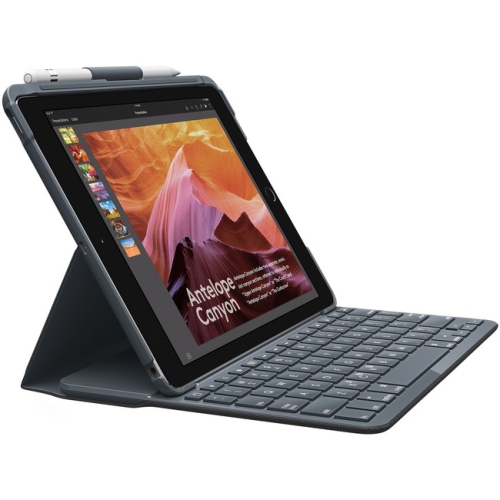 Your price for this item is $152.47
 -
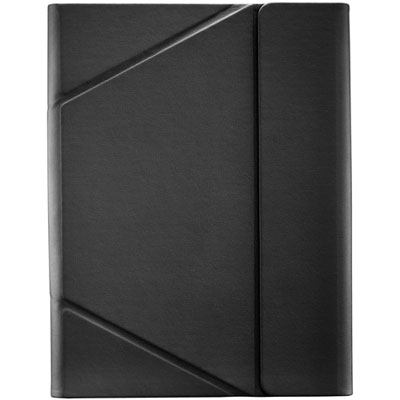 Your price for this item is $44.99
 -
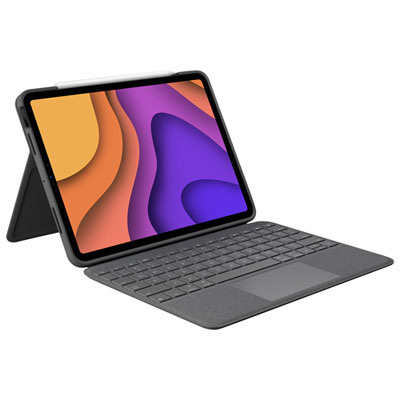 Your price for this item is $229.99
 -
 Your price for this item is $62.99
 -
 Your price for this item is $187.47
 -
 Your price for this item is $52.99
 -
 Your price for this item is $105.68
 -
 Your price for this item is $98.97
Discover more categories related to iPad Mini 1st Gen
Top Collections:
Pokemon Centers, Kindle Devices, Best Budget Office Chairs, Apple iPhones 16, Best Laptops for Writers, iPhone 15 Apple, Canon G7X Cameras, Refurbished Apple Laptops, Alarm Clock, Motorola Razr Phones
Some products may be subject to Environmental Handling Fees
(EHF) depending on your province.
Learn more about EHFs.