22 Inch Monitors
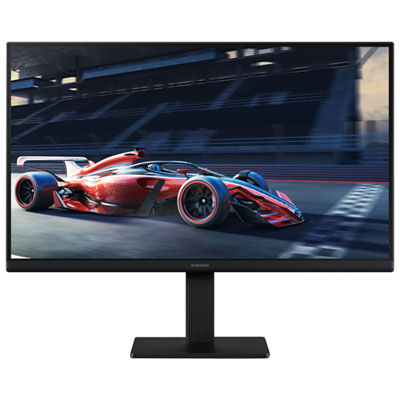
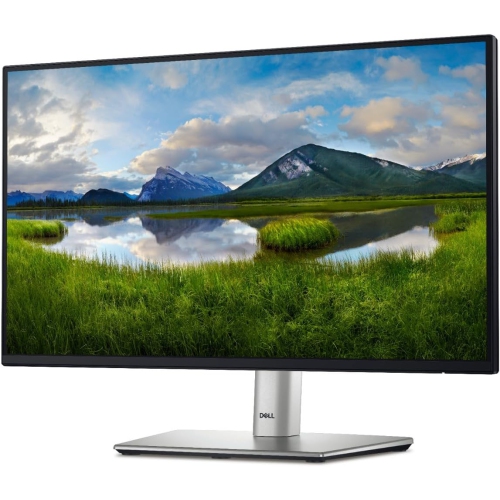
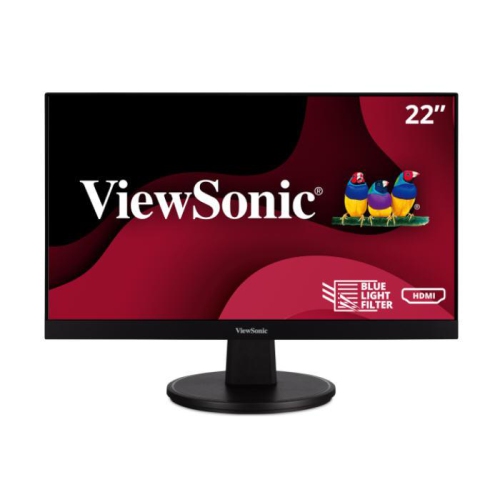
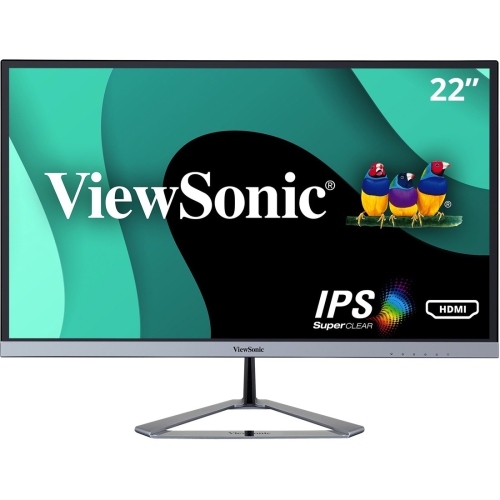
22-inch monitor displays are becoming increasingly popular due to their versatility and affordability. These monitors are ideal for a variety of applications, from gaming and movie watching to professional design work. 22-inch monitors can provide an excellent viewing experience. Here are some great options available.
Sort
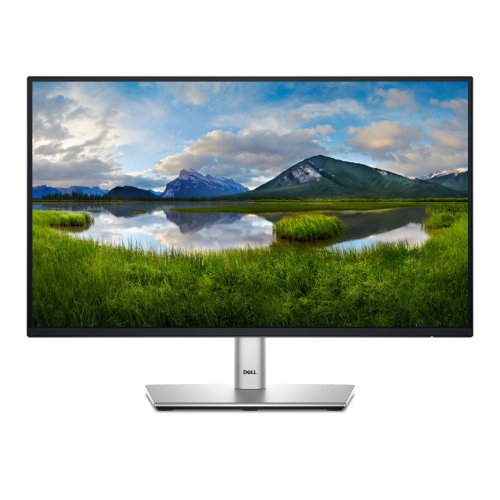
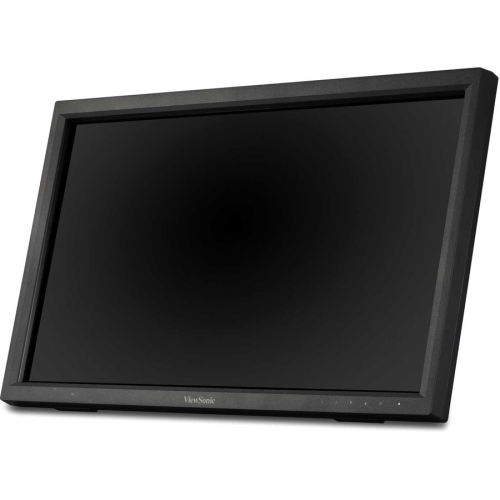
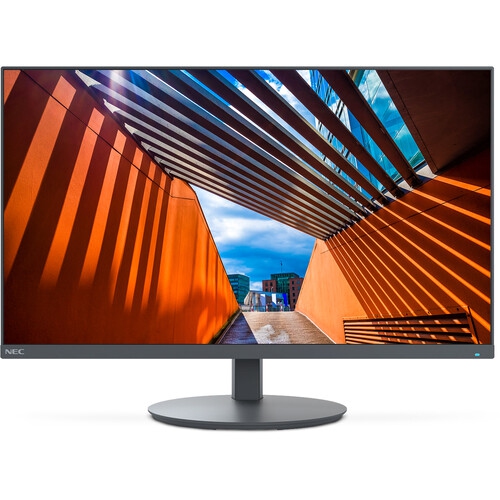
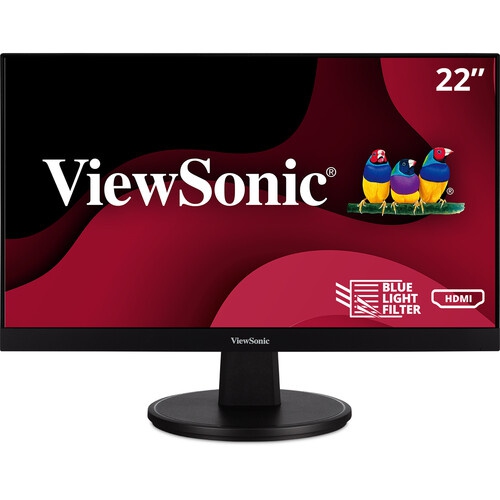
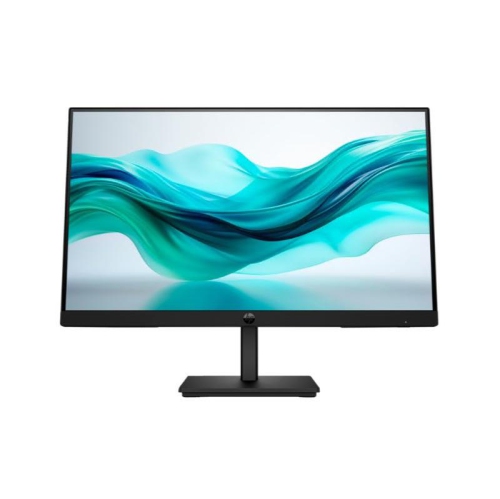
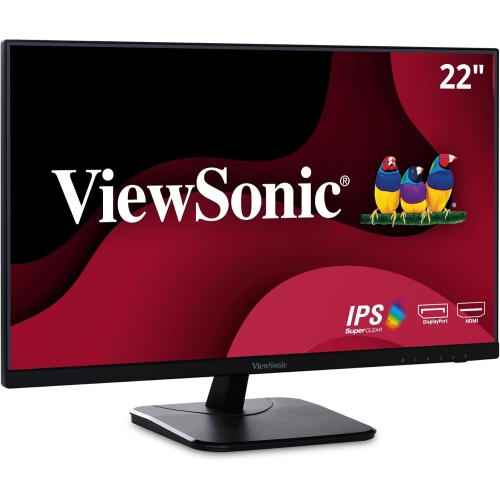
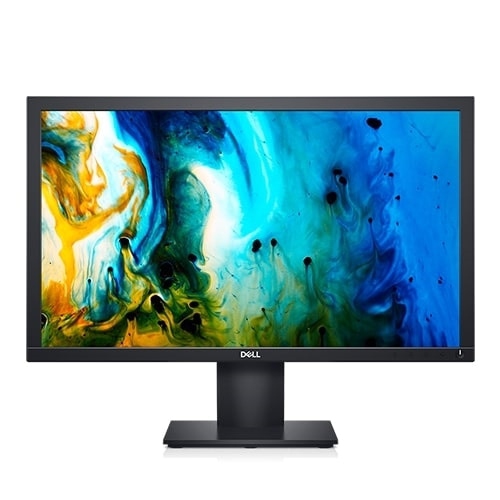
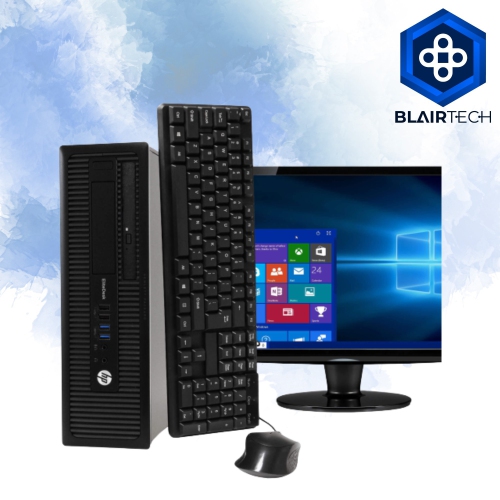

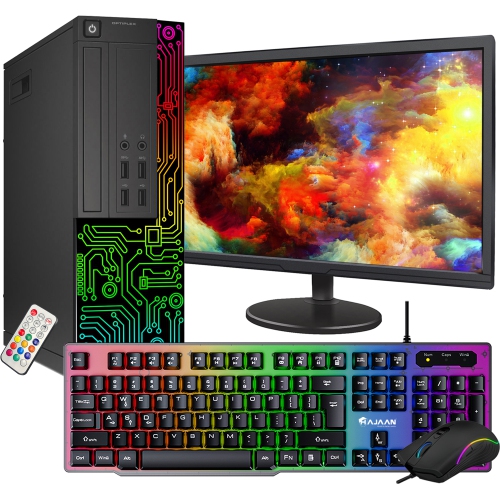
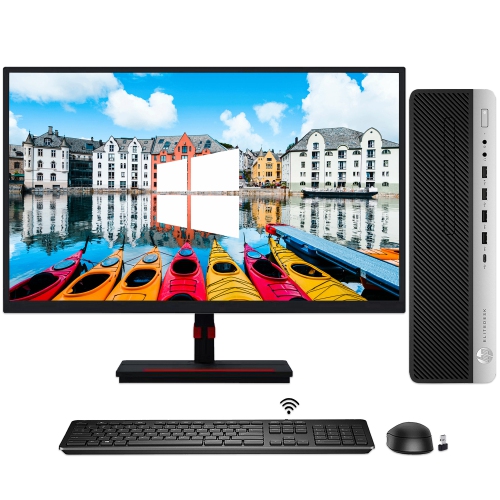

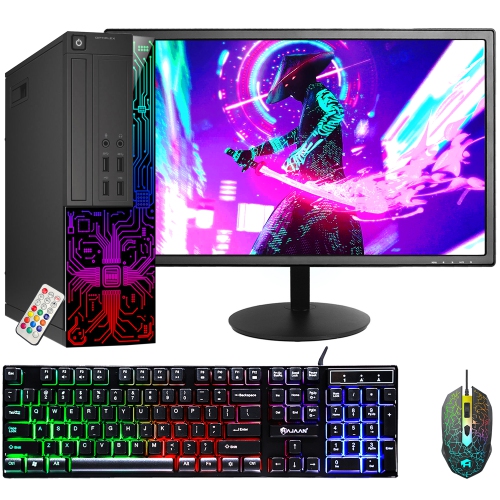
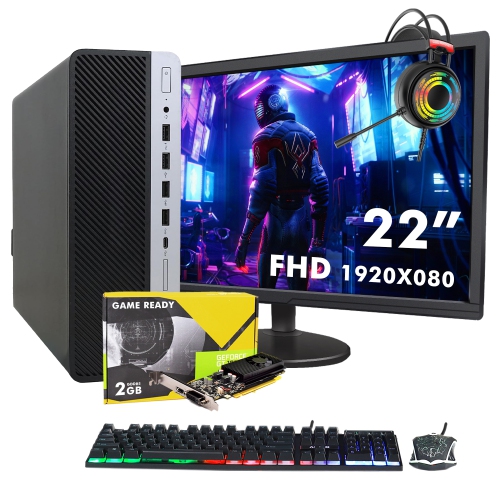
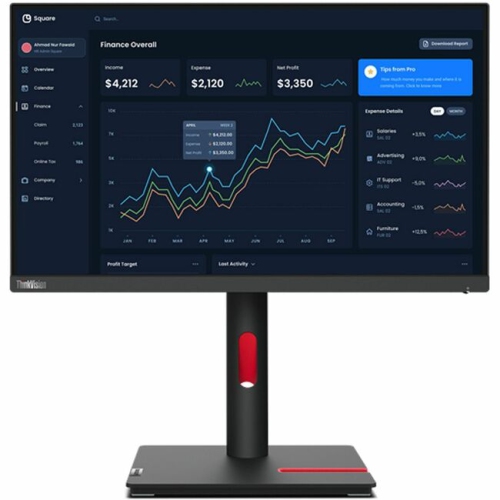
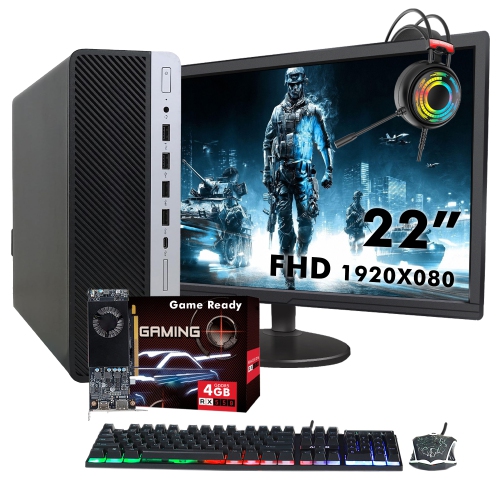
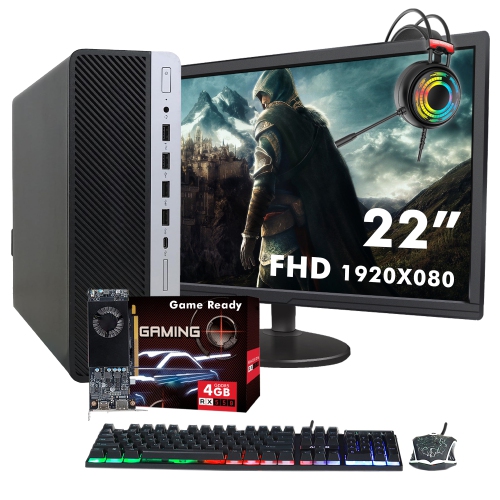
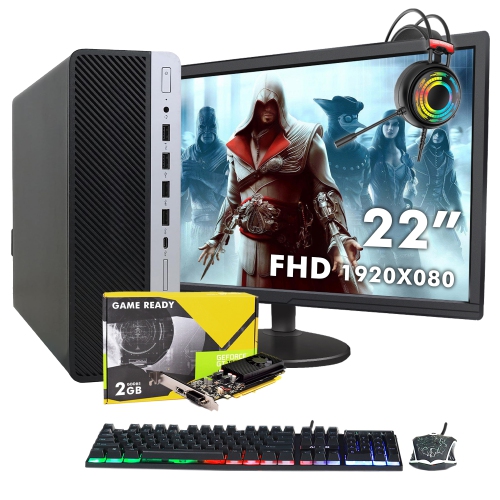
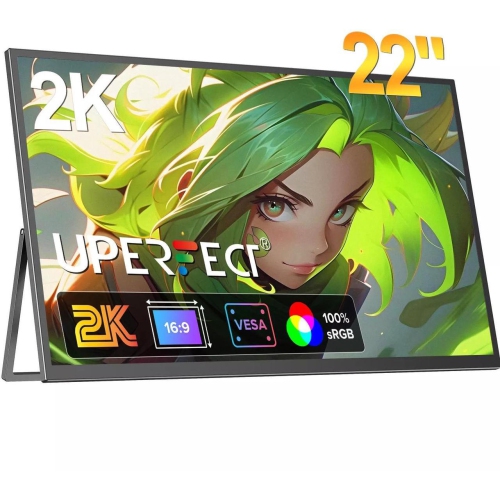
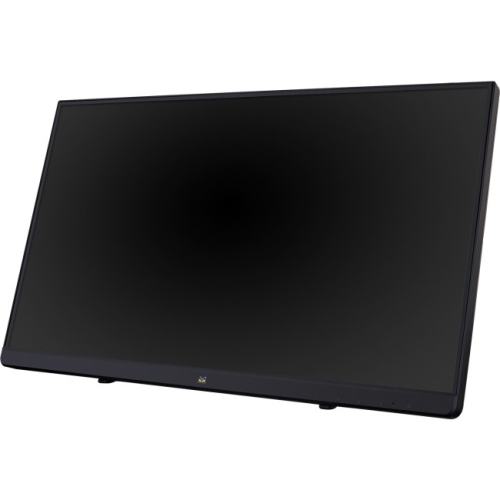
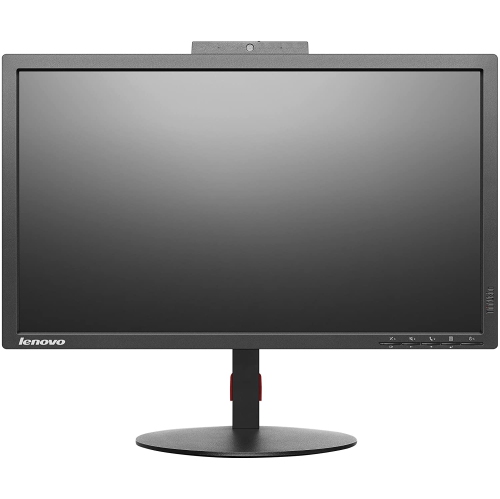
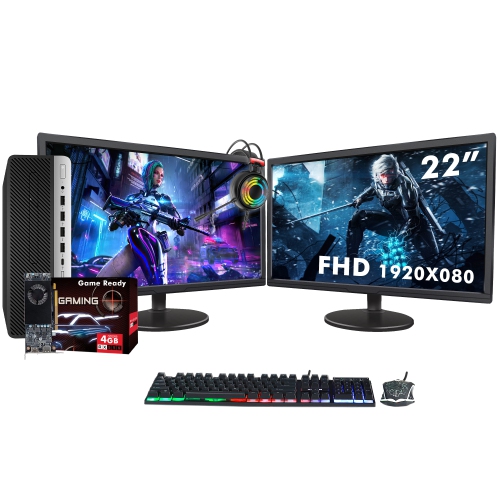
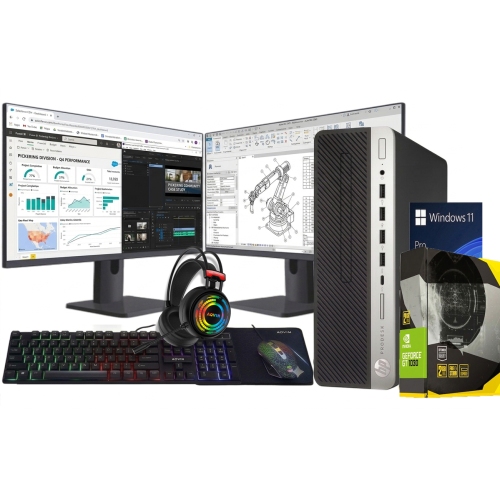
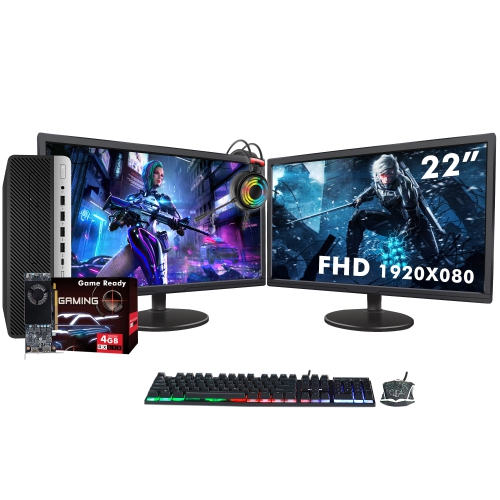
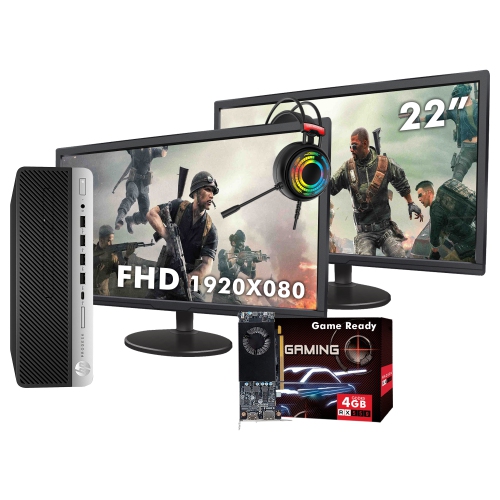
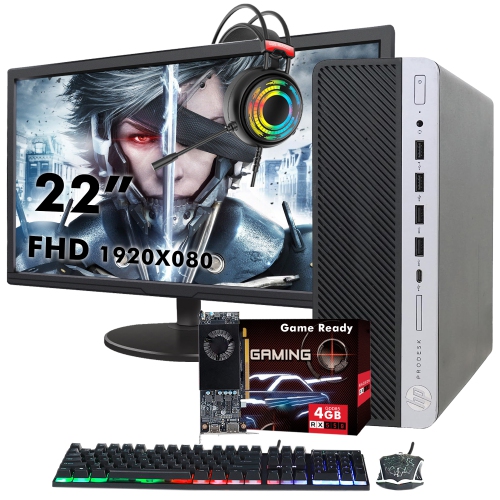
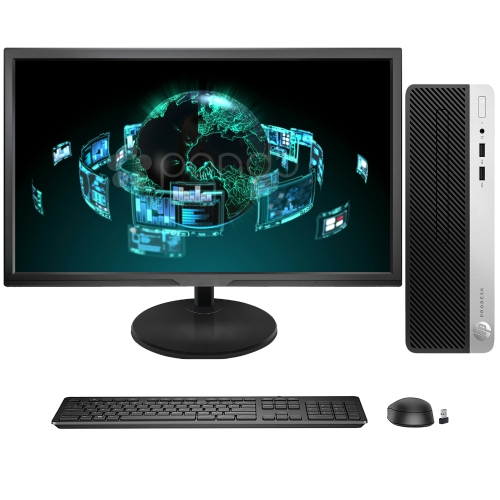

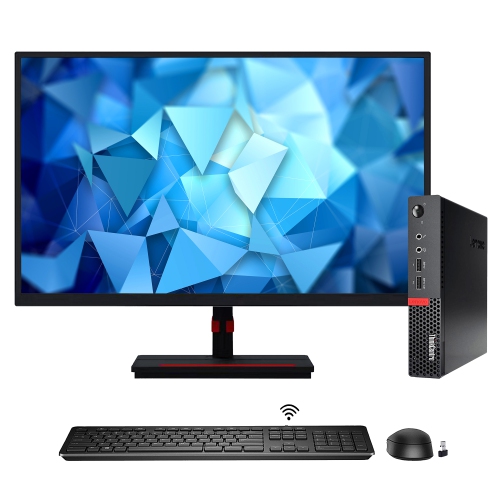
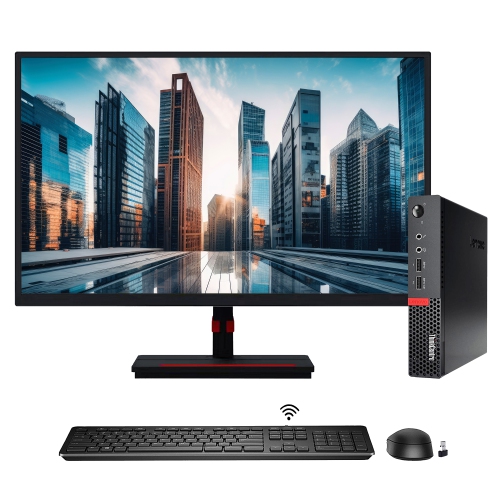
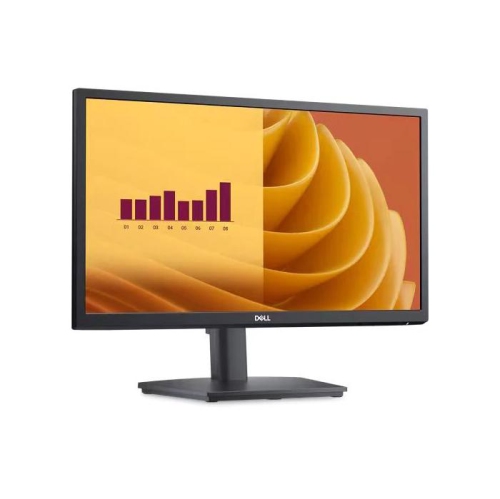
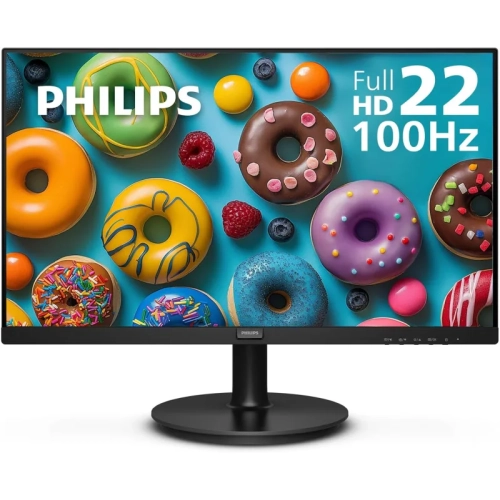
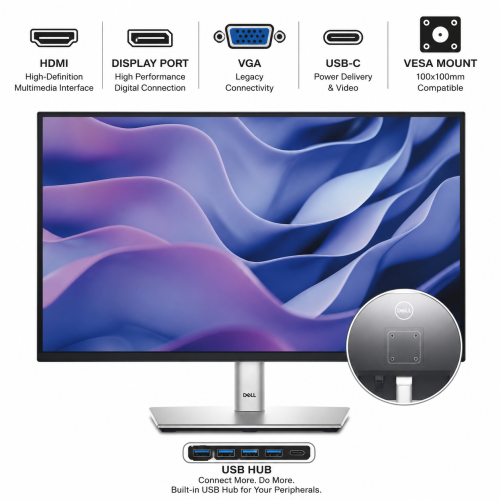
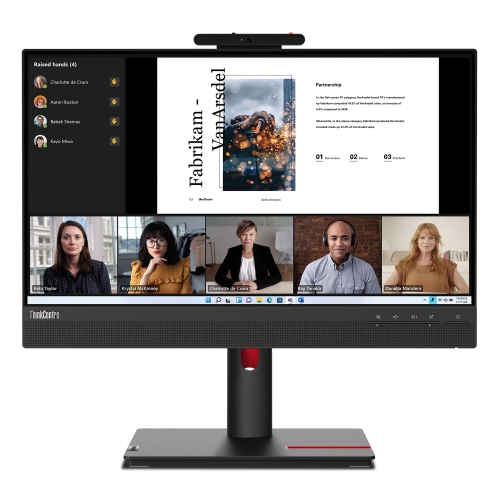
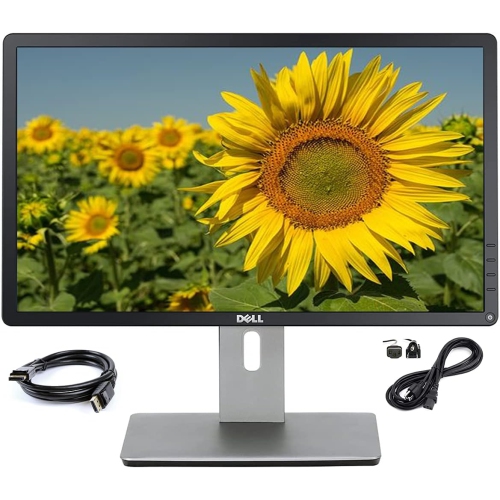
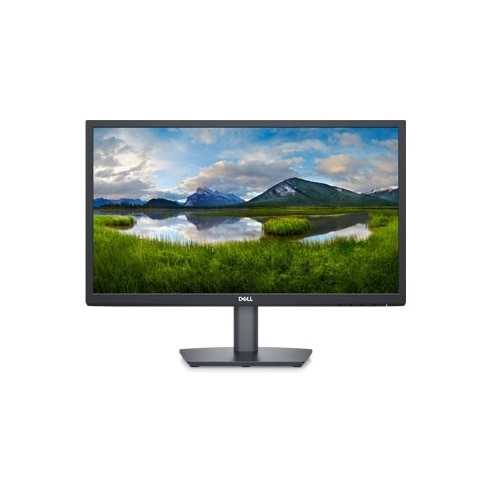
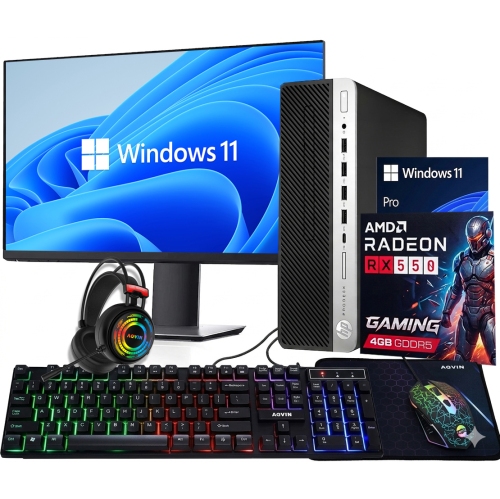
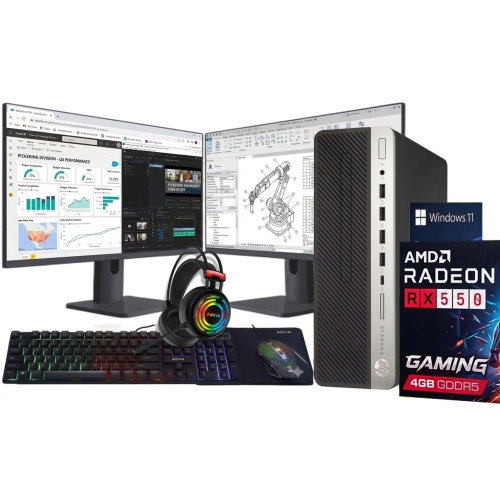
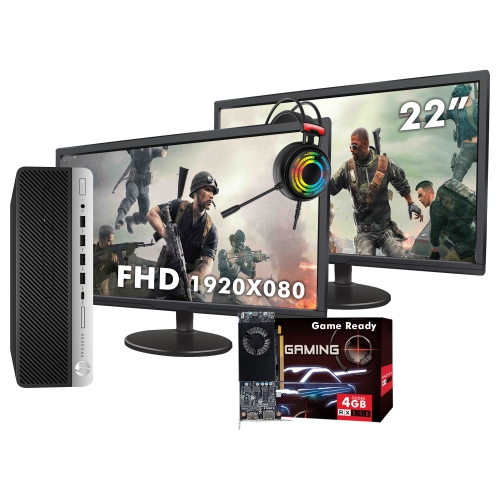
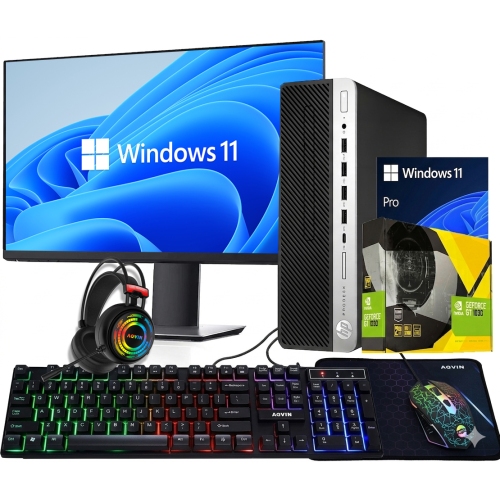
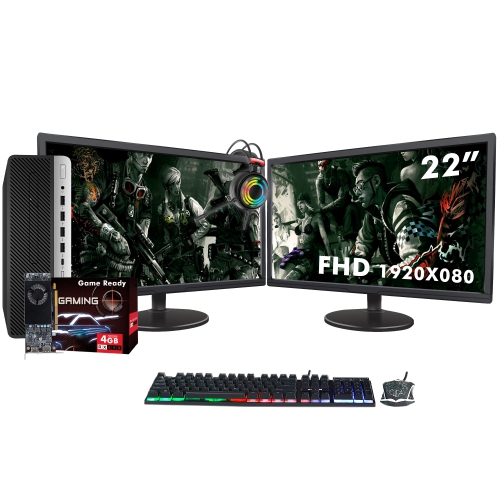
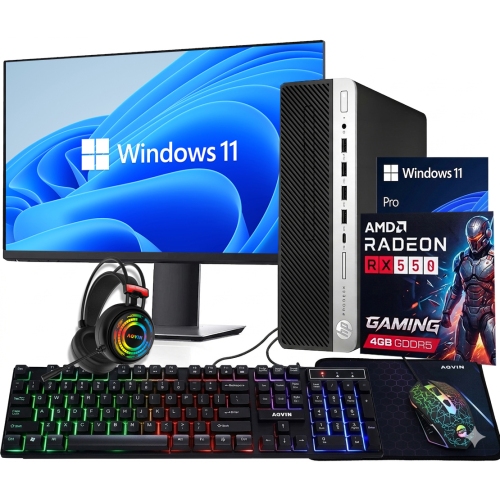
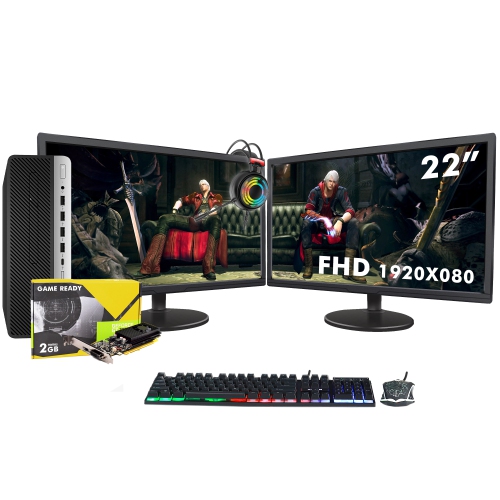
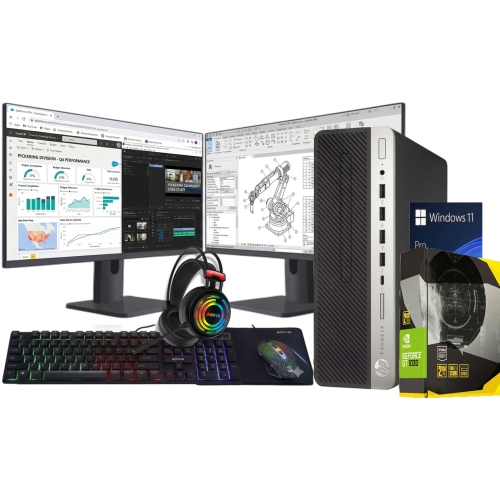
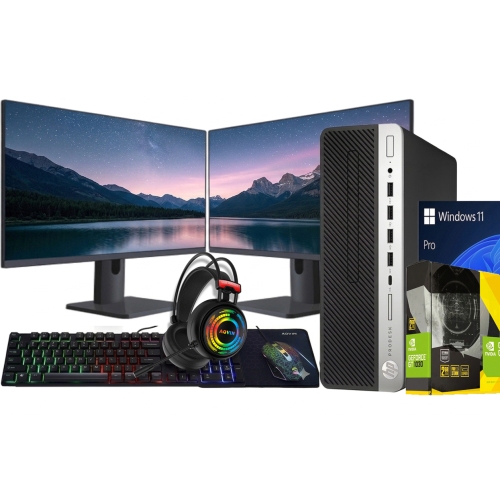
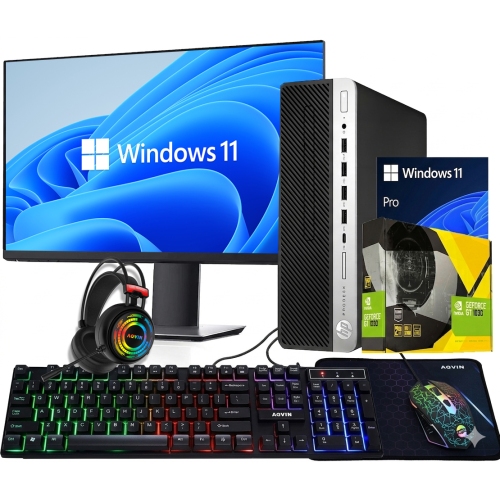
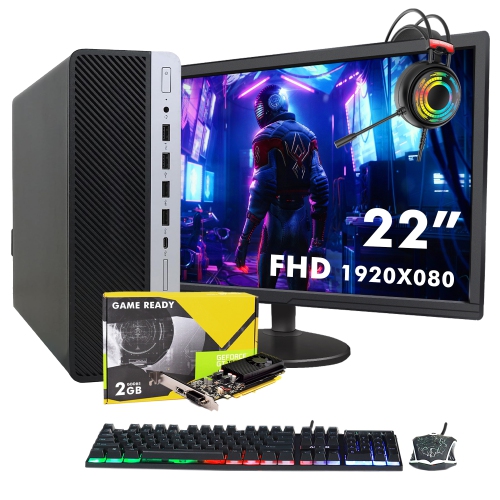
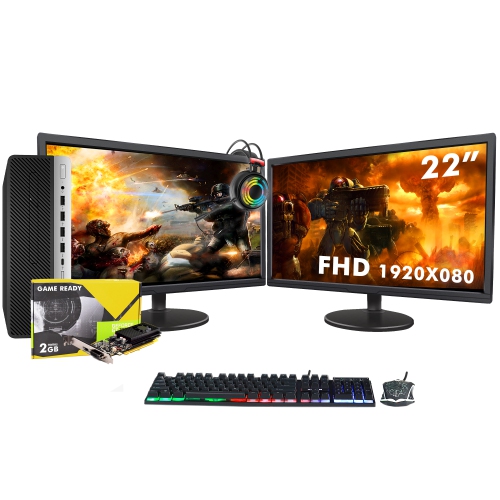
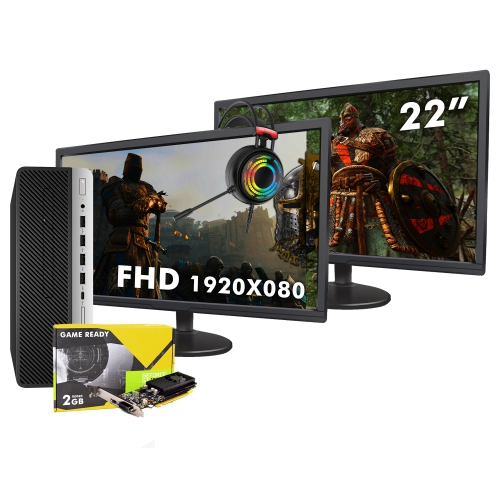
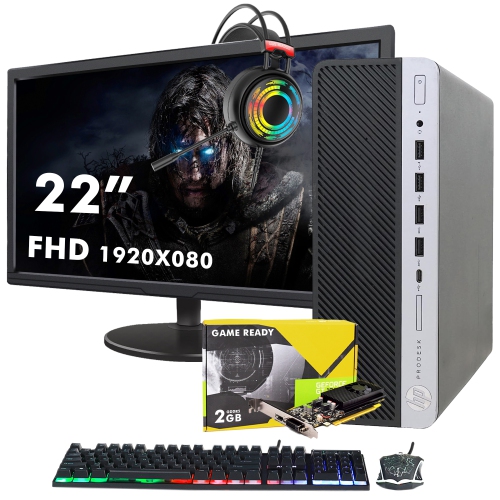
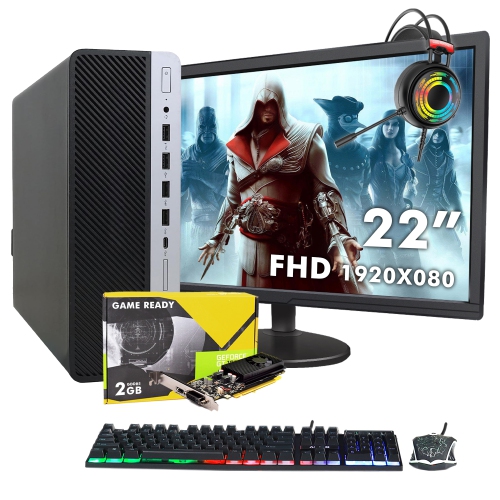
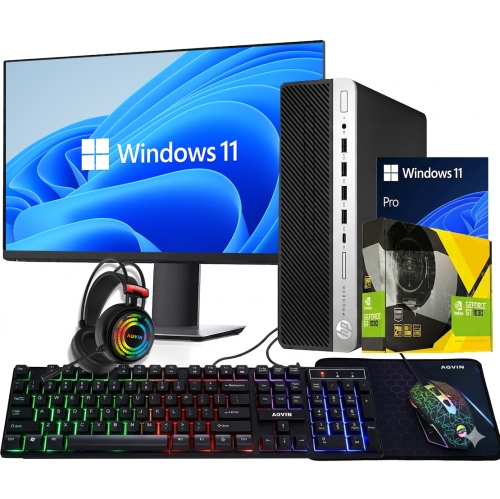
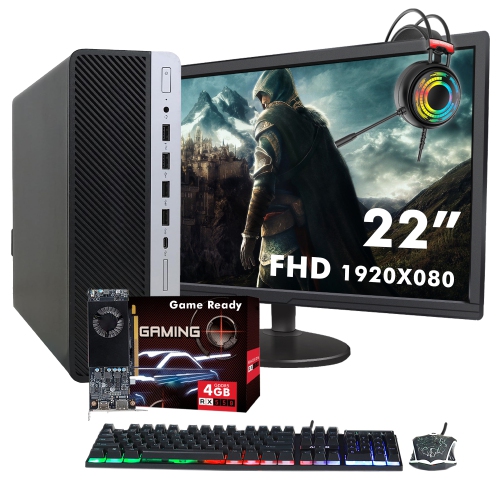
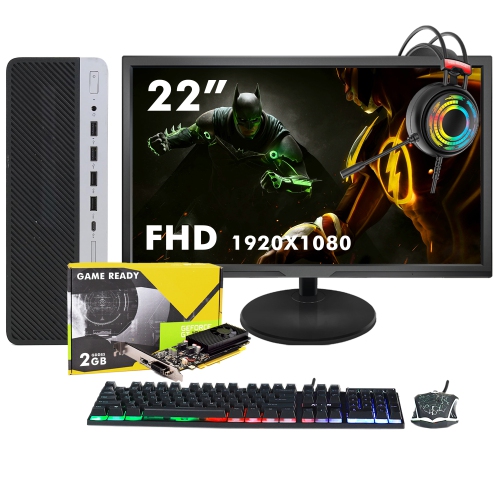
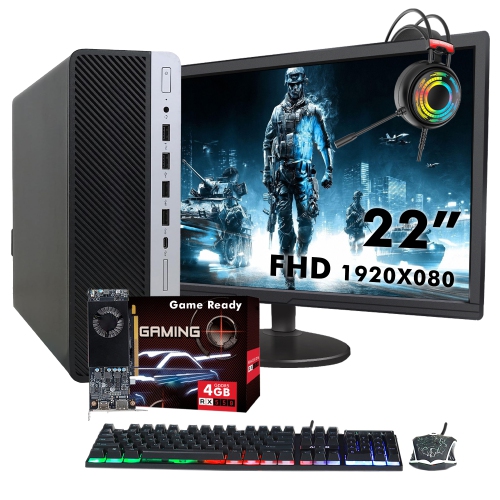
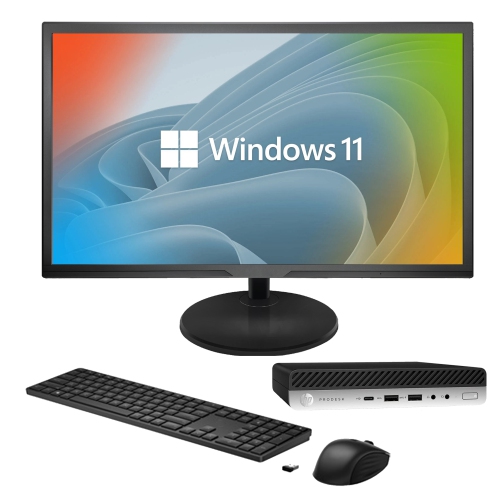
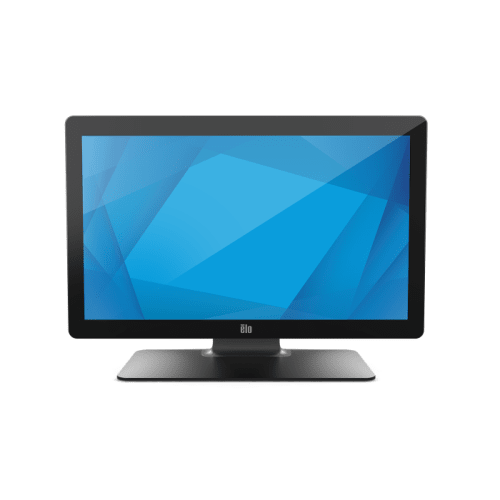
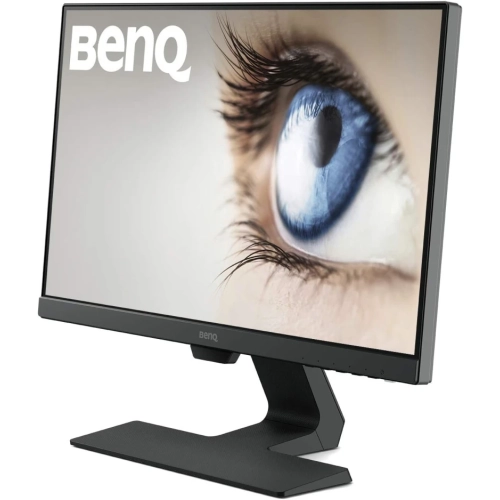
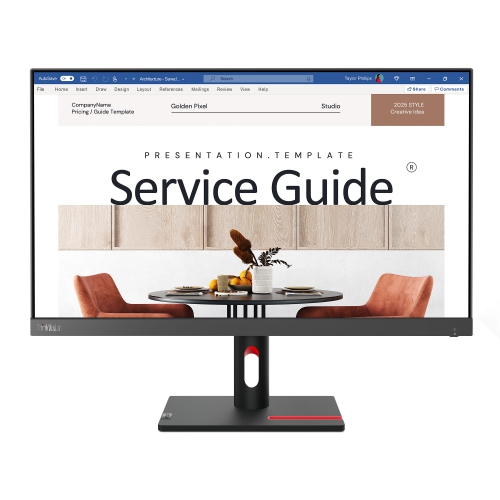

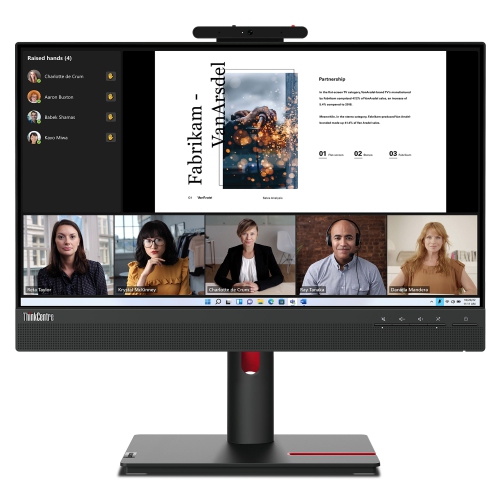
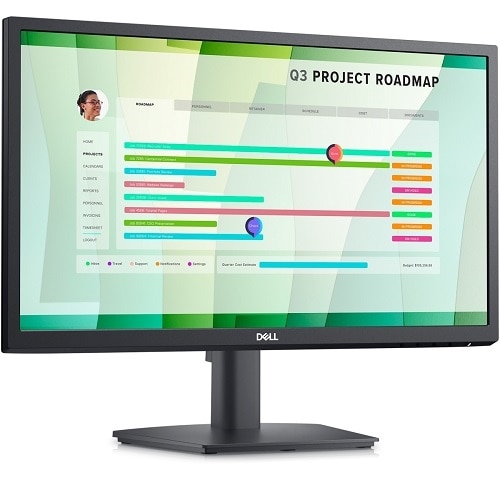
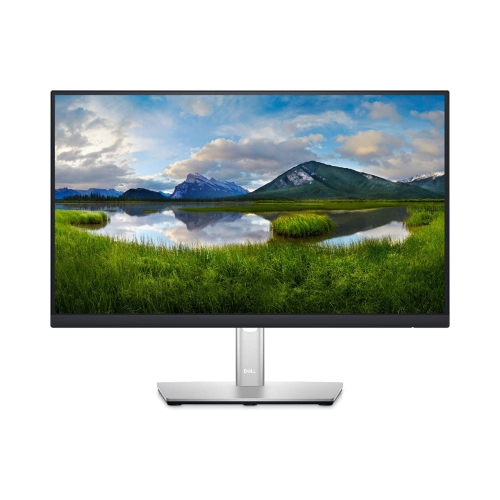
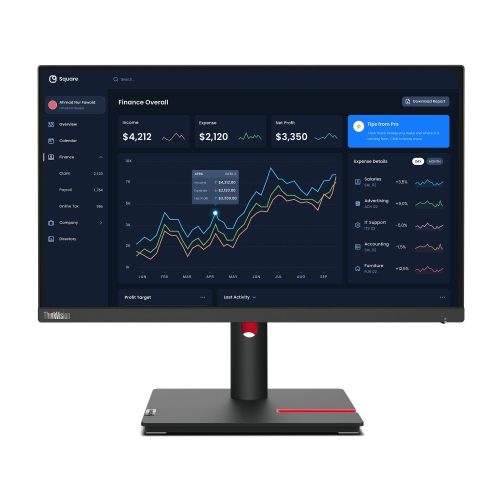
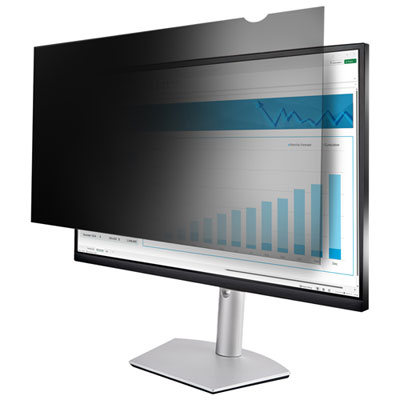
Compact screens for productive work, study, and entertainment
22-inch monitors are a practical choice for home offices, study spaces, reception desks, bedrooms, and compact workstations where every centimetre of desk space matters. The size generally refers to the diagonal measurement of the screen, with many displays measuring approximately 21.5 to 22 inches from corner to corner. This footprint provides enough room for documents, spreadsheets, email, online learning, and everyday browsing without overwhelming a small desk. Most monitors in this size range offer 1920 x 1080 Full HD resolution, which is well suited to the screen’s compact dimensions. Text can look crisp, icons remain comfortably sized, and photos, streaming video, and presentations have plenty of detail for routine viewing. A 22-inch display can also be a helpful second screen beside a laptop or larger monitor. For example, you might keep a video call, calendar, or reference document open on one screen while working on a report on the other. Students can use the extra space to review course material while taking notes, and home-based workers may find that two smaller screens create a more flexible setup than one very large display. If you are considering a slightly larger screen with more room for side-by-side windows, you can also browse 24 Inch Computer Monitors for another compact desktop option. The best 22-inch monitor depends on the kind of work, entertainment, or creative activity you plan to do. IPS panels are popular for their consistent colour and wide viewing angles, making them a strong fit for shared spaces, office work, schoolwork, and general media viewing. VA panels typically provide deeper contrast, which can make dark scenes in films and games appear more pronounced. Some displays use other panel technologies, so it is worth checking the specifications rather than assuming that every 22-inch monitor will look identical. Brightness, colour coverage, and viewing comfort can all influence the experience, particularly if the screen will be used for several hours at a time. A matte finish may help reduce distracting reflections from windows and lamps, while a monitor with a low-blue-light setting or flicker-reduction feature may be appealing for extended reading and document work. These features do not replace sensible breaks or good room lighting, but they can make a workstation feel more comfortable during long study sessions or busy afternoons at home.
Refresh rate is another specification to consider. A 60Hz or 75Hz monitor is generally suitable for email, office applications, browsing, online classes, bookkeeping, and standard video playback. Models with 100Hz or 120Hz refresh rates can make scrolling, cursor movement, and supported video or game content appear smoother, which may be noticeable when moving through long web pages or switching rapidly between windows. Gamers should also review response time, adaptive-sync compatibility, and the graphics capabilities of the connected computer. A faster refresh rate is most useful when the computer can supply enough frames to take advantage of it, while a low response time can help reduce visible blur during fast movement. Connection options affect how easily the monitor will fit into your existing setup. HDMI is common for modern laptops, desktops, game consoles, and streaming devices, while VGA may still be useful with older computers. Some monitors include DisplayPort, built-in speakers, a headphone connection, or USB ports, although these features vary by model. Check the outputs on your computer before choosing a display, and remember that an adapter may be needed if the available ports do not match. Stand design also deserves attention. Tilt adjustment helps position the screen for a more natural viewing angle, while height adjustment can be useful for aligning the display with your eyes. VESA mount support may allow the monitor to be placed on an arm, wall mount, or multi-monitor stand, creating more room for notebooks, stationery, or a keyboard. A compact monitor can be a thoughtful gift for a student moving into a residence, someone setting up a first home office, or a family member who needs a clearer, more comfortable screen for an older computer. It can also refresh a shared household workstation during the cooler months, when more work, study, and entertainment may take place indoors. Before buying, measure the available desk area, confirm the screen’s dimensions and stand depth, review the included cables, and make sure the display supports the resolution, refresh rate, and connections your computer can provide. With the right combination of image quality, adjustability, and connectivity, a 22-inch monitor can turn a small corner of a room into a capable space for productivity, learning, entertainment, and everyday computing.
Refresh rate is another specification to consider. A 60Hz or 75Hz monitor is generally suitable for email, office applications, browsing, online classes, bookkeeping, and standard video playback. Models with 100Hz or 120Hz refresh rates can make scrolling, cursor movement, and supported video or game content appear smoother, which may be noticeable when moving through long web pages or switching rapidly between windows. Gamers should also review response time, adaptive-sync compatibility, and the graphics capabilities of the connected computer. A faster refresh rate is most useful when the computer can supply enough frames to take advantage of it, while a low response time can help reduce visible blur during fast movement. Connection options affect how easily the monitor will fit into your existing setup. HDMI is common for modern laptops, desktops, game consoles, and streaming devices, while VGA may still be useful with older computers. Some monitors include DisplayPort, built-in speakers, a headphone connection, or USB ports, although these features vary by model. Check the outputs on your computer before choosing a display, and remember that an adapter may be needed if the available ports do not match. Stand design also deserves attention. Tilt adjustment helps position the screen for a more natural viewing angle, while height adjustment can be useful for aligning the display with your eyes. VESA mount support may allow the monitor to be placed on an arm, wall mount, or multi-monitor stand, creating more room for notebooks, stationery, or a keyboard. A compact monitor can be a thoughtful gift for a student moving into a residence, someone setting up a first home office, or a family member who needs a clearer, more comfortable screen for an older computer. It can also refresh a shared household workstation during the cooler months, when more work, study, and entertainment may take place indoors. Before buying, measure the available desk area, confirm the screen’s dimensions and stand depth, review the included cables, and make sure the display supports the resolution, refresh rate, and connections your computer can provide. With the right combination of image quality, adjustability, and connectivity, a 22-inch monitor can turn a small corner of a room into a capable space for productivity, learning, entertainment, and everyday computing.
Top selling and popular products
-
 Your price for this item is $299
 -
 Your price for this item is $599
 -
 Your price for this item is $94.99
 -
 Your price for this item is $329.99
 -
 Your price for this item is $499
 -
 Your price for this item is $265.99
 -
 Your price for this item is $1299.97
 -
 Your price for this item is $249.99
Discover more categories related to 22 Inch Monitors

Top Collections:
Pokemon Centers, Kindle Devices, Best Budget Office Chairs, Apple iPhones 16, Best Laptops for Writers, iPhone 15 Apple, Canon G7X Cameras, Refurbished Apple Laptops, Alarm Clock, Motorola Razr Phones
Some products may be subject to Environmental Handling Fees
(EHF) depending on your province.
Learn more about EHFs.