24 Inch Monitors
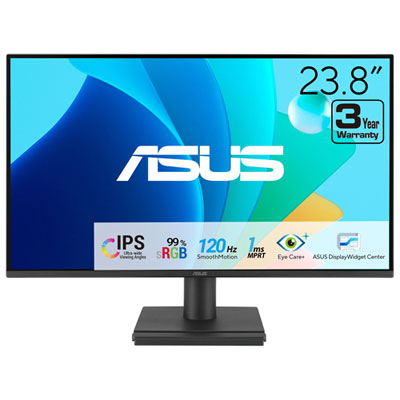
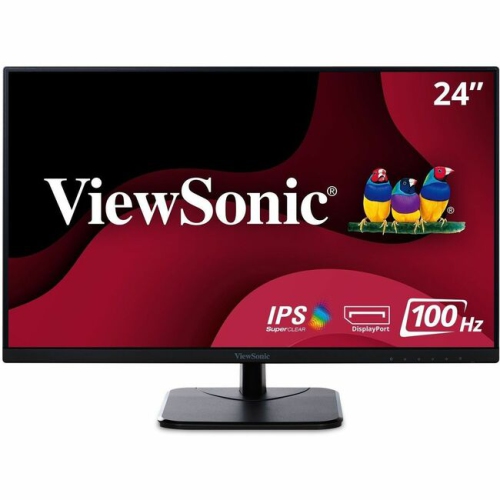
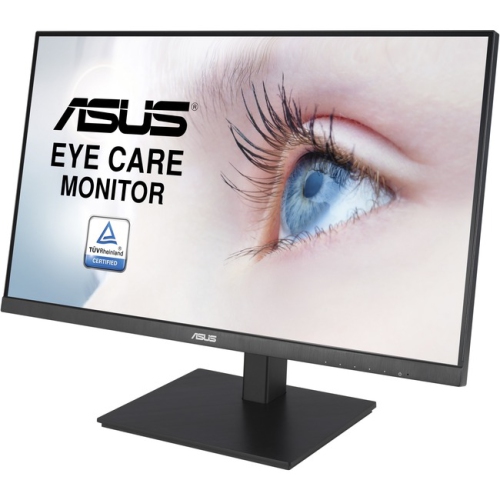
24-inch monitors are a popular size for a number of reasons. These are large enough to provide a big, clear picture, but not so big that it dominates your desk or takes up too much space. These are also an excellent choice for those who need to fit multiple monitors on their desks or want to use their computer as a gaming rig as well. If you're in the market for a 24-inch monitor, here are some of the best options to consider.
Sort
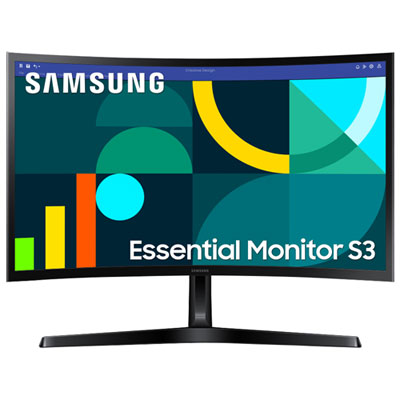
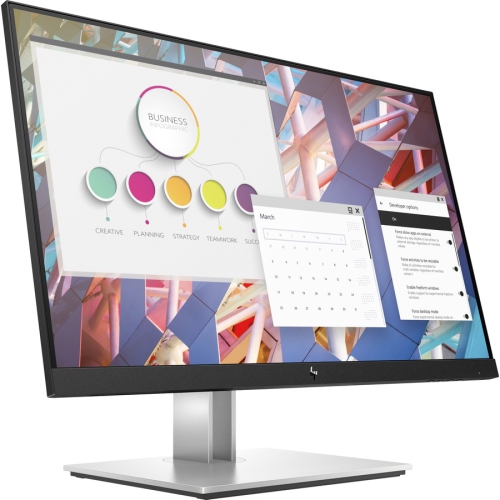
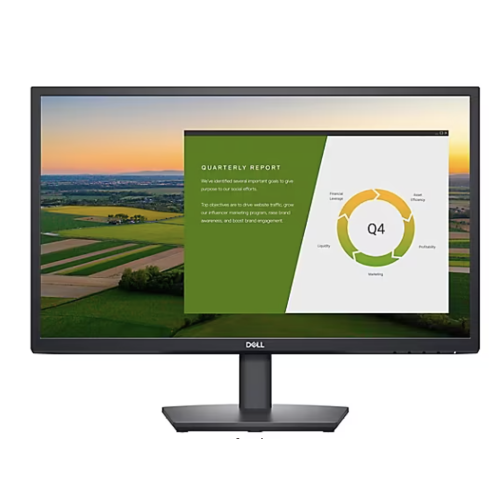
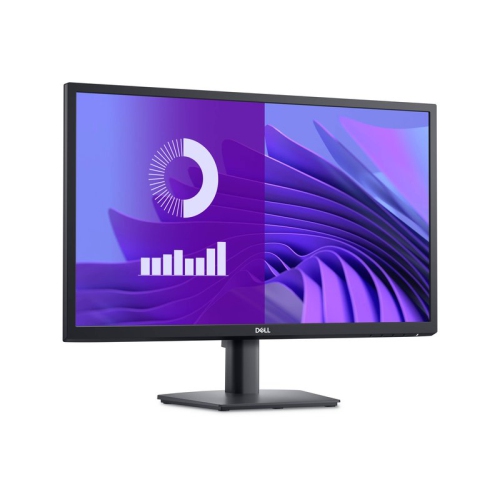
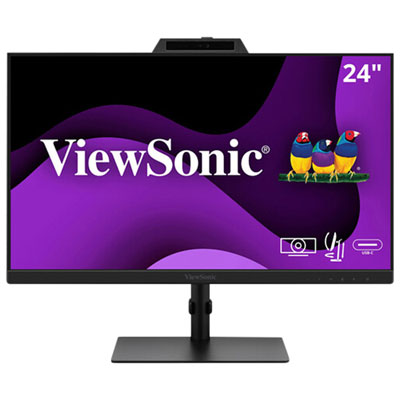
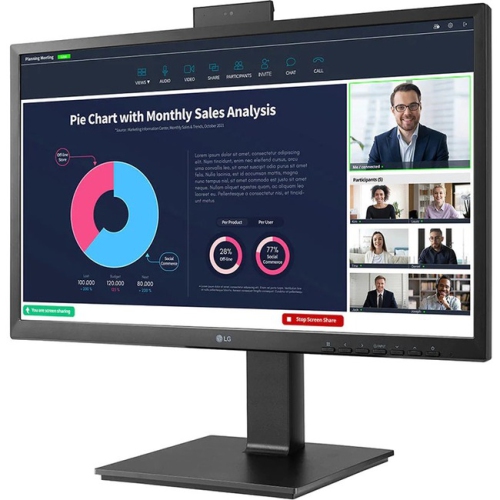
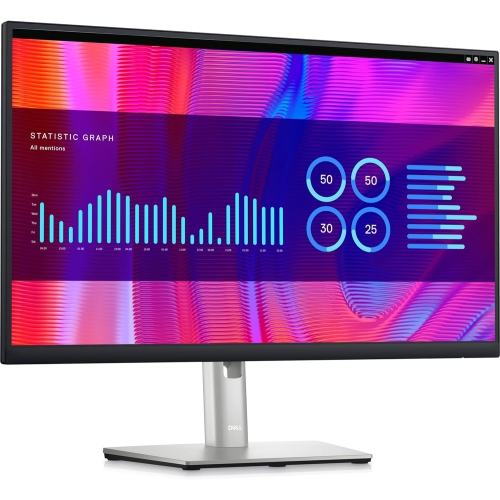
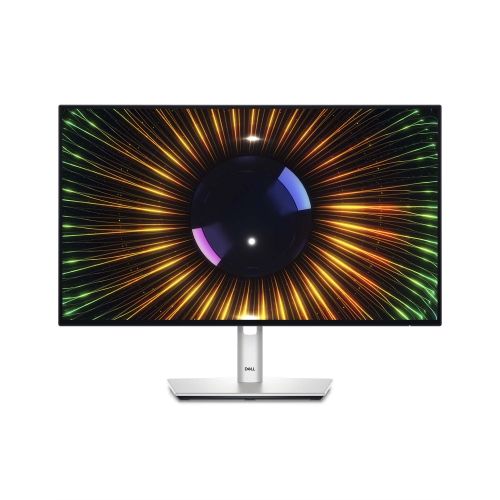
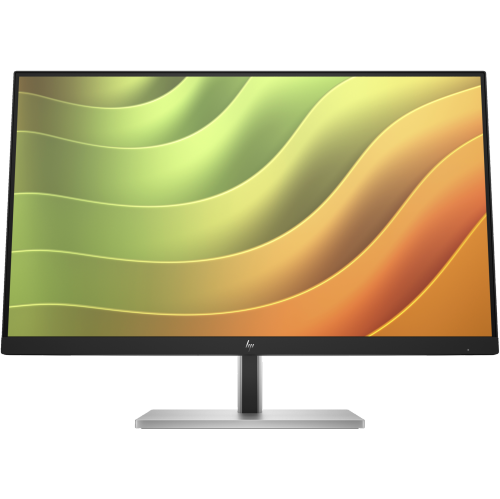
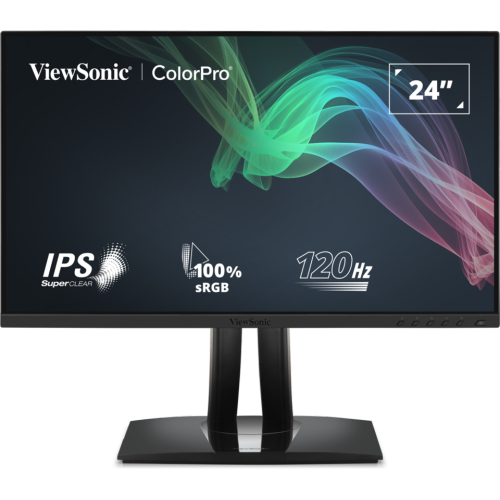
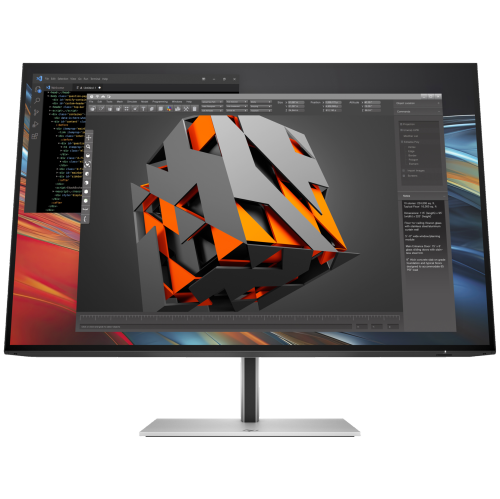
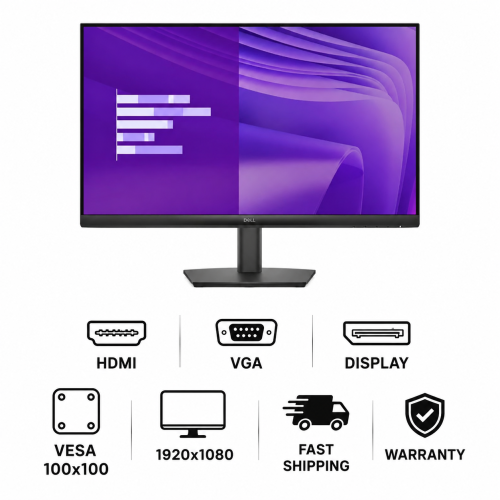
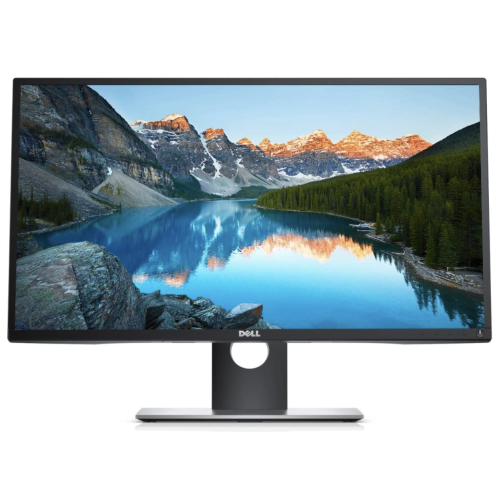
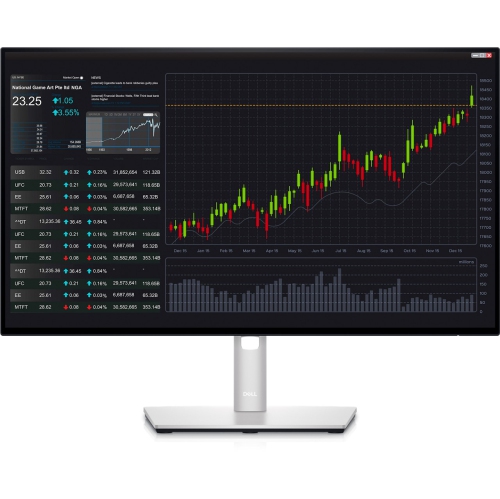
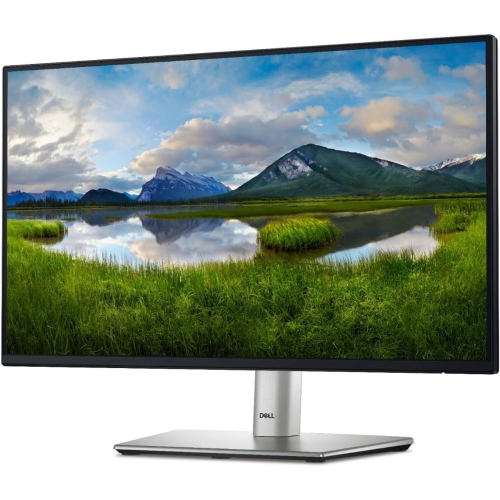
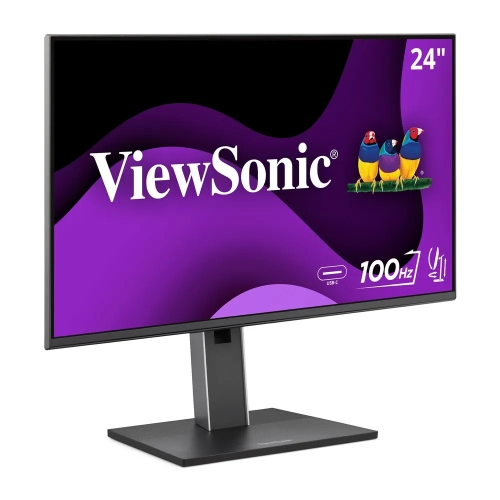
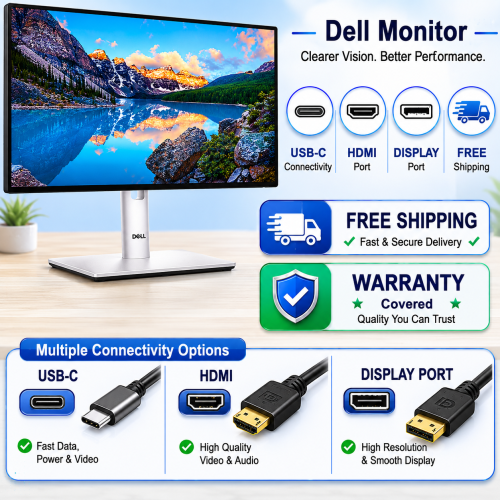
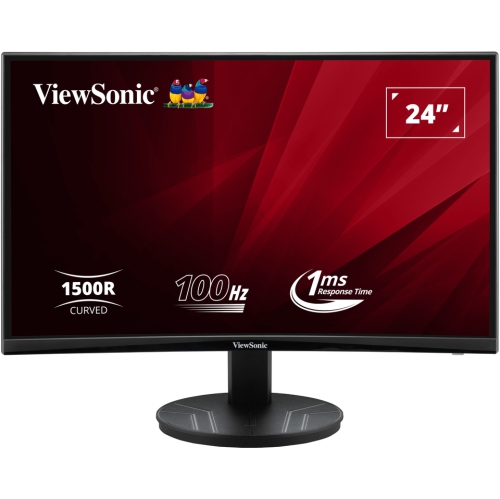
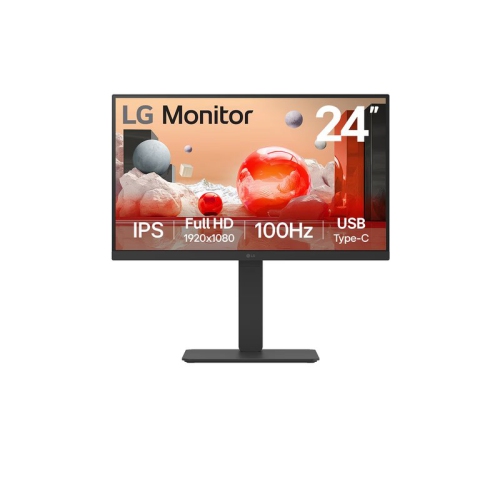
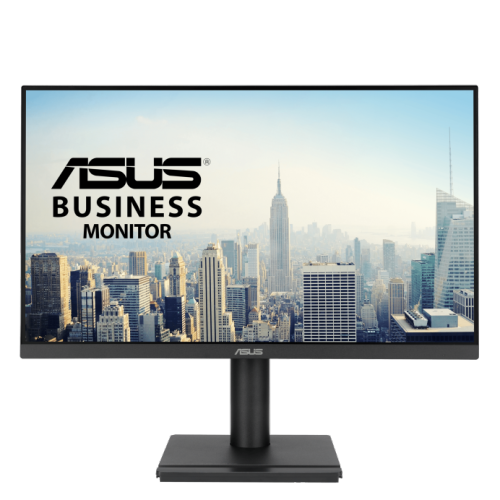
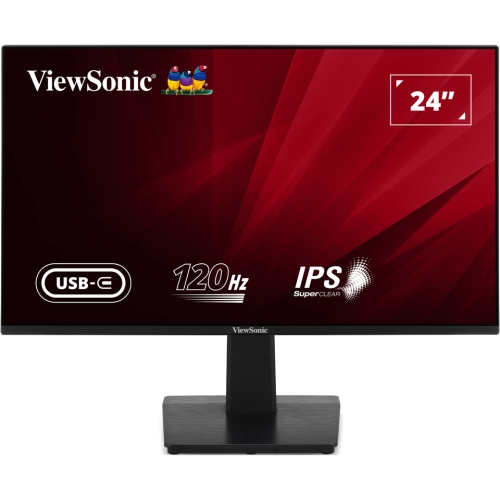
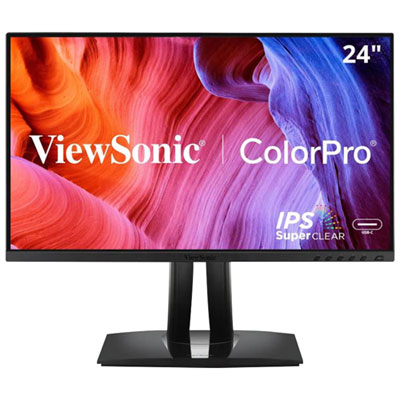
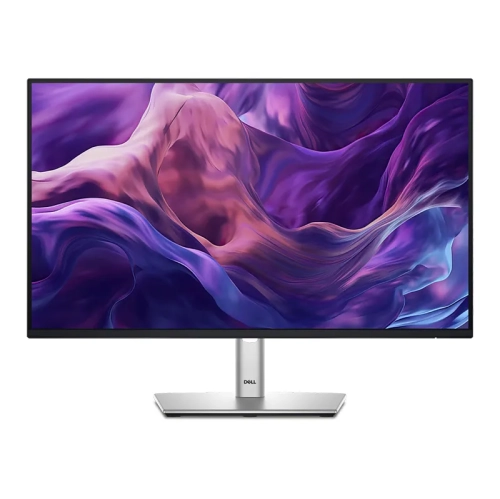
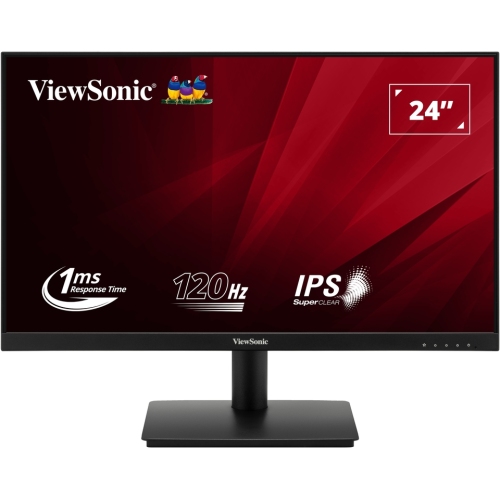
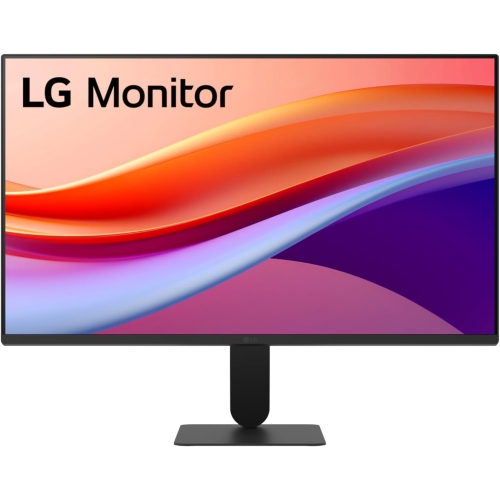
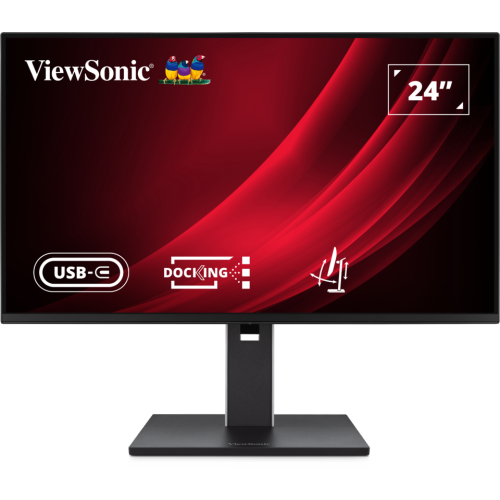
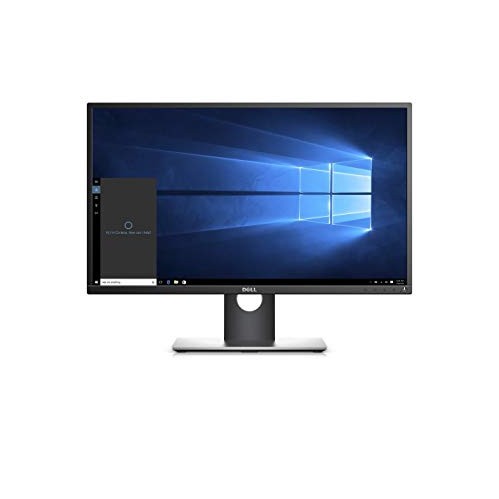
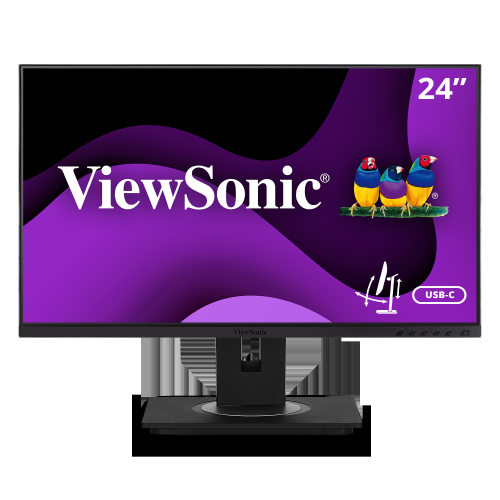
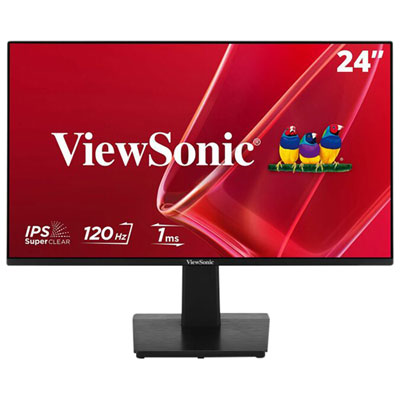
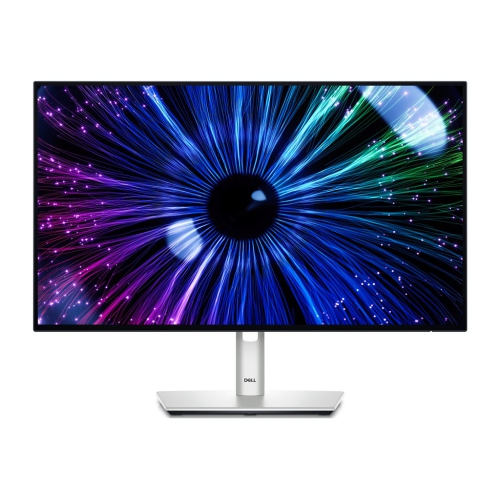
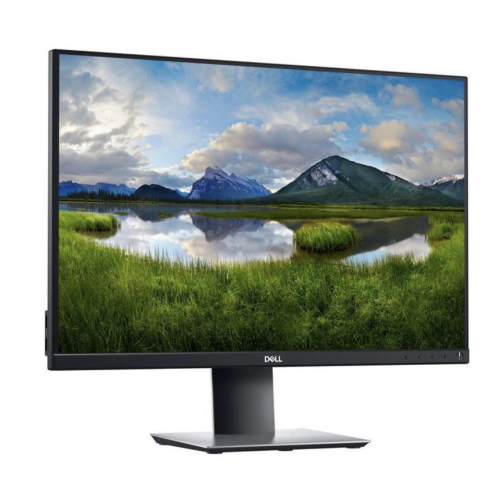
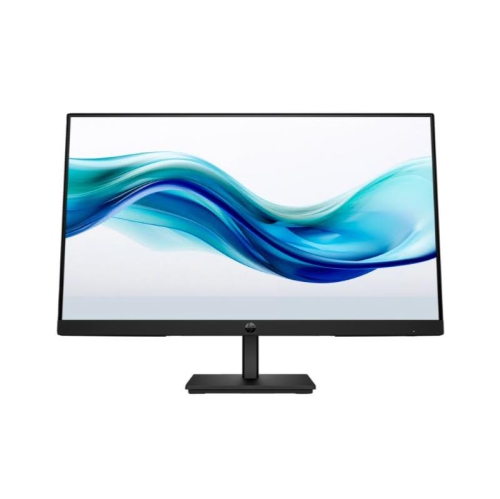
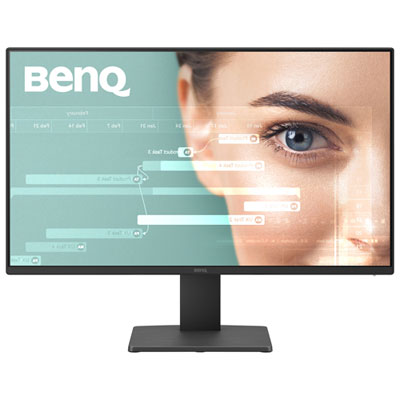
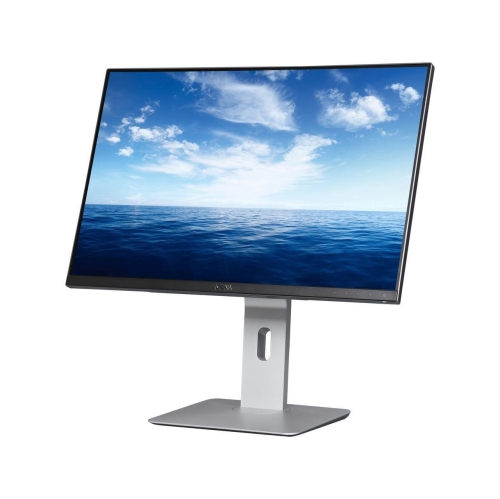
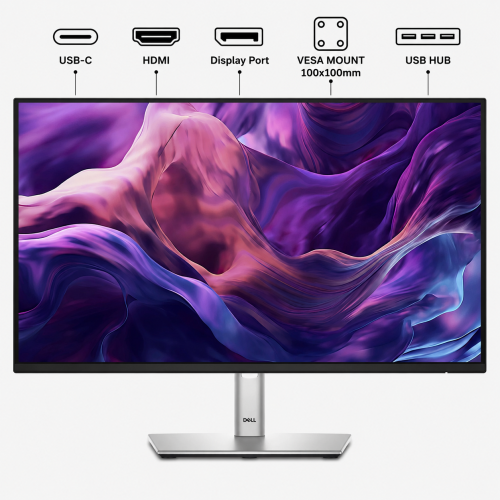
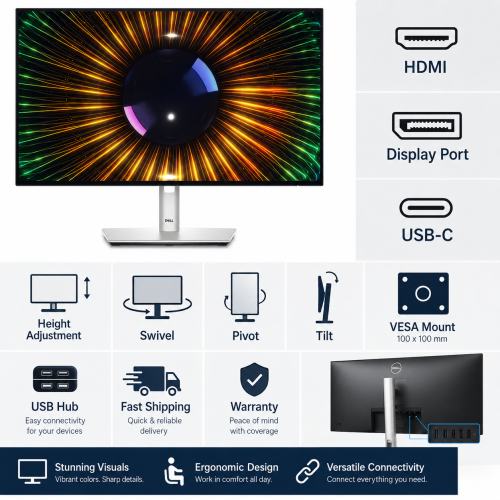
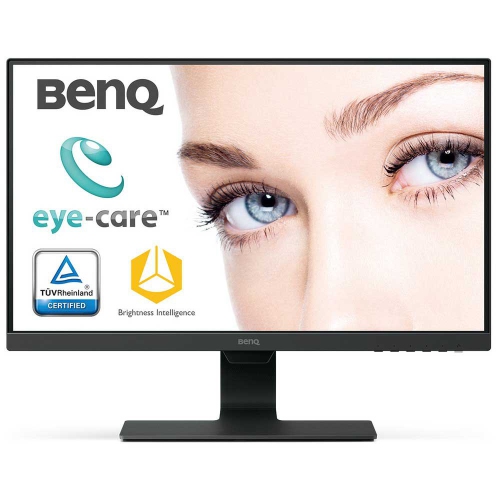
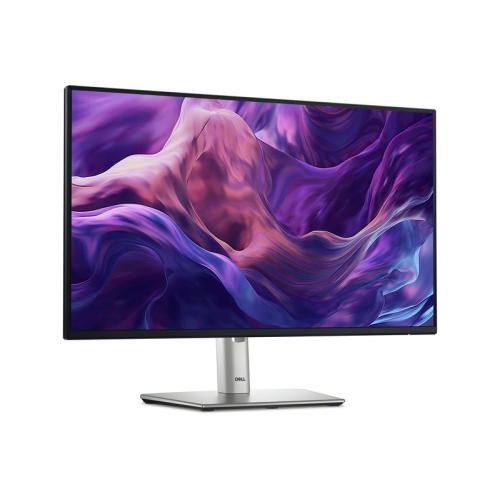

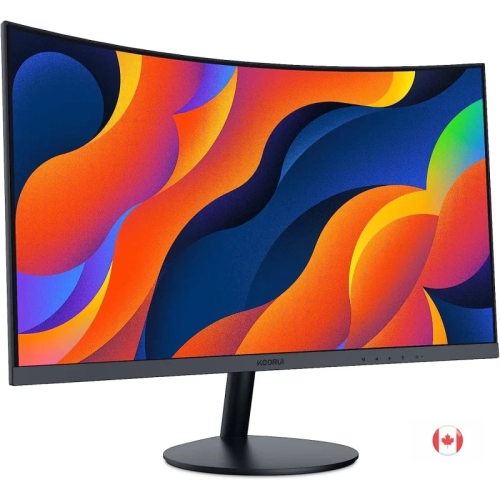
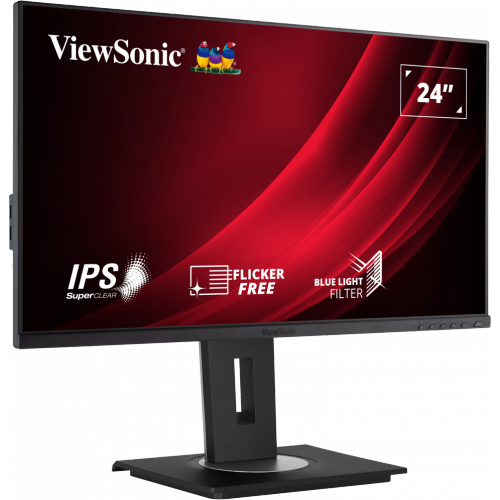
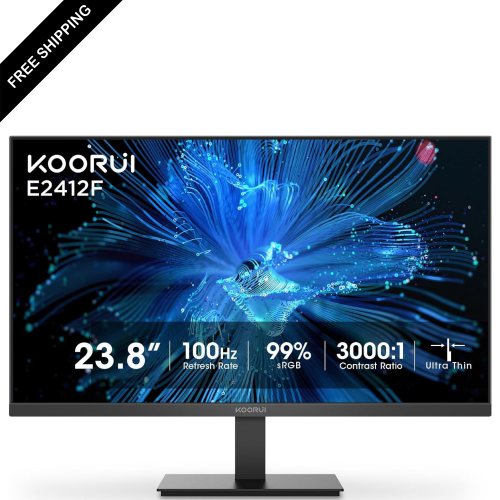
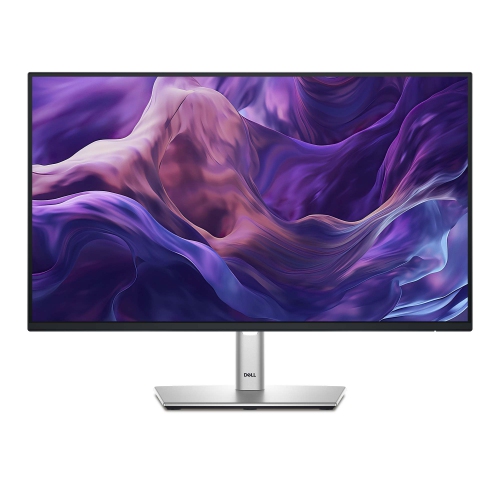
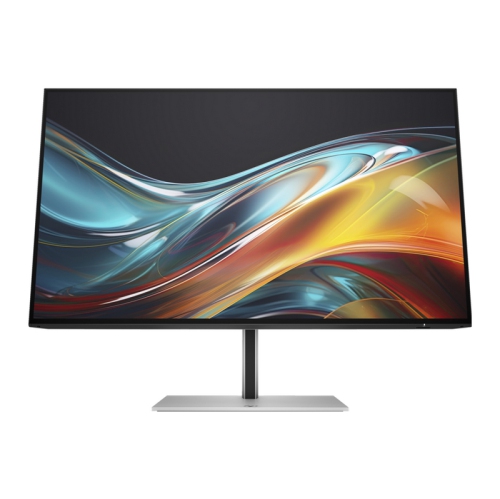
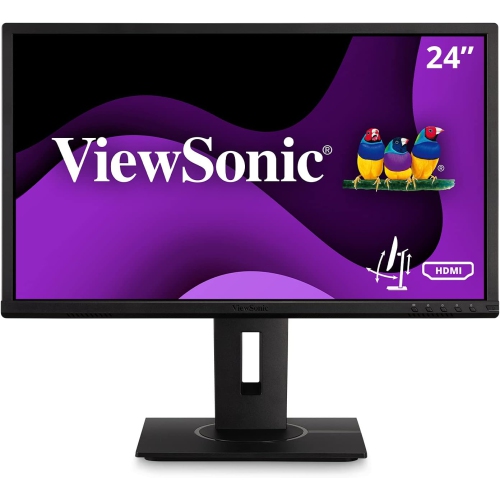
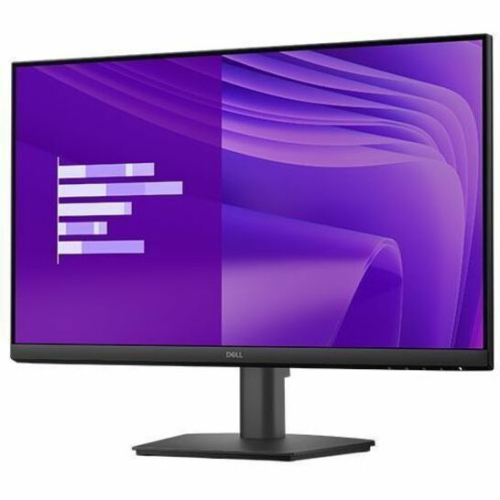
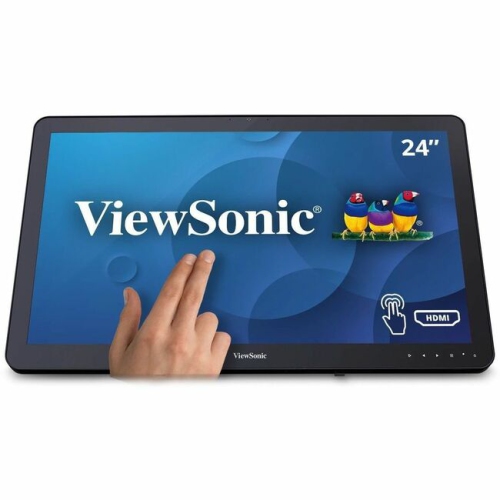

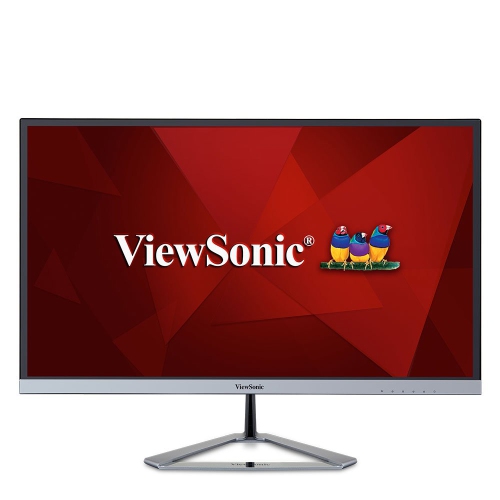
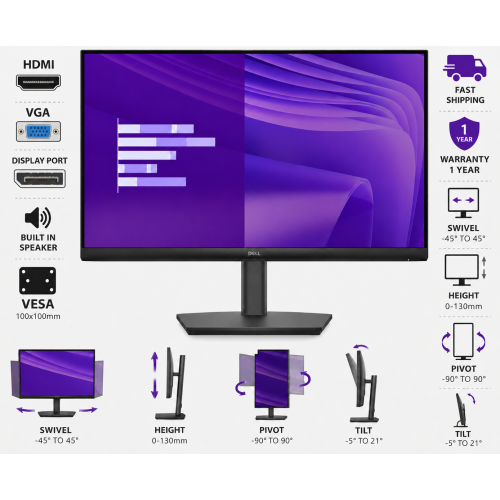
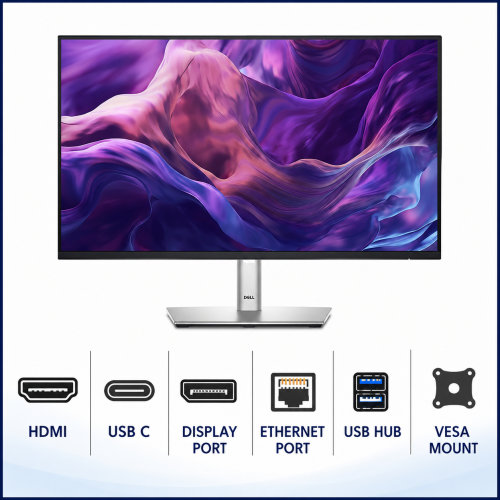
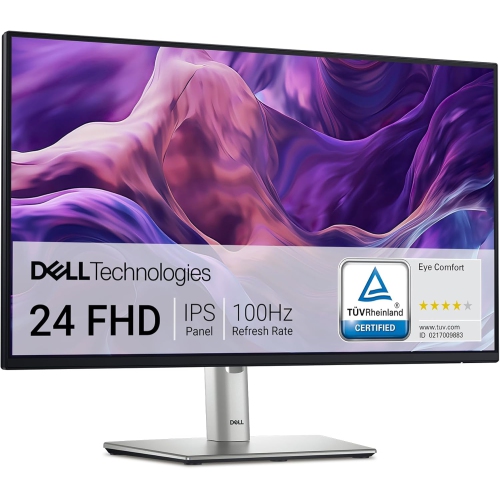
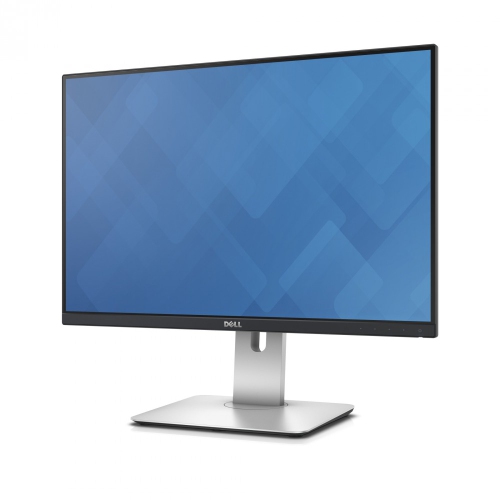
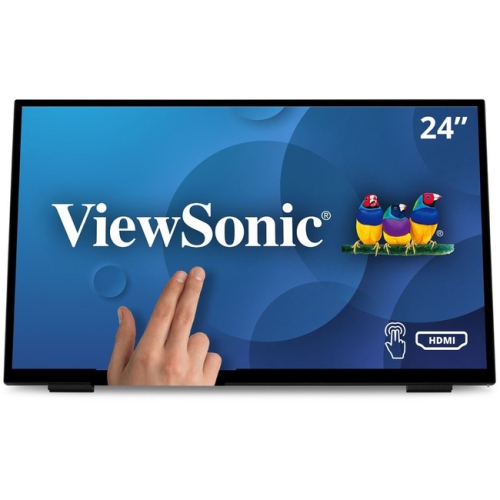
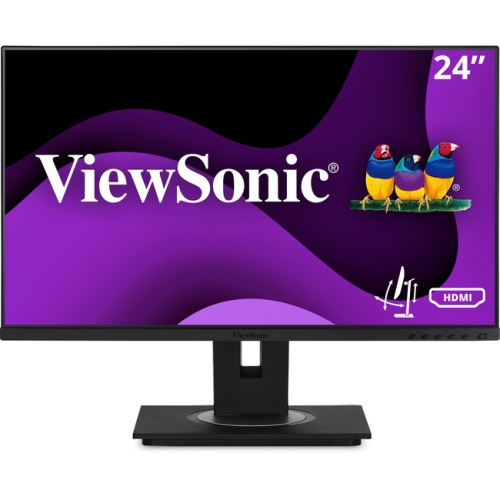
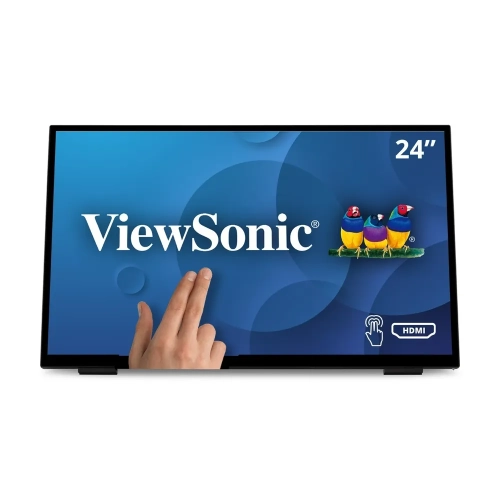
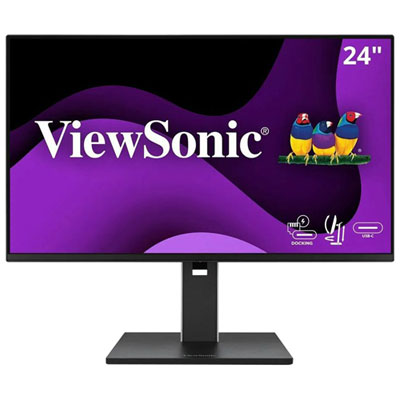
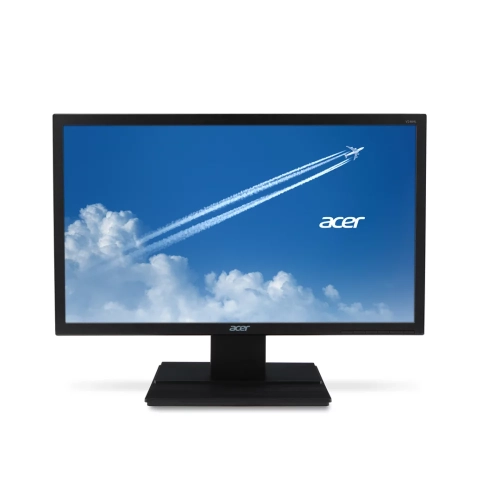
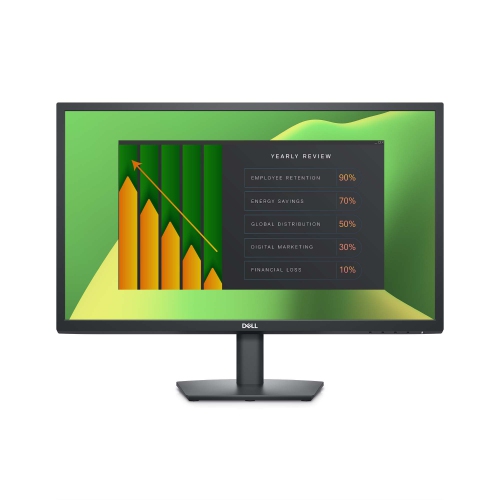
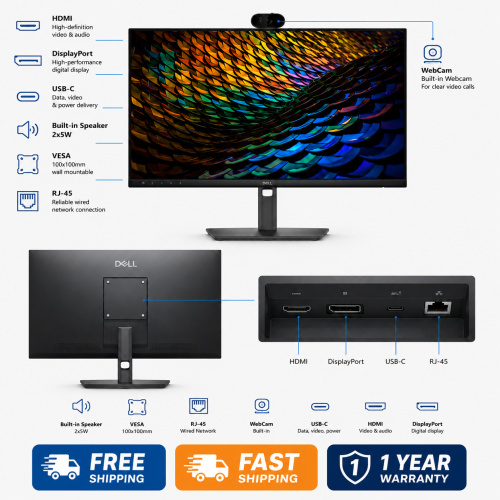
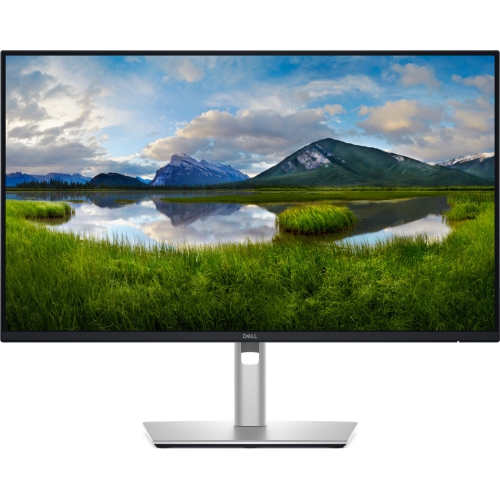
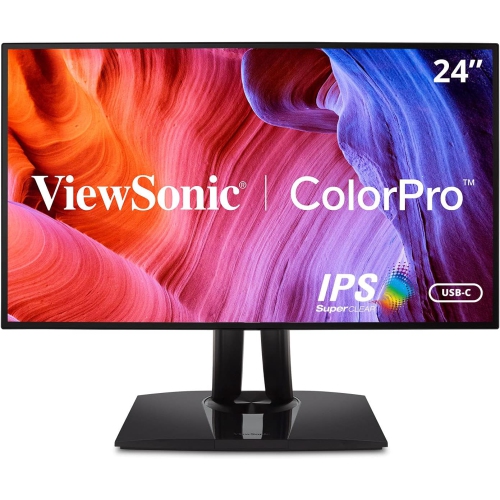

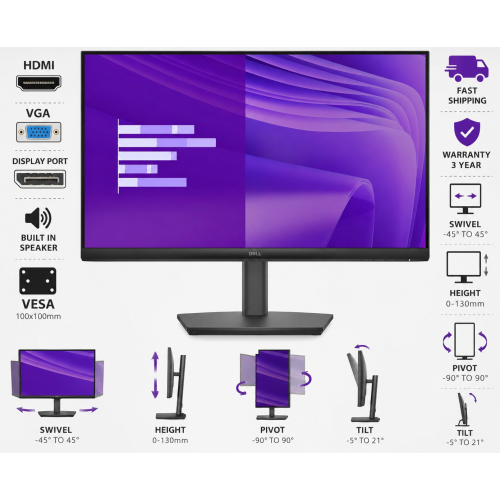
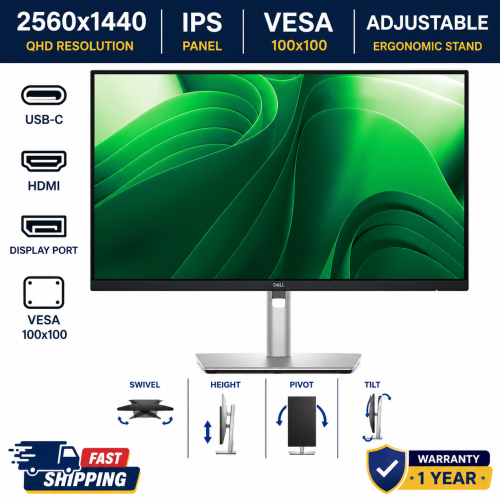
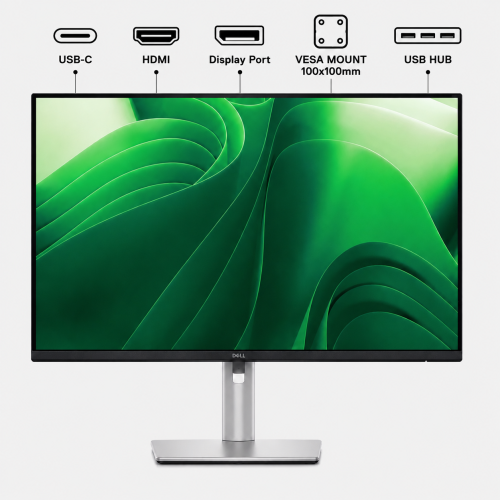

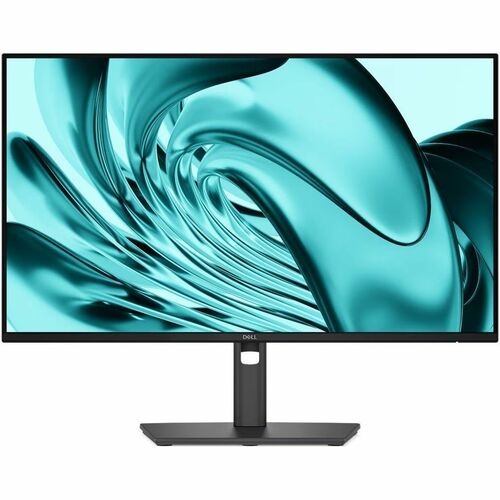
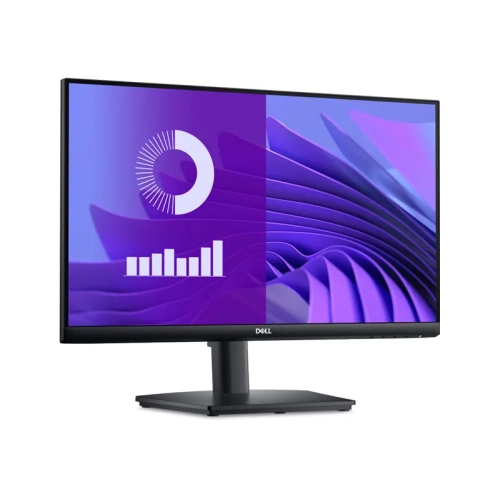
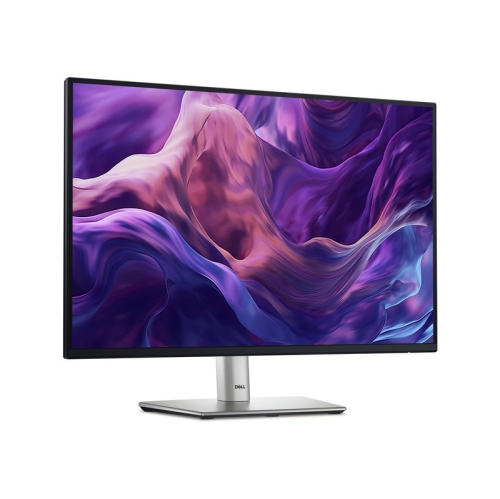
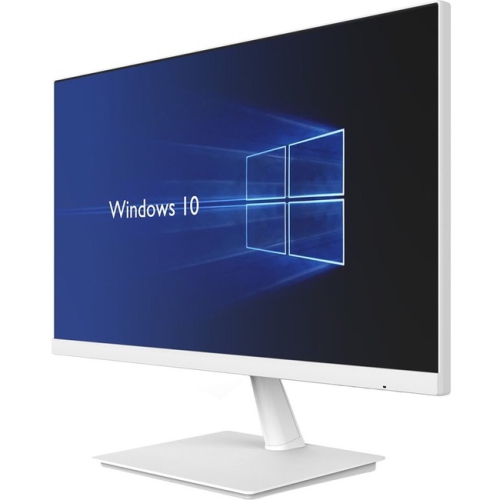

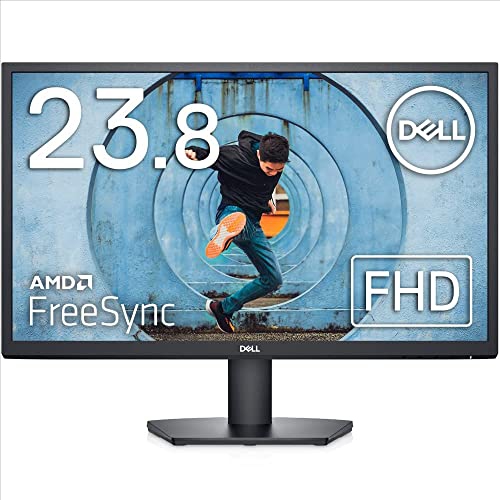

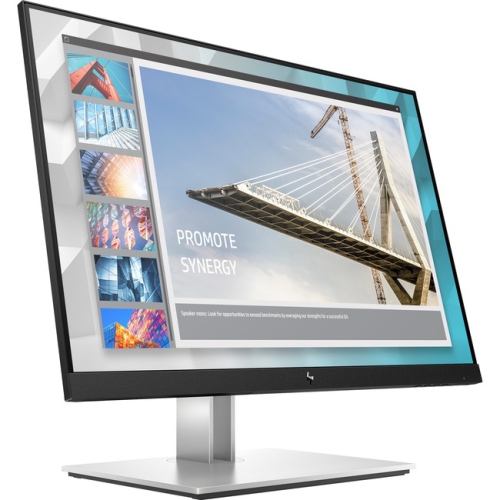
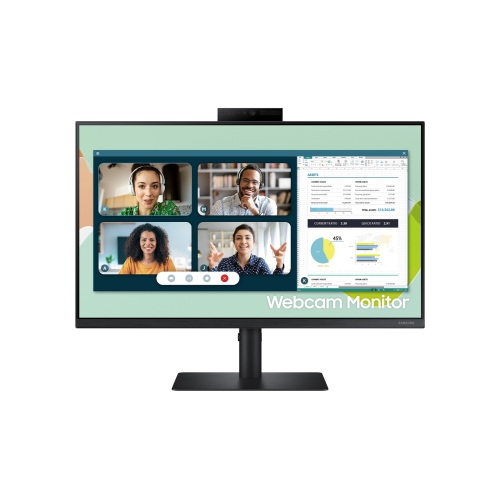
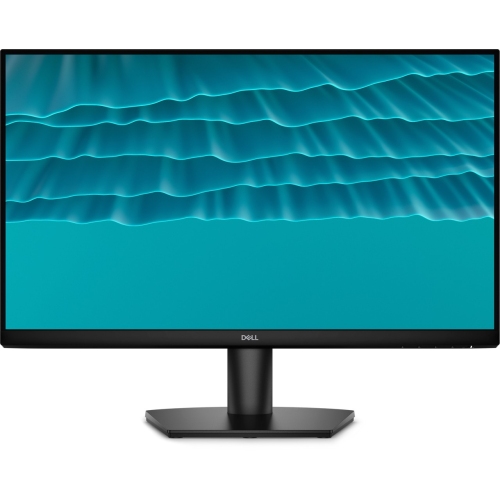
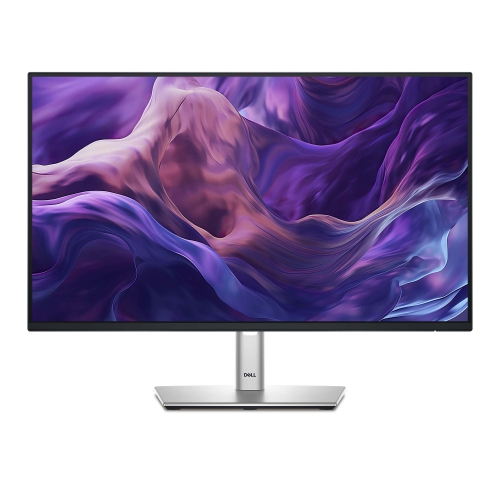
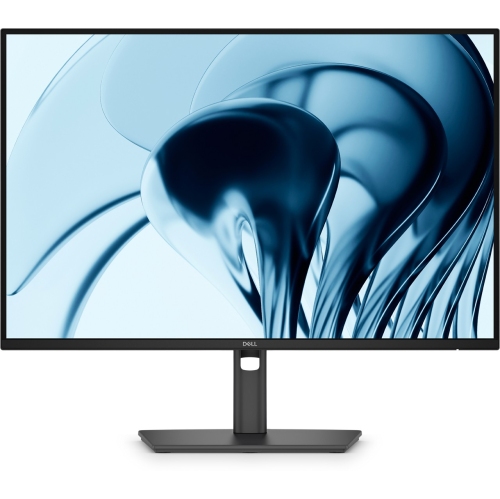
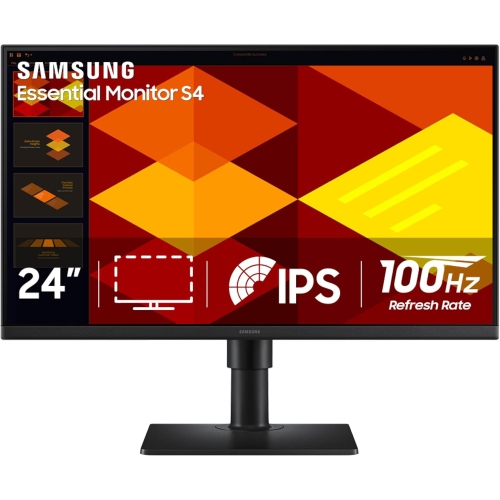
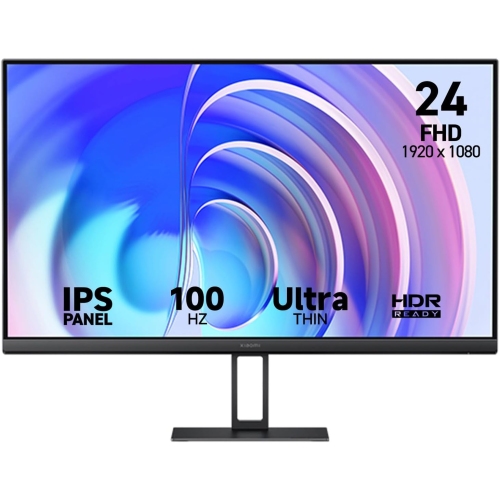
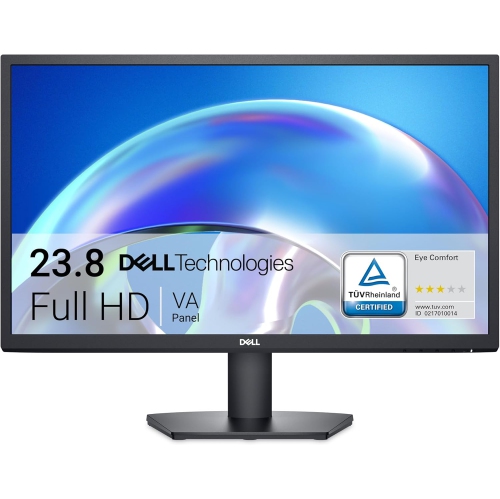
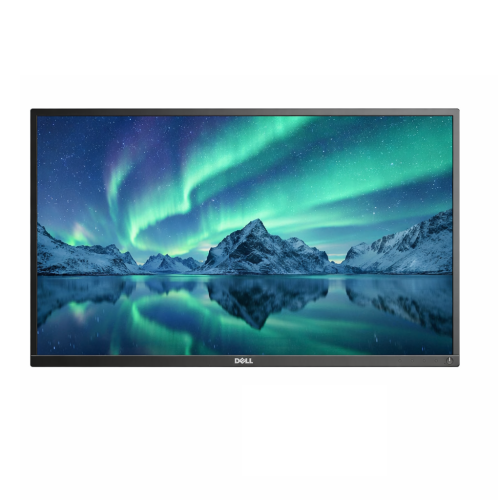
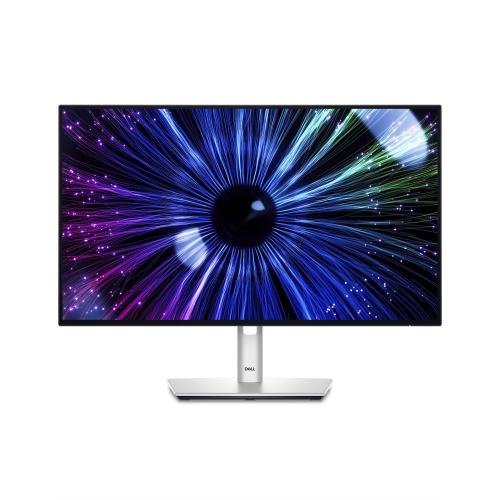
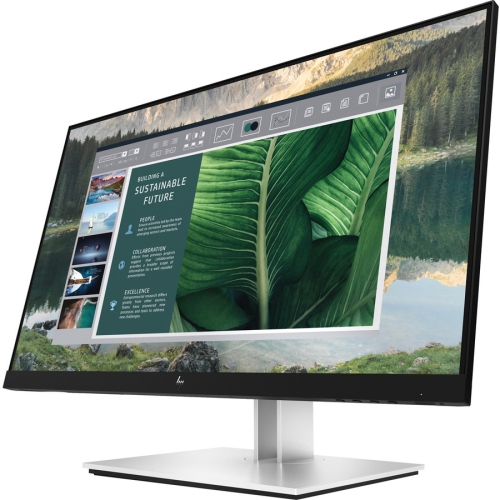
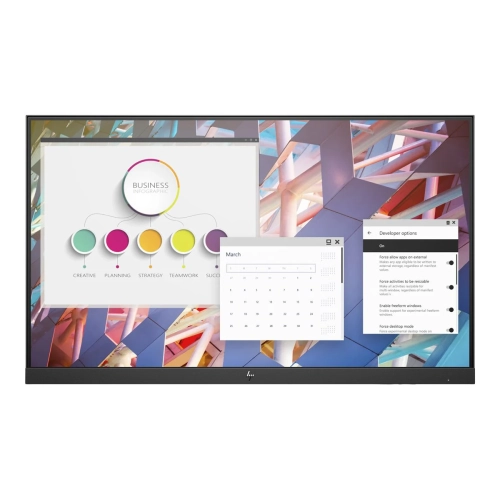
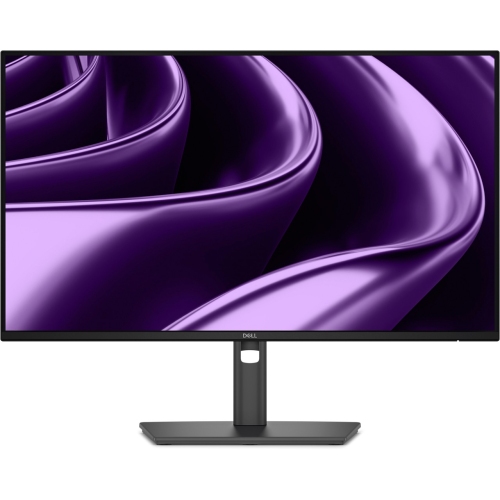
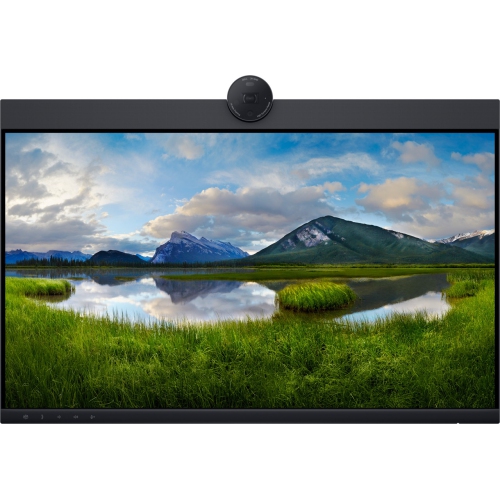
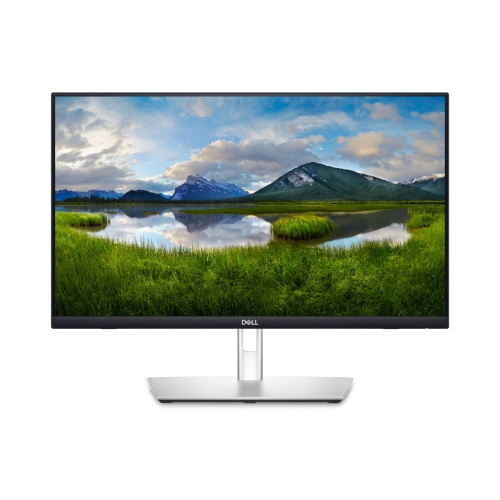
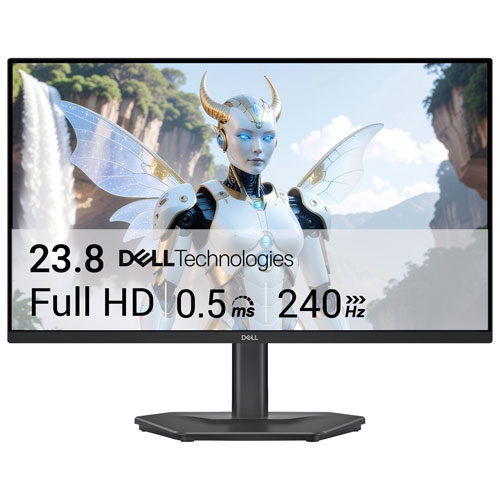
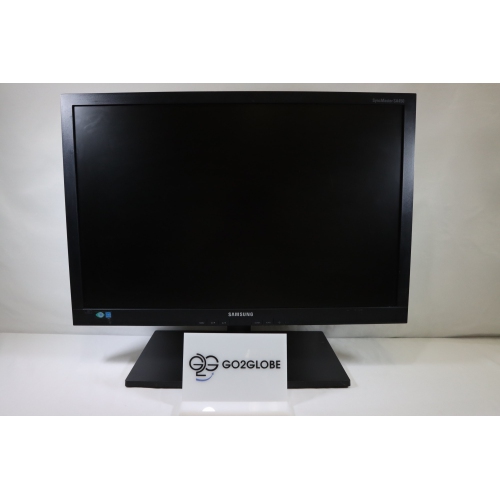
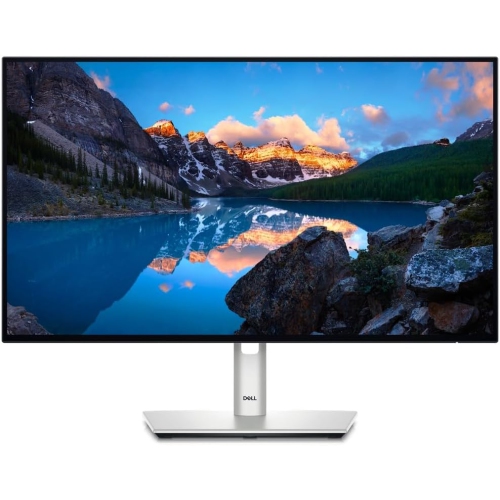
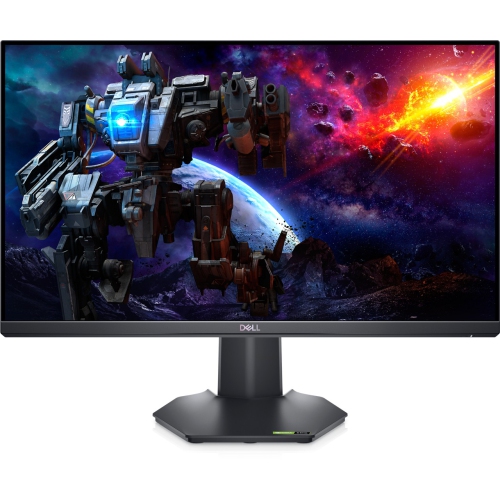
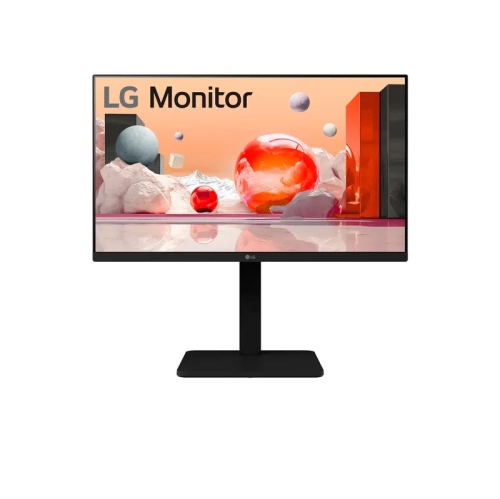
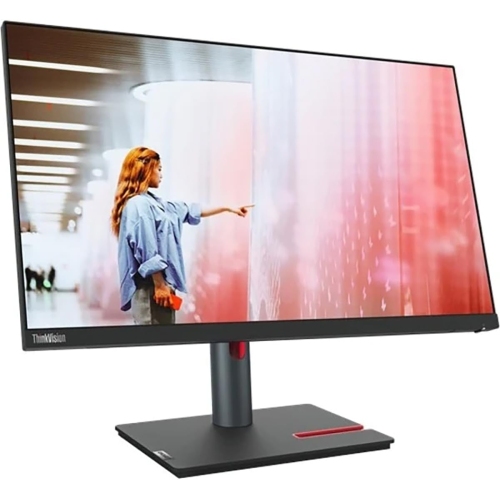
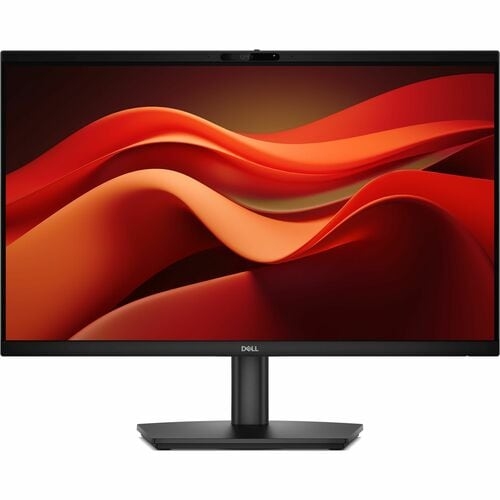
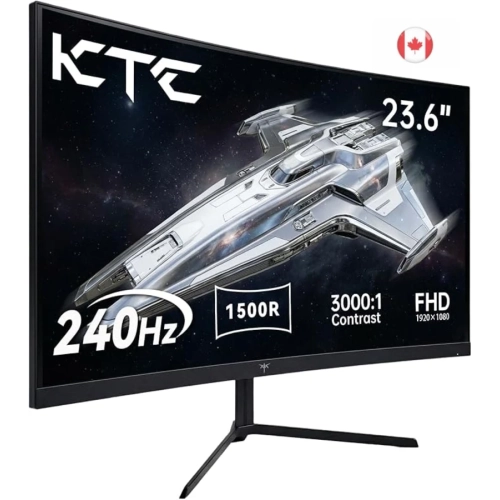
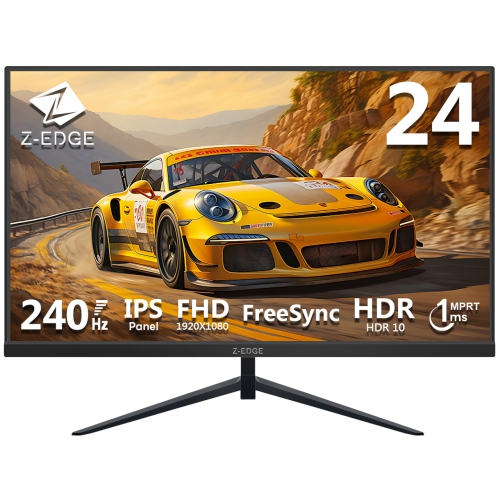
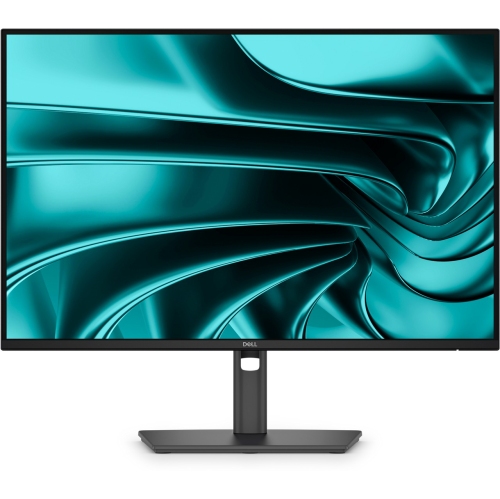
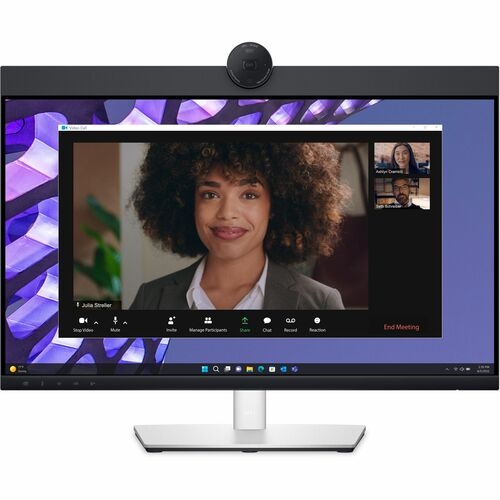
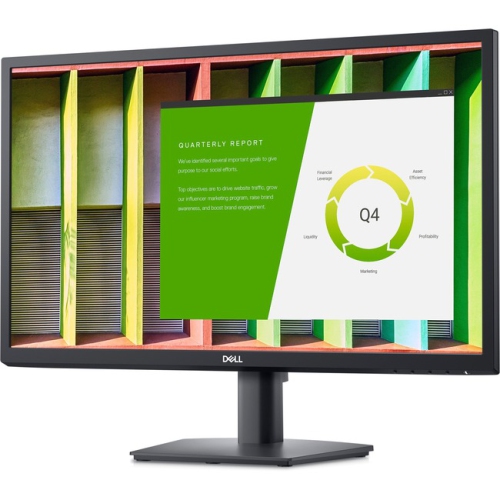
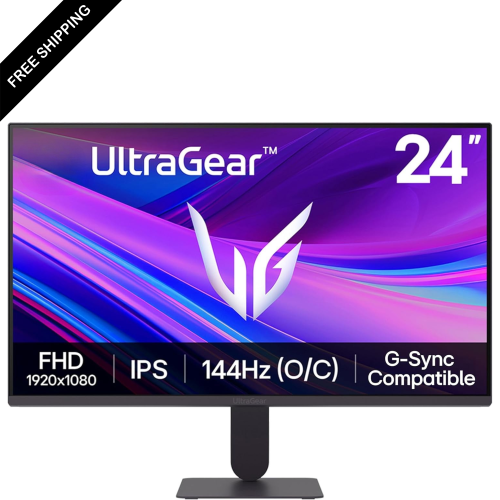
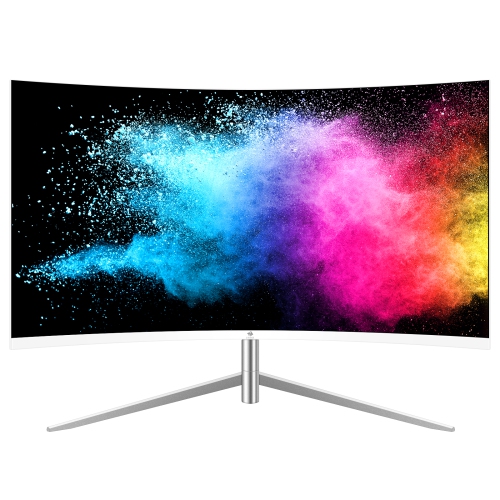
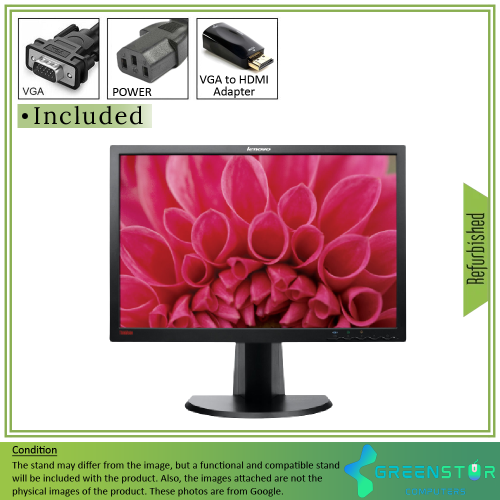
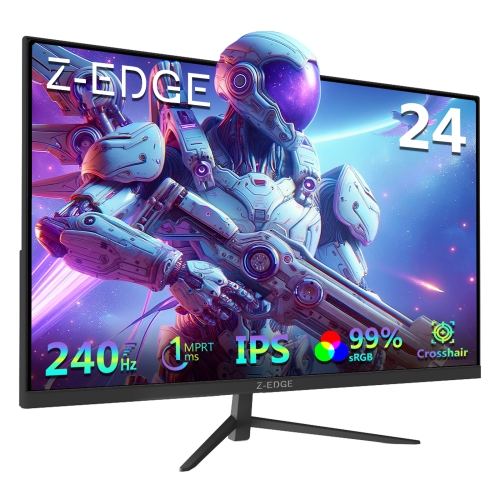
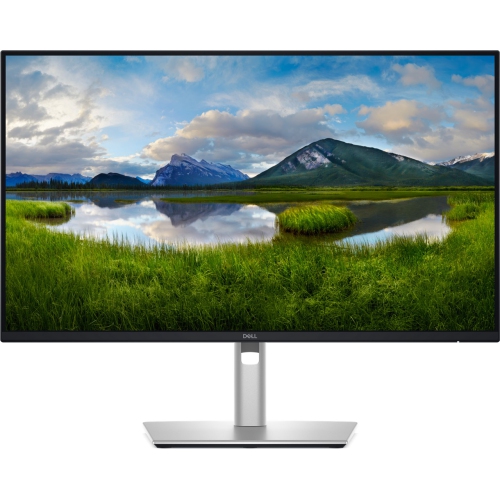
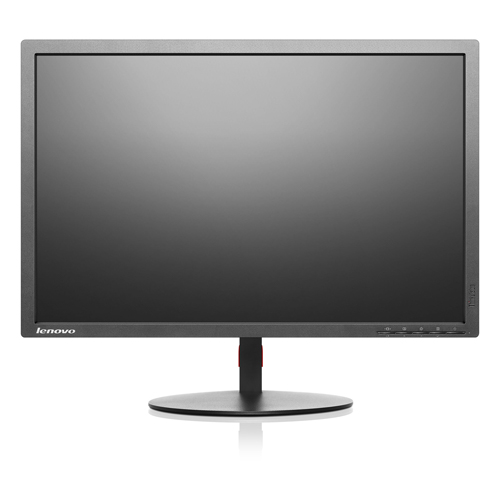
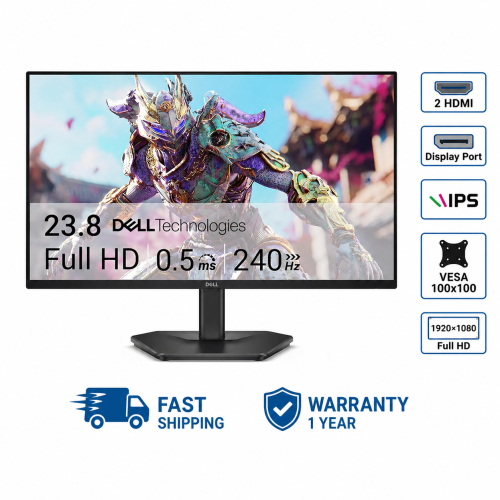
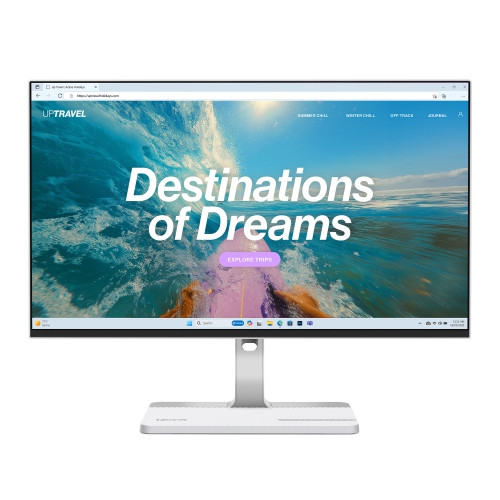
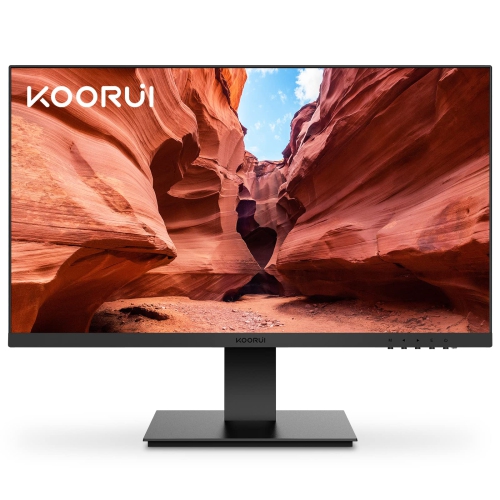
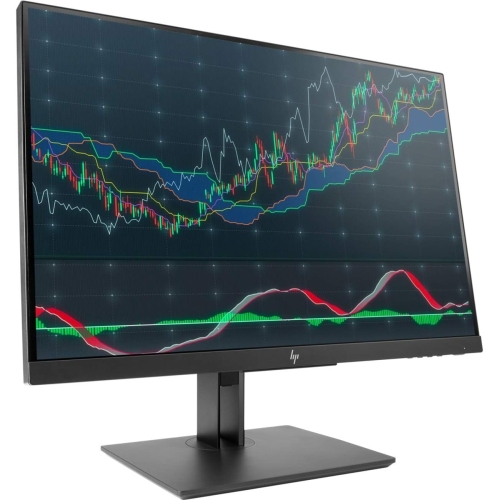
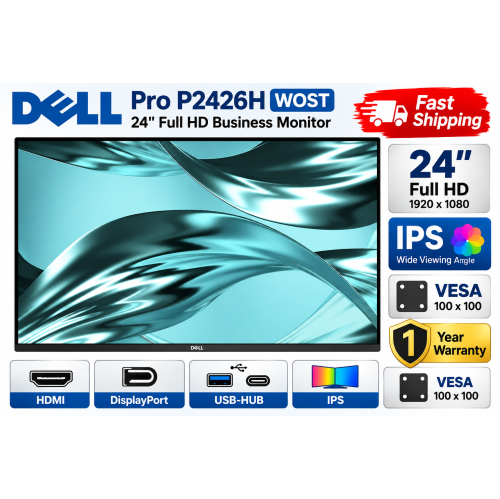
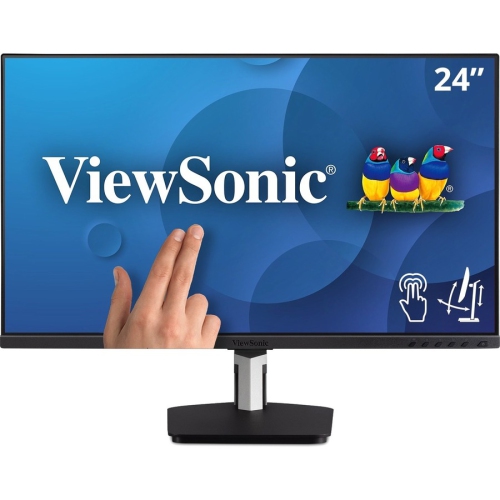
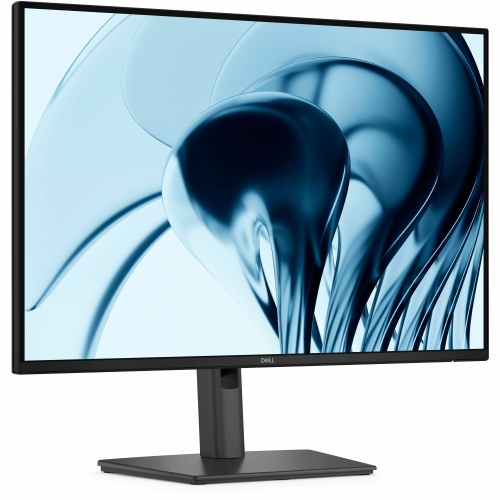
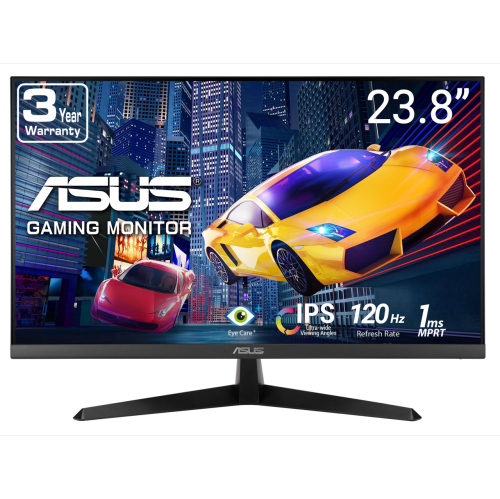
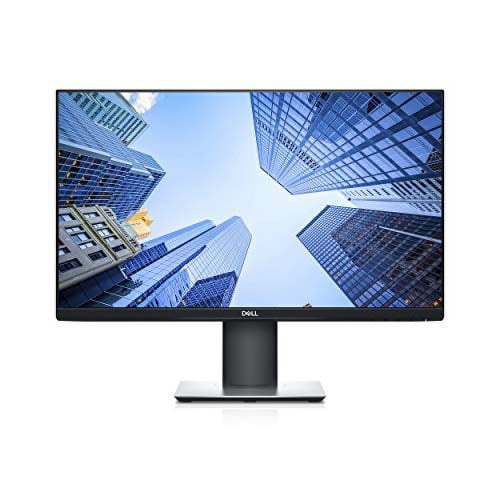
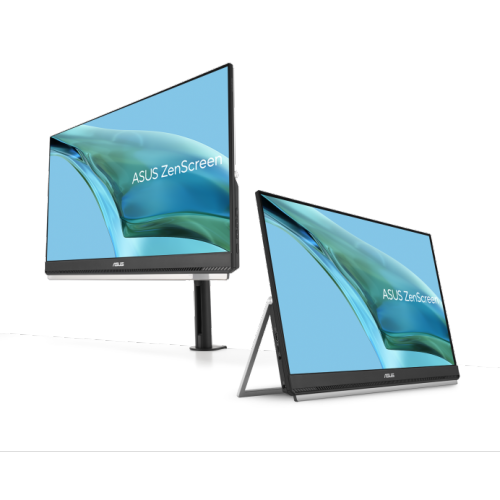
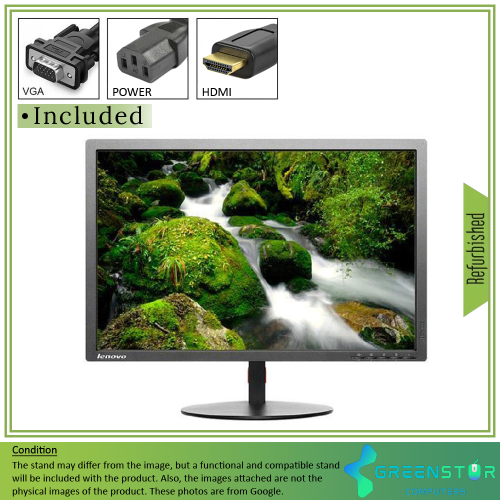
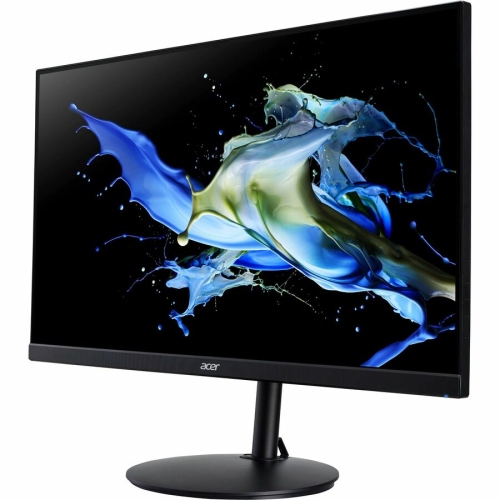
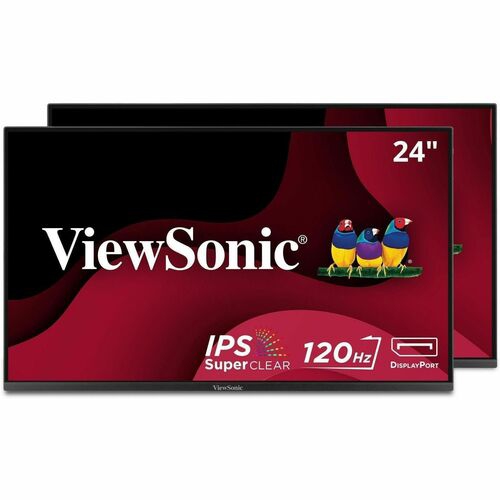
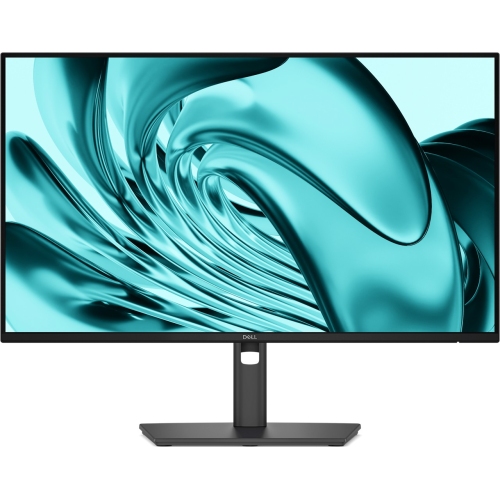
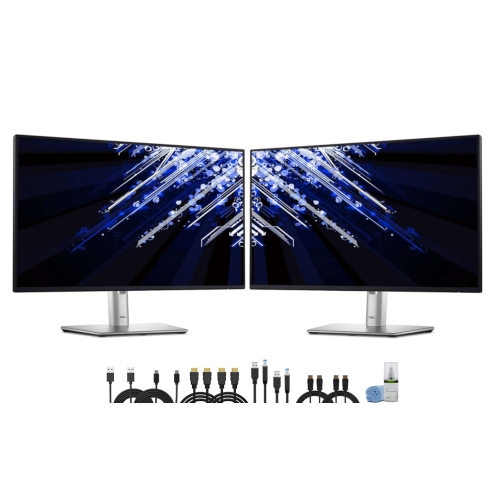
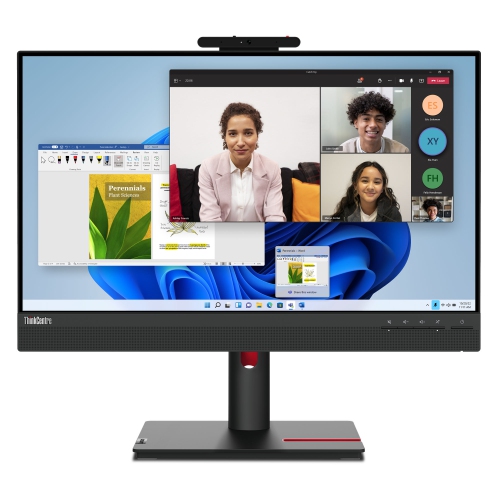
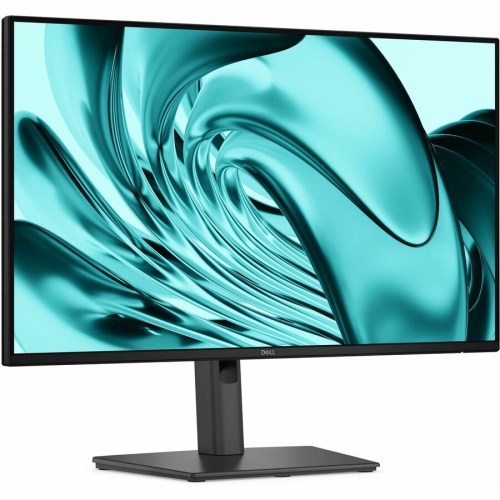
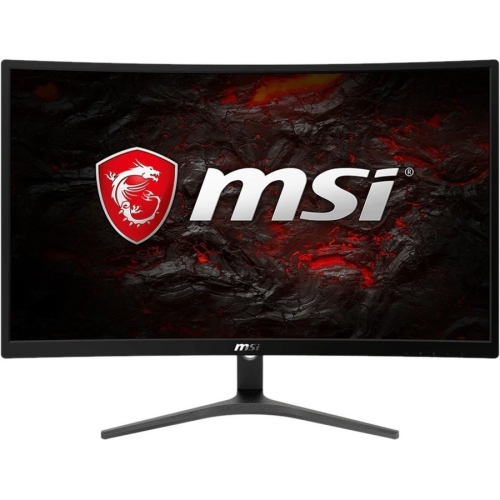

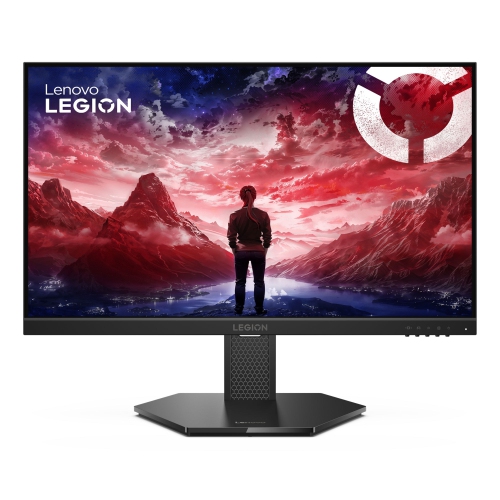
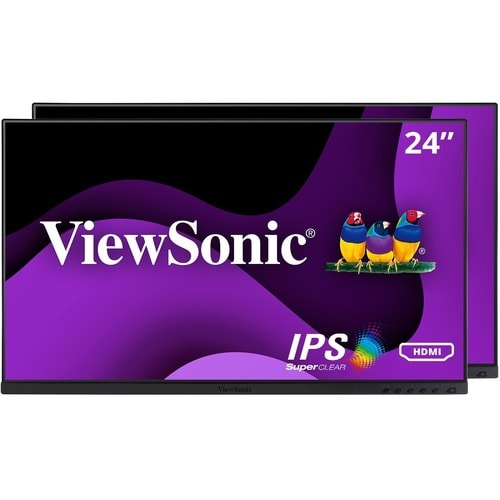
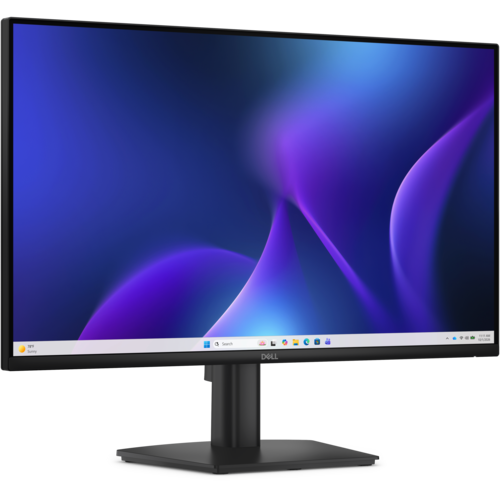
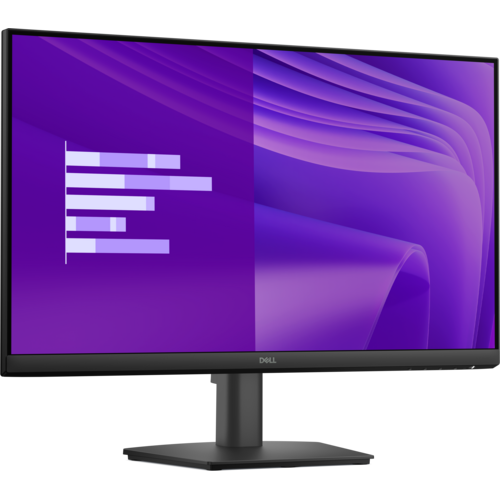
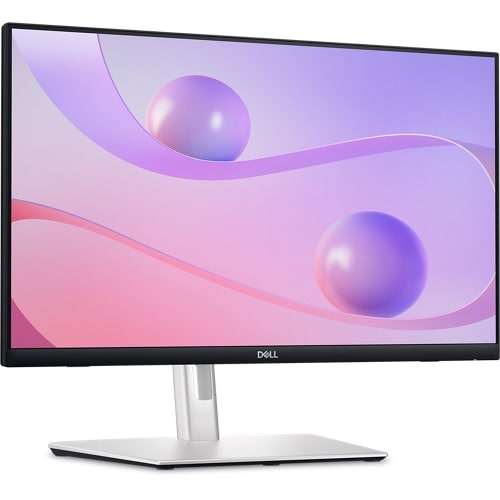
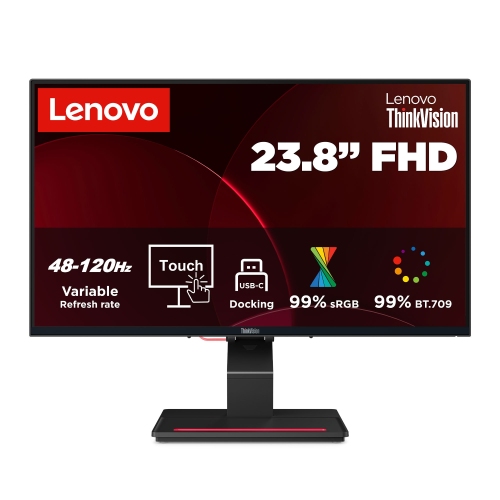
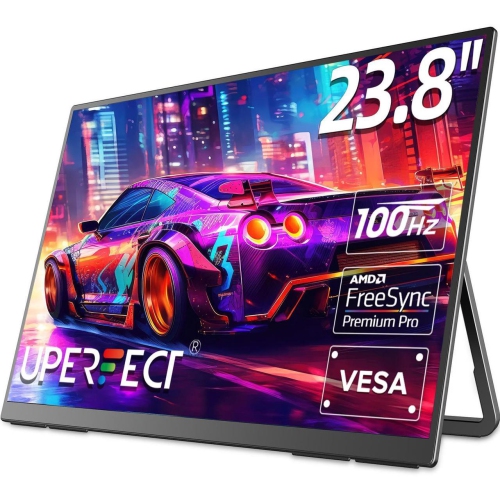

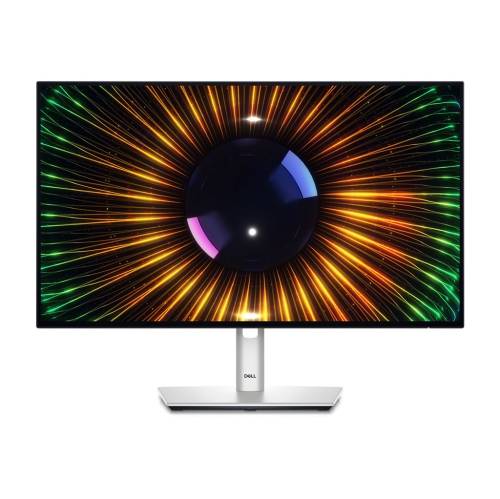
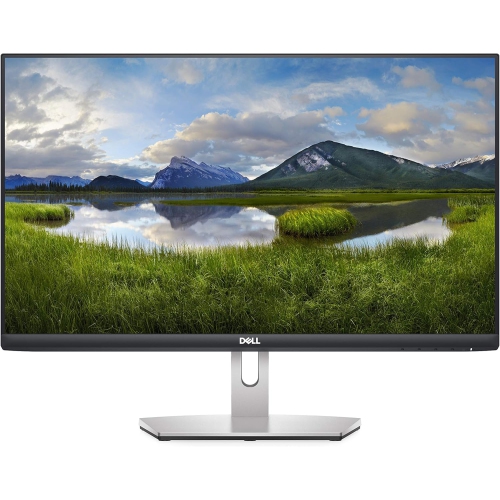
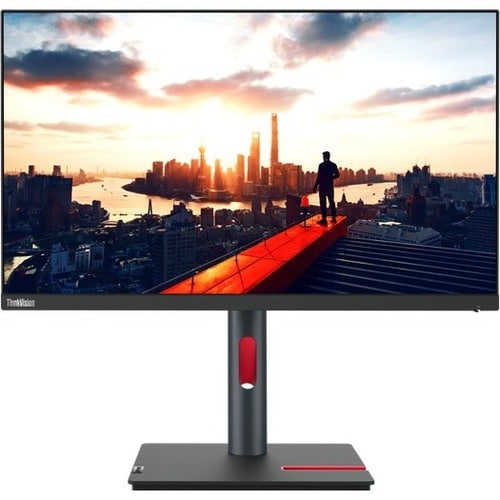
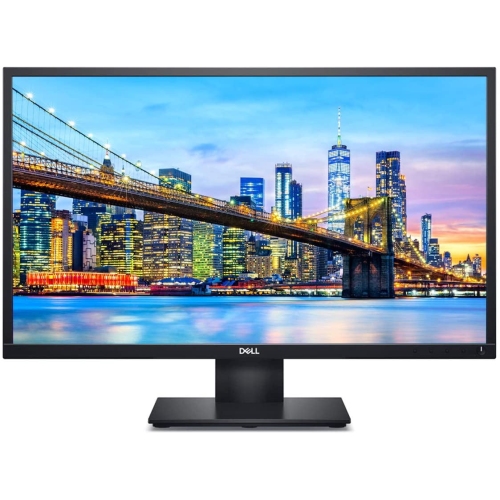
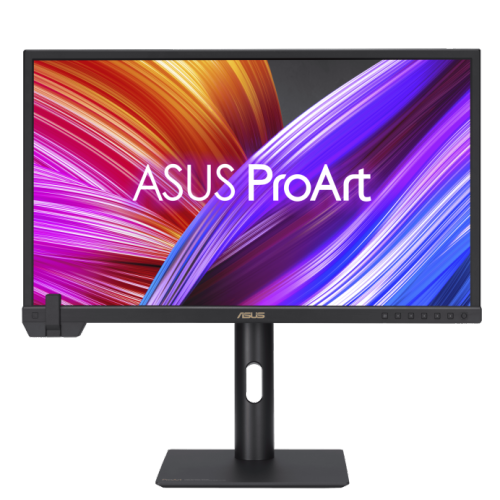
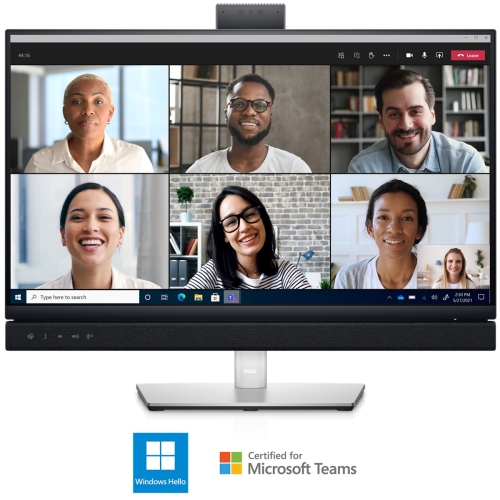
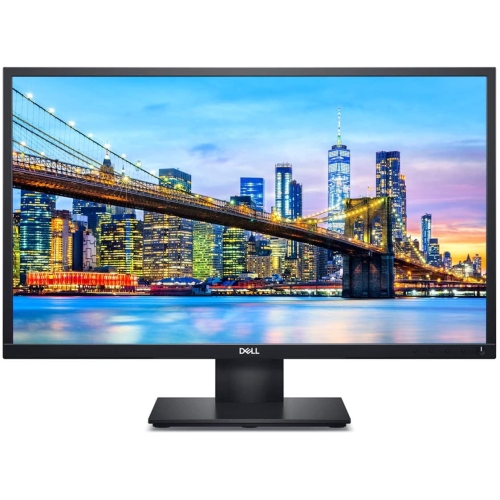
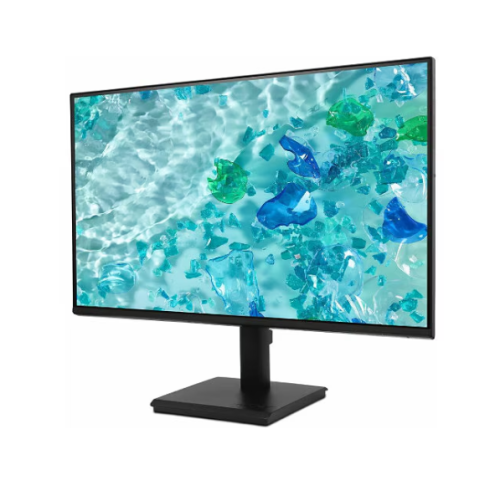
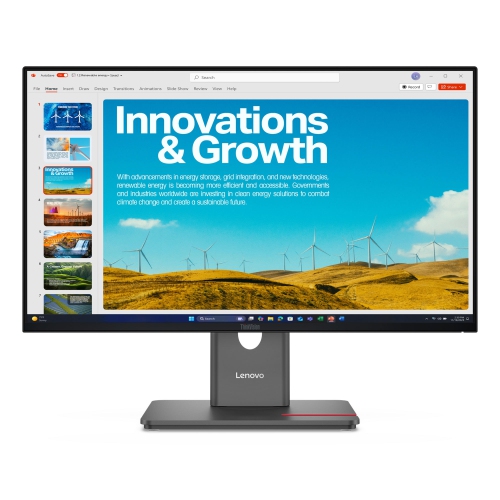
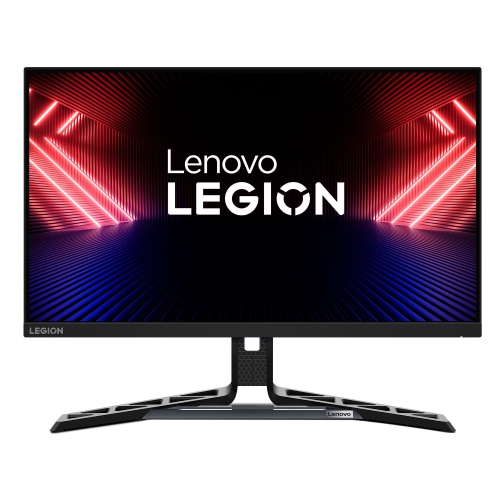
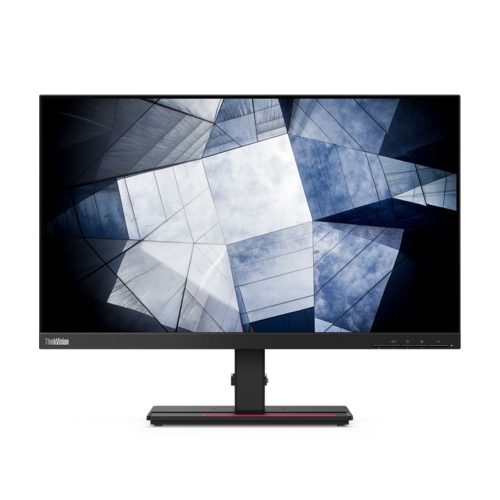
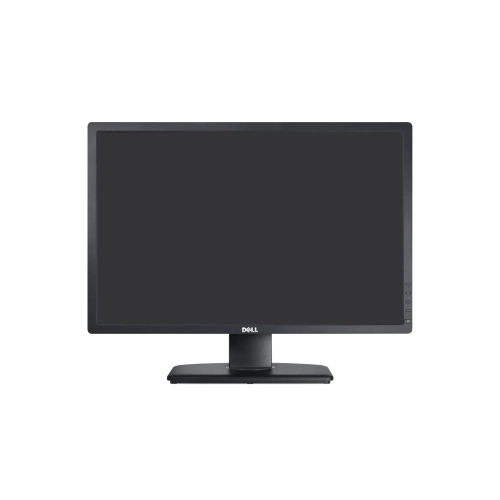
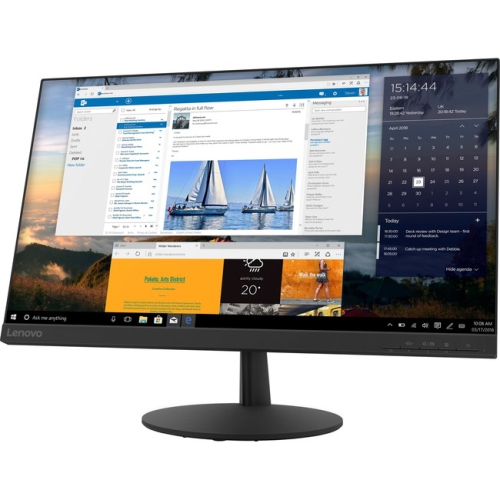
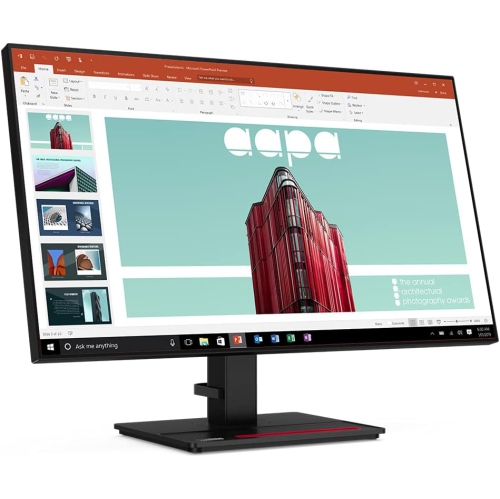
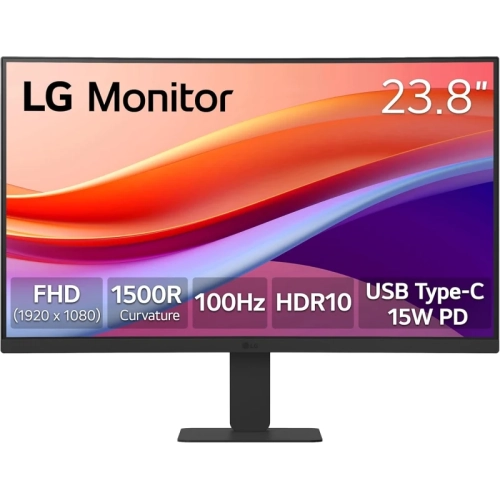
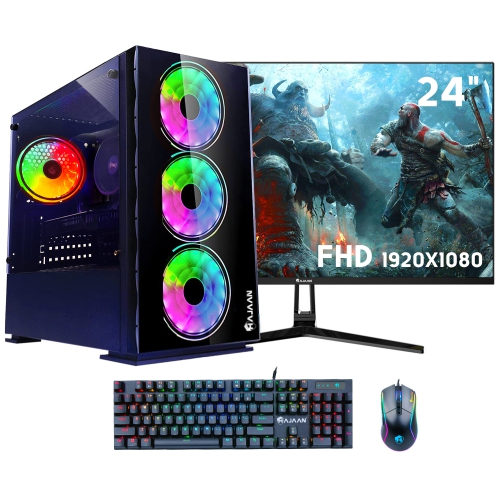
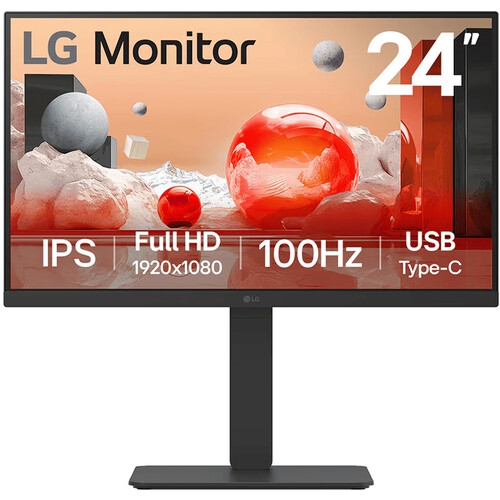
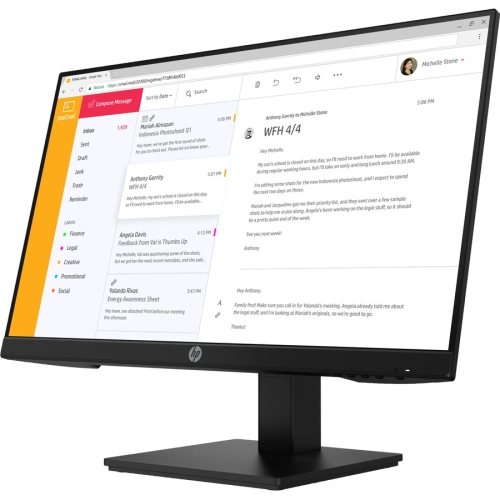


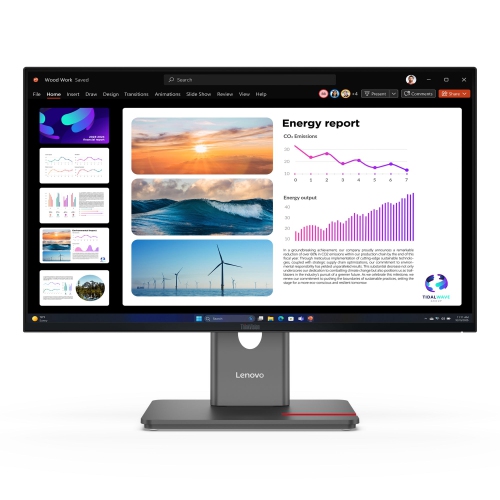

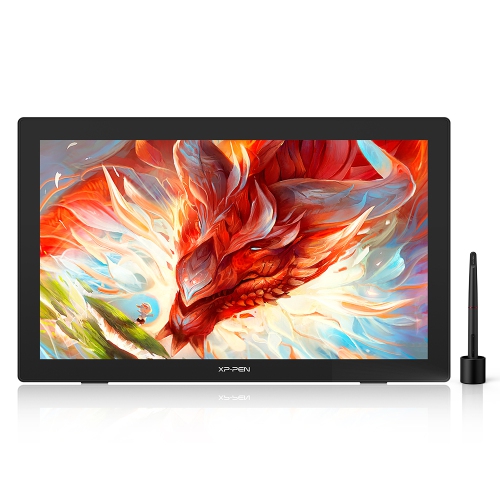
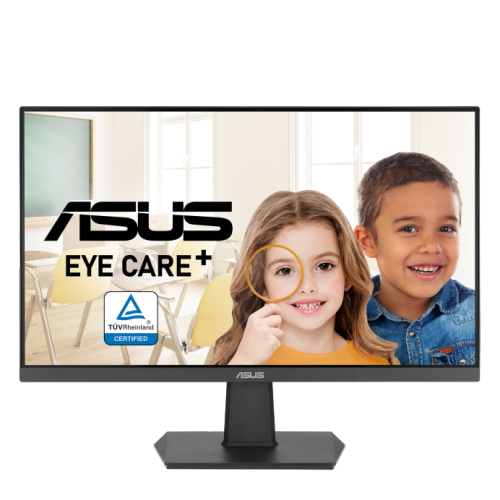
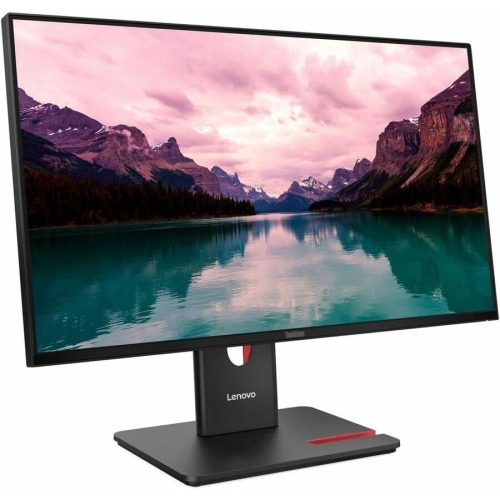
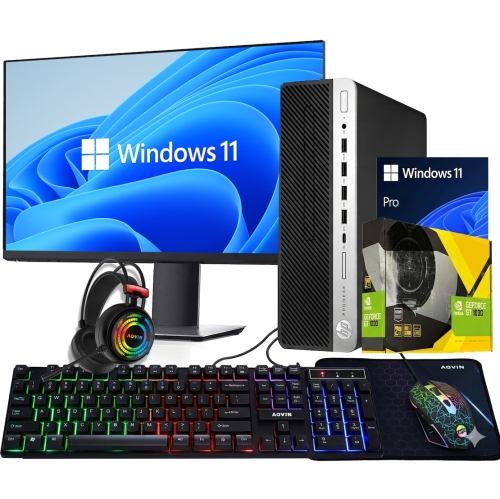
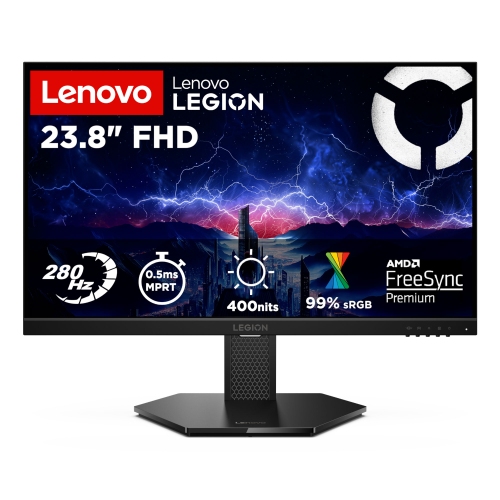
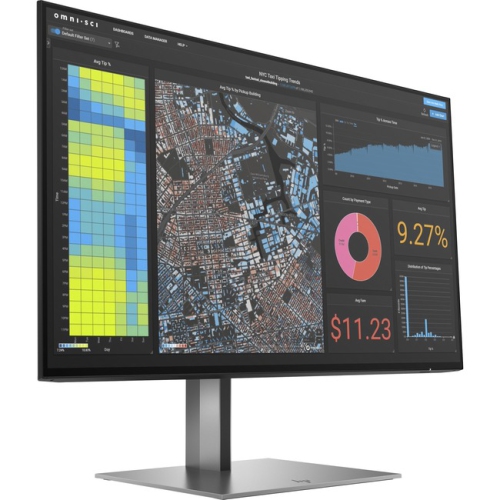
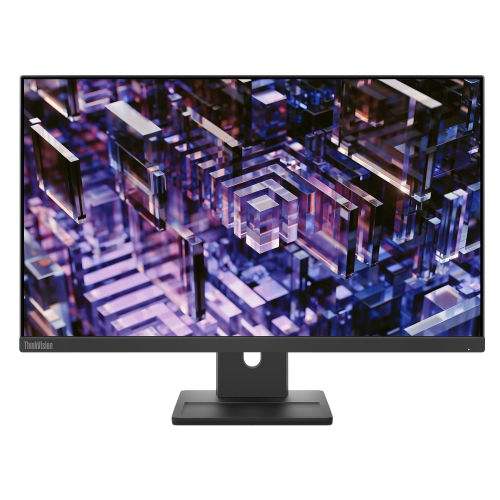
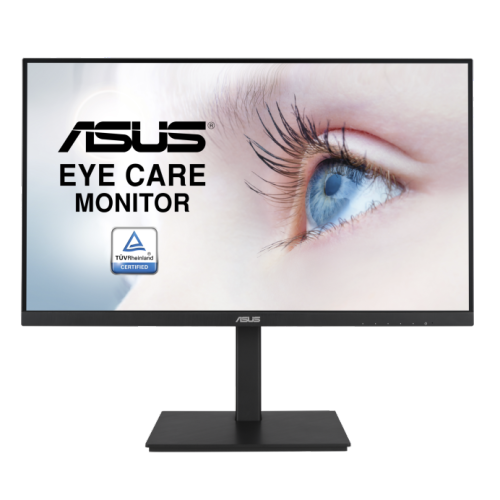
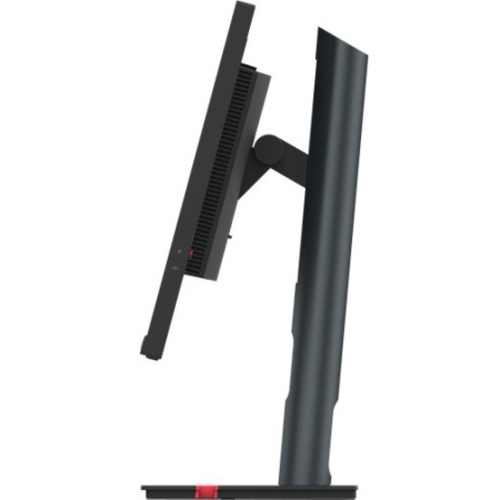
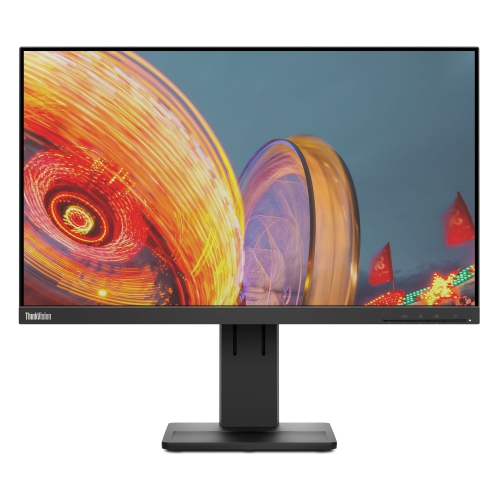
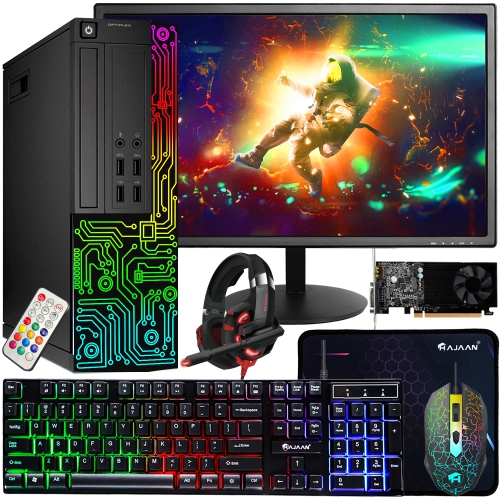
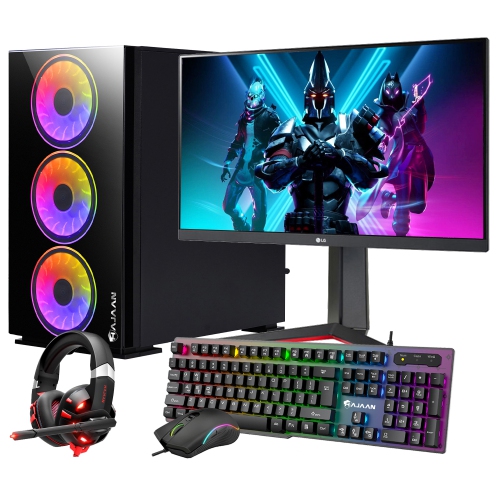
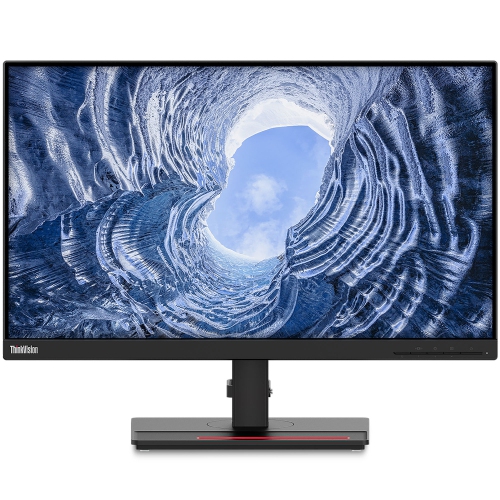
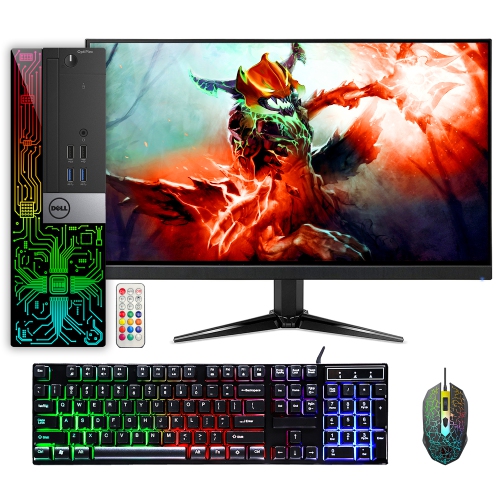
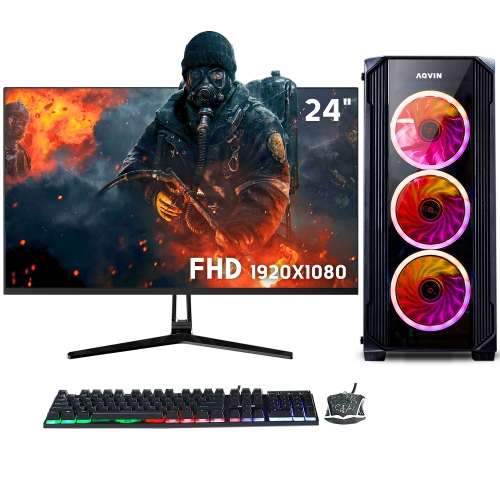
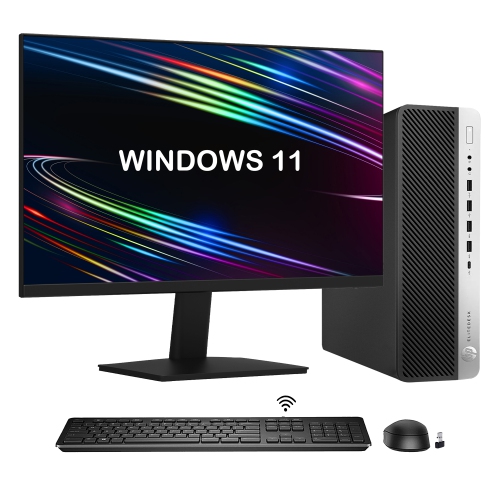
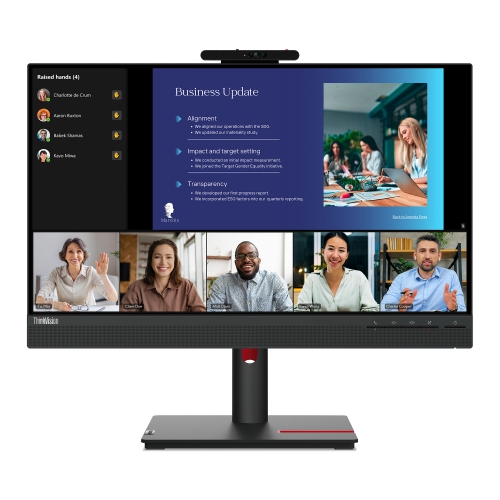
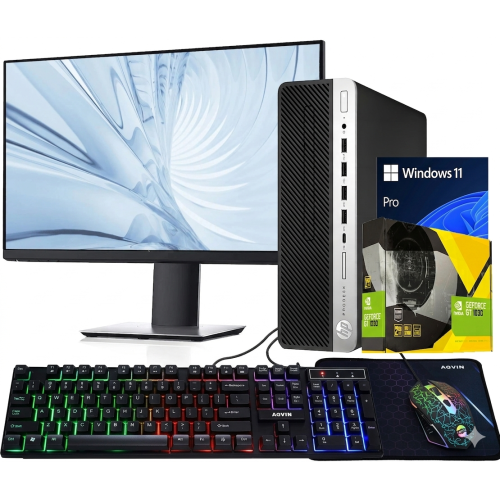
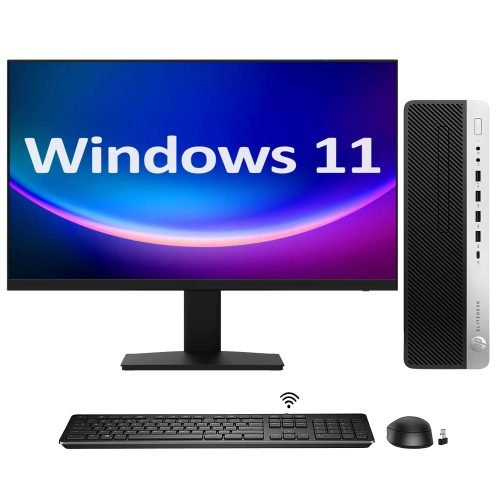
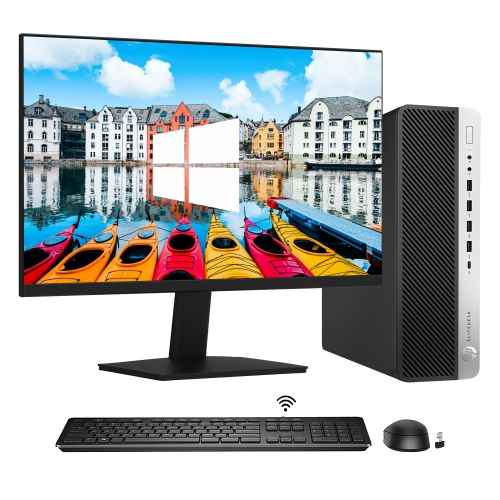
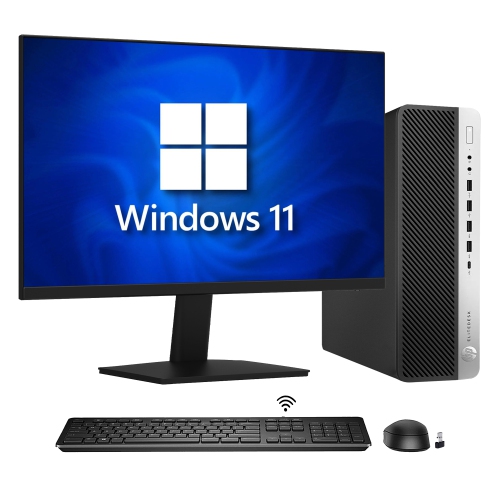

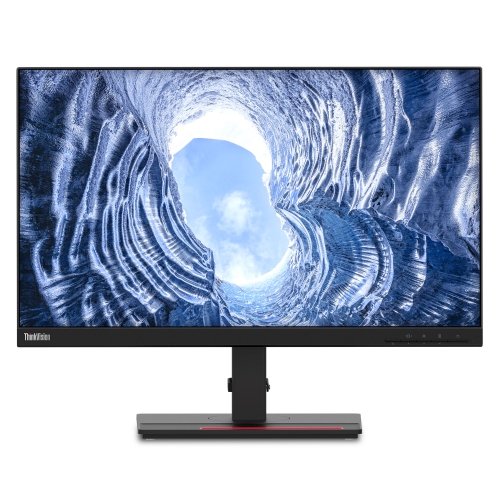

Room for everyday tasks without crowding your desk
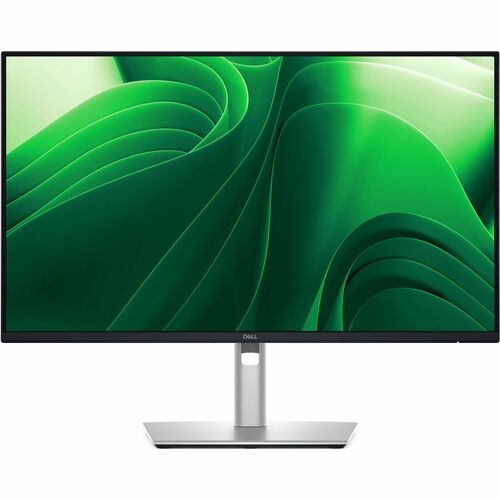
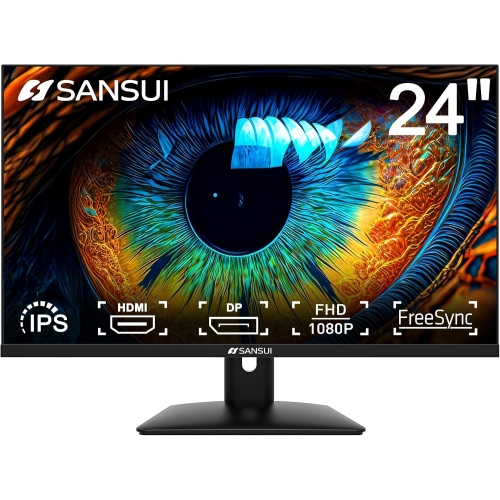
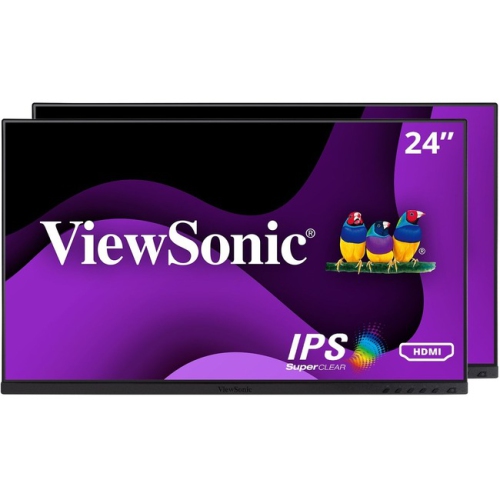
24-inch monitors offer a practical balance between usable screen space and a manageable footprint, making them a familiar choice for home offices, student desks, shared workspaces, and gaming setups. The size refers to the diagonal measurement of the screen, not the width of the monitor or the space occupied by its stand. Many displays in this category have a viewable diagonal of 23.8 inches and are grouped within the 24-inch class. A typical widescreen model uses a 16:9 aspect ratio, with a viewing area approximately 53 centimetres wide and 30 centimetres tall. That leaves room for a document beside a reference window without requiring the desk depth of a much larger display. Full HD resolution, or 1920 x 1080 pixels, is common at this size and suits everyday tasks such as email, spreadsheets, video calls, and streaming. Higher-resolution options can provide finer detail and more workspace, although text scaling may be useful to keep menus and lettering comfortably readable. For someone moving from a laptop screen, a separate monitor can make a busy spreadsheet easier to follow or keep a lesson visible while notes are typed on another display. Two matching 24-inch monitors can also create a balanced workstation, with a main application directly ahead and messages or supporting material to one side. Slim bezels help reduce the visual gap between screens, while matching resolution and scaling can make moving windows between them feel more consistent. Students, remote workers, casual players, and people setting up a dedicated household computer can all make good use of this format. Its suitability depends less on the size label alone than on how the screen, stand, and connections fit the tasks and space. On a shallow desk, the stand’s depth can matter as much as the panel’s width, particularly when a keyboard, notebook, and mouse also need comfortable working room.
Picture quality and motion handling give different 24-inch monitors distinct strengths. An IPS panel is often well suited to shared viewing and work that benefits from consistent colour across the screen, such as arranging presentation slides or making everyday photo adjustments. VA panels commonly offer stronger native contrast, which can give dark scenes more depth, while performance varies between individual displays. TN panels are another option, particularly where fast response is a priority, though viewing angles and colour consistency can be more limited. Panel type is only part of the picture: brightness, surface finish, factory settings, and colour coverage also affect how a display looks in use. A matte screen can soften reflections from a nearby window or overhead light, but placement still matters when bright light falls directly across the panel. For photography, illustration, or design tasks, stated colour coverage and calibration capabilities are more useful indicators than broad claims of vivid colour. Refresh rate describes how often the image updates each second. A 100Hz or 120Hz display can make scrolling and pointer movement look smoother than on a 60Hz screen, while higher refresh rates may appeal to players following quick movement in racing or competitive games. The benefit depends on the connected computer or console, its supported output, and the frame rate it can deliver. Adaptive sync can help reduce screen tearing when supported by both the monitor and the connected hardware. Advertised response time is a separate measurement from refresh rate, and the fastest response setting is not always the clearest because aggressive settings can introduce visible trails around moving objects. For everyday entertainment, useful details may be simpler: clear dialogue from built-in speakers, a headphone connection within reach, or controls that are easy to adjust without reaching behind the screen. Built-in speakers can be convenient for calls and short videos, while separate speakers or headphones generally offer a fuller listening experience. Reading modes, flicker-reduction features, and adjustable brightness can support a comfortable setup, alongside sensible room lighting and regular breaks.
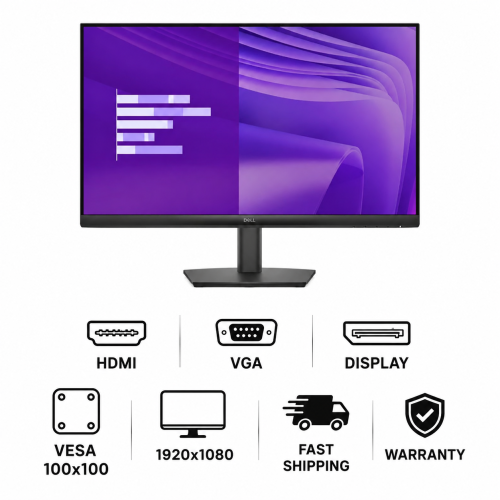
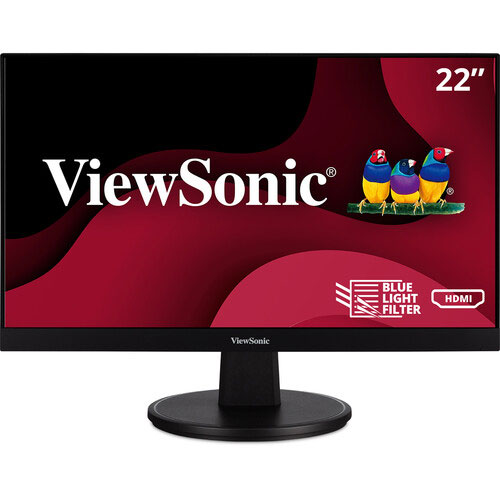
Connections and physical design determine how easily a 24-inch monitor becomes part of a daily routine. HDMI and DisplayPort are common video connections, but the supported resolution and refresh rate depend on the versions and capabilities at both ends of the cable. USB-C can simplify a laptop setup when the monitor and laptop both support video over that connection; some monitors also provide charging and a USB hub for accessories. A USB-C socket alone does not guarantee those functions, and charging output needs to match the laptop’s requirements. This can make the difference between connecting one cable before a video meeting and arranging separate cables for power, picture, and peripherals. For desktop use, accessible ports and space behind the stand help keep cables from pressing against a wall. Ergonomic adjustments are equally useful over a long working day. Height adjustment, tilt, and swivel allow the screen to sit at a comfortable viewing position, while a pivoting stand can turn compatible displays vertically for reading lengthy documents or reviewing code. A monitor arm can free up the surface beneath the screen, provided its mounting pattern and weight limits match the display and the desk can support it. Many monitors combine a plastic cabinet with a reinforced stand or metal support components; a stable base, secure adjustment points, and thoughtful cable routing contribute more to everyday practicality than appearance alone. Routine care is straightforward: switch the display off before cleaning, use a clean microfibre cloth, and follow the manufacturer’s directions for any cleaning solution rather than spraying liquid onto the panel. Avoiding pressure on the screen and leaving ventilation openings clear also helps protect the display during regular use. As a gift, a monitor is most useful when its connections, stand dimensions, and intended purpose match the recipient’s existing setup, whether that means coursework, a home office, or gaming. For a narrower desk or a secondary display where every centimetre counts, 22 Inch Monitors offer a smaller format worth considering alongside the workspace and viewing needs.
Top selling and popular products
-
 Your price for this item is $2237.68
-
 Your price for this item is $320.68
-
 Your price for this item is $469
-
 Your price for this item is $149.99
-
 Your price for this item is $265.99
-
 Your price for this item is $229.99
-
 Your price for this item is $1138.68
-
 Your price for this item is $355.68
Discover more categories related to 24 Inch Monitors
Top Collections:
Best Black Friday Deals This Year, Best Black Friday Deals On Electronics, Kindle Devices, Pokemon Centers, Best Black Friday Deals On Apple Products, Best Cameras for Sports Photography, Dyson Airwrap, Pokémon 30th Celebration Cards, Apple iPhone 17 Pro, Canon G7X Cameras
Some products may be subject to Environmental Handling Fees
(EHF) depending on your province.
Learn more about EHFs.