27 Inch Student Monitors
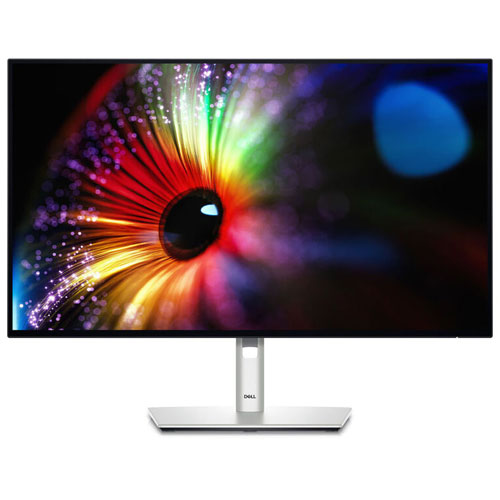
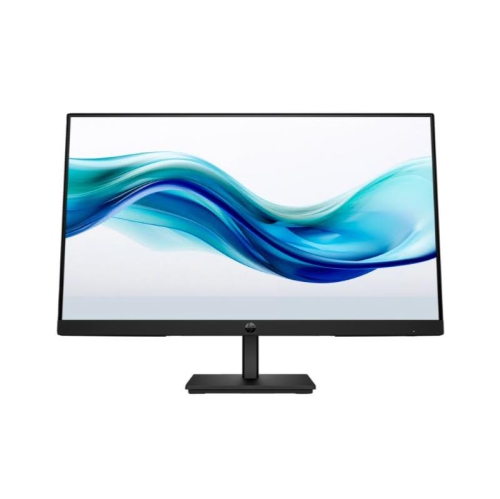
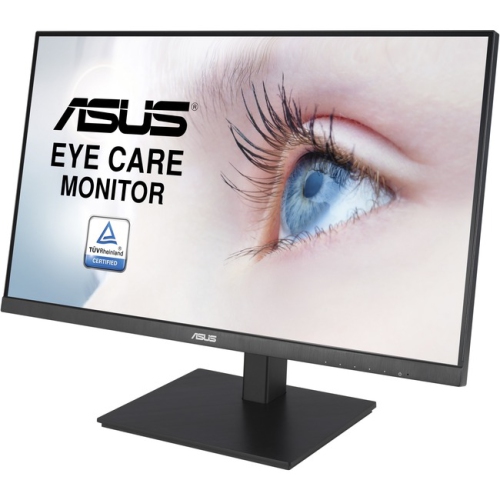
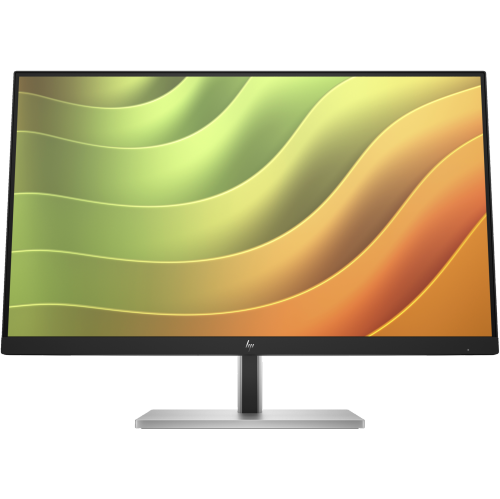
27 Inch Student Monitors offer an ideal balance of screen space and clarity for schoolwork, research, and entertainment. Designed to support productive study sessions, these monitors provide ample room for multitasking, online classes, and creative projects. With a 27 inch display, students can enjoy comfortable viewing while managing assignments or collaborating with classmates. Explore a selection of 27 Inch Student Monitors to find the right fit for any study space.
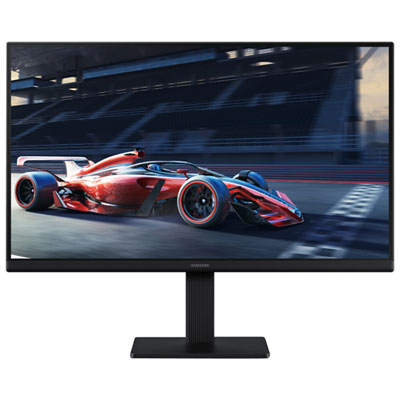
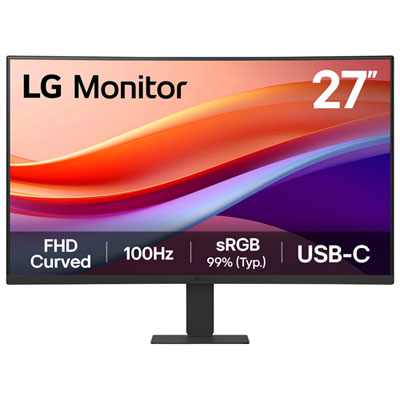
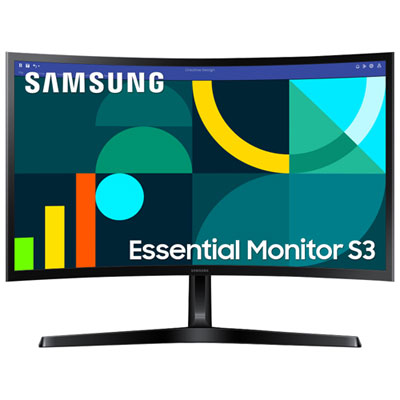


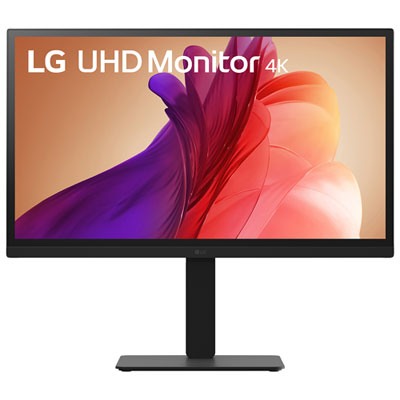
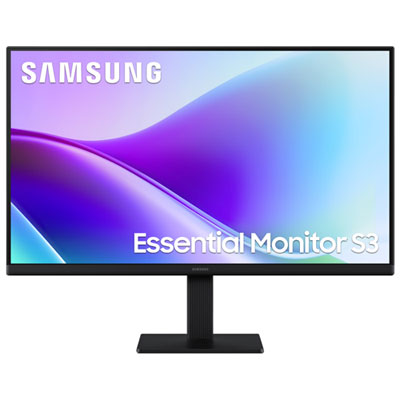
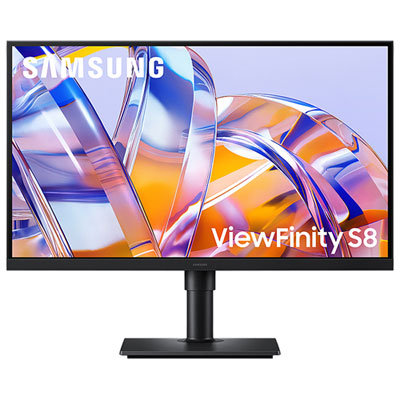
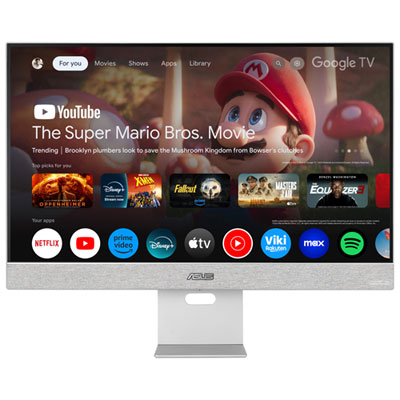
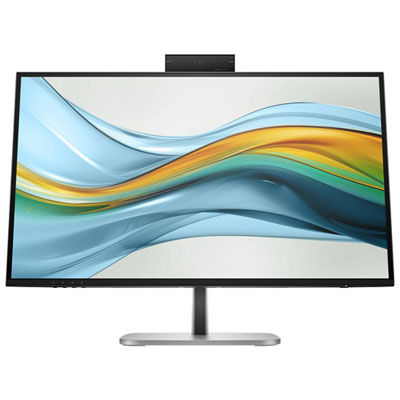
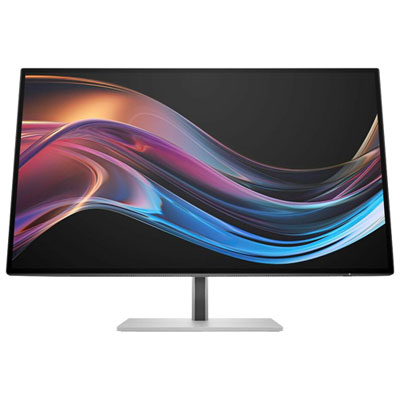
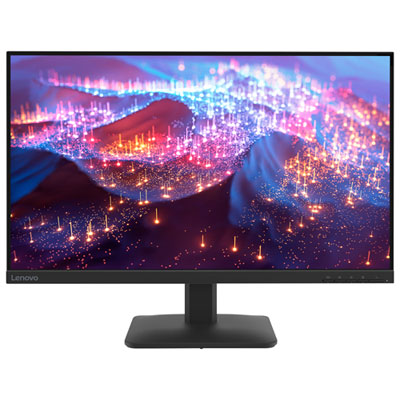
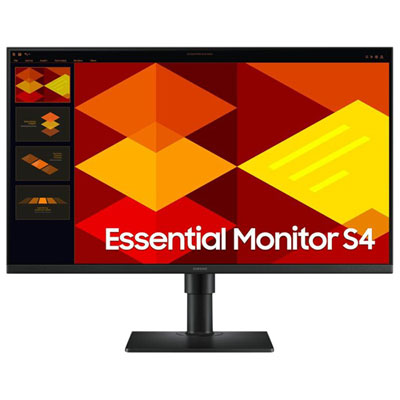
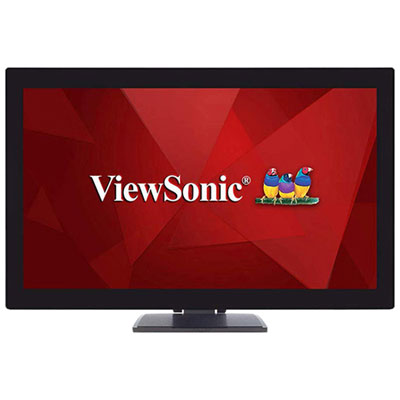
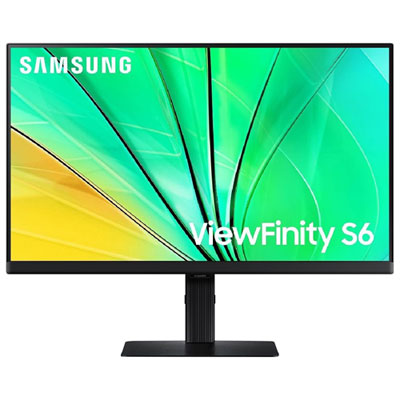
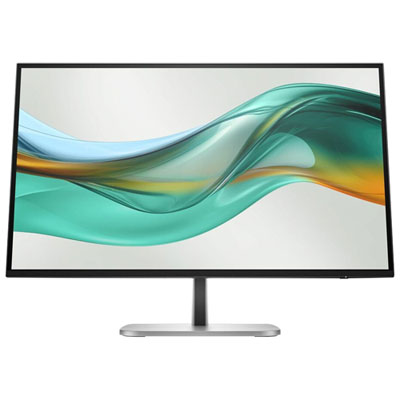
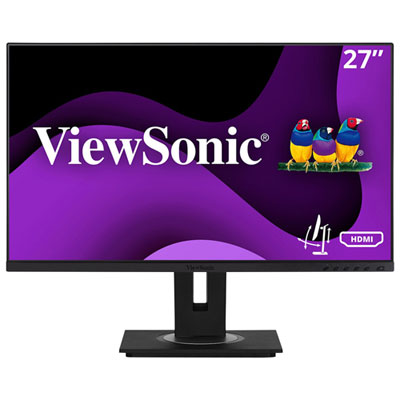
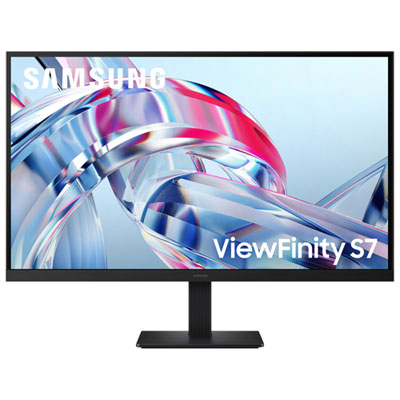
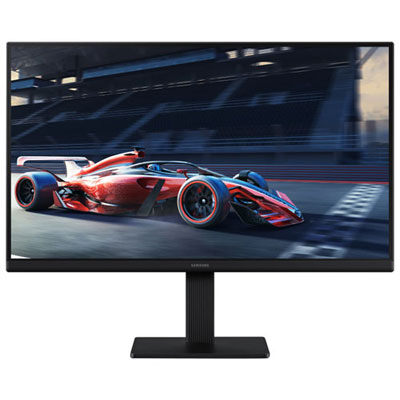
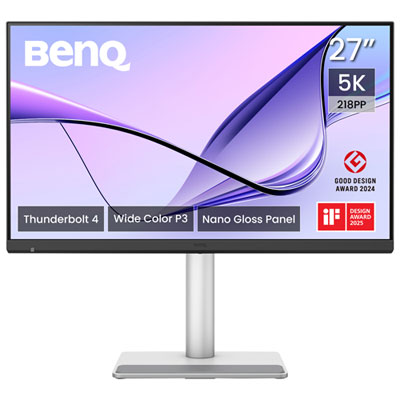
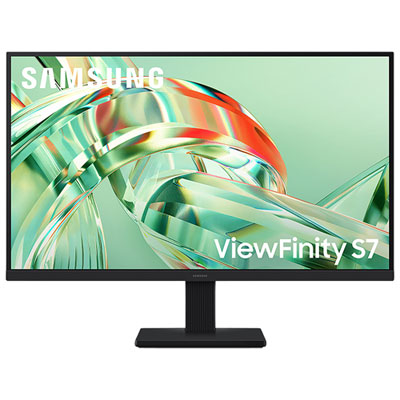
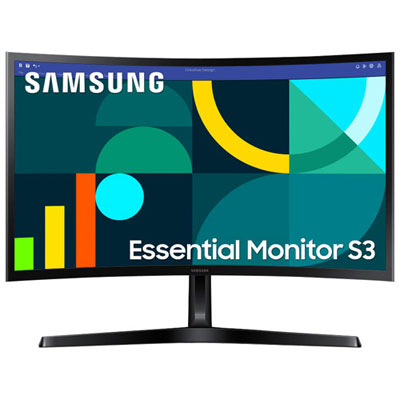
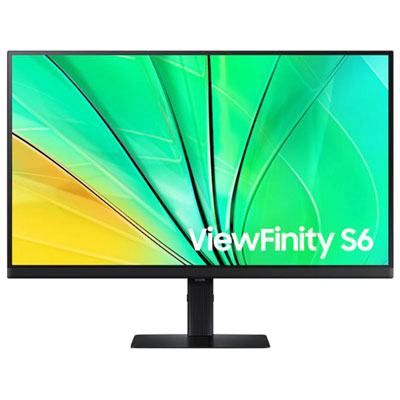
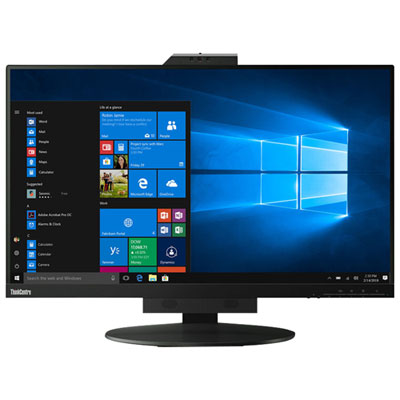
More screen space for studying, creating, and unwinding
When selecting a 27 inch monitor for student use, there are several features worth considering to ensure it meets daily demands. Adjustable stands and VESA mounting compatibility can make a big difference in comfort, especially during long study sessions or late-night assignment crunches. Many models offer built-in blue light filters and flicker-free technology, which can be a relief for students spending extended hours in front of the screen. Connectivity is another key factor—HDMI, DisplayPort, and USB-C inputs can simplify connecting laptops, tablets, or even gaming consoles, making the monitor a versatile hub for both productivity and downtime. For those sharing a space, built-in speakers can come in handy, while privacy features like narrow viewing angles may be appreciated in busy households or dorms. Gifting a 27 inch monitor is a thoughtful gesture for high school graduates heading off to university, or for anyone setting up a fresh study space as the seasons change. The right monitor can transform a cluttered desk into a focused, inspiring place to learn, collaborate, and unwind.
While a 27 inch display suits many needs, some students or spaces may benefit from a slightly smaller option. For those with limited desk space or a preference for a more compact setup, exploring the range of 24-Inch Monitors for Students can reveal excellent alternatives that still deliver clear visuals and reliable performance. Ultimately, whether gearing up for a busy academic season or upgrading a home office, choosing the right student monitor is about finding the perfect fit for your space, study habits, and personal style. A well-chosen display can make every task—from early morning note-taking to late-night video calls—feel more comfortable and productive, helping students stay organized and motivated as the school year unfolds.
FAQ
What features should students look for in a 27 inch monitor?
Students should consider monitors with high resolution for clear text and images, adjustable stands for ergonomic comfort, blue light filtering to reduce eye strain, and multiple connectivity options like HDMI and USB-C for compatibility with laptops and other devices.
Are 27 inch monitors suitable for multitasking during study sessions?
Yes, 27 inch monitors provide ample screen space, making it easier to have multiple windows or applications open side by side. This is especially helpful for research, writing papers, or attending virtual classes while taking notes.
Do 27 inch student monitors support wall mounting?
Many 27 inch monitors come with VESA mount compatibility, allowing them to be mounted on walls or monitor arms. This can help save desk space and create a more organized study area.
Can a 27 inch monitor be used with both PCs and Macs?
Most 27 inch monitors are compatible with both PCs and Macs as long as the computer has the appropriate video output ports such as HDMI, DisplayPort, or USB-C. Always check the monitor's specifications for supported connections.
What panel types are common in student monitors and how do they differ?
Common panel types include IPS (In-Plane Switching), TN (Twisted Nematic), and VA (Vertical Alignment). IPS panels offer better color accuracy and wider viewing angles, TN panels typically have faster response times but narrower viewing angles, and VA panels provide higher contrast ratios. For general student use, IPS panels are often preferred.
Top selling and popular products
-
 Your price for this item is $2237.68
-
 Your price for this item is $320.68
-
 Your price for this item is $469
-
 Your price for this item is $149.99
-
 Your price for this item is $265.99
-
 Your price for this item is $229.99
-
 Your price for this item is $1138.68
-
 Your price for this item is $355.68