27 inch Monitors
If you're a professional who needs to be able to see every detail of your screen, a 27-inch display is the best choice for you. It's large enough to make spreadsheets and photos look good, but small enough that it won't dominate your desk. And if you're looking for something with a little more style than the typical monitor, we've got you covered there, too.
Sort

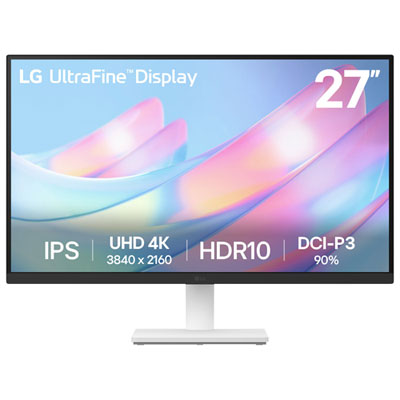
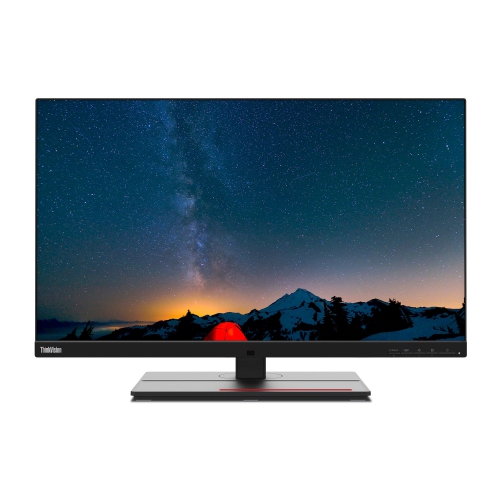
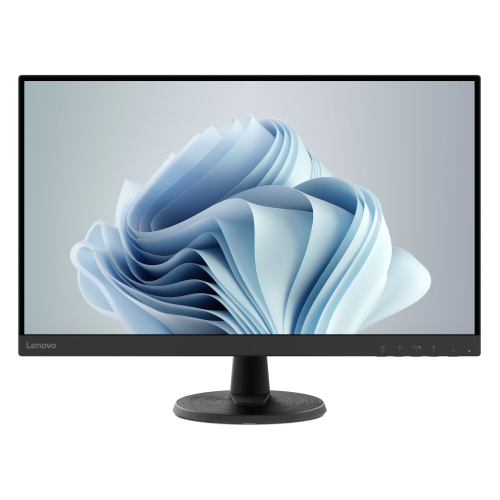
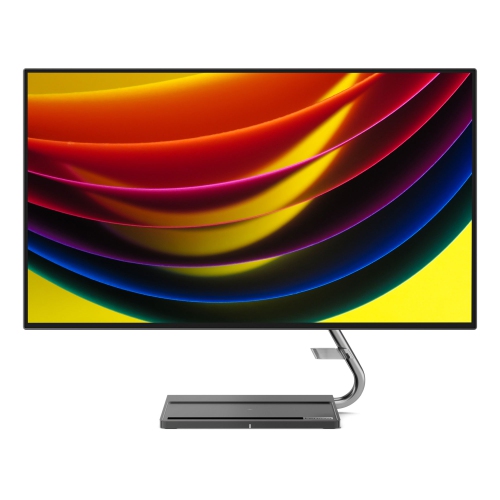


![VIEWSONIC Omni 27" 1080P HD Led Gaming Monitor (Vx2718-P-Mhd) - Freesync Premium - 165Hz [Employee of bestbuy] Best monitor that is to buy in the market as of now](https://multimedia.bbycastatic.ca/multimedia/products/500x500/156/15611/15611278.jpeg)
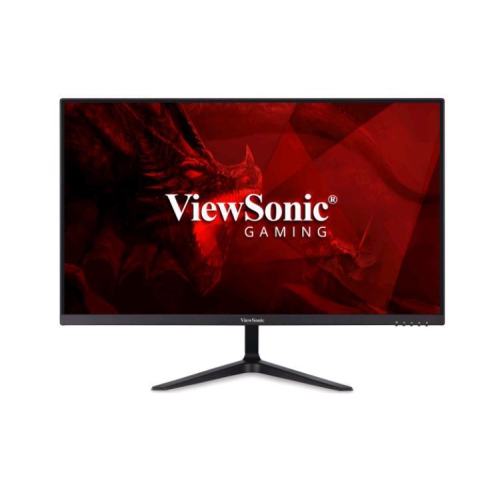
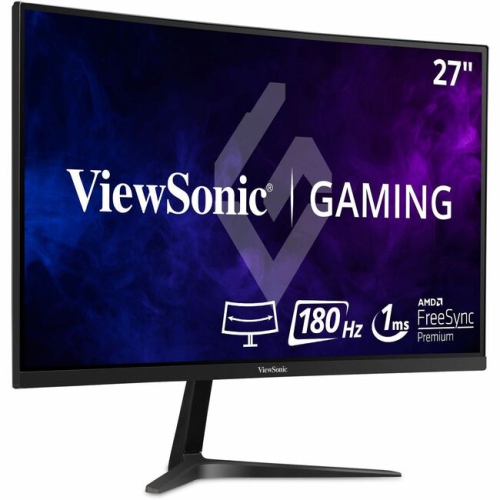
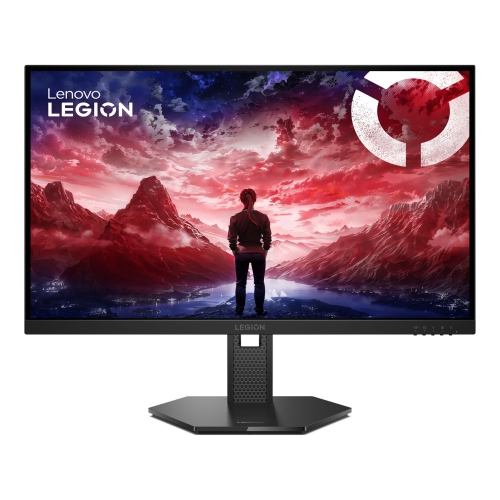
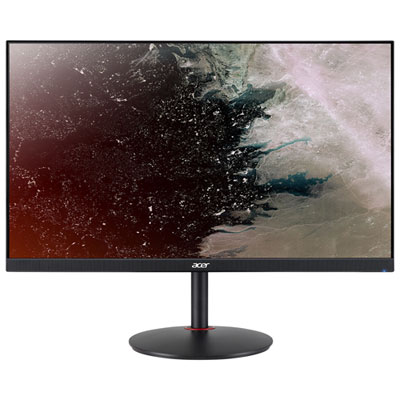
Why resolution and comfort matter for every setup
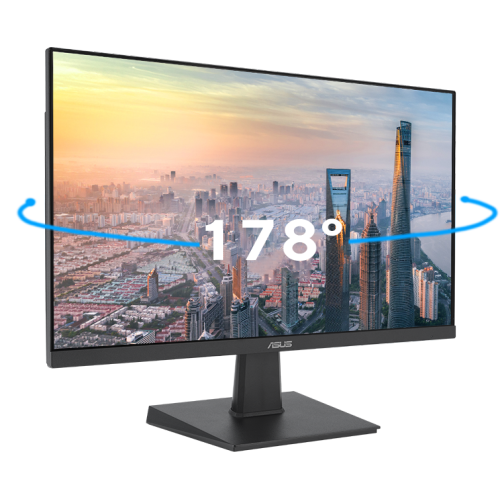
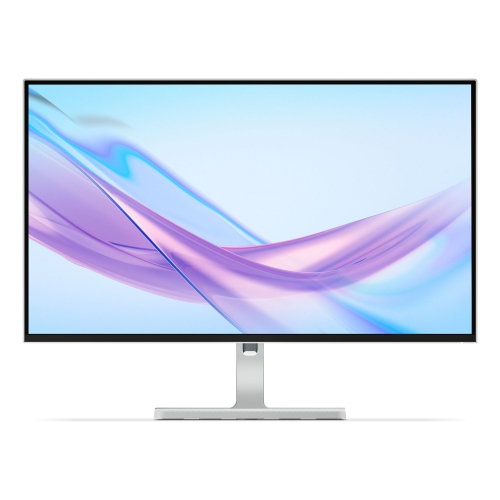
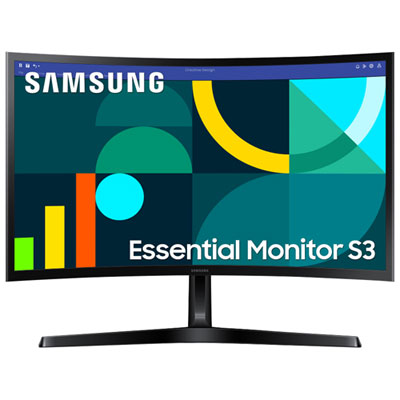
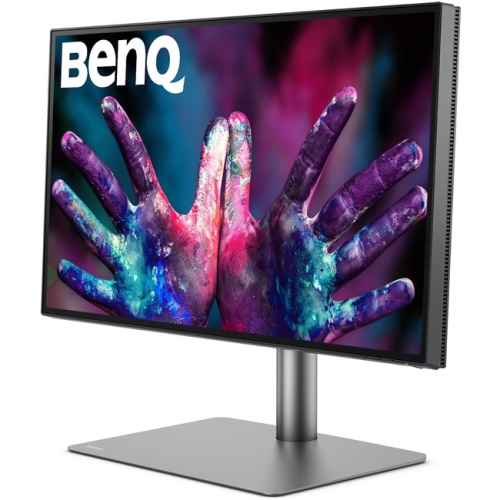
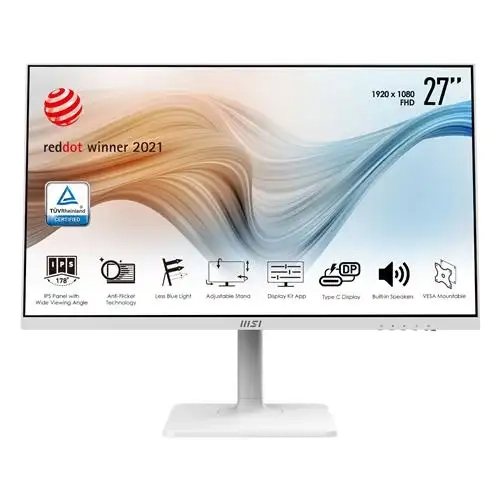
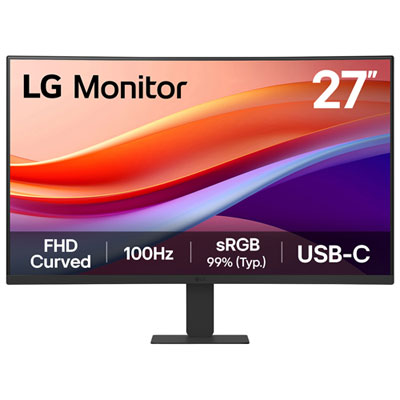
27-inch monitors are a popular choice for home offices, study spaces, gaming setups, and everyday computing because they offer a generous viewing area without taking over an entire desk. The screen is large enough to keep two documents open side by side, compare spreadsheets with reference material, or arrange a browser, messaging app, and project window without constant resizing. At the same time, a 27-inch display remains practical for most bedrooms, apartments, shared workspaces, and compact gaming stations. When choosing among 27-inch monitors, start with the type of work or entertainment you do most often. A Full HD resolution of 1920 x 1080 can be a sensible fit for email, web browsing, schoolwork, streaming, video calls, and basic office tasks, particularly when keeping costs manageable or connecting to an older computer. On a 27-inch screen, however, some users may prefer the additional sharpness of QHD, also called 1440p. QHD provides more detail for text, images, maps, games, and creative projects while giving you extra room for toolbars and windows. It is often considered a well-balanced choice for a versatile desktop because it looks sharper than Full HD without demanding as much graphics performance as 4K. A 4K monitor, with a 2160p resolution, is suited to people who value highly detailed images and crisp text, including photographers, video editors, designers, and anyone working with high-resolution content. Keep your computer’s graphics capability in mind, since higher resolutions can require more from the processor and graphics hardware, particularly in games. Panel type also affects the experience. IPS panels are known for consistent colour and wide viewing angles, which is helpful when sharing a screen or working with layouts and images. Other panel technologies may offer different advantages, such as stronger contrast or fast motion handling, so it is worth comparing the specifications rather than judging a display by size alone.
For gaming, pay close attention to refresh rate and response time. A 60 Hz display can handle casual gaming and standard video comfortably, while refresh rates such as 100 Hz, 120 Hz, 144 Hz, or higher can make movement, scrolling, and fast-paced gameplay appear smoother when the computer can supply the necessary frame rate. A low response time may help reduce visible ghosting during quick on-screen action. Adaptive sync support can also help the monitor and graphics card work together to limit screen tearing, although compatibility depends on the computer and connection being used. For work and study, features that reduce daily friction can matter more than peak speed. Look for an adjustable stand if you spend long periods at the desk; height, tilt, swivel, and pivot adjustments can help position the top of the screen near eye level and create a more comfortable viewing angle. A VESA mount pattern is useful if you plan to attach the monitor to an arm or wall mount, while a slim bezel can make a dual-monitor arrangement feel more continuous. Built-in speakers can be convenient for calls, tutorials, and occasional video, though dedicated headphones or speakers may provide fuller sound. Check the available connections before buying, especially if you switch between a desktop computer, laptop, game console, streaming device, or other equipment. HDMI is common across many devices, while DisplayPort is frequently used with desktop computers and gaming systems. USB-C can be especially useful in a laptop setup when the monitor supports video, power delivery, or a built-in USB hub. Some displays also include headphone outputs, USB ports, or multiple video inputs, allowing you to leave several devices connected and select between them without reaching behind the desk. If your primary needs are documents, virtual meetings, scheduling, and general productivity, browse 27-Inch Office Monitors for displays designed around those everyday tasks.
A 27-inch monitor can also be a thoughtful gift for a student setting up a first desk, a remote worker refreshing a home office, or a family member who wants a larger screen for photos, recipes, online learning, and video calls. It is a practical upgrade when a laptop screen feels cramped but a much larger television would be excessive. Before choosing one as a gift, consider the recipient’s computer, desk dimensions, and preferred activities. A screen that looks ideal for gaming may not be the right fit for someone who mainly reads long documents, while a high-resolution creative display may be unnecessary for simple browsing. Measure the available desk depth and check where the stand will sit, leaving room for a keyboard, mouse, notebooks, and comfortable arm movement. Think about viewing distance as well: a larger screen can be easier to use when placed at a sensible distance, but it should not force the viewer to turn their head repeatedly to see the edges. Eye-comfort features such as flicker reduction, a low-blue-light mode, and a matte or anti-glare surface can be helpful during long work sessions, especially in rooms with windows or overhead lighting. Colour accuracy matters for photo editing, illustration, and design, while contrast and brightness may matter more for films and games. Energy-saving modes, automatic input switching, and straightforward on-screen controls can make a difference in a shared household or a workstation used throughout the day. During the cooler months, when more time may be spent working, studying, gaming, or streaming indoors, a well-matched 27-inch monitor can make a desk feel more capable and comfortable without requiring a complete room makeover. Compare resolution, refresh rate, panel type, connections, stand adjustments, mounting support, and the requirements of your computer together so the display feels like a natural fit from the first document, game, or video call.
For gaming, pay close attention to refresh rate and response time. A 60 Hz display can handle casual gaming and standard video comfortably, while refresh rates such as 100 Hz, 120 Hz, 144 Hz, or higher can make movement, scrolling, and fast-paced gameplay appear smoother when the computer can supply the necessary frame rate. A low response time may help reduce visible ghosting during quick on-screen action. Adaptive sync support can also help the monitor and graphics card work together to limit screen tearing, although compatibility depends on the computer and connection being used. For work and study, features that reduce daily friction can matter more than peak speed. Look for an adjustable stand if you spend long periods at the desk; height, tilt, swivel, and pivot adjustments can help position the top of the screen near eye level and create a more comfortable viewing angle. A VESA mount pattern is useful if you plan to attach the monitor to an arm or wall mount, while a slim bezel can make a dual-monitor arrangement feel more continuous. Built-in speakers can be convenient for calls, tutorials, and occasional video, though dedicated headphones or speakers may provide fuller sound. Check the available connections before buying, especially if you switch between a desktop computer, laptop, game console, streaming device, or other equipment. HDMI is common across many devices, while DisplayPort is frequently used with desktop computers and gaming systems. USB-C can be especially useful in a laptop setup when the monitor supports video, power delivery, or a built-in USB hub. Some displays also include headphone outputs, USB ports, or multiple video inputs, allowing you to leave several devices connected and select between them without reaching behind the desk. If your primary needs are documents, virtual meetings, scheduling, and general productivity, browse 27-Inch Office Monitors for displays designed around those everyday tasks.
A 27-inch monitor can also be a thoughtful gift for a student setting up a first desk, a remote worker refreshing a home office, or a family member who wants a larger screen for photos, recipes, online learning, and video calls. It is a practical upgrade when a laptop screen feels cramped but a much larger television would be excessive. Before choosing one as a gift, consider the recipient’s computer, desk dimensions, and preferred activities. A screen that looks ideal for gaming may not be the right fit for someone who mainly reads long documents, while a high-resolution creative display may be unnecessary for simple browsing. Measure the available desk depth and check where the stand will sit, leaving room for a keyboard, mouse, notebooks, and comfortable arm movement. Think about viewing distance as well: a larger screen can be easier to use when placed at a sensible distance, but it should not force the viewer to turn their head repeatedly to see the edges. Eye-comfort features such as flicker reduction, a low-blue-light mode, and a matte or anti-glare surface can be helpful during long work sessions, especially in rooms with windows or overhead lighting. Colour accuracy matters for photo editing, illustration, and design, while contrast and brightness may matter more for films and games. Energy-saving modes, automatic input switching, and straightforward on-screen controls can make a difference in a shared household or a workstation used throughout the day. During the cooler months, when more time may be spent working, studying, gaming, or streaming indoors, a well-matched 27-inch monitor can make a desk feel more capable and comfortable without requiring a complete room makeover. Compare resolution, refresh rate, panel type, connections, stand adjustments, mounting support, and the requirements of your computer together so the display feels like a natural fit from the first document, game, or video call.
Top selling and popular products
-
 Your price for this item is $299
 -
 Your price for this item is $599
 -
 Your price for this item is $94.99
 -
 Your price for this item is $329.99
 -
 Your price for this item is $499
 -
 Your price for this item is $265.99
 -
 Your price for this item is $1299.97
 -
 Your price for this item is $249.99
Discover more categories related to 27 inch Monitors
Top Collections:
Pokemon Centers, Kindle Devices, Best Budget Office Chairs, Apple iPhones 16, Best Laptops for Writers, iPhone 15 Apple, Canon G7X Cameras, Refurbished Apple Laptops, Alarm Clock, Motorola Razr Phones
Some products may be subject to Environmental Handling Fees
(EHF) depending on your province.
Learn more about EHFs.