32 Inch Gaming Monitors
32 Inch Gaming Monitors deliver an immersive experience that enhances every gaming session. Designed to provide ample screen space, these monitors make it easy to stay focused and react quickly during fast-paced action. Whether you’re setting up your first gaming station or upgrading your current setup, 32 Inch Gaming Monitors offer a perfect balance of size and performance. Explore a wide selection to find the ideal display for your gaming needs.
Sort

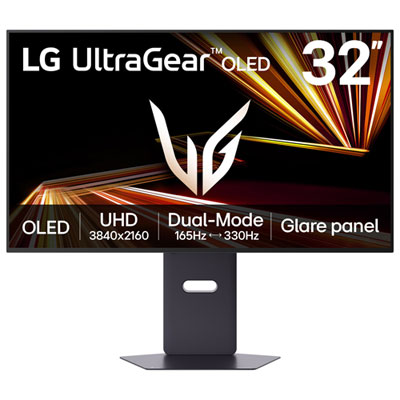
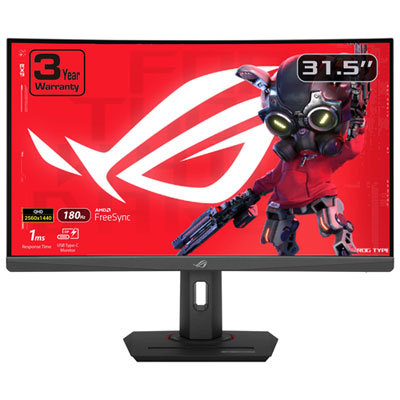
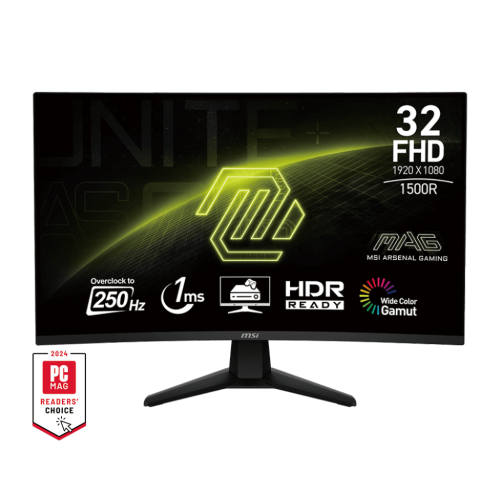
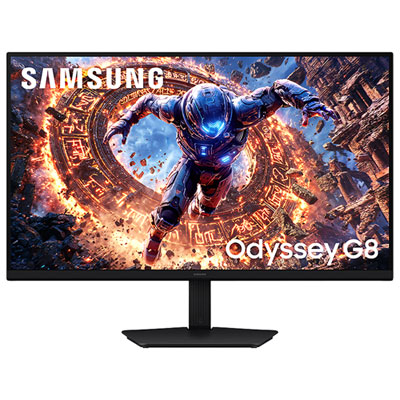

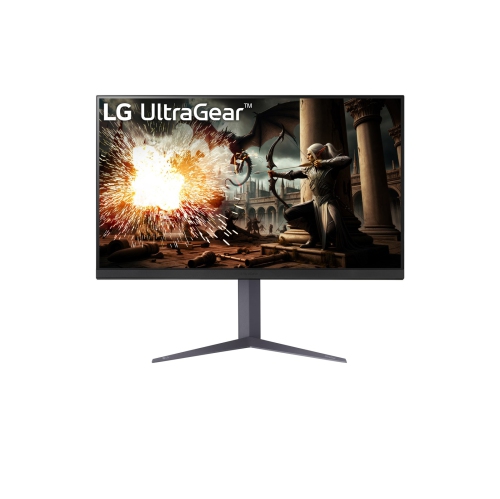
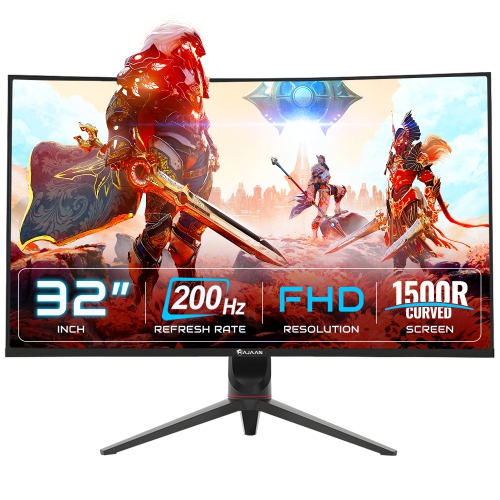
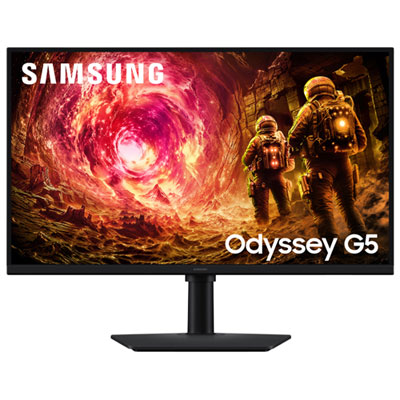
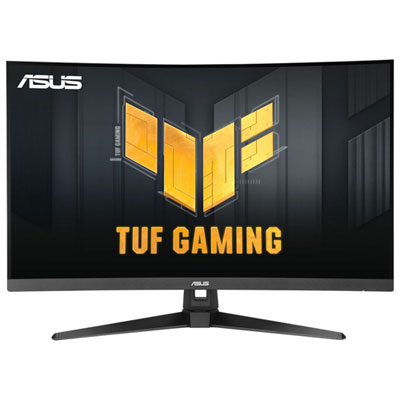
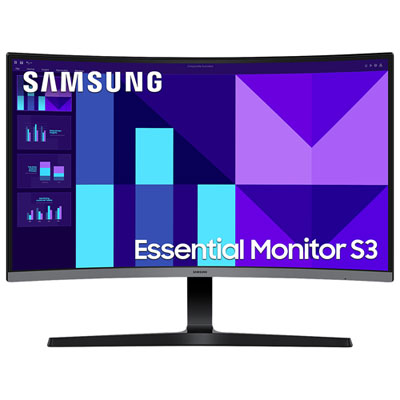
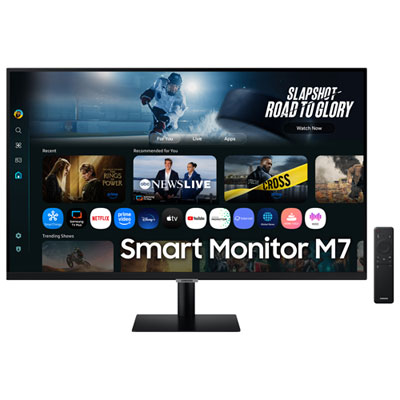
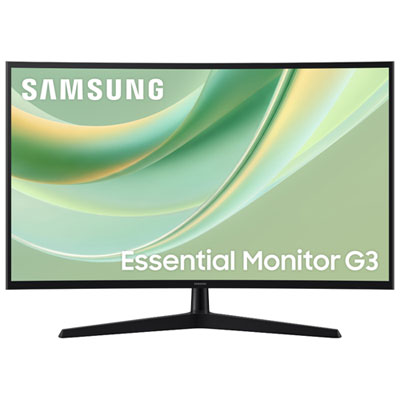
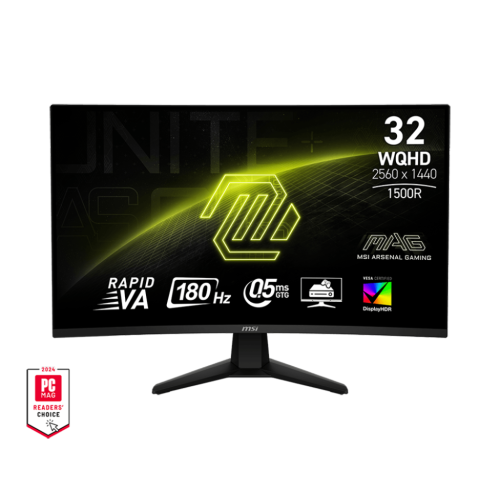
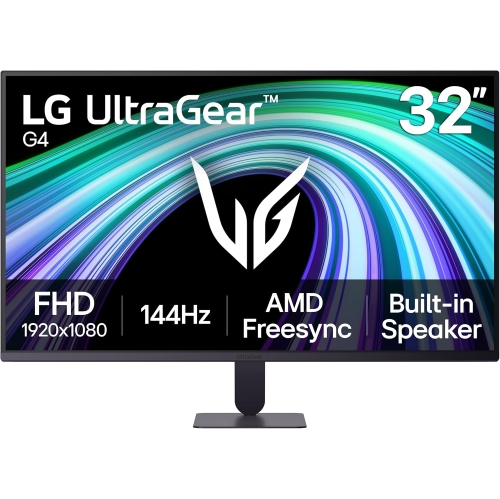
More screen space changes how you play and work
32 inch gaming monitors offer a large desktop display for detailed game worlds, fast-paced matches, and setups that double as everyday workstations. The size refers to the screen’s diagonal measurement, not its width; a typical 16:9 display measures about 71 cm across before the frame is included. That extra screen space can make a racing cockpit feel more expansive, give maps and inventory menus room to breathe, and make small interface elements easier to see from a comfortable seated position. Resolution determines how much detail fills that space. Full HD, or 1920 x 1080, can suit gaming systems running at lower resolutions, although individual pixels and text edges are more noticeable on a screen this large. QHD, also called 1440p or 2560 x 1440, offers finer detail while generally requiring less graphics processing power than 4K. A 4K display, with a resolution of 3840 x 2160, provides sharper text, finer textures, and more room for detailed desktop work when used with suitable scaling settings. Running demanding games at 4K and high frame rates also calls for capable hardware, so the resolution works best when matched to the computer or console supplying the picture. Screen shape adds another consideration. Flat displays suit shared viewing and tasks where straight lines matter, while 32 inch curved gaming monitors bring the screen’s outer edges slightly towards the viewer. A curved screen can feel especially engaging with a centred seating position, though the effect depends on the curve and viewing distance. A lower curvature rating indicates a tighter curve: 1000R is more pronounced than 1800R. Neither shape changes the resolution or guarantees better performance. For a desk used for both games and spreadsheets, screen shape, text clarity, and the space between the chair and display all contribute to how comfortable the monitor feels throughout the day.
Motion performance is particularly important when a large screen fills much of the field of view. Refresh rate describes how often the display can update its image each second, while frame rate describes how many frames the gaming system produces. Higher refresh rates can make movement appear smoother and help fast camera turns feel more immediate, provided the game and hardware can deliver enough frames. Refresh rates such as 144Hz, 165Hz, 180Hz, and 240Hz represent different performance levels, but the highest number is not automatically the most useful choice for every setup. A player focused on competitive shooters may prioritize motion clarity, while someone exploring richly detailed adventure games may place more emphasis on resolution and contrast. Pixel response time also matters because slow transitions can leave visible trails behind moving objects. Advertised response-time figures are measured under particular conditions and do not describe the entire viewing experience; aggressive overdrive settings can sometimes introduce bright or dark outlines instead of improving clarity. Variable refresh rate can help reduce screen tearing when it is supported by both the monitor and the connected system. Panel technology influences the picture as well. IPS panels are generally valued for wide viewing angles and consistent colour, while VA panels often provide stronger native contrast. OLED panels can deliver very deep blacks and fast pixel transitions, although prolonged, repeated static content requires care because permanent image retention is possible. HDR performance depends on brightness, contrast, colour capability, and, where applicable, local dimming rather than the HDR label alone. Connections must support the intended resolution and refresh rate, too. HDMI and DisplayPort capabilities vary, and console play at 4K and 120Hz requires compatible support across the console, monitor, and cable. A USB hub, headphone connection, or USB-C input can simplify a desktop setup, but video support and laptop charging through USB-C depend on the monitor’s specifications.
Physical fit deserves as much attention as picture specifications, particularly when a 32 inch gaming monitor shares a desk with a keyboard, mouse, speakers, and a microphone arm. The stand’s depth can affect usable work surface space more than the panel’s thickness. A broad base needs enough clearance to sit securely without forcing the keyboard towards the desk’s front edge, while a height-adjustable stand can help position the screen comfortably without stacking objects underneath it. Tilt and swivel adjustments make it easier to reduce reflections and align the display with the chair. For a monitor arm, the mounting pattern, screen weight, and arm capacity must match, and the desk needs a suitable mounting surface. Bezel design and rear housing also influence how the display fits into a room, although a slim frame does not necessarily mean a shallow overall footprint. Plastic housings and metal stand components are common; stable construction, secure connections, and careful handling matter more for everyday durability than appearance alone. Moving a large monitor is easier when it is supported according to the manufacturer’s directions rather than lifted by the screen or pressed against the panel. Routine care is straightforward: switch the display off, use a clean microfibre cloth, and follow the manufacturer’s cleaning directions. Avoid spraying liquid directly onto the screen, applying pressure, or using abrasive materials that could damage its surface coating. Keep ventilation openings clear and leave enough cable slack for height or swivel adjustments. Beyond gaming, a large display can suit students organizing research beside an assignment, streamers keeping controls and chat in view, or players who also edit photos and video. Those tasks make readable text, useful adjustment options, and appropriate colour performance worthwhile considerations. As a gift, a 32 inch gaming monitor is best matched to the recipient’s desk space, gaming system, preferred games, and existing connections. The strongest fit is a display whose size, resolution, motion performance, and everyday practicality work together for the way it will actually be used.
Top selling and popular products
-
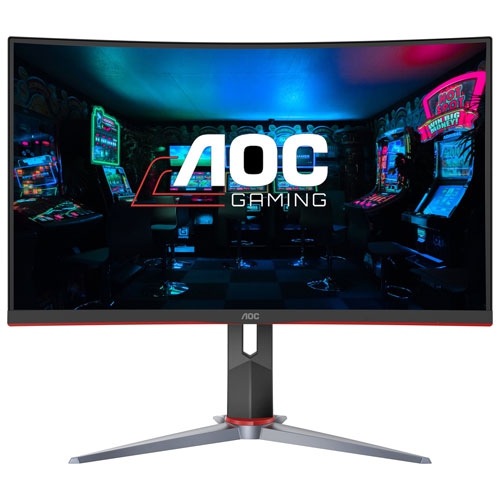 Your price for this item is $275
-
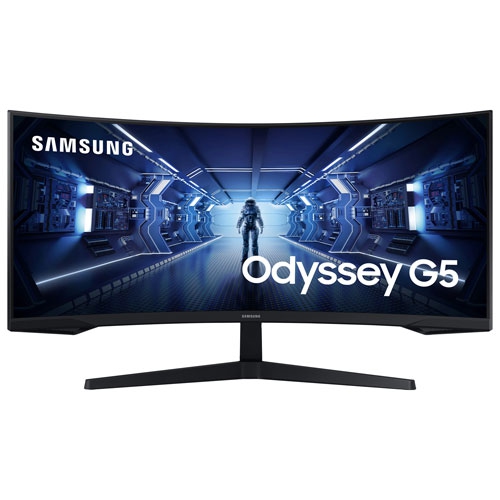 Your price for this item is $559.68
-
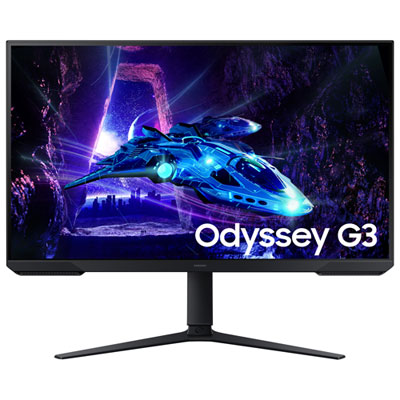 Your price for this item is $209.95
-
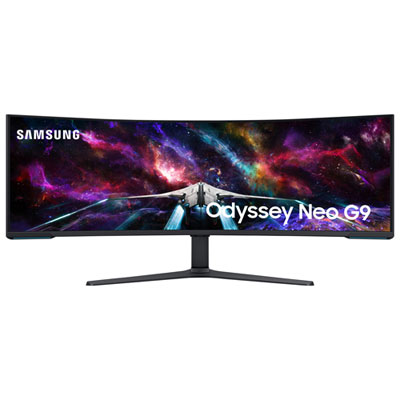 Your price for this item is $3299.99
-
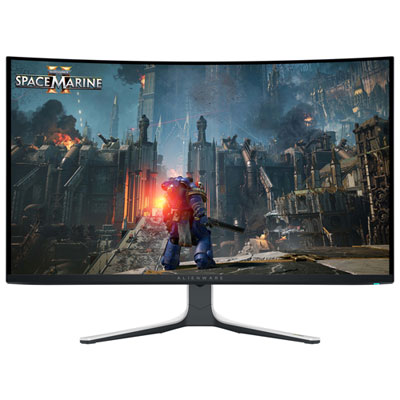 Your price for this item is $1349.99
-
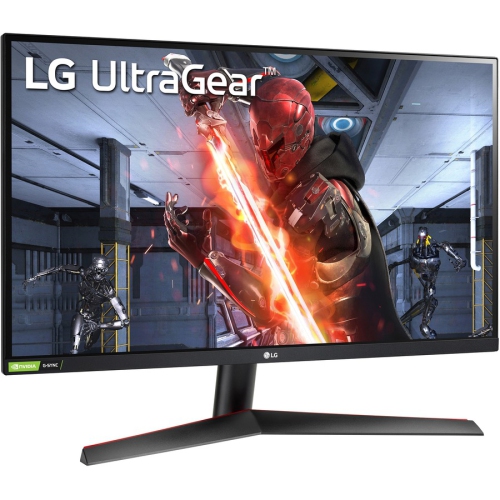 Your price for this item is $554.68
-
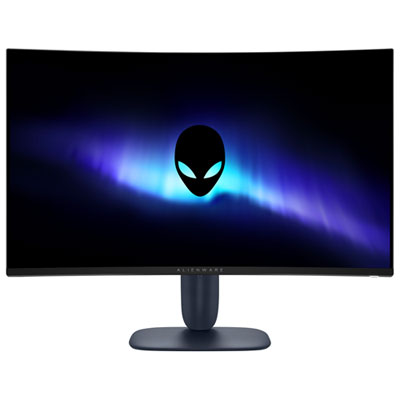 Your price for this item is $339.95
-
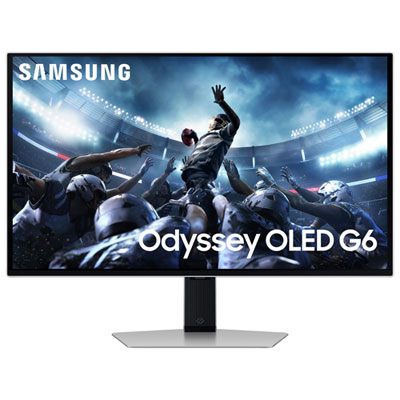 Your price for this item is $1199.99
Discover more categories related to 32 Inch Gaming Monitors
Top Collections:
Best Black Friday Deals This Year, Best Black Friday Deals On Electronics, Kindle Devices, Pokemon Centers, Best Black Friday Deals On Apple Products, Best Cameras for Sports Photography, Dyson Airwrap, Pokémon 30th Celebration Cards, Apple iPhone 17 Pro, Canon G7X Cameras
Some products may be subject to Environmental Handling Fees
(EHF) depending on your province.
Learn more about EHFs.