24 Inch Monitors for Gaming
24 Inch Monitors for Gaming are a popular choice for players who want an immersive experience without taking up too much space. These monitors offer a balanced size that fits well on most desks, making them ideal for gaming setups in bedrooms, dorm rooms, or home offices. Explore a wide selection of 24 Inch Monitors for Gaming to find the perfect fit for your play style and setup preferences. Whether you’re upgrading your current screen or building a new system, you’ll discover options designed to enhance your gaming sessions.
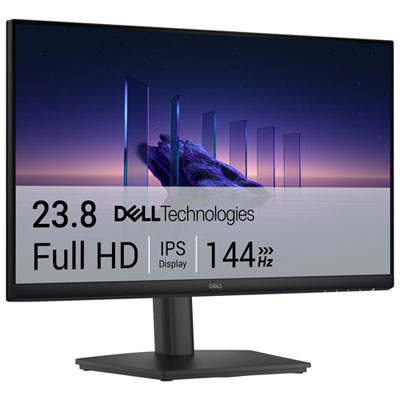
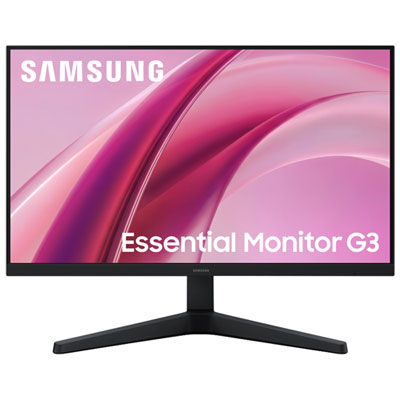
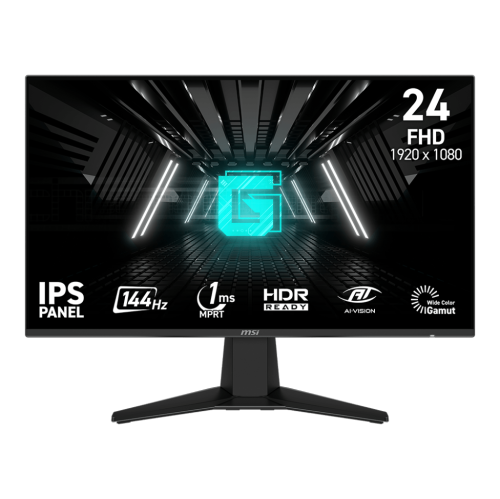
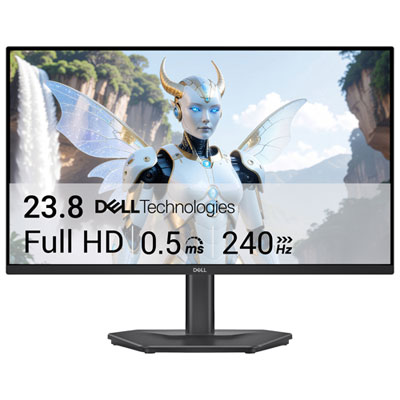
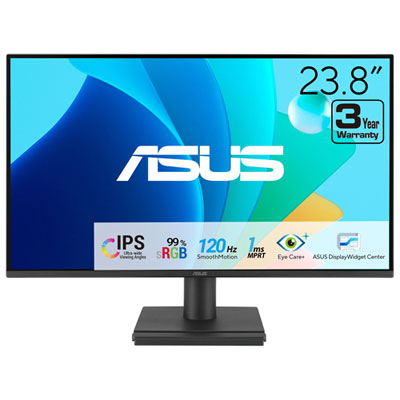
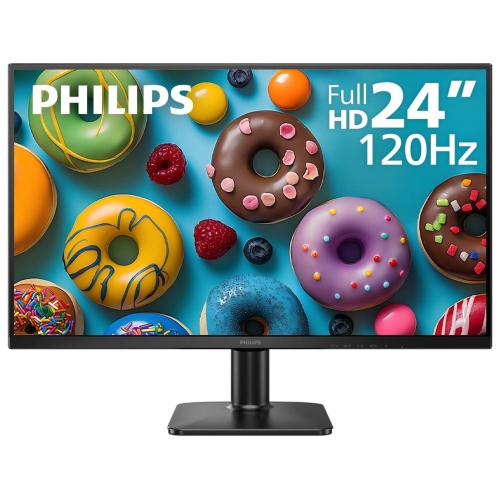
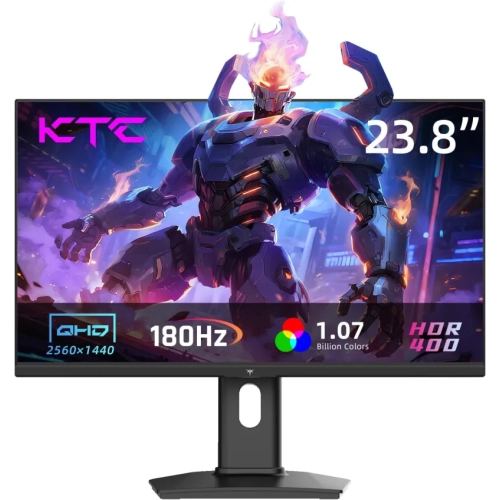
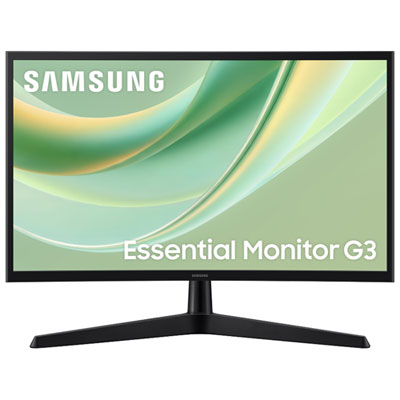
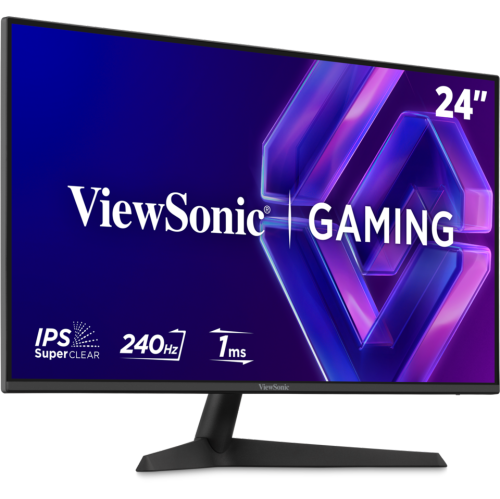
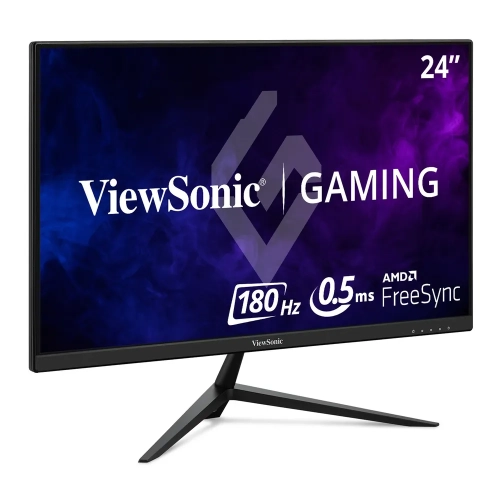
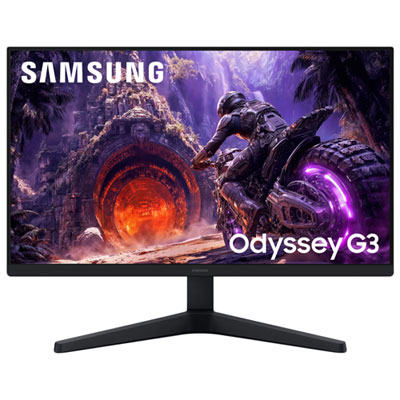
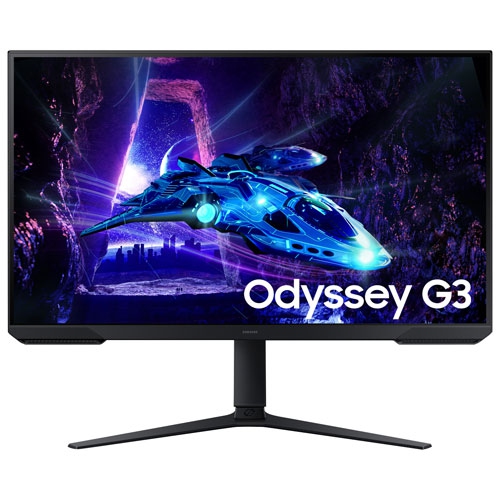
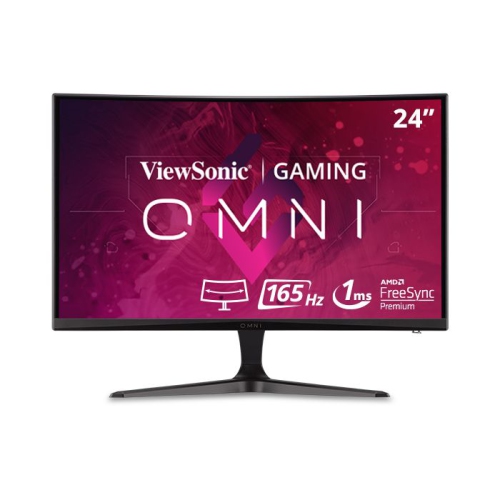
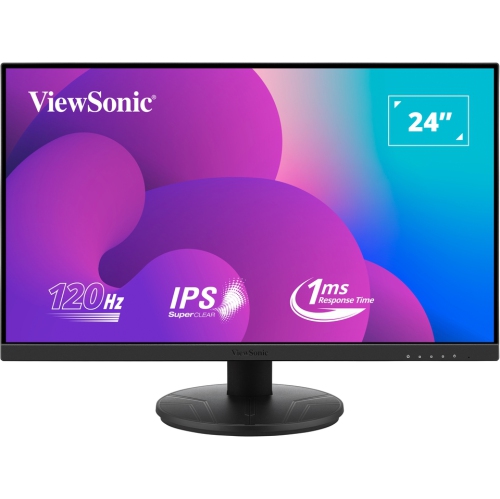
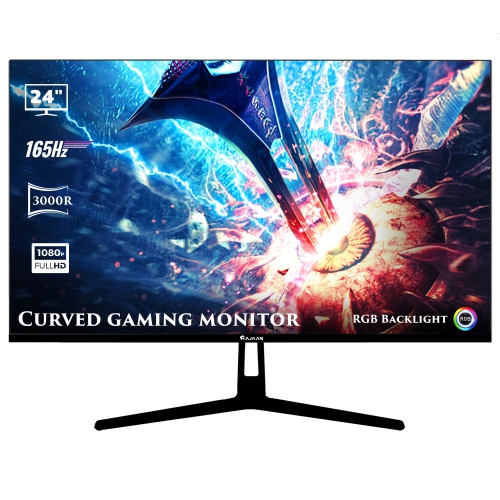
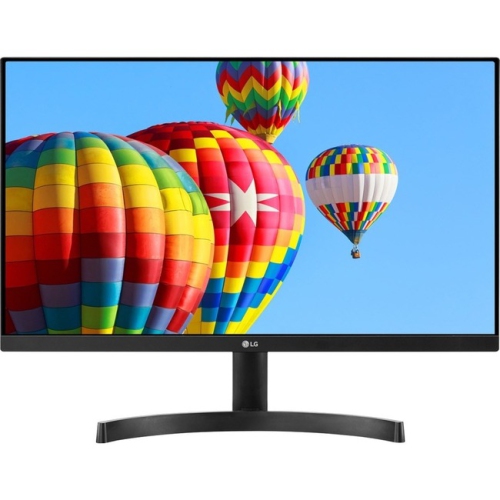
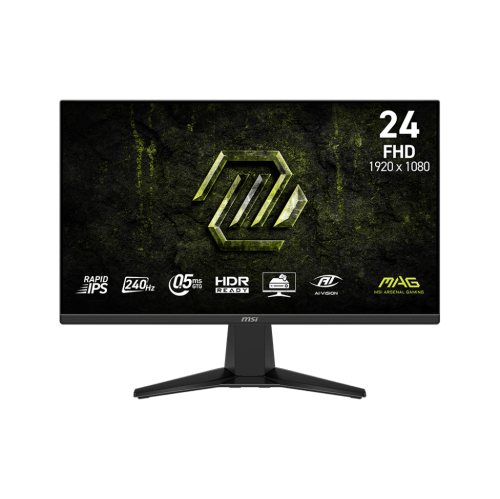
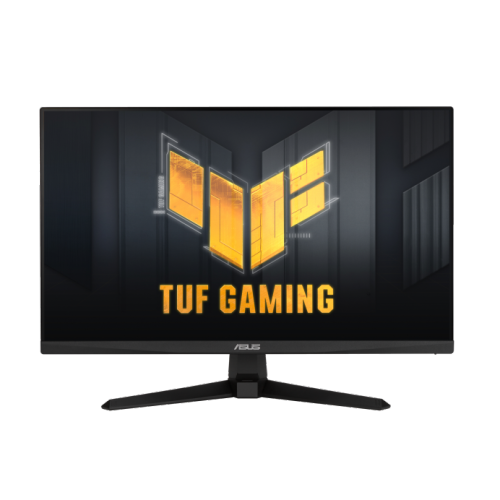
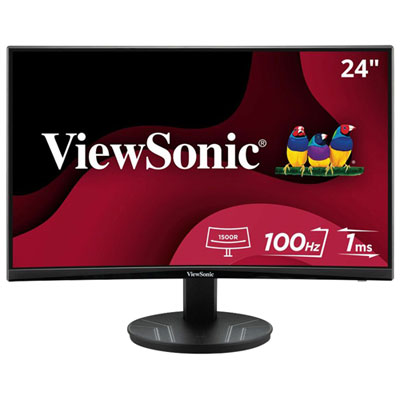
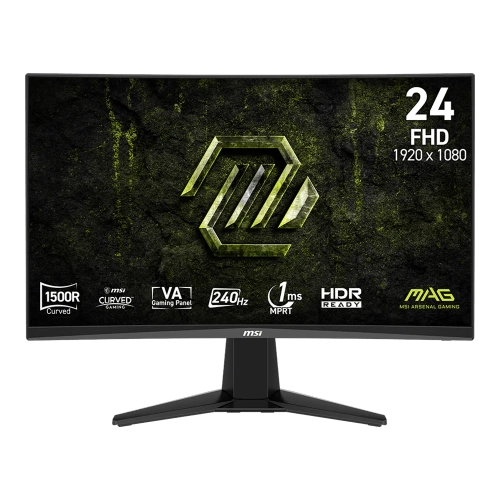
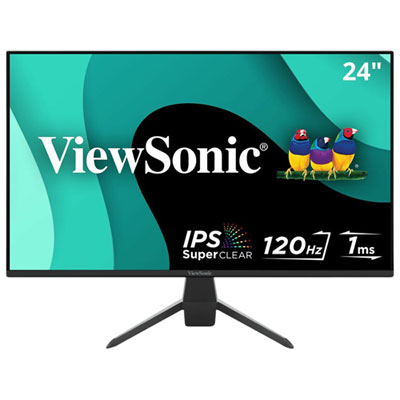
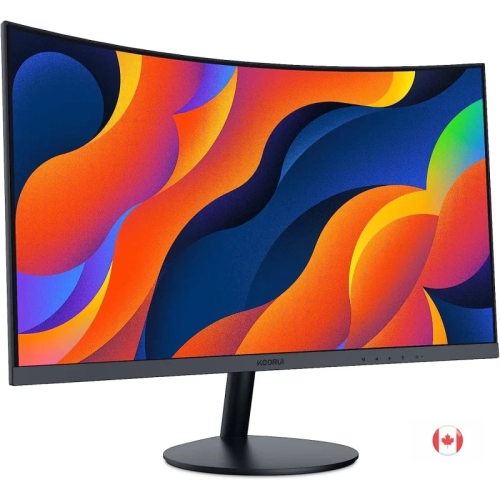
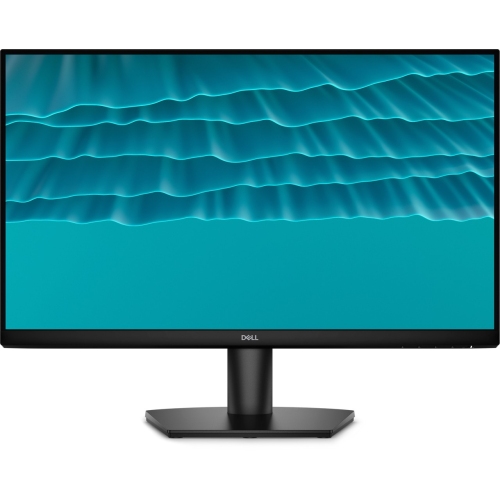
A desk-friendly screen size for fast-paced play
As the weather transitions from the warmth of summer to the cooler days of fall, many people find themselves spending more time indoors, making this a great season to refresh your gaming setup or surprise a loved one with a thoughtful gift. A 24 inch gaming monitor is a versatile option that appeals not only to dedicated gamers but also to students heading back to school, young professionals working from home, or anyone who enjoys streaming movies and TV shows in their downtime. The right monitor can transform a simple desk into a hub for entertainment, study, and creativity, supporting everything from intense multiplayer matches to late-night movie marathons. When choosing a 24 inch gaming monitor, consider features like resolution, panel type, refresh rate, and connectivity options to ensure it matches your needs—whether you’re chasing high frame rates in esports, exploring detailed open-world environments, or multitasking with multiple windows open at once. For those interested in exploring the full range of options available, you can browse a wide selection of 24 Inch Monitors to find the perfect fit for your space and style of play.
FAQ
What features should I look for in a 24 inch gaming monitor?
When choosing a 24 inch gaming monitor, consider features like high refresh rates (such as 144Hz or higher), low response times, adaptive sync technologies like G-Sync or FreeSync, and panel type (IPS for color accuracy or TN for faster response). Connectivity options and ergonomic adjustments can also enhance your gaming experience.
Are 24 inch monitors suitable for competitive gaming?
Yes, 24 inch monitors are popular among competitive gamers because their size allows you to see the entire screen without excessive head movement. Many esports professionals prefer this size for fast-paced games where quick reactions are crucial.
How does refresh rate impact gaming performance on a monitor?
A higher refresh rate, such as 120Hz or 144Hz, allows the monitor to display more frames per second, resulting in smoother motion and reduced motion blur during gameplay. This can provide a competitive edge in fast-action games.
What is the difference between IPS and TN panels in gaming monitors?
IPS panels offer better color accuracy and wider viewing angles, making them ideal for immersive visuals. TN panels typically have faster response times and lower input lag, which can be beneficial for competitive gaming. The choice depends on whether you prioritize image quality or speed.
Do I need adaptive sync technology like G-Sync or FreeSync for gaming?
Adaptive sync technologies like G-Sync (for NVIDIA GPUs) and FreeSync (for AMD GPUs) help eliminate screen tearing and stuttering by synchronizing the monitor's refresh rate with your graphics card's output. While not strictly necessary, they can significantly improve visual smoothness during gameplay.
Top selling and popular products
-
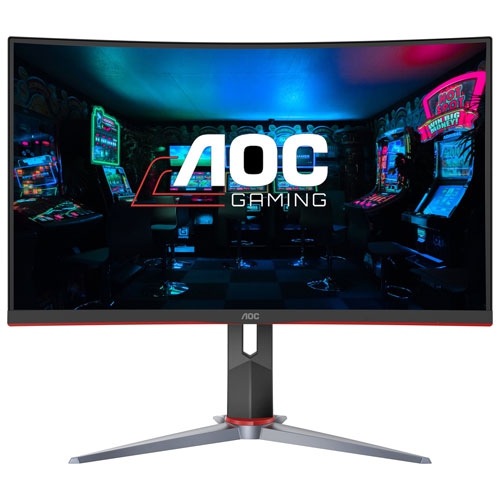 Your price for this item is $275
-
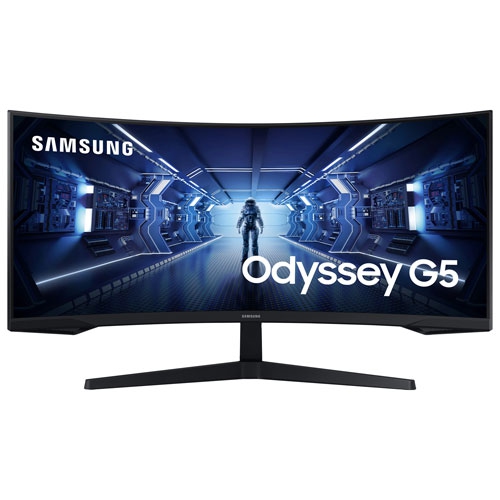 Your price for this item is $559.68
-
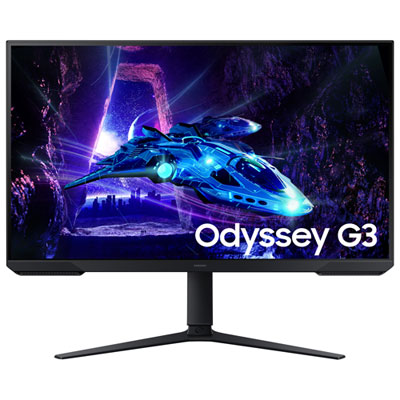 Your price for this item is $209.95
-
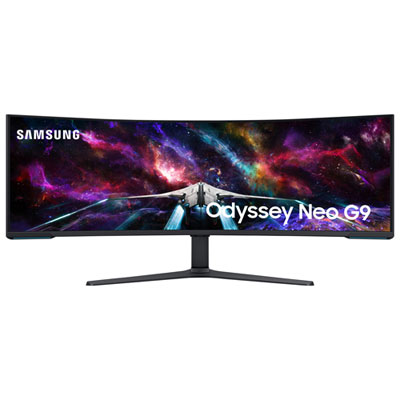 Your price for this item is $3299.99
-
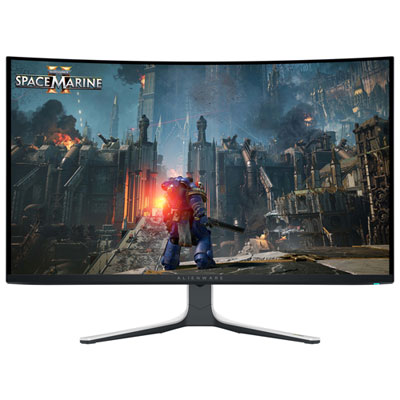 Your price for this item is $1349.99
-
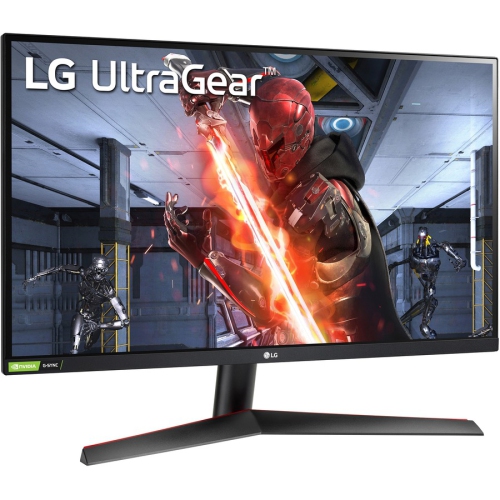 Your price for this item is $554.68
-
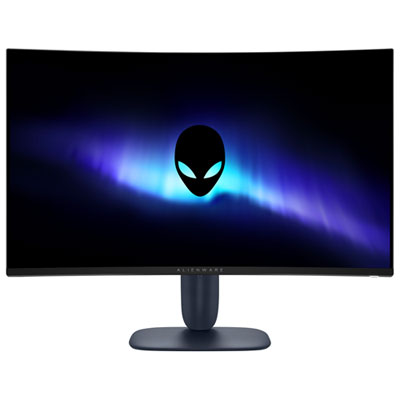 Your price for this item is $339.95
-
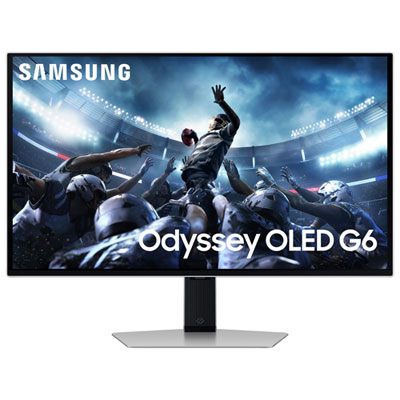 Your price for this item is $1199.99