32GB RAM Laptops
Looking for a laptop that can handle your demanding tasks with ease? Look no further than our collection of 32GB RAM laptops. With ample memory to power through multitasking, these laptops are perfect for professionals, gamers, and creative enthusiasts alike. Whether you're editing videos, running resource-intensive software, or simply want a smooth browsing experience, our selection of 32GB RAM laptops has got you covered. Explore our range of powerful machines and find the perfect one to suit your needs.
Sort
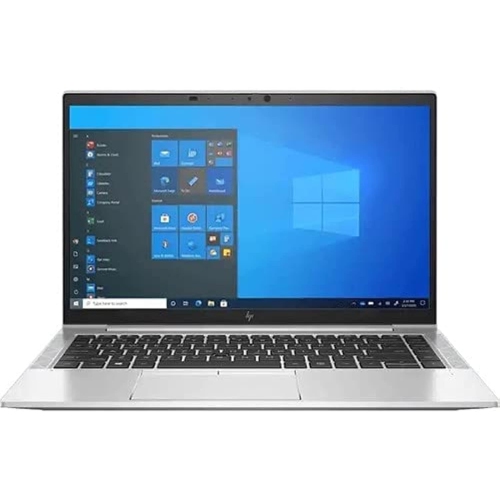
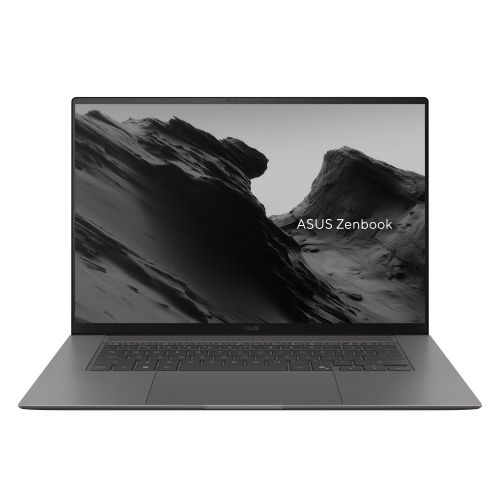
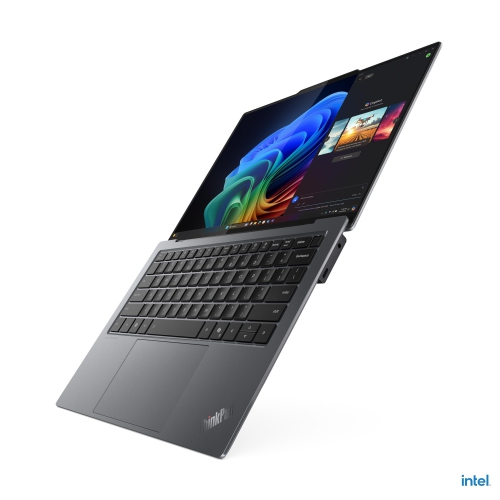
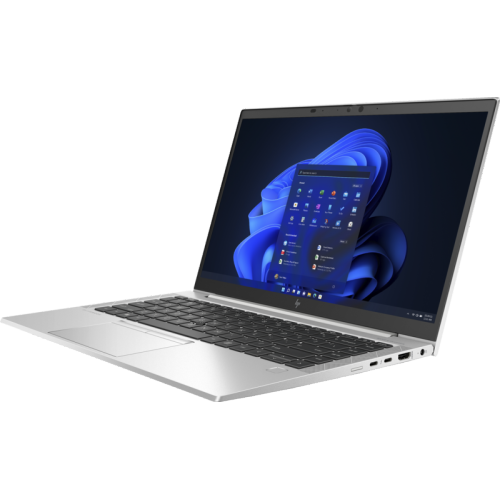
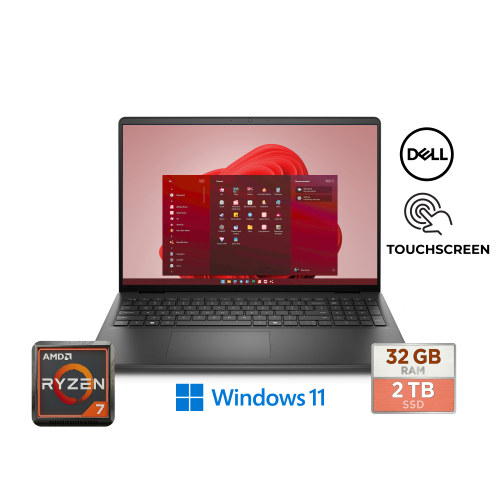
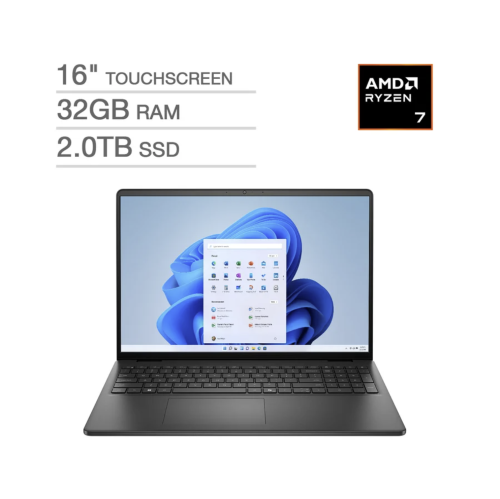
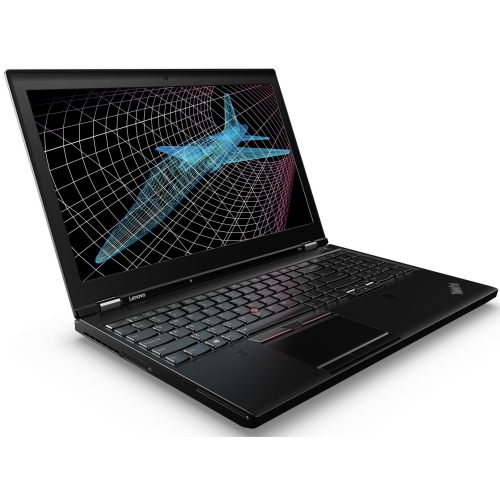
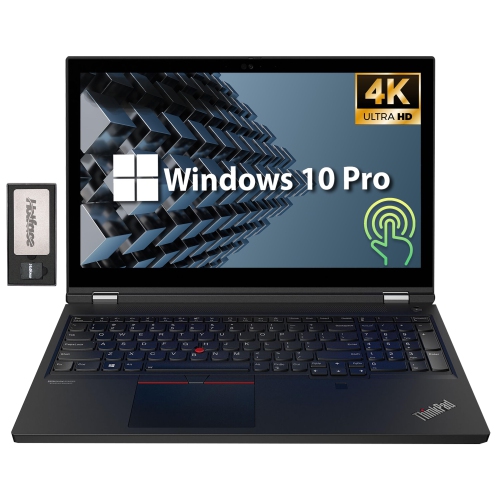


More room for demanding work and busy workflows
A 32GB RAM laptop is designed for demanding everyday computing, where several intensive tasks need to run smoothly at the same time. With this amount of memory, you can keep large spreadsheets, dozens of browser tabs, video calls, creative software, messaging tools, and background utilities open with less slow-down caused by constantly moving data in and out of storage. This makes 32GB a strong choice for professionals, students in technical or creative programs, and anyone who prefers a computer that can keep pace with a busy workflow. Video editors can work with high-resolution footage and layered timelines, photographers can manage large image libraries, and designers can move between illustration, layout, and 3D applications without closing one project to open another. Developers may appreciate the extra headroom when running code editors, local servers, virtual machines, emulators, and testing environments together. It can also support modern AI-assisted software, data analysis, and other memory-heavy tools that are becoming more common in school and at work. For a family computer, the benefit is easy to picture: one person can be streaming a lecture, another can be downloading files, and a third can be preparing a presentation without the laptop feeling overwhelmed. RAM is only one part of overall performance, so also consider the processor, solid-state drive, graphics hardware, display, cooling system, and operating system. A fast processor helps complete calculations quickly, while an SSD improves start-up times and makes applications and files feel more responsive. Together, these components determine how effectively a 32GB laptop handles demanding workloads.
The right configuration depends on where and how the laptop will be used. Thin-and-light models with 32GB of memory can be a practical fit for commuting, campus life, client visits, and shared workspaces, particularly when a bright display, comfortable keyboard, reliable webcam, and long battery life matter as much as speed. A lighter chassis slips easily into a backpack, and a quiet design is useful in a lecture hall, library, café, or meeting room. For travel, look for a durable build, a manageable charger, strong wireless connectivity, and enough battery capacity for working away from an outlet during the warmer and cooler parts of the year. A larger performance laptop may be preferable for gaming, content creation, engineering, architecture, and other work that benefits from dedicated graphics. A dedicated graphics processor can accelerate video effects, 3D rendering, visual simulations, and modern games, while a high-refresh-rate screen can make movement appear smoother during fast-paced gameplay. Screen resolution, colour coverage, brightness, and panel size are also important for anyone working with photographs, animation, film, or detailed design files. Keep in mind that powerful components can add weight, fan noise, and heat, especially during extended rendering or gaming sessions. Ports deserve attention as well: USB-C, USB-A, HDMI, an audio connection, a memory card reader, and high-speed networking options can reduce the need for adapters. Some laptops offer user-accessible memory slots, while others have RAM soldered to the motherboard. Upgradeable memory may provide flexibility later, but compatibility, maximum supported capacity, and installation requirements vary, so check the specifications before treating an upgrade as part of the purchase plan. If 32GB is more capacity than you need, comparing these options with 16 GB Ram Laptops can help clarify which configuration suits your applications, budget, and expected usage.
A 32GB RAM laptop can also be a thoughtful gift for someone starting a demanding program, building a creative portfolio, launching a home business, or replacing an older computer that struggles with modern software. It may suit a student moving into a new term with programming assignments, design projects, research tabs, and video meetings filling the screen, or a hobbyist who spends a rainy afternoon editing footage and refining a 3D model. For a gamer, look beyond memory capacity and compare the graphics processor, cooling design, display response time, refresh rate, keyboard controls, storage capacity, and upgrade options. For a creator, a colour-accurate screen, fast storage, useful ports, and a capable processor may have more day-to-day impact than a headline specification alone. For office and school work, a comfortable keyboard, clear webcam, dependable microphone, portability, and battery life can make long sessions easier, particularly during the busy stretch from late summer into the cooler months. Storage is another consideration: large games, raw photographs, project archives, and video files can quickly fill a smaller drive, so a roomy SSD or convenient external-storage support may be worthwhile. Security features such as a fingerprint reader, facial login, privacy shutter, and hardware-based protection can add confidence when the laptop travels between home, school, and work. Before choosing, consider the software the user relies on, the size and weight they can comfortably carry, the types of ports they need, and whether they plan to connect an external monitor or other accessories. The strongest match is a balanced computer that provides ample memory for multitasking while also delivering the graphics capability, screen quality, battery performance, storage, and build features that fit the user’s real routine.
The right configuration depends on where and how the laptop will be used. Thin-and-light models with 32GB of memory can be a practical fit for commuting, campus life, client visits, and shared workspaces, particularly when a bright display, comfortable keyboard, reliable webcam, and long battery life matter as much as speed. A lighter chassis slips easily into a backpack, and a quiet design is useful in a lecture hall, library, café, or meeting room. For travel, look for a durable build, a manageable charger, strong wireless connectivity, and enough battery capacity for working away from an outlet during the warmer and cooler parts of the year. A larger performance laptop may be preferable for gaming, content creation, engineering, architecture, and other work that benefits from dedicated graphics. A dedicated graphics processor can accelerate video effects, 3D rendering, visual simulations, and modern games, while a high-refresh-rate screen can make movement appear smoother during fast-paced gameplay. Screen resolution, colour coverage, brightness, and panel size are also important for anyone working with photographs, animation, film, or detailed design files. Keep in mind that powerful components can add weight, fan noise, and heat, especially during extended rendering or gaming sessions. Ports deserve attention as well: USB-C, USB-A, HDMI, an audio connection, a memory card reader, and high-speed networking options can reduce the need for adapters. Some laptops offer user-accessible memory slots, while others have RAM soldered to the motherboard. Upgradeable memory may provide flexibility later, but compatibility, maximum supported capacity, and installation requirements vary, so check the specifications before treating an upgrade as part of the purchase plan. If 32GB is more capacity than you need, comparing these options with 16 GB Ram Laptops can help clarify which configuration suits your applications, budget, and expected usage.
A 32GB RAM laptop can also be a thoughtful gift for someone starting a demanding program, building a creative portfolio, launching a home business, or replacing an older computer that struggles with modern software. It may suit a student moving into a new term with programming assignments, design projects, research tabs, and video meetings filling the screen, or a hobbyist who spends a rainy afternoon editing footage and refining a 3D model. For a gamer, look beyond memory capacity and compare the graphics processor, cooling design, display response time, refresh rate, keyboard controls, storage capacity, and upgrade options. For a creator, a colour-accurate screen, fast storage, useful ports, and a capable processor may have more day-to-day impact than a headline specification alone. For office and school work, a comfortable keyboard, clear webcam, dependable microphone, portability, and battery life can make long sessions easier, particularly during the busy stretch from late summer into the cooler months. Storage is another consideration: large games, raw photographs, project archives, and video files can quickly fill a smaller drive, so a roomy SSD or convenient external-storage support may be worthwhile. Security features such as a fingerprint reader, facial login, privacy shutter, and hardware-based protection can add confidence when the laptop travels between home, school, and work. Before choosing, consider the software the user relies on, the size and weight they can comfortably carry, the types of ports they need, and whether they plan to connect an external monitor or other accessories. The strongest match is a balanced computer that provides ample memory for multitasking while also delivering the graphics capability, screen quality, battery performance, storage, and build features that fit the user’s real routine.
Top selling and popular products
-
 Your price for this item is $449
 -
 Your price for this item is $3099
 -
 Your price for this item is $299.95
 -
 Your price for this item is $664.05
 -
 Your price for this item is $599.68
 -
 Your price for this item is $869.99
 -
 Your price for this item is $259
 -
 Your price for this item is $418.98
Discover more categories related to 32GB RAM Laptops
Top Collections:
Pokemon Centers, Kindle Devices, Best Budget Office Chairs, Apple iPhones 16, Best Laptops for Writers, iPhone 15 Apple, Canon G7X Cameras, Refurbished Apple Laptops, Alarm Clock, Motorola Razr Phones
Some products may be subject to Environmental Handling Fees
(EHF) depending on your province.
Learn more about EHFs.