Webcam for Laptops
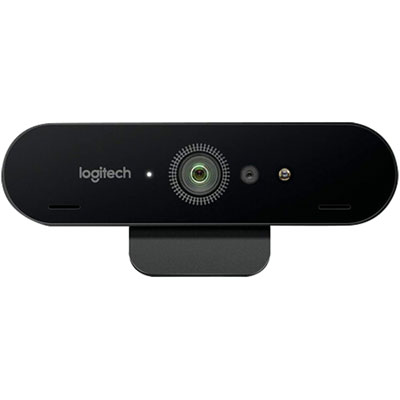
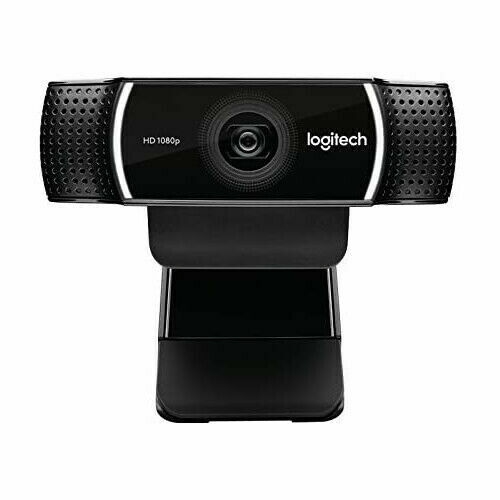
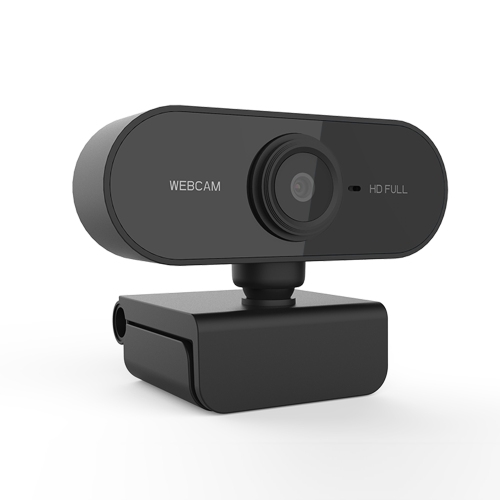
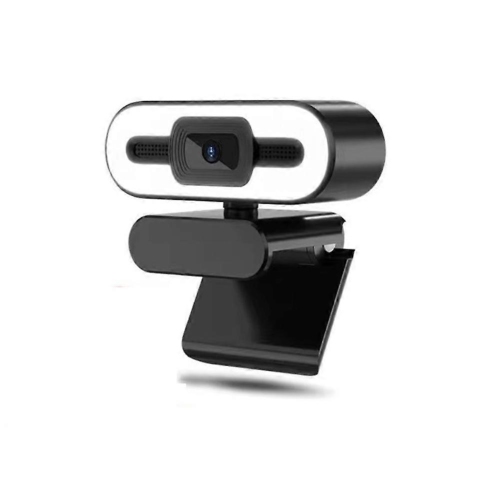
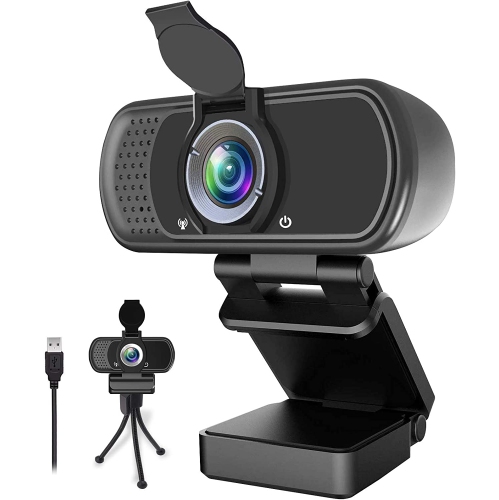
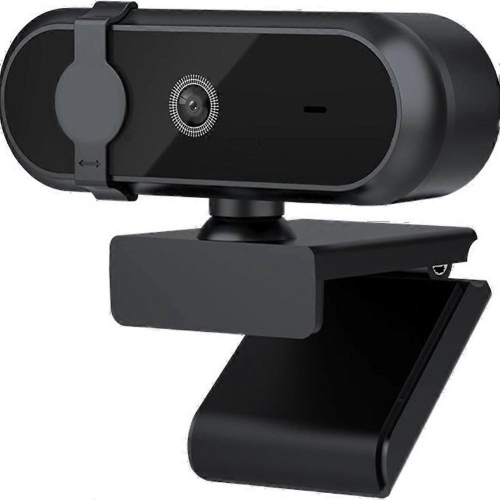
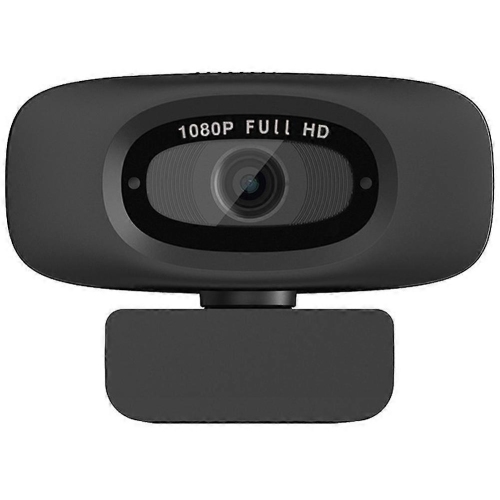
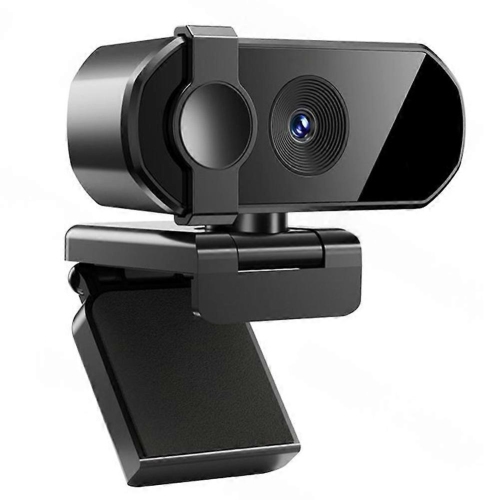
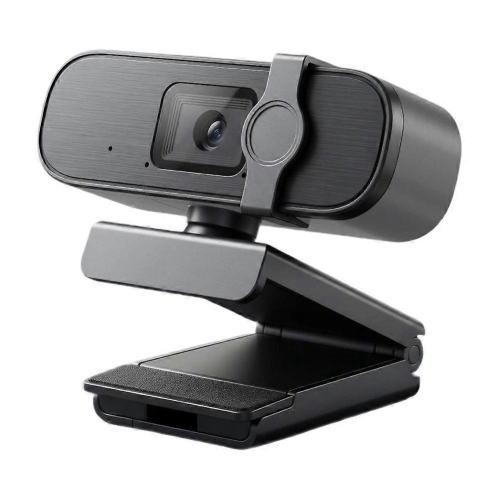
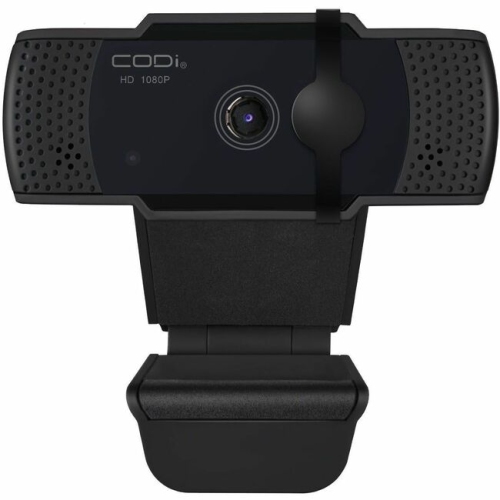
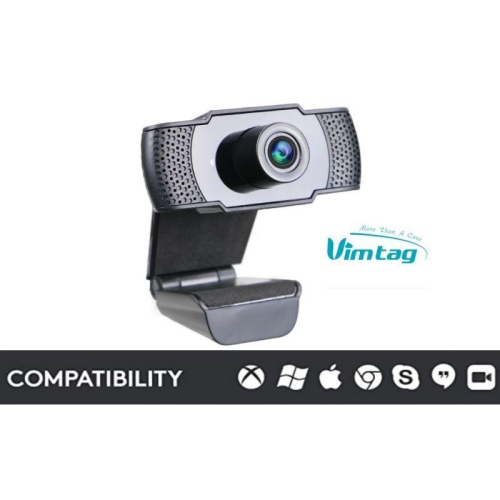
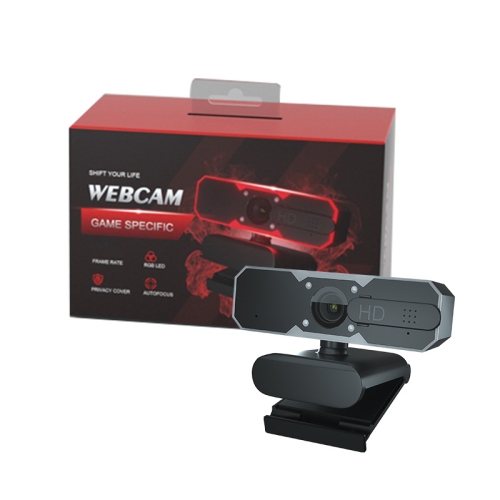
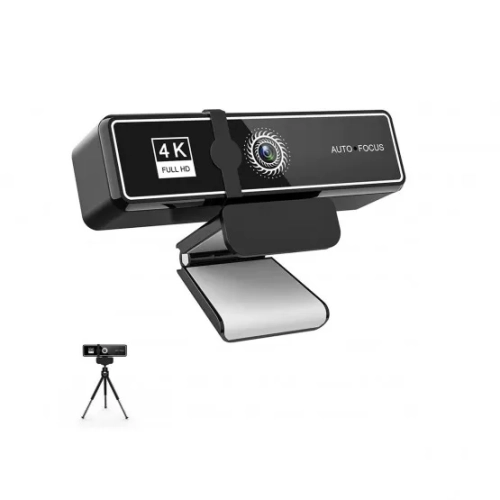
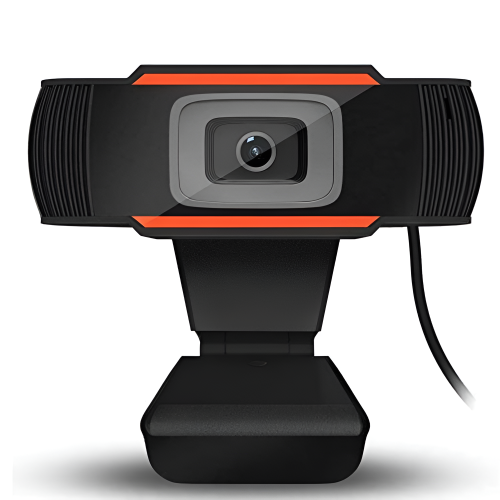
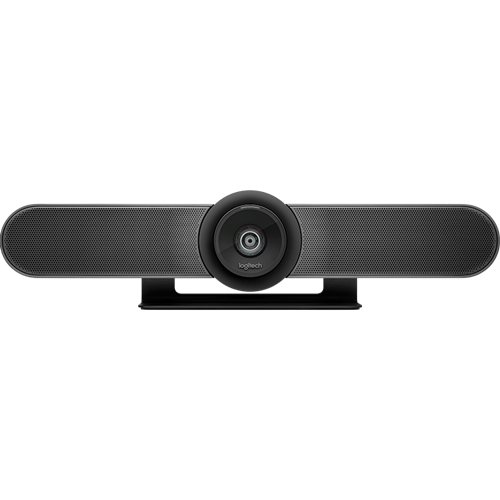
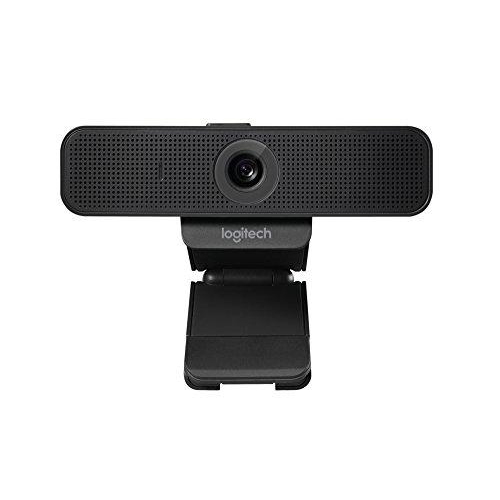
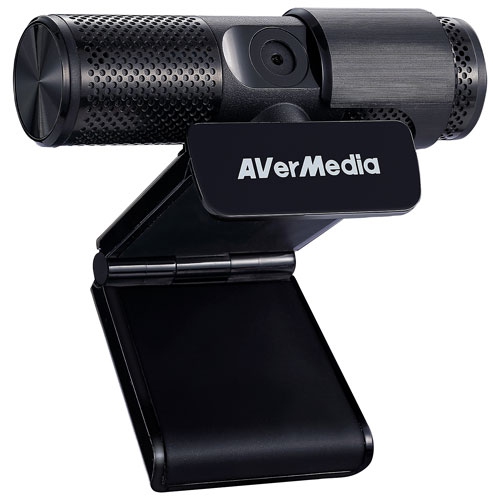
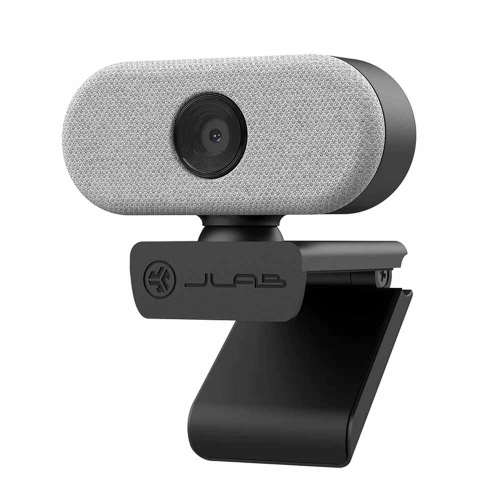
A webcam for laptops can significantly improve the video quality of online meetings, making it easier for people to see and communicate with each other. It can also provide greater flexibility in terms of camera positioning and angle, allowing users to adjust the camera for the best viewing experience. Here are some of the best webcams for laptops that we offer
Sort
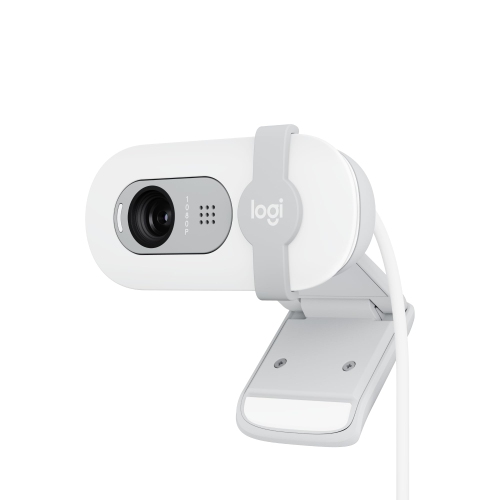
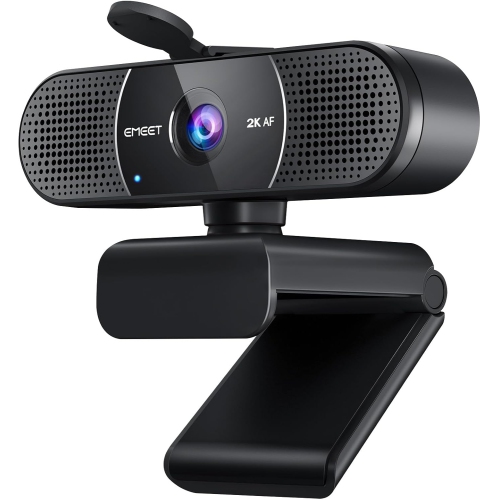
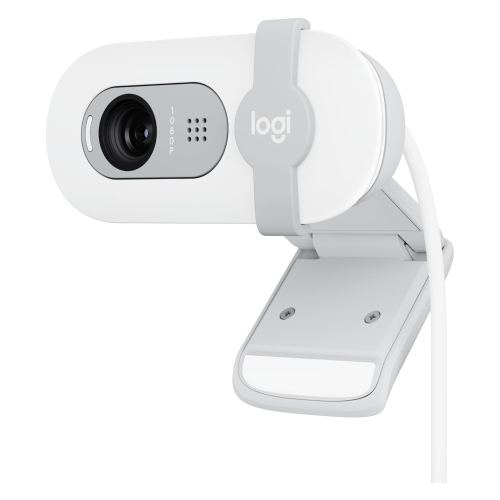
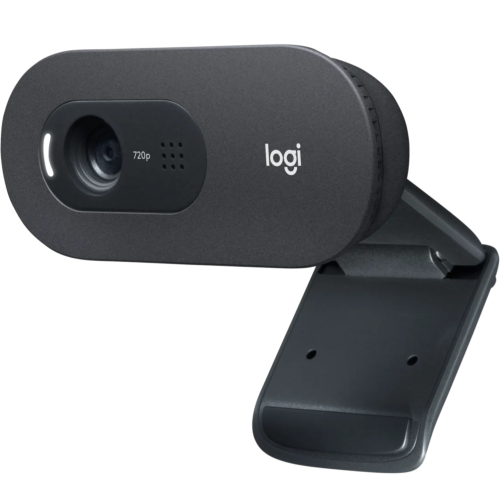
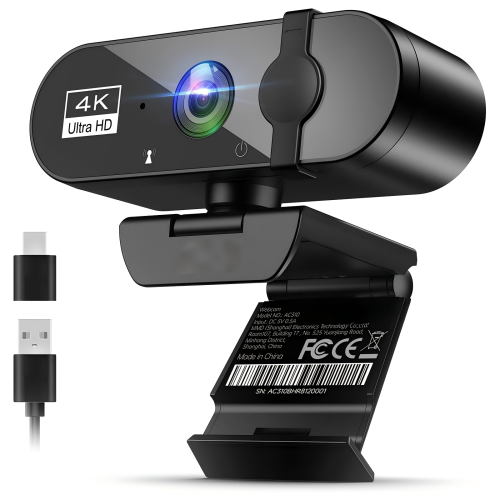
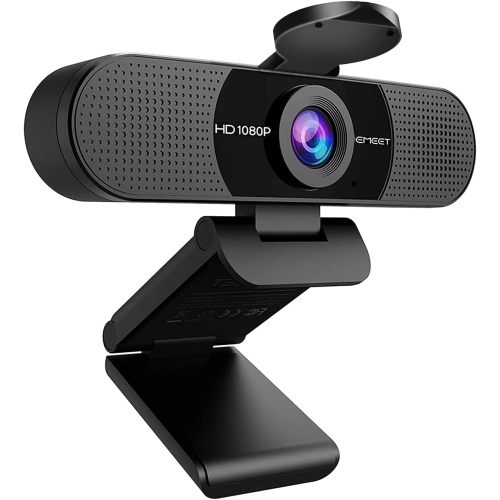
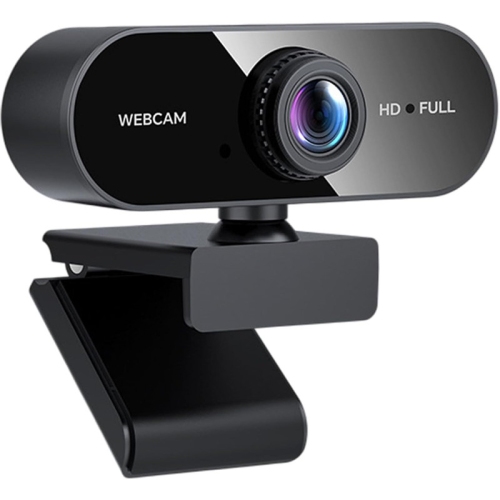
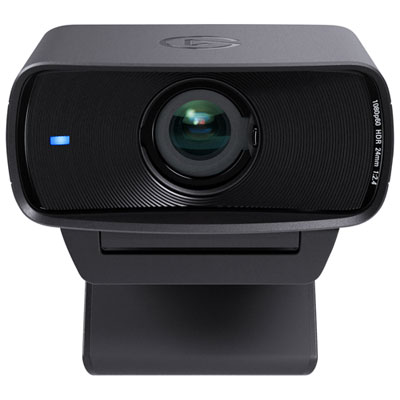
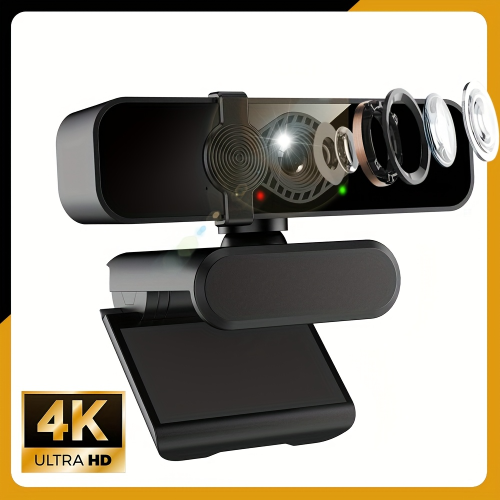
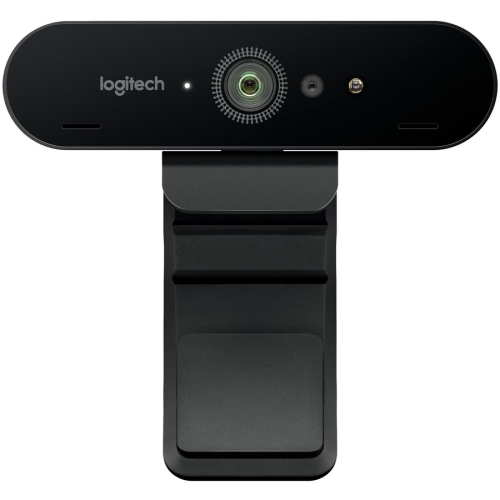
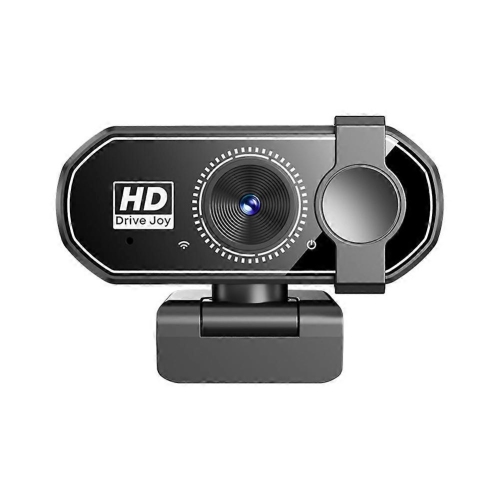
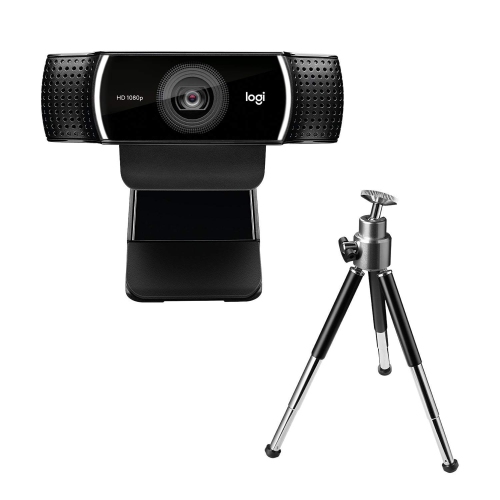
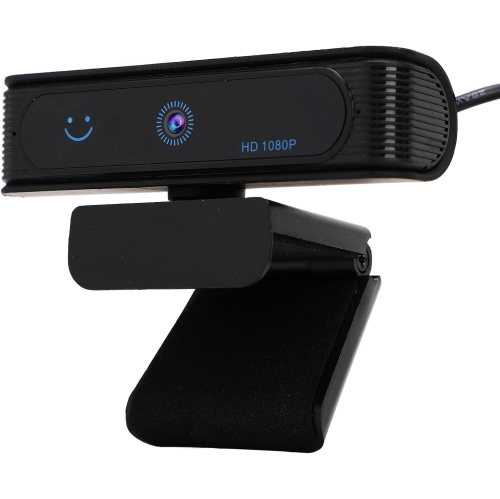
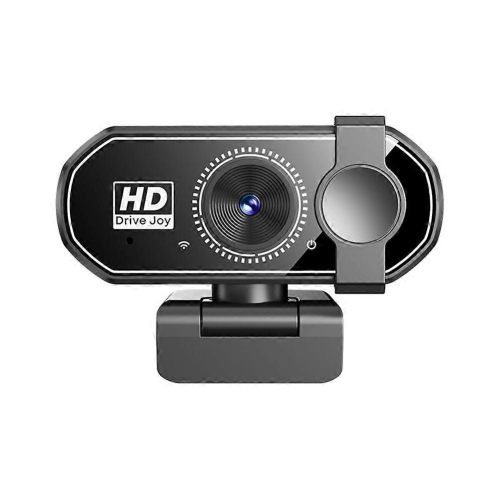
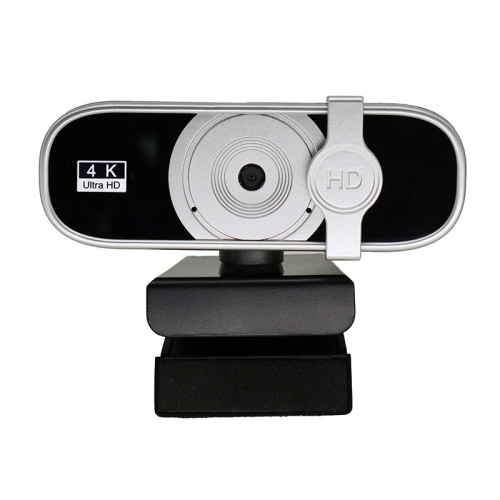
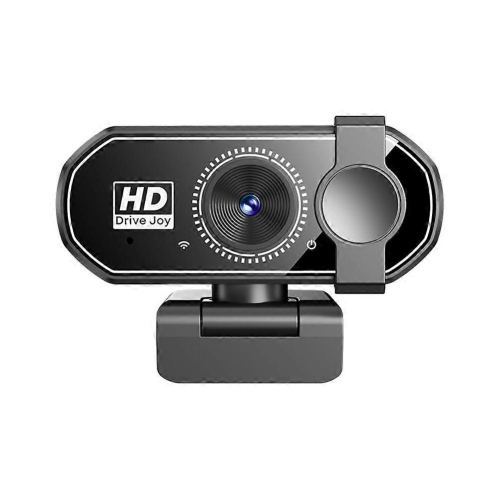
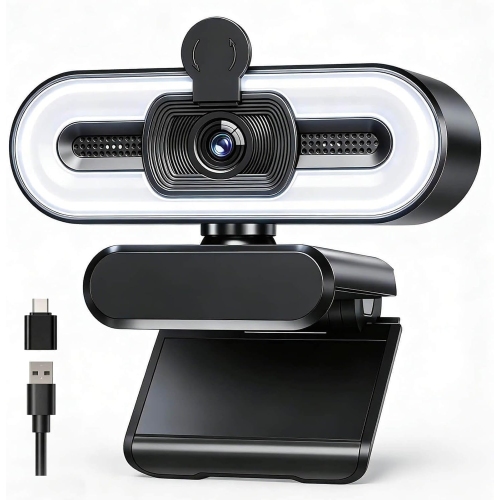
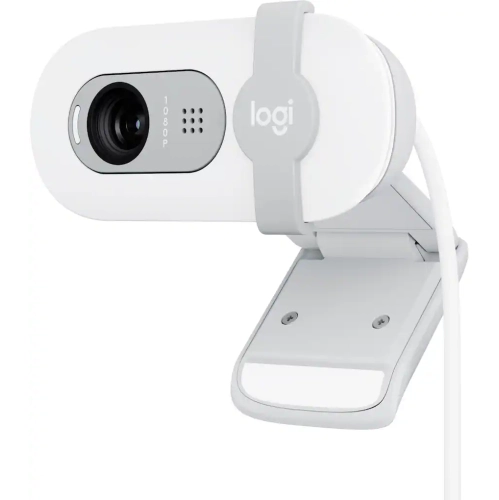
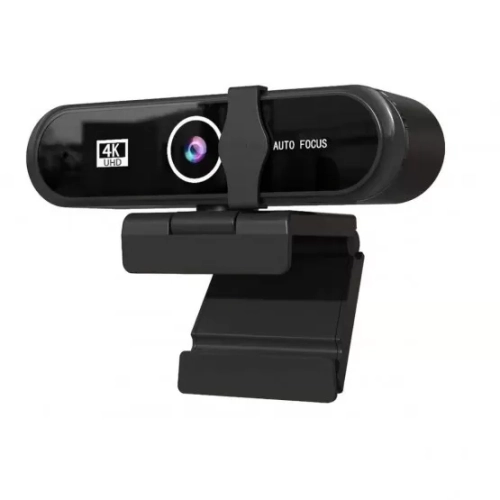
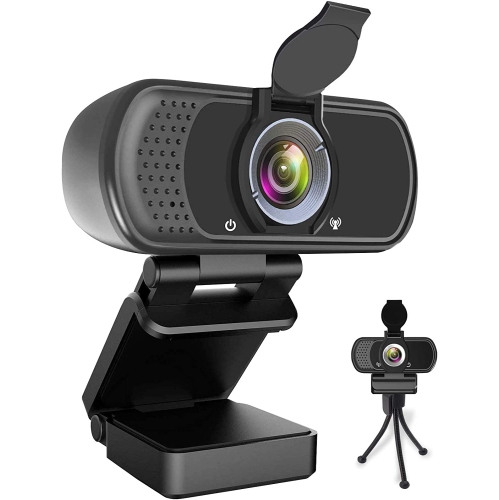
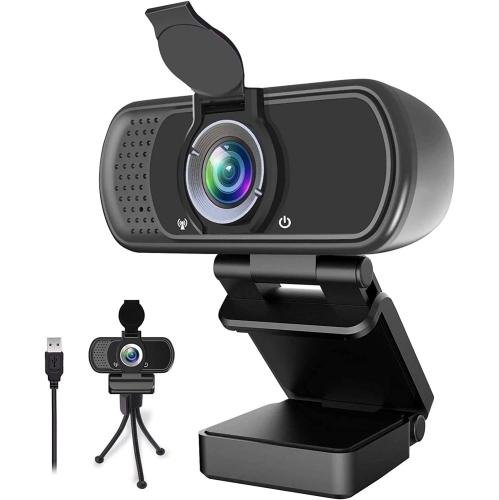
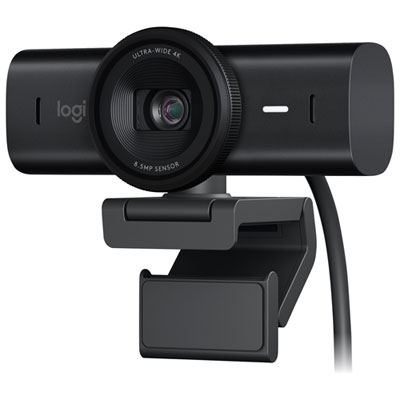
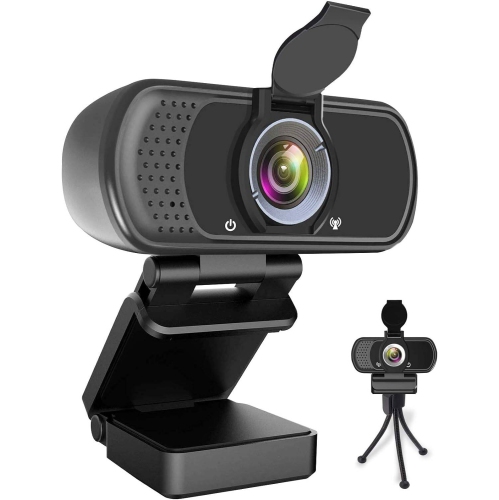
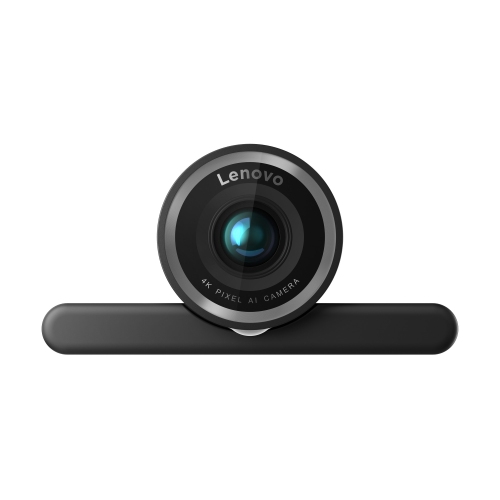

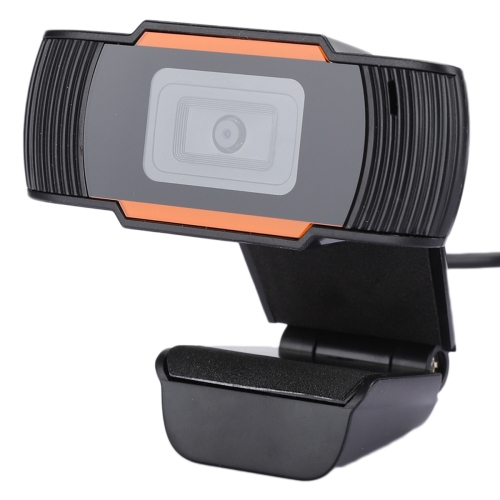
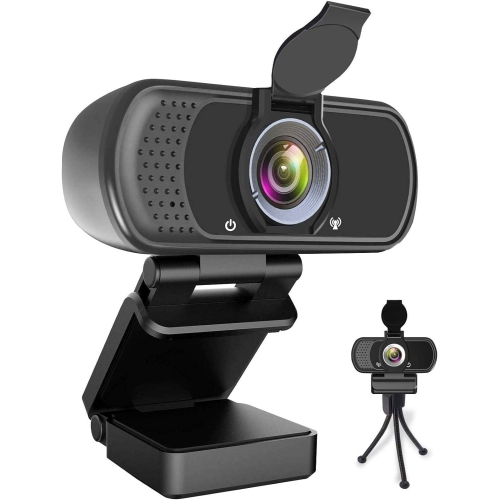
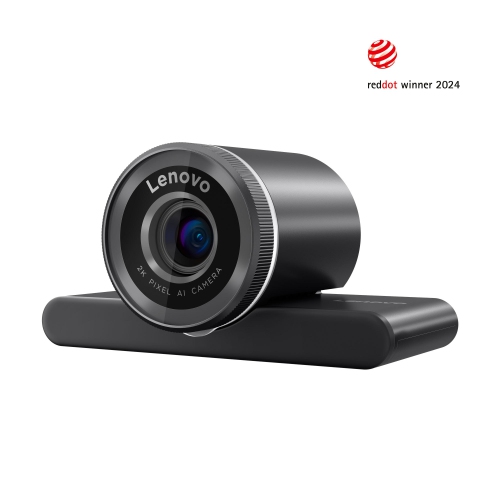
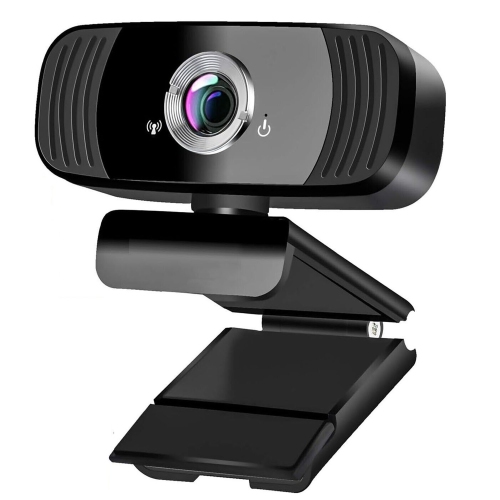
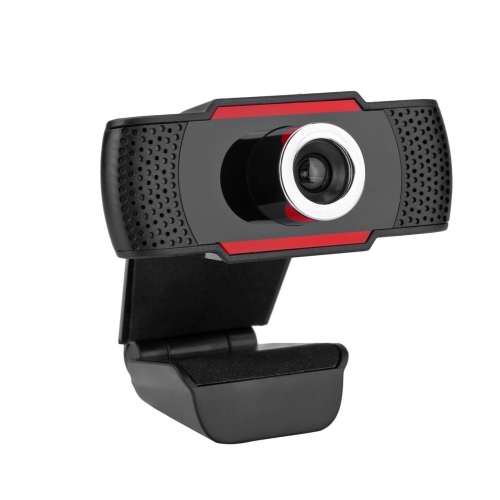
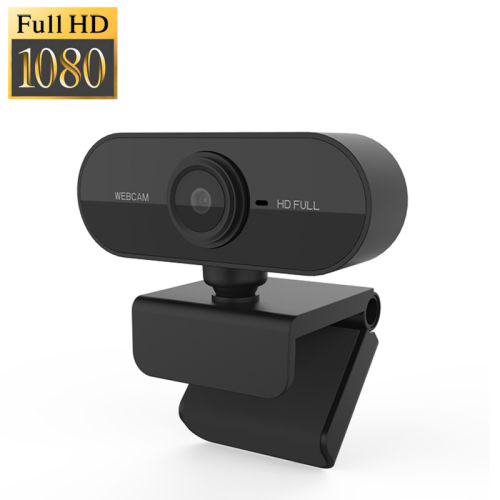
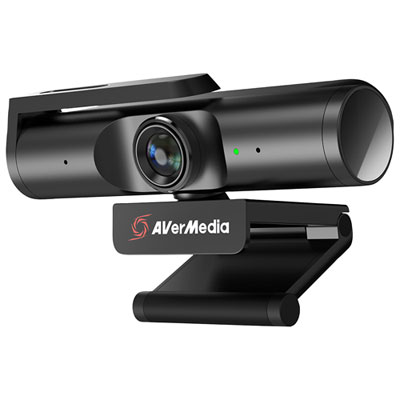
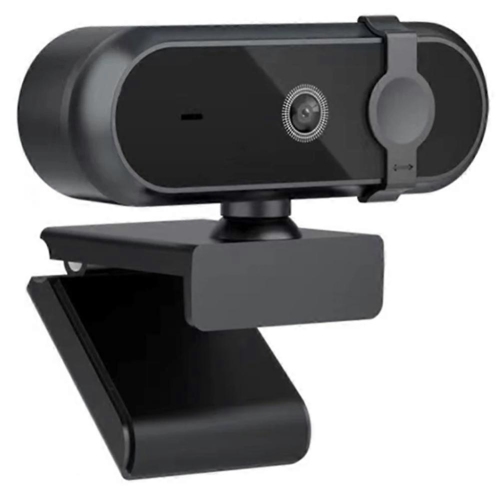

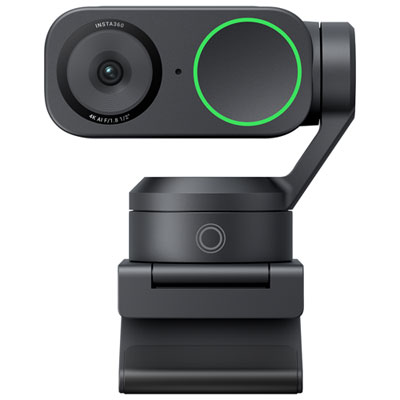
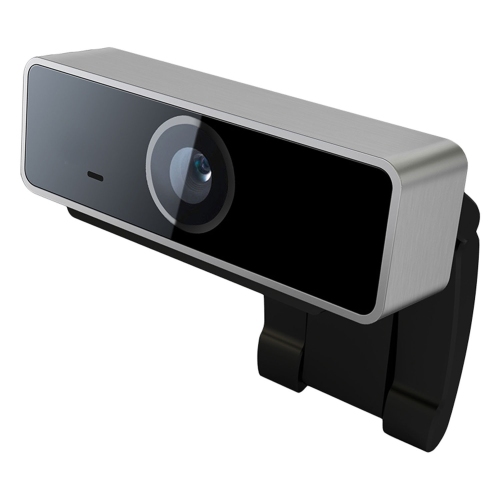
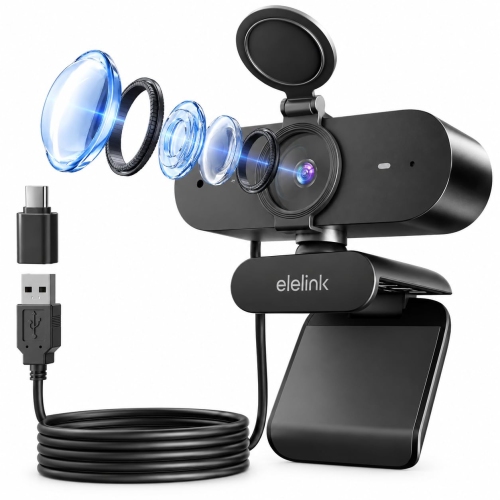
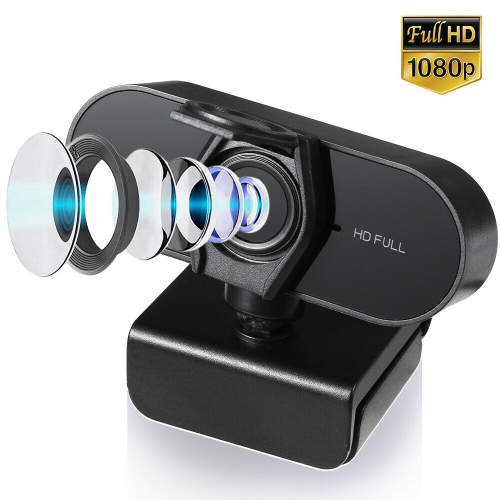
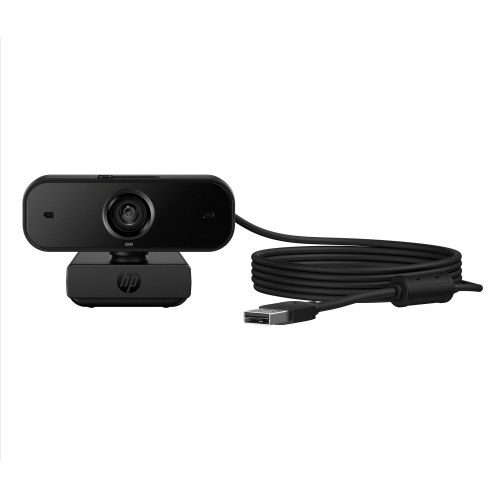
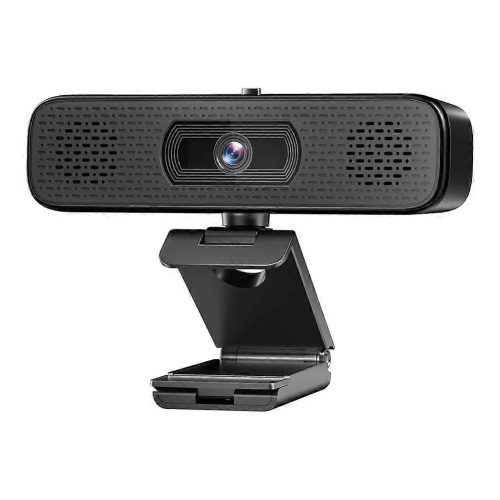
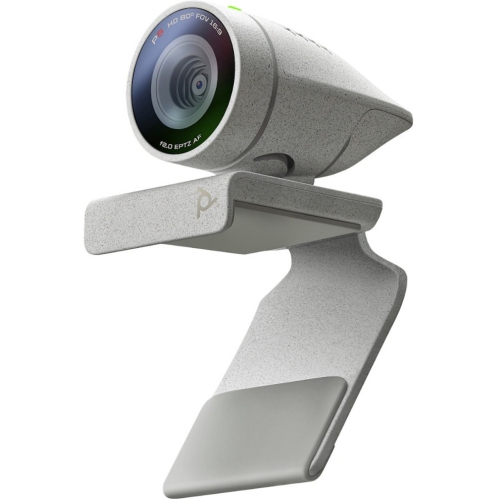
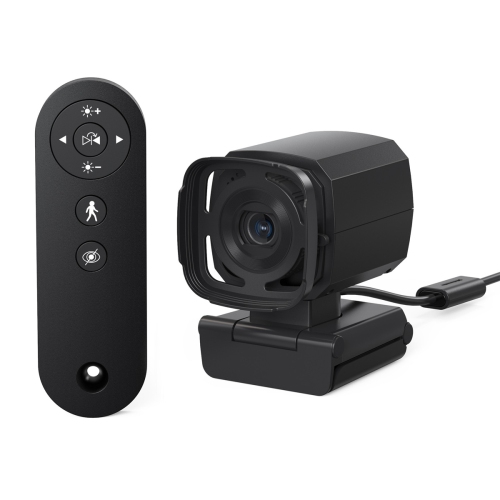
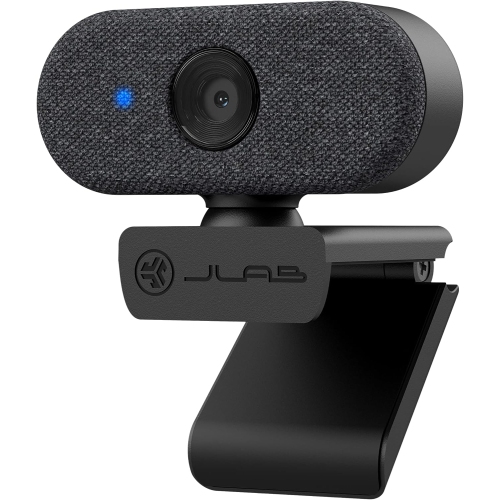
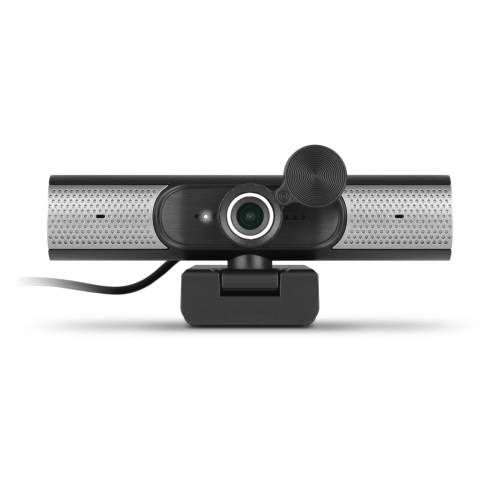
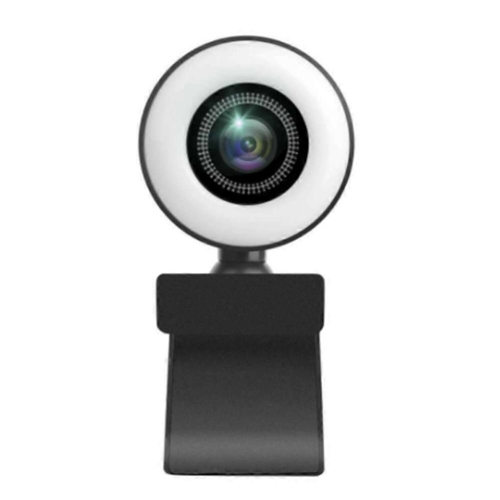
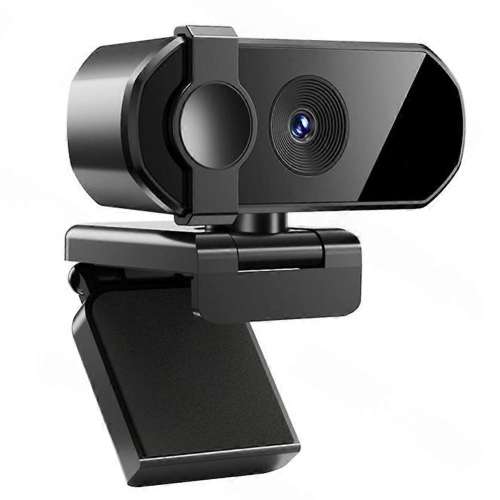
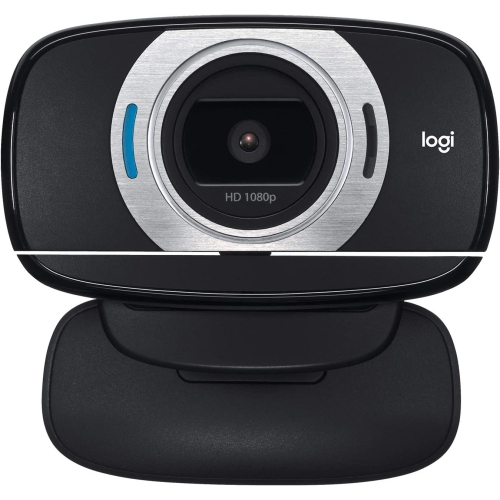
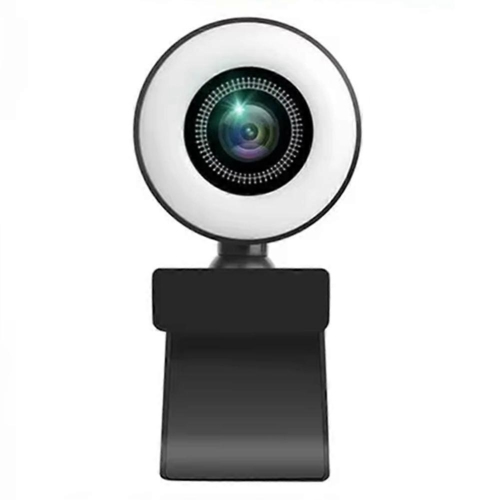

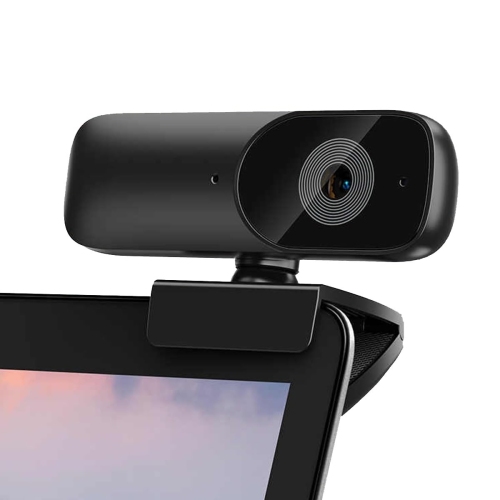
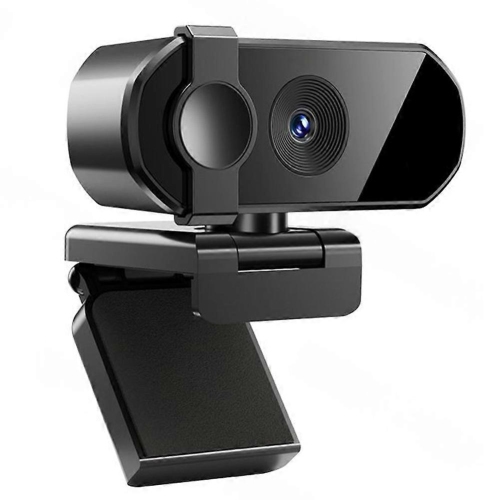

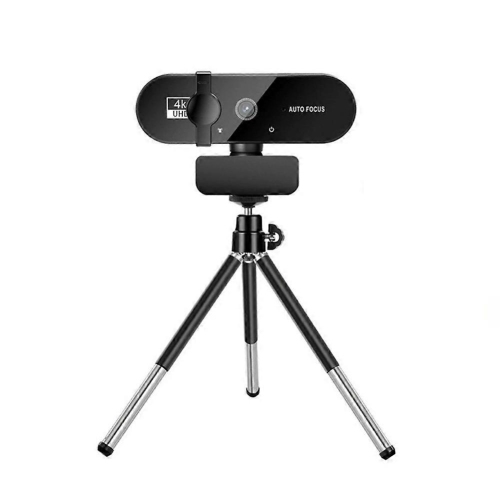
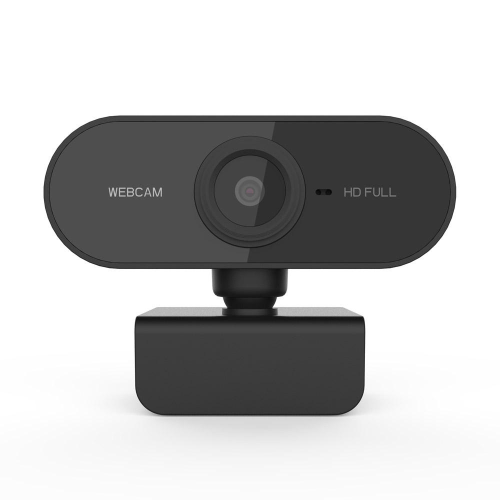
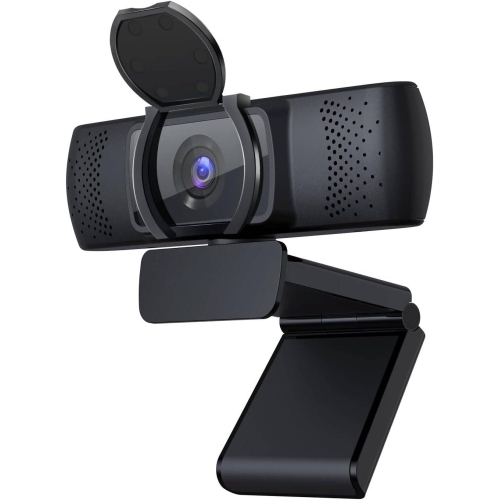
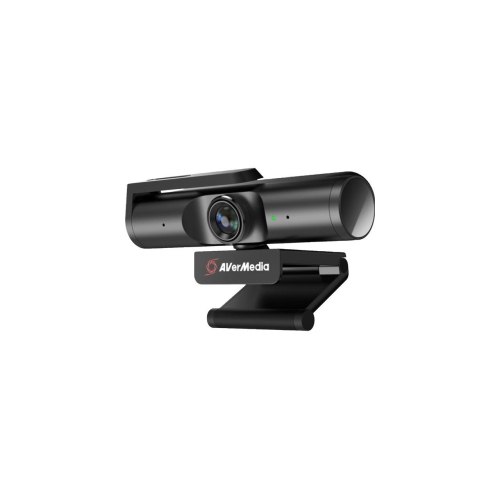
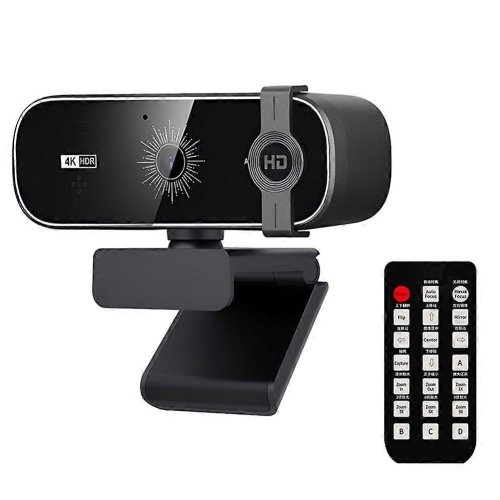
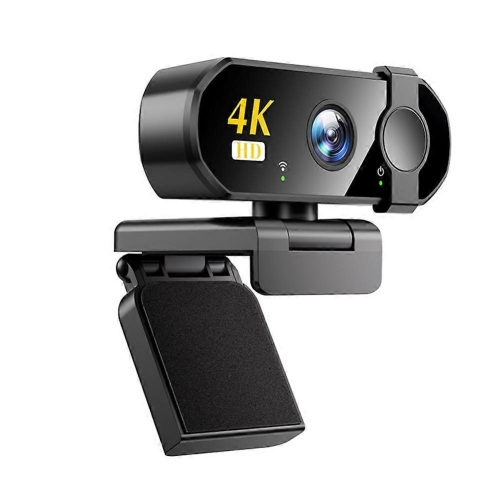
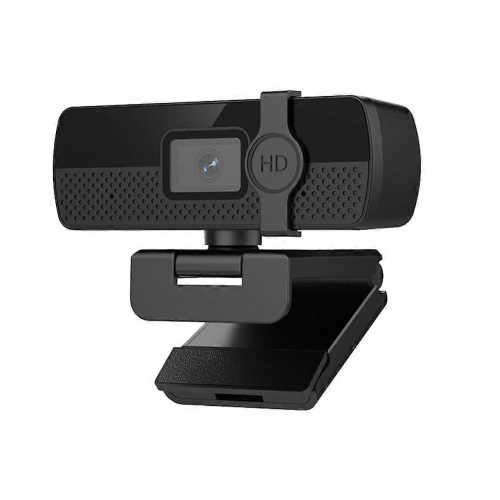
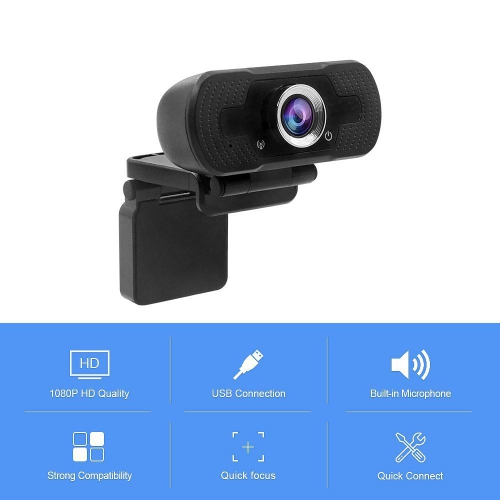
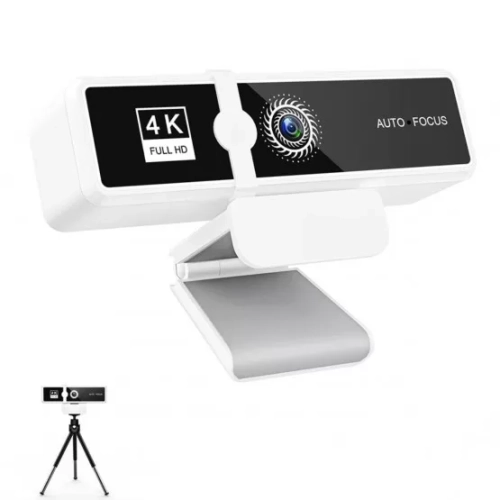
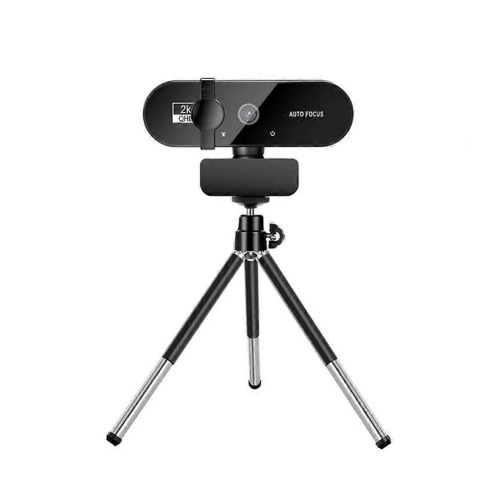
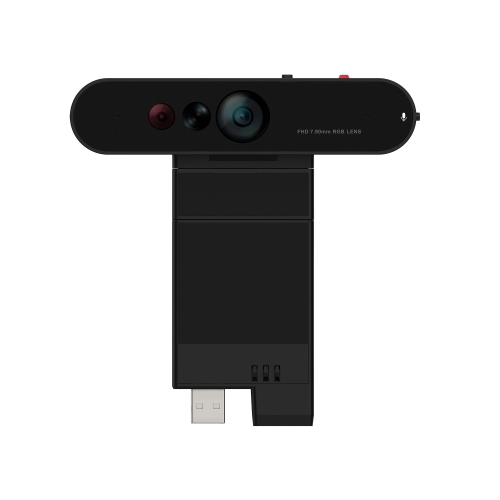
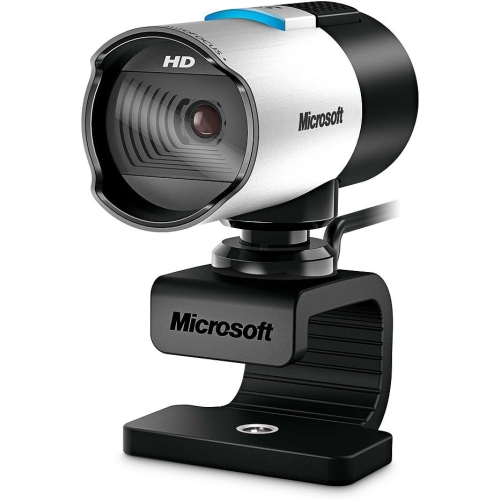
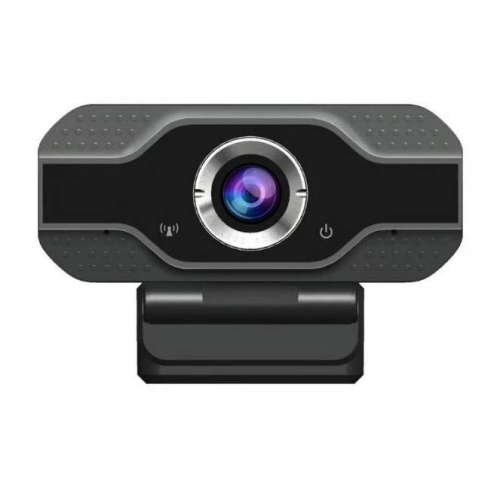
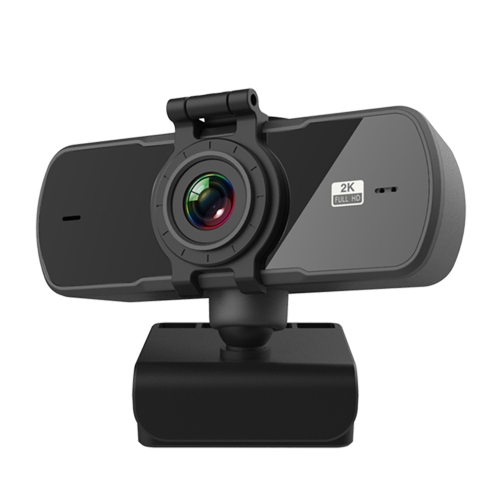
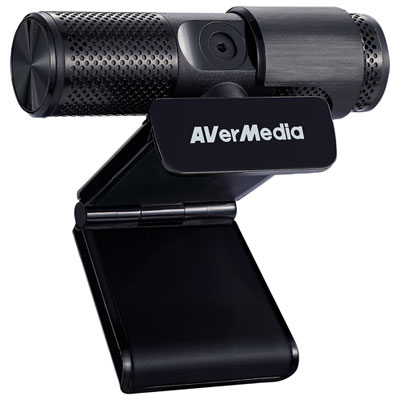
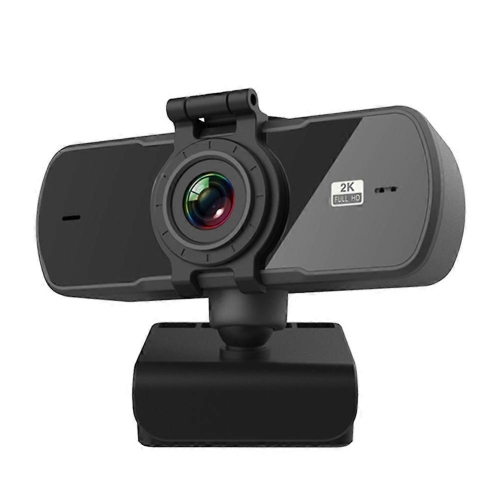
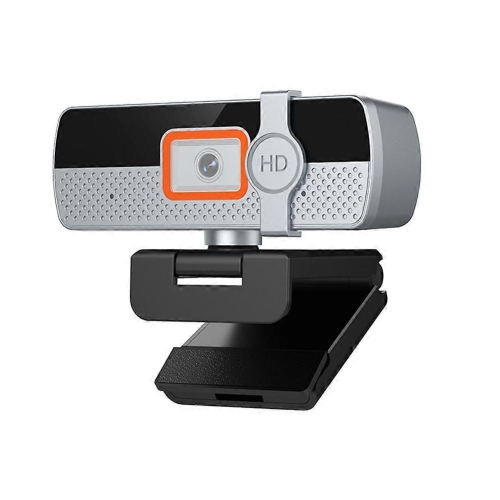
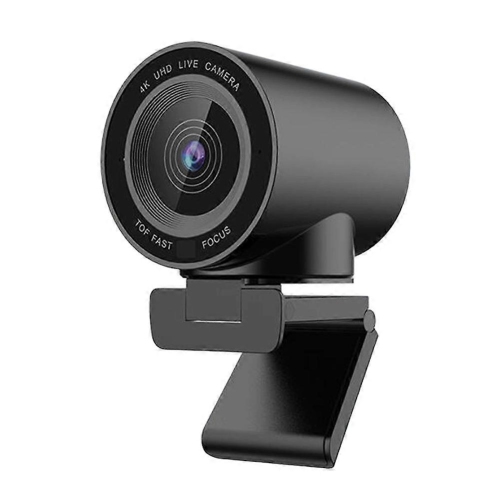
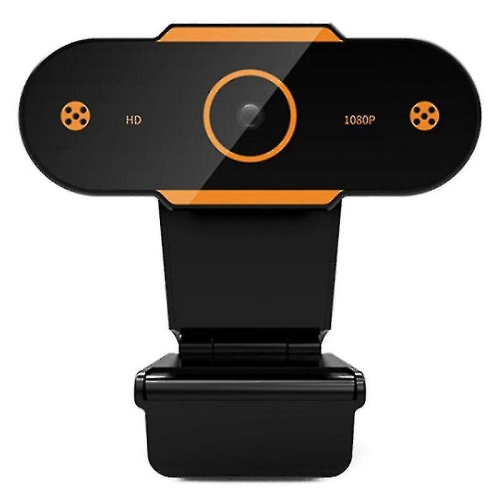
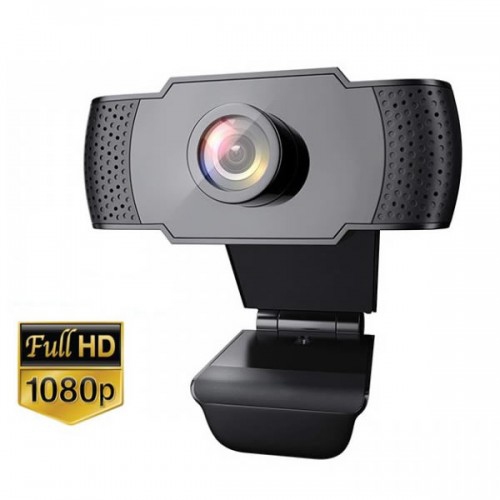
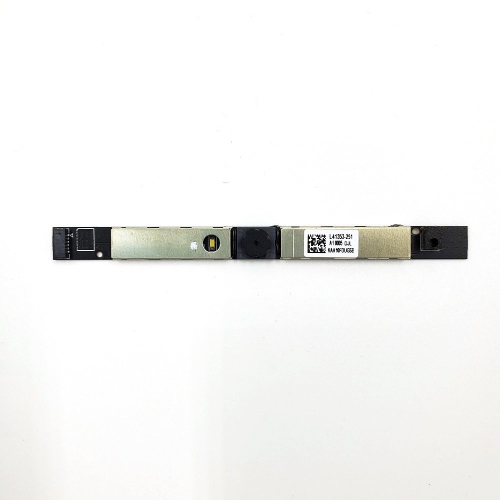
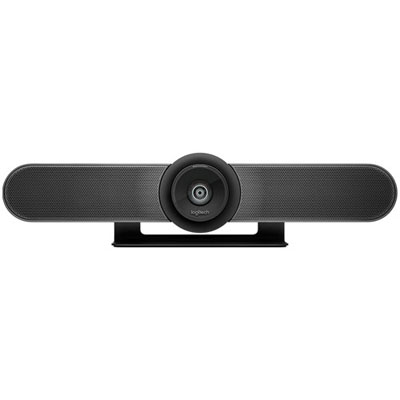
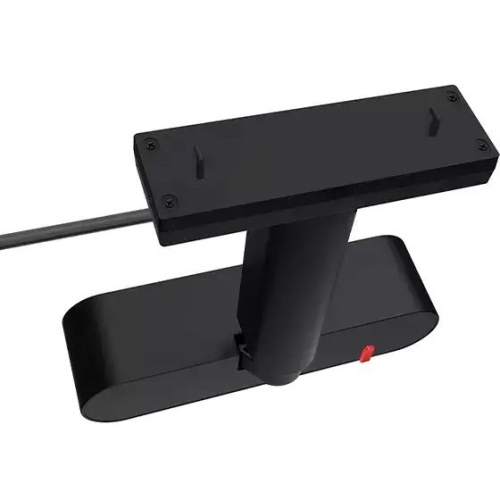
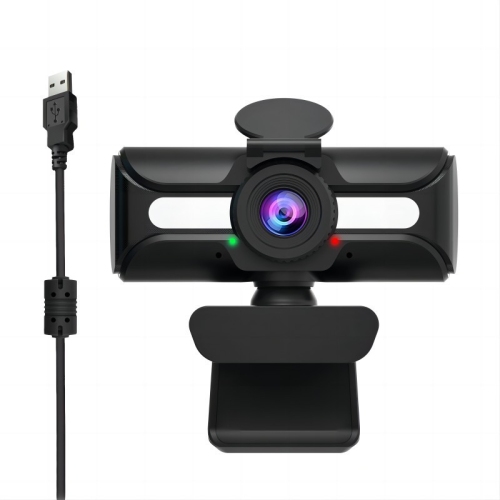
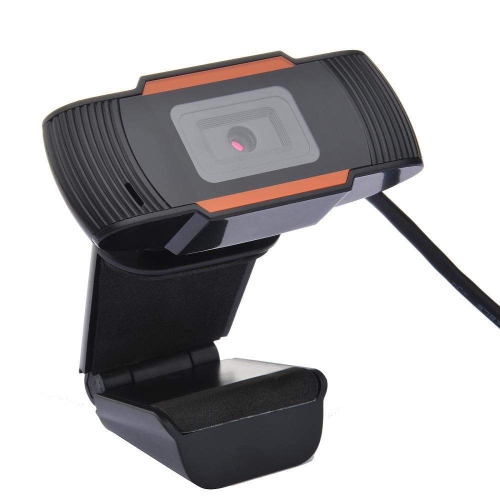
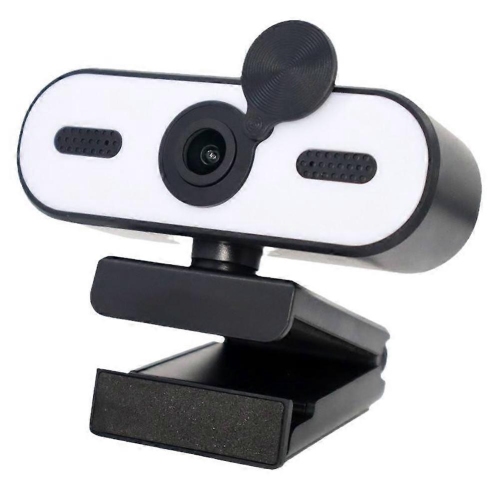
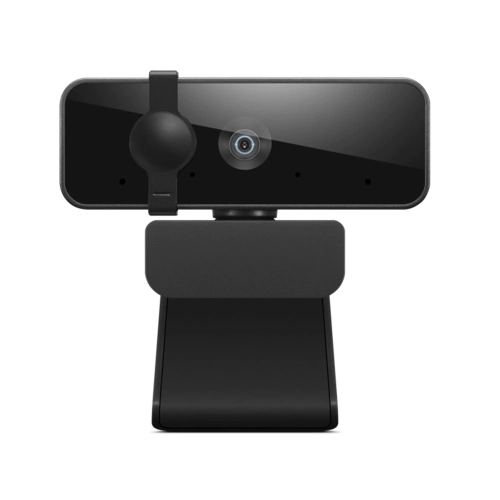
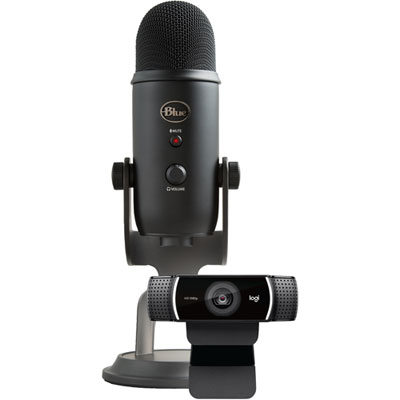
Sharper calls begin with better light and sound
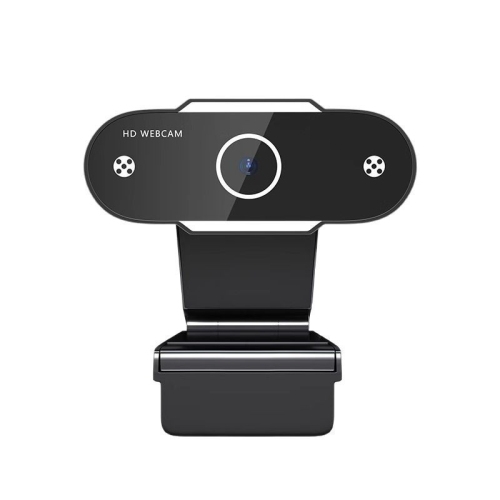
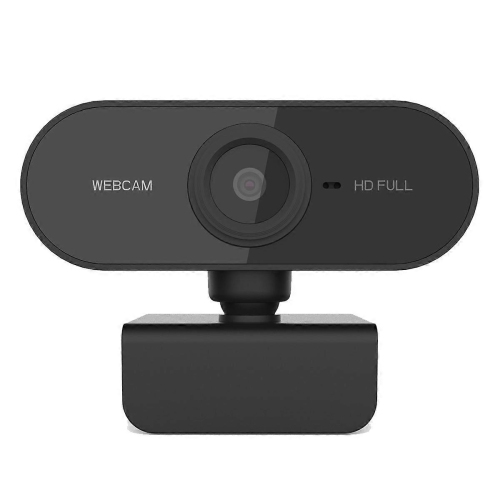
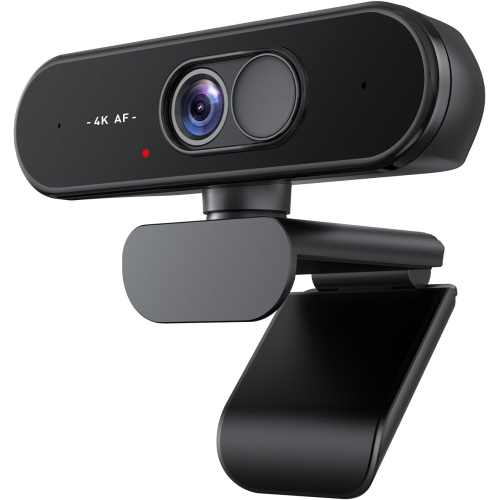
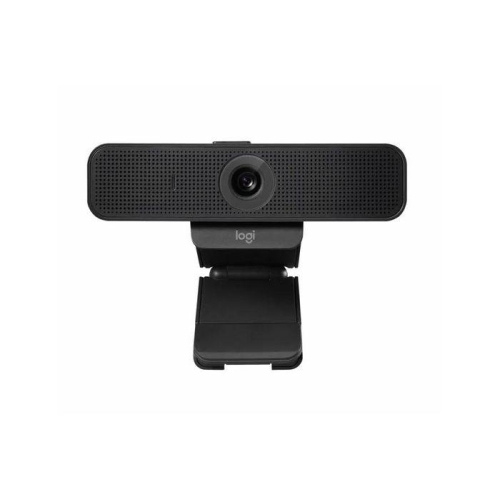
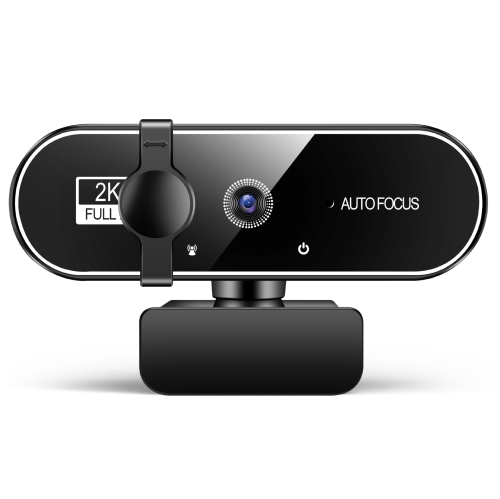
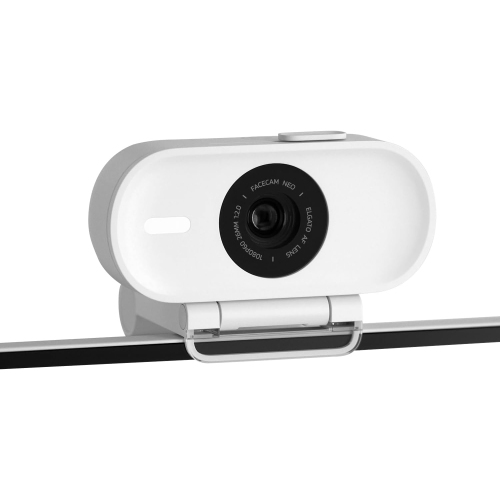
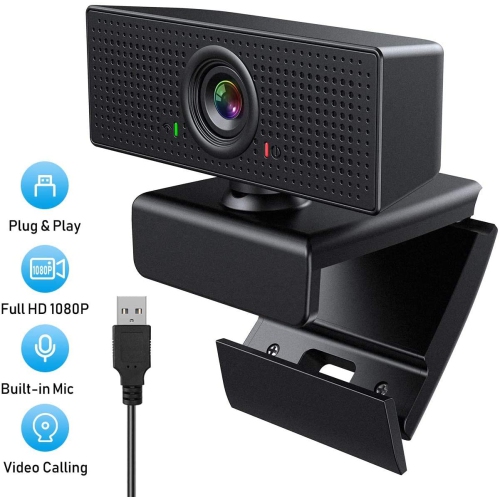
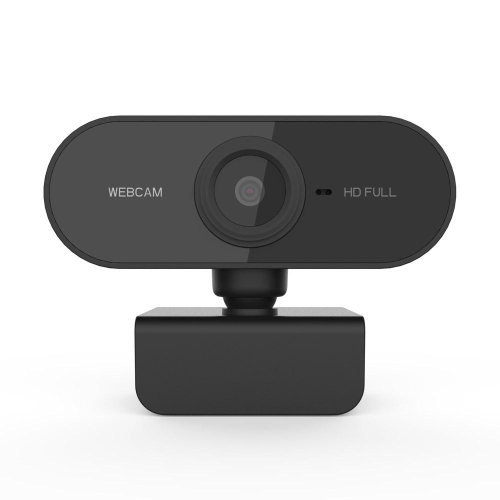
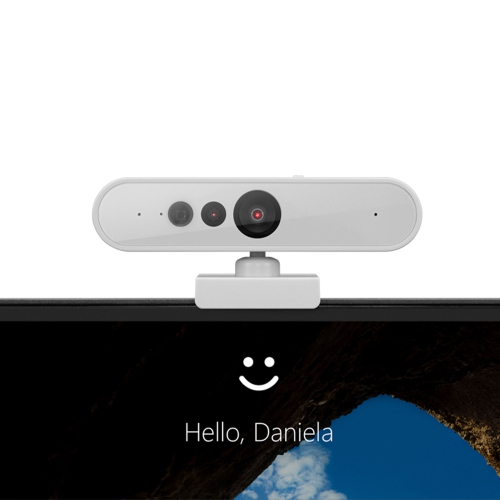
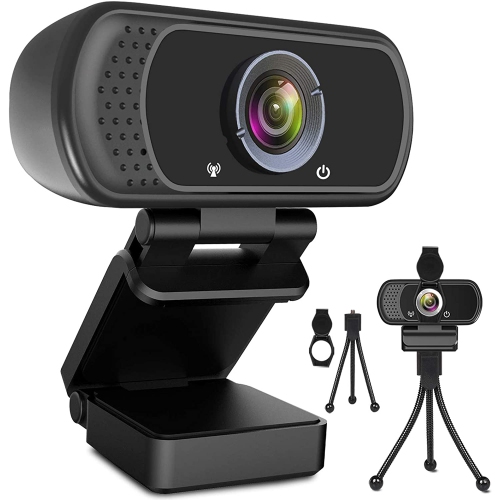
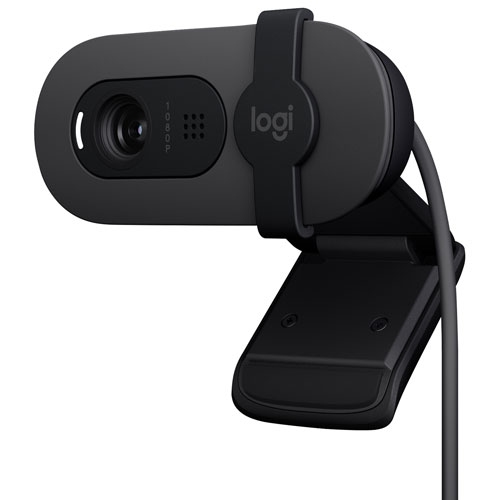
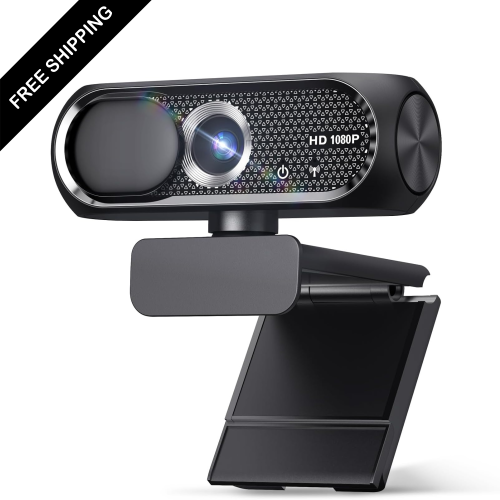
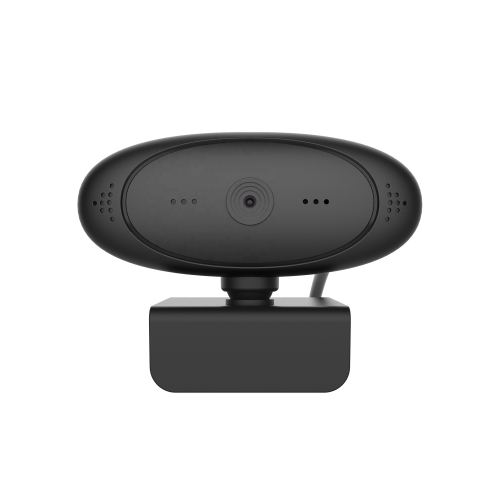
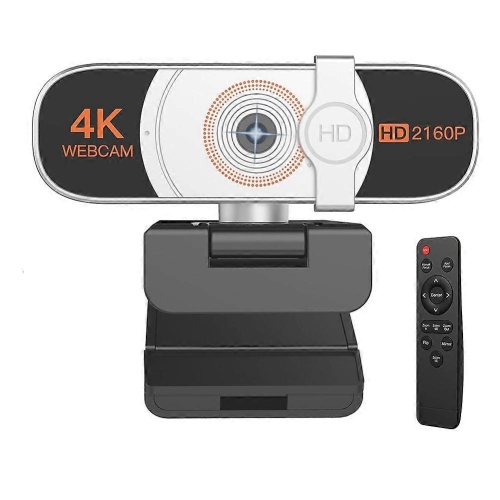
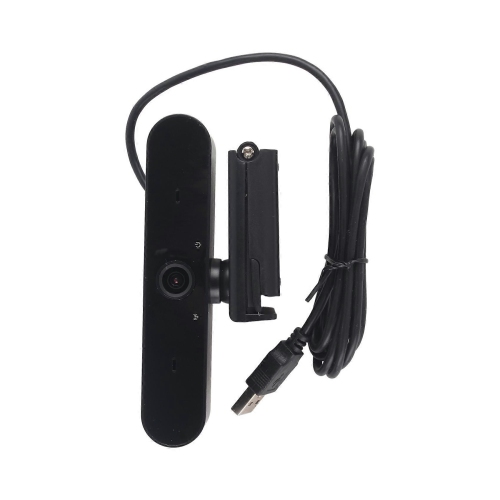
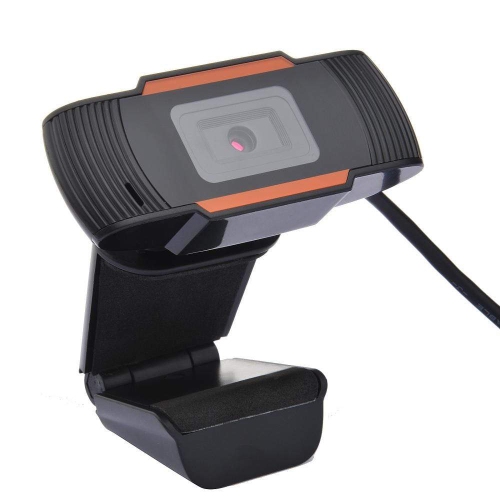
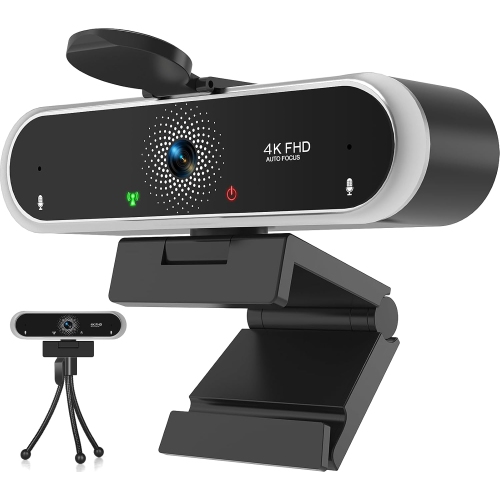
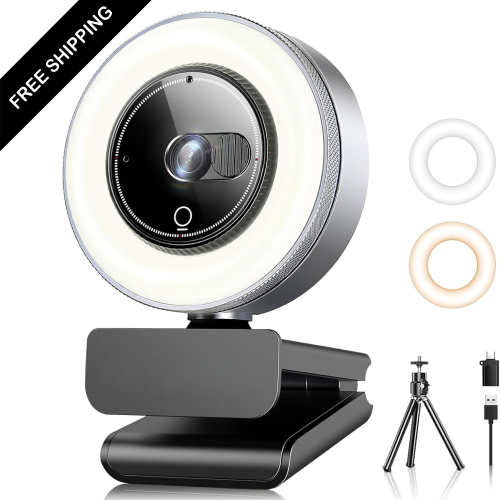
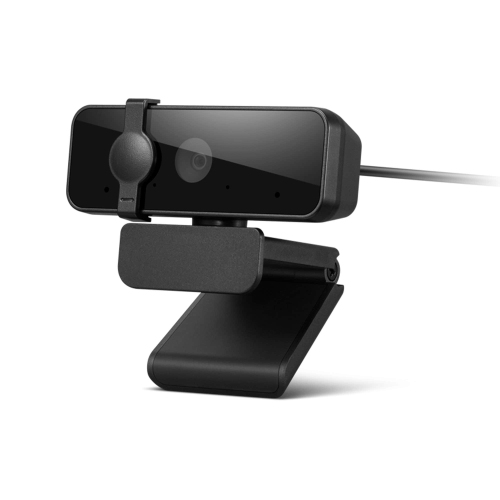
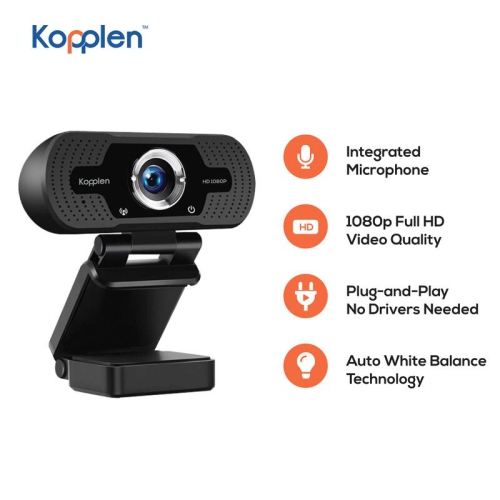
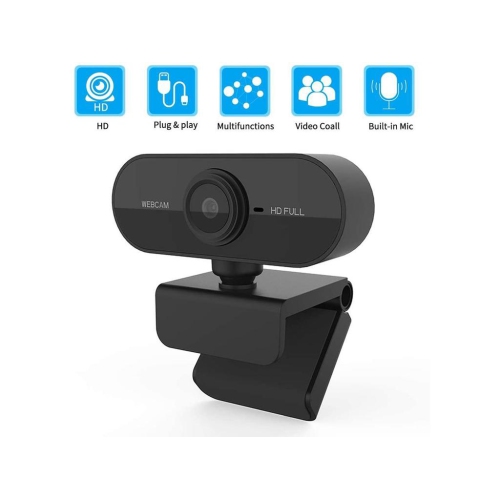
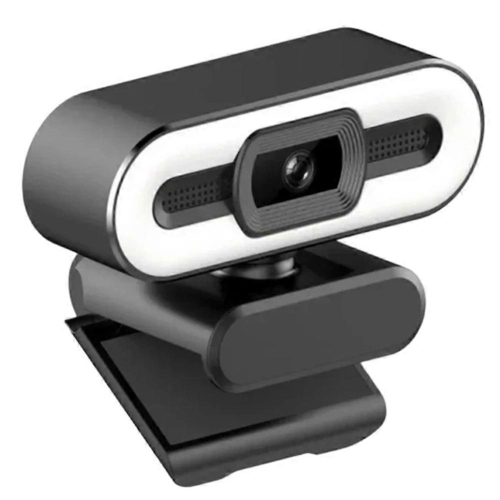
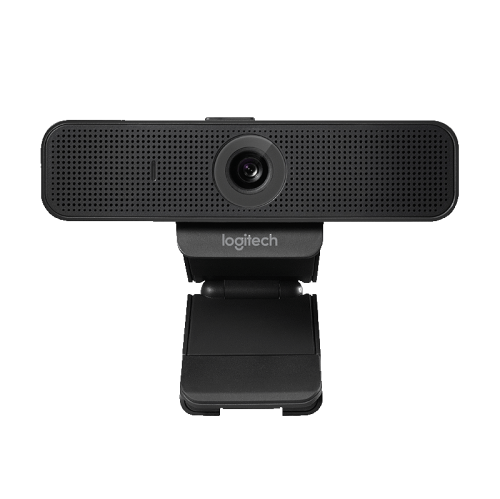
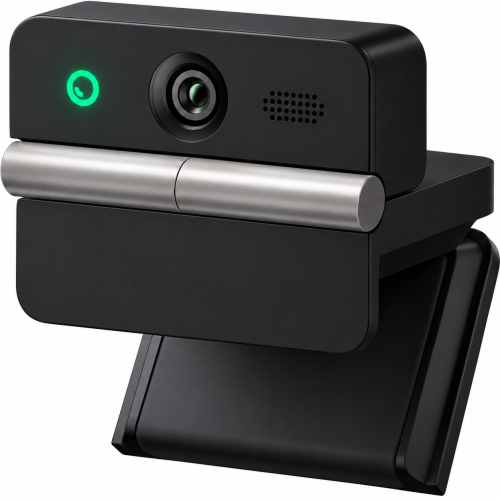
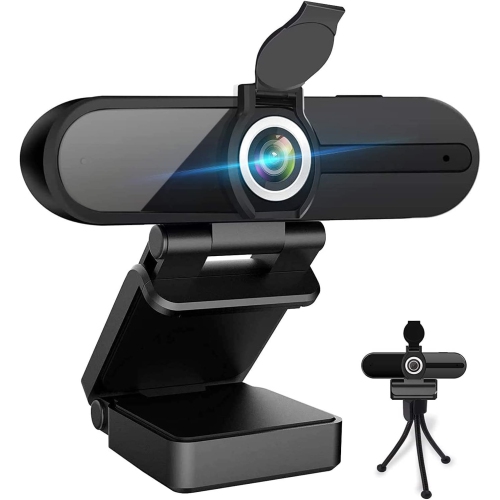
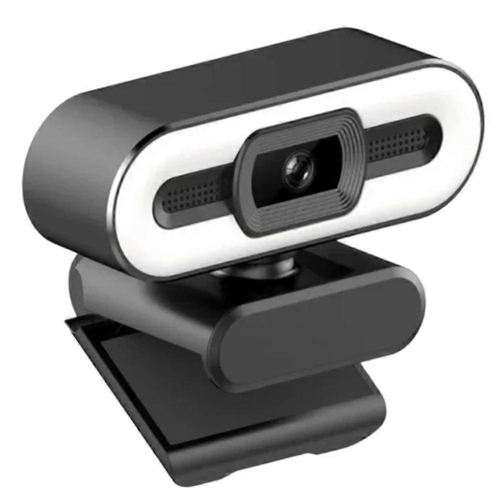
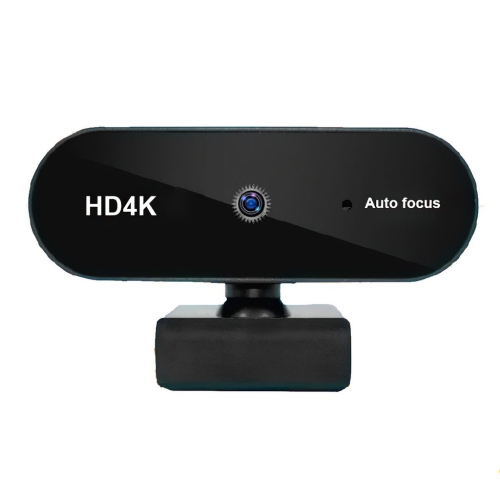
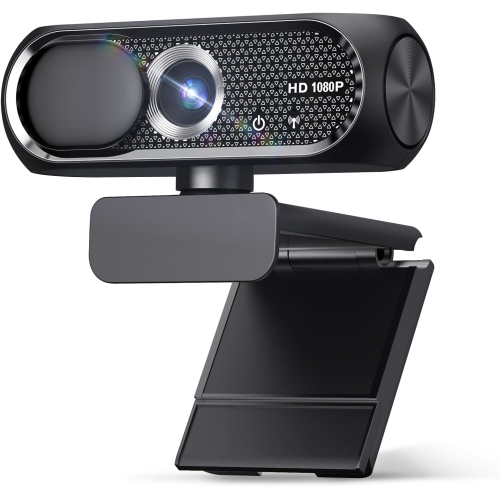
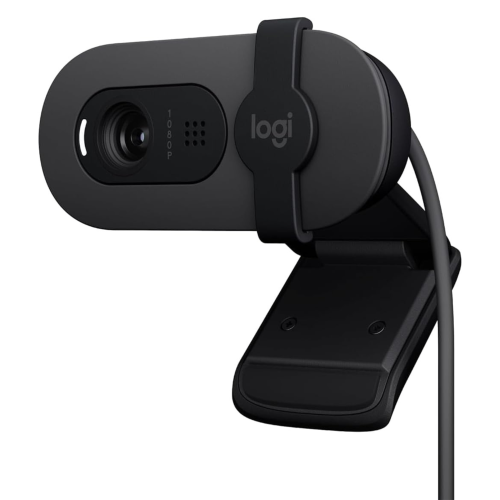
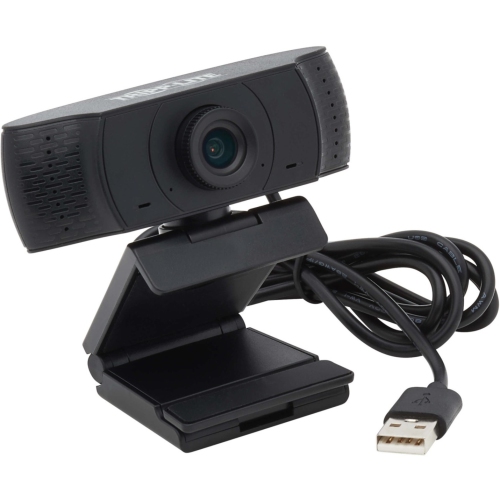
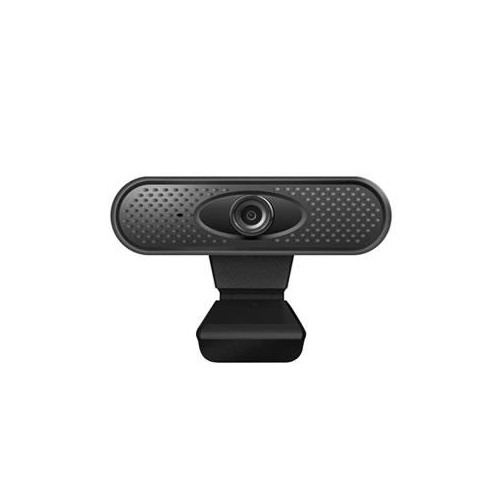
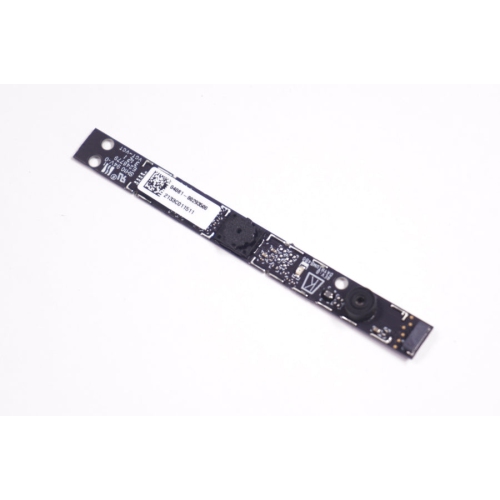
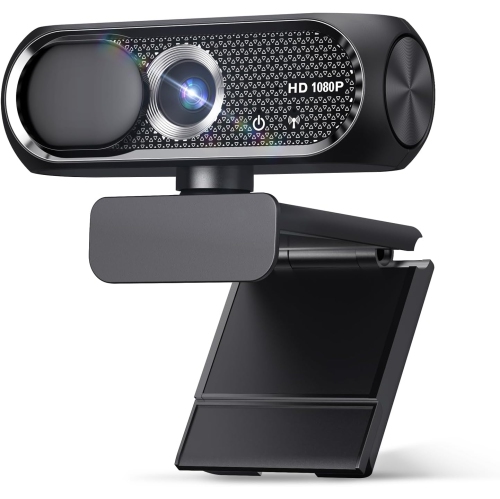
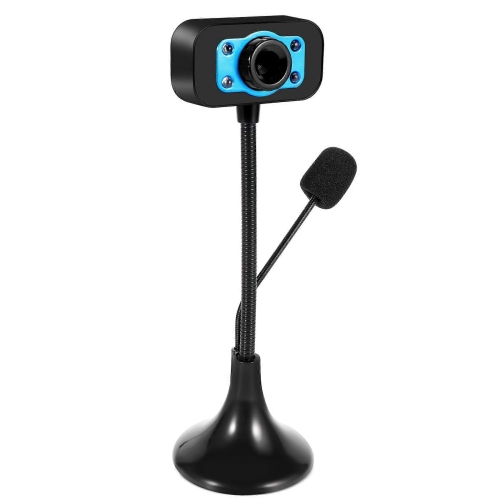
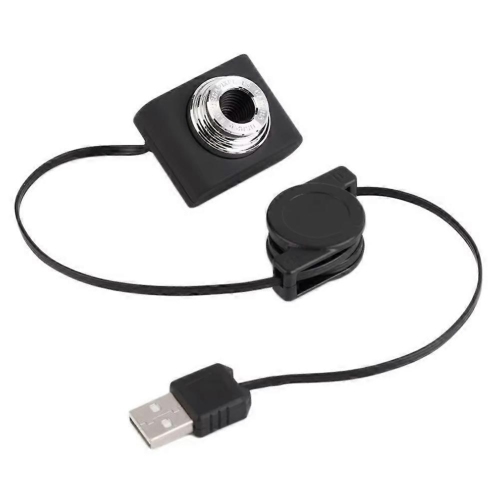
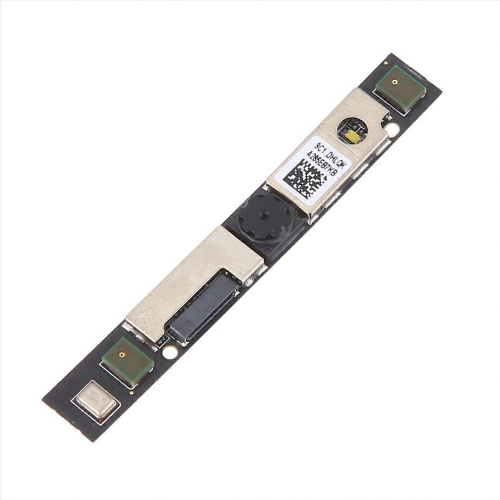
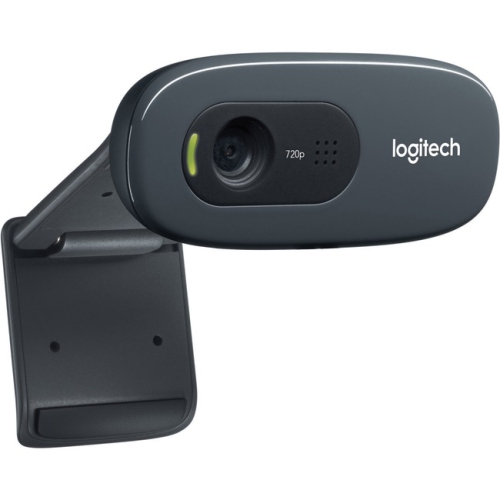
A webcam for laptops is a simple way to improve the quality of video calls, online classes, interviews, presentations, and live broadcasts. Built-in laptop cameras are convenient, but they can produce soft images, uneven colour, and dim footage, especially when you are working near a window or under overhead lighting. An external webcam usually connects through USB and clips to the top of your laptop display, giving you a clearer view and more flexibility in where you sit. For everyday calls with family, friends, classmates, or colleagues, a 720p webcam can provide a noticeable improvement over many built-in cameras. Models with 1080p resolution capture finer detail, making facial expressions easier to see and text on a nearby whiteboard or presentation more legible. Look for automatic light correction if your workspace changes from bright daylight to the softer glow of a desk lamp, as this feature can help keep your face visible without constant adjustments. A wide-angle lens can be useful when you want to include two people in the frame, show a small workspace, or move naturally during a presentation, while a narrower field of view may feel more personal for one-to-one conversations. Autofocus is helpful when you occasionally hold documents, products, or handwritten notes up to the camera, and fixed-focus models can suit straightforward calls where you remain seated at a consistent distance.
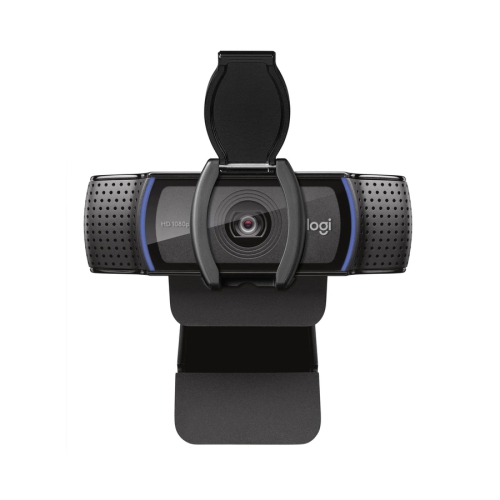
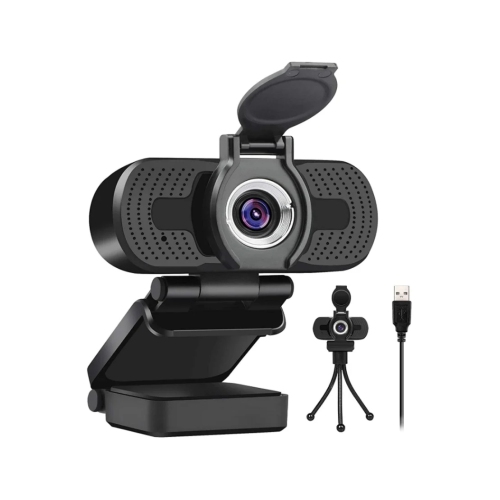
When choosing a webcam for laptops, start with the way you expect to use it most often. Students attending remote lectures or tutoring sessions may appreciate a compact camera with a built-in microphone that keeps their desk clear and connects without complicated setup. Someone working from a home office may prefer sharper 1080p video, dependable autofocus, and a lens that presents a polished image during meetings and job interviews. For streaming, demonstrations, or recorded presentations, consider frame rate, microphone performance, and the ability to adjust the angle so the camera stays level while you move. A webcam with a noise-reducing microphone can make speech easier to follow when there is keyboard noise, a fan, or activity in another room, although a separate headset or microphone may still be the better choice for more demanding recordings. Check the connection type and your laptop’s available ports before ordering; most external webcams use USB, while newer laptops may require an adapter or hub. Compatibility with common video-conferencing and recording software is also important, and many plug-and-play cameras work with popular services without requiring special drivers. A privacy shutter or sliding lens cover provides a convenient way to block the camera when it is not in use, while an indicator light can show when the camera is active. A stable clip matters more than it may seem: a loose mount can leave the image tilted, while a padded grip helps protect the display and keeps the webcam steady when you adjust your laptop. Some models can also sit on a small tripod or shelf, which is useful when you want a different angle or need to position the camera farther from the screen.
A laptop webcam can be a practical gift for a student moving into residence, a relative who keeps in touch through video calls, or a professional creating a more comfortable home-office setup. It can also help during the cooler months, when more conversations, appointments, lessons, and work sessions take place indoors. Before choosing, consider where the camera will be used, how much room is available around the laptop, and whether the user generally speaks from a quiet office, a shared room, or a busy kitchen table. Image quality depends on more than resolution, so a camera with balanced exposure and natural colour may be more useful than one with impressive specifications but poor performance in ordinary indoor lighting. Place the laptop at eye level when possible, keep the lens close to the centre of the screen, and face a lamp or window rather than sitting with a bright light behind you. A clean lens, uncluttered background, and a small amount of space above your head can make the picture feel more professional without requiring a full studio setup. If the webcam will be used with a desktop display instead of a laptop, browse Webcams for Monitors for options designed to sit on a larger screen. Whether the goal is clearer family conversations, more confident online interviews, smoother group work, or better-looking streams, the right webcam should be easy to mount, simple to connect, and suited to the lighting, sound, and space of the person using it.
When choosing a webcam for laptops, start with the way you expect to use it most often. Students attending remote lectures or tutoring sessions may appreciate a compact camera with a built-in microphone that keeps their desk clear and connects without complicated setup. Someone working from a home office may prefer sharper 1080p video, dependable autofocus, and a lens that presents a polished image during meetings and job interviews. For streaming, demonstrations, or recorded presentations, consider frame rate, microphone performance, and the ability to adjust the angle so the camera stays level while you move. A webcam with a noise-reducing microphone can make speech easier to follow when there is keyboard noise, a fan, or activity in another room, although a separate headset or microphone may still be the better choice for more demanding recordings. Check the connection type and your laptop’s available ports before ordering; most external webcams use USB, while newer laptops may require an adapter or hub. Compatibility with common video-conferencing and recording software is also important, and many plug-and-play cameras work with popular services without requiring special drivers. A privacy shutter or sliding lens cover provides a convenient way to block the camera when it is not in use, while an indicator light can show when the camera is active. A stable clip matters more than it may seem: a loose mount can leave the image tilted, while a padded grip helps protect the display and keeps the webcam steady when you adjust your laptop. Some models can also sit on a small tripod or shelf, which is useful when you want a different angle or need to position the camera farther from the screen.
A laptop webcam can be a practical gift for a student moving into residence, a relative who keeps in touch through video calls, or a professional creating a more comfortable home-office setup. It can also help during the cooler months, when more conversations, appointments, lessons, and work sessions take place indoors. Before choosing, consider where the camera will be used, how much room is available around the laptop, and whether the user generally speaks from a quiet office, a shared room, or a busy kitchen table. Image quality depends on more than resolution, so a camera with balanced exposure and natural colour may be more useful than one with impressive specifications but poor performance in ordinary indoor lighting. Place the laptop at eye level when possible, keep the lens close to the centre of the screen, and face a lamp or window rather than sitting with a bright light behind you. A clean lens, uncluttered background, and a small amount of space above your head can make the picture feel more professional without requiring a full studio setup. If the webcam will be used with a desktop display instead of a laptop, browse Webcams for Monitors for options designed to sit on a larger screen. Whether the goal is clearer family conversations, more confident online interviews, smoother group work, or better-looking streams, the right webcam should be easy to mount, simple to connect, and suited to the lighting, sound, and space of the person using it.
Top selling and popular products
-
 Your price for this item is $79.99
 -
 Your price for this item is $123.44
 -
 Your price for this item is $39.99
 -
 Your price for this item is $48.49
 -
 Your price for this item is $149.99
 -
 Your price for this item is $249.99
 -
 Your price for this item is $49.99
 -
 Your price for this item is $34.99
Discover more categories related to Webcam for Laptops

Top Collections:
Pokemon Centers, Kindle Devices, Best Cameras for Sports Photography, Best Budget Office Chairs, Pokémon 30th Celebration Cards, Apple iPhones 16, Canon G7X Cameras, iPhone 15 Apple, Flip Phones, Samsung Galaxy Phones
Some products may be subject to Environmental Handling Fees
(EHF) depending on your province.
Learn more about EHFs.