4 Pin Case Fans
4 Pin Case Fans are an essential component for maintaining optimal airflow and cooling efficiency in your computer setup. Designed for compatibility with a wide range of systems, these fans offer reliable performance to help keep your devices running smoothly. Whether you're building a new PC or upgrading your current case, explore a variety of 4 Pin Case Fans to find the right fit for your needs. Discover options that can help enhance your system's cooling capabilities and support a comfortable computing experience.
Sort
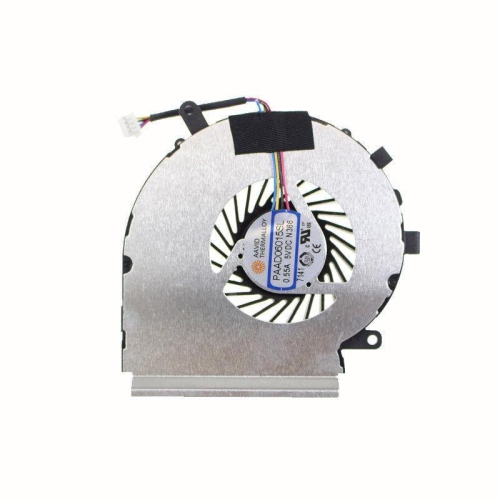

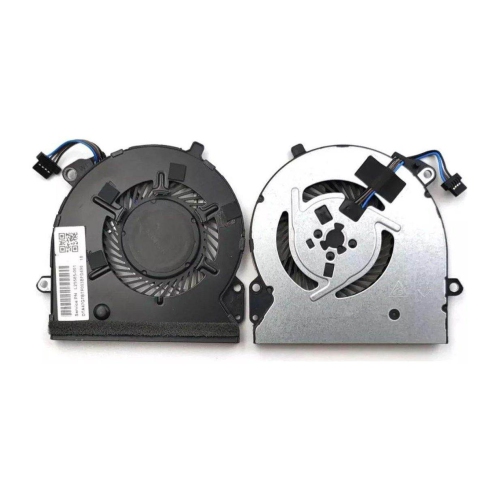

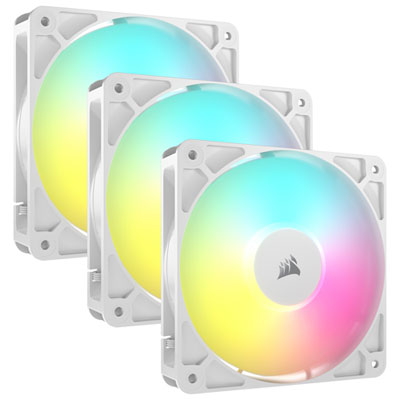
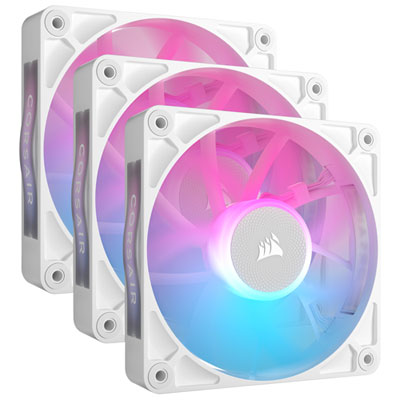
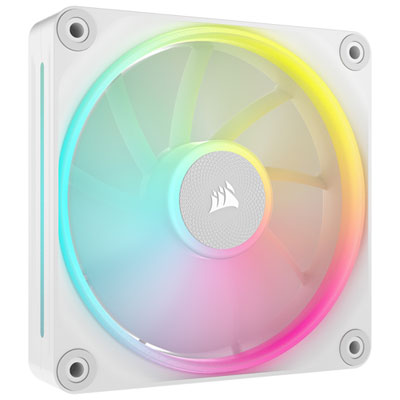
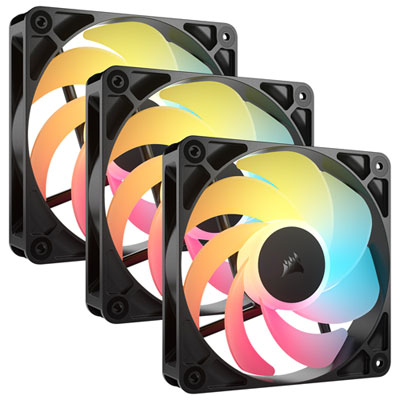
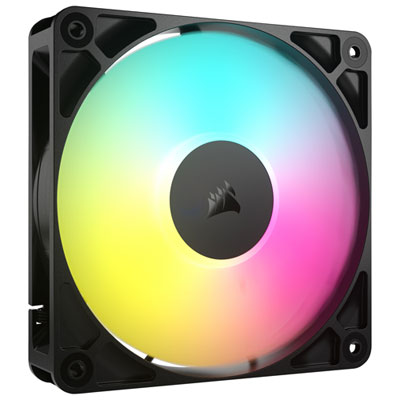
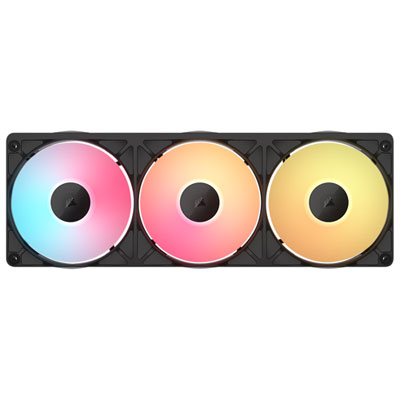
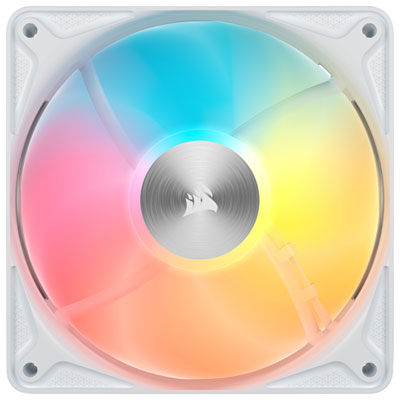
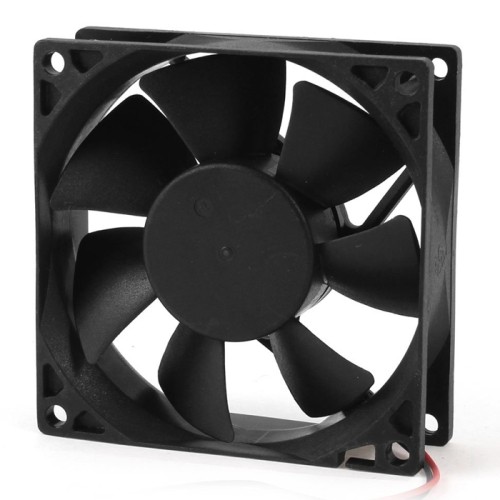
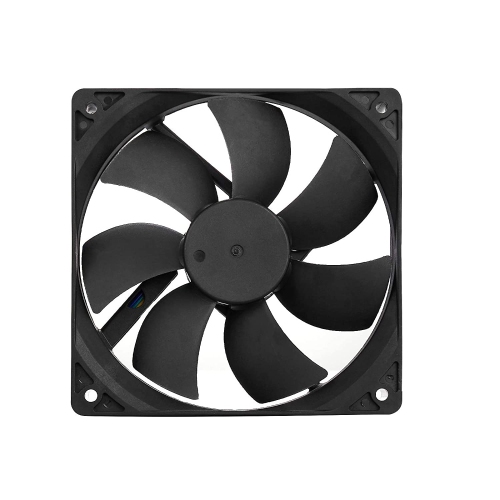
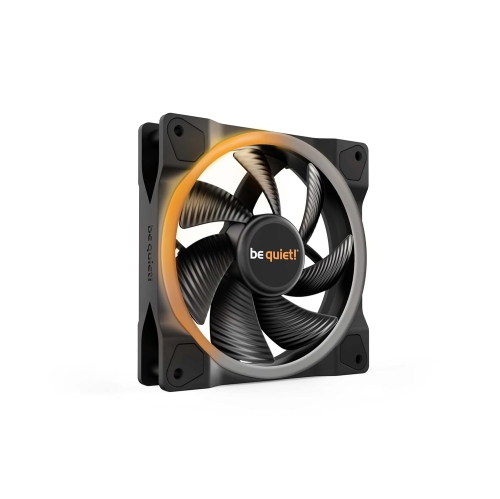
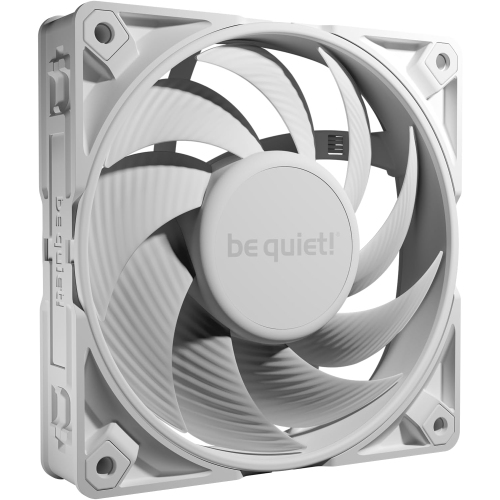


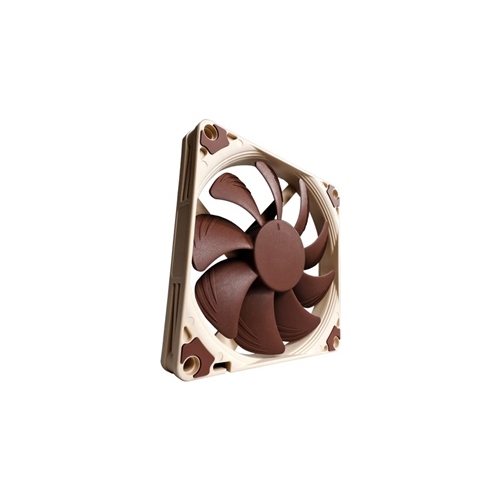
How PWM speed control balances airflow and noise
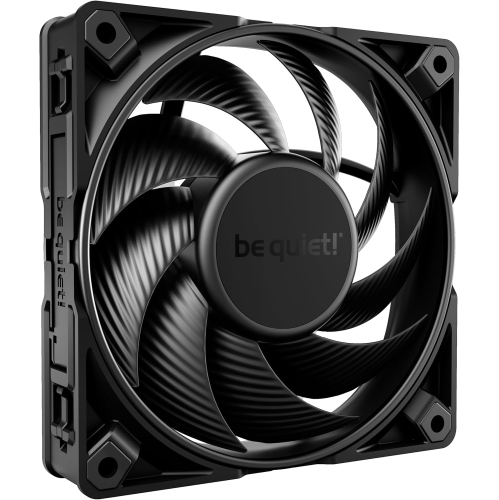
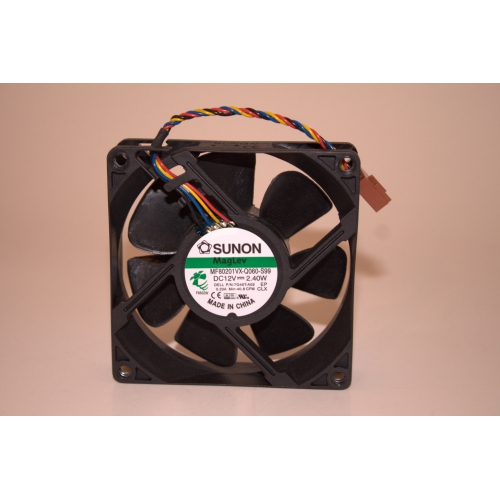
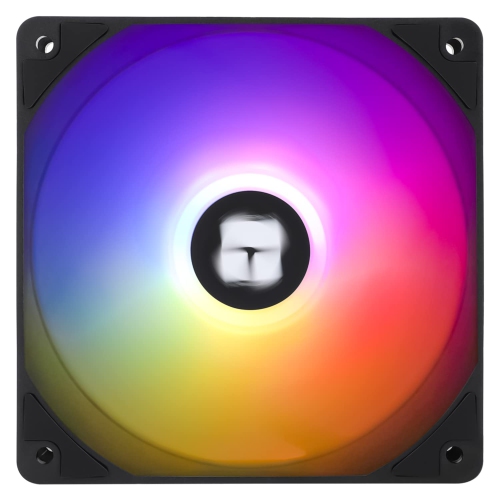
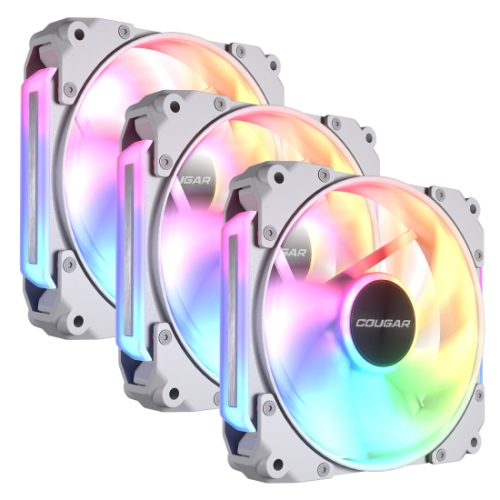
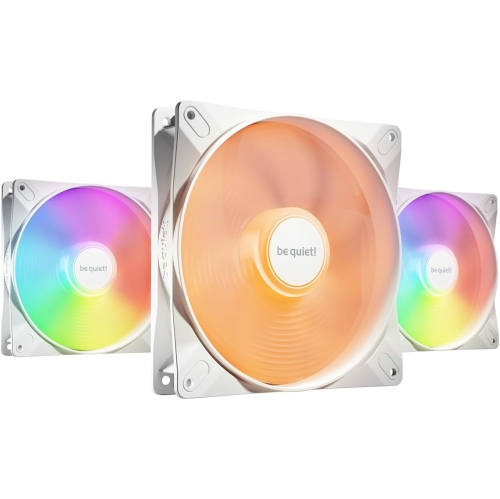
4-pin case fans are computer cooling fans that typically use pulse width modulation (PWM) to let a compatible motherboard or controller adjust their speed automatically in response to component temperatures. The four connections carry power, ground, a speed-reading signal and a PWM control signal. This separate control signal allows the fan to change speed while receiving a steady supply voltage, giving a desktop PC a useful balance between airflow and noise. During a demanding game, a long video export or a complex rendering task, the fans can move more air through the case; during lighter work, they can slow down for a quieter workspace. Actual behaviour depends on the fan’s supported speed range and the settings of the connected header or controller. Some combinations support stopping the fan at low loads, but this is not a feature of every 4-pin fan. These fans suit new computer builds, replacements for worn case fans and upgrades where better speed control is a priority. They help carry heat away from the space around components rather than replacing the dedicated cooler on a processor or graphics card. A standard 4-pin PWM fan connection should also be distinguished from a lighting connection. RGB or addressable RGB lighting may use a separate cable, and a 4-pin fan plug is not interchangeable with a 4-pin RGB lighting plug. A build can therefore have PWM speed control without lighting, or lighting that requires its own compatible header or controller. For a computer used for voice calls, audio recording or focused work, the benefit is often less unnecessary fan noise during everyday tasks. For a gaming tower or workstation, it is the ability to increase ventilation as the workload rises. The connector type establishes how the fan can be controlled, but the fan’s size, blade design, speed range and placement determine how well it suits a particular case.
Physical fit is one of the most important differences among 4-pin case fans. Common sizes include 120 mm and 140 mm, but compatibility depends on the case’s mounting positions, supported fan dimensions and available clearance. A larger fan cannot simply replace a smaller one unless the mounting position supports it. Thickness matters too, especially beside a front-mounted radiator, beneath a large graphics card or near tightly routed cables. In a compact desktop, a few millimetres can separate a comfortable fit from a fan that presses against another component. Matching the mounting-hole spacing and checking the case specifications helps avoid those conflicts. Airflow needs are equally dependent on the layout. Fans working behind a dense dust filter, a restrictive front panel or a radiator face more resistance than fans exhausting through an open grille. Static pressure describes a fan’s ability to move air against that resistance, while an airflow rating describes the volume it moves under the stated test conditions. Neither figure tells the whole story on its own, and specifications from different testing methods may not be directly comparable. A balanced arrangement often brings air in through filtered openings and sends it out through rear or top positions, although the best layout depends on the enclosure. Direction arrows on the fan frame, where provided, help identify airflow direction without relying only on blade appearance. Larger fans can sometimes provide the required airflow at lower rotational speeds, but size alone does not guarantee quieter operation. Blade shape, bearing quality, grille turbulence and vibration all influence the sound heard at a desk. A low hum, a sharp whine and a rattling panel can be equally distracting for different reasons. For a PC beside a monitor rather than beneath a desk, noise at the speeds used during normal work can be more relevant than the maximum airflow rating.
Materials, bearings and installation details affect how 4-pin case fans hold up over time. Frames and blades are commonly made from moulded plastics, with some designs using reinforced materials to maintain rigidity and consistent blade clearance. Bearing designs vary, and their suitability can depend on operating speed, mounting orientation and construction quality. Published service-life figures are estimates under specified conditions rather than a promise of identical results in every computer. Rubber isolation pads or compatible mounts can reduce vibration transferred to a metal panel, while secure, evenly seated fasteners help prevent movement without distorting the frame. Cable length and routing also matter: a lead that reaches its header comfortably is easier to secure away from moving blades and side-panel edges. For builds with several cooling positions, Daisy Chainable Case Fans offer connection arrangements that can reduce cable clutter, although the supported number of fans still depends on the connection system and its electrical limits. With splitters or linked fans, the combined current draw must remain within the rating of the motherboard header or controller. A powered hub may supply fan power separately, and many shared connections report the speed of only one attached fan. These details matter in a glass-panel gaming tower, where tidy wiring is visible, but they are just as useful in a workstation that needs straightforward servicing. Routine care involves clearing dust from filters, blades and grilles with the computer shut down and disconnected from power. Holding the blades still while using suitable compressed air helps prevent uncontrolled spinning; liquid cleaners and moisture should stay away from the motor and connectors. Persistent grinding, rattling or unreliable starting can indicate wear or an obstruction worth investigating. For someone assembling a first desktop, refreshing a well-used PC or choosing a gift for a computer-building enthusiast, confirmed compatibility is more valuable than decorative features alone. The right combination of mounting fit, controllable speed, manageable wiring and suitable airflow makes a 4-pin case fan a practical part of a dependable, comfortable-to-use computer.
Top selling and popular products
-
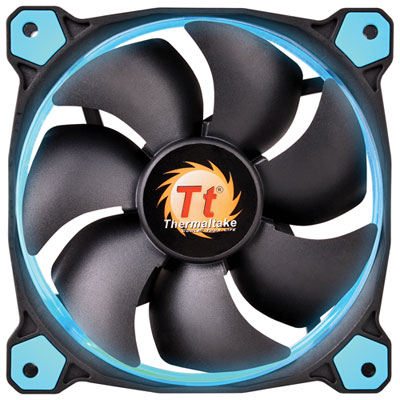 Your price for this item is $19.99
-
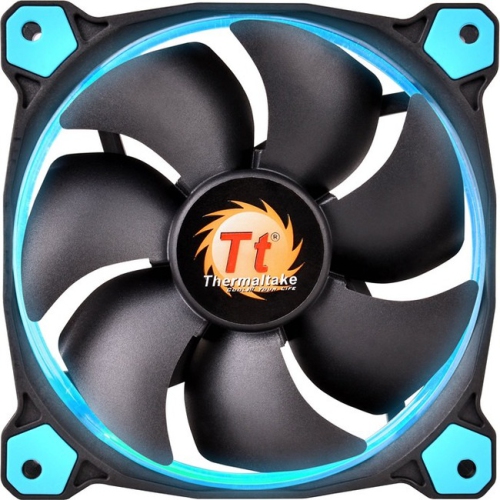 Your price for this item is $48.68
-
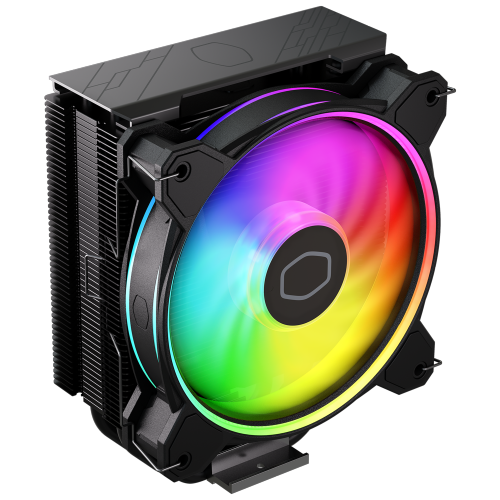 Your price for this item is $61.68
-
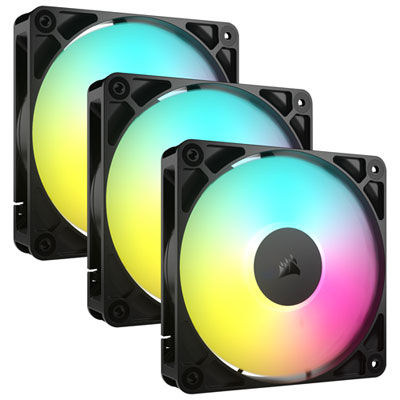 Your price for this item is $74.99
-
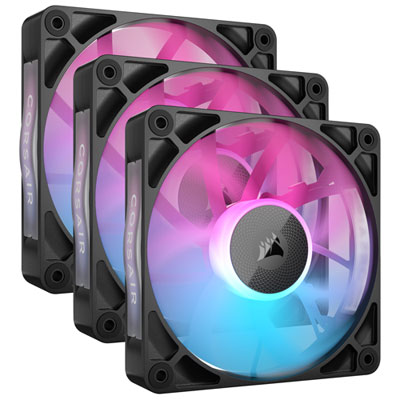 Your price for this item is $139.95
-
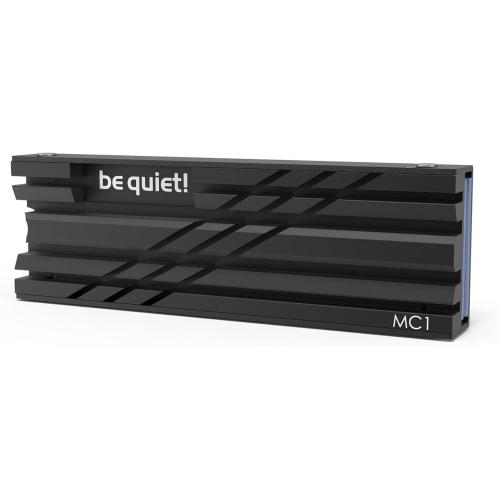 Your price for this item is $37.68
-
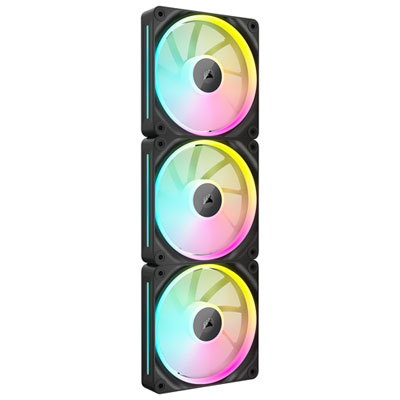 Your price for this item is $179.95
-
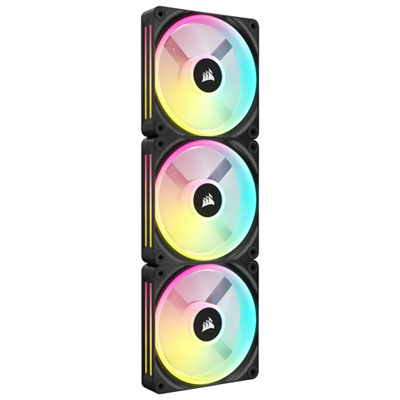 Your price for this item is $149.97
Discover more categories related to 4 Pin Case Fans

Top Collections:
Best Black Friday Deals This Year, Best Black Friday Deals On Electronics, Kindle Devices, Pokemon Centers, Best Black Friday Deals On Apple Products, Best Cameras for Sports Photography, Dyson Airwrap, Pokémon 30th Celebration Cards, Apple iPhone 17 Pro, Canon G7X Cameras
Some products may be subject to Environmental Handling Fees
(EHF) depending on your province.
Learn more about EHFs.