120mm PWM Case Fans
120Mm PWM Case Fans are essential for maintaining optimal airflow and temperature control within your PC setup. Designed to fit most standard cases, these fans offer reliable performance and efficient cooling for gaming rigs, workstations, and everyday computers alike. Explore a wide selection of 120Mm PWM Case Fans to find the perfect option that matches your system’s needs and helps keep your components running smoothly.
Sort
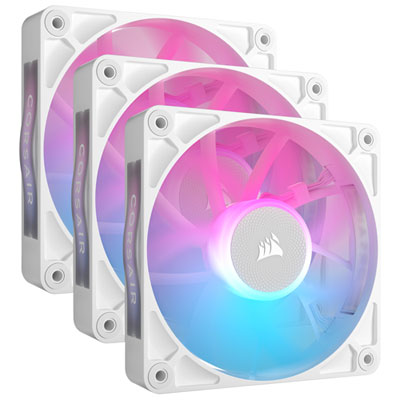
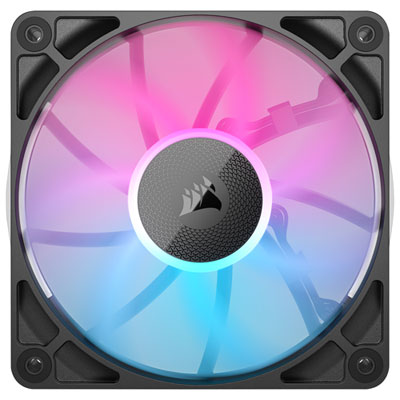
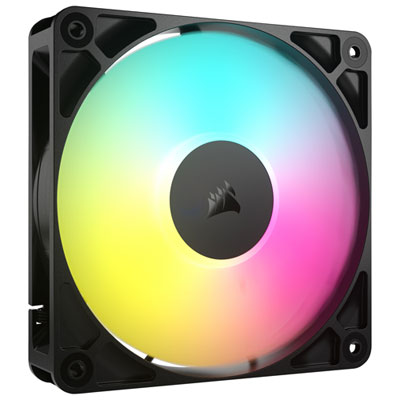
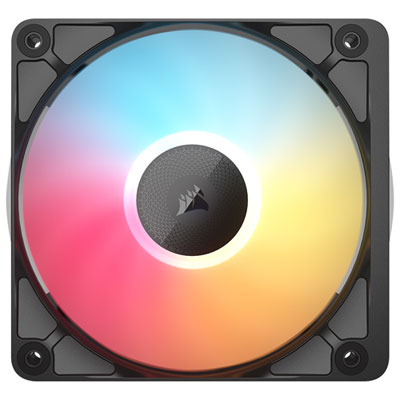
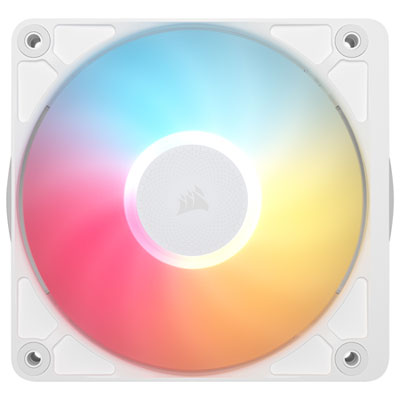

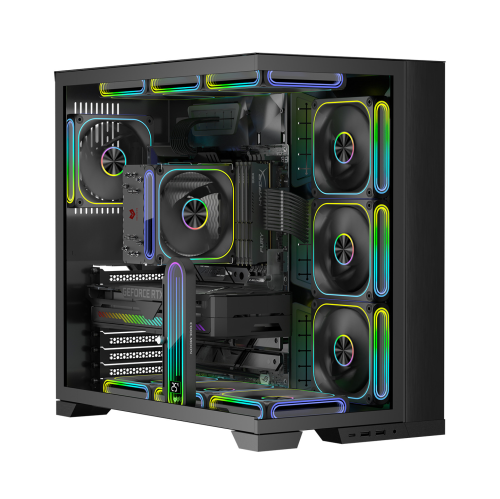
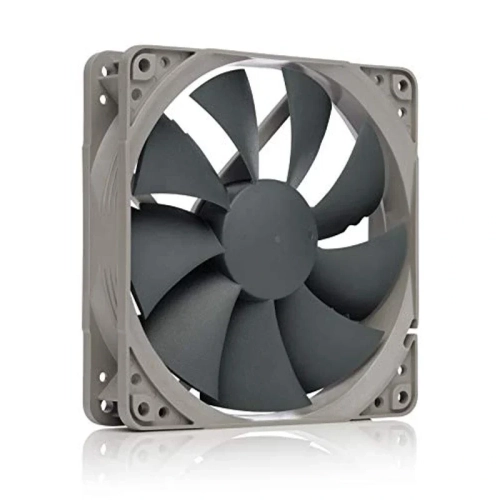
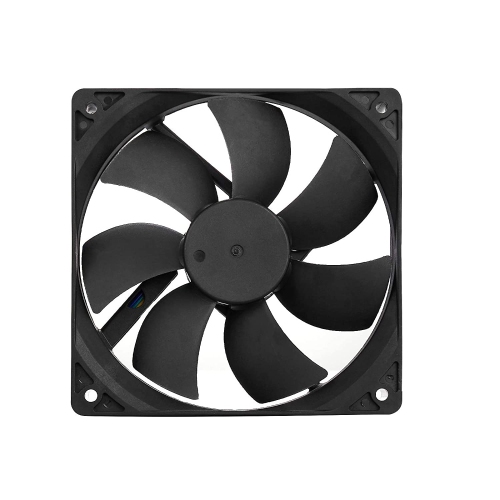
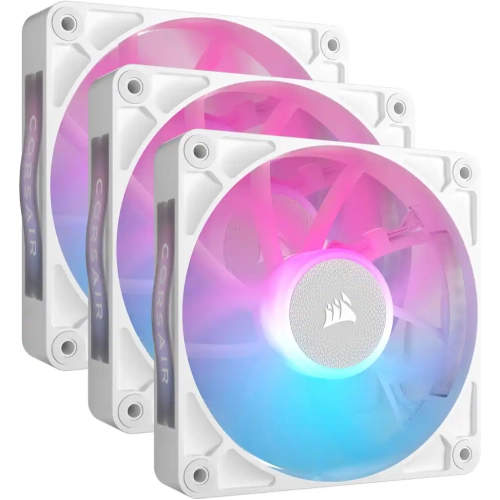
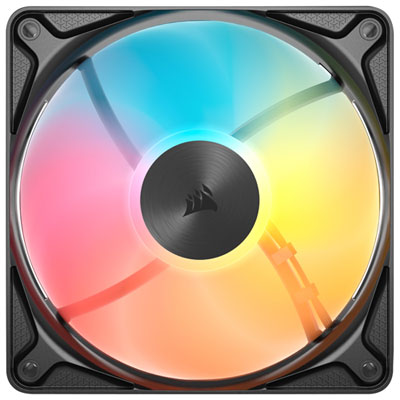
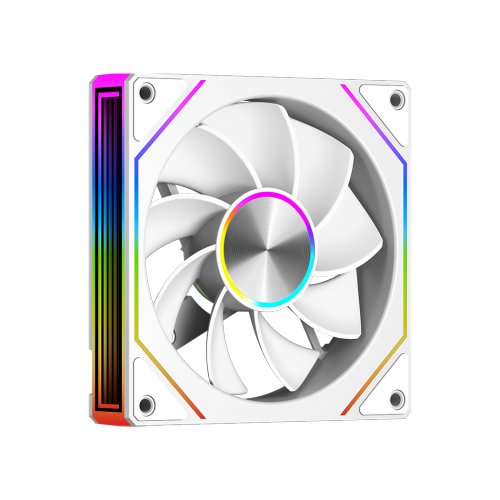
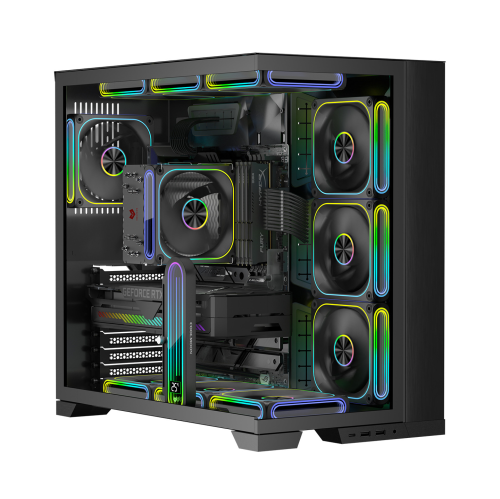
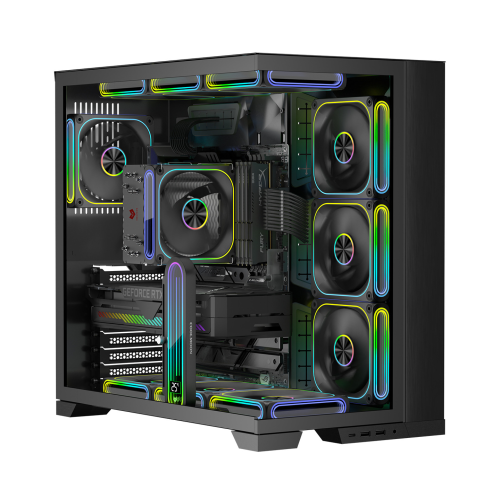
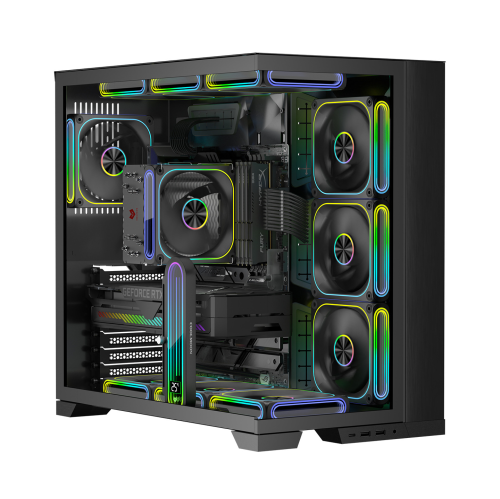
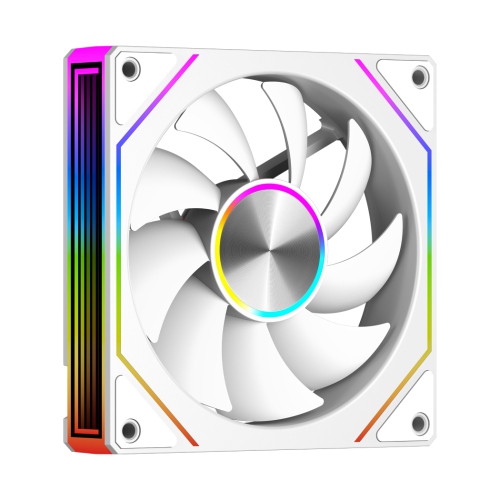
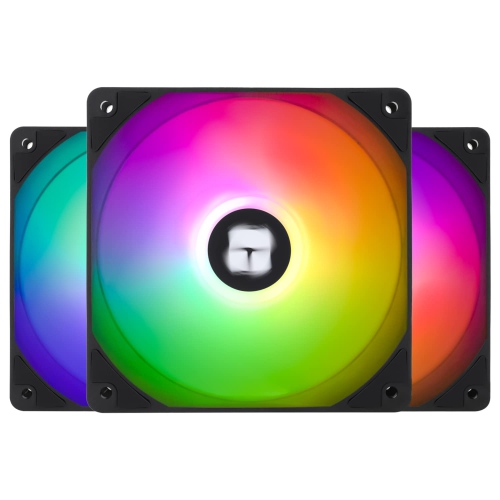
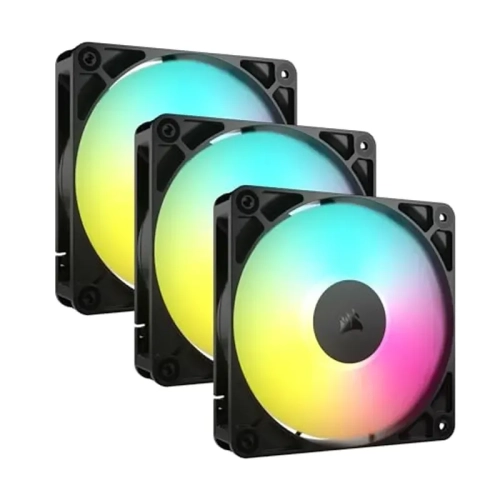
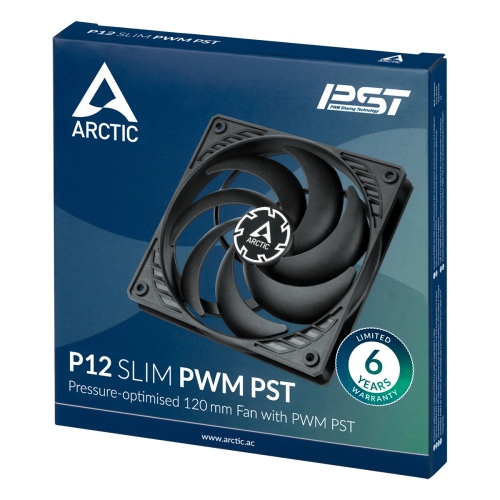
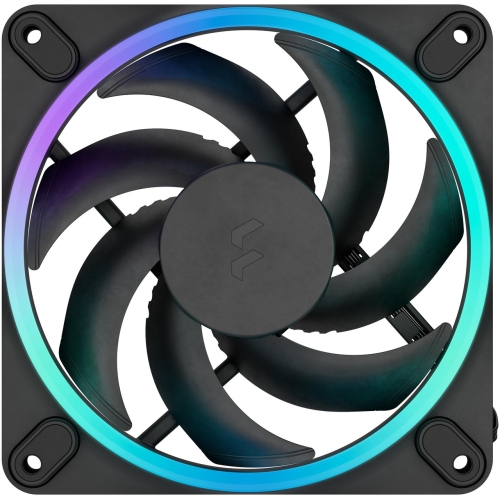
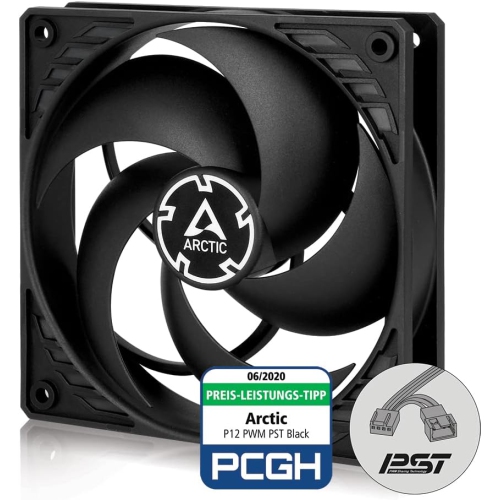
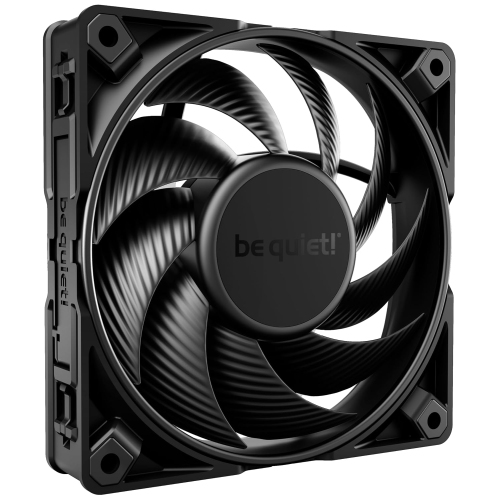
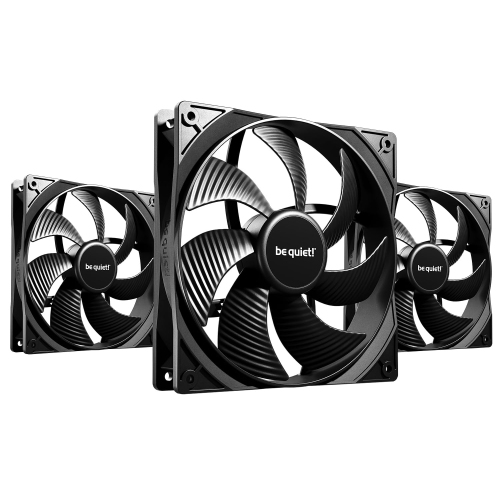
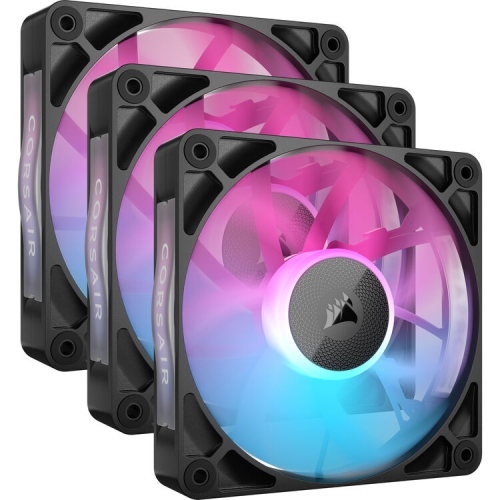
How adjustable fan speeds balance airflow and noise
120mm PWM case fans move air through a desktop computer while allowing compatible controls to adjust fan speed to suit the system’s cooling needs. PWM stands for pulse-width modulation: a control signal tells the fan how fast to spin, helping balance airflow and sound as workloads change. That makes these fans useful for gaming PCs, home office desktops, creative workstations, and compact builds with compatible mounting positions. A computer used for document editing can have different cooling demands from one rendering video or running a demanding game, and adjustable fan speeds help accommodate both without keeping every fan at full speed. The 120mm measurement describes the fan’s frame size, not its blade diameter or thickness. Many standard versions are approximately 25mm thick, while slim and thicker designs suit different spaces and cooling arrangements. Fit depends on the case’s supported mounting positions and the clearance around nearby components. A front mount behind a dust filter, a rear exhaust opening beside the processor cooler, and a top mount above the motherboard can each present different space constraints. Radiators, memory modules, cables, and side panels can also affect which fan dimensions will work. Standard PC PWM fans generally use a four-pin connection, although any additional lighting connections are separate and need their own compatibility checks. A compatible motherboard header or fan controller provides speed control, and many fans also report their rotational speed for monitoring. Support for very low speeds or a complete fan stop varies by fan and controller, so PWM support alone does not guarantee silent operation at idle. These fans complement processor and graphics card cooling by helping move heated air out of the chassis and bringing replacement air through the case. Their contribution is most useful when the airflow path is reasonably clear and the case has suitable openings, rather than tightly packed cables or panels that restrict circulation.
Airflow, static pressure, and acoustics describe different aspects of a fan’s performance, and none tells the whole story on its own. Airflow ratings indicate how much air a fan can move under stated test conditions, often expressed in cubic feet per minute. Static pressure describes its ability to work against resistance, which matters when air must pass through a dense filter, radiator fins, or a restrictive front panel. A fan positioned at an open exhaust mount faces a different task from one pulling air through several layers of mesh. Blade shape, frame design, motor behaviour, and operating speed all influence the result. Maximum specifications are useful reference points, but published measurements are not always directly comparable when manufacturers use different test methods. For a desktop sitting beside a microphone or within arm’s reach on a desk, the character of the sound can matter as much as its stated level. A gentle rush of air is different from a noticeable hum, vibration, or repeated changes in pitch. Rubber mounting pads and suitable fasteners can reduce vibration transferred into the case, though they cannot remove the sound of air passing through a grille. PWM control also allows a fan curve to favour quieter operation during light tasks and greater airflow during sustained workloads. Smooth speed changes can be less distracting than frequent jumps between low and high speeds. Intake and exhaust placement affect how effectively that airflow reaches components, while filters and panel restrictions influence the balance between air entering and leaving. More fans do not automatically mean better cooling, particularly when their placement creates competing airflow paths. For builds with demanding cooling requirements, High Performance 120mm Fans provide a related category to explore alongside the mounting, control, and acoustic requirements of the intended case. The most suitable arrangement depends on the complete system rather than a single headline rating.
Construction and everyday maintenance also matter when choosing fans for a computer expected to run reliably over time. Many case fans use moulded plastic frames and blades, with materials and reinforcement varying between designs. A rigid frame helps maintain clearances around the spinning blades, while balanced construction can limit unwanted vibration. Bearing types differ in their operating characteristics, suitability for mounting orientations, and rated service life. Fluid-dynamic, sleeve, and ball-bearing designs each have variations, so a bearing label alone is not a complete measure of durability or noise. Published lifespan figures depend on test conditions and should not be treated as a promise of identical service in every computer. Dust buildup, prolonged operation, and installation quality can all affect long-term performance. Accessible dust filters and enough room to clean the intake area make routine care easier. Cleaning is best done with the computer shut down and disconnected from power, with fan blades held still during dust removal rather than allowed to spin freely under compressed air. Cables should remain clear of the blades, and fasteners should hold the frame securely without distorting it. Cable length and routing deserve attention too, especially in larger cases or builds with several fans. Splitters and powered hubs can simplify connections, but their suitability depends on the combined electrical load, the header’s rating, and the controller’s design. Appearance offers another point of distinction, from understated frames for a closed office tower to illuminated blades behind a glass side panel. Lighting does not determine cooling capability, and addressable RGB and conventional RGB connections are not interchangeable. Fan power and lighting compatibility therefore need separate consideration. Whether the aim is a quieter workspace, steadier airflow during long gaming sessions, or a carefully coordinated custom build, practical details such as fit, control range, cable management, and access for cleaning make a lasting difference to everyday use.
Top selling and popular products
-
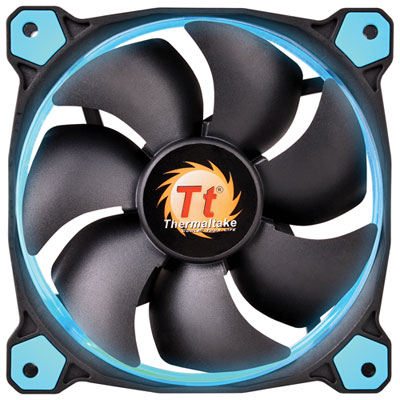 Your price for this item is $19.99
-
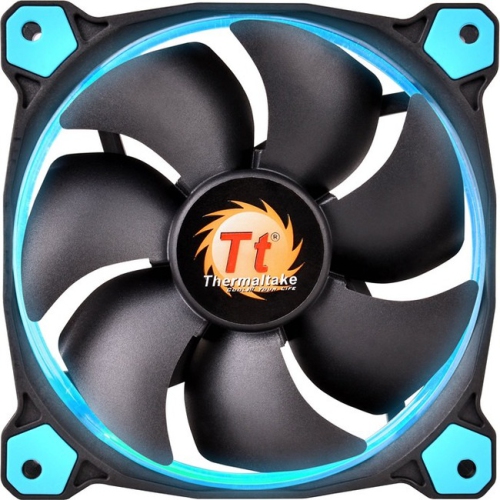 Your price for this item is $48.68
-
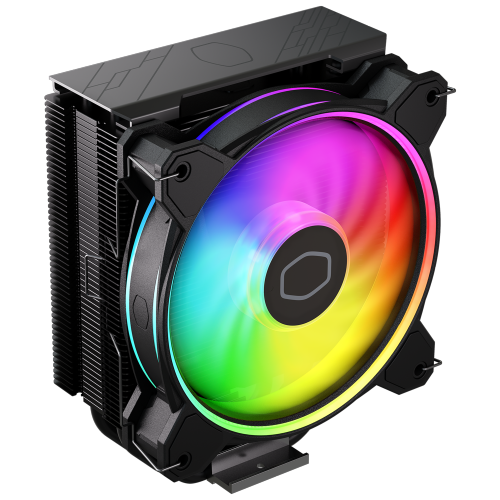 Your price for this item is $61.68
-
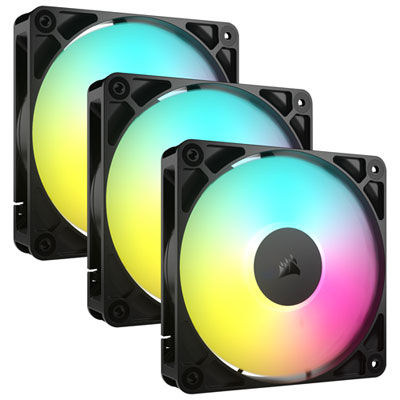 Your price for this item is $74.99
-
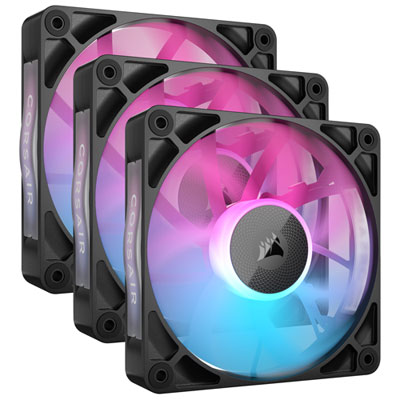 Your price for this item is $139.95
-
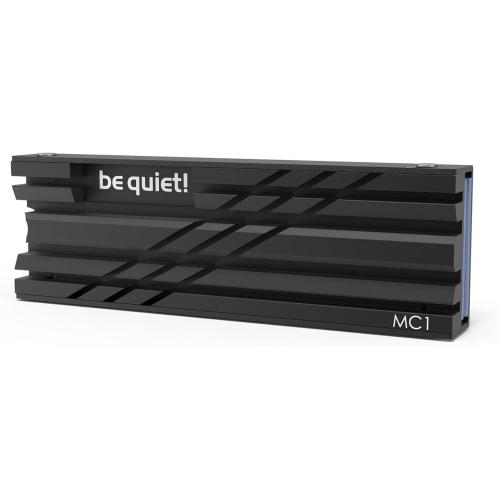 Your price for this item is $37.68
-
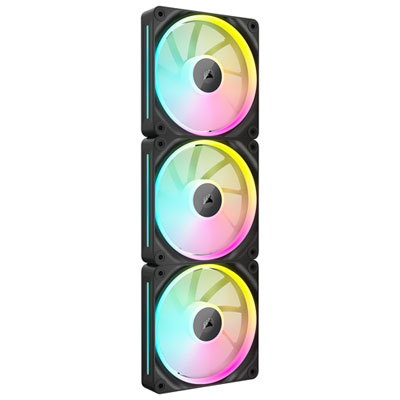 Your price for this item is $179.95
-
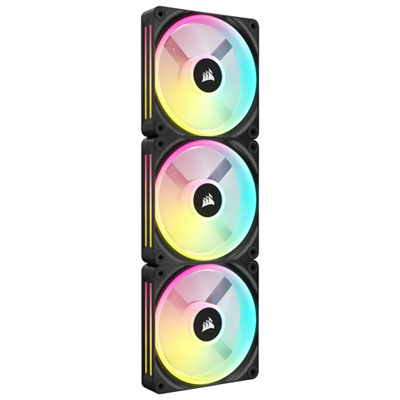 Your price for this item is $149.97
Discover more categories related to 120mm PWM Case Fans
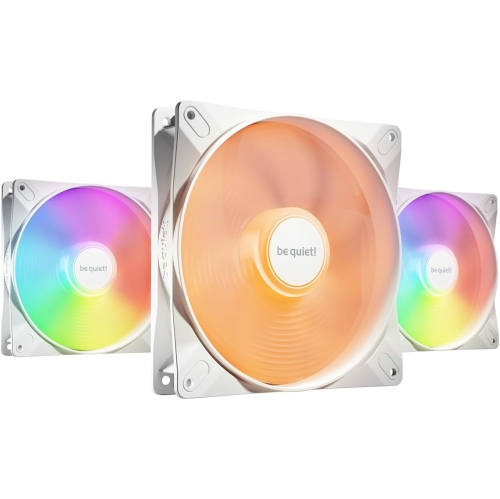
Top Collections:
Best Black Friday Deals This Year, Best Black Friday Deals On Electronics, Kindle Devices, Pokemon Centers, Best Black Friday Deals On Apple Products, Best Cameras for Sports Photography, Dyson Airwrap, Pokémon 30th Celebration Cards, Apple iPhone 17 Pro, Canon G7X Cameras
Some products may be subject to Environmental Handling Fees
(EHF) depending on your province.
Learn more about EHFs.