48GB RAM DDR5
Upgrade your computing experience with 48GB RAM DDR5, designed to support demanding applications and enhance system performance. Perfect for professionals, gamers, and creators, this memory capacity helps streamline multitasking and improve workflow efficiency. Discover a range of 48GB RAM DDR5 options to find the ideal fit for your desktop or laptop setup at Best Buy.
Sort
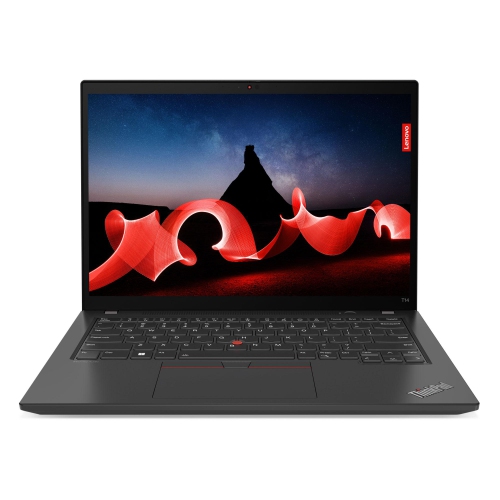
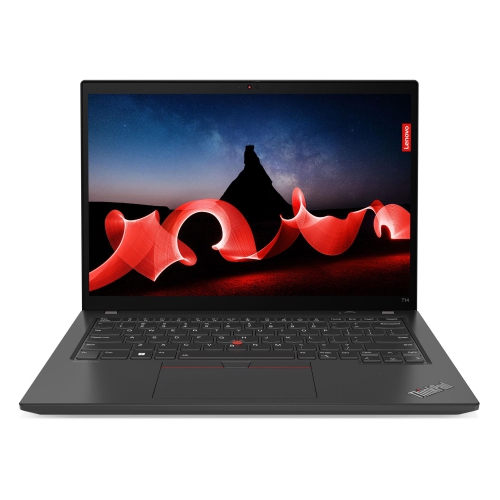
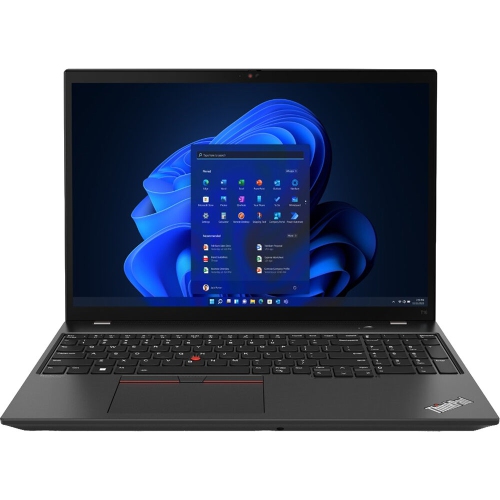
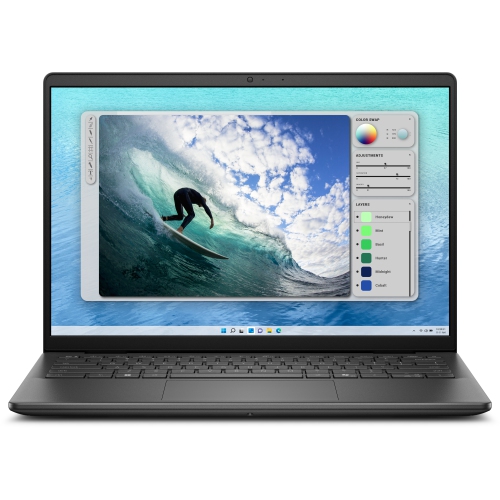
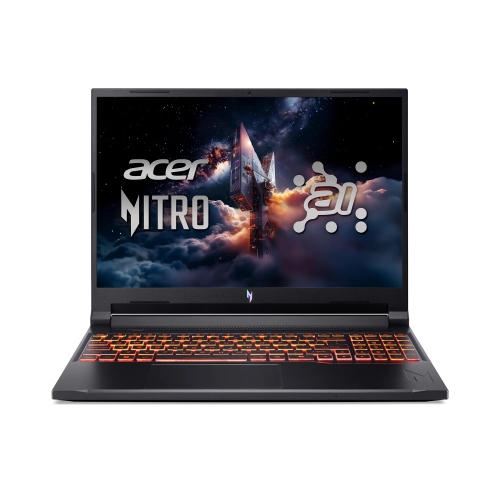
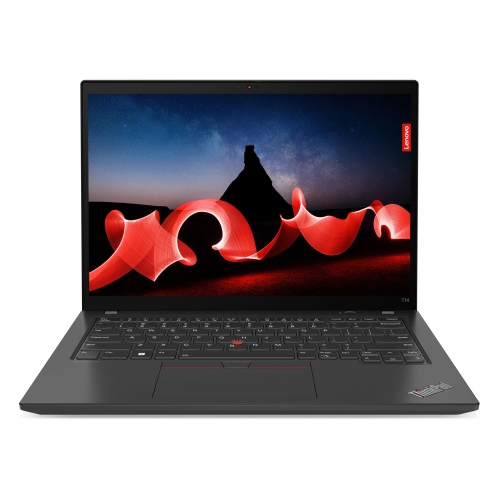
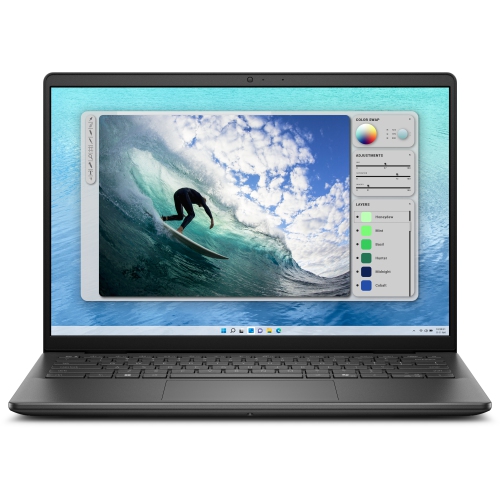
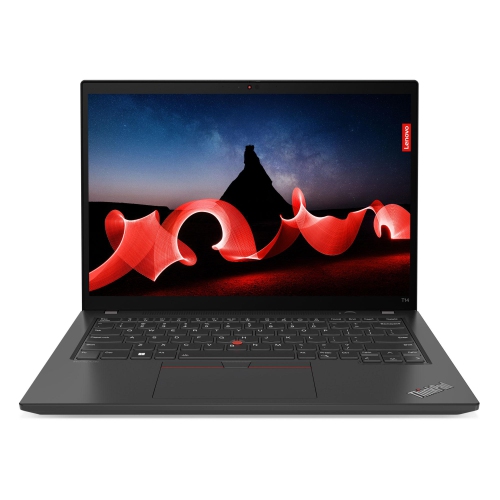
More memory headroom for demanding projects and multitasking
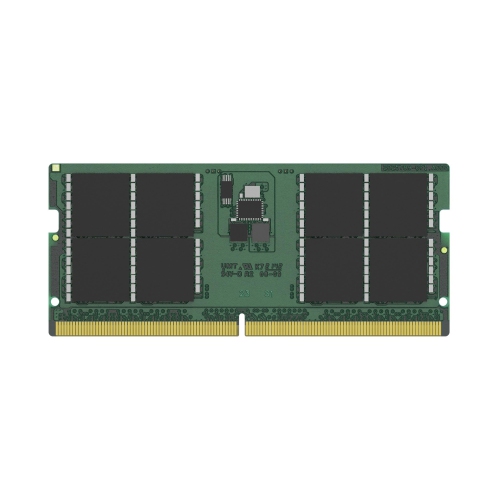
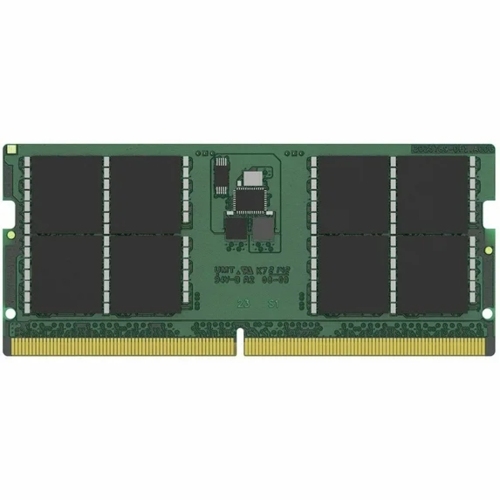
48GB DDR5 RAM provides 48 gigabytes of working memory for a compatible computer, offering a capacity between 32GB and 64GB configurations. A common desktop kit contains two 24GB modules, giving a combined total of 48GB; a single 48GB module is another possible configuration where the system supports it. The capacity shown on a listing matters as much as the number of modules: two 48GB modules provide 96GB, not 48GB. RAM holds the information that active applications need to access quickly, while an SSD stores files and software when the computer is switched off. More memory can help a system keep demanding projects and multiple applications active without relying as heavily on slower storage-based virtual memory. That makes 48GB a practical capacity for people who move between photo editing, video production, software development, and everyday multitasking. A photographer might keep a large image catalogue open alongside layered edits, while a developer could run a code editor, local databases, and virtual machines together. For gaming, extra capacity can be useful when a game runs alongside streaming software, voice chat, browser tabs, or extensive modifications, although additional RAM does not automatically increase frame rates. The benefit depends on whether the workload was running short of memory in the first place. Compared with DDR5 32GB configurations, 48GB gives memory-intensive applications more room while stopping short of a 64GB setup. Checking memory usage during a normal work session can help put that difference into context. A system that regularly approaches its existing capacity is more likely to benefit than one with plenty of unused memory. Larger video timelines, complex design files, and several virtual machines can still call for more than 48GB, so capacity is best matched to the projects the computer actually handles.
Compatibility is the starting point for any 48GB DDR5 memory upgrade. DDR5 requires a motherboard and processor that support DDR5; it cannot replace DDR4 in a DDR4 slot, even when the modules look similar at a glance. Desktop computers generally use full-size DIMMs, while many upgradeable laptops and compact computers use smaller SO-DIMMs. These formats are not interchangeable, and some computers have memory soldered directly to the main board rather than accessible expansion slots. The system specifications or motherboard support documentation should confirm the memory generation, module format, maximum total capacity, and supported capacity per slot. Support for 24GB and 48GB modules may also depend on the installed BIOS version, particularly on systems introduced before those module capacities became common. For a two-module 48GB kit, the motherboard manual identifies the correct slots for a dual-channel arrangement, which can provide more memory bandwidth than a single-module configuration. A matched kit is designed and tested to operate together at its stated settings; combining separate kits can require lower speeds or additional adjustments, even if their advertised specifications appear identical. Memory speed is commonly expressed in megatransfers per second, or MT/s, and should be considered alongside capacity, latency, and platform support. A higher advertised transfer rate is not a guarantee that every computer will run at that setting. Some kits use an optional performance profile that must be enabled in the BIOS, and the achievable result depends on the processor’s memory controller, motherboard, firmware, and number of installed modules. A computer may start at a lower default speed until a supported profile is selected. For editing, development, and other sustained work, dependable operation is more valuable than an ambitious setting that causes application errors or unexpected restarts. Memory capacity, speed, and latency affect workloads differently, so a balanced configuration should suit the whole system rather than a single specification.
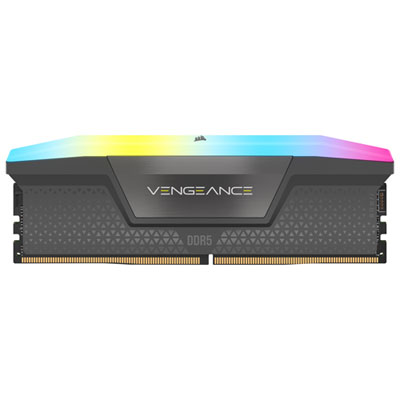
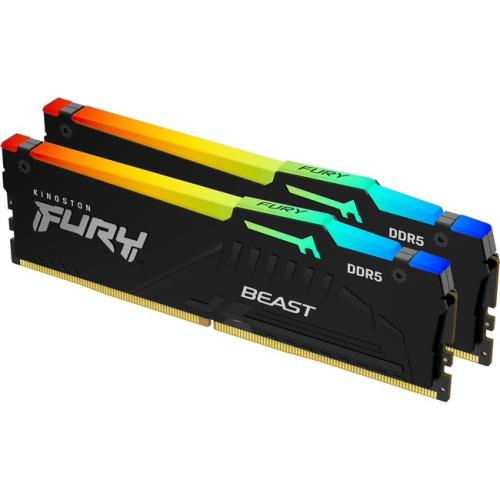
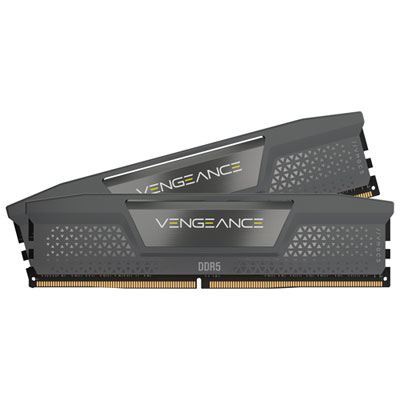
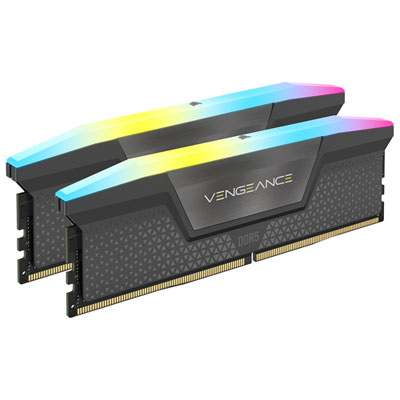
The physical design of DDR5 memory also affects how it fits into a build. Each module uses memory chips mounted on a rigid circuit board, with metal contacts that connect to the memory slot. Many desktop modules add aluminium heat spreaders, while laptop modules typically have a lower-profile design suited to a confined chassis. A heat spreader’s shape, decorative lighting, and overall module height can influence clearance beneath a large processor cooler or inside a compact case. A low-profile module may be the simpler fit where space is tight, while lighting can complement a visible desktop build without changing its memory capacity. Before installation, the computer should be shut down, disconnected from power, and handled according to its service instructions; laptops may also require the internal battery to be disconnected. Modules should be held by their edges, with care taken not to touch the contacts or components. The notch must line up with the slot, and the module should never be forced into an incompatible connector. Desktop DIMMs and laptop SO-DIMMs seat differently, making the computer’s installation instructions important even for someone familiar with upgrades. Once installed, confirming the detected capacity and running a memory test can help identify seating problems or unstable settings before important work begins. RAM has no moving parts and normally needs little direct maintenance. Keeping the case ventilation clear, limiting dust buildup, and avoiding unnecessary handling help protect the surrounding hardware and connections over time. Cleaning should not involve spraying liquid onto memory modules or scraping their contacts. For an existing computer, an upgrade can support a longer useful service life when memory capacity is the main limitation, but it will not resolve every slowdown caused by an older processor, limited graphics performance, or a crowded storage drive. As a gift for a PC builder, gamer, or creative professional, a 48GB DDR5 kit is most useful when the recipient’s exact system requirements are known. Matching the format, supported capacity, physical clearance, and operating specifications turns a technically suitable component into a practical upgrade for the way that computer is used.
Top selling and popular products
-
 Your price for this item is $449
-
 Your price for this item is $3099
-
 Your price for this item is $1800.68
-
 Your price for this item is $664.05
-
 Your price for this item is $869.99
-
 Your price for this item is $2960.48
-
 Your price for this item is $499.68
-
 Your price for this item is $1951.79
Discover more categories related to 48GB RAM DDR5
Top Collections:
Best Black Friday Deals This Year, Best Black Friday Deals On Electronics, Kindle Devices, Pokemon Centers, Best Black Friday Deals On Apple Products, Best Cameras for Sports Photography, Dyson Airwrap, Pokémon 30th Celebration Cards, Apple iPhone 17 Pro, Canon G7X Cameras
Some products may be subject to Environmental Handling Fees
(EHF) depending on your province.
Learn more about EHFs.