32GB 6000MHz DDR5
Upgrade your system’s memory and experience enhanced performance with 32GB 6000MHz DDR5. Perfect for gaming, creative projects, and multitasking, this advanced RAM solution is designed to meet the demands of modern computing. Whether you’re building a new PC or boosting an existing setup, 32GB 6000MHz DDR5 offers the speed and capacity needed for smooth, responsive operation. Explore a range of options to find the ideal fit for your desktop or workstation.
Sort
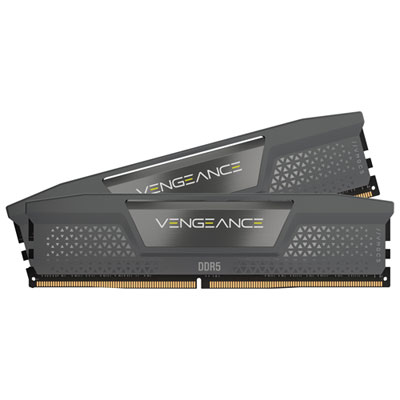
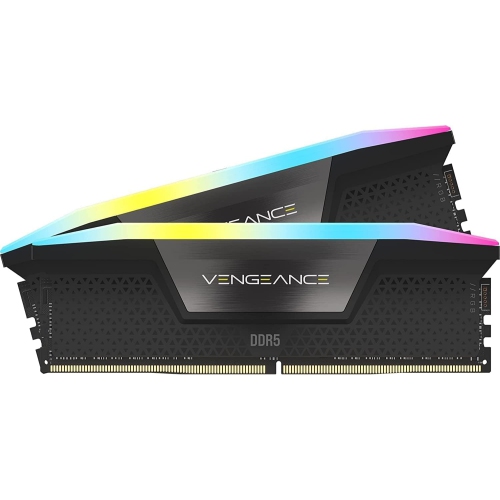
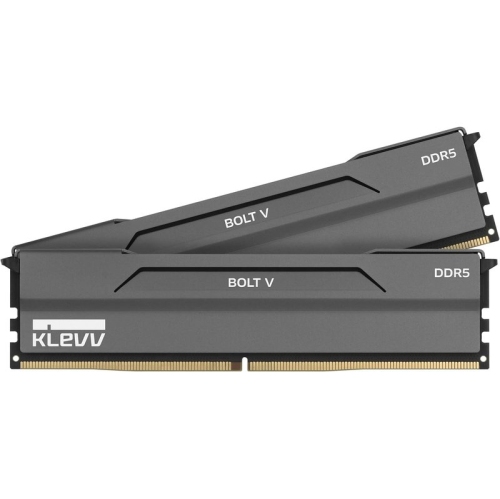
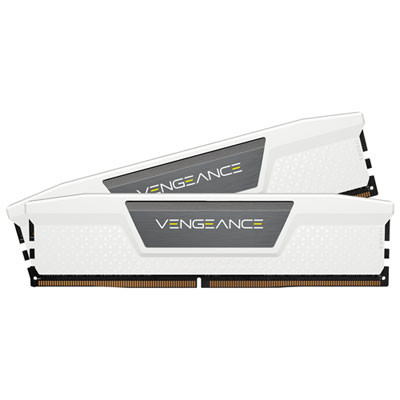
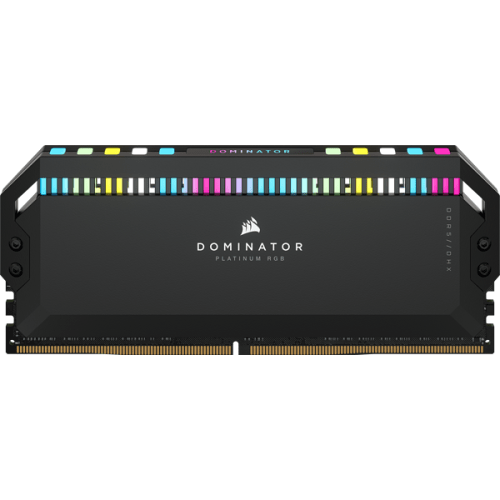
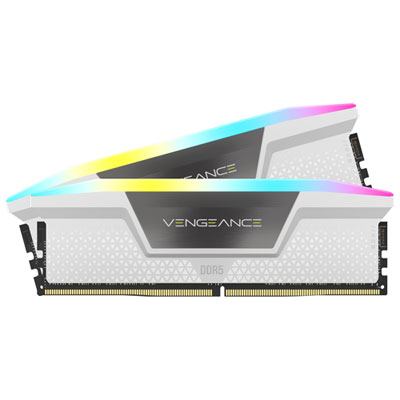

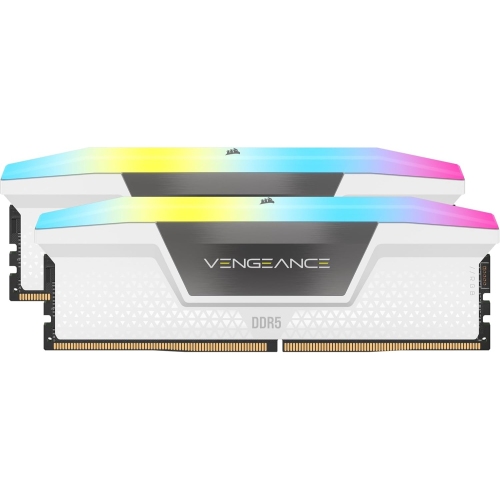
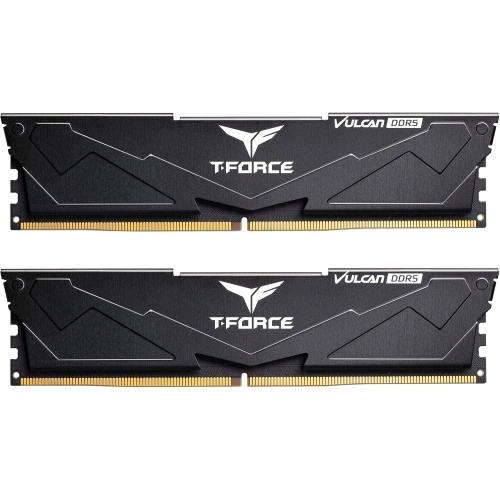
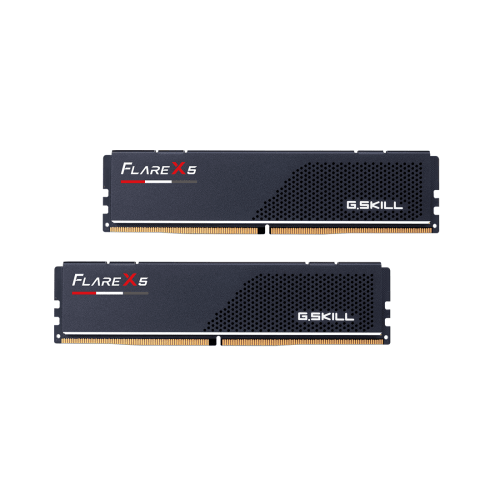
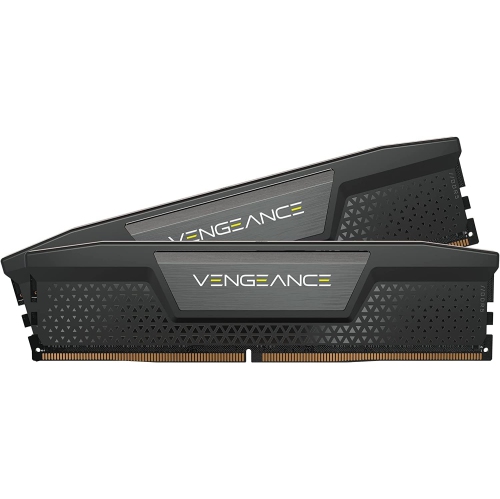
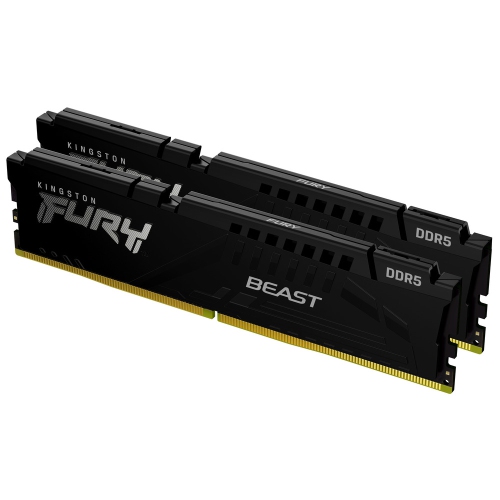
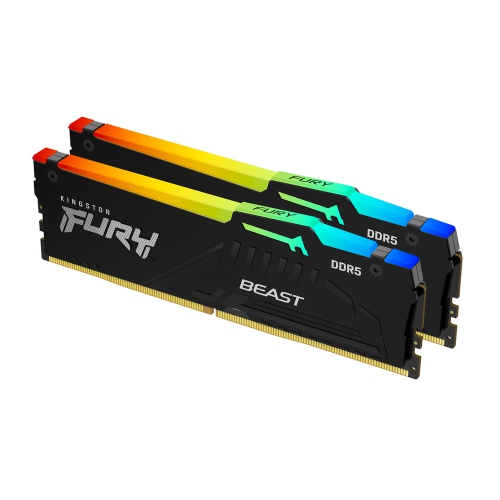
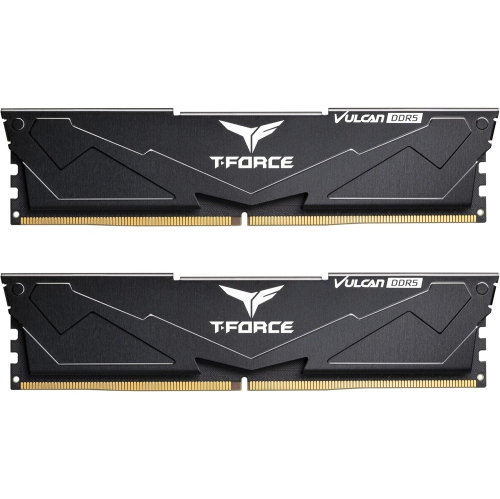

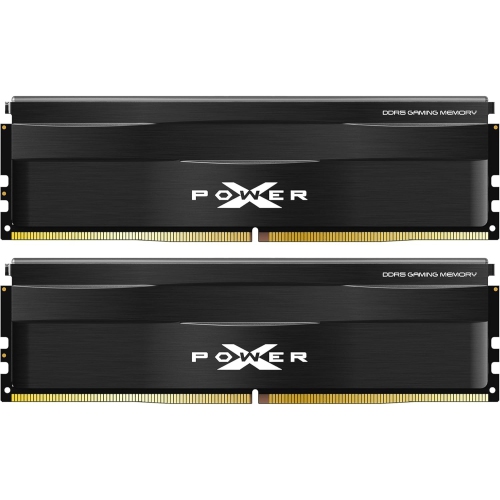
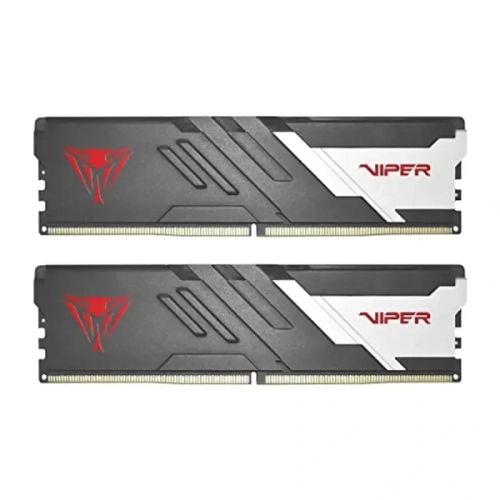
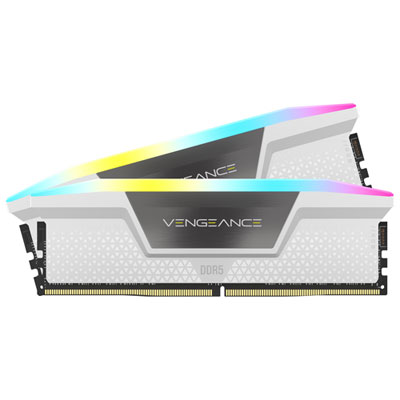
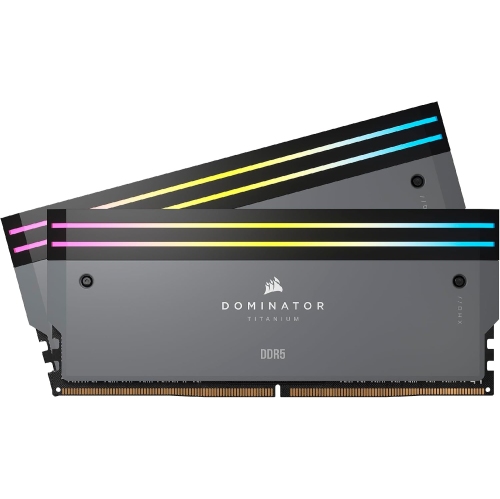
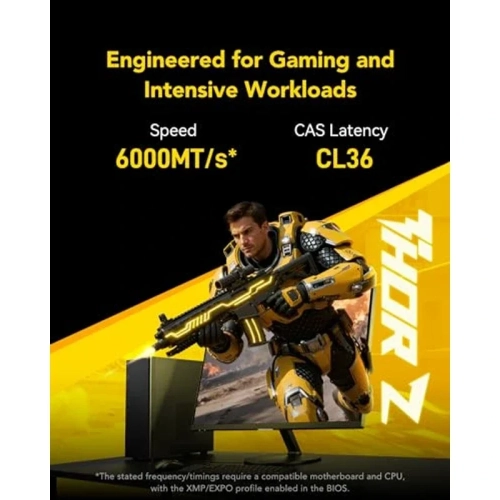
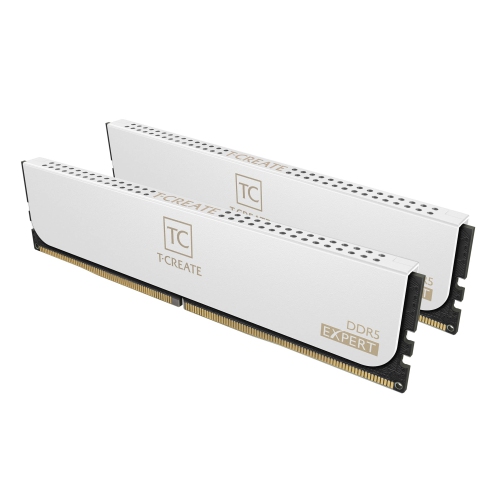
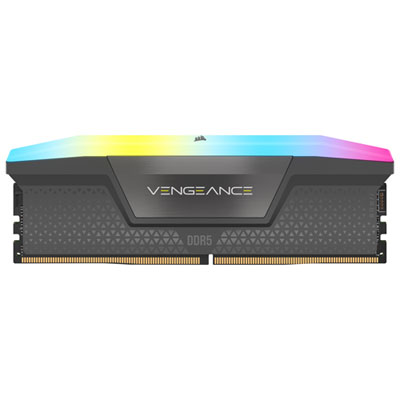
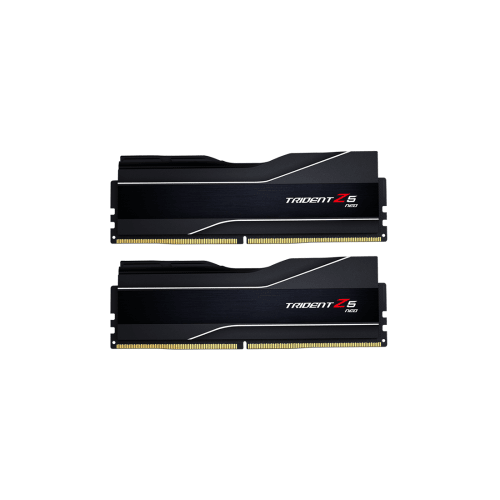
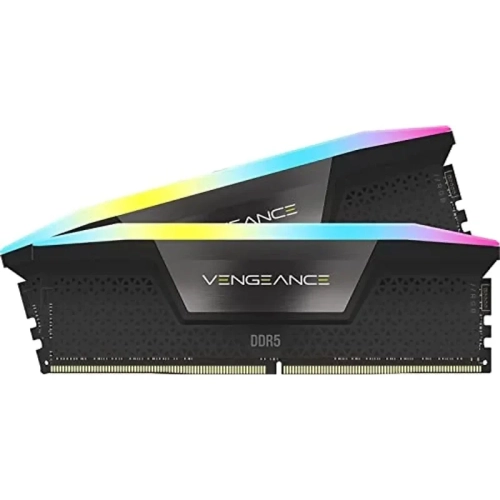
More memory headroom for games and background apps
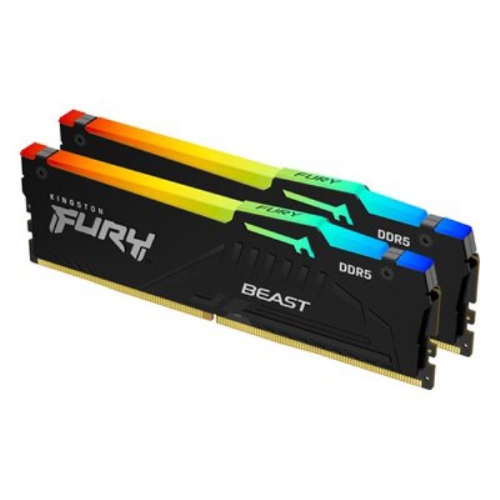
32GB 6000MHz DDR5 memory combines a generous amount of working space with a high data transfer rate for compatible desktop computers. A typical 32GB kit contains two matched 16GB modules, making it a practical option for gaming, everyday multitasking, photo editing, and many creative applications. RAM holds the information a computer needs while programs are running; it is separate from the storage drive that keeps files after shutdown. That distinction matters when a desktop has a game open alongside voice chat, a browser full of tabs, and a recording application. Enough memory gives those programs room to operate without relying as heavily on slower drive-based virtual memory. Although commonly labelled 6000MHz, this memory rating describes 6000 megatransfers per second, or 6000MT/s, rather than the physical memory clock. Capacity and transfer rate serve different purposes: 32GB determines how much active data the memory can hold, while the transfer rate helps determine how quickly that data moves. Neither figure alone guarantees a particular frame rate or rendering time, since the processor, graphics card, software, and workload also influence performance. For many desktop users, this capacity offers useful headroom beyond basic browsing and document editing without moving into capacities intended for more demanding workloads. A photographer moving between an image library and an editing application, for example, may benefit from keeping more project data in memory. A player running a detailed simulation may have different priorities, including responsiveness and consistent performance alongside background applications. DDR5 also differs from earlier memory generations in its architecture and power management, so its benefits depend on a system designed to support it. Within this category, the most meaningful differences often involve module layout, memory timings, supported performance profiles, and physical dimensions rather than capacity alone. Those details help distinguish memory suited to a compact gaming build from memory intended for a spacious desktop with decorative lighting.
Compatibility is central to choosing 32GB DDR5-6000 memory. A motherboard must specifically support DDR5, and DDR5 modules cannot be substituted for DDR4 even when the slots look similar. Desktop DIMMs and the smaller SO-DIMMs used in many laptops and compact computers are also different formats, so the form factor matters as much as the capacity printed on the packaging. The processor’s memory controller, motherboard design, firmware, and number of installed modules all affect the speeds a system can support. The advertised 6000MT/s rating often relies on enabling a supported memory profile, such as XMP or EXPO, in the motherboard’s firmware settings. Without that profile, a compatible system may run the memory at a lower default rate. Profile support varies, and reaching the advertised setting is not guaranteed with every hardware combination. A motherboard’s memory support list can provide useful confirmation of tested configurations, particularly when the exact kit capacity and module count match. Two matched 16GB modules can support dual-channel operation on a compatible desktop platform when installed in the appropriate slots; they are not equivalent to one 32GB module in every performance scenario. Buying a matched kit also reduces the uncertainty of combining separately purchased modules with different memory chips, timings, or voltage requirements. Timing specifications add another layer of comparison. At the same transfer rate, a lower CAS latency indicates fewer clock cycles for one part of a memory access, but overall responsiveness depends on the full timing configuration and the application. A lower latency number should therefore be considered alongside compatibility rather than treated as a universal performance ranking. Physical clearance deserves similar attention. Tall heat spreaders and raised lighting bars can interfere with a large processor air cooler, while lower-profile modules may fit more comfortably beneath an overhanging fan. Module height, cooler clearance, and the position of the motherboard’s memory slots are especially relevant in a tightly arranged desktop case, where a small dimensional difference can complicate an otherwise straightforward build.
Construction and everyday use help round out the choice. Many performance DDR5 modules pair a printed circuit board with aluminum heat spreaders that help move heat away from the memory components. The spreader’s shape, finish, and colour contribute to the appearance of a system, but a heavier or more elaborate design does not automatically deliver better performance. Some modules include RGB lighting for a visible desktop build, while others keep a simpler appearance that suits an office computer or a case without a window. Lighting control may depend on compatible software, making that another detail worth considering when coordinating several components. Good case airflow remains useful regardless of the memory’s exterior design. RAM requires little routine care once correctly installed, though its exposed contacts and electronic components deserve careful handling during assembly or upgrades. Handling modules by their edges, avoiding contact with the connector surfaces, and taking appropriate static-electricity precautions help protect them. Installation and removal belong in a powered-off, unplugged system, with the motherboard’s instructions providing the correct slot arrangement and seating method. For someone refreshing a desktop that already has enough processor and graphics performance, moving to 32GB can be most noticeable when the previous capacity was regularly filling up. Conversely, replacing adequate memory solely for a higher transfer rate may produce a smaller difference, depending on the workload. Large video projects, complex 3D scenes, extensive sample libraries, and multiple virtual machines can call for more capacity; 48GB RAM DDR5 offers another capacity category for compatible systems with heavier memory demands. For a computer-building gift, confirmed motherboard support and physical fit matter more than matching the recipient’s preferred colour alone. Whether the goal is a clean workstation, a gaming desktop, or a versatile family computer, a well-matched 32GB kit brings together capacity, supported speed, and suitable dimensions without assuming that every system needs the same configuration.
Top selling and popular products
-
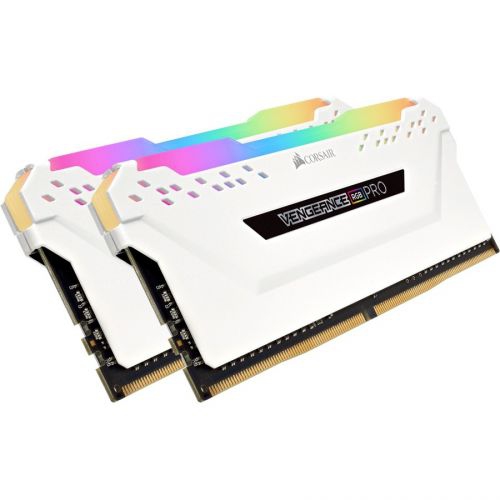 Your price for this item is $307.68
-
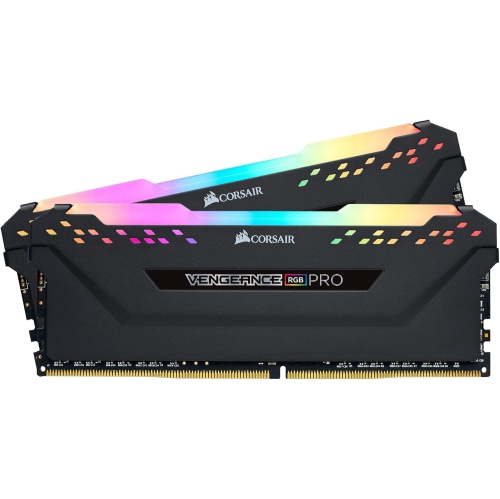 Your price for this item is $389.99
-
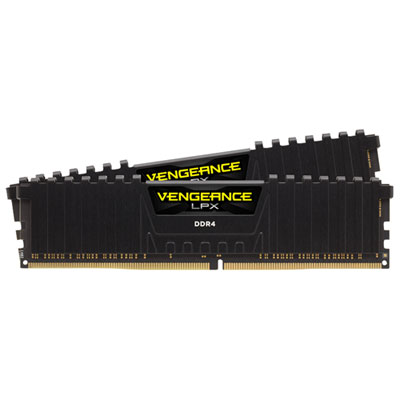 Your price for this item is $431.98
-
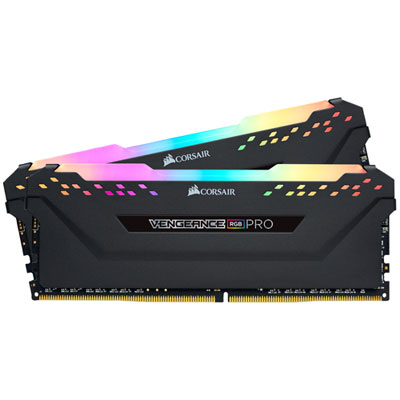 Your price for this item is $450.98
-
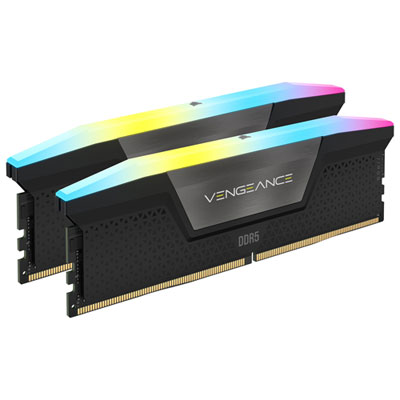 Your price for this item is $844.99
-
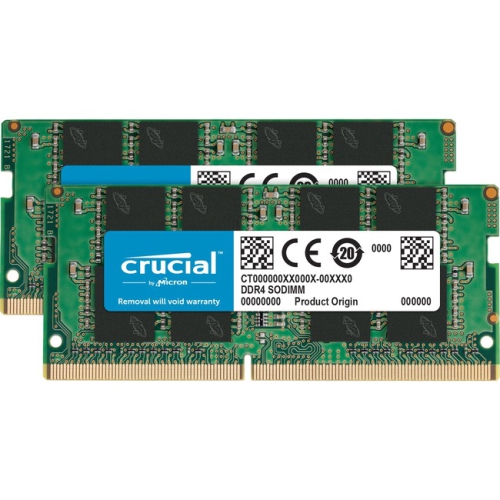 Your price for this item is $388.88
-
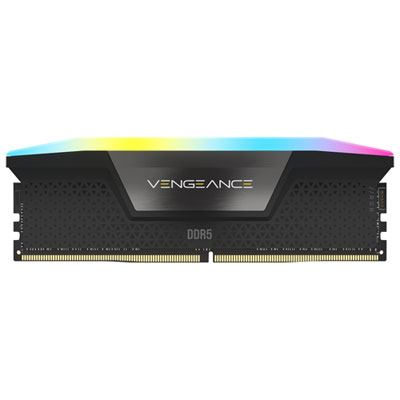 Your price for this item is $1853.99
-
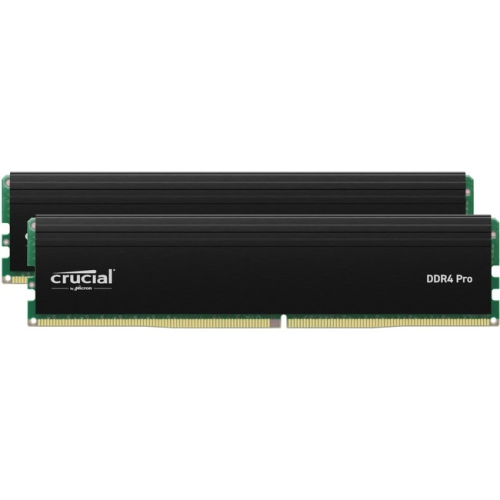 Your price for this item is $975.68
Discover more categories related to 32GB 6000MHz DDR5

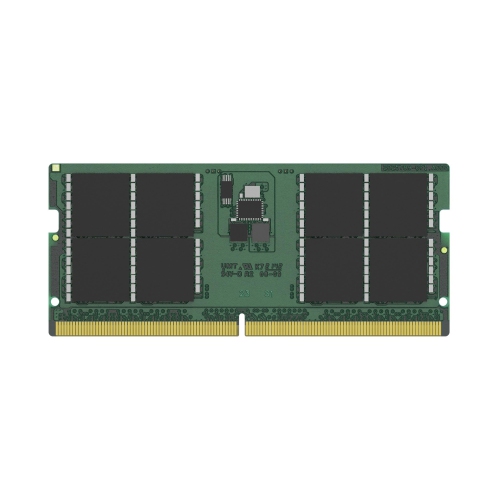
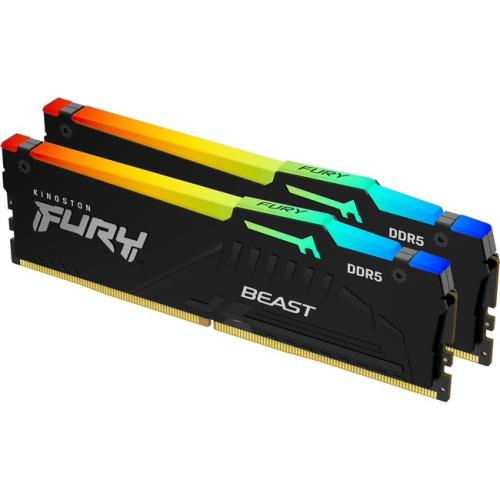
Top Collections:
Best Black Friday Deals This Year, Best Black Friday Deals On Electronics, Kindle Devices, Pokemon Centers, Best Black Friday Deals On Apple Products, Best Cameras for Sports Photography, Dyson Airwrap, Pokémon 30th Celebration Cards, Apple iPhone 17 Pro, Canon G7X Cameras
Some products may be subject to Environmental Handling Fees
(EHF) depending on your province.
Learn more about EHFs.