512GB SSD Laptops
If you're looking for lightning-fast performance and ample storage space, look no further than these 512GB SSD laptops. With their solid-state drives, these laptops offer lightning-fast boot times, speedy file transfers, and seamless multitasking capabilities. Whether you're a student, a professional, or a casual user, these laptops are designed to handle your everyday computing needs with ease. Say goodbye to slow loading times and hello to a smoother, more efficient experience.
Sort
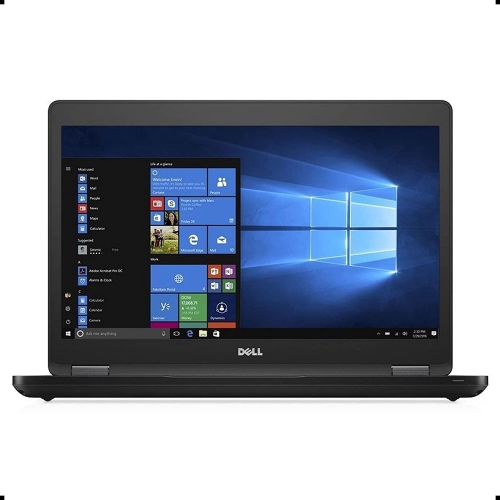
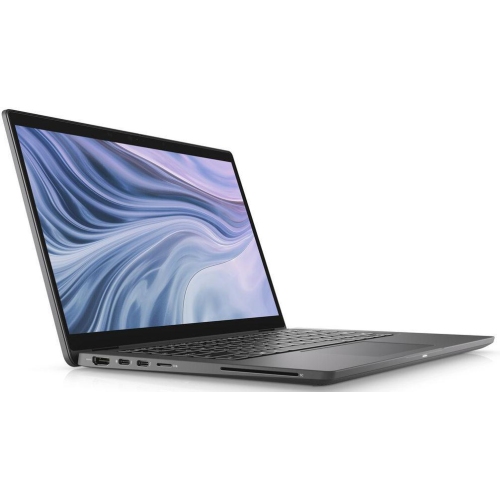
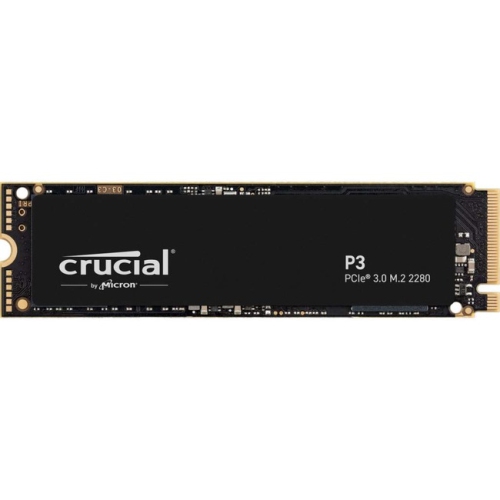

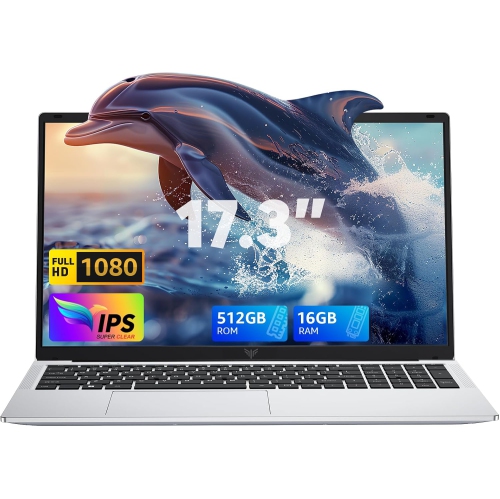

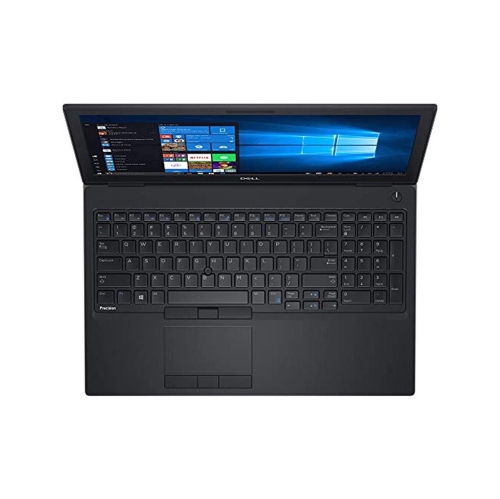
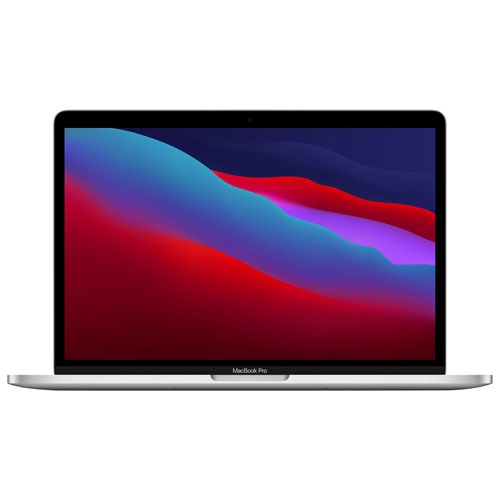
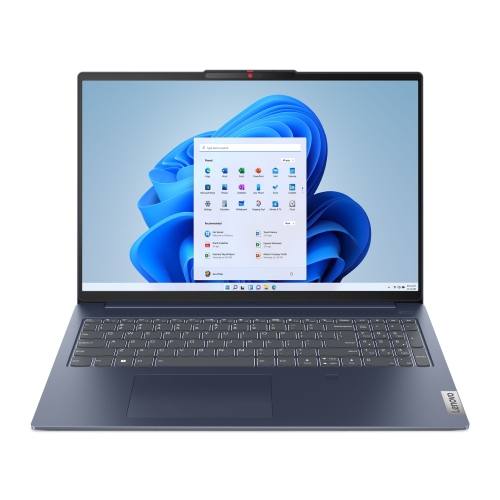
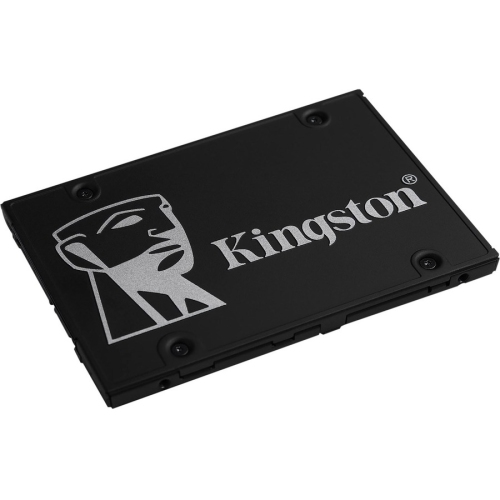
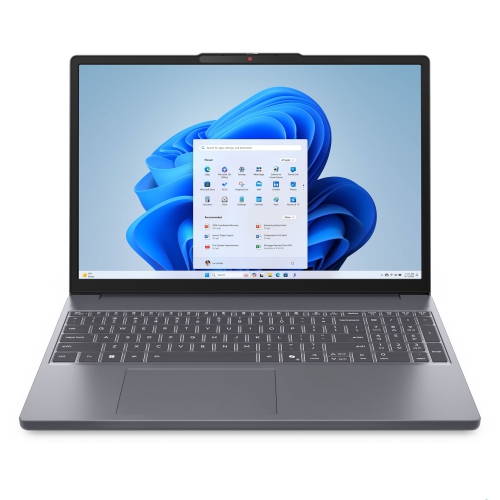
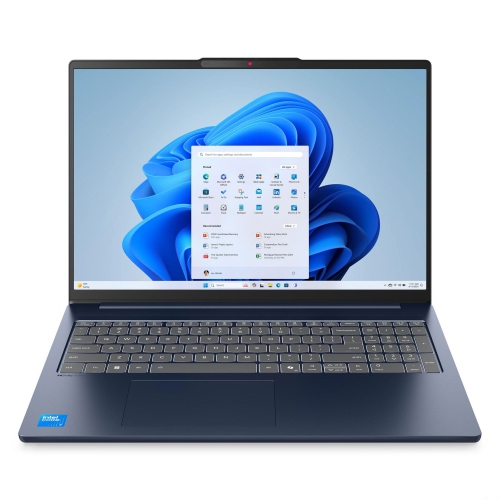
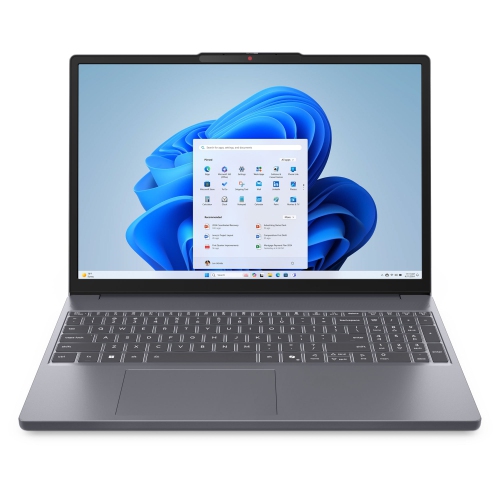
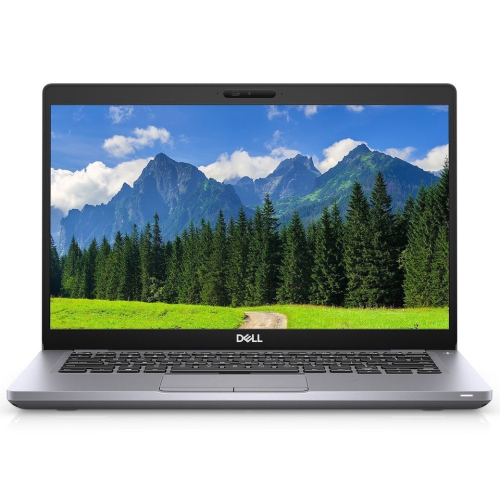
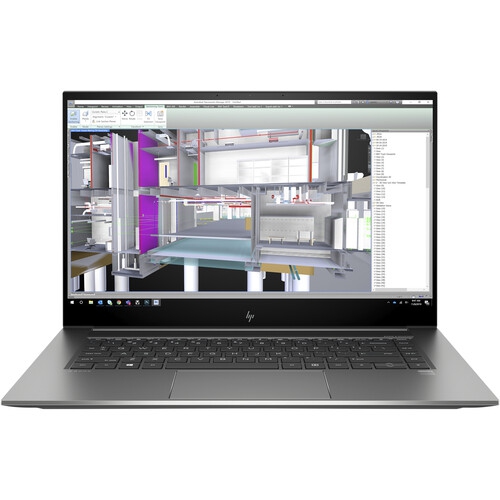
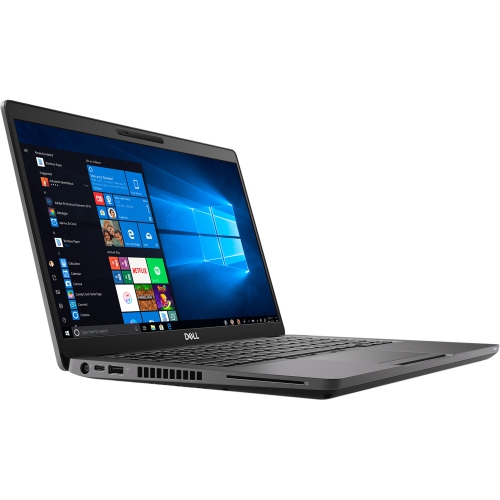
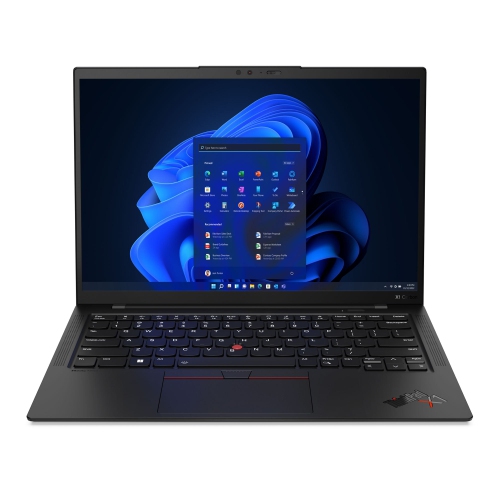
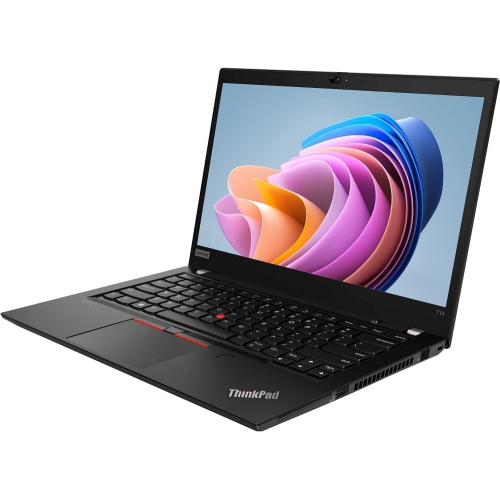
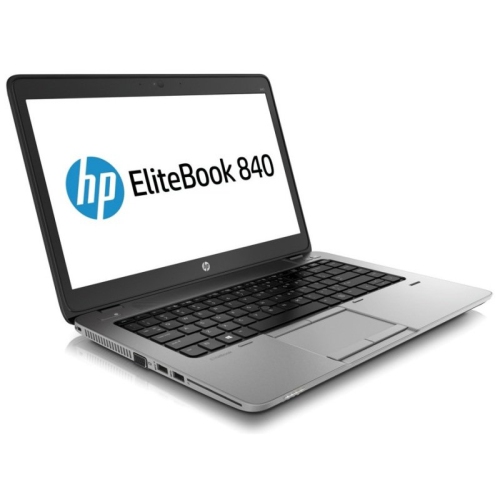
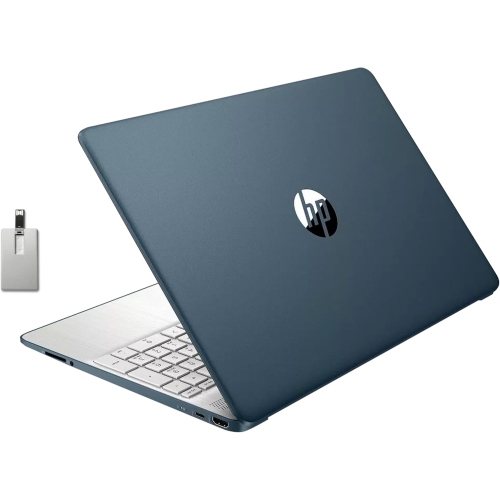
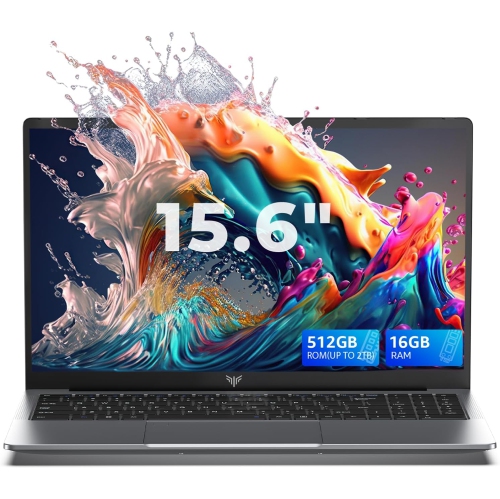
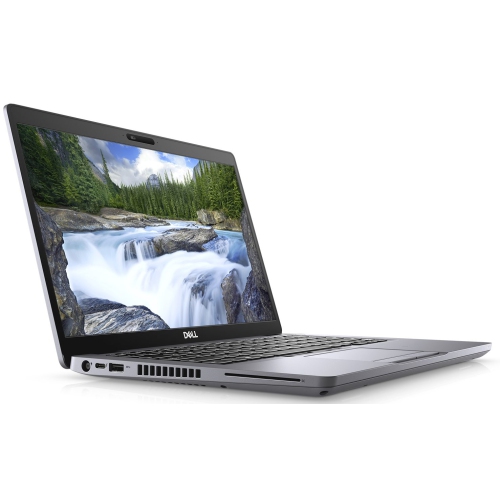
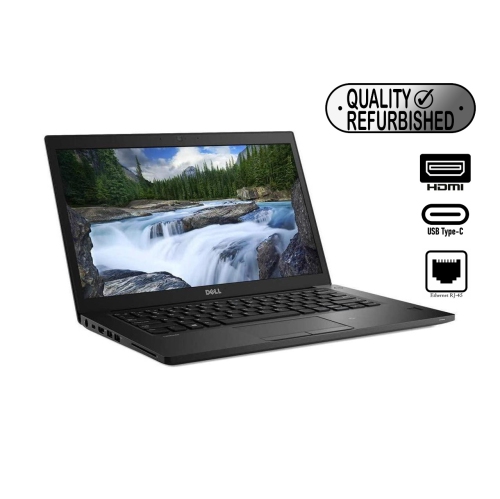
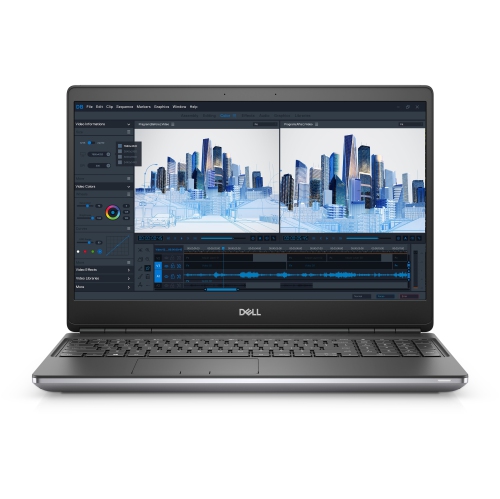
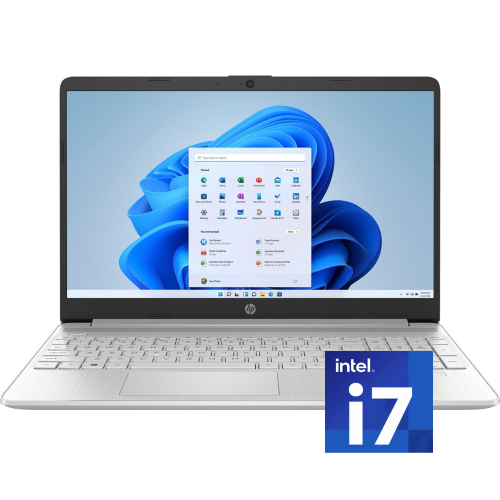
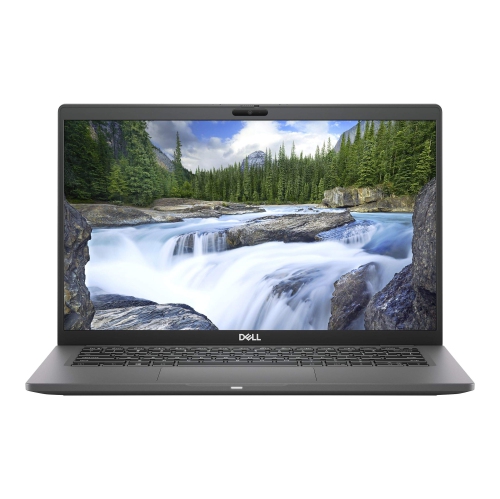
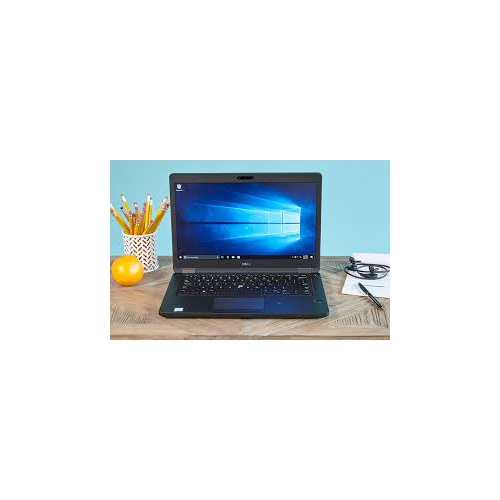
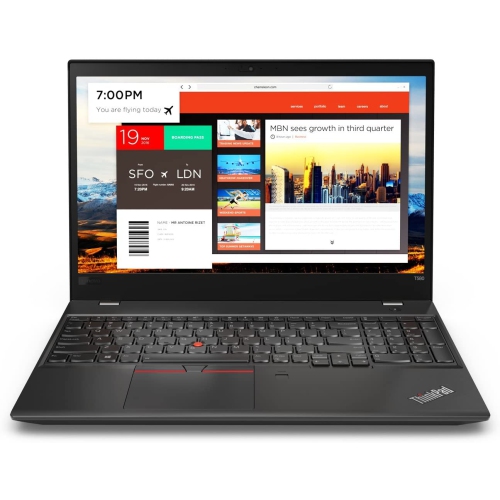
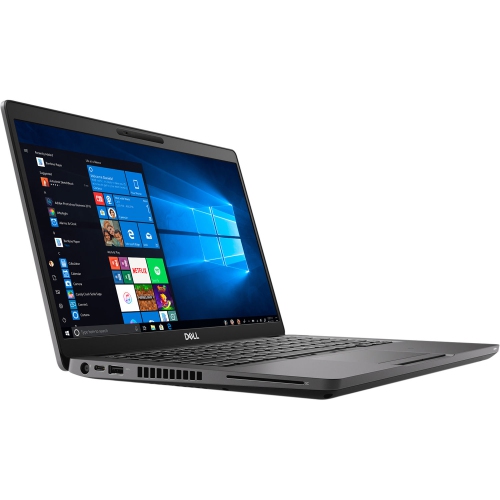
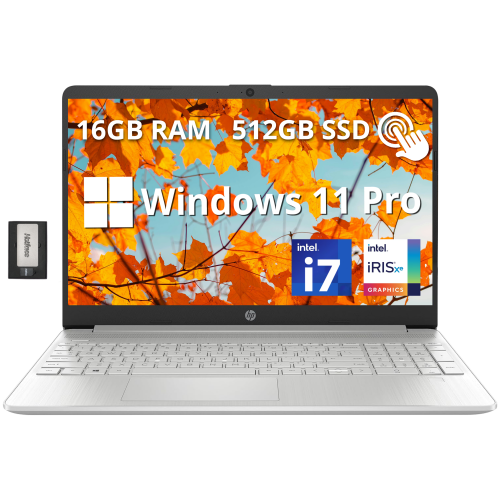
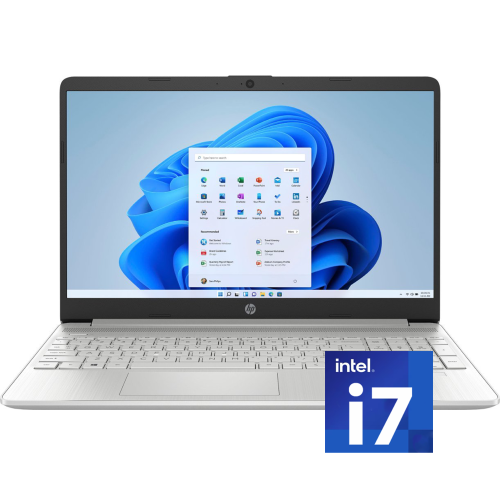
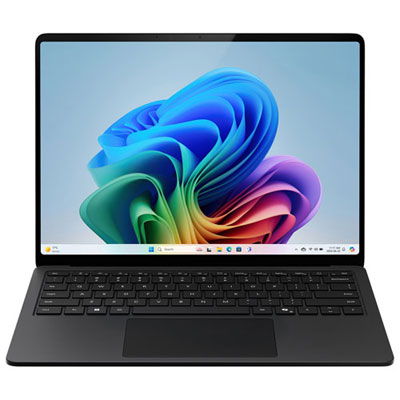
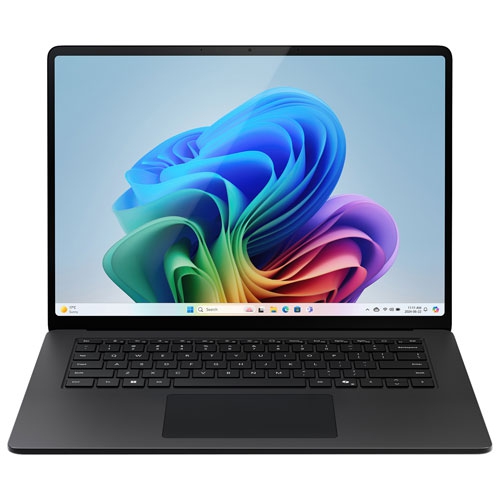
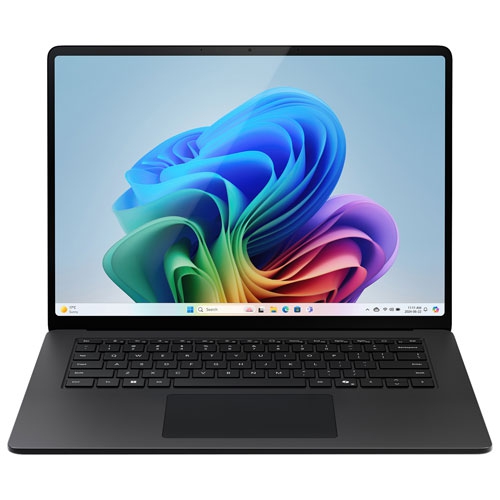
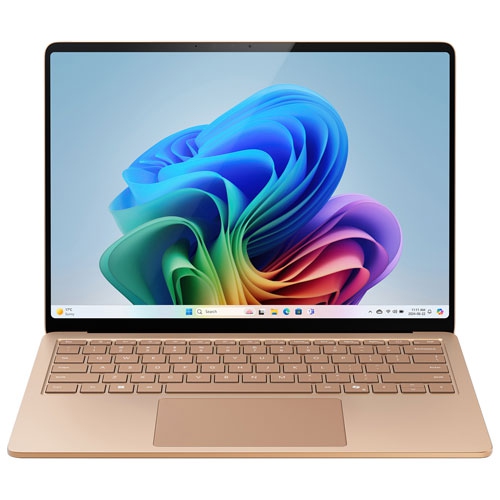
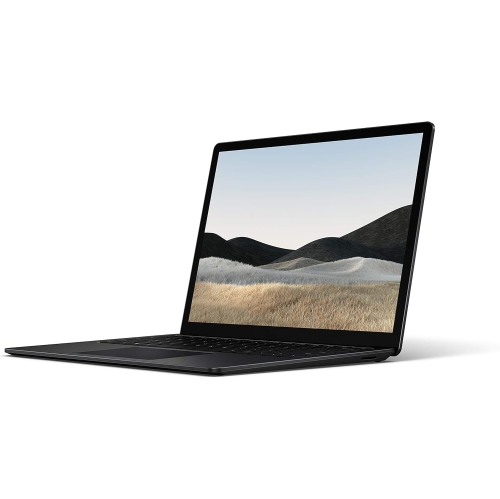
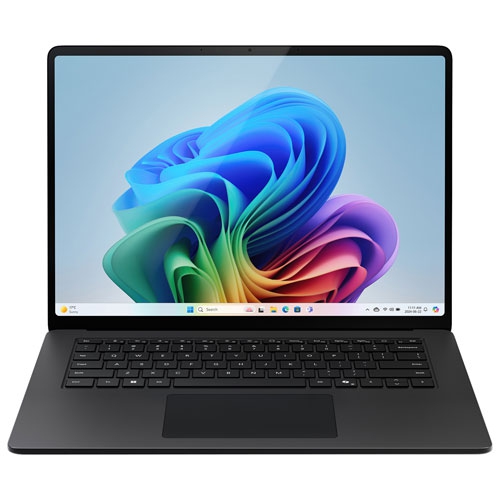
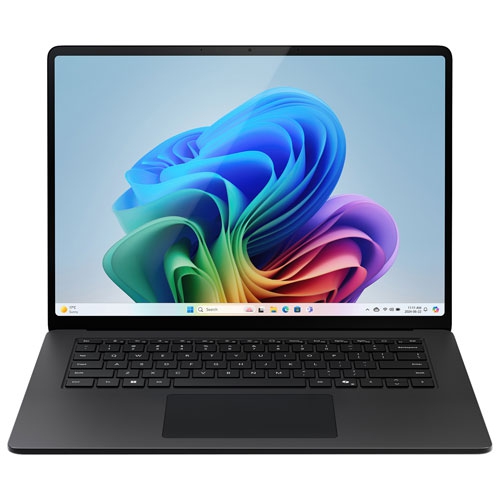
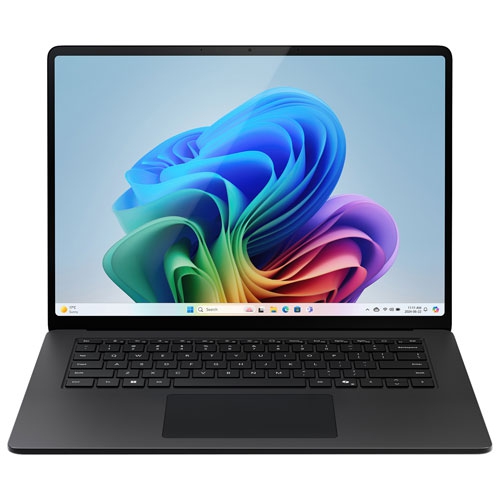
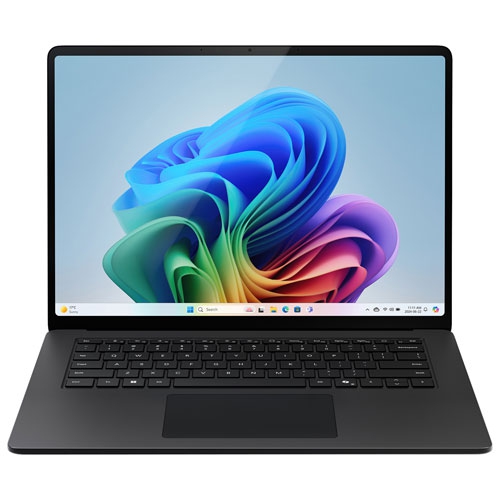
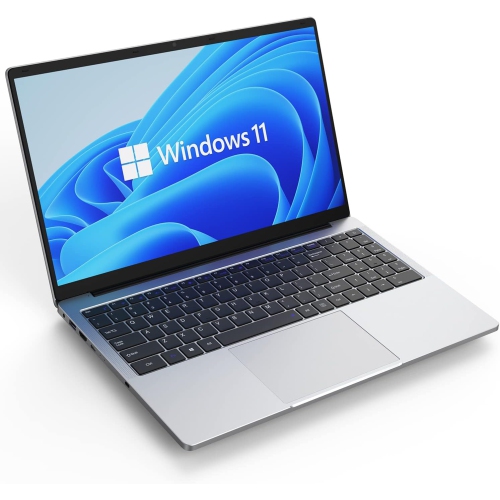
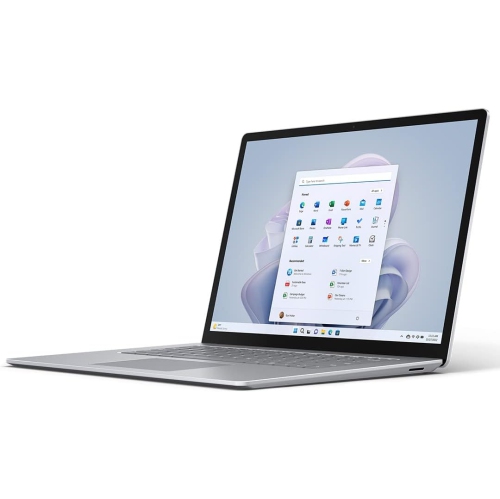
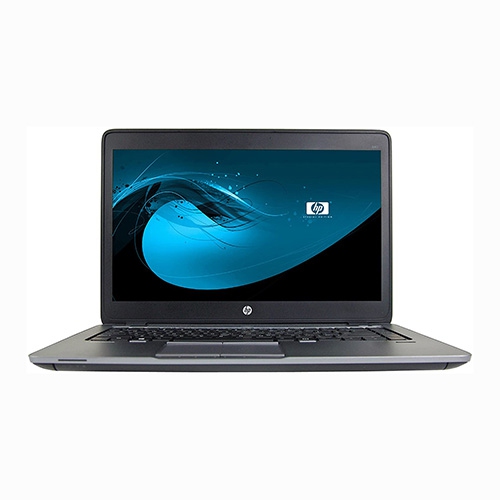
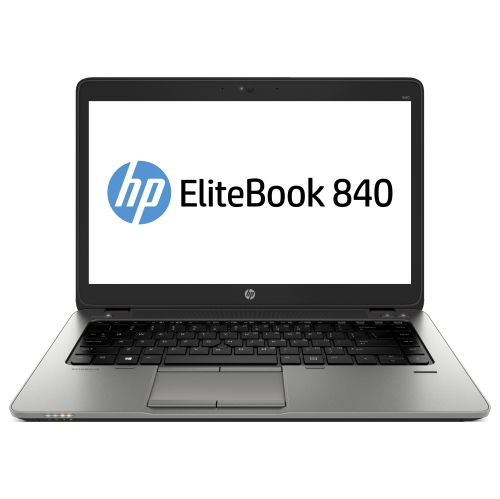
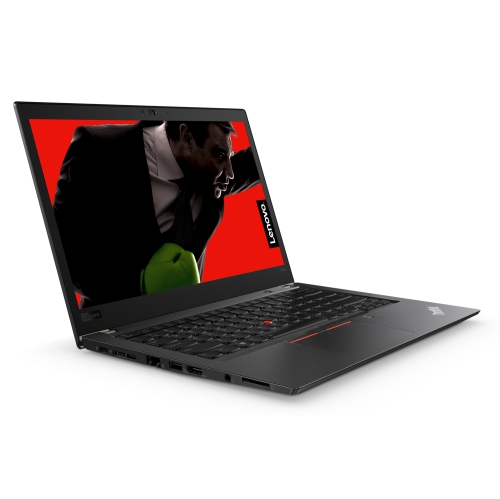

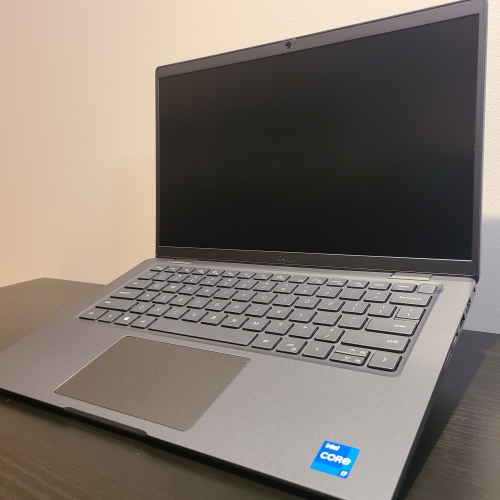
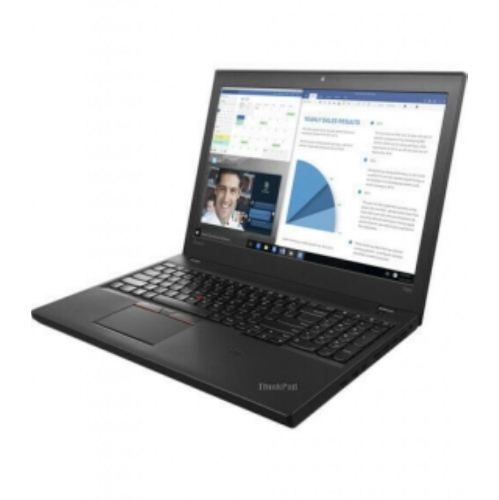
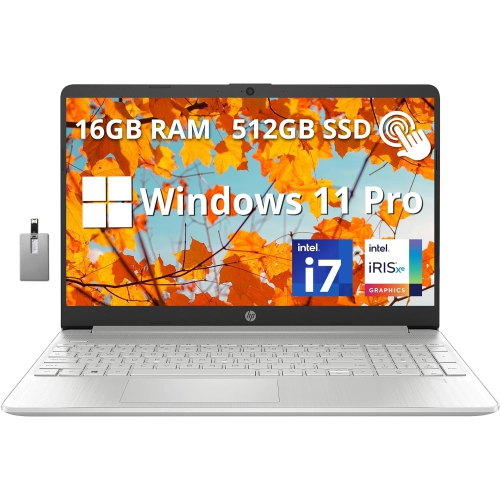
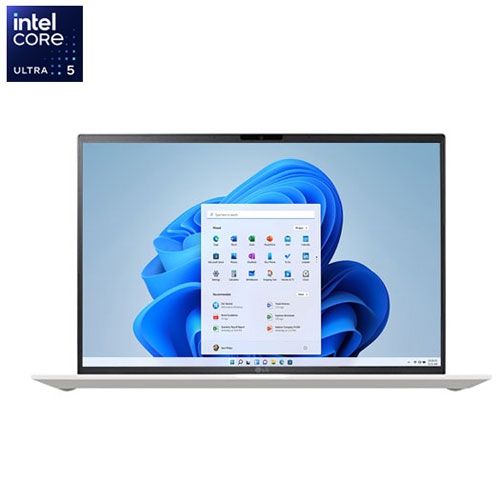
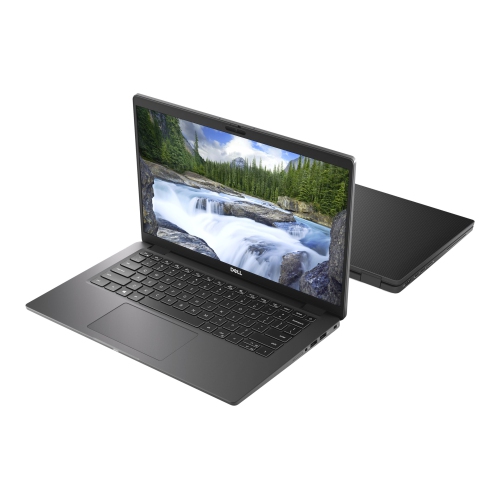
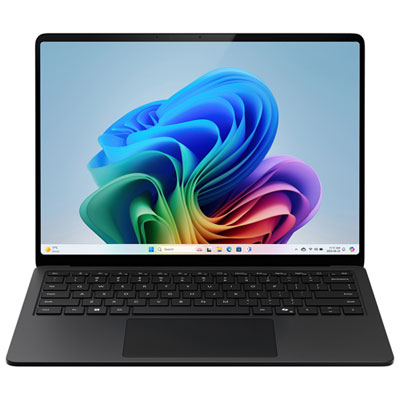
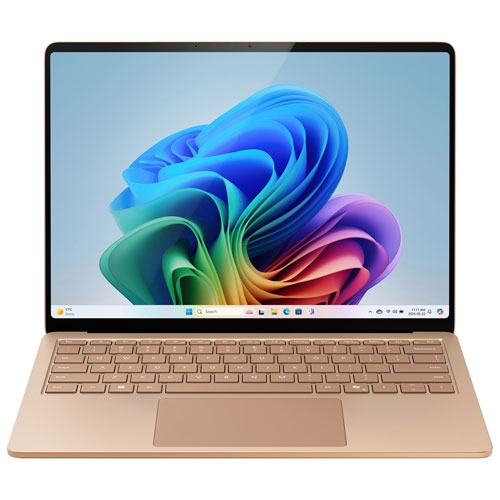
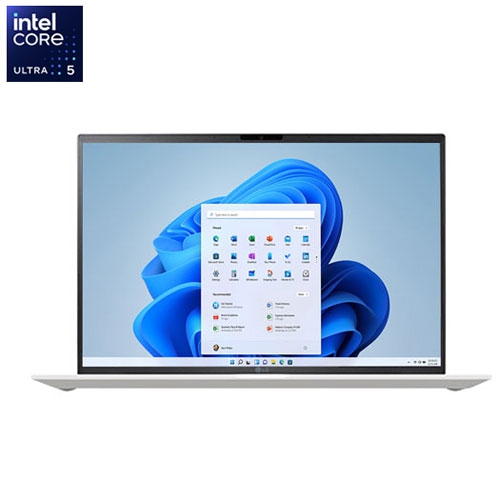
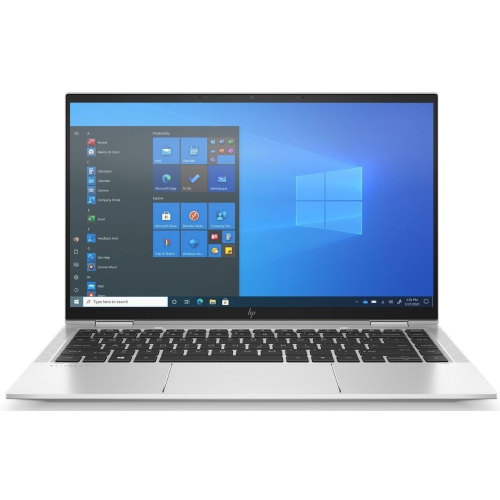
Practical storage and speed for work, school, and home
A 512GB SSD laptop offers a practical balance of speed, capacity, and everyday versatility for people who want one dependable computer for work, school, entertainment, and personal projects. The solid-state drive helps the laptop start quickly, open applications with less delay, and move between files smoothly, while 512GB provides useful room for documents, presentations, downloaded music, family photos, creative projects, and the applications used most often. It is a comfortable middle ground for many households: more spacious than entry-level storage, without requiring the added cost or bulk that can come with very high-capacity configurations. A student can use a 512GB SSD laptop for research, online classes, assignments, and video calls, then keep lecture notes and reference files organized in separate folders. At home, it can handle budgeting, online banking, recipe browsing, streaming, and photo management without feeling limited by the basics. For a professional, it may provide enough local storage for office documents, spreadsheets, presentations, communications, and browser-based work, particularly when larger archives are kept on an external drive or in cloud storage. The SSD is also well suited to the rhythm of a busy day: closing the lid between classes, opening it again at a café or library, and getting back to a document without a long wait. As cooler weather brings more time indoors, a laptop with responsive performance and a sensible amount of storage can become the central screen for planning, learning, creating, and staying connected.
When comparing 512GB SSD laptops, begin with the way the computer will actually be used rather than focusing on storage alone. The processor affects how comfortably the laptop handles several applications at once, so people who frequently work with large spreadsheets, numerous browser tabs, video meetings, or light creative software may appreciate a stronger processor and additional memory. RAM is especially important for multitasking: 8GB can suit everyday browsing, schoolwork, word processing, and media consumption, while 16GB may feel more comfortable for heavier workloads or longer-term flexibility. Screen size also shapes the experience. A compact display can be easier to carry between home, campus, and the office, while a 15.6-inch or 16-inch screen gives documents, timelines, and split-screen windows more breathing room. Look for a clear resolution, comfortable viewing angles, and a keyboard that feels natural for extended typing. Battery life matters when outlets are not always within reach, and a lighter chassis can make a noticeable difference when the laptop travels in a backpack all day. Check the selection of ports as well, especially if you plan to connect a monitor, projector, external storage, wired network, or accessories. Wi-Fi compatibility, a built-in webcam, microphone quality, and a responsive touchpad are also worth considering for remote lessons, work calls, and casual conversations with family. Someone who mostly streams shows and writes emails may not need the same processor or memory as a user editing photographs, managing a small business, or running demanding software. Matching the core specifications to daily habits helps prevent paying for features that will rarely be used while avoiding a configuration that feels restrictive later.
A 512GB SSD laptop can make a thoughtful gift for a student setting up a new study routine, a recent graduate beginning a first office role, or a family member who wants a straightforward way to organize photos and stay in touch. It is also a useful shared household computer when different people need access for school portals, appointments, travel planning, forms, and entertainment. For a student, consider portability, a durable design, comfortable typing, and enough battery life for a full day of moving between classrooms or study spaces. For a home user, a larger screen and clear speakers may be more valuable than the lightest possible build. Someone who enjoys photography, digital art, or home video projects should review processor performance, RAM, display quality, and connectivity alongside the 512GB SSD, since source files and project libraries can grow quickly. The available storage will not equal the full advertised capacity because the operating system and pre-installed software use part of the drive, so leave room for updates and working files or plan to add external storage as needed. Keeping documents in clearly named folders, removing unused downloads, and backing up irreplaceable photos can help maintain an orderly laptop over time. During the transition from bright outdoor days to more indoor routines, these details become especially noticeable: a comfortable keyboard for evening assignments, a bright display for a kitchen table workspace, or a quick SSD that gets a morning schedule open before the first cup of coffee has cooled. If your needs are lighter and your files are mostly stored online, you may also wish to browse 128GB Laptops for a smaller storage option. Reviewing your preferred screen size, operating system, processor, RAM, battery expectations, and everyday workload will help you find a 512GB SSD laptop that feels capable from the first day and remains useful through changing school, work, and home needs.
When comparing 512GB SSD laptops, begin with the way the computer will actually be used rather than focusing on storage alone. The processor affects how comfortably the laptop handles several applications at once, so people who frequently work with large spreadsheets, numerous browser tabs, video meetings, or light creative software may appreciate a stronger processor and additional memory. RAM is especially important for multitasking: 8GB can suit everyday browsing, schoolwork, word processing, and media consumption, while 16GB may feel more comfortable for heavier workloads or longer-term flexibility. Screen size also shapes the experience. A compact display can be easier to carry between home, campus, and the office, while a 15.6-inch or 16-inch screen gives documents, timelines, and split-screen windows more breathing room. Look for a clear resolution, comfortable viewing angles, and a keyboard that feels natural for extended typing. Battery life matters when outlets are not always within reach, and a lighter chassis can make a noticeable difference when the laptop travels in a backpack all day. Check the selection of ports as well, especially if you plan to connect a monitor, projector, external storage, wired network, or accessories. Wi-Fi compatibility, a built-in webcam, microphone quality, and a responsive touchpad are also worth considering for remote lessons, work calls, and casual conversations with family. Someone who mostly streams shows and writes emails may not need the same processor or memory as a user editing photographs, managing a small business, or running demanding software. Matching the core specifications to daily habits helps prevent paying for features that will rarely be used while avoiding a configuration that feels restrictive later.
A 512GB SSD laptop can make a thoughtful gift for a student setting up a new study routine, a recent graduate beginning a first office role, or a family member who wants a straightforward way to organize photos and stay in touch. It is also a useful shared household computer when different people need access for school portals, appointments, travel planning, forms, and entertainment. For a student, consider portability, a durable design, comfortable typing, and enough battery life for a full day of moving between classrooms or study spaces. For a home user, a larger screen and clear speakers may be more valuable than the lightest possible build. Someone who enjoys photography, digital art, or home video projects should review processor performance, RAM, display quality, and connectivity alongside the 512GB SSD, since source files and project libraries can grow quickly. The available storage will not equal the full advertised capacity because the operating system and pre-installed software use part of the drive, so leave room for updates and working files or plan to add external storage as needed. Keeping documents in clearly named folders, removing unused downloads, and backing up irreplaceable photos can help maintain an orderly laptop over time. During the transition from bright outdoor days to more indoor routines, these details become especially noticeable: a comfortable keyboard for evening assignments, a bright display for a kitchen table workspace, or a quick SSD that gets a morning schedule open before the first cup of coffee has cooled. If your needs are lighter and your files are mostly stored online, you may also wish to browse 128GB Laptops for a smaller storage option. Reviewing your preferred screen size, operating system, processor, RAM, battery expectations, and everyday workload will help you find a 512GB SSD laptop that feels capable from the first day and remains useful through changing school, work, and home needs.
Top selling and popular products
-
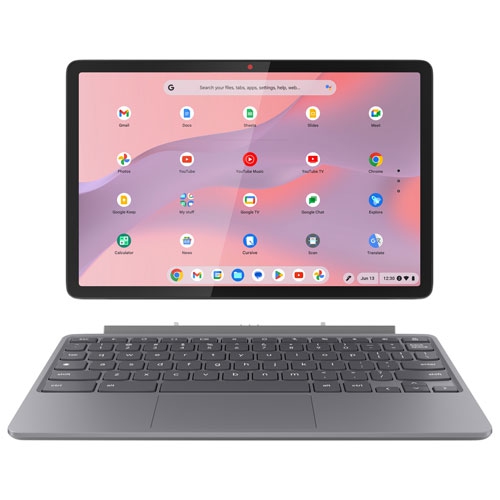
 Your price for this item is $449
 -
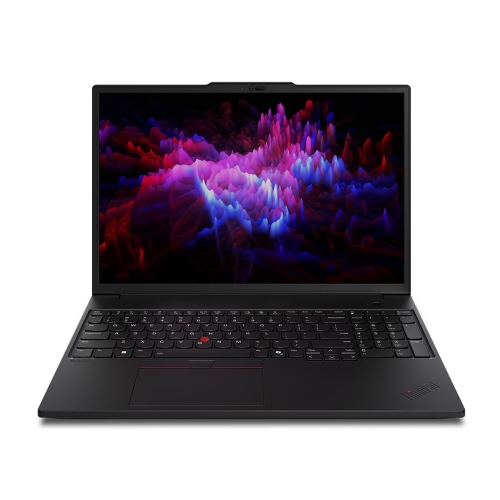
 Your price for this item is $3099
 -
 Your price for this item is $299.95
 -
 Your price for this item is $664.05
 -
 Your price for this item is $599.68
 -
 Your price for this item is $869.99
 -
 Your price for this item is $259
 -
 Your price for this item is $418.98
Discover more categories related to 512GB SSD Laptops

Top Collections:
Pokemon Centers, Kindle Devices, Best Budget Office Chairs, Apple iPhones 16, Best Laptops for Writers, iPhone 15 Apple, Canon G7X Cameras, Refurbished Apple Laptops, Alarm Clock, Motorola Razr Phones
Some products may be subject to Environmental Handling Fees
(EHF) depending on your province.
Learn more about EHFs.