128 GB Laptops
Discover the perfect balance of storage and performance with a wide selection of 128 GB laptop options. Whether you’re working on projects, streaming your favorite shows, or staying connected on the go, a 128 GB laptop offers the space and efficiency to handle everyday tasks with ease. Explore models designed to suit your lifestyle, from slim and lightweight designs to versatile devices for work or play. Find the ideal 128 GB laptop to keep up with your busy schedule and enjoy reliable computing wherever you are.
Sort
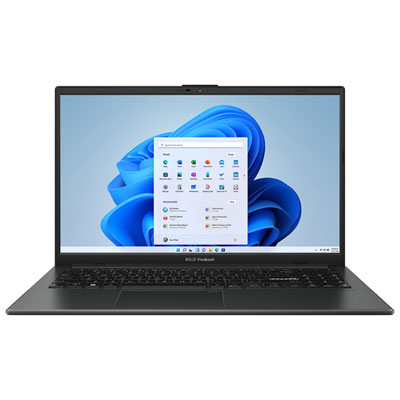

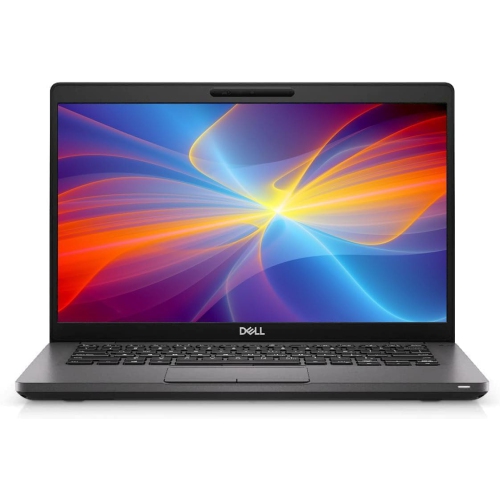
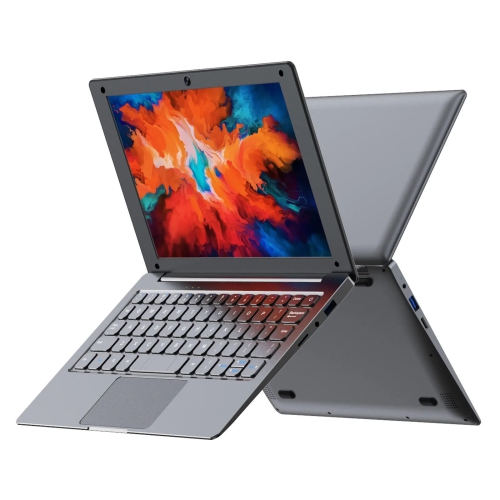
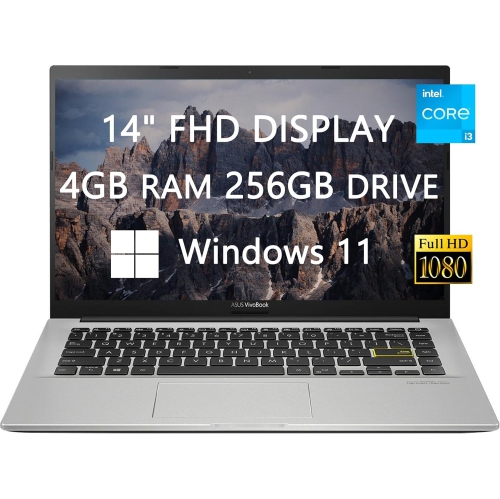
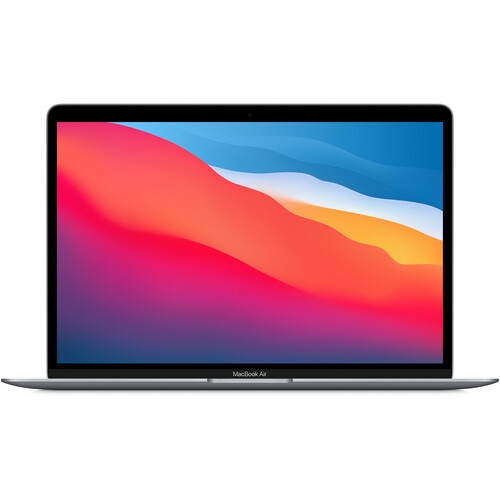
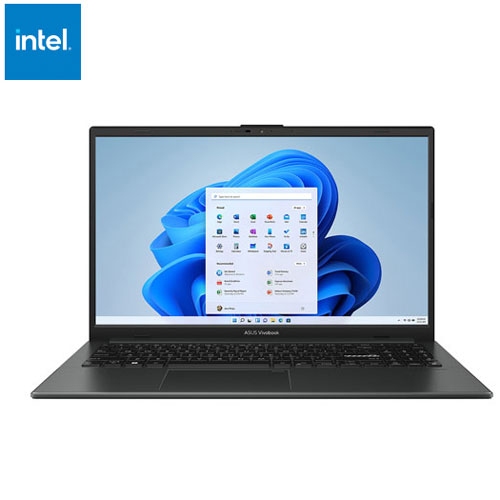
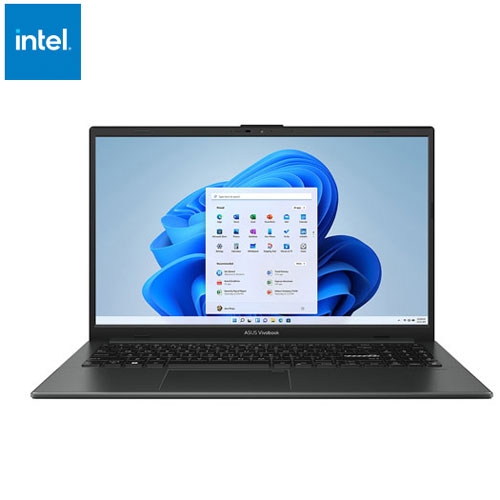

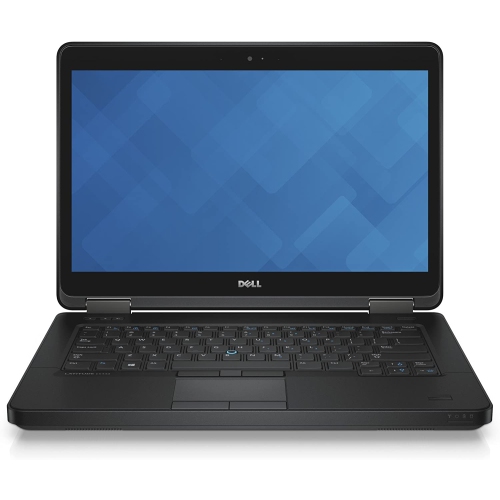
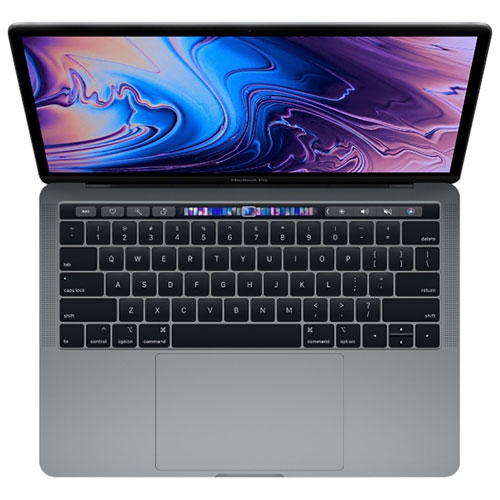
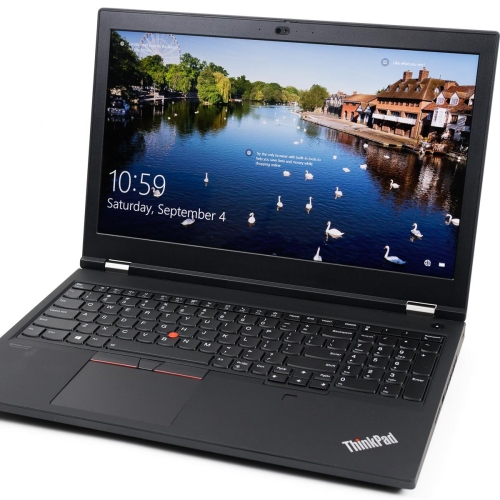
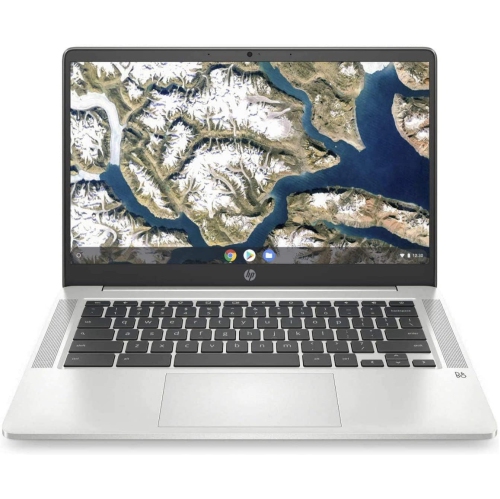
What 128 GB really means for everyday computing
128 GB laptops usually refer to laptops with 128 GB of internal storage, rather than 128 GB of RAM. That distinction matters: storage holds the operating system, applications, documents, and other saved files, while RAM provides working memory for programs that are open. A laptop with 128 GB of storage can suit everyday activities such as browsing websites, writing assignments, checking email, managing household paperwork, and streaming entertainment. Laptops with 128 GB of RAM belong to a different category, typically serving demanding work such as complex 3D rendering, large datasets, and multiple virtual machines. For everyday use, the storage-based meaning is generally the relevant one. A 128 GB storage configuration makes the most sense when much of the workload happens in a browser and large media collections do not need to stay on the device. A student drafting essays, a commuter reviewing shared documents, or someone keeping a personal computer for appointments and video calls may have relatively modest local storage needs. The experience still depends on the whole configuration, not the storage figure alone. Processor capability affects how smoothly applications run, and RAM influences how comfortably the laptop handles several tasks at once. A video meeting, a spreadsheet, and a collection of browser tabs can place different demands on the system than reading an article or typing a letter. Screen quality, keyboard comfort, and a dependable wireless connection also shape daily use. Cloud-based applications can reduce the amount of information stored locally, although they may require an internet connection for full functionality. Files needed away from a connection should be downloaded beforehand and included in the storage allowance. For someone whose routine centres on documents and online services, a thoughtfully matched 128 GB laptop can provide a focused workspace without requiring room for an extensive offline library. The key distinction is between having enough space for saved content and having enough processing power and memory for the work itself.
The type of internal storage deserves attention alongside its capacity. A 128 GB SSD and 128 GB of eMMC storage offer the same stated capacity, but they are not interchangeable descriptions of performance or construction. SSDs generally provide faster application loading and file transfers than eMMC, although results depend on the drive, processor, and task. Both use flash memory without the moving mechanisms found in a traditional hard drive. Neither should be assumed to be replaceable or expandable: some laptops have accessible storage slots, while others use storage attached directly to the main board. Manufacturer specifications establish what changes, if any, are supported. The full advertised 128 GB is not available for personal files because formatting, the operating system, preinstalled software, and recovery tools occupy part of it. Updates and temporary files also need free space, so a device that holds a collection of documents comfortably may feel restrictive once large applications, downloaded videos, or a substantial photo library are added. Everyday file habits make a practical difference. Duplicate downloads, old installation files, and forgotten video recordings can consume space without being immediately noticeable. Cloud storage can keep selected files accessible without retaining every original locally, but synchronisation settings determine which files remain on the laptop. An external drive can hold archives or backups, provided the laptop has a compatible connection. A separate backup remains important even when internal storage is small; synchronising a folder is not always the same as keeping an independent copy that can be restored after accidental deletion. For larger offline collections or applications with substantial installation requirements, 512GB SSD Laptops offer more internal storage capacity. That additional capacity does not, by itself, indicate a faster processor, more RAM, or longer battery life. Keeping those specifications separate helps establish whether a laptop suits the intended workload rather than simply carrying a larger storage number. It also makes the trade-offs clearer for users who prefer keeping files on the device instead of relying heavily on remote access.
Physical design becomes especially important when a laptop moves regularly between a desk, a classroom, and a bag. A compact chassis is easier to carry, while a larger display can provide more comfortable space for side-by-side documents or a detailed spreadsheet. Screen resolution, brightness, and viewing angles influence readability as much as diagonal size. A matte finish can reduce distracting reflections, and a comfortable keyboard and responsive touchpad help during longer writing sessions. Plastic and aluminium housings each appear across laptop designs, but material alone does not establish durability; hinge construction, panel rigidity, and how the device is handled matter too. A padded sleeve that fits without pressing against the corners helps protect the exterior during travel. Carrying the laptop by its base rather than its display reduces strain on the screen and hinges. At a desk, port selection determines how easily a mouse, external drive, monitor, or headset connects. A USB-C port does not automatically support charging or video output, so its stated capabilities matter when connecting accessories. Wi-Fi support, webcam quality, and microphone clarity are relevant for remote lessons and calls, while battery performance depends on screen brightness, wireless activity, applications, and battery condition rather than storage capacity alone. Care is straightforward but worthwhile: a soft, dry microfibre cloth removes dust from the display, liquids stay away from openings, and any cleaning solution should follow the manufacturer’s directions. Keeping vents unobstructed on a firm surface supports airflow; a cushion or blanket can block ventilation. Software updates, sensible file management, and regular backups help maintain a dependable everyday setup. When given as a gift, a 128 GB laptop is best matched to the recipient’s actual habits, including required applications, preferred screen size, accessibility needs, and whether files must remain available offline. Someone who mainly writes, browses, and joins calls has different requirements from someone building a large game library or editing lengthy videos. Storage capacity is one part of that fit, alongside comfortable controls, suitable connections, and enough performance for the tasks that recur every day.
Top selling and popular products
-
 Your price for this item is $449
-
 Your price for this item is $3099
-
 Your price for this item is $1800.68
-
 Your price for this item is $664.05
-
 Your price for this item is $869.99
-
 Your price for this item is $2960.48
-
 Your price for this item is $499.68
-
 Your price for this item is $1951.79
Discover more categories related to 128 GB Laptops
Top Collections:
Best Black Friday Deals This Year, Best Black Friday Deals On Electronics, Kindle Devices, Pokemon Centers, Best Black Friday Deals On Apple Products, Best Cameras for Sports Photography, Dyson Airwrap, Pokémon 30th Celebration Cards, Apple iPhone 17 Pro, Canon G7X Cameras
Some products may be subject to Environmental Handling Fees
(EHF) depending on your province.
Learn more about EHFs.