60HZ Monitors
Upgrade your viewing experience with our selection of 60hz monitors. Designed for smooth and seamless visuals, these monitors offer a refresh rate of 60hz, ensuring crisp and fluid images for all your computing needs. Whether you're a gamer looking to immerse yourself in action-packed adventures or a professional seeking enhanced productivity, our range of 60hz monitors will elevate your display quality to new heights. Explore our collection today and discover the perfect monitor to enhance your work, play, and everything in between.
Sort
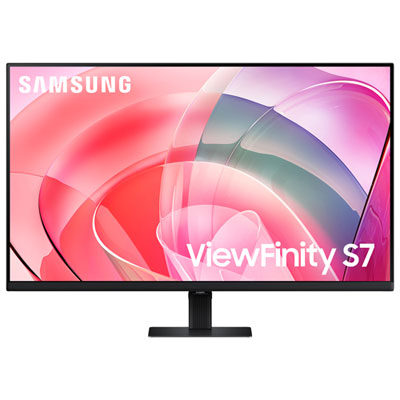
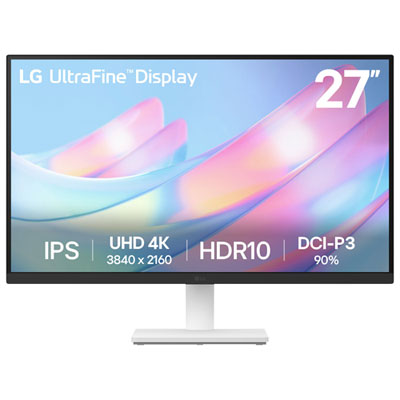
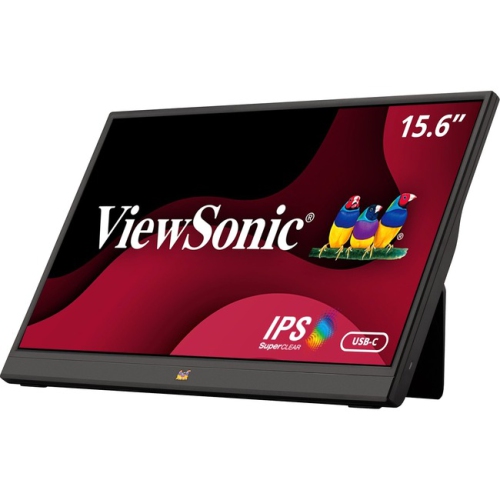

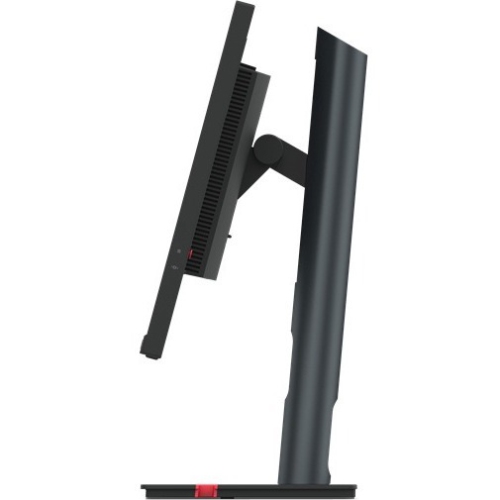
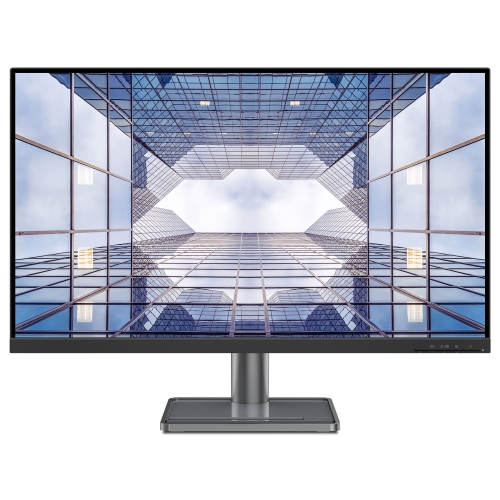
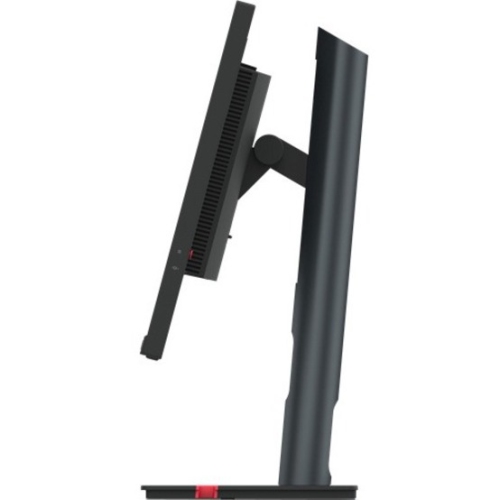
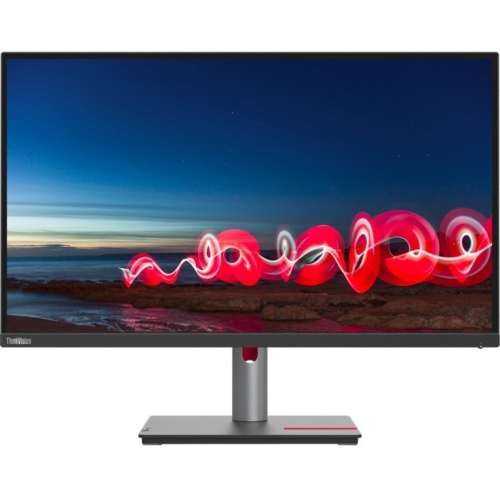
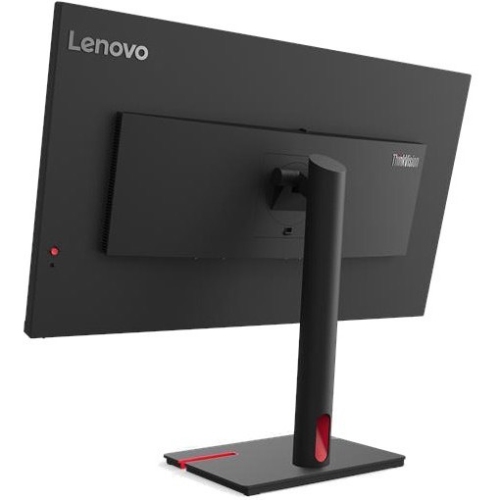
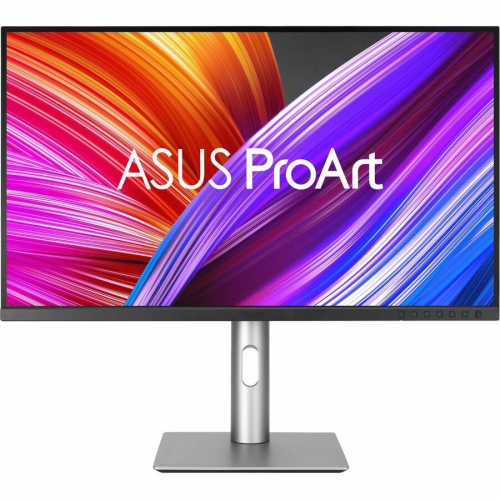
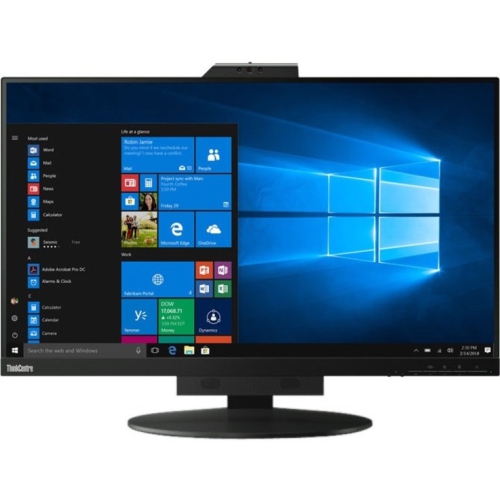
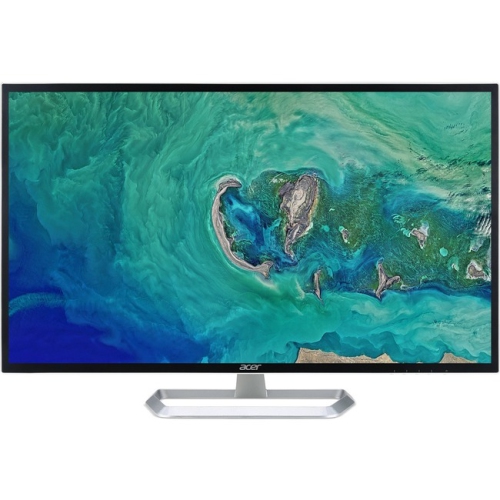
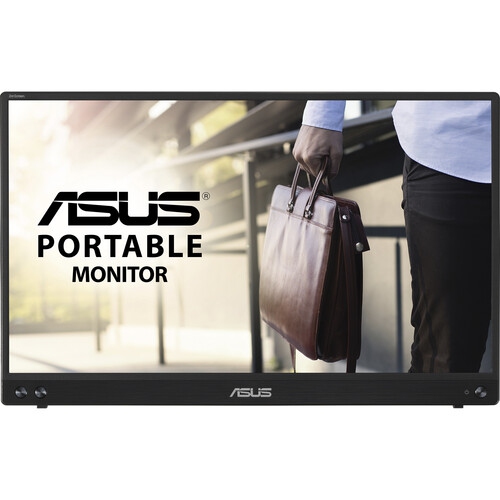

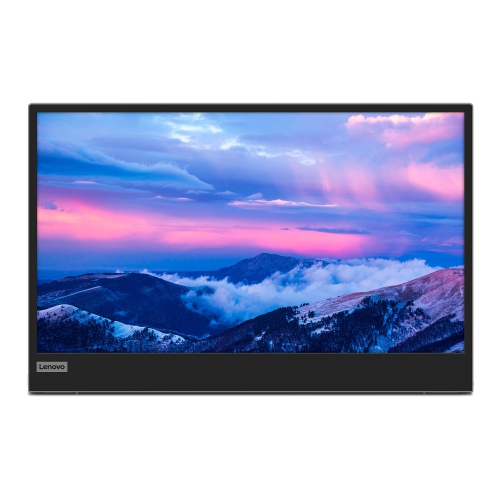

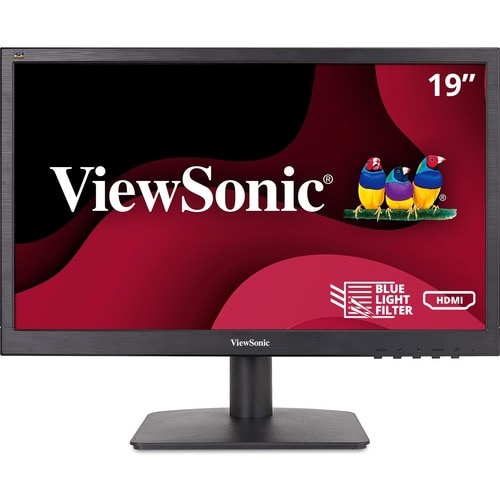

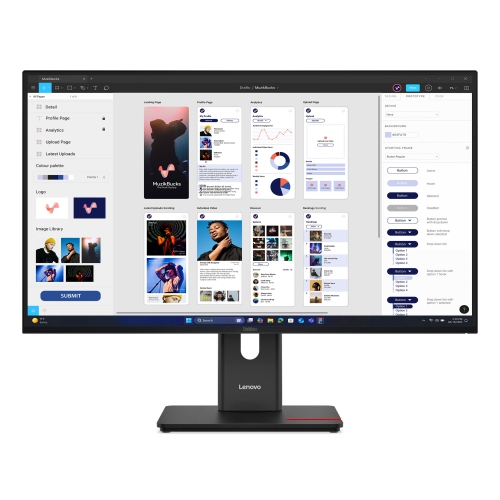
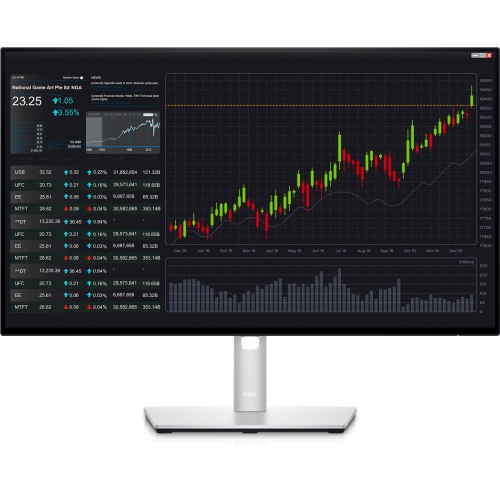
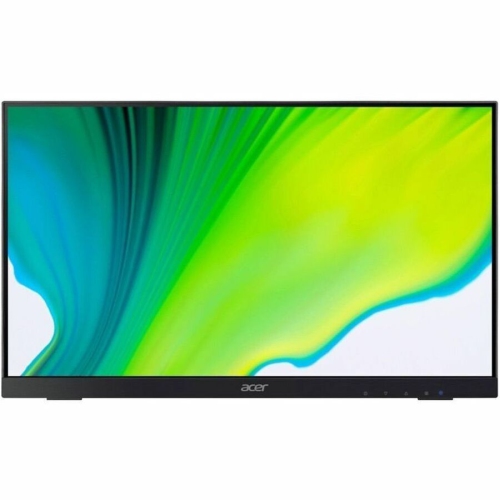
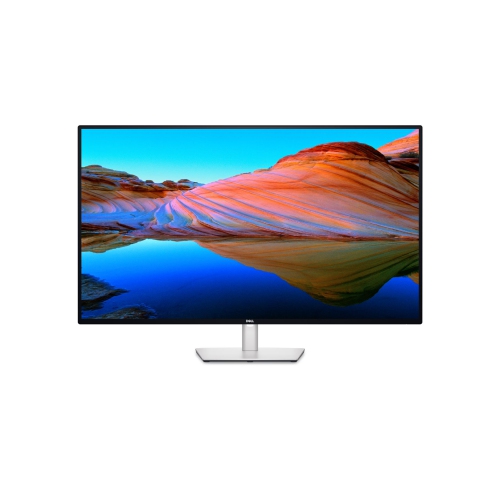
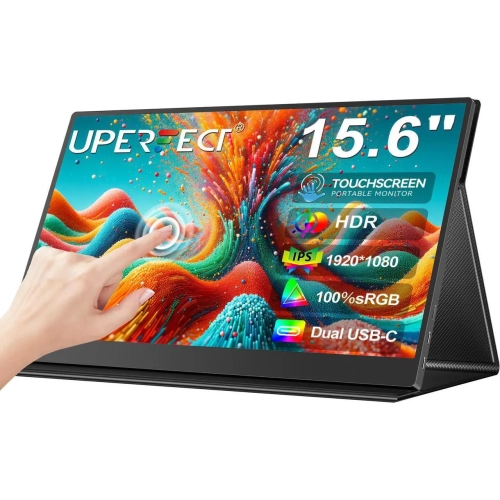
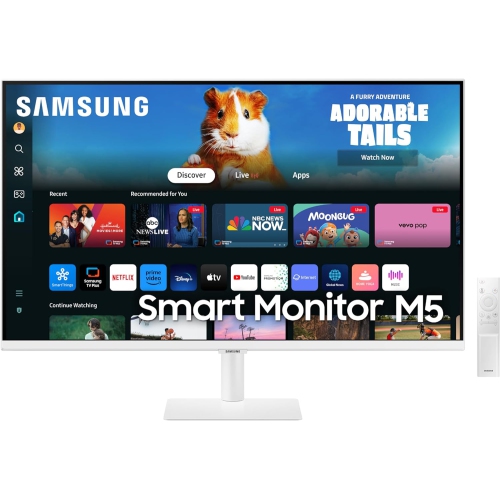
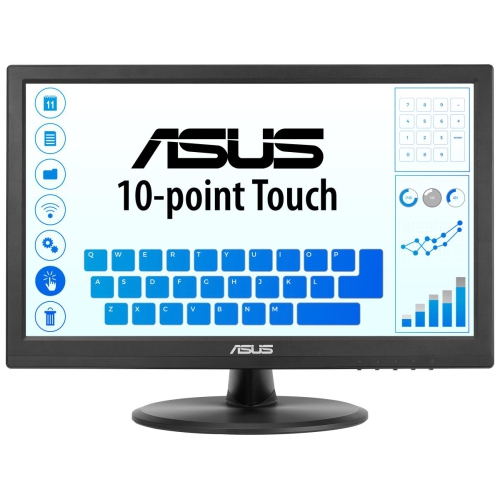
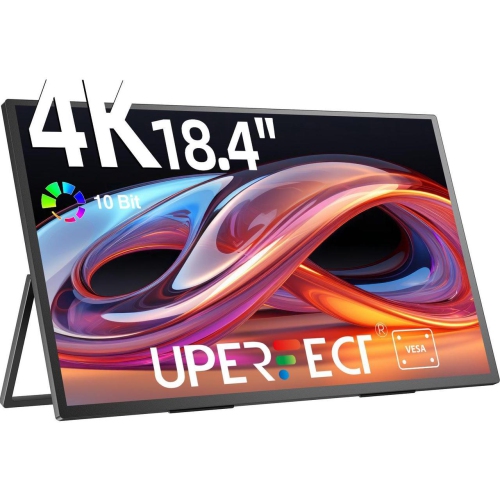
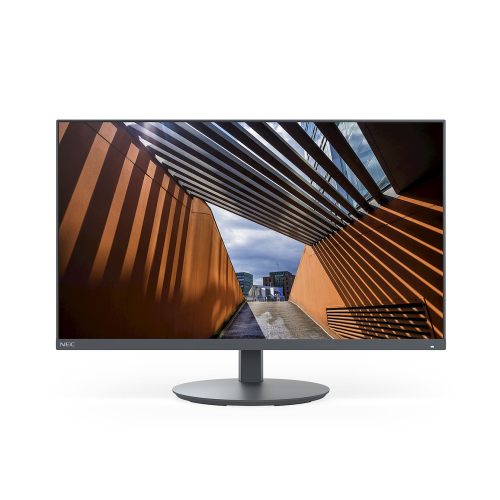
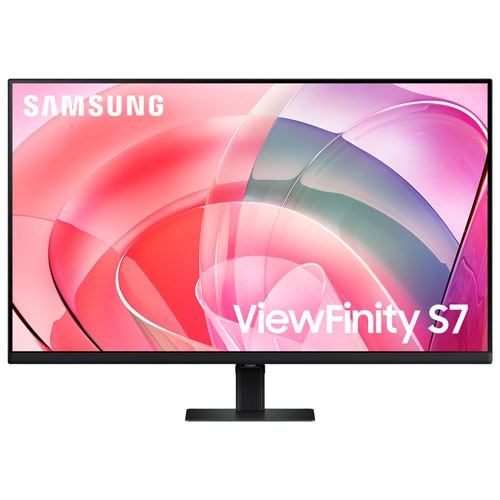

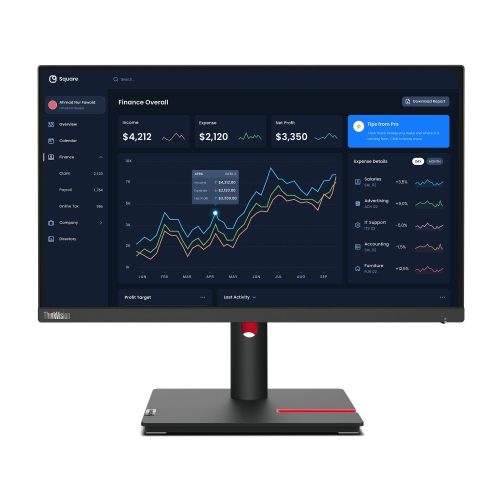
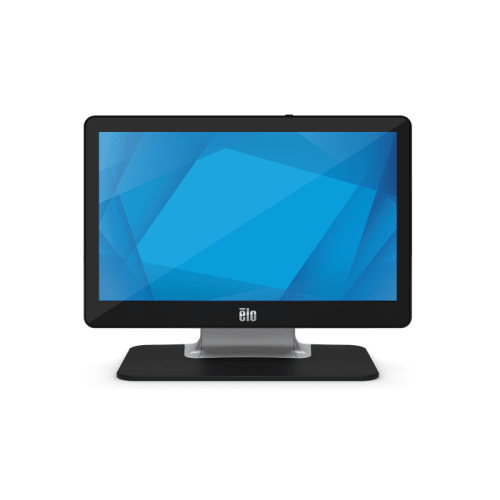
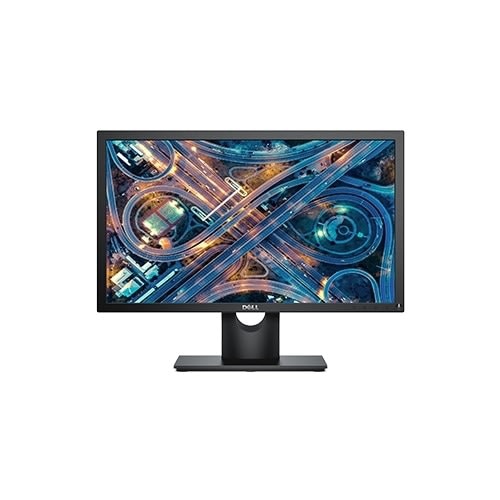


Reliable screen performance for everyday work and entertainment
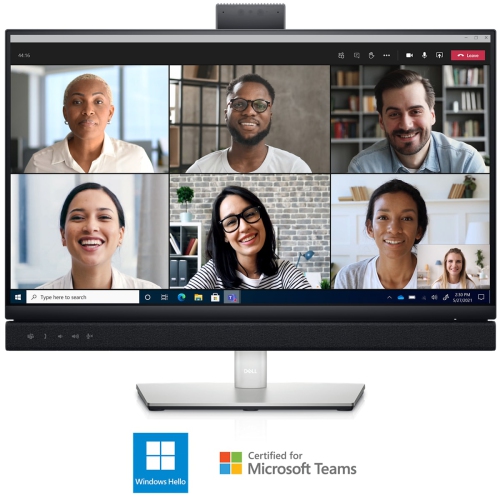
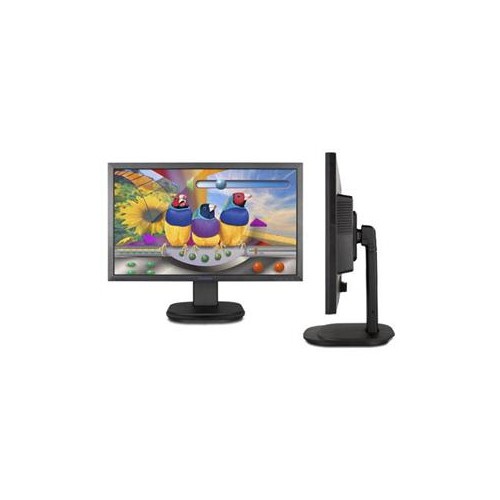
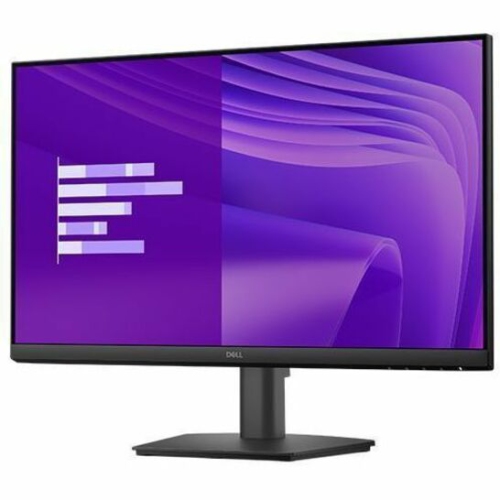
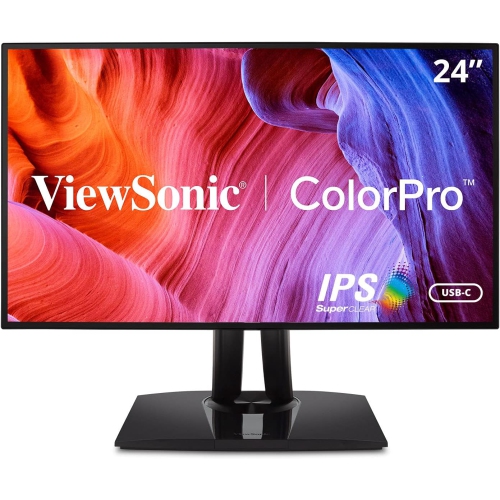
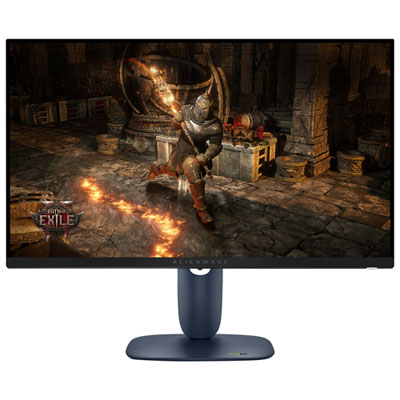
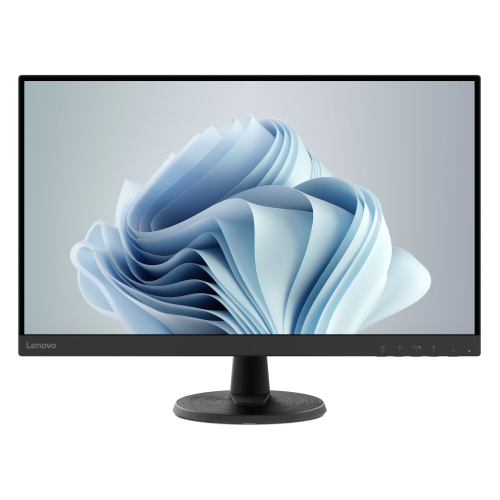
60Hz monitors are a practical choice for everyday computing, home offices, study spaces, media streaming, and general browsing. A 60Hz refresh rate means the display redraws the image 60 times per second, with each frame appearing for roughly 16.67 milliseconds. This has become a standard refresh rate for many monitors because it provides a comfortable, dependable viewing experience for common tasks such as writing documents, managing email, attending video calls, researching online, coding, and watching standard video content. For a family computer, a guest-room workstation, or a compact desk used during the cooler months, a 60Hz monitor can provide a straightforward way to create a larger and more organised screen setup. It can also be useful as a second display beside a laptop, allowing a spreadsheet, reference page, calendar, or chat window to remain visible while the main screen is used for focused work. Students may appreciate the extra room for digital textbooks and assignments, while remote workers can use the added screen space to keep notes, meeting software, and active projects within easy reach. These displays can also make thoughtful gifts for someone setting up a first home office, returning to school, or refreshing a shared family workspace, particularly when ease of use and versatile connectivity matter more than advanced gaming performance.
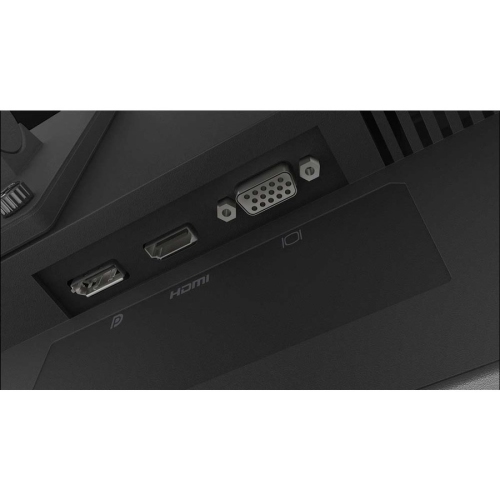
When choosing among 60Hz monitors, start with the type of work and the available desk space. Screen size affects how much information can fit comfortably at once, while resolution affects the sharpness of text, images, and fine details. A Full HD display can suit everyday office tasks and streaming, while a 4K UHD monitor offers a denser, more detailed image that may be valuable for photo work, design projects, large spreadsheets, and viewing high-resolution content. Panel technology is another consideration. IPS panels are often selected for their broad viewing angles and consistent colour across the screen, which is useful when more than one person is looking at the display or when the monitor is positioned off-centre. Look for a response time that matches the intended use, as a lower response time can help reduce visible trailing during movement, although refresh rate and response time describe different aspects of performance. Ports can make a significant difference to daily convenience. HDMI is common for computers, game systems, and other video sources, while DisplayPort may be useful for compatible desktop computers. USB-C connectivity can simplify laptop setups by carrying video, data, and, on compatible monitors, power to a connected computer through one cable. Some displays provide enough USB-C power delivery to charge a laptop while it is in use, reducing cable clutter on the desk. Built-in USB hubs can also make it easier to connect accessories, and an audio output may be helpful when using headphones or external speakers. Before selecting a display, check the ports and power requirements on the devices you plan to connect.
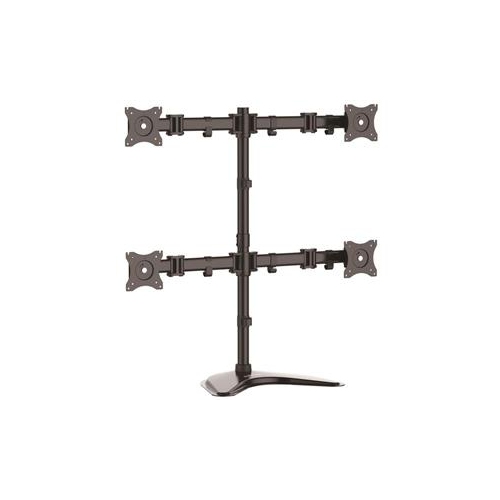
Comfort and positioning deserve just as much attention as resolution and connectivity. An adjustable stand with height, tilt, swivel, or pivot movement can help place the top of the screen near eye level and create a more natural viewing angle. If the stand has limited movement, a compatible monitor arm or riser may provide additional flexibility, provided the display supports the required mounting pattern. Matte screen finishes can help reduce distracting reflections near windows or lamps, while brightness controls allow the image to be adjusted for bright daytime rooms and softer evening lighting. A multi-monitor arrangement can be especially useful for spreadsheets, coding, research, customer service, and creative workflows, but confirm that the computer can support the number of displays and their resolutions. For casual gaming, a 60Hz monitor can work well with slower-paced titles, turn-based games, simulation games, and systems that do not produce more than 60 frames per second. Fast competitive games and rapid scrolling may appear less fluid than they do on displays with higher refresh rates, so shoppers who place a strong emphasis on quick movement may want to compare available options with 180hz Monitors. For office work, browsing, programming, standard films, and everyday entertainment, however, a reliable 60Hz display can deliver a balanced combination of clarity, compatibility, and ease of use. During the transition from warmer days to cooler months, it can serve equally well as a focused workspace for early-morning study, a convenient screen for evening streaming, or a flexible shared display for the whole household.
When choosing among 60Hz monitors, start with the type of work and the available desk space. Screen size affects how much information can fit comfortably at once, while resolution affects the sharpness of text, images, and fine details. A Full HD display can suit everyday office tasks and streaming, while a 4K UHD monitor offers a denser, more detailed image that may be valuable for photo work, design projects, large spreadsheets, and viewing high-resolution content. Panel technology is another consideration. IPS panels are often selected for their broad viewing angles and consistent colour across the screen, which is useful when more than one person is looking at the display or when the monitor is positioned off-centre. Look for a response time that matches the intended use, as a lower response time can help reduce visible trailing during movement, although refresh rate and response time describe different aspects of performance. Ports can make a significant difference to daily convenience. HDMI is common for computers, game systems, and other video sources, while DisplayPort may be useful for compatible desktop computers. USB-C connectivity can simplify laptop setups by carrying video, data, and, on compatible monitors, power to a connected computer through one cable. Some displays provide enough USB-C power delivery to charge a laptop while it is in use, reducing cable clutter on the desk. Built-in USB hubs can also make it easier to connect accessories, and an audio output may be helpful when using headphones or external speakers. Before selecting a display, check the ports and power requirements on the devices you plan to connect.
Comfort and positioning deserve just as much attention as resolution and connectivity. An adjustable stand with height, tilt, swivel, or pivot movement can help place the top of the screen near eye level and create a more natural viewing angle. If the stand has limited movement, a compatible monitor arm or riser may provide additional flexibility, provided the display supports the required mounting pattern. Matte screen finishes can help reduce distracting reflections near windows or lamps, while brightness controls allow the image to be adjusted for bright daytime rooms and softer evening lighting. A multi-monitor arrangement can be especially useful for spreadsheets, coding, research, customer service, and creative workflows, but confirm that the computer can support the number of displays and their resolutions. For casual gaming, a 60Hz monitor can work well with slower-paced titles, turn-based games, simulation games, and systems that do not produce more than 60 frames per second. Fast competitive games and rapid scrolling may appear less fluid than they do on displays with higher refresh rates, so shoppers who place a strong emphasis on quick movement may want to compare available options with 180hz Monitors. For office work, browsing, programming, standard films, and everyday entertainment, however, a reliable 60Hz display can deliver a balanced combination of clarity, compatibility, and ease of use. During the transition from warmer days to cooler months, it can serve equally well as a focused workspace for early-morning study, a convenient screen for evening streaming, or a flexible shared display for the whole household.
Top selling and popular products
-
 Your price for this item is $299
 -
 Your price for this item is $599
 -
 Your price for this item is $94.99
 -
 Your price for this item is $329.99
 -
 Your price for this item is $499
 -
 Your price for this item is $265.99
 -
 Your price for this item is $1299.97
 -
 Your price for this item is $249.99
Discover more categories related to 60HZ Monitors
Top Collections:
Pokemon Centers, Kindle Devices, Best Budget Office Chairs, Apple iPhones 16, Best Laptops for Writers, iPhone 15 Apple, Canon G7X Cameras, Refurbished Apple Laptops, Alarm Clock, Motorola Razr Phones
Some products may be subject to Environmental Handling Fees
(EHF) depending on your province.
Learn more about EHFs.