65 Mechanical Keyboards
Discover the perfect balance of compact design and efficient performance with a 65 Mechanical Keyboard. Ideal for both work and play, these keyboards offer a streamlined layout that maximizes desk space while delivering a satisfying typing experience. Whether you’re upgrading your home office or enhancing your gaming setup, explore a variety of 65 Mechanical Keyboard options to find the right fit for your needs. Shop now to enjoy responsive keystrokes and a sleek, modern look that complements any workspace.
Sort
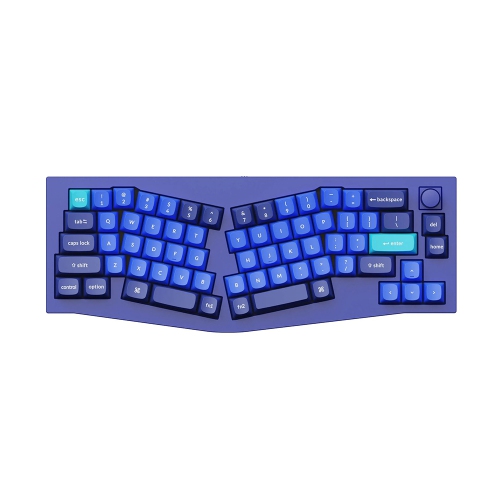
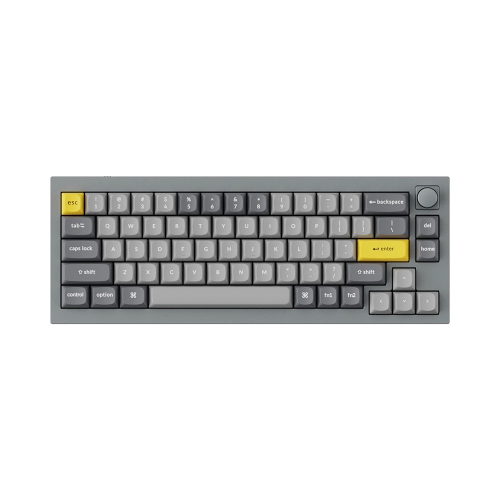
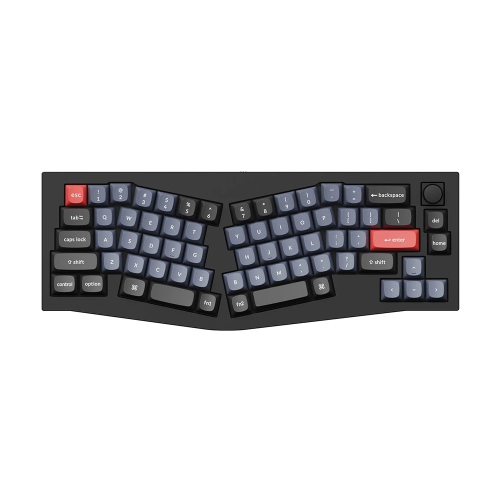
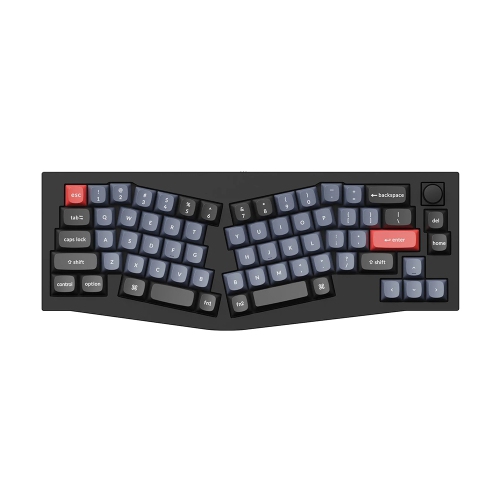
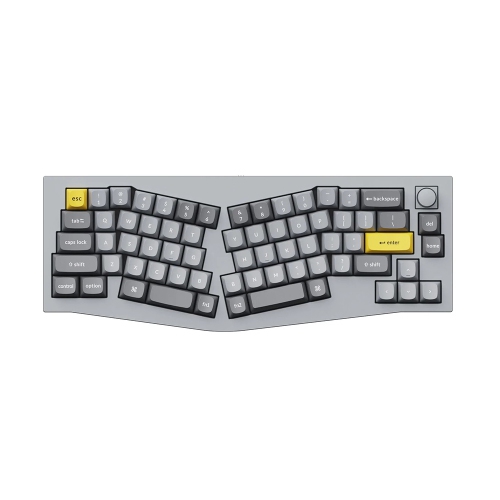
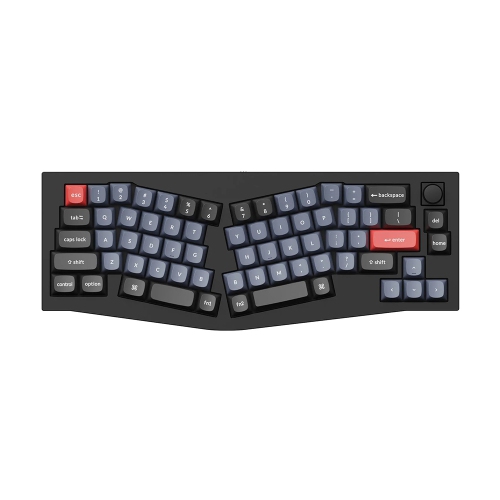
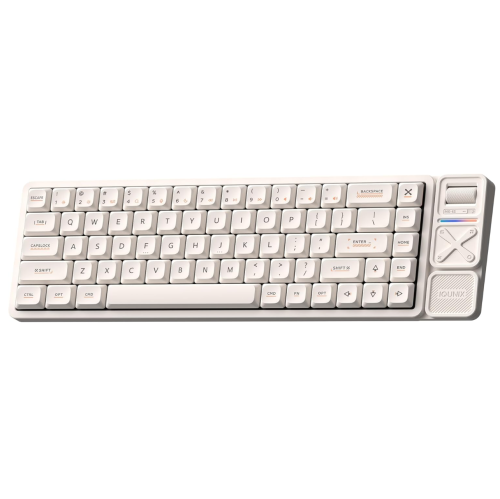
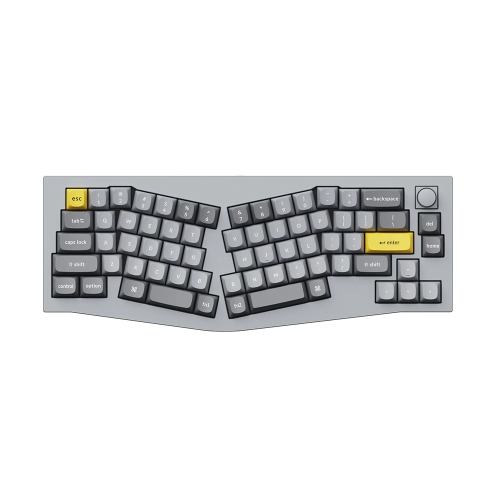
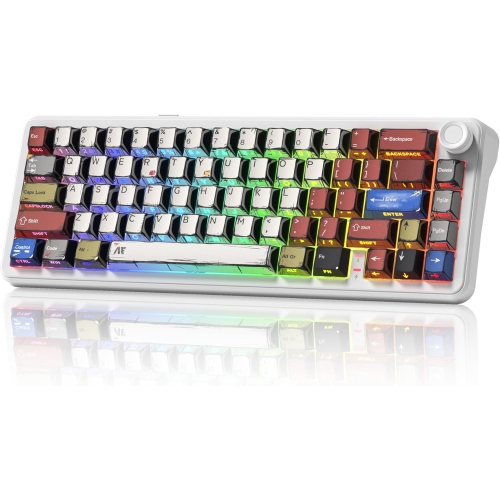
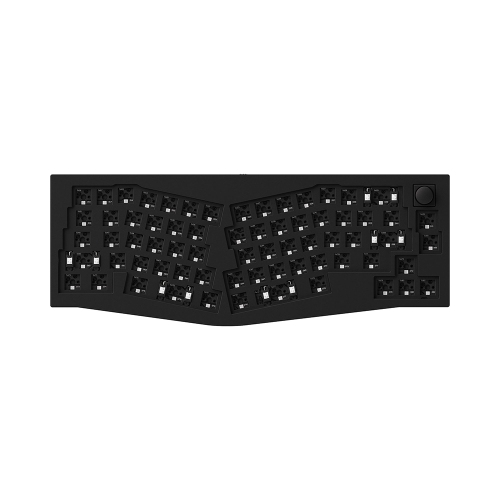
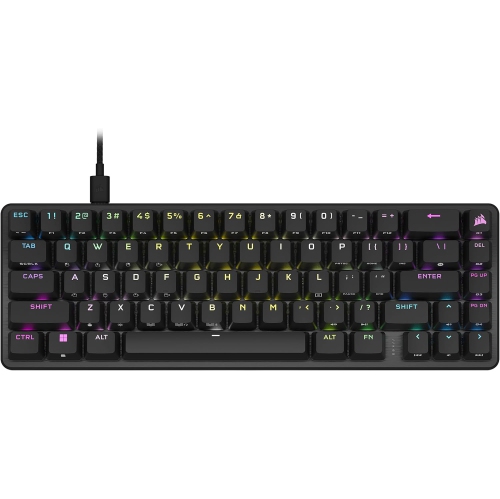
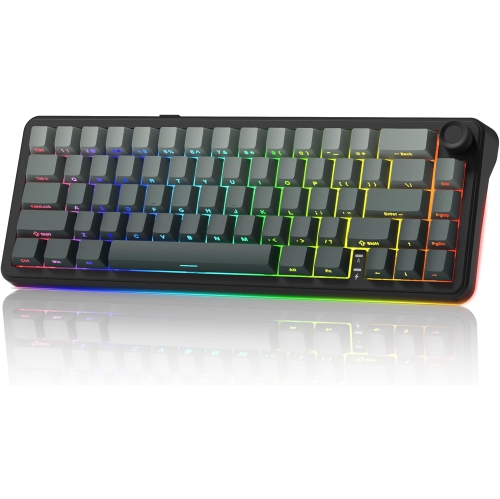
More mouse room without giving up arrow keys
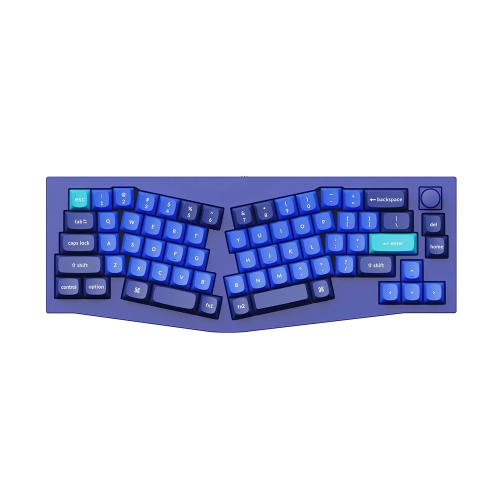
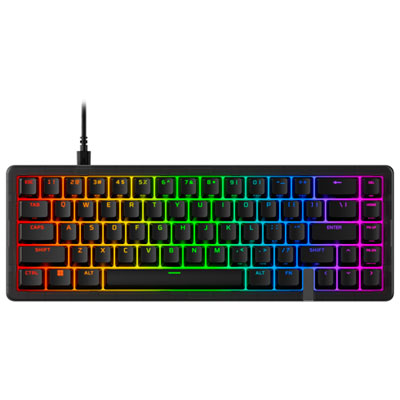
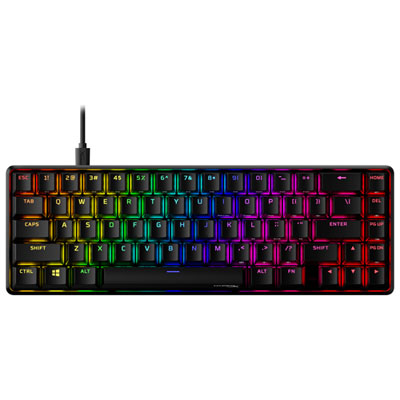
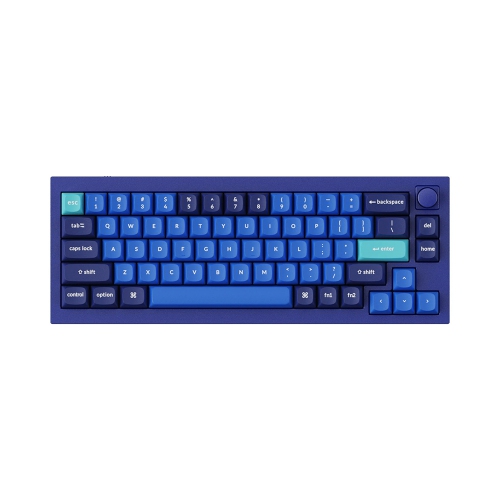
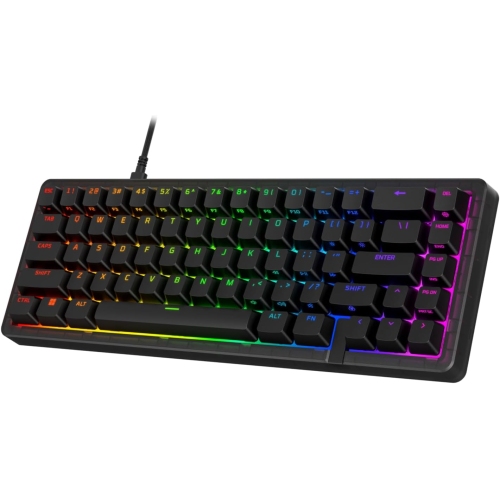
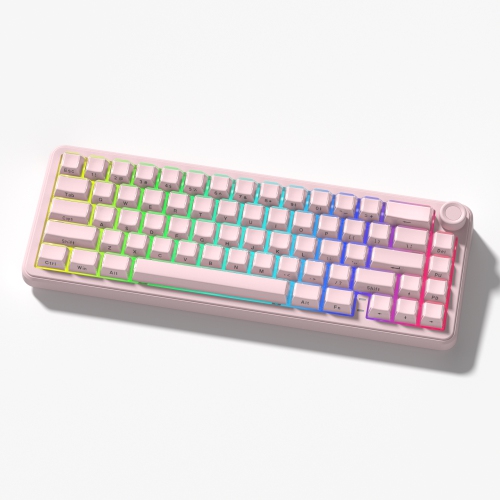
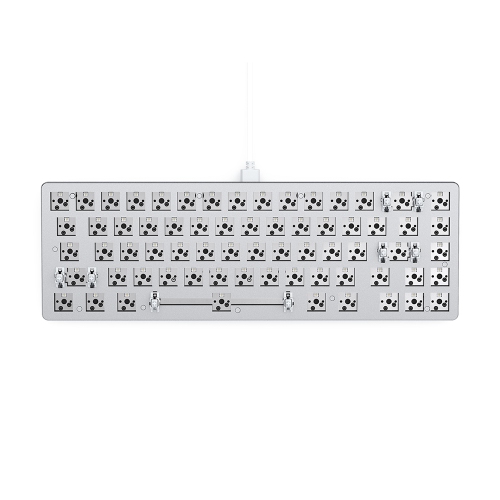
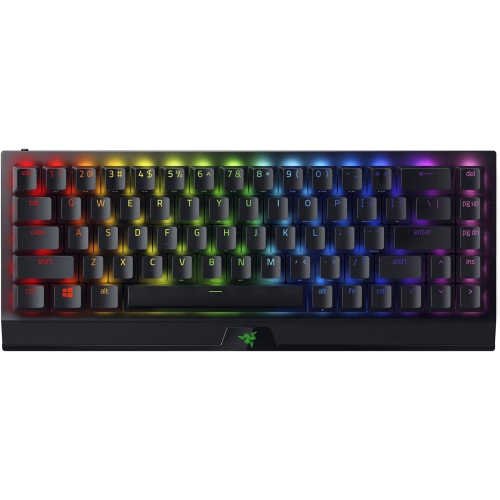
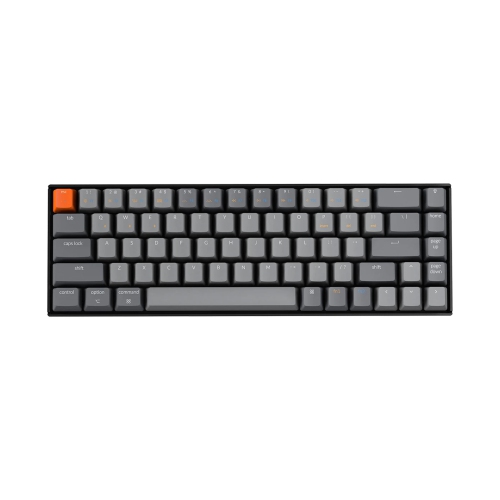
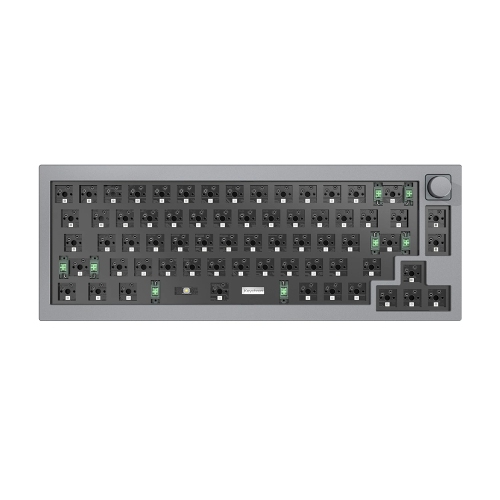
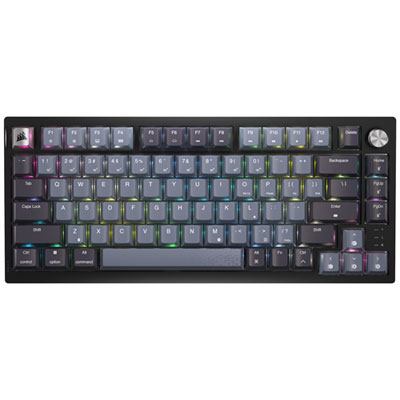
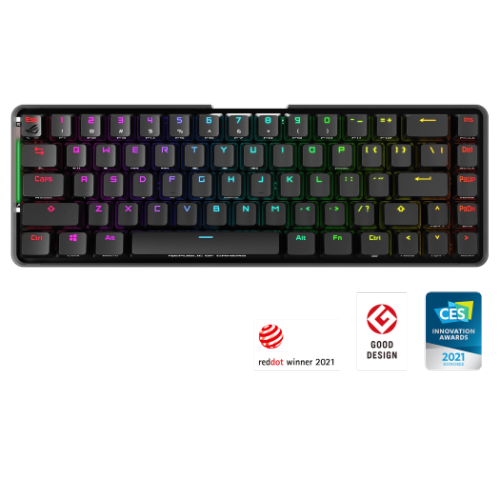
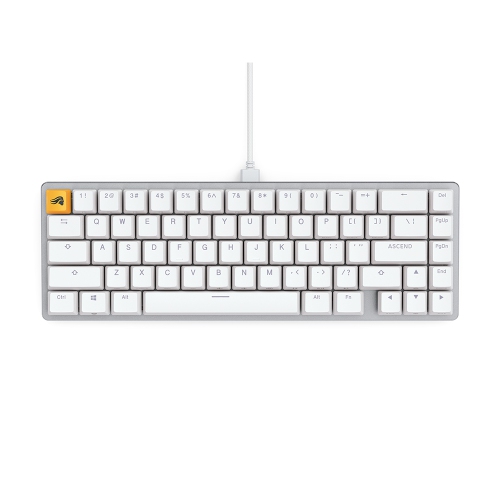
A 65% mechanical keyboard is a compact keyboard layout with roughly 68 keys, dedicated arrow keys, and a small selection of navigation keys. It leaves out the separate number pad and dedicated function row found on larger keyboards, while keeping the keys used most often for typing, gaming, and everyday computer tasks. The exact key count and arrangement vary: some layouts place Delete, Page Up, and Page Down in a narrow column, while others leave small gaps around the arrow keys to make them easier to find by touch. Function keys and less-used commands are usually accessible through an Fn key or a programmable secondary layer. This balance makes 65% mechanical keyboards useful for desks where a full-size keyboard would crowd the mouse, as well as setups shared with a laptop, drawing tablet, or notebook. A smaller footprint can leave more room for broad mouse movements during games without giving up dedicated arrows for editing text or navigating menus. Writers, students, programmers, and players can all appreciate that combination, although frequent spreadsheet entry may be more convenient with a separate number pad. The percentage describes the general layout rather than an exact measurement, so overall width, key spacing, and navigation placement still matter. Collections such as 68 Mechanical Keyboards can overlap with this format, but the physical layout is more informative than the key count alone. Connection options also shape everyday use. A wired USB connection avoids battery charging and suits a keyboard that stays at one desk. Bluetooth can be convenient for moving between compatible computers and mobile devices, while a dedicated 2.4 GHz wireless receiver offers another connection method for work and play. Wireless response depends on the keyboard, connection mode, and surrounding interference, so wireless capability alone does not establish gaming performance. Multi-device pairing, an accessible connection switch, and a detachable cable can make a compact keyboard easier to move between a home workspace and a shared desk.
Mechanical switches give these keyboards much of their character, influencing the pressure needed for each keystroke, the feedback under the fingers, and the sound of typing. Linear switches move smoothly without a deliberate tactile bump, making them appealing to people who prefer consistent key travel for gaming or typing. Tactile switches provide a noticeable bump during a press, which some typists find helpful when composing long documents or entering commands. Clicky switches add an audible click to that feedback, creating a distinct typing experience that may be less suitable beside a sleeping household member or in a shared office. Switch type does not tell the whole sound story: the case, plate, keycaps, internal padding, and desk surface all contribute. Even a keyboard with non-clicky switches can make noise when keys reach the bottom of their travel or return to their resting position. Silent switch designs use damping to reduce some of that sound, though they do not make a keyboard completely silent. Actuation force and travel also matter, especially during extended sessions; a very light switch may feel effortless to one person and lead to accidental presses for another. Hot-swappable designs allow compatible switches to be replaced without soldering, but socket compatibility needs attention because not every switch system is interchangeable. Materials affect both feel and durability. Plastic cases can keep a keyboard lighter for travel, while aluminium cases often add weight and a solid feel on the desk. Neither material alone guarantees better typing quality. Keycaps commonly use ABS or PBT plastic: ABS often develops a smoother, shinier surface with use, while PBT generally resists that shine for longer. Doubleshot legends are formed from separate pieces of plastic, whereas dye-sublimated legends are embedded into the keycap surface. Keycap height and shape influence how the fingers meet each row, and replacement sets need the correct sizes for compact-layout keys, particularly the right Shift key and bottom row. Well-tuned stabilizers help longer keys such as the space bar, Enter, and Backspace feel steady rather than loose or rattly.
The best fit for a compact mechanical keyboard depends as much on daily habits as on its dimensions. Someone who regularly uses arrow keys to revise paragraphs may find a 65% layout easier to settle into than a smaller layout that puts those commands behind a key combination. A person who relies on dedicated function keys for software shortcuts may need more time to adjust. Programmable layers can bring frequently used commands closer to the main typing area, and onboard memory can retain supported settings when the keyboard moves between computers. Software support, remapping options, and operating-system compatibility vary, so familiar shortcuts are worth considering alongside the layout. Media controls, backlighting, and readable key legends can add convenience, but they should complement comfortable typing rather than distract from it. Backlighting is most useful when the legends are designed to let light through; otherwise, it may illuminate the spaces between keys more than the characters themselves. Desk fit includes front-edge height, typing angle, and room for the cable or wireless receiver. Adjustable feet change the angle, but a steeper tilt is not automatically more comfortable. A suitable palm rest may help during pauses, while relaxed shoulders and a keyboard position that avoids excessive wrist bending remain important. Routine care is straightforward: disconnect power before cleaning, remove loose dust with a soft brush, and wipe exterior surfaces with a lightly dampened cloth without letting moisture enter the switches or ports. Removable keycaps can make deeper cleaning easier when the manufacturer's care instructions permit it; they should be completely dry before refitting. A protective sleeve can keep a keyboard from rubbing against other belongings during transport, especially when it travels in a backpack. As a gift, a 65% mechanical keyboard can suit a student building a study space, a gamer refining a compact setup, or a keen typist who values the feel of individual switches. Their preferred sound level, connection method, keyboard language, and operating system are more meaningful considerations than appearance alone, although a well-chosen colour and finish can help the keyboard feel at home on their desk.
Mechanical switches give these keyboards much of their character, influencing the pressure needed for each keystroke, the feedback under the fingers, and the sound of typing. Linear switches move smoothly without a deliberate tactile bump, making them appealing to people who prefer consistent key travel for gaming or typing. Tactile switches provide a noticeable bump during a press, which some typists find helpful when composing long documents or entering commands. Clicky switches add an audible click to that feedback, creating a distinct typing experience that may be less suitable beside a sleeping household member or in a shared office. Switch type does not tell the whole sound story: the case, plate, keycaps, internal padding, and desk surface all contribute. Even a keyboard with non-clicky switches can make noise when keys reach the bottom of their travel or return to their resting position. Silent switch designs use damping to reduce some of that sound, though they do not make a keyboard completely silent. Actuation force and travel also matter, especially during extended sessions; a very light switch may feel effortless to one person and lead to accidental presses for another. Hot-swappable designs allow compatible switches to be replaced without soldering, but socket compatibility needs attention because not every switch system is interchangeable. Materials affect both feel and durability. Plastic cases can keep a keyboard lighter for travel, while aluminium cases often add weight and a solid feel on the desk. Neither material alone guarantees better typing quality. Keycaps commonly use ABS or PBT plastic: ABS often develops a smoother, shinier surface with use, while PBT generally resists that shine for longer. Doubleshot legends are formed from separate pieces of plastic, whereas dye-sublimated legends are embedded into the keycap surface. Keycap height and shape influence how the fingers meet each row, and replacement sets need the correct sizes for compact-layout keys, particularly the right Shift key and bottom row. Well-tuned stabilizers help longer keys such as the space bar, Enter, and Backspace feel steady rather than loose or rattly.
The best fit for a compact mechanical keyboard depends as much on daily habits as on its dimensions. Someone who regularly uses arrow keys to revise paragraphs may find a 65% layout easier to settle into than a smaller layout that puts those commands behind a key combination. A person who relies on dedicated function keys for software shortcuts may need more time to adjust. Programmable layers can bring frequently used commands closer to the main typing area, and onboard memory can retain supported settings when the keyboard moves between computers. Software support, remapping options, and operating-system compatibility vary, so familiar shortcuts are worth considering alongside the layout. Media controls, backlighting, and readable key legends can add convenience, but they should complement comfortable typing rather than distract from it. Backlighting is most useful when the legends are designed to let light through; otherwise, it may illuminate the spaces between keys more than the characters themselves. Desk fit includes front-edge height, typing angle, and room for the cable or wireless receiver. Adjustable feet change the angle, but a steeper tilt is not automatically more comfortable. A suitable palm rest may help during pauses, while relaxed shoulders and a keyboard position that avoids excessive wrist bending remain important. Routine care is straightforward: disconnect power before cleaning, remove loose dust with a soft brush, and wipe exterior surfaces with a lightly dampened cloth without letting moisture enter the switches or ports. Removable keycaps can make deeper cleaning easier when the manufacturer's care instructions permit it; they should be completely dry before refitting. A protective sleeve can keep a keyboard from rubbing against other belongings during transport, especially when it travels in a backpack. As a gift, a 65% mechanical keyboard can suit a student building a study space, a gamer refining a compact setup, or a keen typist who values the feel of individual switches. Their preferred sound level, connection method, keyboard language, and operating system are more meaningful considerations than appearance alone, although a well-chosen colour and finish can help the keyboard feel at home on their desk.
Top selling and popular products
-
 Your price for this item is $39.99
 -
 Your price for this item is $94.99
 -
 Your price for this item is $319.99
 -
 Your price for this item is $364.99
 -
 Your price for this item is $149.99
 -
 Your price for this item is $124
 -
 Your price for this item is $94.99
 -
 Your price for this item is $139.99
Discover more categories related to 65 Mechanical Keyboards

Top Collections:
Pokemon Centers, Best Cameras for Sports Photography, Kindle Devices, Samsung Galaxy Phones, Canon G7X Cameras, Pokémon 30th Celebration Cards, Refurbished Apple Laptops, iPhone 15 Apple, Laptops for Students, Budget Smartphones
Some products may be subject to Environmental Handling Fees
(EHF) depending on your province.
Learn more about EHFs.