White 65 Keyboards
Discover the perfect balance of style and functionality with a White 65 Keyboard. Designed to complement any workspace, these keyboards offer a sleek, modern look that enhances your desk setup. Whether you're upgrading your home office or optimizing your gaming station, a White 65 Keyboard provides an attractive and practical solution for everyday typing needs. Explore a variety of options to find the ideal fit for your workflow and aesthetic preferences.
Sort
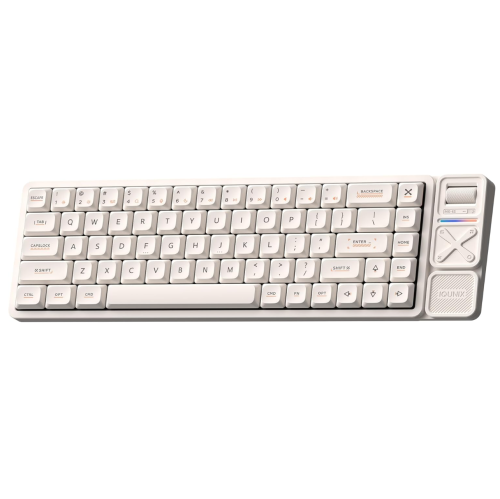
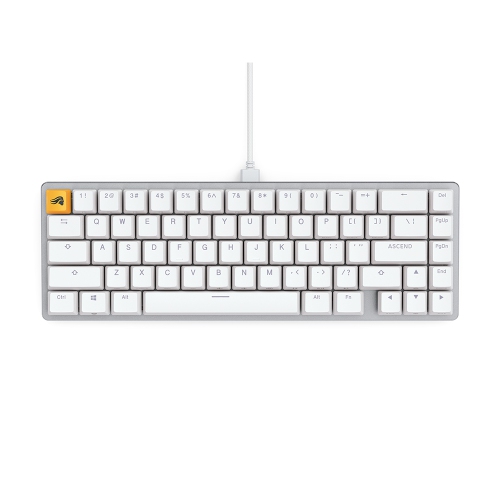
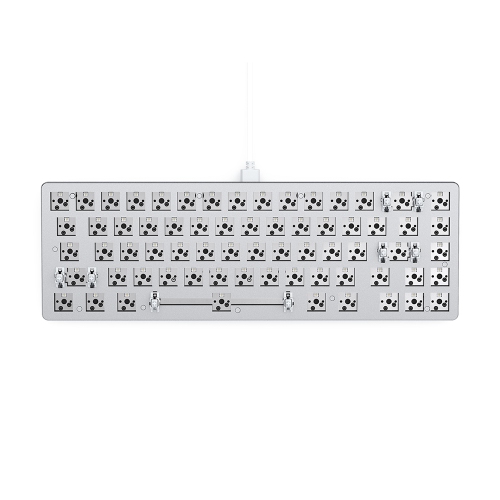
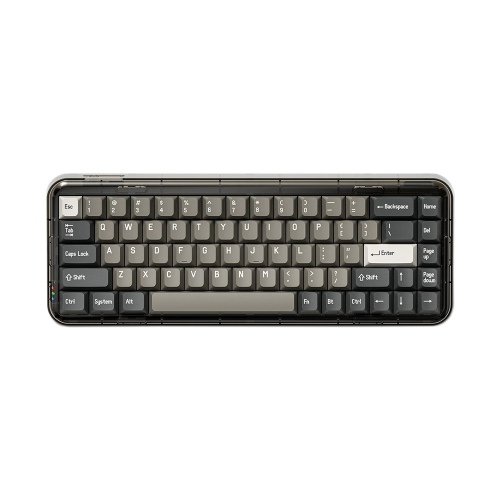
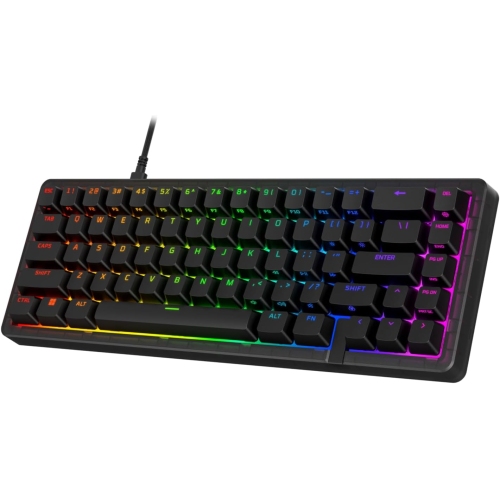
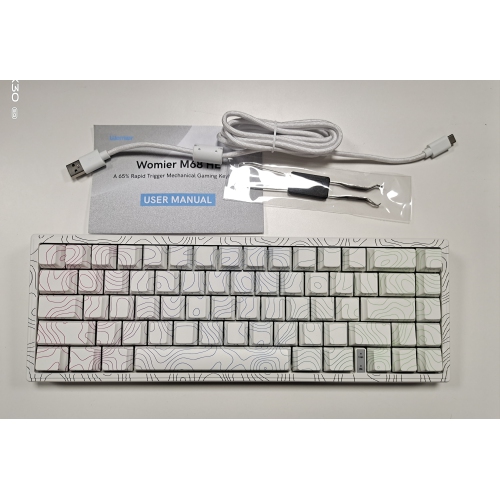
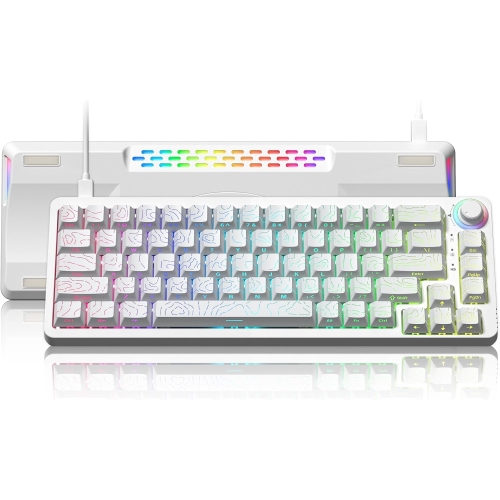
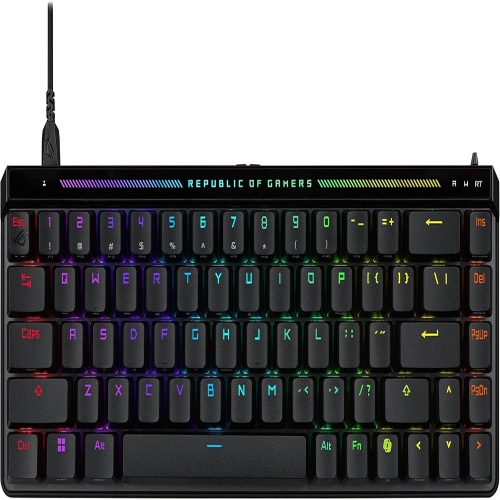
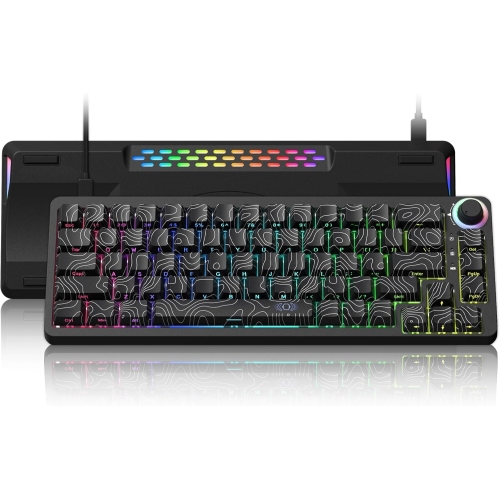
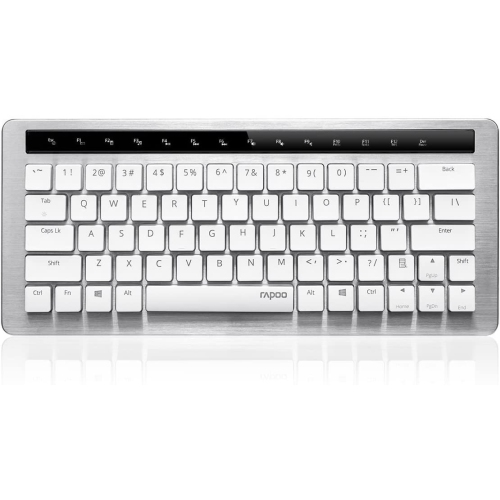
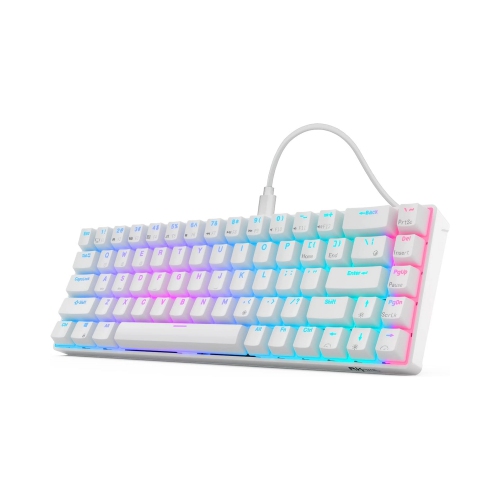
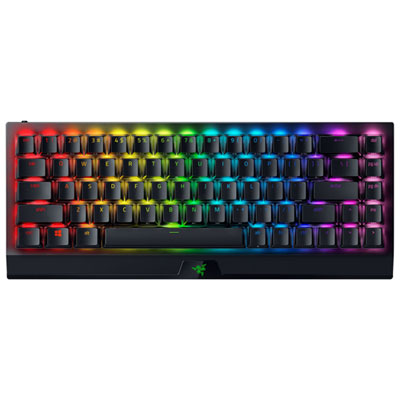
More mouse space without giving up dedicated arrow keys
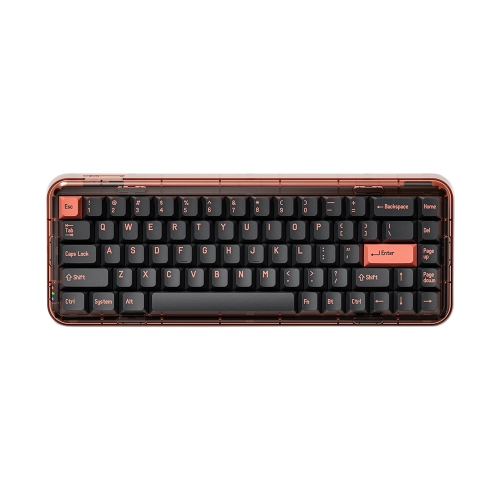
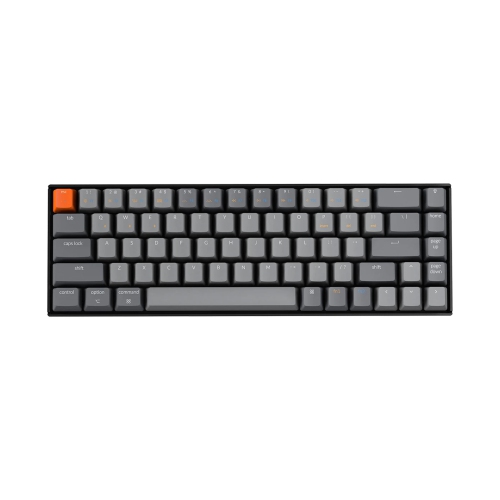
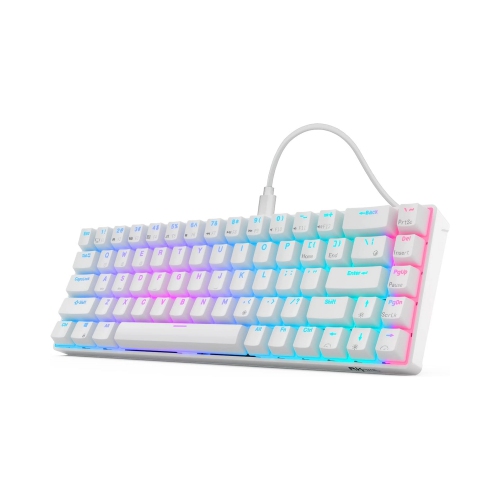
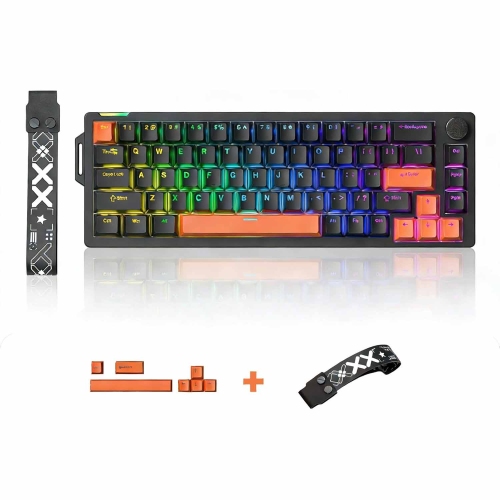
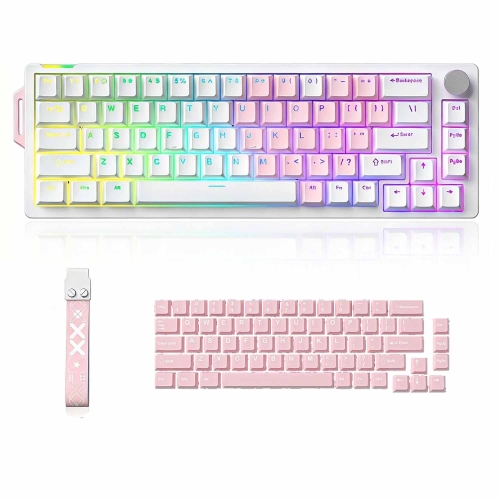
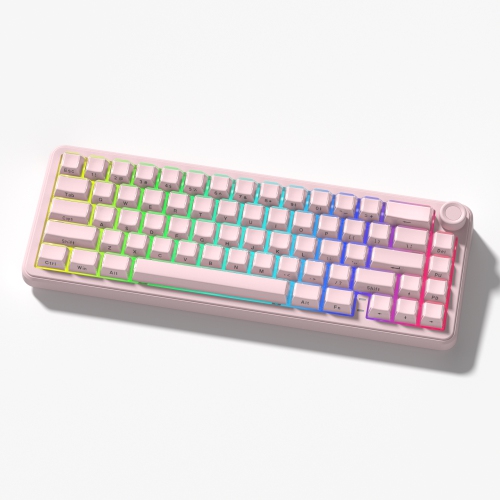
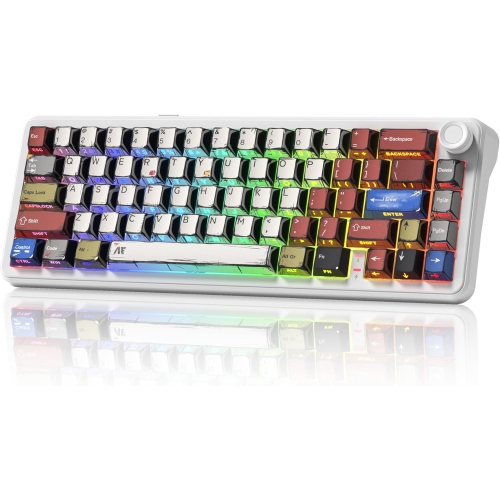
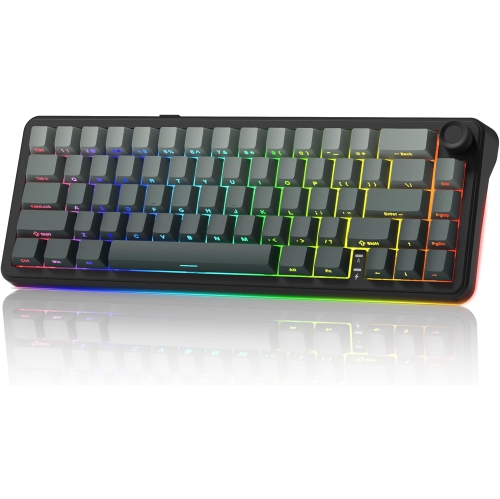
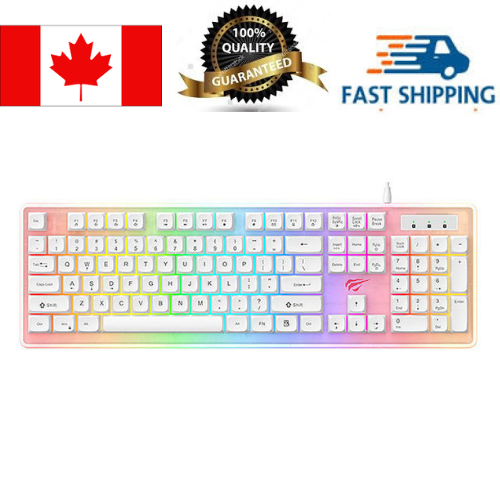
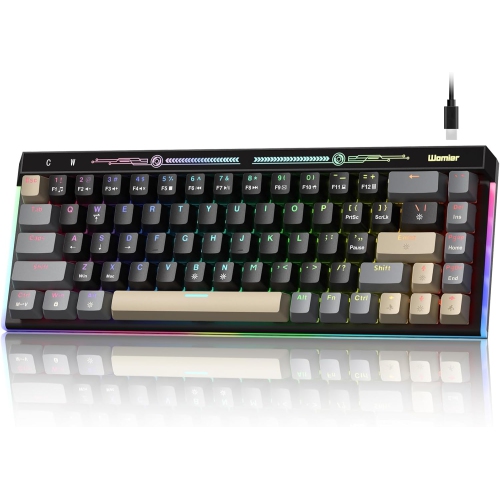
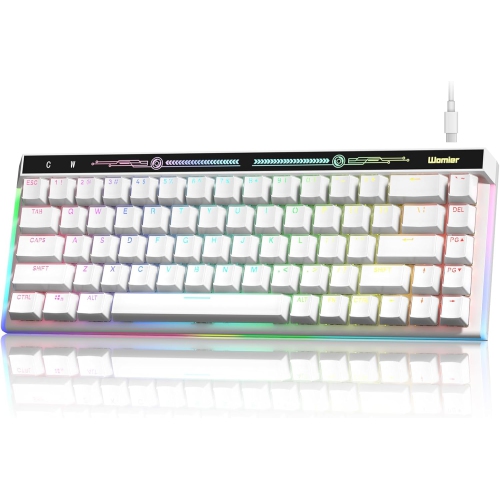
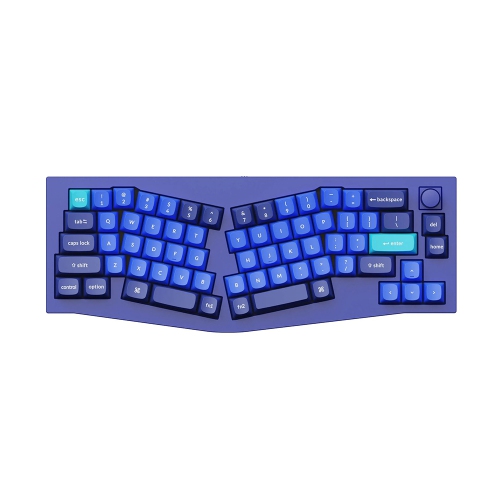
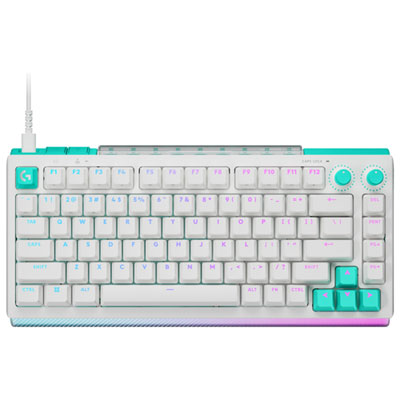
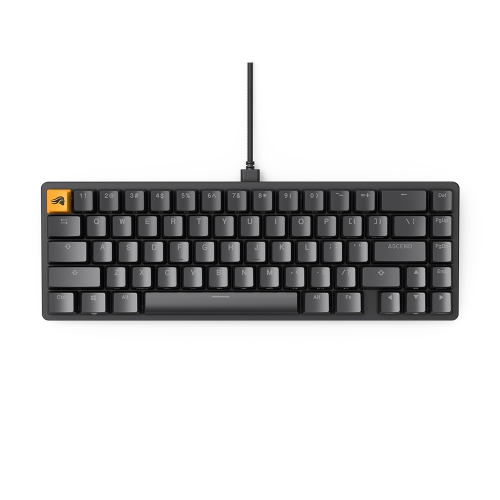
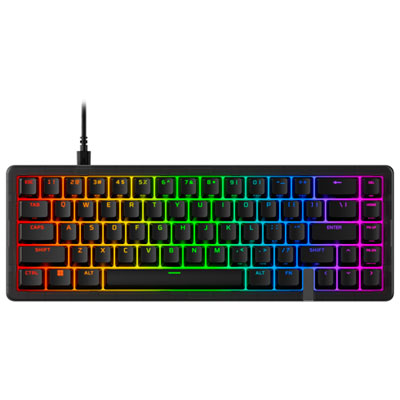
White 65% keyboards pair a compact desktop footprint with a light, clean-looking finish, making them a practical choice for typing, gaming, and mixed-use workspaces. The term “65%” describes the layout rather than an exact key count: these keyboards generally retain the main typing area, dedicated arrow keys, and a small selection of navigation keys while leaving out the number pad and separate function row. Exact key counts and arrangements vary, so two keyboards described as 65% can place Delete, Home, or Page Up in different positions. Function keys and less frequently used commands are usually accessible through a function layer, which combines a modifier key with another key. This balance suits someone who wants more mouse space without giving up the arrows used to move through documents, spreadsheets, or game menus. On a narrow desk, the shorter case can leave room for a notebook beside the keyboard; for gaming, it can provide more clearance for broad mouse movements. Frequent numerical entry may still call for a separate number pad, while workflows built around function-key shortcuts benefit from an accessible, clearly labelled function layer. A white finish can sit comfortably alongside a pale desktop, a matching mouse, or contrasting dark monitor stands. Shades range from bright white to softer off-white, and the case and keycaps may not share precisely the same tone. Matte surfaces offer a subdued appearance, while glossier details catch more light and can make fingerprints more noticeable. Backlighting, where included, adds another visual element, but illuminated keys are not all alike: shine-through legends allow light through the characters, whereas opaque keycaps mainly show light around their edges. Readers exploring other sizes and layouts can also browse White Computer Keyboards. Within the 65% format, the most useful distinction is how well the retained keys match everyday habits, whether that means navigating lines of code, editing written assignments, or keeping movement controls within easy reach.
Typing feel depends on much more than the colour or size of the keyboard. Many white 65% keyboards use mechanical switches, with linear, tactile, and clicky designs offering distinct sensations. Linear switches travel smoothly without a deliberate tactile bump, which can suit repeated keypresses during games. Tactile switches provide a noticeable bump during the press, giving typists a physical cue, while clicky switches add an audible click that may be intrusive during calls or in a shared room. A linear switch is not automatically quiet; the sound also depends on the case, keycaps, mounting design, and how firmly each key is pressed. Silent switch designs can reduce impact noise, though no keyboard is completely silent in use. Some gaming-focused designs use magnetic switches with adjustable actuation, allowing the registration point to be changed through compatible software. Rapid trigger features, when supported, can alter how quickly a key resets as it moves, but these functions are not standard across the category. For everyday writing, comfortable resistance and consistent stabilizers under longer keys such as the space bar can matter more than advanced gaming settings. Materials also influence feel and durability. Plastic cases can keep weight manageable for moving between rooms, while aluminum cases often add heft and a more planted feel on the desk. Neither material alone determines sound or build quality. Keycaps are commonly made from ABS or PBT plastic; PBT generally resists developing a polished surface from repeated contact, while ABS can offer a smooth finish and crisp legends, depending on how it is made. Double-shot legends are formed from separate pieces of plastic rather than simply printed on top, helping the characters withstand wear. Hot-swappable sockets, where present, allow compatible switches to be replaced without soldering, but switch compatibility must be checked carefully. Mechanical and magnetic switches are not generally interchangeable, and even magnetic designs can require a particular switch family. Replacement keycap sets also need to accommodate the layout’s shorter right Shift key and any unusual bottom-row or navigation-key sizes.
Connection options shape how a compact keyboard fits into a daily routine. A wired USB connection avoids battery charging and provides a straightforward setup for a stationary computer, although the cable and the computer’s ports still need to be compatible. Bluetooth can be convenient for switching among supported computers and mobile devices, while a dedicated wireless receiver may offer lower latency for gaming, depending on the implementation. A wireless keyboard does not necessarily support every connection method, and a charging cable does not always mean that wired typing is supported. Battery life varies with lighting brightness, connection mode, and usage, so quoted runtimes are most meaningful when the test conditions resemble the intended use. Operating-system support matters as well: modifier labels, media controls, key remapping, and configuration software may behave differently across devices. For bilingual typing, the physical layout and available keycaps deserve attention alongside the selected input language, especially when familiar access to accented characters is important. Physical comfort comes down to case height, keycap shape, desk position, and typing angle rather than compactness alone. Adjustable feet change the slope, but a steeper angle is not automatically more comfortable; a stable position that avoids bending the wrists upward is often more useful. A correctly sized palm rest can provide support during pauses without taking up the space intended for the mouse. Routine care helps keep a white keyboard looking tidy: disconnect it or switch it off before cleaning, remove loose dust gently, and use a soft cloth lightly dampened with a cleaner approved for the surface. Liquid should never be sprayed directly into the keys, and keycaps should be removed only when the design permits it. Abrasive cleaners can damage finishes or legends. For students, writers, programmers, and gamers, a white 65% keyboard can be a thoughtful gift when its layout, sound, and connection options suit the recipient’s setup. Those details make the difference between a keyboard that simply matches a desk and one that feels natural through hours of everyday use.
Typing feel depends on much more than the colour or size of the keyboard. Many white 65% keyboards use mechanical switches, with linear, tactile, and clicky designs offering distinct sensations. Linear switches travel smoothly without a deliberate tactile bump, which can suit repeated keypresses during games. Tactile switches provide a noticeable bump during the press, giving typists a physical cue, while clicky switches add an audible click that may be intrusive during calls or in a shared room. A linear switch is not automatically quiet; the sound also depends on the case, keycaps, mounting design, and how firmly each key is pressed. Silent switch designs can reduce impact noise, though no keyboard is completely silent in use. Some gaming-focused designs use magnetic switches with adjustable actuation, allowing the registration point to be changed through compatible software. Rapid trigger features, when supported, can alter how quickly a key resets as it moves, but these functions are not standard across the category. For everyday writing, comfortable resistance and consistent stabilizers under longer keys such as the space bar can matter more than advanced gaming settings. Materials also influence feel and durability. Plastic cases can keep weight manageable for moving between rooms, while aluminum cases often add heft and a more planted feel on the desk. Neither material alone determines sound or build quality. Keycaps are commonly made from ABS or PBT plastic; PBT generally resists developing a polished surface from repeated contact, while ABS can offer a smooth finish and crisp legends, depending on how it is made. Double-shot legends are formed from separate pieces of plastic rather than simply printed on top, helping the characters withstand wear. Hot-swappable sockets, where present, allow compatible switches to be replaced without soldering, but switch compatibility must be checked carefully. Mechanical and magnetic switches are not generally interchangeable, and even magnetic designs can require a particular switch family. Replacement keycap sets also need to accommodate the layout’s shorter right Shift key and any unusual bottom-row or navigation-key sizes.
Connection options shape how a compact keyboard fits into a daily routine. A wired USB connection avoids battery charging and provides a straightforward setup for a stationary computer, although the cable and the computer’s ports still need to be compatible. Bluetooth can be convenient for switching among supported computers and mobile devices, while a dedicated wireless receiver may offer lower latency for gaming, depending on the implementation. A wireless keyboard does not necessarily support every connection method, and a charging cable does not always mean that wired typing is supported. Battery life varies with lighting brightness, connection mode, and usage, so quoted runtimes are most meaningful when the test conditions resemble the intended use. Operating-system support matters as well: modifier labels, media controls, key remapping, and configuration software may behave differently across devices. For bilingual typing, the physical layout and available keycaps deserve attention alongside the selected input language, especially when familiar access to accented characters is important. Physical comfort comes down to case height, keycap shape, desk position, and typing angle rather than compactness alone. Adjustable feet change the slope, but a steeper angle is not automatically more comfortable; a stable position that avoids bending the wrists upward is often more useful. A correctly sized palm rest can provide support during pauses without taking up the space intended for the mouse. Routine care helps keep a white keyboard looking tidy: disconnect it or switch it off before cleaning, remove loose dust gently, and use a soft cloth lightly dampened with a cleaner approved for the surface. Liquid should never be sprayed directly into the keys, and keycaps should be removed only when the design permits it. Abrasive cleaners can damage finishes or legends. For students, writers, programmers, and gamers, a white 65% keyboard can be a thoughtful gift when its layout, sound, and connection options suit the recipient’s setup. Those details make the difference between a keyboard that simply matches a desk and one that feels natural through hours of everyday use.
Top selling and popular products
-
 Your price for this item is $39.99
 -
 Your price for this item is $94.99
 -
 Your price for this item is $319.99
 -
 Your price for this item is $364.99
 -
 Your price for this item is $149.99
 -
 Your price for this item is $124
 -
 Your price for this item is $94.99
 -
 Your price for this item is $139.99
Discover more categories related to White 65 Keyboards

Top Collections:
Pokemon Centers, Best Cameras for Sports Photography, Kindle Devices, Samsung Galaxy Phones, Canon G7X Cameras, Pokémon 30th Celebration Cards, Refurbished Apple Laptops, iPhone 15 Apple, Laptops for Students, Budget Smartphones
Some products may be subject to Environmental Handling Fees
(EHF) depending on your province.
Learn more about EHFs.