8GB DDR4 2400 SODIMM
Upgrade your laptop or compact desktop with 8GB DDR4 2400 SODIMM memory to experience smoother multitasking and improved system responsiveness. Designed for compatibility with a wide range of devices, these memory modules are ideal for boosting performance whether you're working, studying, or enjoying entertainment. Explore options that fit your needs and take advantage of the reliable speed and efficiency offered by 8GB DDR4 2400 SODIMM RAM.
Sort









How compatible laptop memory can ease everyday multitasking
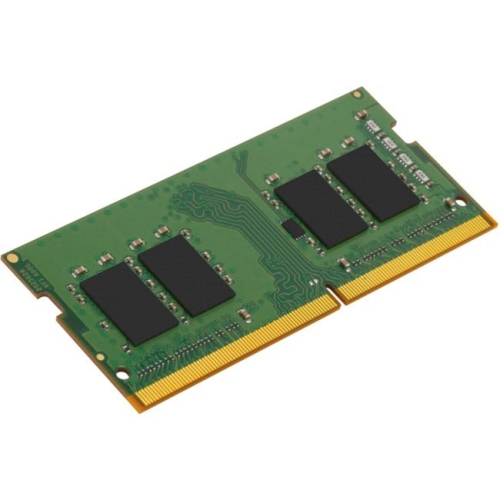
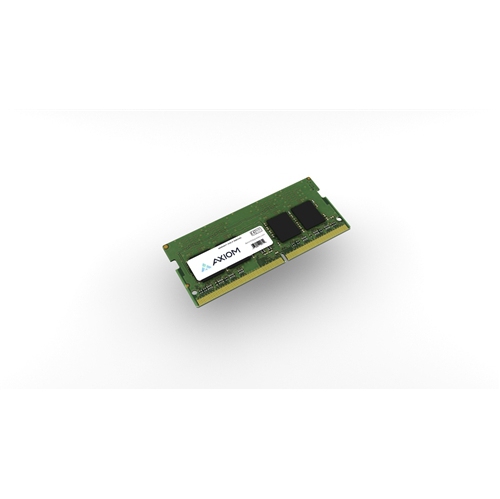
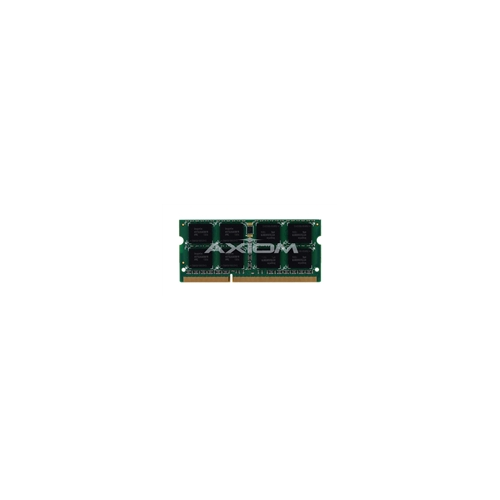
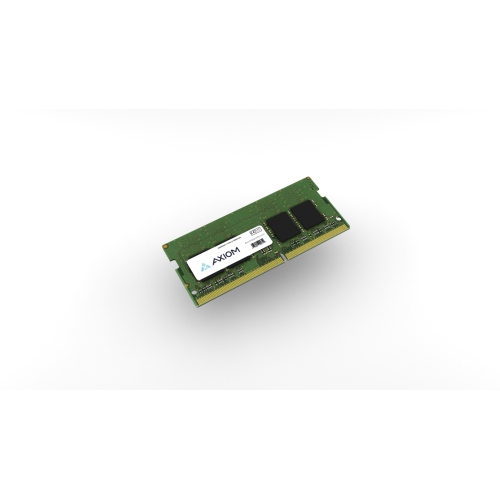
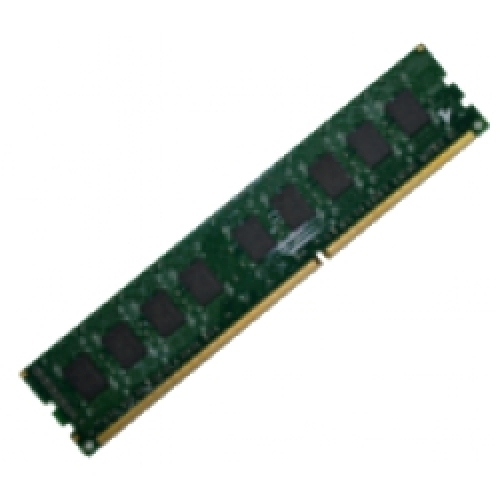
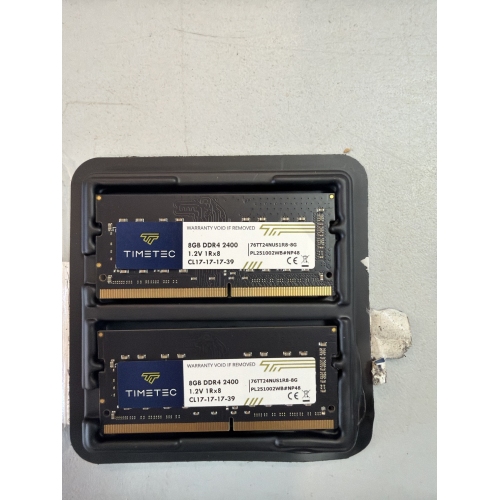
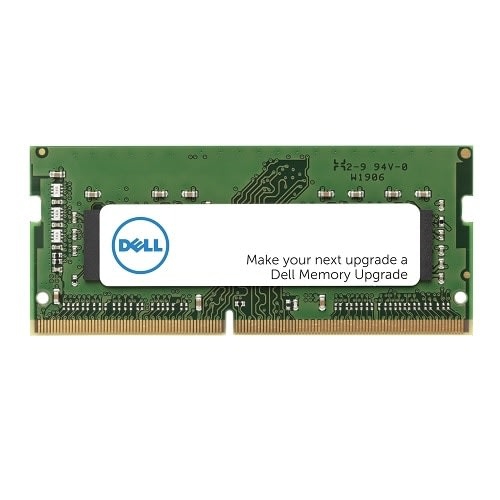
An 8GB DDR4 2400 SODIMM is a compact memory module designed for compatible laptops, mini PCs, and other computers that use replaceable notebook-style RAM. Its key specifications describe different aspects of the fit: 8GB is the module’s memory capacity, DDR4 identifies its memory generation, and SODIMM identifies its smaller physical format. Standard DDR4 SODIMMs have 260 pins, while typical laptop memory in this category operates at 1.2V and is unbuffered and non-ECC. DDR4-2400 transfers data at 2400 megatransfers per second, or MT/s, although memory listings commonly describe this rate as 2400 MHz. The equivalent bandwidth designation, PC4-19200, refers to a theoretical maximum transfer rate of 19.2GB per second for a module. These specifications help distinguish this memory from desktop-sized DDR4 DIMMs and from DDR3 or DDR5 SODIMMs, which are not interchangeable with it. RAM provides temporary working space for the operating system, applications, and files being actively used; it does not replace the SSD or hard drive that stores documents and software when the computer is switched off. An 8GB module can therefore be relevant when a compatible computer needs more working memory rather than more file storage. A student moving between lecture notes, a video call, and several research tabs, or someone working with spreadsheets alongside email and a web browser, may notice fewer interruptions if insufficient RAM was previously forcing the computer to move data repeatedly between memory and storage. The benefit depends on the starting configuration and workload, rather than the module’s capacity alone. An 8GB total configuration may suit lighter everyday tasks, while adding an 8GB module to an existing compatible 8GB module can provide 16GB in total. Larger creative projects, virtual machines, and demanding games may require more capacity. Additional RAM can relieve a memory bottleneck, but it does not make an older processor faster or replace the need for suitable graphics hardware.
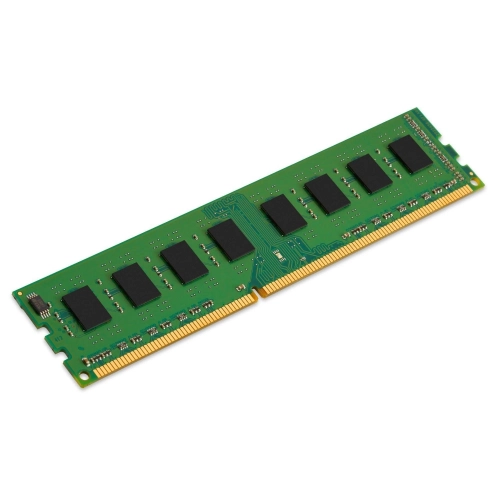
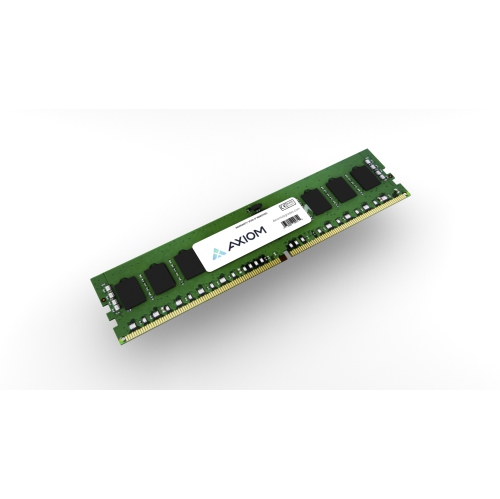
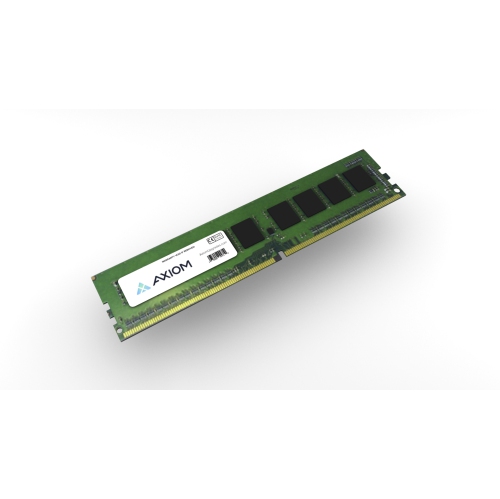
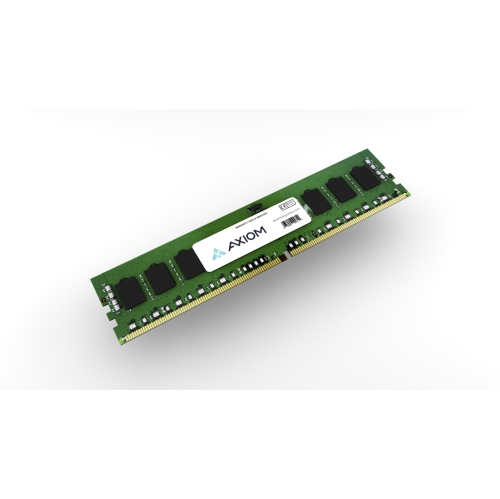
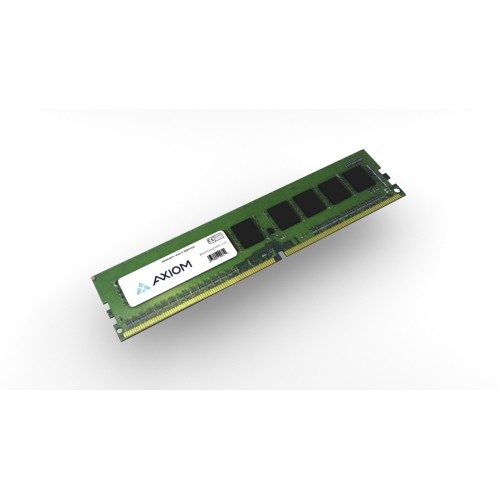
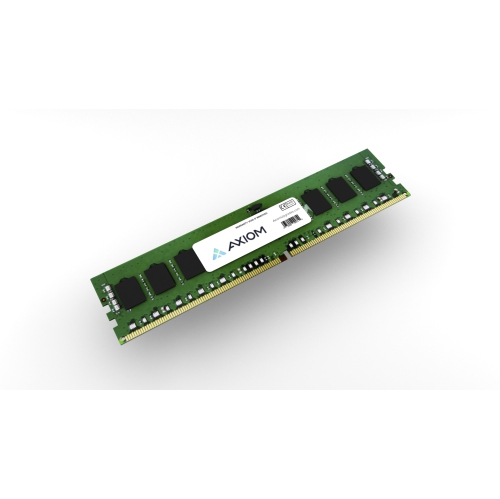
Physical fit and system support are equally important when comparing 8GB DDR4-2400 SODIMM memory. A laptop can look similar to another model in the same family yet have a different internal memory arrangement, including two accessible slots, one slot beside soldered memory, or no replaceable memory at all. The computer’s exact model specifications and service documentation establish whether DDR4 SODIMMs are supported, which speeds are accepted, how much memory each slot can hold, and the maximum supported total capacity. A free slot also matters: adding an 8GB module beside existing memory increases the total differently from replacing an existing module with another of the same capacity. The notch along the contact edge helps prevent insertion into an incompatible socket, but matching the notch is not a substitute for checking electrical and system compatibility. Memory generation, voltage, error-correction requirements, and supported module organization all matter. Details such as 1Rx8, 2Rx8, and 1Rx16 describe how memory chips are arranged and can affect support on some systems, even where capacity and rated speed match. Within the broader DDR4 SODIMM 8GB category, those differences are worth distinguishing from capacity alone. For computers with two memory channels, a supported pair of equal-capacity modules can enable dual-channel operation, increasing the memory bandwidth available to the system. This can be useful for integrated graphics, which share system RAM, although actual performance gains vary by application and hardware. Matching capacity, speed, and timings generally reduces uncertainty when combining modules, but matching labels alone does not guarantee compatibility. When compatible modules have different rated speeds, the system will generally use a mutually supported setting, subject to its processor, firmware, and memory controller. A faster-rated module does not force a computer to exceed its supported memory speed. For straightforward everyday upgrades, standard supported memory settings are usually more relevant than performance profiles that a laptop may not offer.
The construction of a SODIMM reflects its role inside a compact computer: memory chips sit on a small printed circuit board, with metal contacts along one edge and a retaining notch at each side. Unlike decorative desktop memory, laptop SODIMMs typically have a low-profile design without tall heat spreaders, leaving room for the computer’s internal layout and service cover. Clearance still matters, particularly in tightly packed mini PCs or systems with a specific memory shield. Once correctly fitted, RAM has no moving parts and requires no routine cleaning or adjustment, but careful handling protects its contacts and electronic components. Holding a module by its edges, avoiding contact with the chips and connector, and using appropriate static-discharge precautions help reduce the risk of damage during handling. Protective antistatic packaging is useful when memory is being stored or transported; a loose module should not be left in a drawer with screws, tools, or other metal objects. Installation access varies substantially between computers, so a removable bottom panel should not be assumed to mean an uncomplicated upgrade. Battery disconnection requirements, retaining clips, and service procedures depend on the device, and professional installation can be appropriate when internal access is difficult or unfamiliar. After an upgrade, the system’s firmware or operating system can show whether the expected total capacity has been recognized. The usable amount may be lower than the installed amount because integrated graphics and other hardware reserve a portion of memory, while a 64-bit operating system is generally needed to make practical use of capacities above 4GB. For students, home-office users, and households extending the usefulness of a compatible laptop, an 8GB DDR4-2400 SODIMM can be a focused upgrade when memory capacity is the limiting factor. The strongest fit is a module whose specifications match the computer and whose capacity supports the applications used together, whether that means keeping reference documents open during a meeting or switching between a browser, presentation software, and a spreadsheet without repeatedly closing tasks.
Top selling and popular products
-
 Your price for this item is $169.98
-
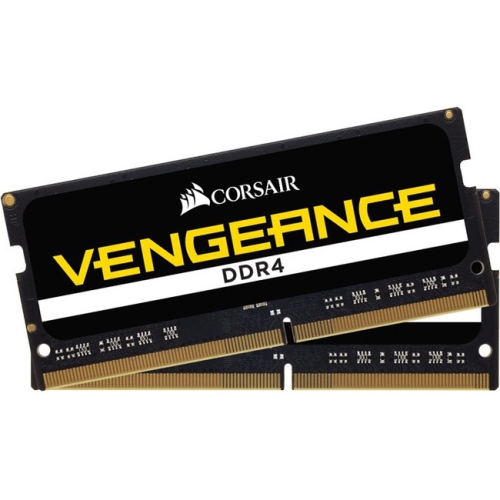 Your price for this item is $750.68
-
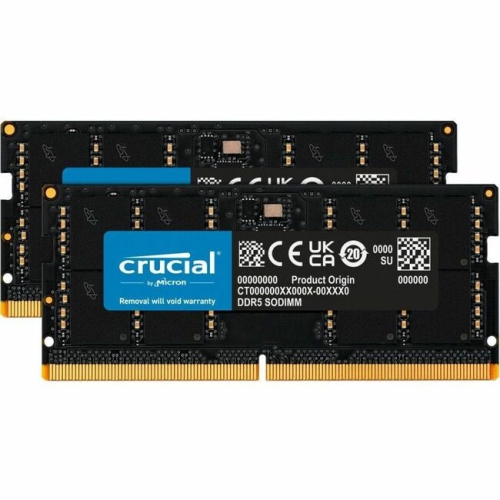 Your price for this item is $2154.68
-
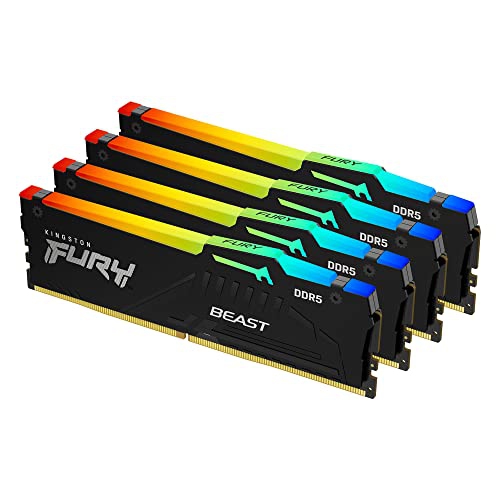 Your price for this item is $1614.05
-
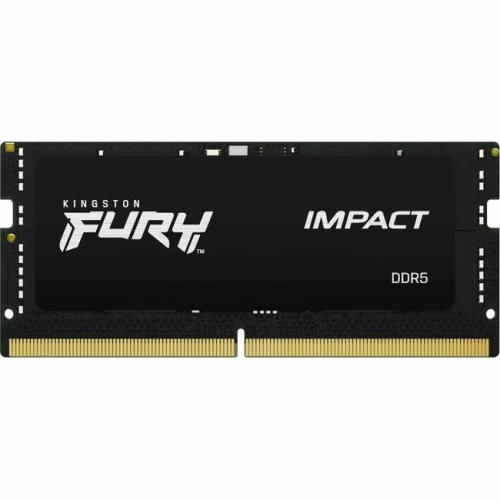 Your price for this item is $661.68
-
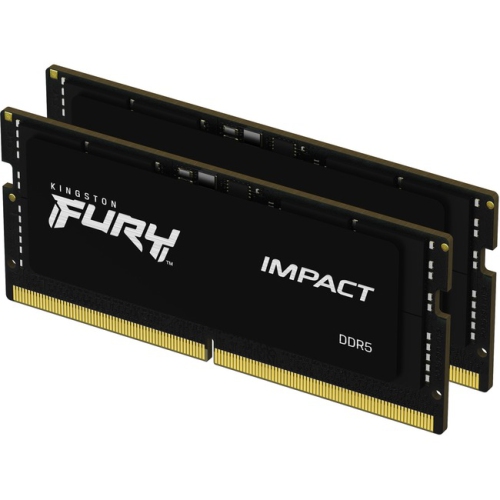 Your price for this item is $2672.97
-
 Your price for this item is $242.68
-
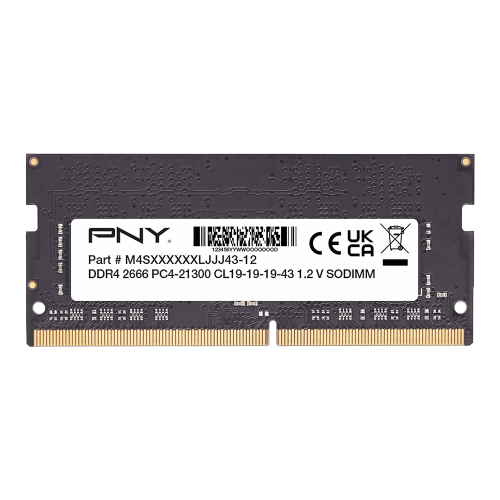 Your price for this item is $437.68
Discover more categories related to 8GB DDR4 2400 SODIMM
Top Collections:
Best Black Friday Deals This Year, Best Black Friday Deals On Electronics, Kindle Devices, Pokemon Centers, Best Black Friday Deals On Apple Products, Best Cameras for Sports Photography, Dyson Airwrap, Pokémon 30th Celebration Cards, Apple iPhone 17 Pro, Canon G7X Cameras
Some products may be subject to Environmental Handling Fees
(EHF) depending on your province.
Learn more about EHFs.