16GB DDR4 SODIMM
Upgrade your laptop's performance with a 16GB DDR4 SODIMM. Designed to provide faster data transfer speeds and improved multitasking capabilities, this memory module is the perfect solution for power users and gamers alike. With its compact size and easy installation process, you can effortlessly boost your laptop's memory capacity and enhance overall system performance. Whether you're editing videos, running demanding software, or simply looking to improve your gaming experience, a 16GB DDR4 SODIMM is an essential upgrade that will take your laptop to the next level.
Sort
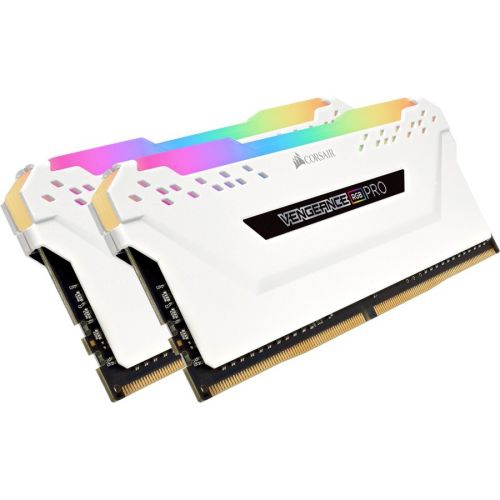
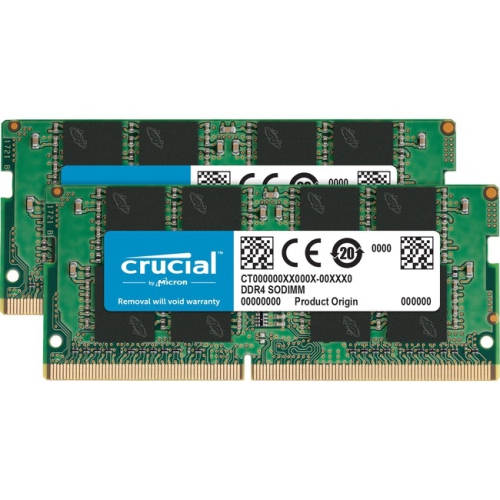
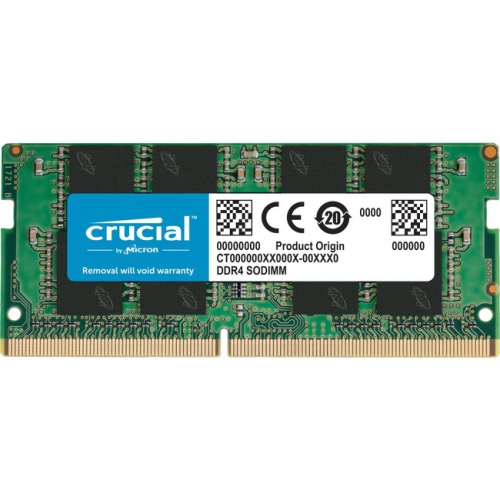
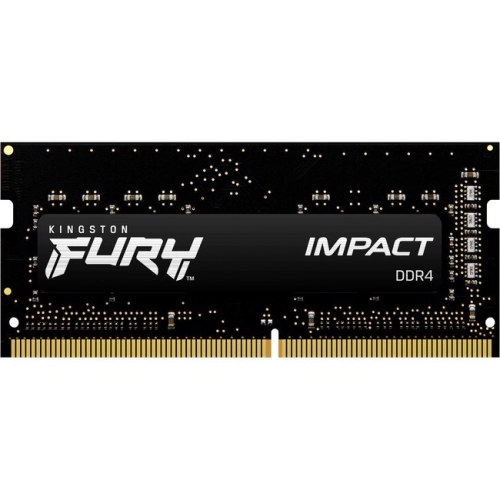
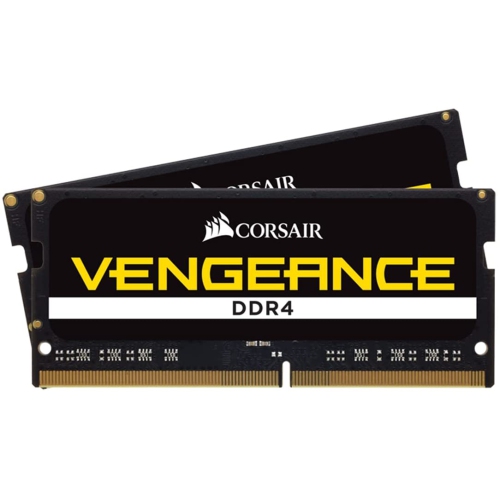

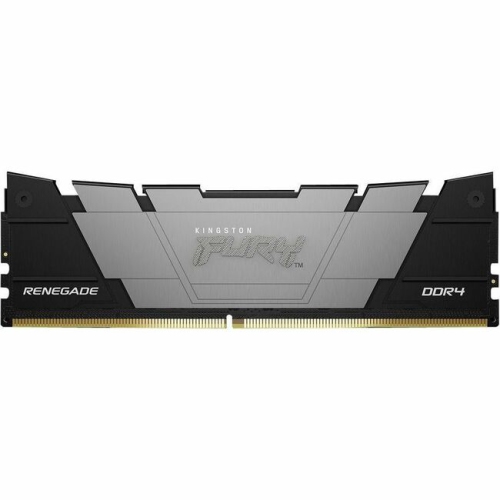

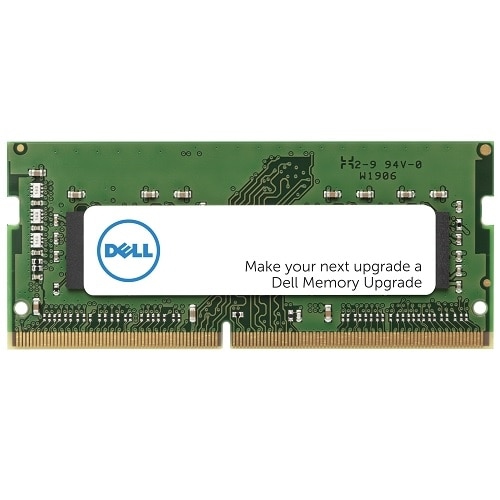
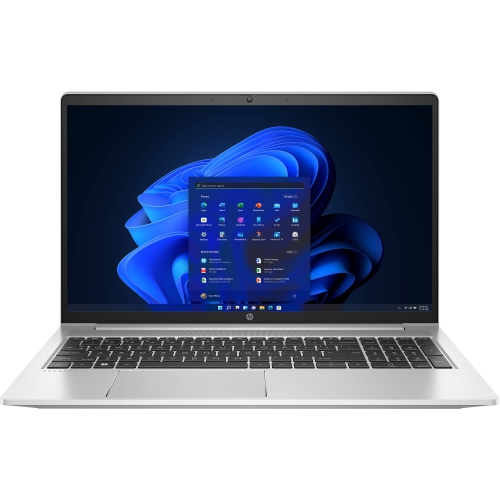
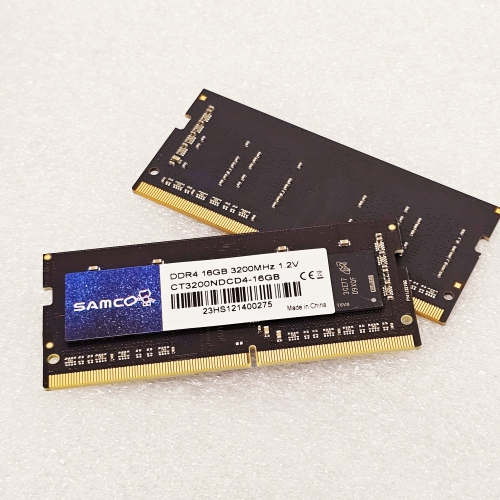
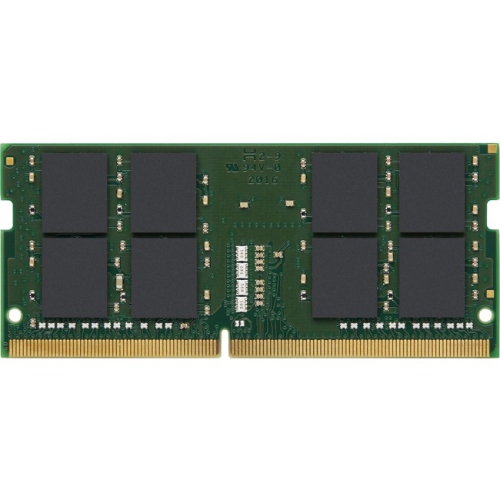
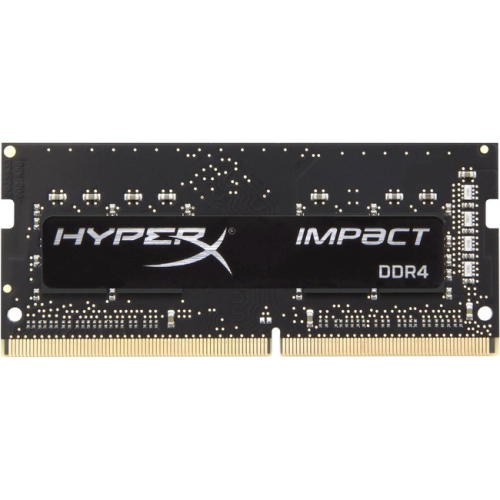


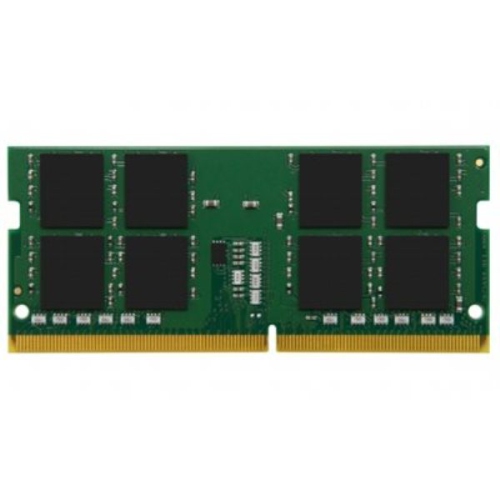
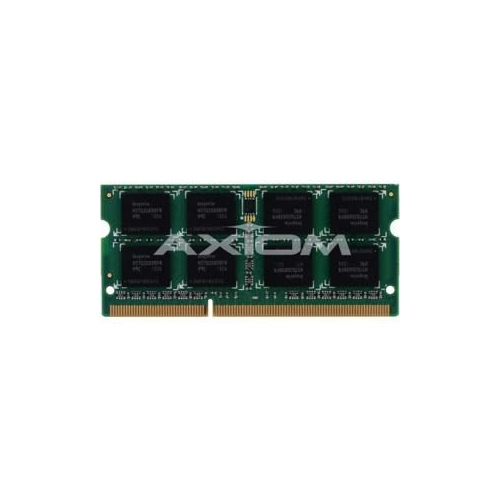




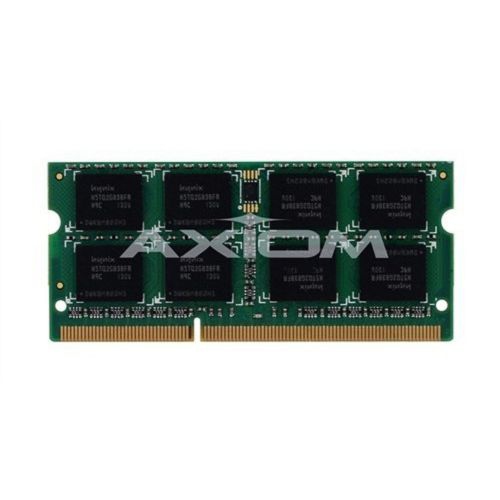
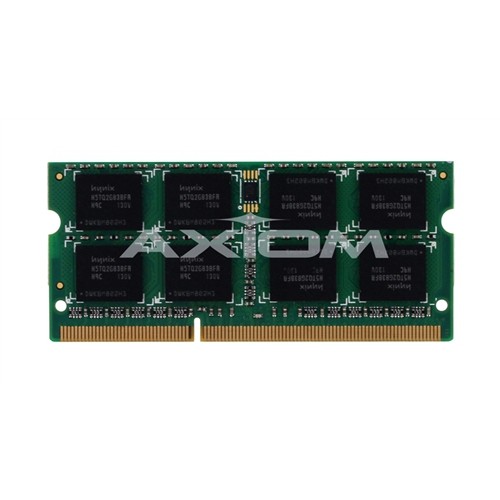
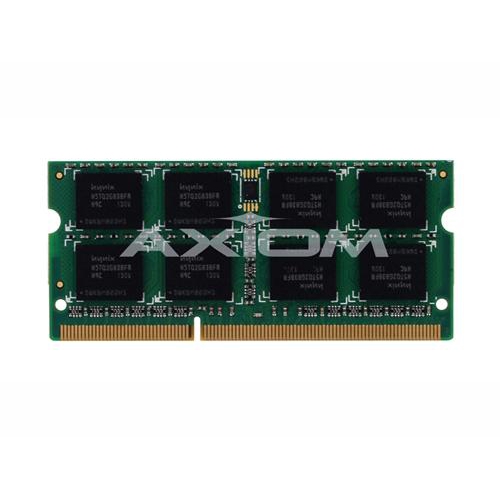

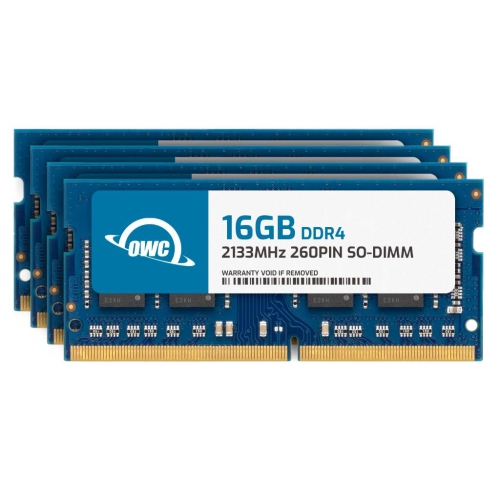
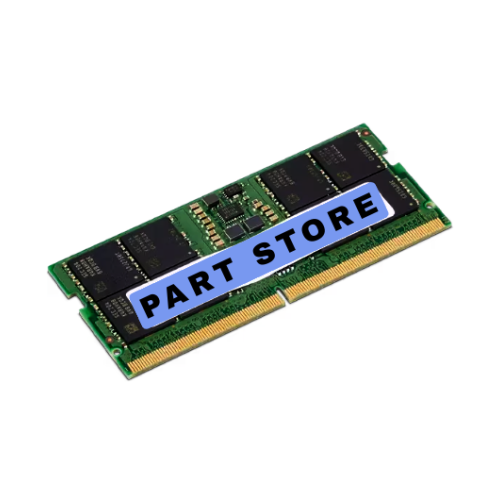
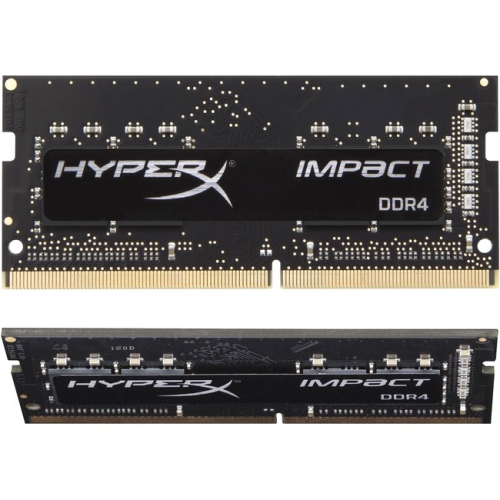


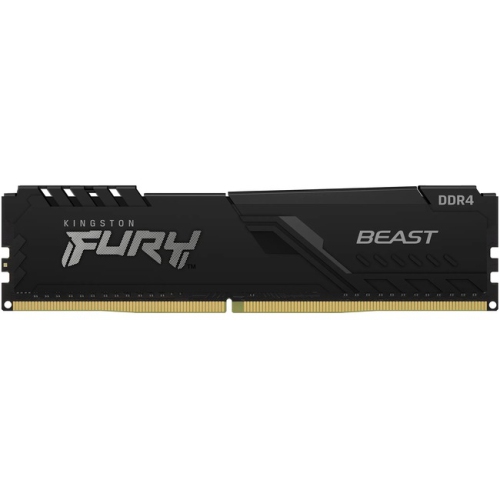
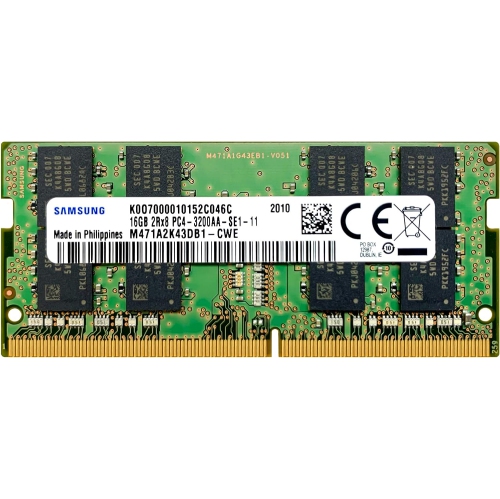
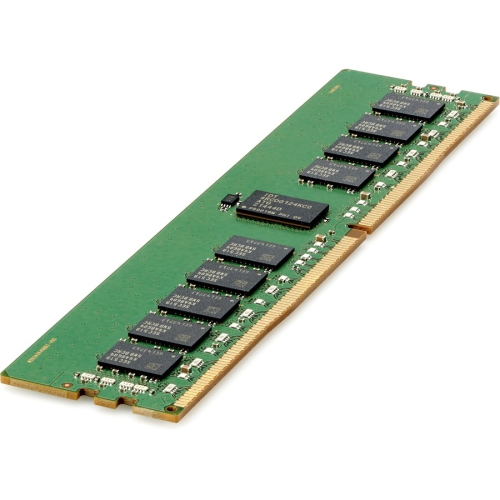

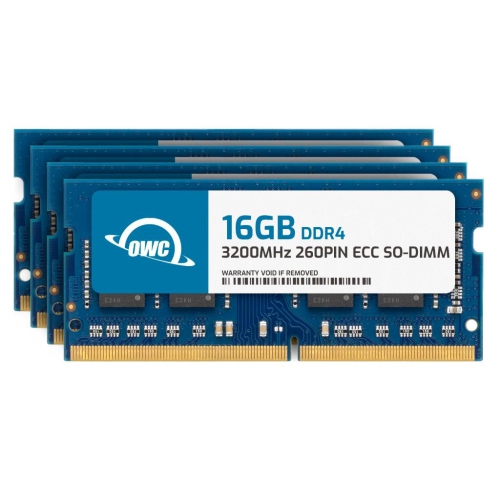
Practical memory upgrades for compatible laptops and compact computers
16GB DDR4 SODIMM memory is a practical way to improve the everyday performance of compatible laptops, compact desktops, all-in-one computers, and other small-form-factor systems. SODIMM modules are shorter than the full-size DIMMs used in many traditional desktop computers, making them suitable for the tighter interiors found in portable and space-saving devices. A 16GB capacity can give a computer more room to manage several applications at once, which is helpful when moving between a browser with many open tabs, a video call, a document, music, and cloud-based tools. It can also make routine tasks feel more comfortable by reducing the need for the computer to shift data between memory and storage as frequently. Someone working from a home office may notice smoother switching between spreadsheets, email, and presentation software, while a student could benefit when researching online, writing assignments, attending virtual classes, and keeping reference material open together. For light photo editing, casual gaming, media organisation, and creative projects, additional memory can help a compatible system keep pace with the way people use computers today. During the cooler months, when more time may be spent indoors, a memory upgrade can be a useful way to refresh an older laptop or compact computer for work, study, entertainment, and household administration without changing the way the device fits into a desk, kitchen counter, or travel bag.
Compatibility is the most important consideration when choosing 16GB DDR4 SODIMM memory. DDR4 describes the memory generation, while SODIMM identifies the smaller physical format, but those details alone do not guarantee that a module will work in a particular computer. Before purchasing, check the device manufacturer’s specifications or service documentation for the supported memory type, maximum capacity, number of memory slots, and maximum capacity per slot. Some systems have accessible slots, while others have memory that is partially or entirely integrated into the motherboard. A computer may also support a particular memory speed, and installed modules may operate at the system’s supported speed rather than the maximum speed printed on the module. It is worth checking whether the computer needs standard non-ECC memory, as many consumer laptops and compact systems do, and whether the device has one or two slots available. If one slot is already occupied, installing a 16GB module may change the total capacity and could affect dual-channel operation depending on the existing module. Matching capacity, specifications, and supported configurations can help avoid an upgrade that does not start properly or delivers less benefit than expected. For a closer look at other memory options, browse 16GB DDR4 RAM. Installation is often straightforward for people who are comfortable opening a computer, but it should be done with the device powered off, unplugged, and handled carefully to reduce the risk of static discharge. The memory should be aligned with the slot’s notch and pressed into place evenly; forcing it at the wrong angle can damage the module or the connector. After installation, the system’s settings or operating system can confirm whether the full capacity is recognised.
These modules can suit several types of users, although they are best purchased with a specific compatible computer in mind rather than as a surprise gift. A family member with an older laptop may appreciate an upgrade that makes everyday tasks feel less constrained, particularly if the computer is still reliable for browsing, banking, video calls, and document work. A student heading into a busy term may find extra memory useful for keeping course websites, notes, research tools, and communication apps available without constantly closing and reopening them. It can also be a thoughtful gift for a home office user, frequent traveller, or hobbyist who has mentioned sluggish performance but does not need a completely new computer. The most helpful gift is usually paired with a quick check of the recipient’s exact model and specifications, since the wrong memory format or capacity will not provide the intended improvement. It is also important to remember that memory and storage solve different problems. Increasing RAM helps a system handle more active tasks at the same time, while replacing or expanding a storage drive provides more room for files, applications, photos, and videos. A computer that is slow because of an ageing battery, an overloaded storage drive, limited processor capability, or software problems may need additional attention beyond a memory upgrade. For the right DDR4-compatible system, however, 16GB SODIMM memory can be a sensible performance-focused addition that supports a smoother, more flexible routine. Whether the computer is used at a bright desk near a window, on a small table during study sessions, or on a lap while travelling, the right module can help it keep more of the user’s daily workload ready and accessible.
Compatibility is the most important consideration when choosing 16GB DDR4 SODIMM memory. DDR4 describes the memory generation, while SODIMM identifies the smaller physical format, but those details alone do not guarantee that a module will work in a particular computer. Before purchasing, check the device manufacturer’s specifications or service documentation for the supported memory type, maximum capacity, number of memory slots, and maximum capacity per slot. Some systems have accessible slots, while others have memory that is partially or entirely integrated into the motherboard. A computer may also support a particular memory speed, and installed modules may operate at the system’s supported speed rather than the maximum speed printed on the module. It is worth checking whether the computer needs standard non-ECC memory, as many consumer laptops and compact systems do, and whether the device has one or two slots available. If one slot is already occupied, installing a 16GB module may change the total capacity and could affect dual-channel operation depending on the existing module. Matching capacity, specifications, and supported configurations can help avoid an upgrade that does not start properly or delivers less benefit than expected. For a closer look at other memory options, browse 16GB DDR4 RAM. Installation is often straightforward for people who are comfortable opening a computer, but it should be done with the device powered off, unplugged, and handled carefully to reduce the risk of static discharge. The memory should be aligned with the slot’s notch and pressed into place evenly; forcing it at the wrong angle can damage the module or the connector. After installation, the system’s settings or operating system can confirm whether the full capacity is recognised.
These modules can suit several types of users, although they are best purchased with a specific compatible computer in mind rather than as a surprise gift. A family member with an older laptop may appreciate an upgrade that makes everyday tasks feel less constrained, particularly if the computer is still reliable for browsing, banking, video calls, and document work. A student heading into a busy term may find extra memory useful for keeping course websites, notes, research tools, and communication apps available without constantly closing and reopening them. It can also be a thoughtful gift for a home office user, frequent traveller, or hobbyist who has mentioned sluggish performance but does not need a completely new computer. The most helpful gift is usually paired with a quick check of the recipient’s exact model and specifications, since the wrong memory format or capacity will not provide the intended improvement. It is also important to remember that memory and storage solve different problems. Increasing RAM helps a system handle more active tasks at the same time, while replacing or expanding a storage drive provides more room for files, applications, photos, and videos. A computer that is slow because of an ageing battery, an overloaded storage drive, limited processor capability, or software problems may need additional attention beyond a memory upgrade. For the right DDR4-compatible system, however, 16GB SODIMM memory can be a sensible performance-focused addition that supports a smoother, more flexible routine. Whether the computer is used at a bright desk near a window, on a small table during study sessions, or on a lap while travelling, the right module can help it keep more of the user’s daily workload ready and accessible.
Top selling and popular products
-
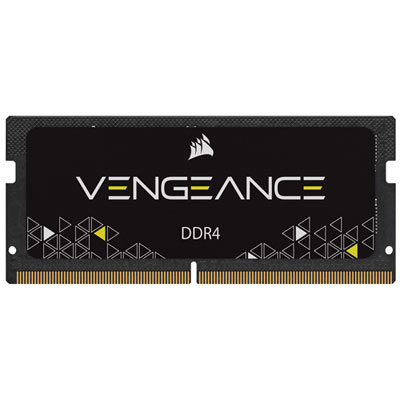 Your price for this item is $215.99
 -
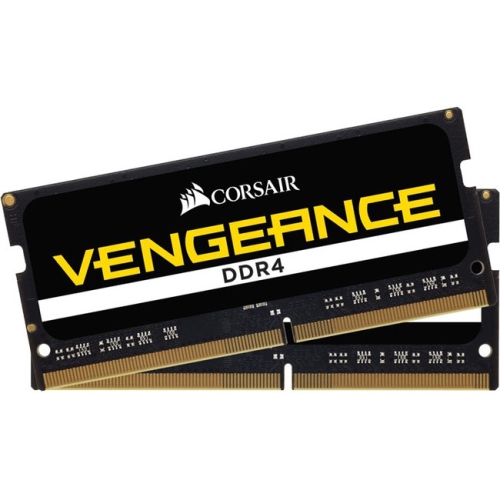 Your price for this item is $374.98
 -
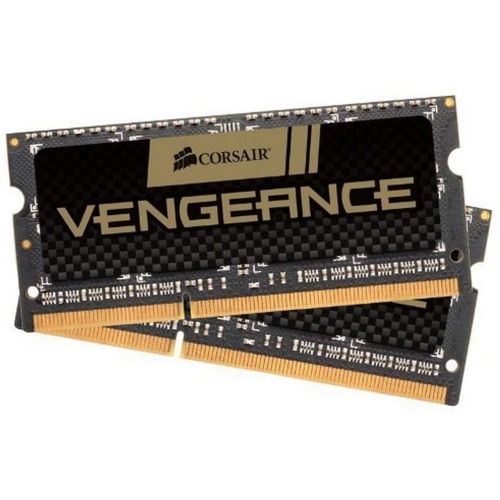 Your price for this item is $3000
 -
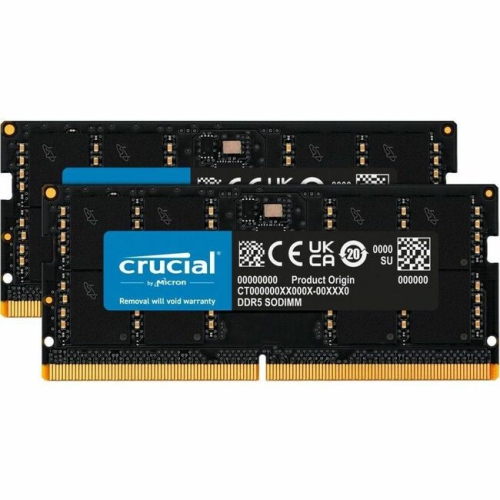 Your price for this item is $1642.68
 -
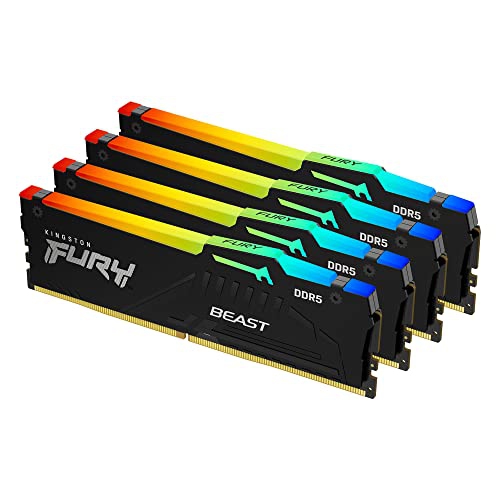 Your price for this item is $1614.05
 -
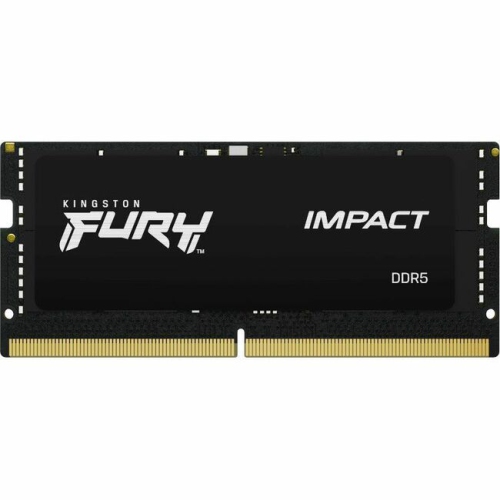 Your price for this item is $626.68
 -
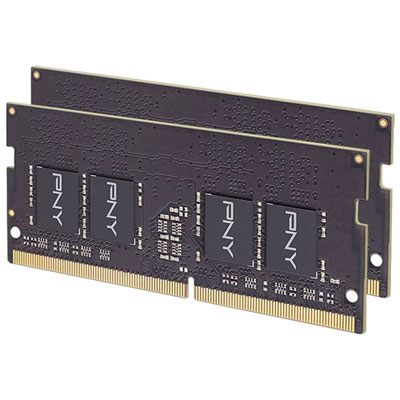 Your price for this item is $149.99
 -
 Your price for this item is $4299.99
Discover more categories related to 16GB DDR4 SODIMM

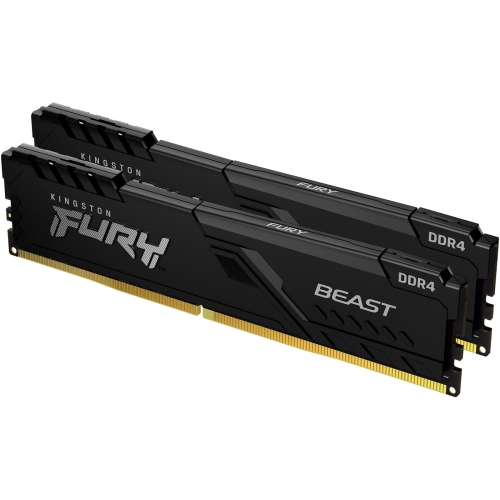
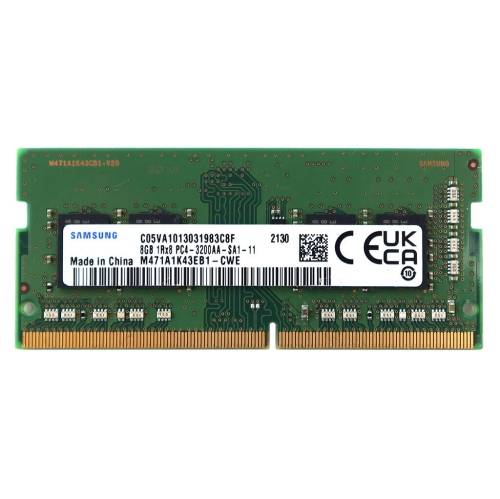
Top Collections:
Pokemon Centers, Kindle Devices, Best Budget Office Chairs, Apple iPhones 16, Best Laptops for Writers, iPhone 15 Apple, Canon G7X Cameras, Refurbished Apple Laptops, Alarm Clock, Motorola Razr Phones
Some products may be subject to Environmental Handling Fees
(EHF) depending on your province.
Learn more about EHFs.