Acer Batteries
Power up your devices with our selection of Acer batteries, designed to keep your gadgets running smoothly and efficiently. Whether you're at home, in the office, or on the go, having a reliable battery is essential for maintaining productivity and staying connected. Explore our range of options to find the perfect match for your Acer device, ensuring you never miss a beat. Embrace uninterrupted performance and extend the life of your electronics with these dependable power solutions.
Sort
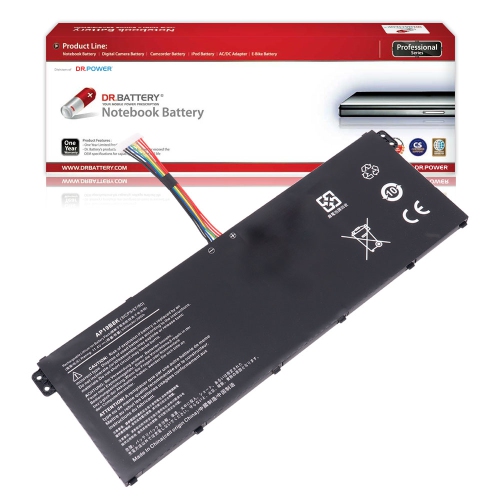

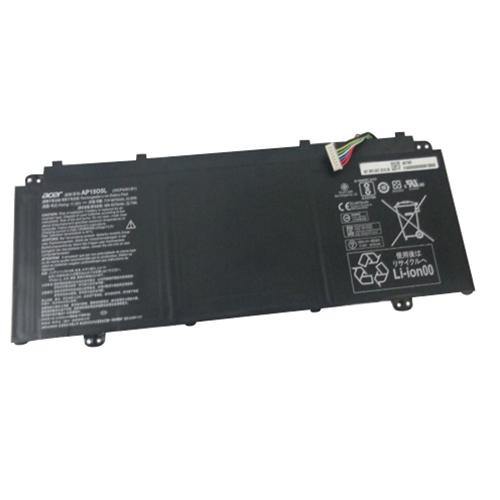
![DR. BATTERY - Replacement for Acer Aspire V5-121 / V5-123 / V5-131 / V5-171 / Al12A31 / Al12B31 / Al12B32 / Al12B72 / Al12X32 [14.8 V]](https://multimedia.bbycastatic.ca/multimedia/products/500x500/152/15236/15236383.jpeg)
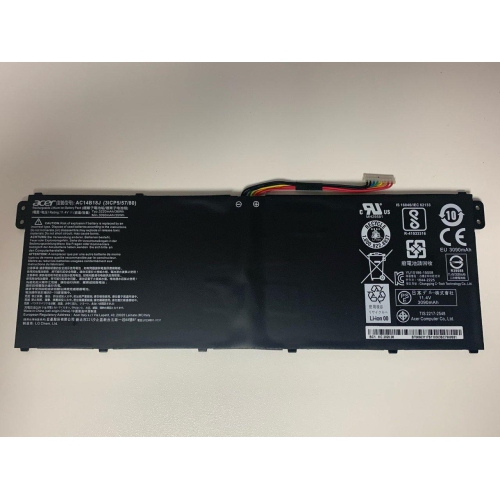
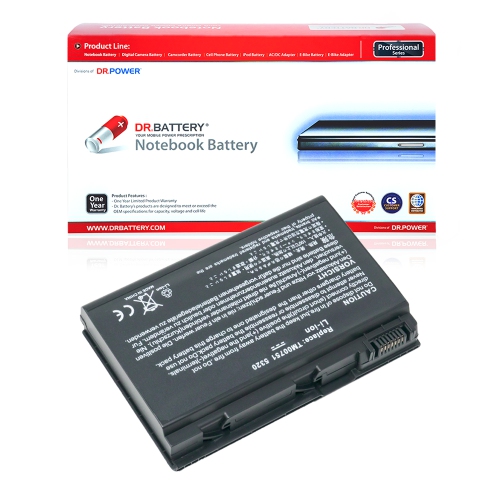

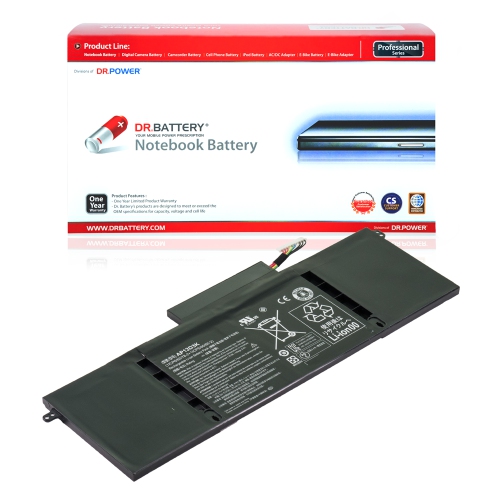
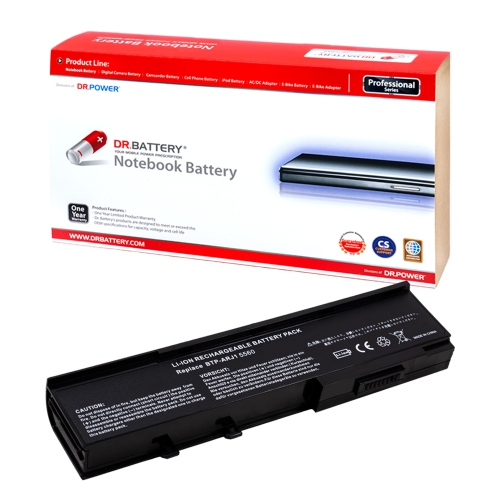
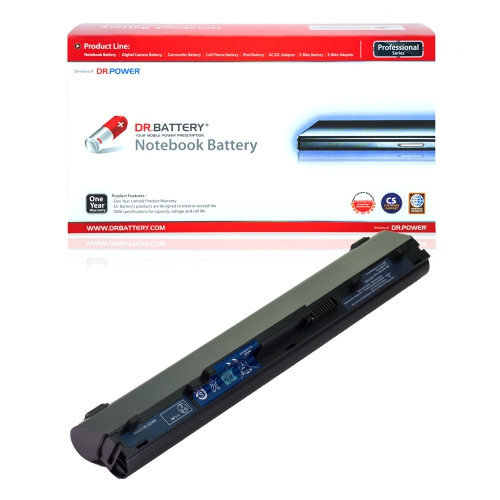
The right battery can restore your laptop’s portability
Replacement laptop batteries can restore portable power when an ageing notebook no longer holds enough charge for everyday tasks. A dependable battery makes the difference between finishing lecture notes away from an outlet and having to search for a socket halfway through class. It also supports familiar routines such as reviewing documents on the train, joining a video call from a quiet room, or moving from a desk to the kitchen table without interrupting work. Rechargeable batteries gradually lose capacity through use and age, so shorter unplugged sessions do not necessarily mean the entire computer needs replacing. A notebook that still handles its software comfortably may benefit from a correctly matched replacement battery, although charging faults, damaged ports, and adapter problems can produce similar symptoms. Battery health information, where supported by the operating system or manufacturer’s diagnostic tools, can help distinguish reduced capacity from another power issue. The right replacement depends on the exact laptop model and battery specifications rather than screen size, appearance, or a broad product family name. Two notebooks with almost identical housings may use different connectors, mounting points, or electrical designs. Useful compatibility details include the full model designation, the original battery’s part number, and any supported replacement numbers listed in the device documentation. A label on an existing battery can provide this information when it is safely accessible; an internal battery does not need to be exposed simply to begin checking compatibility. Students, remote workers, frequent travellers, and families sharing a notebook all have different expectations for unplugged use, but each needs a battery designed for the device. As a practical gift, a replacement makes the most sense when the recipient’s exact model and battery requirements are already known. That precision matters more than choosing a battery with the largest capacity figure or a casing that looks similar in a photograph.
Laptop batteries commonly use lithium-ion technology, including lithium-polymer designs, to store energy in a relatively compact package. Depending on the notebook’s construction, the battery may be a removable pack with a rigid outer housing or an internal assembly fitted beneath the bottom cover. Internal designs can contain pouch cells, protective wrapping, wiring, and a control circuit, while removable packs often incorporate their own latches and contact points. These construction differences affect fit and installation, not just appearance. The replacement must match the space allocated inside the computer, align with its securing points, and connect without stretching a cable or placing pressure on surrounding components. Voltage and electrical compatibility are equally important: a matching connector alone does not establish that a battery is suitable. The approved specifications for the exact device take precedence over a visual resemblance or a seller’s general description. Capacity is usually expressed in watt-hours, sometimes alongside milliamp-hours. Watt-hours describe stored energy and provide a more useful basis for comparing capacity across batteries with different voltages; milliamp-hour figures alone do not tell the whole story. Even a higher-capacity option is appropriate only when its dimensions, electronics, and compatibility are confirmed. Actual operating time also depends on the computer’s display, processor, graphics hardware, software, and power settings. Reading documents at moderate screen brightness places different demands on a battery than editing video, running a game, or maintaining several active applications during a call. A replacement therefore cannot guarantee a fixed number of hours simply because its capacity matches the original specification. Clear compatibility information, documented electrical ratings, installation requirements, and warranty terms are useful details when comparing options. Recognized safety certification, where stated, should identify the applicable standard rather than rely on vague claims about quality. For battery needs involving a tablet rather than a notebook, Battery Tablets offers a related category with different device-specific compatibility considerations.
Battery durability reflects both the quality of the pack and how the laptop is used, charged, and handled. Modern lithium-ion batteries do not require the repeated deep-discharge conditioning associated with some older rechargeable technologies. Routine use does not call for deliberately running a new battery down to almost empty several times, and calibration procedures, when needed for the charge indicator, should follow the laptop manufacturer’s directions. A percentage reading is an estimate of remaining charge, not a direct measure of the battery’s physical condition. A notebook used mainly at a desk may include a supported charge-limit setting, while a computer carried between meetings may need a fuller charge before leaving its adapter behind. Those are different usage patterns, and suitable settings depend on the device rather than a universal charging schedule. The correct charger remains important because replacing the battery does not correct an unsuitable adapter, damaged cable, or unreliable charging connection. Physical care matters as well. Battery contacts and connectors should remain clean and dry, and a loose replacement pack should be protected from metal objects that could bridge its terminals. An internal battery requires careful handling around delicate cables, screws, and nearby components; professional installation is a sensible option when access is complicated or the owner is unfamiliar with laptop repairs. A swollen pack, lifting trackpad, separating case, unusual odour, or visible damage calls for the device to be switched off and assessed by a qualified technician rather than charged again to test its runtime. A damaged battery should never be pressed flat, punctured, or forced back into place. For normal daily use, sensible power settings can help stretch the available charge without changing the battery itself: reducing unnecessary background activity and adjusting display brightness can make a noticeable difference during document work or study. A well-matched replacement supports the notebook’s intended role, whether that means portable coursework, household administration, business travel, or demanding creative tasks, while retaining the fit and electrical specifications the computer requires.
Laptop batteries commonly use lithium-ion technology, including lithium-polymer designs, to store energy in a relatively compact package. Depending on the notebook’s construction, the battery may be a removable pack with a rigid outer housing or an internal assembly fitted beneath the bottom cover. Internal designs can contain pouch cells, protective wrapping, wiring, and a control circuit, while removable packs often incorporate their own latches and contact points. These construction differences affect fit and installation, not just appearance. The replacement must match the space allocated inside the computer, align with its securing points, and connect without stretching a cable or placing pressure on surrounding components. Voltage and electrical compatibility are equally important: a matching connector alone does not establish that a battery is suitable. The approved specifications for the exact device take precedence over a visual resemblance or a seller’s general description. Capacity is usually expressed in watt-hours, sometimes alongside milliamp-hours. Watt-hours describe stored energy and provide a more useful basis for comparing capacity across batteries with different voltages; milliamp-hour figures alone do not tell the whole story. Even a higher-capacity option is appropriate only when its dimensions, electronics, and compatibility are confirmed. Actual operating time also depends on the computer’s display, processor, graphics hardware, software, and power settings. Reading documents at moderate screen brightness places different demands on a battery than editing video, running a game, or maintaining several active applications during a call. A replacement therefore cannot guarantee a fixed number of hours simply because its capacity matches the original specification. Clear compatibility information, documented electrical ratings, installation requirements, and warranty terms are useful details when comparing options. Recognized safety certification, where stated, should identify the applicable standard rather than rely on vague claims about quality. For battery needs involving a tablet rather than a notebook, Battery Tablets offers a related category with different device-specific compatibility considerations.
Battery durability reflects both the quality of the pack and how the laptop is used, charged, and handled. Modern lithium-ion batteries do not require the repeated deep-discharge conditioning associated with some older rechargeable technologies. Routine use does not call for deliberately running a new battery down to almost empty several times, and calibration procedures, when needed for the charge indicator, should follow the laptop manufacturer’s directions. A percentage reading is an estimate of remaining charge, not a direct measure of the battery’s physical condition. A notebook used mainly at a desk may include a supported charge-limit setting, while a computer carried between meetings may need a fuller charge before leaving its adapter behind. Those are different usage patterns, and suitable settings depend on the device rather than a universal charging schedule. The correct charger remains important because replacing the battery does not correct an unsuitable adapter, damaged cable, or unreliable charging connection. Physical care matters as well. Battery contacts and connectors should remain clean and dry, and a loose replacement pack should be protected from metal objects that could bridge its terminals. An internal battery requires careful handling around delicate cables, screws, and nearby components; professional installation is a sensible option when access is complicated or the owner is unfamiliar with laptop repairs. A swollen pack, lifting trackpad, separating case, unusual odour, or visible damage calls for the device to be switched off and assessed by a qualified technician rather than charged again to test its runtime. A damaged battery should never be pressed flat, punctured, or forced back into place. For normal daily use, sensible power settings can help stretch the available charge without changing the battery itself: reducing unnecessary background activity and adjusting display brightness can make a noticeable difference during document work or study. A well-matched replacement supports the notebook’s intended role, whether that means portable coursework, household administration, business travel, or demanding creative tasks, while retaining the fit and electrical specifications the computer requires.
Top selling and popular products
-
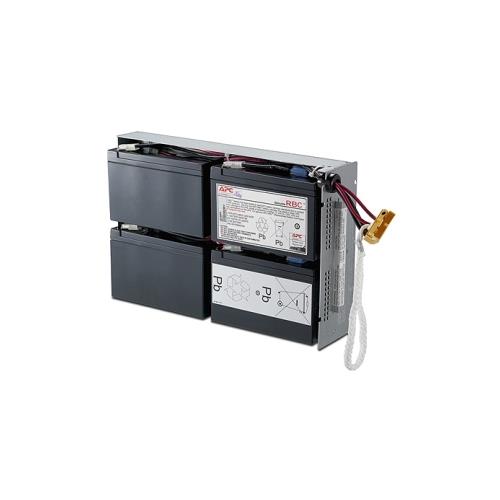 Your price for this item is $727.82
 -
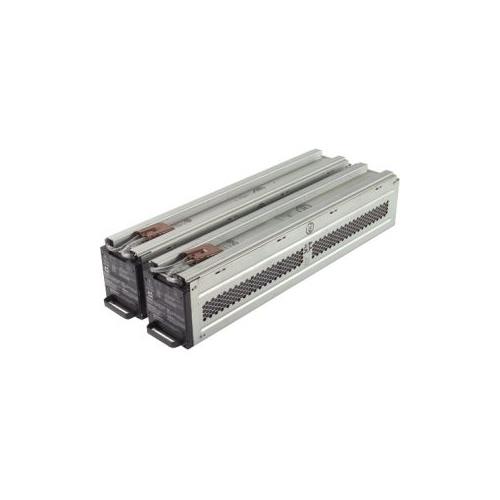 Your price for this item is $1116.68
 -
![DR. BATTERY Replacement for HP Probook 430 G6-5Pq40Ea G6-5Pq62Ea G6-5Pq75Ea L32407-541 L32407-Ac1 L32656-002 [11.55V / 40Wh]](https://multimedia.bbycastatic.ca/multimedia/products/500x500/154/15458/15458885.jpeg) Your price for this item is $69.99
Your price for this item is $69.99 -
 Your price for this item is $100
 -
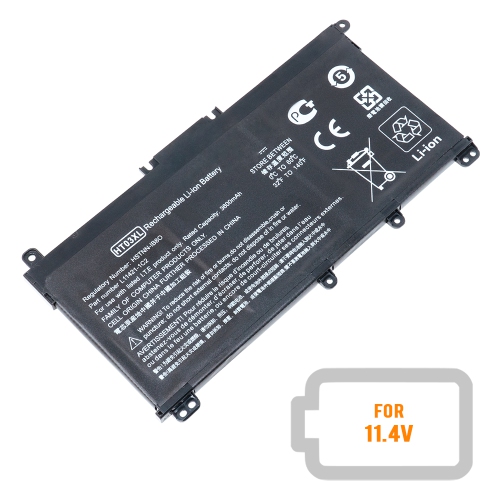 Your price for this item is $39.77
 -
 Your price for this item is $87.99
 -
 Your price for this item is $129
 -
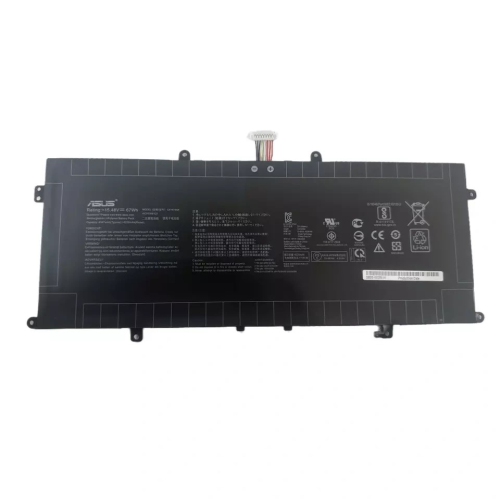 Your price for this item is $94.99
Discover more categories related to Acer Batteries
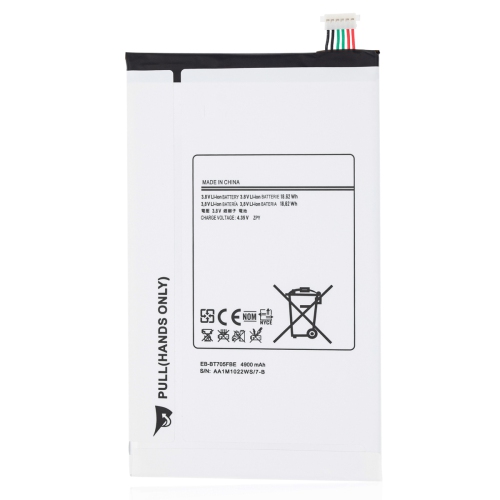

Top Collections:
Pokemon Centers, Kindle Devices, Best Budget Office Chairs, Canon G7X Cameras, Apple iPhones 16, Samsung Galaxy Phones, Refurbished Apple Laptops, Laptops for Students, iPhone 15 Apple, Budget Smartphones
Some products may be subject to Environmental Handling Fees
(EHF) depending on your province.
Learn more about EHFs.