Tab Batteries
Looking for reliable and long-lasting power sources for your electronic devices? Look no further than our selection of tab batteries. Designed to deliver consistent performance, these batteries are essential for keeping your gadgets running smoothly. Whether you need them for your remote controls, toys, or other small electronics, tab batteries are a convenient and cost-effective solution. Explore our range of tab batteries to find the perfect match for your needs.
Sort
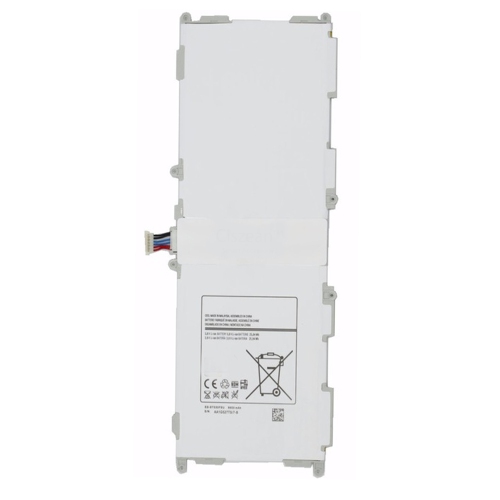
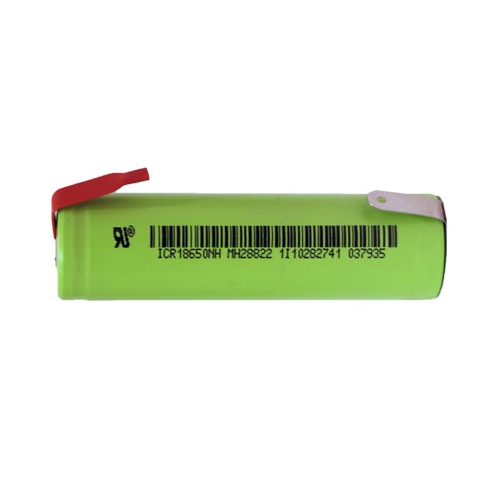
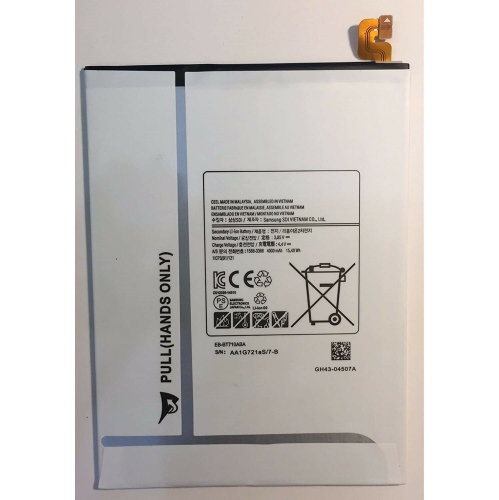
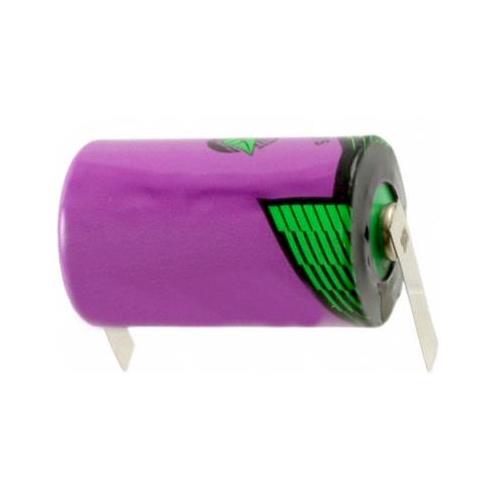
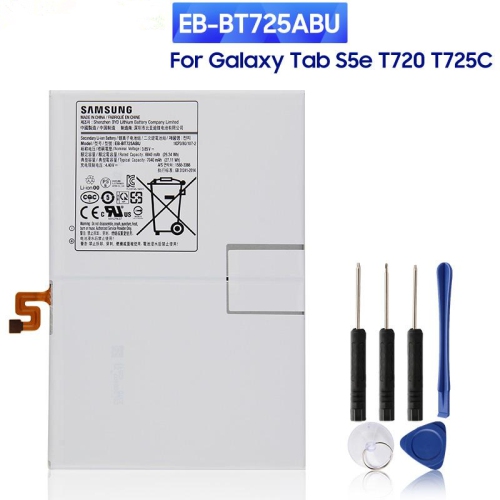
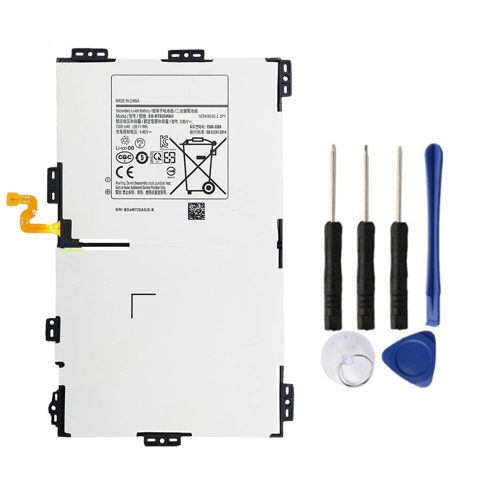

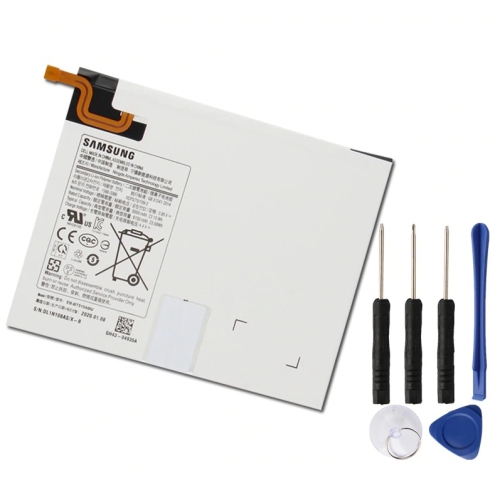

Why tablet battery compatibility goes beyond physical fit
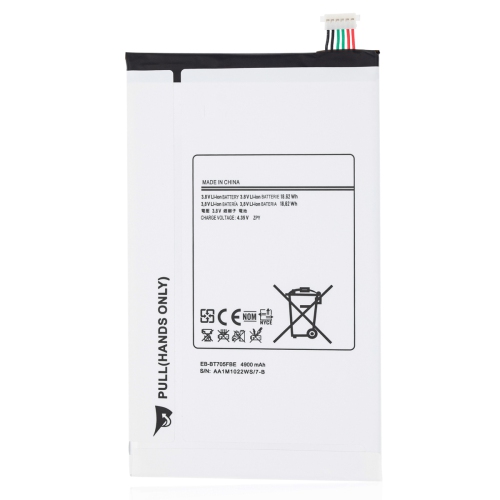
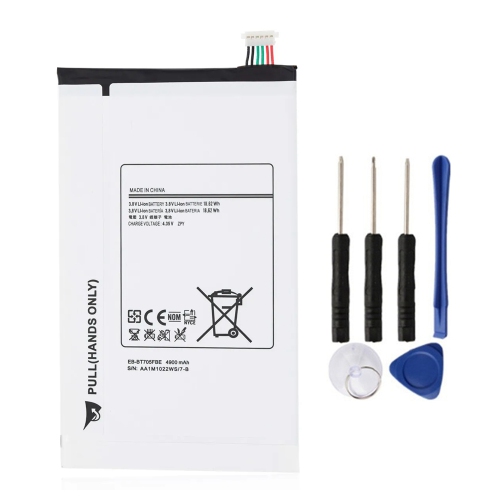
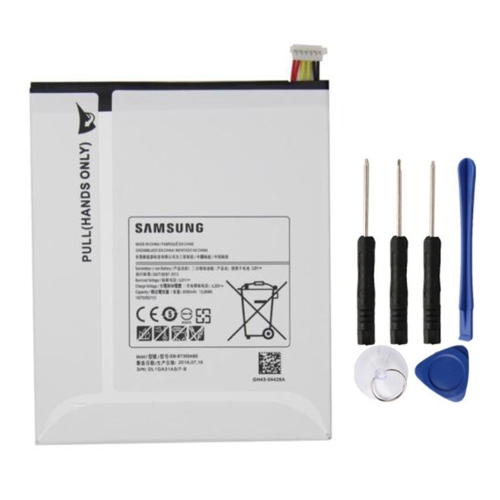
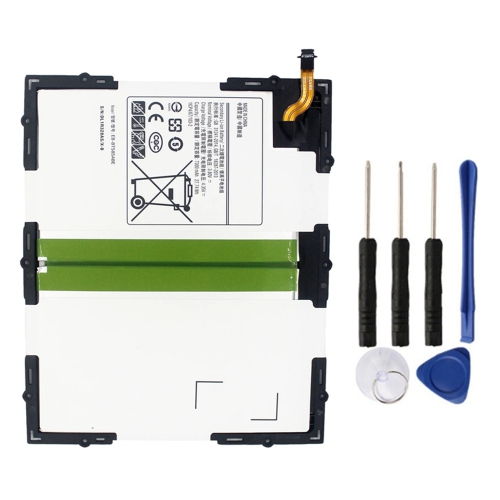
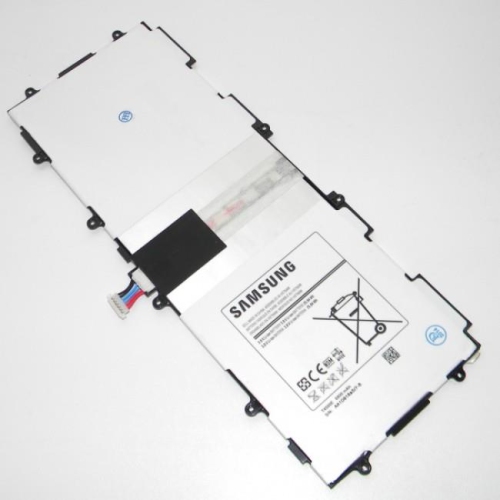
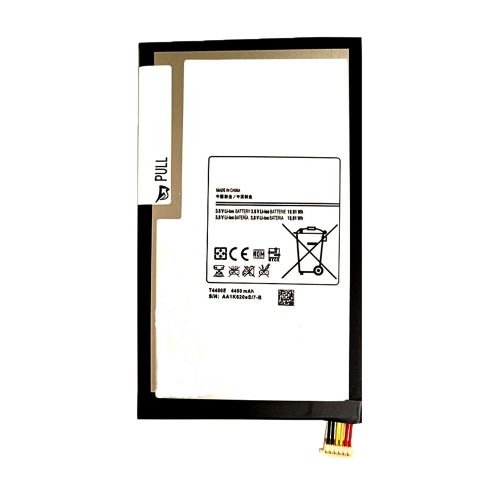
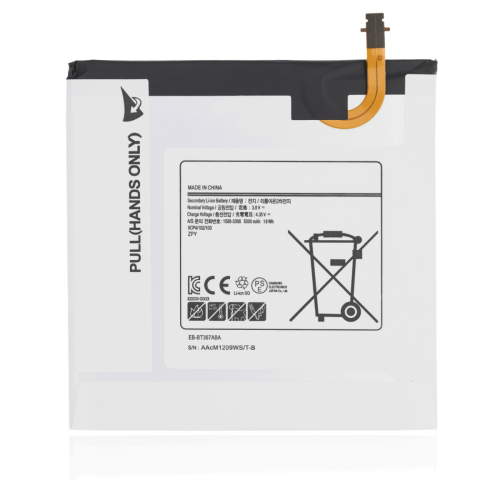
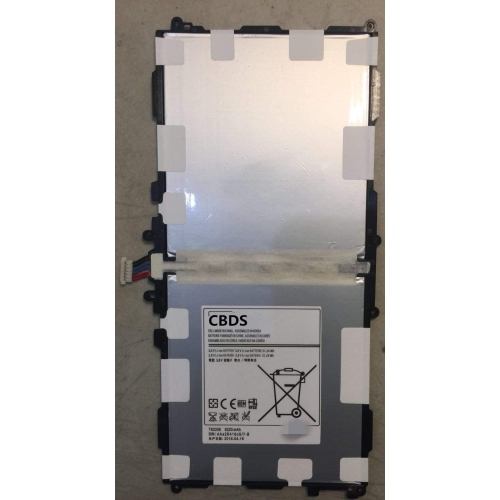
Tab batteries are rechargeable replacement batteries for compatible tablets, with the right fit determined by the device’s exact model, battery specifications, and internal design. They supply the portable power that makes a tablet useful for reading on the sofa, watching downloaded videos, taking notes in class, or checking documents away from a desk. Most tablet batteries use lithium-ion technology, often in a thin lithium-polymer pouch format that fits behind the display or inside the rear housing. These are generally internal replacement components, not removable household batteries or external power banks. Their shape may include a single flat cell or several connected sections, along with a protective circuit and a short cable or ribbon connector. Even tablets with similar names and screen sizes can use different battery assemblies, so appearance alone is not a reliable compatibility check. The full model number from the device’s settings, casing, or documentation is more useful than a broad product-family name. The original battery’s part number can provide another important reference, especially when a tablet has several hardware revisions. Physical dimensions, connector position, cable length, and mounting layout all matter because the battery must sit correctly without pressing against the display or other internal components. A battery that looks close in a photograph may still have the wrong connector or electrical requirements. For households with several tablets, recording the model details for each device helps keep replacement parts from being mixed up. A tablet used mainly for bedtime reading may need a different battery assembly from one used for video calls or drawing, even if both devices have the same screen size. Intended use helps explain the value of dependable battery life, but it does not determine compatibility. The best match remains the replacement specified for that particular tablet and its hardware version.
Battery specifications explain more than physical fit. Capacity is commonly expressed in milliamp-hours, written as mAh, while stored energy may be listed in watt-hours, or Wh. These figures describe different aspects of a battery’s rating, and mAh figures are only directly comparable when the rated voltage is the same. A larger capacity number does not make an otherwise incompatible battery suitable for a tablet. Rated voltage, connector wiring, protection circuitry, and any required sensing connections must also match the device’s requirements. Some tablet battery connectors carry information used to monitor battery operation as well as deliver power, which is why a matching plug shape is not enough on its own. Construction quality also matters: the cell packaging, cable attachment, insulation, and protective circuitry all contribute to reliable operation. A correctly matched replacement can help restore runtime lost as an original battery ages, but it will not necessarily make a tablet run longer than it did when new. Actual use between charges depends on screen brightness, applications, wireless connections, processor activity, and the condition of the rest of the device. Streaming a film, joining a long video meeting, or using a drawing application can draw more power than reading a saved document. Signs of battery wear can include noticeably shorter runtime, unexpected shutdowns, or a charge level that falls unevenly. Those symptoms are not conclusive on their own, since software activity, a damaged charging port, or a faulty cable or adapter can produce similar problems. A tablet that will not charge therefore benefits from diagnosis before a replacement battery is selected. For students, frequent travellers, and people who rely on a tablet for accessible reading or communication, dependable power can make everyday routines less interrupted. The practical goal is reliable operation in the device already being used, rather than an unsupported promise of extra performance or longer life between every charge.
Care and installation are especially important because tablet batteries are usually enclosed within tightly assembled devices. Access may involve bonded glass, delicate display cables, strong adhesive, and parts that are easily damaged during disassembly. Replacing an internal battery is a repair task rather than a routine accessory change, and the level of difficulty varies considerably by tablet design. Professional installation is often the more suitable option when opening the device requires specialist tools or experience. Any included adhesive, tools, or instructions should be assessed against the exact repair requirements; their presence does not make every installation straightforward. A thin pouch battery should never be bent, punctured, crushed, or forced into a space that does not match its dimensions. Swelling, a lifting screen, or a separating back panel requires particular caution: stop using and charging the tablet, avoid pressing the casing closed, and arrange qualified assessment. For an undamaged tablet in regular use, following the device manufacturer’s charging guidance and using a compatible, reputable charger helps support dependable operation. Batteries kept as spare repair parts should be protected from physical damage and stored according to their manufacturer’s directions, with exposed contacts prevented from touching metal objects. Rechargeable cells can also age in storage, so a spare should not be assumed to remain unchanged indefinitely. After a replacement is installed, normal charging and use can help establish whether the tablet is operating consistently; persistent shutdowns or charging faults may point to a separate issue that needs attention. Anyone comparing replacement power options for several devices can also explore Acer Batteries, while keeping each device’s model and compatibility requirements separate. Across tablet battery replacements, careful matching, sound construction, and appropriate handling matter more than a broad compatibility claim. Those details help support the familiar activities a tablet is kept for, from following a recipe on the kitchen counter to reviewing notes during a commute, without overlooking the precision required by an internal power component.
Battery specifications explain more than physical fit. Capacity is commonly expressed in milliamp-hours, written as mAh, while stored energy may be listed in watt-hours, or Wh. These figures describe different aspects of a battery’s rating, and mAh figures are only directly comparable when the rated voltage is the same. A larger capacity number does not make an otherwise incompatible battery suitable for a tablet. Rated voltage, connector wiring, protection circuitry, and any required sensing connections must also match the device’s requirements. Some tablet battery connectors carry information used to monitor battery operation as well as deliver power, which is why a matching plug shape is not enough on its own. Construction quality also matters: the cell packaging, cable attachment, insulation, and protective circuitry all contribute to reliable operation. A correctly matched replacement can help restore runtime lost as an original battery ages, but it will not necessarily make a tablet run longer than it did when new. Actual use between charges depends on screen brightness, applications, wireless connections, processor activity, and the condition of the rest of the device. Streaming a film, joining a long video meeting, or using a drawing application can draw more power than reading a saved document. Signs of battery wear can include noticeably shorter runtime, unexpected shutdowns, or a charge level that falls unevenly. Those symptoms are not conclusive on their own, since software activity, a damaged charging port, or a faulty cable or adapter can produce similar problems. A tablet that will not charge therefore benefits from diagnosis before a replacement battery is selected. For students, frequent travellers, and people who rely on a tablet for accessible reading or communication, dependable power can make everyday routines less interrupted. The practical goal is reliable operation in the device already being used, rather than an unsupported promise of extra performance or longer life between every charge.
Care and installation are especially important because tablet batteries are usually enclosed within tightly assembled devices. Access may involve bonded glass, delicate display cables, strong adhesive, and parts that are easily damaged during disassembly. Replacing an internal battery is a repair task rather than a routine accessory change, and the level of difficulty varies considerably by tablet design. Professional installation is often the more suitable option when opening the device requires specialist tools or experience. Any included adhesive, tools, or instructions should be assessed against the exact repair requirements; their presence does not make every installation straightforward. A thin pouch battery should never be bent, punctured, crushed, or forced into a space that does not match its dimensions. Swelling, a lifting screen, or a separating back panel requires particular caution: stop using and charging the tablet, avoid pressing the casing closed, and arrange qualified assessment. For an undamaged tablet in regular use, following the device manufacturer’s charging guidance and using a compatible, reputable charger helps support dependable operation. Batteries kept as spare repair parts should be protected from physical damage and stored according to their manufacturer’s directions, with exposed contacts prevented from touching metal objects. Rechargeable cells can also age in storage, so a spare should not be assumed to remain unchanged indefinitely. After a replacement is installed, normal charging and use can help establish whether the tablet is operating consistently; persistent shutdowns or charging faults may point to a separate issue that needs attention. Anyone comparing replacement power options for several devices can also explore Acer Batteries, while keeping each device’s model and compatibility requirements separate. Across tablet battery replacements, careful matching, sound construction, and appropriate handling matter more than a broad compatibility claim. Those details help support the familiar activities a tablet is kept for, from following a recipe on the kitchen counter to reviewing notes during a commute, without overlooking the precision required by an internal power component.
Top selling and popular products
-
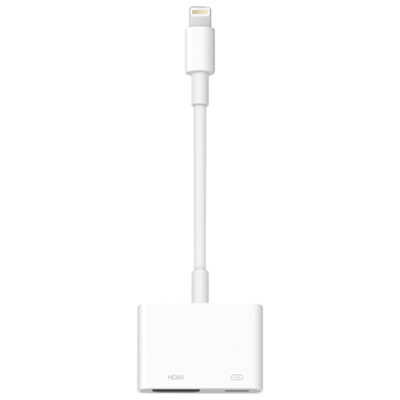 Your price for this item is $65
 -
 Your price for this item is $106.99
 -
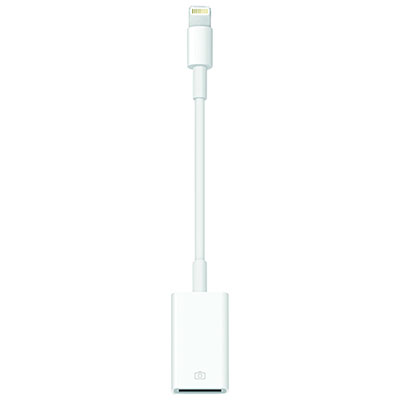 Your price for this item is $13.97
 -
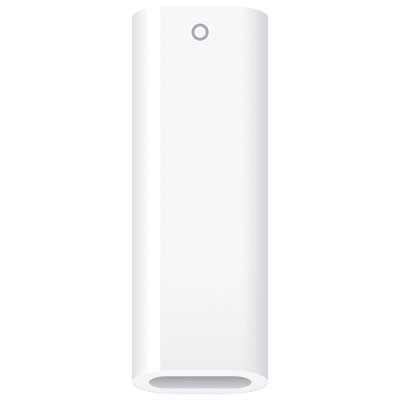 Your price for this item is $10
 -
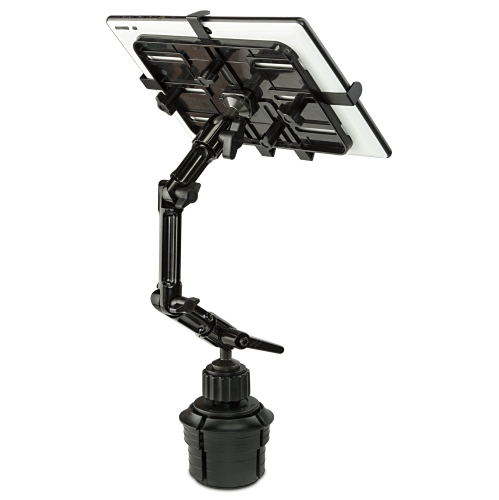 Your price for this item is $133.99
 -
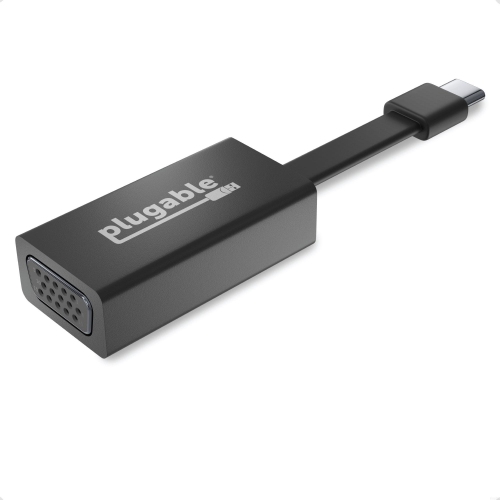 Your price for this item is $51.9
 -
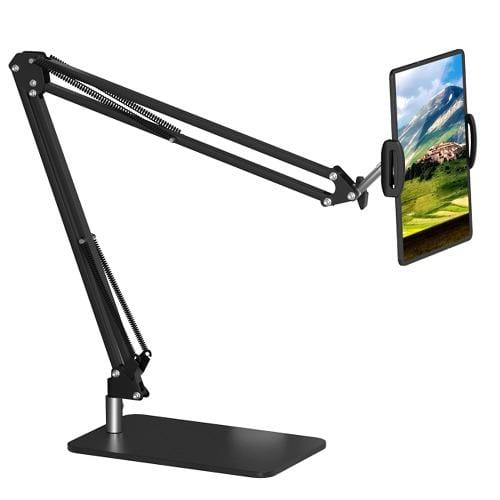 Your price for this item is $80
 -
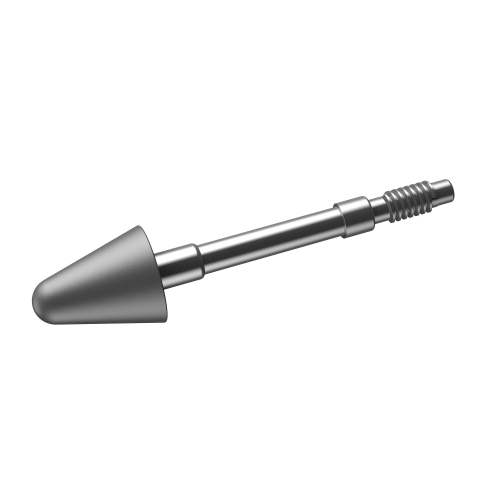 Your price for this item is $13.99
Discover more categories related to Tab Batteries

Top Collections:
Pokemon Centers, Kindle Devices, Best Budget Office Chairs, Canon G7X Cameras, Apple iPhones 16, Samsung Galaxy Phones, Refurbished Apple Laptops, Laptops for Students, iPhone 15 Apple, Budget Smartphones
Some products may be subject to Environmental Handling Fees
(EHF) depending on your province.
Learn more about EHFs.