Advanced Laptops
Discover the next level of performance and versatility with advanced laptops designed to keep up with your most demanding tasks. Whether you're tackling complex projects, enjoying immersive entertainment, or managing your workflow on the go, advanced laptops offer the power and efficiency you need. Explore a wide selection of models that combine sleek design with cutting-edge technology, perfect for professionals, students, and anyone seeking top-tier computing solutions. Find the ideal advanced laptop to elevate your productivity and enhance your digital experience.
Sort


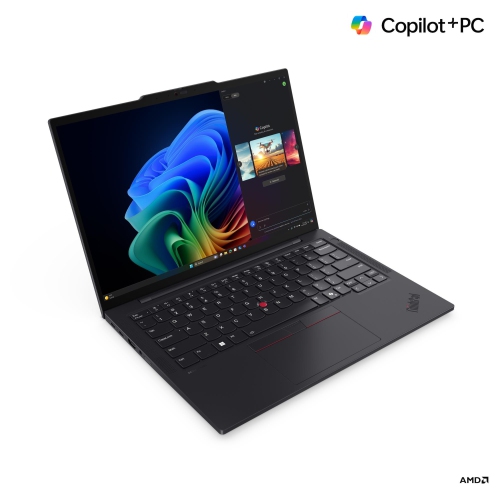
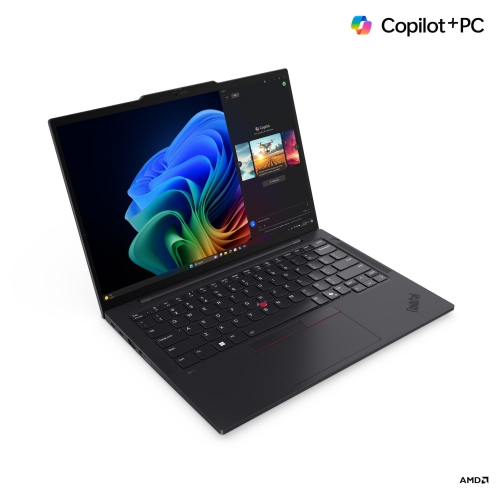
Why laptop performance goes beyond the processor
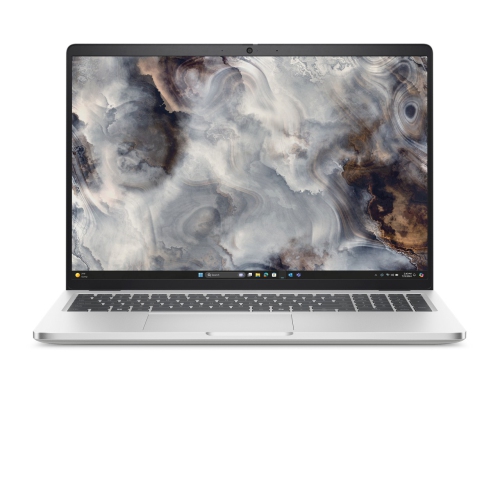
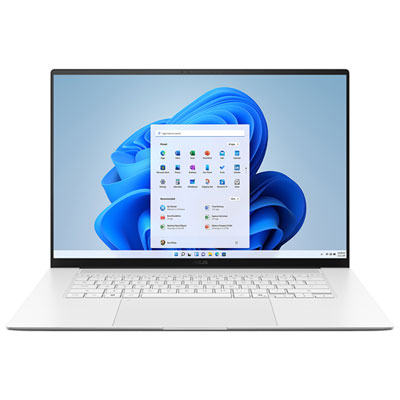
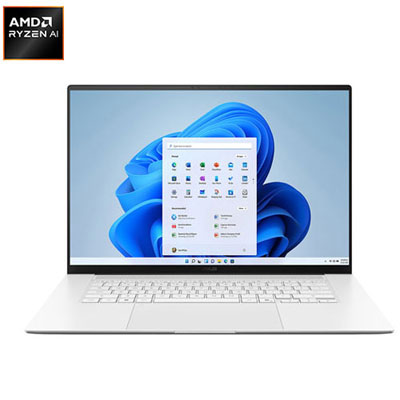
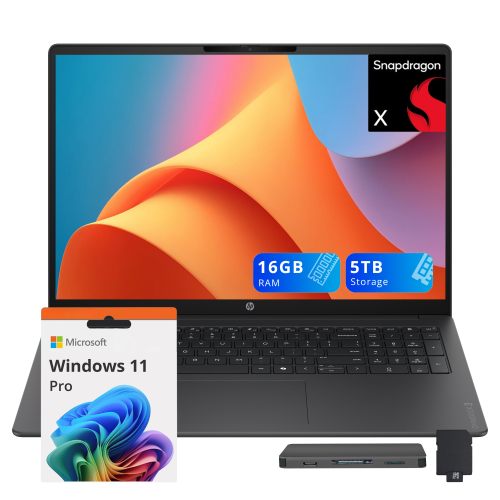
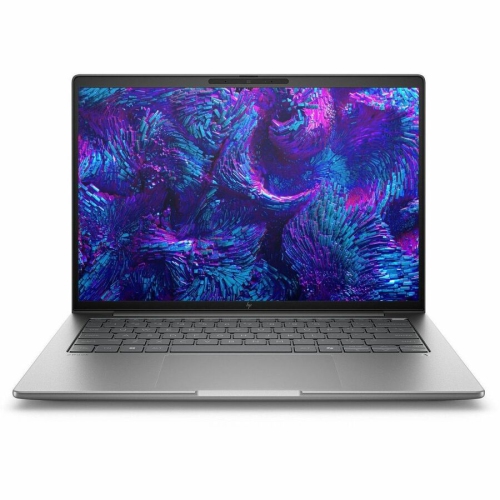
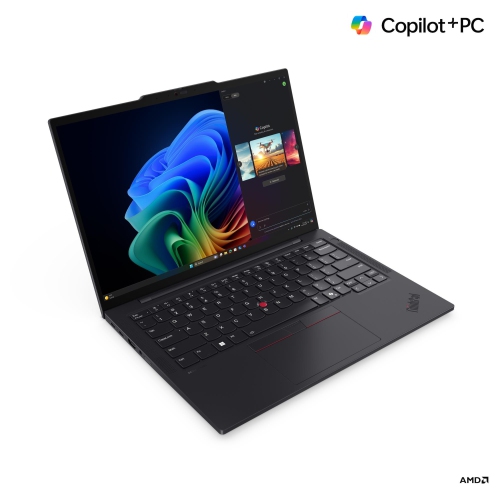
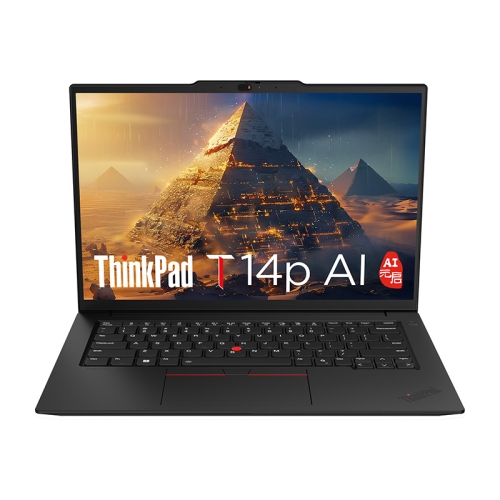
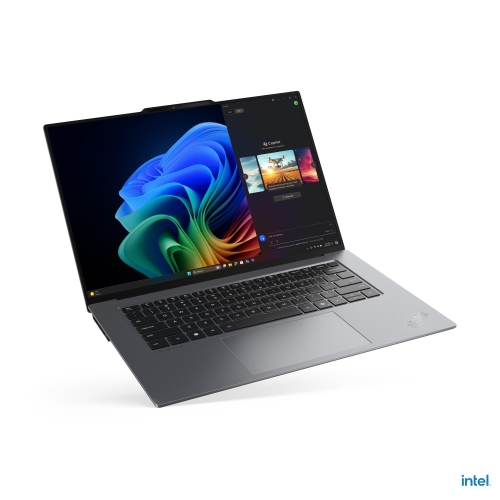
Advanced laptops bring together capable processors, responsive storage, and displays suited to work that goes beyond everyday browsing. They serve a wide range of needs, from editing photographs and assembling video projects to running development tools, building detailed spreadsheets, and playing demanding games. “Advanced” describes a combination of capabilities rather than a single specification: processor performance, graphics hardware, memory, cooling, and software compatibility all contribute to how a laptop feels in use. A student working with engineering applications may need different hardware from a photographer reviewing hundreds of high-resolution images or a professional moving between presentations, video calls, and large documents. For multitasking, 16 GB of memory provides a useful baseline for many workflows, while 32 GB or more gives demanding creative applications, virtual machines, and larger projects additional room to operate. Memory requirements still depend on the software involved, and some laptops have memory that cannot be upgraded after purchase. Solid-state storage helps applications launch quickly and keeps file access responsive; capacity becomes especially important when video footage, game libraries, or project archives need to remain on the device. Integrated graphics handle many everyday and professional tasks, while dedicated graphics can accelerate supported rendering, video effects, three-dimensional design, and gaming. The benefit depends on the application, not simply the presence of a separate graphics processor. Some advanced laptops also include a neural processing unit for supported on-device AI features, although software compatibility determines which functions can use it. Cooling design and power settings influence sustained performance, particularly during a long export or complex calculation, so processor names alone do not tell the whole story. Battery operation may also deliver different performance from use with the supplied power adapter. These distinctions help explain the overlap between advanced laptops and High End Laptops: both place emphasis on capabilities that support more involved tasks, but the most suitable configuration depends on the work being done.
The display and physical design shape the experience just as much as internal hardware. A higher-resolution screen can make fine details and small text clearer, while a larger display offers more room for a timeline, drawing canvas, or two documents placed side by side. A compact 14-inch laptop fits more easily into a bag and onto a small desk, whereas a 16-inch design generally provides a broader work surface on screen, with size and weight varying by model. For photo editing, illustration, and video work, colour accuracy and coverage of the colour space used by the project matter more than vivid-looking colours alone. Screen brightness and surface finish affect visibility near windows or under overhead lighting, and a glossy touchscreen can feel quite different from a matte display during a full day of reading. Higher refresh rates make motion and scrolling appear smoother, with particular value for fast-paced games; their usefulness is separate from resolution and colour performance. Touch input and convertible hinges suit handwritten notes, diagrams, and presentations when supported, while pen compatibility varies. Keyboard layout, key spacing, and touchpad size become noticeable during extended typing sessions, and a numeric keypad may be helpful for frequent data entry. Aluminum, magnesium alloy, and reinforced composite construction can provide rigidity, but material alone does not establish how well a laptop will withstand daily handling. Hinge stability, chassis construction, and protection during transport also matter. Portability involves the charger as well as the computer, especially for someone carrying a laptop between classrooms, meetings, and a shared workspace. Battery life varies with screen brightness, wireless activity, graphics use, and workload, so light document editing and intensive rendering should not be expected to deliver the same unplugged runtime. A quieter operating profile may suit a library or meeting room, while heavier workloads can make cooling fans more noticeable.
Connections, communication features, and day-to-day care round out the usefulness of an advanced laptop. A practical port arrangement makes it easier to attach an external display, storage drive, mouse, or wired network adapter without turning a desktop into a chain of accessories. USB-C describes the connector shape, but individual ports can differ in data speed, display support, and charging capability. A compatible dock can simplify moving between a mobile setup and a larger desktop arrangement, although the laptop, dock, displays, and power supply must support the intended setup. Wi-Fi performance also depends on the router, network conditions, and the capabilities supported by both devices. For remote collaboration, camera quality, microphone clarity, and speaker performance influence how comfortably someone can participate in calls; a physical camera shutter or microphone mute control adds a convenient layer of privacy when included. Fingerprint readers and facial sign-in can streamline access on supported systems, while encryption and regular backups help protect important files. Compatibility remains essential for specialized work, including applications that require particular operating systems, certified graphics hardware, or connected equipment. For a graduate, creative professional, or family member receiving a laptop as a gift, compatibility with familiar tools and accessories can be more valuable than an impressive specification that does not fit their routine. Long-term care is straightforward but worthwhile: a well-fitting padded sleeve limits scratches and minor knocks, liquids belong away from the keyboard, and ventilation openings need clear space during use. Soft bedding can obstruct airflow, making a firm, flat surface a better place for demanding tasks. Cleaning methods should follow the manufacturer’s directions, with liquids kept out of ports and openings. Repair access, battery service options, and warranty terms differ, as do opportunities to replace storage or memory. Together, these practical details support a laptop that feels capable not only during a major project, but also through the ordinary rhythm of opening files, joining calls, packing a bag, and getting back to work.
Top selling and popular products
-
 Your price for this item is $449
-
 Your price for this item is $3099
-
 Your price for this item is $1800.68
-
 Your price for this item is $664.05
-
 Your price for this item is $869.99
-
 Your price for this item is $2960.48
-
 Your price for this item is $499.68
-
 Your price for this item is $1951.79
Discover more categories related to Advanced Laptops
Top Collections:
Best Black Friday Deals This Year, Best Black Friday Deals On Electronics, Kindle Devices, Pokemon Centers, Best Black Friday Deals On Apple Products, Best Cameras for Sports Photography, Dyson Airwrap, Pokémon 30th Celebration Cards, Apple iPhone 17 Pro, Canon G7X Cameras
Some products may be subject to Environmental Handling Fees
(EHF) depending on your province.
Learn more about EHFs.