Precision Laptops
Discover the power and performance you need with our selection of Precision Laptops. Whether you're a professional on-the-go, a student tackling assignments, or a creative mind bringing ideas to life, these laptops are designed to deliver top-notch precision and reliability. From sleek designs to cutting-edge technology, find the perfect laptop to match your needs and elevate your computing experience. Explore our range of Precision Laptops today and take your productivity to new heights.
Sort

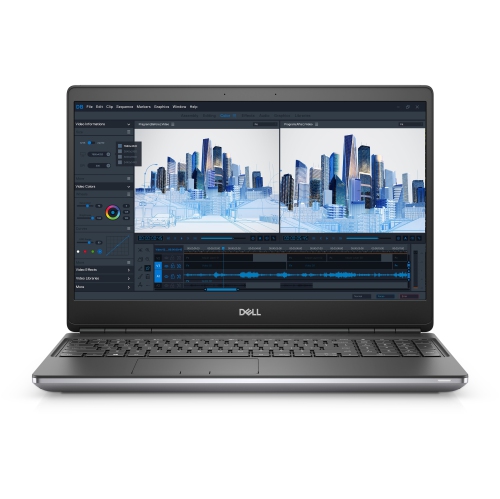
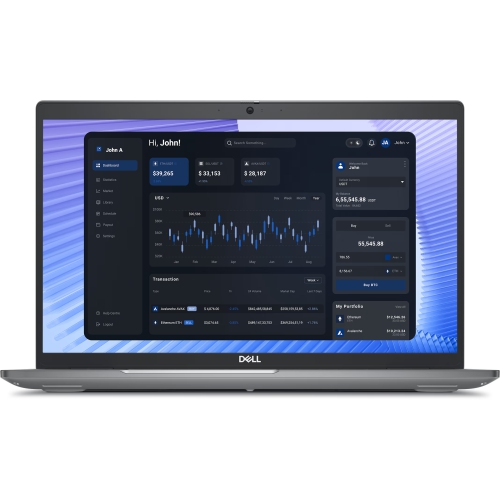
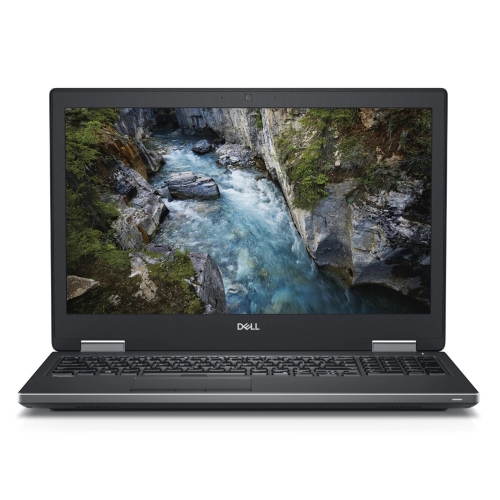
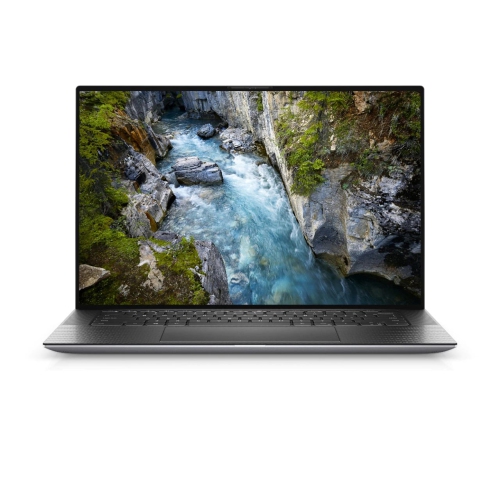
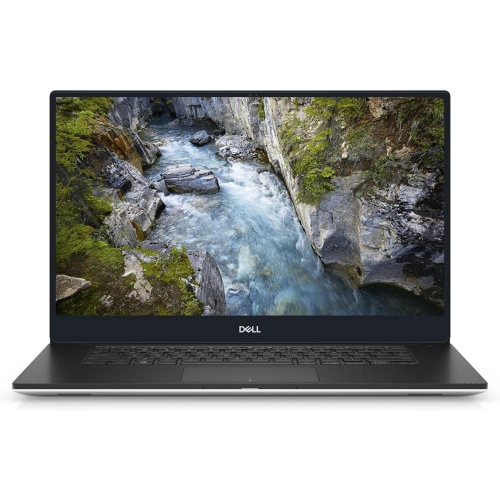
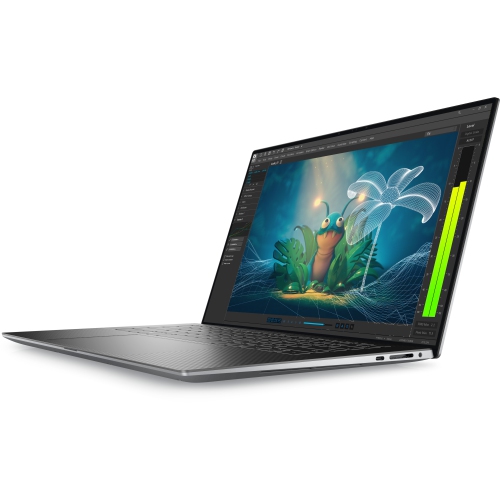
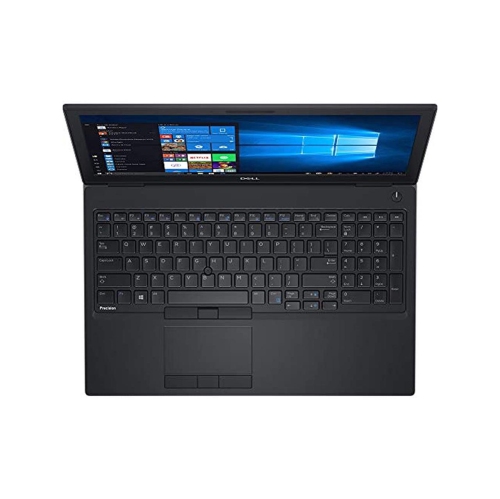
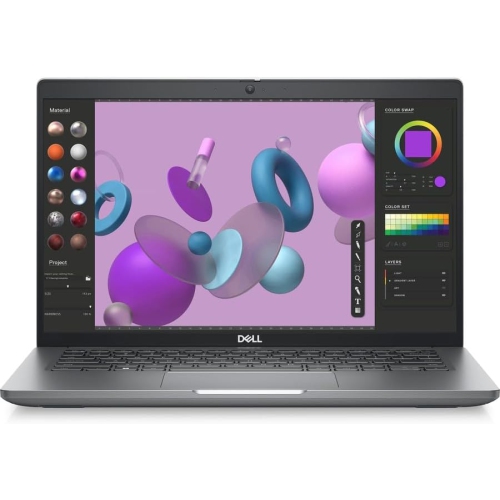
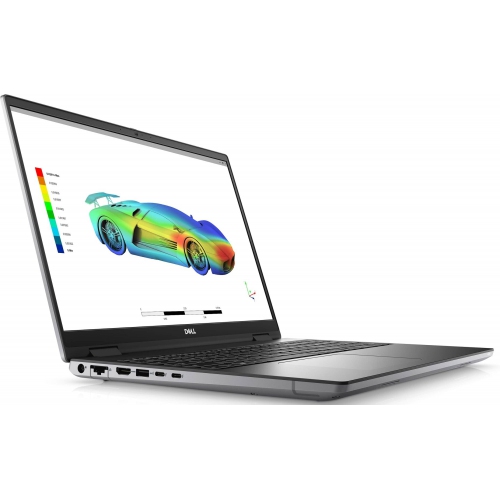
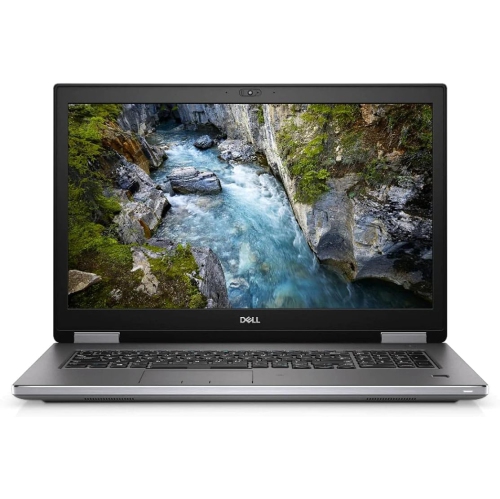
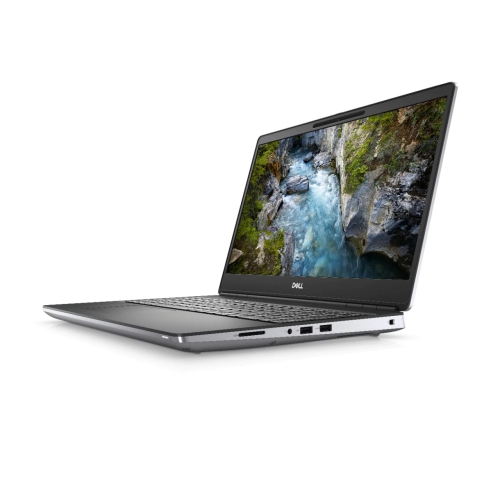
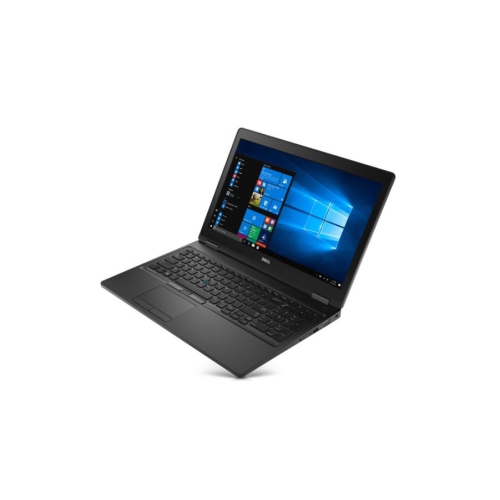
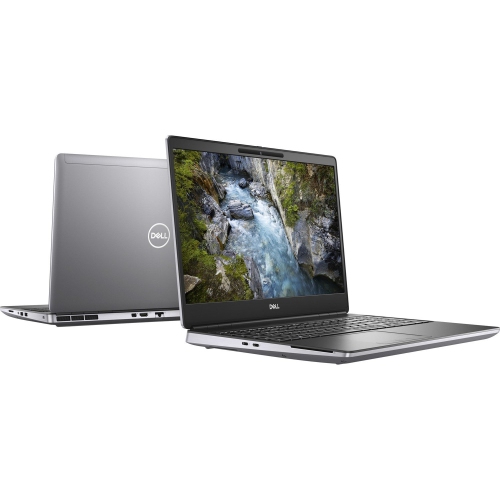
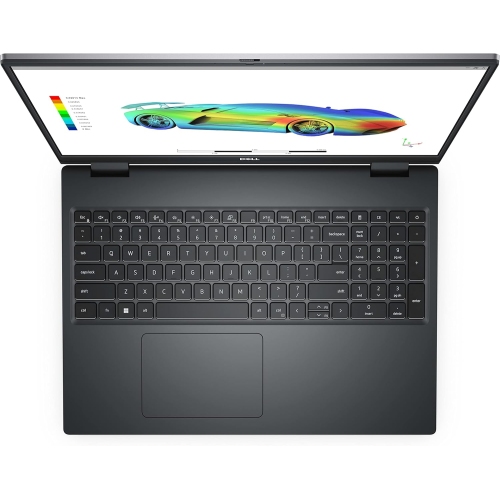
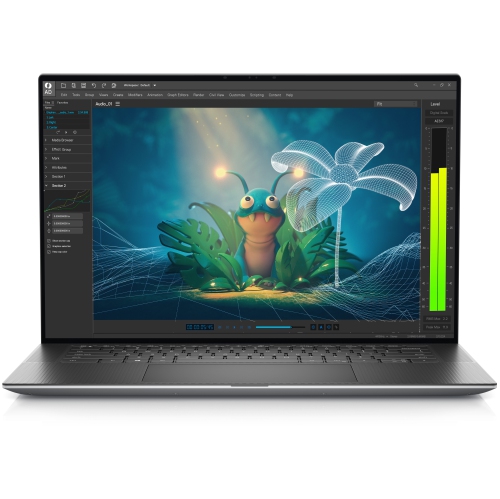
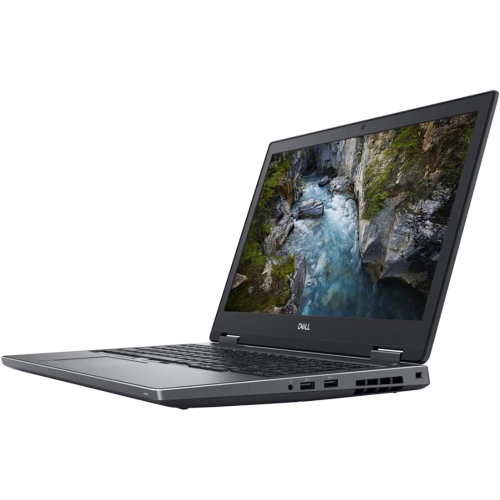
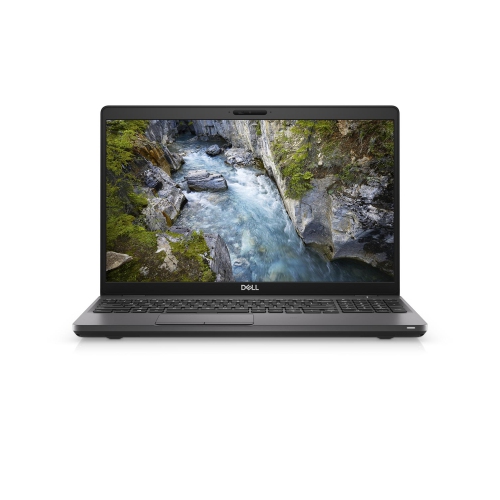
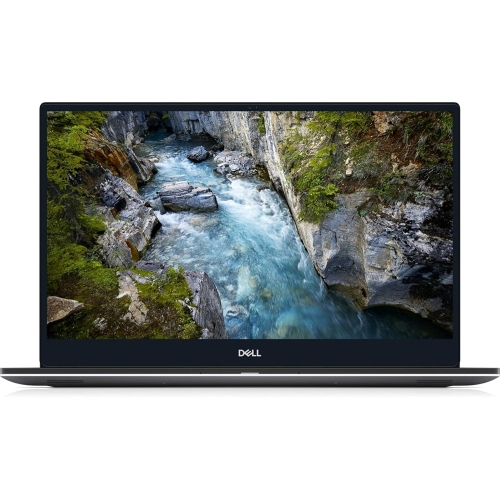
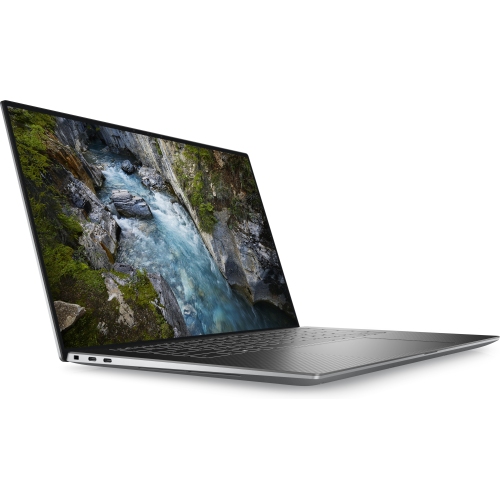
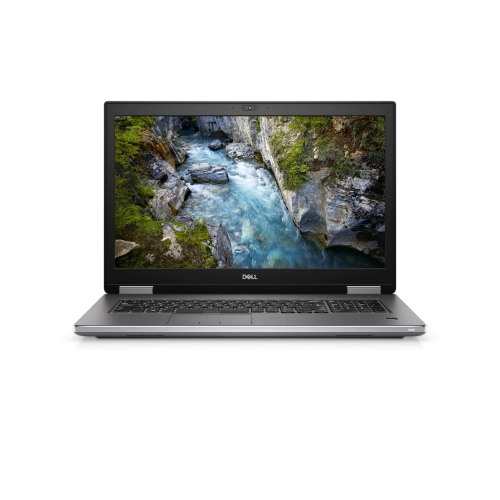
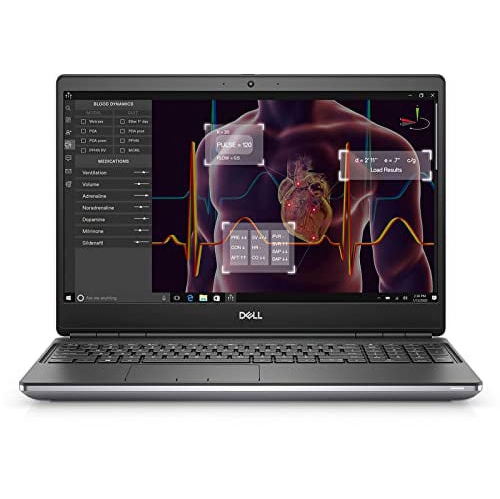
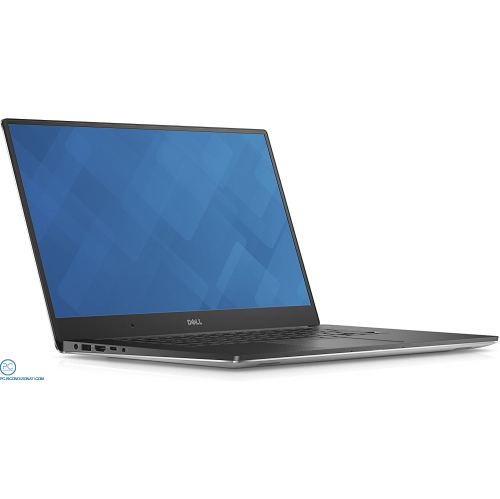
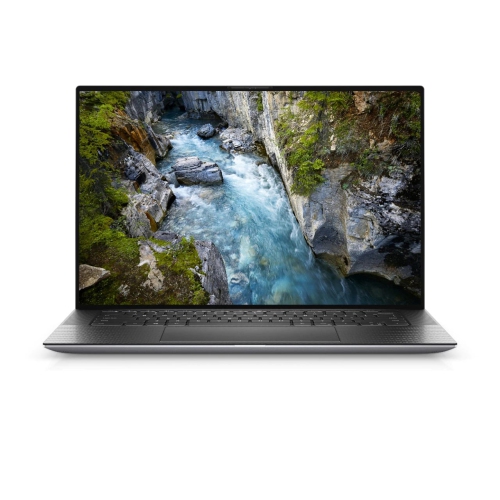
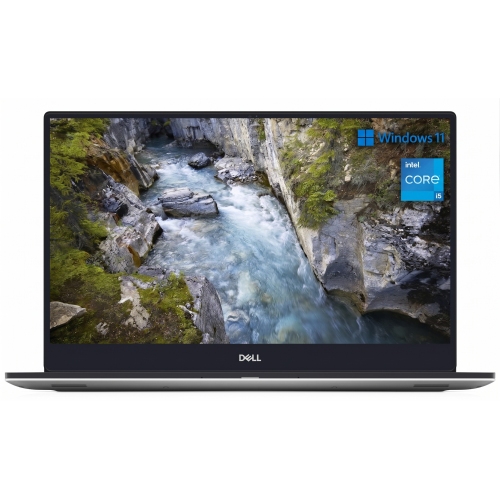
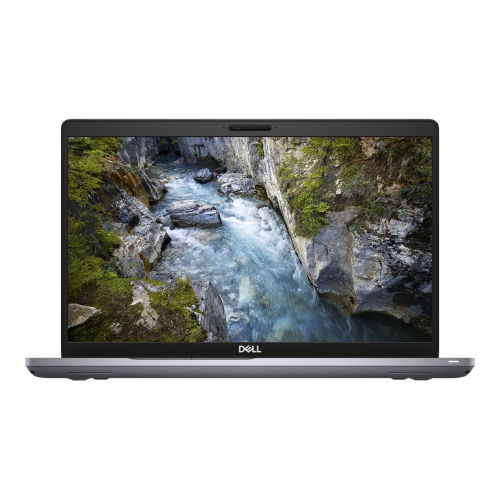
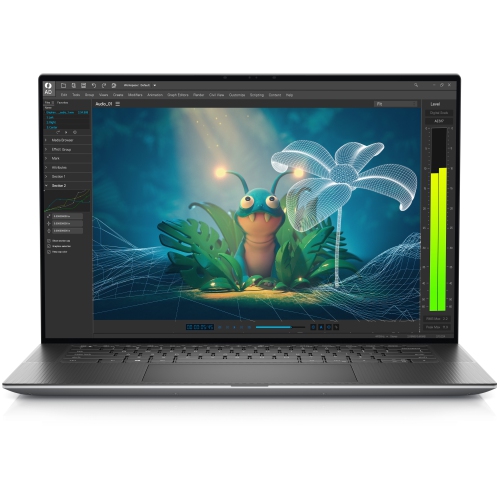
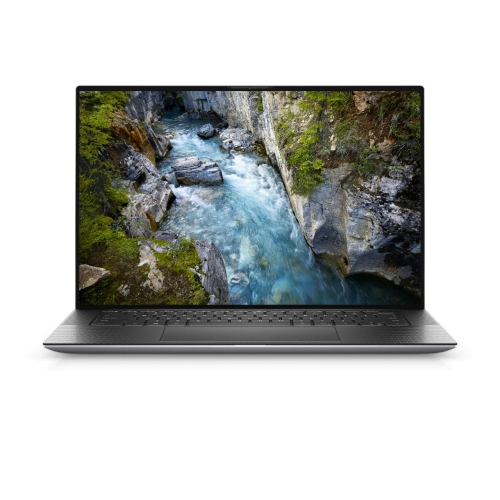
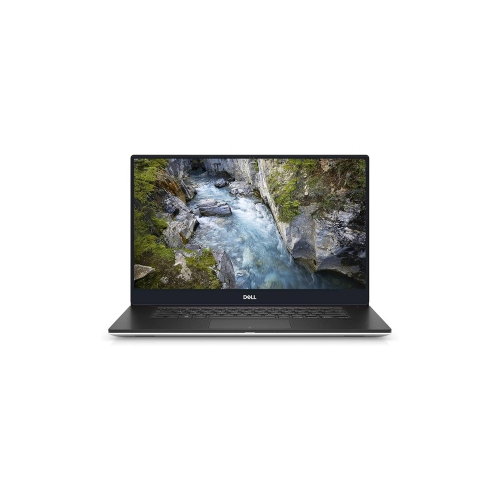
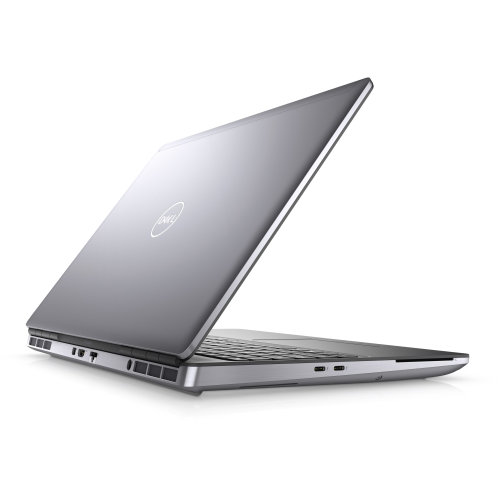
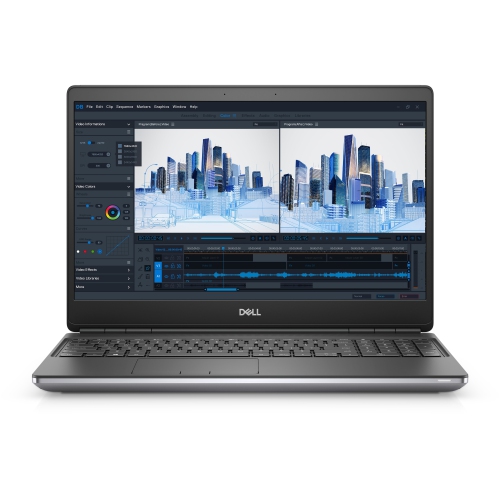
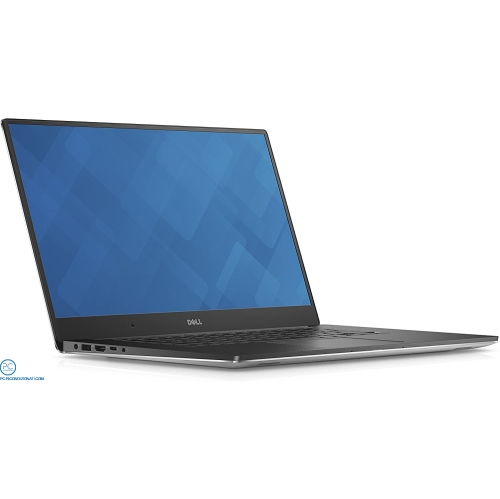
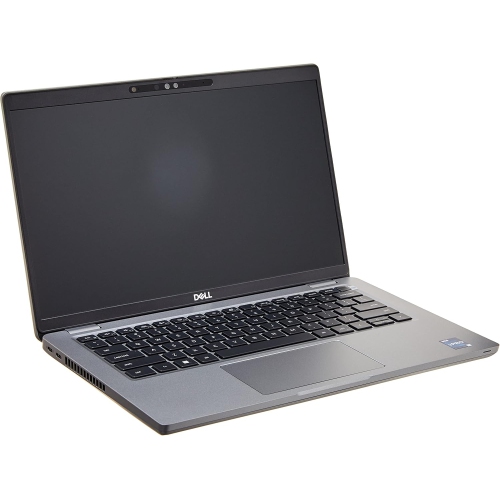
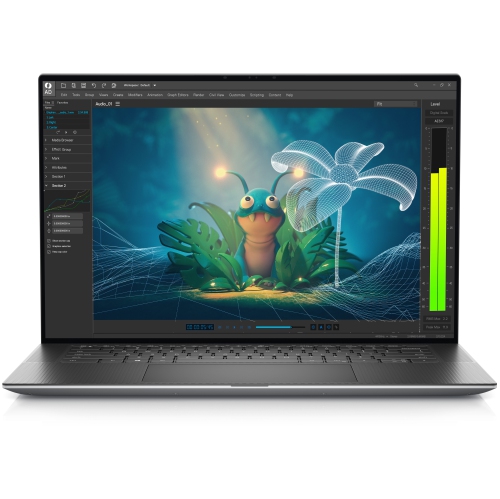
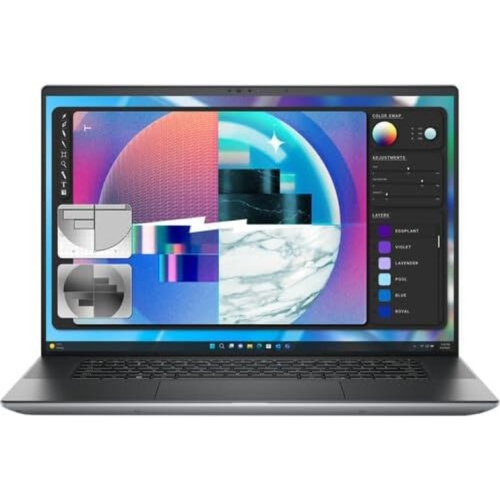
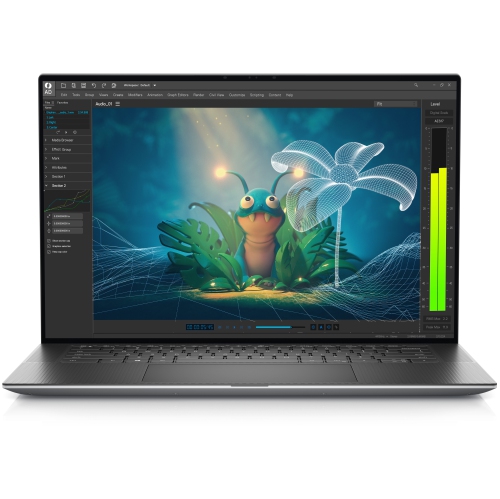
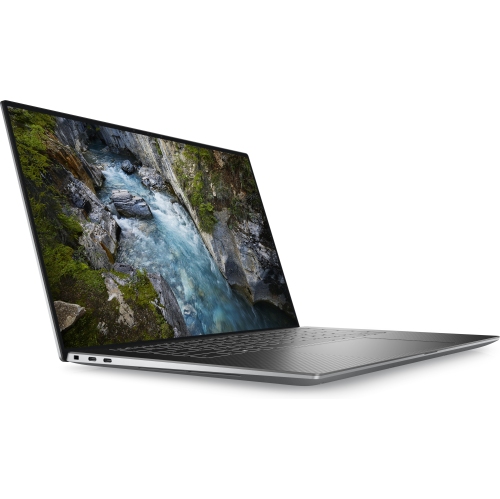
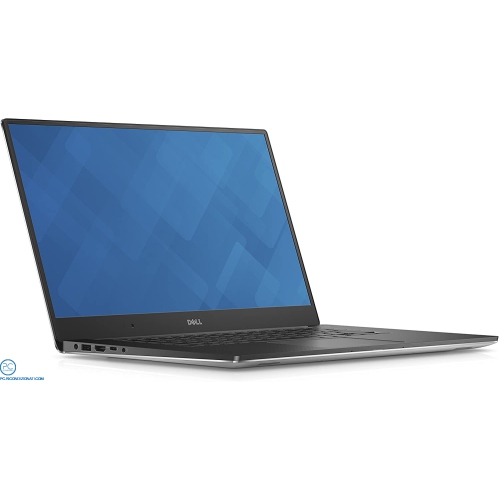
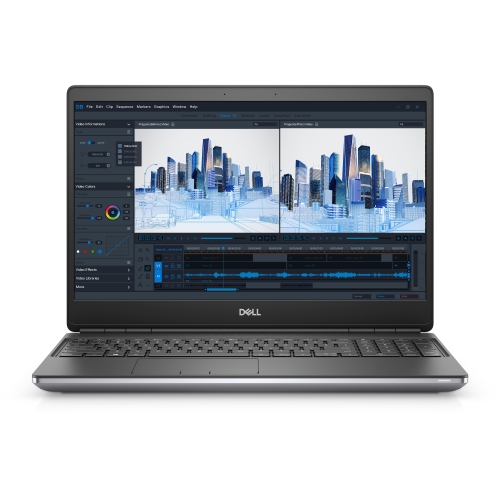
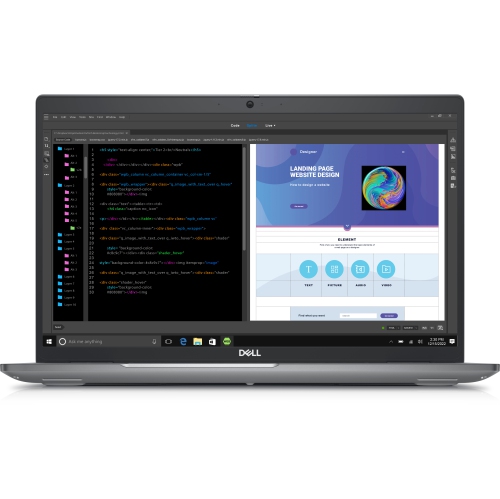
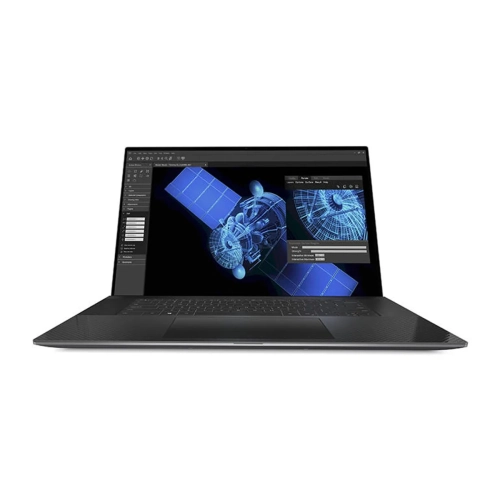
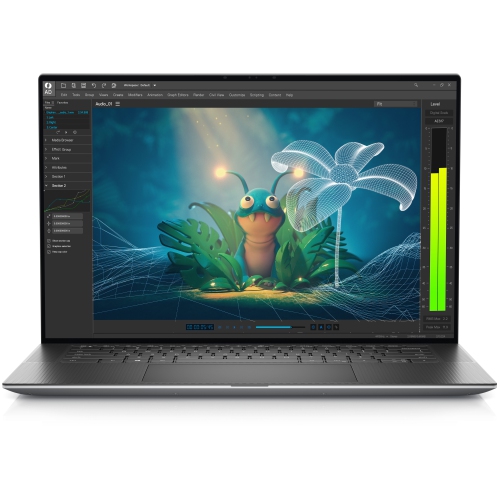
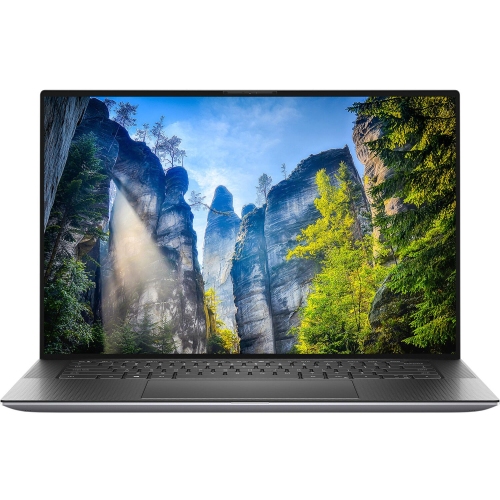
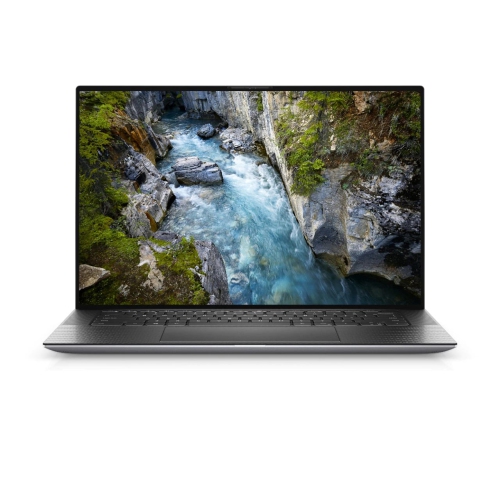
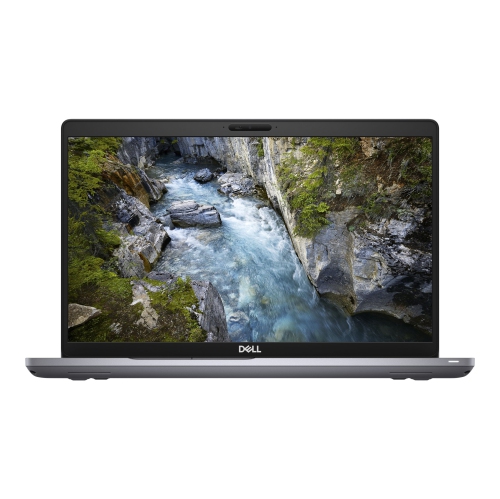
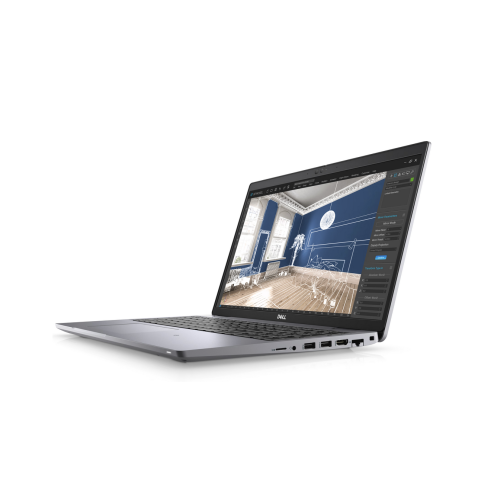
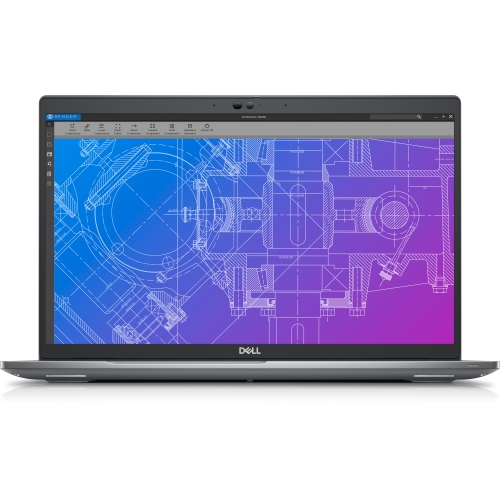
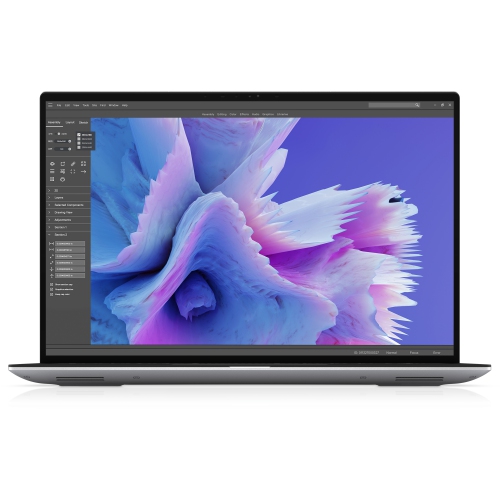
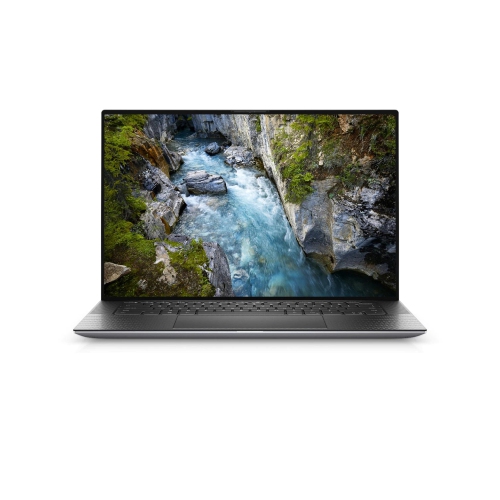
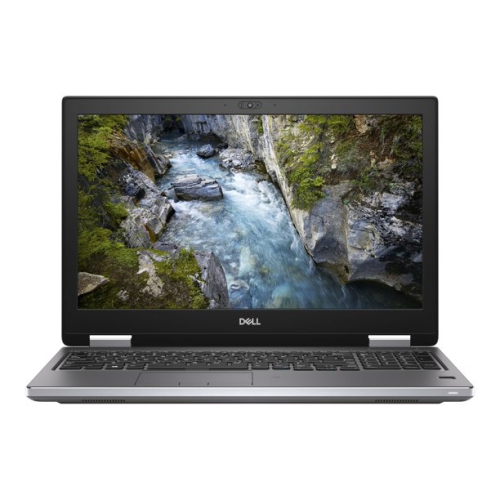
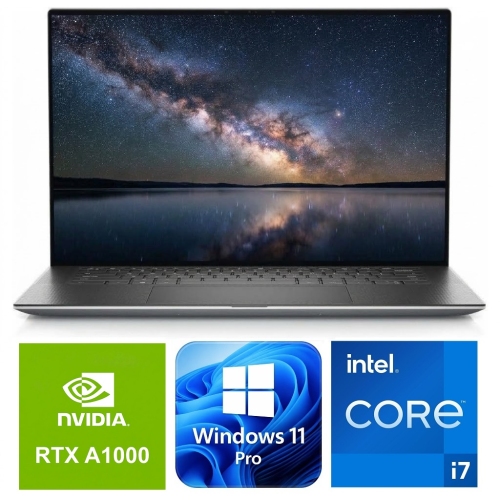
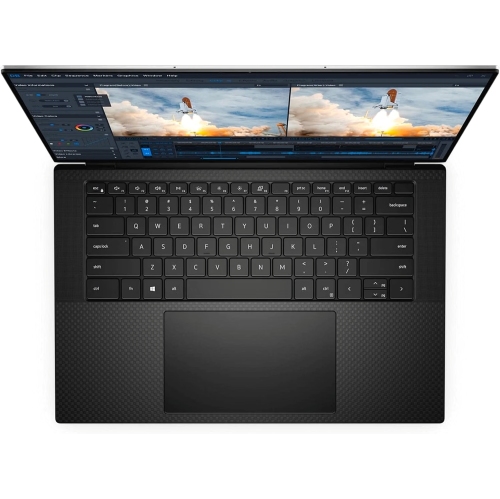
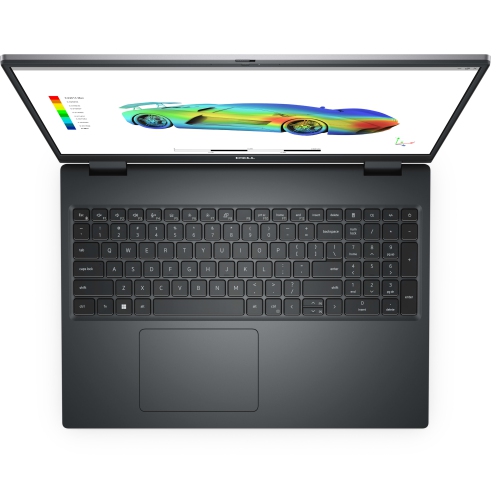
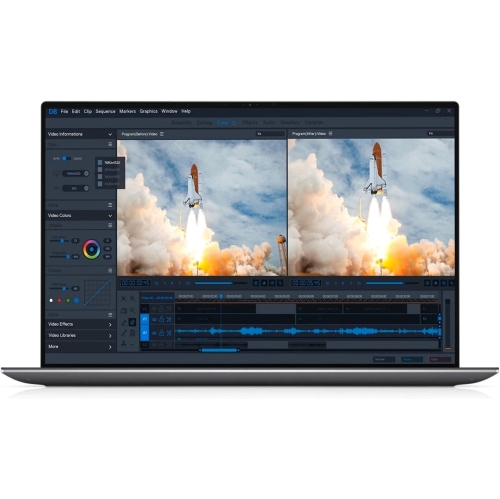
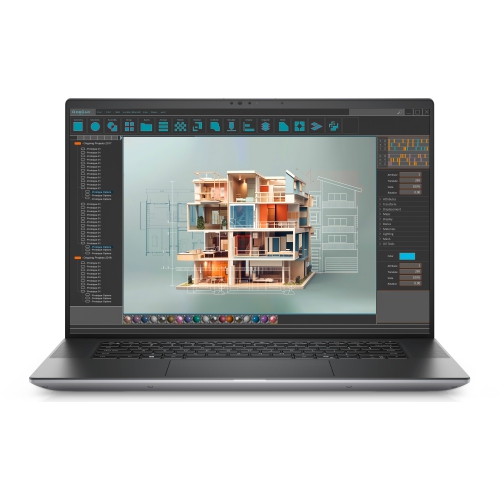
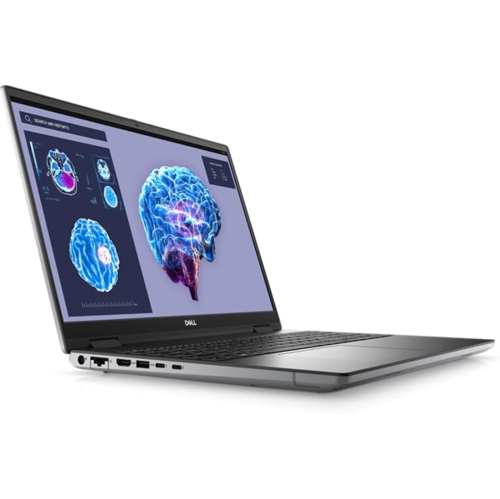
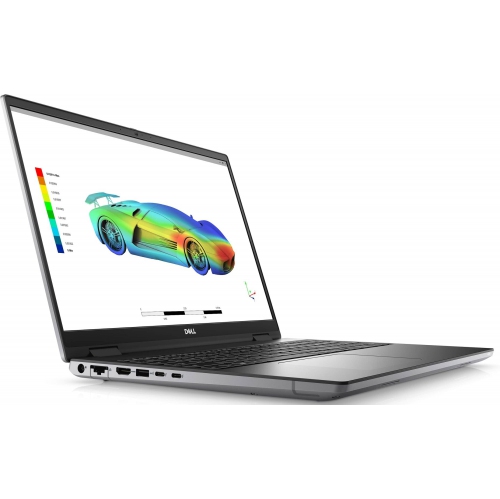
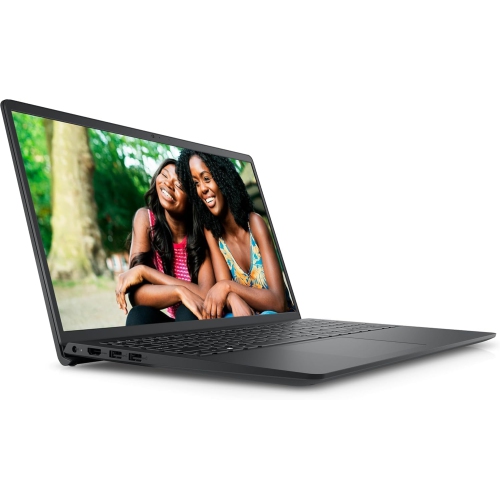
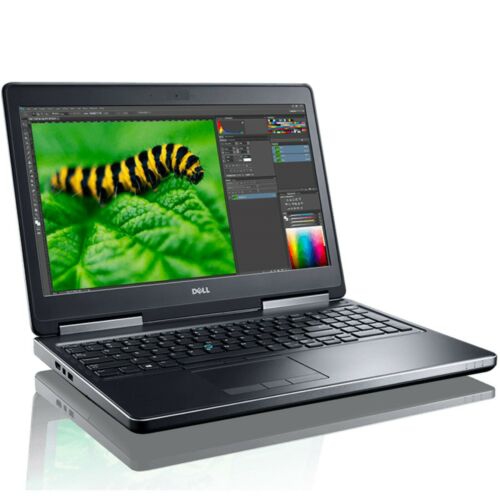
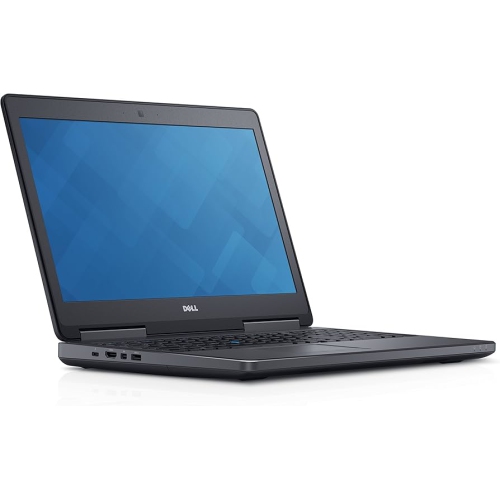
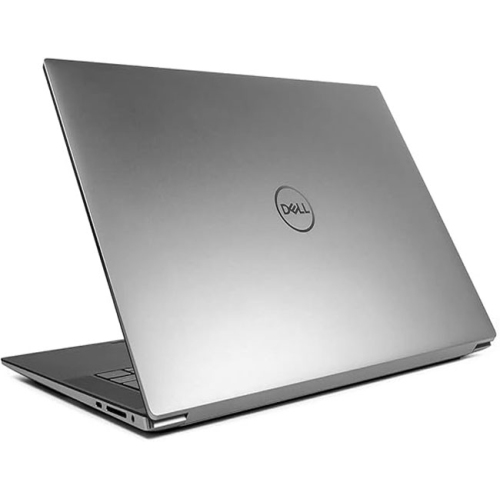
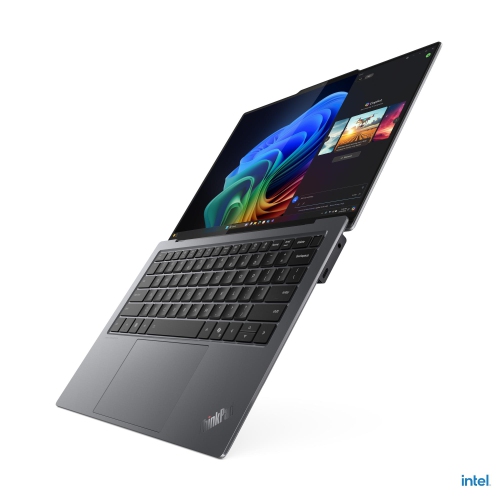
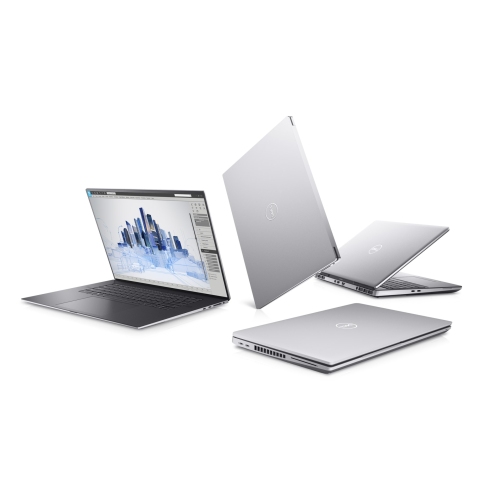
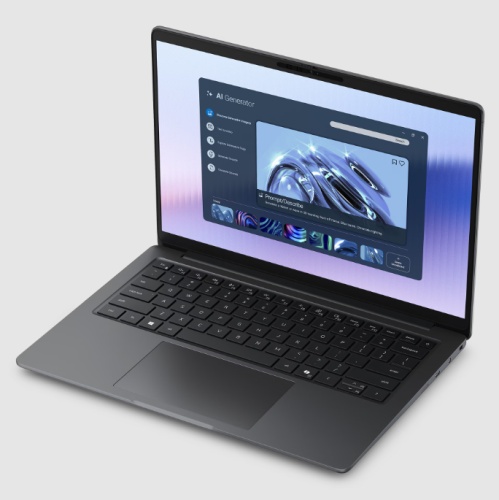
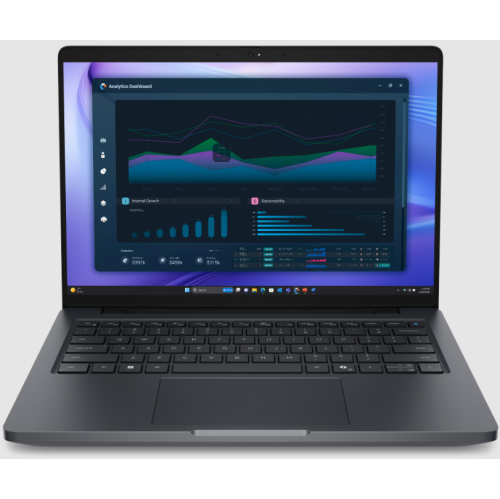
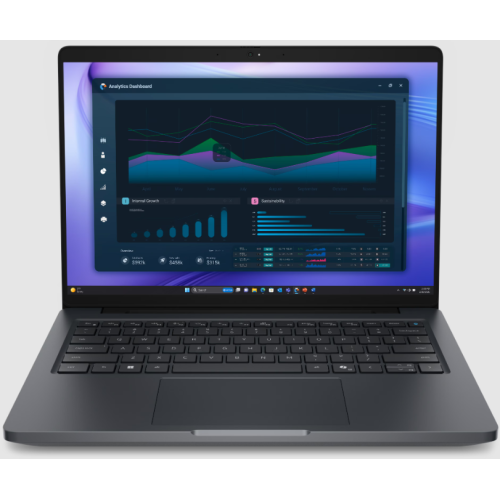
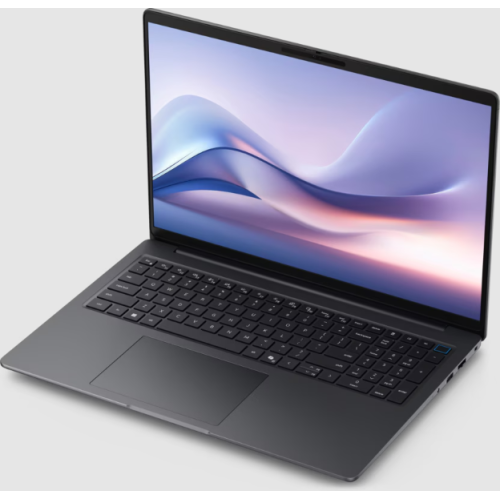
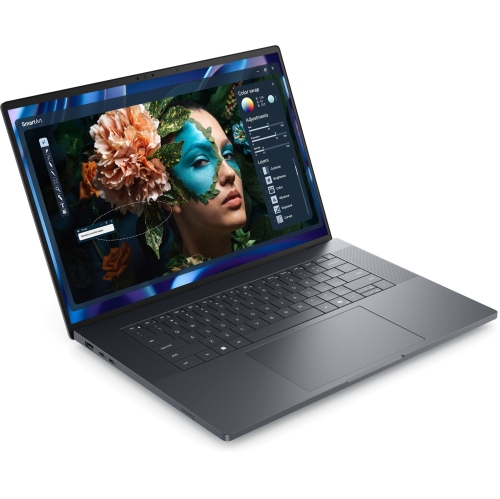
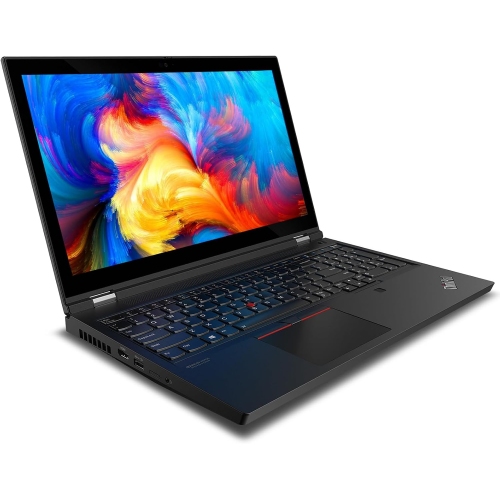
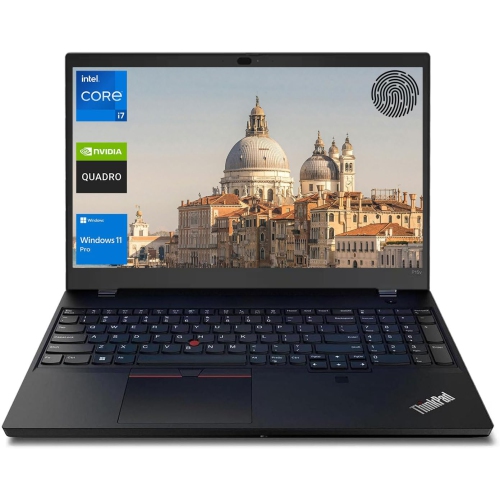
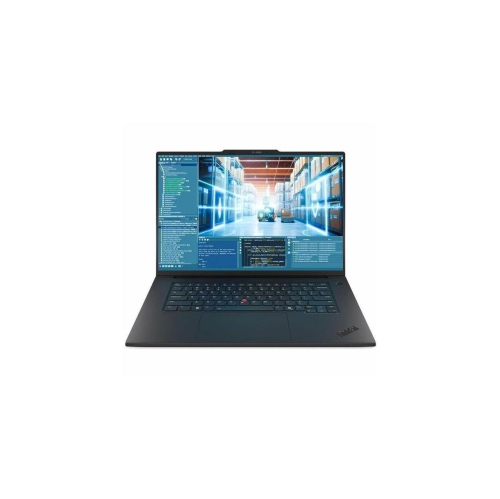
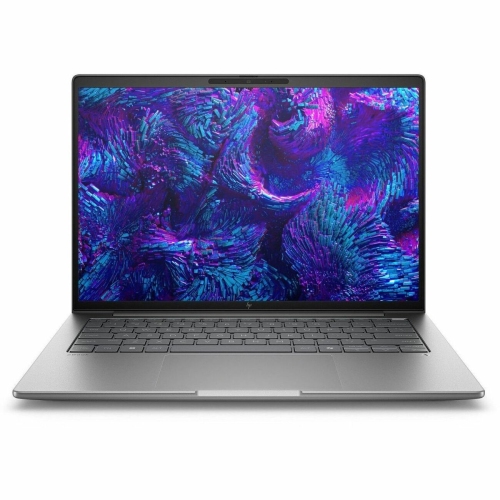
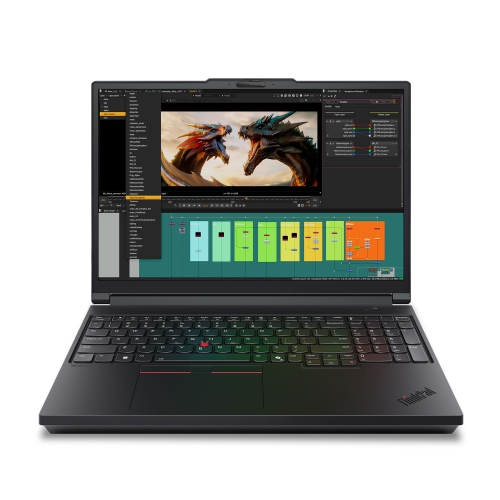
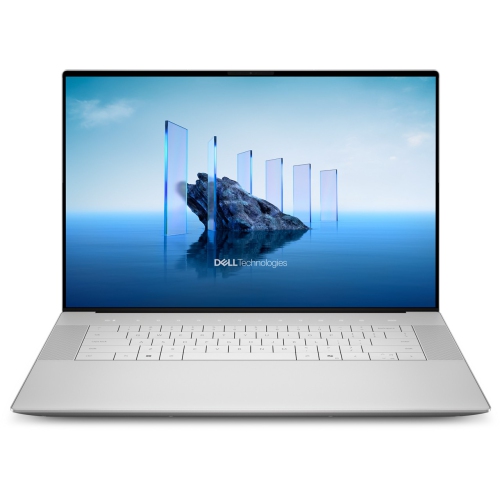
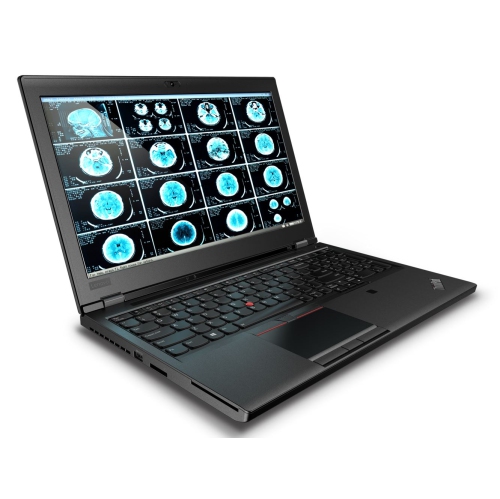
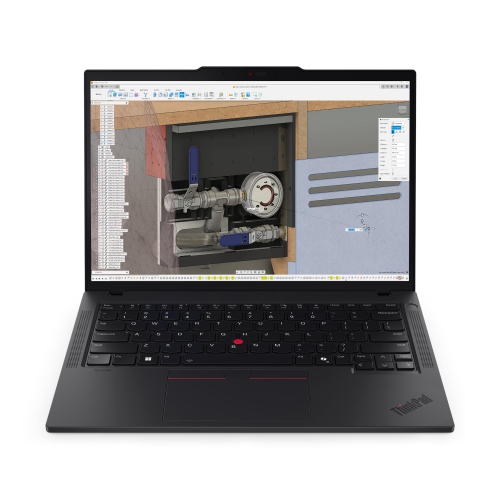
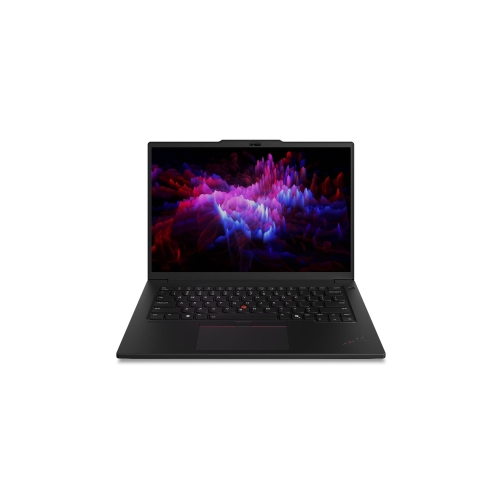
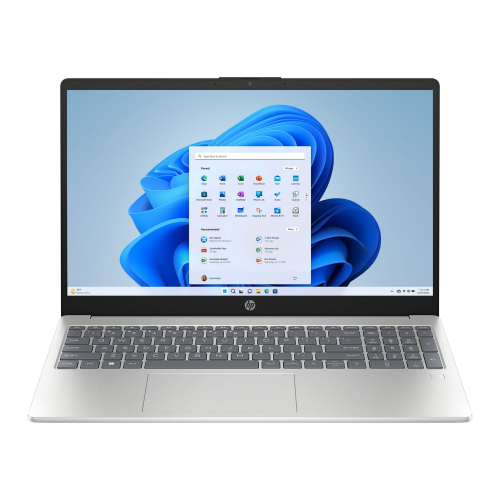
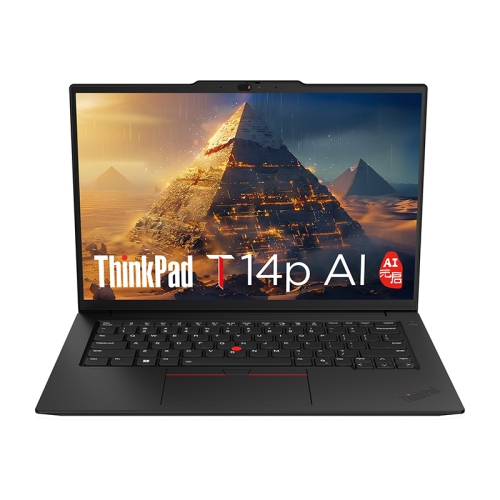
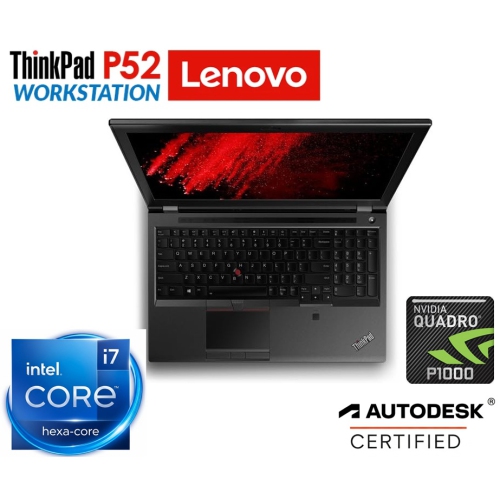
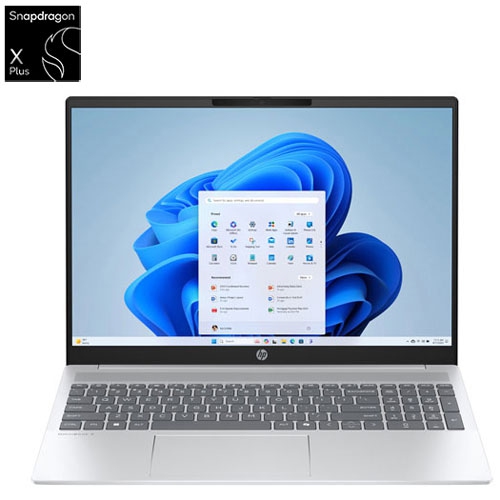
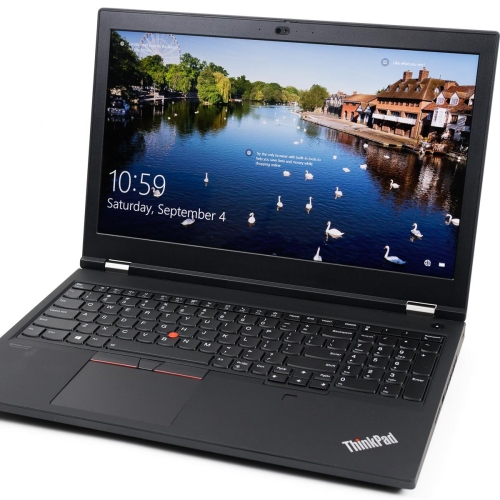
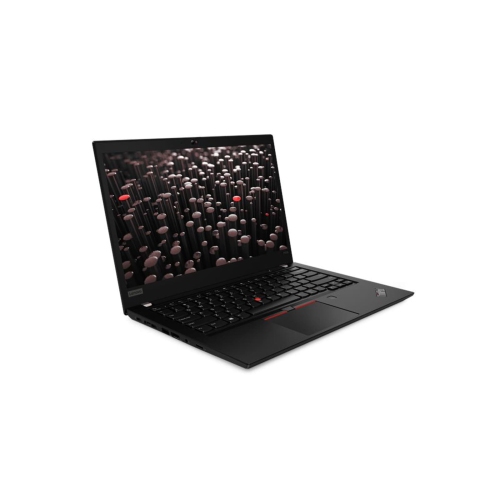
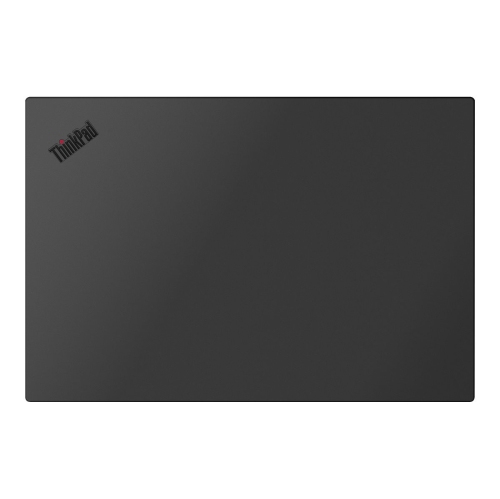
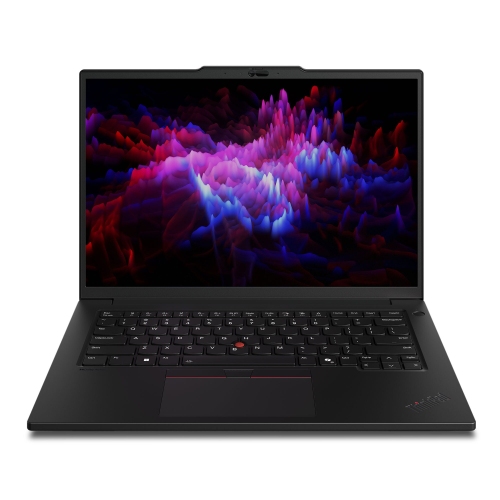
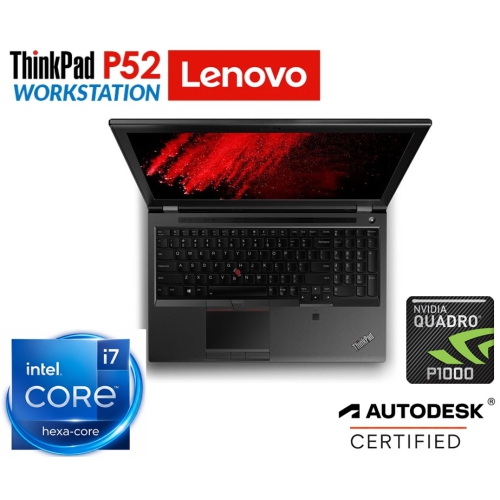
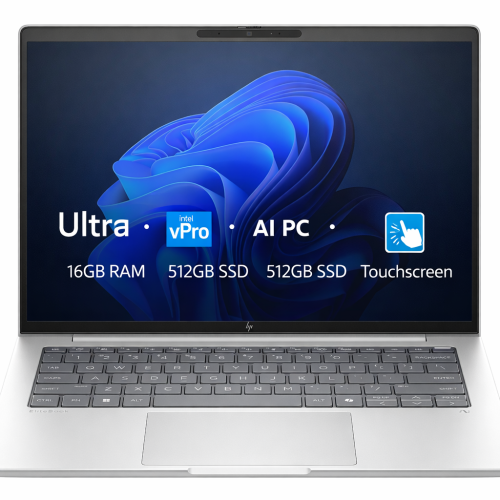
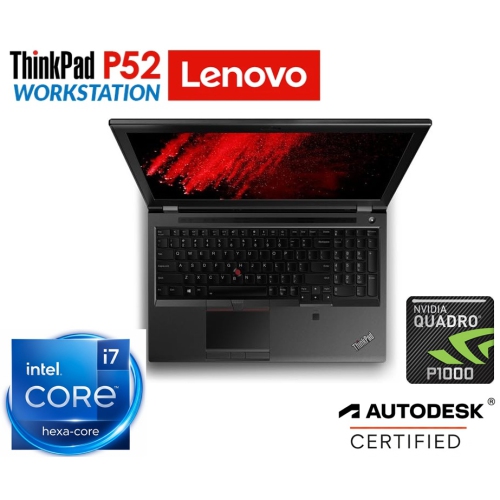
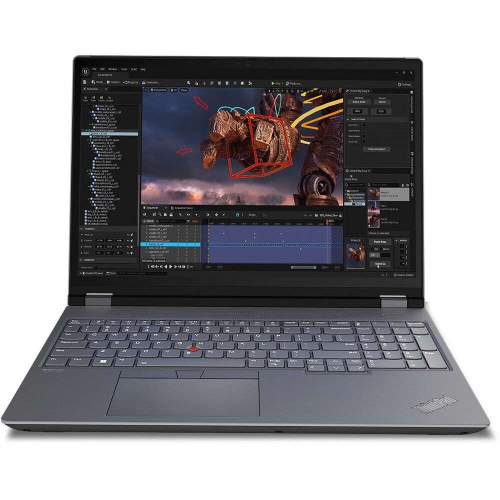
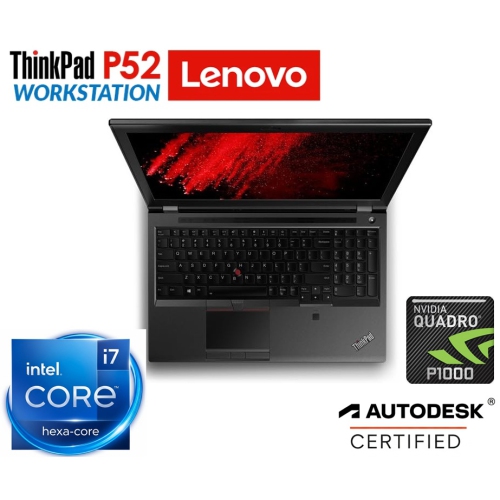
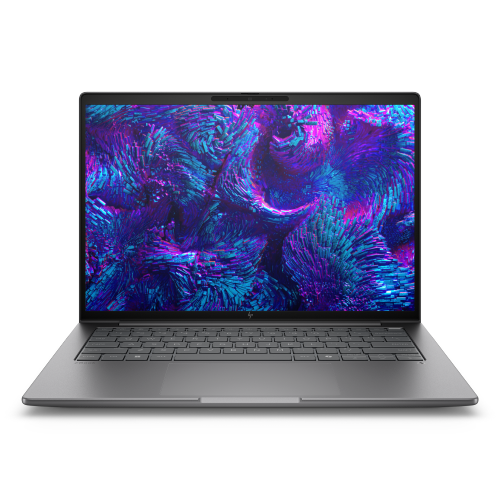
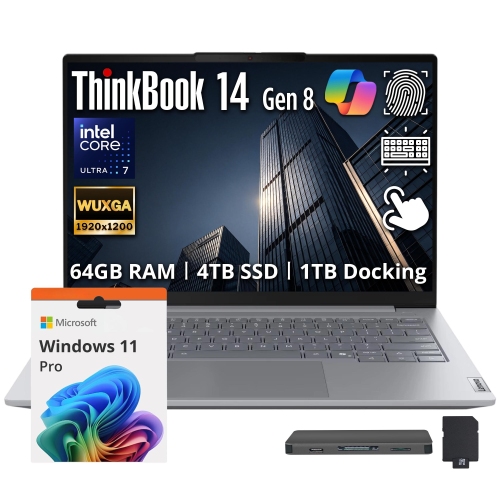

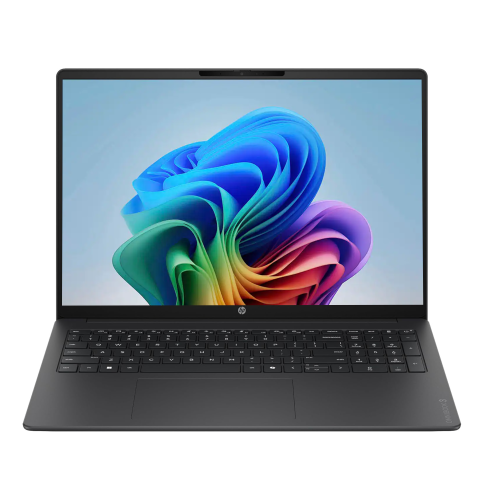
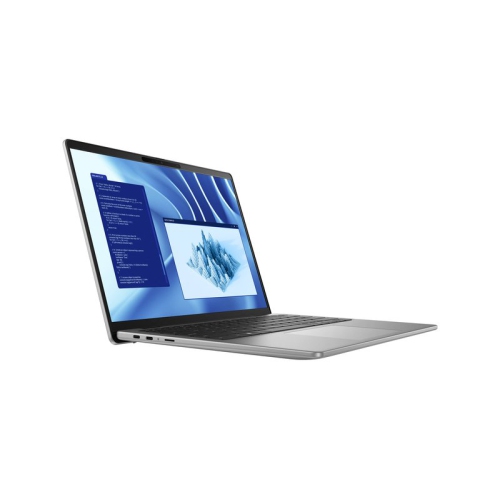
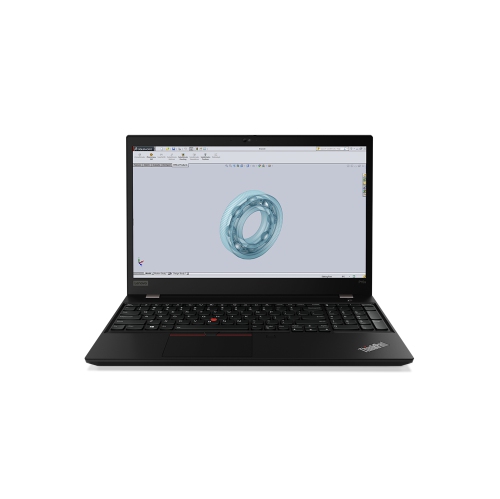
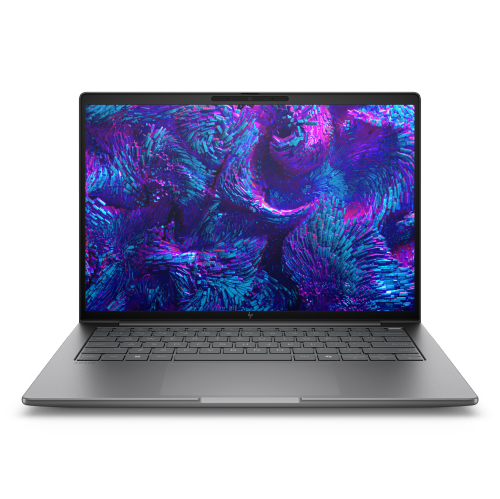
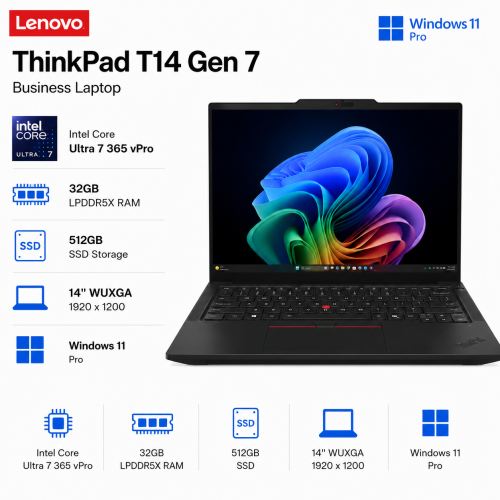
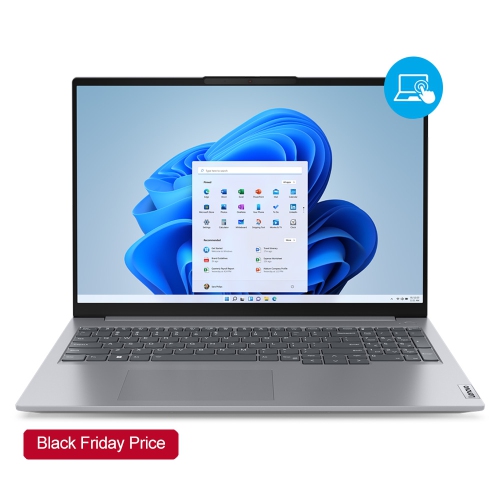
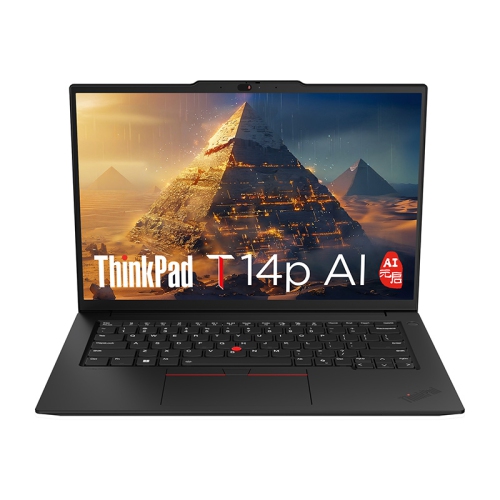
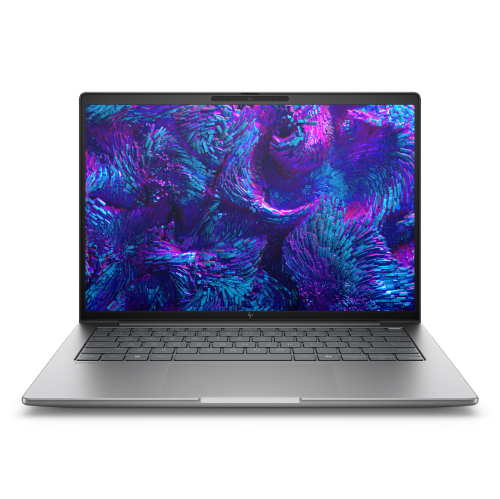
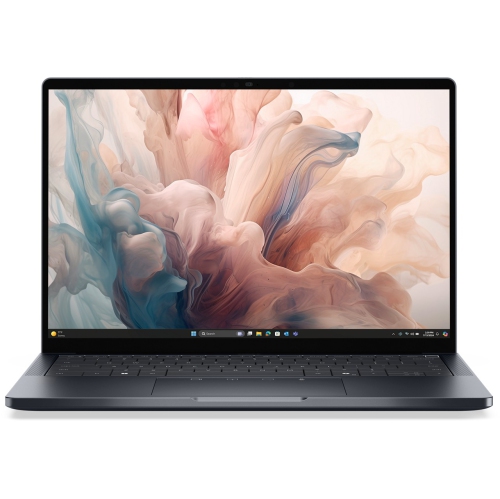
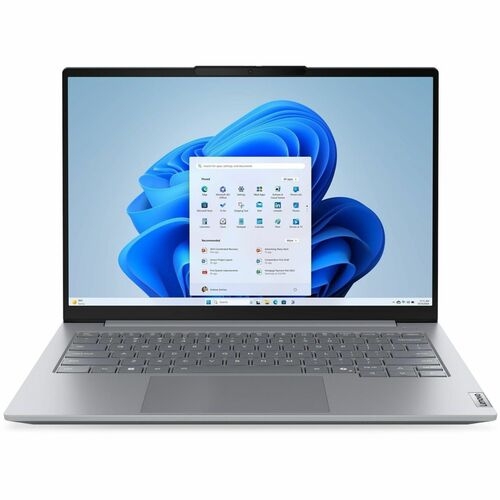
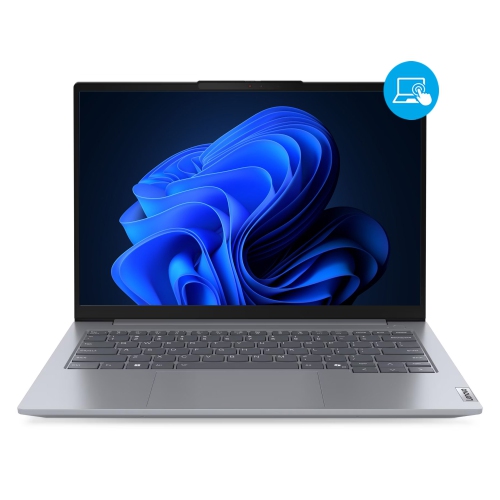
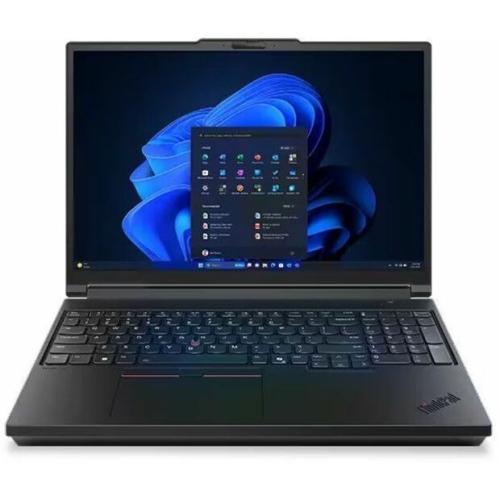
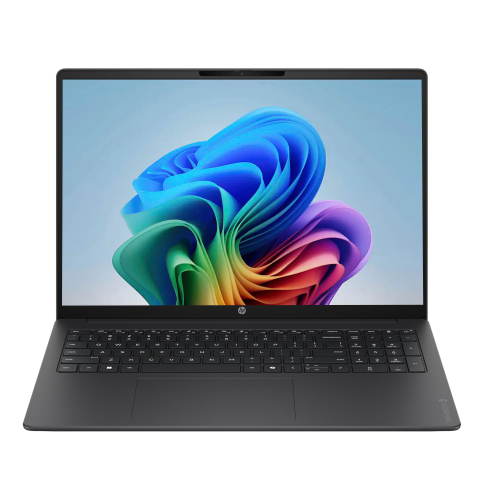
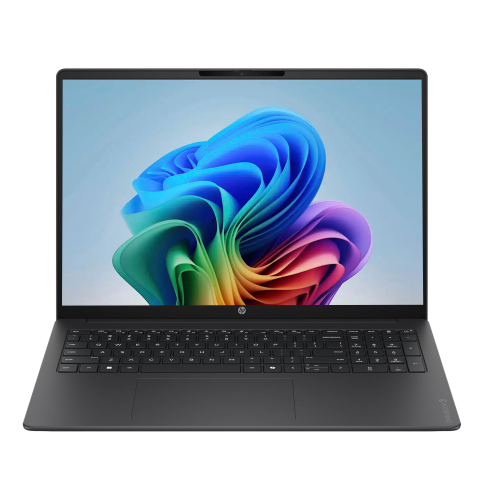
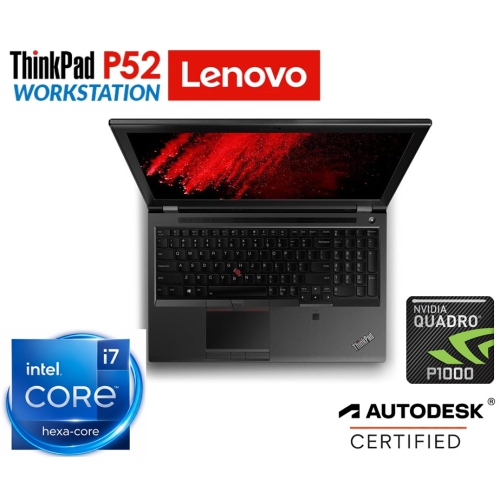
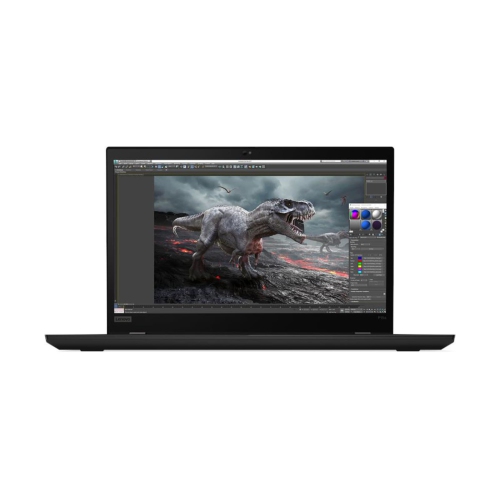
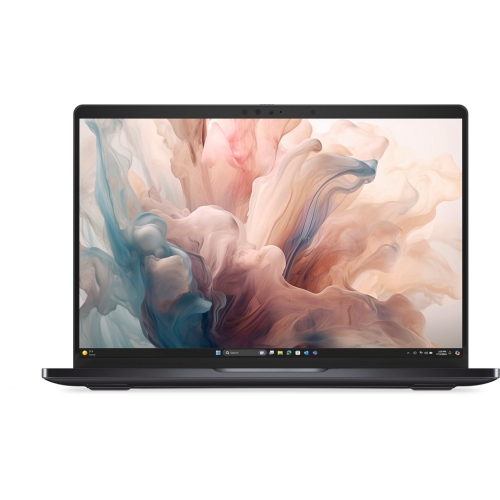
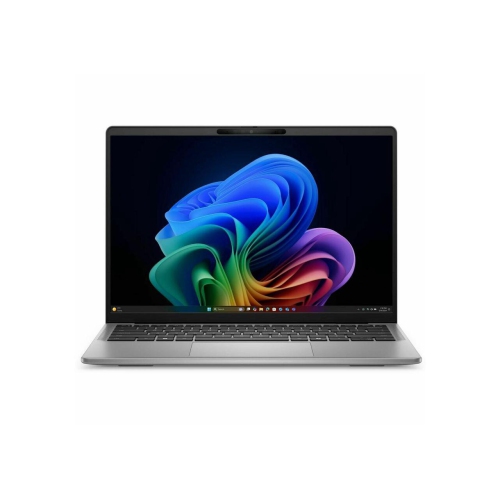
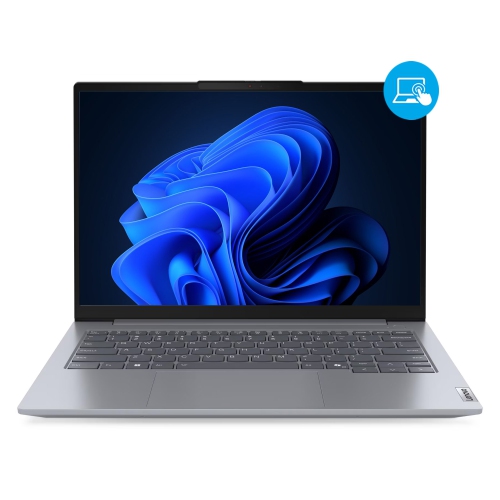
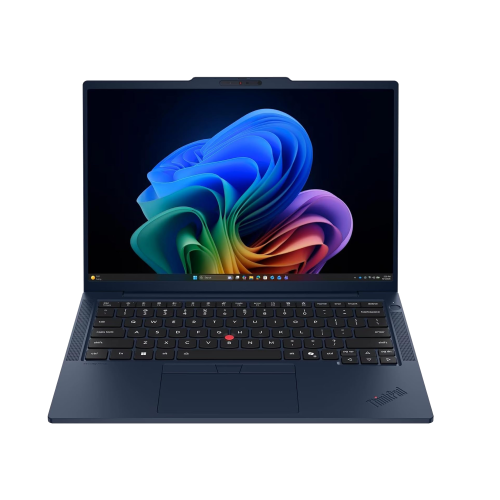
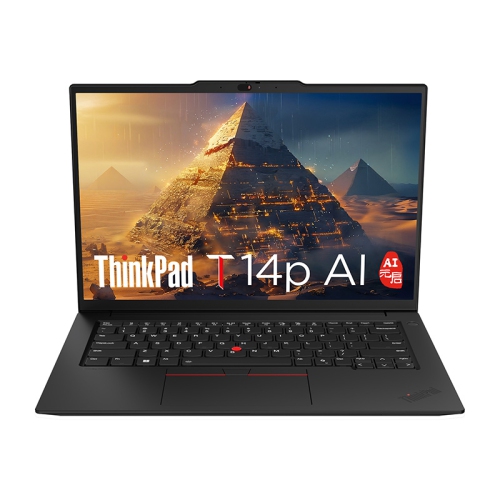
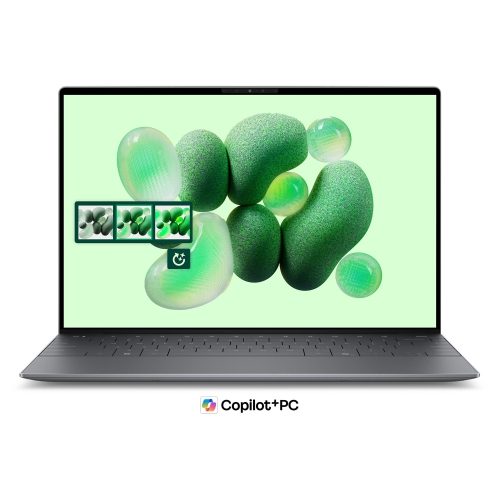
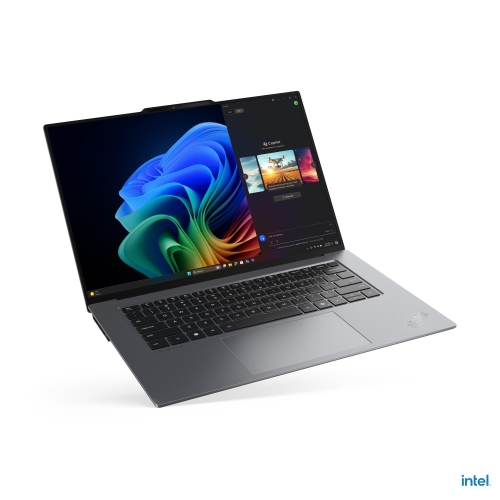
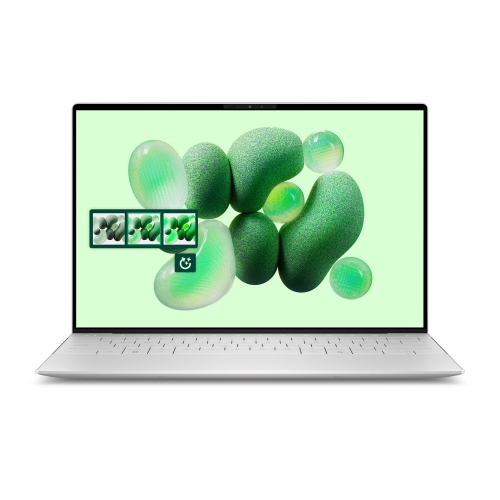
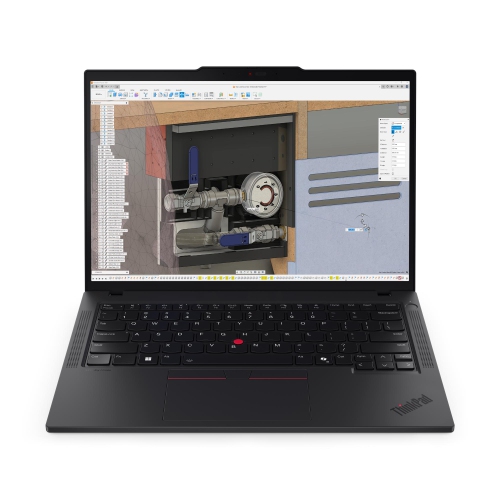
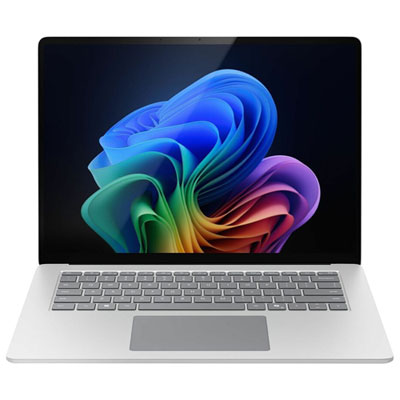
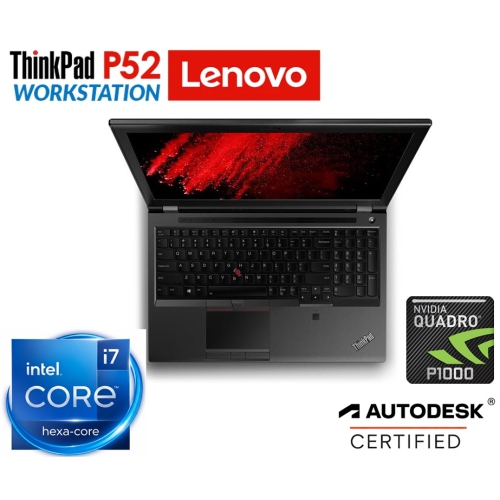
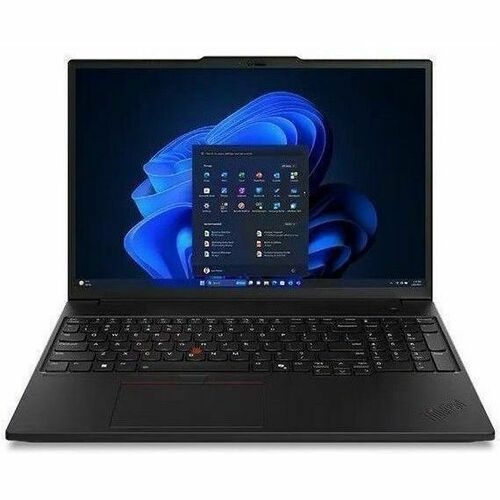
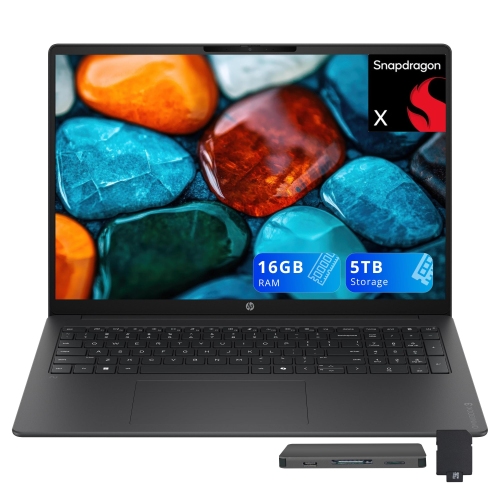
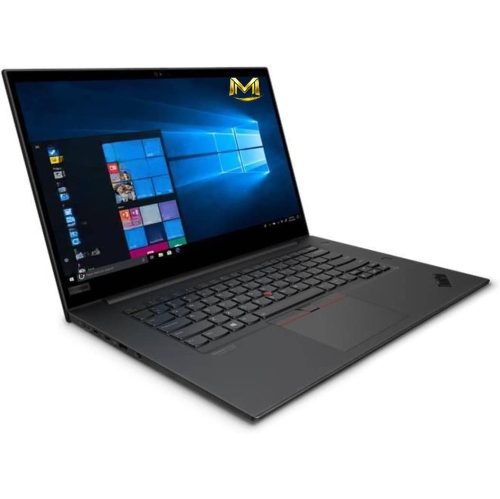
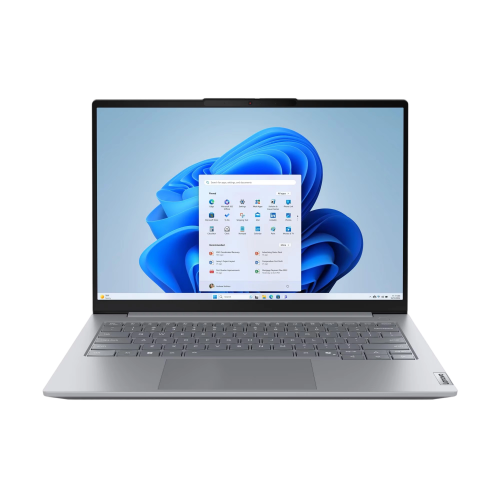
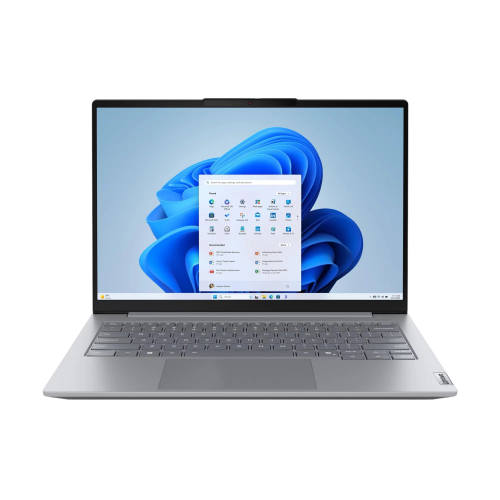
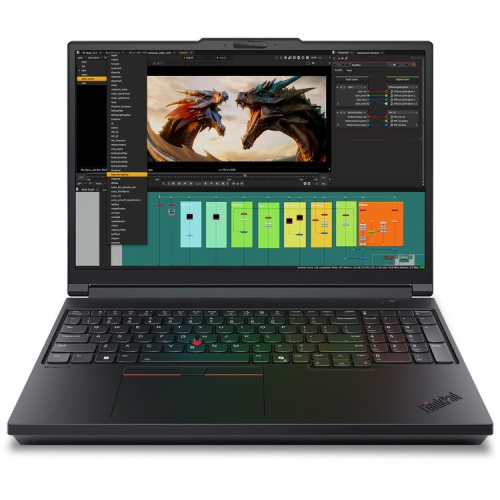
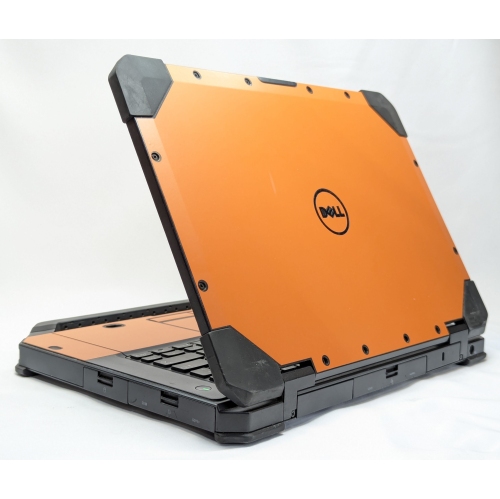
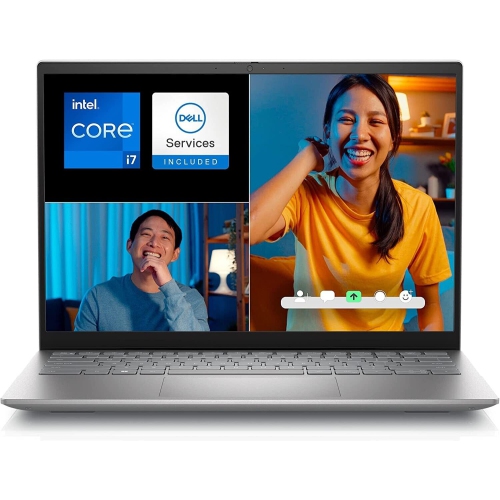
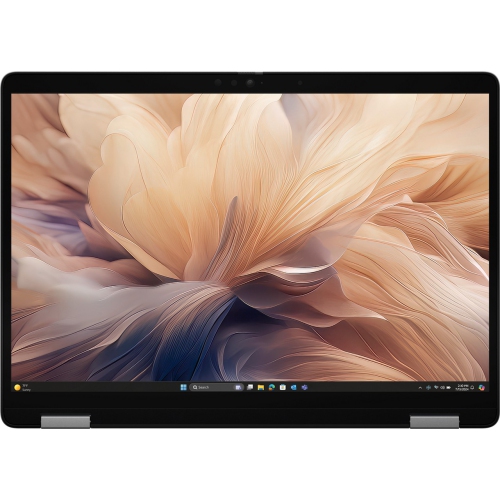
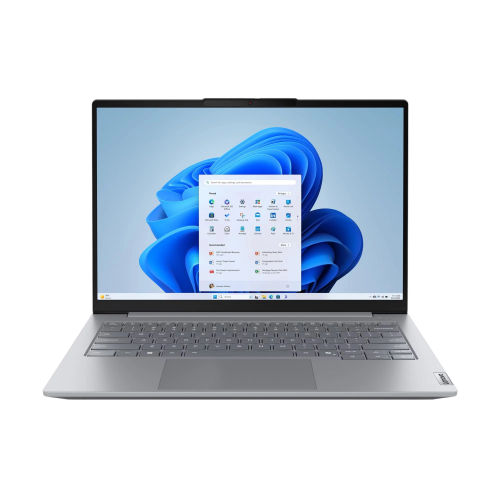
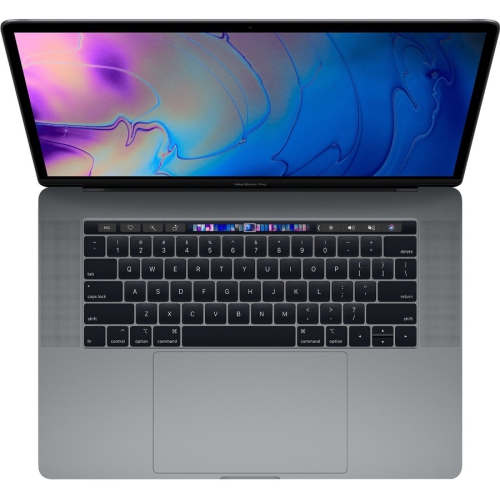
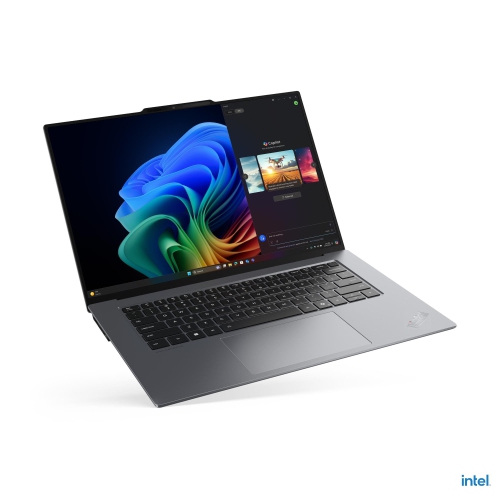
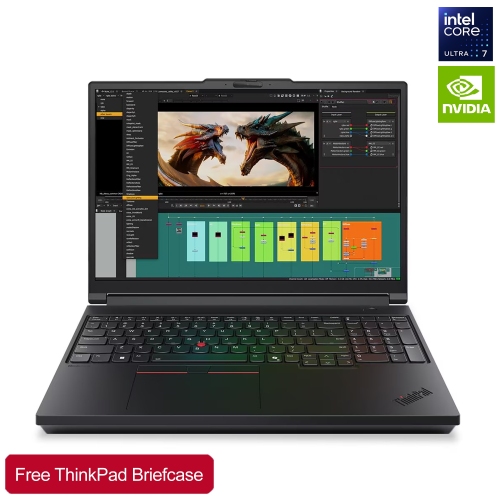
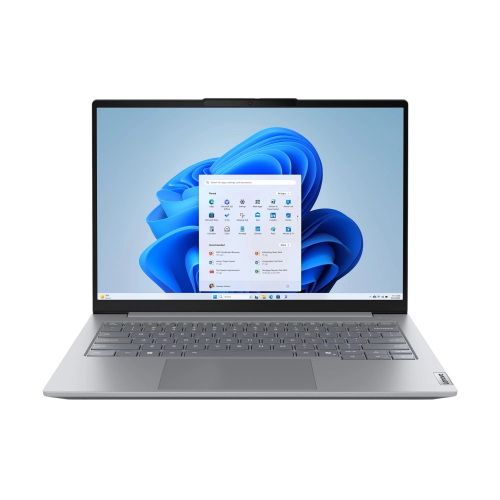
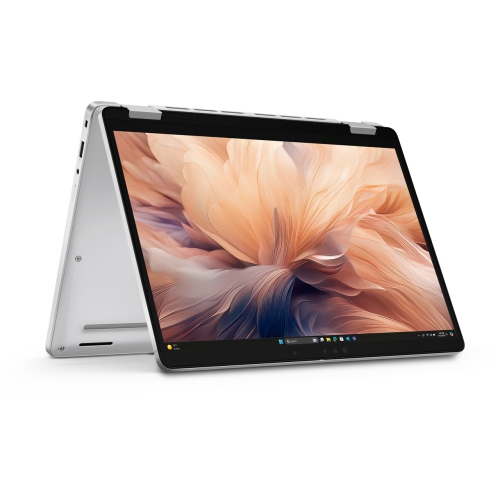
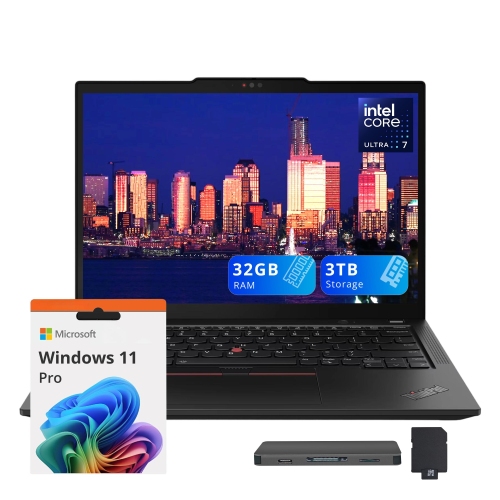
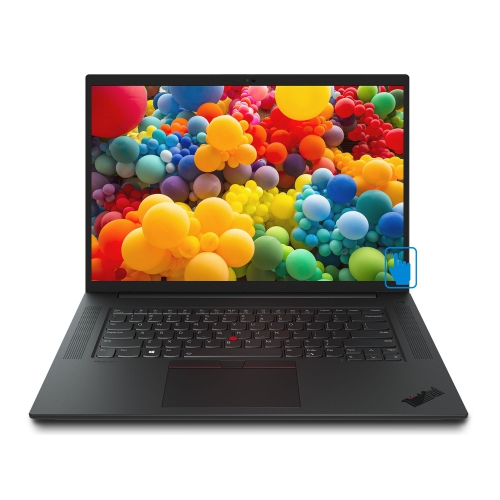
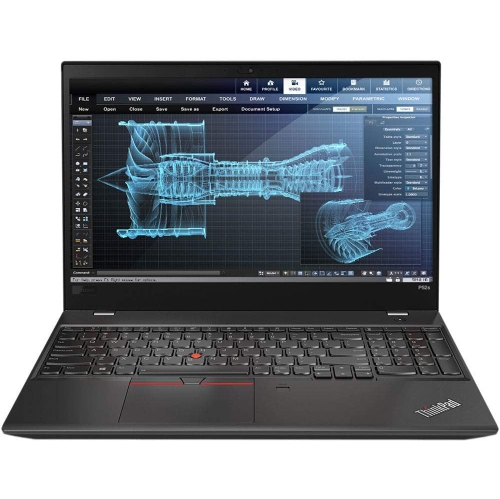
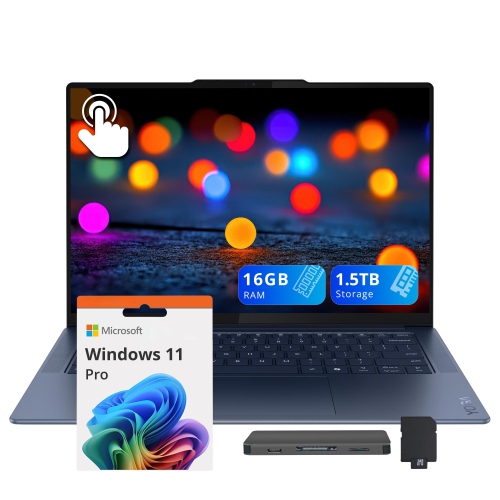
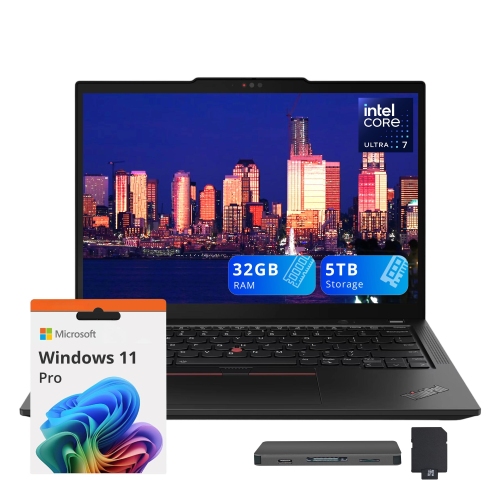
Professional workloads need more than a fast processor
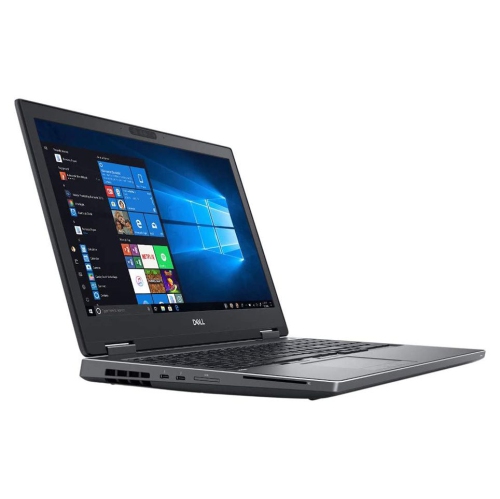
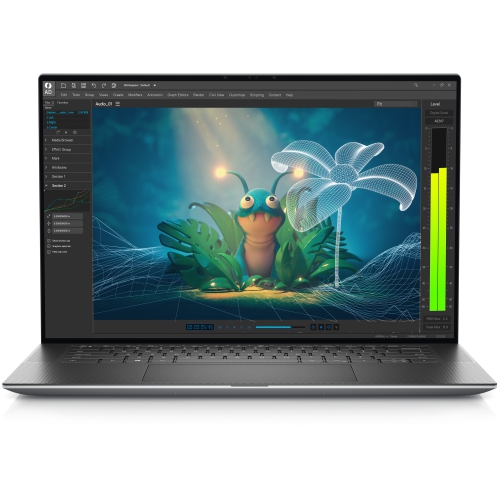
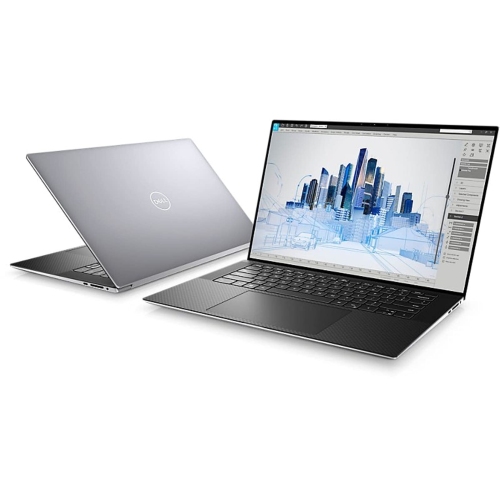
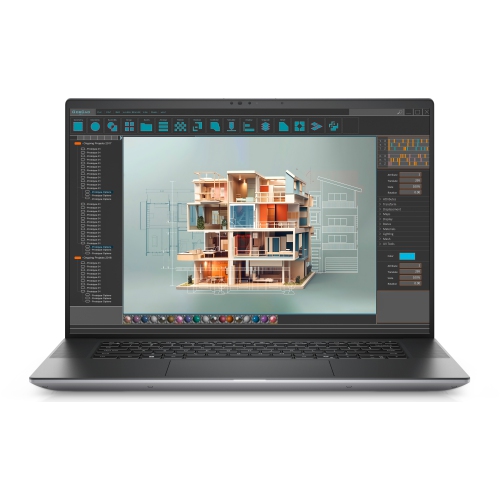
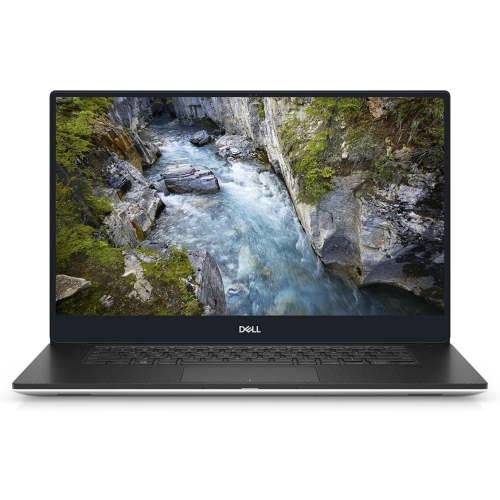
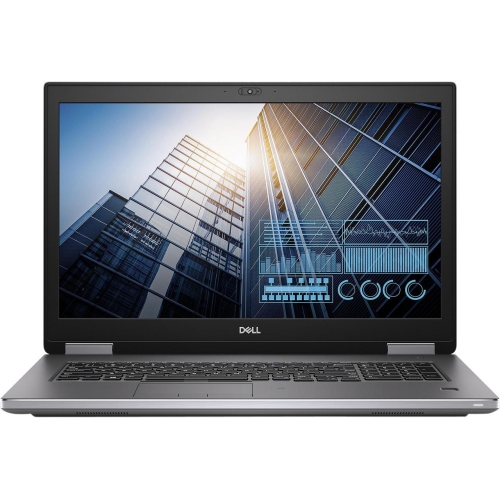
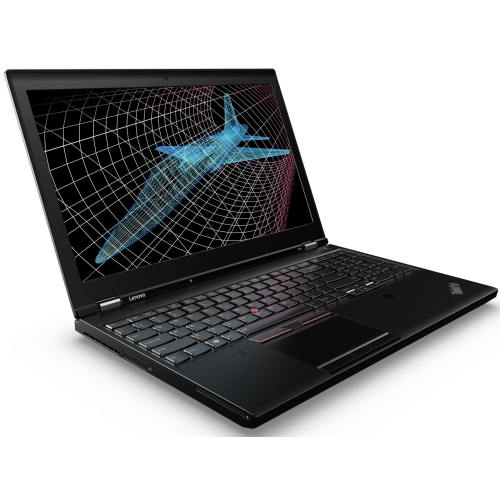
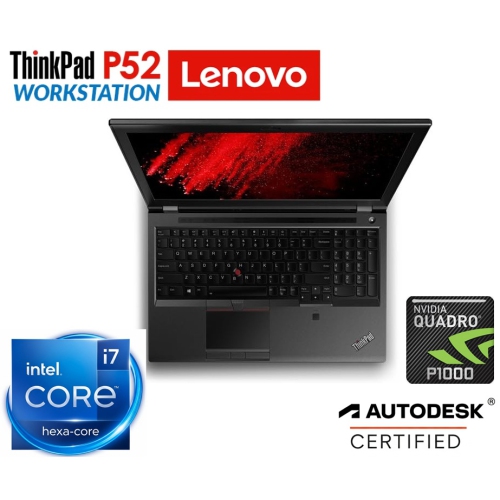
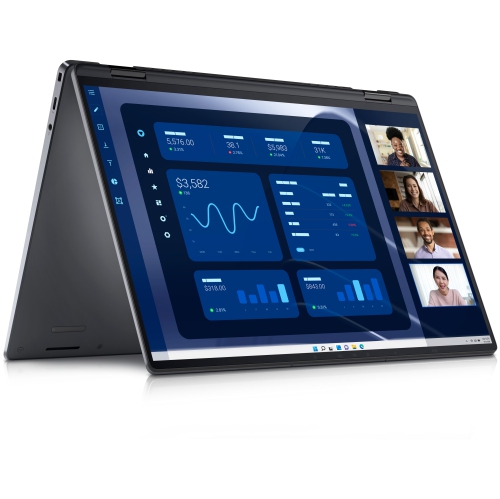
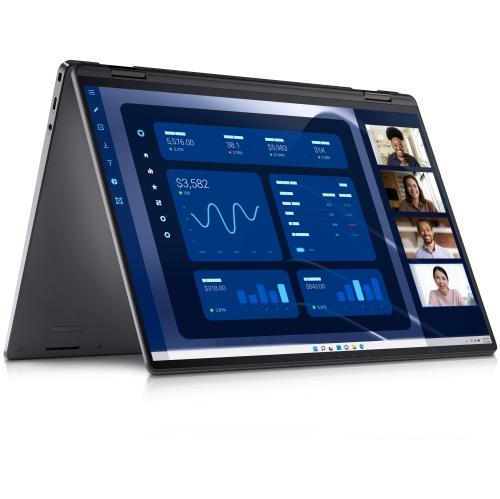
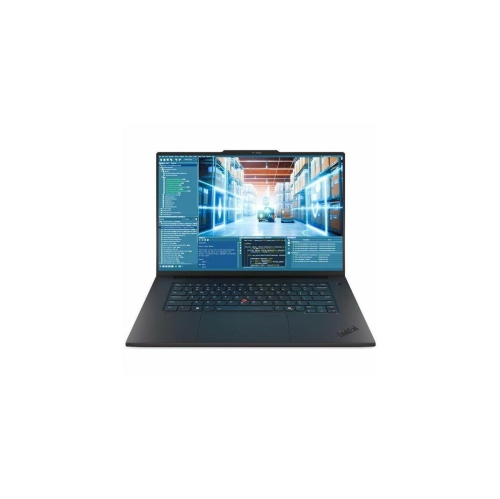
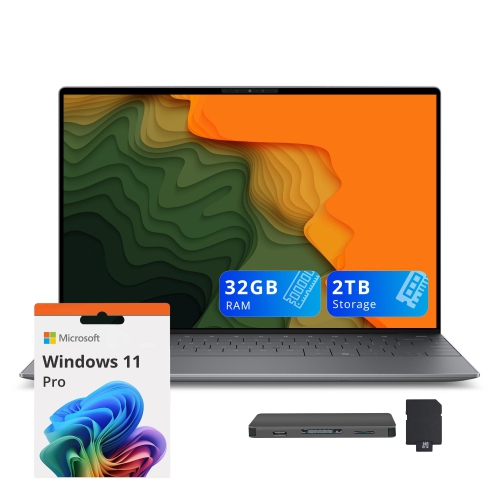
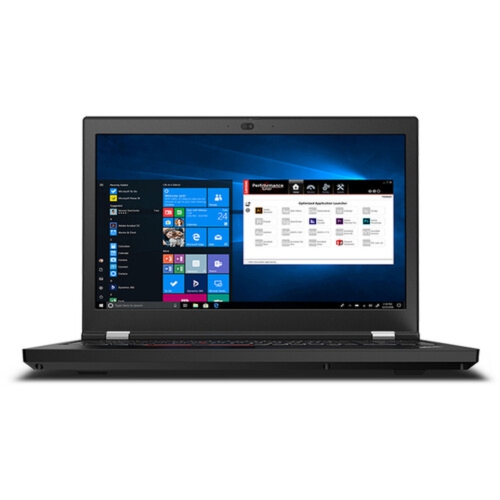
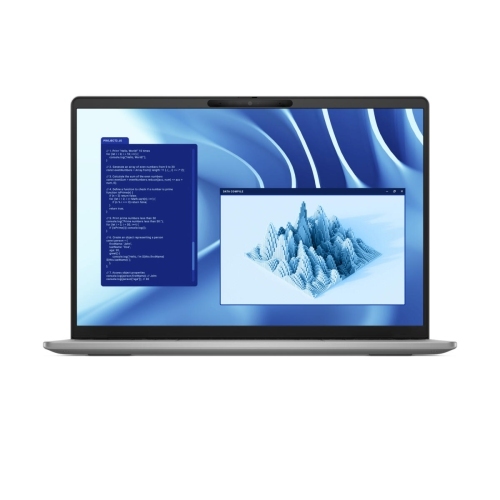
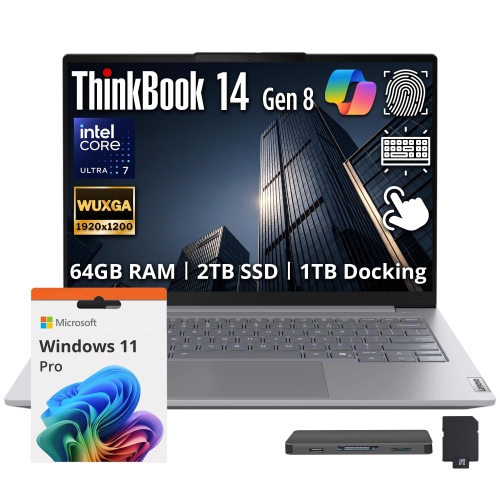
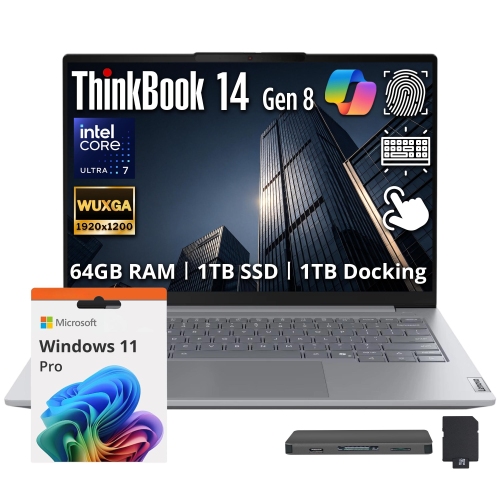
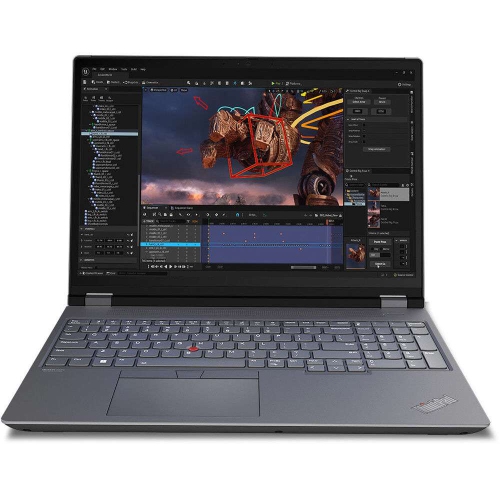
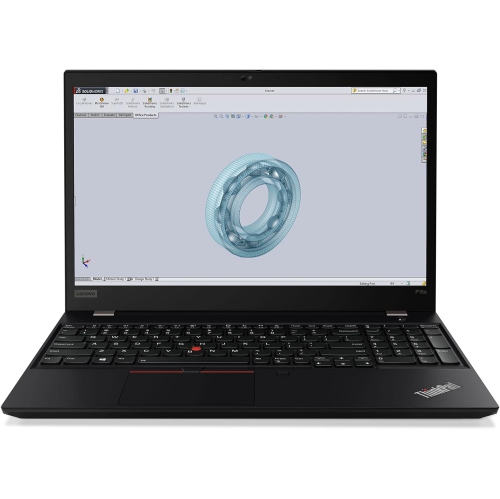
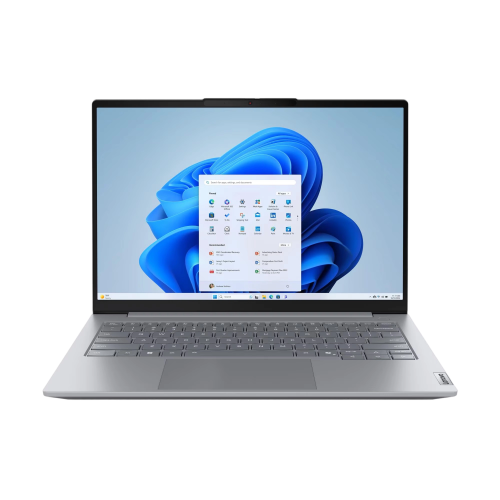
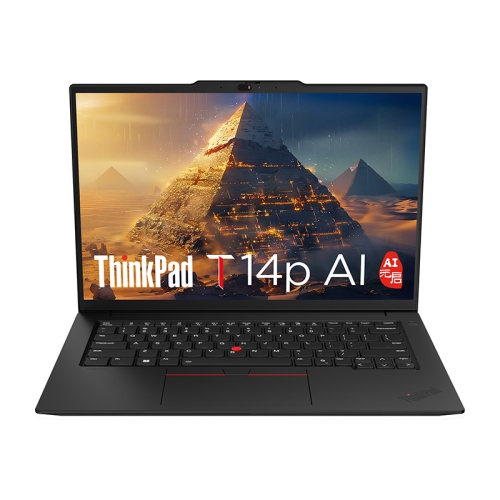
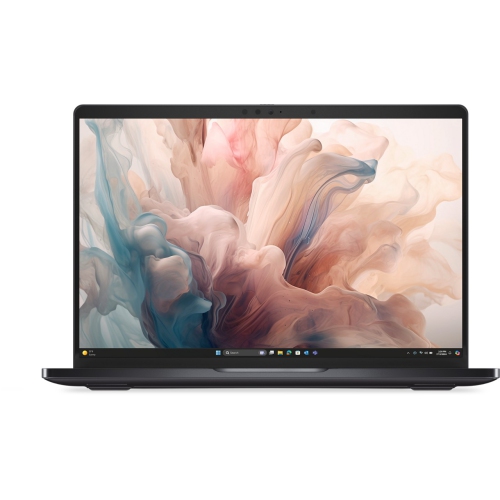
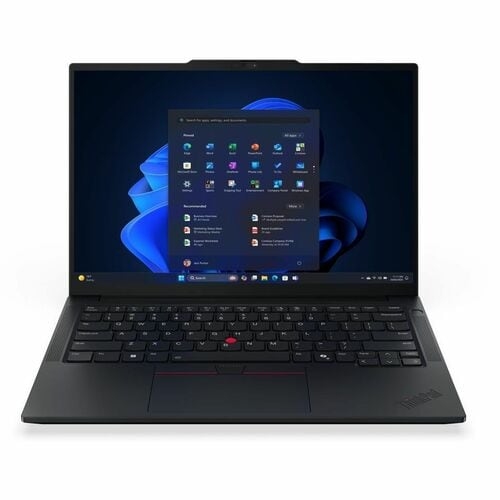
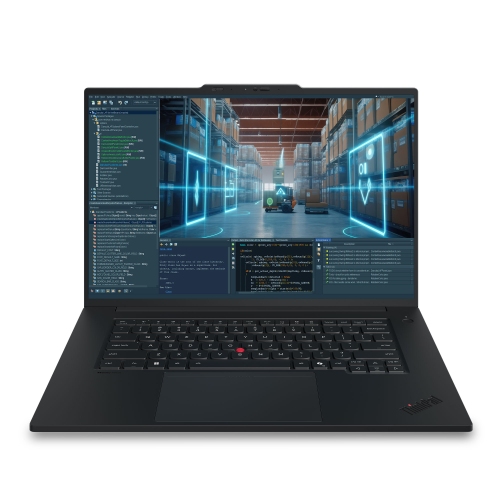
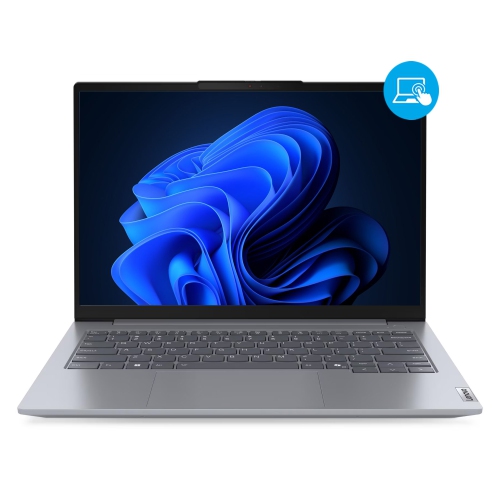
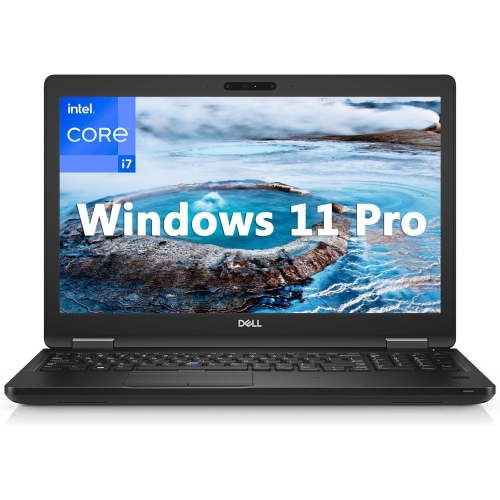
Precision laptops are mobile workstations designed for professional computing tasks such as computer-aided design, 3D modelling, engineering analysis, and content creation. Their purpose goes beyond handling documents and video calls: they bring processing power, memory capacity, and professional graphics capabilities to work that might otherwise require a desktop workstation. An architect reviewing a detailed building model, an engineer adjusting a mechanical assembly, or a video editor working through a layered timeline can benefit from a configuration matched to those applications. The distinction is not simply having a fast processor. Professional software may depend on particular graphics hardware, drivers, operating system features, or software certifications, so compatibility matters alongside performance. Independent software vendor certification, where specified for a particular configuration, indicates testing with designated professional applications; it does not mean every program or workflow is covered. Processor requirements also differ by task. Some design operations respond most strongly to fast individual cores, while rendering, compiling code, and certain simulations can make greater use of multiple cores. Dedicated graphics can help with supported 3D viewports, rendering tools, and visual effects, although the benefit depends on how the software uses the hardware. Memory becomes especially important when large project files remain open beside reference drawings, browser tabs, and communication tools. Insufficient memory can interrupt an otherwise capable system as work shifts between applications. Solid-state storage supports responsive file access, but capacity is a separate consideration: source footage, texture libraries, project versions, and local datasets can occupy substantial space. A workstation configured for drafting and presentation work may have different requirements from one used for complex simulation or high-resolution video production. Students in technical programs, independent designers, and professionals moving between an office and client sites may all use these computers, but their needs are not interchangeable. The most useful configuration is one that supports the actual software, project sizes, and working habits involved, rather than relying on a single headline specification.
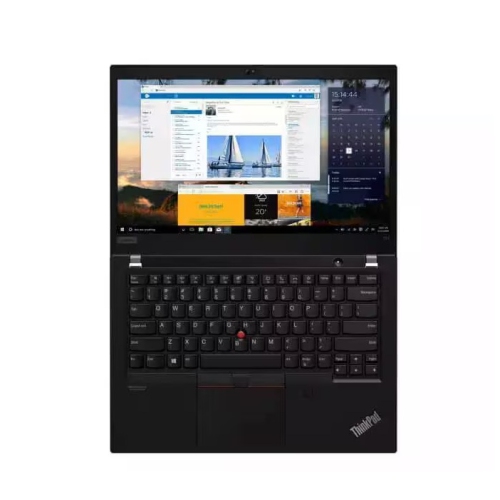
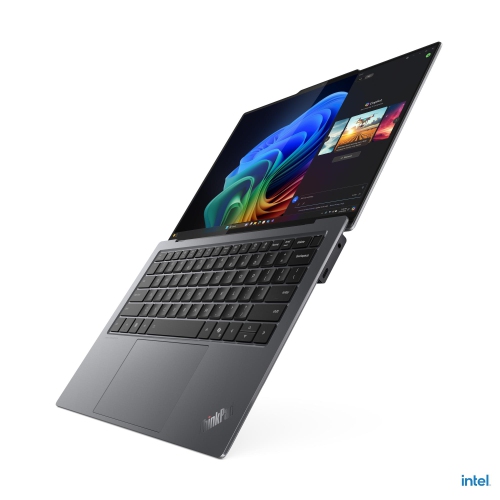
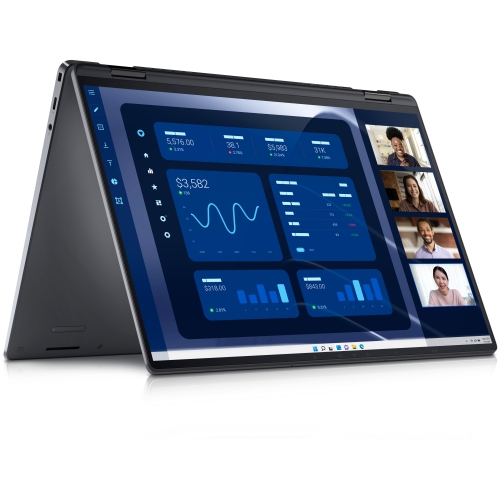
The physical design of a mobile workstation shapes how comfortably that performance fits into a working day. A smaller laptop is easier to carry between meeting rooms or use on a compact desk, while a larger display can provide more room for tool palettes, drawings, and side-by-side documents. Screen size alone does not determine usable workspace; resolution, scaling settings, and the proportions of the display also affect how much information remains readable. For photography, illustration, and video work, colour coverage and calibration support can matter more than a high pixel count on its own. An anti-glare finish can help reduce distracting reflections under office lighting, while brightness affects visibility in varied indoor settings. Touch input may suit some review and presentation tasks, but it is not a substitute for a precise pointing device or a comfortable keyboard during extended design sessions. Keyboard layout deserves attention when work involves frequent shortcuts, numerical entry, or long stretches of writing technical notes. A well-positioned touchpad, readable key markings, and a stable hinge can make everyday interactions feel more controlled. Chassis materials vary by model and may include metal alloys or reinforced composites, with construction, hinge quality, and protection around ports all contributing to durability. A slim profile can make transport easier, but sustained workstation performance also depends on cooling capacity and power delivery. Intensive rendering or simulation may produce noticeable fan noise, and some workloads perform best with the appropriate power adapter connected. Battery runtime varies with display settings, graphics activity, background applications, and the size of the task, so light office use is not a reliable measure of runtime during demanding professional work. The carrying setup matters, too: the laptop, adapter, mouse, and any external storage all contribute to the weight of a daily bag. A padded sleeve and a bag that fits the computer’s dimensions help protect the display and chassis during regular travel, without making a claim that the machine is resistant to drops or spills.
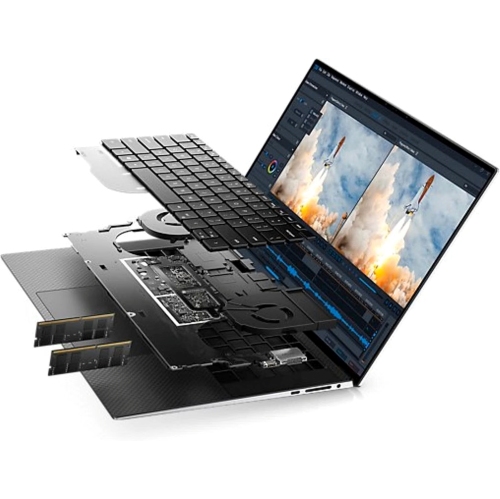
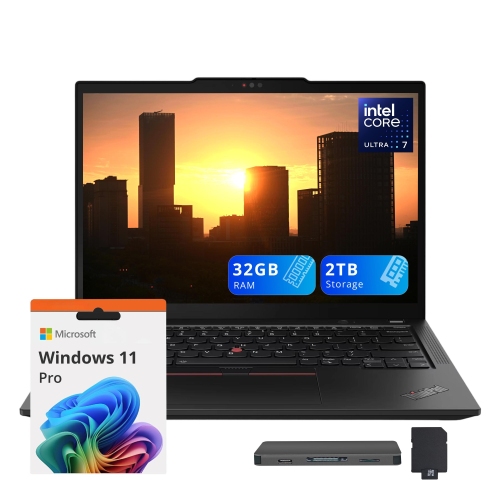
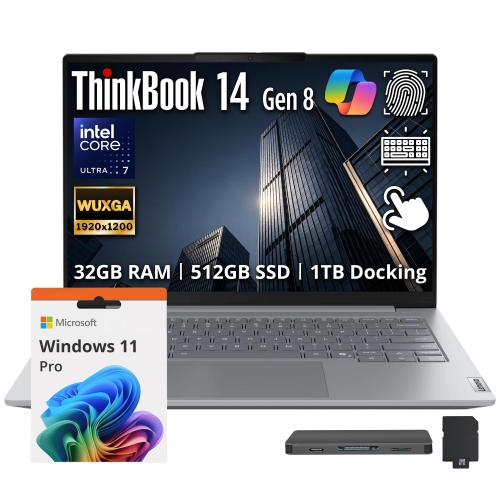
Connectivity and long-term practicality are equally important when a laptop becomes the centre of a professional workspace. External monitors can make detailed drawings and editing timelines easier to manage, but the supported number of displays, resolution, and refresh rate depend on the computer’s ports, graphics capabilities, and any dock being used. A connector’s shape does not establish all of its functions: charging, video output, and data transfer capabilities need to match across the laptop, cable, and accessory. Wi-Fi supports flexible working arrangements, while wired networking, whether built in or provided through a compatible adapter, can be useful for transferring large files or connecting to office infrastructure. In a shared workplace, security features such as supported biometric sign-in, hardware-based protection, and device management capabilities may help meet organizational requirements, depending on the configuration and setup. Repair access, warranty terms, and upgrade options also affect how well a workstation fits a longer ownership period. Some designs allow memory or storage changes, while others have components that cannot be upgraded by the user; the exact configuration determines what is possible. Routine care remains straightforward: keeping ventilation openings unobstructed, using the computer on a firm surface, and cleaning it according to the manufacturer’s directions help support reliable operation. Important project files also need a separate backup process, since a large internal drive is not a substitute for another copy. Professional graphics should not be treated as an automatic advantage for every entertainment task, either, because workstation drivers and certifications are intended primarily for professional applications rather than gaming performance. For work that combines demanding applications with broader productivity needs, Advanced Laptops provides a related category to explore. Within a professional workstation setup, the strongest fit comes from balancing software compatibility, sustained performance, screen comfort, portability, and practical support for the way projects move from initial drafts to finished work.
Top selling and popular products
-
 Your price for this item is $449
-
 Your price for this item is $3099
-
 Your price for this item is $1800.68
-
 Your price for this item is $664.05
-
 Your price for this item is $869.99
-
 Your price for this item is $2960.48
-
 Your price for this item is $499.68
-
 Your price for this item is $1951.79
Discover more categories related to Precision Laptops
Top Collections:
Best Black Friday Deals This Year, Best Black Friday Deals On Electronics, Kindle Devices, Pokemon Centers, Best Black Friday Deals On Apple Products, Best Cameras for Sports Photography, Dyson Airwrap, Pokémon 30th Celebration Cards, Apple iPhone 17 Pro, Canon G7X Cameras
Some products may be subject to Environmental Handling Fees
(EHF) depending on your province.
Learn more about EHFs.