Affordable MacBook For Students
Finding the right laptop for schoolwork and daily tasks is easier with an affordable MacBook for students. Designed to meet academic needs and fit within a budget, these options help students stay organized, connected, and productive throughout the school year. Explore a range of choices that combine value and performance, making it simple to select the best affordable MacBook for students looking to get the most out of their studies.
Sort




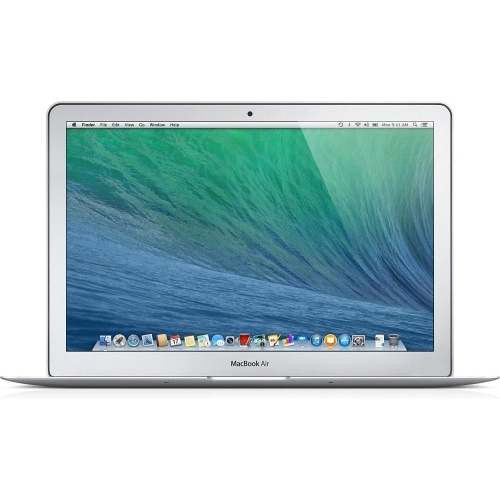

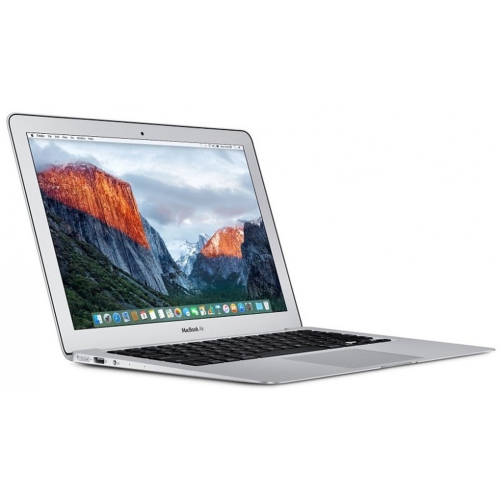
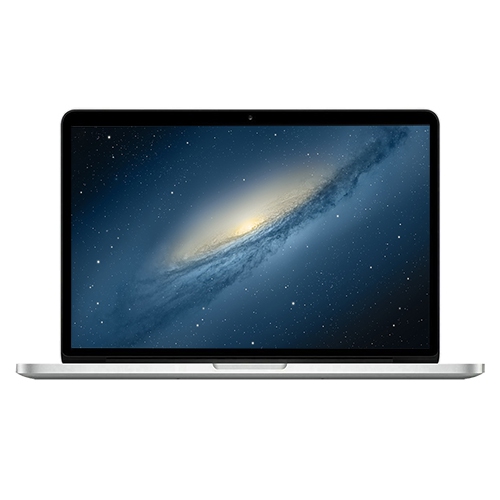
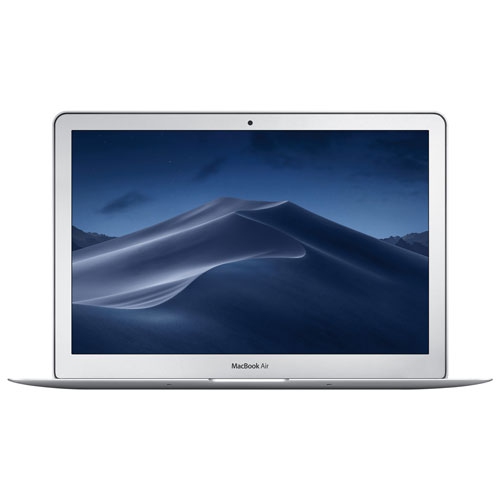
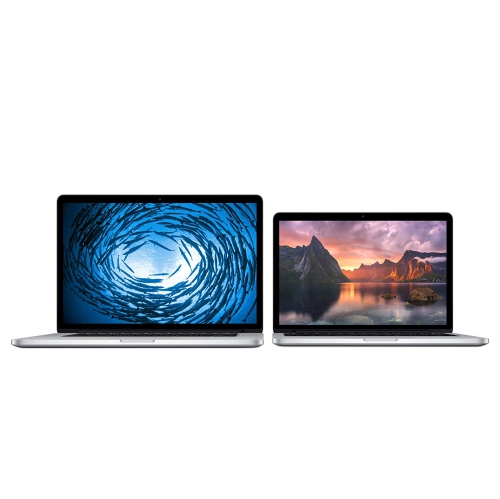


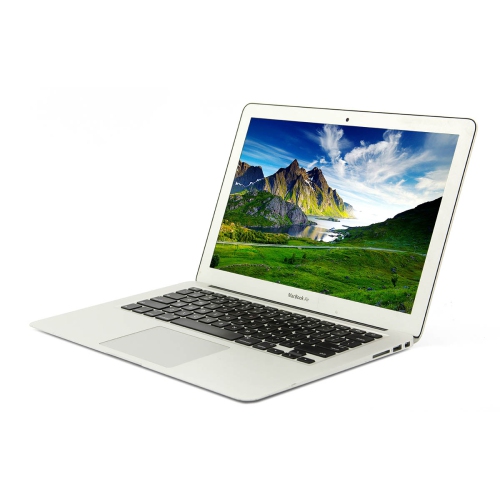


How coursework and campus life shape your laptop needs
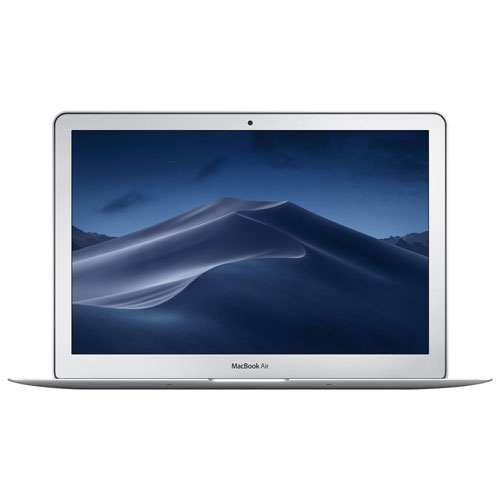
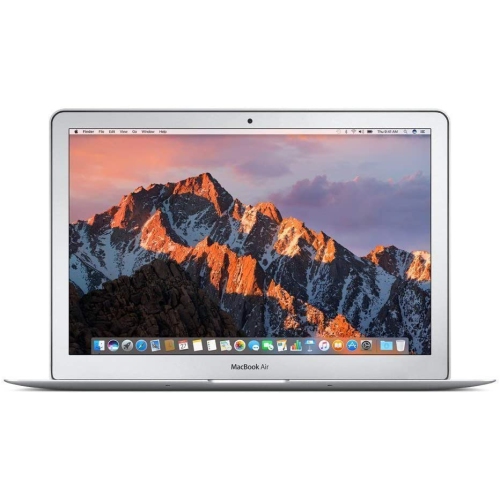
A student laptop earns its place through the work it handles every day: lecture notes, research papers, group presentations and the small tasks that keep a busy timetable organized. For students exploring Macbook for Students, the right fit depends on course requirements, preferred ways of working and how often the computer travels between home and campus. Writing-intensive programs typically involve documents, browser tabs, reference material and video calls, often open together. Those activities benefit from responsive performance and enough memory to move between tasks without repeatedly closing applications. Memory and storage serve different purposes: memory supports active work, while storage holds applications, downloaded readings, photographs and assignment files. A large collection of recorded lectures or media projects can fill storage more quickly than text documents, particularly when files need to remain accessible without an internet connection. Some laptops have memory and storage that cannot be upgraded after purchase, making the original configuration an important part of their long-term suitability. More demanding coursework introduces other considerations. Editing video, working with large image files, compiling code or manipulating complex datasets can place greater demands on processing power, graphics capabilities and memory. A compact design that feels comfortable for essay writing may not suit every technical course, especially when required software depends on a particular operating system or hardware feature. Departmental software requirements matter more than a general claim that a laptop is suitable for school. Browser-based tools may offer flexibility, but specialized applications, assessment software and external equipment can have stricter compatibility requirements. For everyday study, the most useful configuration is one that supports the actual workload comfortably rather than emphasizing capabilities that rarely get used. That might mean smooth multitasking during a research session, sufficient local storage for a placement without reliable internet access, or processing headroom for assignments that become more complex as a program progresses. These practical differences shape how well a laptop fits student life beyond the first round of assignments.
Portability becomes noticeable over a full day of carrying a laptop alongside textbooks, lunch and a water bottle. A slim aluminium enclosure can provide a firm, lightweight structure, although metal surfaces can still develop scratches or dents from contact with keys, hard objects or an unpadded bag. Overall dimensions matter as much as weight: the computer needs to fit securely inside its bag compartment while leaving room for a protective sleeve. Screen size also changes the daily experience. A smaller display suits compact lecture desks and frequent travel, while a larger work surface can make side-by-side reading, spreadsheet work and detailed editing more comfortable. Display resolution, brightness and text scaling influence readability, particularly during long sessions with dense articles or complex diagrams. Keyboard feel, key spacing and a responsive trackpad matter when an evening involves several pages of writing rather than a few quick messages. For students who move between campus and a home desk, an external monitor, keyboard or mouse can create a more spacious setup, provided the laptop supports the necessary connections. Port types and external display limits vary by configuration, so compatibility with classroom projectors, storage devices and existing accessories deserves attention. A hub or adapter may be needed for equipment that uses a different connector. Reliable Wi-Fi supports online research, shared documents and remote classes, while a clear camera and microphone help with presentations, appointments and group discussions. Battery life is another practical consideration, but published estimates are not a promise for every study routine. Display brightness, video calls, demanding applications and connected accessories all affect how long a charge lasts. Access to a compatible charger remains useful during extended days away from home. Together, these details determine whether a laptop feels easy to carry, comfortable to use and straightforward to connect throughout a varied class schedule. The best physical fit is one that works equally well on a small seminar table, at a library desk and in the student's usual workspace.
Durability also depends on how a laptop is handled between assignments. A padded sleeve helps protect the enclosure inside a backpack, while a separate compartment reduces contact with notebooks, chargers and other hard objects. Closing the display without pens, earbuds or loose objects resting on the keyboard helps prevent pressure damage. Cleaning with a soft, lint-free cloth according to the manufacturer's directions can remove fingerprints without introducing unsuitable chemicals or excess moisture. Drinks belong away from the keyboard, and charging cables benefit from being packed without sharp bends or tight pressure around the connectors. A stable desktop or table provides better support than bedding, which can trap heat and obstruct ventilation on designs that require airflow. For students spending long periods at a computer, comfort extends beyond the laptop itself. Raising the screen and using a separate keyboard can make a home study setup more comfortable, while adjustable text size, dictation, captions and other accessibility features may support different ways of reading, writing and participating in class. File organization and backups are equally important parts of everyday ownership. Clearly named folders, saved document versions and a separate backup can make it easier to recover from an accidental deletion or a damaged computer. Shared assignments also benefit from file formats that classmates and instructors can open reliably. As a gift, a laptop can be especially meaningful for someone beginning post-secondary studies, returning to education or preparing for a research placement. The strongest match reflects the recipient's actual courses, preferred screen size and existing accessories rather than assumptions about what every student needs. Some will spend most of their time annotating readings and writing essays; others will move between coding projects, recorded presentations and creative assignments. A student laptop that suits those habits can become a familiar part of lectures, independent study and collaborative work, with the comfort, compatibility and capacity needed to stay focused on the task at hand.
Portability becomes noticeable over a full day of carrying a laptop alongside textbooks, lunch and a water bottle. A slim aluminium enclosure can provide a firm, lightweight structure, although metal surfaces can still develop scratches or dents from contact with keys, hard objects or an unpadded bag. Overall dimensions matter as much as weight: the computer needs to fit securely inside its bag compartment while leaving room for a protective sleeve. Screen size also changes the daily experience. A smaller display suits compact lecture desks and frequent travel, while a larger work surface can make side-by-side reading, spreadsheet work and detailed editing more comfortable. Display resolution, brightness and text scaling influence readability, particularly during long sessions with dense articles or complex diagrams. Keyboard feel, key spacing and a responsive trackpad matter when an evening involves several pages of writing rather than a few quick messages. For students who move between campus and a home desk, an external monitor, keyboard or mouse can create a more spacious setup, provided the laptop supports the necessary connections. Port types and external display limits vary by configuration, so compatibility with classroom projectors, storage devices and existing accessories deserves attention. A hub or adapter may be needed for equipment that uses a different connector. Reliable Wi-Fi supports online research, shared documents and remote classes, while a clear camera and microphone help with presentations, appointments and group discussions. Battery life is another practical consideration, but published estimates are not a promise for every study routine. Display brightness, video calls, demanding applications and connected accessories all affect how long a charge lasts. Access to a compatible charger remains useful during extended days away from home. Together, these details determine whether a laptop feels easy to carry, comfortable to use and straightforward to connect throughout a varied class schedule. The best physical fit is one that works equally well on a small seminar table, at a library desk and in the student's usual workspace.
Durability also depends on how a laptop is handled between assignments. A padded sleeve helps protect the enclosure inside a backpack, while a separate compartment reduces contact with notebooks, chargers and other hard objects. Closing the display without pens, earbuds or loose objects resting on the keyboard helps prevent pressure damage. Cleaning with a soft, lint-free cloth according to the manufacturer's directions can remove fingerprints without introducing unsuitable chemicals or excess moisture. Drinks belong away from the keyboard, and charging cables benefit from being packed without sharp bends or tight pressure around the connectors. A stable desktop or table provides better support than bedding, which can trap heat and obstruct ventilation on designs that require airflow. For students spending long periods at a computer, comfort extends beyond the laptop itself. Raising the screen and using a separate keyboard can make a home study setup more comfortable, while adjustable text size, dictation, captions and other accessibility features may support different ways of reading, writing and participating in class. File organization and backups are equally important parts of everyday ownership. Clearly named folders, saved document versions and a separate backup can make it easier to recover from an accidental deletion or a damaged computer. Shared assignments also benefit from file formats that classmates and instructors can open reliably. As a gift, a laptop can be especially meaningful for someone beginning post-secondary studies, returning to education or preparing for a research placement. The strongest match reflects the recipient's actual courses, preferred screen size and existing accessories rather than assumptions about what every student needs. Some will spend most of their time annotating readings and writing essays; others will move between coding projects, recorded presentations and creative assignments. A student laptop that suits those habits can become a familiar part of lectures, independent study and collaborative work, with the comfort, compatibility and capacity needed to stay focused on the task at hand.
Top selling and popular products
-
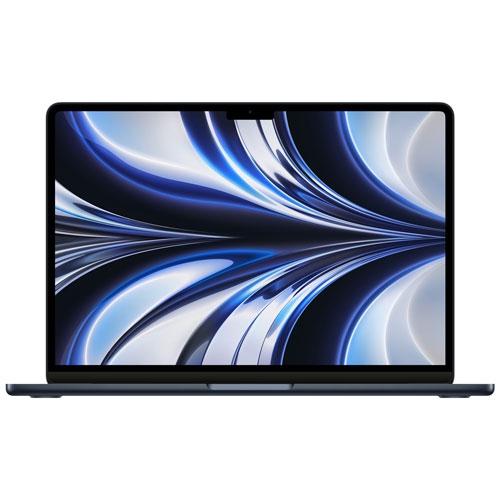 Your price for this item is $1299.99
-
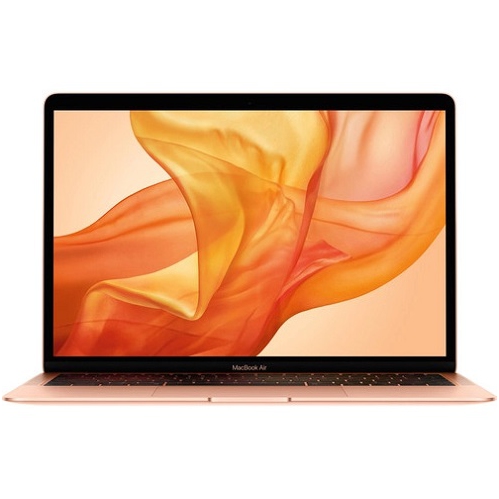 Your price for this item is $549.77
-
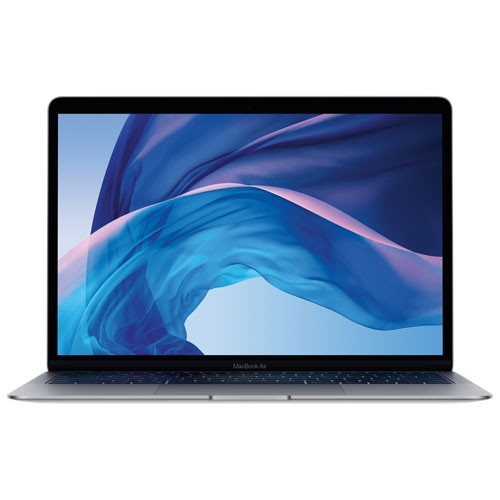 Your price for this item is $549.77
-
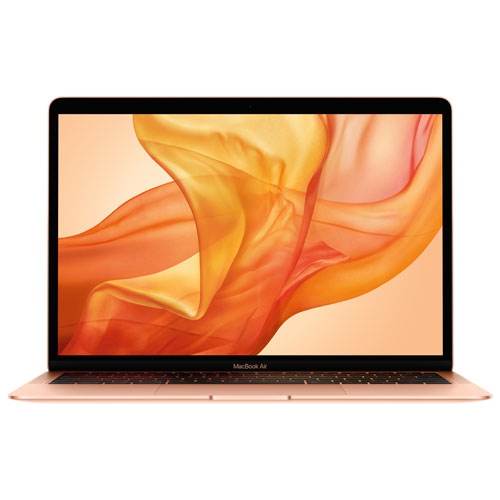 Your price for this item is $599.77
-
 Your price for this item is $1499
-
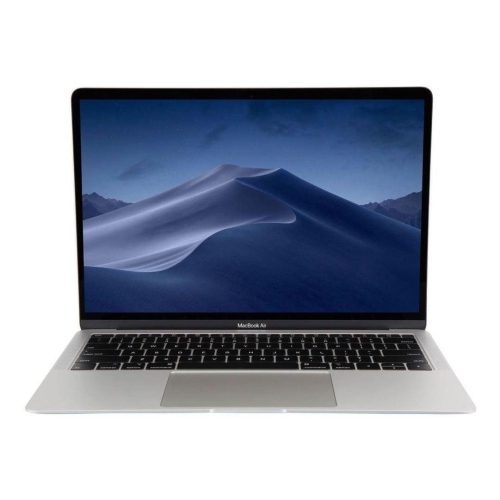 Your price for this item is $499
-
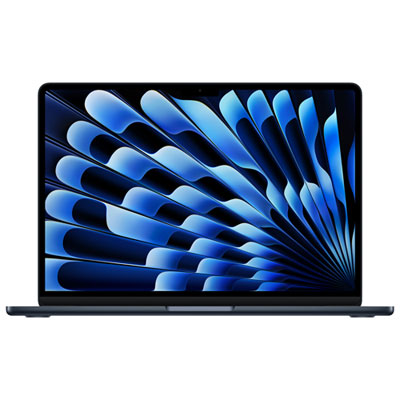 Your price for this item is $1789.99
-
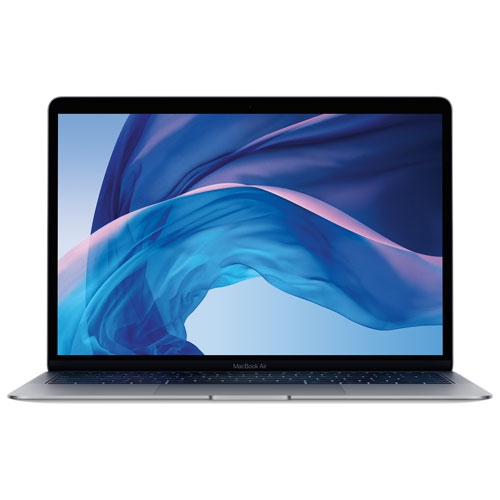 Your price for this item is $579.77
Discover more categories related to Affordable MacBook For Students
Top Collections:
Pokemon Centers, Best Black Friday Deals This Year, Best Black Friday Deals On Electronics, Kindle Devices, Best Budget Office Chairs, Best Black Friday Deals On Apple Products, Best Cameras for Sports Photography, Pokémon 30th Celebration Cards, Dyson Airwrap, Canon G7X Cameras
Some products may be subject to Environmental Handling Fees
(EHF) depending on your province.
Learn more about EHFs.